Free Simple Password Reset Tracker

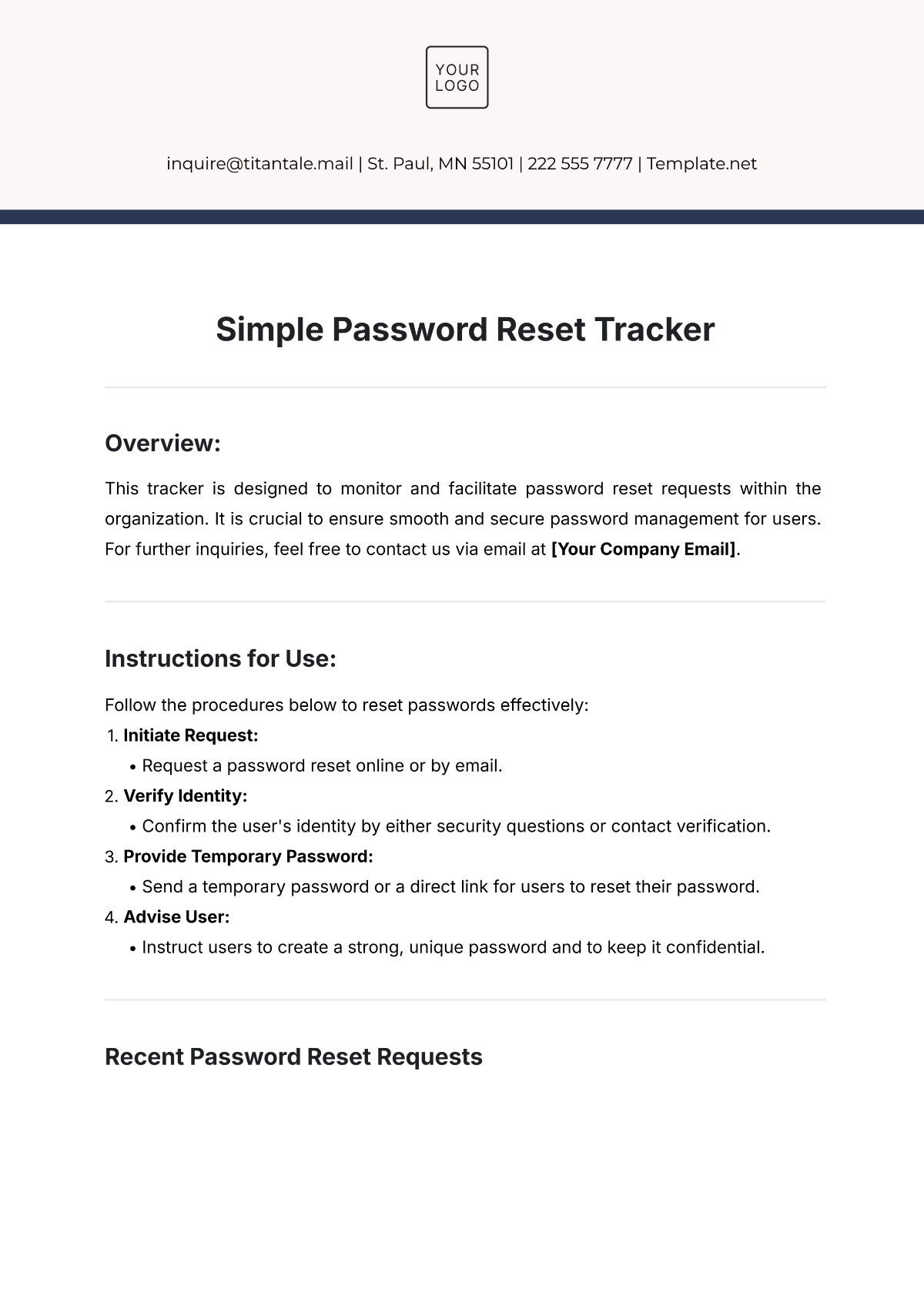
Overview:
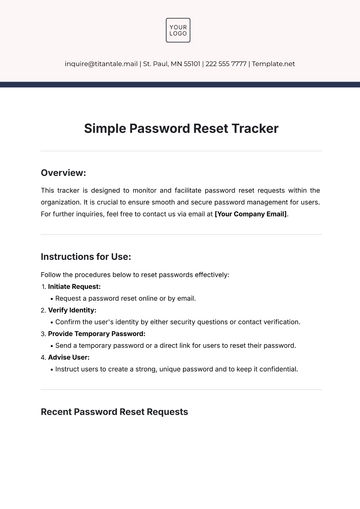
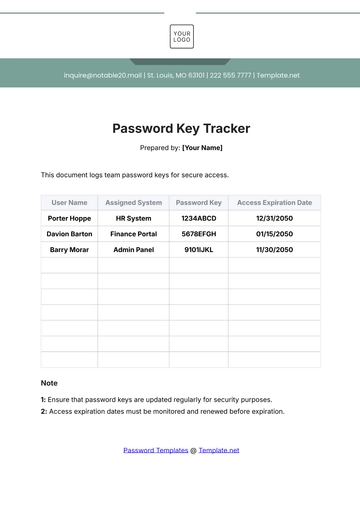
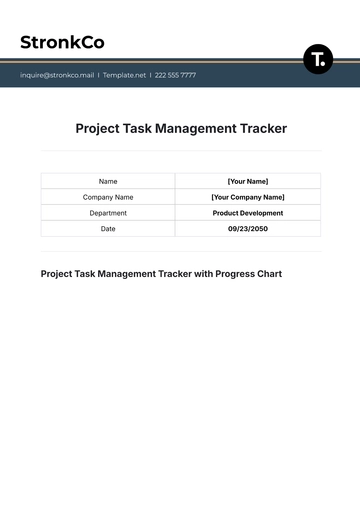
This tracker is designed to monitor and facilitate password reset requests within the organization. It is crucial to ensure smooth and secure password management for users. For further inquiries, feel free to contact us via email at [Your Company Email].
Instructions for Use:
Follow the procedures below to reset passwords effectively:
Initiate Request:
Request a password reset online or by email.
Verify Identity:
Confirm the user's identity by either security questions or contact verification.
Provide Temporary Password:
Send a temporary password or a direct link for users to reset their password.
Advise User:
Instruct users to create a strong, unique password and to keep it confidential.
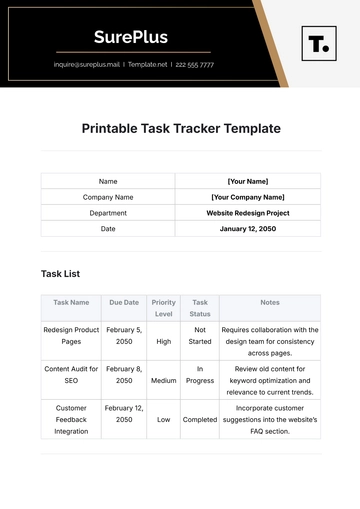
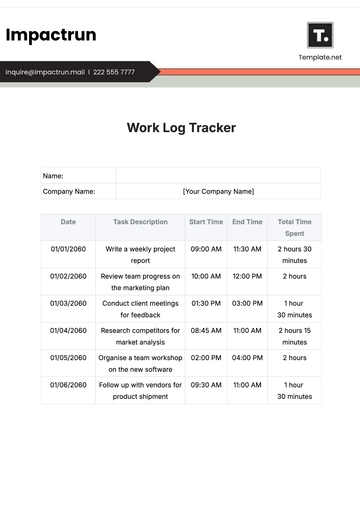
Recent Password Reset Requests
Date | User ID | Request Status | Notes |
|---|---|---|---|
2053-09-01 | user123 | Completed | Password reset via email link |
2053-09-05 | user456 | Pending | User verification needed |
2053-09-10 | user789 | Completed | Reset through security question |
Summary:
By utilizing this tracker, we aim to enhance password security and user satisfaction. Continuous monitoring and updating of the tracker will ensure the integrity of user data and a smooth password reset process.
- 100% Customizable, free editor
- Access 1 Million+ Templates, photo’s & graphics
- Download or share as a template
- Click and replace photos, graphics, text, backgrounds
- Resize, crop, AI write & more
- Access advanced editor
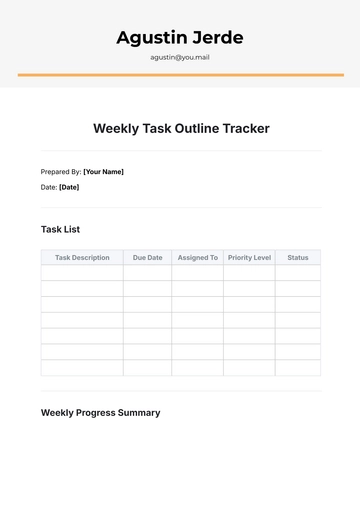
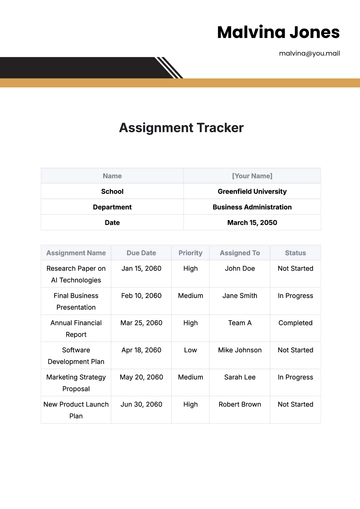
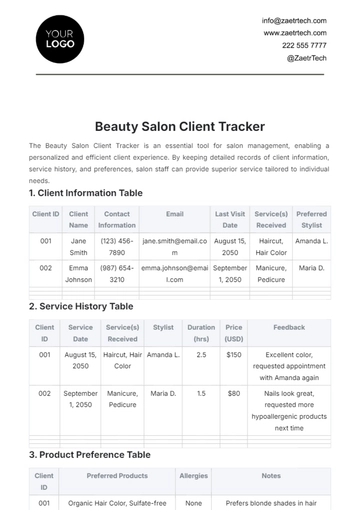
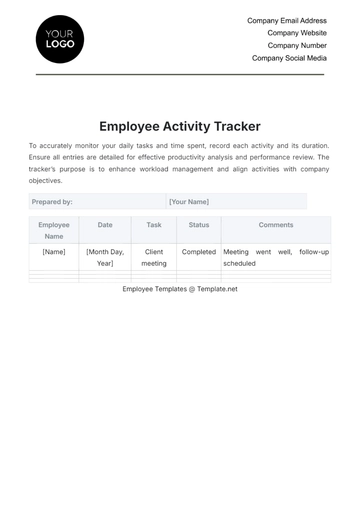
Track password resets effortlessly with the Simple Password Reset Tracker Template offered by Template.net. This customizable, downloadable, and printable template allows you to manage password recovery efficiently. Fully editable in our AI Editor Tool, it ensures easy personalization to fit your needs. Simplify password reset tracking with this secure, professional solution.