
Free Progress Tracker Templates
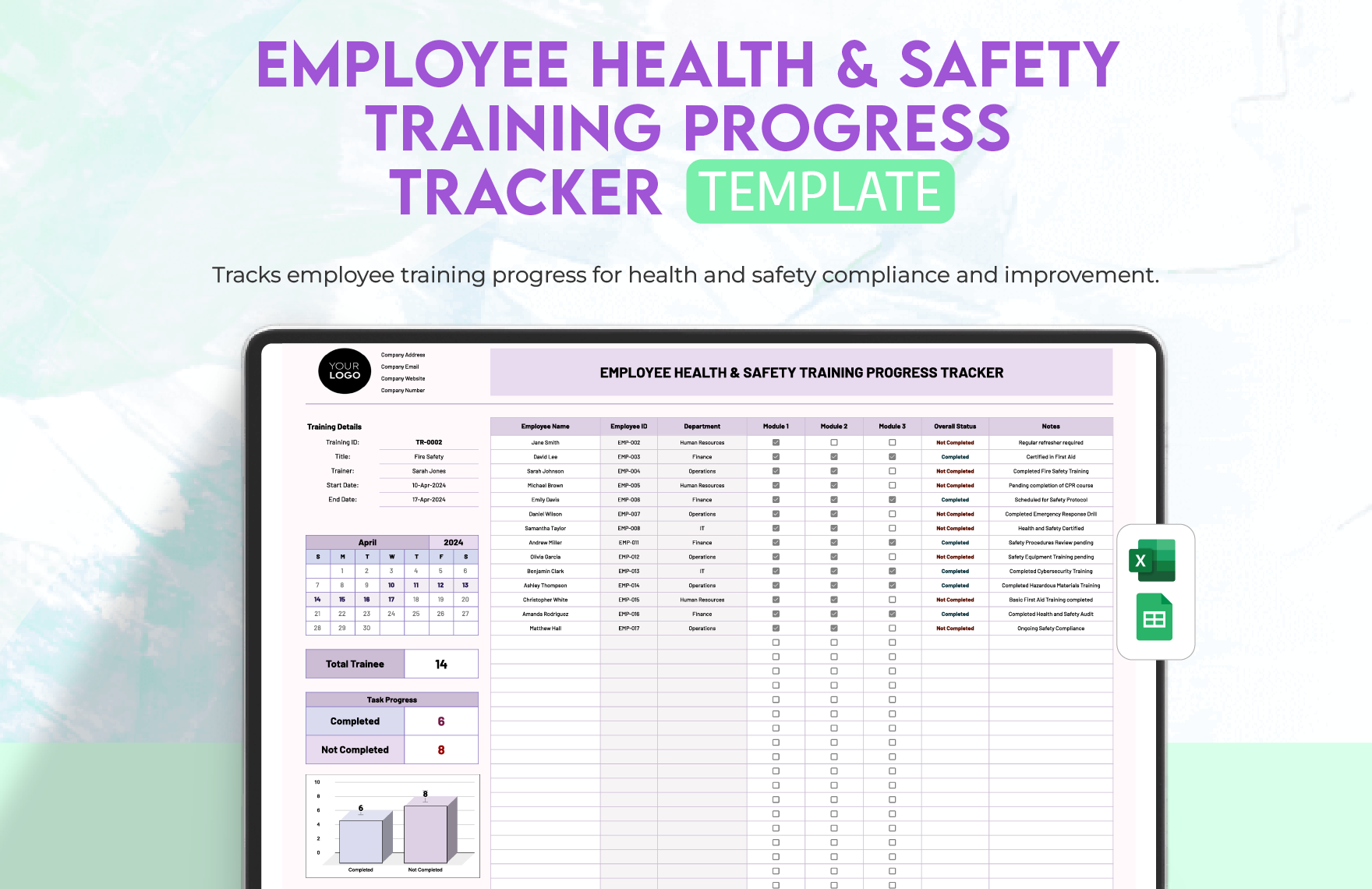
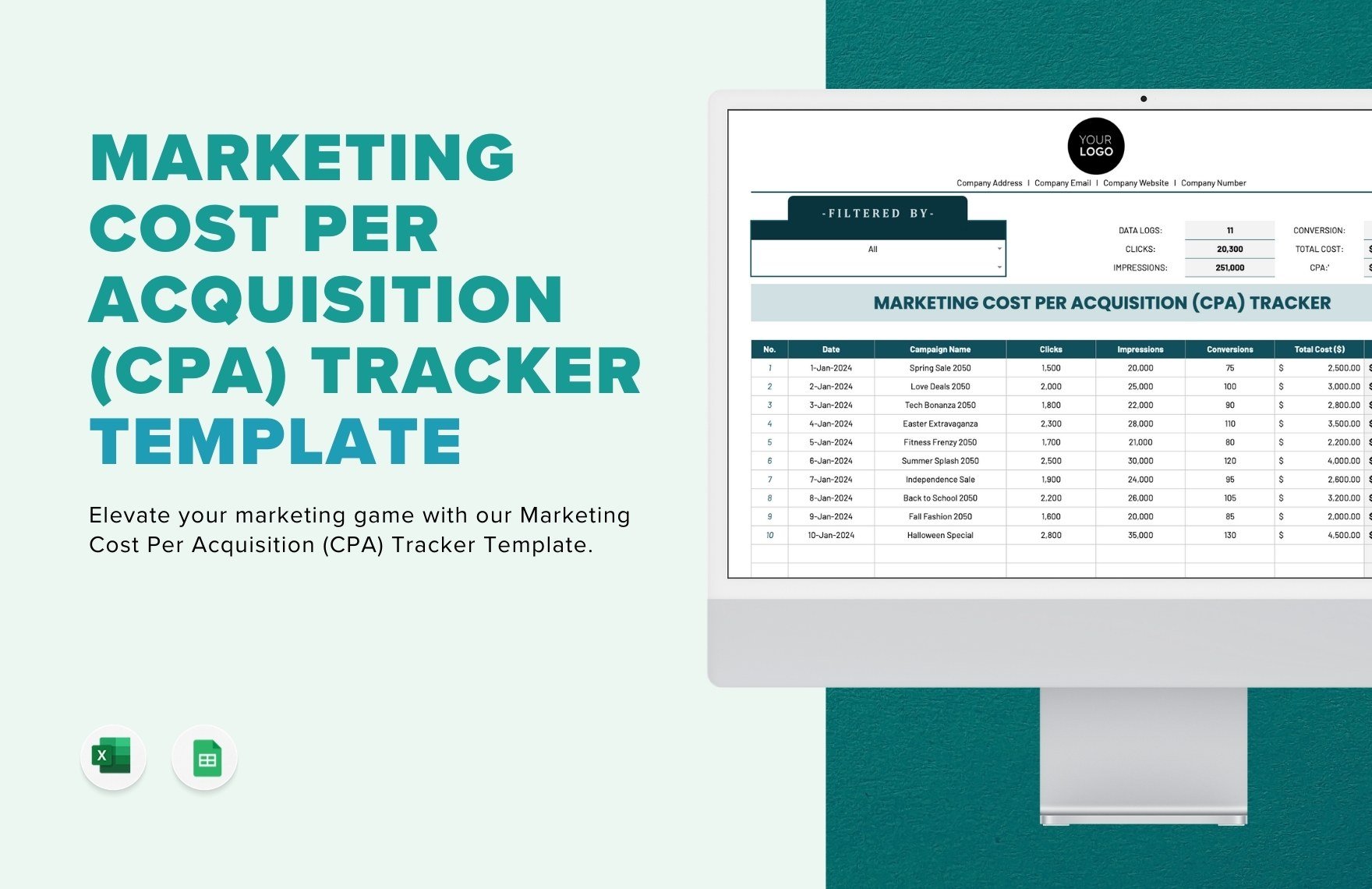
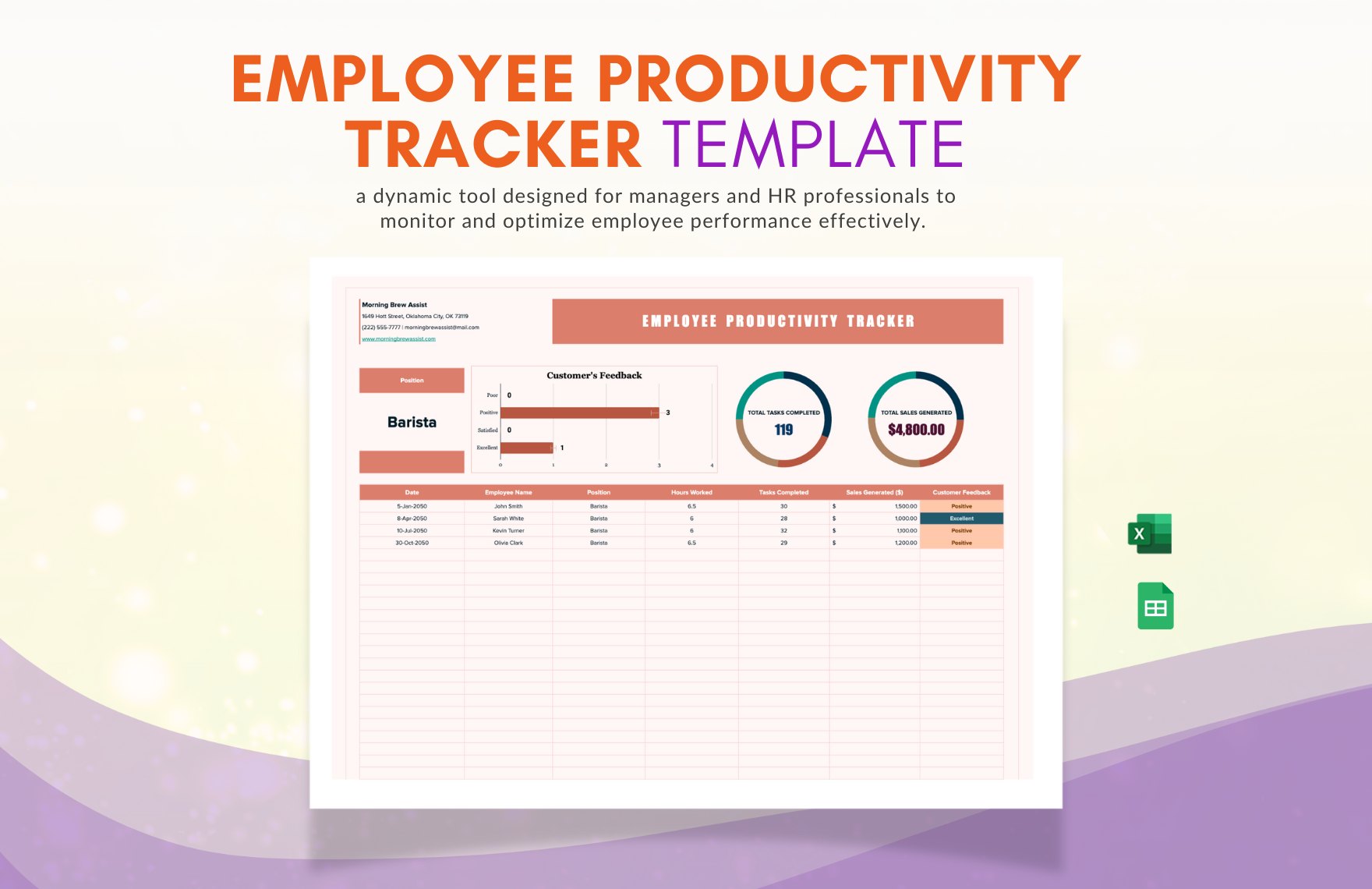
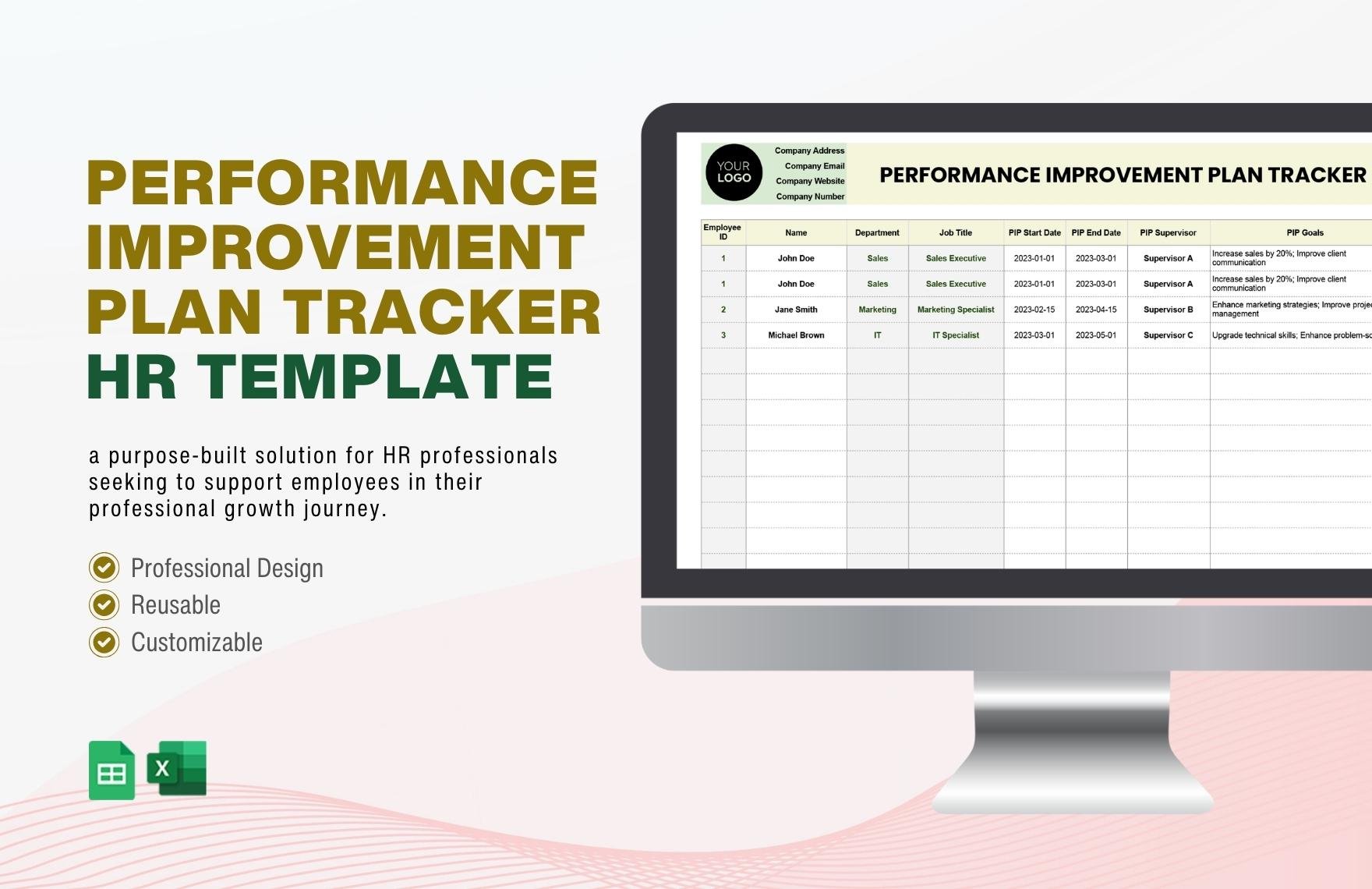

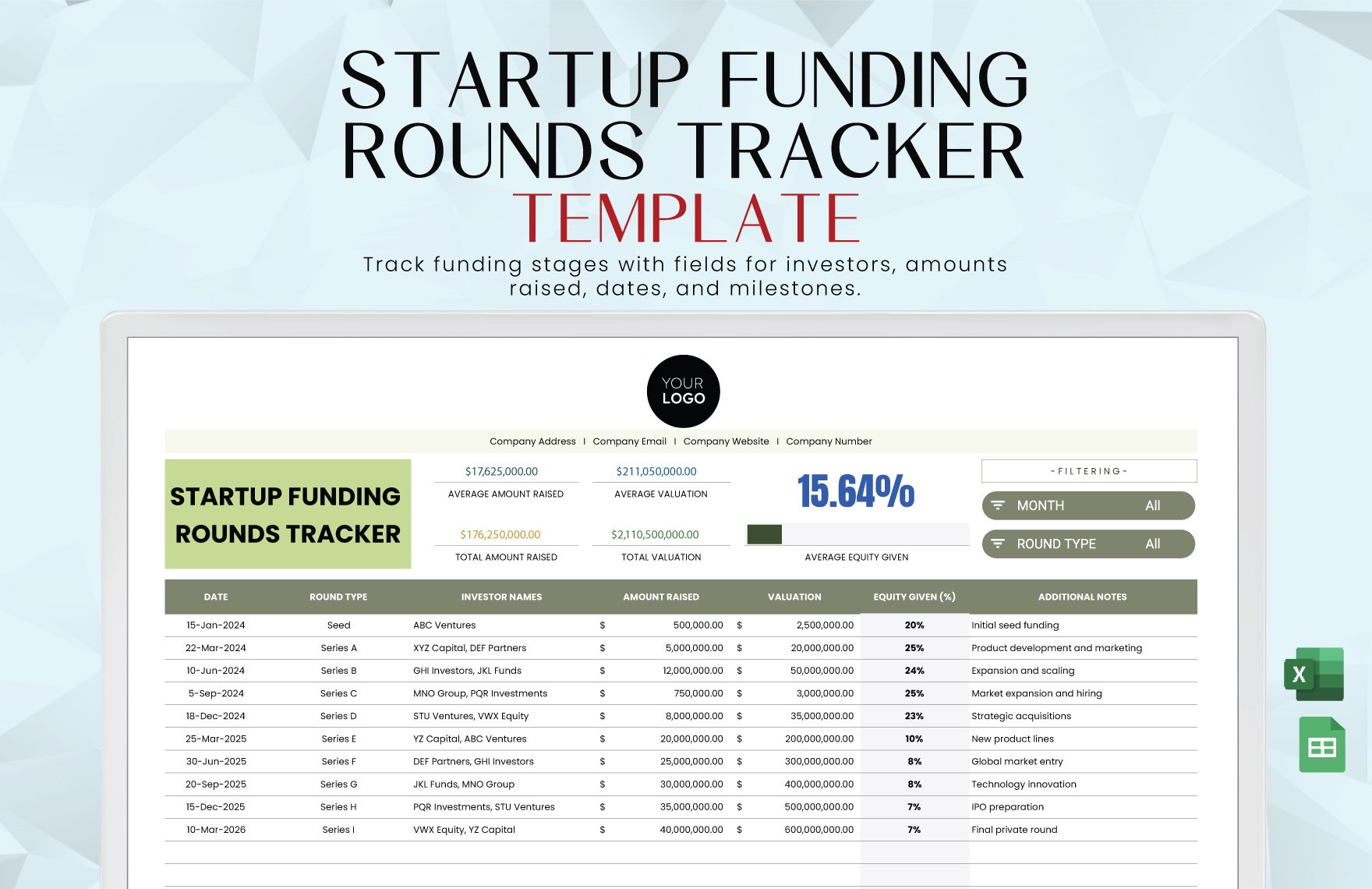

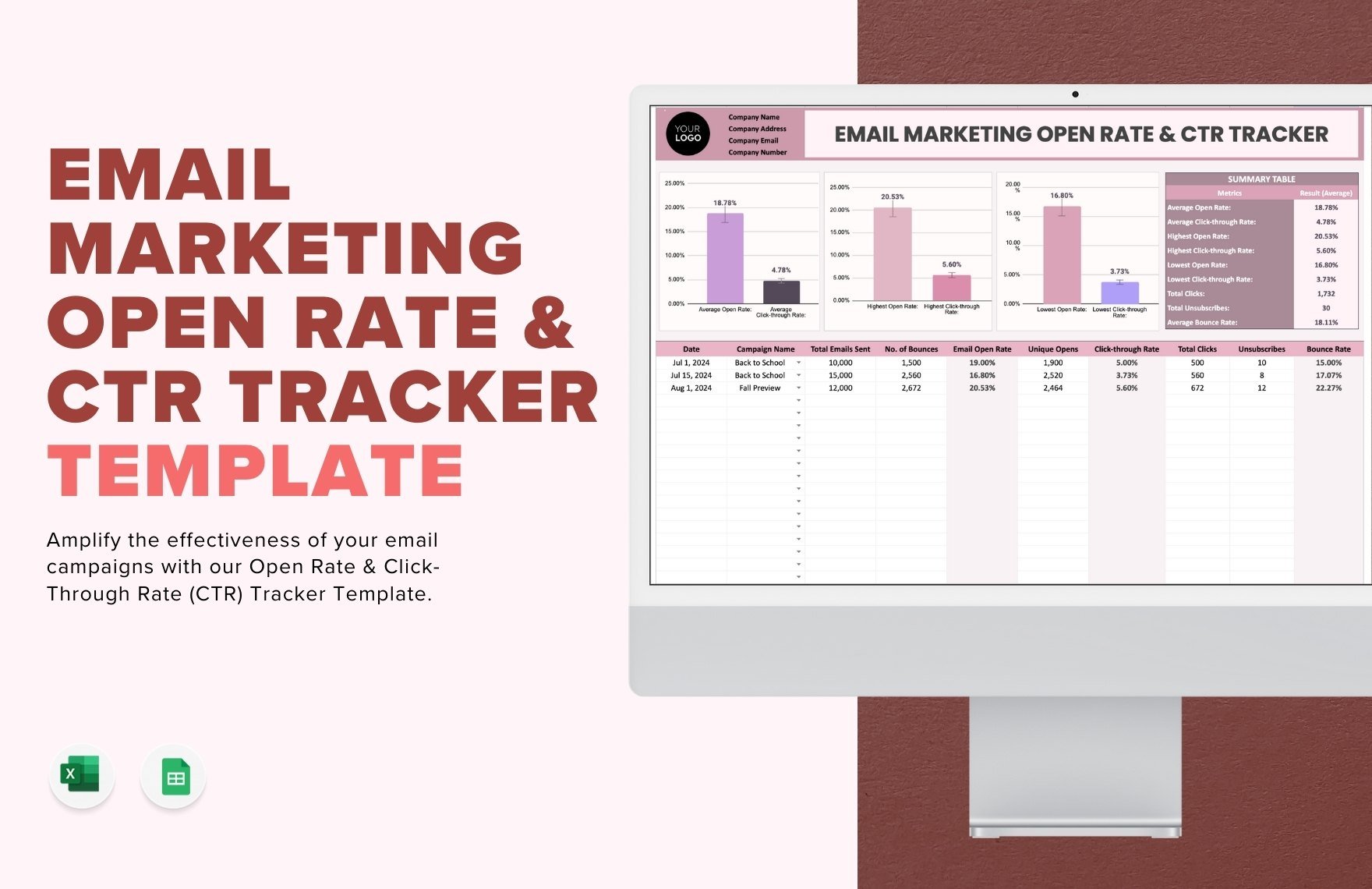
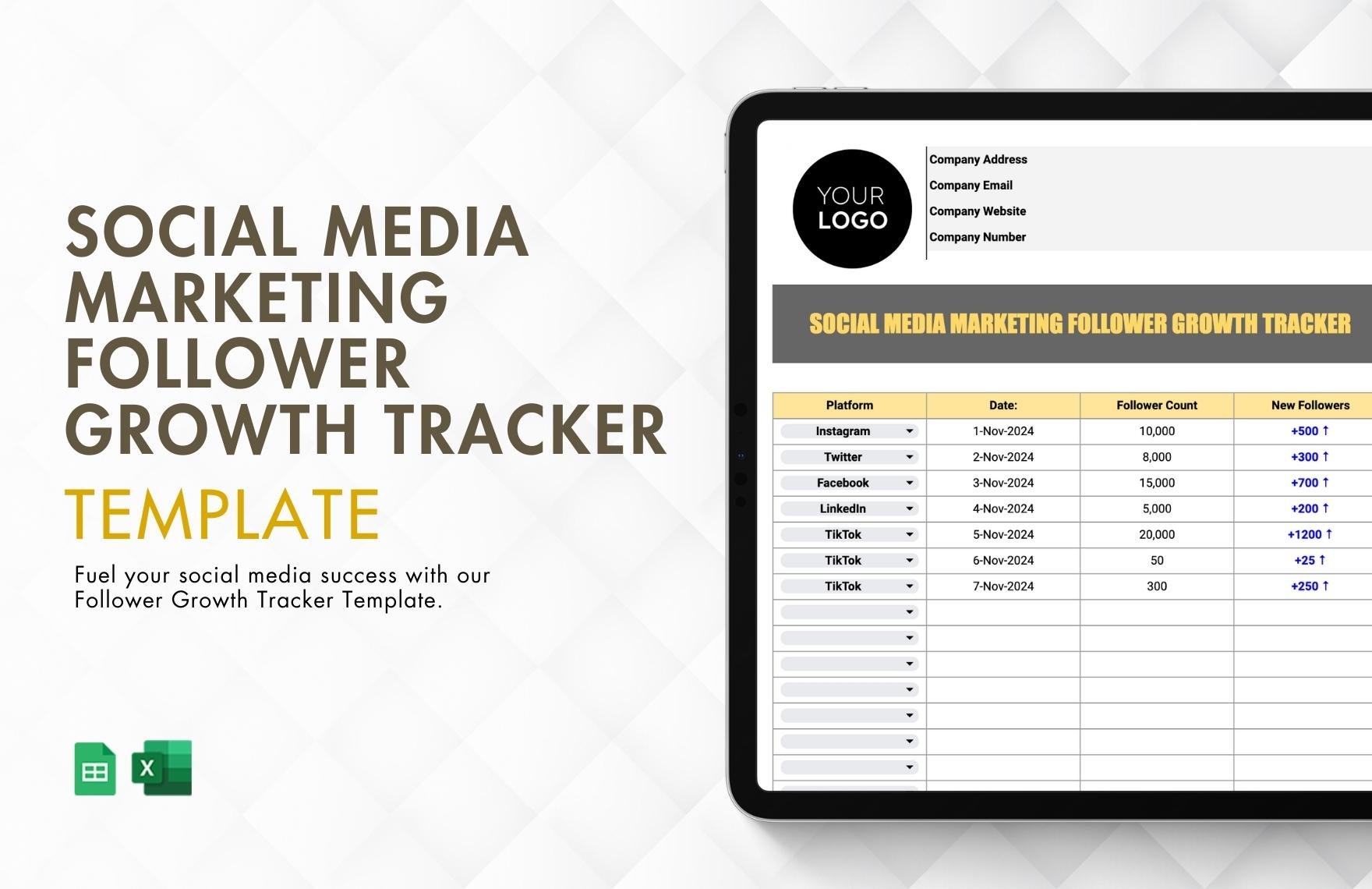
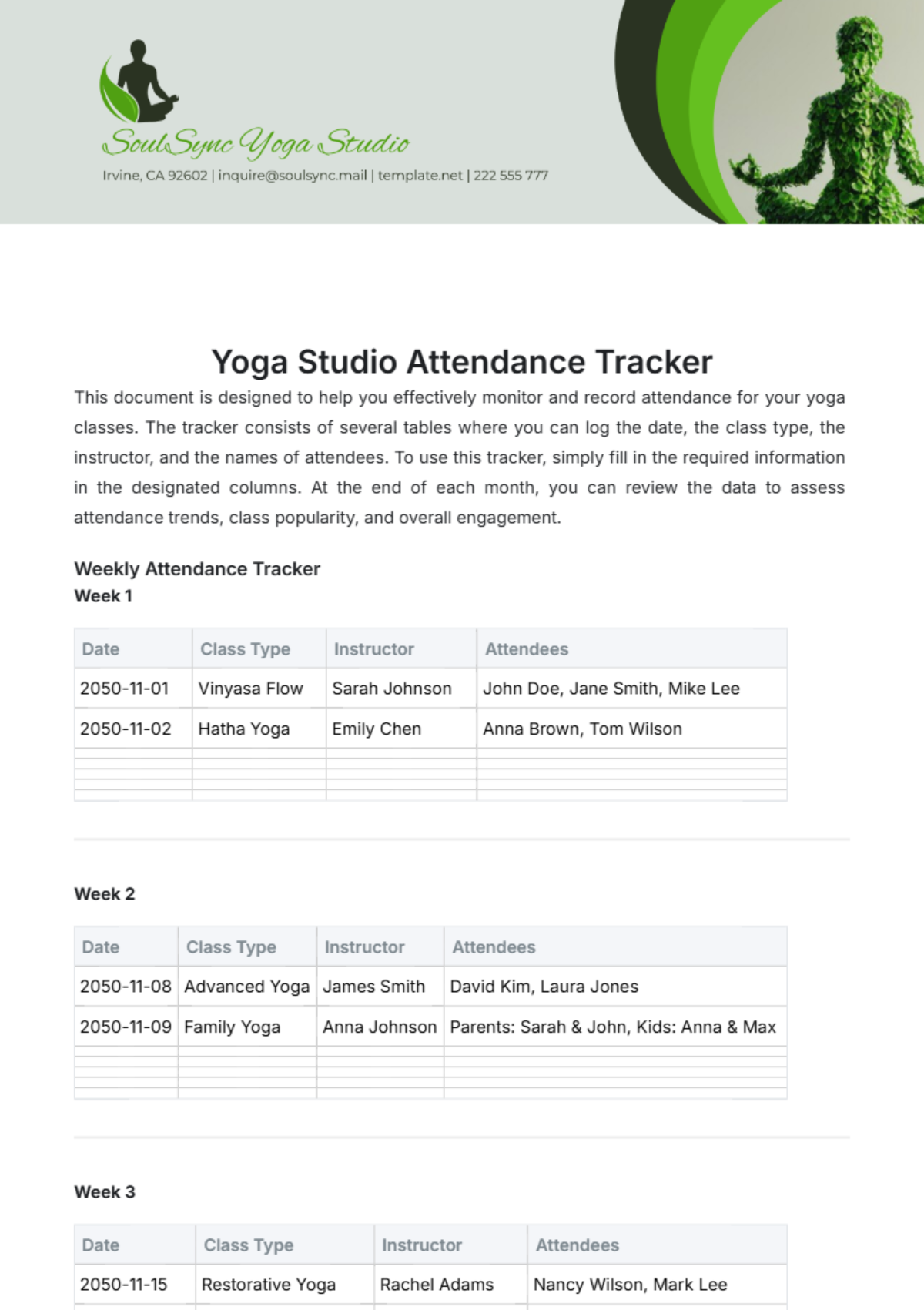
Progress Tracker Templates: Definition, Usage, and Formats
What is a Progress Tracker?
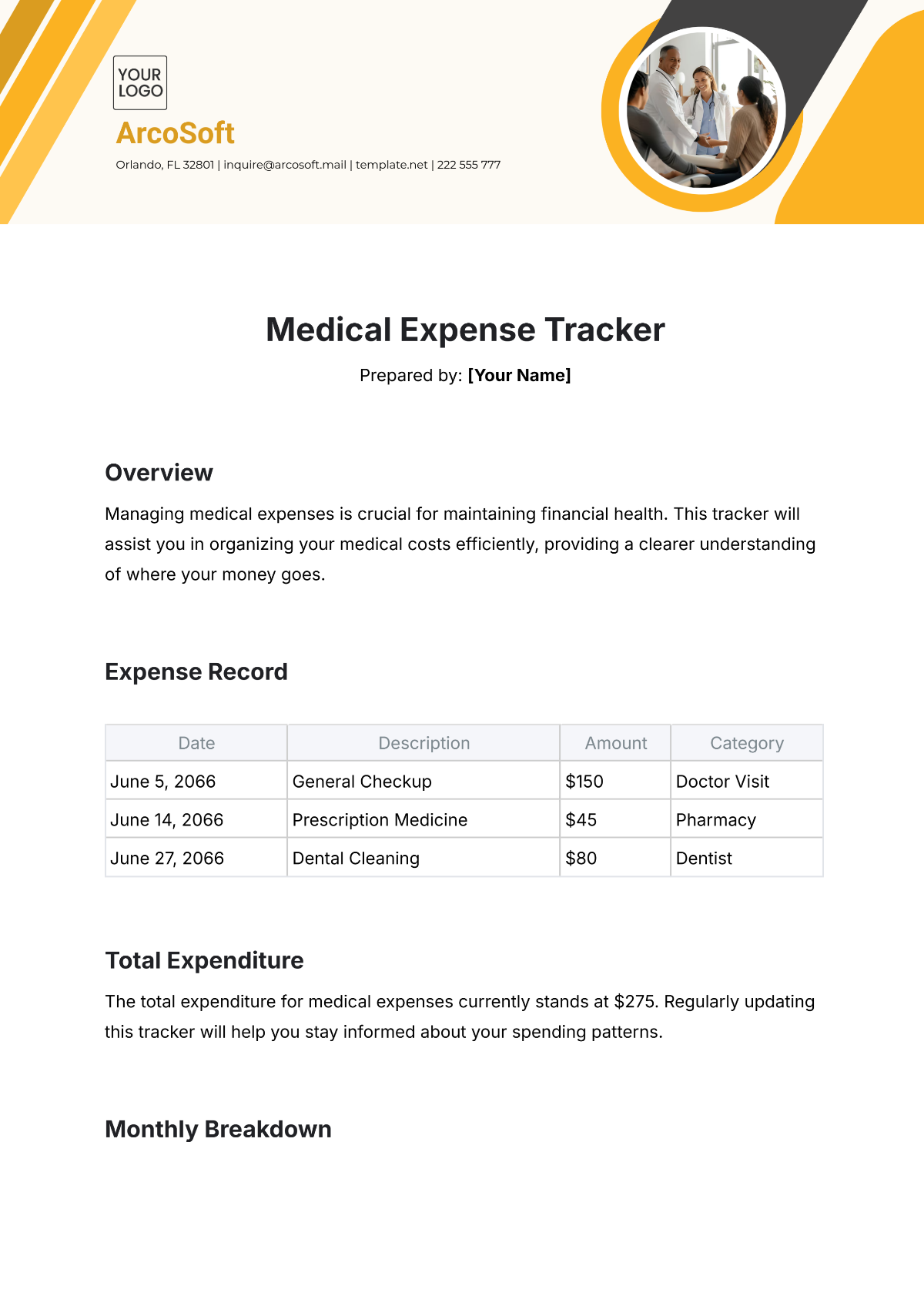
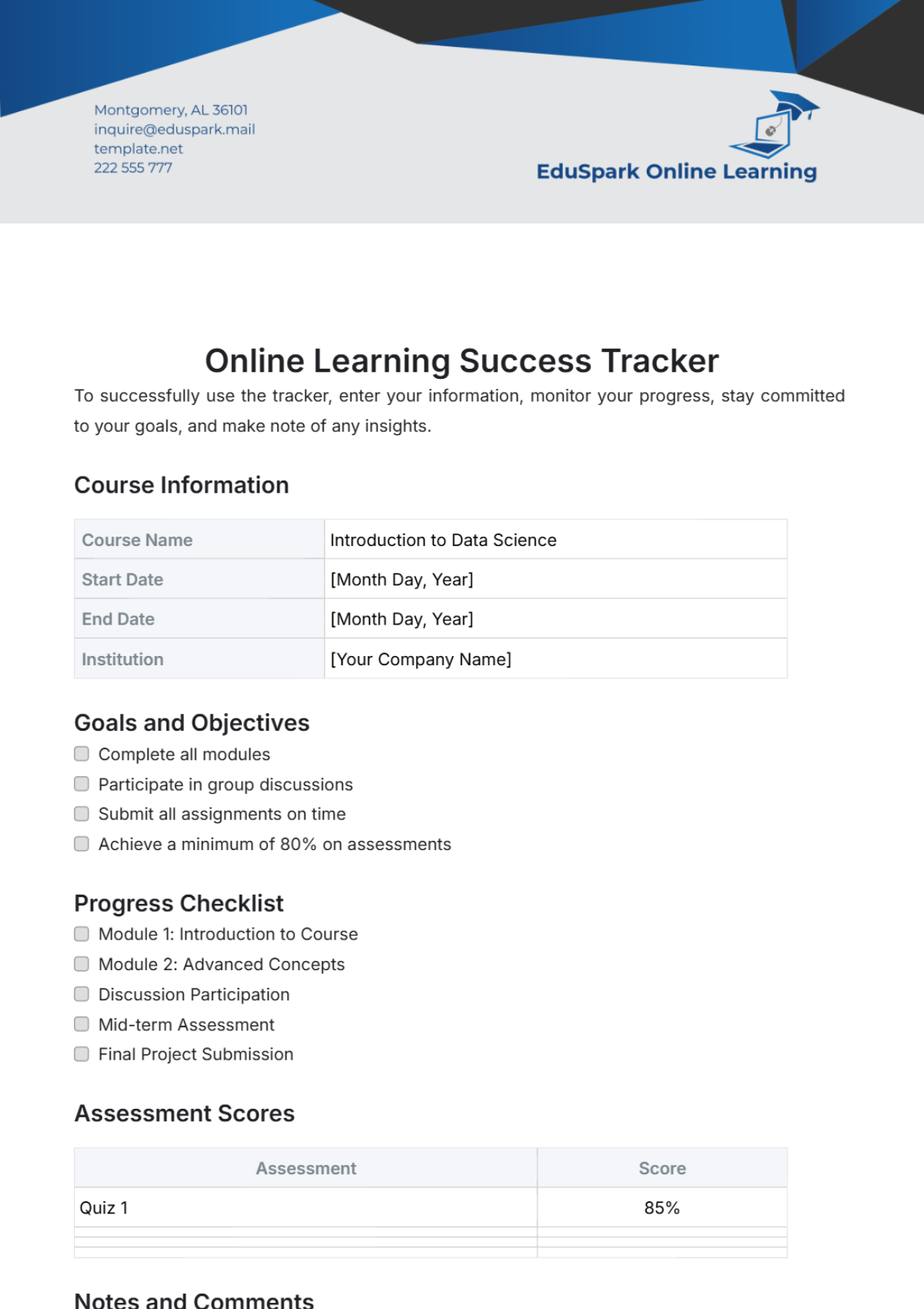
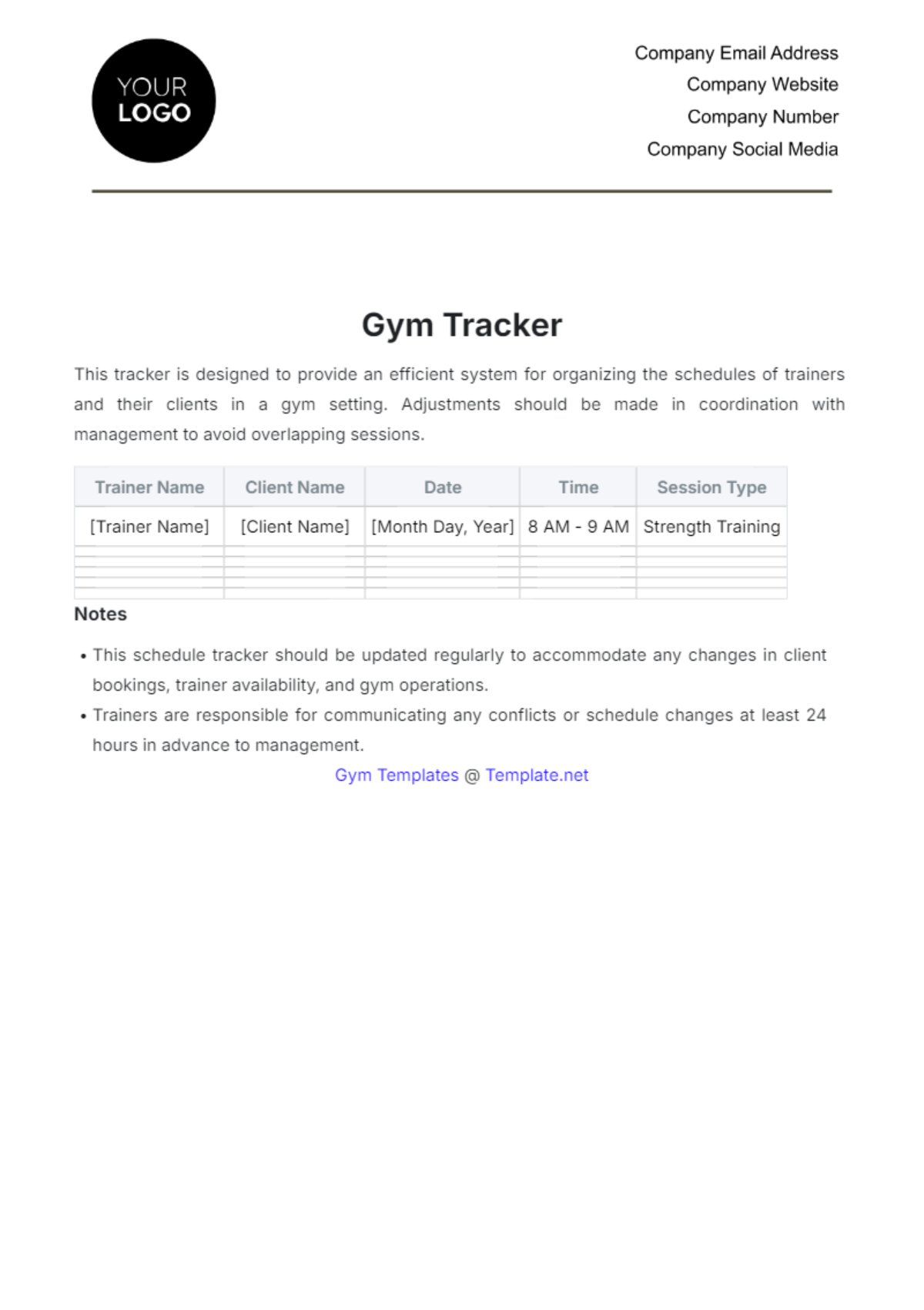
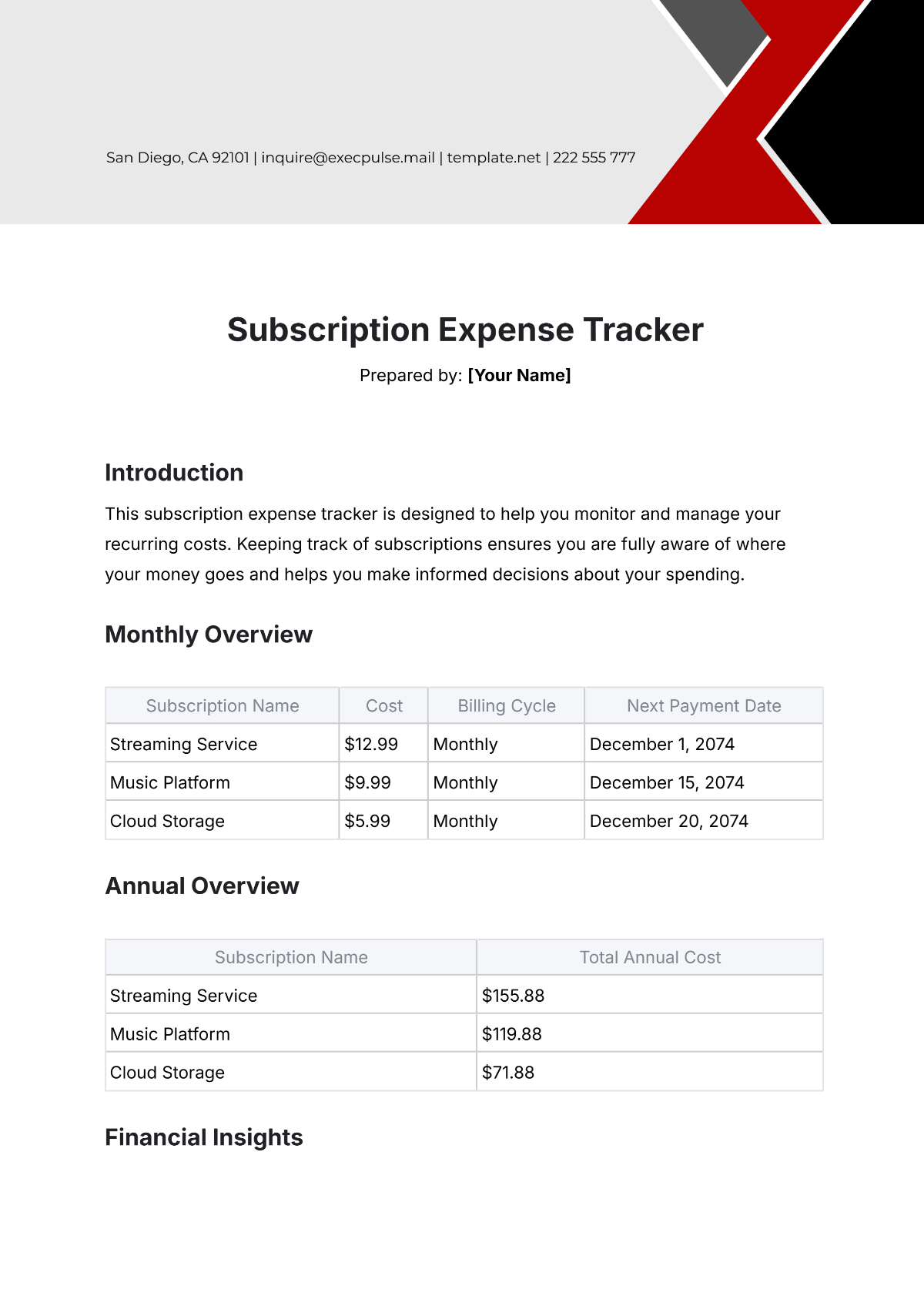
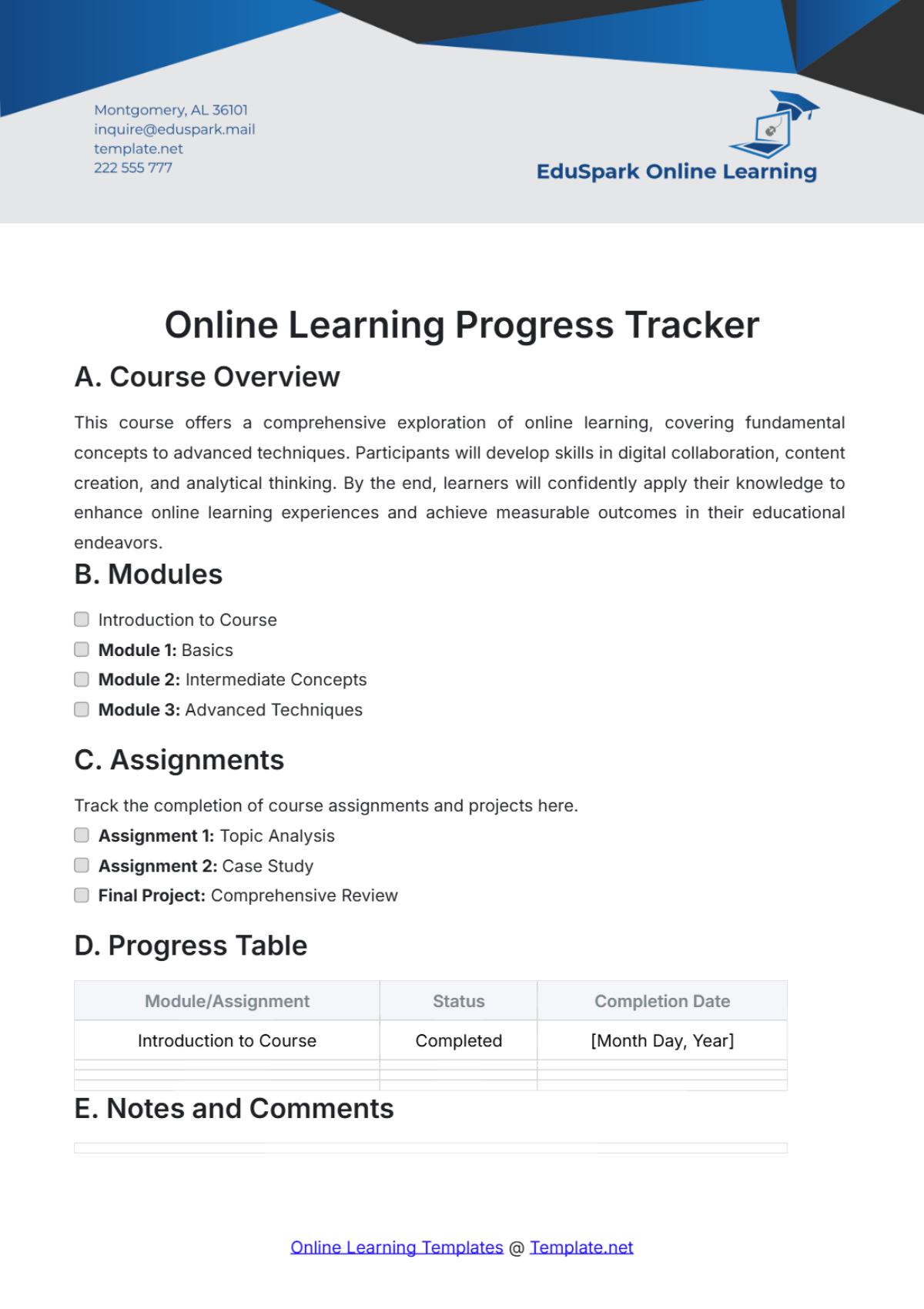
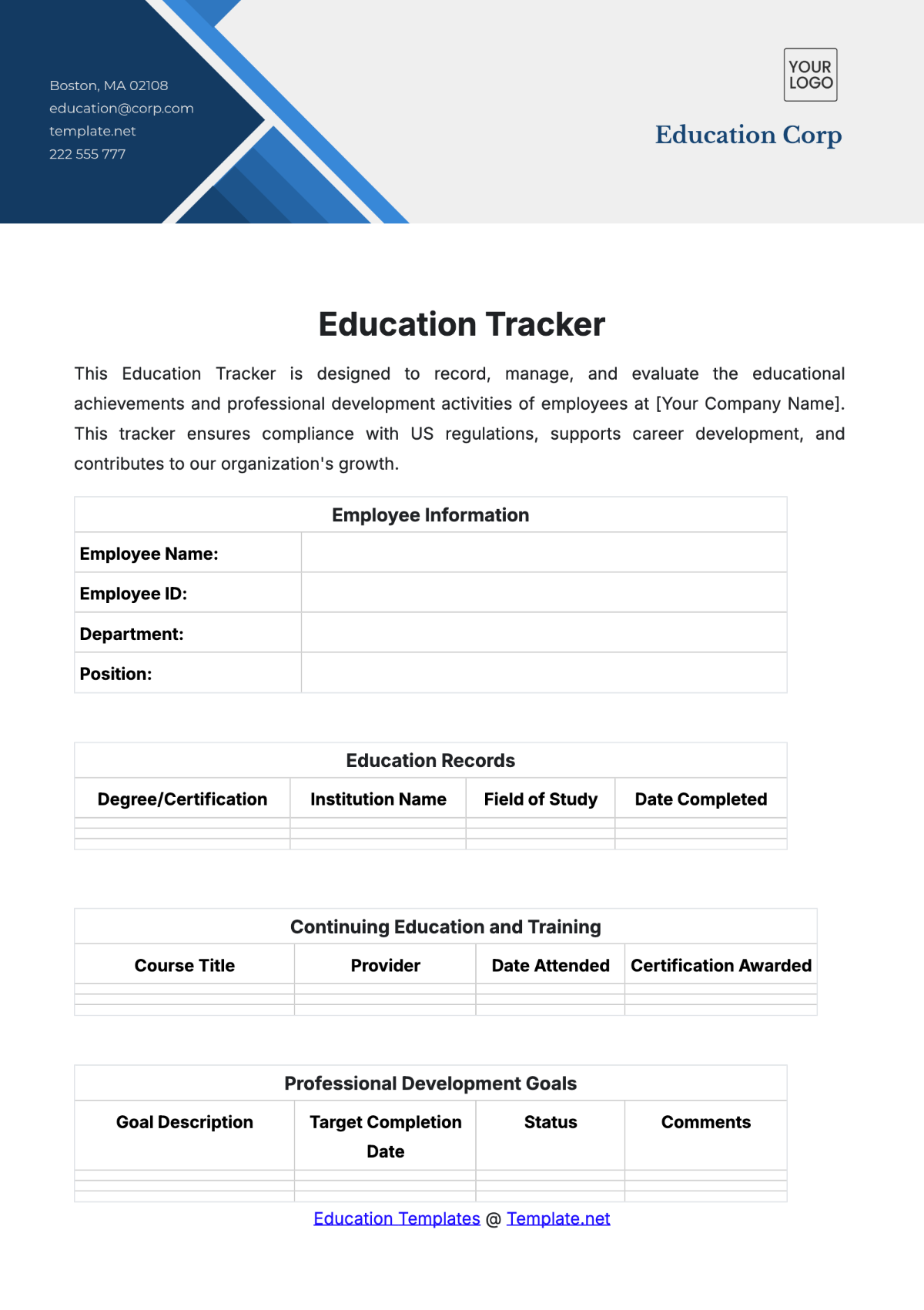
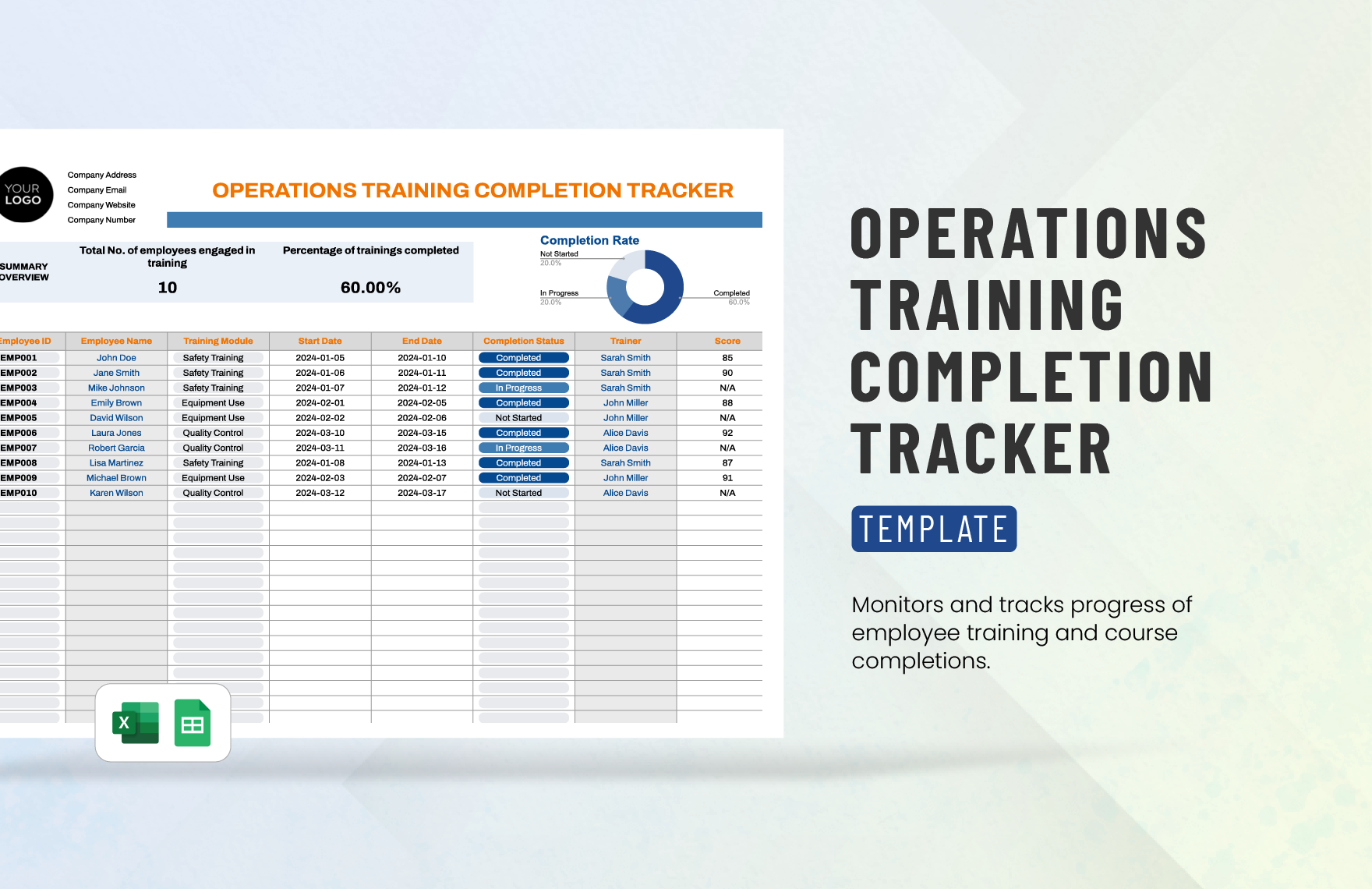
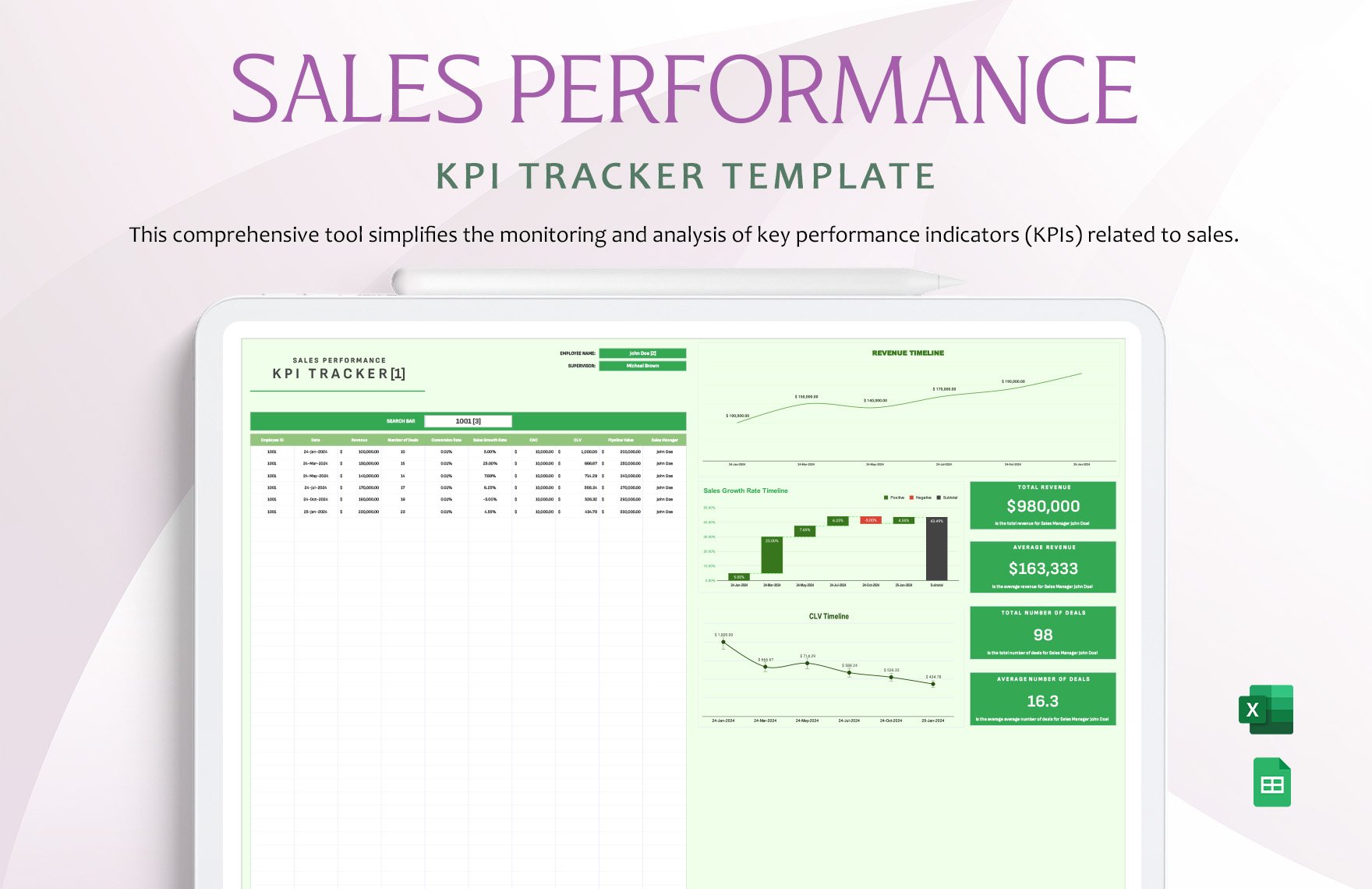
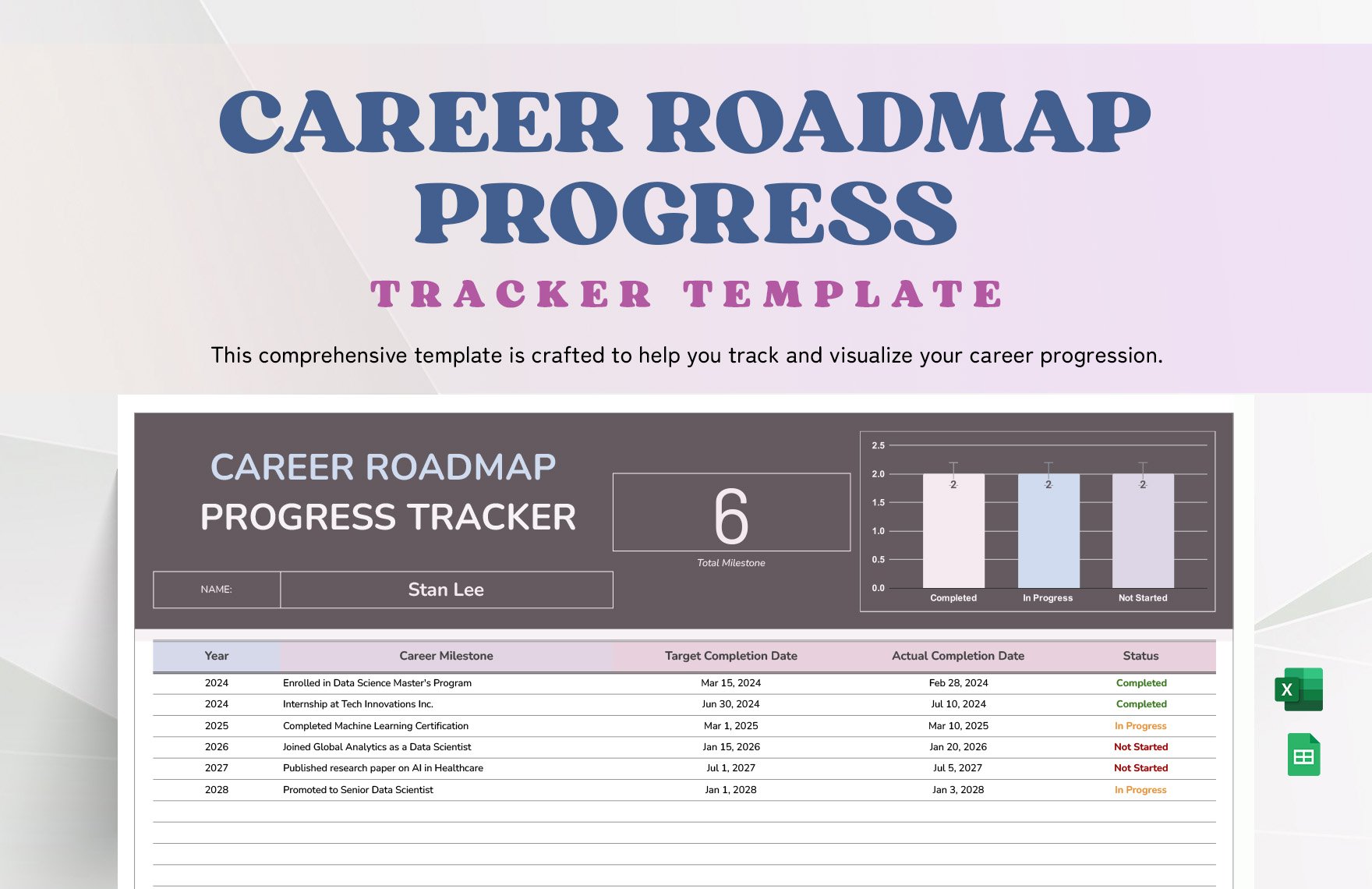
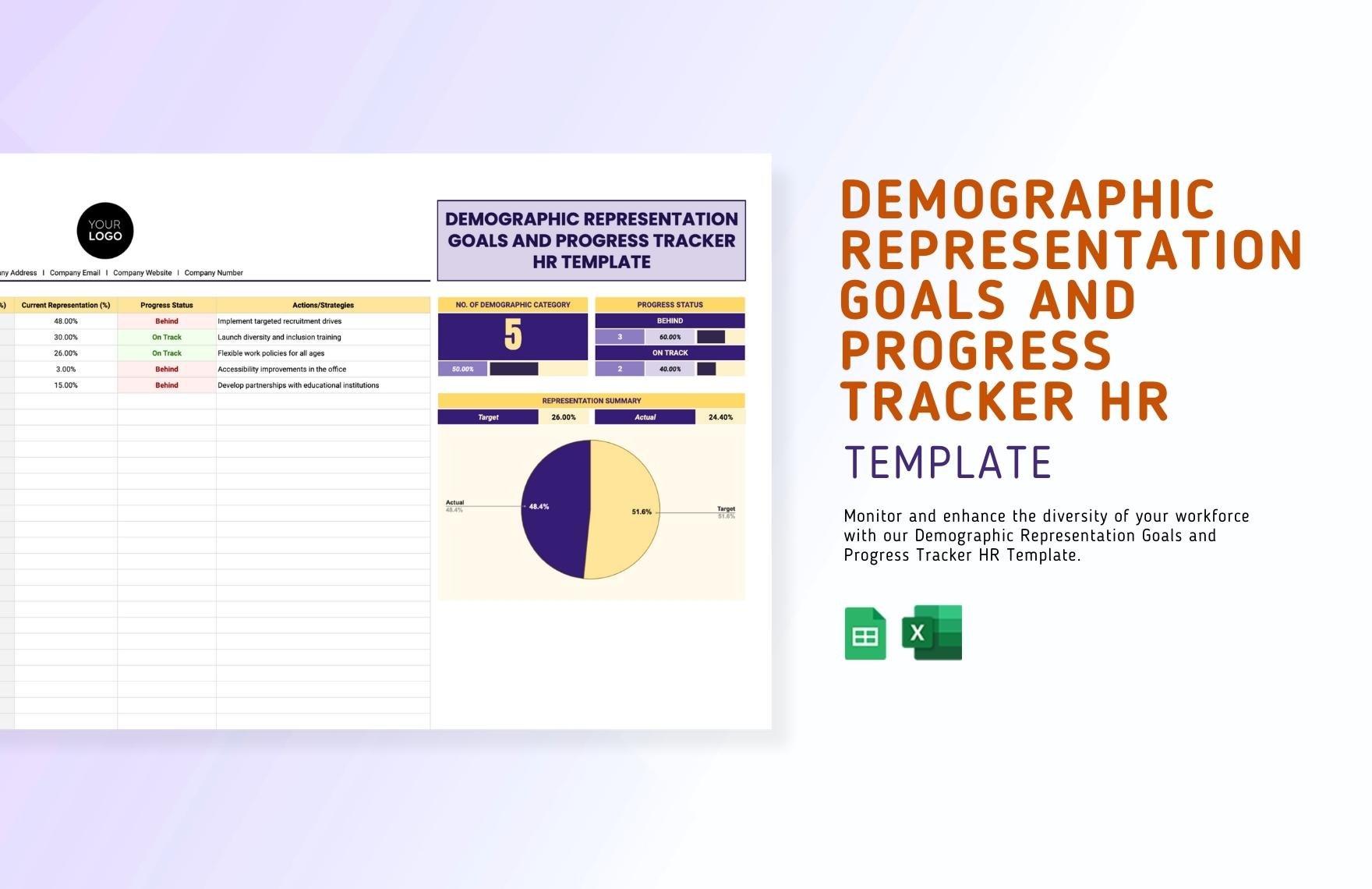
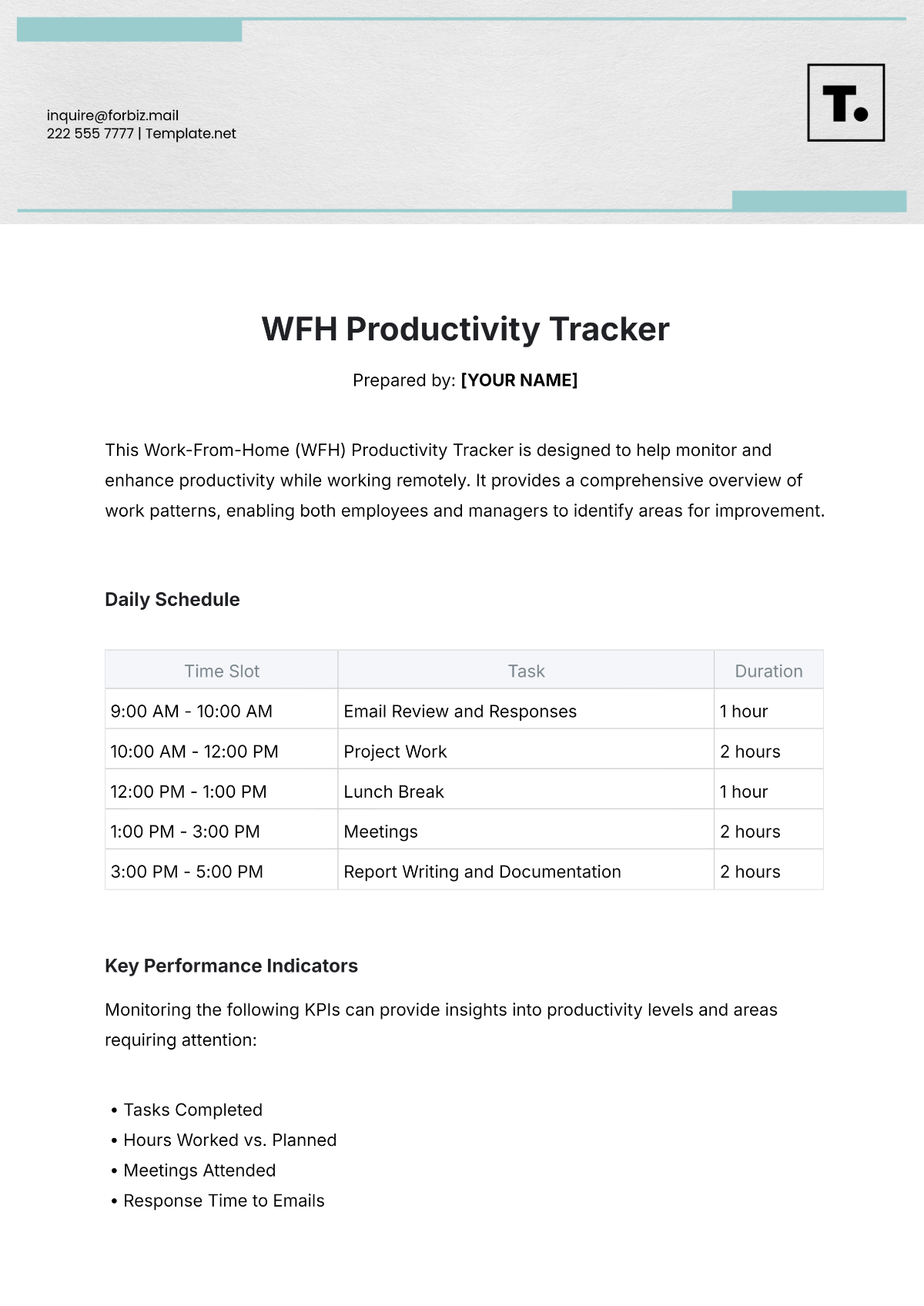
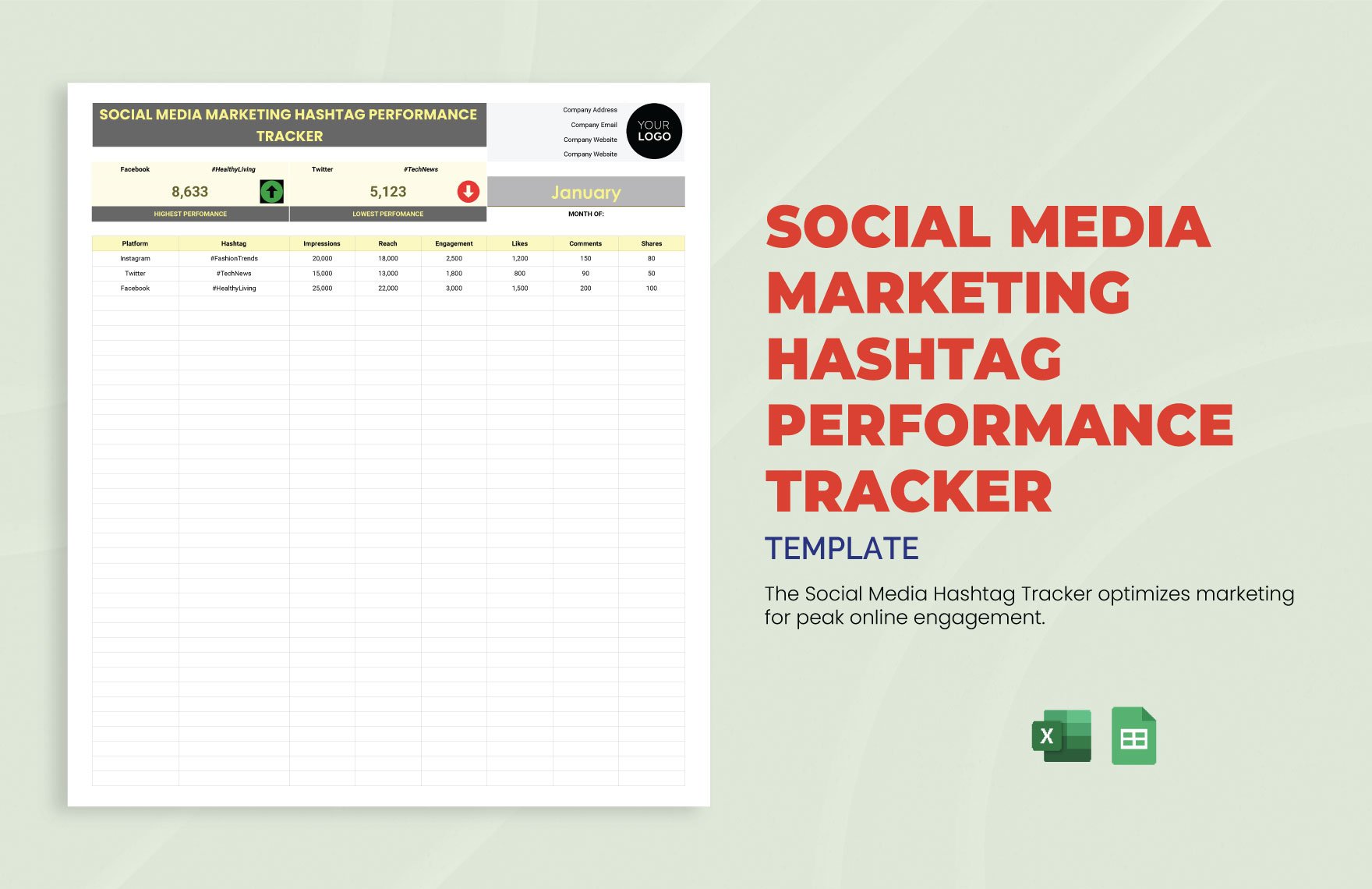
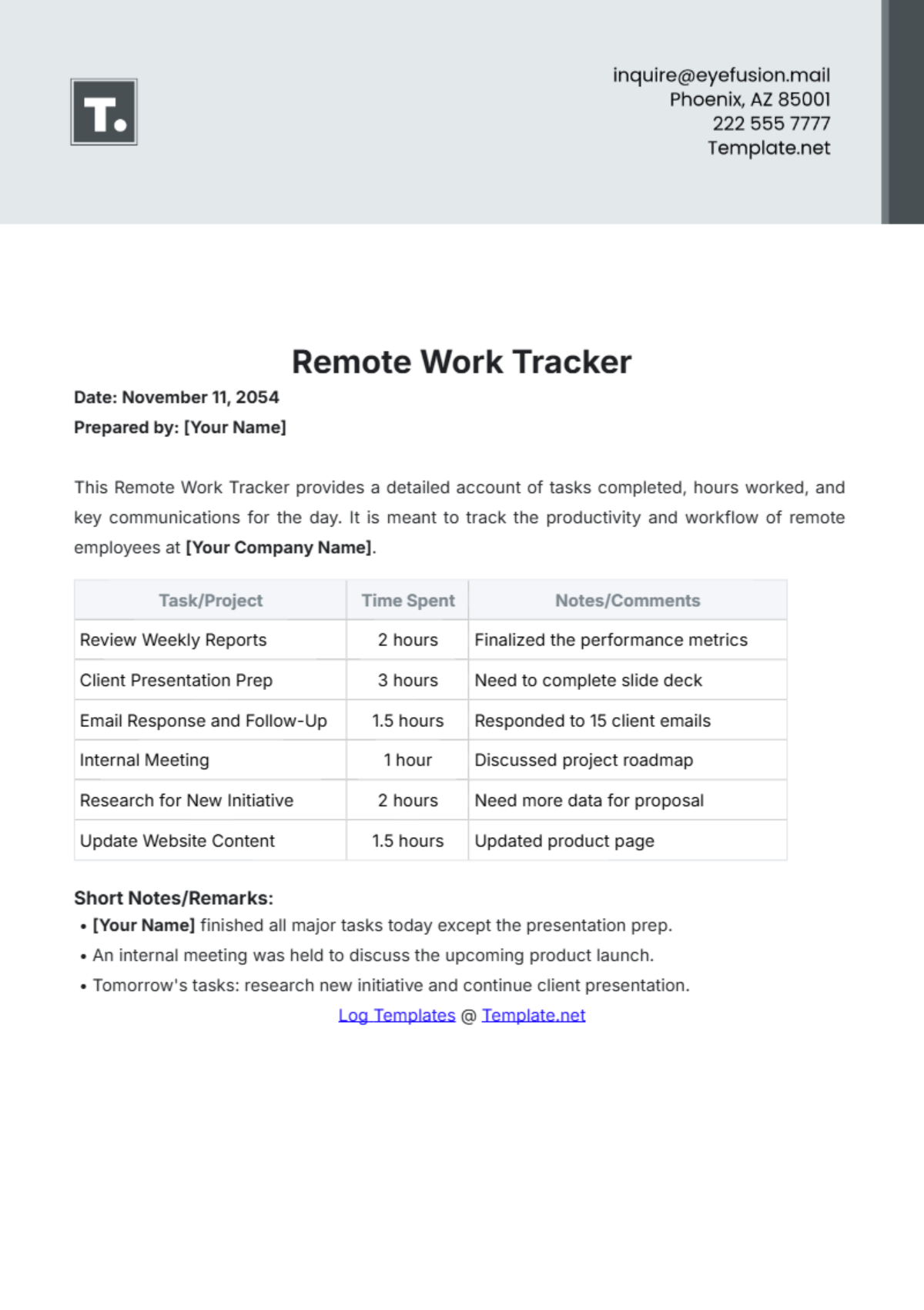
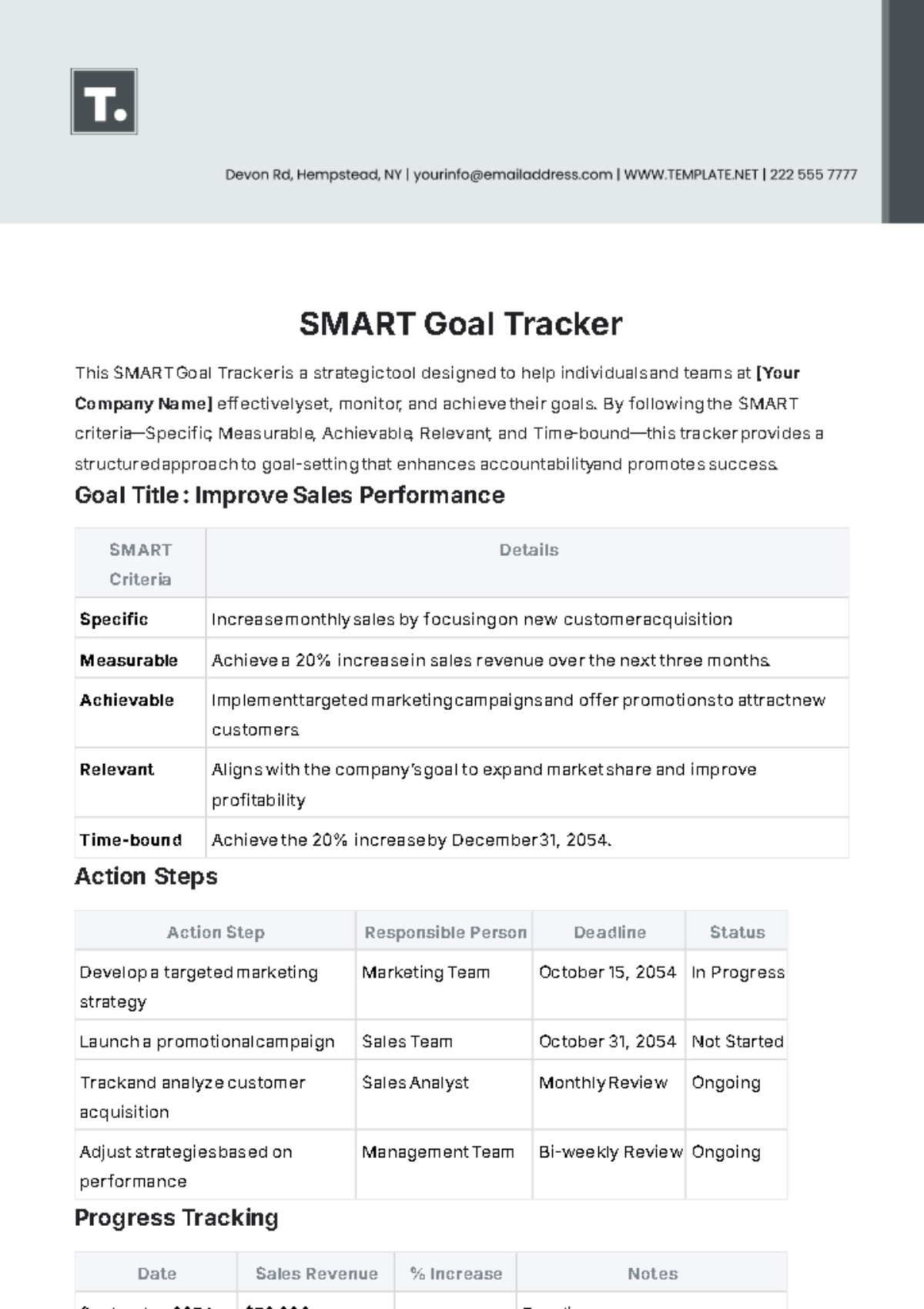
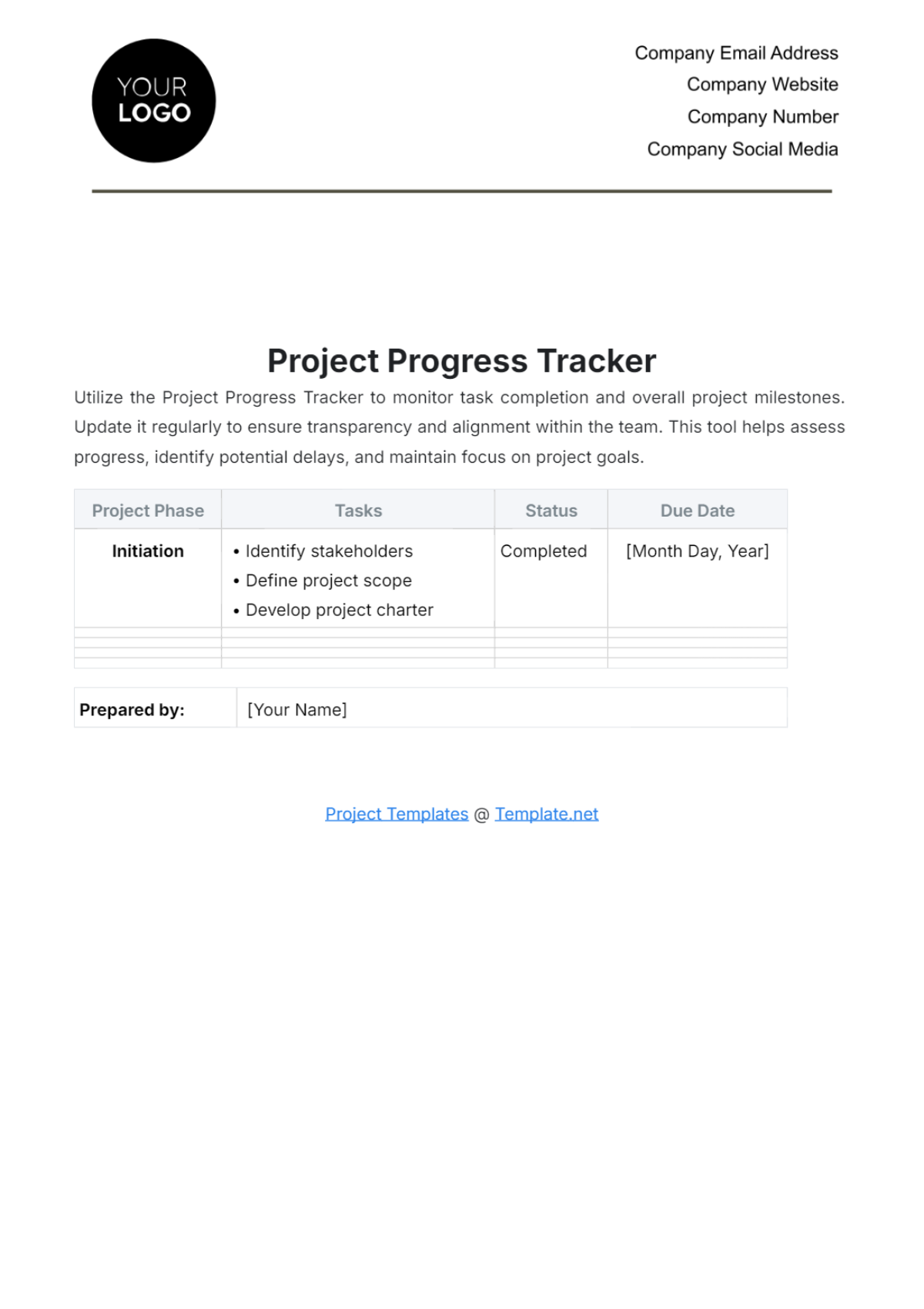
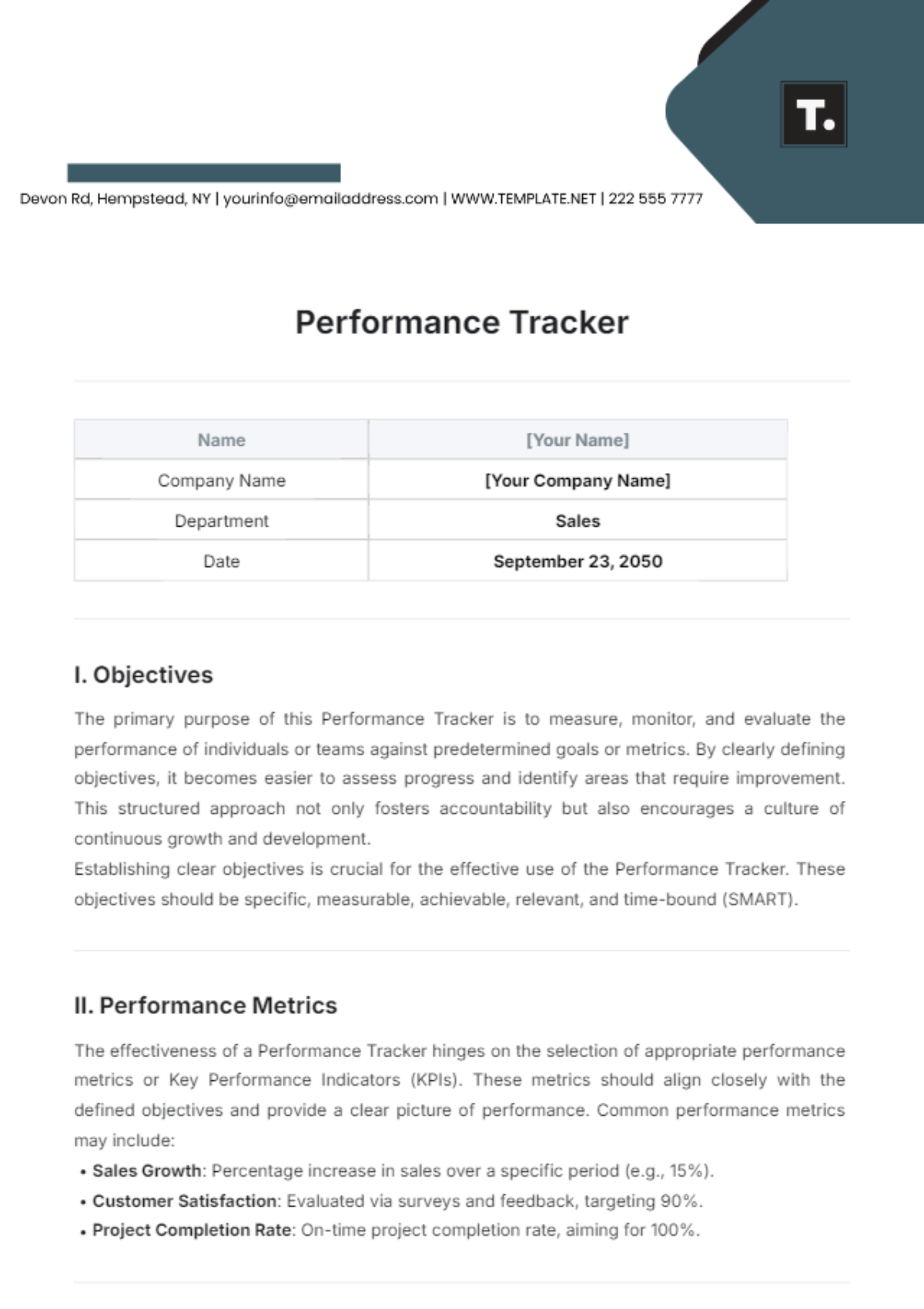
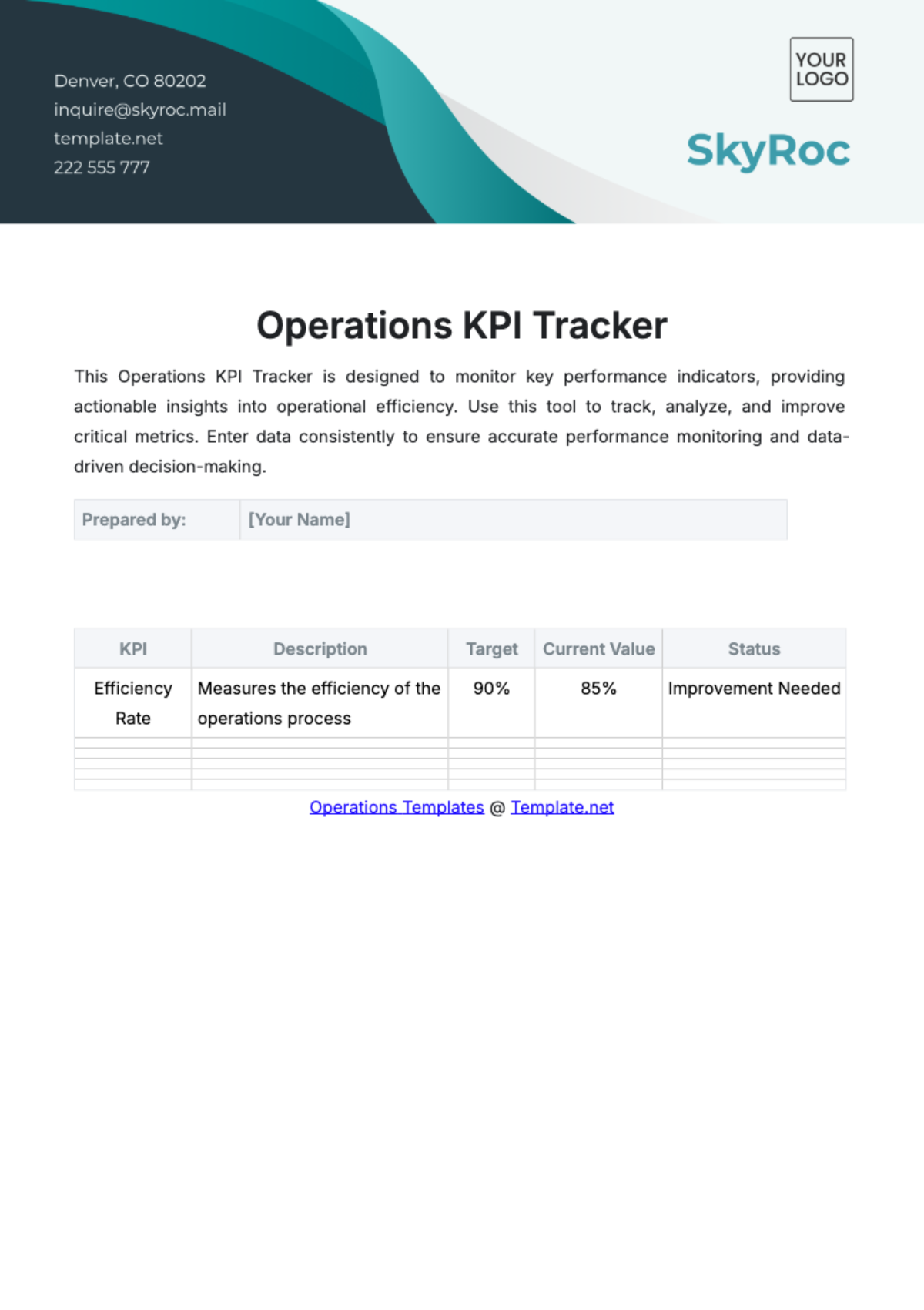
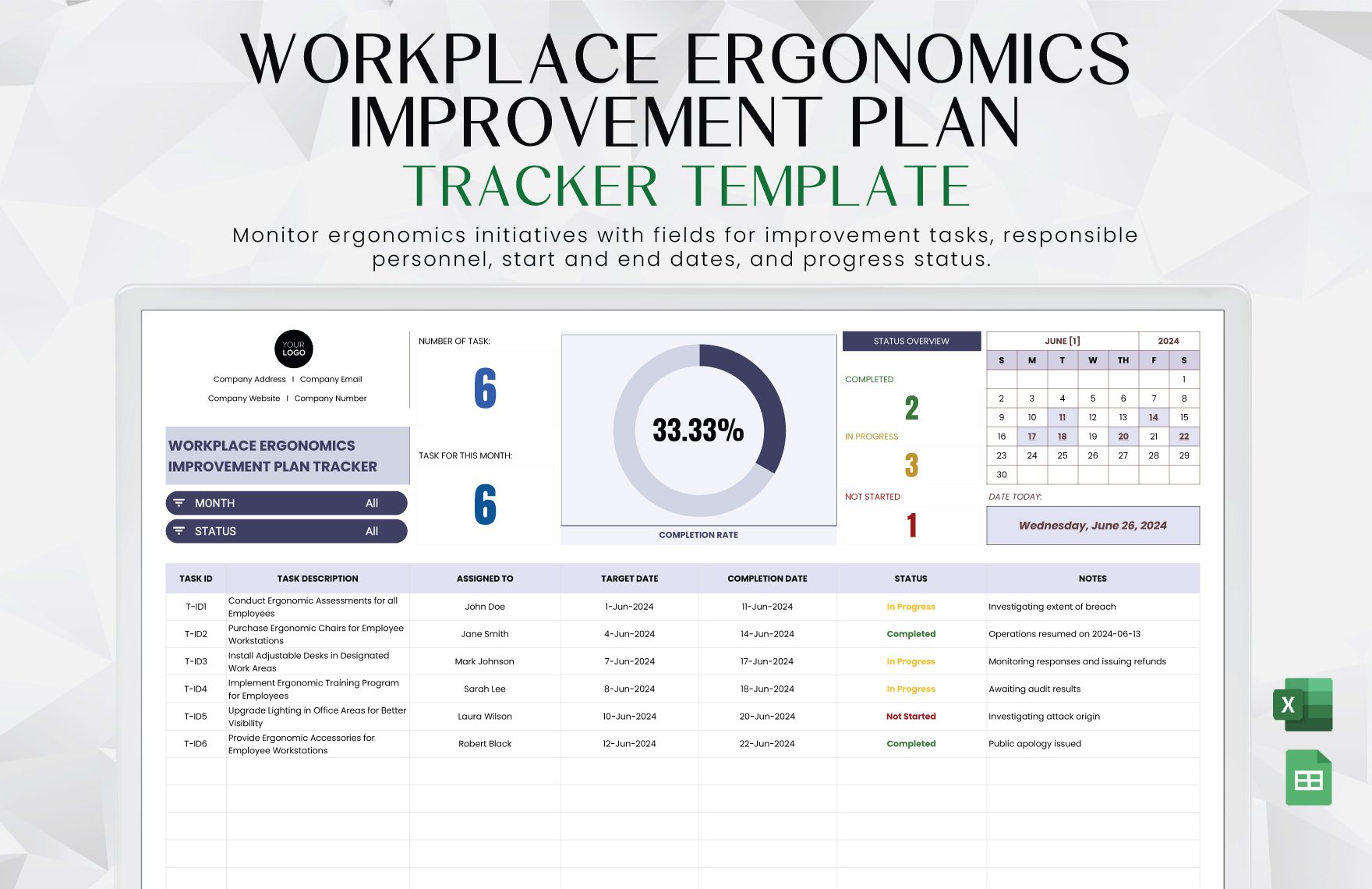
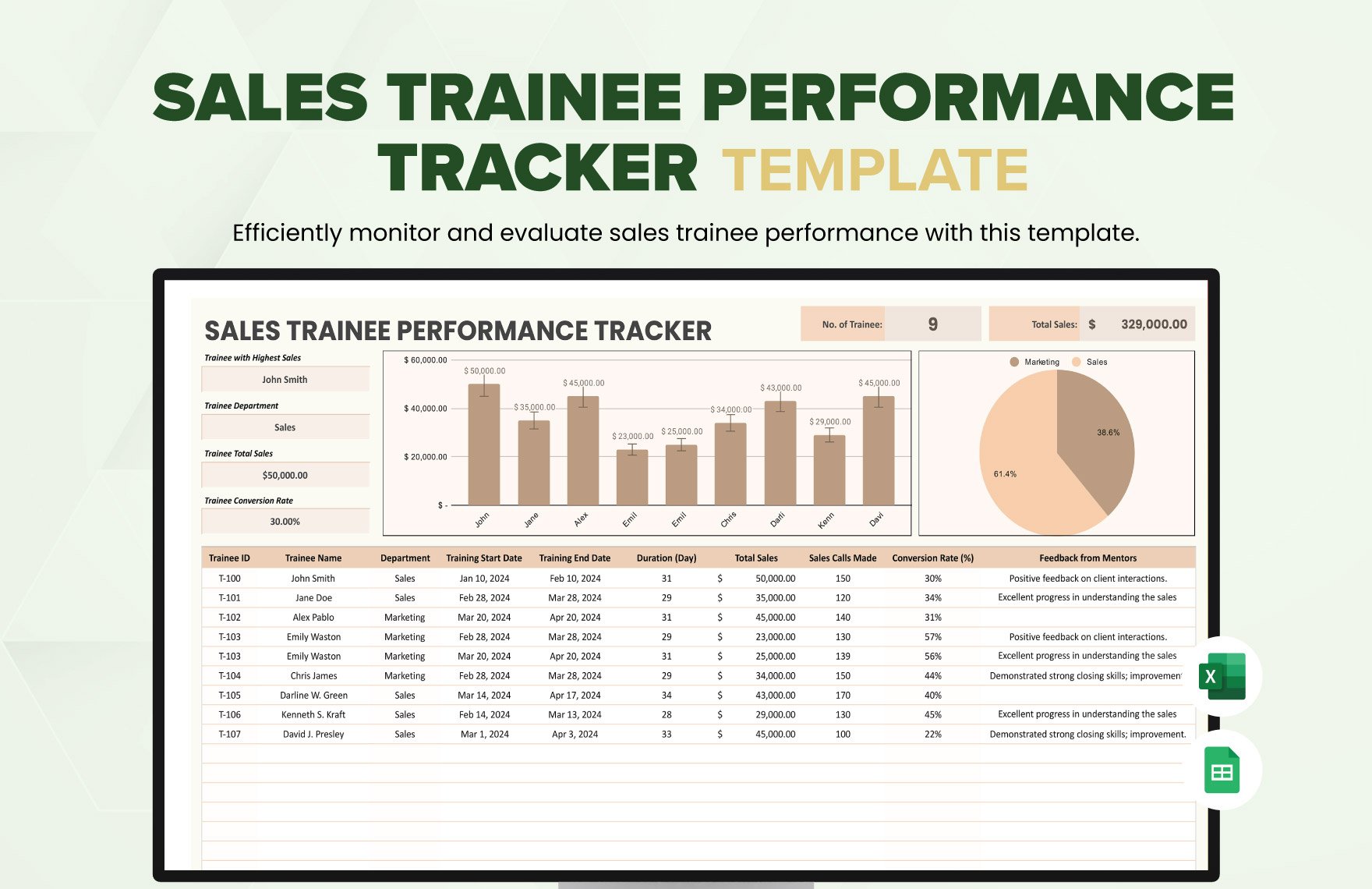
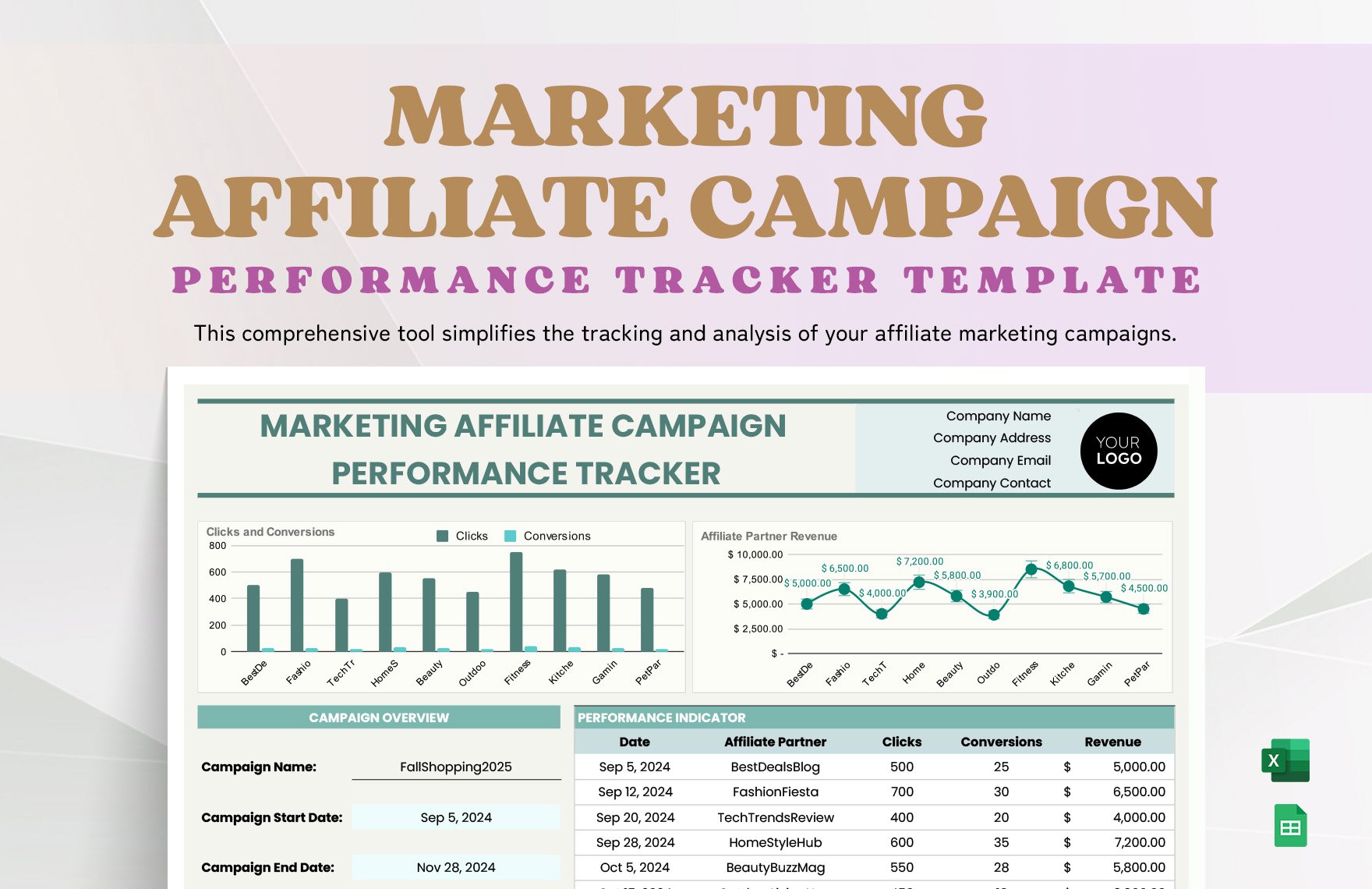
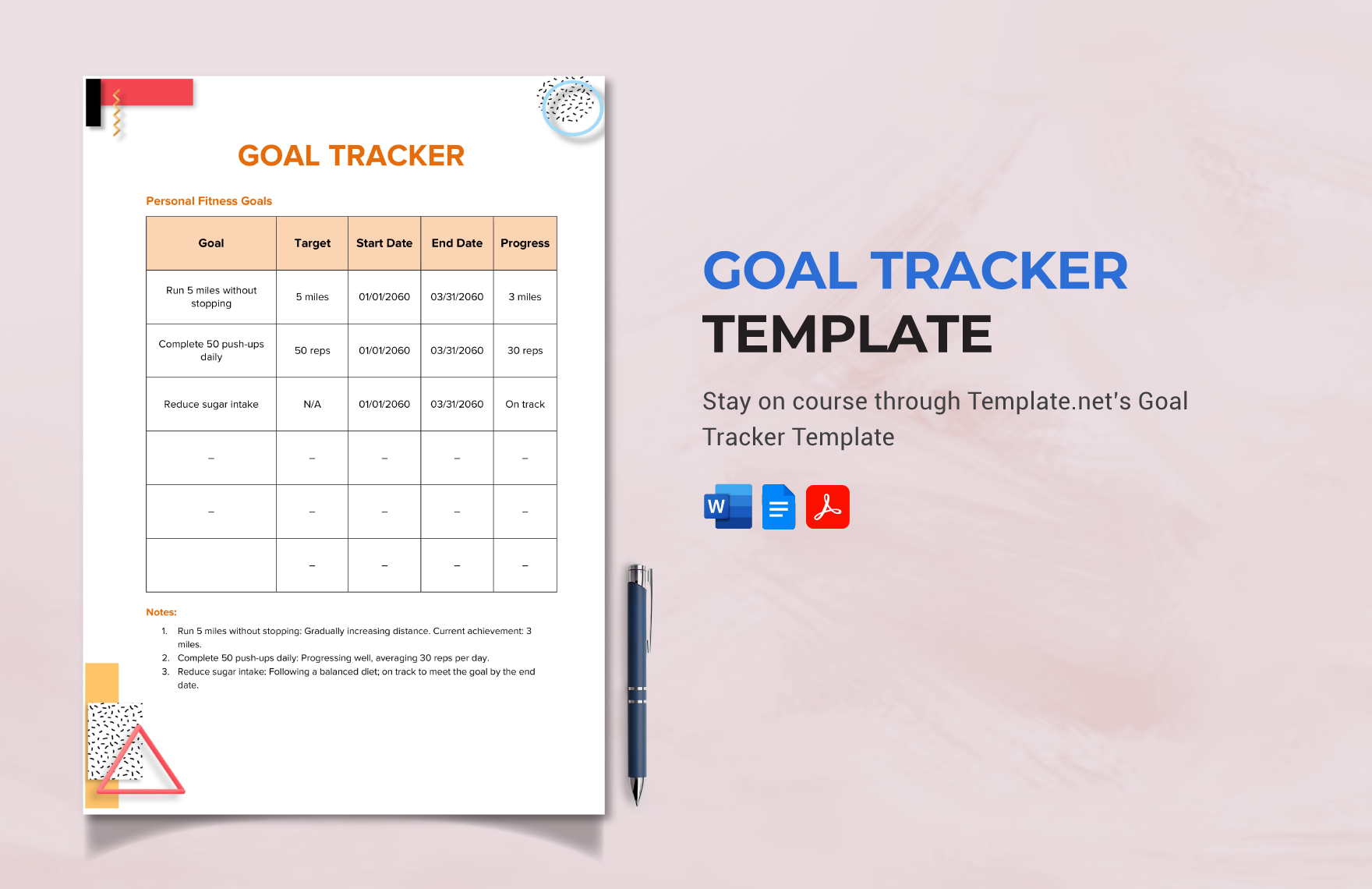
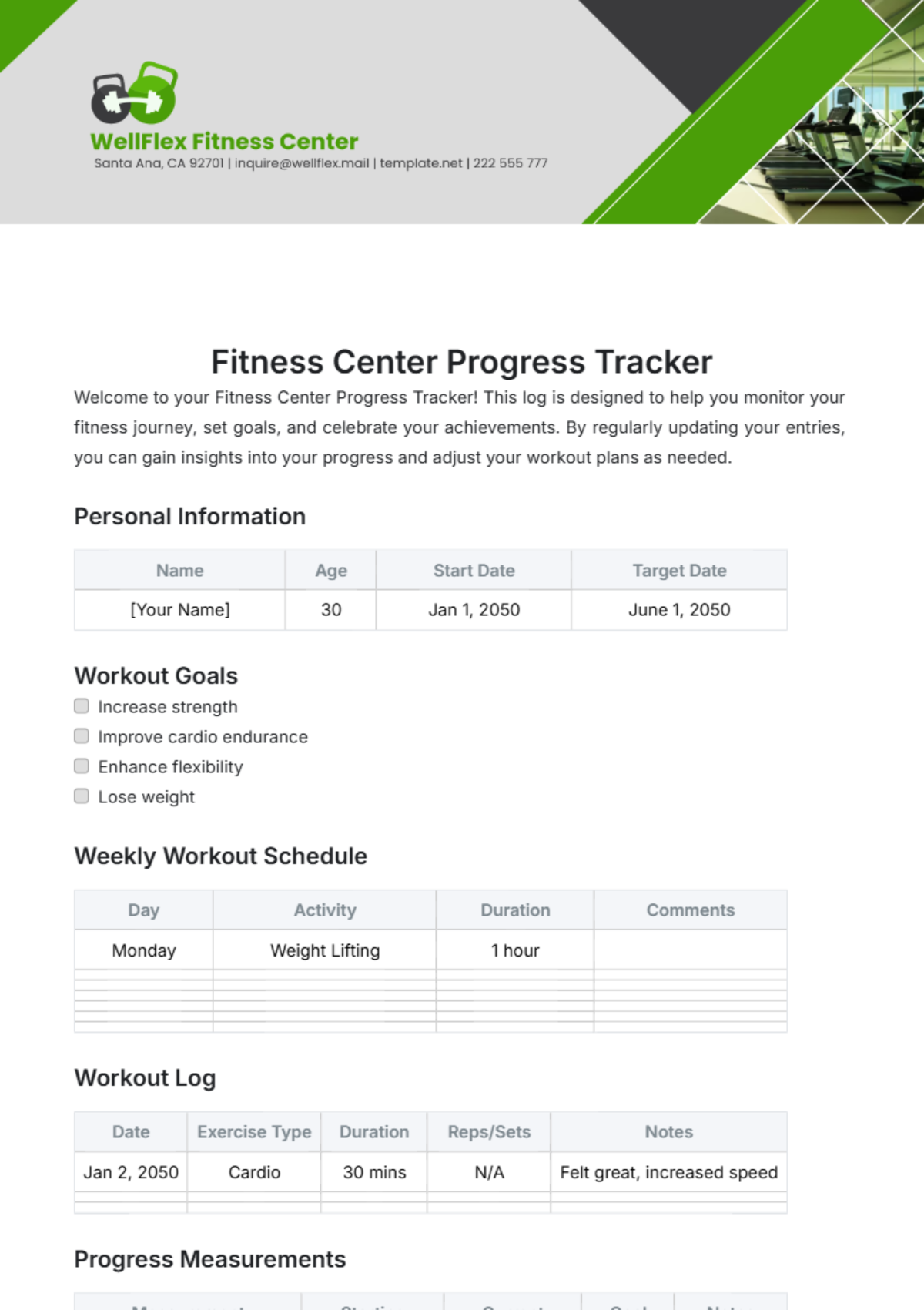
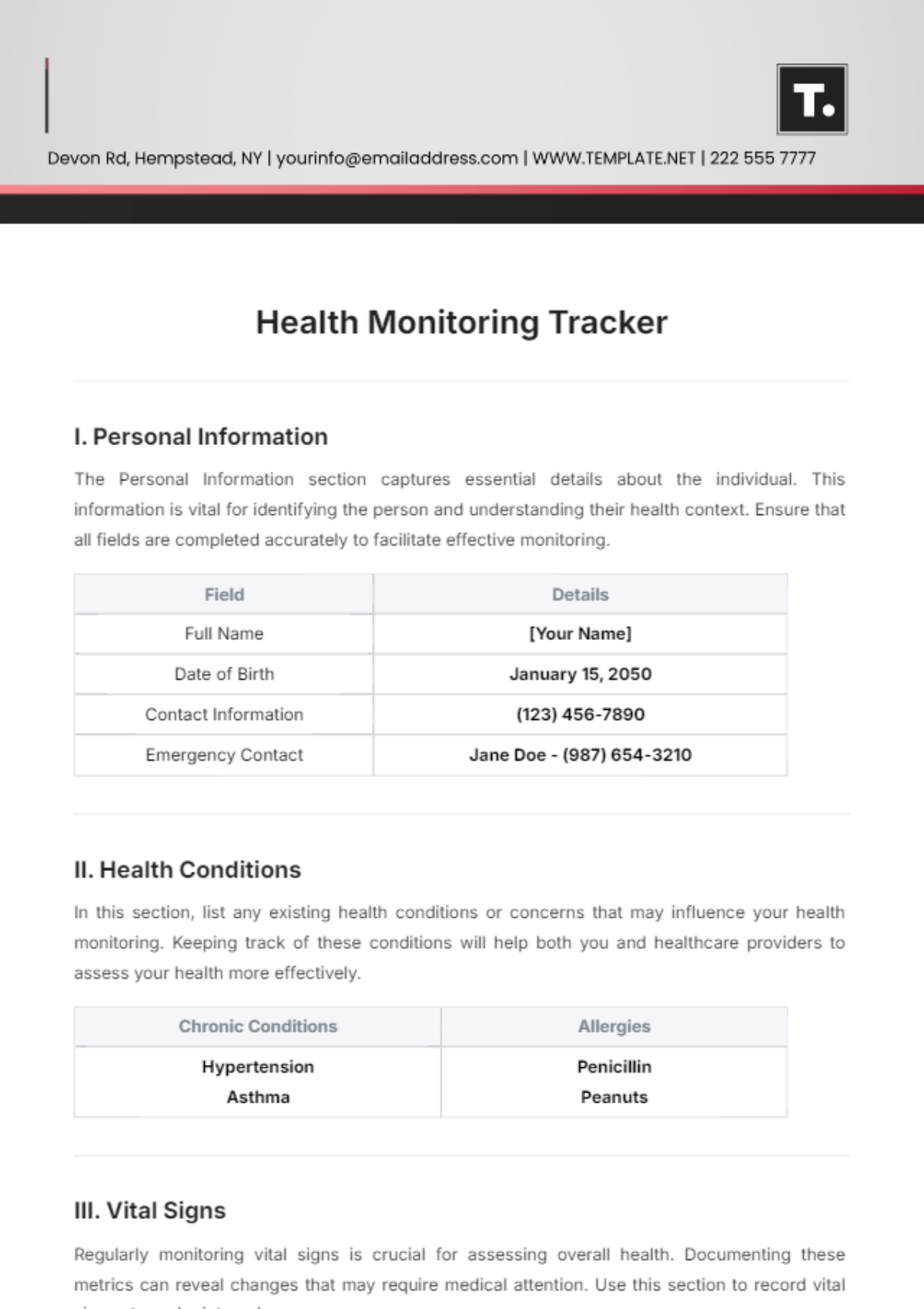
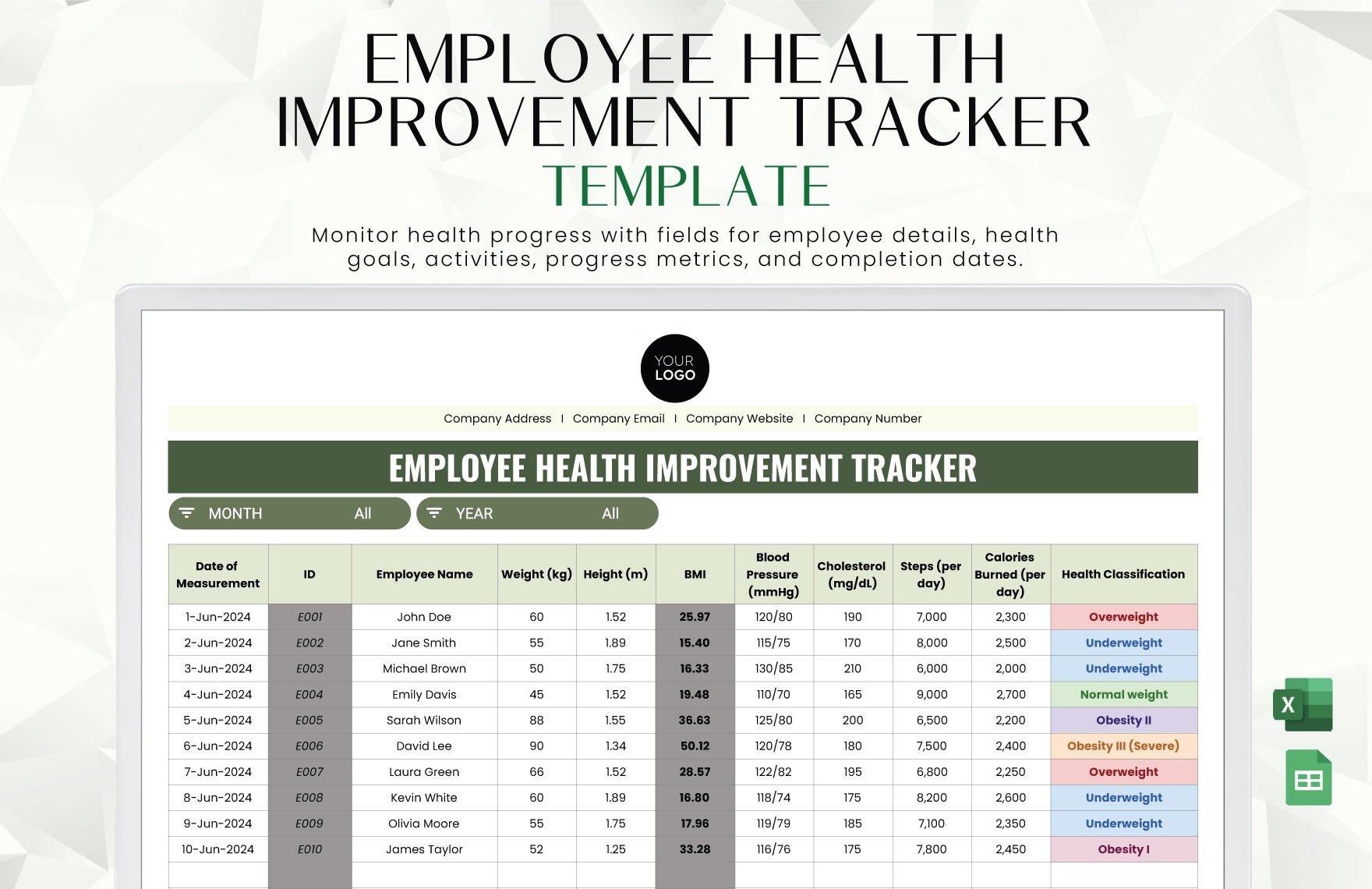
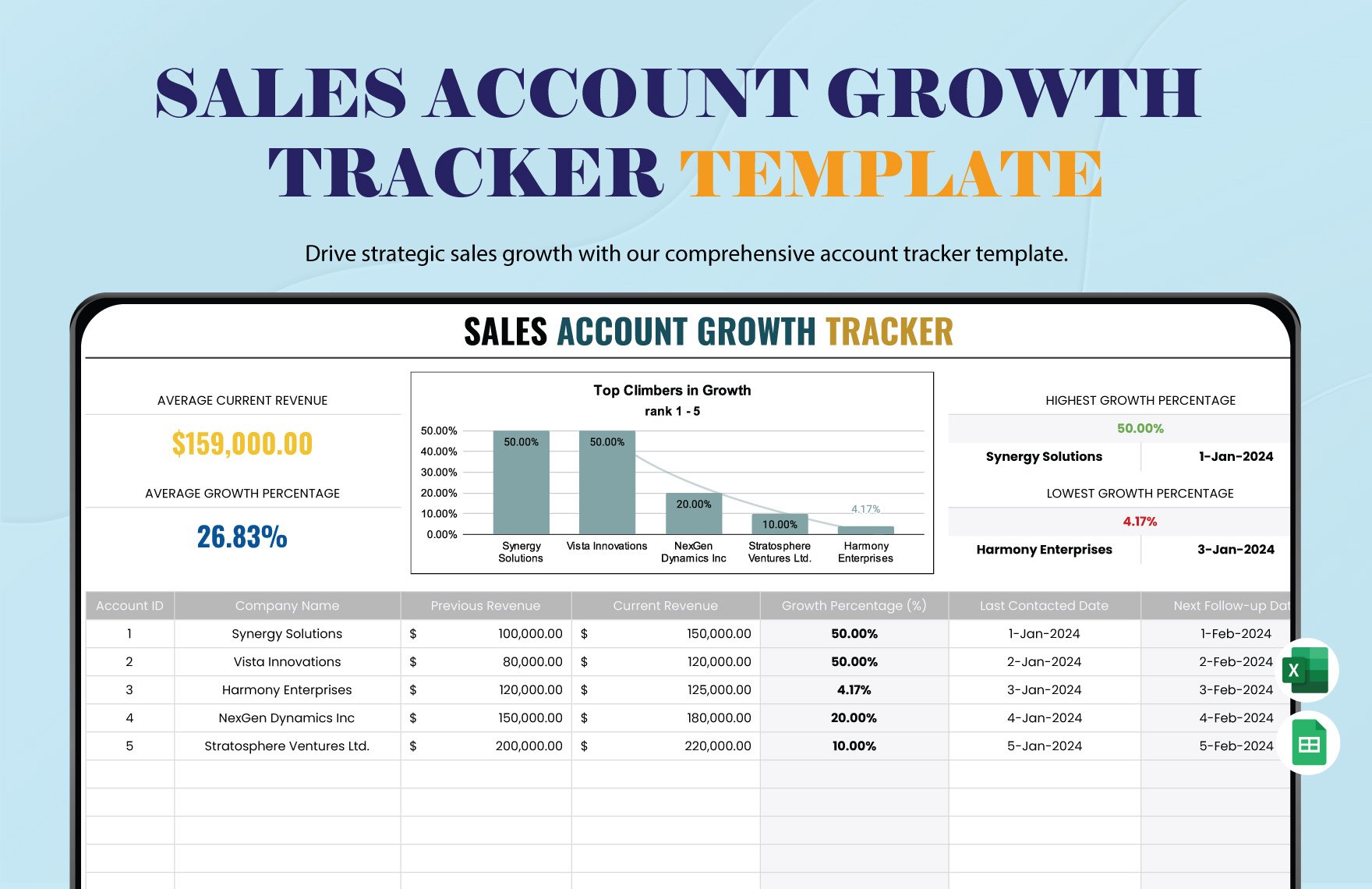
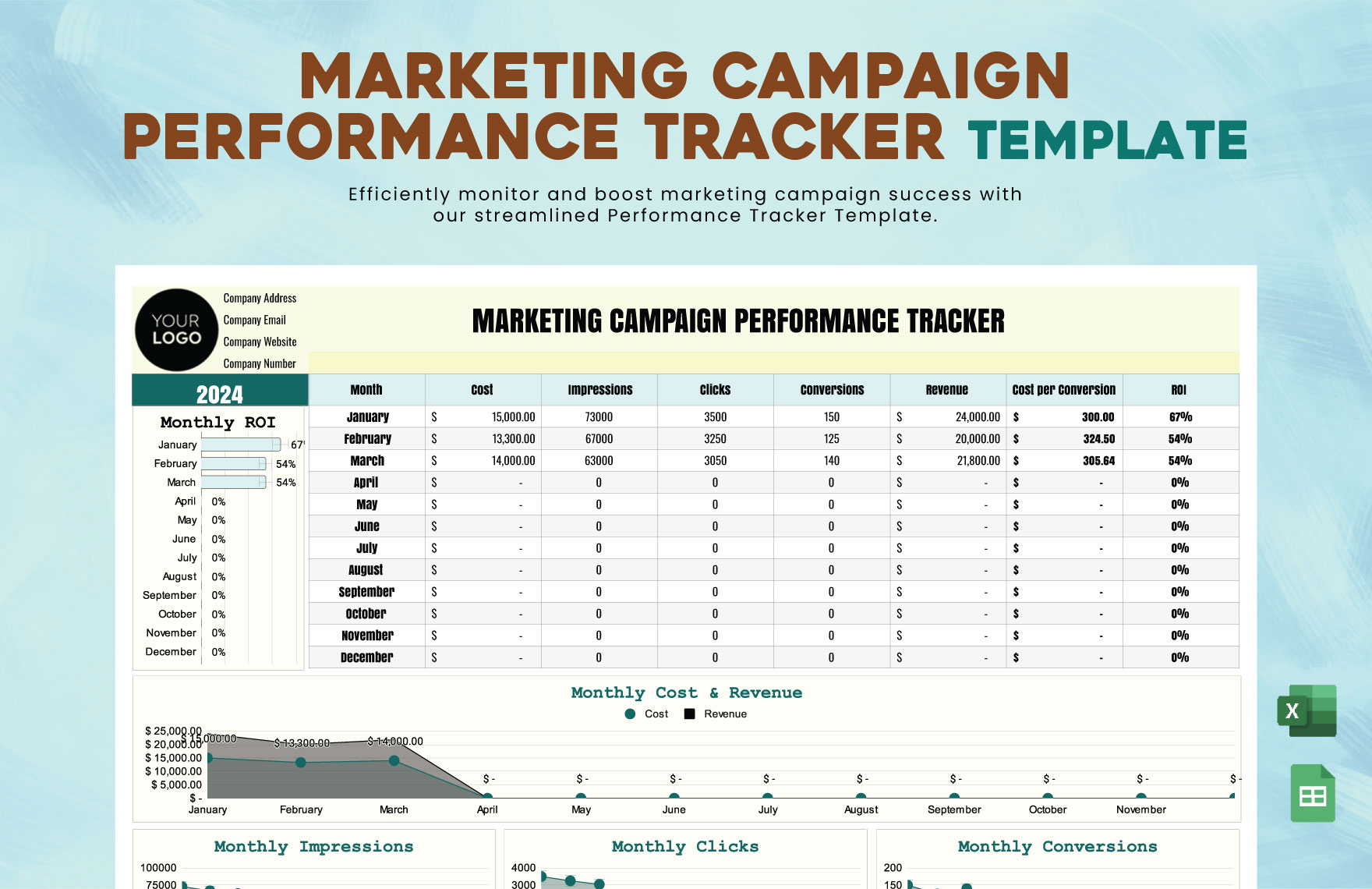
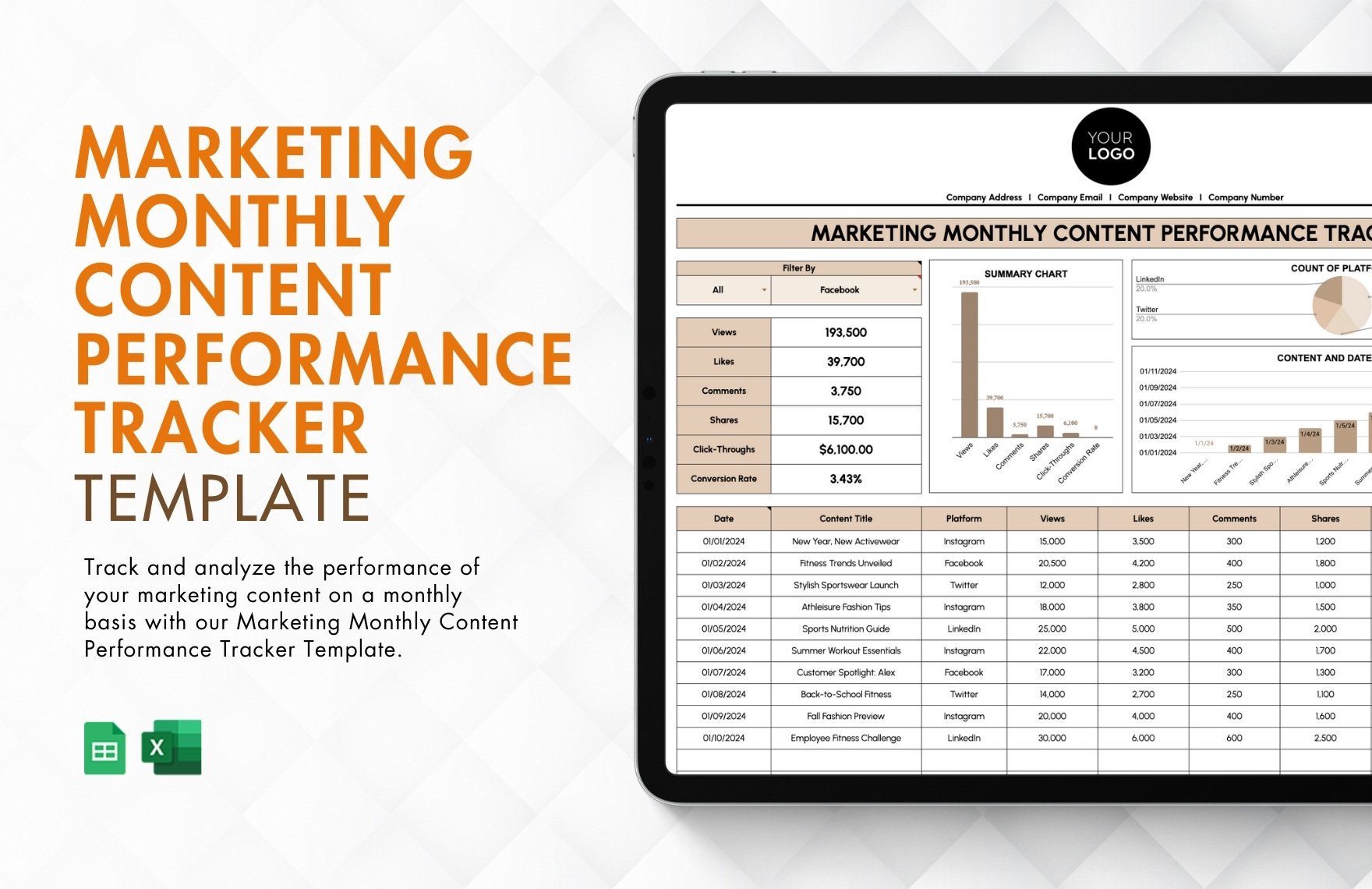
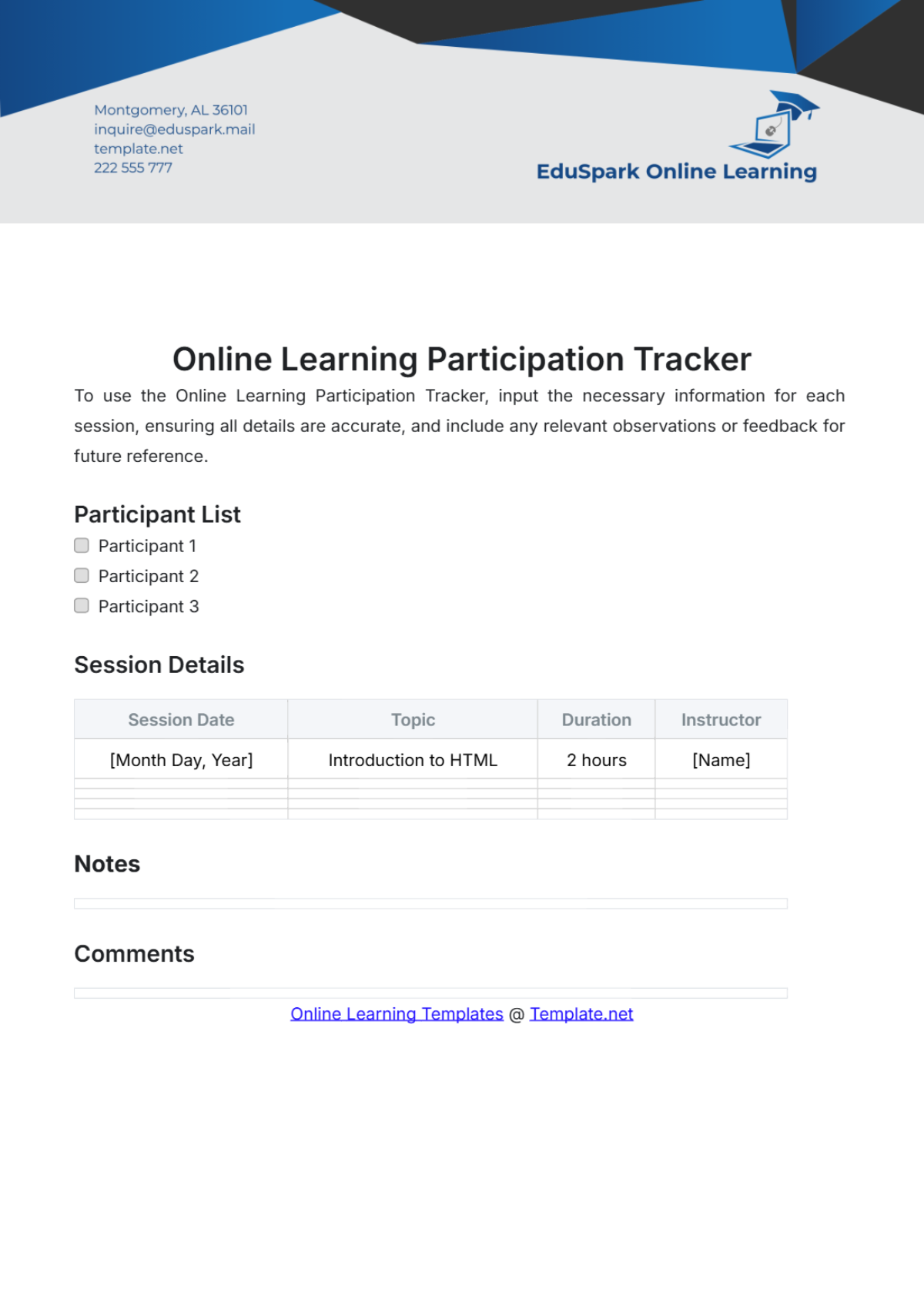
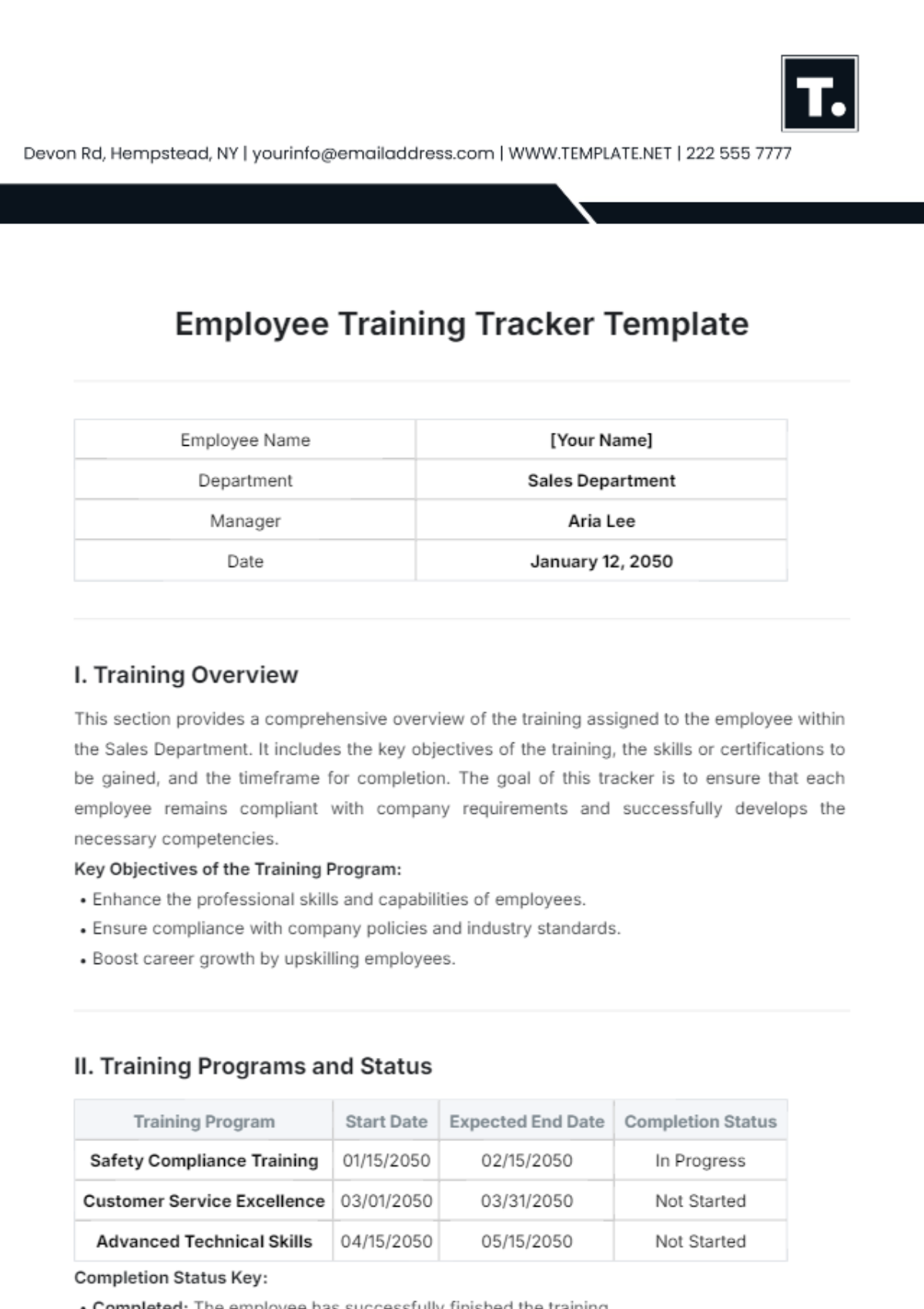
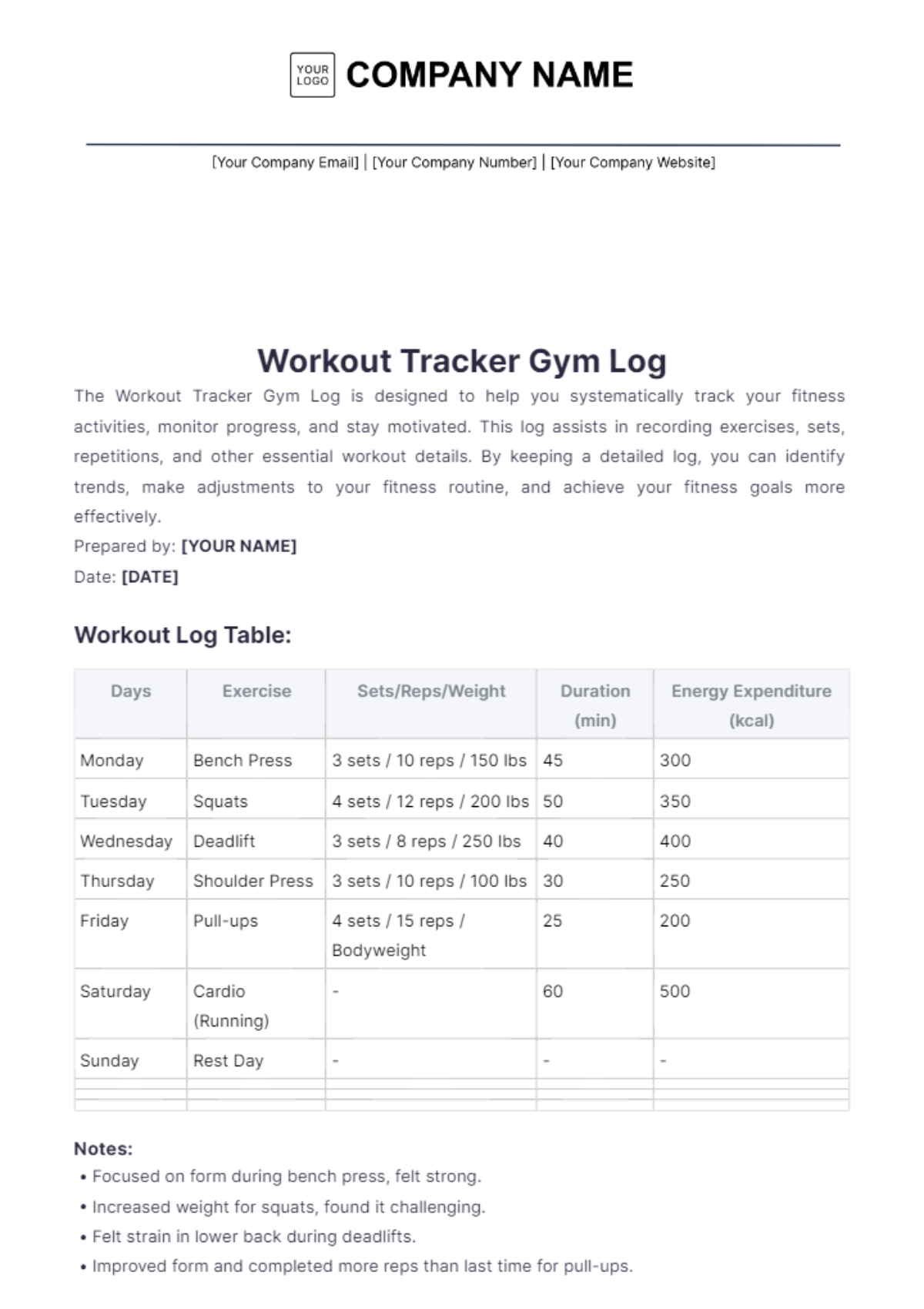
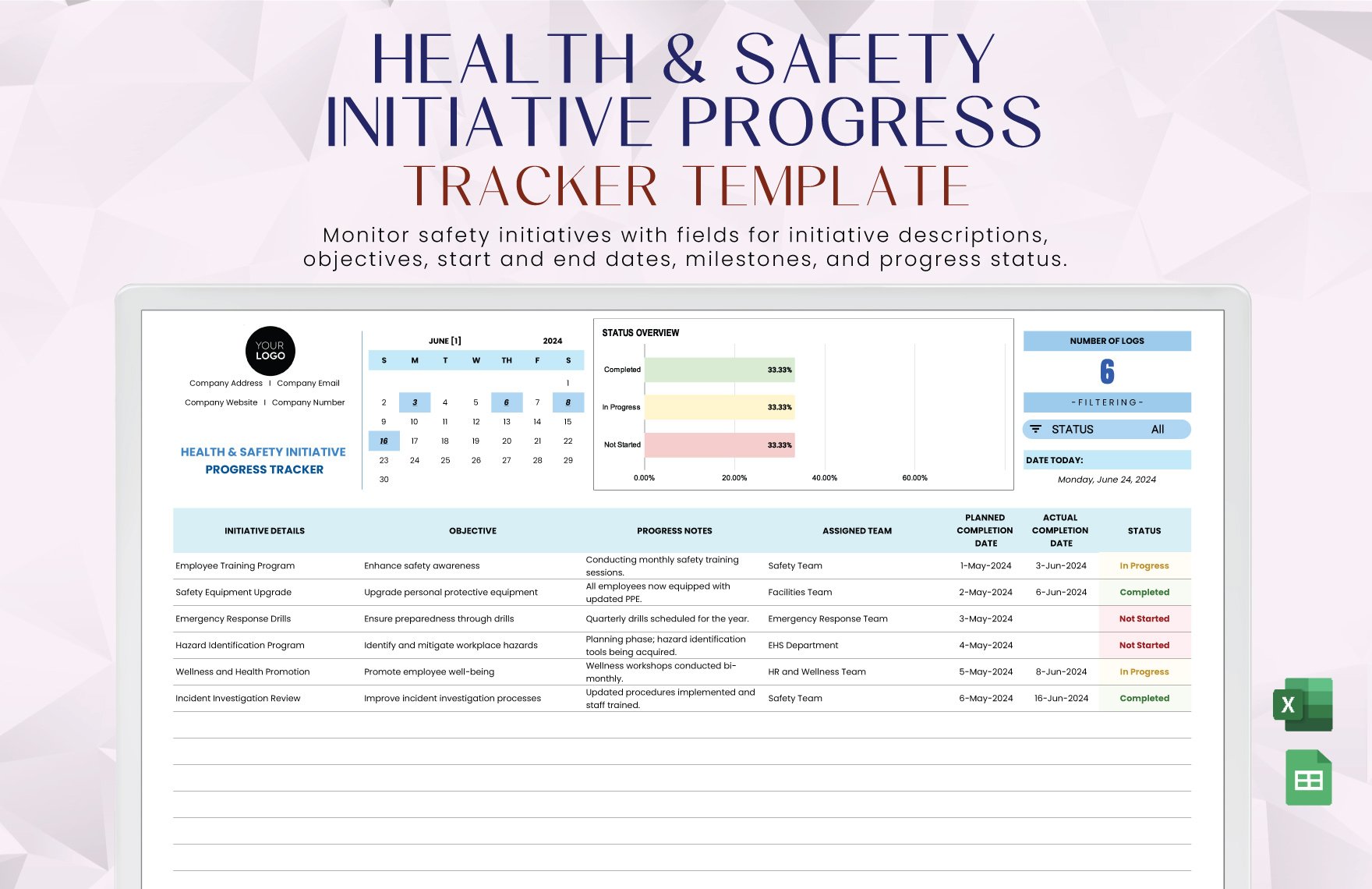
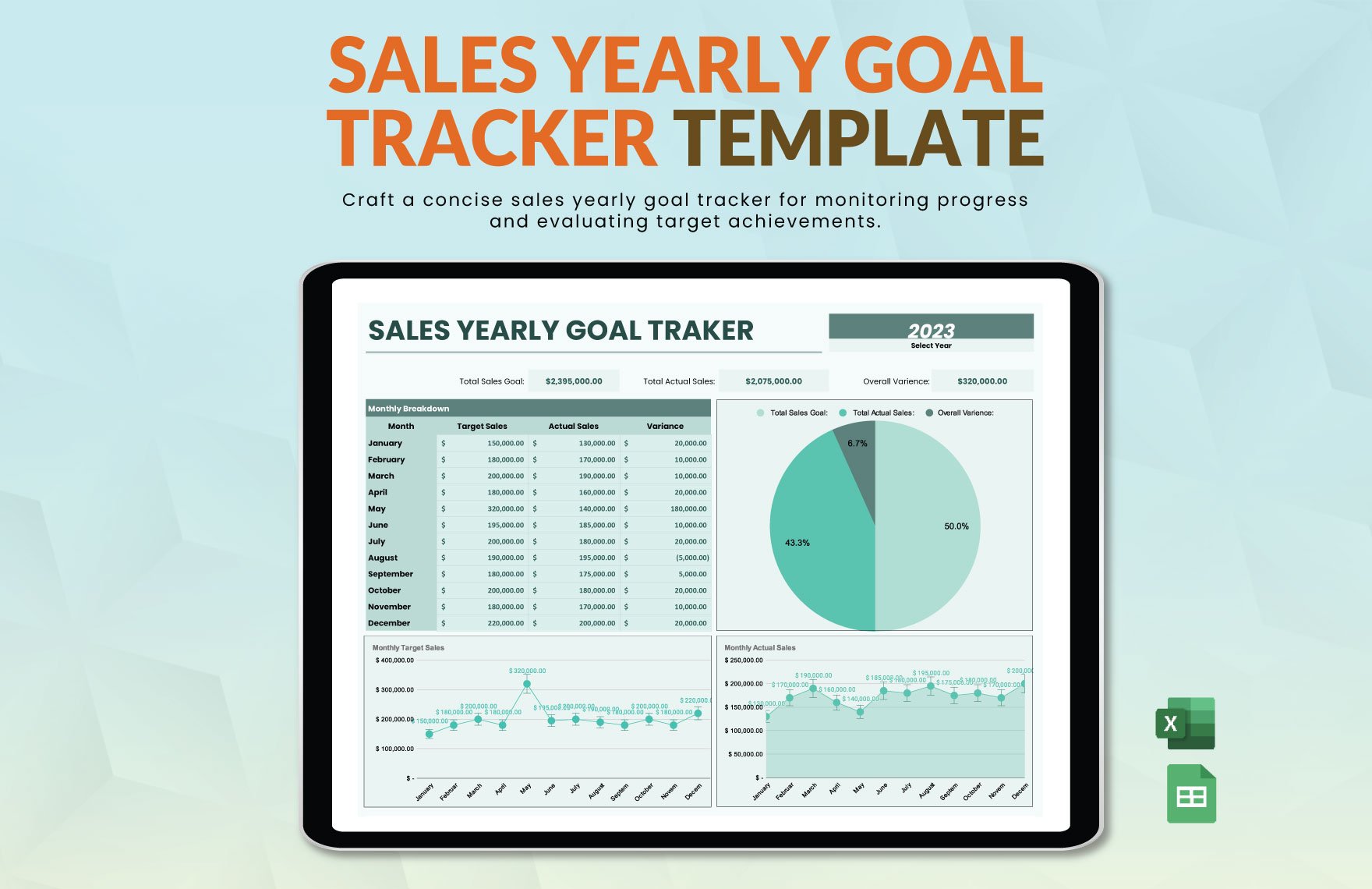
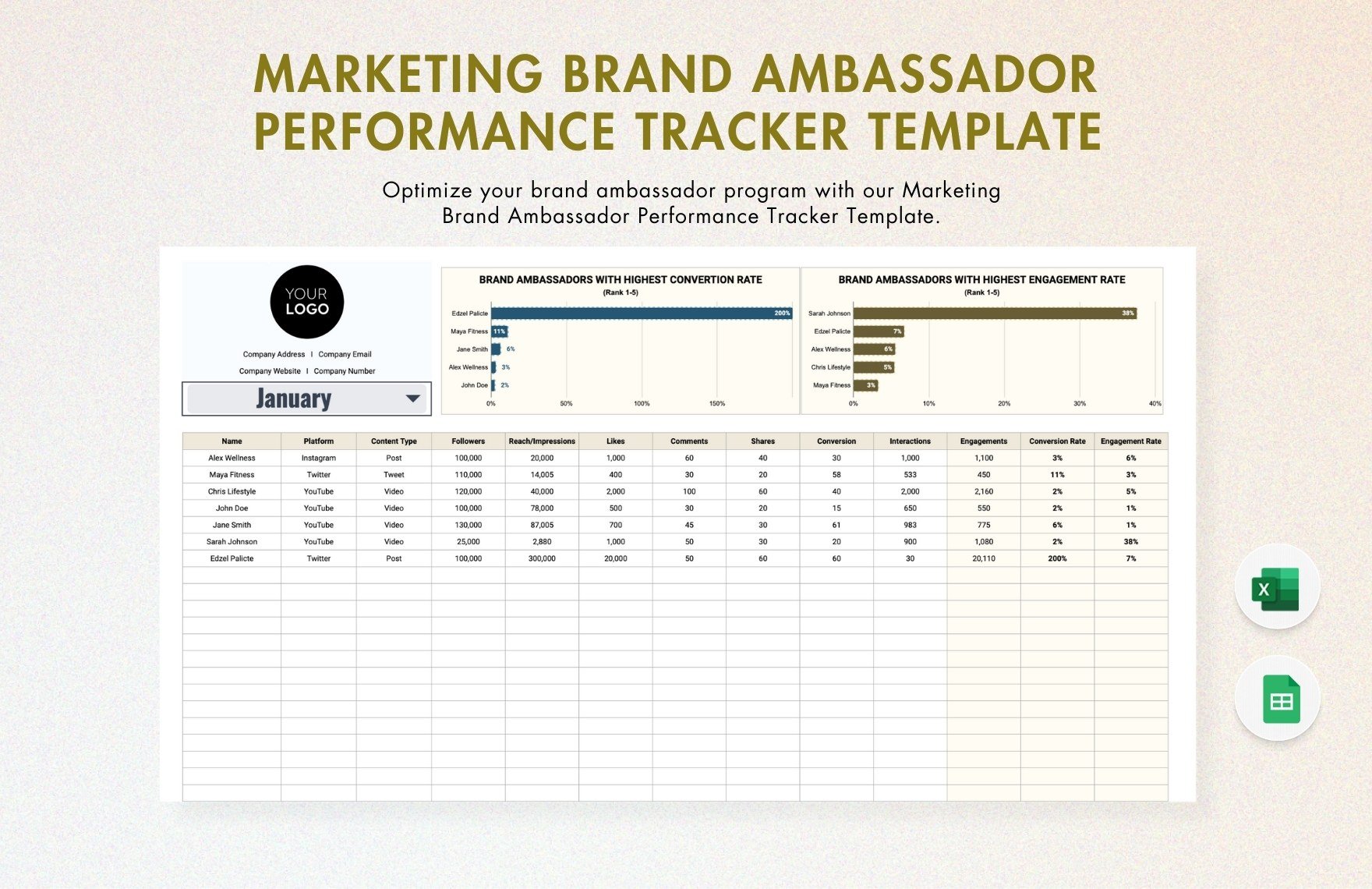
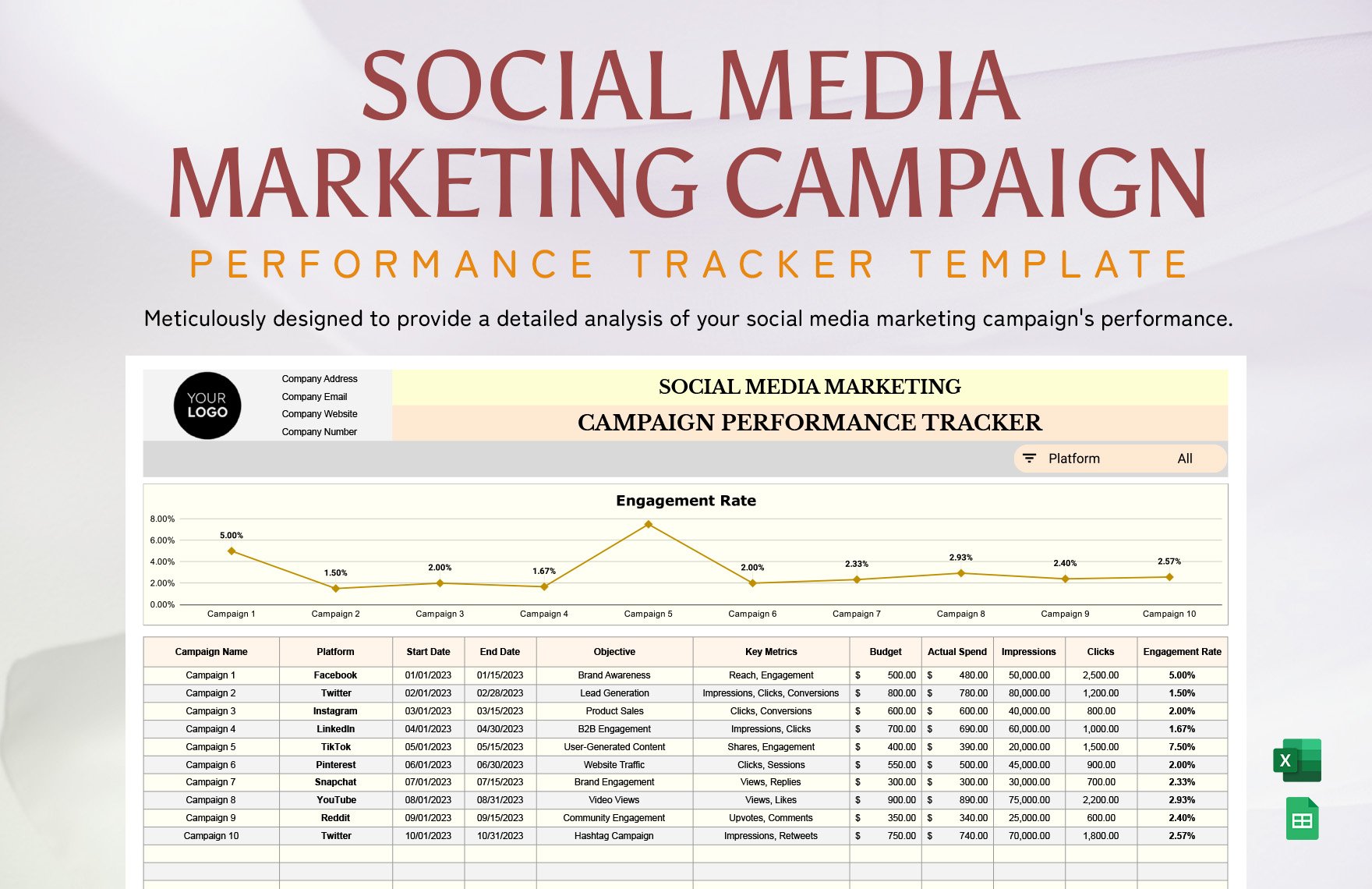
A progress tracker is a document template designed to monitor the advancement of tasks or projects through structured sections such as milestones, deadlines, and completion status. These templates provide a professional layout for clear visualization of progress and can be customized online for business-ready results.
Why use a Progress Tracker?
Using progress trackers ensures organized tracking of project milestones and deadlines, improving productivity and accountability. These templates help maintain a structured format that simplifies updates and reporting, enabling faster decision-making with a professional presentation suitable for any business environment.
Who typically uses Progress Trackers?
Progress trackers are typically used by project managers, team leaders, freelancers, and professionals who require a clear overview of task completion. These users benefit from the editable templates that facilitate collaboration and maintain a business-ready layout for consistent progress monitoring.
What sections should a Progress Tracker include?
A progress tracker should include sections like task descriptions, deadlines, assigned personnel, completion status, and notes. Including a header with project name and dates enhances clarity, while a structured layout ensures usability and professional presentation for effective tracking.
What are the best tips for formatting a Progress Tracker?
Effective progress trackers use consistent fonts, clear section headers, and visually distinct status indicators. Maintaining structured formatting with tables or lists enhances readability, and using a print-ready layout ensures professional results across digital and physical formats.
How do you print a Progress Tracker?
Progress trackers are designed with print-ready layouts optimized for standard sizes like Letter size 8.5 × 11 inches or A4. Users can directly print from online editors or export to PDF to preserve structured formatting and maintain a professional appearance in hard copy.
Is a Progress Tracker legally and professionally acceptable?
Progress trackers created with Template.net templates comply with professional standards and are suitable for business documentation. The structured format and compliance-friendly presentation ensure that these templates meet organizational and legal requirements for project reporting.
What file formats can I download for a Progress Tracker?
Template.net supports downloading progress tracker templates in multiple file formats for editing and printing, including Excel, Google Sheets, Word, Google Docs, and PDF. These formats support online editing and print-ready layouts.
Can I create a new Progress Tracker using AI?
Template.net offers an AI-powered tool that generates structured progress tracker documents from prompts within 3–10 seconds. This tool allows immediate online editing and produces business-ready layouts available for multi-format export through the Tracker Generator.
