
Free Project Tracker Templates






Project Tracker Templates: Definition, Uses, and Formats
What is a Project Tracker?
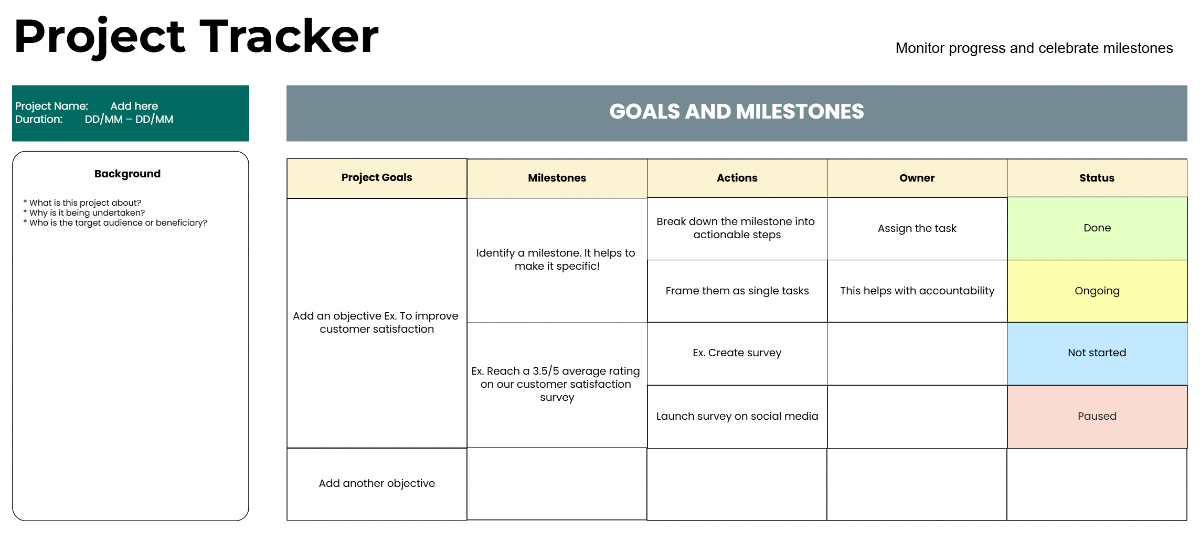
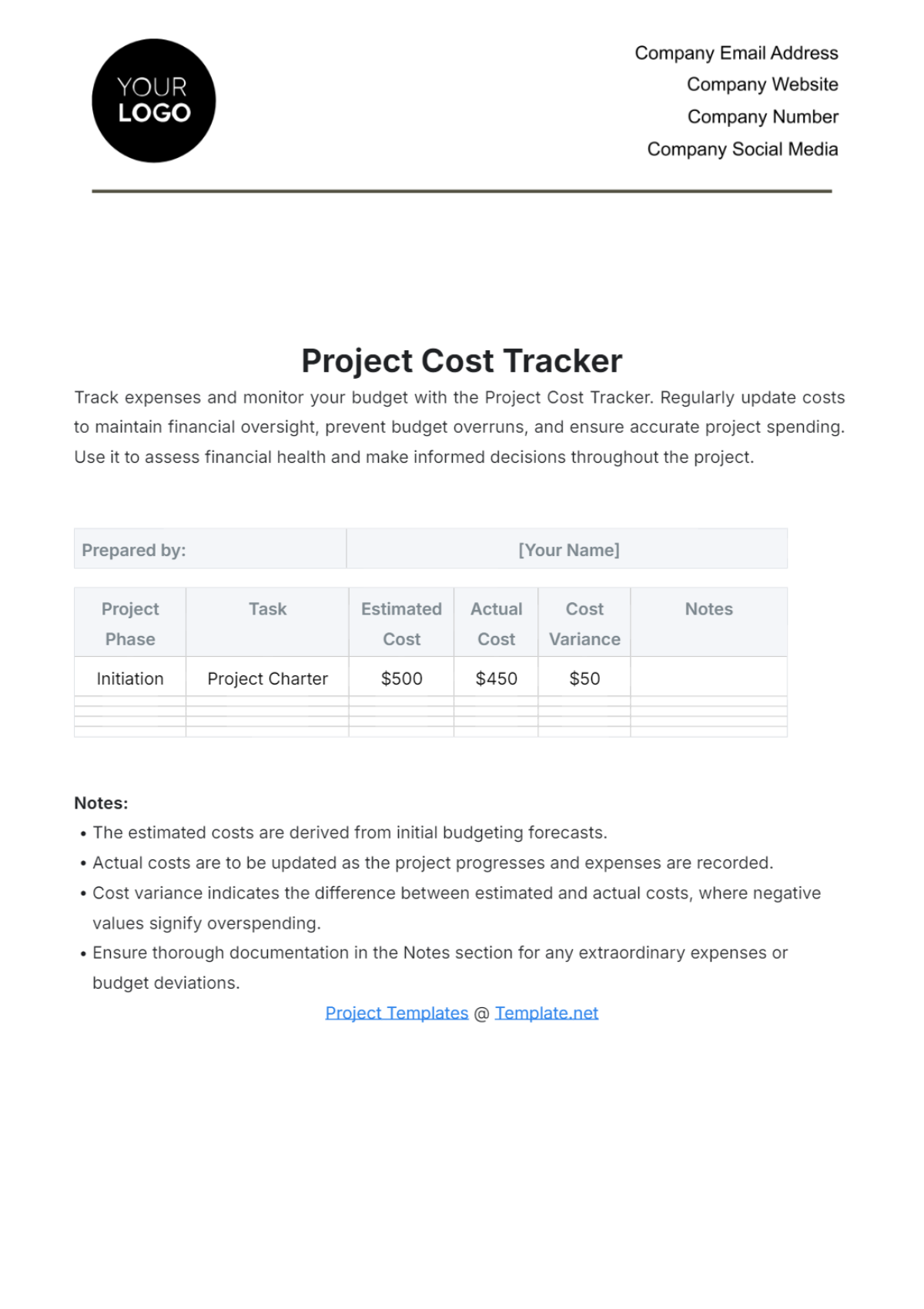
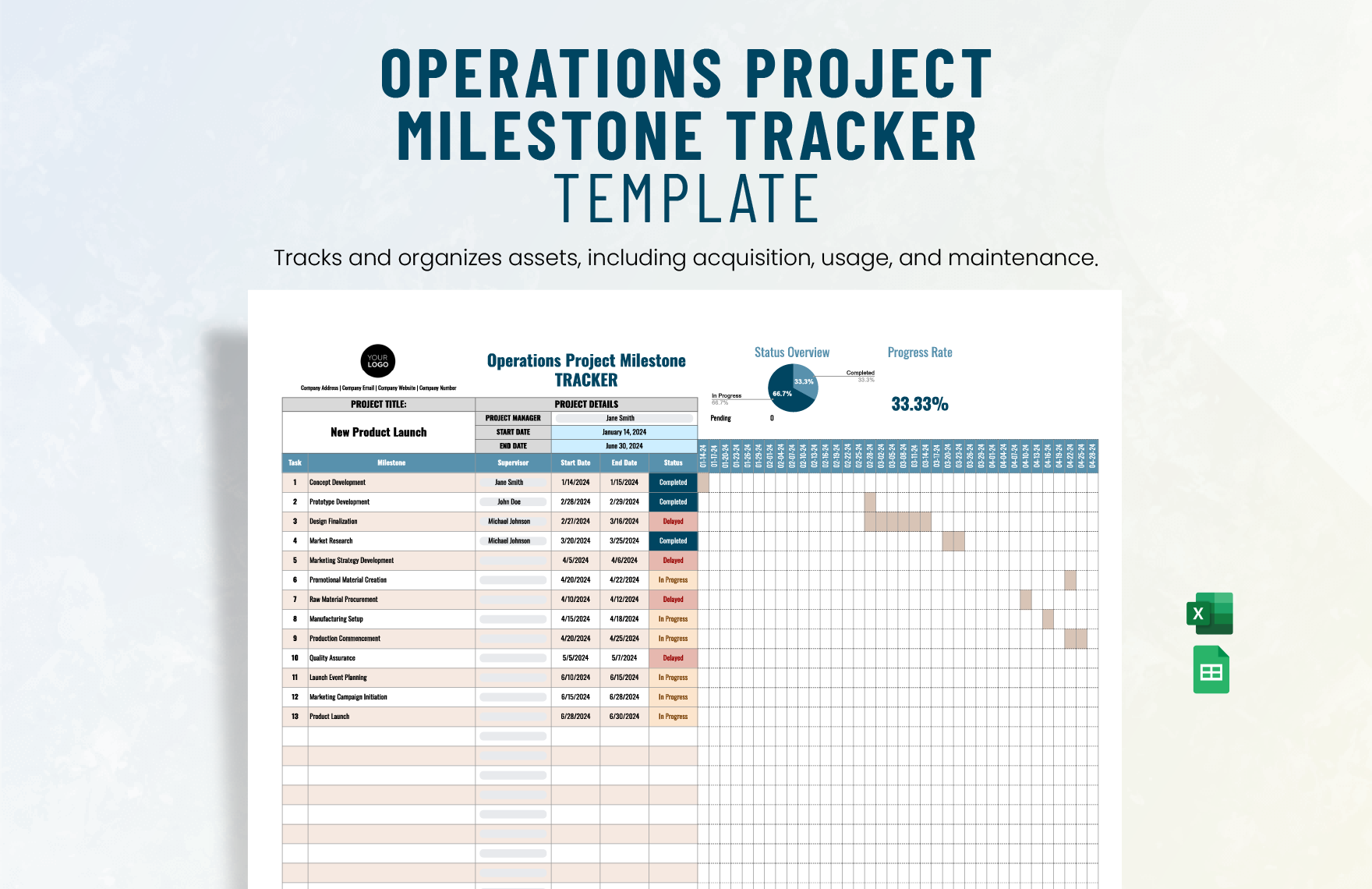
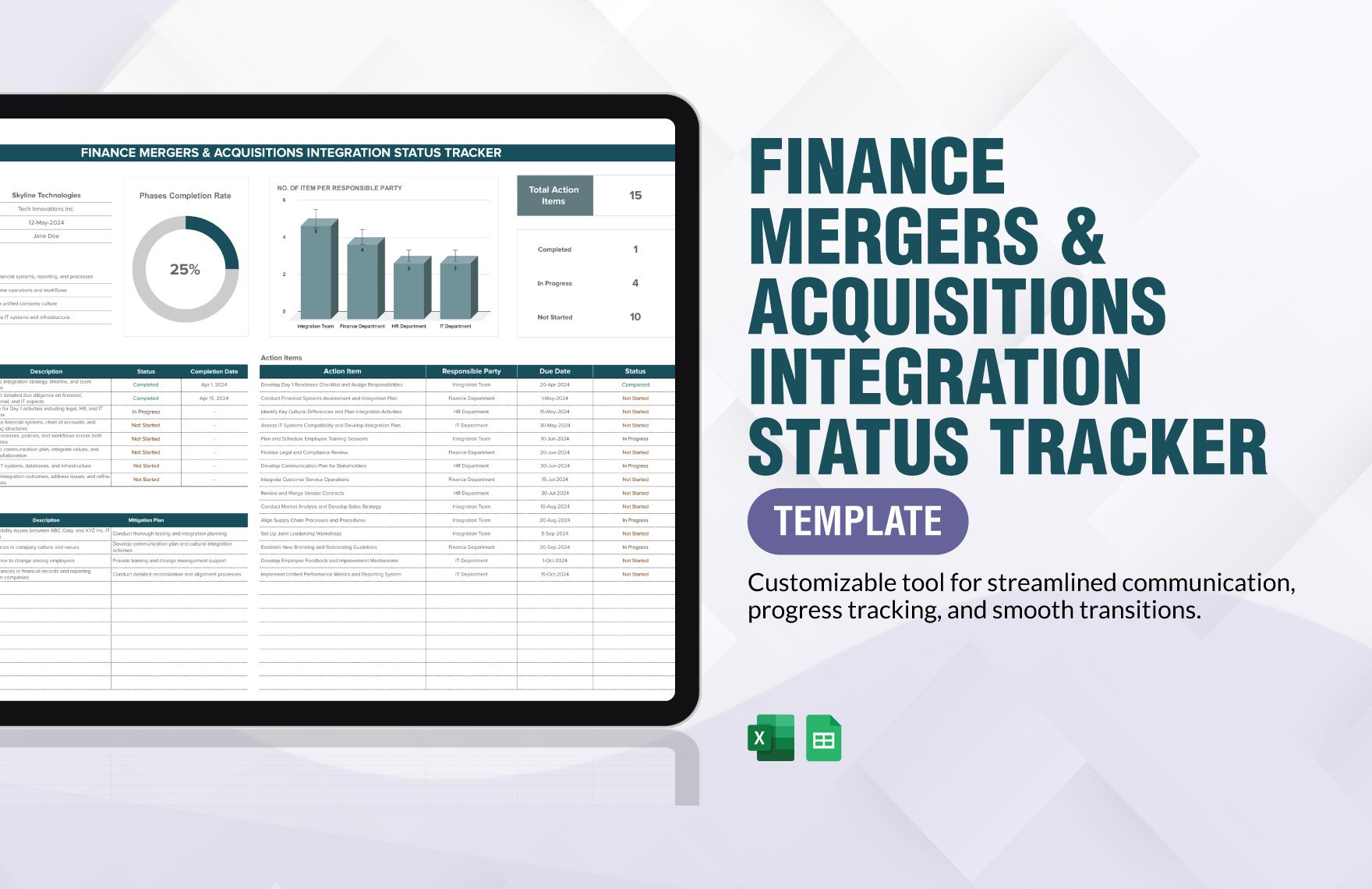
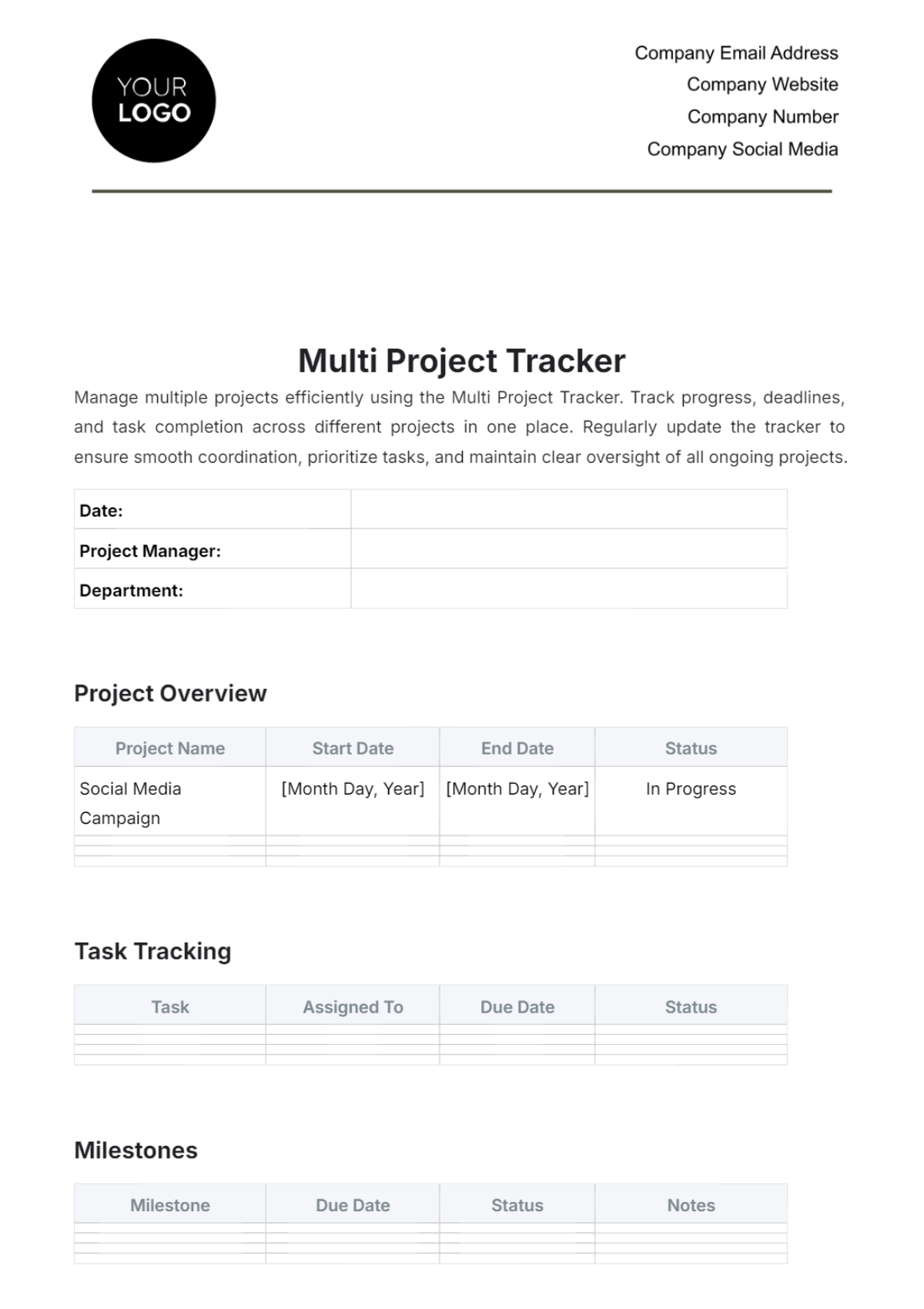
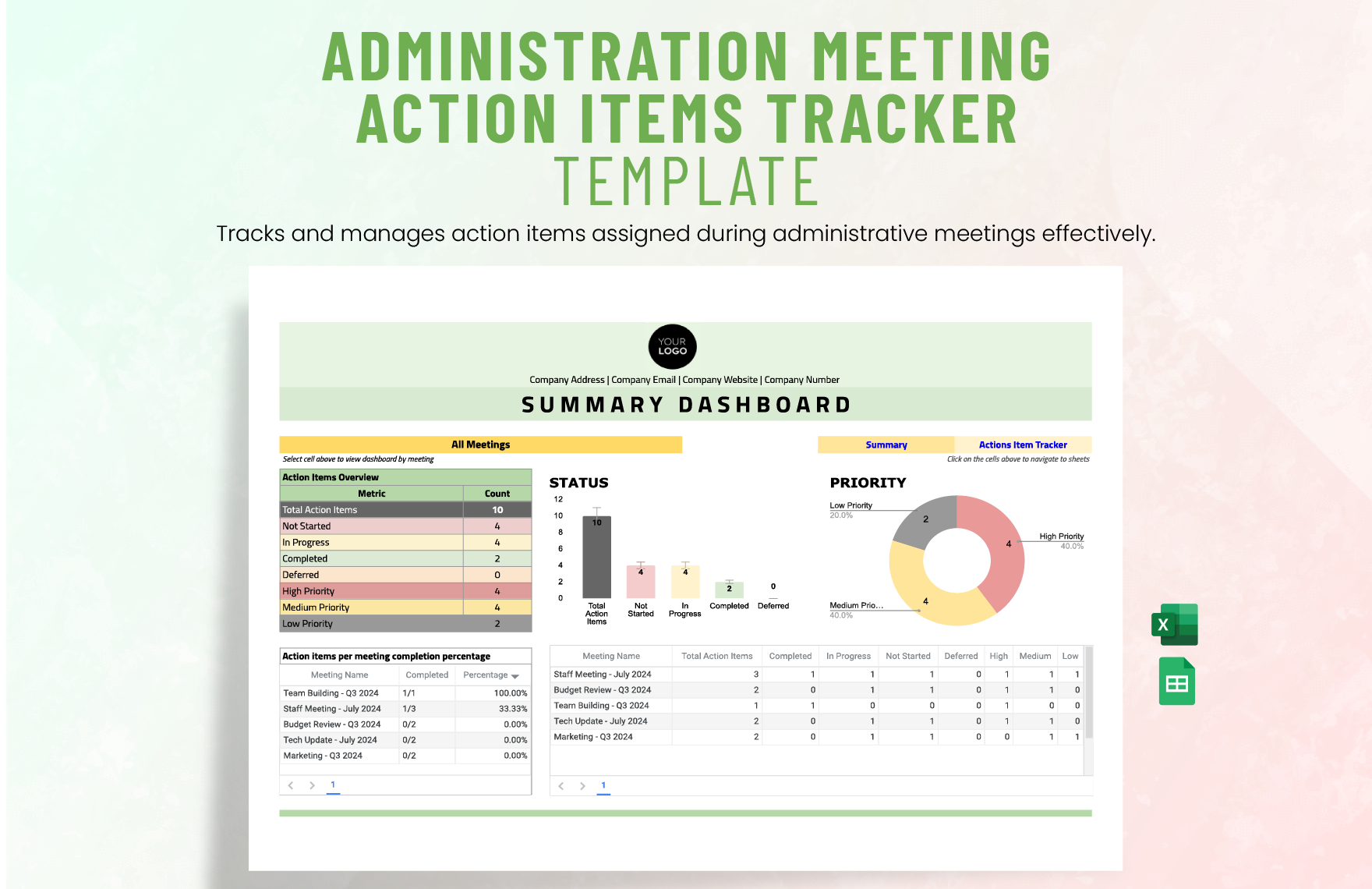
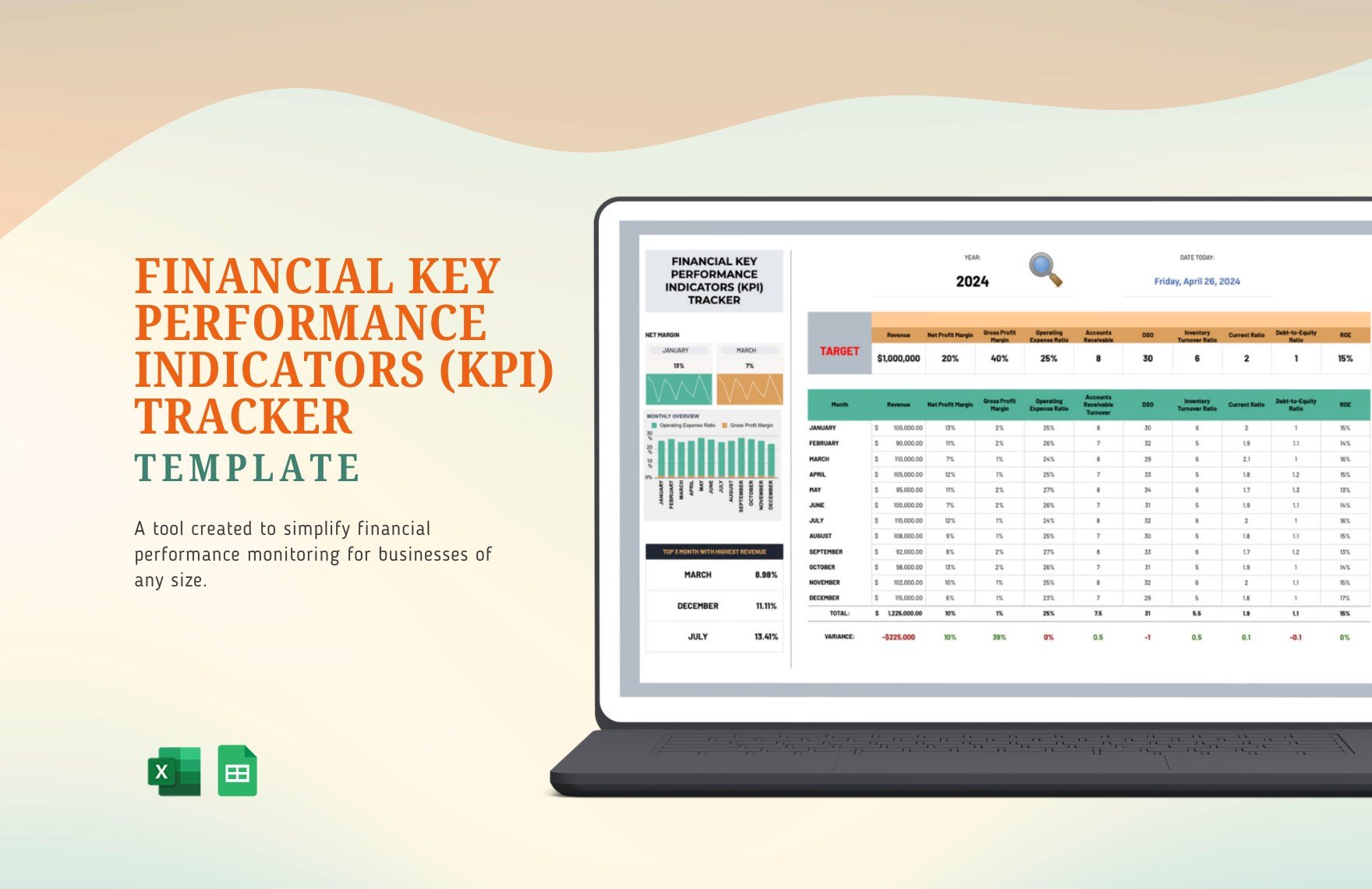
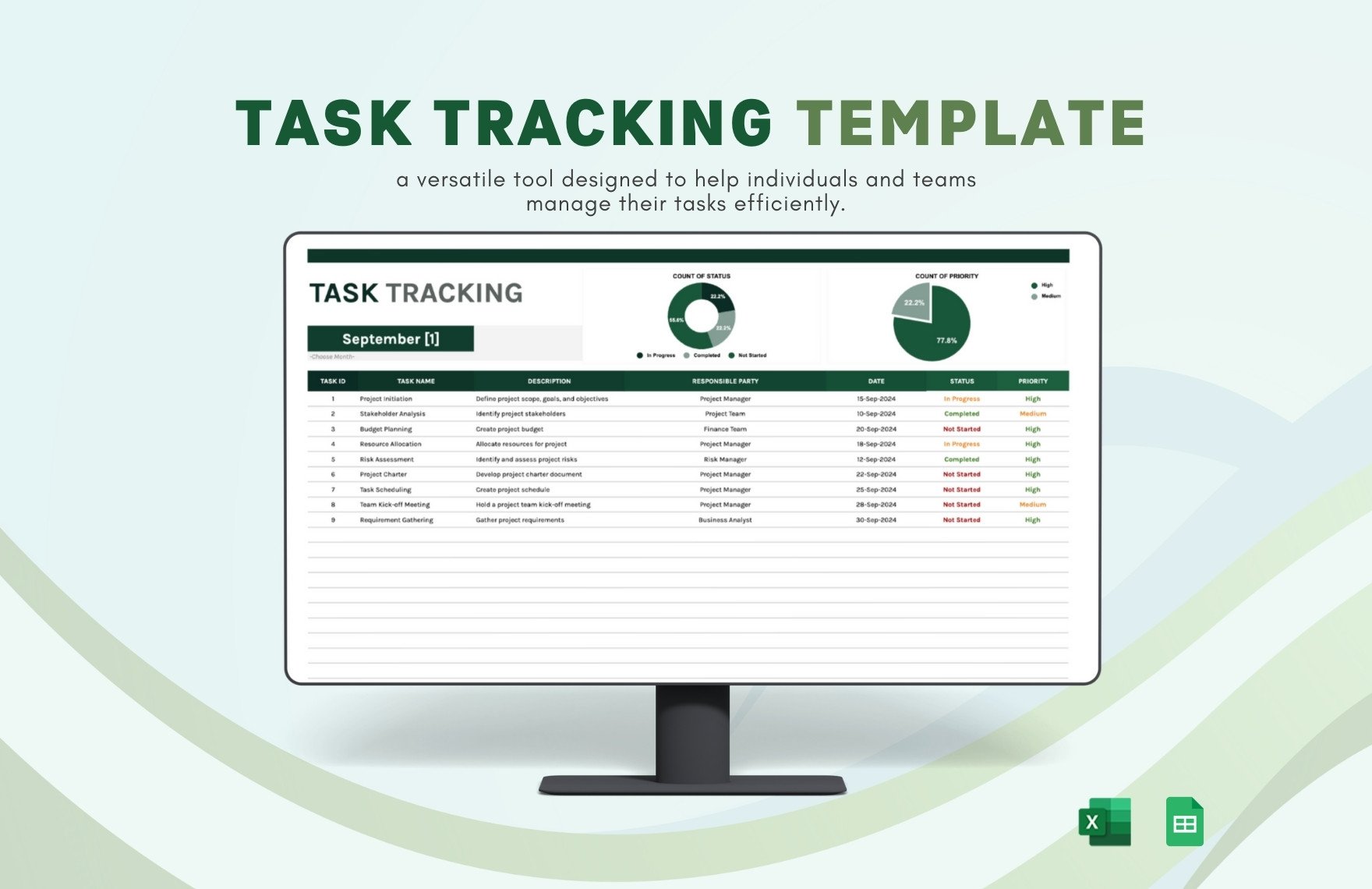
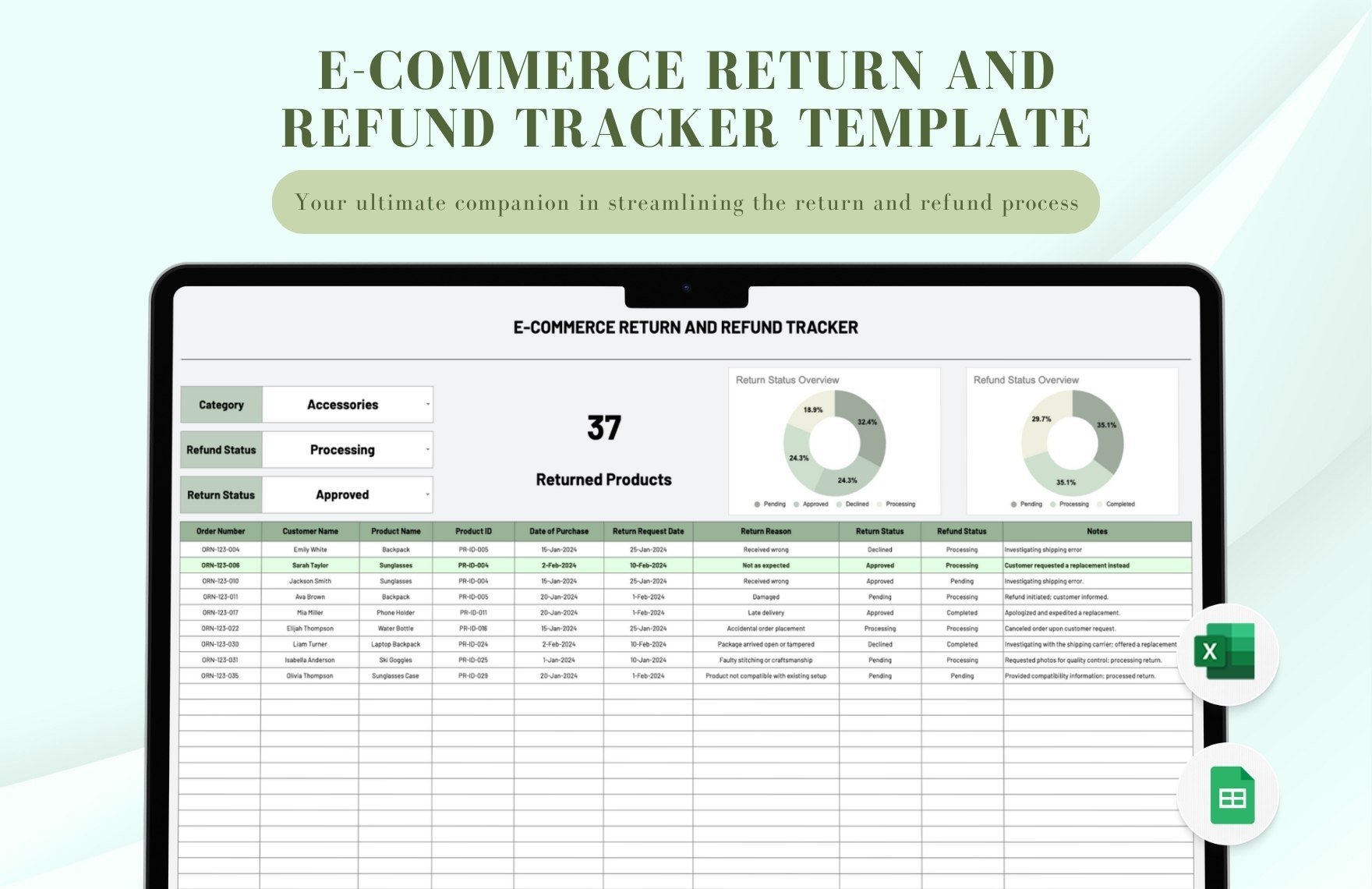
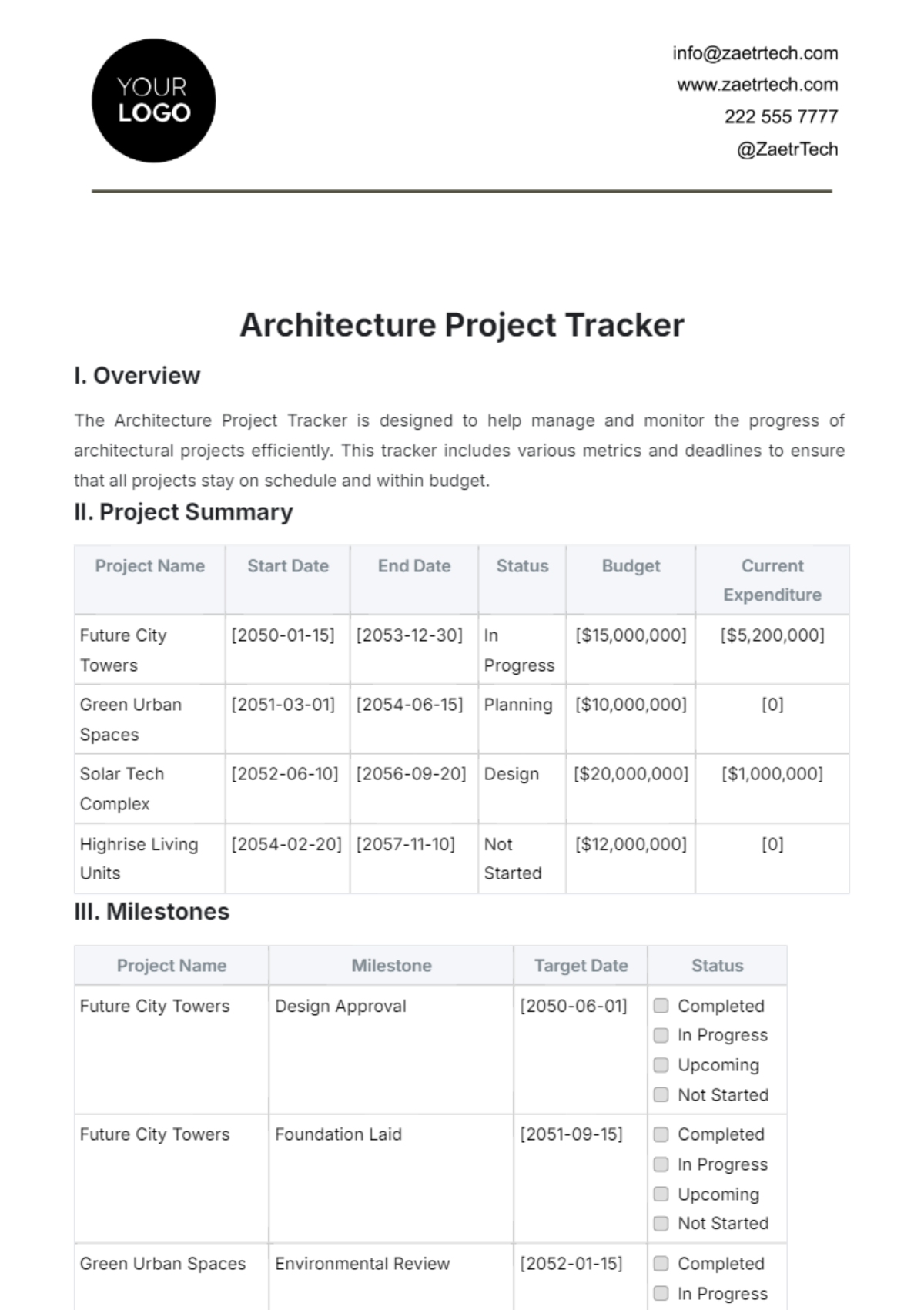
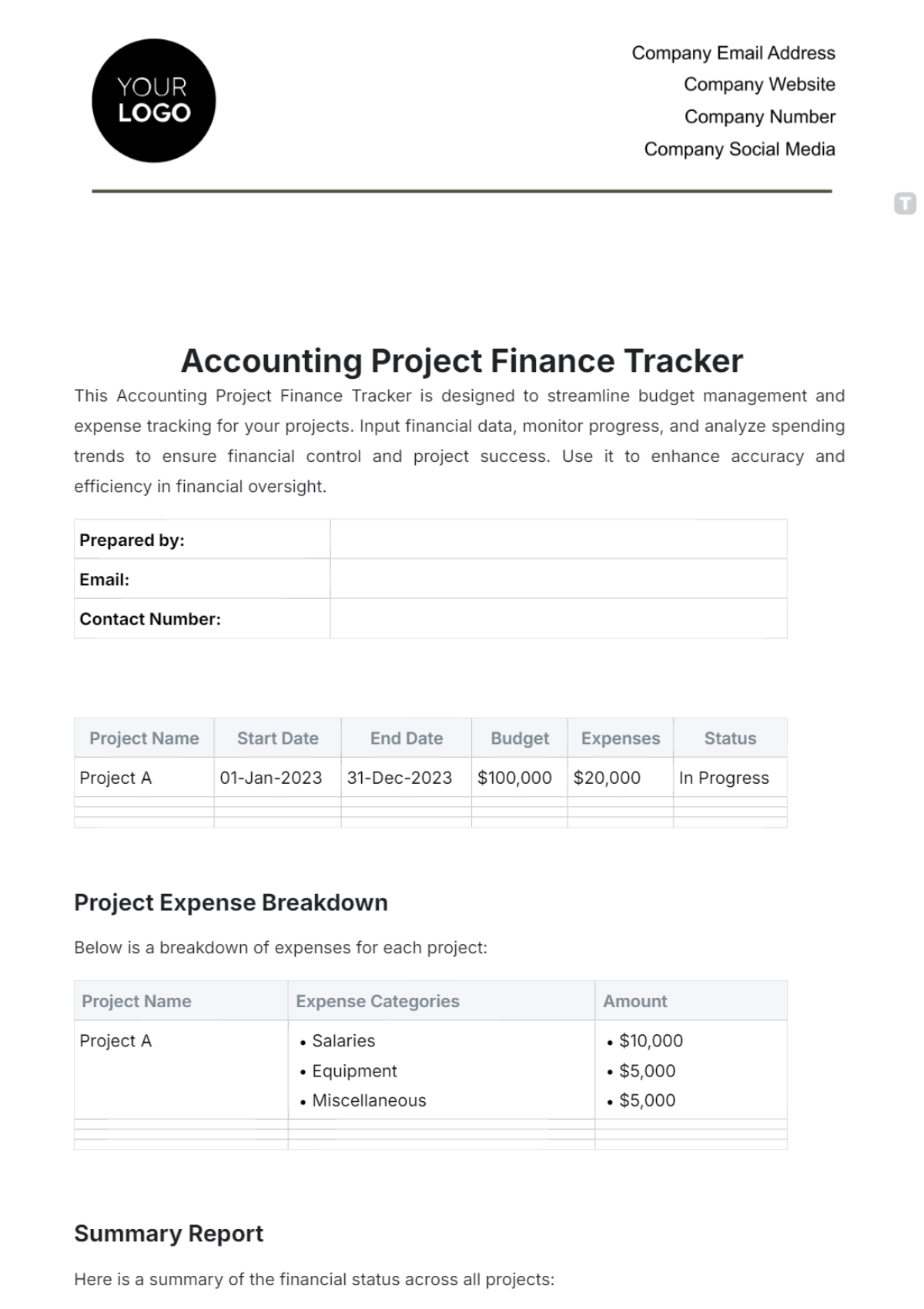
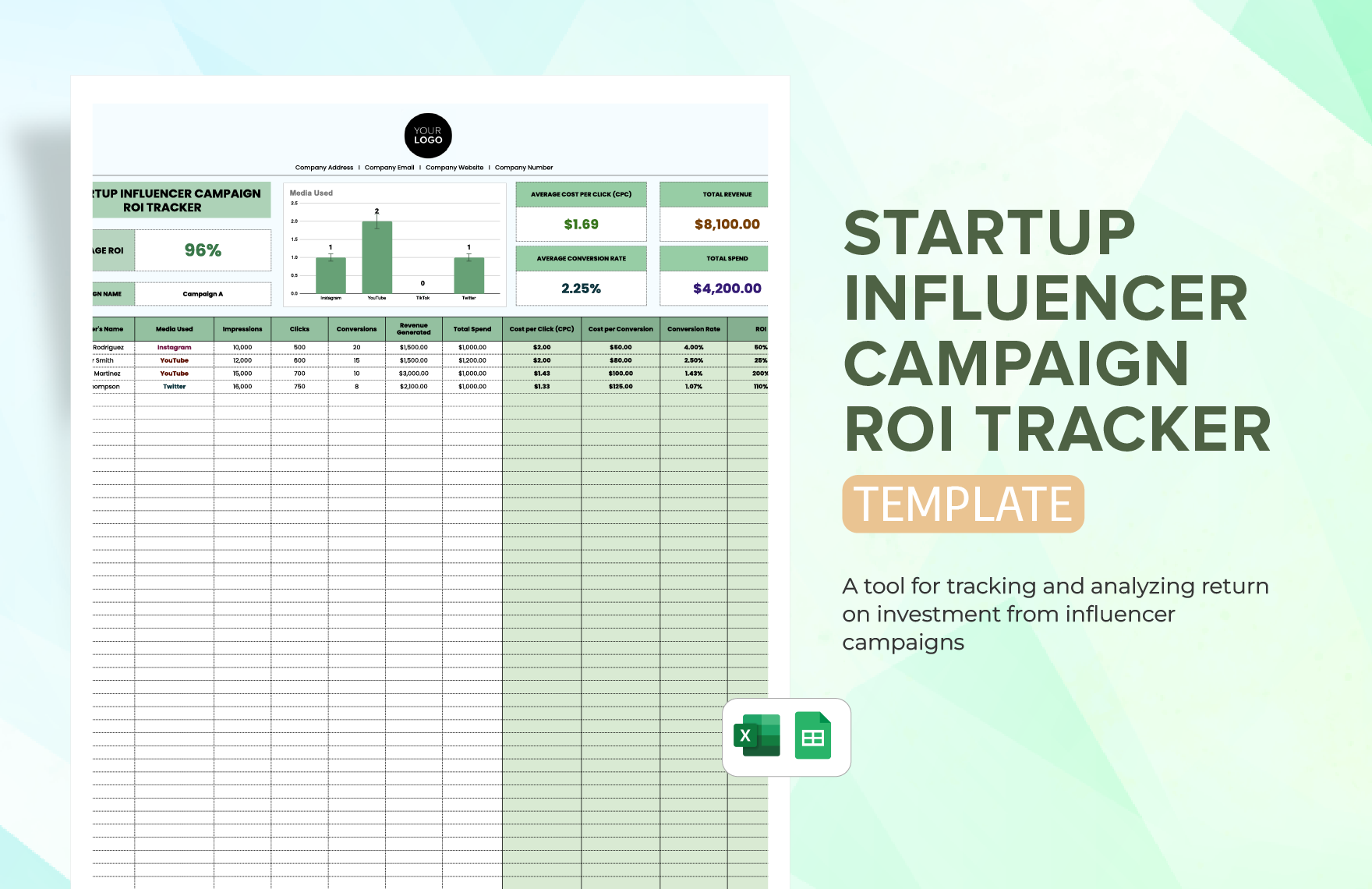
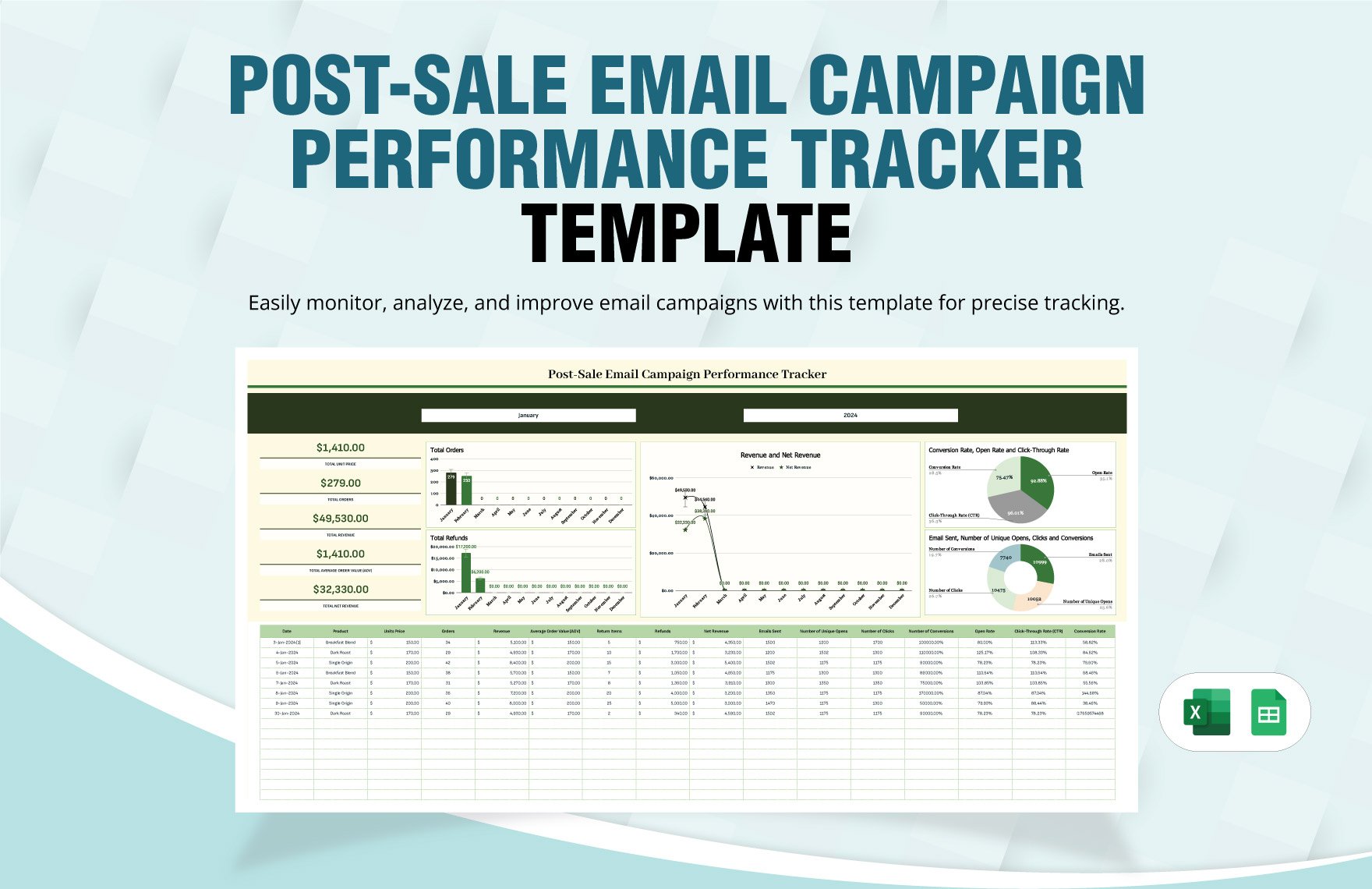
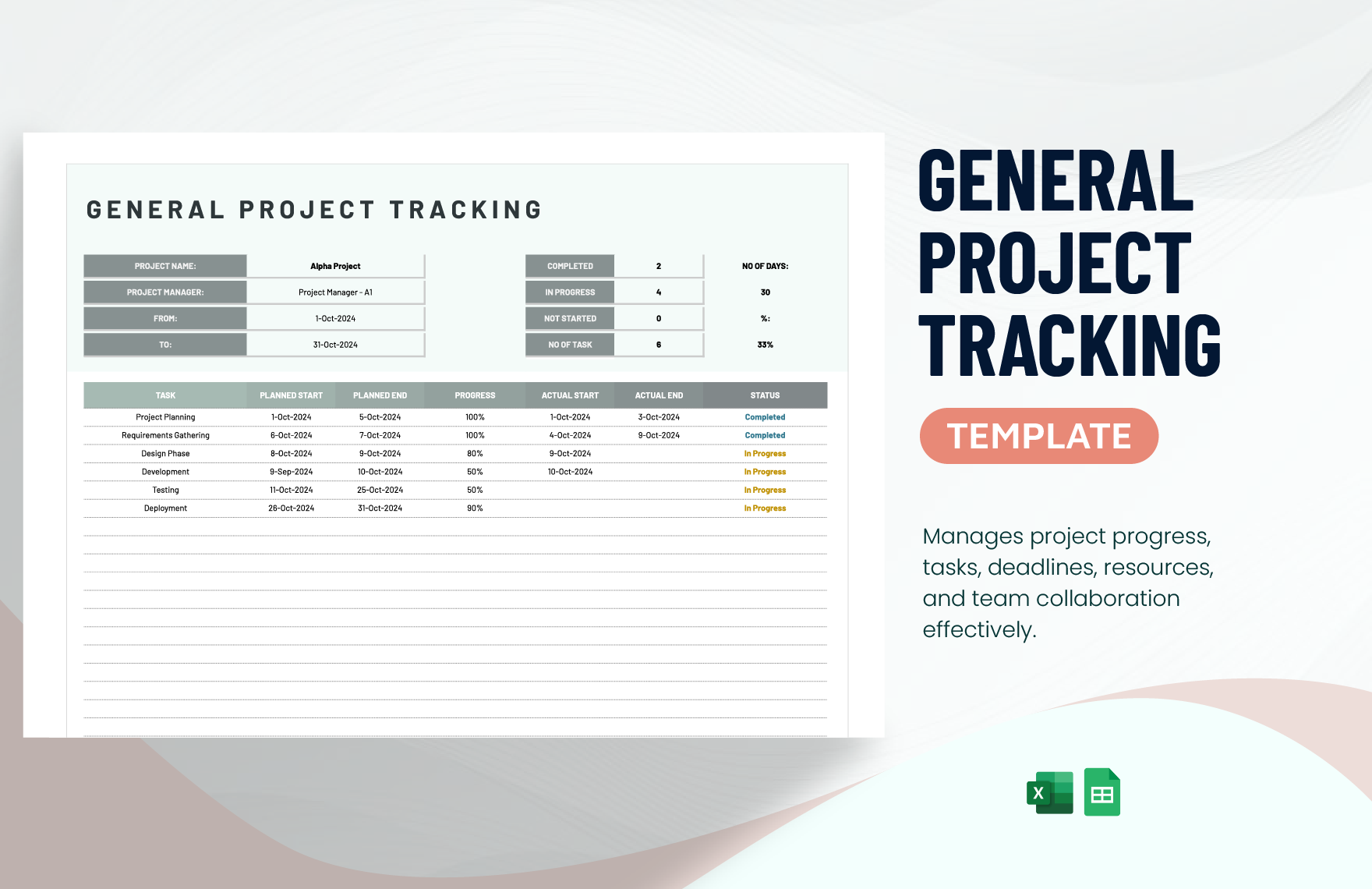
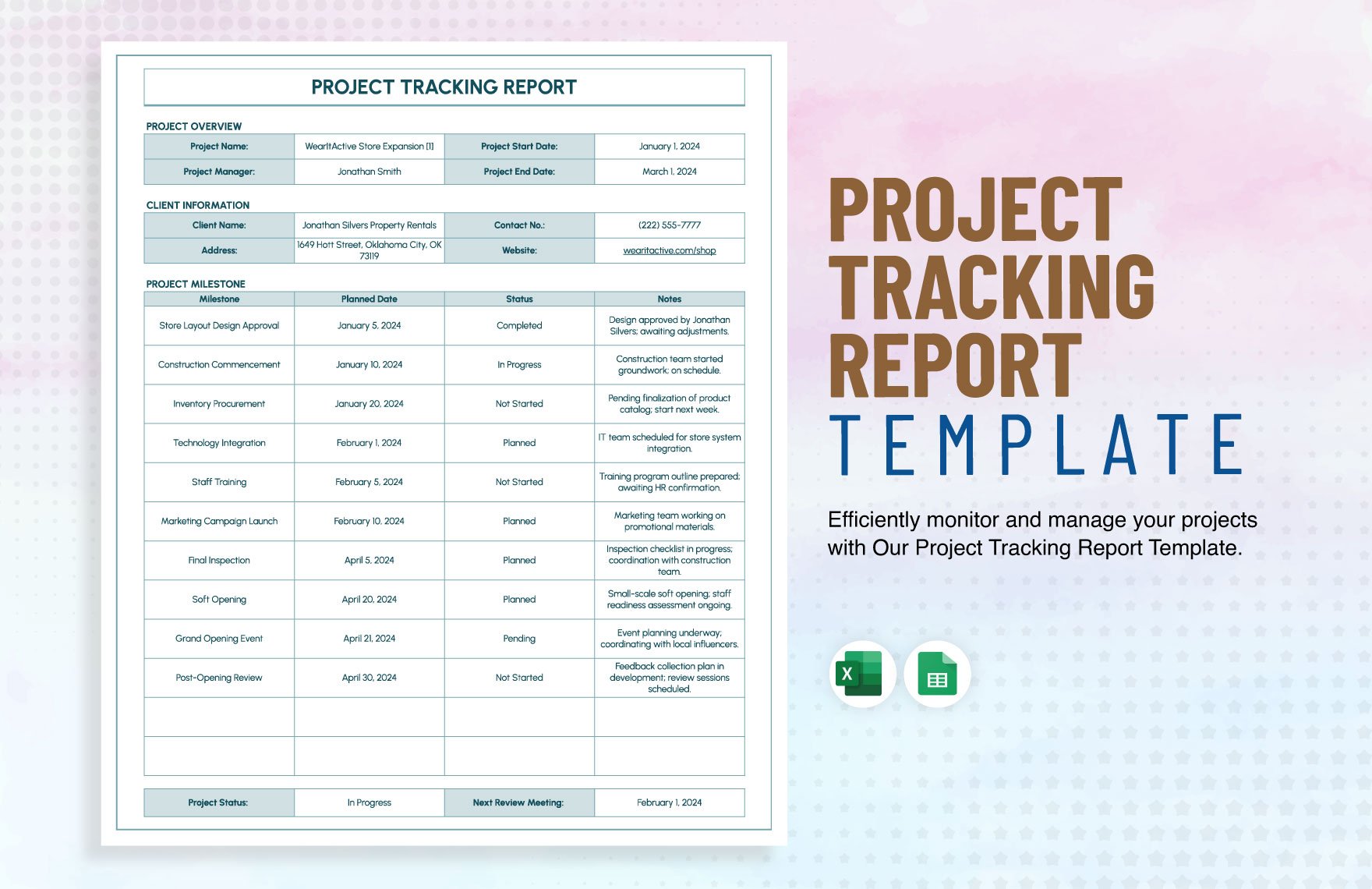
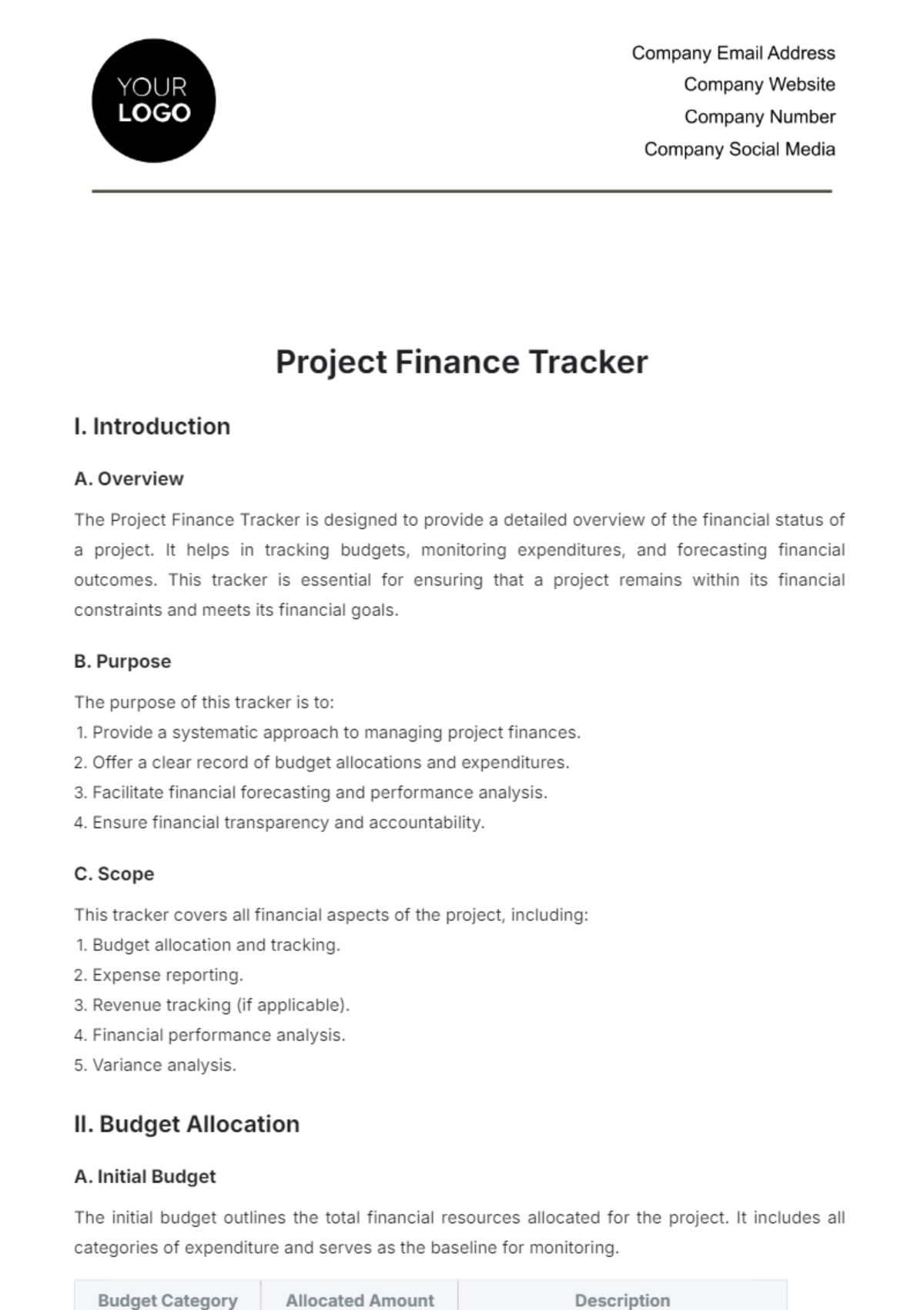
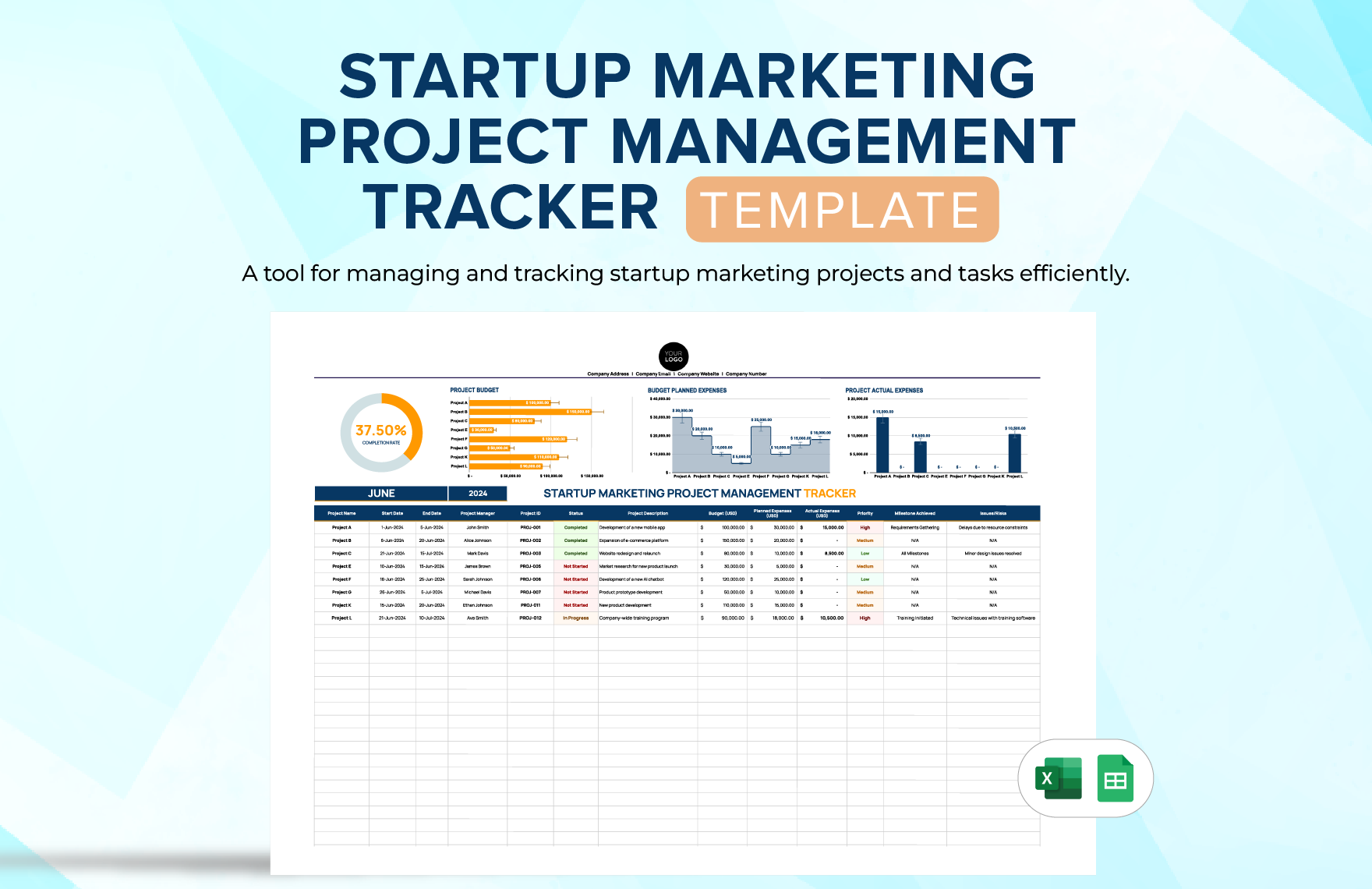
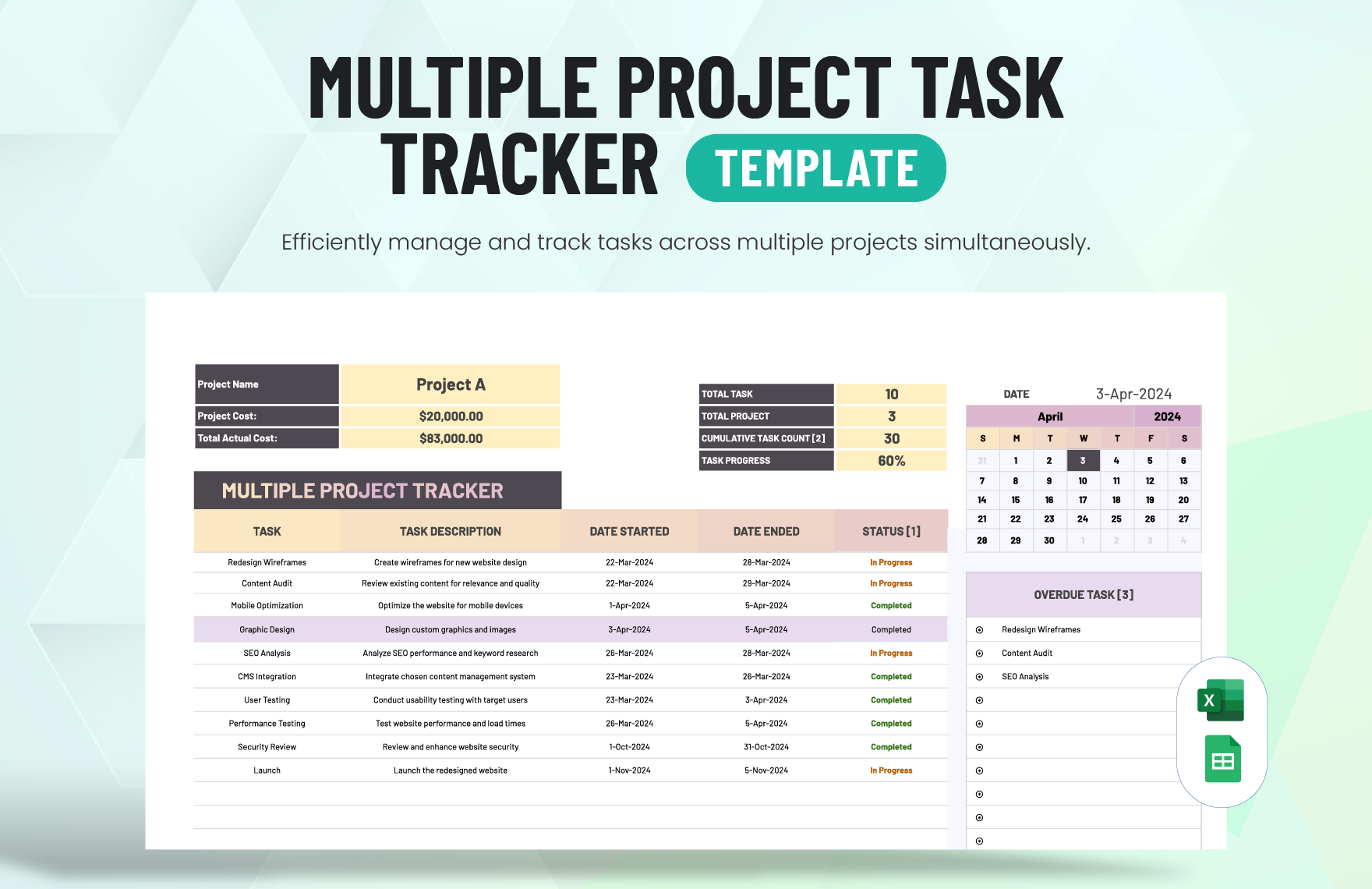
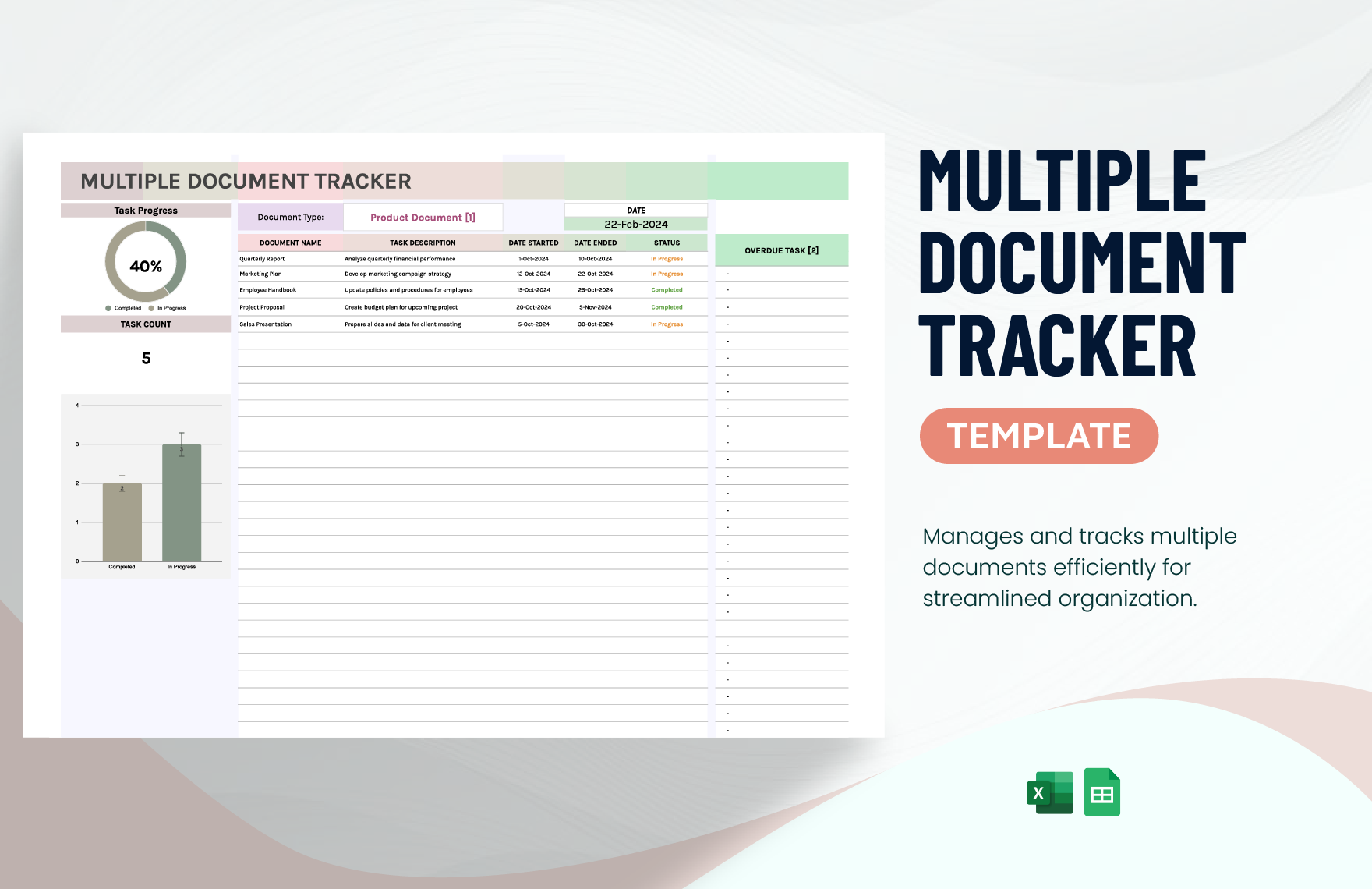
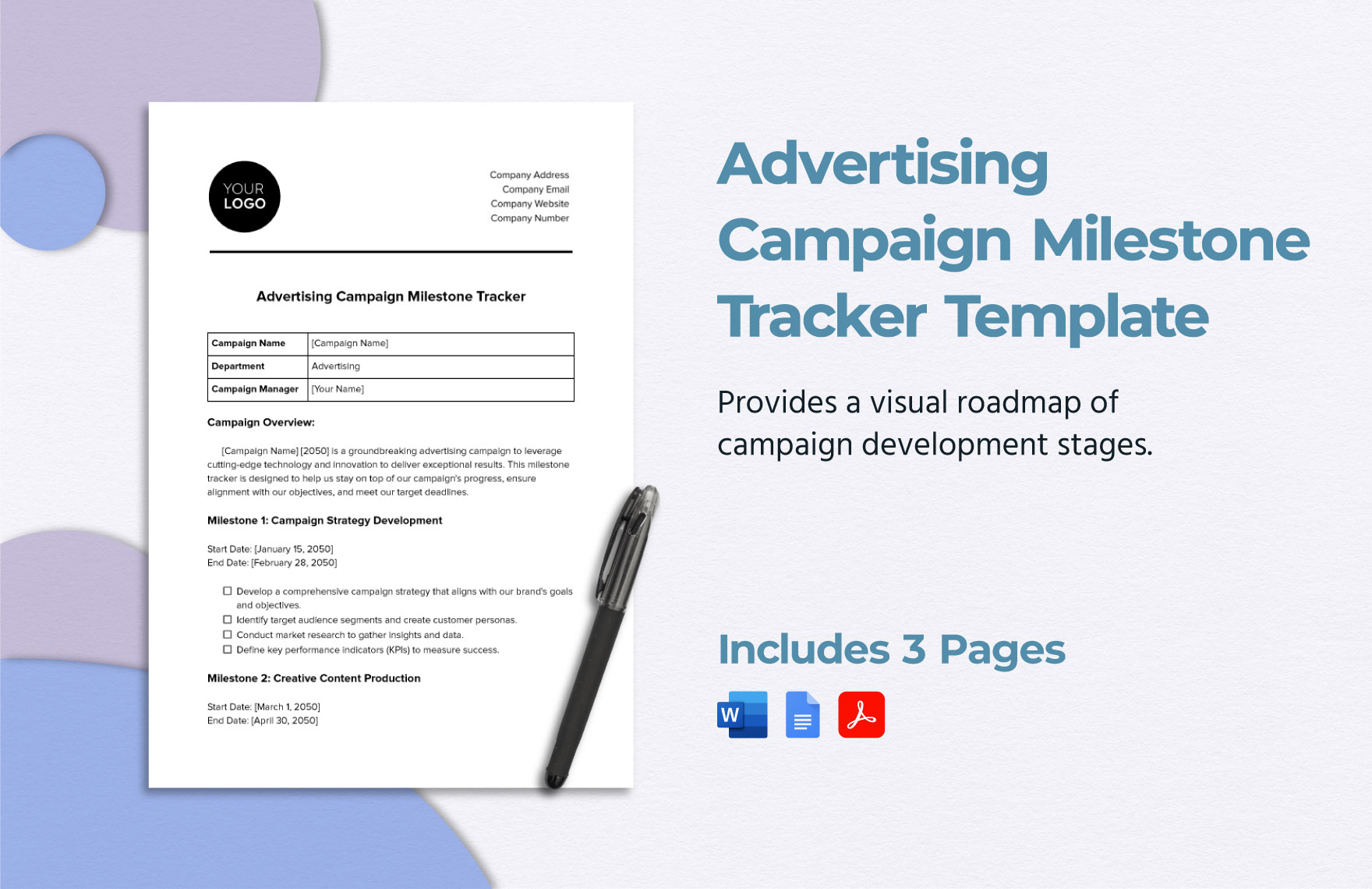
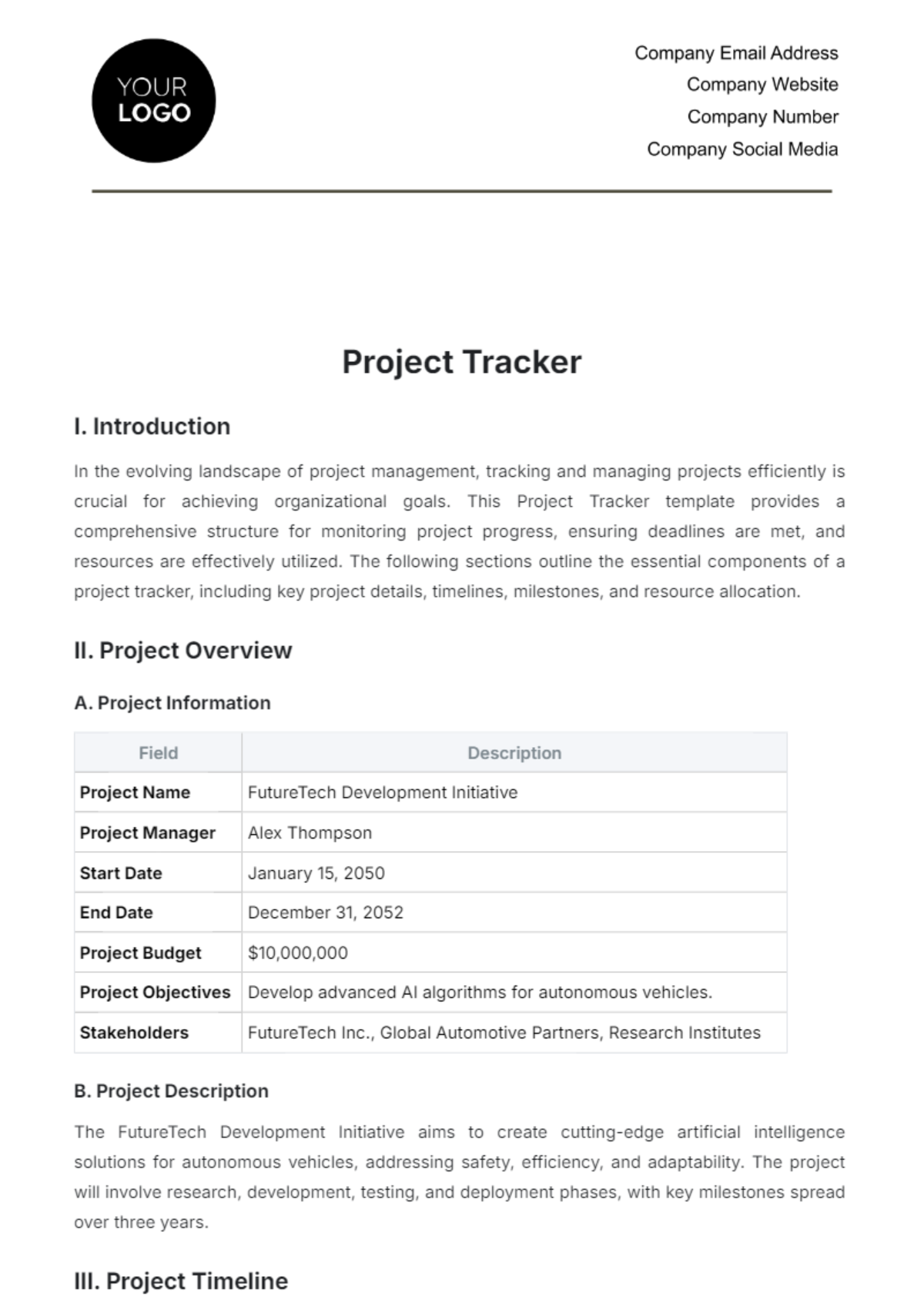
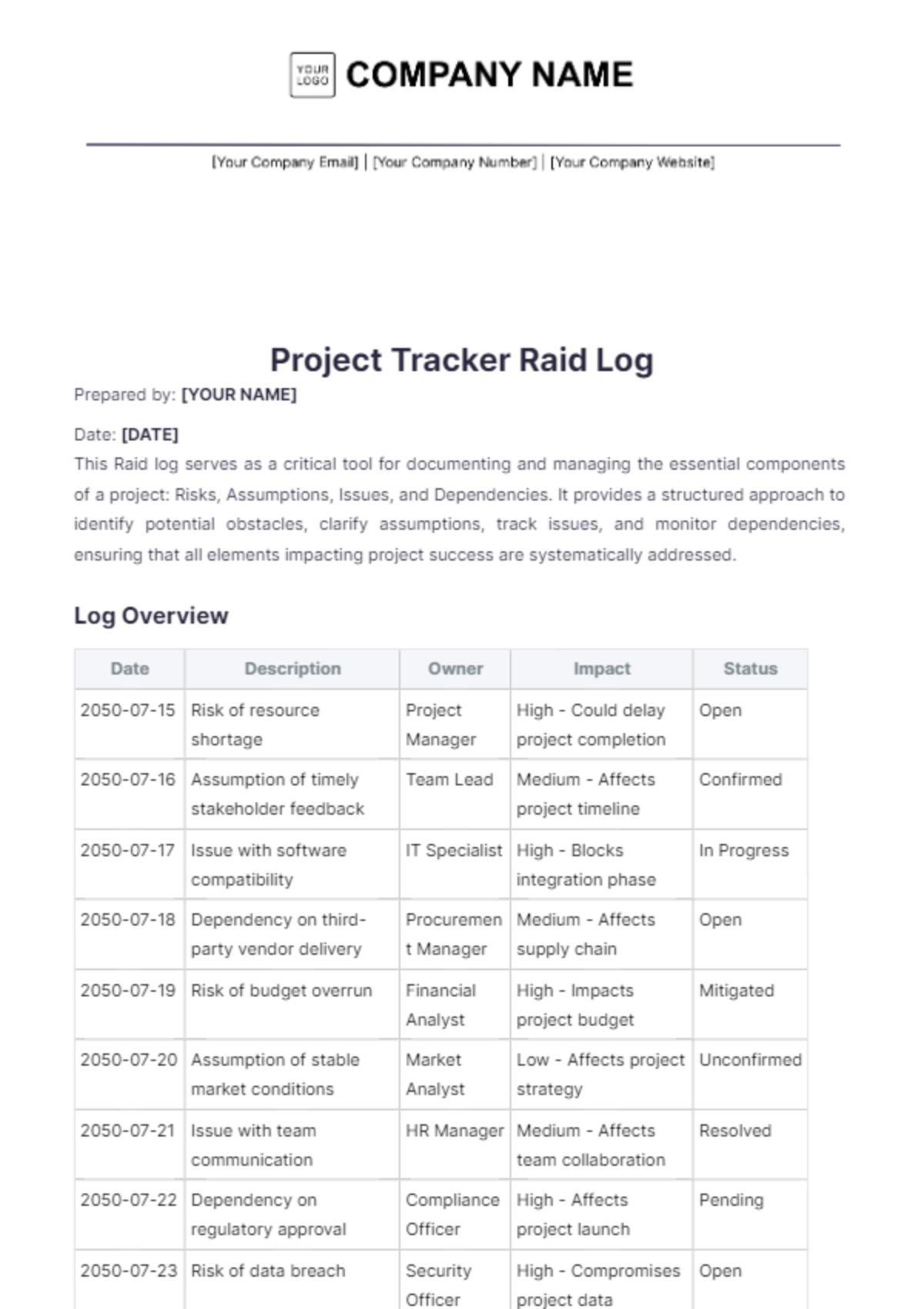
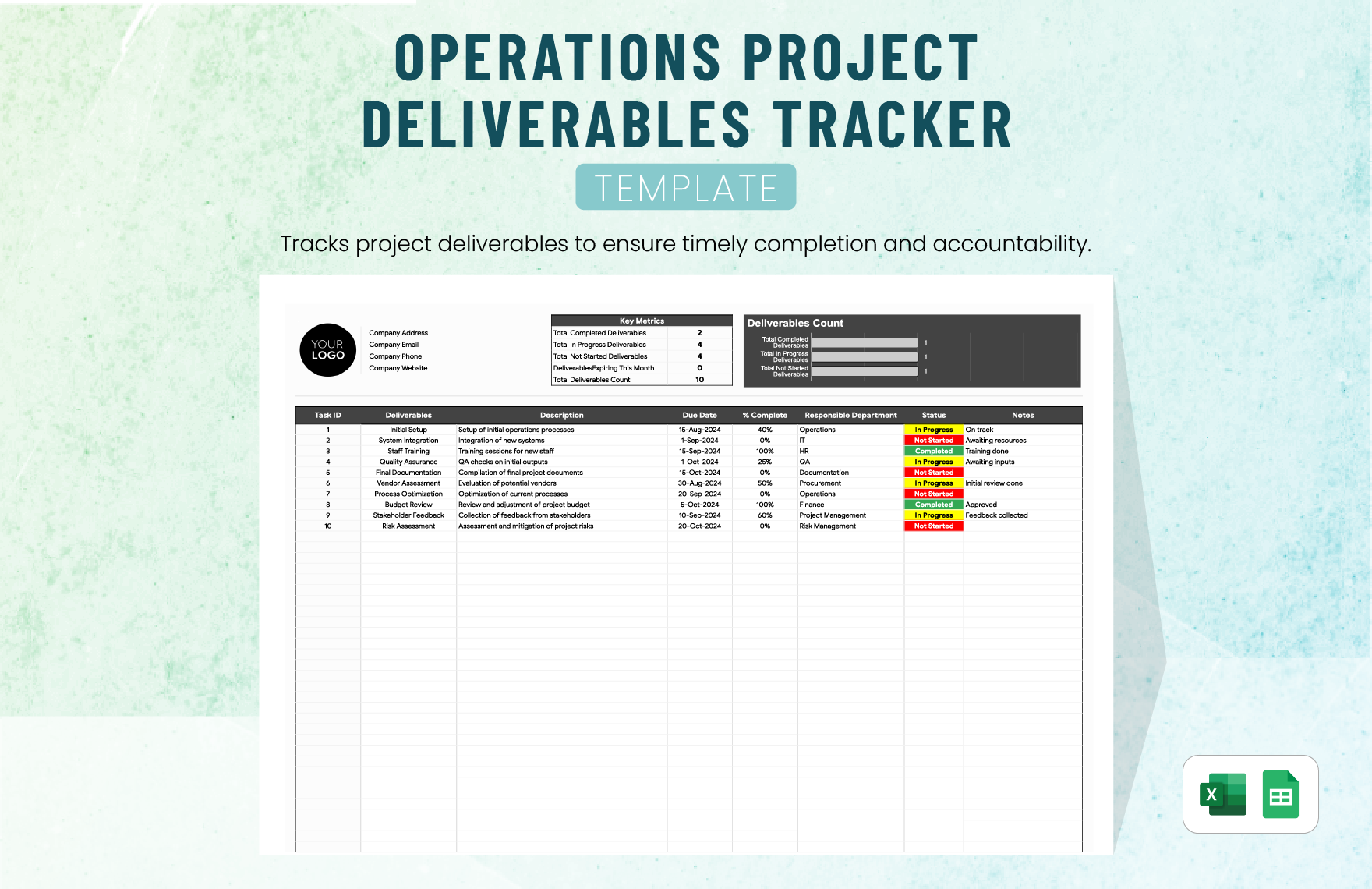
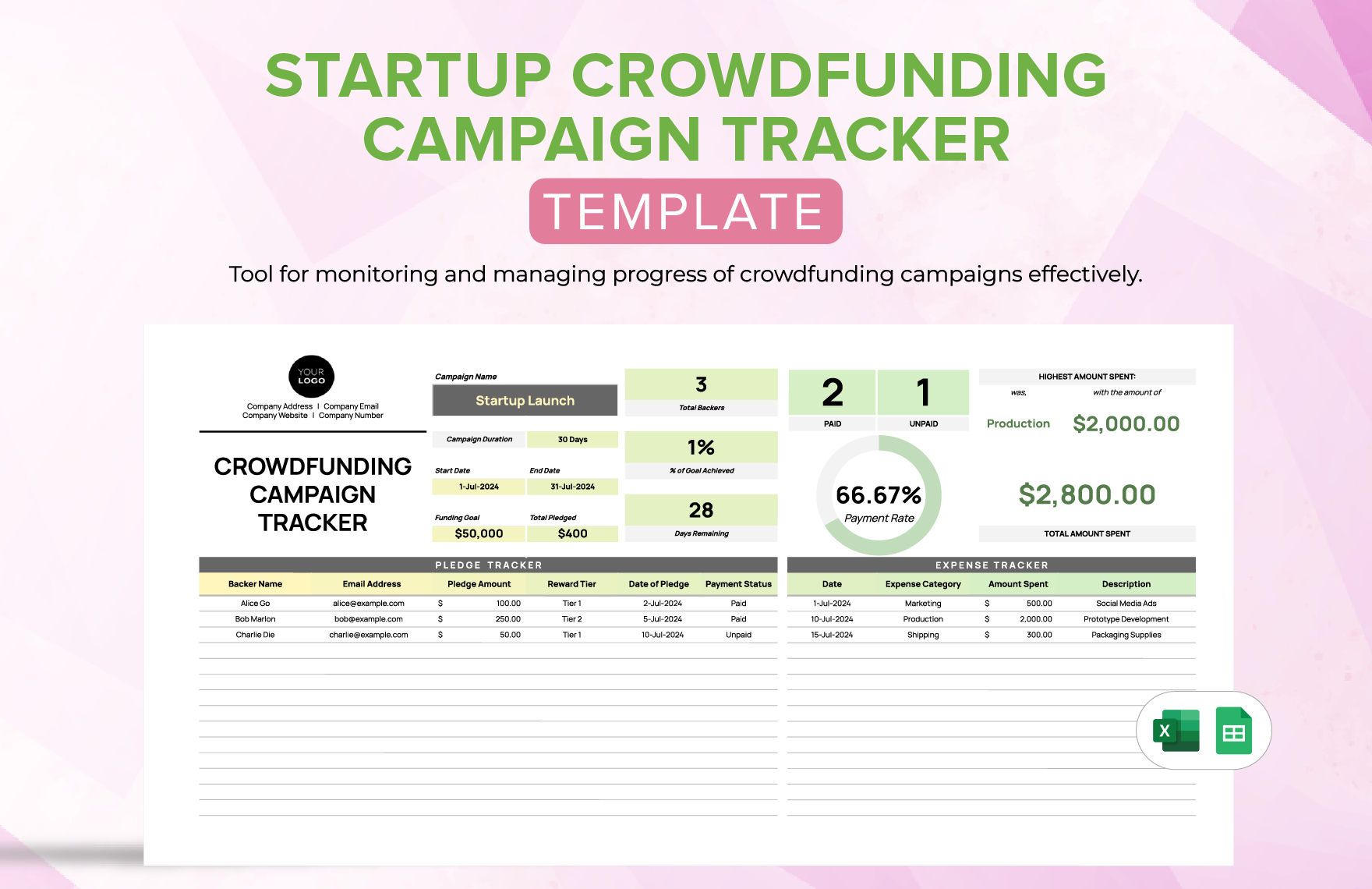
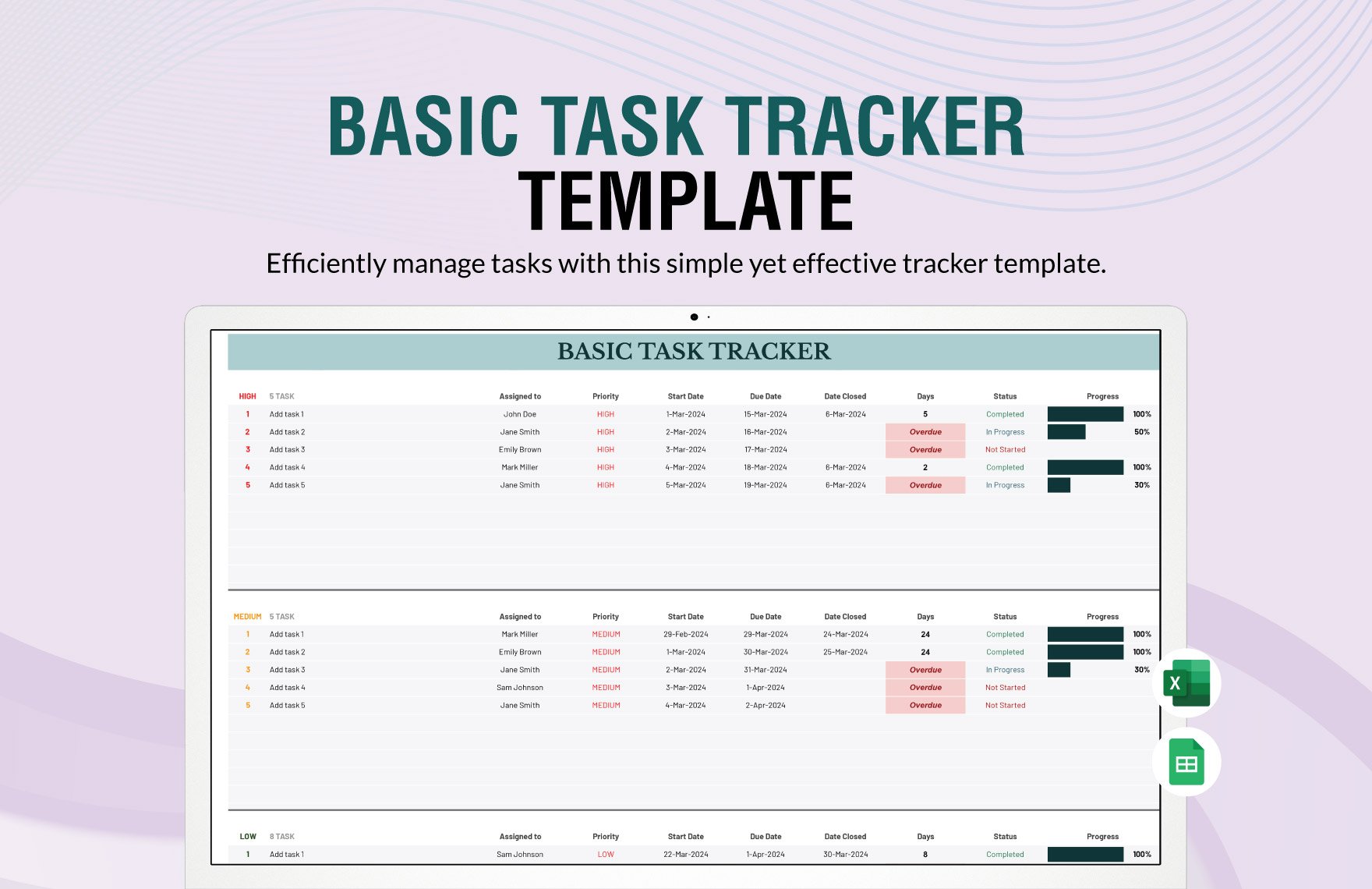
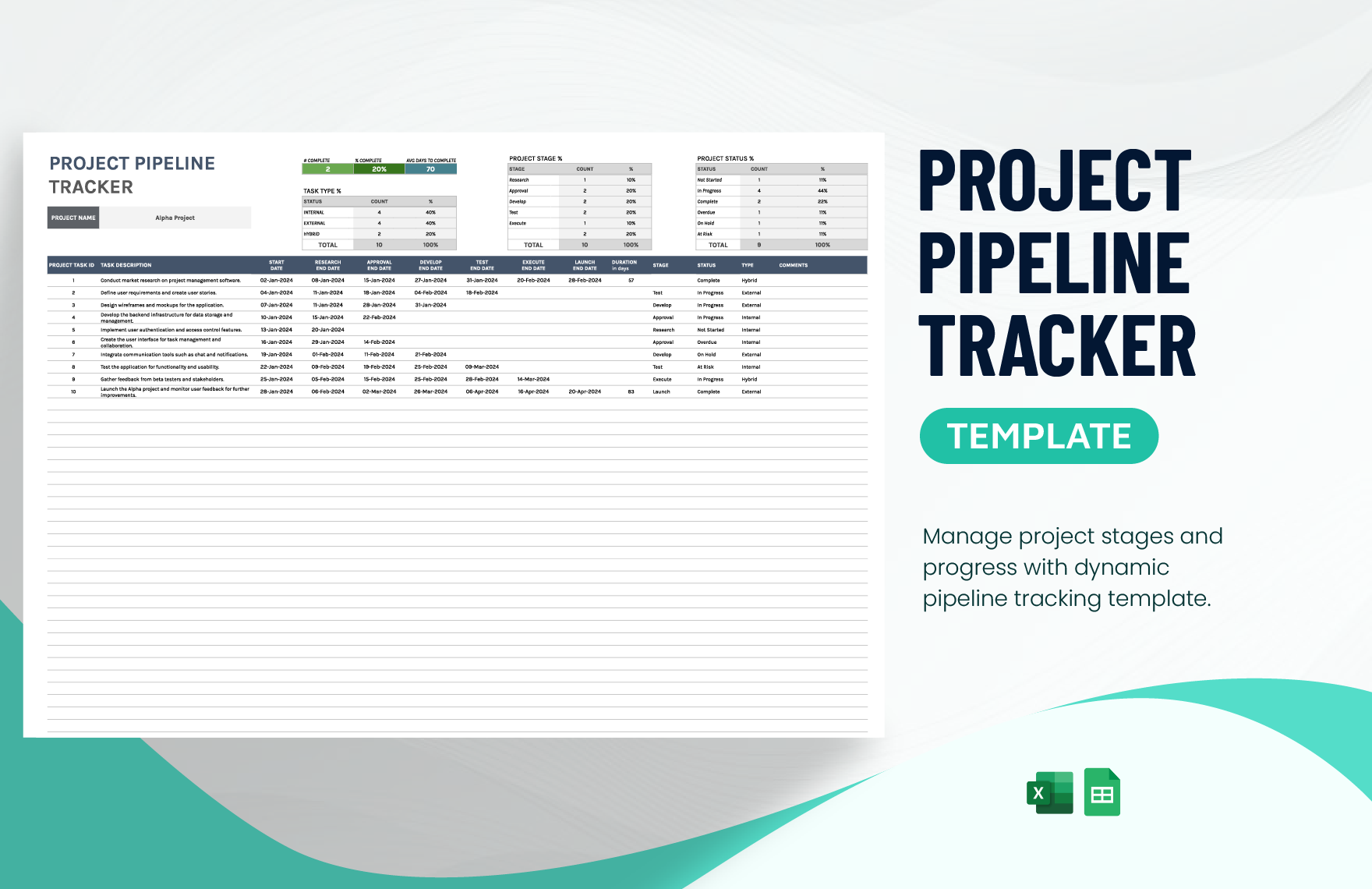
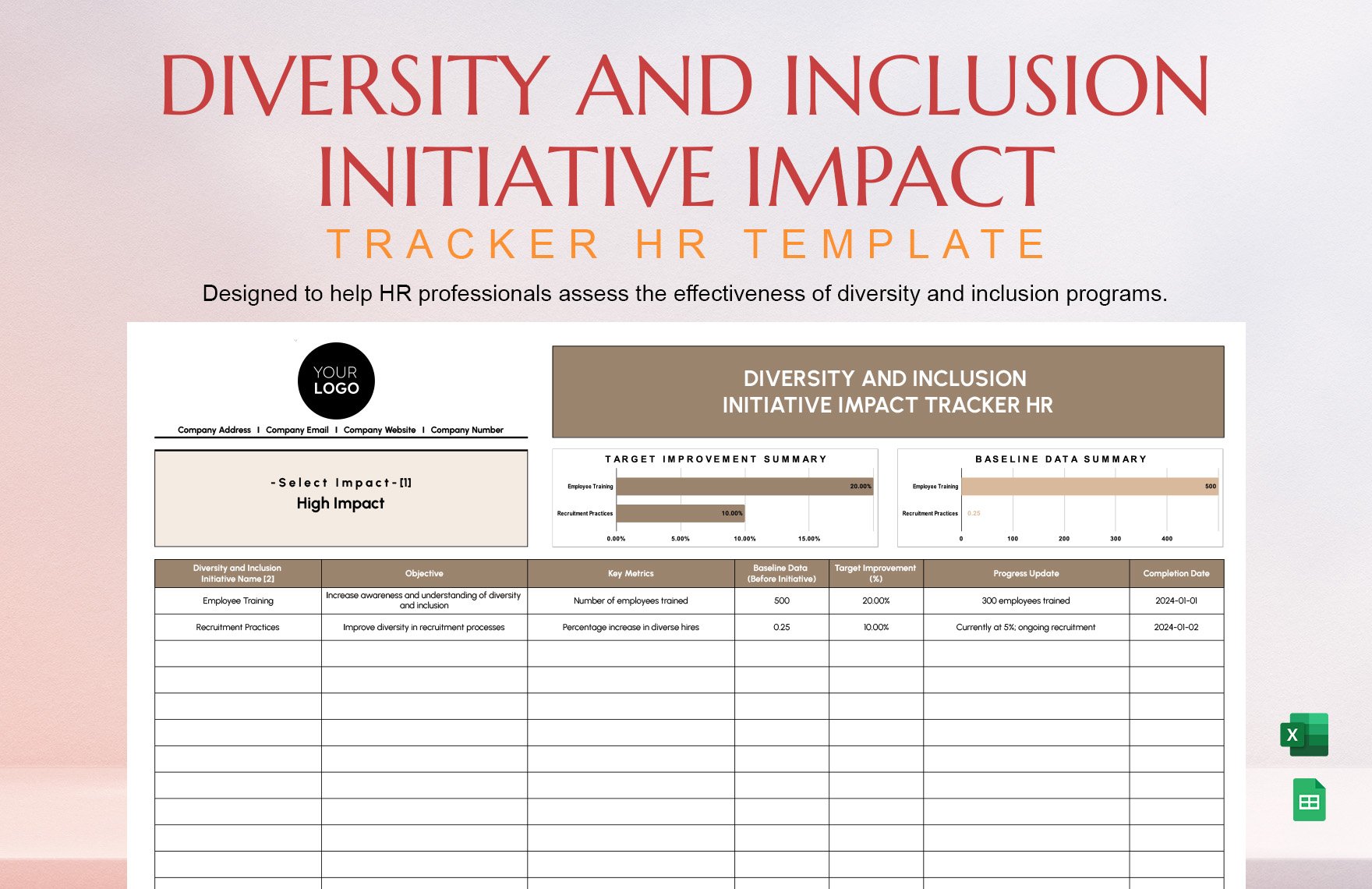
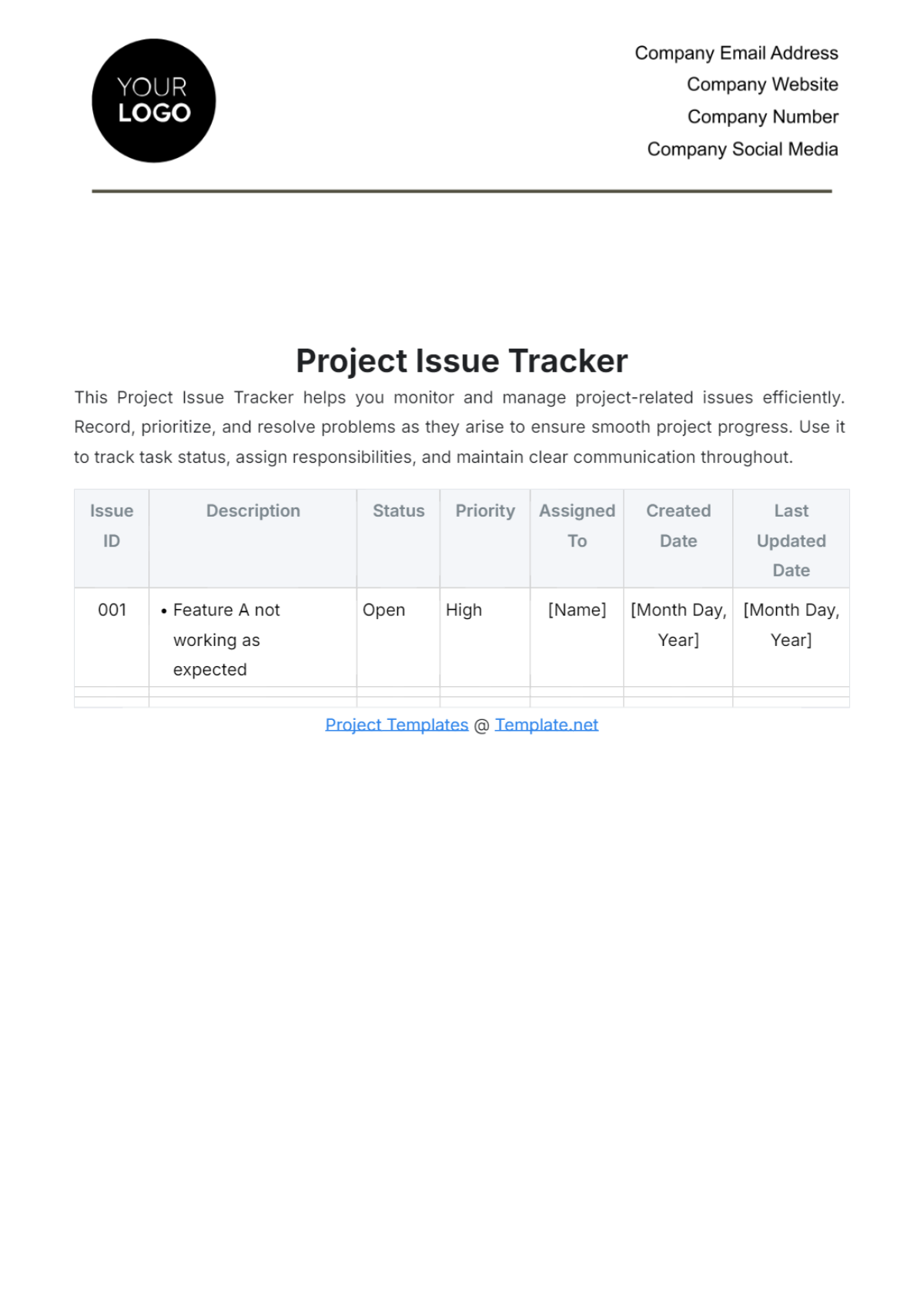
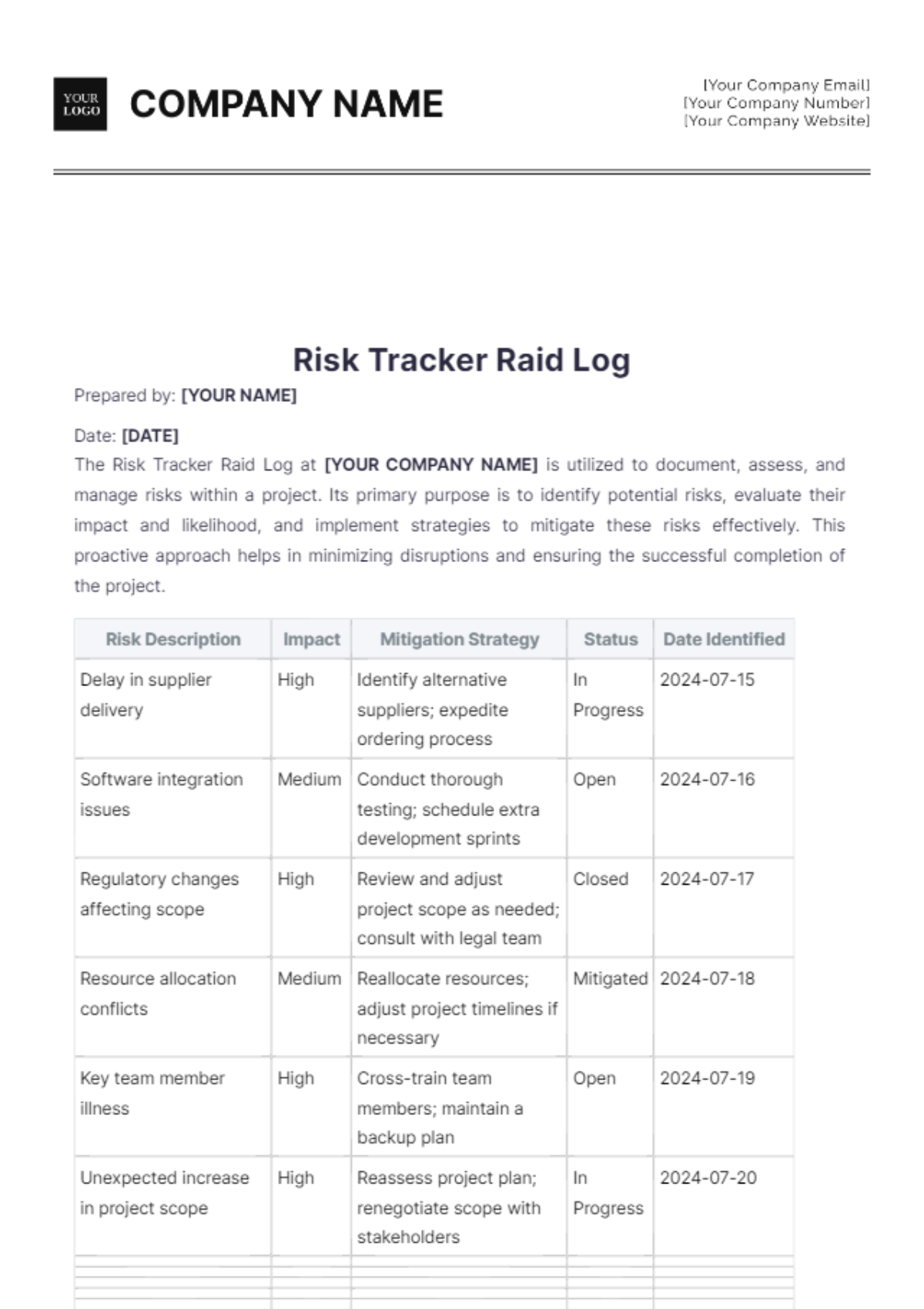
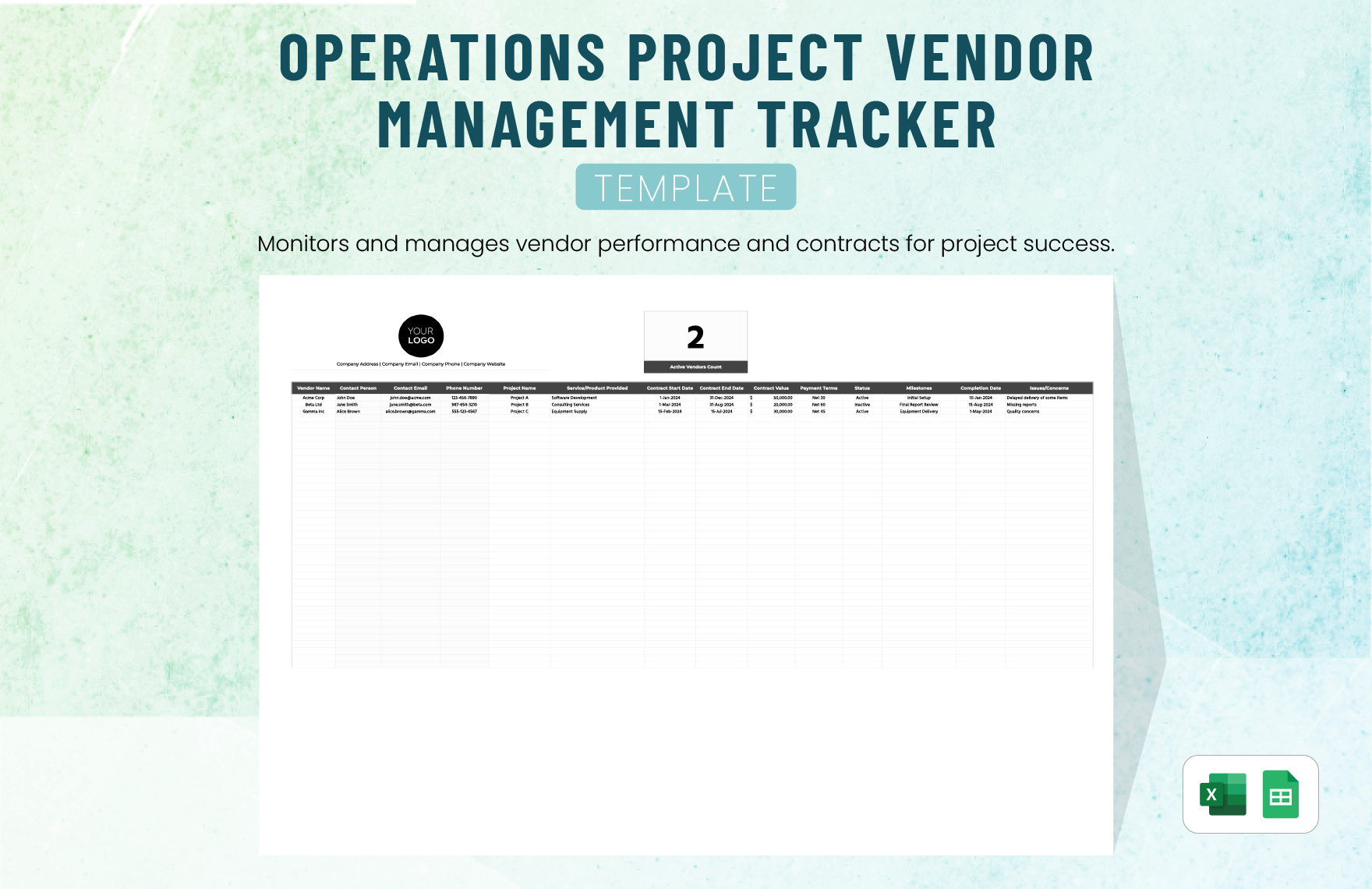
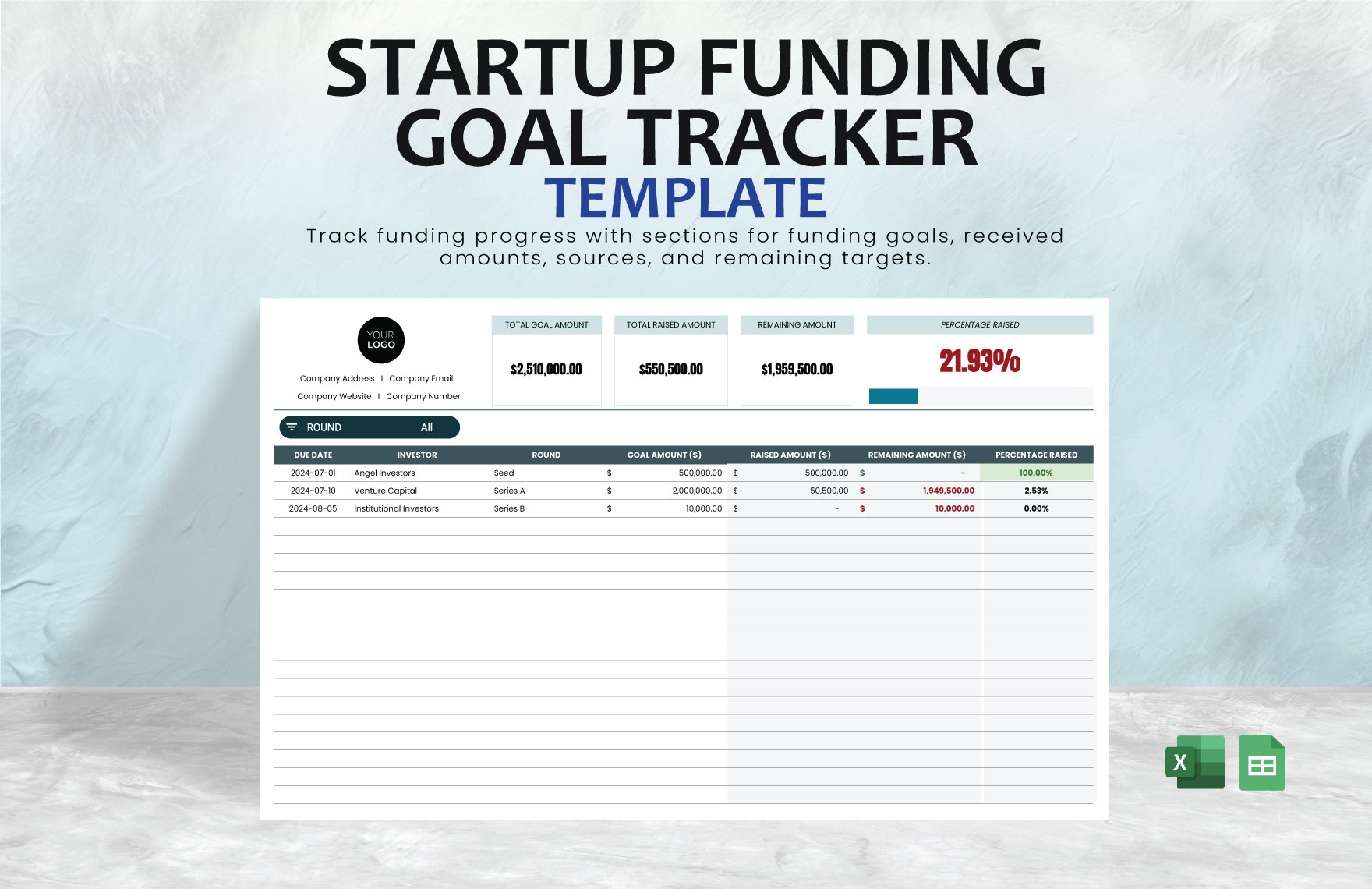
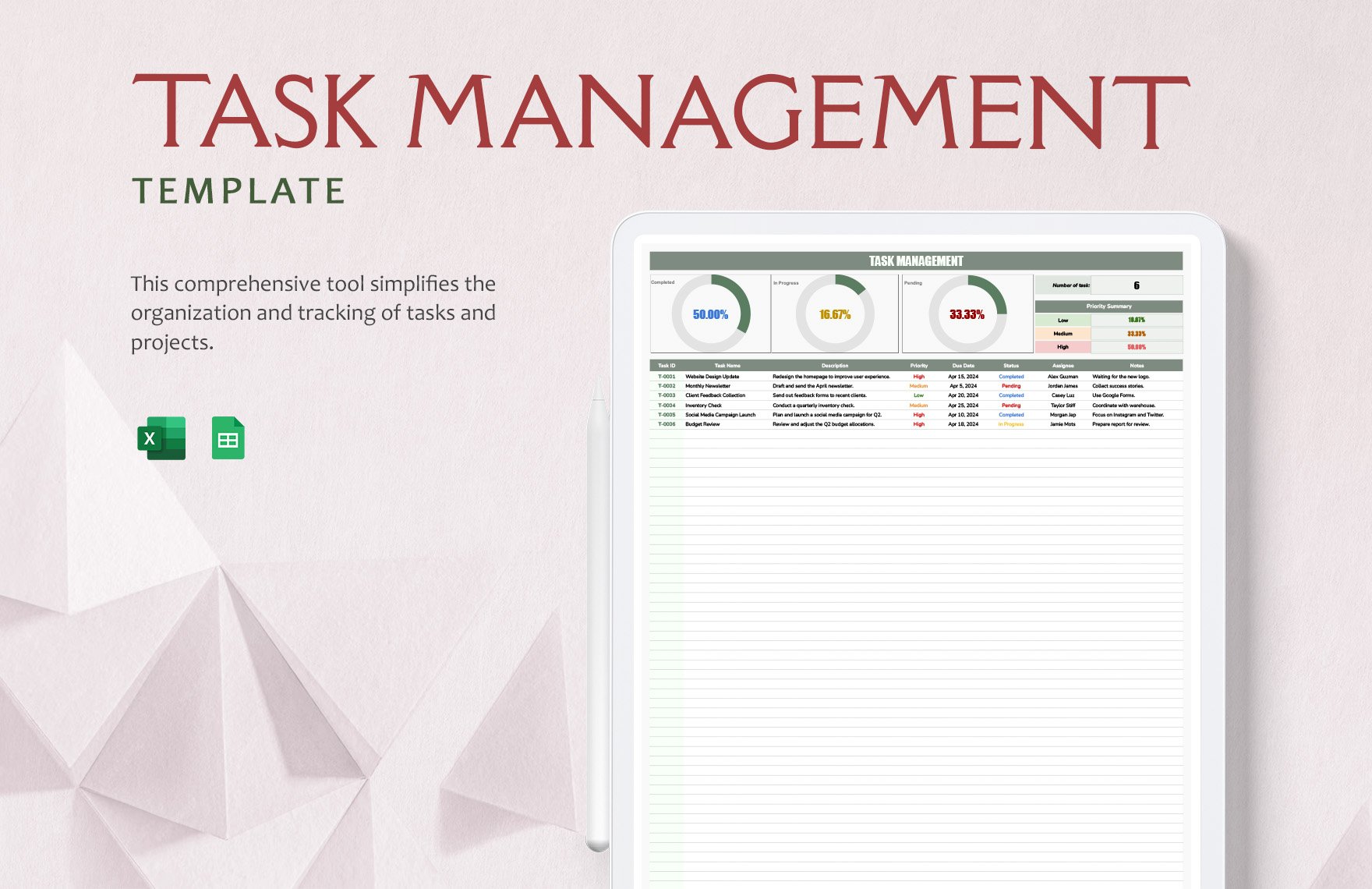
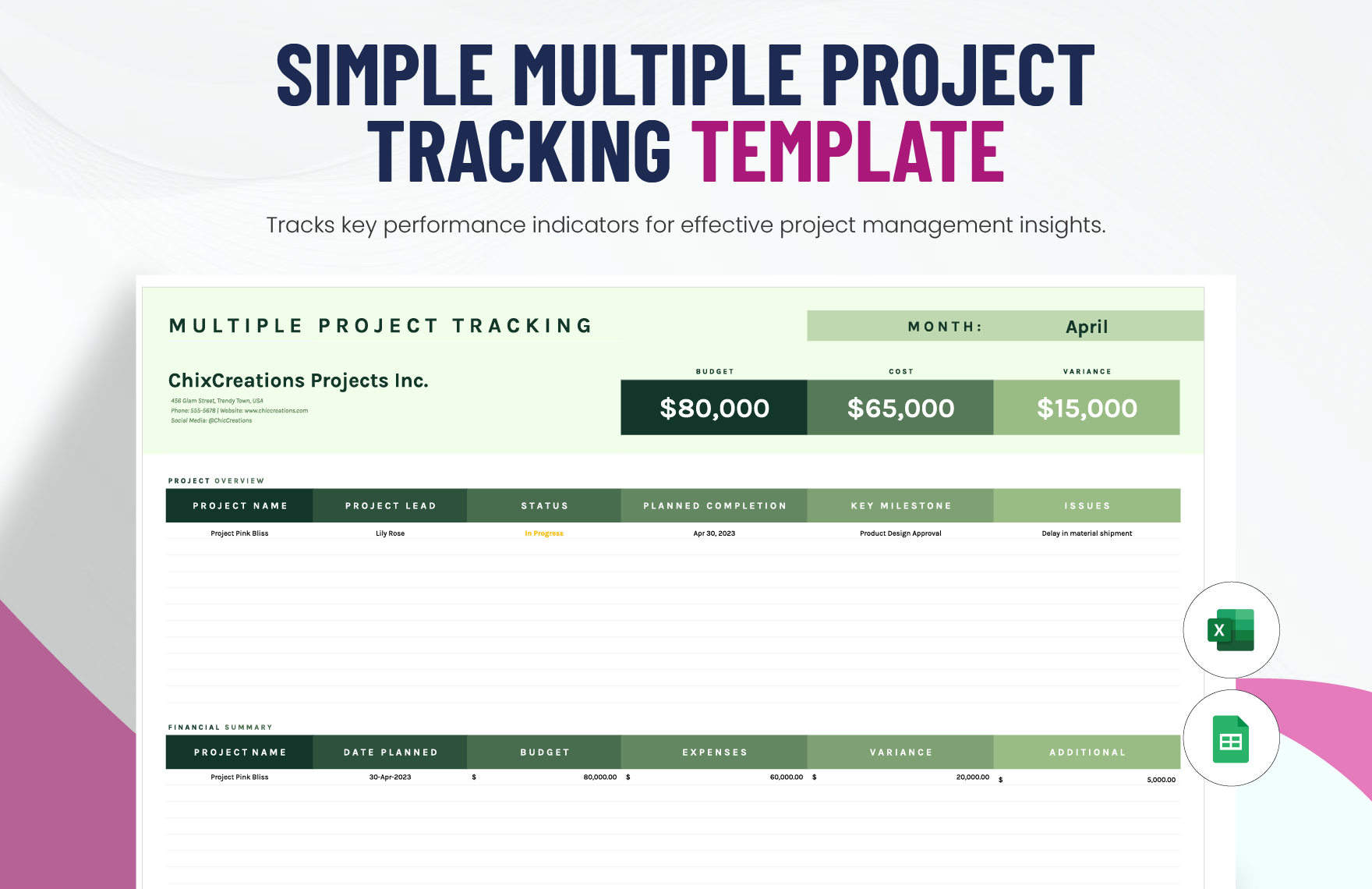
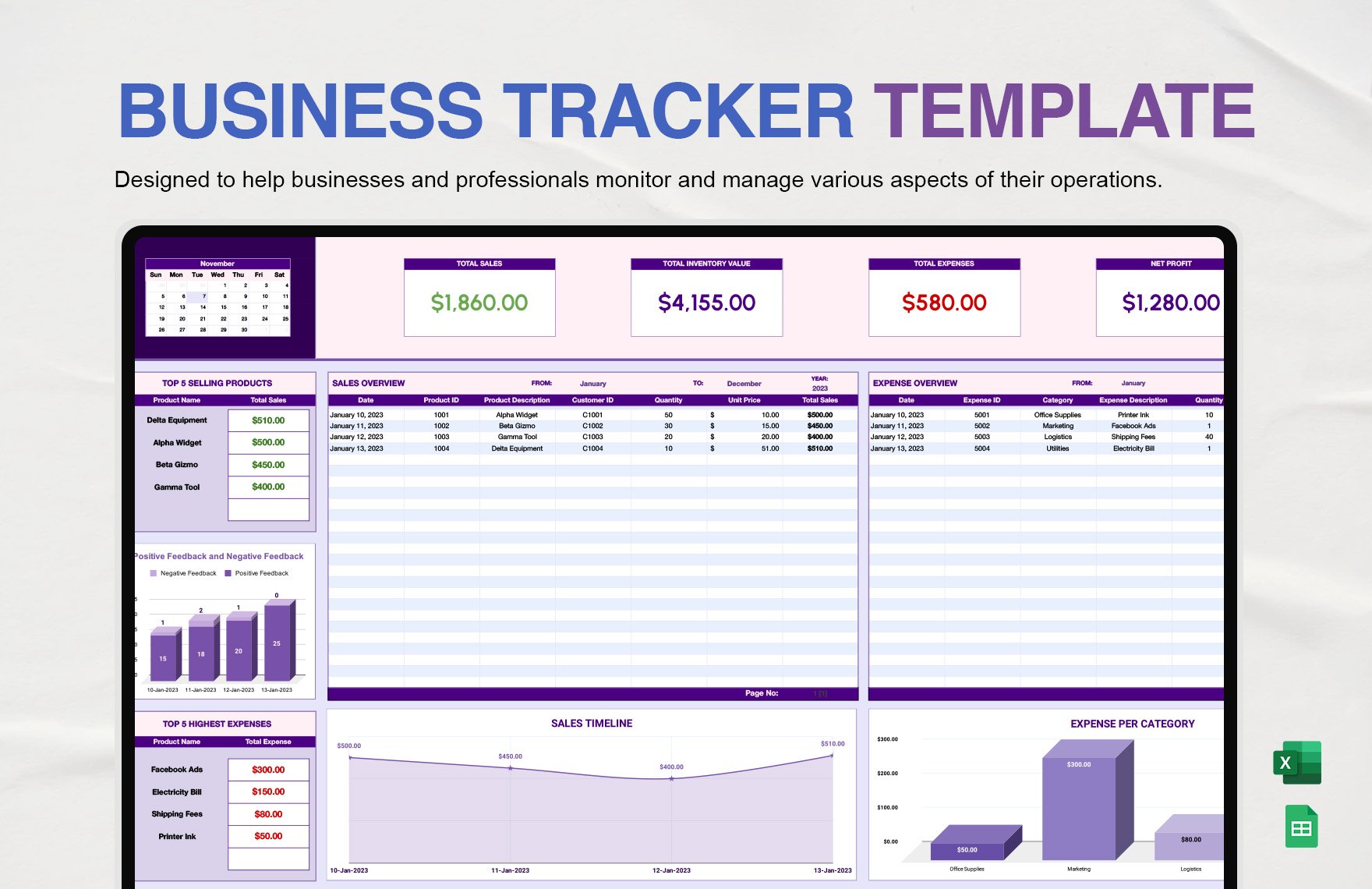
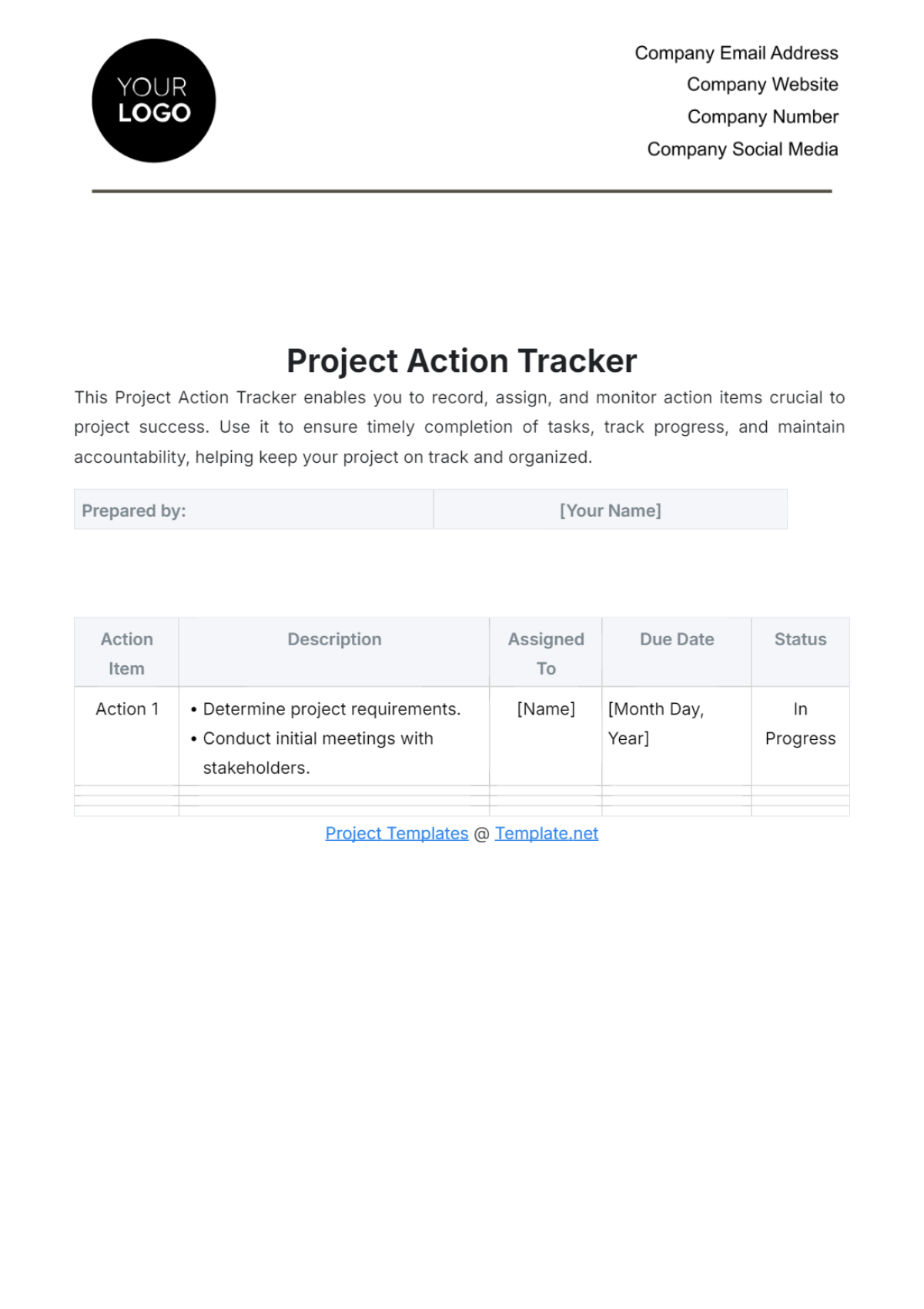
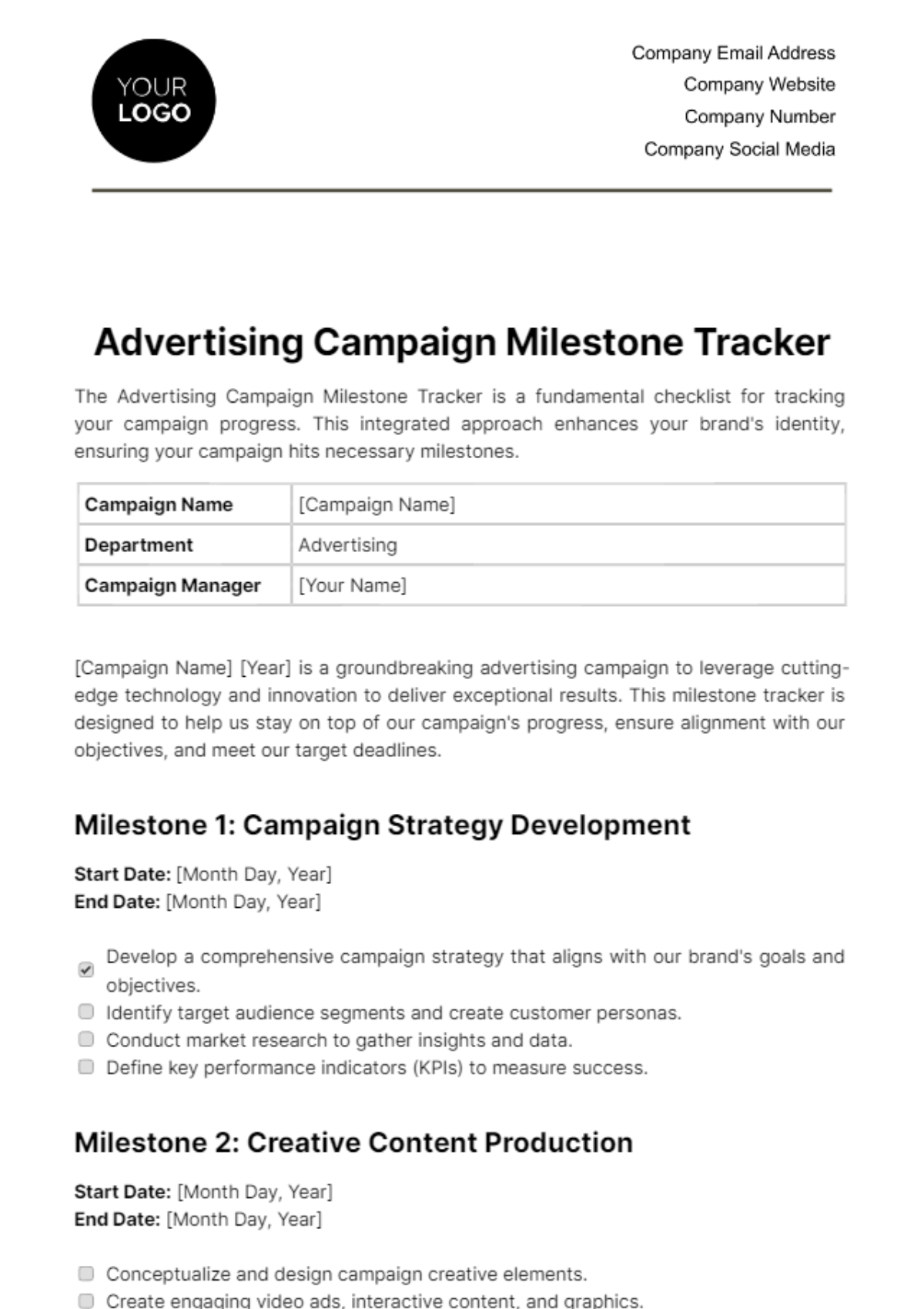
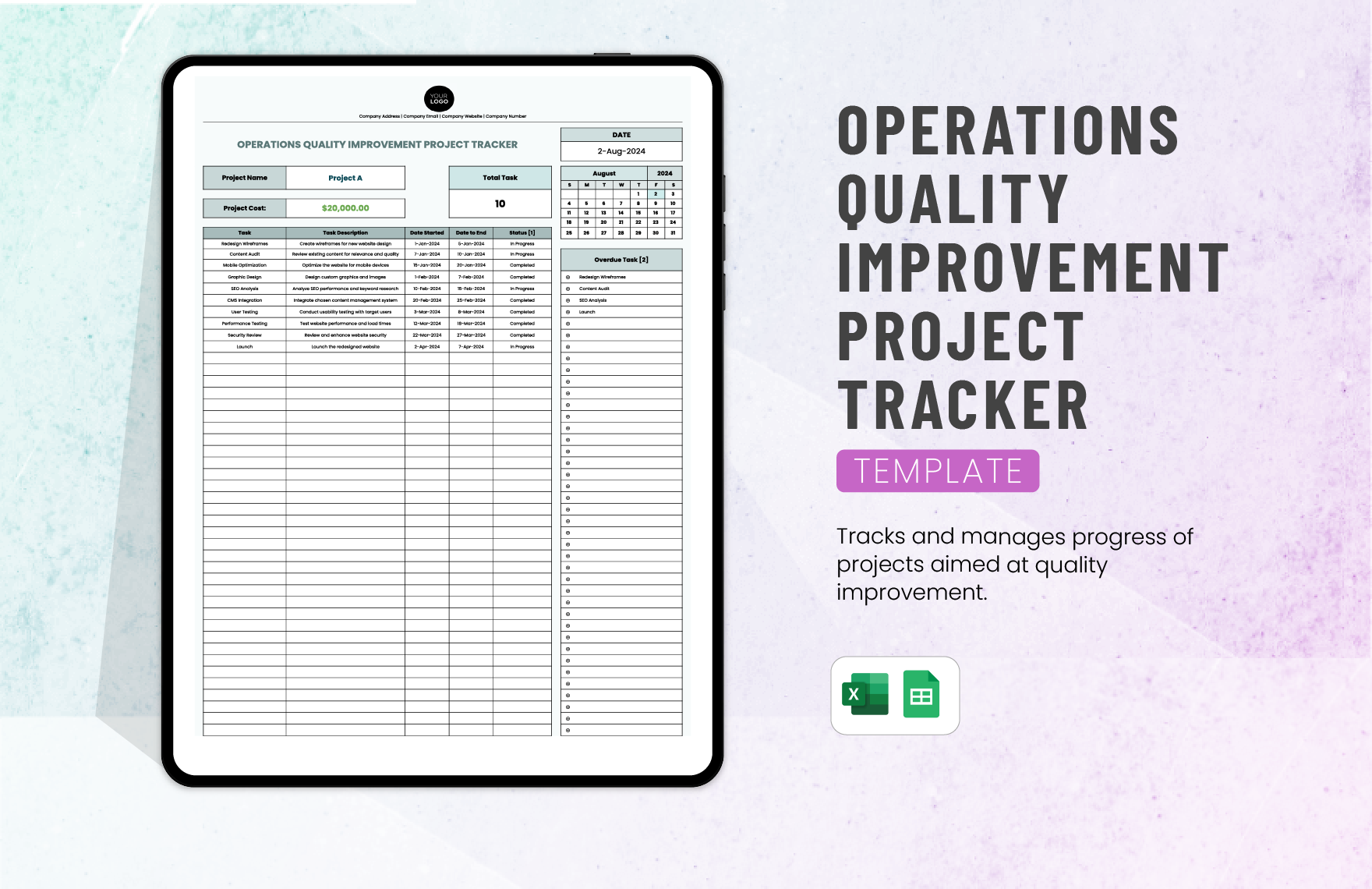
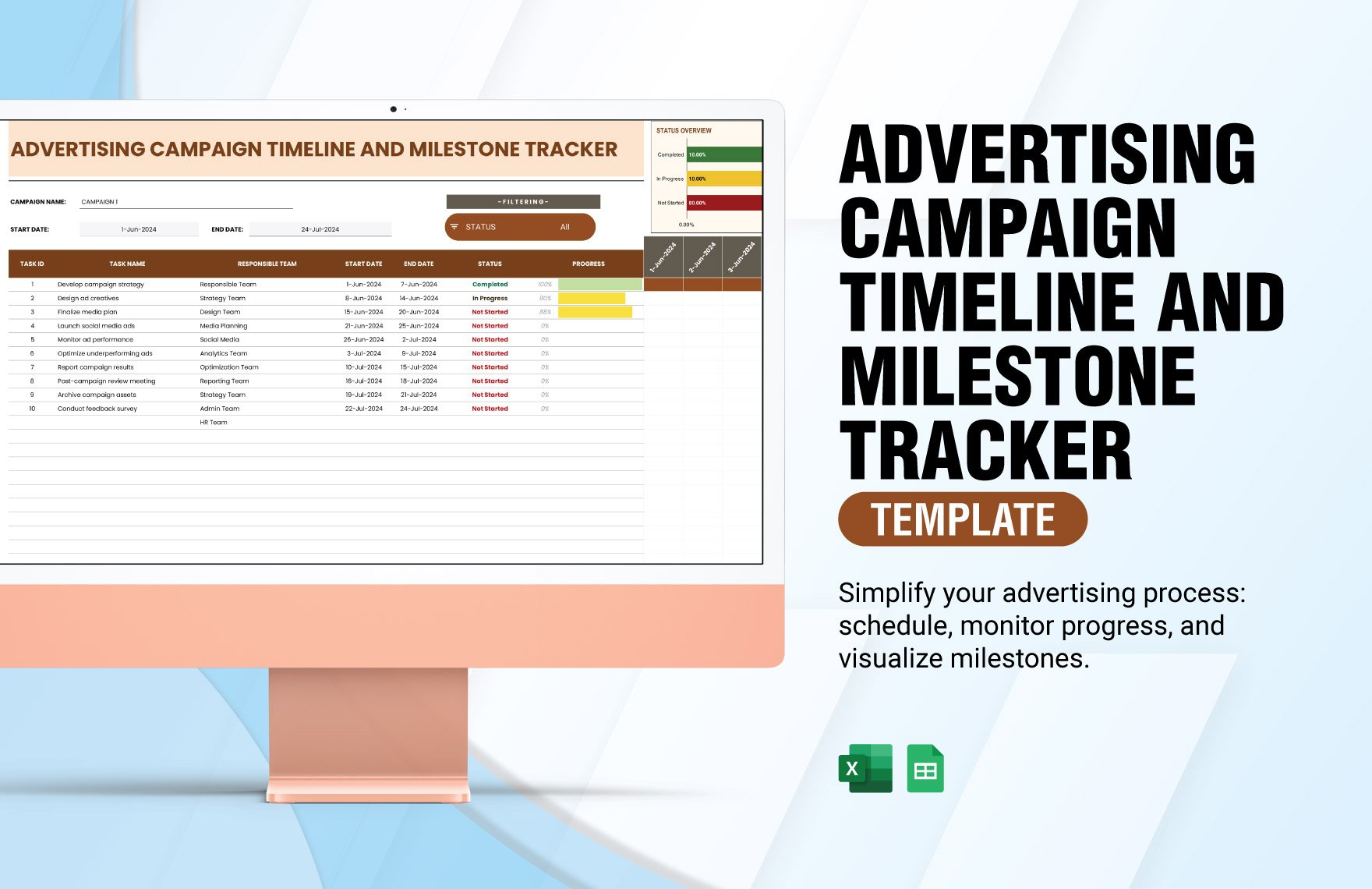
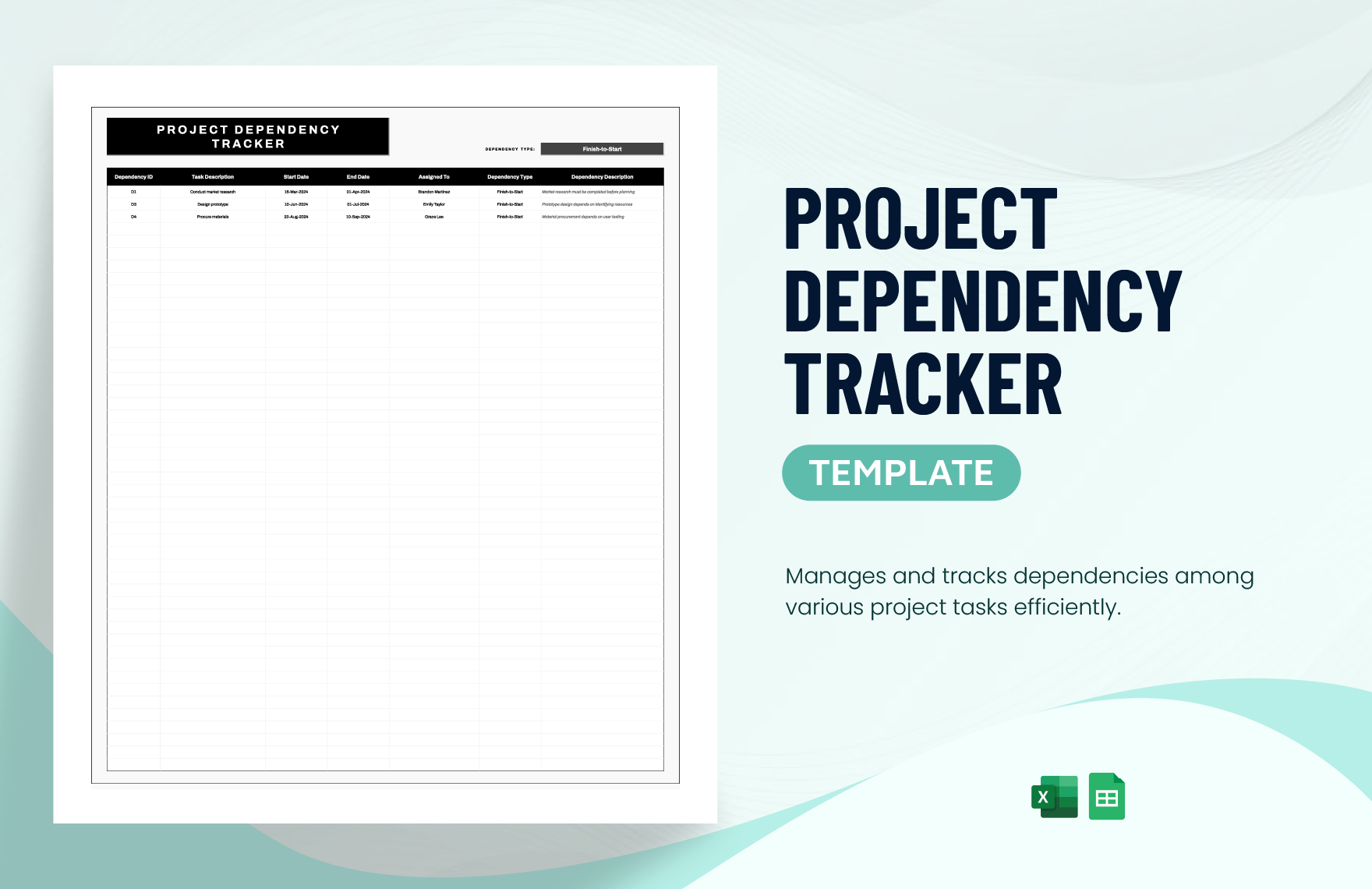
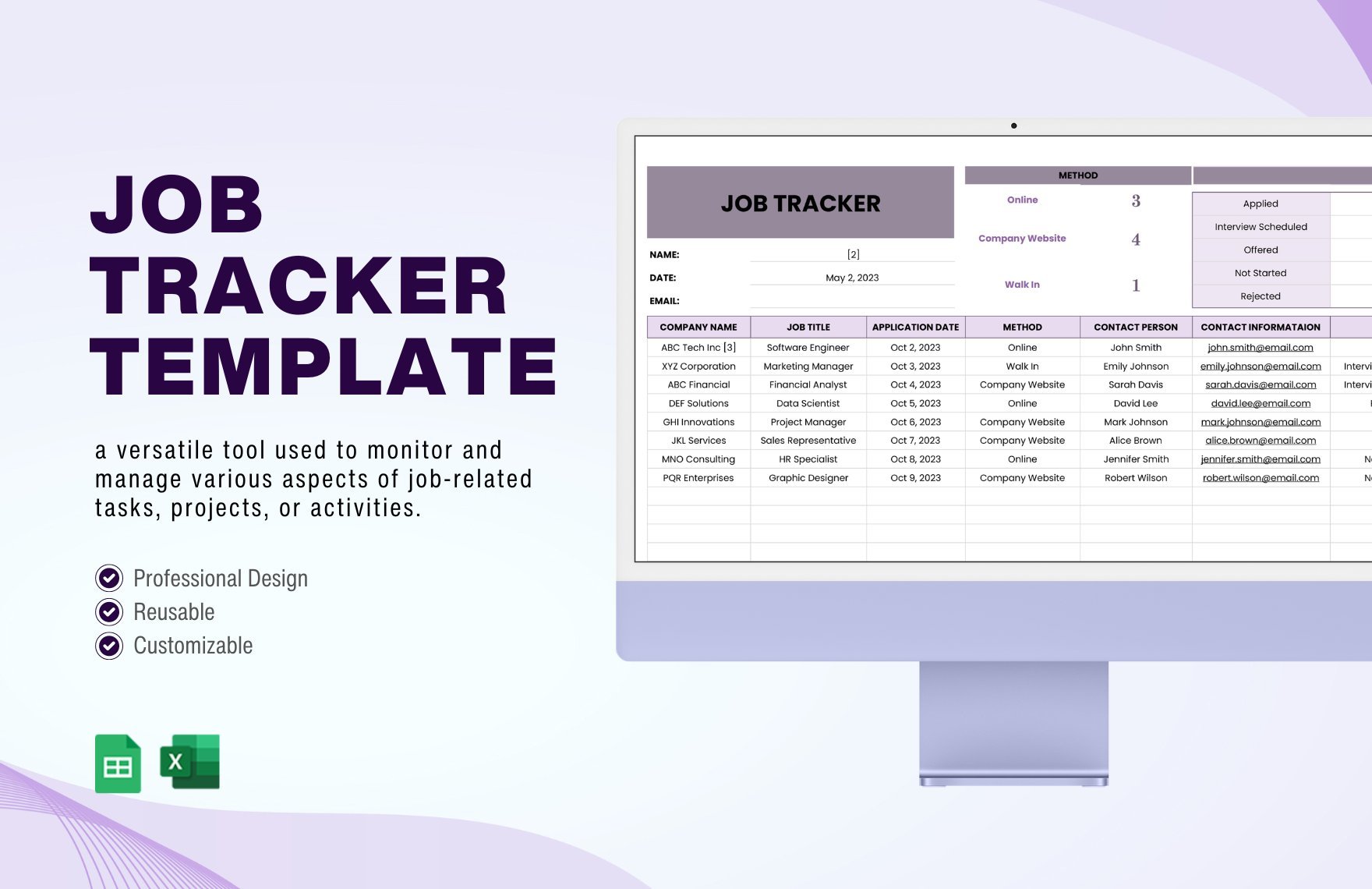
A project tracker is a structured document template used to record, monitor, and report the progress of various tasks and milestones within a project. These templates feature organized sections for timelines, task status, and resource allocation, enabling efficient project management.
Why use a Project Tracker?
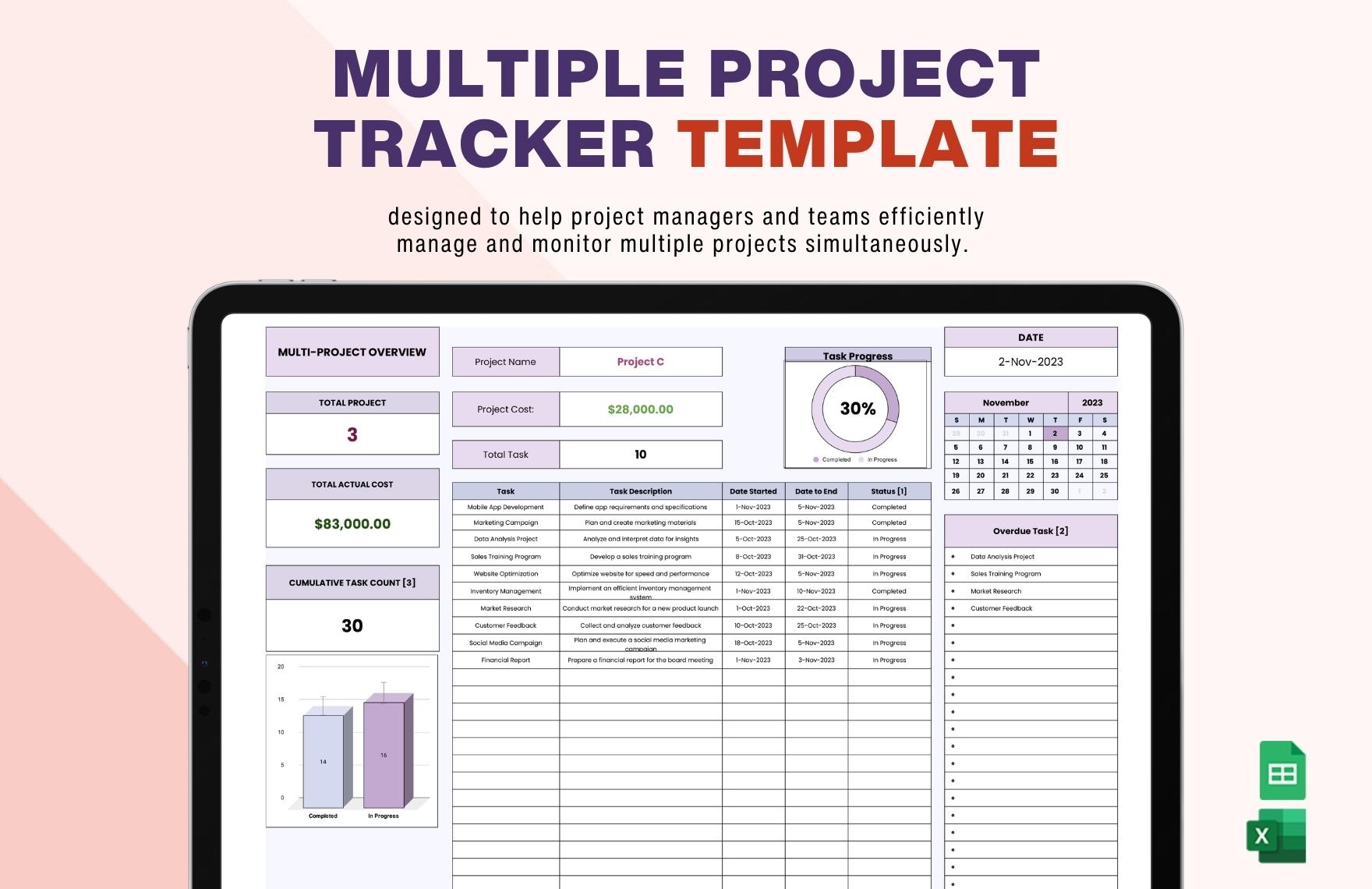
Using project trackers improves transparency and accountability by providing a business-ready layout that highlights task progress and deadlines. These templates facilitate structured formatting that helps teams stay aligned and meet project goals on time.
Who typically uses Project Trackers?
Project trackers are commonly used by project managers, team leads, and stakeholders to oversee project workflow. These templates support collaborative editing and provide a professional layout for tracking deliverables and milestones across departments.
What sections should a Project Tracker include?
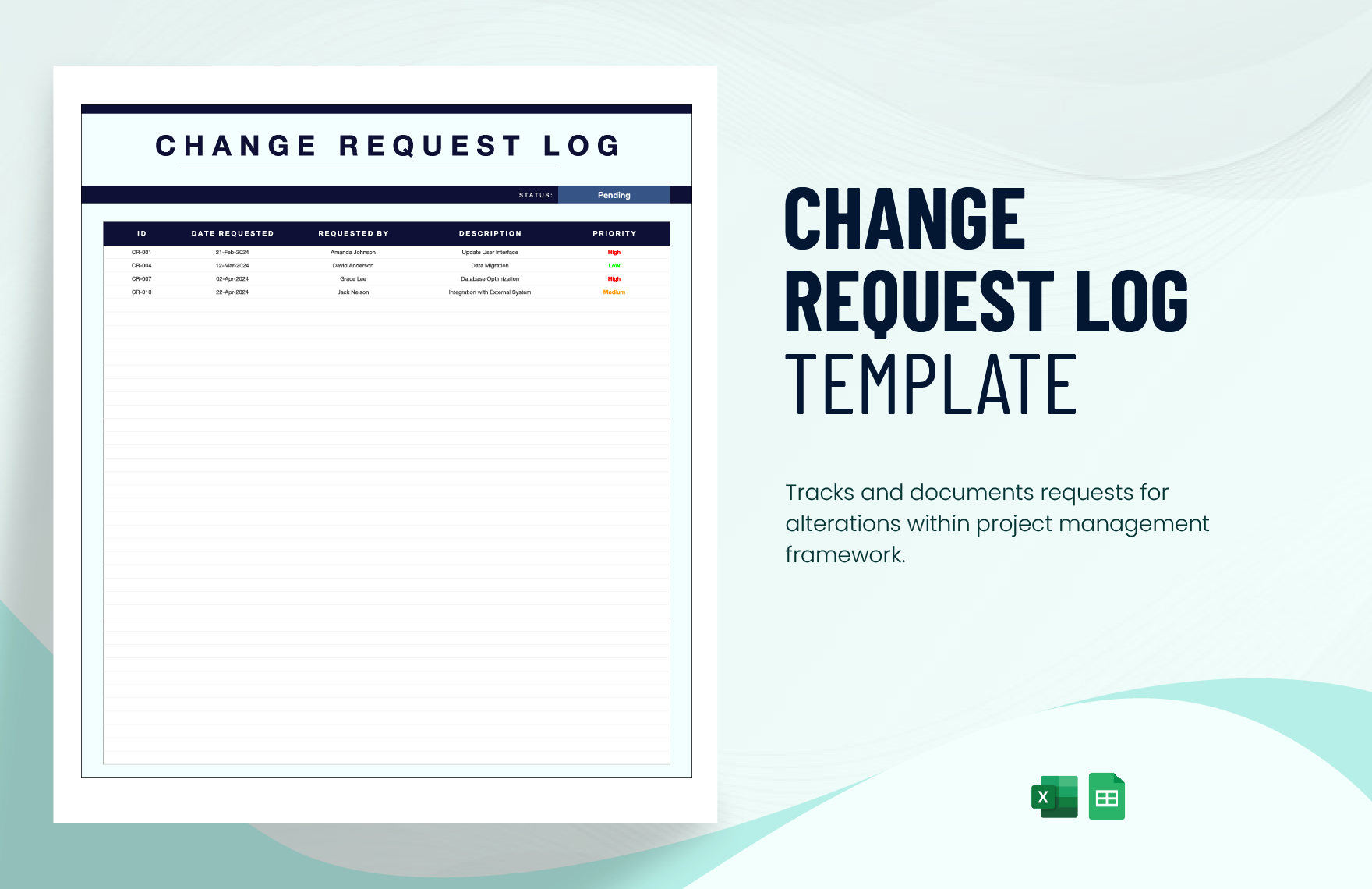
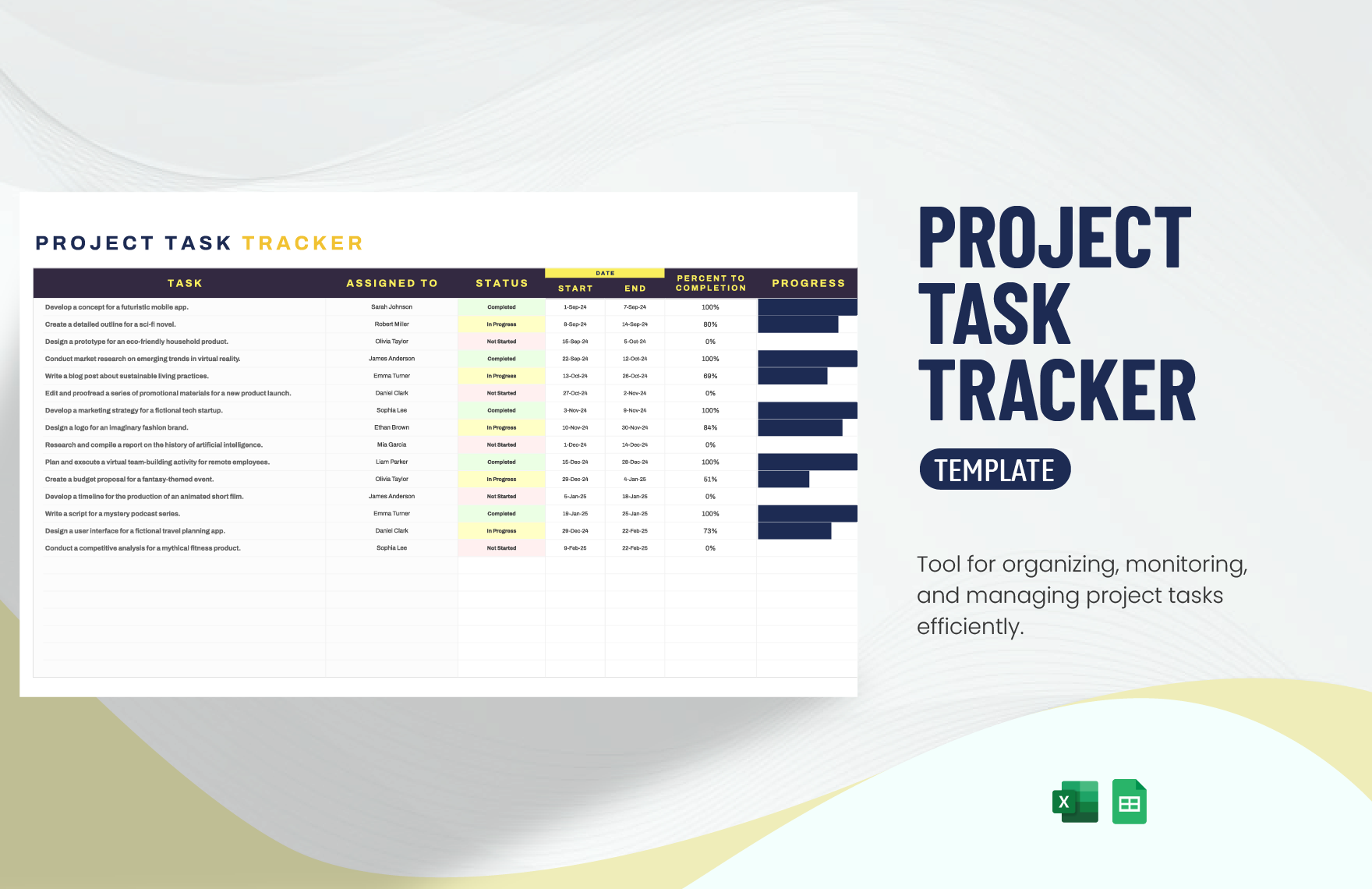
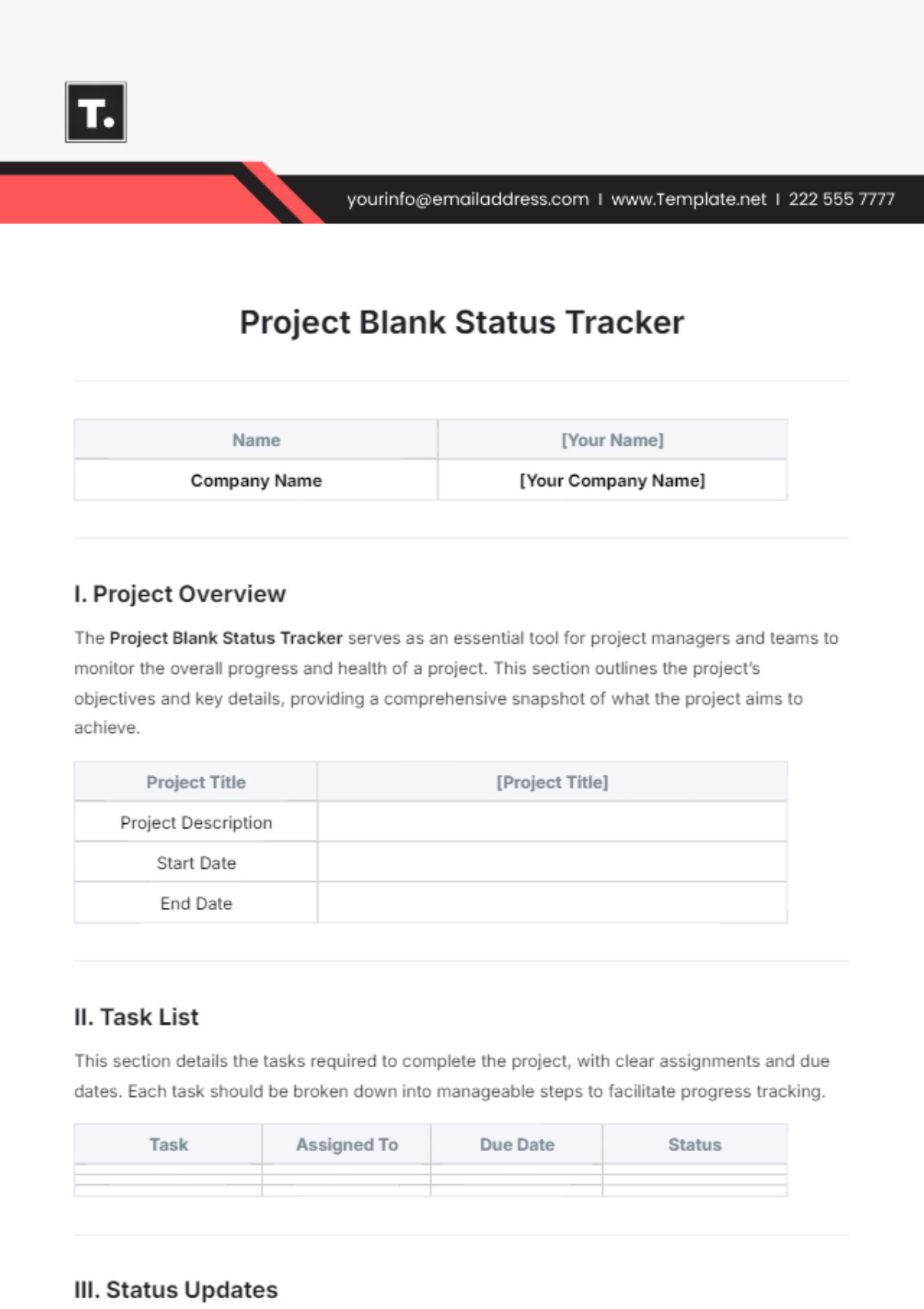
A project tracker should include sections such as task descriptions, assigned personnel, deadlines, progress status, and priority levels. These key elements enable structured formatting that enhances clarity and effective project monitoring.
What are the best tips for formatting a Project Tracker?
For optimal readability, format project trackers with clear headers, consistent fonts, and color-coded status indicators. Use structured sections and maintain a business-ready layout to ensure easy navigation and professional presentation.
How do you print a Project Tracker?
Project trackers can be printed as print-ready PDFs that preserve the structured formatting and professional layout. Template.net templates support exporting to PDF to ensure high-quality, clear prints suitable for meetings and reporting.
Is a Project Tracker legally and professionally acceptable?
Project trackers created with Template.net follow compliance-friendly presentation standards, making them professionally acceptable for business use. These templates maintain structured formatting that supports clear documentation and accountability.
What file formats can I download for a Project Tracker?
Template.net provides project tracker templates available for download in multiple editable formats including Word, Excel, Google Docs, and Google Sheets. These formats support online editing and print-ready export.
Can I create a new Project Tracker using AI?
Template.net offers an AI-powered tool that generates structured project tracker documents from prompts in 3–10 seconds. This tool allows for fast creation with options for online refinement and multi-format exporting. Try the Tracker Generator today.
