Free AI Tracker Generator

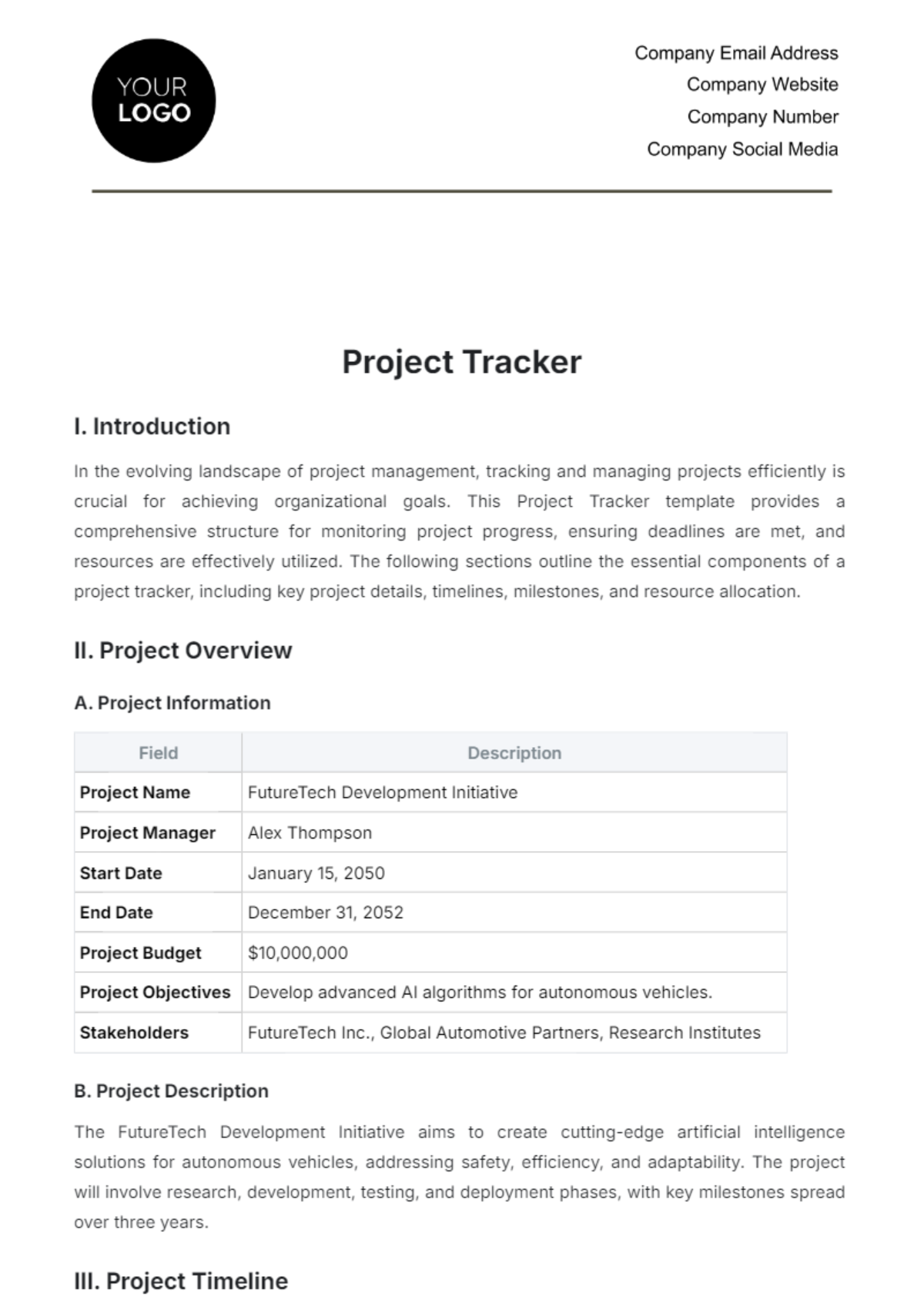
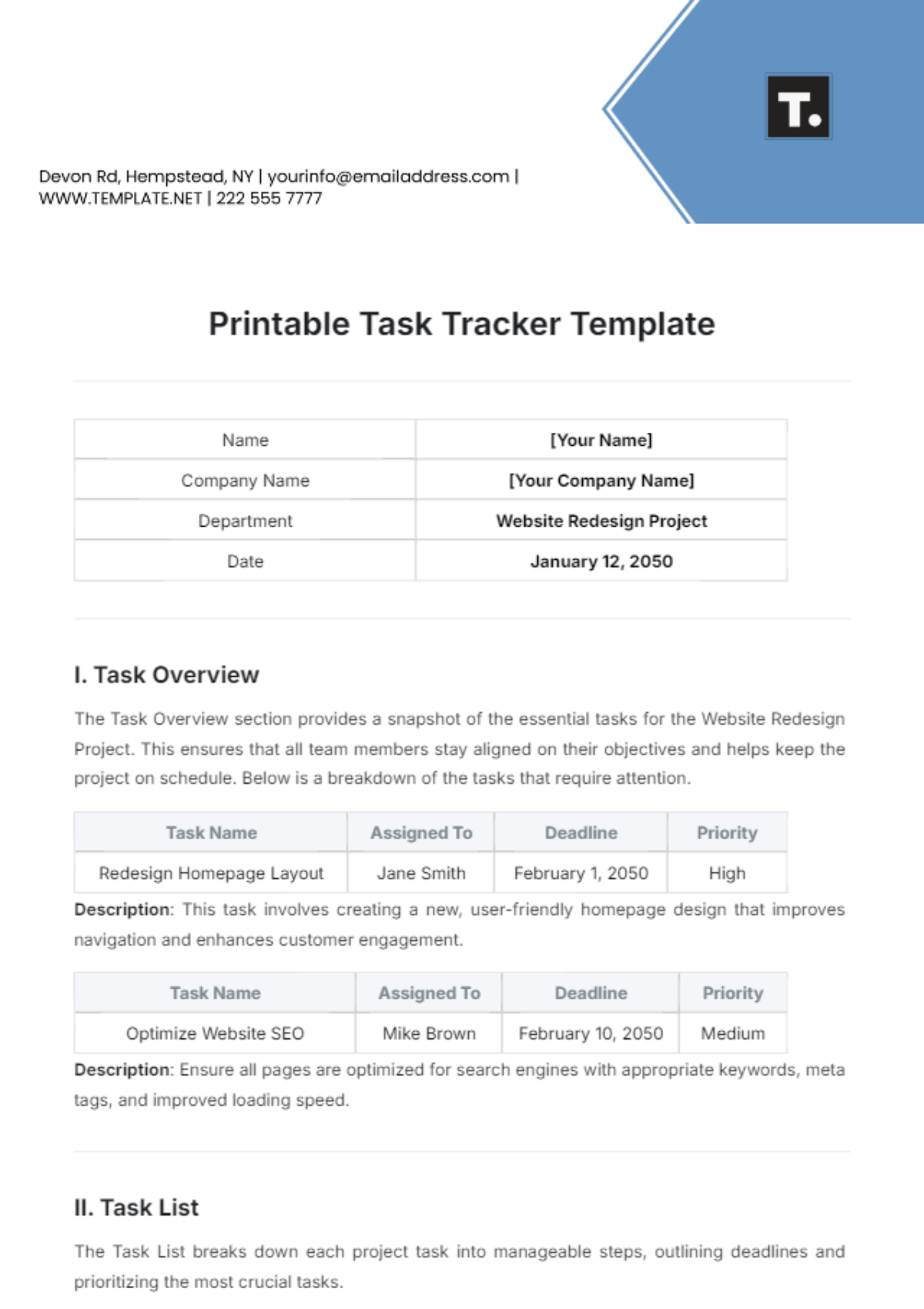
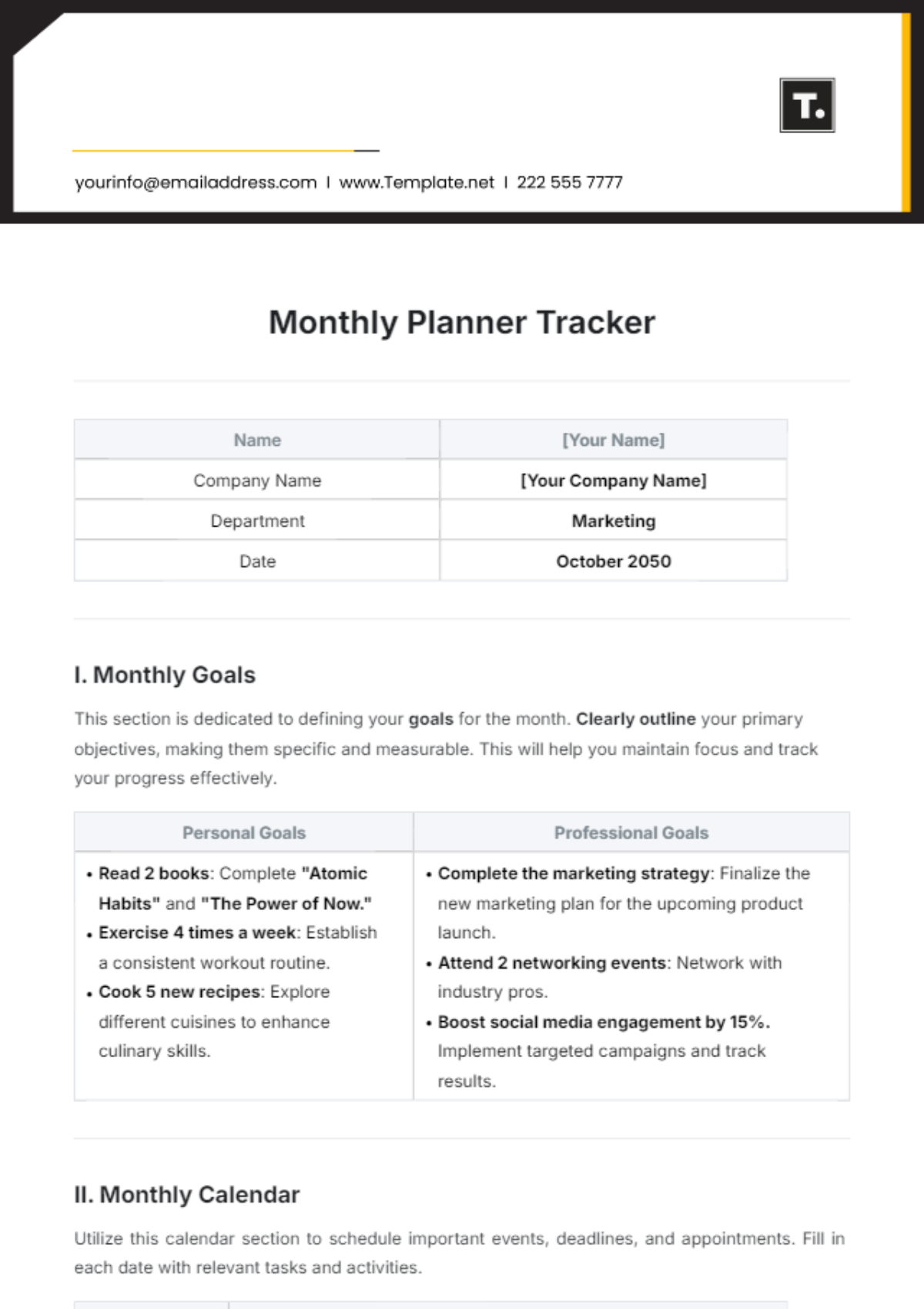
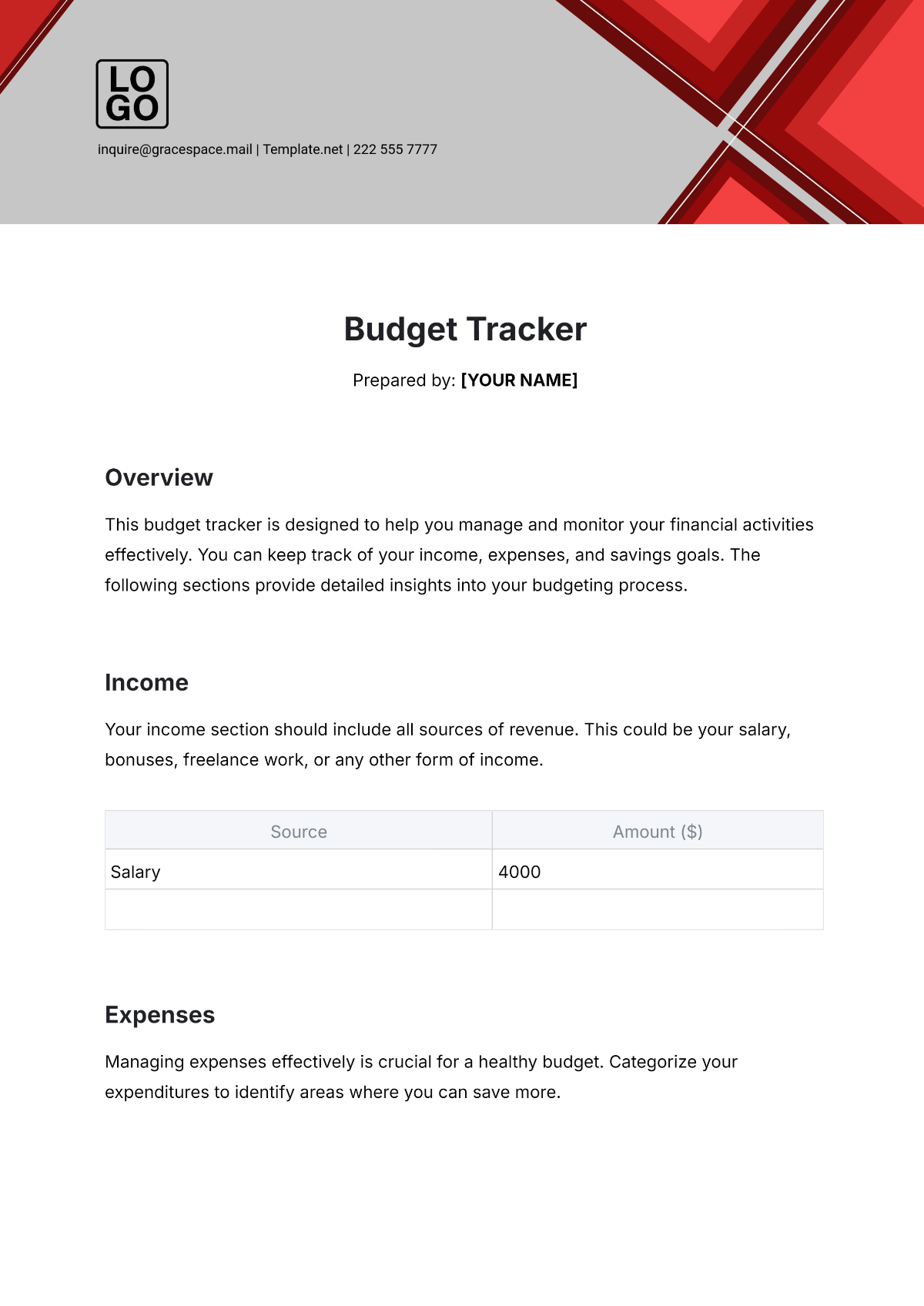
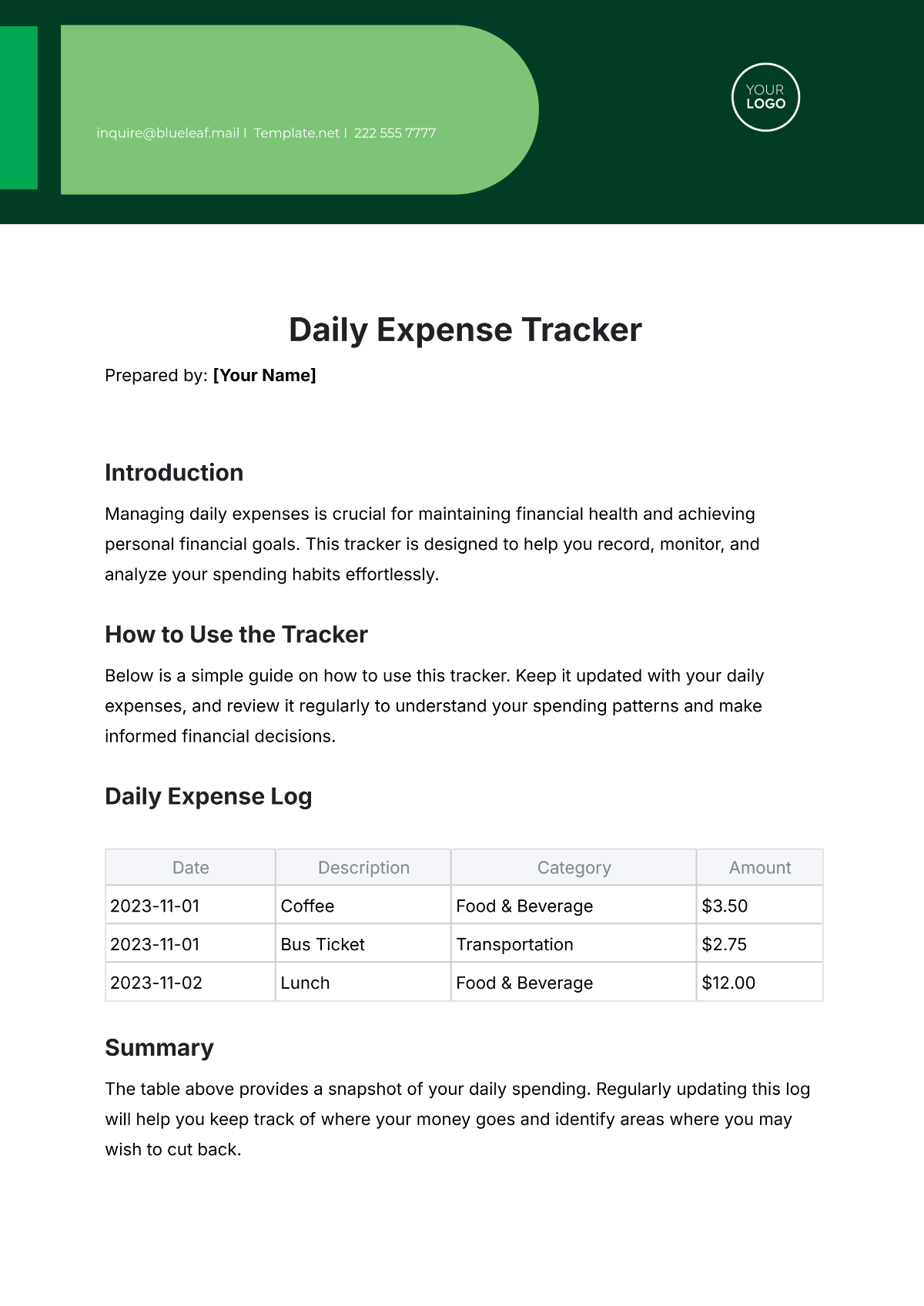
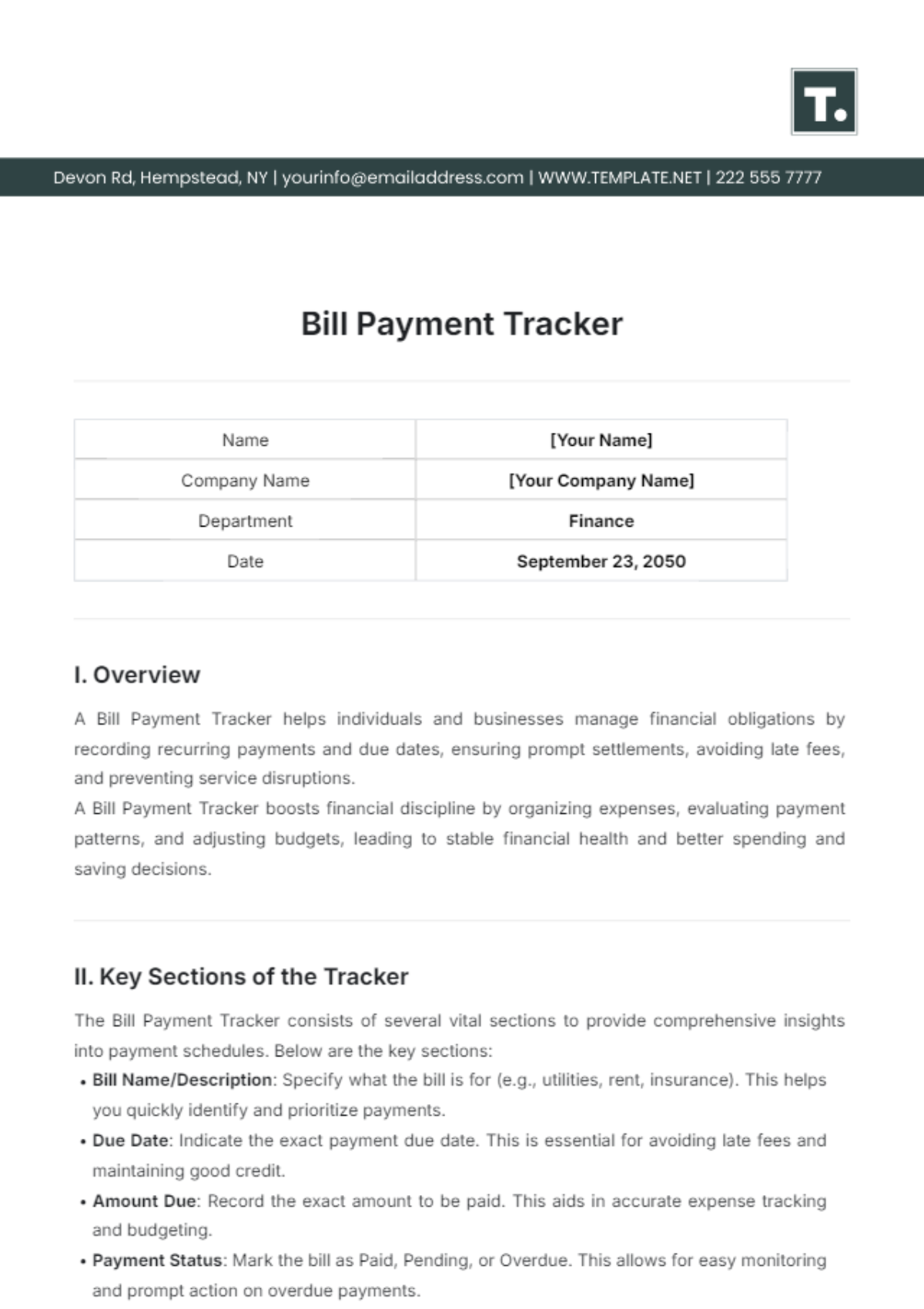
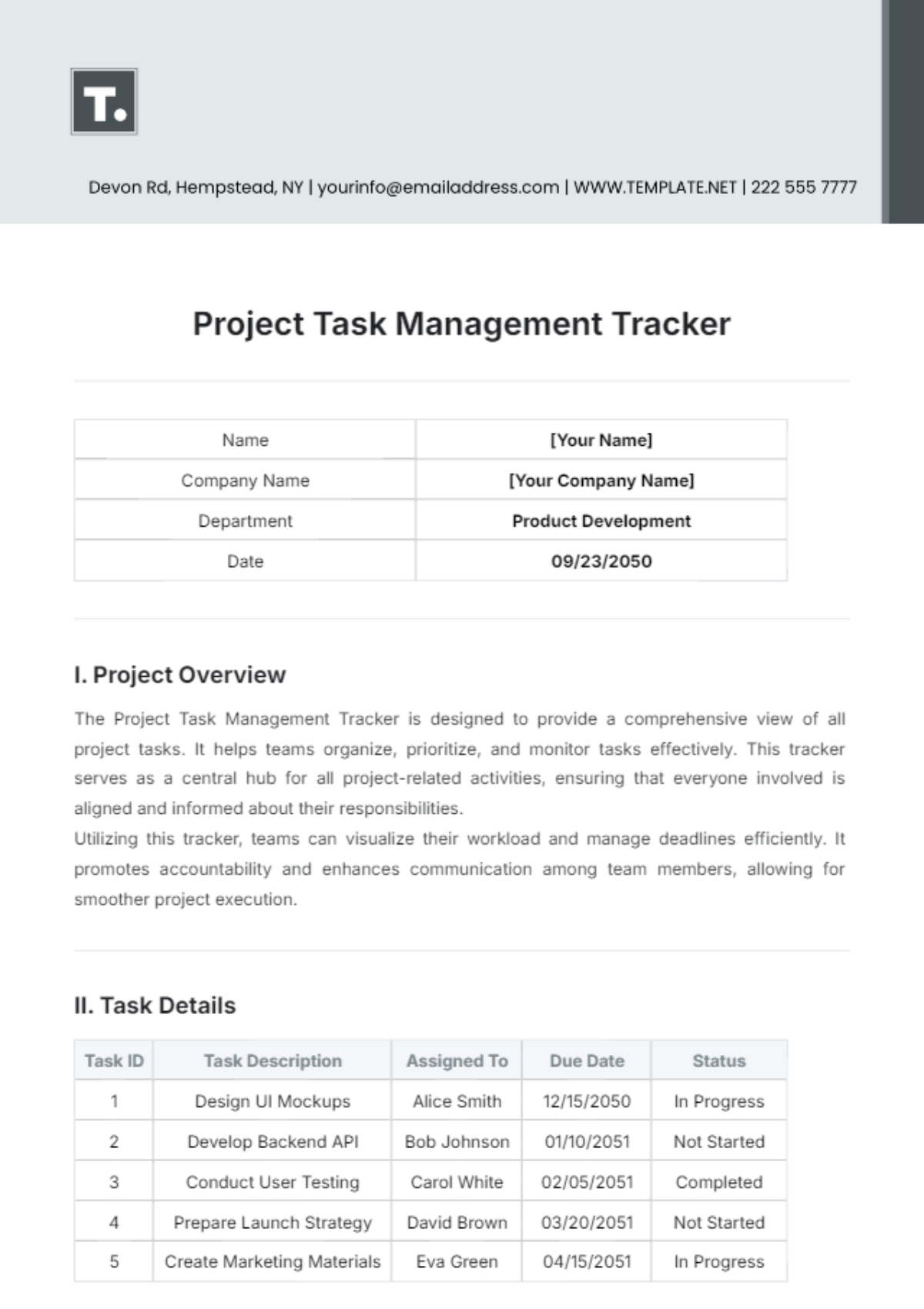
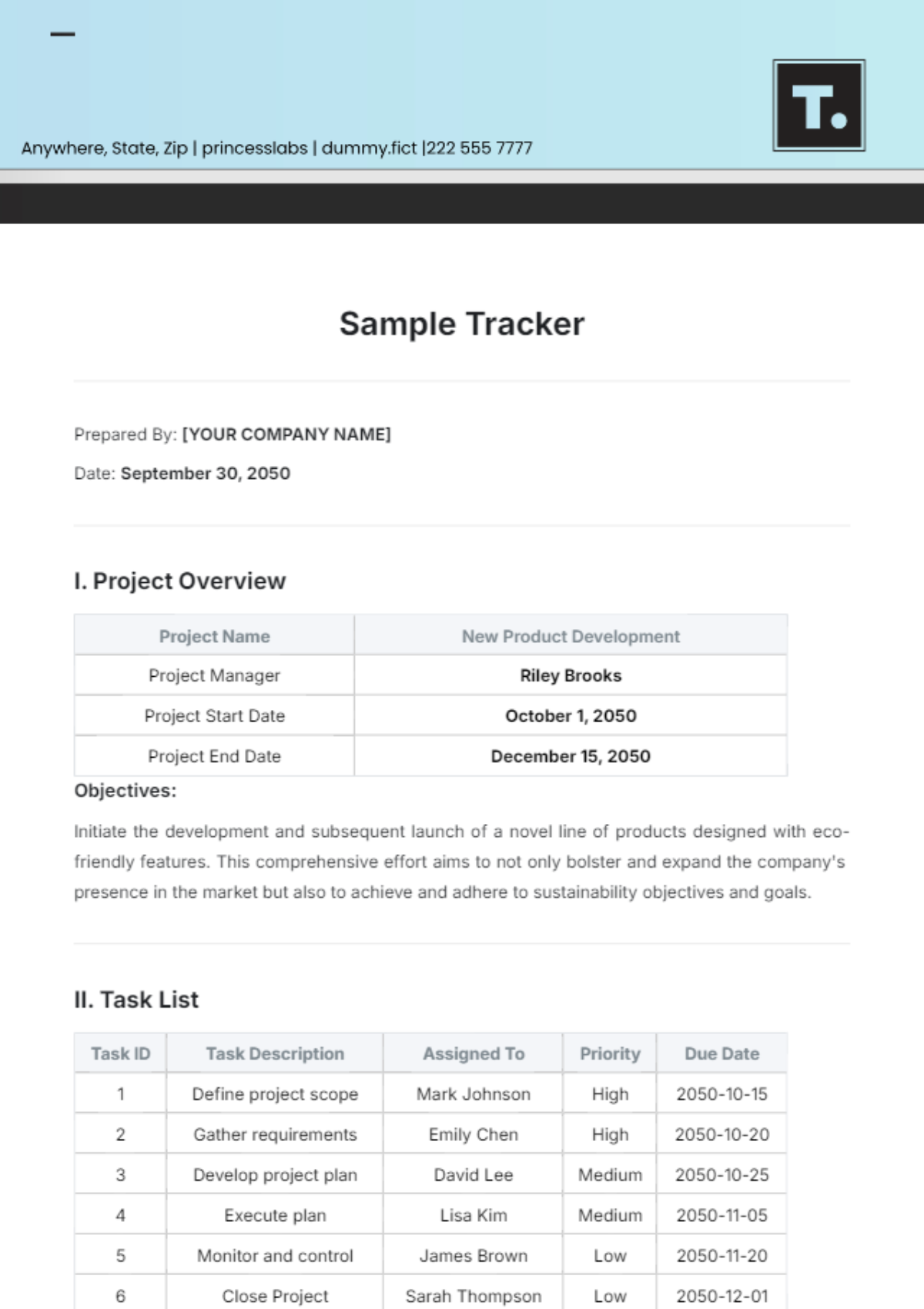
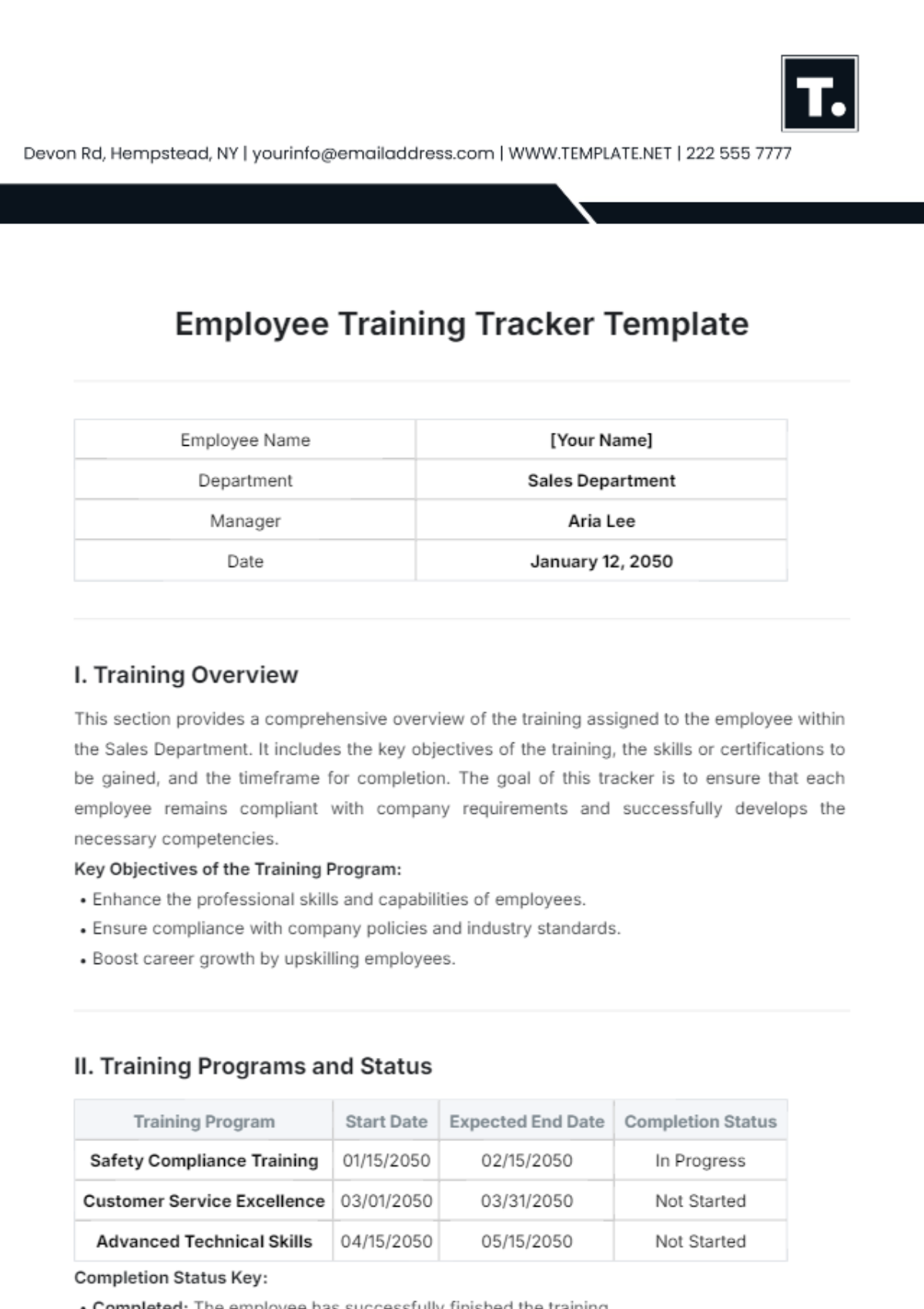
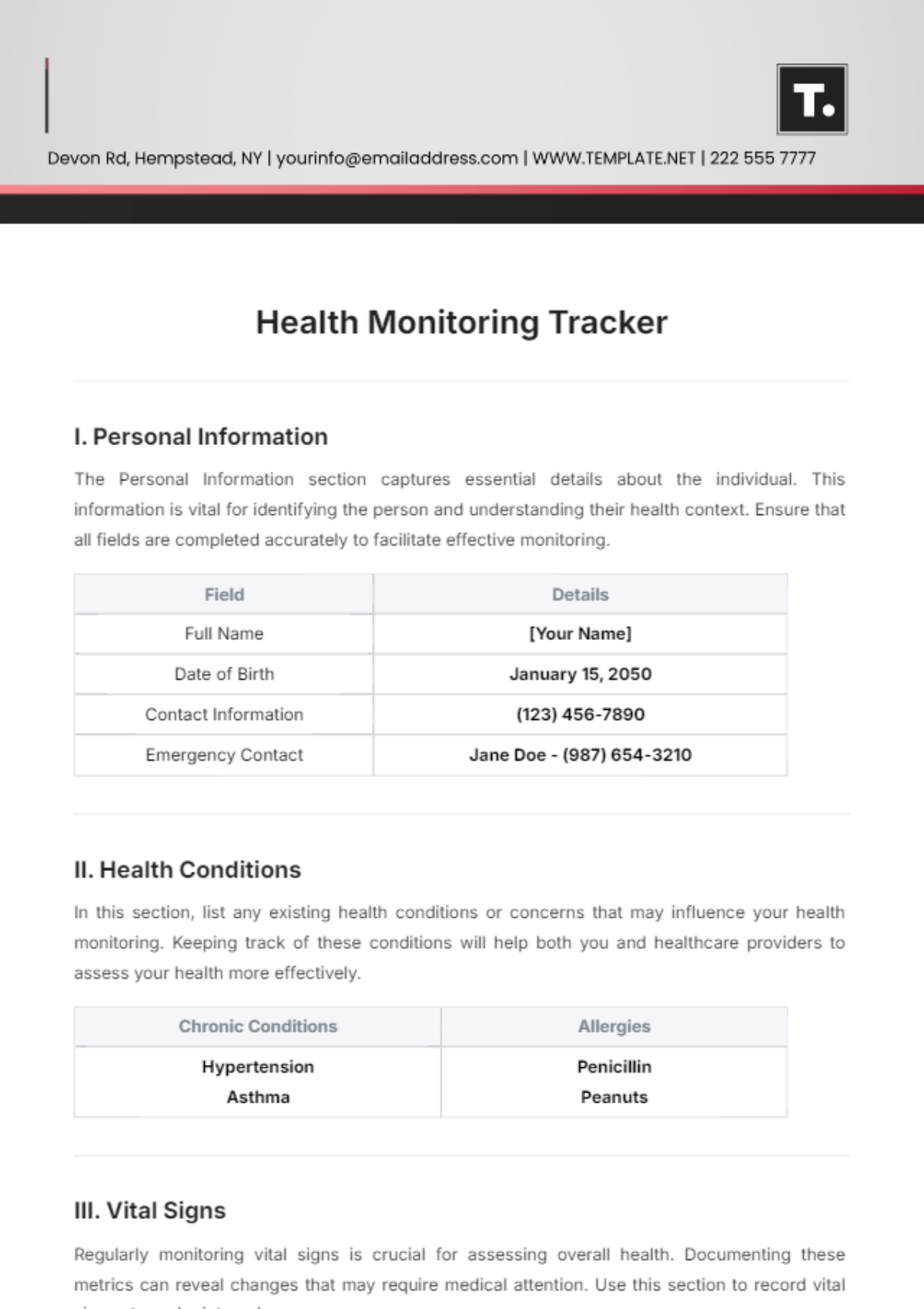
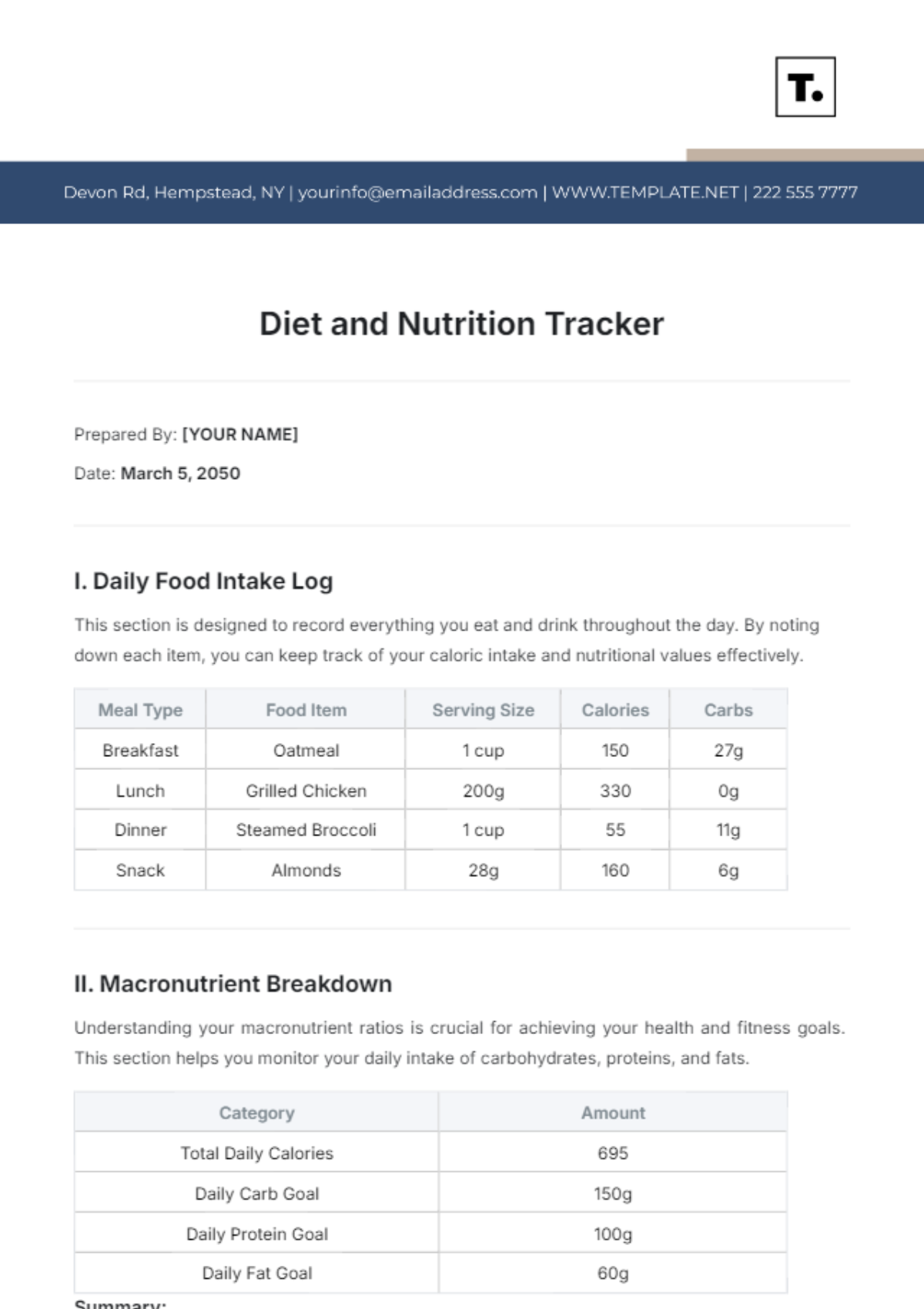
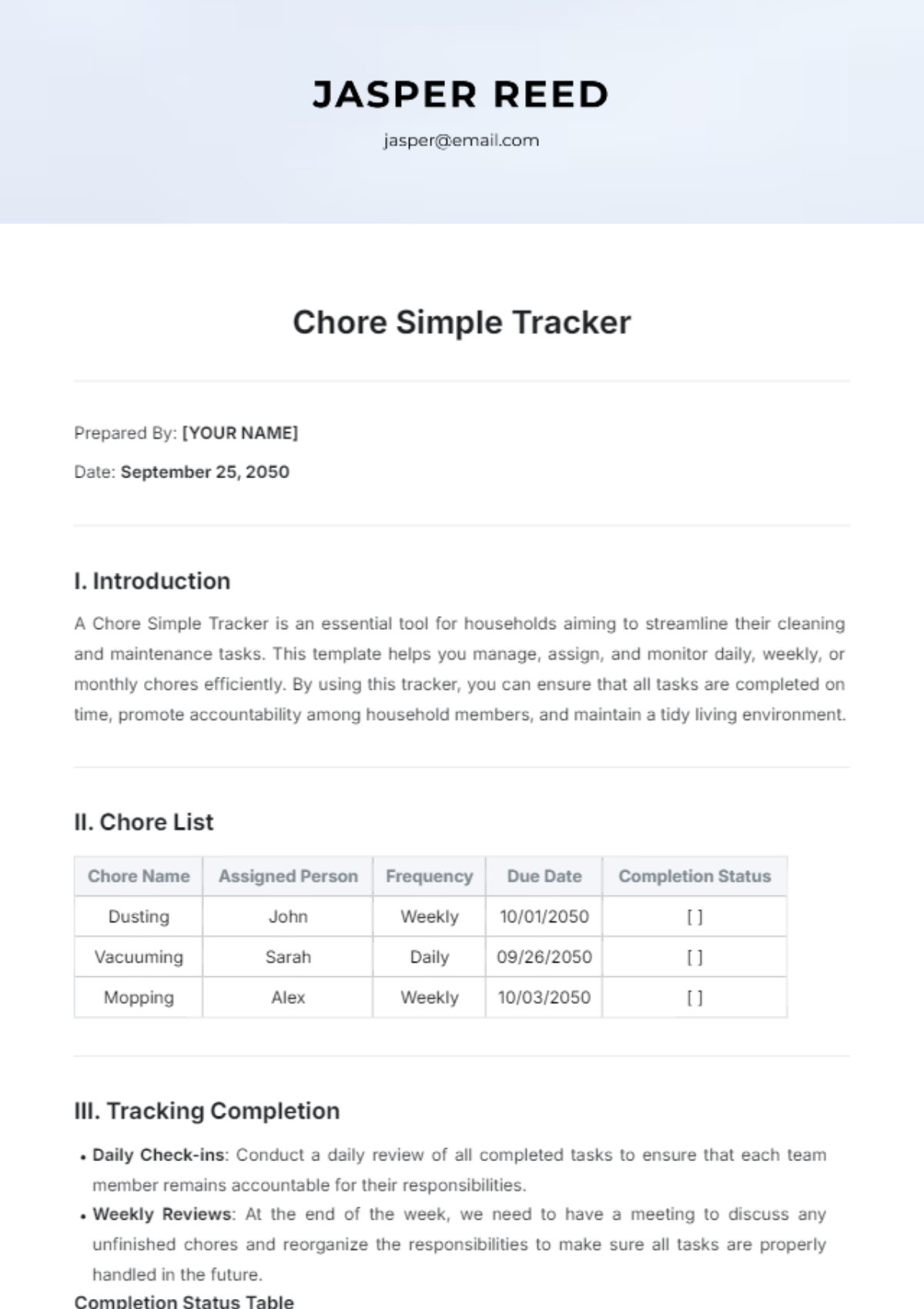
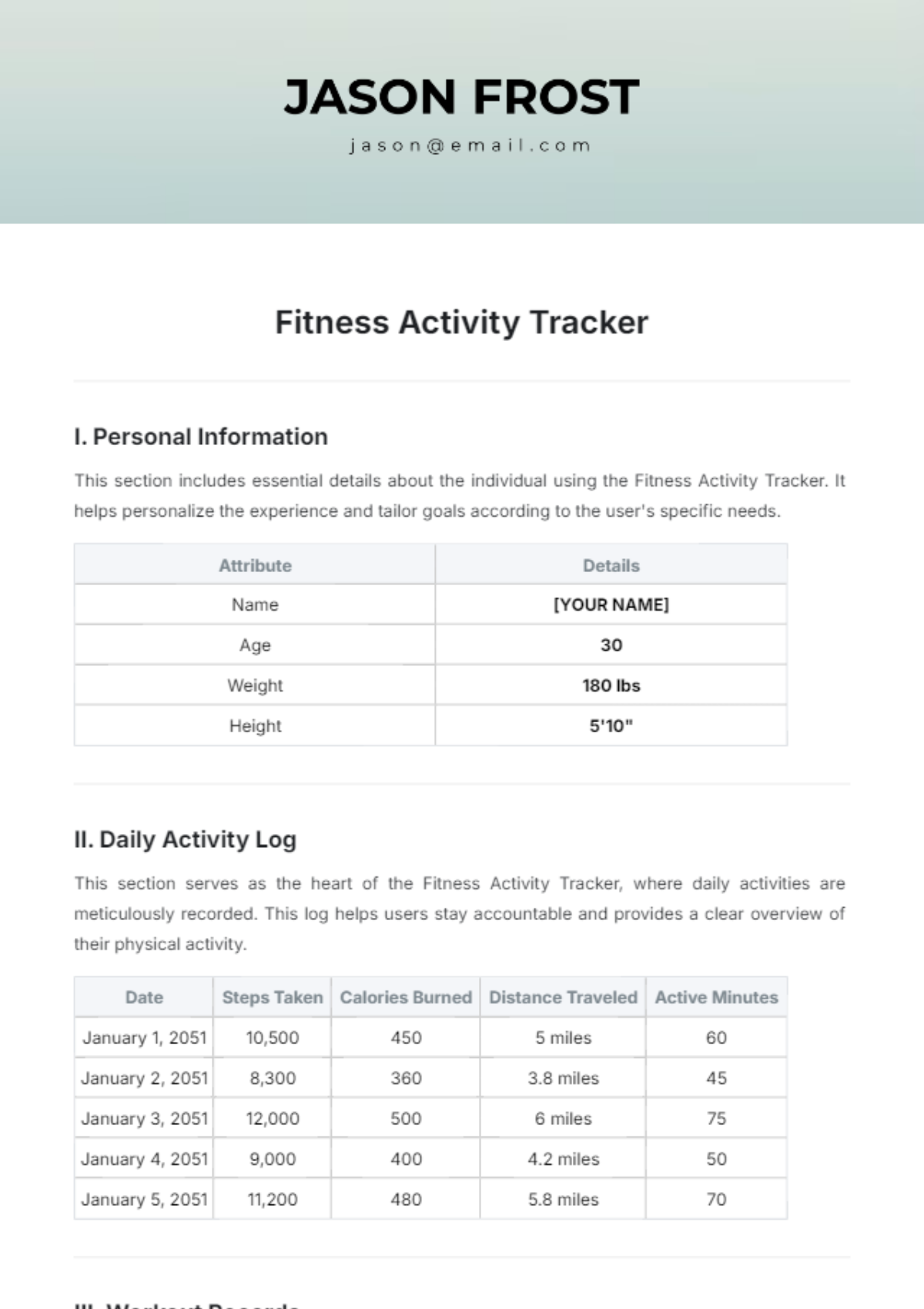
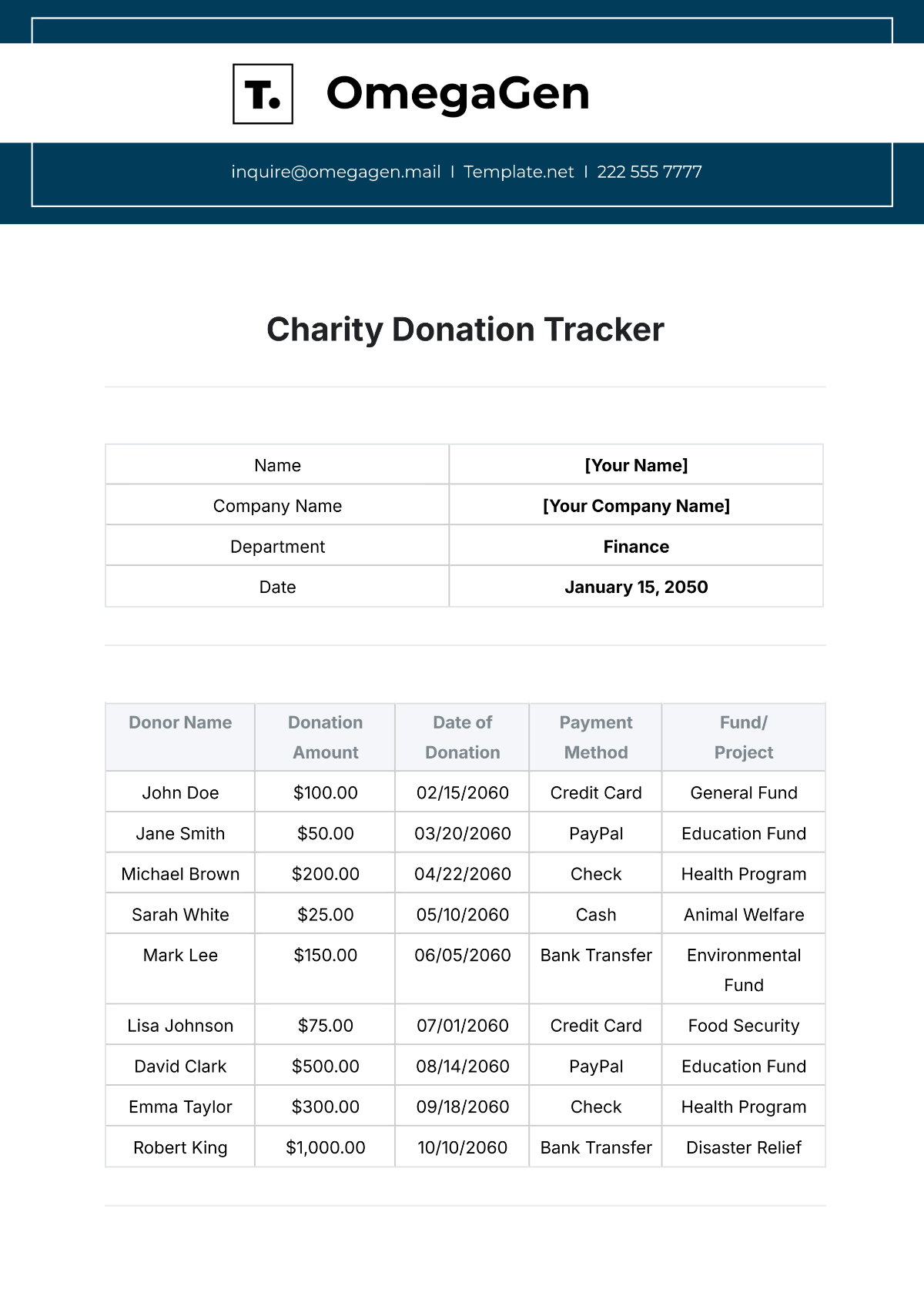
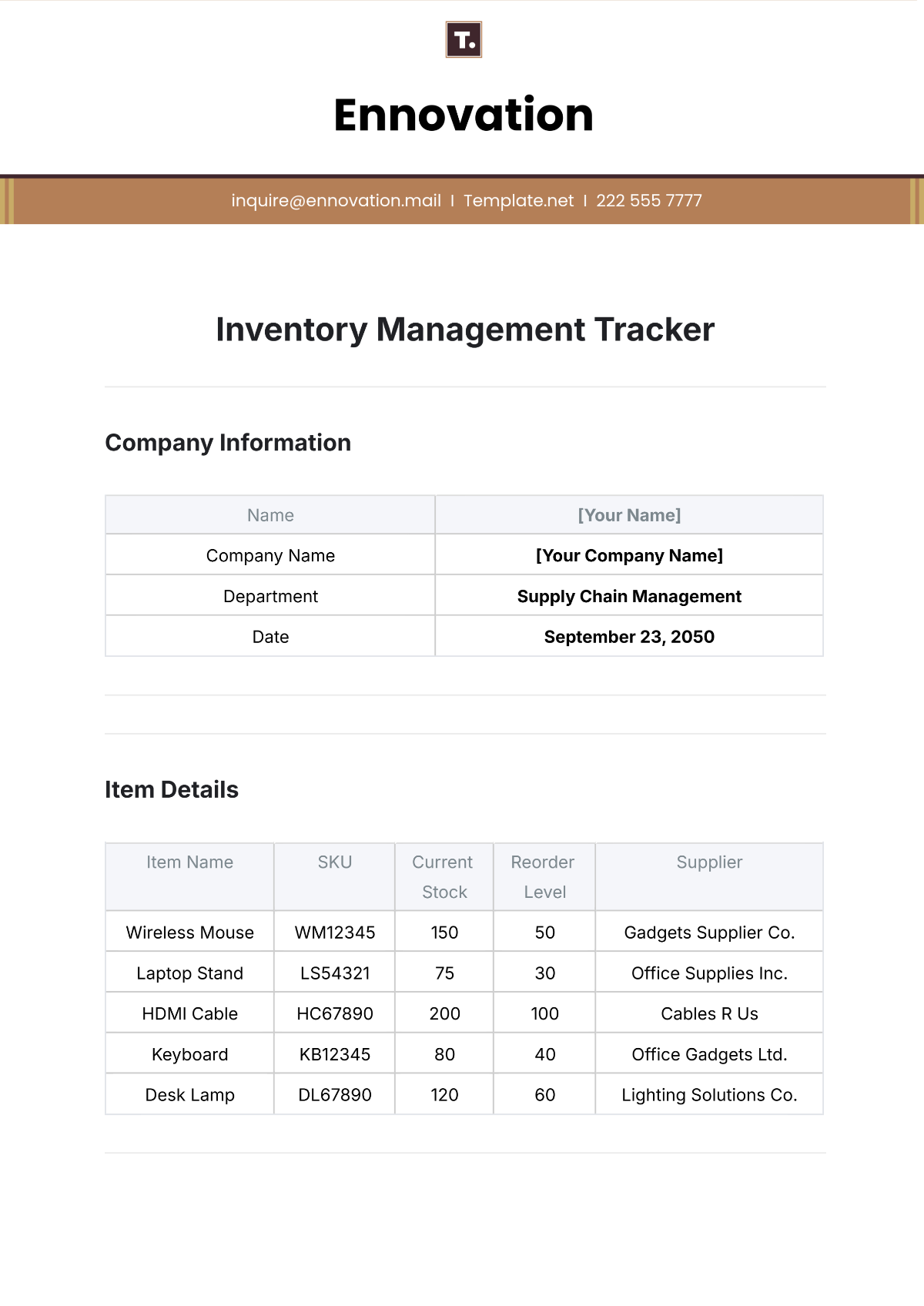
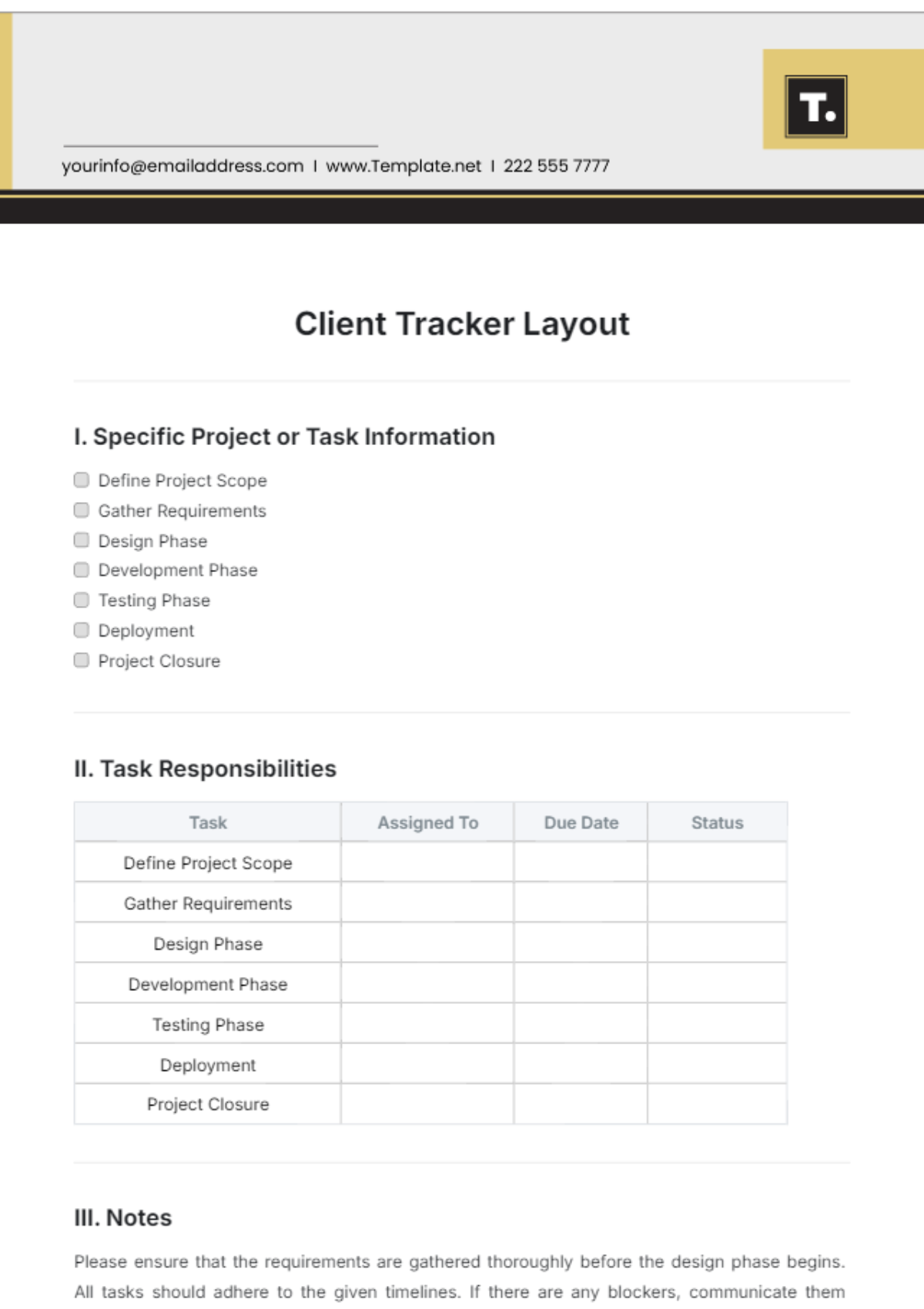
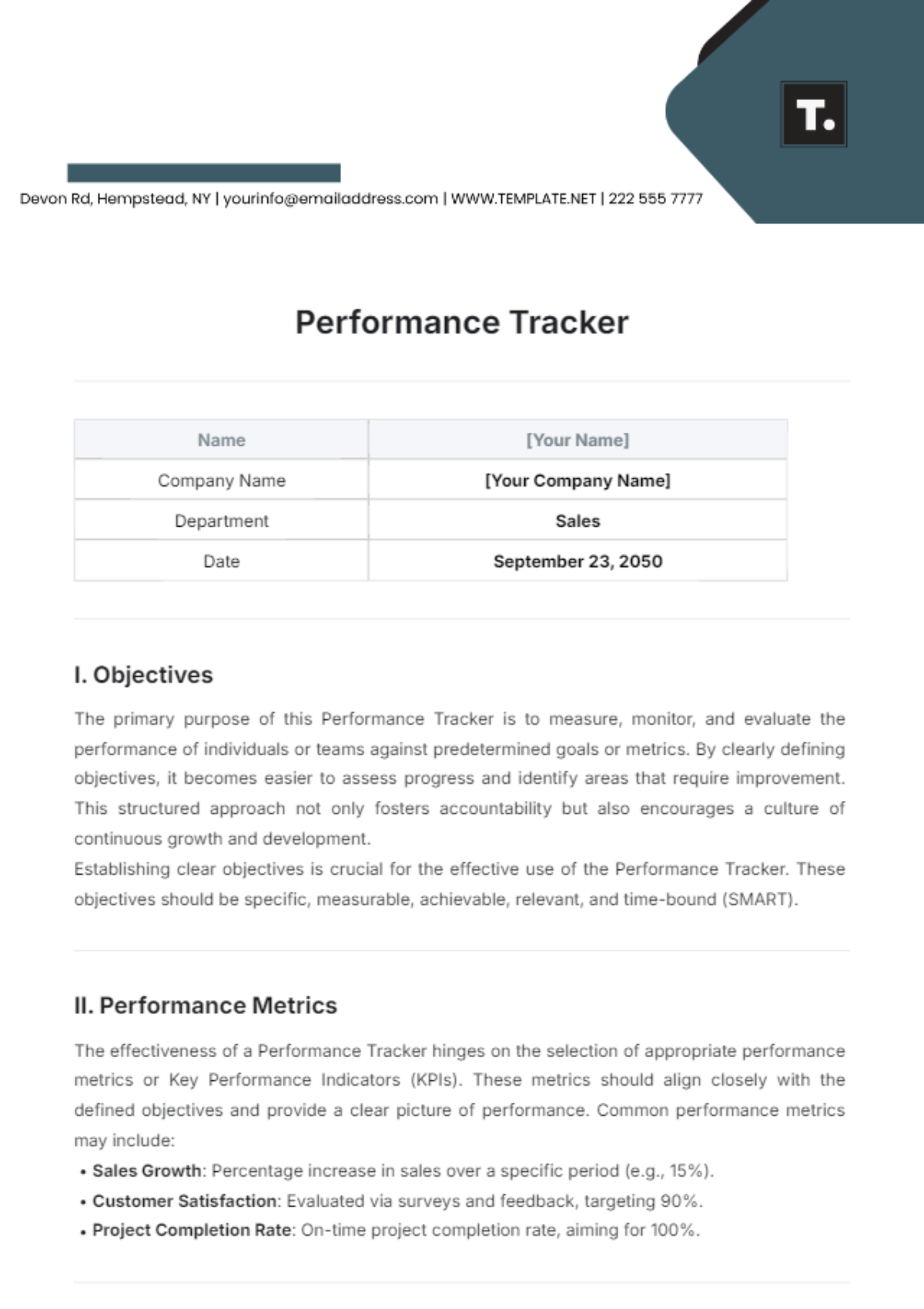
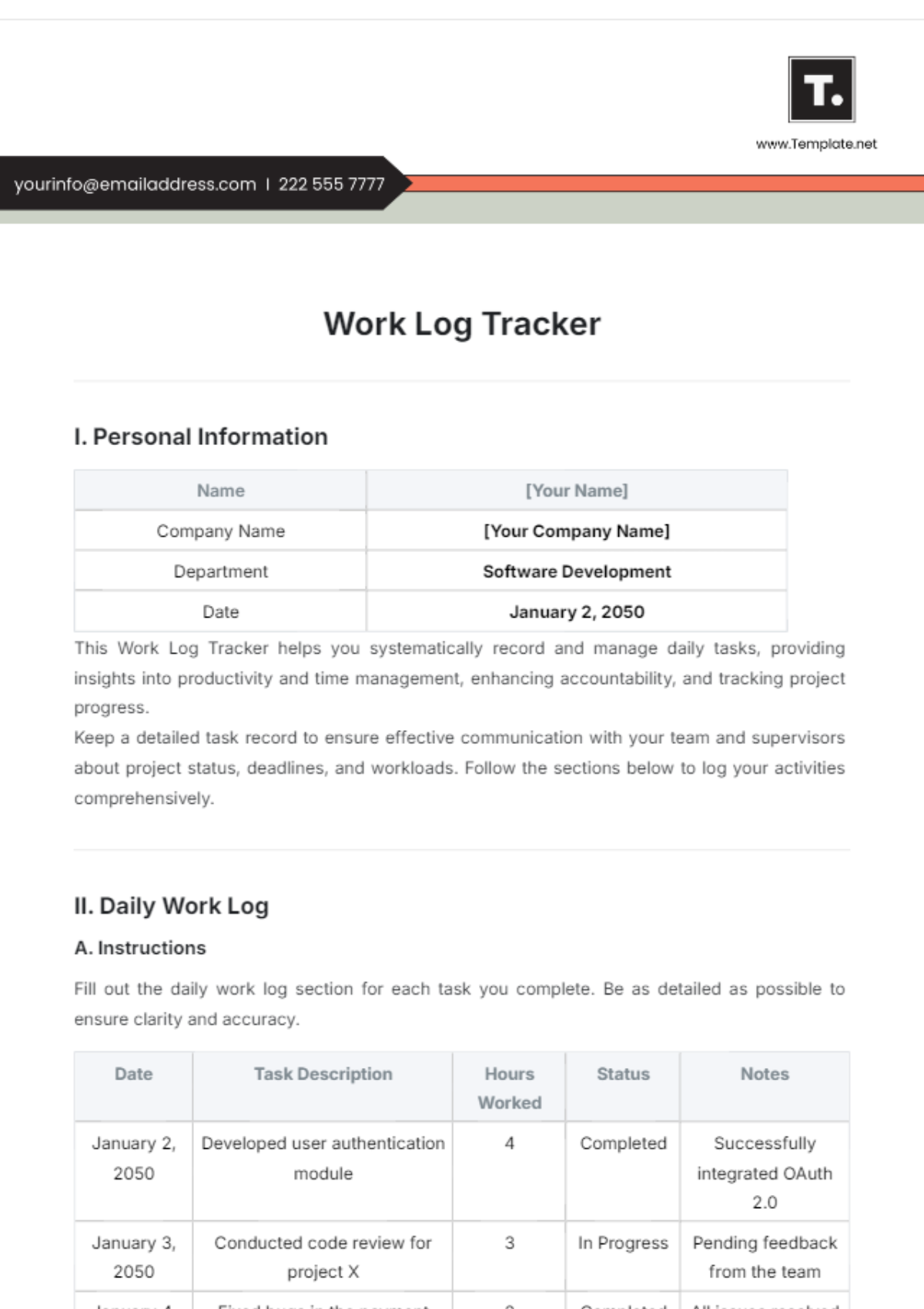
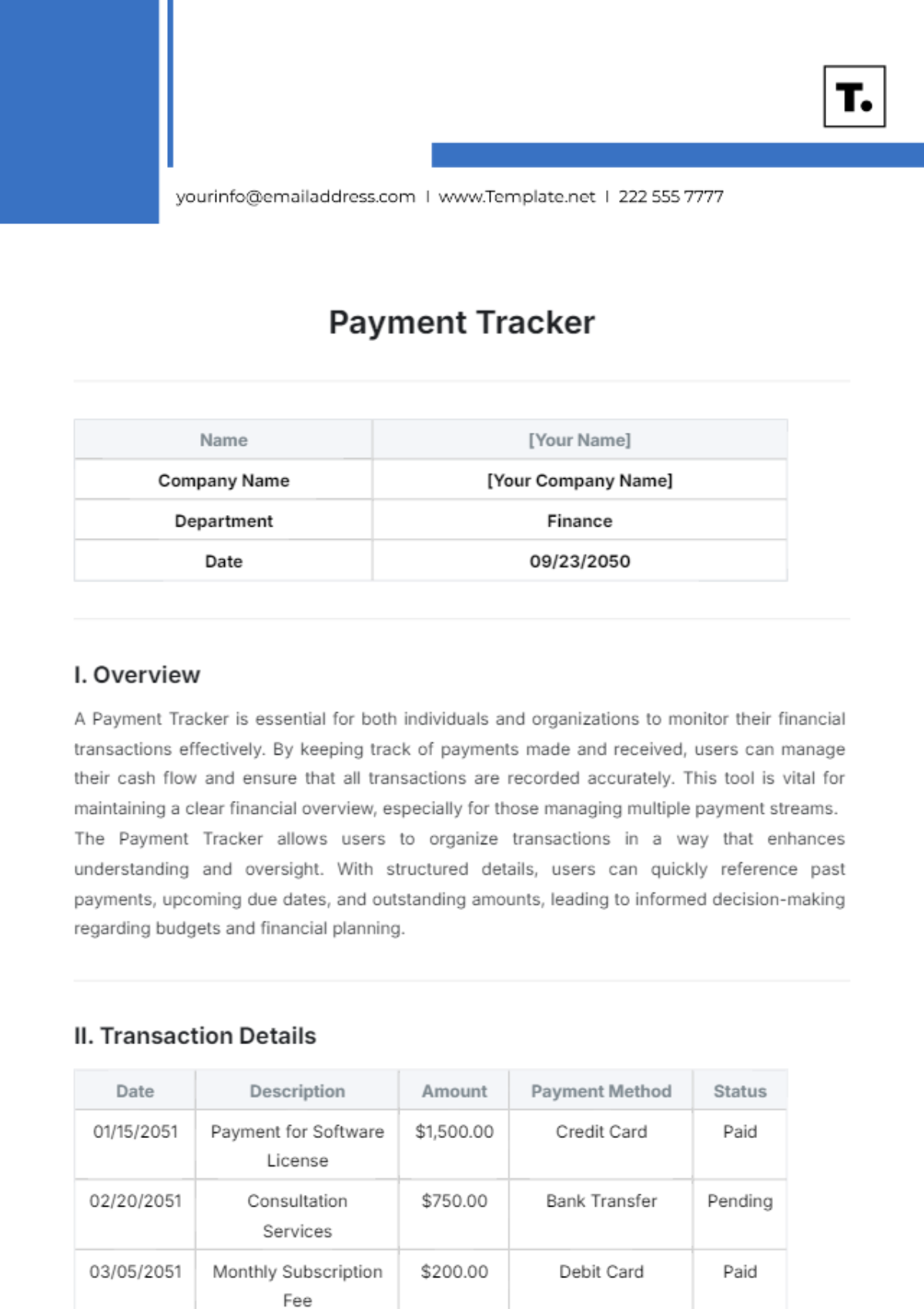
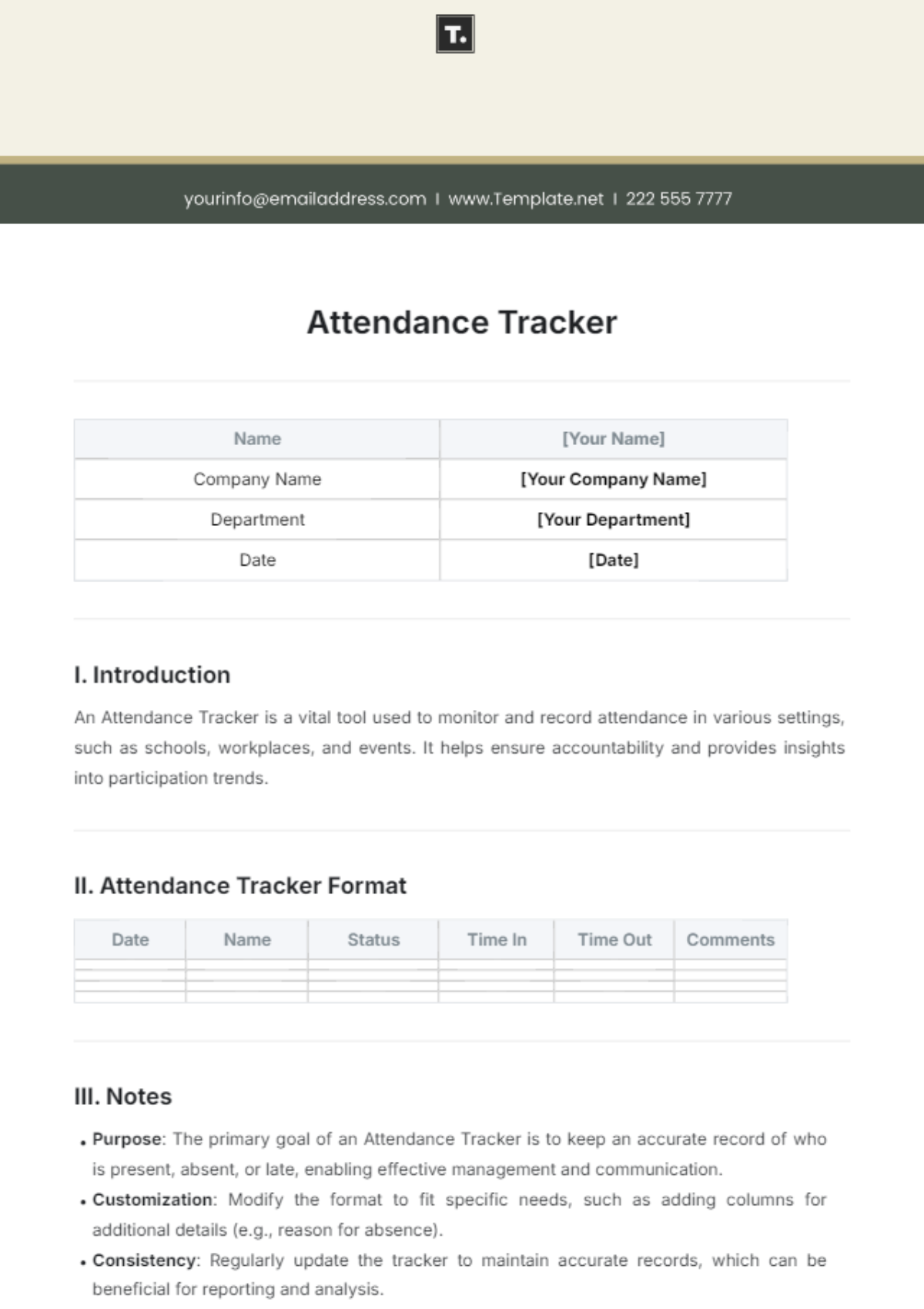
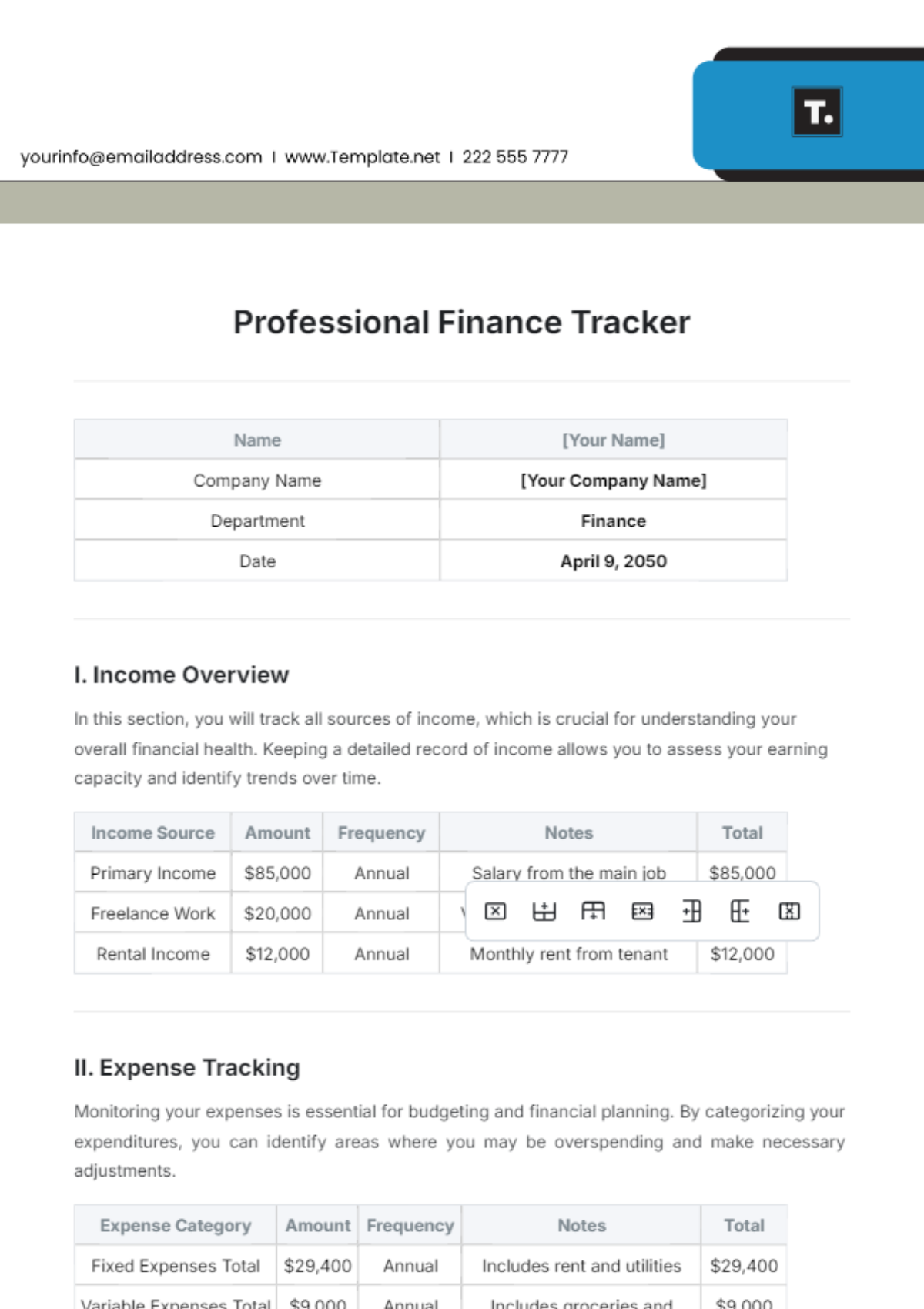
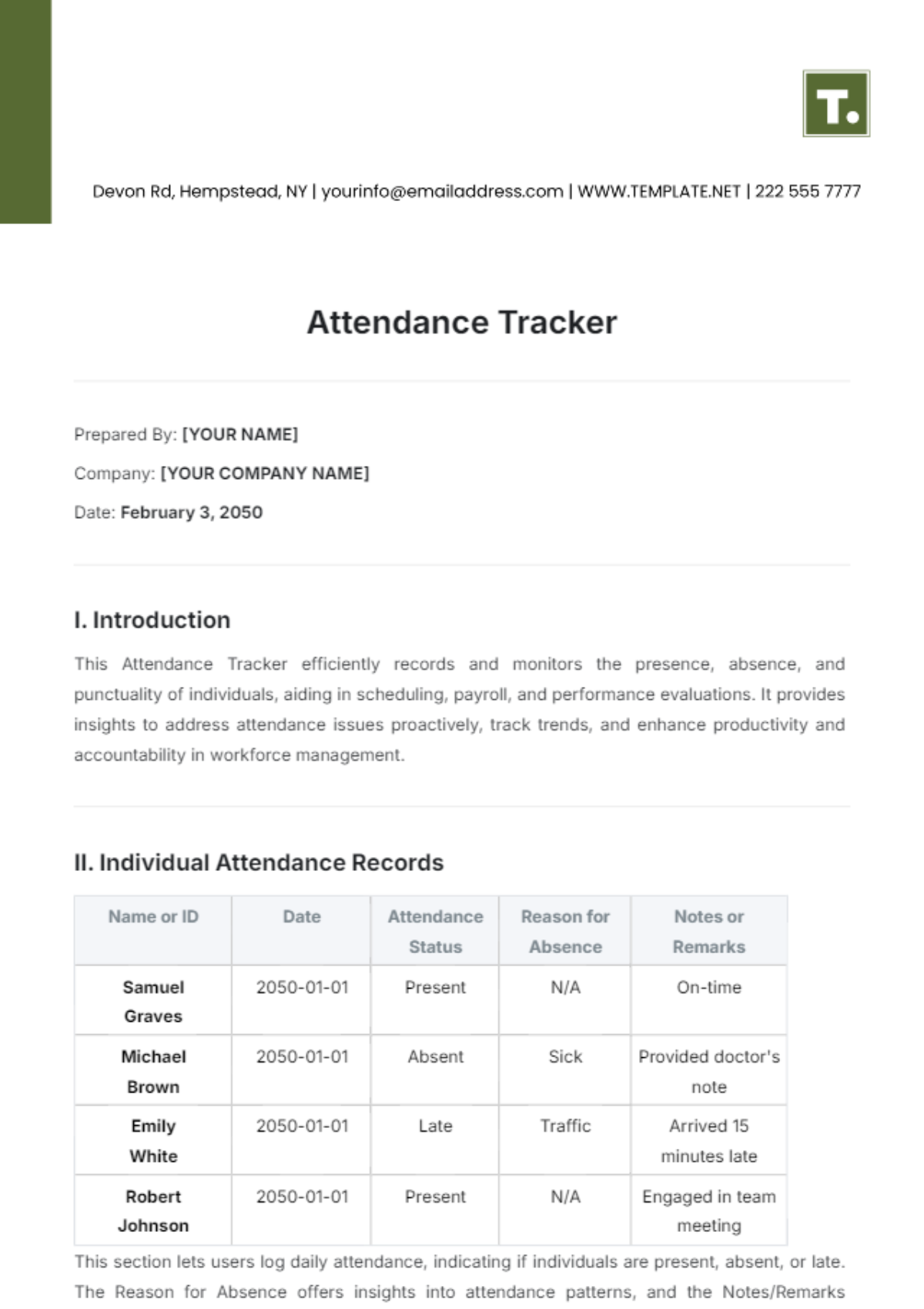
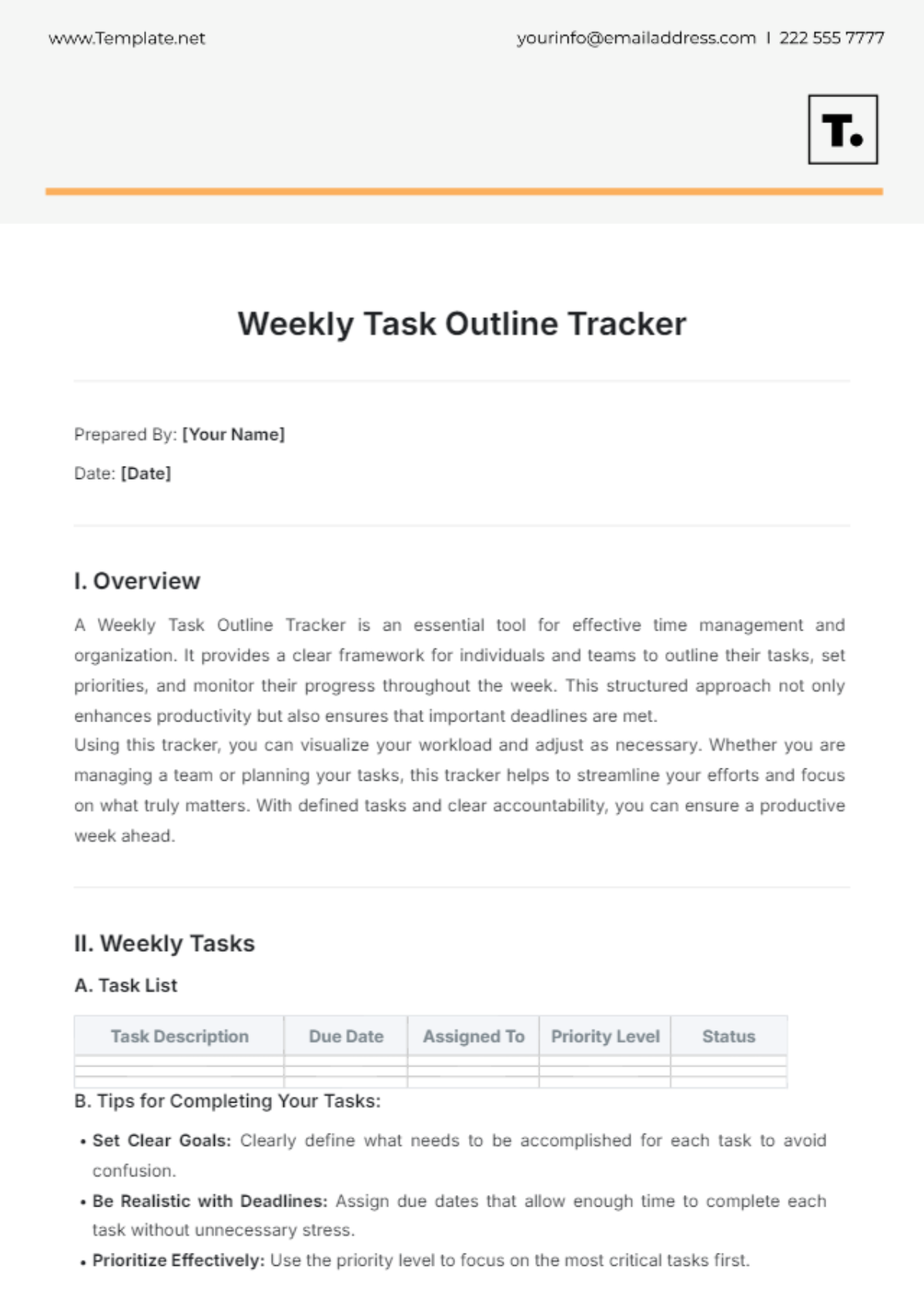
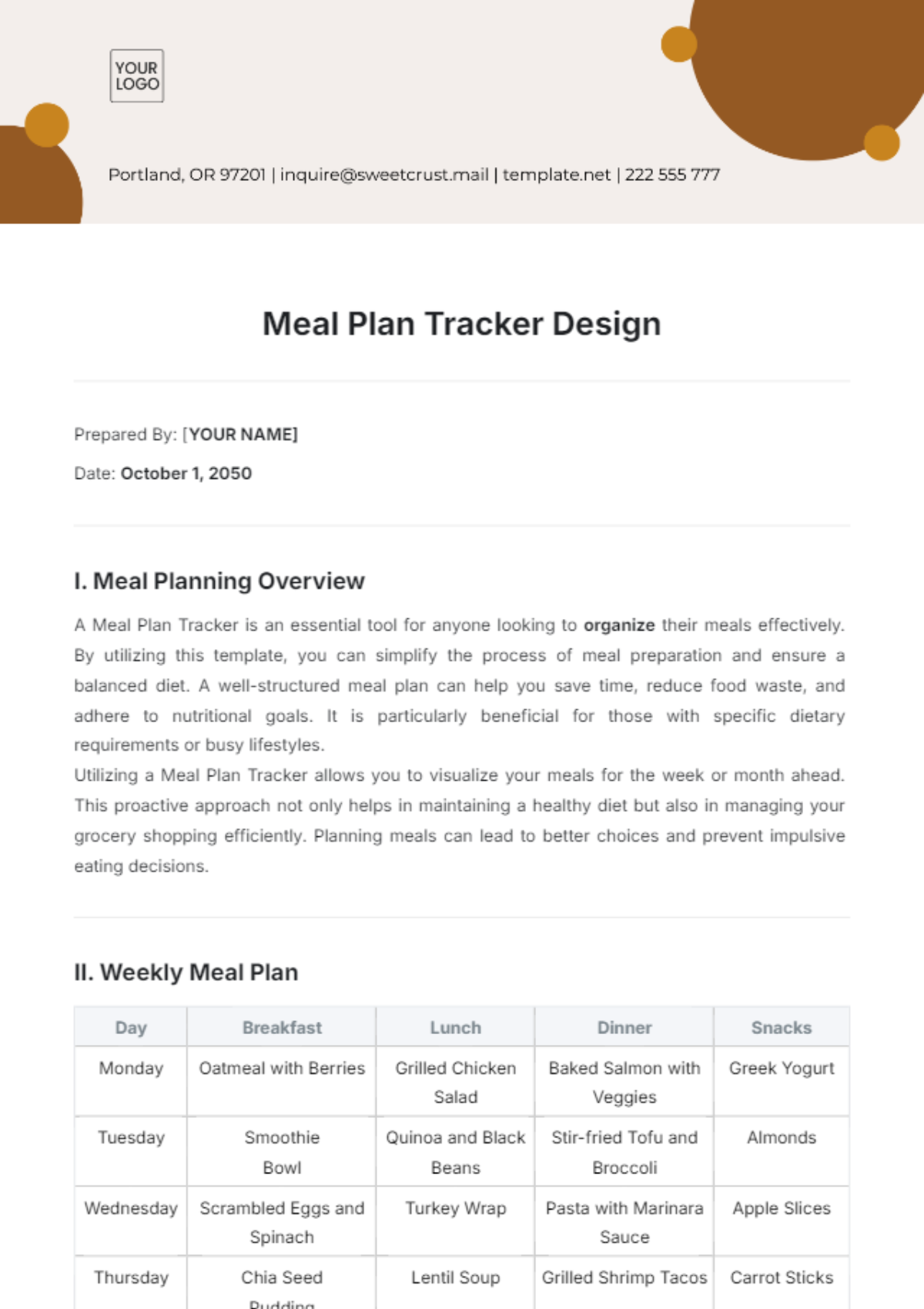
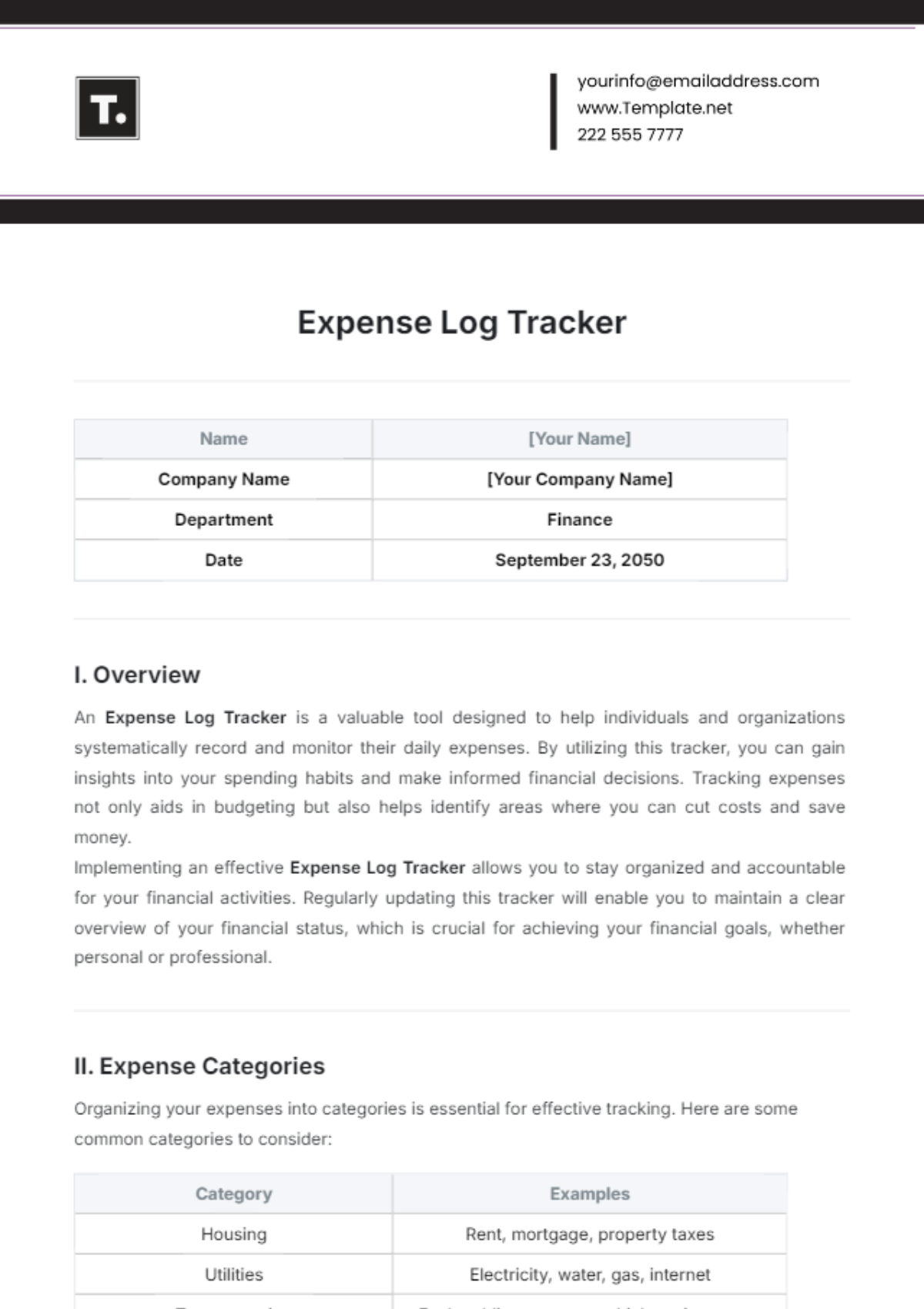
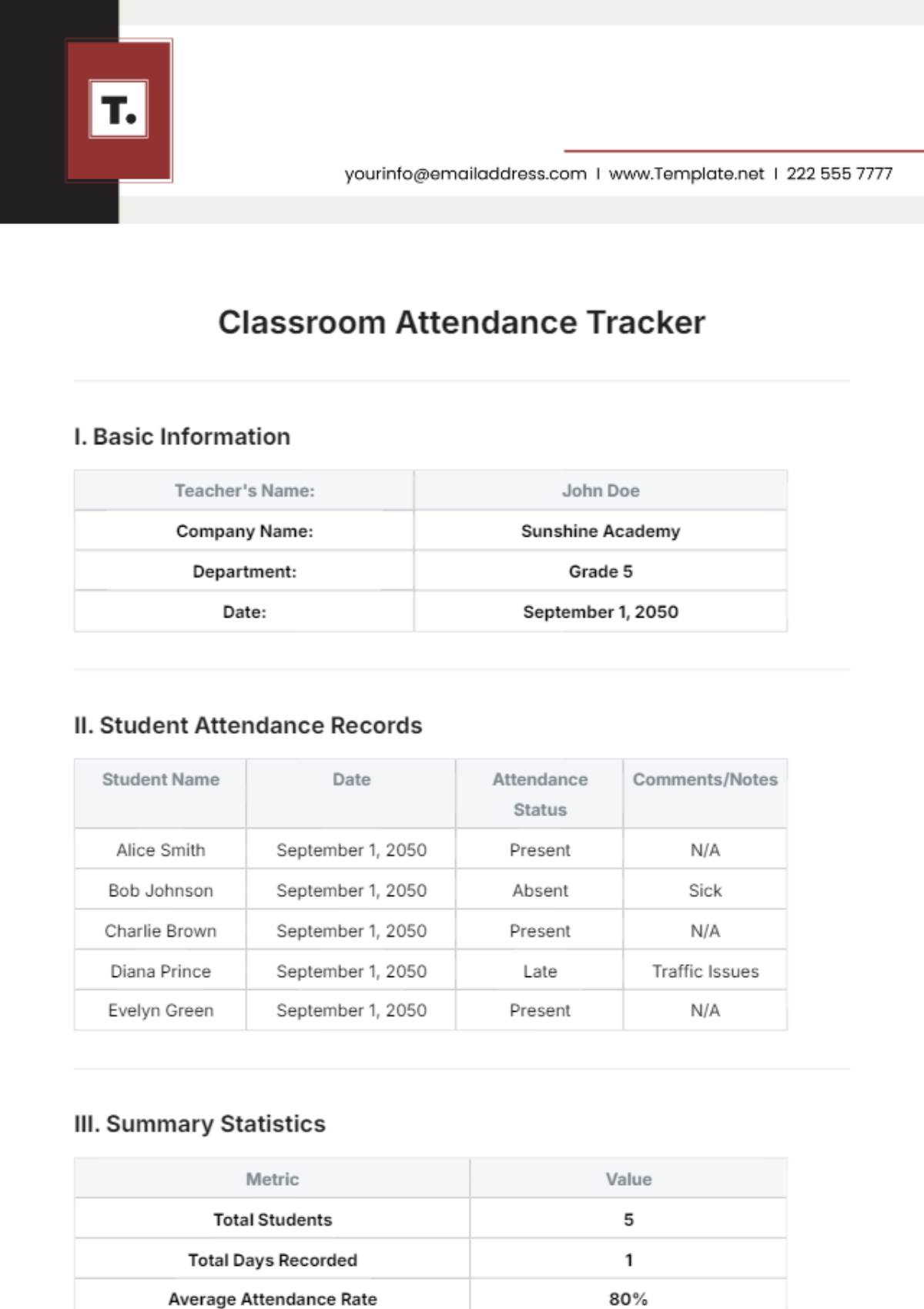
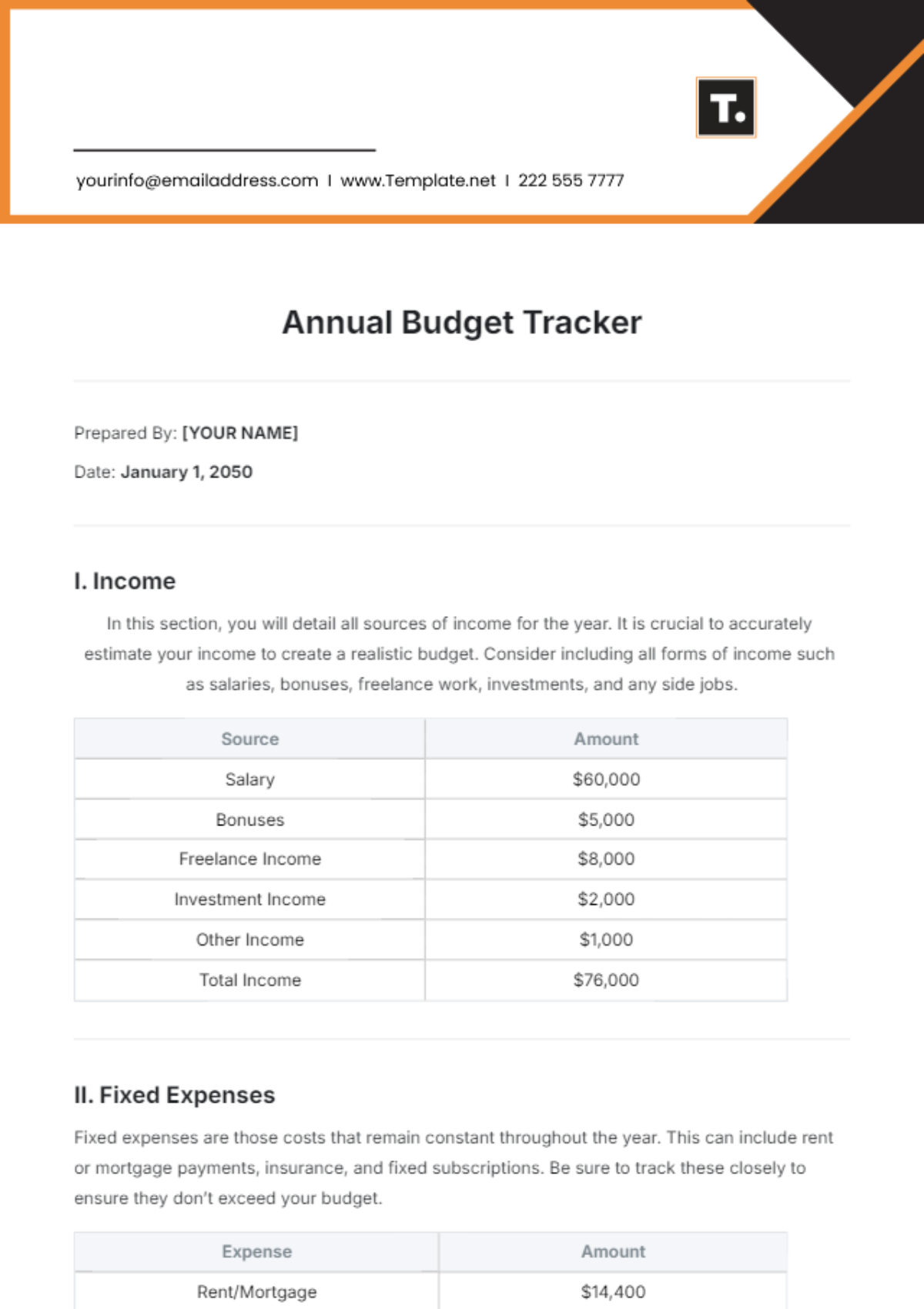
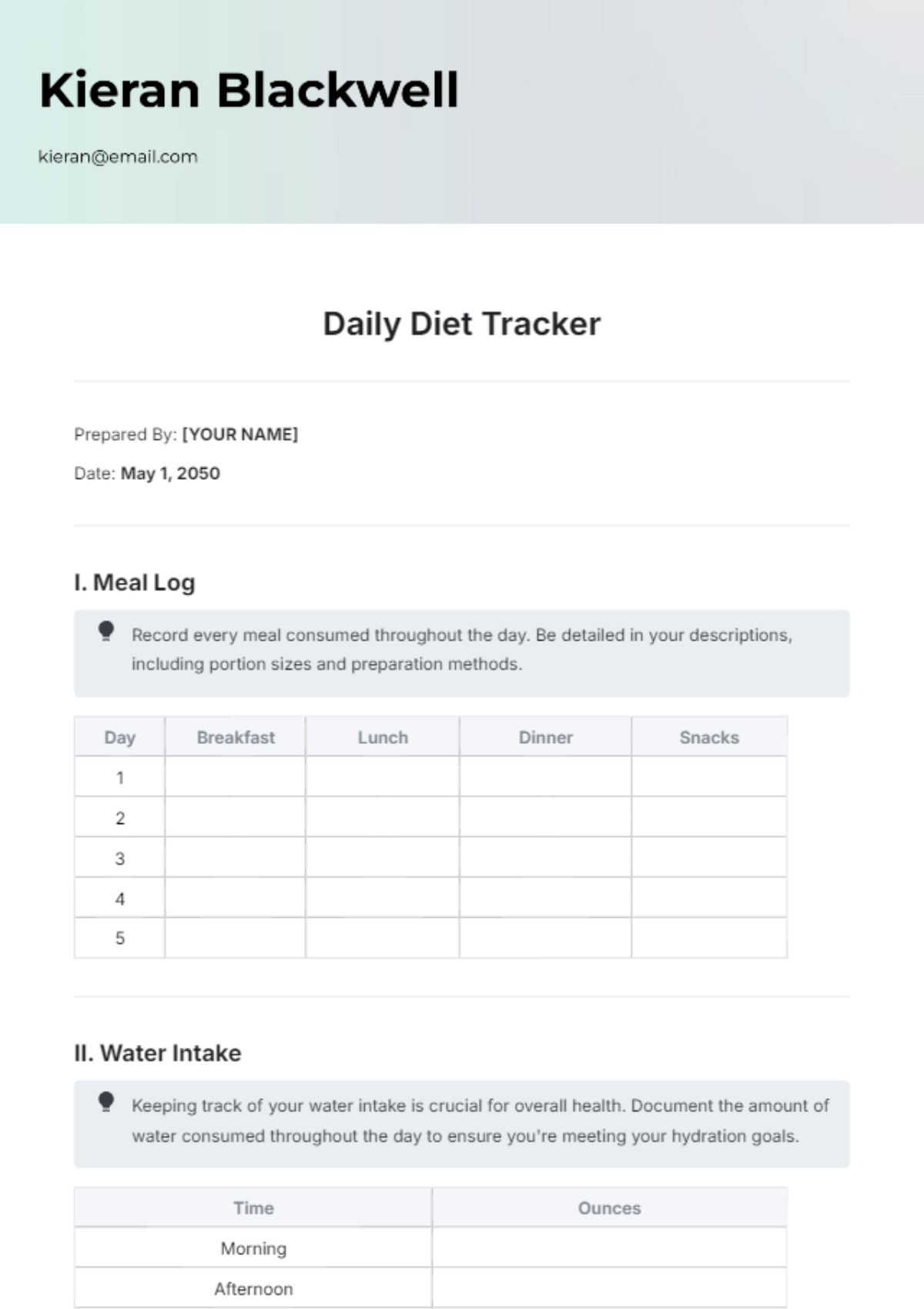
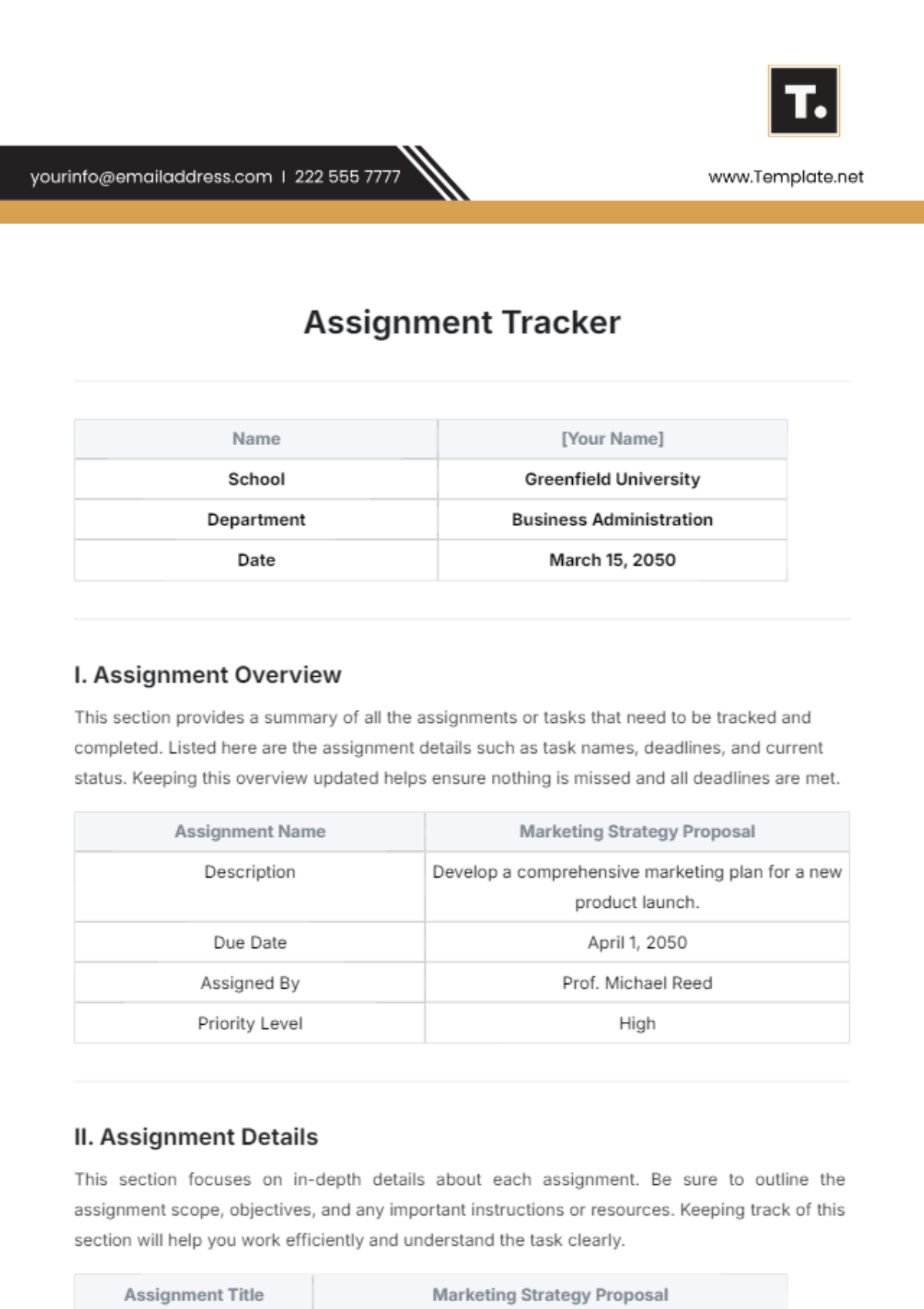
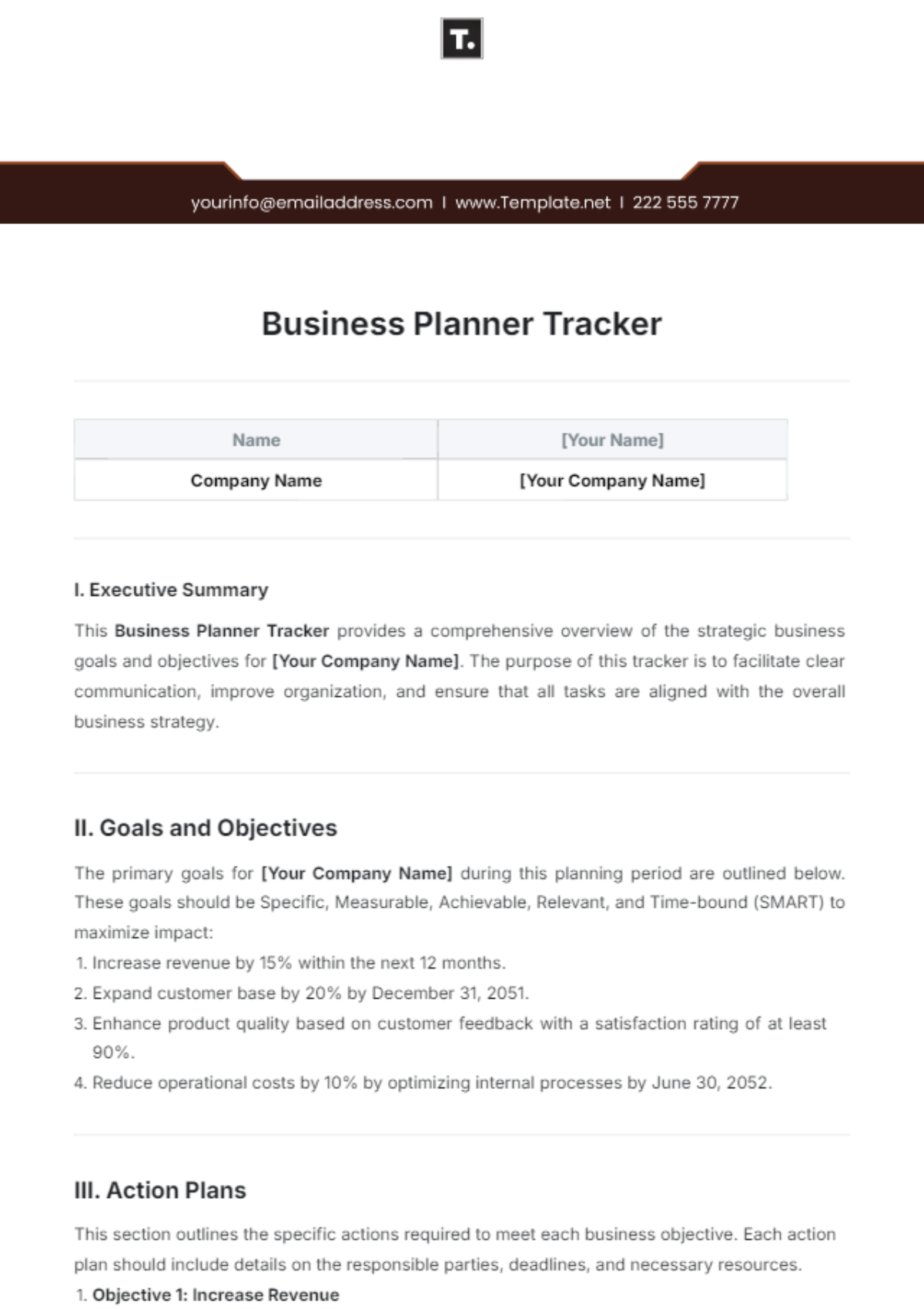
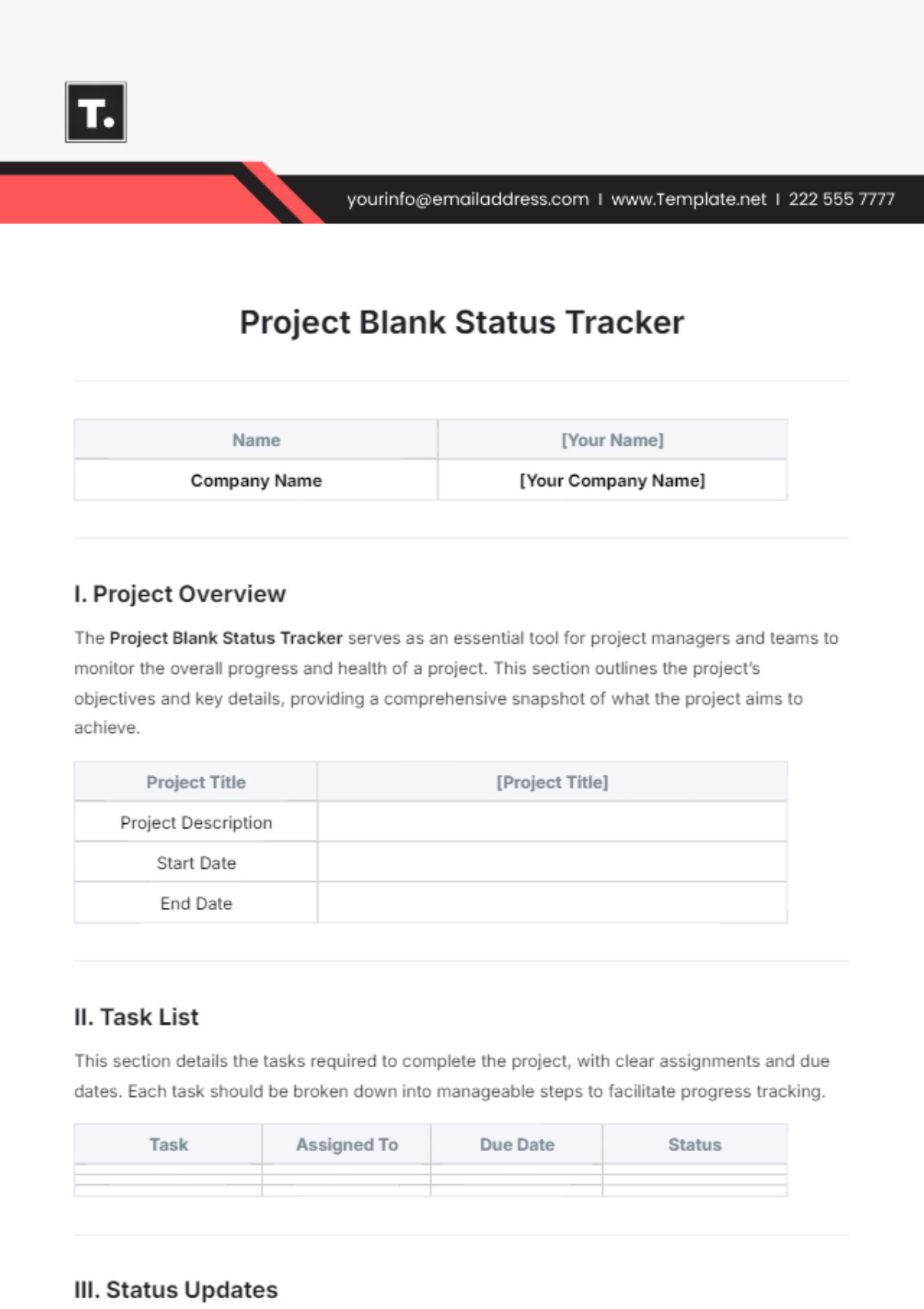
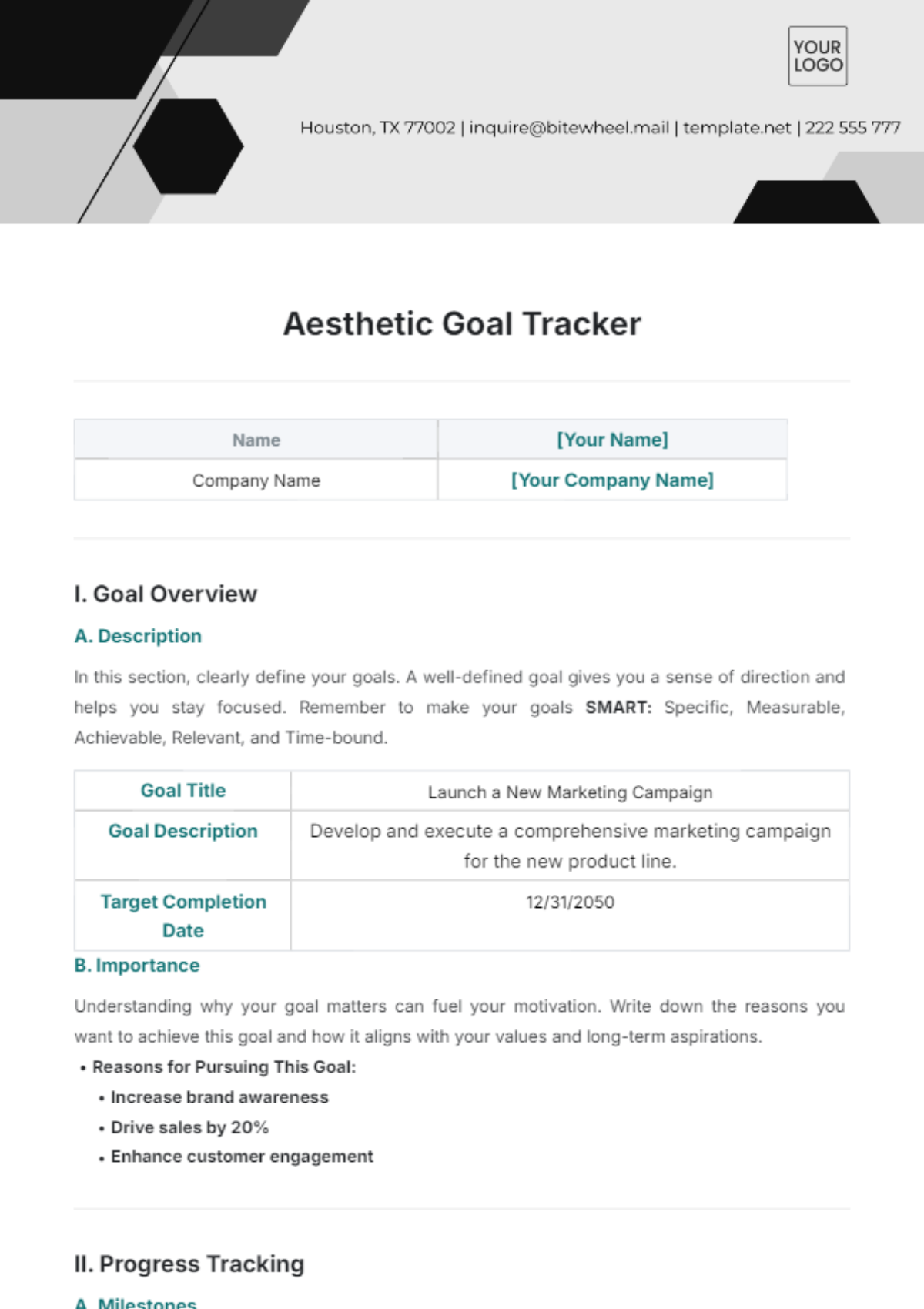
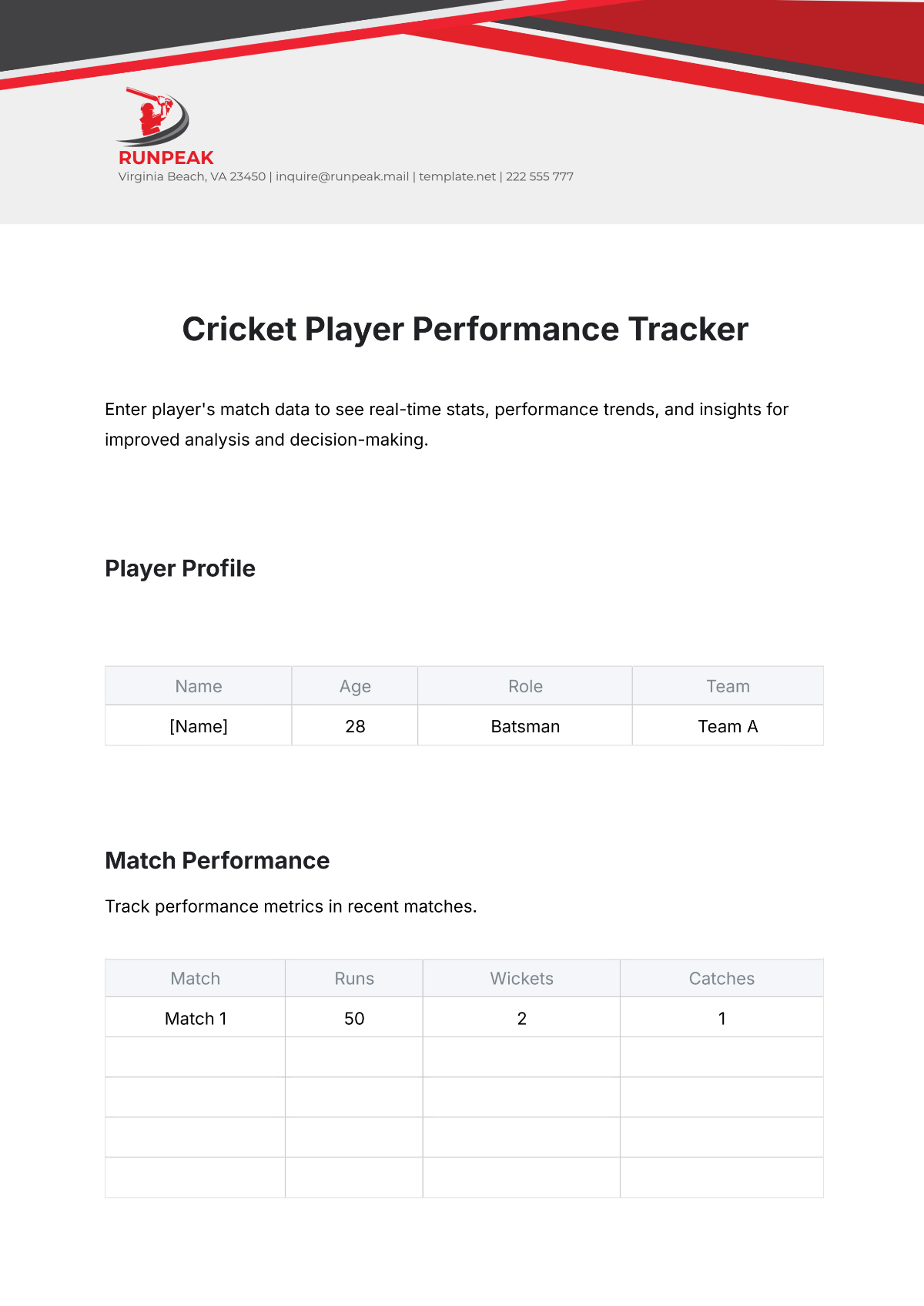
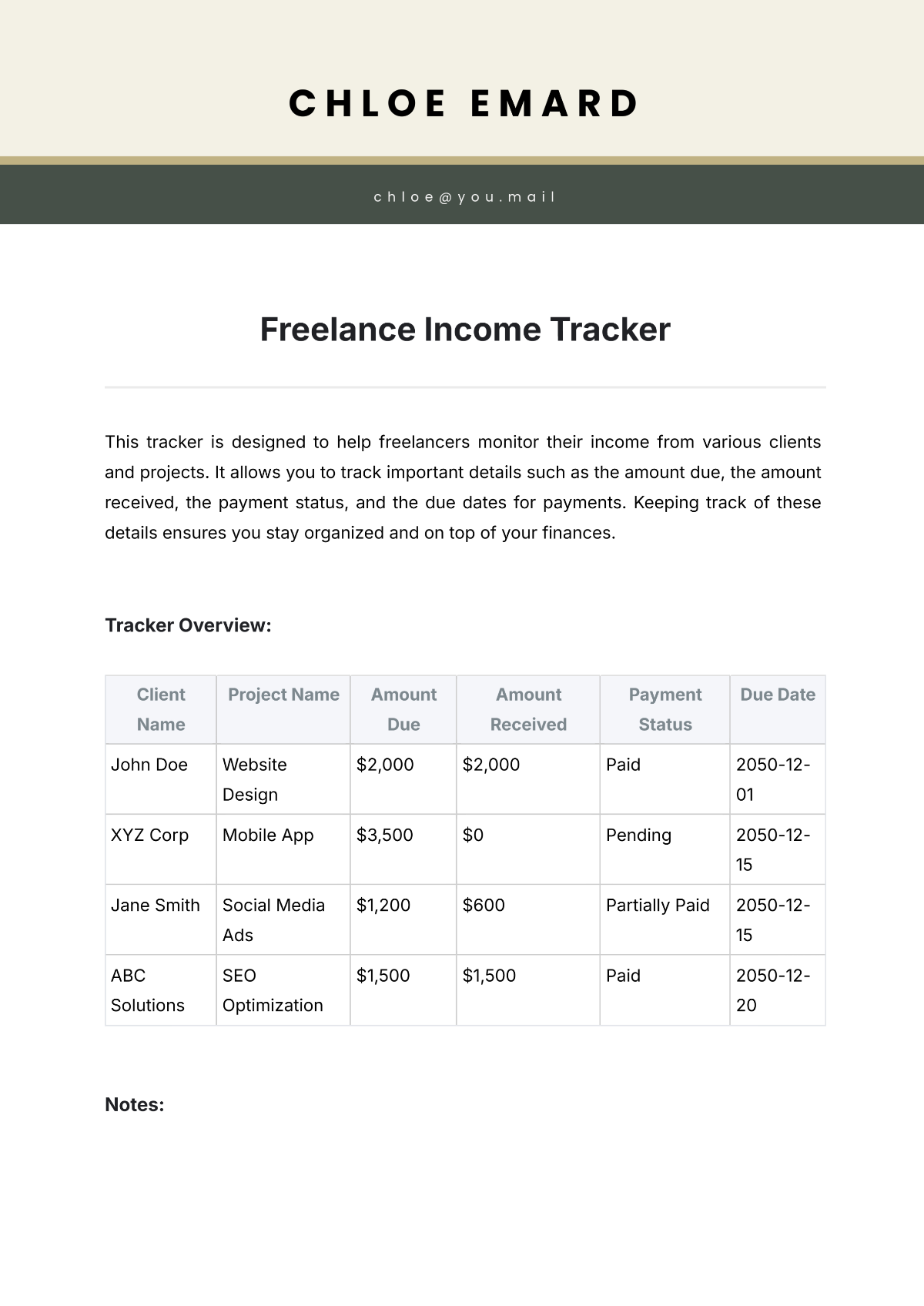
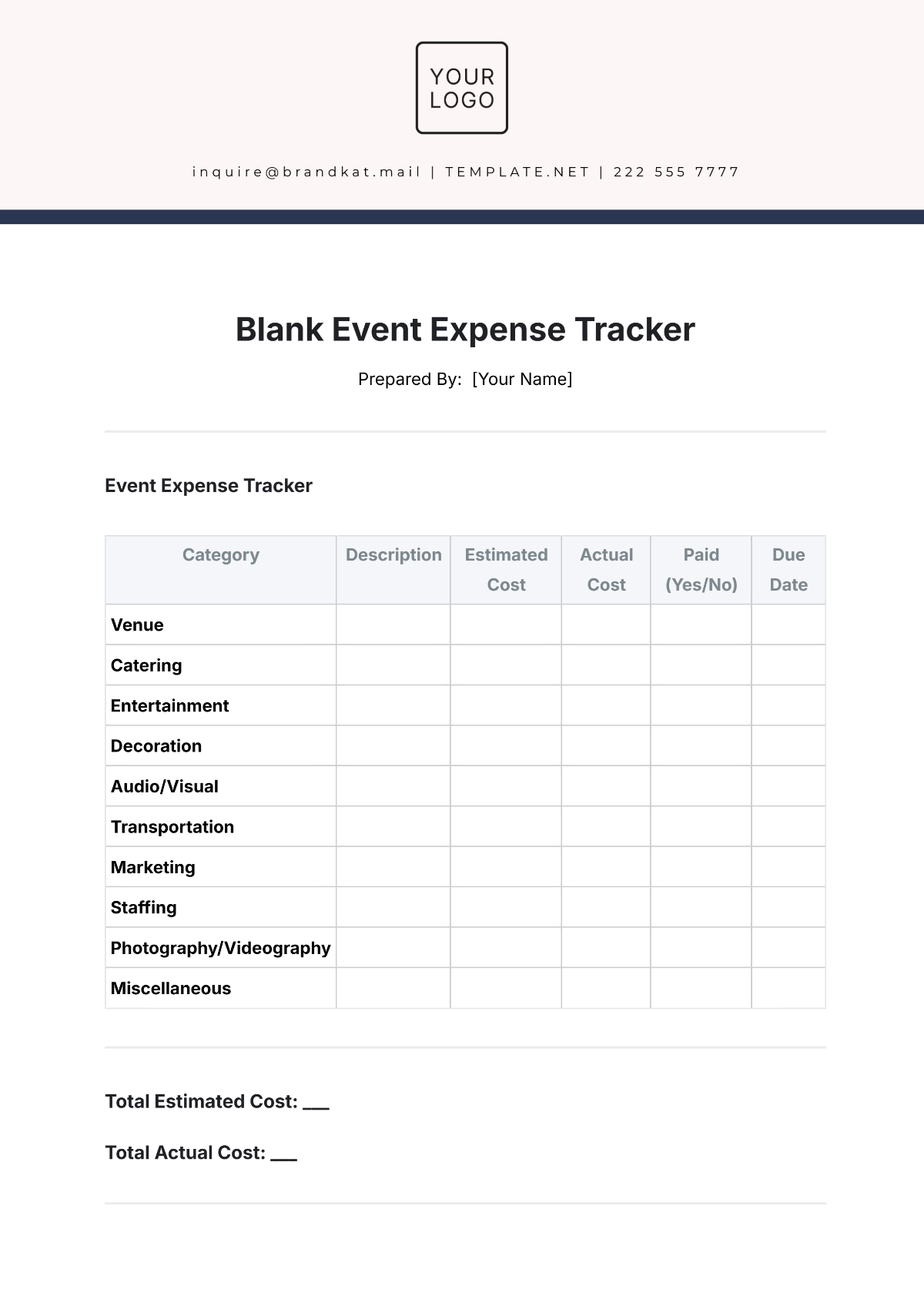
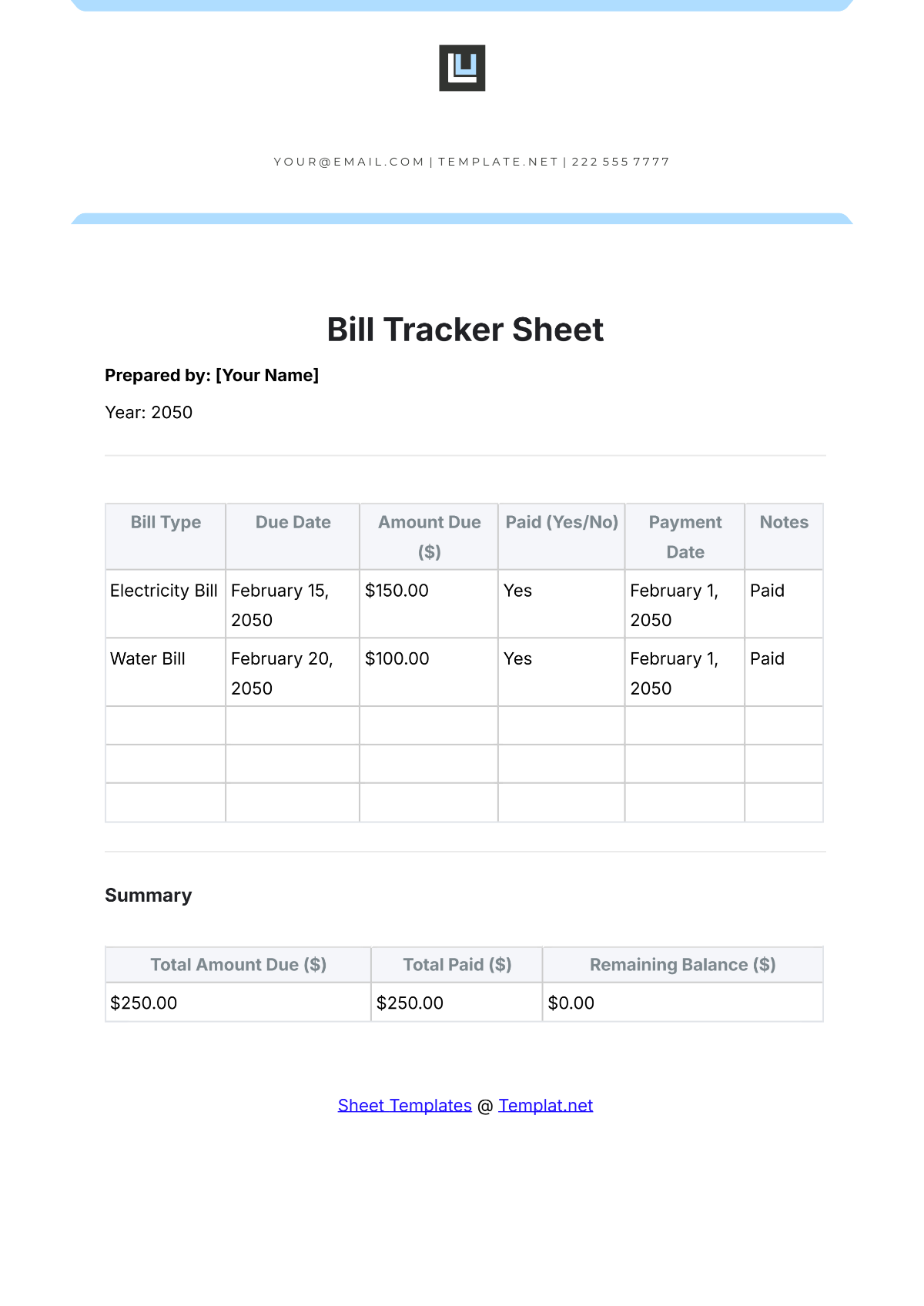
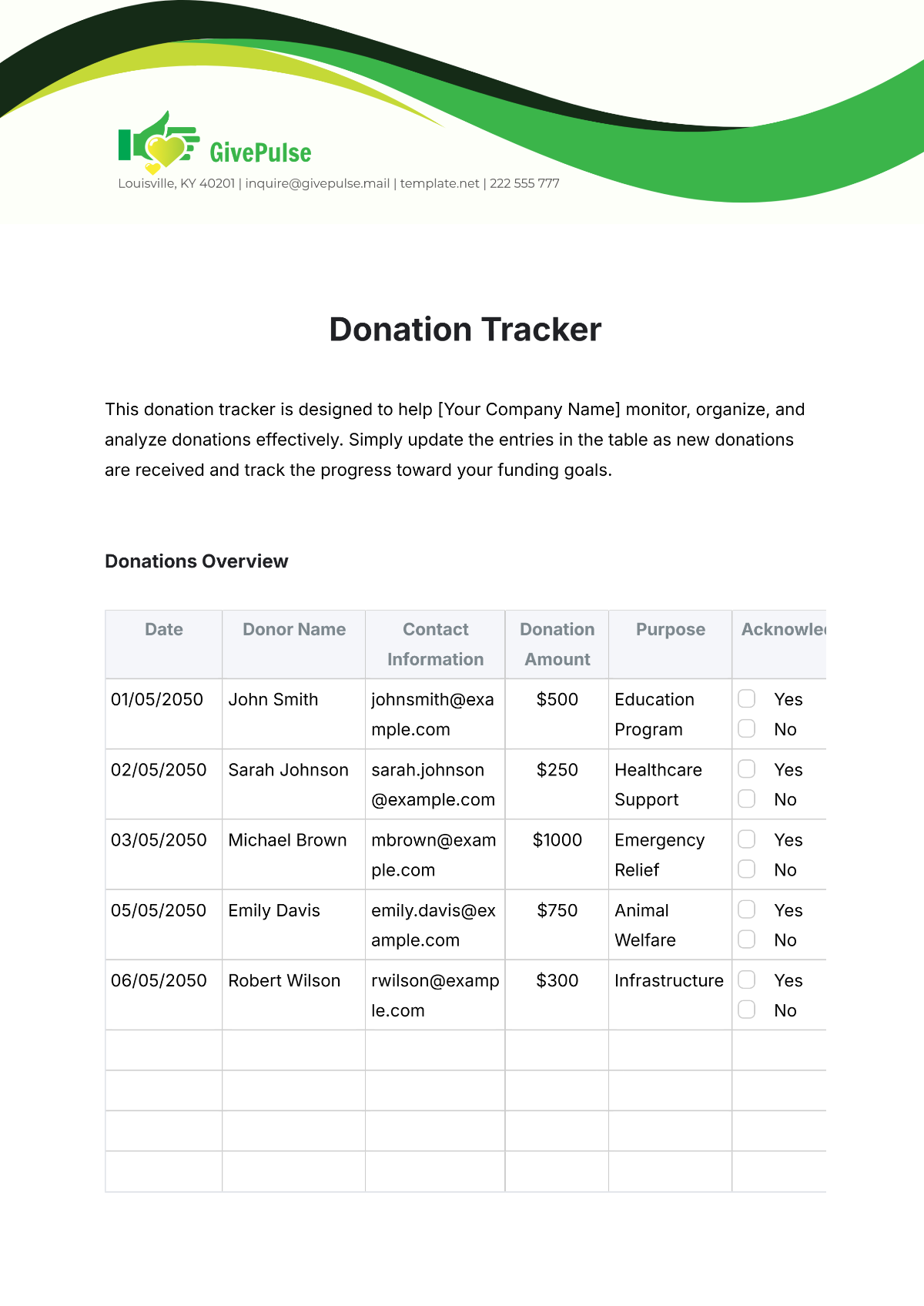
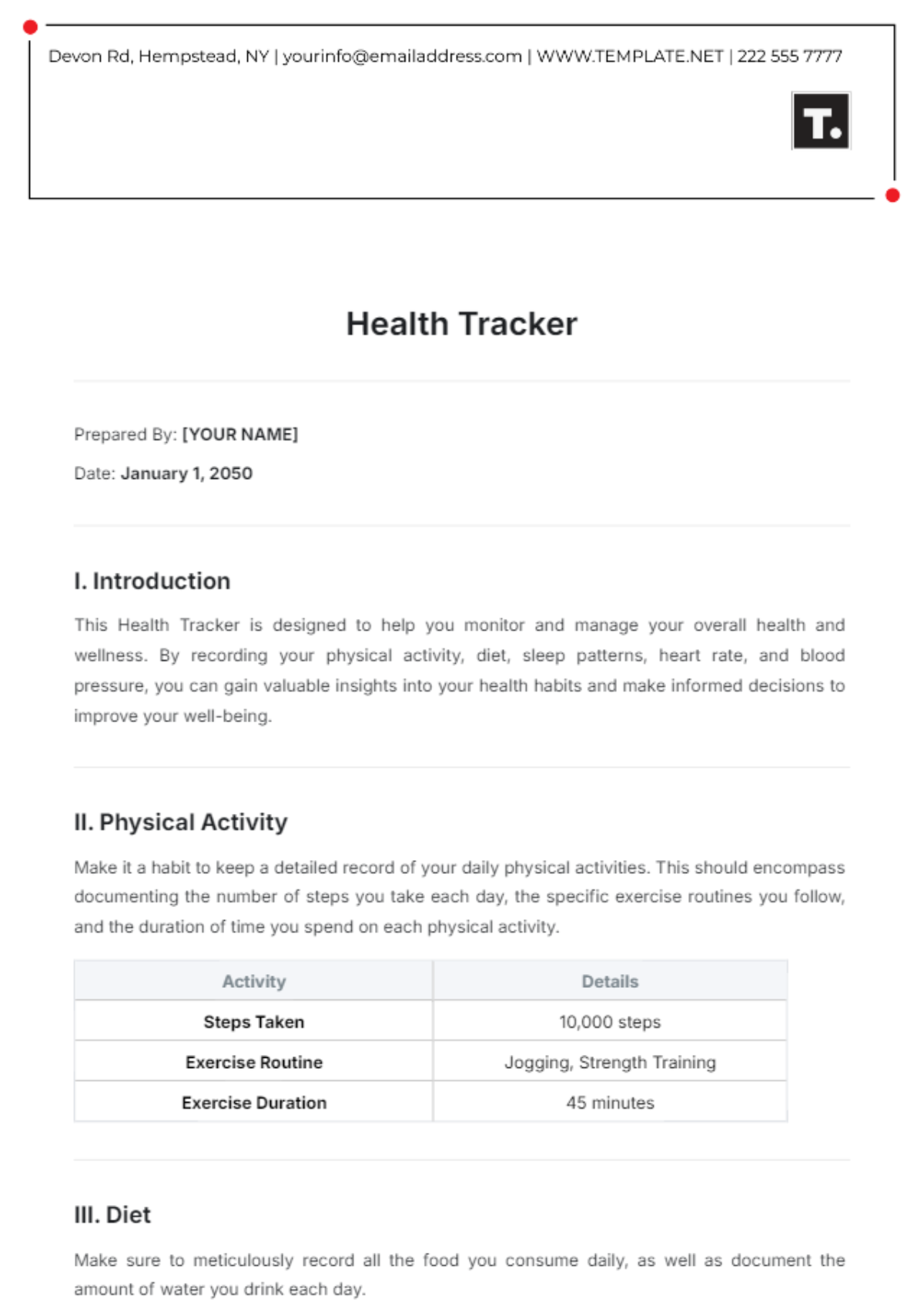
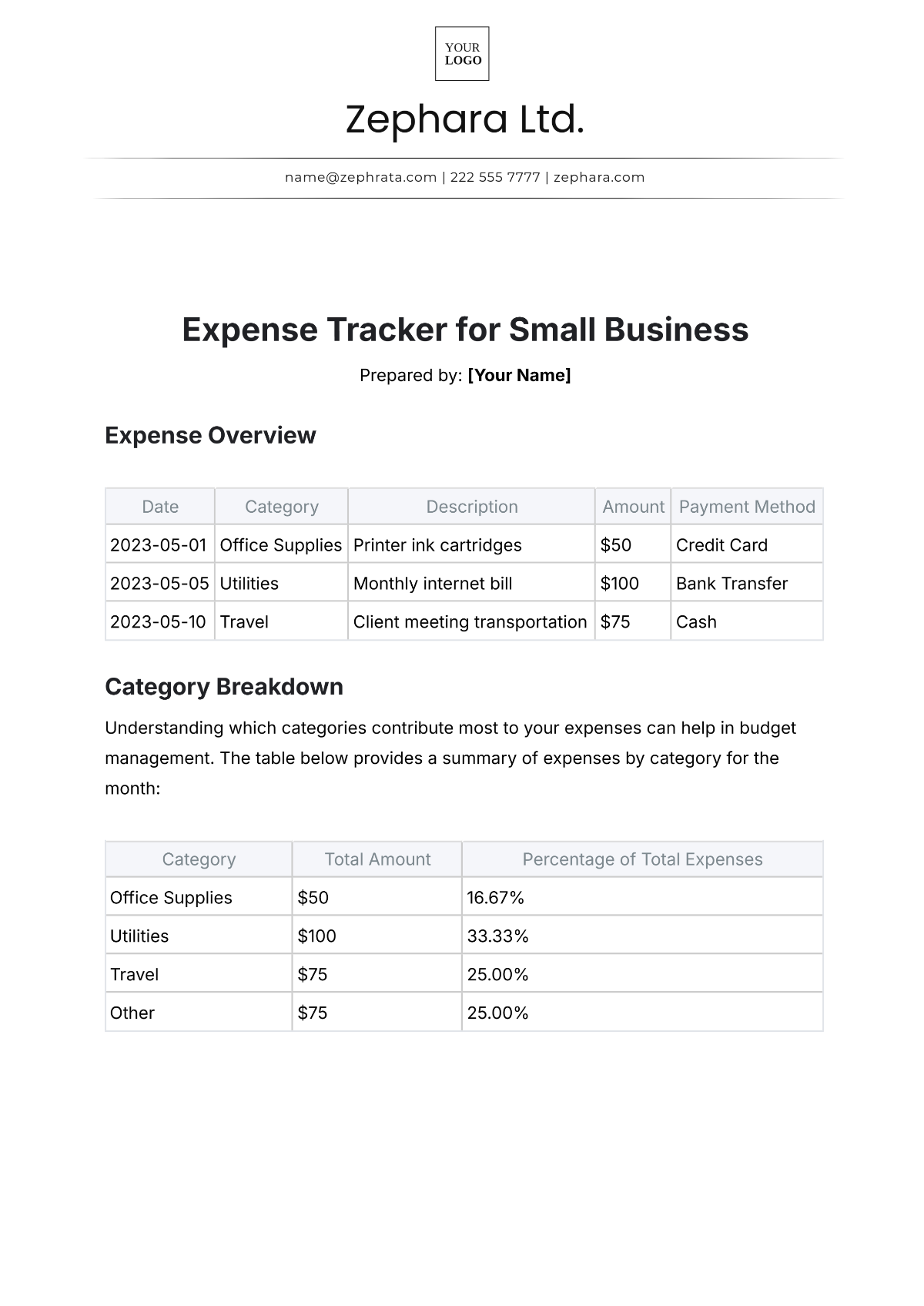
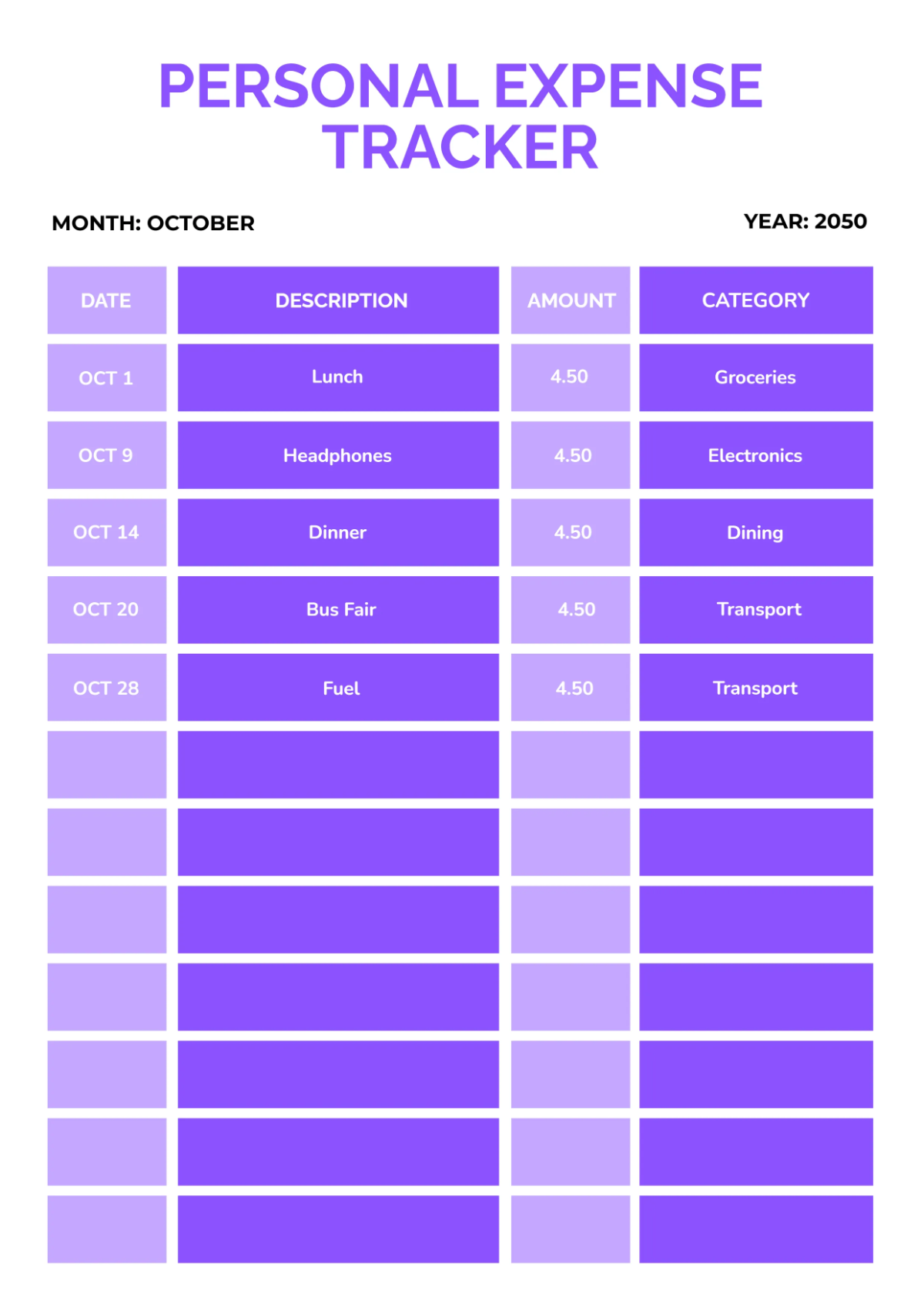
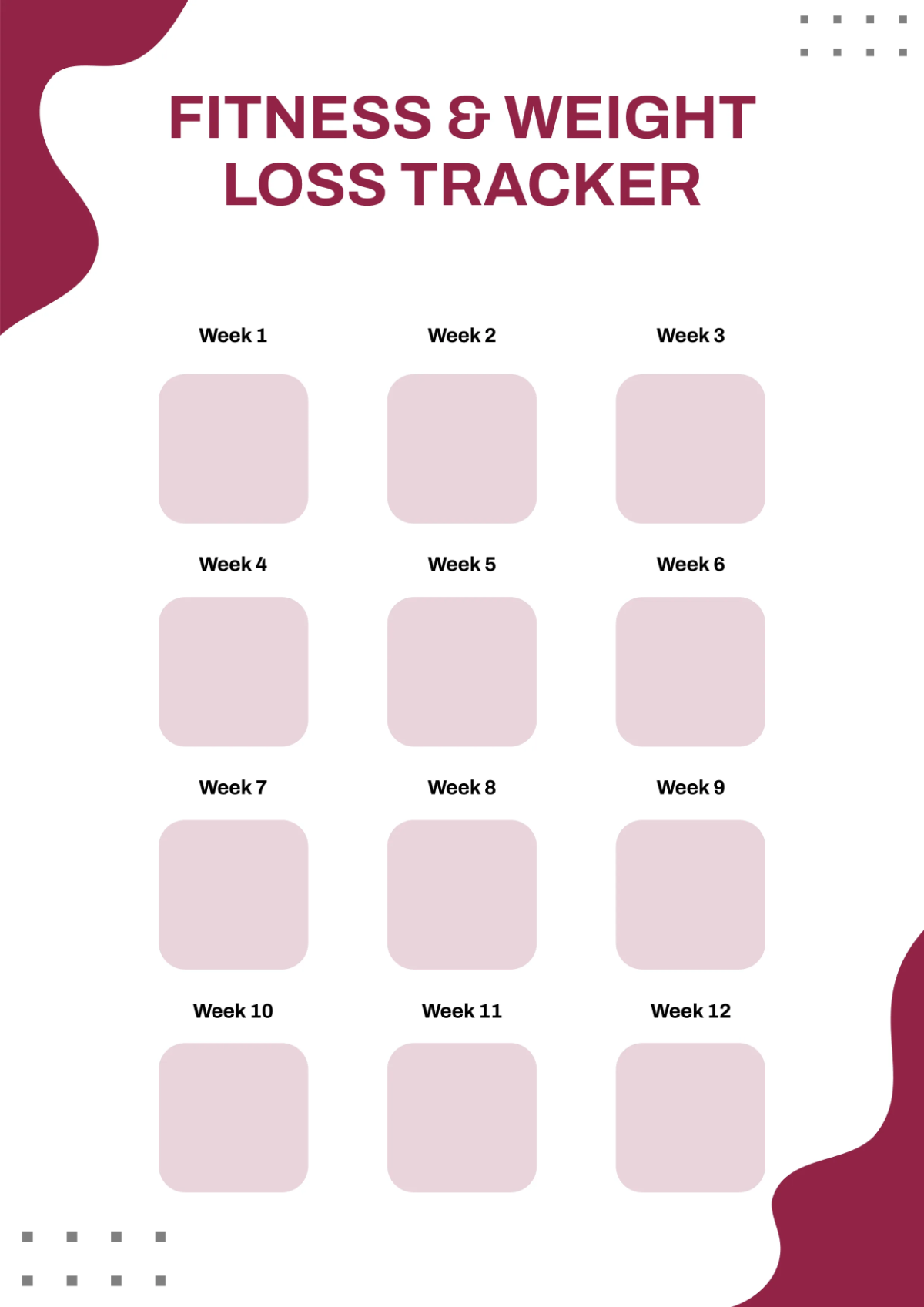
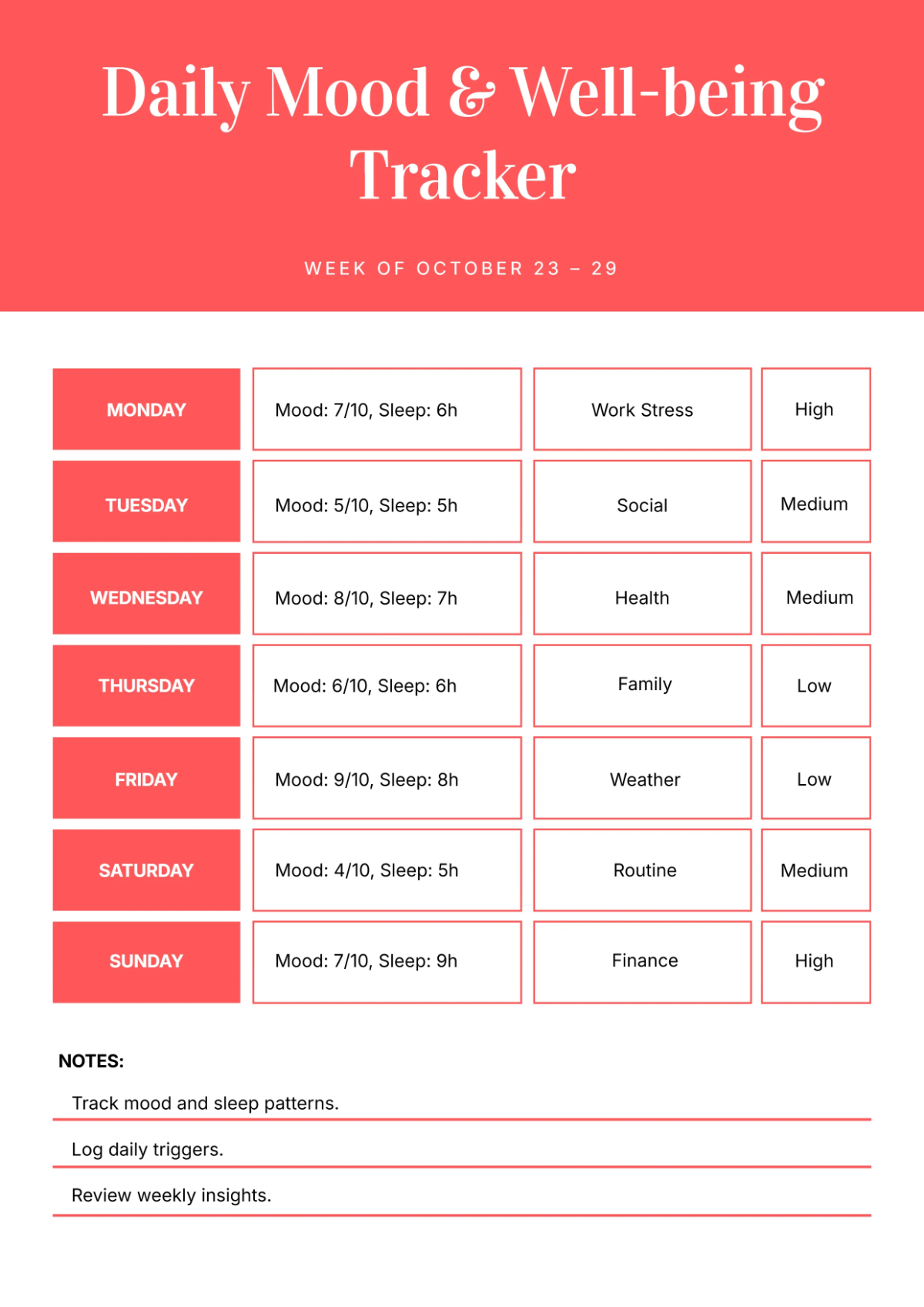
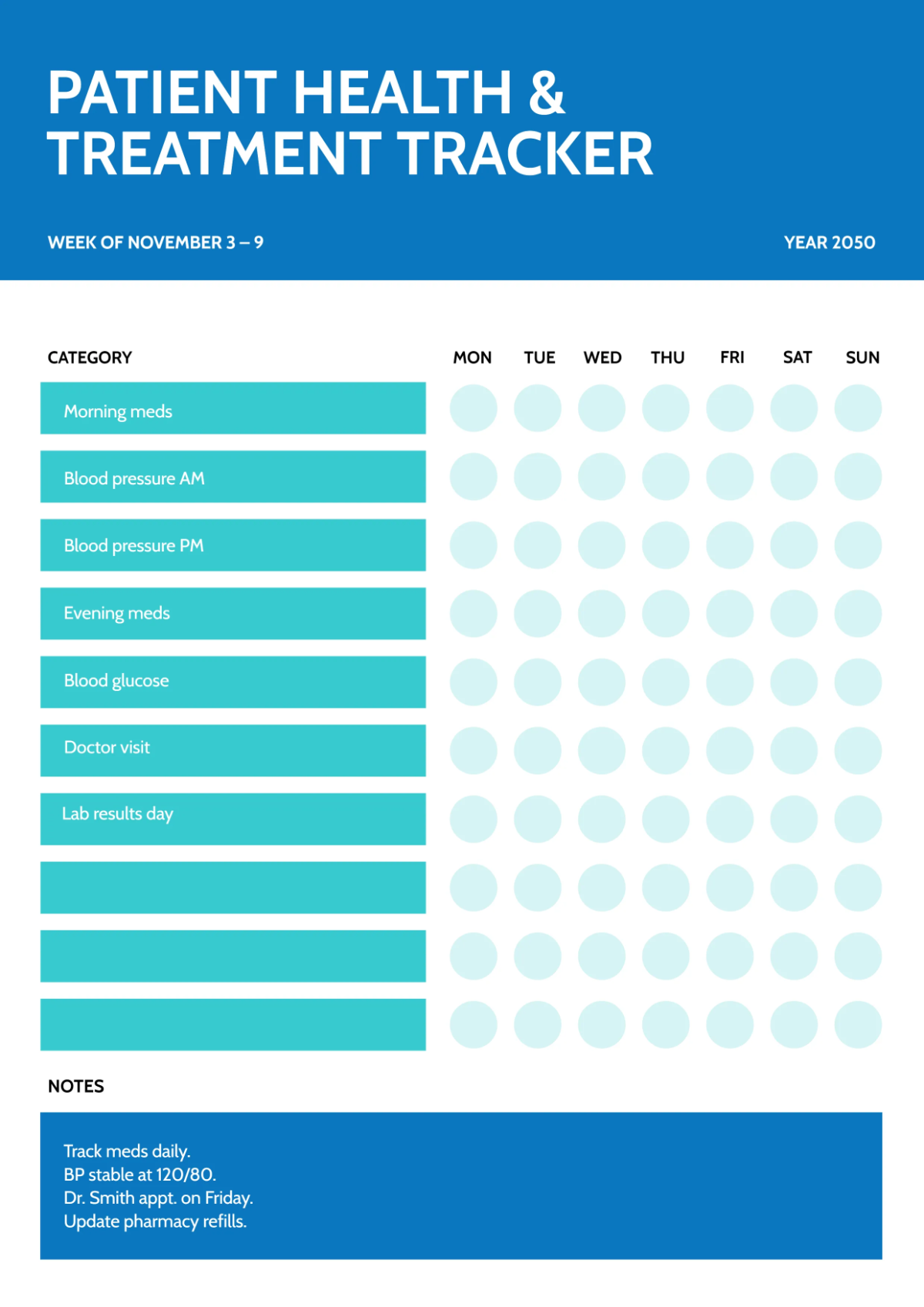
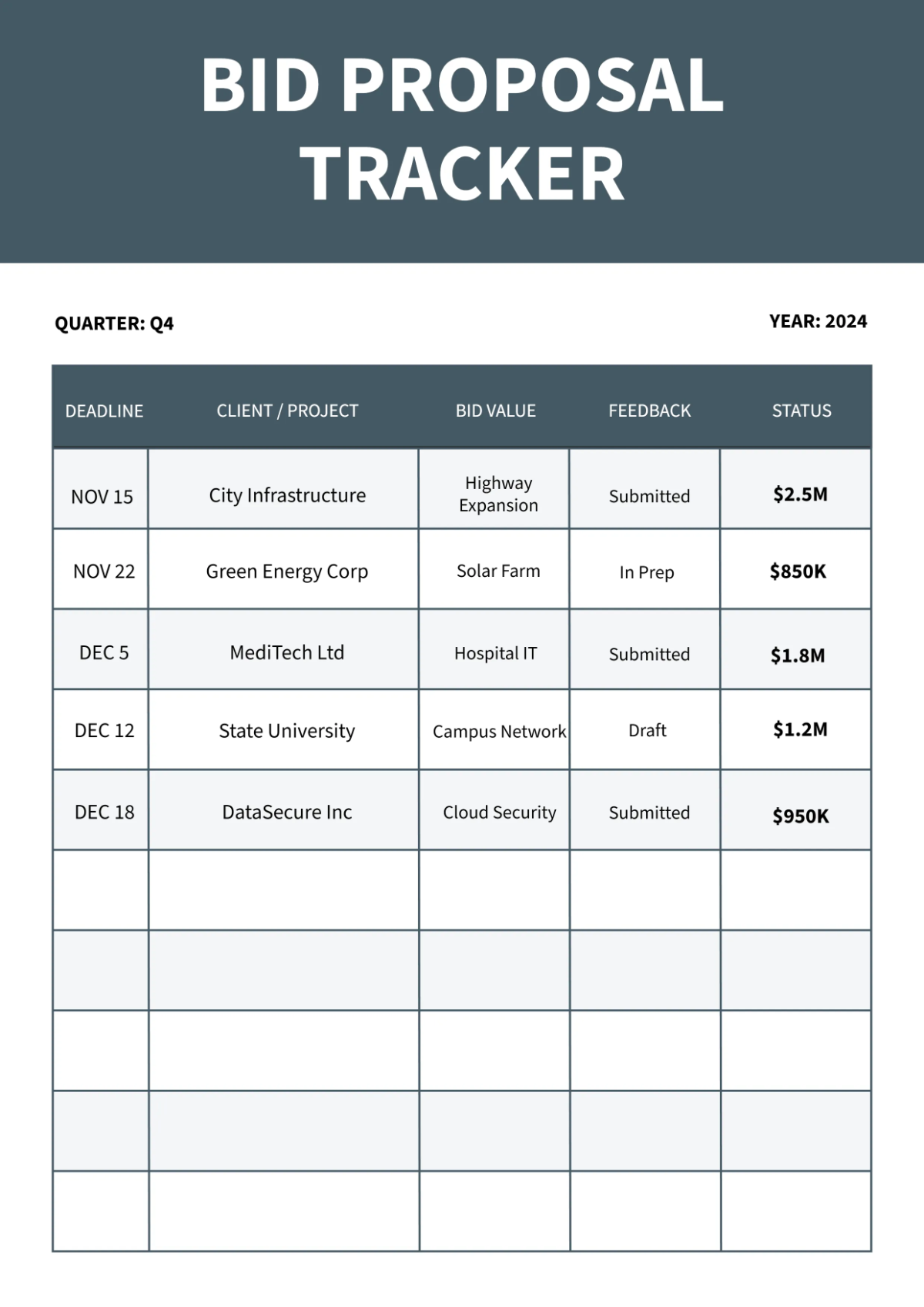
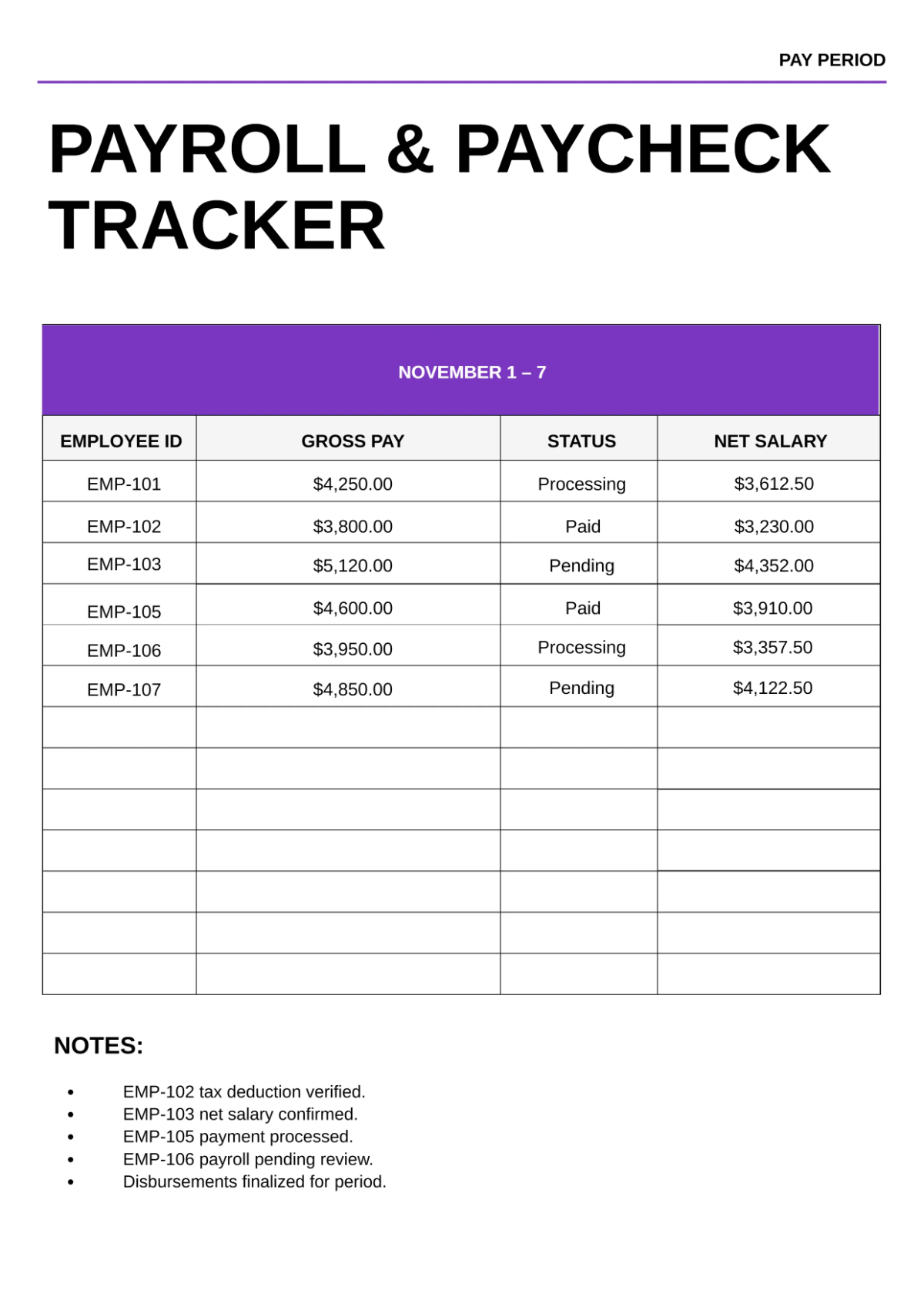
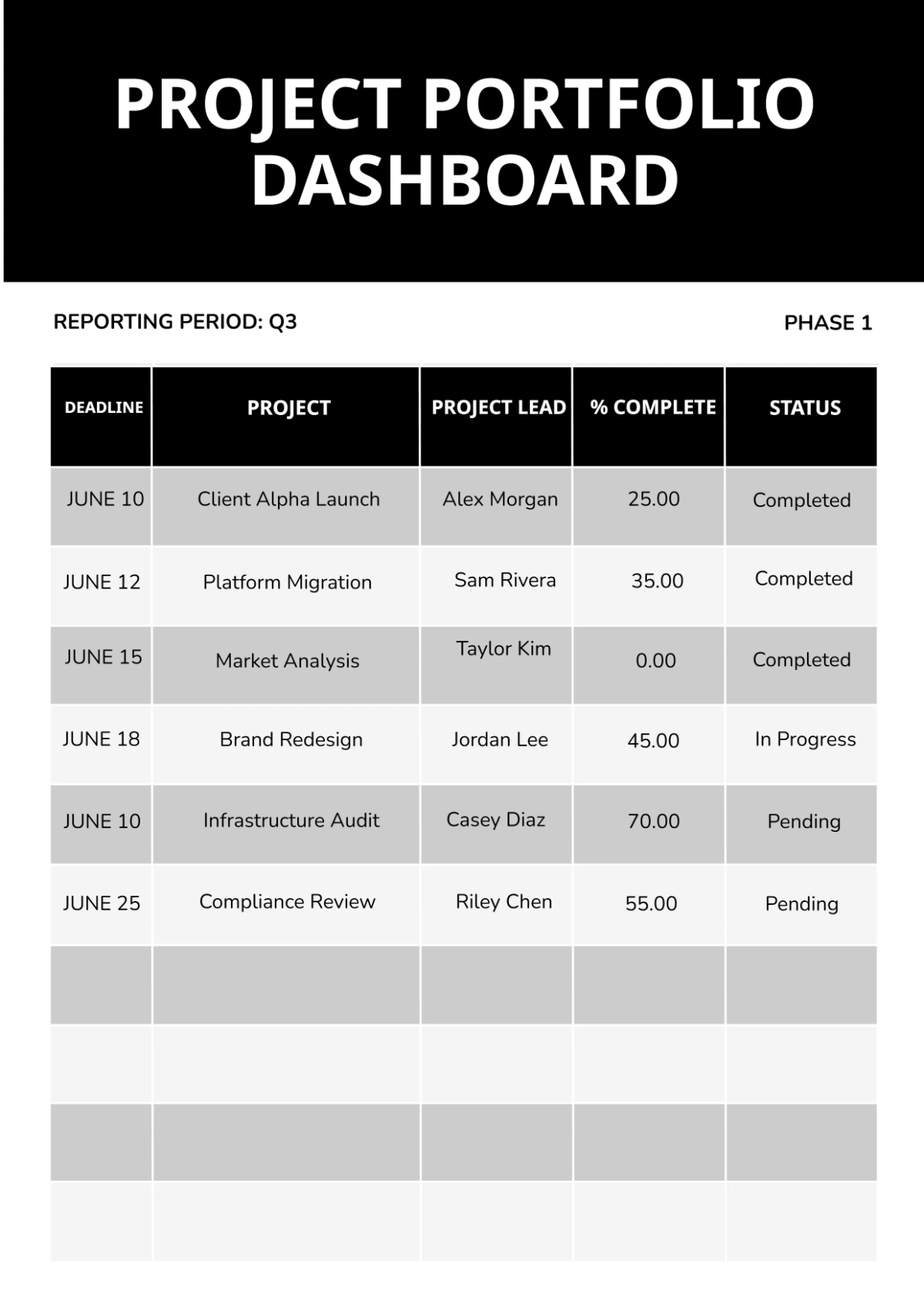
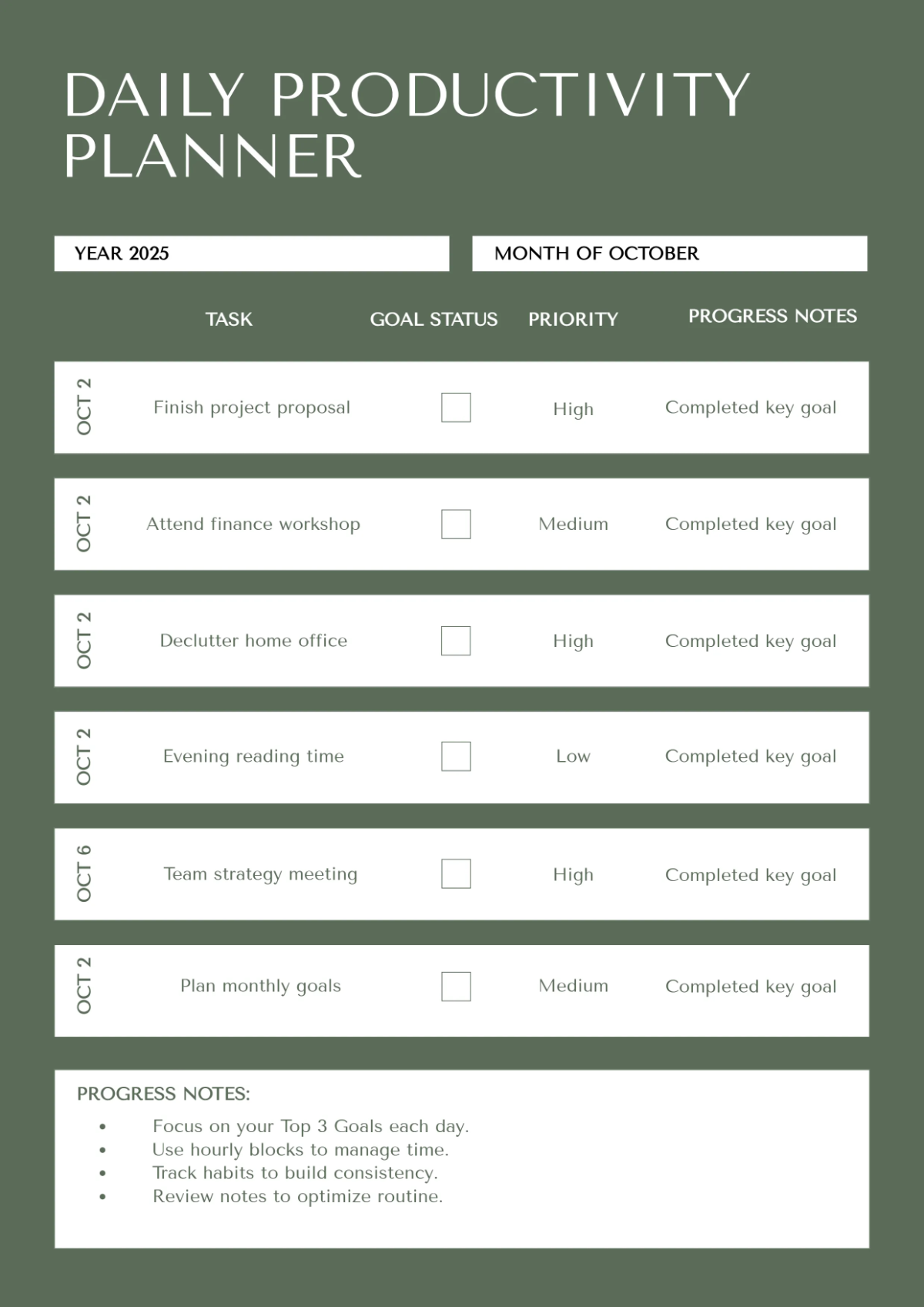
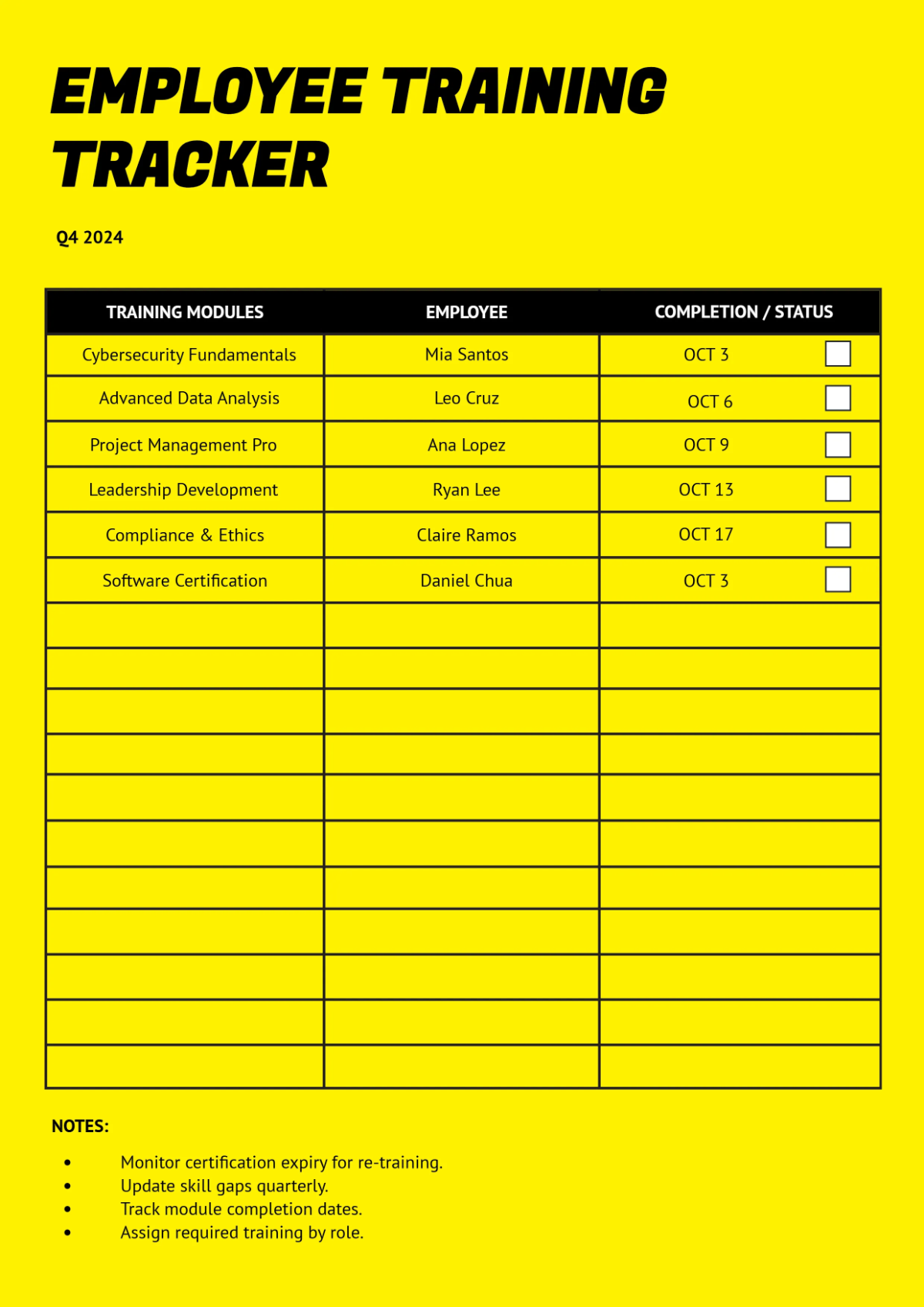
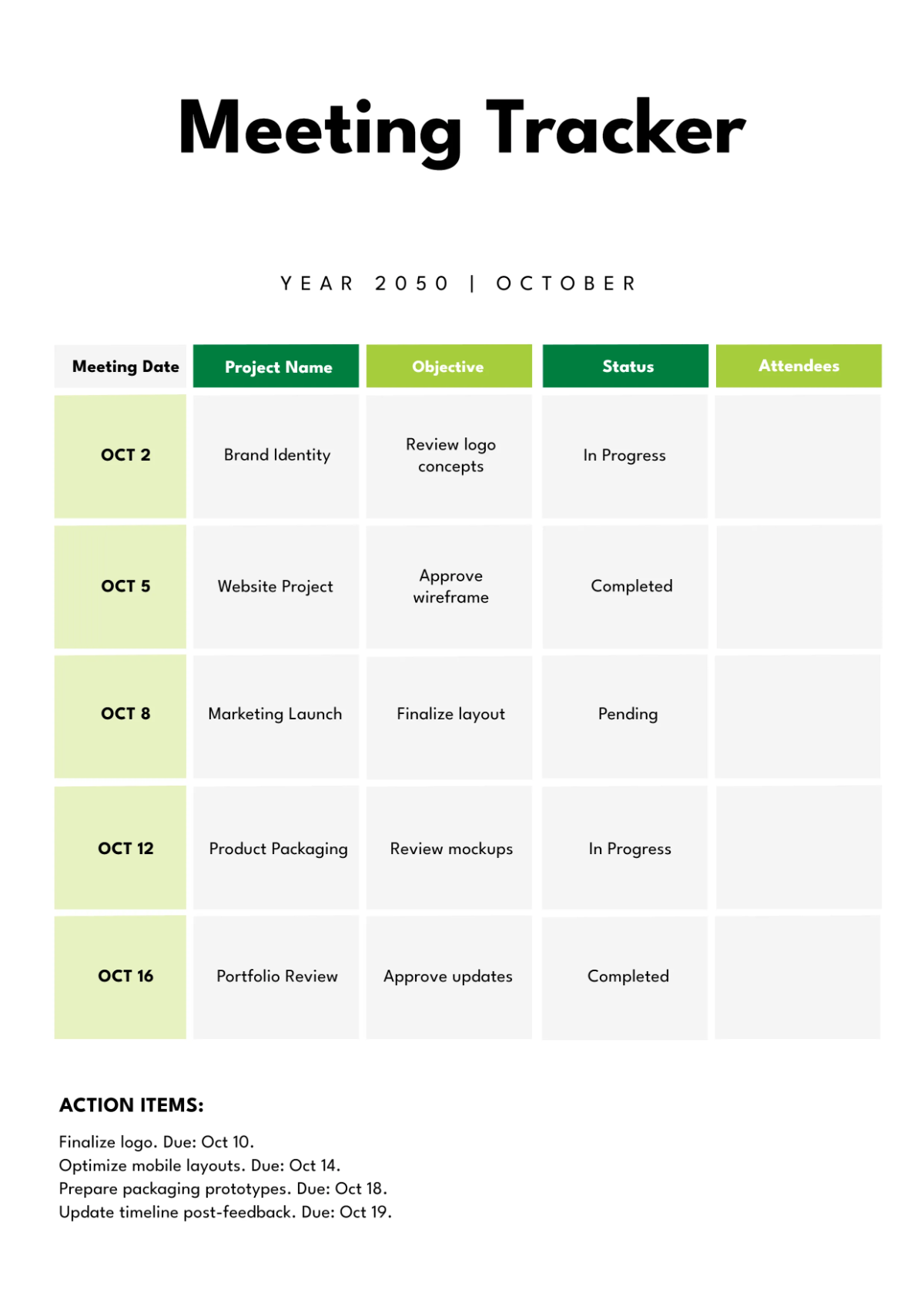
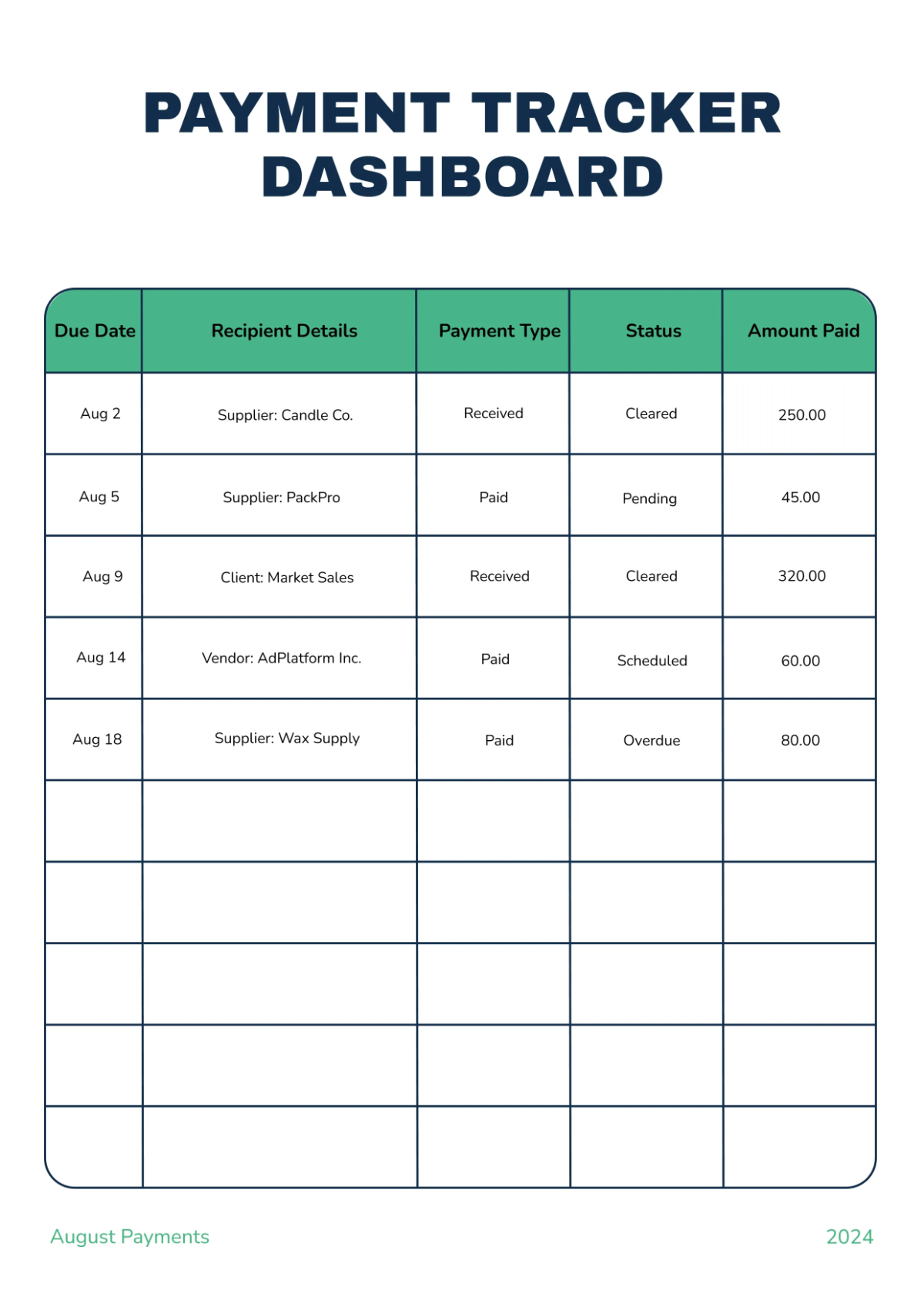
Create Professional Tracker Designs Online with Smart AI Powered Generator
Template.net's Free AI Tracker Generator helps you transform simple ideas into professional tracker designs in seconds. Enter a prompt describing the tracker you need, such as habits, goals, projects, study plans, fitness routines, or work schedules, and the AI generates visually organized tracker layouts with structured sections and easy-to-follow designs. Explore multiple tracker styles, refine your layouts, and create ready-to-use trackers for personal planning, education, business, and productivity.
![Free AI Tracker Generator, Create Custom Tracker Designs Online [ No Signup ]](https://images.template.net/generator-images/Tracker-0.webp)
Design Professional Trackers Effortlessly with AI
Everything you need to generate organized, visually engaging, and customizable tracker designs with speed, flexibility, and professional design.
AI-Powered Tracker Generation
Generate complete tracker designs instantly from simple prompts with structured layouts and organized tracking sections.
Smart Progress Tracking Builder
Create trackers that help organize habits, goals, projects, routines, and recurring activities with clear visual structure.
Voice-Driven Tracker Creation
Describe your tracking needs using voice input and instantly generate professional tracker designs without typing.
Intelligent Activity Tracker Generator
Create trackers for personal planning, education, work, fitness, wellness, budgeting, and productivity.
Automatic Tracking Structure Creation
Organize activities, milestones, checklists, and progress into clean, easy-to-follow tracker layouts.
Multiple Tracker Design Styles
Generate modern, minimal, corporate, academic, and creative tracker designs for different planning needs.
Structured Tracker Builder
Create visually organized trackers with balanced layouts, tables, and tracking sections.
Flexible Tracker Editing Tools
Customize headings, categories, colors, icons, and layouts to match your tracking preferences.
Dynamic Tracker Variation Generator
Generate multiple tracker designs from a single prompt to explore different layouts and styles.
Organized Tracking Layouts
Create structured tracker designs with clear visual hierarchy for monitoring progress efficiently.
Multilingual Support
Create tracker designs in 20+ multiple languages including English, Spanish, Hindi, Arabic, Chinese, Japanese, and more for global planning and collaboration.
Professional Tracking Output
Generate clean, visually polished tracker designs for personal, educational, and business use.
Consistent Tracker Design
Maintain a cohesive visual style across multiple tracker designs for organized planning and consistent branding.
Ready-to-Use Tracker Formats
Generate tracker designs suitable for habit tracking, project management, study planning, fitness monitoring, business workflows, and productivity.
Instant Tracker Refinement via Prompts
Modify your tracker design instantly by updating your prompt without recreating the layout.
Collaborate on Tracker Designs
Share your tracker image with teams for feedback and improvements.
Save and Reuse
Store tracker designs and reuse them for future planning, projects, and recurring activities.
Download or Share Instantly
Export or share via Email, LinkedIn, WhatsApp, Facebook, X (Twitter), Pinterest, or generate a live link or QR code.
![Free AI Tracker Generator, Create Custom Tracker Designs Online [ No Signup ]](https://images.template.net/generator-images/Tracker-5.webp "Free AI Tracker Generator, Create Custom Tracker Designs Online [ No Signup ]")
How to Create Tracker Designs Using AI
Generate, customize, and use professional tracker designs with a simple workflow.
Step 1 Enter Your Prompt and Generate Tracker Designs
Open the AI Tracker Generator and describe your tracker such as "Create a monthly habit tracker with daily checkboxes" or "Generate a project tracker with milestones and task progress." You can also use voice input.
Step 2 Generate and Customize
The AI generates multiple tracker layouts with organized tracking sections. Select your preferred design and refine it by updating your prompt.
Step 3 Save, Download, or Share
Preview your tracker design and save it, download it, or share instantly via Email, LinkedIn, WhatsApp, Facebook, X (Twitter), or Pinterest.
Create Professional Tracker Designs Faster for Better Planning and Progress Monitoring
![Free AI Tracker Generator, Create Custom Tracker Designs Online [ No Signup ]](https://images.template.net/generator-images/Tracker-1.webp "Free AI Tracker Generator, Create Custom Tracker Designs Online [ No Signup ]")
Turn Ideas into Organized Tracker Designs Instantly
Transform simple prompts into professionally designed trackers with structured layouts, clear tracking sections, and visually organized progress monitoring.
![Free AI Tracker Generator, Create Custom Tracker Designs Online [ No Signup ]](https://images.template.net/generator-images/Tracker-2.webp "Free AI Tracker Generator, Create Custom Tracker Designs Online [ No Signup ]")
Generate Tracker Designs for Different Planning Needs
Create tracker designs for habits, goals, study plans, projects, fitness routines, budgeting, work schedules, productivity, and personal development.
![Free AI Tracker Generator, Create Custom Tracker Designs Online [ No Signup ]](https://images.template.net/generator-images/Tracker-3.webp "Free AI Tracker Generator, Create Custom Tracker Designs Online [ No Signup ]")
Explore Multiple Tracker Layouts with Flexibility
Generate and compare multiple tracker design variations to find the layout that best supports your planning, organization, and tracking goals.
![Free AI Tracker Generator, Create Custom Tracker Designs Online [ No Signup ]](https://images.template.net/generator-images/Tracker-4.webp "Free AI Tracker Generator, Create Custom Tracker Designs Online [ No Signup ]")
Maintain Consistent Planning Across Every Project
Build visually consistent tracker designs that keep personal, educational, and business planning organized across multiple activities and workflows.
