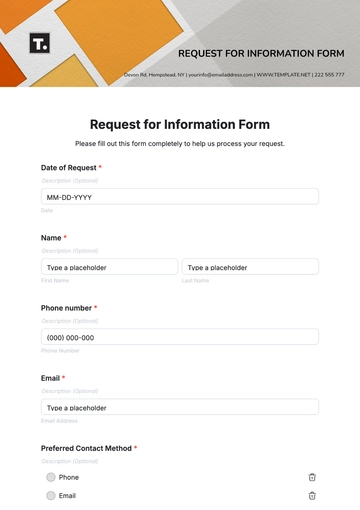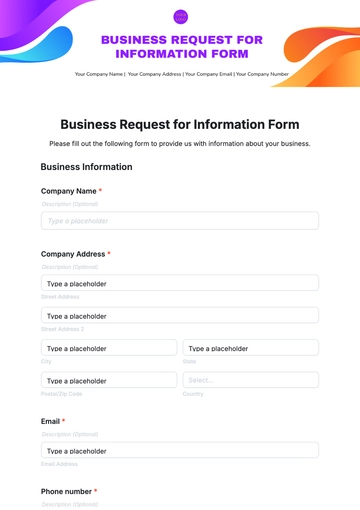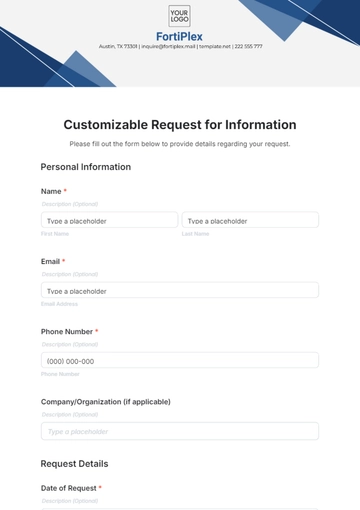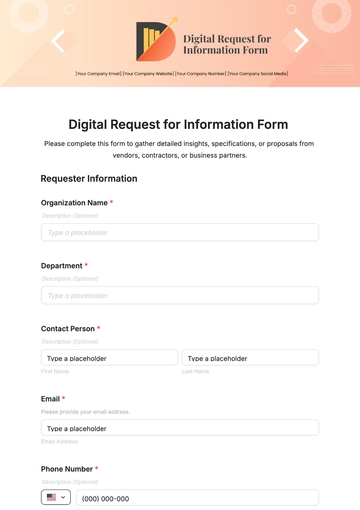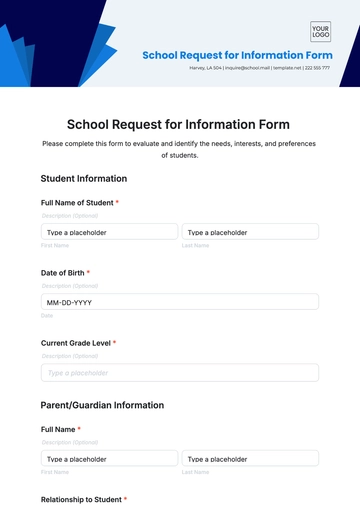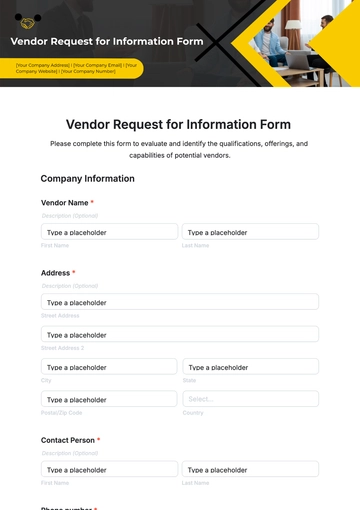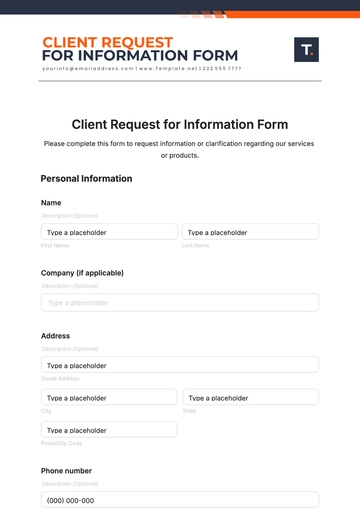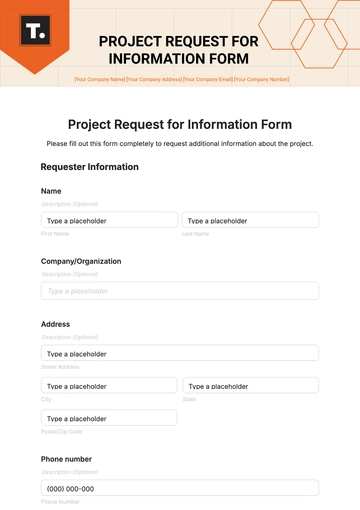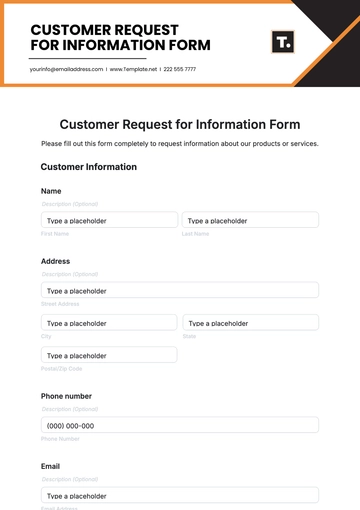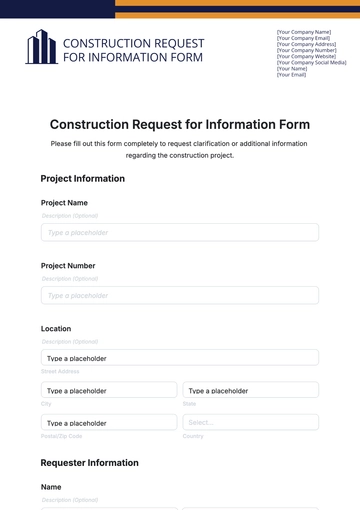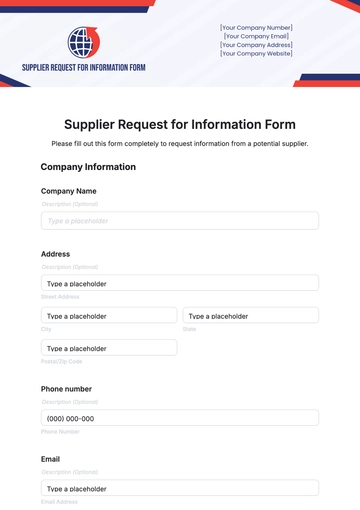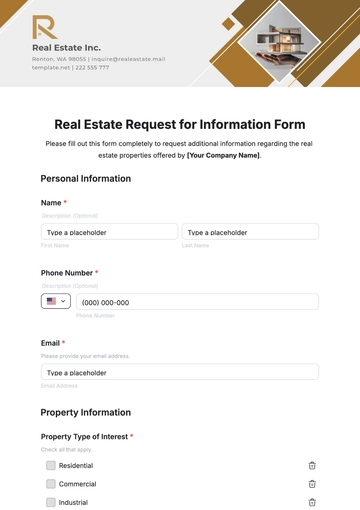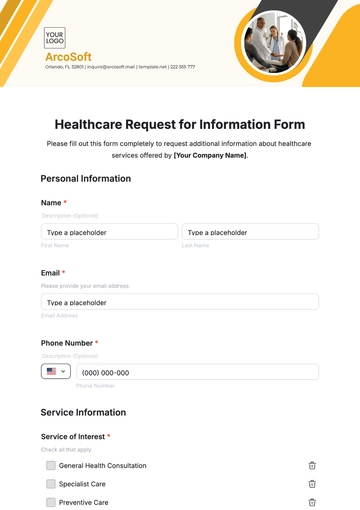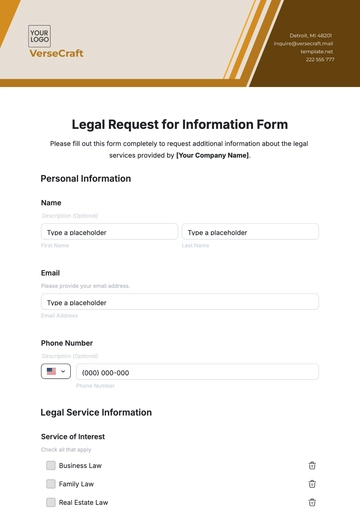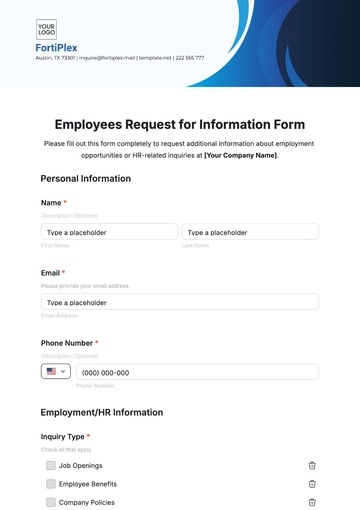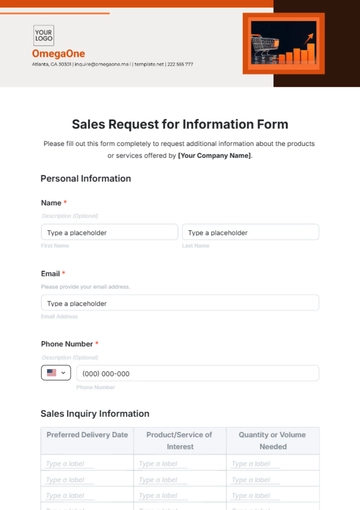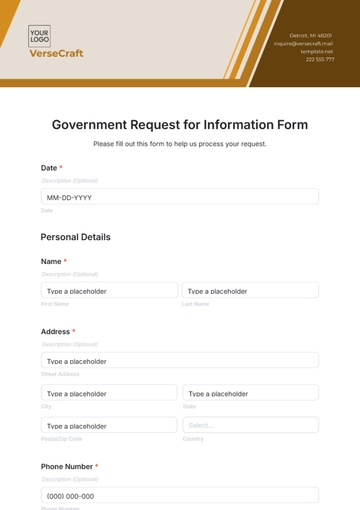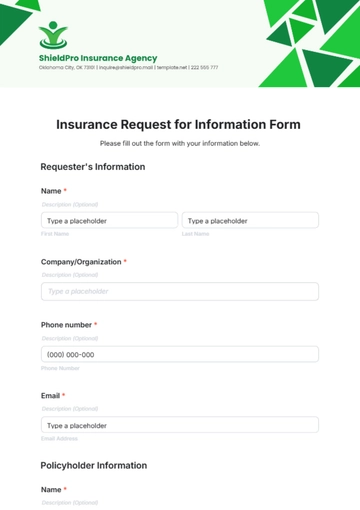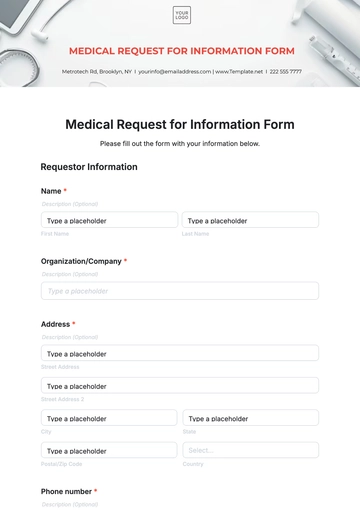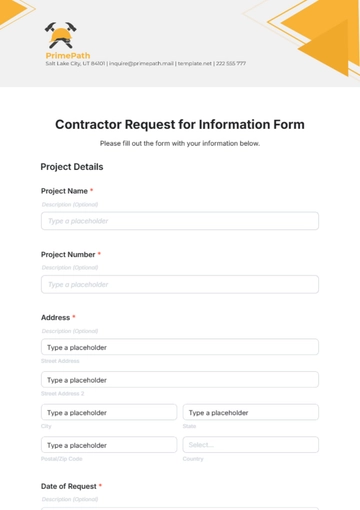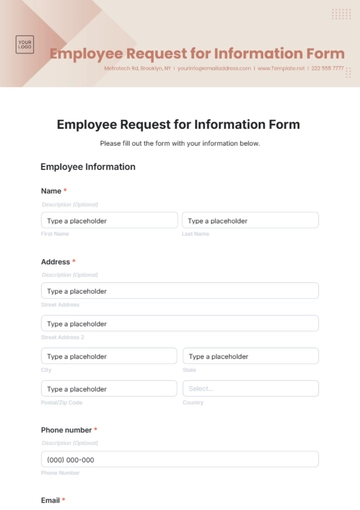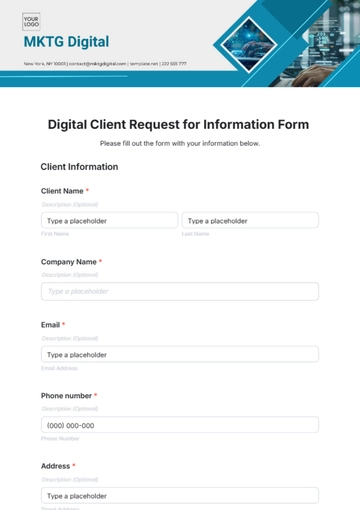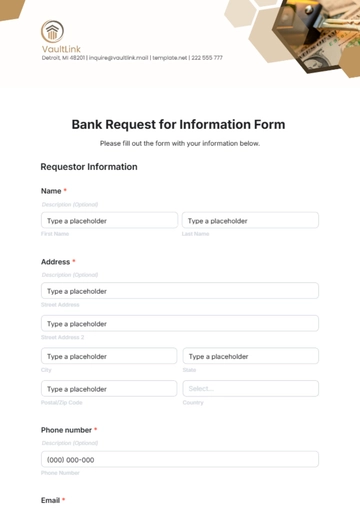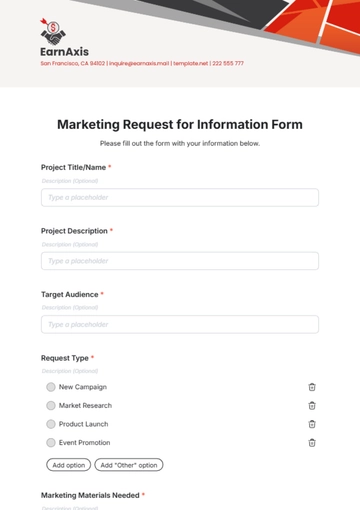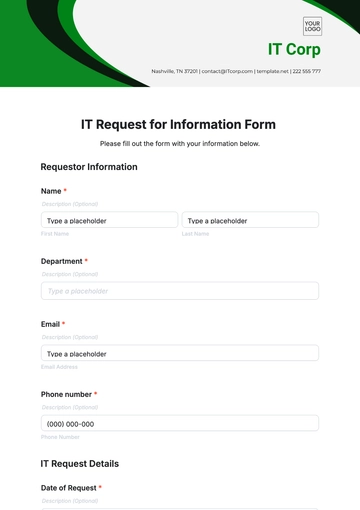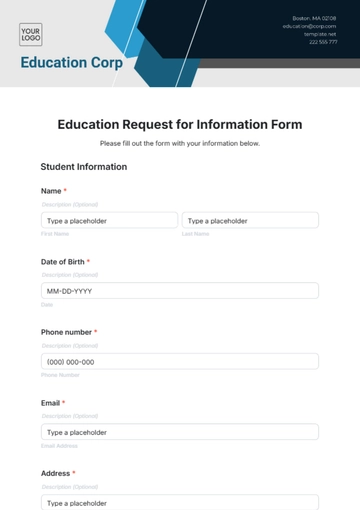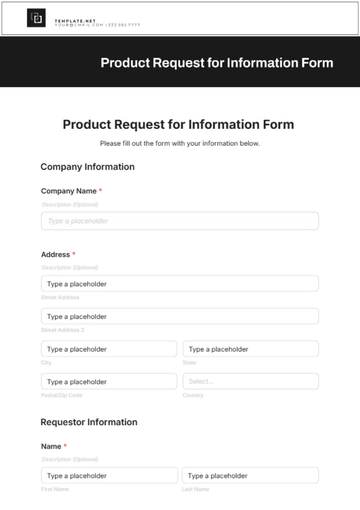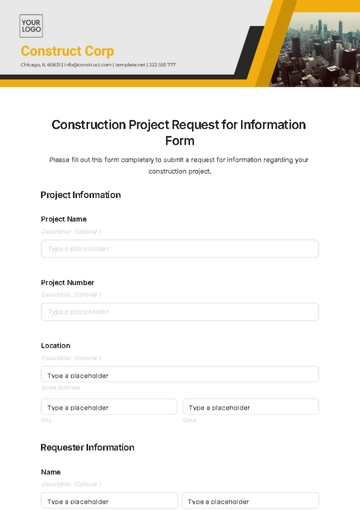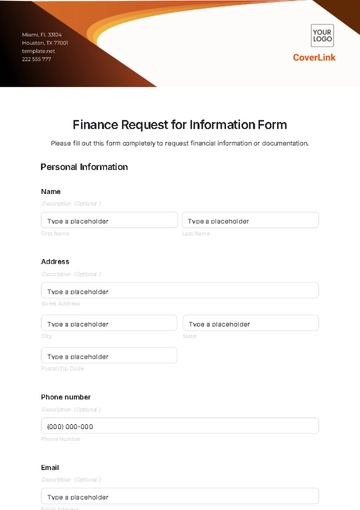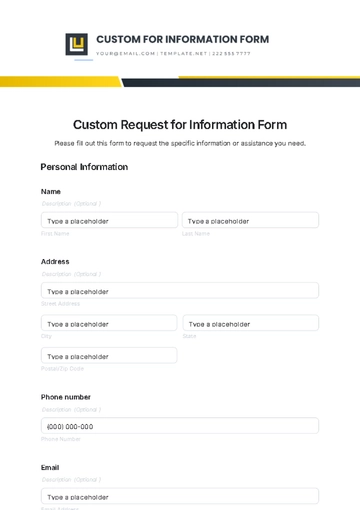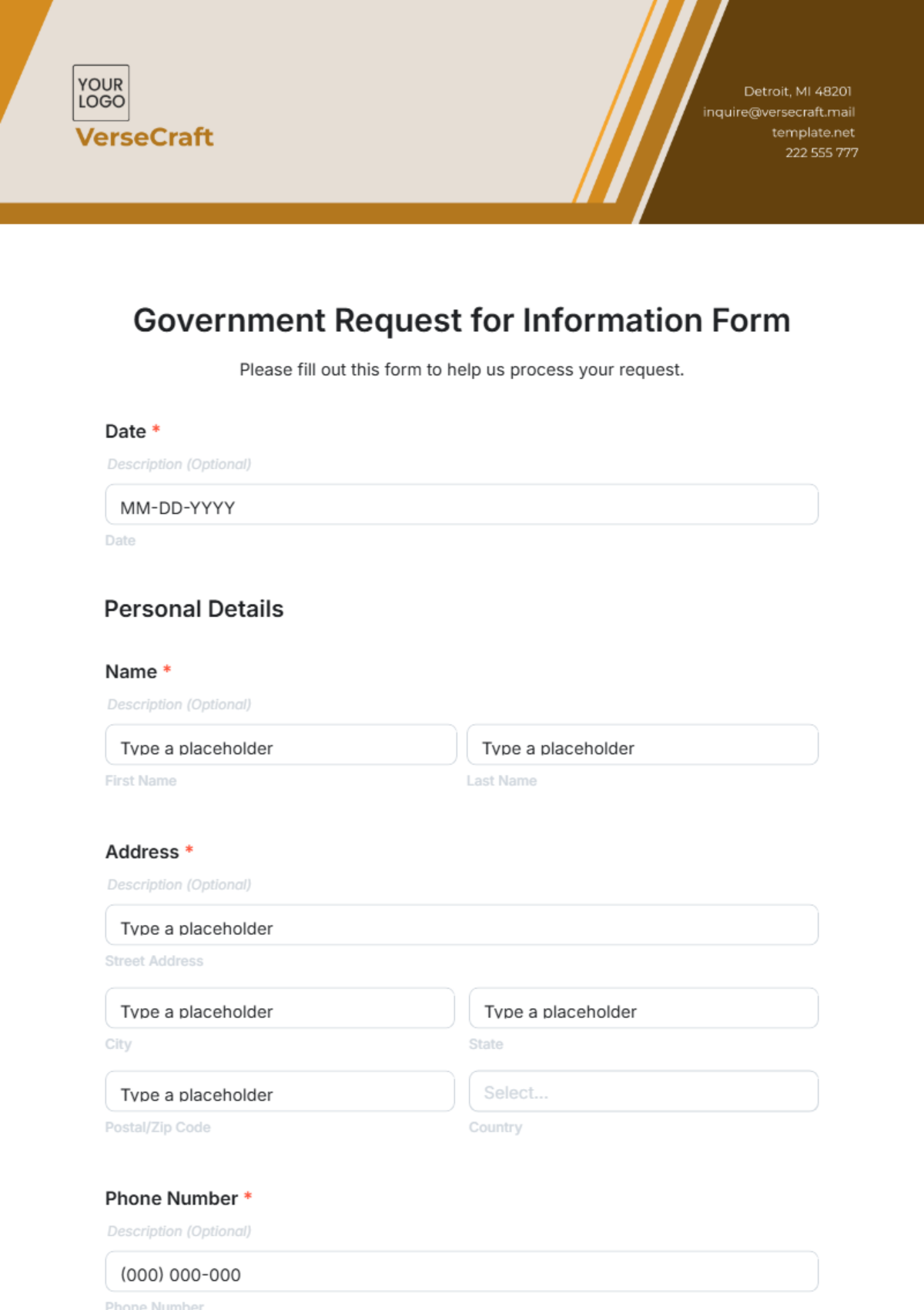
A Government Request for Information Form is an interactive HTML5 document used by agencies to request detailed data and responses from individuals or organizations.
A Government Request for Information Form is an interactive HTML5 document used by agencies to request detailed data and responses from individuals or organizations.
How to Create a Government Request for Information Form for Free?
Creating a professional Government Request for Information Form takes only a few minutes.
- Customize a Free TemplateStart with this free editable, fillable, and printable Government Request for Information Form template and personalize it for your agency, department, or office.
- Generate an On-Brand Government Request for Information Form with AIDescribe the form details, and AI will build an interactive, fully editable Government Request for Information Form ready for immediate use.
- Edit in the HTML5 EditorAdjust every detail including agency name, logo, brand colors, fonts, questions, and layout in our drag-and-drop HTML5 editor.
- Download a Printable PDFDownload your completed Government Request for Information Form as a printable PDF for physical distribution or record keeping.
- Share a Link to Collect Responses OnlinePublish your form with a shareable link to gather responses online from individuals, businesses, or other government entities.