


Best AI Content Writing Tools
Introduction Creating content today is faster, smarter, and more competitive than ever. Whether you are a blogger, marketer, business owner,…
Jan 20, 2026


Jan 08, 2026
Customer service has undergone a fundamental shift. By 2026, AI chatbots are no longer experimental tools or optional add-ons—they are a core part of how modern businesses deliver support at scale.
Earlier generations of chatbots relied on rigid decision trees, keyword matching, and scripted flows. While useful for basic FAQs, they struggled with real customer conversations. They failed when users phrased questions differently, changed context mid-conversation, or needed personalized answers. This led to frustration, repeated handoffs to human agents, and poor customer experience.
These limitations damaged trust in self-service automation and caused many businesses to abandon chatbots entirely.
The rise of large language models (LLMs), advanced natural language understanding (NLU), and retrieval-based AI has changed everything. Instead of following scripts, modern AI chatbots reason through conversations, understand intent, and generate responses dynamically.
More importantly, today’s systems are evolving into AI agents—software that can not only talk to customers, but also take actions: check order status, update accounts, process refunds, create tickets, and escalate issues when needed.
This shift marks the transition from “chatbots that reply” to AI systems that resolve.
In 2026, AI customer service is not about replacing humans. It is about augmenting support teams with intelligent automation that handles repetitive work, accelerates resolution, and maintains consistency across channels.
Modern AI chatbots:
The best platforms combine autonomy with control, speed with accuracy, and automation with empathy.
This guide is written for:
Whether you are replacing legacy chatbots or deploying AI for the first time, this guide helps you choose the right category and tool, not just the most popular name.
An AI chatbot for customer service is a software system that uses natural language understanding (NLU) and machine learning or large language models (LLMs) to handle customer interactions across chat, email, messaging apps, and sometimes voice.
Unlike older rule-based bots, modern AI chatbots can:
In 2026, the most advanced platforms operate as AI agents, not just chat interfaces.
To document customer interactions clearly and maintain structured records, many support teams rely on automated documentation tools. Using an AI document maker helps generate support summaries, internal reports, and customer-facing documents faster while ensuring consistency across service workflows.
These terms are often used interchangeably, but they are not the same.
In 2026, most leading customer service platforms are moving toward agent-based AI, even if they still use the word “chatbot.”
Modern AI customer service chatbots combine several technologies:
Together, these components allow AI chatbots to move beyond answering questions and toward solving customer problems end-to-end.
To ensure consistency and accuracy in customer conversations, many teams use predefined interaction frameworks alongside generative AI. A customer interaction script maker helps support leaders design structured conversation flows for common scenarios like refunds, onboarding, complaints, and escalations. These scripts guide AI behavior without forcing rigid decision trees, allowing chatbots to remain flexible while staying aligned with brand tone and policy requirements.
When implemented correctly, AI chatbots deliver measurable improvements across cost, speed, quality, and employee experience.
AI chatbots provide continuous support without time-zone limitations, holidays, or staffing constraints. Customers receive immediate responses at any hour, which is especially valuable for global businesses and SaaS products with international users.
By automating repetitive and low-complexity inquiries, AI chatbots significantly reduce ticket volume. This allows support teams to scale without proportionally increasing headcount, lowering cost per resolution while maintaining service quality.
AI chatbots respond instantly and can resolve many issues without escalation. Even when human intervention is required, bots collect context and route tickets correctly, reducing back-and-forth and shortening resolution cycles.
Instead of answering the same questions repeatedly, human agents can focus on complex, emotionally sensitive, or high-value cases. AI also assists agents with suggested replies, summaries, and relevant knowledge—reducing cognitive load and burnout.
Modern AI chatbots can access customer history, preferences, and account data. This enables personalized responses that feel relevant rather than generic, improving satisfaction and loyalty.
Customers no longer interact through a single channel. AI chatbots ensure consistent support across live chat, email, messaging apps, social platforms, and even voice—maintaining context as users switch channels.
When evaluating tools, focus on capability, not marketing claims.
As AI adoption grows, one major mistake businesses still make is comparing chatbots based on popularity instead of purpose. In 2026, customer service chatbots fall into clearly defined categories, each built for different support workflows.
Understanding these categories helps you choose the right tool, avoid overpaying, and deploy AI that actually improves customer experience instead of adding friction.
Below are the six core categories shaping AI customer service today.
1. AI Helpdesk & Ticket Automation Platforms
2. Conversational AI & Live Chat Platforms
3. Enterprise AI Agents & CX Automation
4. SMB & No-Code Chatbot Builders
5. Multilingual & Omnichannel Specialists
6. Knowledge-Centered & AI Assist Tools
This classification avoids the biggest competitor mistake: mixing unrelated tools together.
Once customer service chatbots are categorized by purpose, the next challenge is operational execution. Many chatbot types especially helpdesk and enterprise AI agents still rely on structured case tracking for unresolved or high-impact issues. An AI-powered ticket maker allows customer conversations to be automatically converted into organized support tickets, preserving context, priority, and customer history so teams can manage resolution workflows efficiently.
These platforms are built around ticketing, inbox management, and case resolution workflows. AI is primarily used to automate ticket triage, routing, prioritization, and SLA handling across email, chat, and CRM-connected support systems.
They are best suited for teams where structured support operations matter more than free-form conversation.
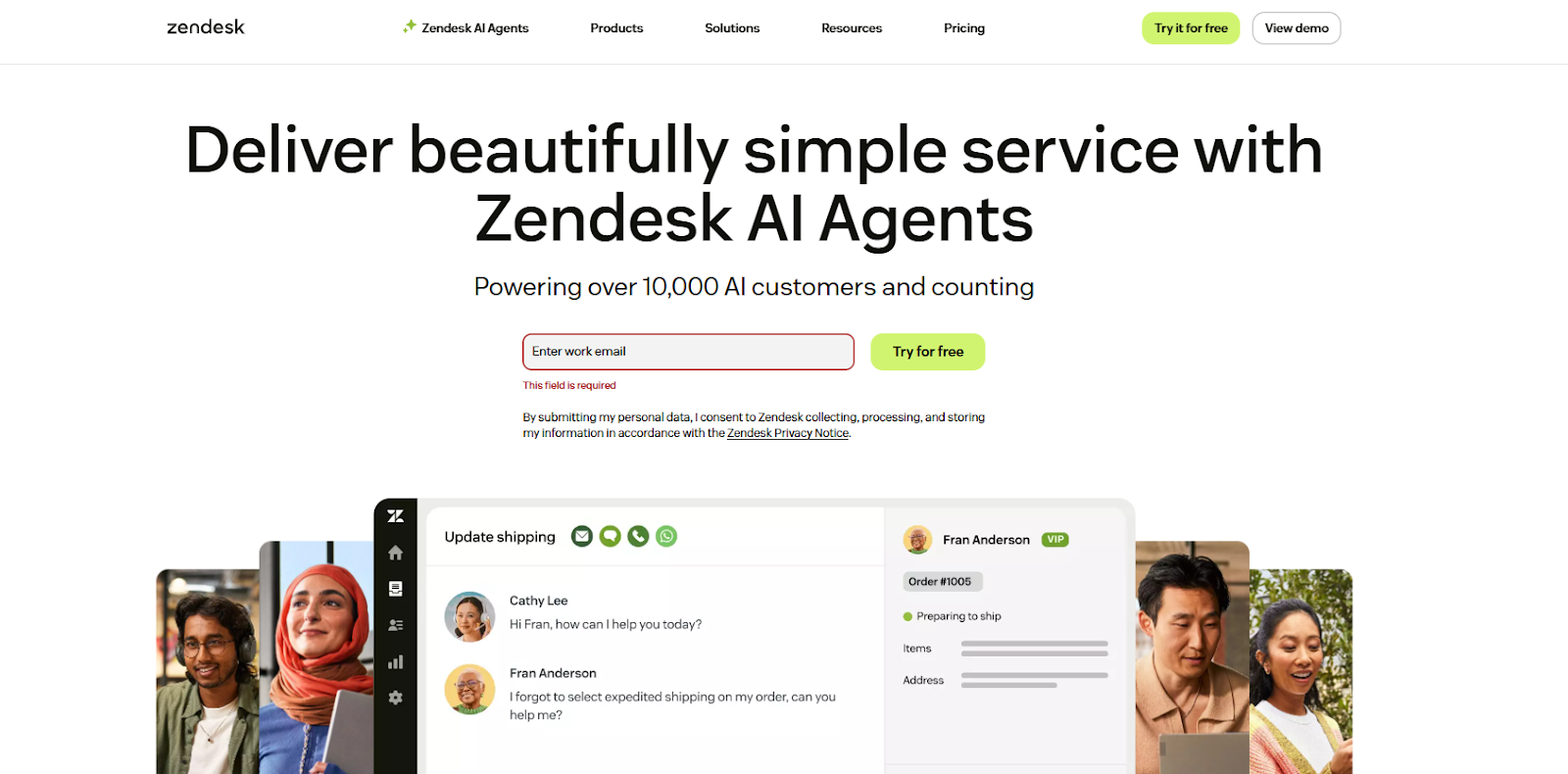
Best for: Autonomous AI agents and large-scale enterprise support
Zendesk provides a full-featured helpdesk platform where AI agents can autonomously handle customer issues across chat, email, messaging, and voice. Its AI is deeply embedded into the ticket lifecycle, from intent detection and routing to resolution and quality assurance.
Zendesk’s AI agents are pre-trained on billions of real customer service interactions, allowing them to resolve complex issues end-to-end with minimal configuration. Unlike rule-based bots, Zendesk focuses on agentic AI that understands context, sentiment, and outcomes.
Best use case: Enterprises handling high ticket volumes across multiple channels with strict SLAs. View Zendesk
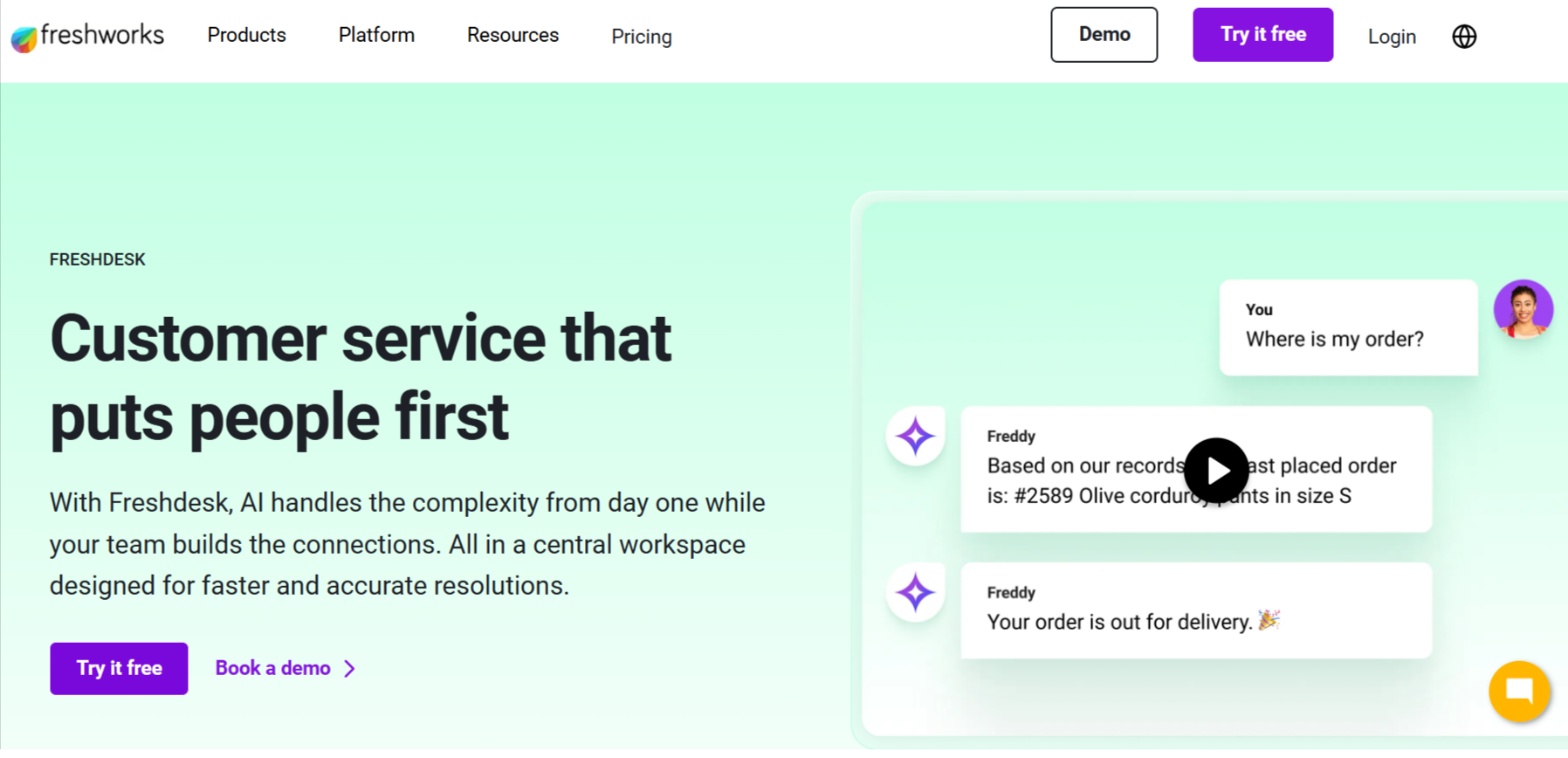
Best for: AI-powered ticket triage for growing support teams
Freshdesk is a modern helpdesk platform that uses AI to categorize, prioritize, and route tickets automatically. It supports email, chat, phone, and social channels, all managed from a centralized ticketing system.
Freshdesk focuses on reducing agent workload through practical AI features like auto-ticket classification, canned response suggestions, and SLA-based escalation. It is easier to deploy than many enterprise-first platforms.
Best use case: Mid-market companies looking to automate ticket handling without enterprise complexity. View Freshdesk
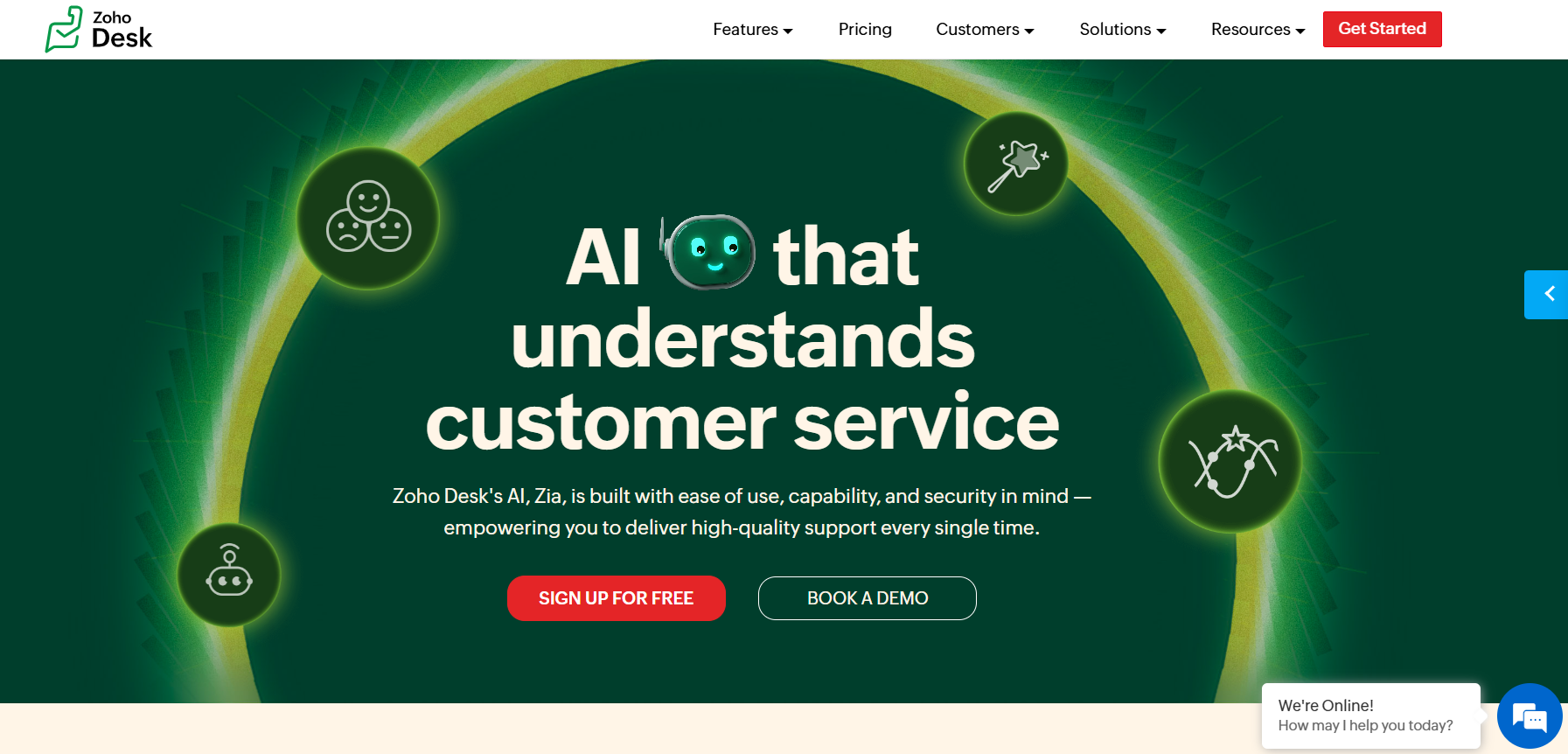
Best for: Businesses already using the Zoho ecosystem
Zoho Desk is an AI-powered helpdesk that automates ticket handling using Zoho’s AI assistant, Zia. It integrates tightly with Zoho CRM and other Zoho products to provide contextual support.
Zoho Desk excels in ecosystem integration. AI-driven suggestions, ticket insights, and workflow automation become more powerful when combined with Zoho CRM, SalesIQ, and other Zoho tools.
Best use case: SMBs and mid-sized companies standardized on Zoho products. View Zoho Desk
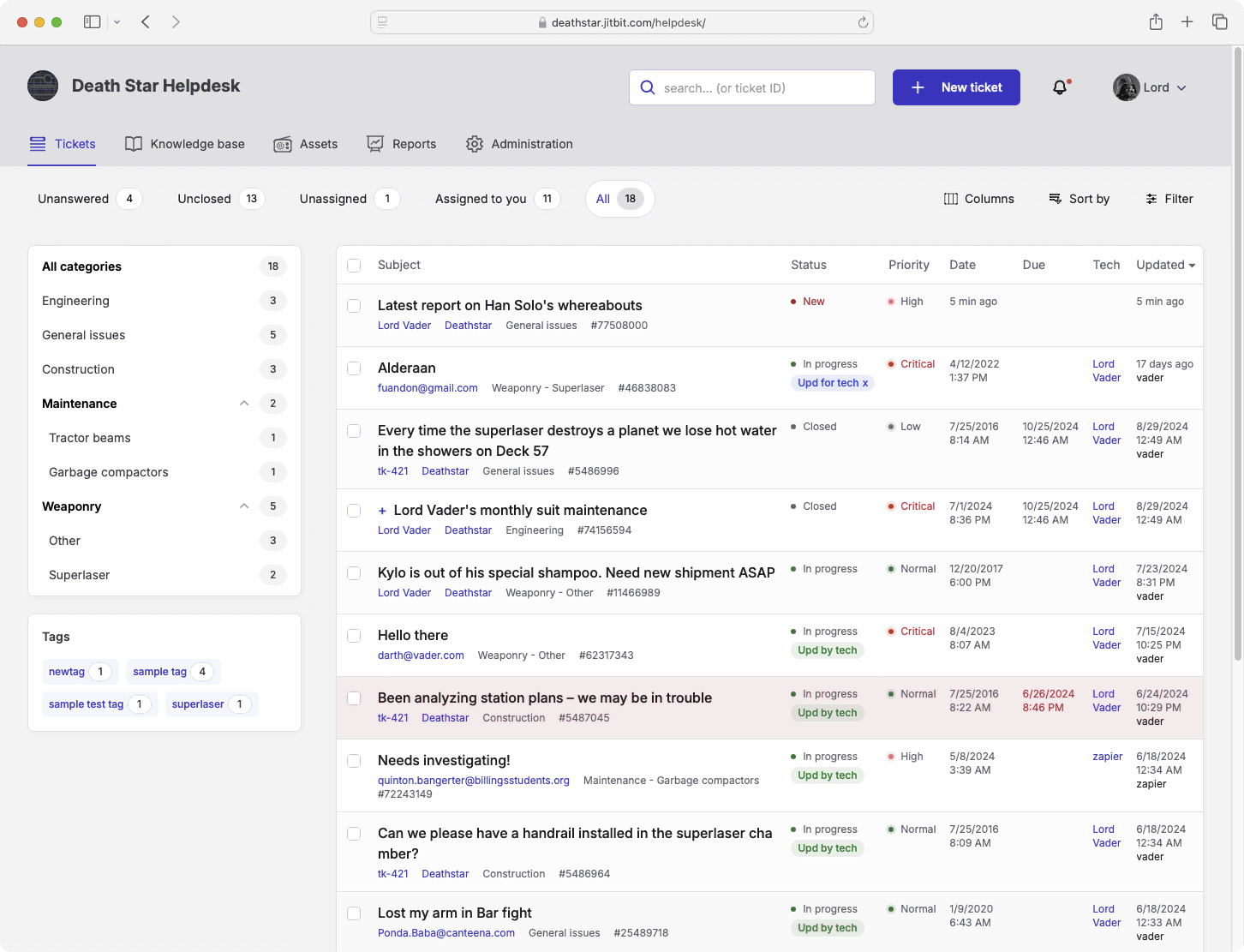
Best for: Lightweight ticket automation with simple AI assistance
Jitbit Helpdesk is a straightforward ticketing system focused on speed, simplicity, and internal efficiency. AI is used mainly for response assistance and ticket handling optimization.
Unlike heavy enterprise tools, Jitbit prioritizes simplicity. It’s designed for teams that want automation without complex configuration or long onboarding cycles.
Best use case: Internal IT helpdesks and small support teams needing fast deployment. View Jitbit Helpdesk
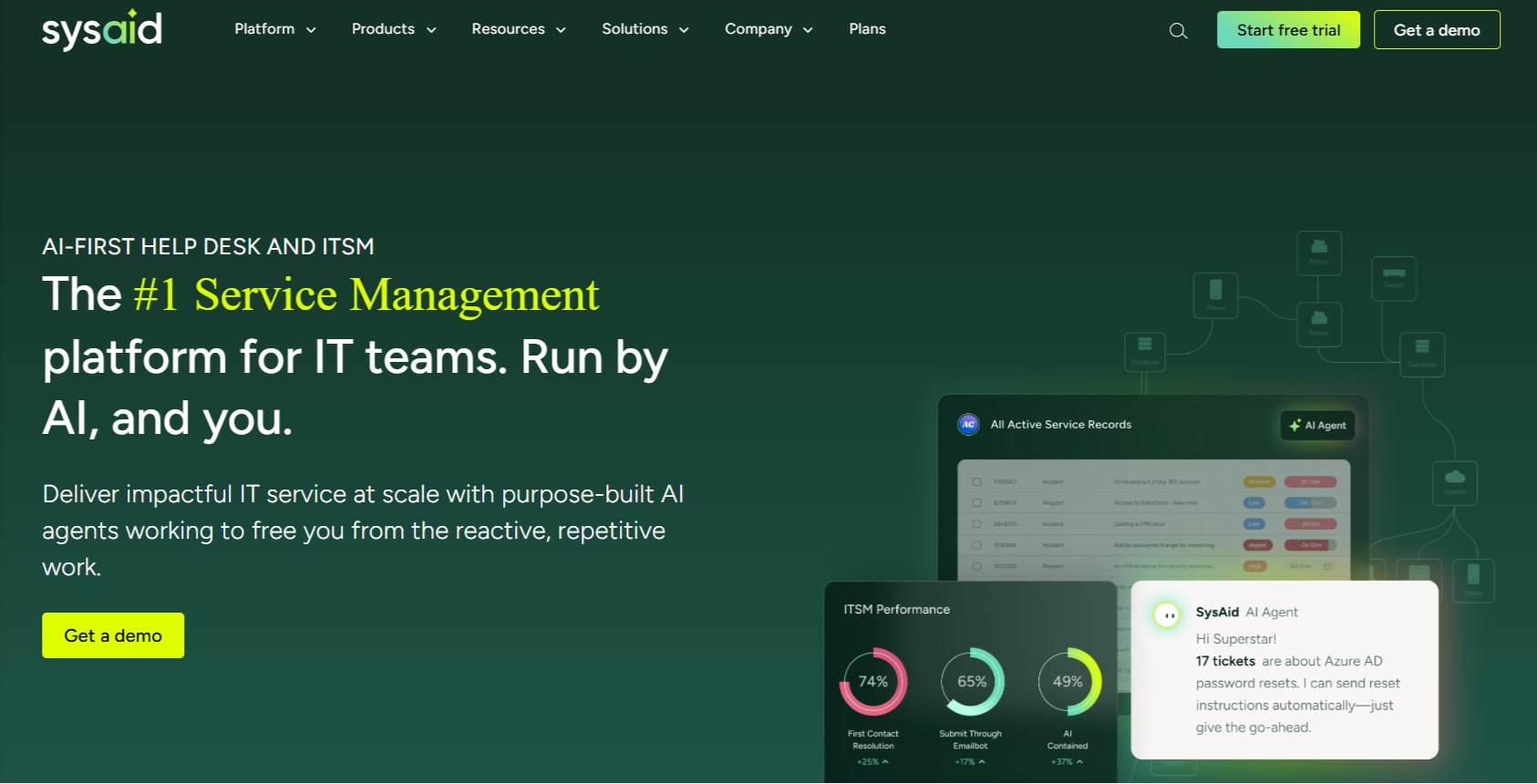
Best for: IT service management (ITSM) automation
SysAid is an IT-focused helpdesk platform that uses AI to automate ticket categorization, incident management, and IT workflows. It is commonly used for internal employee support.
SysAid combines AI-driven automation with traditional ITSM features like asset management, change management, and service catalogs.
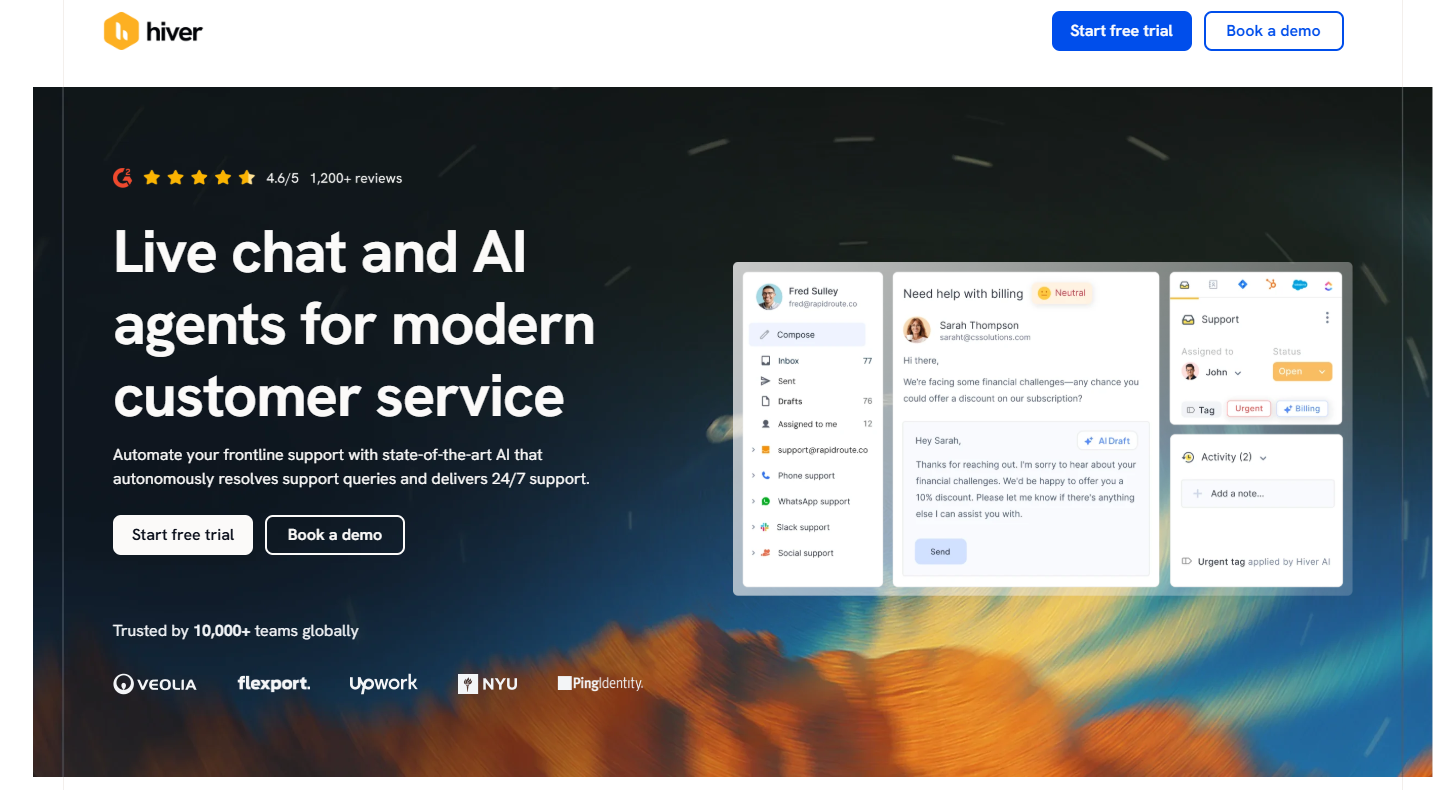
Best for: Email-based customer support teams
Hiver turns shared email inboxes (Gmail and Outlook) into helpdesk-style ticketing systems with AI-powered automation layered on top.
Hiver is unique because it keeps teams inside email while still offering automation, SLAs, and analytics—ideal for teams that don’t want a separate helpdesk interface.
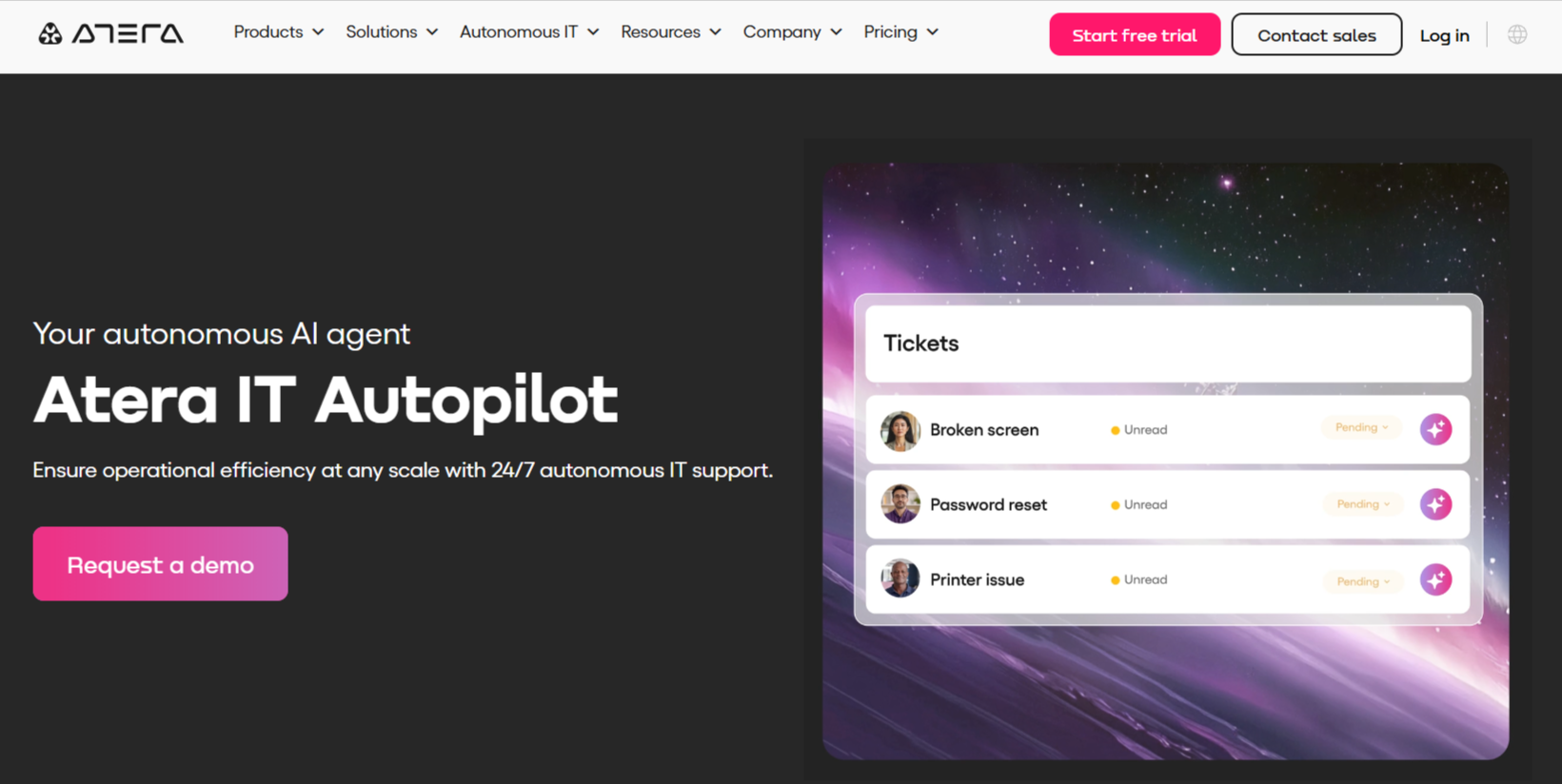
Best for: AI-powered IT support and MSPs
Atera combines helpdesk ticketing with remote monitoring and management (RMM), using AI to automate IT issue resolution and diagnostics.
Atera’s AI Copilot assists IT agents by suggesting fixes, generating scripts, and summarizing issues, making it ideal for managed service providers.
Best use case: IT support teams and MSPs managing technical incidents. View Atera
Best for: Affordable ticket automation for SMBs
SparrowDesk is a customer support helpdesk that uses automation to streamline ticket handling across email, chat, and social channels.
It offers essential helpdesk automation features at a lower cost, making it accessible for small and growing businesses.
Best use case: Small businesses transitioning from manual support to ticket automation. View SparrowDesk
Best for: Visitor tracking with ticket escalation
Zoho SalesIQ focuses on website visitor tracking and live chat, with AI insights that feed into Zoho Desk for ticket creation and follow-up.
It bridges real-time engagement and structured ticketing, making it useful for teams that want proactive support plus helpdesk workflows.
Best use case: Businesses combining live chat with structured ticket workflows. View Zoho SalesIQ
Best for: Enterprise omnichannel ticket management
UDESK provides an enterprise-grade customer service platform with AI-driven ticket automation across messaging, email, social, and voice channels.
It is widely used in large, global organizations that require multilingual and omnichannel support with centralized ticket control.
Best use case: Large organizations with global customer support operations. View UDESK
Best for: Chat-driven ticket creation
Freshchat focuses on conversational support, with AI-driven chatbots that escalate conversations into Freshdesk tickets when needed.
It blends real-time messaging with helpdesk automation, making it ideal for teams that want chat-first support without losing structure.
Best use case: Support teams prioritizing chat while maintaining ticket workflows. View Freshchat
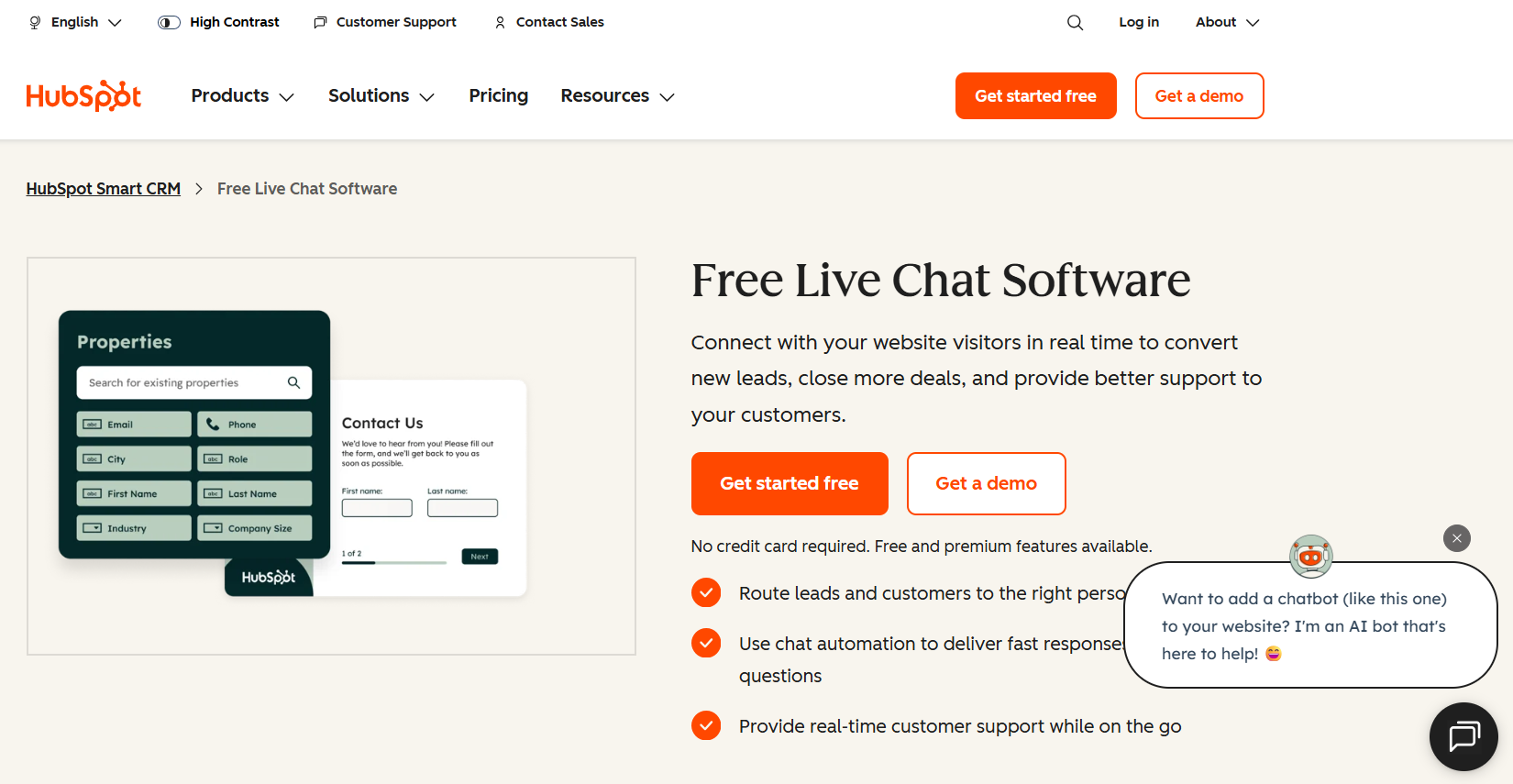
Best for: CRM-driven customer support automation
HubSpot CRM includes AI-powered chatbots and ticketing within its Service Hub, using CRM data to personalize support interactions.
Its biggest strength is unifying sales, marketing, and support data, enabling context-aware customer service automation.
Best use case: Businesses that want customer support tightly integrated with sales and marketing. View HubSpot CRM
These tools focus on real-time conversations with customers through live chat and messaging interfaces. AI is used to handle common queries, assist agents during chats, and improve engagement, while complex issues are escalated to human support.
They are best suited for teams where speed, responsiveness, and conversational experience matter more than heavy ticket workflows.
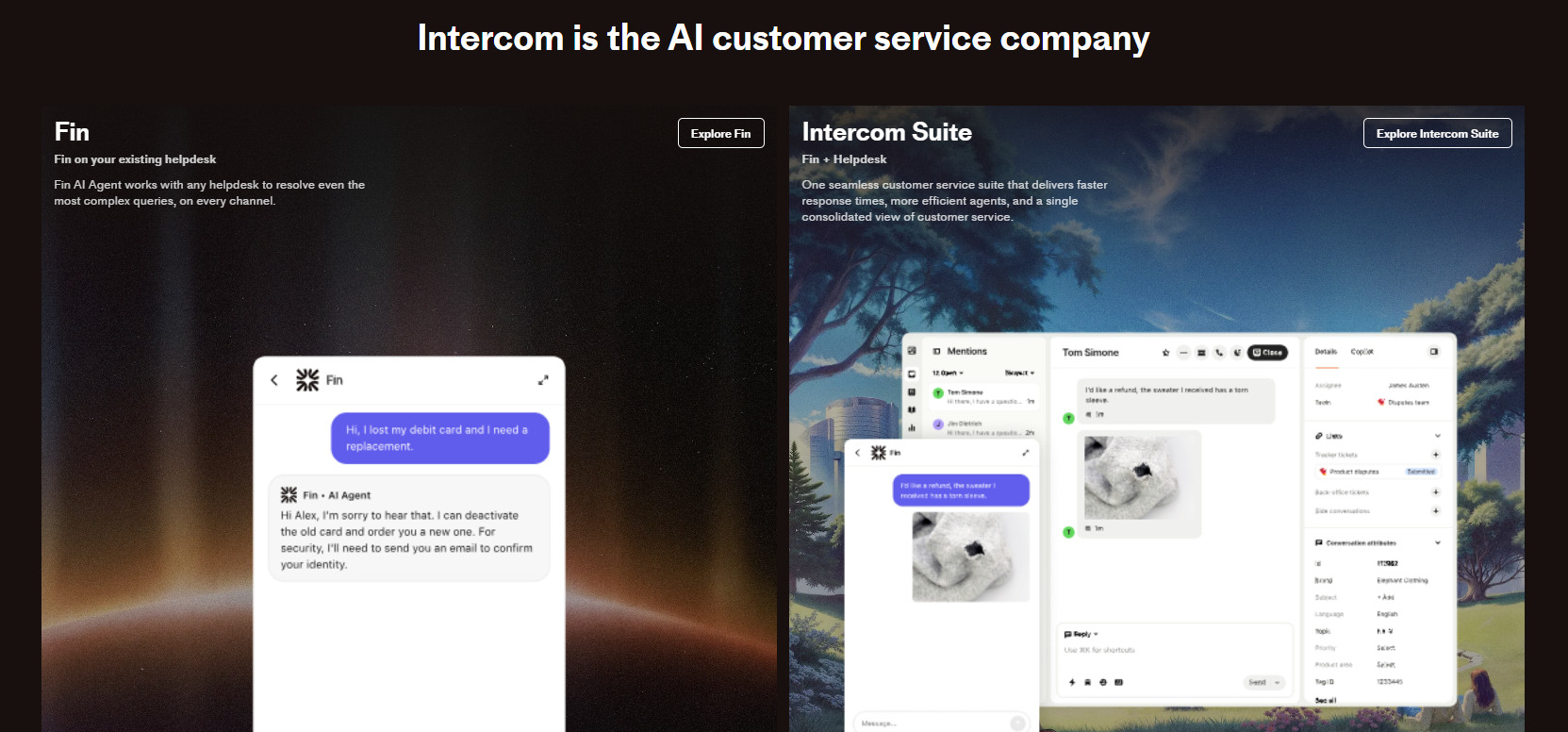
Best for: Advanced AI-driven conversations combined with human support
Intercom is a conversational customer support platform that combines AI chatbots, live chat, email, and in-app messaging in a single interface. Its AI agent, Fin, answers customer questions using knowledge base content and escalates complex conversations to human agents.
Intercom excels at blending AI automation with human context. Instead of fully autonomous resolution, it focuses on improving conversation quality, response speed, and agent productivity during live interactions.
Best use case: SaaS and digital businesses that want AI-enhanced conversations without removing human involvement. View Intercom
Best for: Affordable AI-powered live chat for SMBs
Tidio combines live chat with AI chatbots to help businesses respond to customer questions in real time. Its AI assistant, Lyro, handles common support queries and hands off more complex issues to human agents.
Tidio delivers practical AI automation at a price point accessible to small and growing businesses. It focuses on deflecting repetitive questions while keeping live chat central.
Best use case: Small and mid-sized businesses needing live chat with basic AI automation. View Tidio
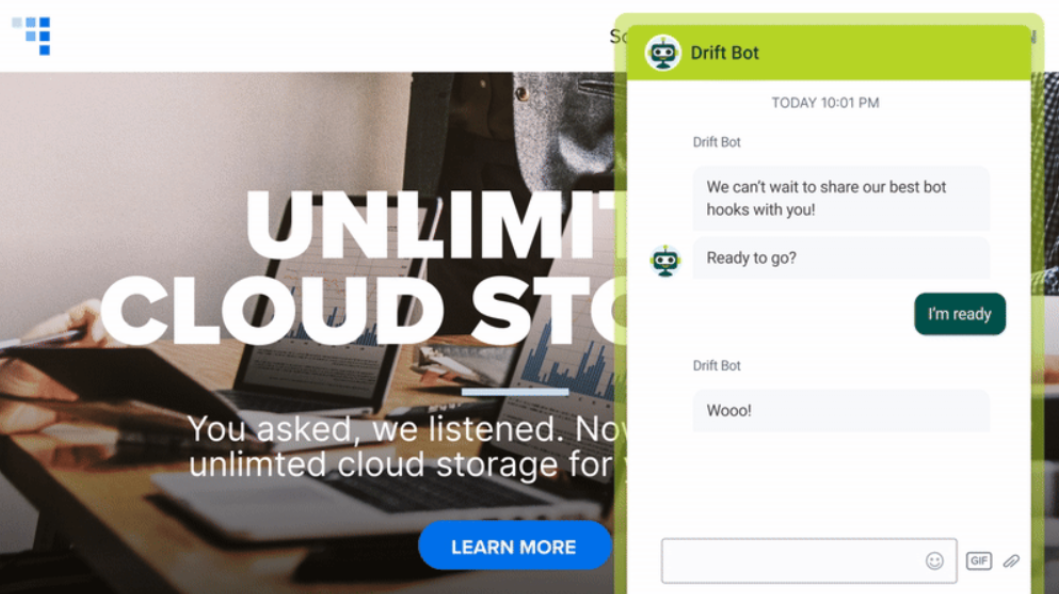
Best for: Real-time customer engagement and conversational sales
Drift is a conversational AI platform designed primarily for real-time engagement, lead qualification, and customer conversations on websites. It uses AI chatbots to initiate conversations and route users to the right teams.
Drift emphasizes conversation speed and engagement rather than traditional ticket resolution. Its strength lies in initiating meaningful conversations at the right moment.
Best use case: Sales-led organizations using chat as a primary engagement channel. View Drift
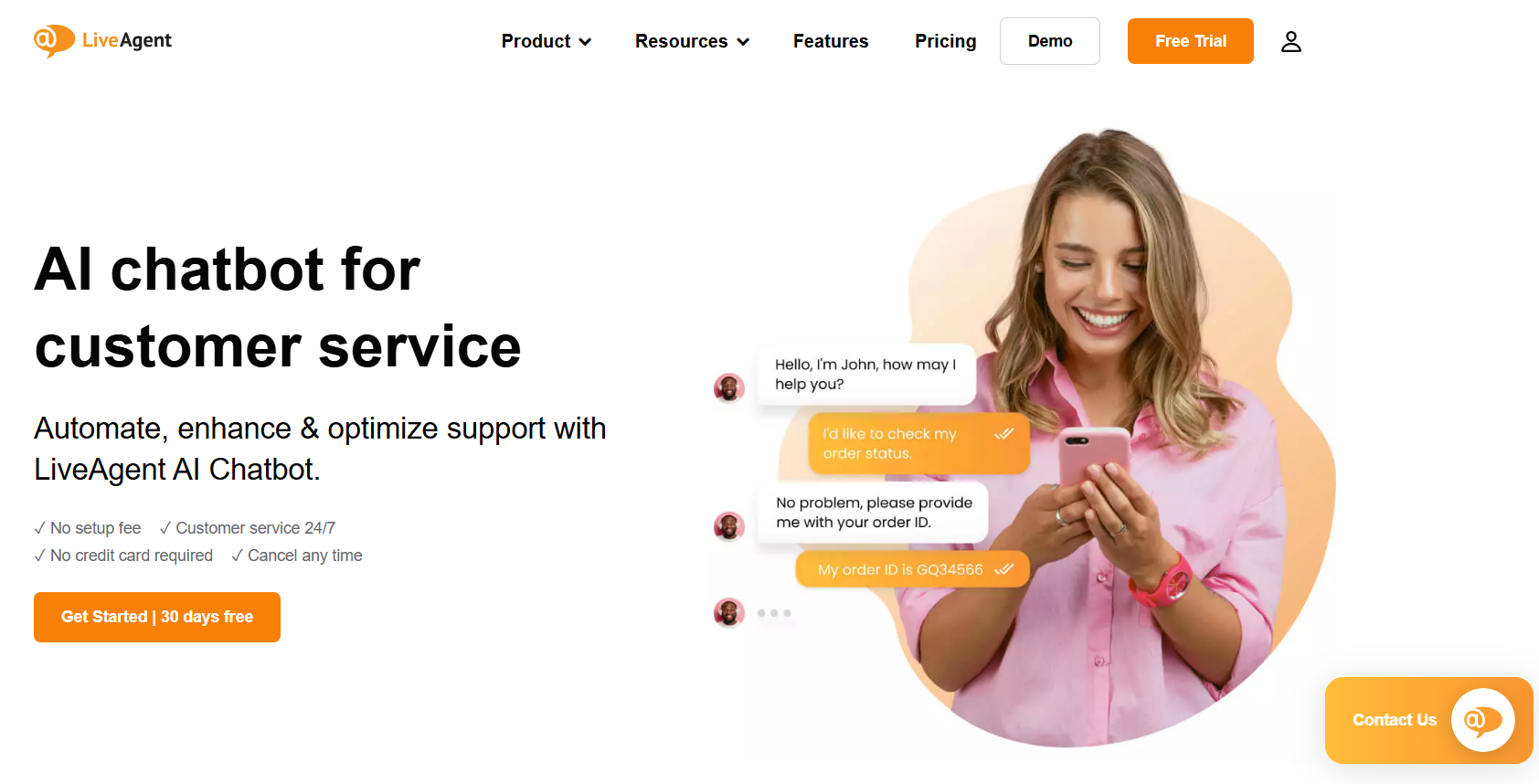
Best for: Unified live chat with basic AI assistance
LiveAgent combines live chat, email, phone, and social messaging into a single support platform. AI is used to assist agents with routing and response efficiency rather than full automation.
LiveAgent is a hybrid tool that balances conversational support with traditional helpdesk features, making it useful for teams transitioning from tickets to chat-first support.
Best use case: Support teams that want live chat plus basic automation without advanced AI agents. View LiveAgent
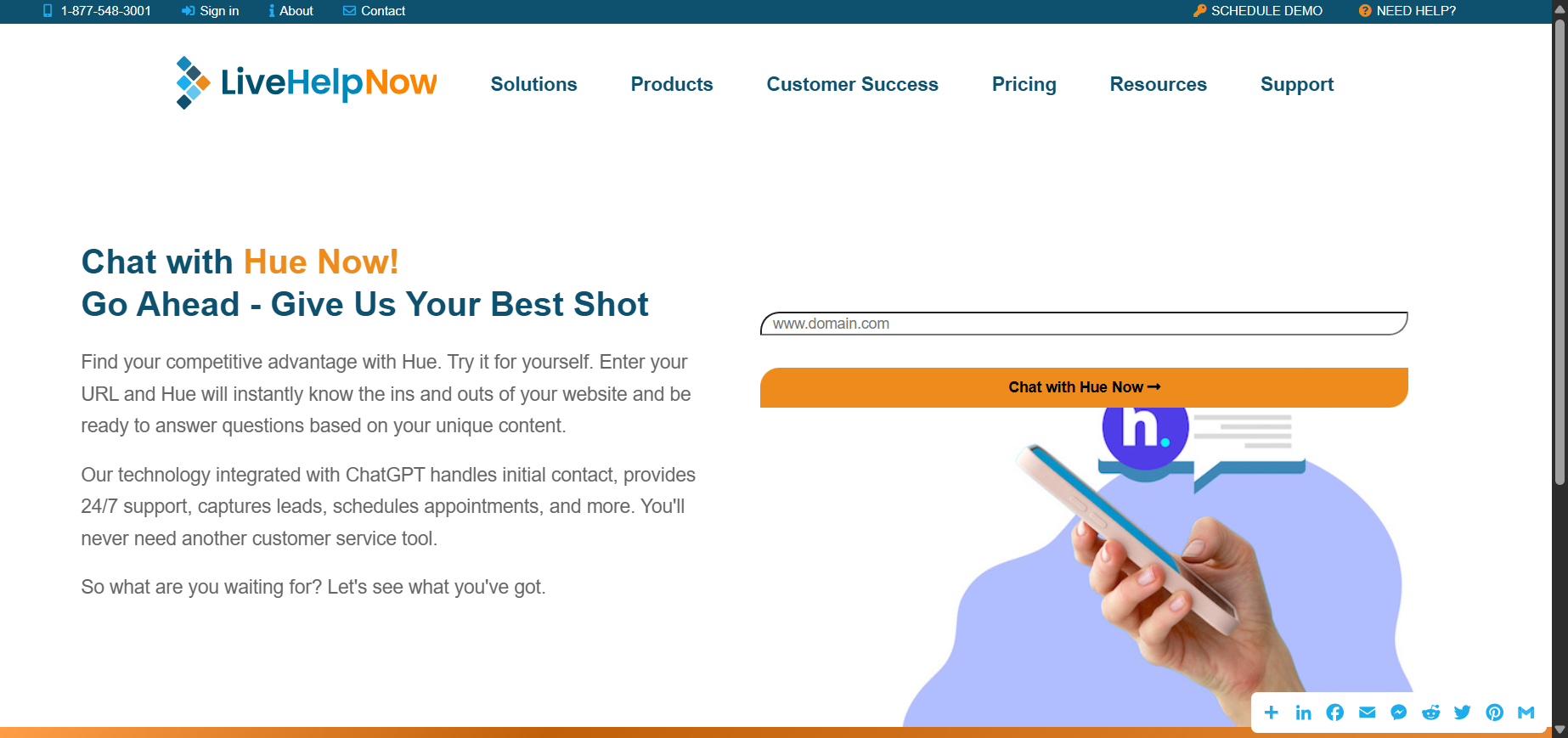
Best for: Proactive live chat and customer engagement
LiveHelpNow provides live chat and customer messaging tools designed to proactively engage website visitors. AI is primarily used to route chats and assist agents during conversations.
Its focus is on proactive engagement—inviting customers into conversations based on behavior rather than waiting for inbound queries.
Best use case: Businesses that want to increase engagement through proactive live chat. View LiveHelpNow
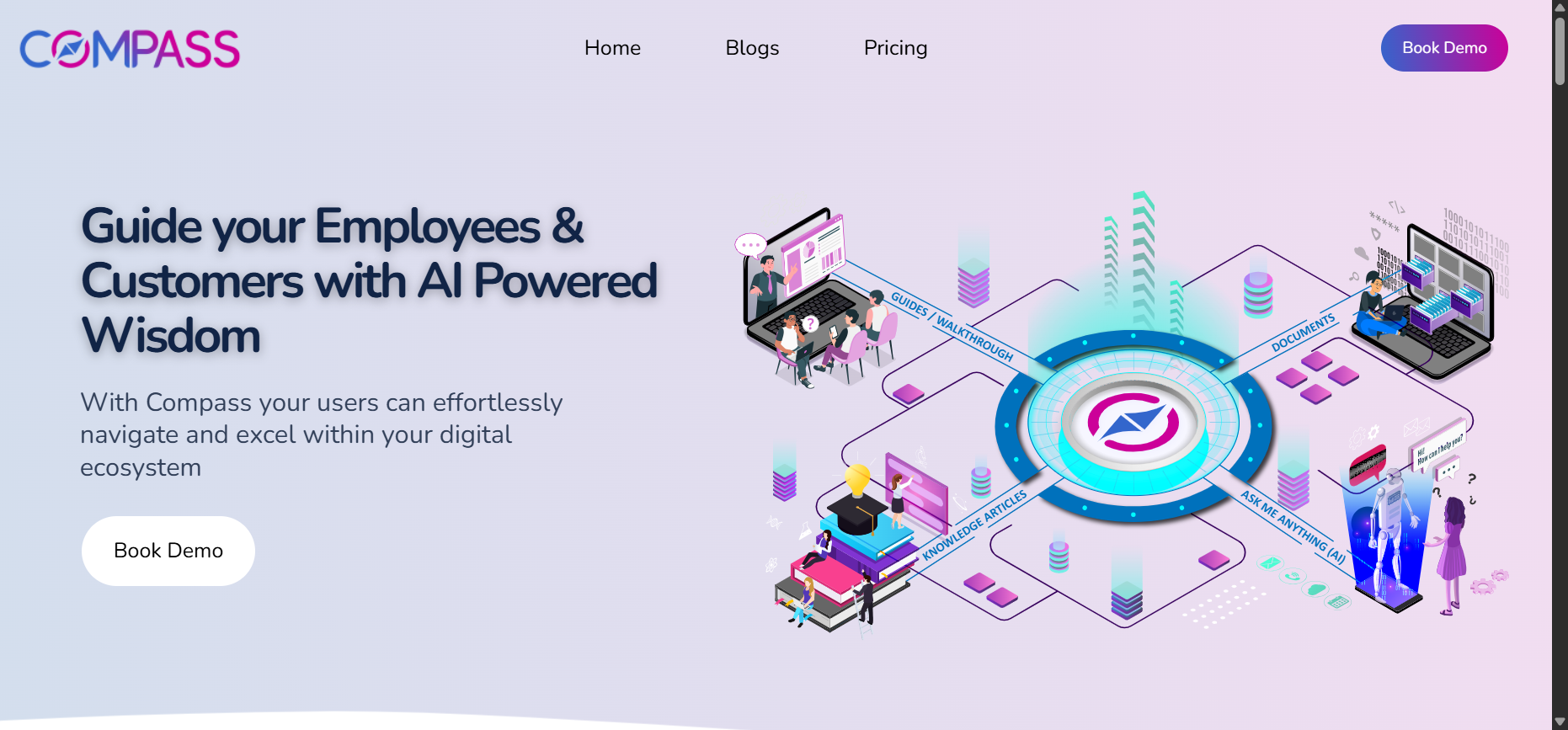
Best for: Real-time AI-assisted customer conversations
Compass offers real-time chat assistance tools that help support teams respond faster and more accurately during live conversations. AI is used to guide responses and surface relevant information.
Compass focuses on agent augmentation rather than replacement, helping human agents deliver better conversations with AI support.
Best use case: Teams that rely heavily on human agents but want AI assistance during live chats. View Compass
Enterprise AI agents are designed to autonomously resolve customer interactions at scale across chat, voice, and messaging channels. They integrate deeply with backend systems and often combine AI automation with human-in-the-loop or outsourced CX operations.
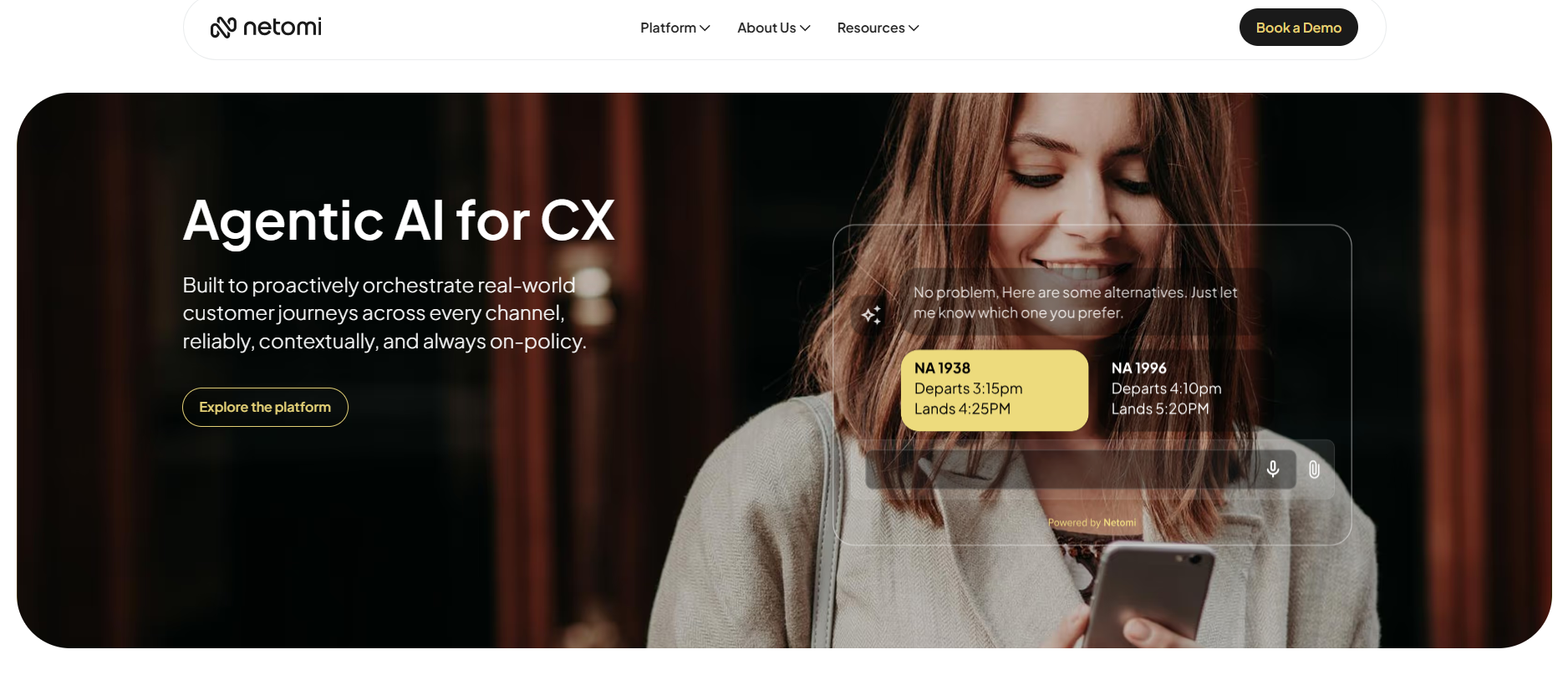
Best for: Brand-safe AI automation at massive scale
Netomi automates customer support across chat, email, and messaging channels. It integrates with CRMs, order systems, and billing tools. The AI resolves inquiries end-to-end when possible. Escalation to humans is seamless.
Netomi emphasizes strict brand and data grounding. Responses are generated only from approved enterprise sources. It maintains consistency across millions of interactions. This makes it safer than generic LLM-based bots.
Best use case: Consumer brands with strict CX and compliance requirements. View Netomi
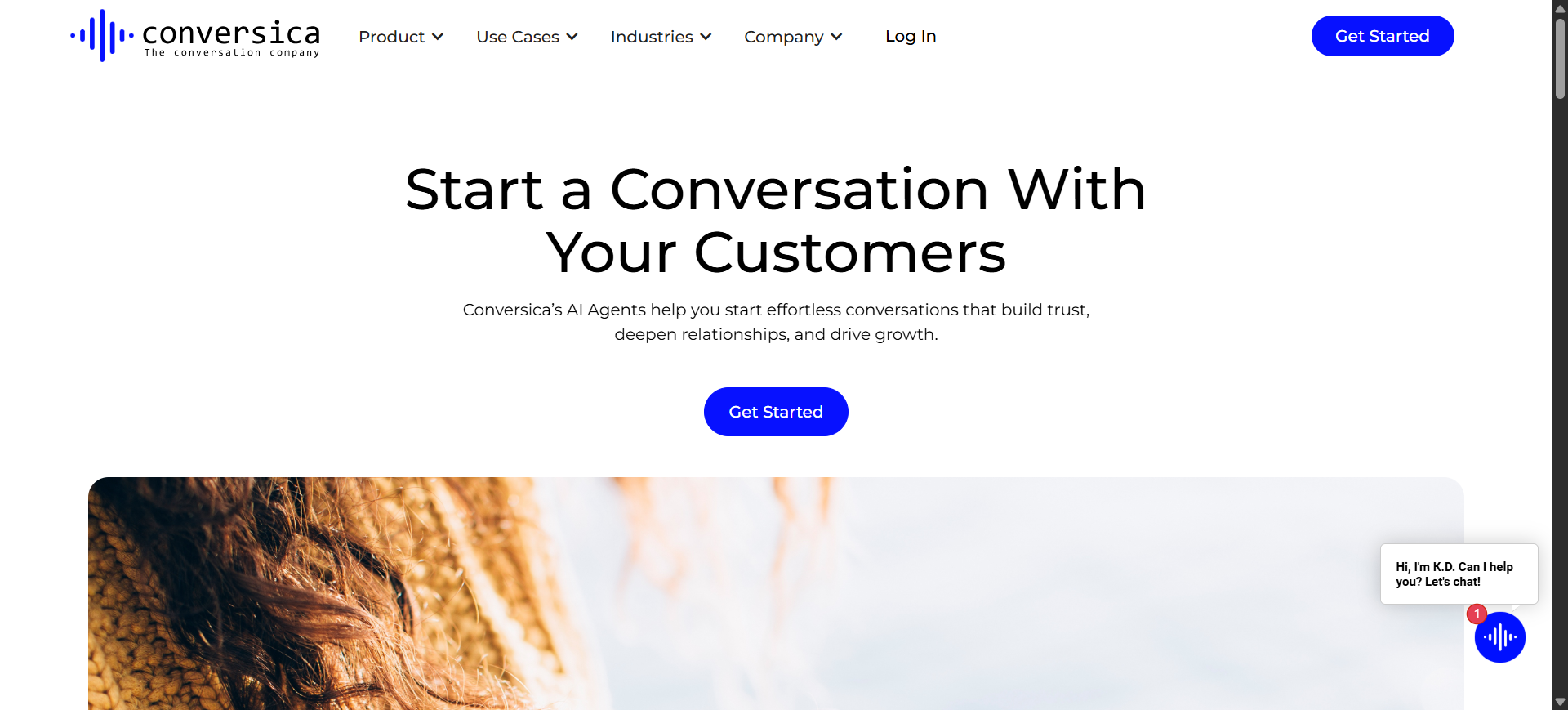
Best for: AI-driven customer engagement and follow-ups
Conversica uses AI agents to engage customers via email and messaging. It automates follow-ups, qualification, and routing. Conversations feel natural and persistent. Teams are alerted when human action is needed.
Conversica specializes in AI-led engagement, not just deflection. Its strength lies in persistent multi-touch conversations. It reduces missed inquiries dramatically. Few tools bridge sales and support this well.
Best use case: Enterprises focused on response speed and lead recovery. View Conversica
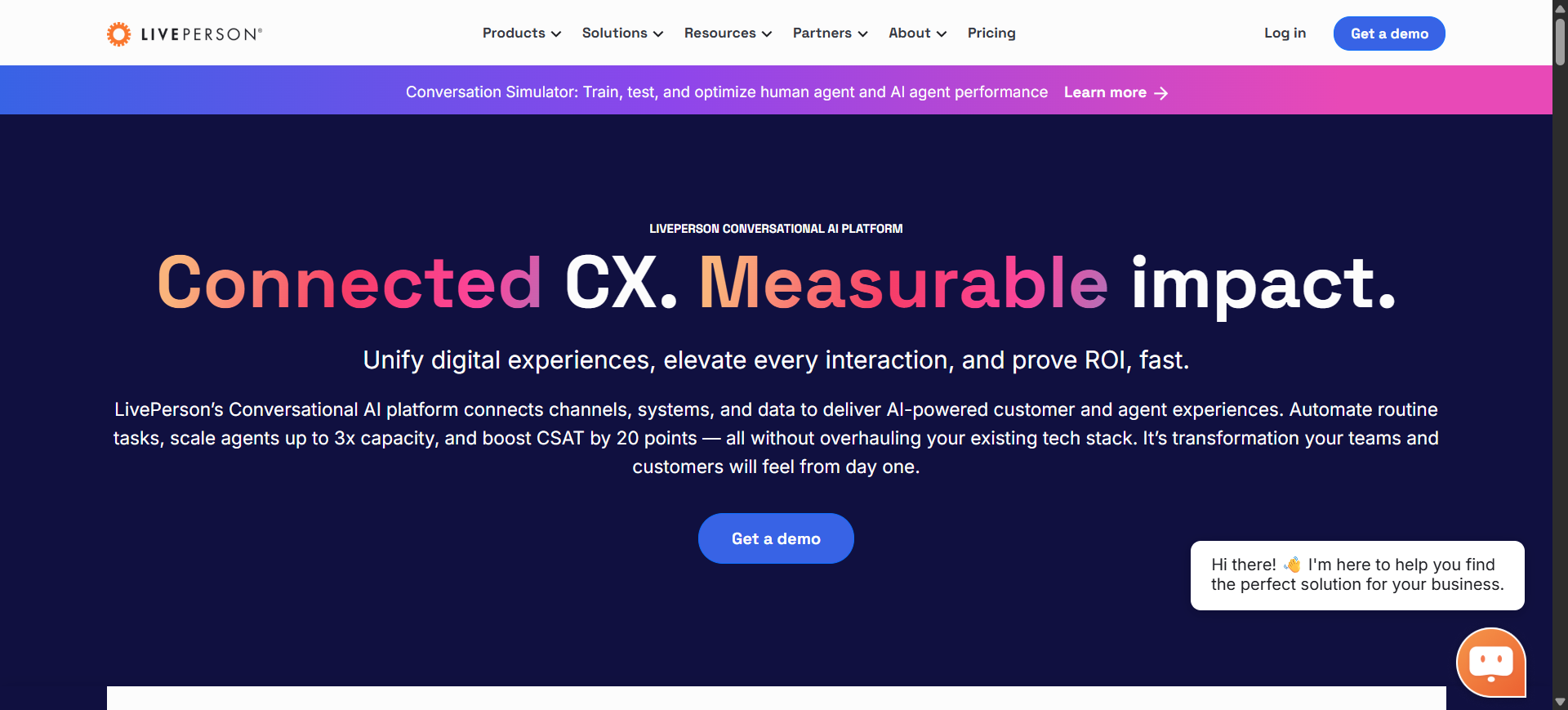
Best for: Messaging-first enterprise CX
LivePerson delivers AI-driven conversations across messaging apps. It supports long-running, asynchronous conversations. AI handles intent detection and replies. Agents join conversations when escalation is needed.
LivePerson excels in persistent messaging conversations, not short chats. It’s optimized for repeat customer interactions. The platform handles context exceptionally well. This is rare at enterprise scale.
Best use case: Brands supporting customers primarily via messaging apps. View LivePerson
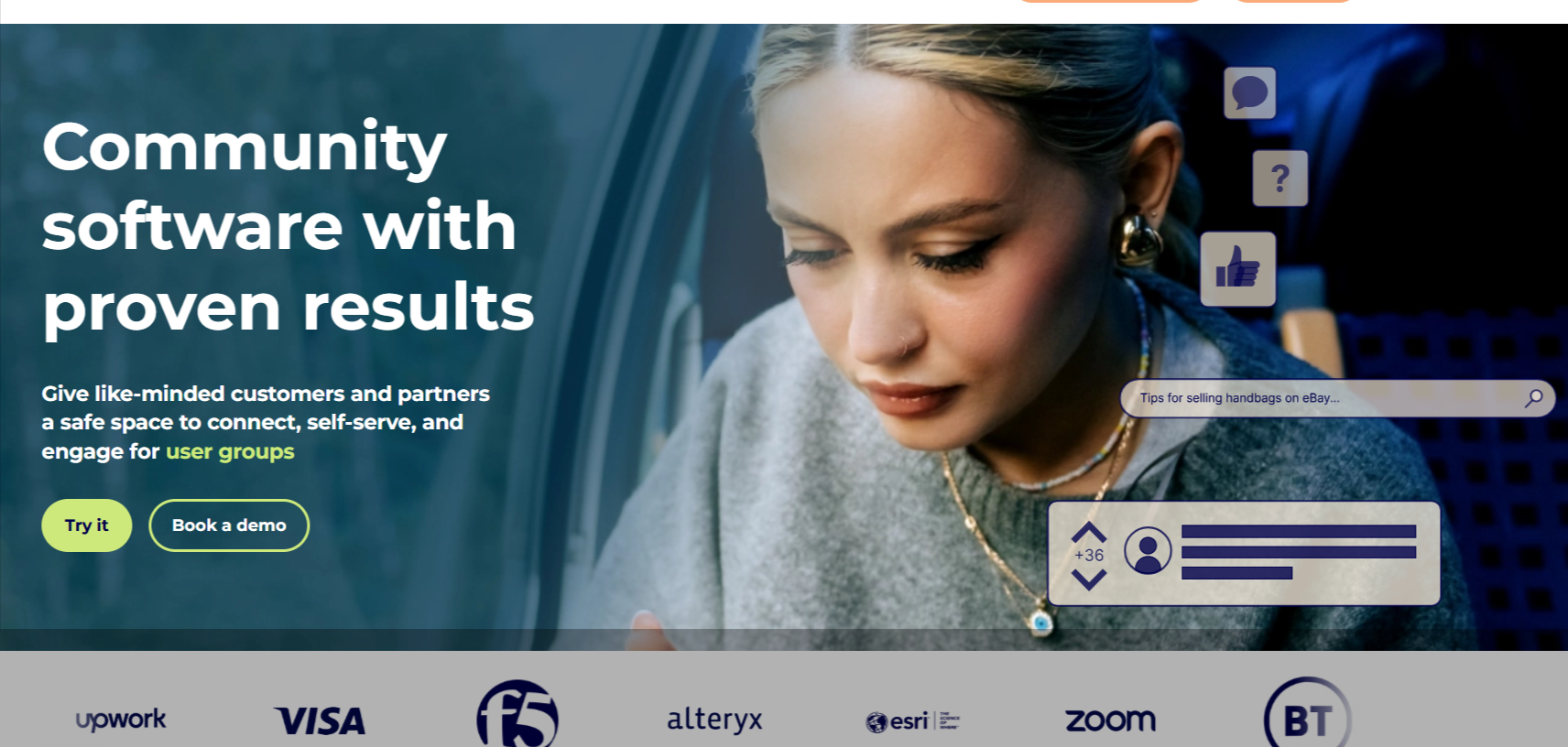
Best for: Social-first customer experience automation
Khoros manages customer interactions across social media and communities. AI assists with routing, moderation, and response suggestions. Conversations span social, messaging, and forums. Agents handle sensitive issues.
Khoros uniquely combines community management with customer support. It goes beyond tickets into brand engagement. Social sentiment insights are deeply integrated. Few platforms operate at this intersection.
Best use case: Brands with heavy social and community engagement. View Khoros
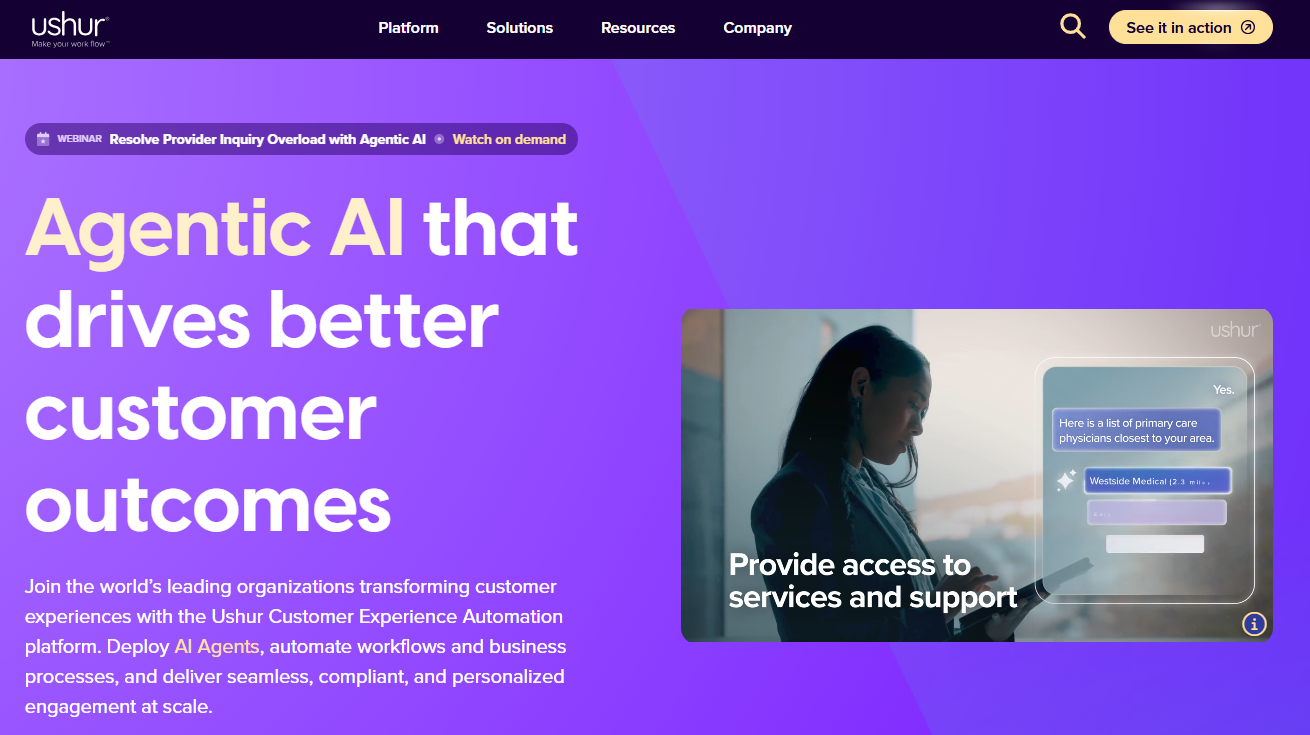
Best for: Regulated enterprise automation
Ushur automates customer interactions across chat, SMS, and voice. It integrates with backend systems to complete workflows. AI handles structured and semi-structured queries. Compliance controls are embedded.
Ushur is built for regulated industries from day one. It prioritizes auditability and accuracy. AI decisions are traceable. This makes it suitable for high-risk environments.
Best use case: Finance, healthcare, and regulated service industries. View Ushur
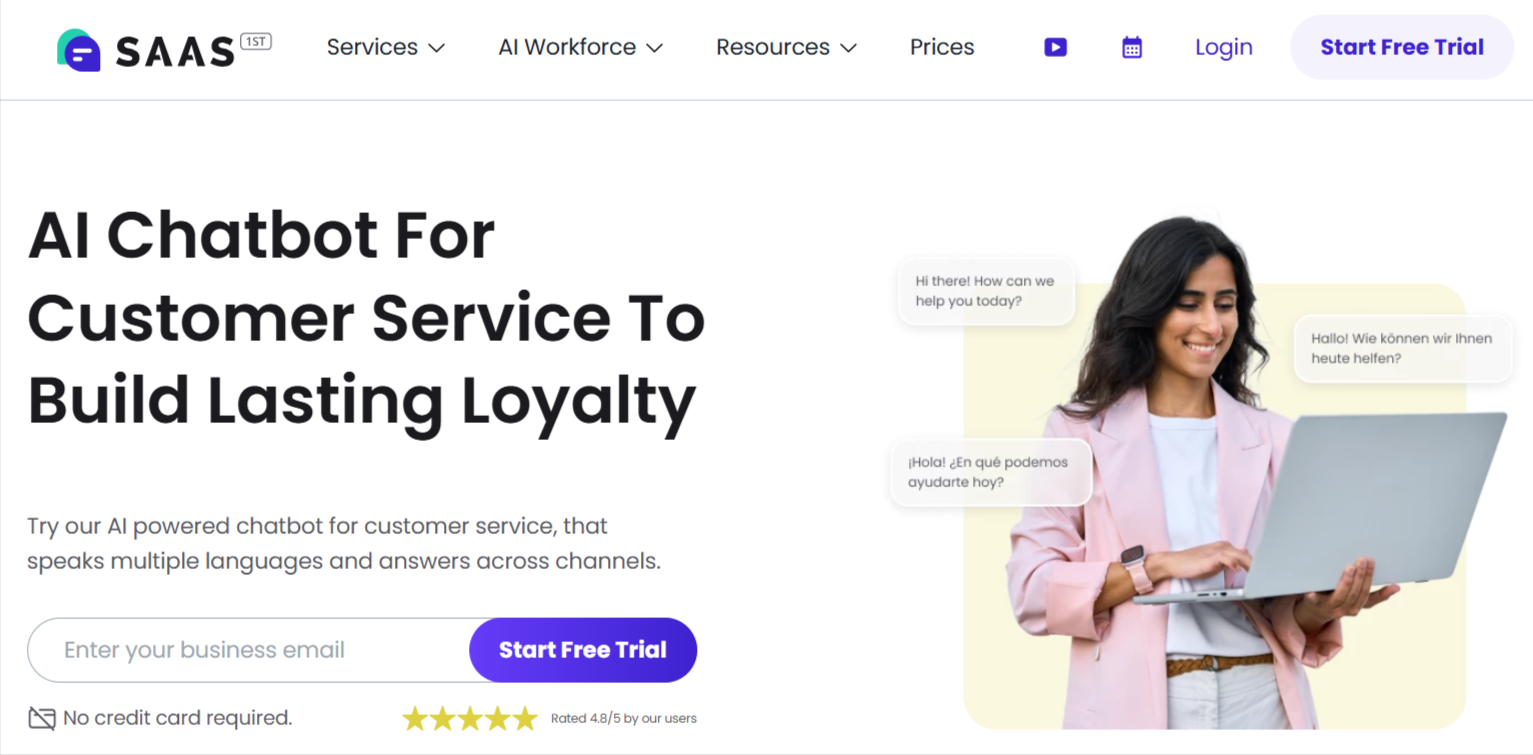
Best for: 24/7 SaaS customer support automation
SAAS First provides AI-driven customer support for SaaS companies. It automates FAQs, onboarding questions, and issue resolution. AI integrates with product data and help centers. Human escalation is supported.
SAAS First is purpose-built for SaaS CX, not generic support. It understands product usage flows. Automation focuses on reducing churn. This niche focus improves accuracy.
Best use case: Growing SaaS companies scaling support teams. View SAAS First
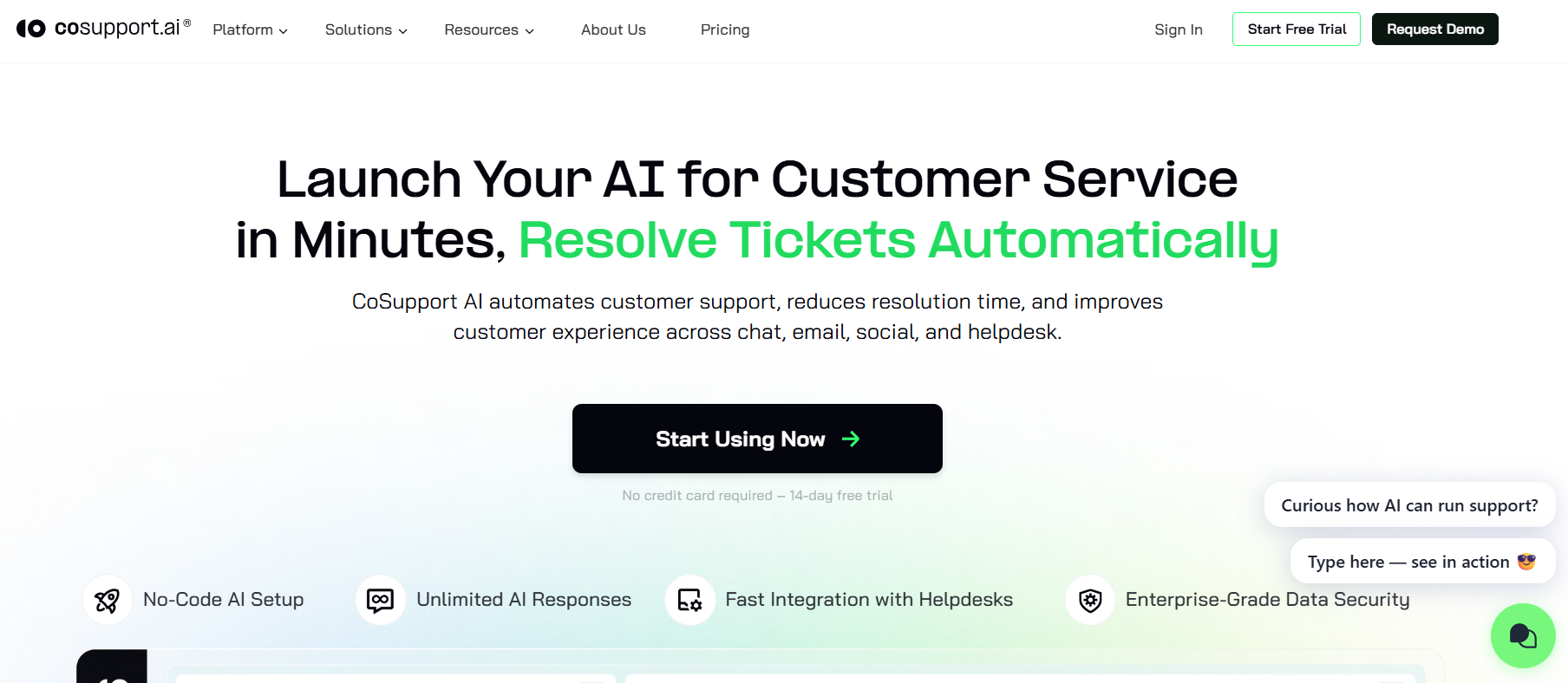
Best for: Automated inquiry resolution
CoSupport AI automates responses to common customer inquiries. It integrates with support systems and knowledge bases. AI handles repetitive questions efficiently. Agents manage exceptions.
CoSupport AI focuses on simplicity and speed. It reduces ticket volume quickly. The setup is lighter than enterprise platforms. This makes it accessible for mid-sized teams.
Best use case: Mid-sized support teams reducing repetitive tickets. View CoSupport AI
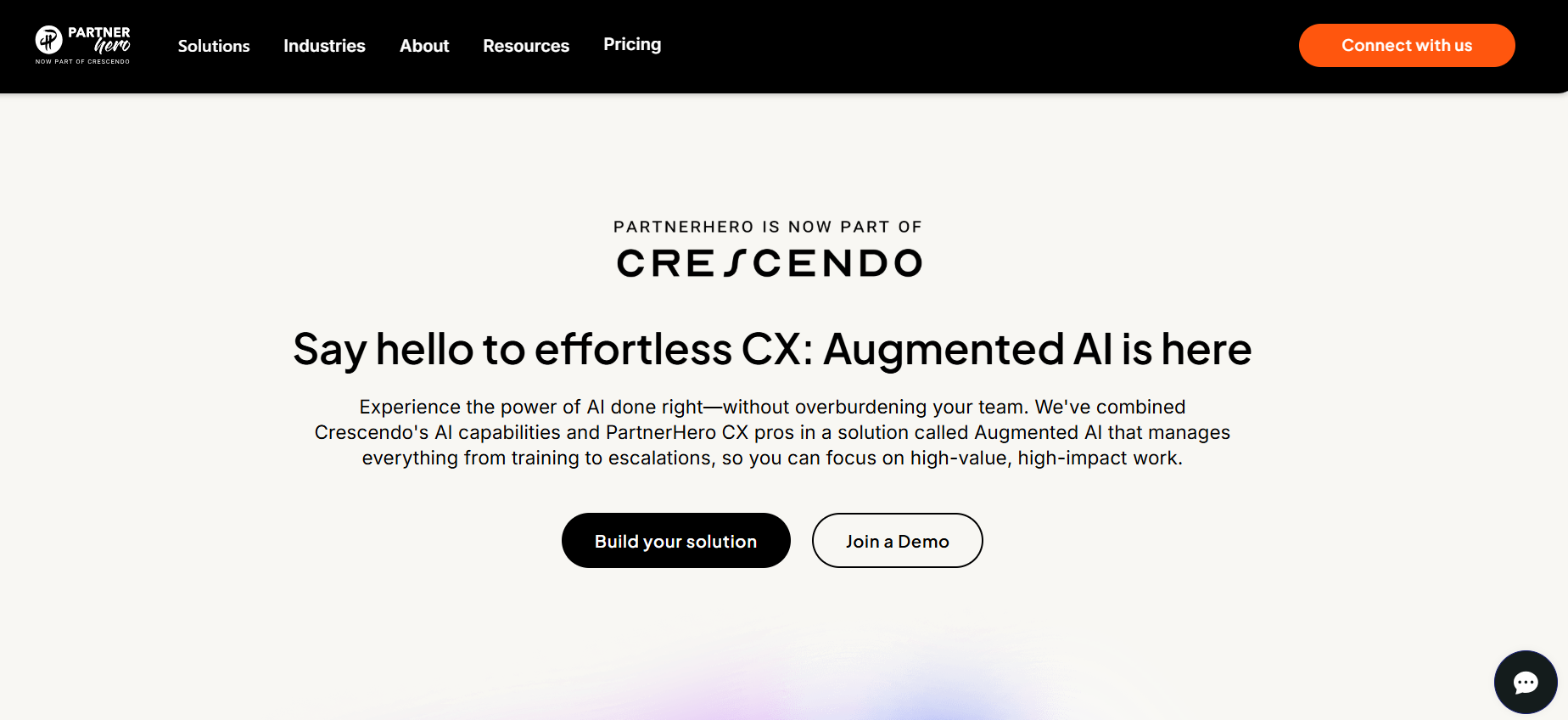
Best for: Outsourced CX with AI augmentation
PartnerHero combines AI automation with human support teams. AI assists with triage, routing, and insights. Human agents handle complex interactions. Operations scale globally.
PartnerHero blends outsourcing with AI, not replacing humans. This hybrid model balances quality and scale. It’s ideal for companies lacking internal support teams.
Best use case: Companies outsourcing customer support operations. View PartnerHero
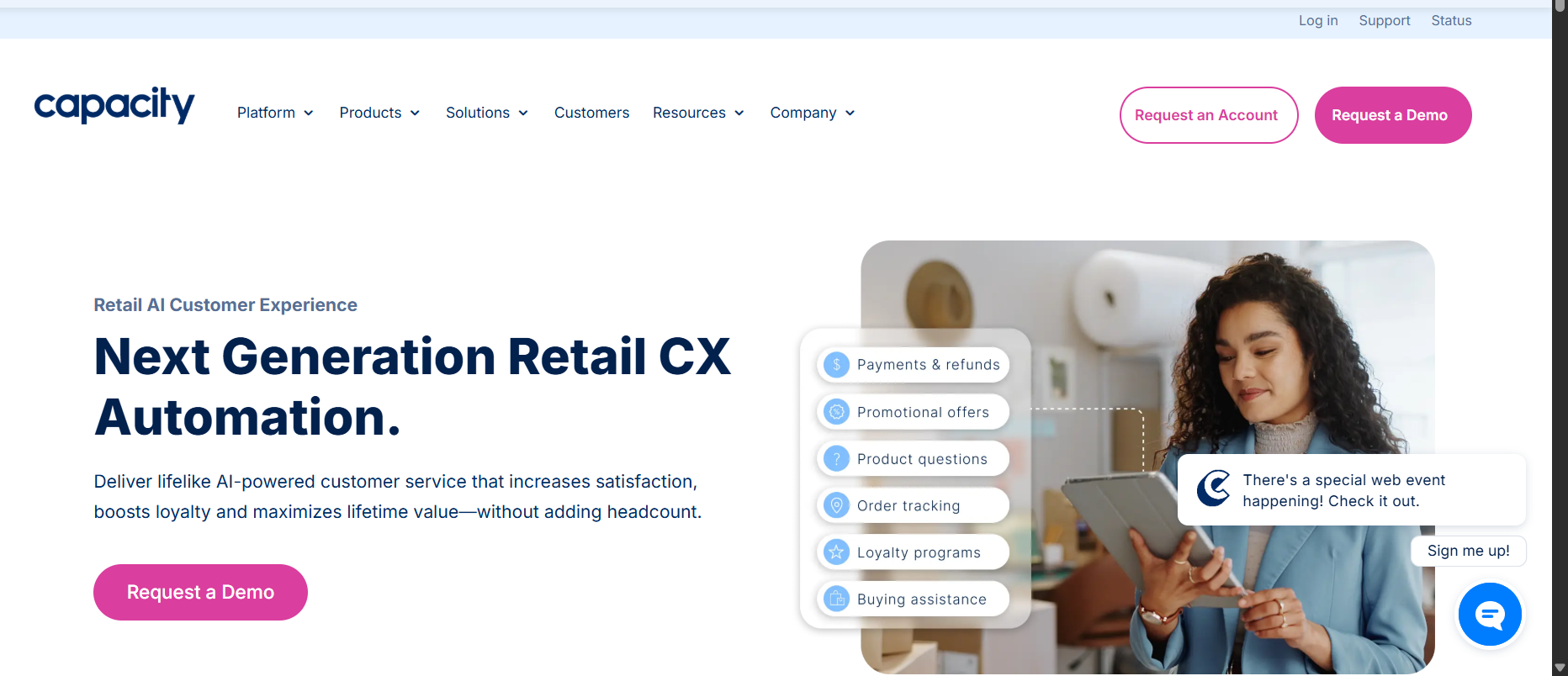
Best for: End-to-end CX automation
Linc is now part of Capacity. Linc automates customer interactions across channels. It integrates with CRM and commerce systems. AI handles order tracking, returns, and inquiries. Escalation paths are configurable.
Linc focuses on transactional CX automation. It excels in post-purchase support. Automation reduces operational load significantly. Few tools specialize this deeply.
Best use case: Brands with high post-purchase support volume. View Linc
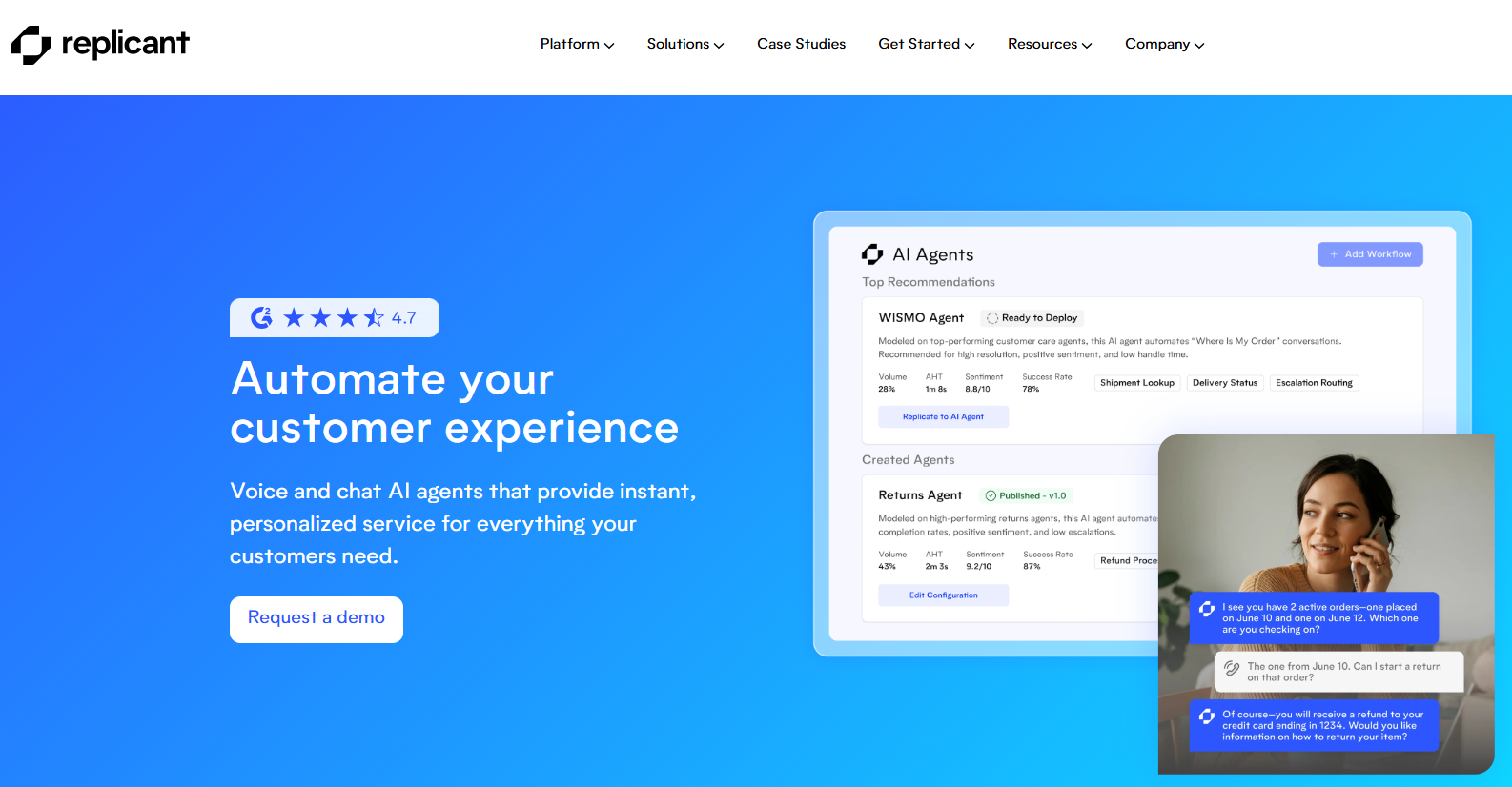
Best for: Full voice-based customer service automation
Replicant automates phone-based customer support using voice AI. It answers calls, resolves issues, and gathers information. Complex calls are transferred to agents. Conversations sound natural.
Replicant is built specifically for voice, not adapted from chatbots. It handles natural speech effectively. This makes it ideal for contact centers.
Best use case: Call centers automating inbound support calls. View Replicant
These platforms are designed for small and mid-sized businesses that want to deploy AI chatbots quickly without engineering effort. They prioritize ease of setup, visual builders, and pre-trained AI models to automate FAQs, lead capture, and basic customer support across websites and messaging channels.
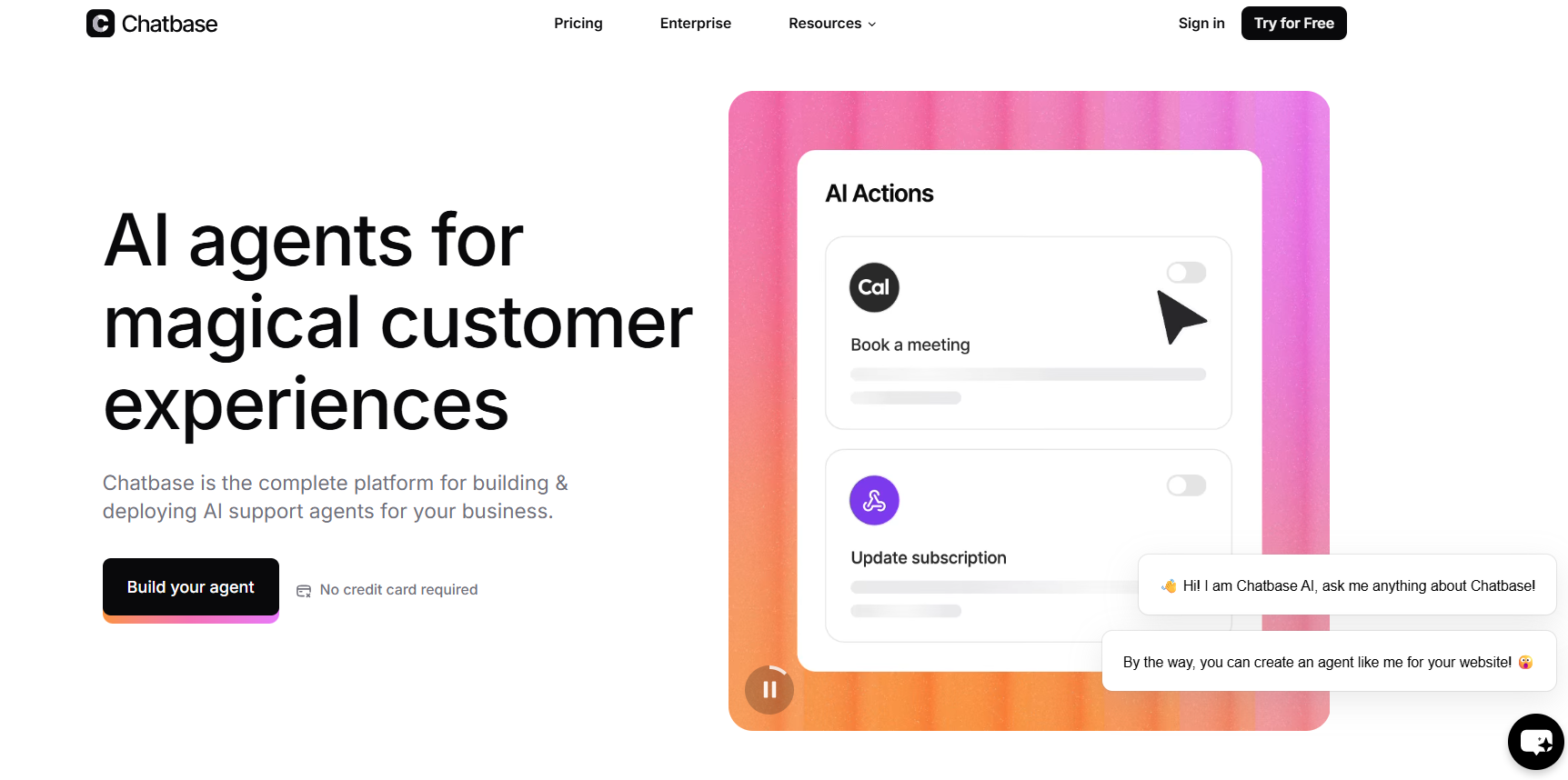
Best for: Tailored AI responses trained on custom content
Chatbase allows businesses to create AI chatbots trained on their own data, such as websites, documents, and FAQs. The chatbot answers customer questions in real time. It can be embedded on websites or shared via links. No coding is required.
Chatbase focuses on content-grounded AI responses. It minimizes hallucinations by restricting answers to uploaded data. Setup is fast and accessible for non-technical users. This makes it reliable for support and documentation use cases.
Best use case: SMBs automating FAQs and documentation support. View Chatbase
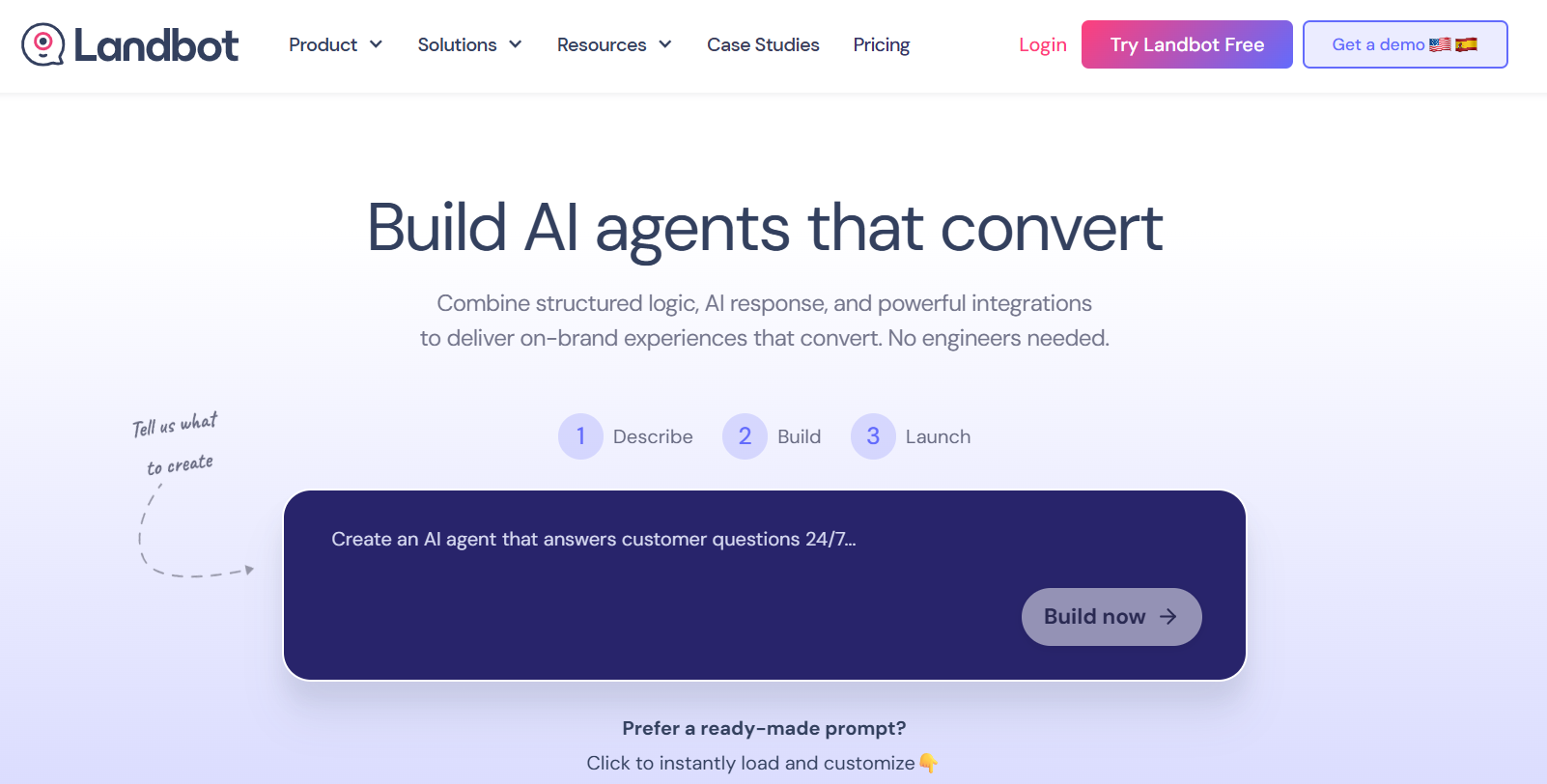
Best for: Visual chatbot flows without coding
Landbot enables teams to build conversational chatbots using a drag-and-drop visual builder. It supports lead capture, surveys, and customer support flows. Bots can be deployed on websites and messaging platforms. AI enhances intent understanding.
Landbot’s visual flow builder is one of the most intuitive in the market. Non-technical teams can design complex conversations visually. It balances structured flows with AI flexibility. This makes it popular for marketing and support teams.
Best use case: Teams building guided conversational experiences. View Landbot
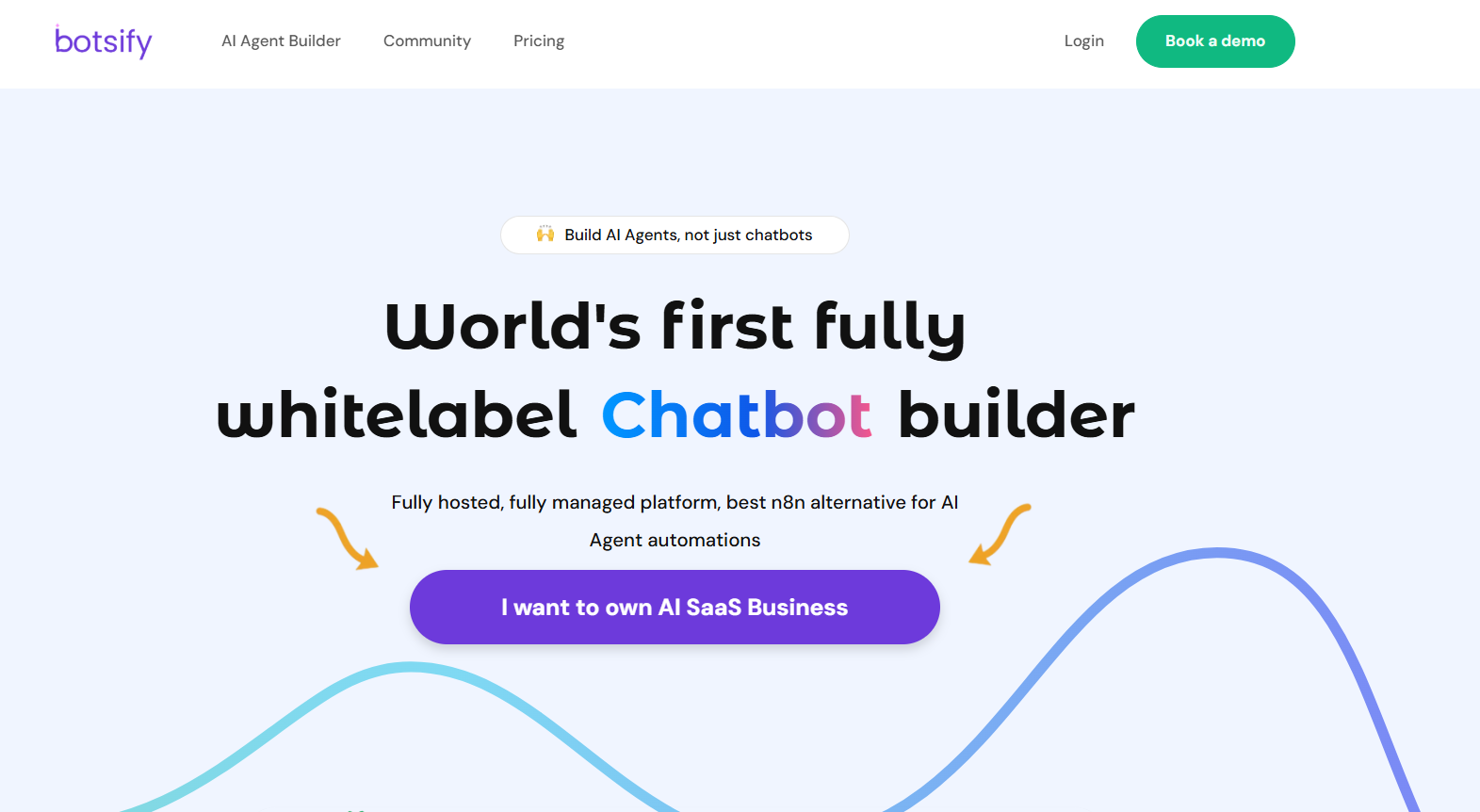
Best for: Simple multi-channel chatbot deployment
Botsify allows businesses to deploy chatbots across websites and messaging apps. It automates common support questions and lead capture. Bots can be built using templates or basic AI training. Human handoff is supported.
Botsify emphasizes simplicity and multi-channel availability. It works well for teams that want fast deployment without complexity. The platform covers basic chatbot needs reliably. This makes it suitable for small businesses.
Best use case: Small businesses launching their first chatbot. View Botsify
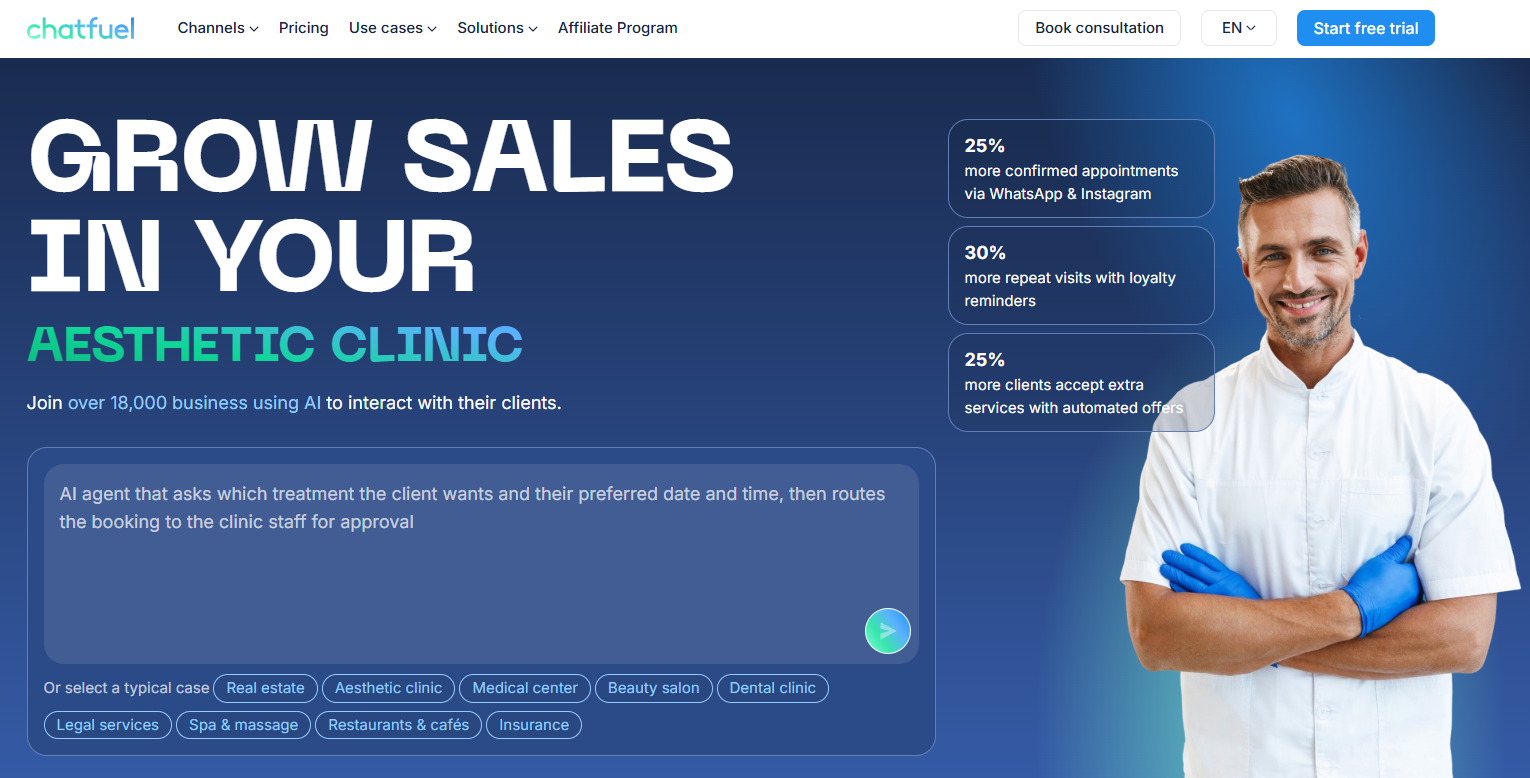
Best for: Social media customer service automation
Chatfuel helps businesses build chatbots for social messaging platforms like Facebook Messenger and WhatsApp. It automates responses, lead qualification, and FAQs. Bots are built using a visual interface. AI enhances keyword and intent handling.
Chatfuel is optimized for social platforms rather than websites. It integrates deeply with messaging APIs. This makes it effective for commerce and social-first businesses. Few SMB tools specialize this clearly.
Best use case: Social commerce and messaging-based support. View Chatfuel
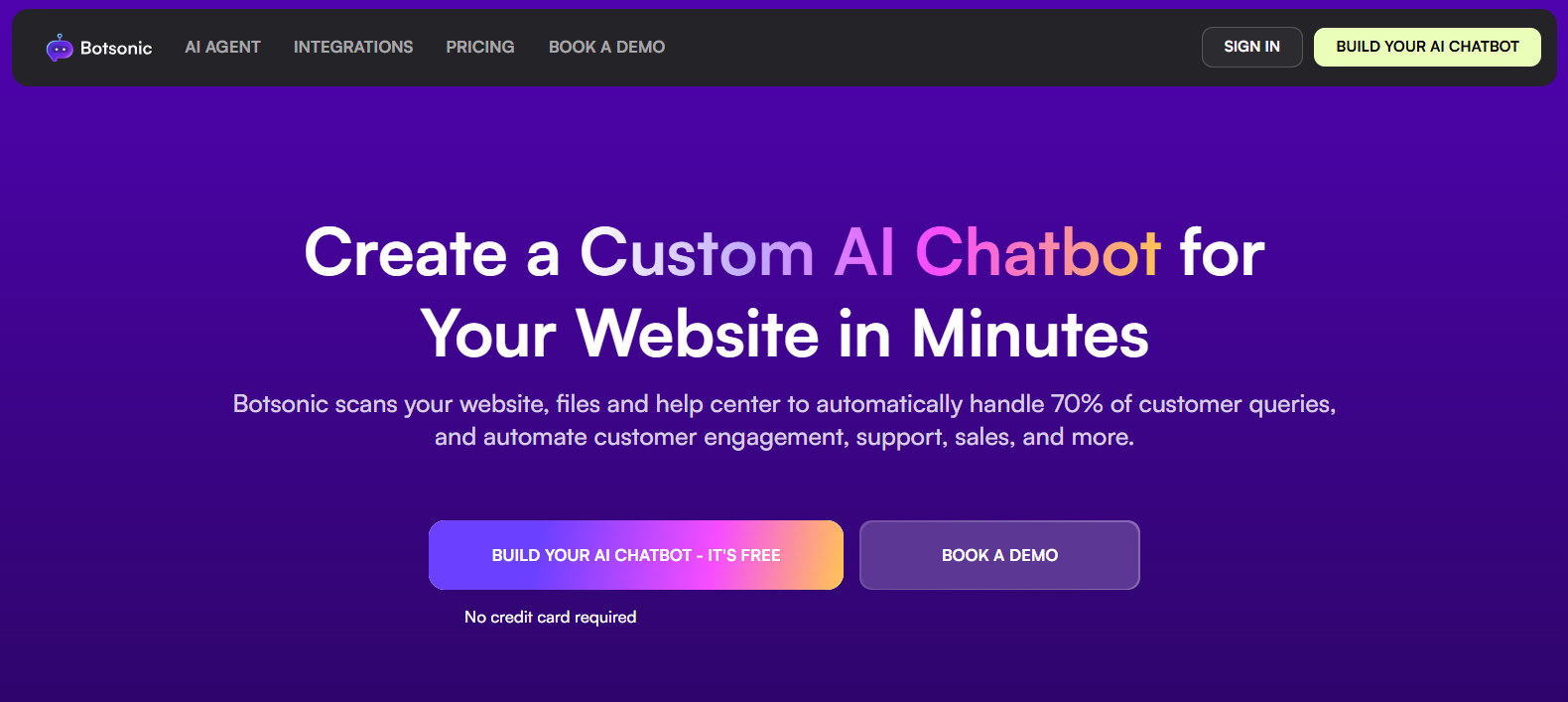
Best for: AI-powered chatbots trained on business content
Botsonic creates AI chatbots trained on company websites and documents. The chatbot answers customer questions accurately using provided data. It can be embedded on websites. No technical setup is required.
Botsonic focuses on fast deployment with content-grounded AI. It avoids generic responses by limiting AI knowledge sources. This improves trust and accuracy. It’s well suited for SMB support pages.
Best use case: Businesses automating website support FAQs. View Botsonic
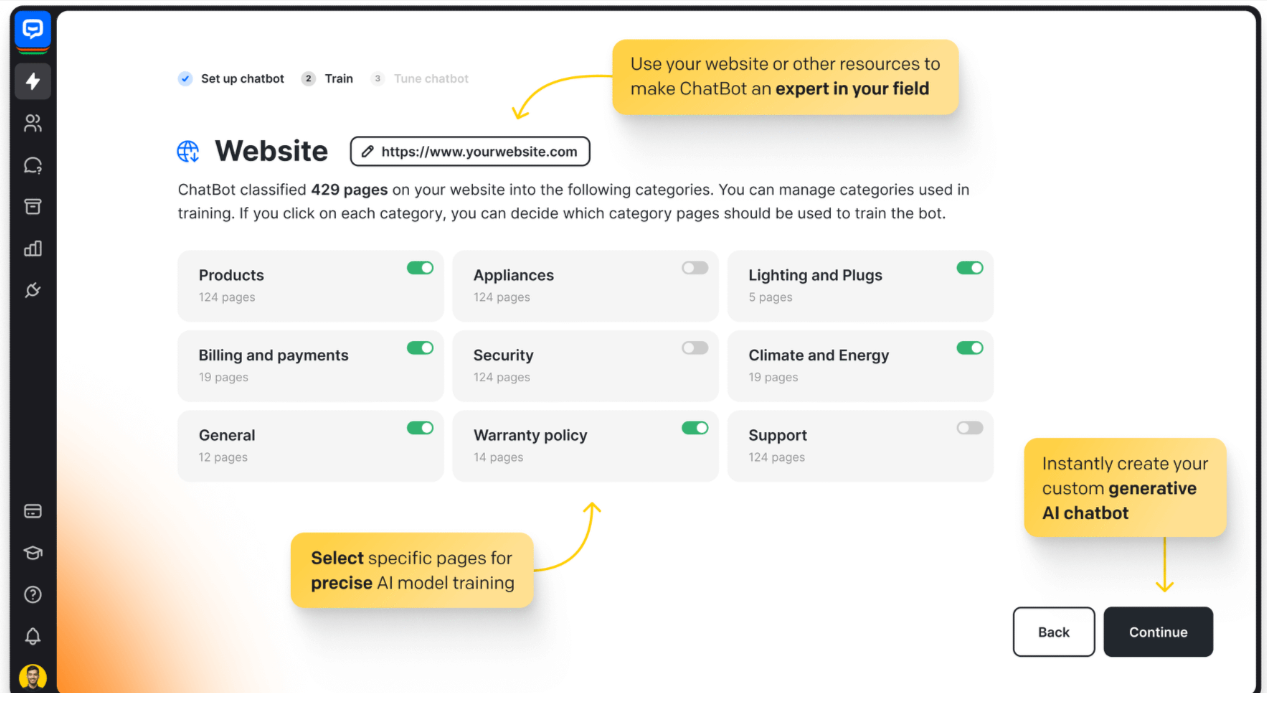
Best for: Rule-based and AI hybrid chatbots
ChatBot enables teams to build chatbots using decision trees and AI. It supports customer support, lead capture, and onboarding flows. Bots can be deployed on websites and messaging channels. Human takeover is supported.
ChatBot balances rule-based control with AI flexibility. Teams can design predictable flows while still using AI. This reduces errors for structured use cases. It’s suitable for controlled automation.
Best use case: Businesses needing structured chatbot flows. View ChatBot
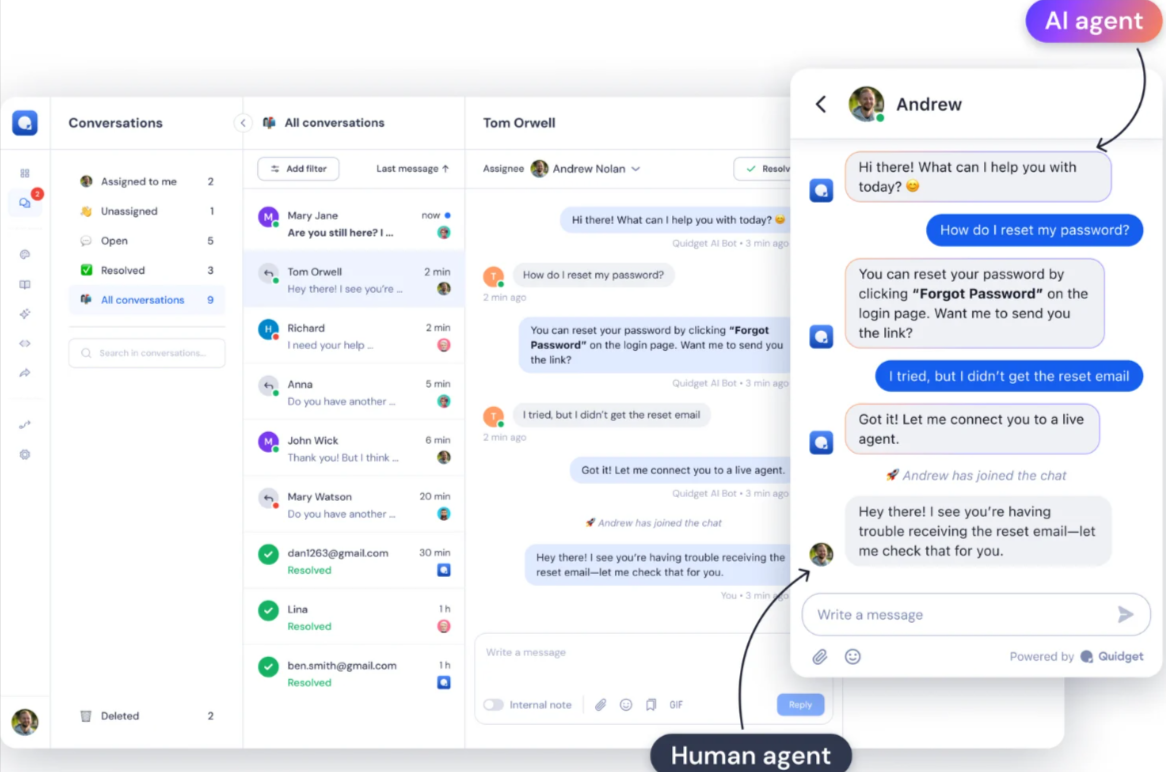
Best for: Lightweight FAQ and support automation
Quidget provides a simple AI chatbot for answering common customer questions. It integrates with knowledge bases and websites. The chatbot handles repetitive inquiries automatically. Setup is minimal.
Quidget prioritizes speed and simplicity over complexity. It reduces support load quickly. The platform avoids unnecessary features. This makes it ideal for lean teams.
Best use case: Small teams automating basic customer questions. View Quidget
Best for: AI chatbots integrated into existing workflows
Neople provides AI chatbots that integrate with internal tools and workflows. It automates customer interactions across chat interfaces. AI assists with response generation and routing. Human escalation is available.
Neople focuses on fitting into existing business workflows. It emphasizes integration rather than standalone chat. This reduces operational friction. It works well for internal-facing support use cases.
Best use case: Teams embedding chatbots into internal or operational workflows. View Neople
These solutions specialize in delivering consistent customer support across multiple languages and communication channels. They are optimized for global businesses that need AI-driven conversations on web, mobile, social messaging, and voice platforms.
Best for: Multilingual customer service automation at enterprise scale
Ada provides AI-powered customer service automation across chat, messaging, and voice channels. It resolves common customer inquiries autonomously using intent understanding and knowledge grounding. Conversations are personalized using customer context. Human agents handle complex cases.
Ada is built multilingual-first, supporting over 100 languages natively. Non-technical teams can manage automation using a no-code interface. Automation accuracy remains high across regions. This makes it ideal for global CX operations.
Best use case: International companies supporting customers across regions and languages. View Ada
Best for: Omnichannel support with AI and live agent handoff
Kommunicate enables AI-powered customer conversations across websites and messaging apps. It automates responses to FAQs and routine questions. Conversations transfer smoothly to live agents. Context is preserved across channels.
Kommunicate balances AI automation with real-time human support. It integrates easily with platforms like WhatsApp and Facebook Messenger. Long-running conversations are handled well. This improves response speed and resolution quality.
Best use case: Businesses supporting customers across chat and social messaging apps. View Kommunicate
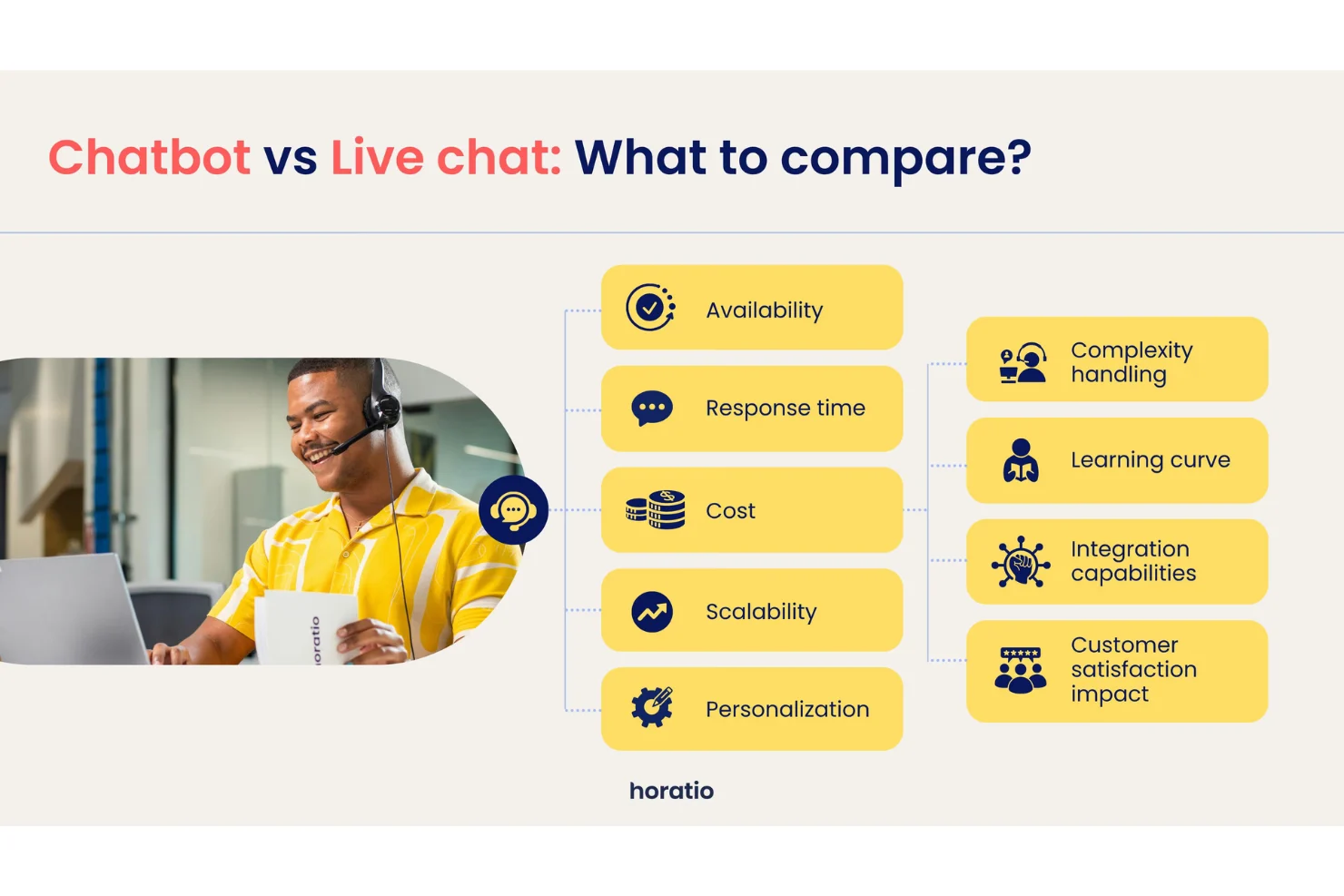
Best for: Multilingual customer support with human and AI operations
Horatio delivers customer support using a combination of AI tools and global human agents. It supports multilingual conversations across digital channels. AI assists with routing and insights. Human teams resolve complex or sensitive cases.
Horatio combines AI tooling with distributed human support teams. This hybrid approach maintains quality across languages. It’s suitable where full automation is not ideal. Few providers blend operations and AI this closely.
Best use case: Companies needing multilingual support with human oversight. View Horatio
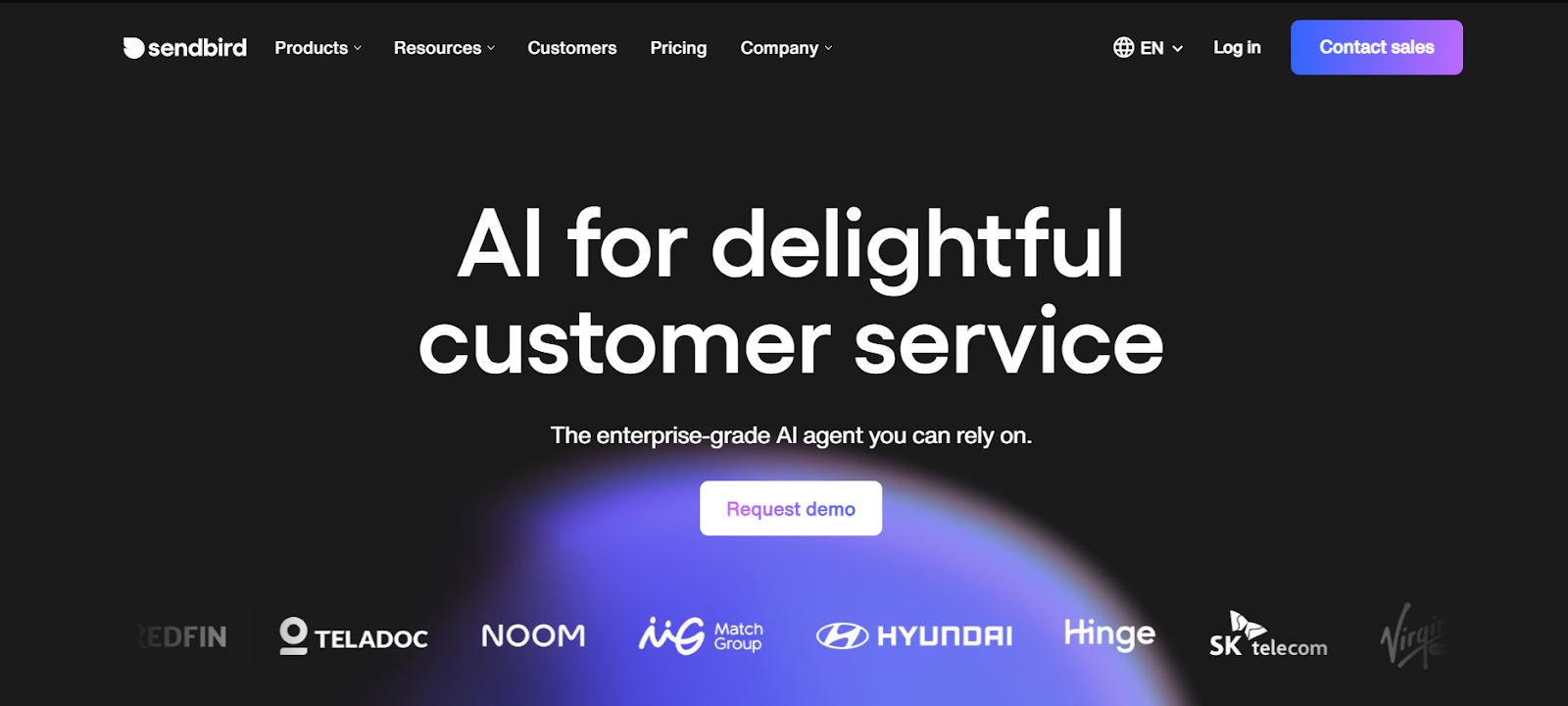
Best for: Scalable in-app and messaging-based customer support
Sendbird powers in-app chat and messaging experiences for customer support. AI assists with routing, moderation, and automation. Conversations take place inside apps or messaging platforms. It integrates directly into digital products.
Sendbird excels in embedded, product-native messaging rather than standalone chat widgets. It scales reliably across regions. Developers can deeply customize chat behavior. This makes it popular with global apps.
Best use case: Apps and platforms embedding customer support inside products. View Sendbird
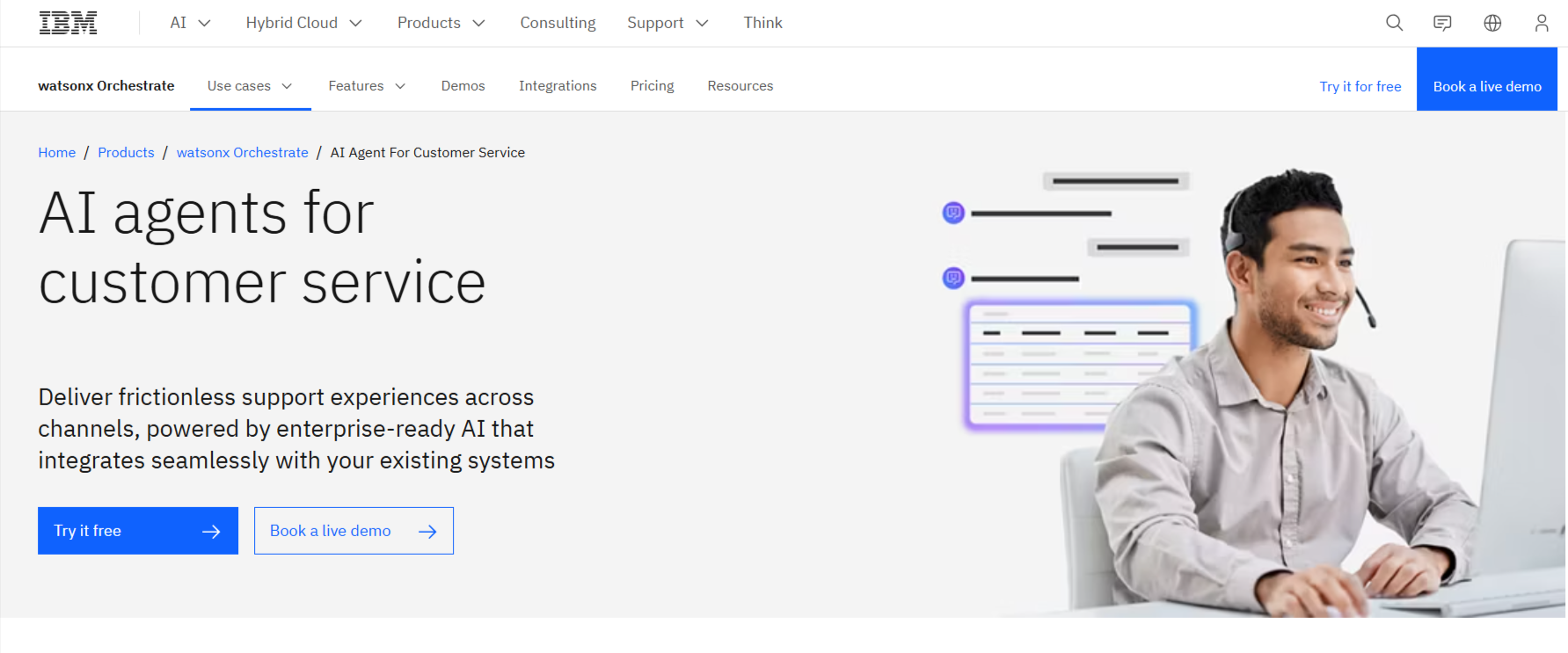
Best for: Enterprise-grade multilingual conversational AI
IBM Watson Assistant enables AI-driven conversations across chat, voice, and messaging channels. It understands customer intent using advanced natural language processing. The assistant integrates with backend systems. Conversations scale globally.
Watson Assistant is built on enterprise-grade NLP and AI governance. It performs well in complex and regulated environments. Language understanding accuracy is high. Few platforms match its enterprise depth.
Best use case: Large enterprises requiring robust, multilingual AI assistants. View IBM Watson Assistant
These tools focus on knowledge grounding, intent understanding, AI copilots, and agent assistance rather than standalone chat widgets. They are designed to improve answer accuracy, agent productivity, and self-service quality by connecting AI directly to trusted knowledge sources.
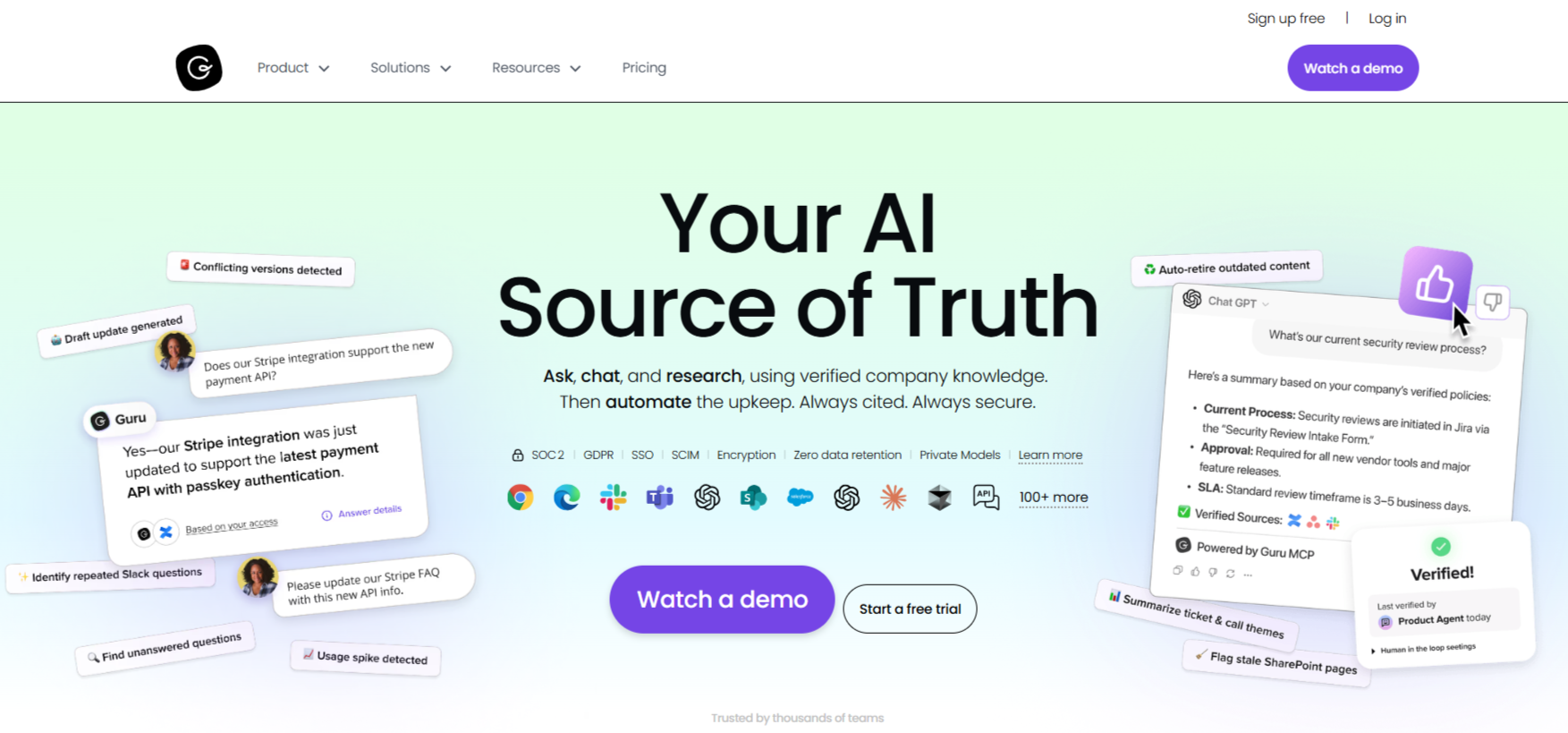
Best for: AI-powered knowledge access for support teams
Guru provides AI-driven knowledge retrieval for customer support and internal teams. It connects to documentation, help centers, and internal wikis. AI surfaces accurate answers in real time. Agents respond faster with less searching.
Guru focuses on knowledge trust and verification. AI only surfaces approved content. Answers stay up to date automatically. This reduces misinformation in customer responses.
Best use case: Support teams needing fast, accurate internal answers. View Guru
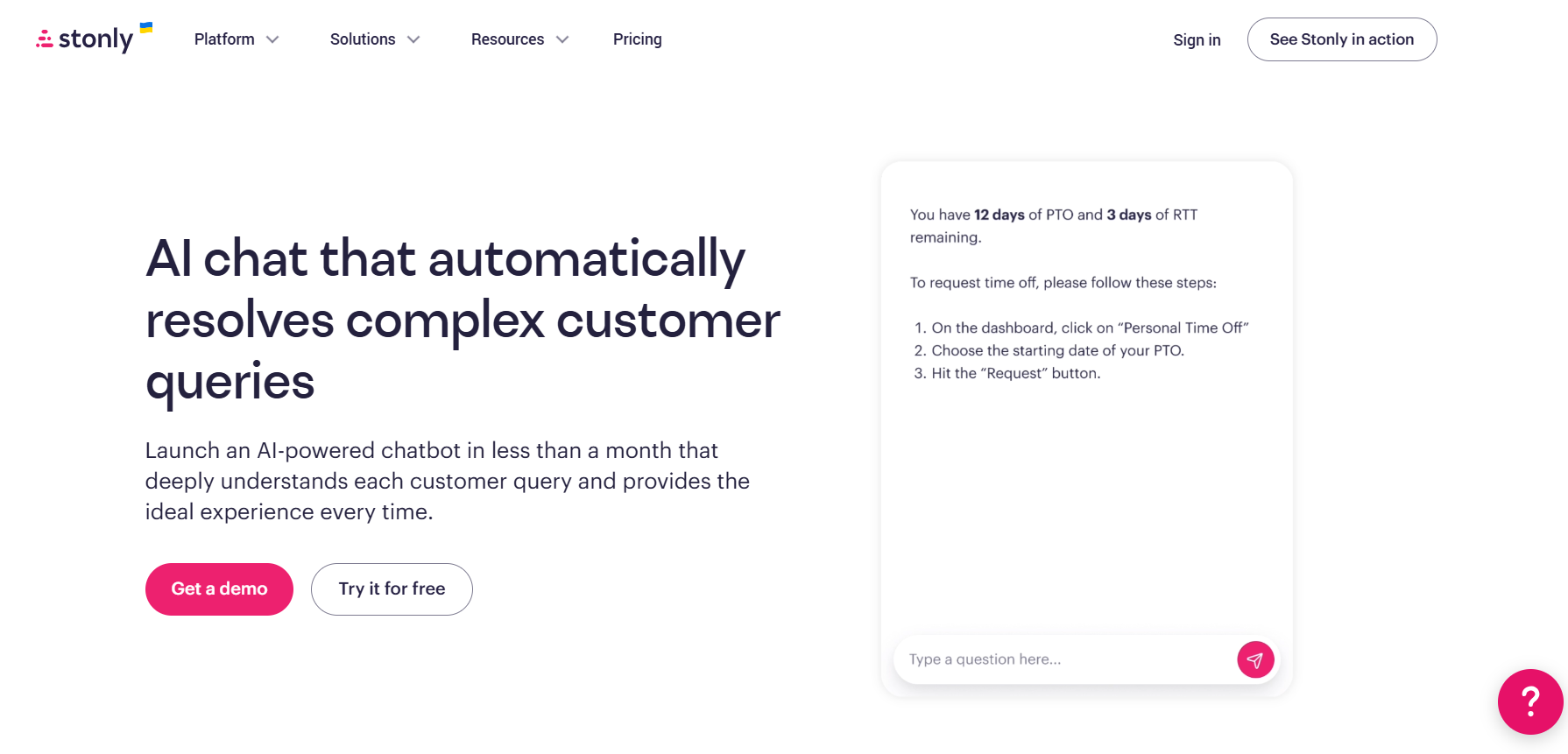
Best for: Interactive knowledge and guided self-service
Stonly delivers interactive guides for customer support and onboarding. AI helps recommend the right guide based on intent. Customers follow step-by-step flows. Support teams reduce repetitive tickets.
Stonly focuses on guided experiences, not free-form chat. Knowledge is structured into decision trees. This improves clarity and resolution rates. It works well alongside chat tools.
Best use case: SaaS onboarding and structured self-service support. View Stonly
Best for: AI copilots for agent assistance and deflection
Forethought uses AI to assist agents and deflect tickets. It analyzes incoming requests and suggests answers. AI pulls from knowledge bases and past tickets. Agents resolve issues faster.
Forethought focuses on agent augmentation, not replacement. AI works behind the scenes. This improves efficiency without disrupting workflows. Accuracy improves over time.
Best use case: Support teams improving response speed and accuracy. View Forethought
Best for: High-accuracy AI answers grounded in knowledge
Alhena AI delivers AI-powered answers using structured knowledge sources. It focuses on accuracy and speed. AI responds to customer queries using verified data. Agents intervene when needed.
Alhena AI prioritizes correctness over generative freedom. Responses are tightly grounded. This reduces hallucinations. It’s suitable for high-stakes support.
Best use case: Businesses prioritizing precise, reliable AI answers. View Alhena AI
Best for: AI-driven customer insight and knowledge assistance
SwiftCX provides AI tools to assist customer support teams. It analyzes conversations and surfaces insights. Knowledge is used to improve responses. Agents benefit from contextual suggestions.
SwiftCX focuses on insight generation, not just replies. It helps teams understand customer issues better. AI highlights trends and gaps. This supports continuous CX improvement.
Best use case: Support leaders optimizing knowledge and CX performance. View SwiftCX
This table compares leading AI chatbots based on core capability, automation depth, and ideal usage, helping teams quickly identify the right platform for their support needs.
| Tool | Primary Category | Best For | Core Strength | AI Autonomy Level | Ideal Company Size |
|---|---|---|---|---|---|
| Zendesk | AI Helpdesk & Ticket Automation | Autonomous enterprise support | Pre-trained AI agents with strong governance | Very High | Large enterprises |
| Freshdesk | AI Helpdesk & Ticket Automation | Modern ticket-based support | AI triage, routing, and workflows | Medium | SMB to mid-market |
| Zoho Desk | AI Helpdesk & Ticket Automation | Zoho ecosystem users | CRM-native AI automation | Medium | SMB to mid-market |
| Jitbit Helpdesk | AI Helpdesk & Ticket Automation | Lightweight ticket automation | Simple AI-assisted responses | Low | Small teams |
| SysAid | AI Helpdesk & Ticket Automation | IT service management | IT-focused AI automation | Medium | IT departments |
| Hiver | AI Helpdesk & Ticket Automation | Gmail-based support teams | Email-native workflows | Low | Small to mid-size teams |
| Atera | AI Helpdesk & Ticket Automation | IT support automation | AI-assisted IT operations | Medium | MSPs & IT teams |
| SparrowDesk | AI Helpdesk & Ticket Automation | Auto-resolution workflows | Rule-driven resolution automation | Medium | SMBs |
| Zoho SalesIQ | AI Helpdesk & Ticket Automation | Visitor tracking and chat | Behavior-driven routing | Low | SMBs |
| UDESK | AI Helpdesk & Ticket Automation | Omnichannel ticketing | Unified inbox automation | Medium | Mid-market |
| Freshchat | AI Helpdesk & Ticket Automation | Messaging-first support | Channel-unified support | Medium | Mid-market |
| HubSpot CRM | AI Helpdesk & Ticket Automation | CRM-powered customer support | Customer-context automation | Medium | SMB to enterprise |
| Intercom | Conversational AI & Live Chat | AI + human chat workflows | Context-aware conversations | High | Mid-market to enterprise |
| Tidio | Conversational AI & Live Chat | Affordable AI chat | SMB-friendly automation | Medium | Small businesses |
| Drift | Conversational AI & Live Chat | Real-time engagement | Sales and support alignment | Medium | B2B companies |
| LiveAgent | Conversational AI & Live Chat | Multi-channel live chat | Unified agent inbox | Low | SMBs |
| LiveHelpNow | Conversational AI & Live Chat | Omnichannel chat | Traditional live chat tools | Low | Small teams |
| Compass | Conversational AI & Live Chat | Real-time chat assistance | Agent-support AI | Low | SMBs |
| Netomi | Enterprise AI Agents & CX Automation | High-volume autonomous CX | Brand-safe AI agents | Very High | Enterprises |
| Conversica | Enterprise AI Agents & CX Automation | Persistent AI engagement | Automated follow-ups | High | Enterprises |
| LivePerson | Enterprise AI Agents & CX Automation | Messaging-first CX | Long-lived conversations | High | Large brands |
| Khoros | Enterprise AI Agents & CX Automation | Social & community CX | Sentiment-driven automation | Medium | Consumer brands |
| Ushur | Enterprise AI Agents & CX Automation | Regulated automation | Compliance-ready workflows | High | Finance & healthcare |
| Ada | Multilingual & Omnichannel | Global AI support | 100+ language automation | High | Global enterprises |
| Kommunicate | Multilingual & Omnichannel | Messaging app support | AI + live chat balance | Medium | SMBs & mid-market |
| Sendbird | Multilingual & Omnichannel | In-app customer support | Embedded chat infrastructure | Medium | Apps & platforms |
| IBM Watson Assistant | Multilingual & Omnichannel | Enterprise conversational AI | Advanced NLP accuracy | High | Large enterprises |
| Guru | Knowledge-Centered & AI Assist | Agent knowledge access | Verified AI answers | Low | Support teams |
| Forethought | Knowledge-Centered & AI Assist | AI copilots for agents | Ticket deflection and assist | Medium | Mid-market & enterprise |
| Stonly | Knowledge-Centered & AI Assist | Guided self-service | Interactive knowledge flows | Low | SaaS companies |
Customer service interactions often reveal valuable insights beyond support operations. Many organizations now analyze chatbot conversations to identify customer needs, objections, and trends. An AI-driven marketing plan maker helps transform these insights into structured marketing strategies, enabling teams to align campaigns and messaging with real customer behavior observed through support channels.
There is no single best chatbot for every business. Enterprise teams typically choose platforms like Zendesk or Netomi, while small businesses prefer tools like Tidio or Chatbase for affordability and ease of setup.
No. AI chatbots automate repetitive inquiries and assist agents, but human support remains essential for complex, emotional, or high-risk interactions.
Yes. Modern chatbots support websites, WhatsApp, Facebook Messenger, email, in-app chat, and social platforms through omnichannel deployment.
Accuracy depends on training data and knowledge grounding. Chatbots connected to verified knowledge bases and CRMs deliver significantly higher accuracy and fewer hallucinations.
Deployment can take minutes for no-code platforms and several weeks for enterprise AI agents with deep integrations.
AI chatbots have moved far beyond scripted replies and basic live chat. In 2026, customer service AI is defined by intelligence, integration, and operational fit, not by flashy features or brand recognition. The most effective chatbots today are those that understand context, connect to real business systems, and work alongside human agents instead of trying to replace them.
There is no universal “best” AI chatbot for customer service. The right solution depends on how your support team operates, which channels your customers use, and how much autonomy your organization is ready to trust AI with. Businesses that select chatbots based on clear categories and real workflows consistently outperform those that follow hype-driven rankings.
The future of customer experience lies in structured AI-human collaboration. AI handles scale, speed, and repetition, while humans focus on empathy, judgment, and complex decision-making. When deployed thoughtfully, AI chatbots reduce costs, improve response times, and raise customer satisfaction without sacrificing quality.
As customer expectations continue to rise, the winning teams will not be those with the most advanced AI—but those that implement the right AI, in the right role, at the right time.

Introduction Creating content today is faster, smarter, and more competitive than ever. Whether you are a blogger, marketer, business owner,…

1. Introduction: The Real State of AI Image Generation in 2026 AI image generation in 2026 is no longer a…
Introduction: The State of AI Customer Service in 2026 Customer service has undergone a fundamental shift. By 2026, AI chatbots…
Introduction: AI Video Generation Is No Longer Experimental What began as short, unstable demo clips has evolved into production-grade systems…
In today’s fast-paced digital world, efficiency and consistency are key to content creation, and this is where the power of…
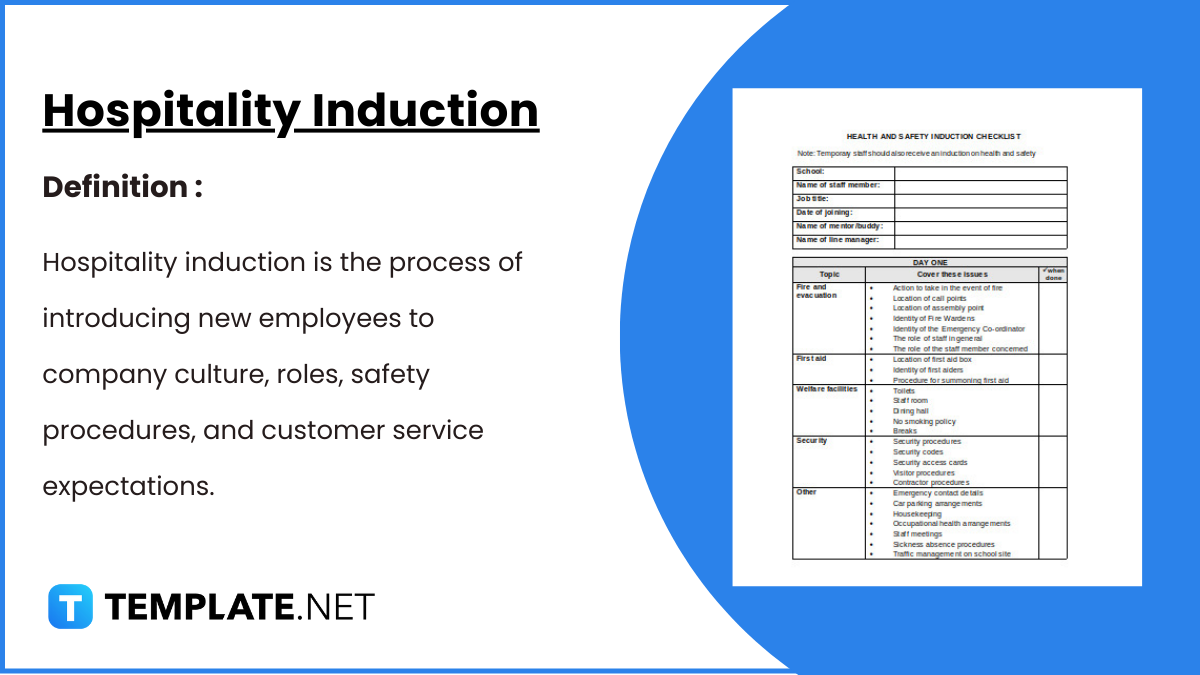
Hospitality Induction Templates are structured guides created specifically for the hospitality industry to facilitate the onboarding process for new employees.…
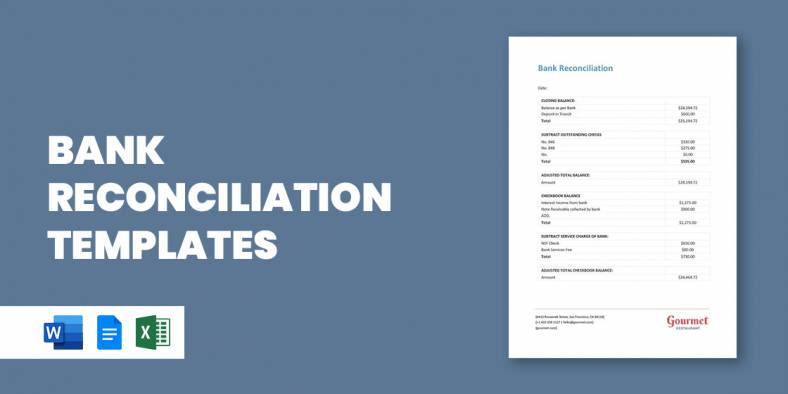
Whether you are a business or an organization, it is important for you to keep track of your business bank…
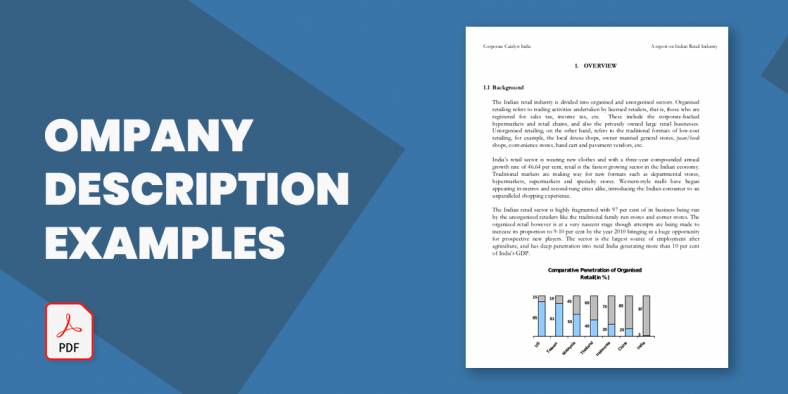
A Company Description provides meaningful and useful information about itself. The high-level review covers various elements of your small business…
A smartly designed restaurant menu can be a massive leverage to any food business.