


Best AI Content Writing Tools
Introduction Creating content today is faster, smarter, and more competitive than ever. Whether you are a blogger, marketer, business owner,…
Jan 20, 2026


Feb 23, 2026
AI image generation in 2026 is no longer a novelty. It’s a core production tool used by marketers, designers, developers, filmmakers, ecommerce teams, and content creators worldwide.
Yet, choosing the “best AI image generator” has become more confusing than ever.
Why?
Because the ecosystem has fragmented into:
Most blogs mix these layers together, which leads to misleading comparisons and poor decisions.
This guide is different.
Instead of chasing hype or declaring a single winner, this article explains:
By the end, you won’t just know which tools exist — you’ll understand which ones make sense for you.
Before comparing tools, it’s important to understand what modern AI image generators actually do — and how they’ve evolved.
If you want to experiment directly, you can also try our AI Image Generator to test prompts, styles, and editing workflows in real time.
Early tools focused purely on converting text prompts into images. In 2026, this is the baseline, not the differentiator.
All serious AI image systems now support:
The real differences appear after the first image is generated.
Modern AI image generators are judged less on “how pretty the first image looks” and more on how well they can modify an existing image.
Key capabilities include:
Tools that excel here feel dramatically more powerful in real workflows.
One of the biggest breakthroughs in 2025–2026 is character consistency.
This allows creators to:
Models that handle consistency well are now favored for:
Despite huge progress, accurate text inside images remains difficult.
Many tools still struggle with:
This is why some models are preferred for:
We’ll clearly separate models that handle text well from those that don’t.
Many AI image generators are now evaluated based on how well they handle text, layouts, and typography. A poster maker is especially useful when testing models for real-world outputs like posters, ads, and announcements where readable text and balanced composition matter more than artistic flair.
Leaderboards measure image quality in isolation. Real users care about:
That’s why the “best” model on paper is not always the best tool in practice.
Almost every AI image tool in 2026 is built on top of a small number of foundational models.
Understanding these models explains:
Below are the core engines behind nearly everything.
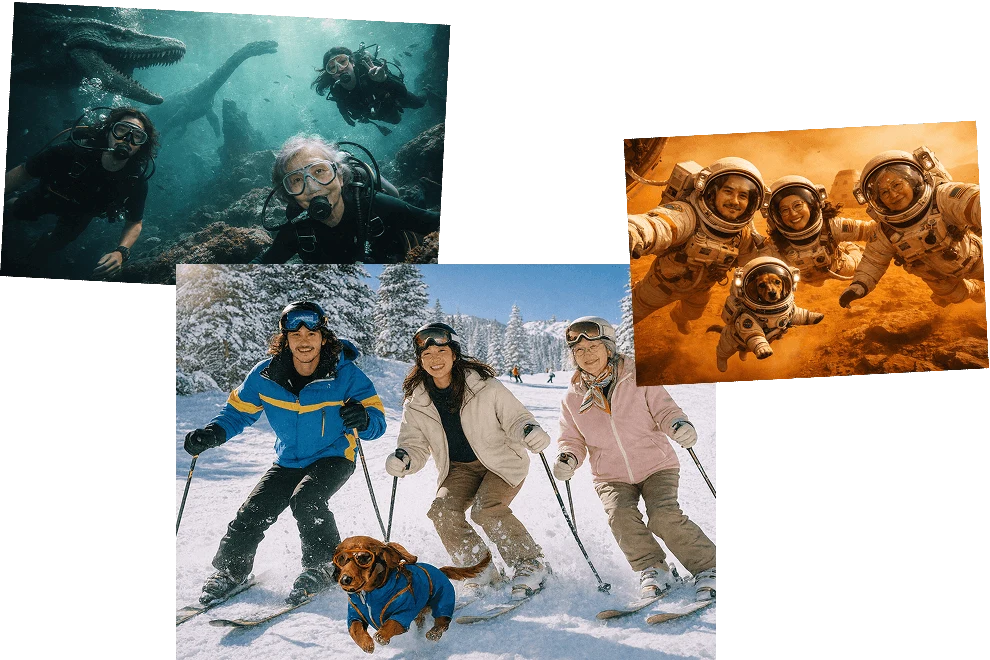
GPT Image 1.5 (and newer GPT multimodal image updates released in 2026) power OpenAI’s advanced image generation inside ChatGPT and the Images API. It is the core image engine powering image generation and editing inside ChatGPT, as well as OpenAI’s Images API for developers. This model replaces earlier systems such as DALL·E and older GPT Image variants, marking a shift from simple text-to-image generation toward instruction-driven, context-aware visual creation.
Unlike traditional image models, GPT Image 1.5 is designed to understand long, detailed prompts, follow multi-step instructions, and preserve important visual elements such as logos, faces, layouts, and text across edits. It supports both text-to-image and image-to-image workflows, making it suitable for professional design, educational content, and commercial visuals where accuracy and consistency matter.
A key strength of GPT Image 1.5 is its text rendering quality. Compared to most diffusion models, it produces clearer, more readable text inside images, which is critical for posters, banners, infographics, and instructional graphics. The model also benefits from strong multimodal reasoning, allowing it to use surrounding conversation context to refine outputs instead of treating each prompt in isolation.
GPT Image 1.5 is not a standalone app. Users access it through ChatGPT’s built-in Images feature or via OpenAI’s developer APIs. There is no separate “GPT Image” website; ChatGPT is the primary interface most users interact with.
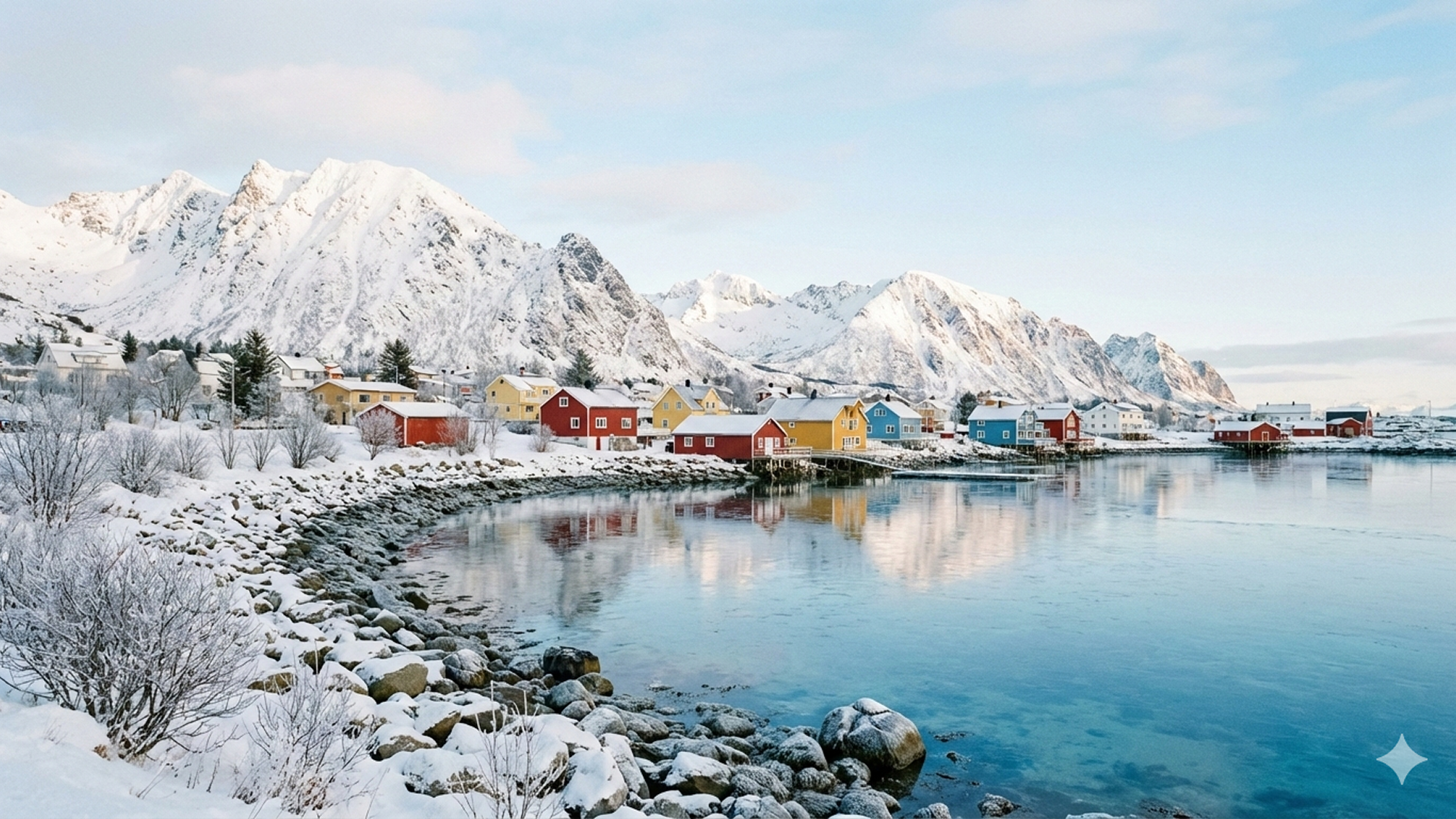
Nano Banana Pro, officially Gemini 3 Pro Image, is Google DeepMind’s flagship AI image generation model for 2026. It is a core image engine designed for high realism, speed, and large-scale commercial production.
The model supports both text-to-image and image-to-image workflows. From written prompts, it generates highly photorealistic images with accurate lighting, materials, and depth. It also excels at editing existing images—changing backgrounds, environments, or camera angles while preserving faces, products, and visual identity.
Nano Banana Pro is especially valued for consistency and speed, making it a strong choice for ecommerce, branding, and high-volume content pipelines. It is accessed through Google’s Gemini app, Gemini APIs, and enterprise platforms, not as a standalone image website.
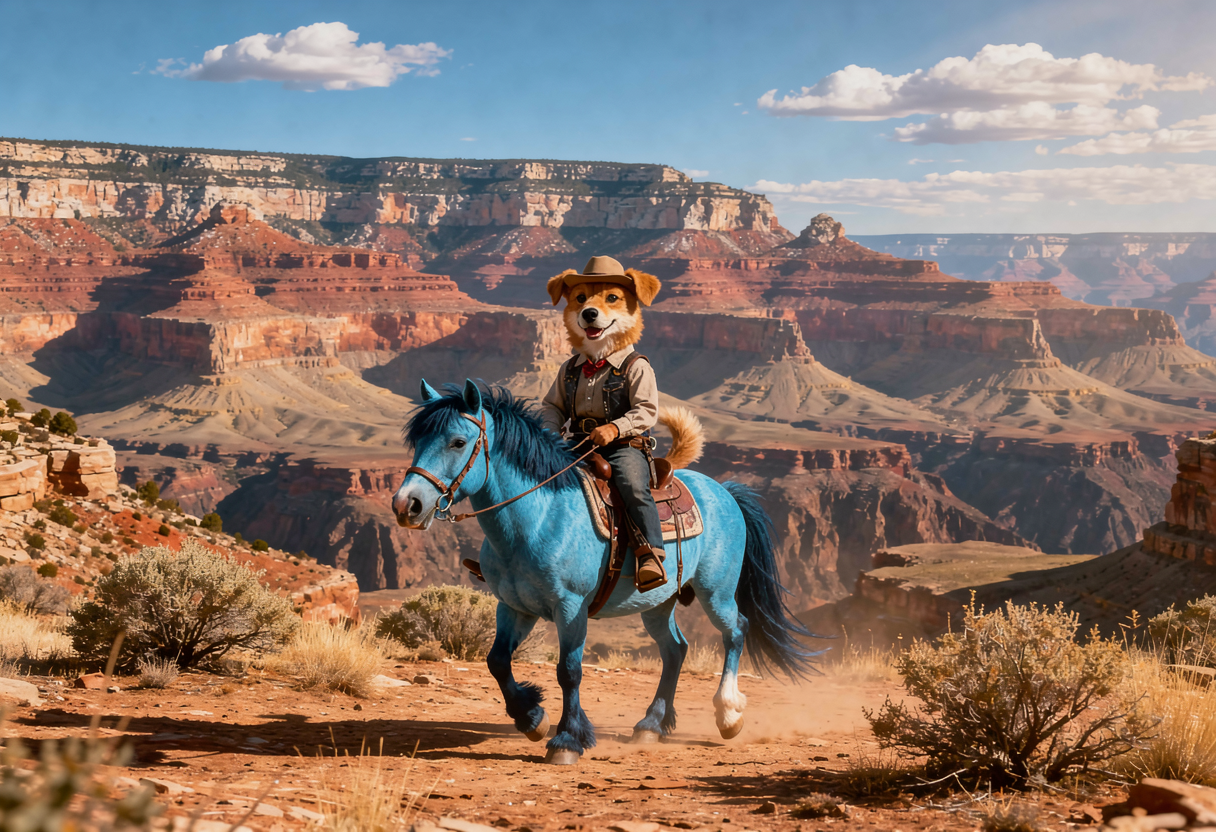
FLUX.2 is a production-grade AI image model family developed by Black Forest Labs, a research-focused company specializing in visual intelligence. Unlike consumer image tools, FLUX is a core image engine designed to power professional platforms, APIs, and large-scale creative systems.
FLUX is built for realism, control, and predictability, not artistic improvisation. It emphasizes accurate layouts, stable compositions, and repeatable outputs—qualities required in advertising, product imagery, and commercial design pipelines.
FLUX.2 Variants
Rather than being a single model, FLUX.2 includes multiple variants, each optimized for different production needs:
A key technical improvement in the FLUX ecosystem is Kontext, which enhances how the model handles layouts, spatial structure, and readable elements. While FLUX is not a typography-first system like OpenAI’s image models, Kontext significantly improves clarity compared to earlier open models.
FLUX models are not standalone apps. They are accessed via platforms, APIs, or self-hosting—this is why many image tools feel different on the surface while using FLUX underneath.
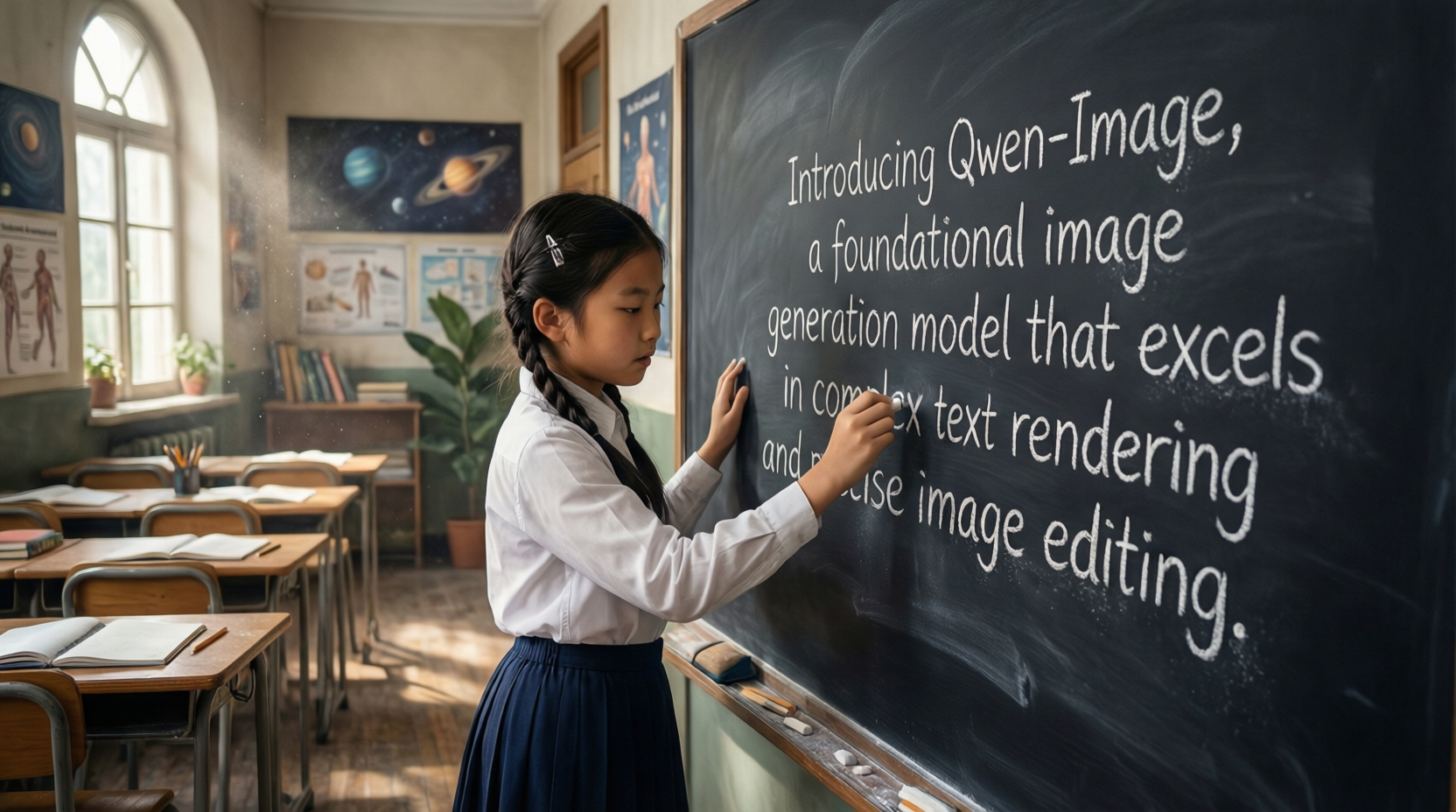
Qwen Image is Alibaba’s precision-first AI image model designed as a core image engine for professional generation and editing workflows. Unlike creativity-driven models, Qwen Image focuses on instruction accuracy, layout stability, and controlled edits, making it reliable for commercial and design-critical use cases.
The model is optimized for exact prompt execution, especially when modifying existing images. It can change specific elements—such as text, objects, or orientation—while preserving the rest of the image without visual drift. This makes Qwen Image particularly strong for structured visuals where unintended changes are unacceptable.
Qwen Image is also recognized as one of the strongest engines for multilingual text rendering, especially Chinese and English. It can generate and edit text inside images while maintaining font style, spacing, and alignment—an area where many image models still struggle.
Qwen Image operates as a foundation model accessed through Qwen Chat, APIs, and enterprise platforms, rather than a standalone consumer image generator.
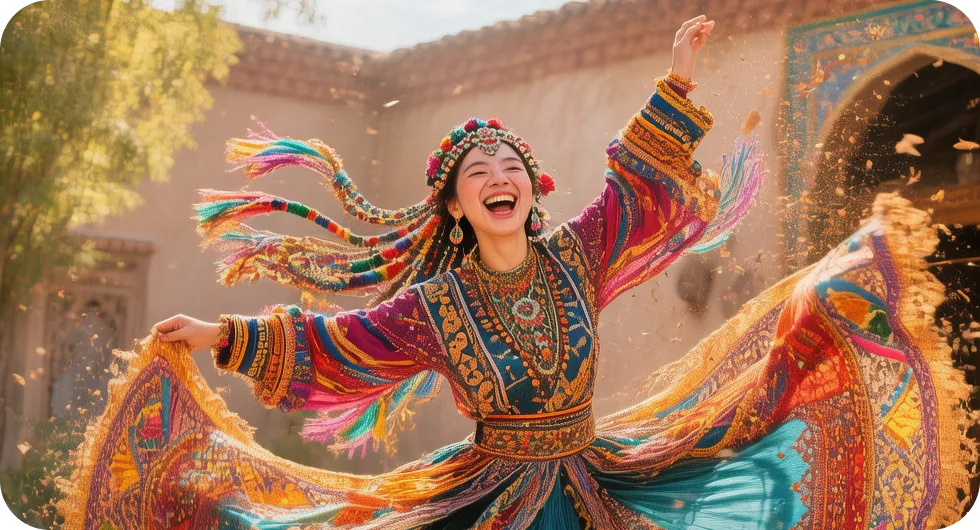
Hunyuan Image 3.0 is Tencent’s flagship text-to-image diffusion model, built as a core AI image engine for high-quality generation at scale. It represents a major upgrade over earlier Hunyuan versions, introducing a more advanced diffusion architecture optimized for detail, structure, and multilingual understanding.
At the engine level, Hunyuan Image 3.0 combines an enhanced transformer-based diffusion model with dual encoders—one for semantic understanding and one for character-aware text processing. This design significantly improves text-image alignment, allowing the model to better understand complex prompts, cultural context, and language-specific characters.
A defining strength of Hunyuan Image 3.0 is its balance between visual quality and efficiency. Advanced compression and distillation techniques reduce compute cost while maintaining high resolution and clarity, making it suitable for both creative and commercial pipelines. The model also benefits from refined RLHF optimization, improving aesthetic consistency and structural coherence across generations.
Hunyuan Image 3.0 functions as a foundation model, powering platforms like Hy Image and Tencent’s internal and enterprise systems, rather than operating as a standalone consumer app.
While Hunyuan Image 3.0 also supports reference-based and image-conditioned generation, it is primarily optimized as a high-quality text-to-image engine rather than a precision image editing model.
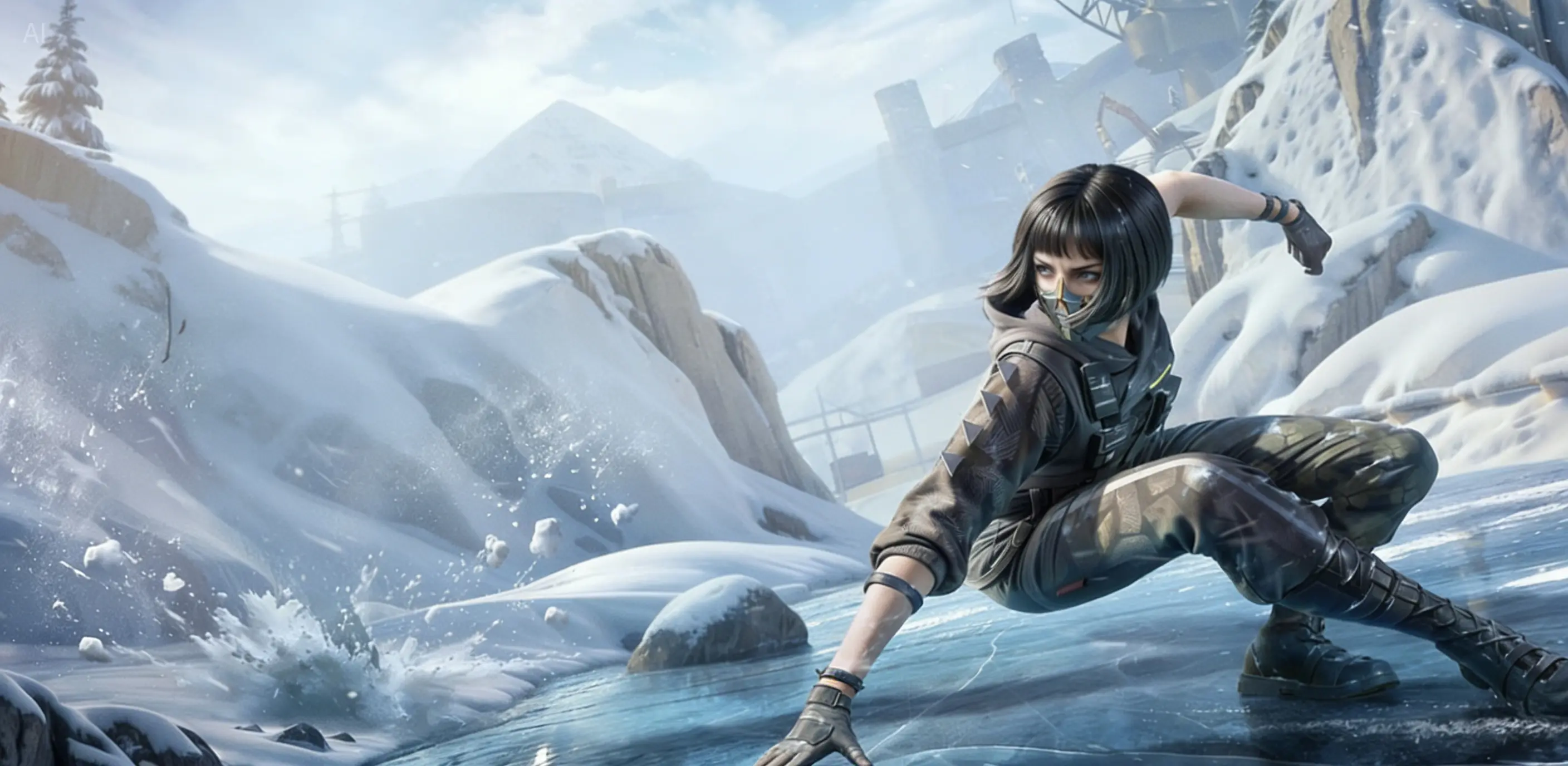
Seedream 4.5 is ByteDance’s latest flagship image generation and editing model, designed as a core AI image engine for professional-grade visual creation. Rather than targeting casual creativity, Seedream 4.5 is built for high consistency, accuracy, and production-level reliability, making it suitable for commercial and enterprise use cases.
At the model level, Seedream 4.5 introduces a comprehensive scaling upgrade over Seedream 4.0, improving prompt adherence, visual alignment, and aesthetic quality across the board. The architecture is optimized to accurately identify and preserve key subjects, especially when working with reference images or multiple inputs, a scenario where many diffusion models still struggle.
One of Seedream 4.5’s defining strengths is reference consistency. The model maintains facial features, lighting, color tone, and structural details with high fidelity, enabling controlled image editing and multi-image workflows. This makes it particularly effective for brand visuals, marketing assets, and design pipelines that require repeatable and predictable outputs.
Another major differentiator is its advanced typography and layout rendering. Seedream 4.5 can generate clear, readable small text and balanced compositions, making it suitable for posters, logos, ads, and layout-driven visuals—areas where most image models still underperform.
Seedream 4.5 operates as a foundation model, intended to power creative platforms, APIs, and internal systems rather than function as a standalone consumer-facing tool. Internal benchmark results (MagicBench) show notable gains across prompt alignment, aesthetics, and multi-image editing compared to earlier versions.
Stability AI’s Stable Diffusion 3.5 and ongoing open-weight updates remain the backbone of the open-source ecosystem. While it no longer leads in raw image quality, its value lies in flexibility, transparency, and community innovation.
Thousands of custom models, styles, and extensions exist, allowing creators to fine-tune outputs in ways closed models cannot. This makes it ideal for experimentation, learning, and privacy-sensitive use cases.
| Model | Provider | Text Accuracy | Editing Precision | Speed | Photorealism | Commercial Safety |
|---|---|---|---|---|---|---|
| GPT Image 1.5 | OpenAI | ⭐⭐⭐⭐⭐ | ⭐⭐⭐⭐ | Medium | ⭐⭐⭐⭐⭐ | Medium |
| Gemini 3 Pro Image (Nano Banana Pro) | ⭐⭐⭐⭐ | ⭐⭐⭐⭐⭐ | ⭐⭐⭐⭐⭐ | ⭐⭐⭐⭐⭐ | Medium | |
| Flux 2 Max | Black Forest Labs | ⭐⭐⭐ | ⭐⭐⭐⭐⭐ | Medium | ⭐⭐⭐⭐ | Depends on hosting |
| Flux 2 Flex | Black Forest Labs | ⭐⭐⭐ | ⭐⭐⭐⭐ | ⭐⭐⭐⭐ | ⭐⭐⭐⭐ | Depends on hosting |
| Qwen Image | Alibaba | ⭐⭐⭐⭐⭐ | ⭐⭐⭐⭐⭐ | ⭐⭐⭐⭐ | ⭐⭐⭐⭐ | High (self-hostable) |
| Hunyuan Image 3.0 | Tencent | ⭐⭐⭐⭐ | ⭐⭐⭐⭐ | ⭐⭐⭐⭐ | ⭐⭐⭐⭐ | Medium |
| Seedream 4.5 | ByteDance | ⭐⭐⭐ | ⭐⭐⭐ | ⭐⭐⭐⭐ | ⭐⭐⭐⭐ | Medium |
| Stable Diffusion 3.5 | Stability AI | ⭐⭐ | ⭐⭐⭐⭐ | Variable | ⭐⭐⭐ | Depends on setup |
| Janus-Pro | DeepSeek | ⭐⭐⭐ | ⭐⭐⭐ | ⭐⭐⭐⭐ | ⭐⭐⭐ | Medium |
While foundation models power the AI image ecosystem, most users never interact with raw models directly.
Instead, they use front-end image generation tools—products designed for artists, designers, marketers, and creators who want results, not infrastructure.
These tools focus on ease of use, creative control, iteration speed, and workflow integration, often adding unique interfaces, presets, and community features on top of core image models.
Below are the most important pure image generation platforms in 2026, categorized by what they do best.
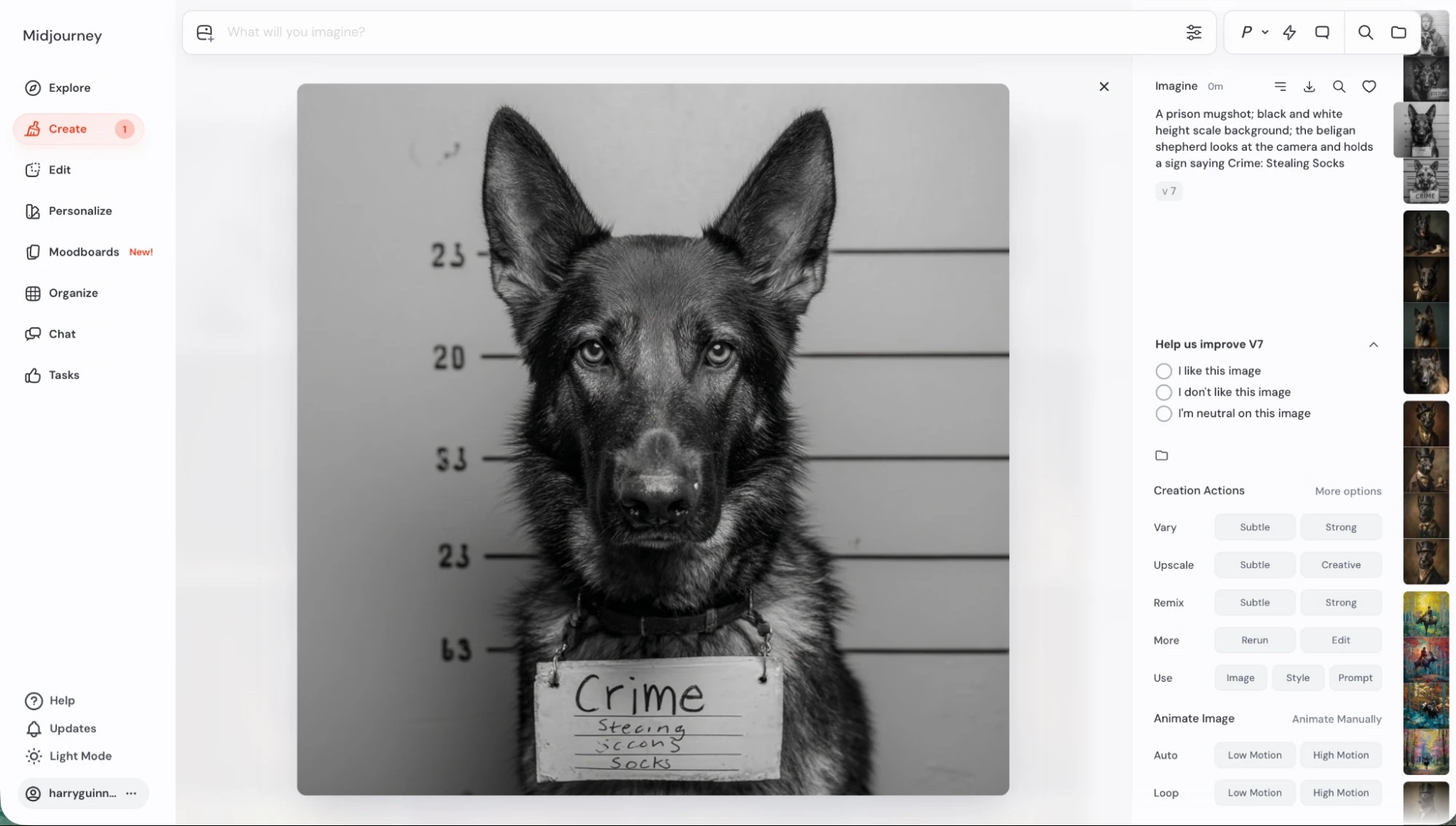
Best known for: Artistic, cinematic, high-aesthetic images
Midjourney remains the creative benchmark for AI image generation in 2026. Its strength is not realism or technical precision, but visual mood, composition, lighting, and artistic coherence. Many professional artists use Midjourney less as a renderer and more as a visual thinking partner.
Midjourney v7 continues to refine its aesthetic bias. Images often carry a recognizable “Midjourney look”—dramatic lighting, painterly textures, cinematic framing—which many creators intentionally seek. Rather than literal execution, the model interprets prompts creatively, often enhancing mood and atmosphere beyond what was explicitly requested.
Recent updates have strengthened style referencing (–sref), character consistency, and image remixing, allowing creators to iterate on a visual identity across multiple generations. However, Midjourney still deprioritizes typography and strict instruction following in favor of artistic interpretation.
The platform remains community-driven, centered around Discord and a companion web interface. There is no public API, reinforcing its role as an artist-facing tool rather than a production engine.
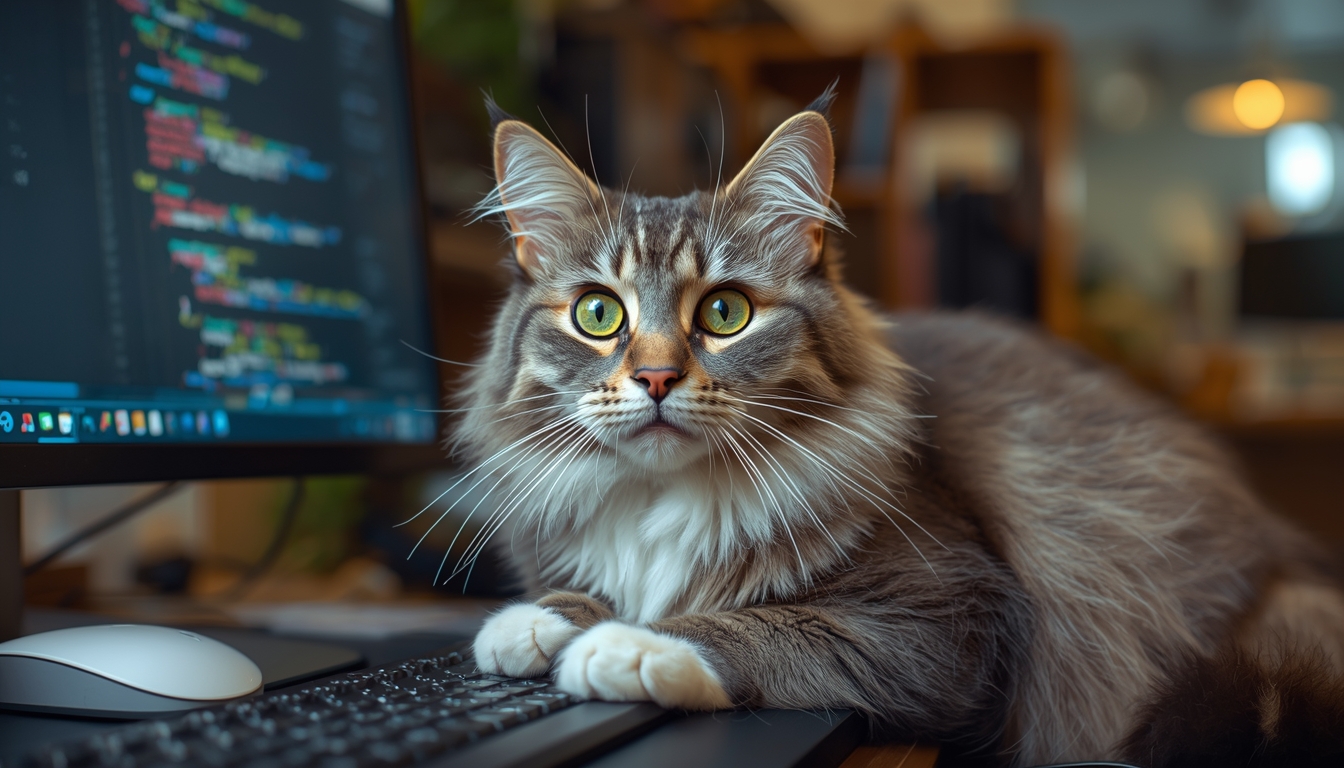
Best known for: Character consistency and asset generation
Leonardo AI sits between expressive art tools and production-ready systems. It has become especially popular in game development, character design, and asset creation, where consistency across multiple images matters more than novelty.
Unlike Midjourney’s free-form creativity, Leonardo emphasizes controlled iteration. Users can reuse characters, styles, and assets across generations, making it suitable for building reusable visual systems. Fine-tuned models for fantasy, realism, and game art allow creators to choose outputs aligned with their use case.
Leonardo’s canvas editor, prompt enhancement, and model selection tools make it more structured than purely artistic platforms. While it lacks the cinematic flair of Midjourney, it compensates with predictability and repeatability—critical for production workflows.
Leonardo also offers a generous free tier, which has helped it gain traction among indie developers and creators experimenting with AI-assisted pipelines.
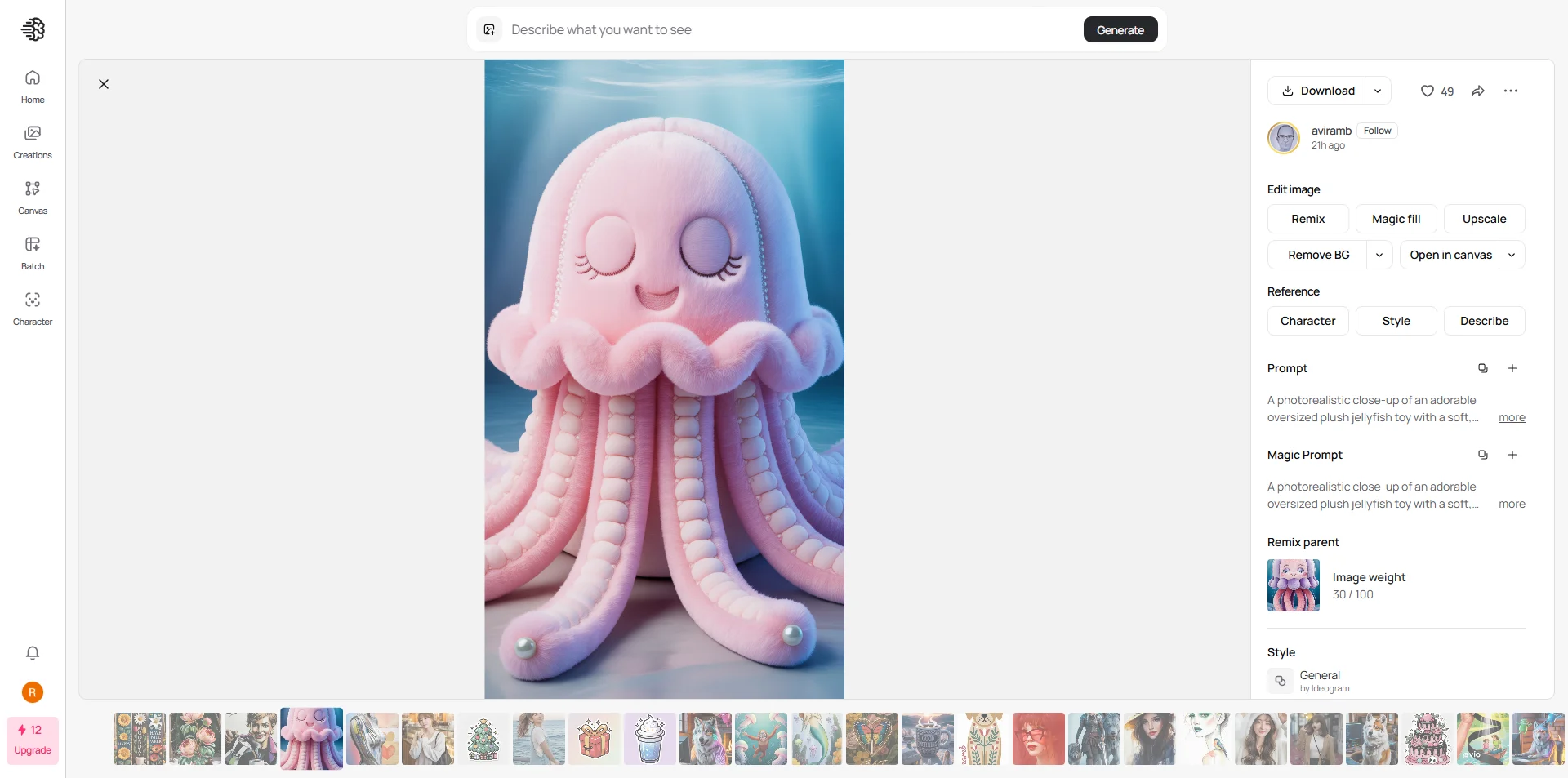
Best known for: Typography and text-accurate images
Ideogram occupies a critical niche in the AI image landscape: text accuracy. While most image generators struggle with spelling, alignment, and readable fonts, Ideogram consistently produces legible, well-structured text inside images.
This makes Ideogram uniquely valuable for posters, logos, signage, social graphics, memes, and marketing visuals, where incorrect text instantly breaks usability. Its “Magic Prompt” system helps refine vague prompts into structured instructions, improving reliability for non-expert users.
Ideogram prioritizes clarity and correctness over artistic flourish. Outputs are clean, predictable, and practical—but lack the cinematic or painterly depth found in tools like Midjourney.
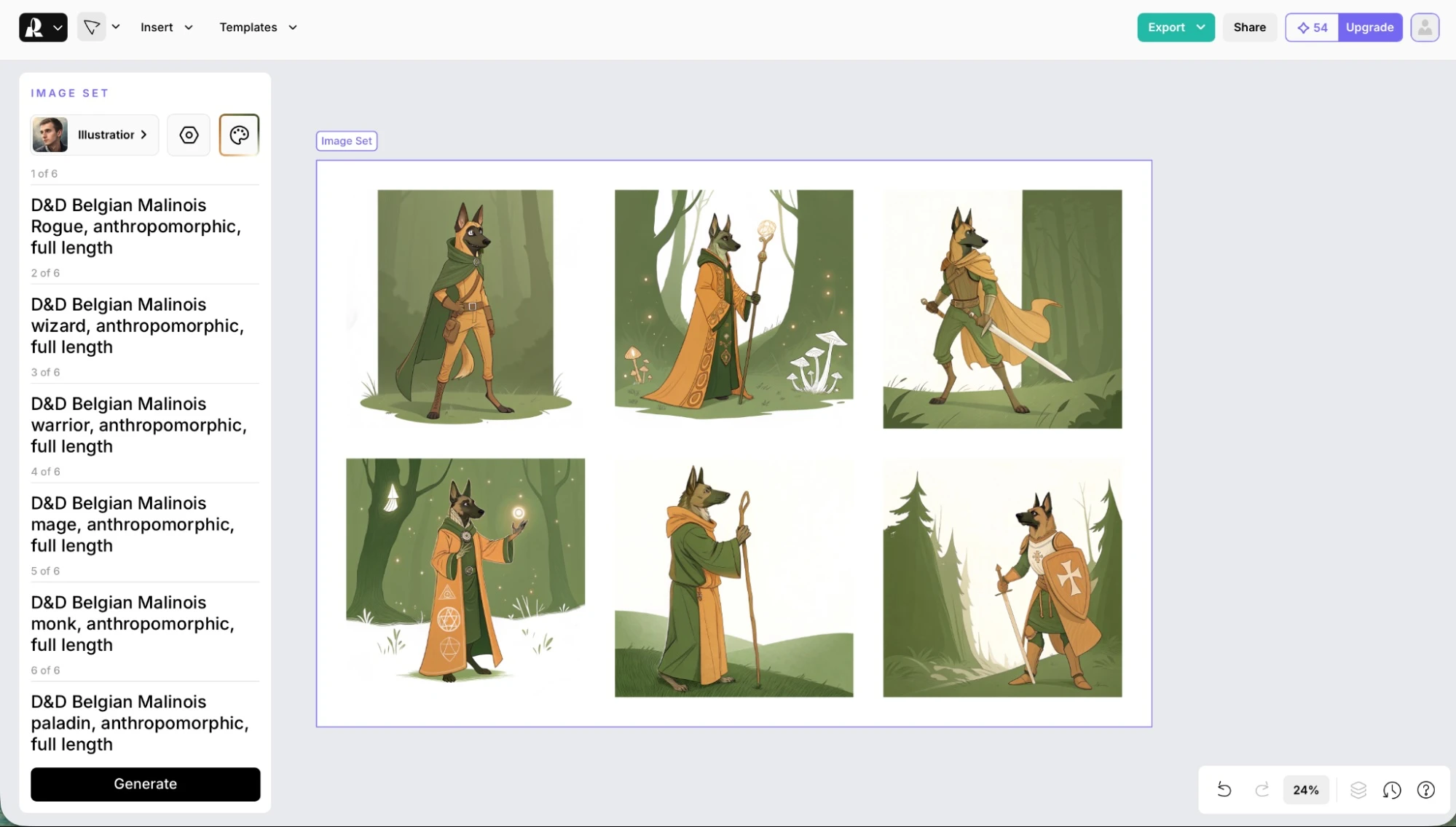
Best known for: Vector (SVG) image generation
Recraft V3 is the flagship generative AI model from Recraft, designed specifically for professional designers, creators, and brand workflows. Unlike basic text-to-image tools, Recraft V3 generates both high-quality raster imagery and native vector graphics (SVG) from textual prompts – a unique capability that sets it apart from most other image generators.
The V3 model introduced major advances in text positioning, layout accuracy, and prompt adherence, allowing it to handle multi-word text reliably and place text at specific positions within images — something many frontier models struggle with. It has also ranked highly on public benchmarks for overall image quality, photorealism, and stylized outputs compared to peers like Midjourney and OpenAI models.
Recraft’s platform isn’t just a generator — it’s a creative design workspace where you can generate, edit, and export images, vector illustrations, icons, logos, and mockups with integrated AI tools such as background removal, inpainting, and upscaling.
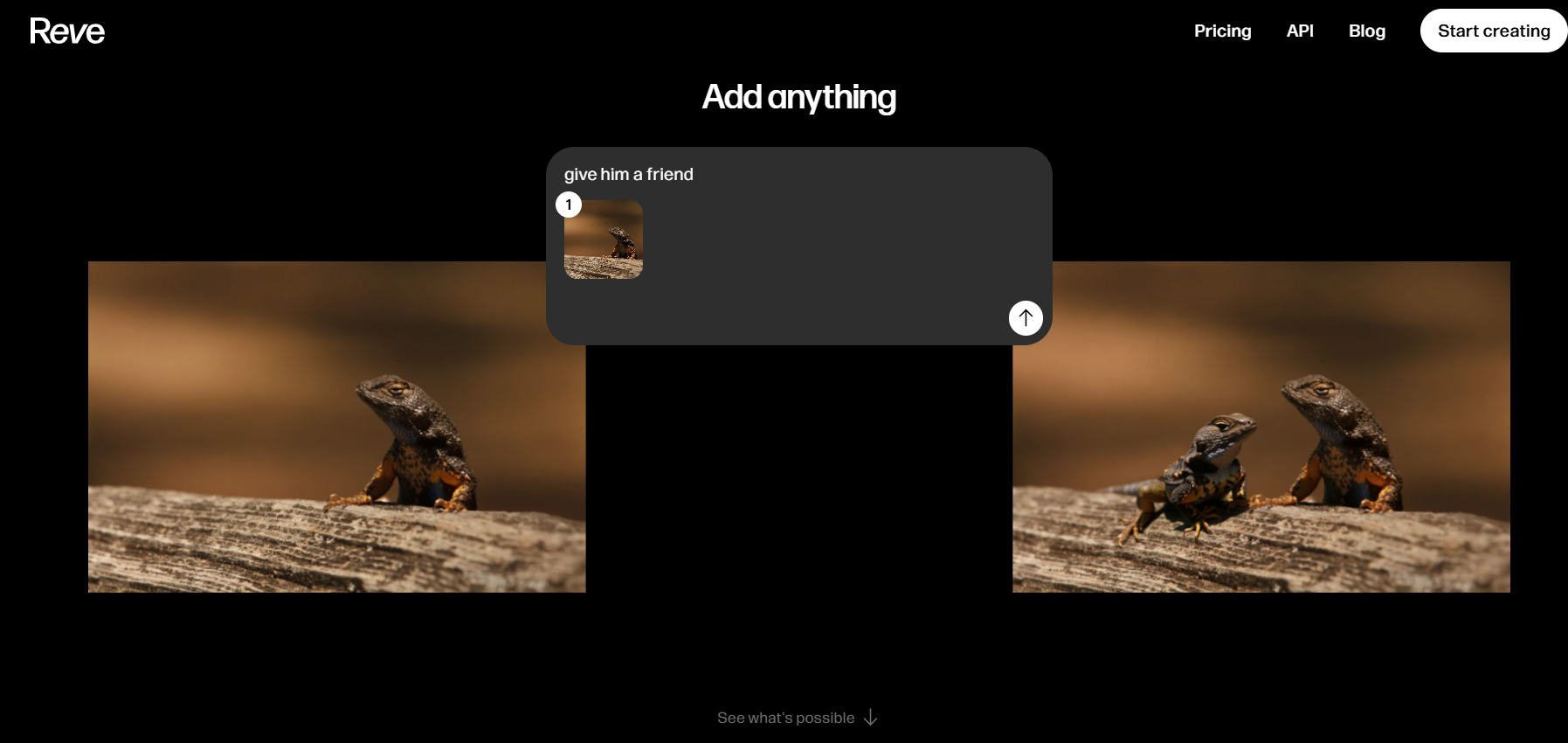
Best known for: Photorealism and prompt fidelity
Reve has emerged as a serious photorealism specialist in 2026. Its defining trait is strict prompt adherence. Where many models reinterpret or embellish instructions, Reve focuses on doing exactly what the prompt asks, no more, no less.
This makes it especially valuable for product imagery, realistic portraits, and commercial visuals, where creative “guessing” is undesirable. Reve’s outputs are controlled, grounded, and predictable, which appeals to marketers and professionals rather than artists.
While it lacks advanced editing and abstract styles, Reve’s reliability has made it a go-to tool for accuracy-driven workflows.
| Tool | Powered By | Best At | Text Handling | Editing Power | Learning Curve |
|---|---|---|---|---|---|
| Midjourney v7 | Proprietary | Artistic & cinematic images | Low | Low | Medium–High |
| Leonardo AI | Flux / SD | Character consistency | Medium | Medium | Medium |
| Ideogram | Proprietary | Typography & posters | ⭐⭐⭐⭐⭐ | Low | Low |
| Recraft | Proprietary | Vector & SVG graphics | ⭐⭐⭐⭐ | Medium | Medium |
| Reve | Proprietary | Photorealism & fidelity | ⭐⭐⭐⭐ | Low | Low–Medium |
(Platforms, not standalone generators)
Many platforms are wrongly labeled as “AI image generators” when, in reality, they are full creative pipelines.
These tools do not stop at generating a single image—they connect images, video, animation, audio, and editing into one continuous workflow.
They are best understood as production environments, not standalone generators.
This category matters because it reflects where AI creation is heading in 2026:
from single outputs → to end-to-end creative systems.

Best known for: Image + video generation with cinematic control
Kling AI is one of the strongest examples of a platform that blends image and video generation into a single creative flow.
Kling AI is best understood as a creative platform, not just an image generator. While it supports text-to-image and image-to-image creation, its real strength lies in how those images transition into motion-aware video workflows. This makes Kling especially popular for short-form videos, ads, and cinematic clips where visual consistency across frames is critical.
As an image generator, Kling has matured significantly. Earlier outputs often looked overly glossy or artificial, but recent updates have improved realism, lighting balance, and material detail. Image quality is now strong enough to serve as reliable starting frames for video generation, which is where Kling truly stands out.
Unlike pure image tools, Kling is designed around temporal coherence—how images evolve over time. Users can generate still images, then extend them into video while preserving characters, environments, and camera logic. This positions Kling closer to a lightweight film and motion design tool than a traditional image generator.
Kling also functions as a full creative workspace, offering upscaling, background and object removal, fast generation modes, and a credit-based free plan—making it accessible for experimentation while scaling to professional use.
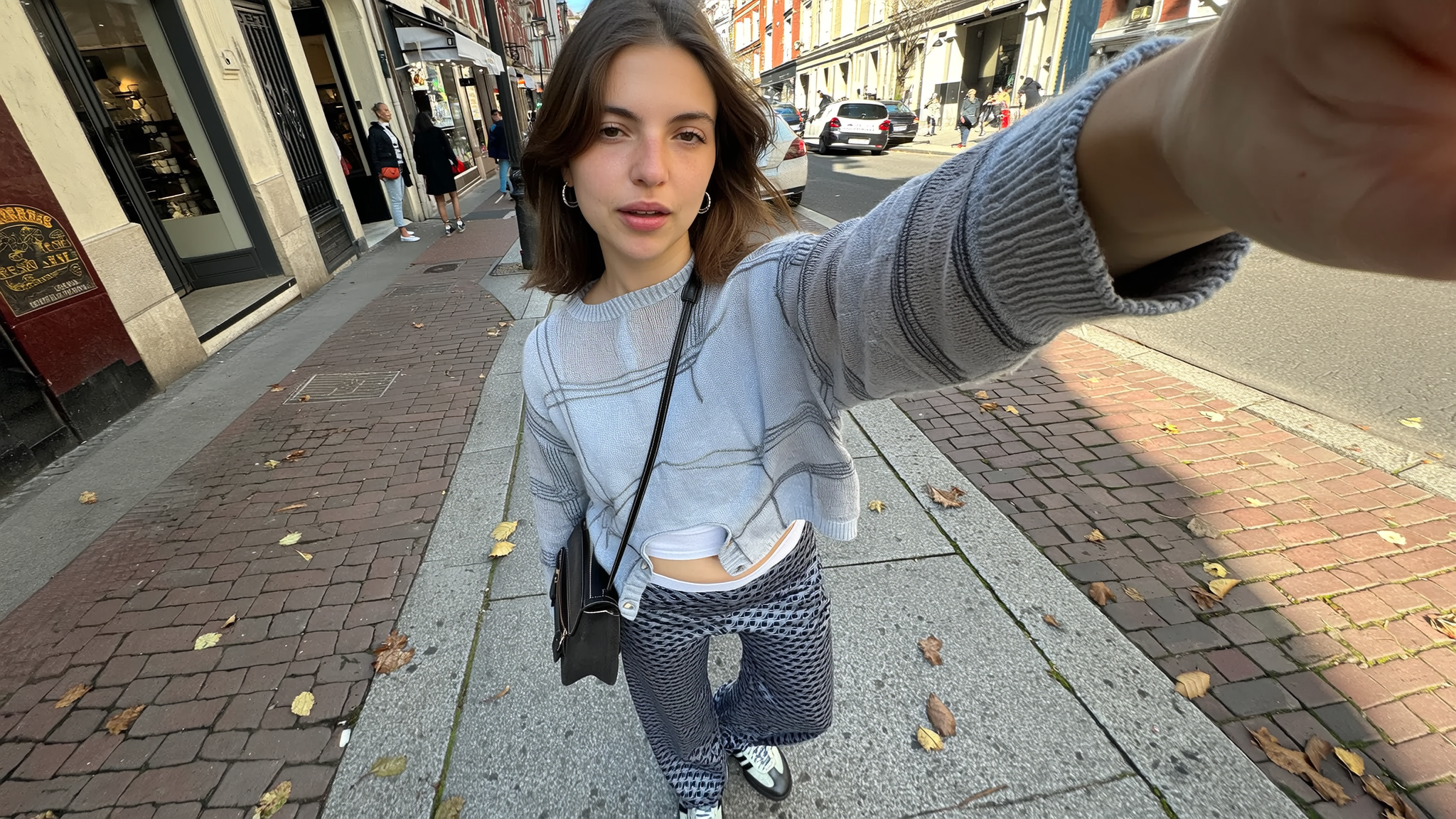
Best known for: Multi-model access and character-based image workflows
Higgsfield is not a single AI image model and not a traditional image generator. It is a creative hub that gives users access to multiple underlying image models through one interface, with a strong focus on character reuse and visual consistency rather than raw image quality.
The platform’s defining feature is character integration. Users can define a character once and then inject that same character into new scenes, styles, and compositions. This makes Higgsfield particularly useful for creators working on recurring characters, storytelling, or concept continuity—where consistency matters more than photorealistic perfection.
Higgsfield also offers its own in-house model (often referred to as Higgsfield Soul), but this model is intentionally lightweight. Image quality is serviceable for drafts and ideation, though noticeably behind frontier models. Most serious users rely on Higgsfield as a front-end layer on top of stronger external models, using it for experimentation, comparisons, and character placement rather than final production.
Overall, Higgsfield fits best as an exploration and orchestration platform, not a final-output engine. It is especially attractive to users who want generous free credits, fast testing across models, and easy character reuse without managing multiple tools.
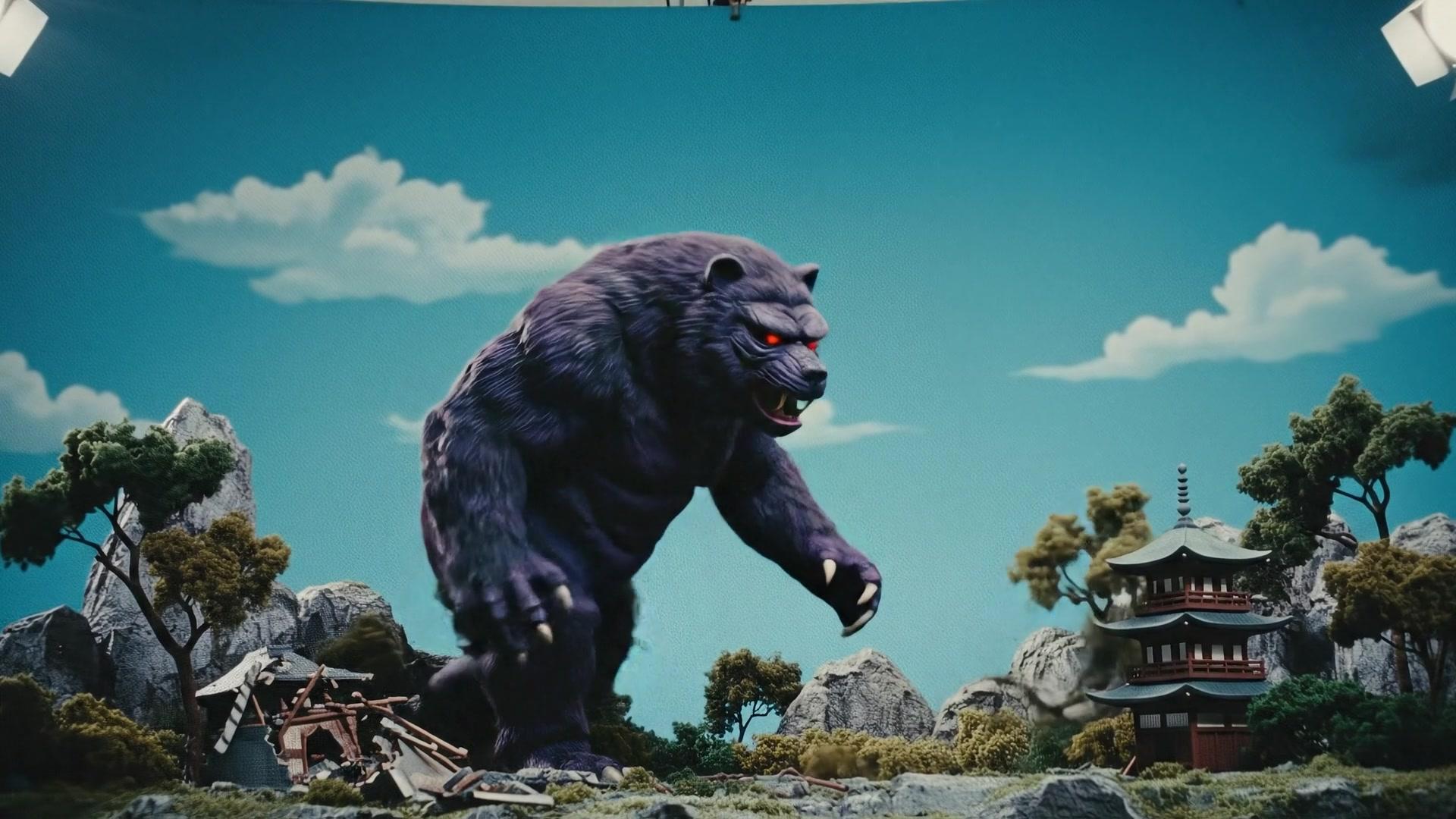
Best known for: All-in-one creative platform combining AI image, video, audio, and licensing
Artlist is not just an AI image generator—it is a full creative ecosystem built for video creators, marketers, and agencies. In 2026, Artlist functions as a multi-modal creative platform, combining AI image generation, AI video, AI voiceover, and one of the largest royalty-free asset libraries in the industry.
Rather than competing at the model level, Artlist integrates best-in-class image engines (including Nano Banana and Flux variants) into a creator-friendly workflow. Users can generate images (text-to-image and image-to-image), videos, and voiceovers, then immediately pair them with music, sound effects, footage, templates, and LUTs—all under a single commercial license.
Artlist’s real advantage is licensing clarity and workflow simplicity. Every AI output and asset can be used commercially, monetized, and distributed without additional royalties. This makes Artlist especially attractive for teams that need speed, scale, and legal safety rather than low-level model control.
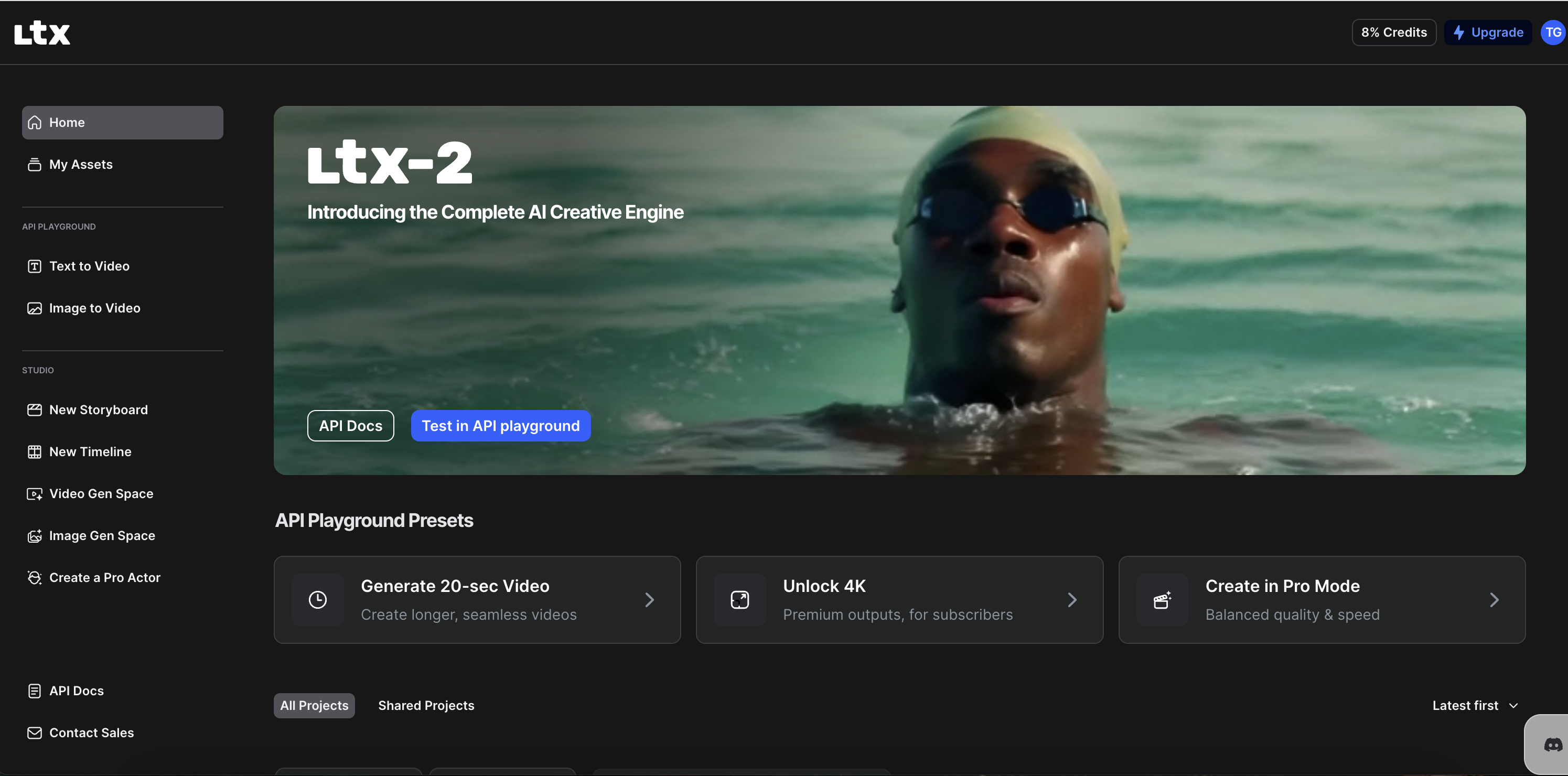
Best known for: Storyboards, pre-visualization, and narrative-driven workflows
LTX Studio is not a traditional AI image generator focused on producing single finished images. It is a creative production platform where AI-generated images are used as building blocks for storyboards, scenes, videos, and marketing narratives.
Instead of asking “What image should I generate?”, LTX Studio is designed around a different question:
“What story, campaign, or sequence am I building?”
The platform generates high-resolution images from text prompts, reference images, and style presets, then connects those visuals directly into storyboards and video timelines. These images can be animated using image-to-video tools, enabling smooth pre-visualization for films, ads, and branded content without switching between multiple tools.
LTX Studio supports consistent characters, scene continuity, and iterative refinement, making it especially valuable for teams working on structured creative projects rather than one-off visuals. Under the hood, it integrates advanced image models (including Flux and Nano Banana variants), but abstracts the complexity so creators can focus on narrative flow.
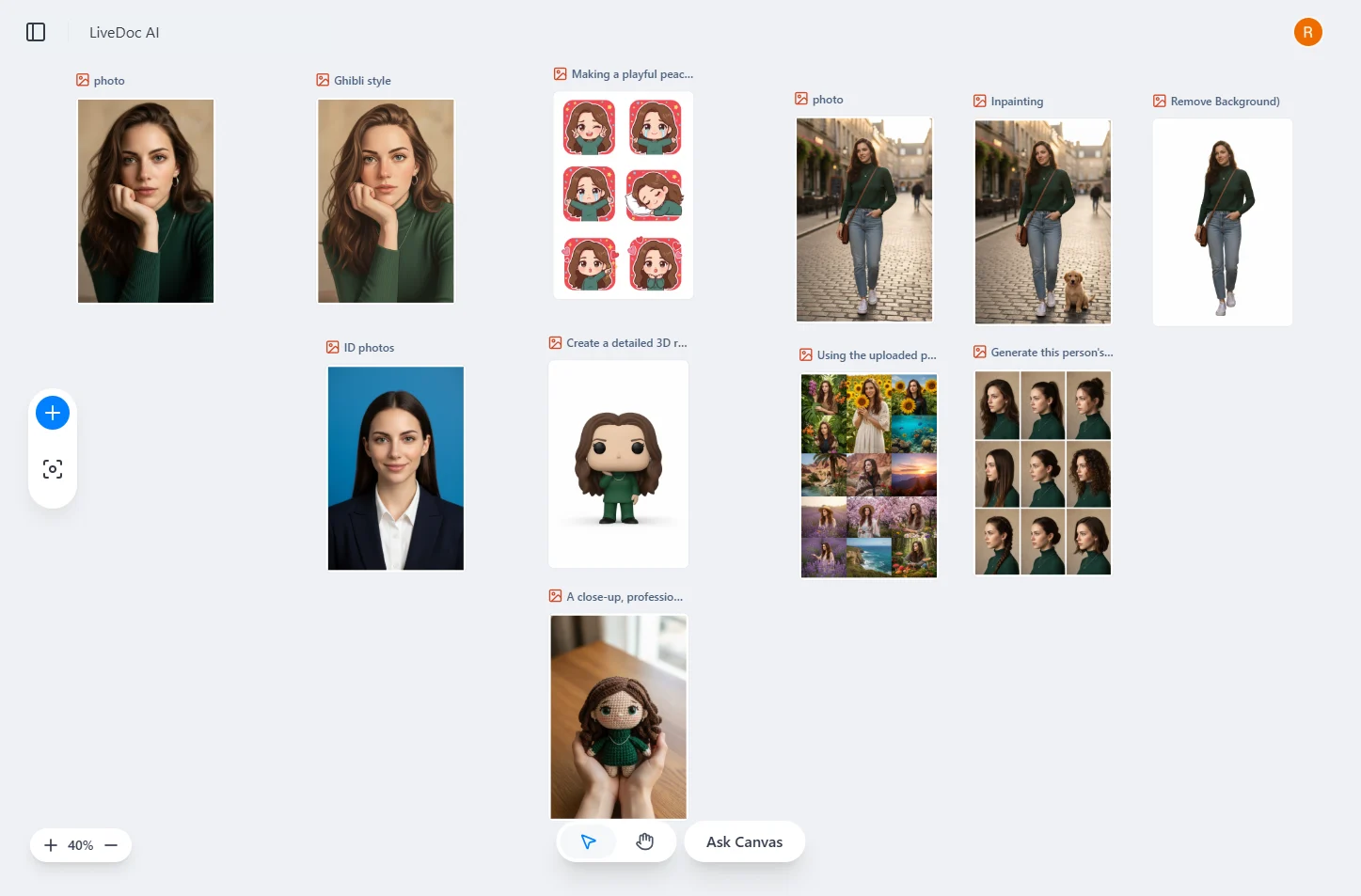
Best known for: Document-centric image creation and collaborative workflows
Felo LiveDoc approaches AI image generation from a completely different direction. Instead of treating images as standalone outputs, it embeds image creation directly inside documents, research canvases, and team workspaces. The result is a platform where writing, research, and visuals evolve together in one continuous flow.
LiveDoc works as an infinite canvas where AI agents understand the context of your document—its topic, audience, and structure—and generate images that fit naturally within the content. Images are created directly on the canvas, eliminating the common friction of switching between image tools, downloads, and uploads.
What makes LiveDoc distinct is its context-aware editing. Users can refine images with natural instructions, modify specific areas, remove backgrounds, expand scenes, or apply consistent styles across multiple visuals—all without leaving the document. This makes it especially effective for projects that require many related images rather than single, isolated generations.
Felo LiveDoc is not designed for cinematic art or experimental visuals. Its strength lies in productivity, clarity, and collaboration, making AI images practical for real-world business and knowledge workflows.
| Platform | Image | Video | Editing | Workflow Type | Best Use Case |
|---|---|---|---|---|---|
| Kling AI | ✅ | ✅ | Medium | Cinematic pipeline | Ads, film-style content |
| Higgsfield | ✅ | ⚠️ | Medium | Multi-model hub | Experiments & characters |
| Artlist | ✅ | ✅ | Low | Asset ecosystem | Creators & marketers |
| LTX Studio | ✅ | ✅ | Medium | Pre-visualization | Film & campaigns |
| Felo LiveDoc | ✅ | ❌ | Medium | Document-centric | Teams & research |
Not every user wants cinematic art, storyboards, or complex prompts. For most businesses and creators, the real need is speed, editing, templates, and safe reuse. The platforms in this section treat AI image generation as one feature inside a larger design system.
Here, editing > generation.
These tools are dominant in:
When brands use AI image generators for visual content, logo creation is often the first step in building a consistent visual identity. An AI logo maker helps teams quickly produce professional-brand marks that match the aesthetic and tone of generated imagery — bridging generative visuals and cohesive branding.
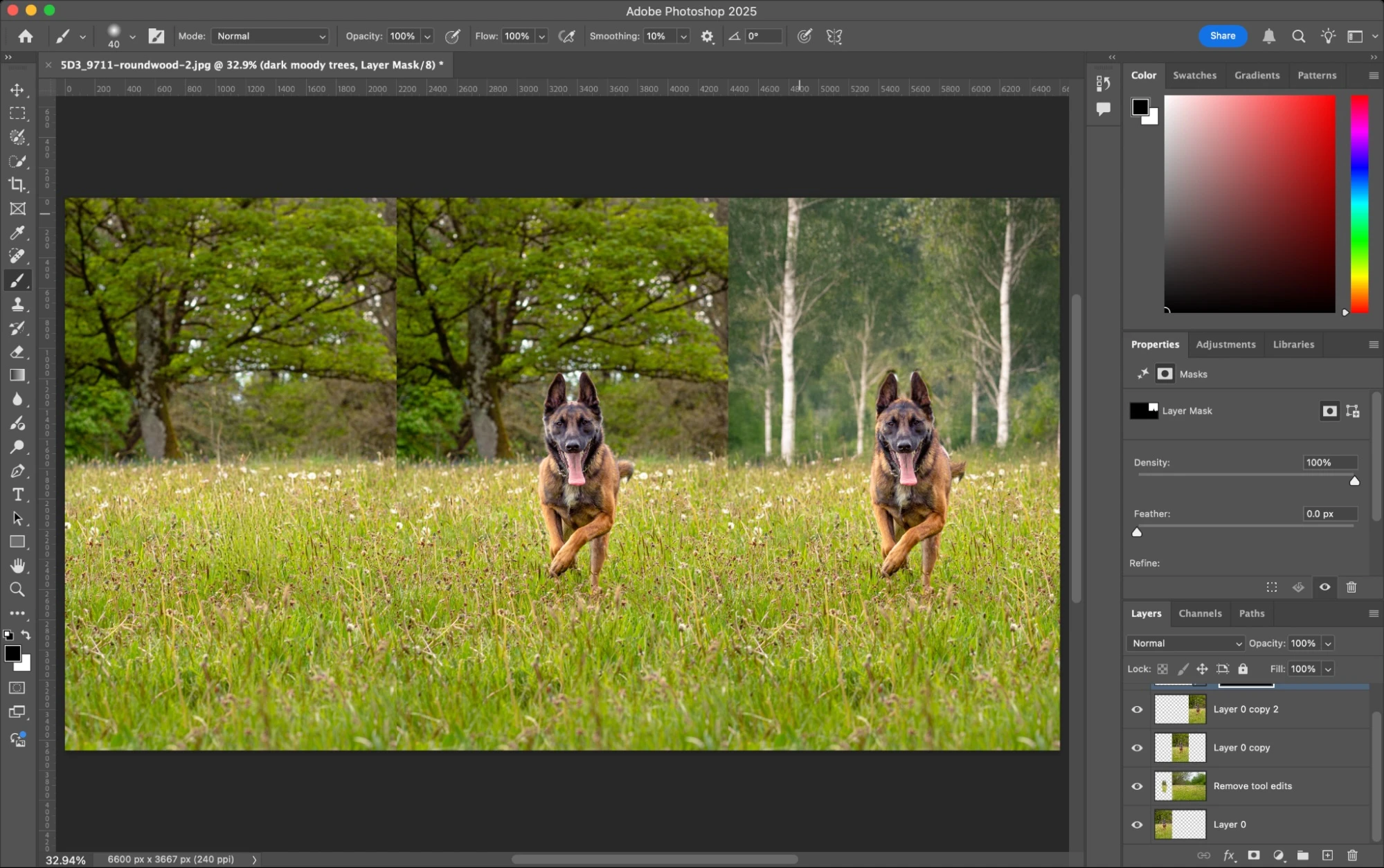
Best known for: Integrating AI-generated images directly into professional design workflows
Adobe Firefly 3 is Adobe’s current flagship generative AI platform, built not just as an AI image generator but as a full creative AI ecosystem embedded across Adobe’s Creative Cloud apps and its own web and mobile interfaces. Rather than being a standalone box for text-to-image, Firefly 3 combines powerful generative image, video, and design tools with seamless integration into Photoshop, Illustrator, Adobe Express, Premiere Pro, and Firefly Boards — making it essential for professional designers, agencies, and enterprise teams.
Firefly’s core strength remains its commercially safe training data — models are trained on Adobe Stock, licensed content, and publicly cleared imagery – ensuring outputs can be used in client work and enterprise assets without legal risk. It supports text-to-image, text-to-video, image-to-video, and vector generation, with features like Generative Fill, Generative Expand, Prompt-to-Edit, and multi-model integration. It also includes Firefly’s unlimited generation options for paid subscribers and expanded creative workflows that go beyond traditional image generation.
Firefly 3 isn’t just a single model – it’s a creative hub where users can generate visuals, edit them inside industry tools, create motion content, and collaborate on mood boards and projects in one place. It also supports partner and third-party models (including Gemini/Nano Banana Pro, OpenAI models, and Flux variants) that creators can choose directly within the Firefly app or Express interface, giving more creative flexibility.
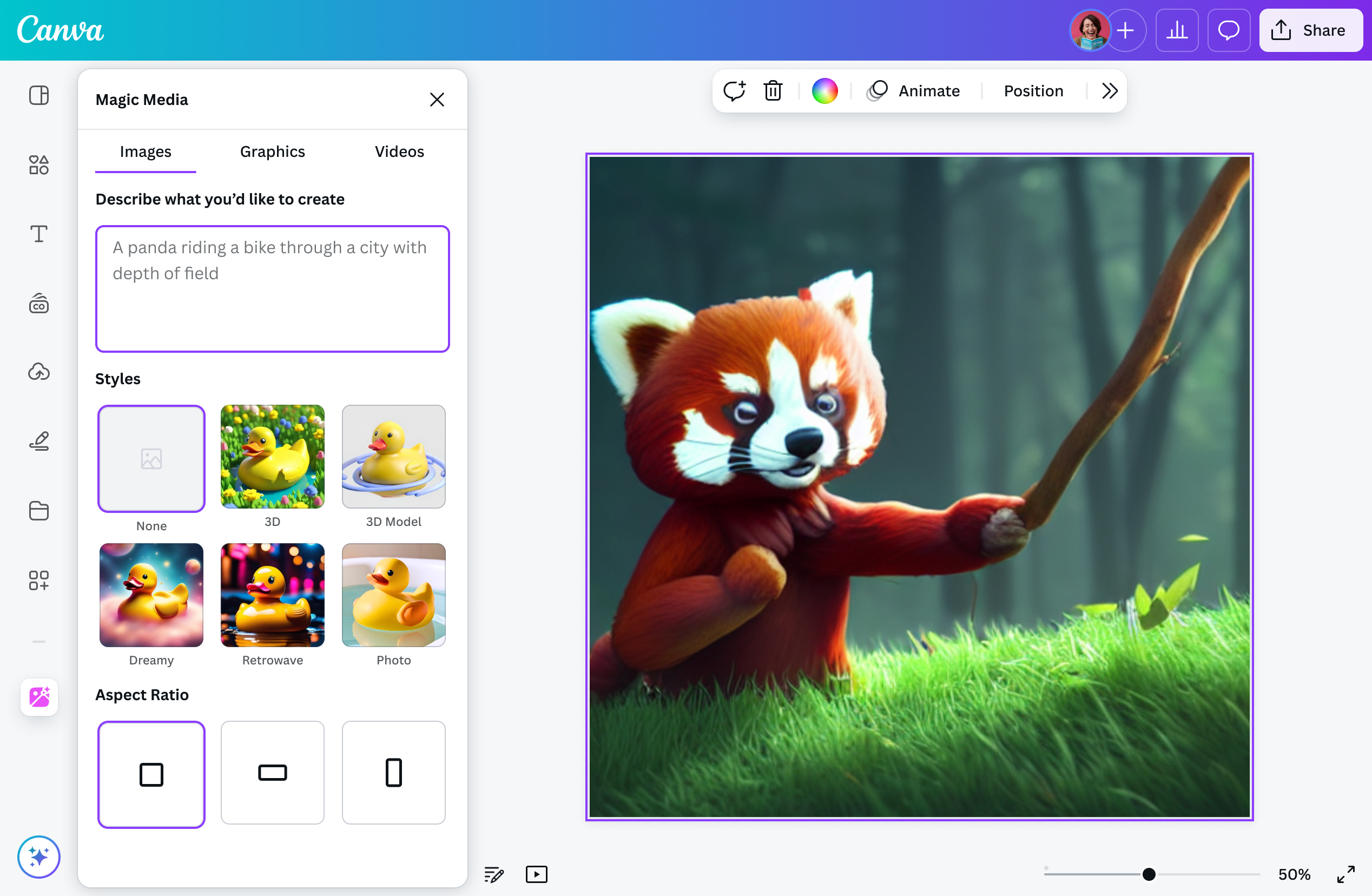
Best known for: Fast, beginner-friendly image generation embedded inside design workflows
Canva’s AI Image Generator is designed for speed, accessibility, and immediate use, not deep prompt engineering or model-level control. AI image generation inside Canva is a starting point, not the final output — users generate an image and then immediately place it into templates, presentations, social posts, or documents.
Canva offers two main AI image paths: Magic Media (Text to Image) for quick generation across preset styles, and Create an image (powered by Dream Lab) for reference-image–based generation. Both are tightly integrated into Canva’s editor, allowing users to resize, edit, add text, apply filters, and publish content without leaving the platform.
Unlike pure AI image generators, Canva prioritizes editing, layout, and distribution over raw image quality. The platform excels when visuals need to be created, adjusted, and deployed quickly — especially for social media, presentations, and everyday business design tasks.
Image quality is solid but intentionally conservative. Canva trades fine-grained control and high-end realism for simplicity, templates, and workflow speed, making it one of the most widely used AI image tools among non-designers.
Best known for: Multi-model image generation inside a design and asset ecosystem
Freepik AI Image Generator is not a single AI model — it is a design-first platform that aggregates multiple leading image models into one interface. Instead of building its own foundational model, Freepik focuses on access, usability, editing, and scale, making advanced image generation practical for everyday creative work.
Inside Freepik’s AI Suite, users can choose from top-tier models such as GPT Image 1.5, Nano Banana Pro, Flux, Seedream, Mystic, Google Imagen, Ideogram, and Reve, depending on whether they prioritize speed, realism, creativity, or consistency. This model-switching approach allows creators to adapt output quality without leaving the platform.
What sets Freepik apart is workflow integration. Image generation sits alongside editing tools, background removal, resizing, style control, mockups, SVG export, and stock assets. Reference images and custom styles help maintain brand consistency, while the AI Image API supports large-scale, automated production for teams.
Freepik is optimized for volume, reliability, and commercial safety, not experimental artistry. It is widely used by designers, marketers, and agencies that need repeatable results across many assets.
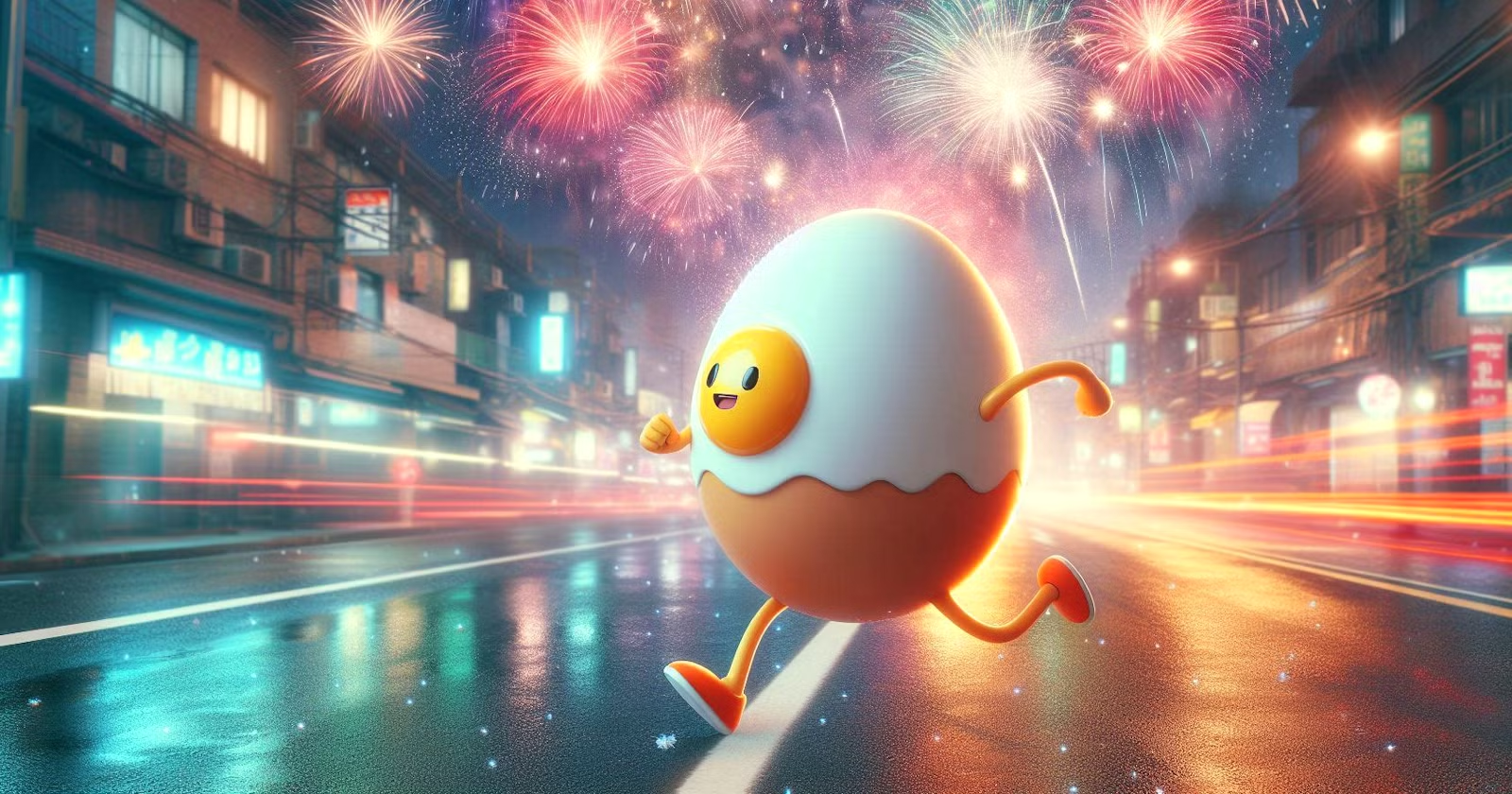
Best known for: Safe, accessible AI image generation inside Microsoft’s ecosystem
Microsoft’s AI image generation is best understood as one system with two interfaces: Bing Image Creator and Microsoft Copilot. Both are powered by OpenAI’s latest GPT-based multimodal image models integrated into Microsoft’s ecosystem and follow the same safety, licensing, and quality standards—the difference lies purely in how users interact with them.
Bing Image Creator offers a fast, no-friction way to generate images directly from a prompt, making it ideal for quick inspiration and casual use. Copilot, on the other hand, embeds image generation inside a conversational assistant that helps users refine ideas, adjust prompts, and integrate visuals into broader workflows such as documents, presentations, and research.
This makes Microsoft’s approach less about artistic control and more about accessibility, safety, and productivity. Image generation is treated as a utility—something that fits naturally into everyday work rather than a standalone creative tool.
Important note:
Bing Image Creator and Copilot are not separate tools—they are two entry points to the same Microsoft image generation system. For clarity and accuracy, they should always be treated as a single platform. View Microsoft AI
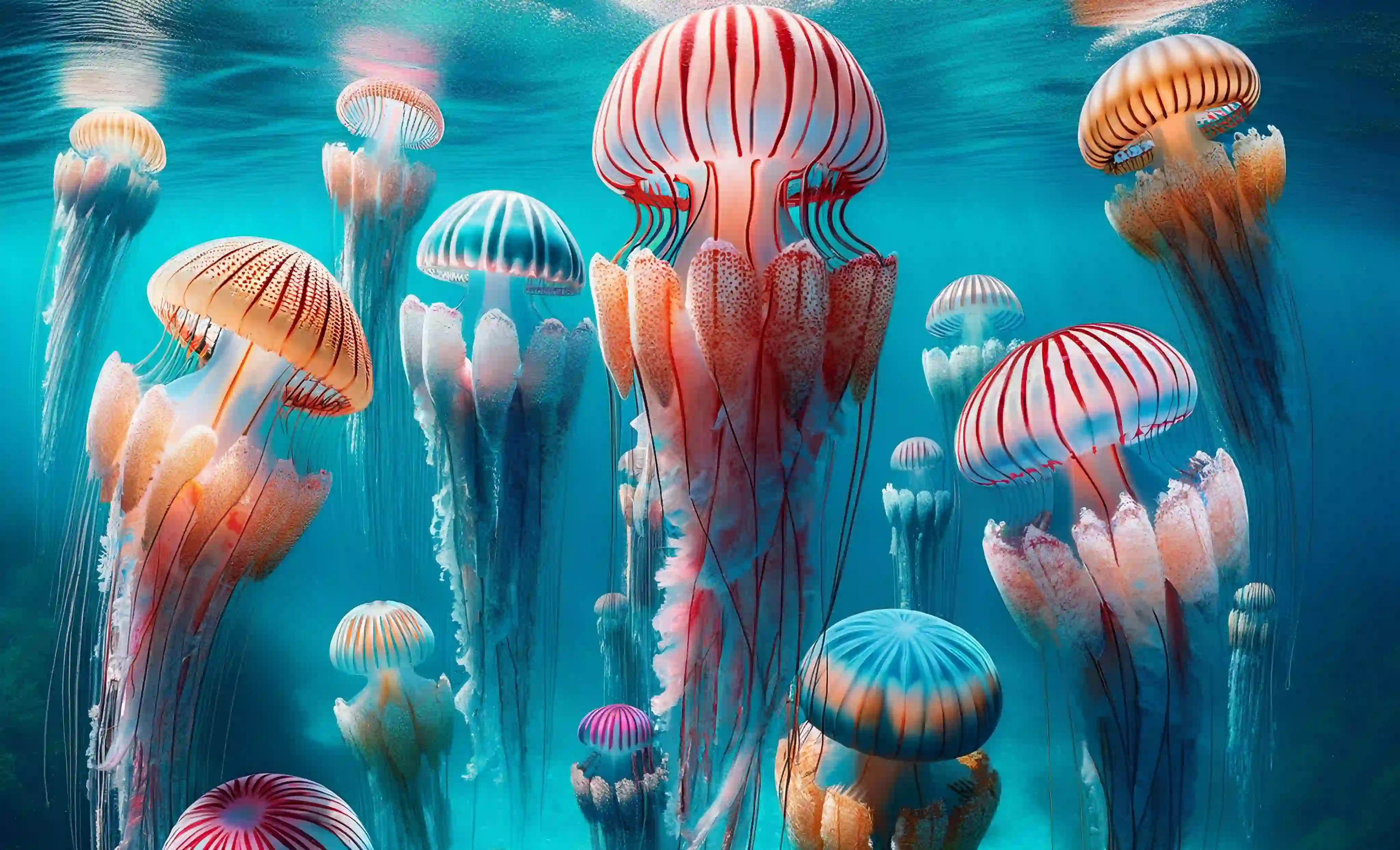
Best known for: Enterprise-safe, licensed AI images with built-in legal protection
Shutterstock’s AI Image Generator approaches AI creation from a licensing-first, enterprise-ready perspective rather than pure creativity. Instead of positioning AI as an experimental tool, Shutterstock treats it as an extension of its professional stock ecosystem—where legality, consistency, and risk mitigation matter more than artistic freedom.
The platform is model-agnostic, allowing users to generate images using multiple leading AI models such as GPT Image (OpenAI), Google Imagen 4, Gemini 2.5 Flash (Nano Banana), Runway Gen-4, and Shutterstock’s own proprietary models. Users can either select a specific model or let Shutterstock automatically choose the best one for the prompt.
Each generation produces four variations, reducing iteration time and making it easier to pick a usable result quickly. Prompt Enrichment further helps non-expert users by automatically improving prompts for better clarity and output quality.
What truly differentiates Shutterstock is commercial protection. Every downloaded AI image includes a license, and higher plans offer indemnification, optional human review, and private generation modes—features critical for agencies, brands, and enterprises operating at scale.
Shutterstock is not optimized for creative exploration or stylistic experimentation. Its strength lies in safe deployment, predictable outputs, and legal confidence.
| Platform | Editing Strength | Generation Quality | Commercial Safety | Best For |
|---|---|---|---|---|
| Adobe Firefly 5 | ⭐⭐⭐⭐⭐ | ⭐⭐⭐ | ⭐⭐⭐⭐⭐ | Agencies & enterprises |
| Canva AI | ⭐⭐⭐⭐ | ⭐⭐ | High | Beginners & social |
| Freepik AI Suite | ⭐⭐⭐⭐ | ⭐⭐⭐⭐ | High | Experimentation |
| Microsoft Copilot | ⭐⭐⭐ | ⭐⭐⭐ | Medium | Office users |
| Shutterstock AI | ⭐⭐⭐ | ⭐⭐⭐ | ⭐⭐⭐⭐⭐ | Enterprise stock |
Not everyone needs cinematic art, character consistency, or advanced pipelines. A large share of users simply want quick images, low cost, and minimal setup.
The tools in this section focus on:
They are commonly used for social posts, thumbnails, quick ads, drafts, and experiments.
Many lightweight AI image tools are primarily used for fast marketing visuals rather than artistic exploration. A social media ad maker complements these tools by turning generated images into ready-to-publish ads optimized for platforms like Instagram, Facebook, and YouTube without additional design work.
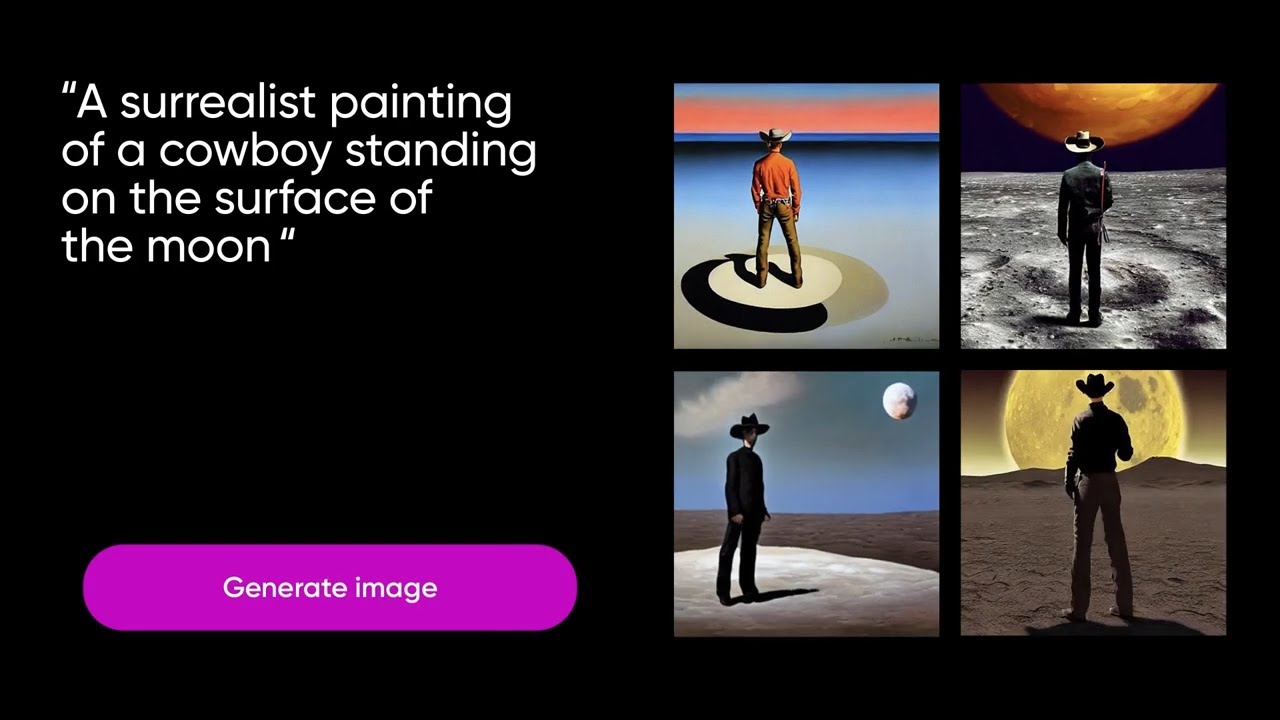
Best known for: Fast, affordable AI image generation with built-in editing
Picsart sits firmly in the lightweight, budget-friendly category—not because it’s weak, but because it prioritizes speed, accessibility, and volume over cinematic or model-level precision.
Unlike pure image generators, Picsart blends AI image generation + photo editing + design tools into one simple workflow. You generate an image, then immediately refine it using background removal, object replacement, filters, text, and effects—all without leaving the platform.
Under the hood, Picsart supports multiple AI models (including Seedream, GPT-based image models, Ideogram, Flux Kontext, and others), but the user never has to think about engines or tuning. The experience is prompt-first, style-driven, and optimized for everyday creators.
This makes Picsart especially popular with social media creators, small businesses, and marketers who need usable visuals fast—not perfect images after heavy prompt engineering.
Bottom line:
Picsart is not trying to compete with Midjourney or FLUX on artistic depth. It wins by being fast, flexible, and practical, making it one of the most effective budget AI image tools in 2026 for everyday creative work. View Picsart AI
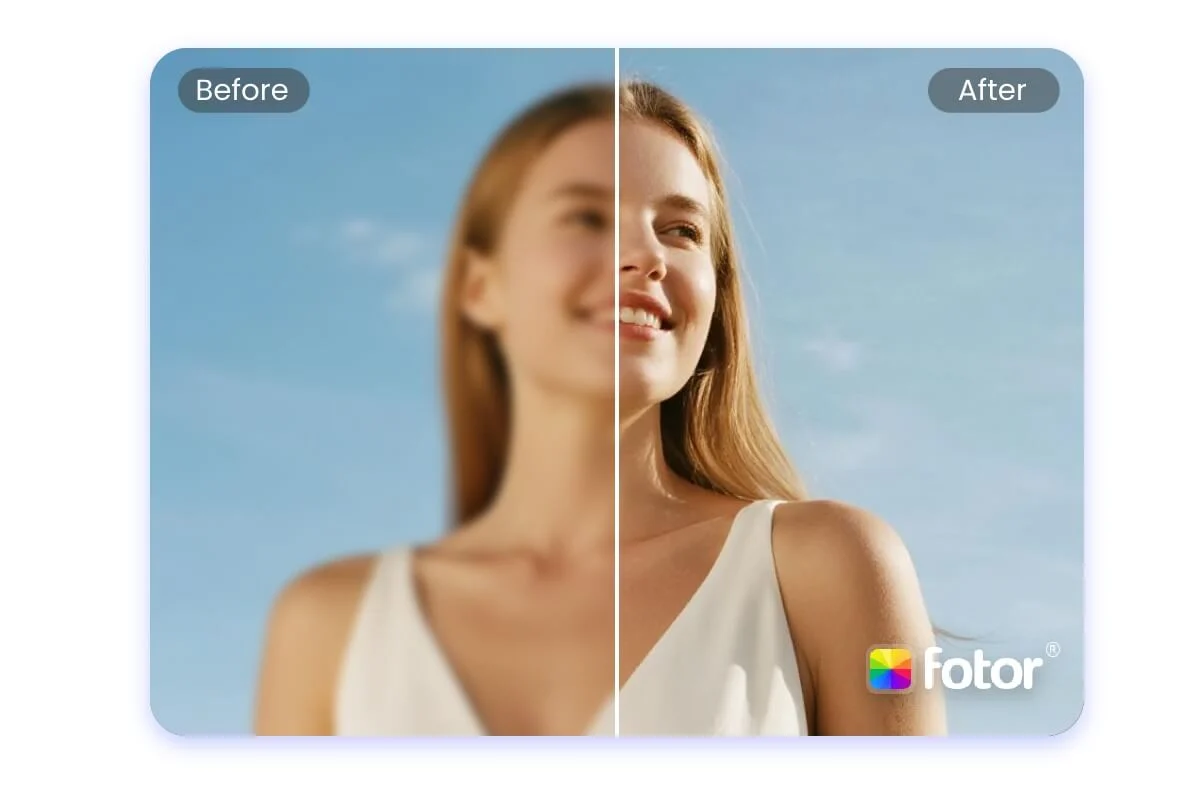
Best known for: Fast, free AI image generation with built-in editing
Fotor is a classic example of a lightweight, budget-friendly AI image tool built for speed rather than sophistication. It focuses on helping users turn simple prompts into usable visuals quickly, without requiring design skills or complex prompt engineering.
Unlike advanced image generators that emphasize realism, character consistency, or cinematic quality, Fotor is optimized for quick results, variety of styles, and easy edits—all inside a single, beginner-friendly interface.
Image generation in Fotor is closely tied to editing. After generating an image, users are immediately pushed toward enhancements like upscaling, background removal, object replacement, and text overlays. This makes Fotor more practical for everyday content creation than artistic experimentation.
Fotor isn’t trying to compete with top-tier AI image models. Instead, it succeeds by offering quick, free, and simple image generation combined with practical editing tools—making it a solid choice for casual and budget-conscious users in 2026.
Best known for: Simple, fast text-to-image generation with privacy-first design
Pixelbin’s AI Image Generator is built for users who want quick, clean visuals without complexity or heavy costs. It strips image generation down to the basics—type a prompt, generate an image, download it in high resolution. No complicated settings, no watermark clutter, and no steep learning curve.
Unlike design-heavy platforms, Pixelbin focuses on speed, simplicity, and reliability. The tool is browser-based, works across devices, and delivers consistent results even on its free tier. This makes it especially appealing for marketers, bloggers, and small teams that need visuals on demand.
Pixelbin also stands out for its privacy-first approach. Prompts and generated images aren’t reused publicly, which is a key advantage for brands and businesses experimenting with AI visuals. While it doesn’t offer deep artistic control or advanced editing, it excels at practical, everyday image creation.
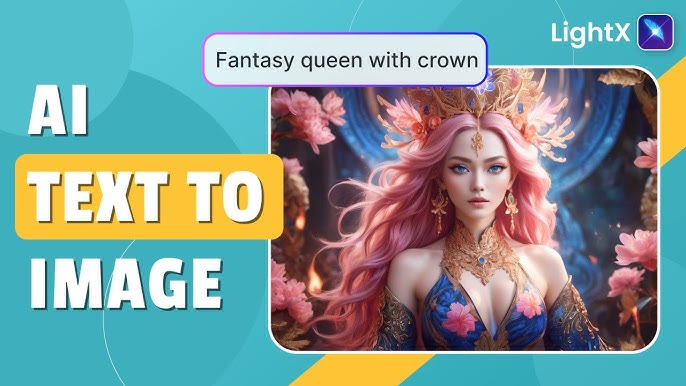
Best known for: Simple text-to-image with built-in AI editing and commercial-safe outputs
LightX follows the same philosophy as other lightweight AI image tools—but with slightly more focus on control and refinement. It’s designed for users who want fast AI image generation without learning prompt engineering, while still having the ability to tweak, enhance, and reuse images for real projects.
Instead of relying on complex prompts, LightX guides users through task-specific generators (logos, anime art, marketing visuals, portraits, product images). This makes it easier to get usable results quickly, especially for beginners and non-designers.
Image generation and editing are tightly connected. After generating an image, users can upscale resolution, remove or replace backgrounds, apply AI filters, resize for different platforms, or refine compositions—all inside the same workspace. This makes LightX more practical than purely artistic image generators.
LightX isn’t positioned as a cutting-edge image model competing with cinematic or hyper-realistic tools. Its strength lies in speed, simplicity, and commercial usability, making it a dependable option for everyday visual creation in 2026.
Best known for: All-in-one AI visuals with strong business and marketing focus
Renderforest approaches AI image generation from a practical, creator-first angle rather than pure artistic experimentation. It’s built for users who want fast, reliable visuals they can immediately reuse across marketing, branding, videos, websites, and social media—without switching tools.
Unlike minimalist text-to-image tools, Renderforest positions its AI Image Generator as part of a larger creative ecosystem. You’re not just generating images; you’re creating assets that can flow directly into logos, mockups, videos, presentations, thumbnails, and websites.
The platform stands out by offering multiple AI models in one place. Users can choose between GPT-based image generation for structured, concept-heavy visuals, or Flux models for more realistic and high-detail outputs. This flexibility makes Renderforest more versatile than most lightweight tools in this category.
Another major strength is its prompt inspiration library. Instead of starting from a blank prompt, users can pick from curated, trending examples for thumbnails, mockups, posters, certificates, product images, and social graphics. This significantly lowers the barrier for beginners and speeds up production for marketers.
Renderforest isn’t trying to rival cinematic AI tools or character-focused generators. Its goal is usable, commercial-ready visuals at scale, tightly integrated with branding and content workflows—making it one of the strongest lightweight platforms for business use in 2026.

Best known for: Ultra-simple, browser-based AI image generation with generous free access
DeepAI is one of the oldest and most minimal AI image generators still actively used in 2026. It focuses on accessibility over polish—allowing anyone to generate AI images instantly without sign-ups, complex settings, or design experience.
Unlike modern design-first platforms, DeepAI keeps things intentionally simple. You type a prompt, choose a basic model or style, and generate an image. There’s no heavy UI, no creative workflows, and no deep editing pipeline. This makes DeepAI feel more like a utility than a creative suite.
DeepAI stands out for its radical openness. Many core features work without an account, generated images come with broad usage rights, and pricing remains one of the lowest in the market. It also offers API access, making it popular with developers and hobbyists experimenting with AI-generated visuals.
However, this simplicity comes with trade-offs. Image quality, consistency, and control lag behind newer tools. DeepAI is best used for quick ideas, experiments, and basic visuals—not for brand-critical or polished creative work.
| Tool | Speed | Quality | Cost | Best Known For |
|---|---|---|---|---|
| Picsart | ⭐⭐⭐⭐ | ⭐⭐⭐ | Low | Social visuals |
| Fotor | ⭐⭐⭐⭐ | ⭐⭐ | Low | Beginners |
| Pixelbin | ⭐⭐⭐⭐⭐ | ⭐⭐ | Usage-based | E-commerce scale |
| LightX | ⭐⭐⭐⭐ | ⭐⭐ | Low | Mobile editing |
| Renderforest | ⭐⭐⭐ | ⭐⭐ | Subscription | Branding |
| DeepAI | ⭐⭐⭐ | ⭐ | Free | API testing |
Use this simple framework to choose the right AI image generator in 2026.
There is no single best AI image generator in 2026. Different tools excel at different tasks such as text accuracy, photorealism, creativity, editing, or commercial safety. Professionals typically use multiple tools depending on the project.
AI models optimized for text rendering perform best. These tools are designed to handle typography, posters, banners, and signage with fewer spelling and layout errors compared to general image generators.
Copyright safety depends on the tool. Some platforms train models only on licensed or approved data and offer clearer commercial usage terms, while others require users to manage legal risk themselves. Always check the platform’s license and terms of use.
Many tools offer free tiers or limited daily credits. These are usually suitable for testing, learning, or light use but may have restrictions on quality, speed, or commercial rights.
Yes, most AI image generators allow commercial use, but conditions vary. Some tools explicitly support commercial licensing, while others have restrictions or require paid plans. Always verify commercial rights before using images for business or client work.
There is no single winner
In 2026, no AI image generator dominates every category. Each tool is optimized for specific strengths such as realism, text accuracy, creativity, editing, or compliance.
Professionals rarely rely on one tool. Instead, they combine:
This approach delivers better quality and reduces risk.
The future of AI image generation is modular, flexible, and multi-tool.
Success comes from choosing the right generator for the right task, not chasing one “best” tool.

Introduction Creating content today is faster, smarter, and more competitive than ever. Whether you are a blogger, marketer, business owner,…
1. Introduction: The Real State of AI Image Generation in 2026 AI image generation in 2026 is no longer a…
Introduction: The State of AI Customer Service in 2026 Customer service has undergone a fundamental shift. By 2026, AI chatbots…
Introduction: AI Video Generation Is No Longer Experimental What began as short, unstable demo clips has evolved into production-grade systems…
In today’s fast-paced digital world, efficiency and consistency are key to content creation, and this is where the power of…
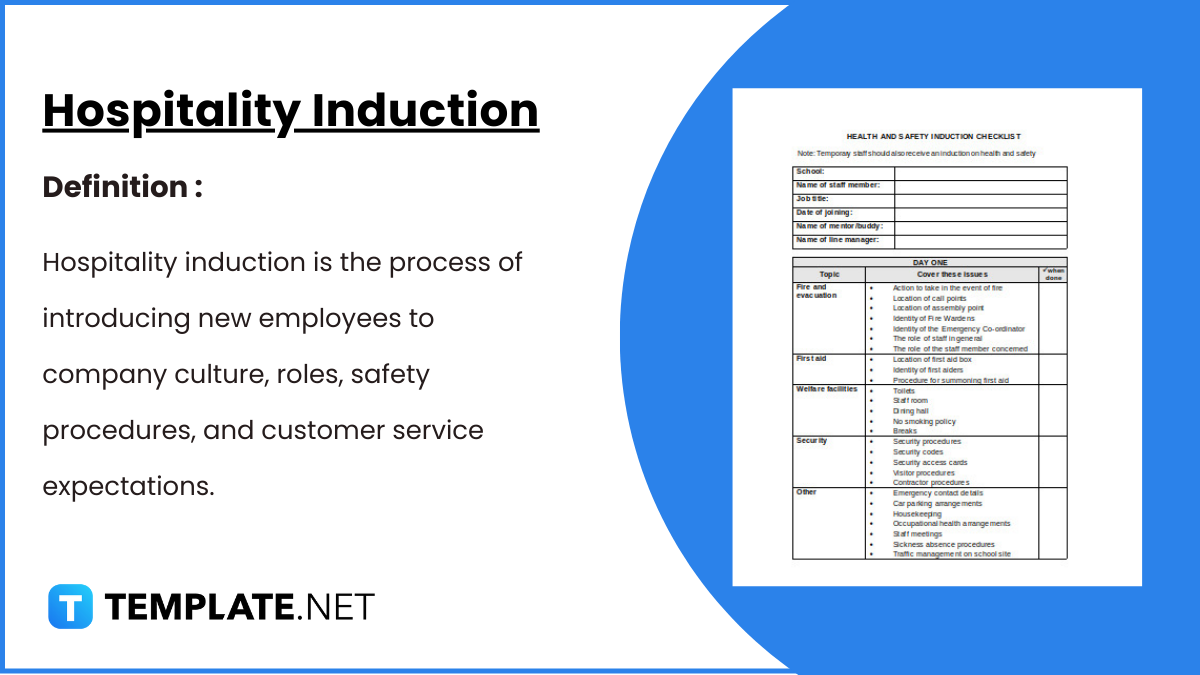
Hospitality Induction Templates are structured guides created specifically for the hospitality industry to facilitate the onboarding process for new employees.…
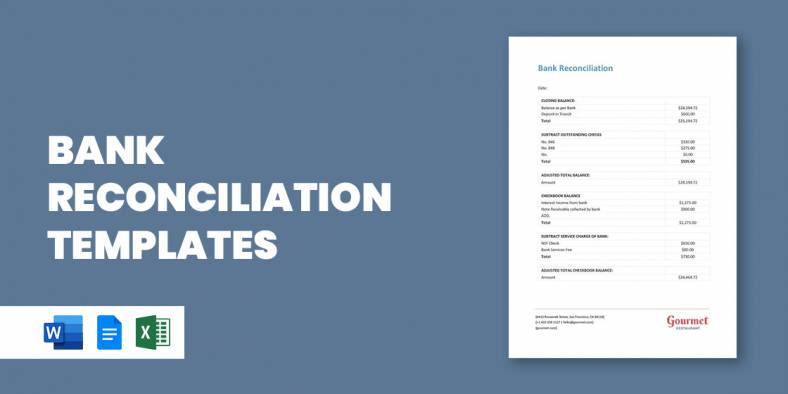
Whether you are a business or an organization, it is important for you to keep track of your business bank…
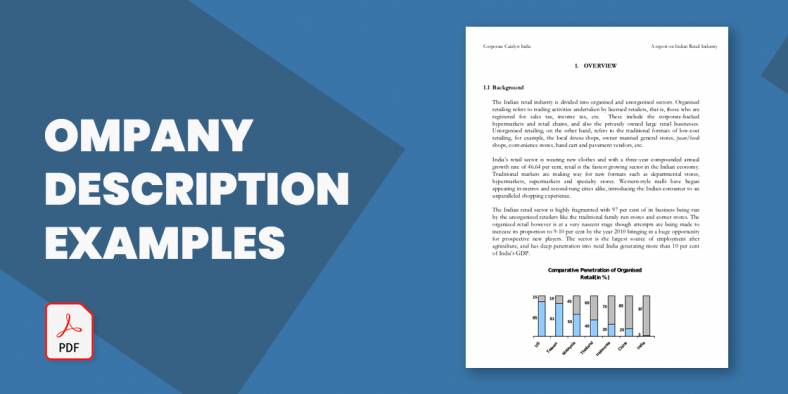
A Company Description provides meaningful and useful information about itself. The high-level review covers various elements of your small business…
A smartly designed restaurant menu can be a massive leverage to any food business.