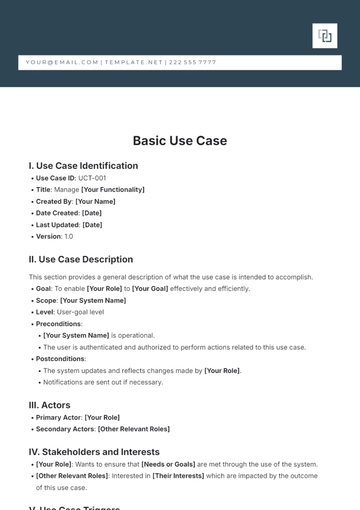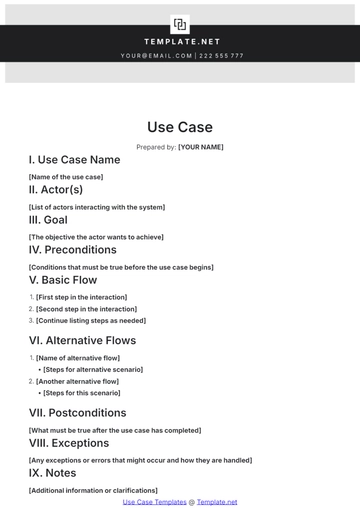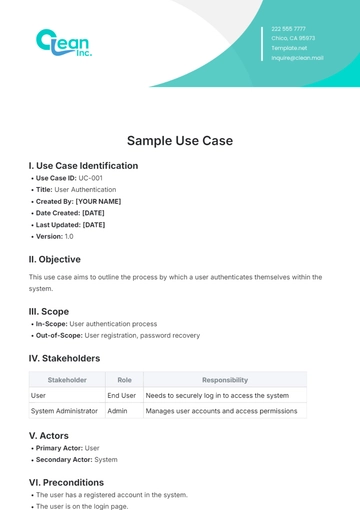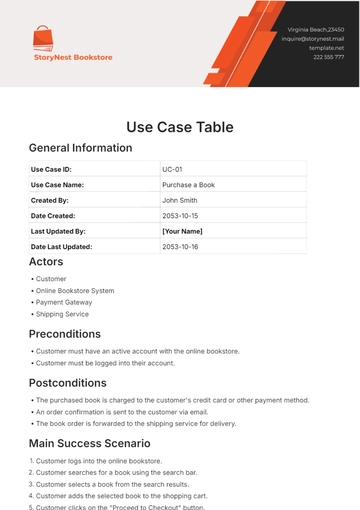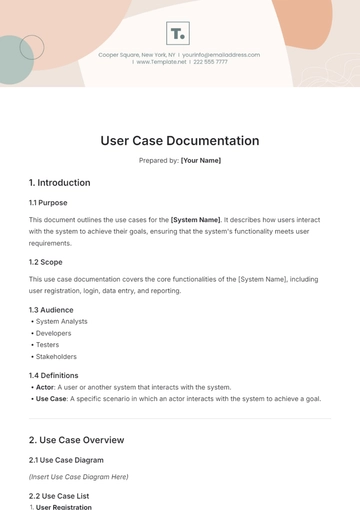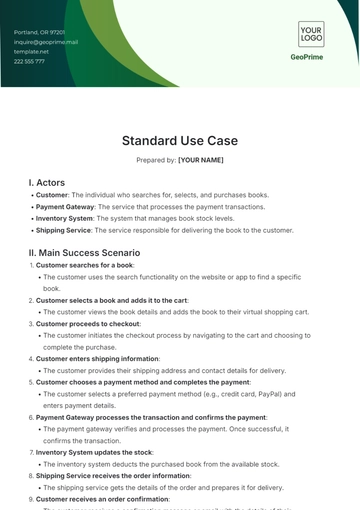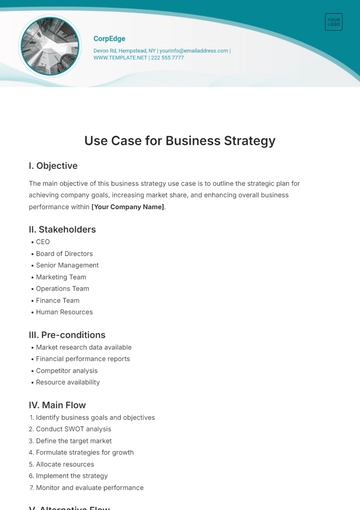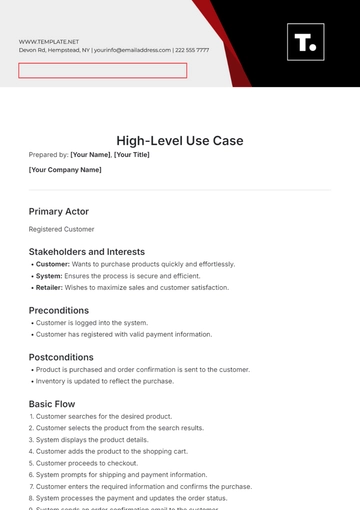
Free Visio Use Case

Created by: [Your Name]
Company: [Your Company Name]
I. Introduction
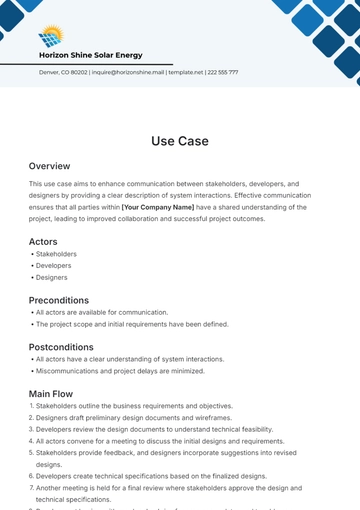
This section provides an overview of the Use Case including its intent and linkage to overarching business goals.
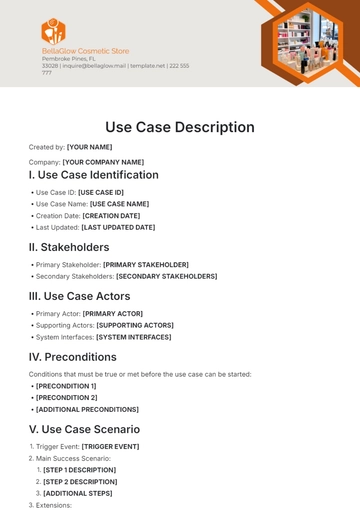
Objective: [Briefly describe the objective of this Use Case]
Scope: [Define the scope of the Use Case, e.g., application-wide, department-specific, etc.]
II. Use Case Identification
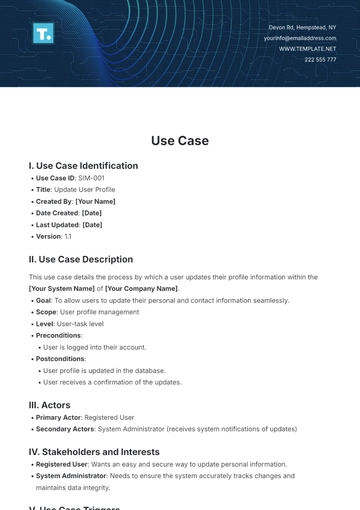
Use Case Name: [Use Case Name]
Use Case ID: [Use Case ID]
III. Actors
Identify all the participants involved in the Use Case and describe their roles.
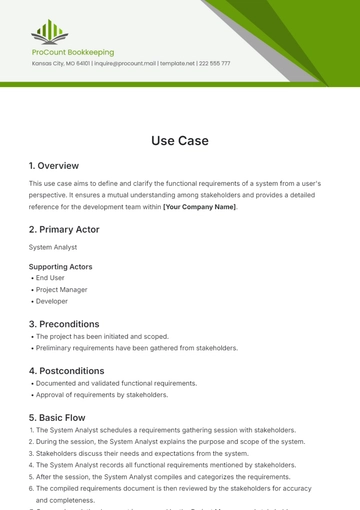
Primary Actor: [Main participant's role]
Secondary Actors: [Supporting participants' roles]
IV. Preconditions
List all conditions that must be true before the Use Case can start.
[Condition 1]
[Condition 2]
[Additional conditions]
V. Basic Flow
This section describes the sequence of events that make up the normal, successful scenario.
[Step 1: Action performed by an Actor]
[Step 2: System or actor response]
[Further steps as necessary]
VI. Alternative Flows
Detail other possible sequences spawned by exceptions during the Basic Flow.
[Alternative Flow 1: Description and Actor's actions]
[Additional Alternative Flows as necessary]
VII. Postconditions
Specify the state of the system at the conclusion of the Use Case execution.
[Postcondition 1]
[Postcondition 2]
[Additional postconditions]
VIII. Exception Conditions
List scenarios that could cause the Use Case to fail and actions taken in response.
[Exception Condition 1: Description and handling]
[Additional Exception Conditions as necessary]
IX. Special Requirements
Include any non-functional requirements or special constraints pertaining to the Use Case.
[Requirement 1: Description]
[Requirement 2: Description]
[Additional Requirements as necessary]
X. Assumptions
Detail any assumptions made during the drafting of this Use Case that could affect its execution.
[Assumption 1]
[Assumption 2]
[Additional Assumptions]
- 100% Customizable, free editor
- Access 1 Million+ Templates, photo’s & graphics
- Download or share as a template
- Click and replace photos, graphics, text, backgrounds
- Resize, crop, AI write & more
- Access advanced editor
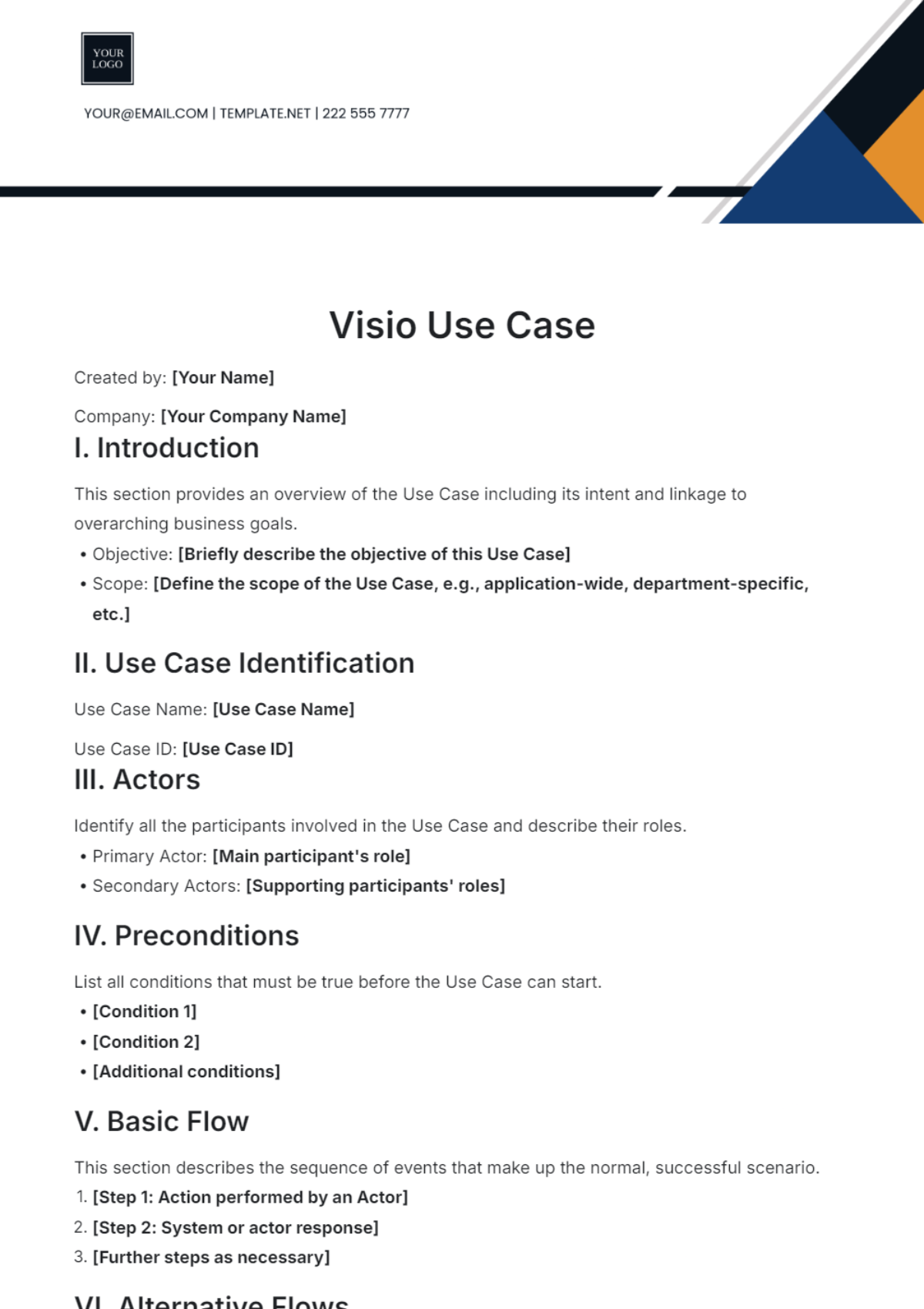
Introducing the Visio Use Case Template from Template.net, your ultimate solution for streamlined project visualization. Crafted with precision, it offers editable and customizable features, ensuring seamless adaptation to your unique requirements. Effortlessly harness its power in our Ai Editor Tool for unparalleled efficiency in depicting complex workflows.