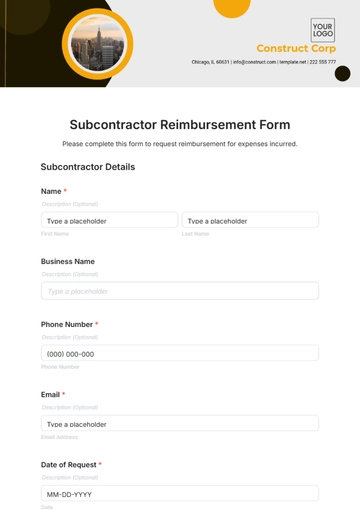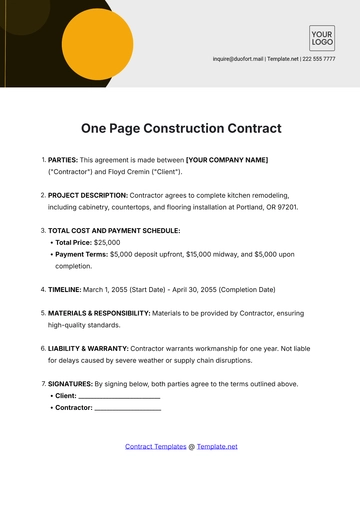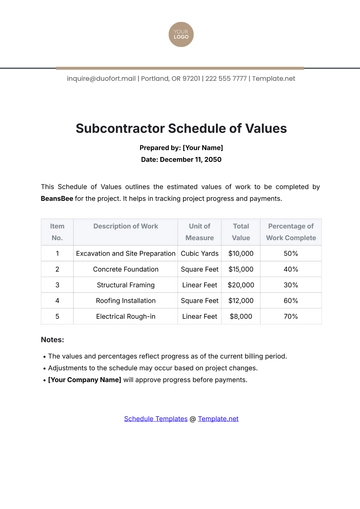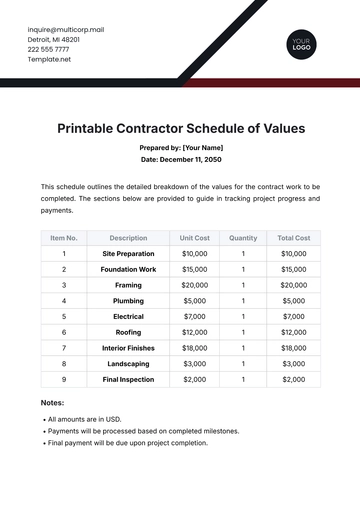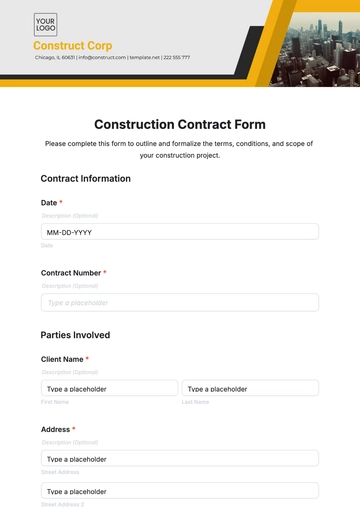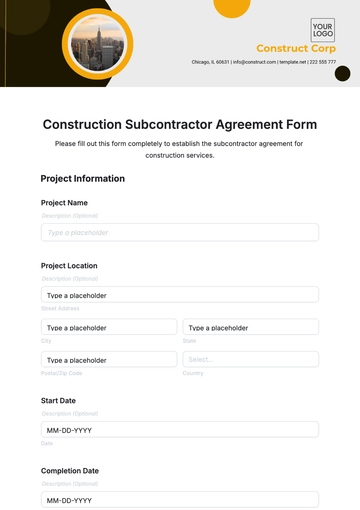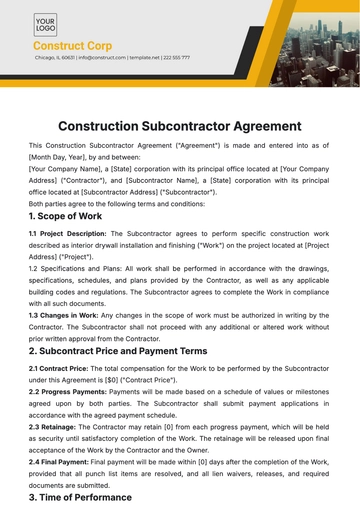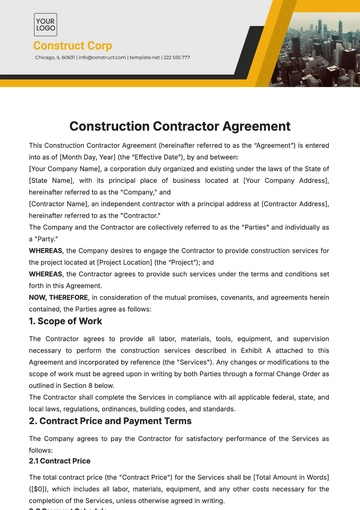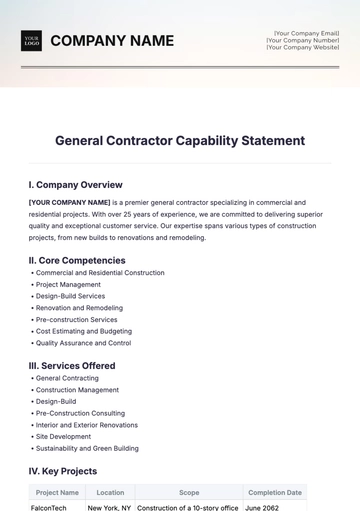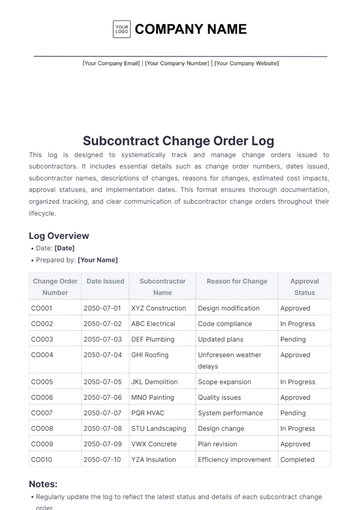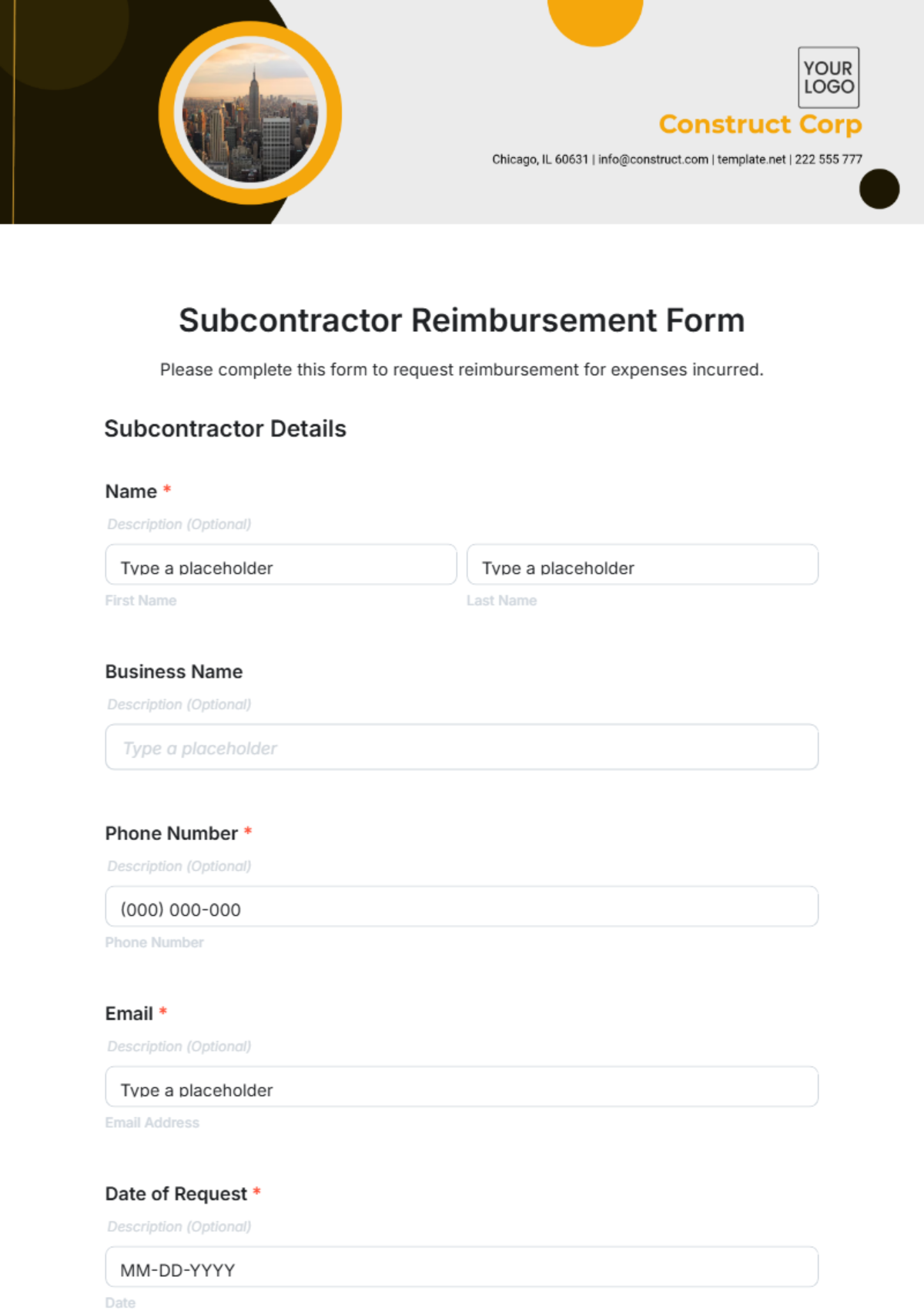
A Subcontractor Reimbursement Form is an interactive HTML5 document used to request payment for subcontracted work expenses, ideal for contractors and project managers.
A Subcontractor Reimbursement Form is an interactive HTML5 document used to request payment for subcontracted work expenses, ideal for contractors and project managers.
How to Create a Subcontractor Reimbursement Form for Free?
Creating your professional Subcontractor Reimbursement Form takes only a few minutes.
- Customize a Free TemplateStart with this free editable, fillable, and printable Subcontractor Reimbursement Form template and personalize it for your construction project, maintenance job, or consulting assignment.
- Generate an On-Brand Subcontractor Reimbursement Form with AIDescribe the form you need, and AI will build a fully interactive Subcontractor Reimbursement Form, ready to fill, edit, or review with custom expense fields and payment details.
- Edit in the HTML5 EditorModify every detail including company info, subcontractor data, reimbursement categories, totals, and layout in our drag-and-drop HTML5 form editor.
- Download a Printable PDFSave your completed Subcontractor Reimbursement Form as a printable PDF for physical records or offline submissions.
- Share a Link to Collect Forms OnlinePublish your Subcontractor Reimbursement Form to get expense submissions online from subcontractors, project managers, or accountants.