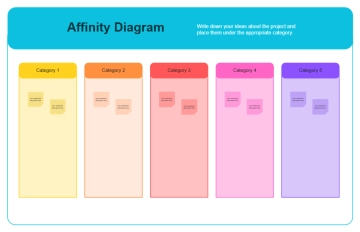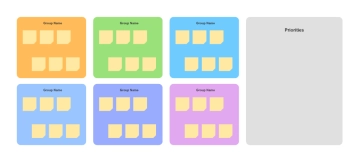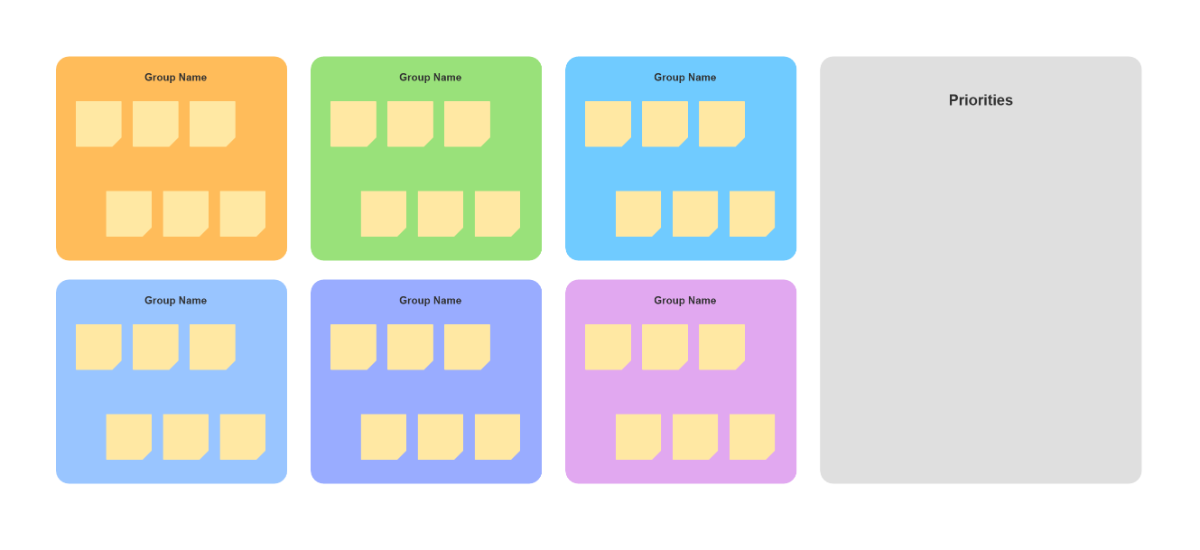
This image displays a clean and organized Affinity Diagram template designed to help teams brainstorm and categorize ideas into logical themes. The layout features six colorful square boxes on the left side, each labeled "Group Name" and tinted in pastel shades of blue, red, orange, yellow, purple, and green. Within these group boxes, small grey squares serve as placeholders for individual ideas or data points, allowing for easy visual sorting. Occupying the right side of the template is a large, light grey rectangular section titled "Priorities", which includes a single grey square as a starting point. This spacious section is intended for ranking the most important themes or actionable steps identified during the grouping process. The minimalist aesthetic and clear distinction between the grouping area and the priority zone make this a practical tool for collaborative problem-solving and information synthesis.