
Free Swimlane Diagram Templates
Swimlane Diagram Templates: Definition, Uses, and Collaboration Tips
What is a Swimlane Diagram?
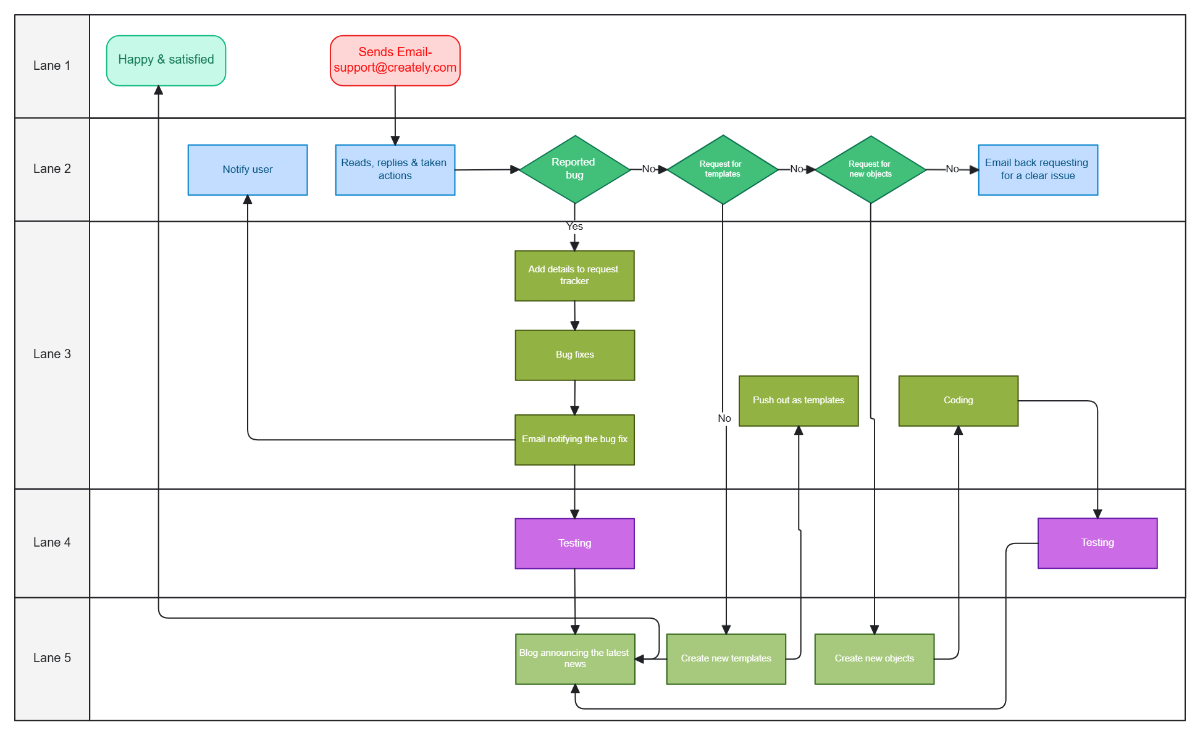
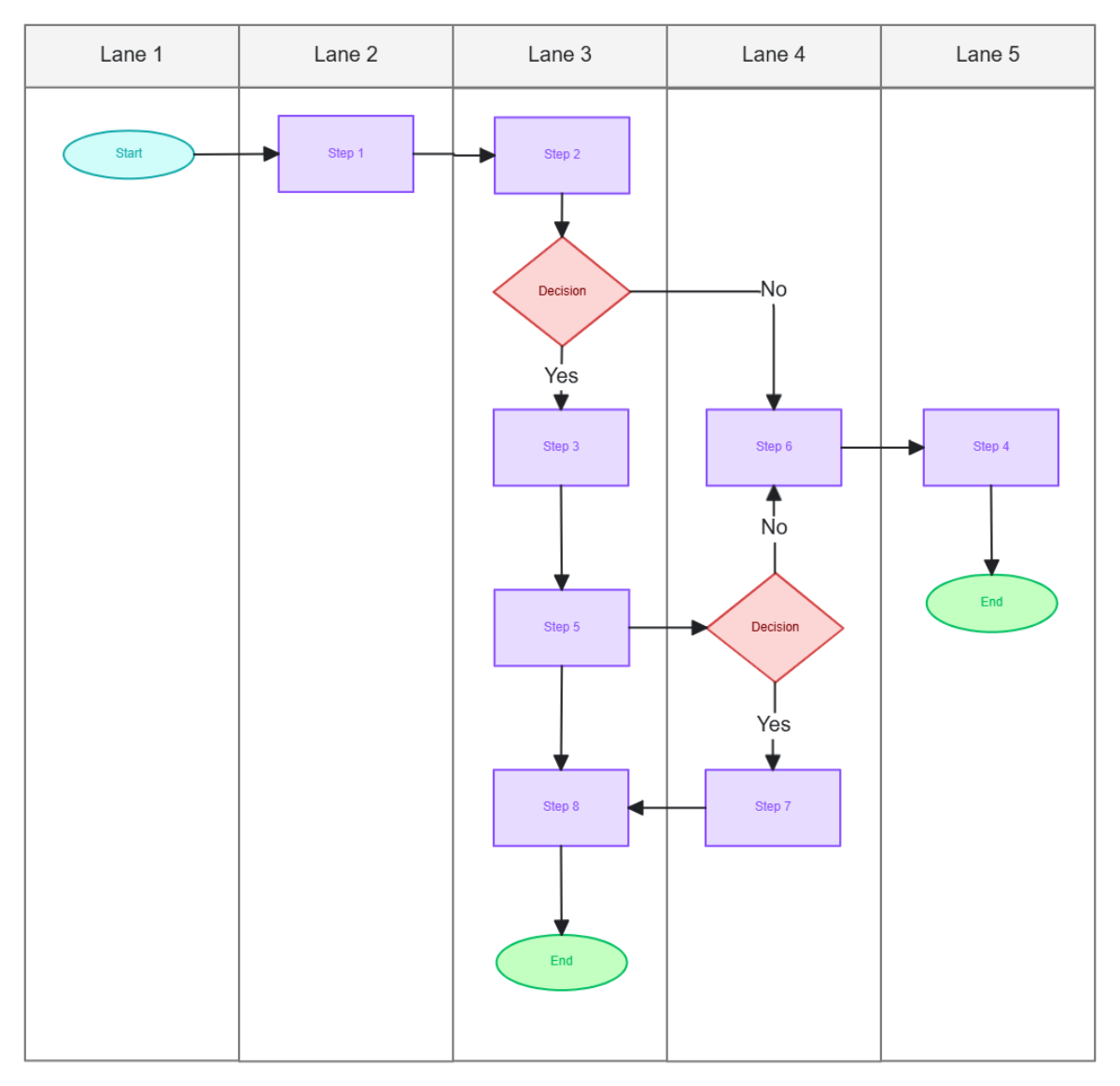
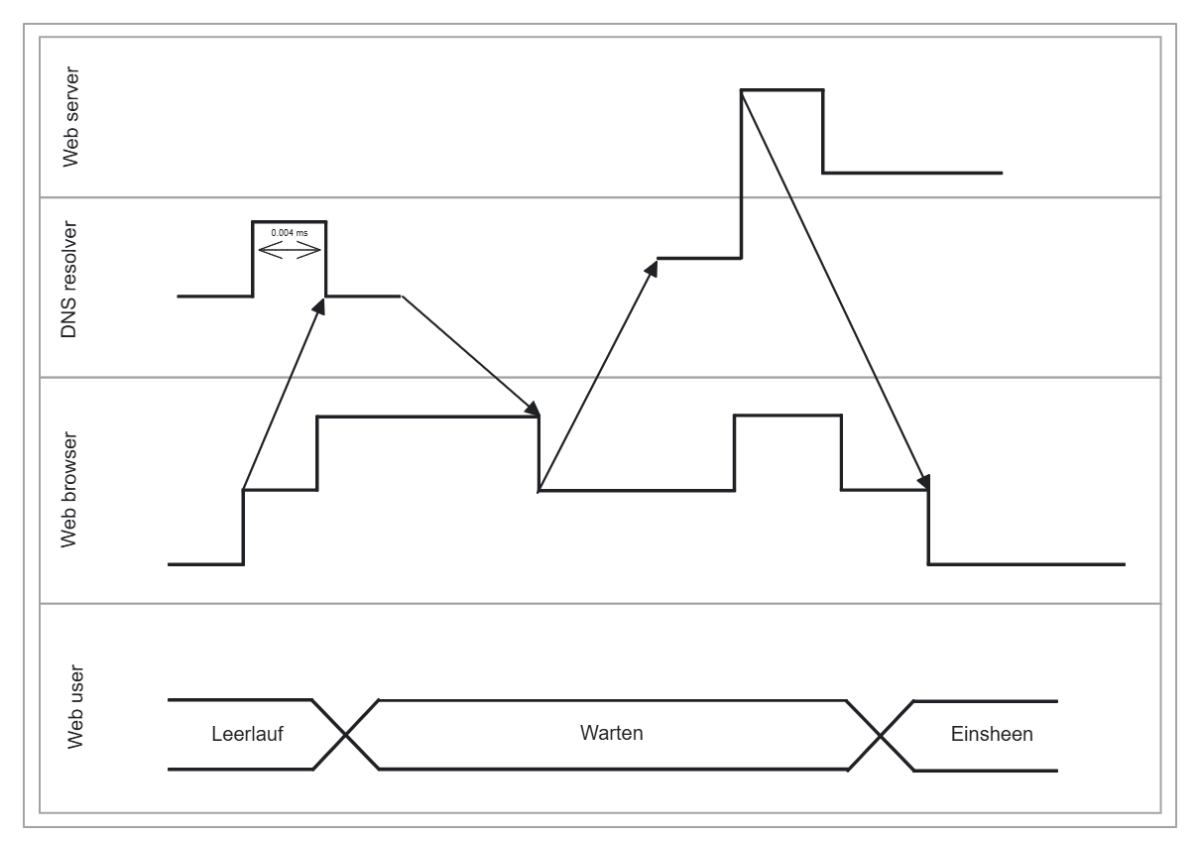
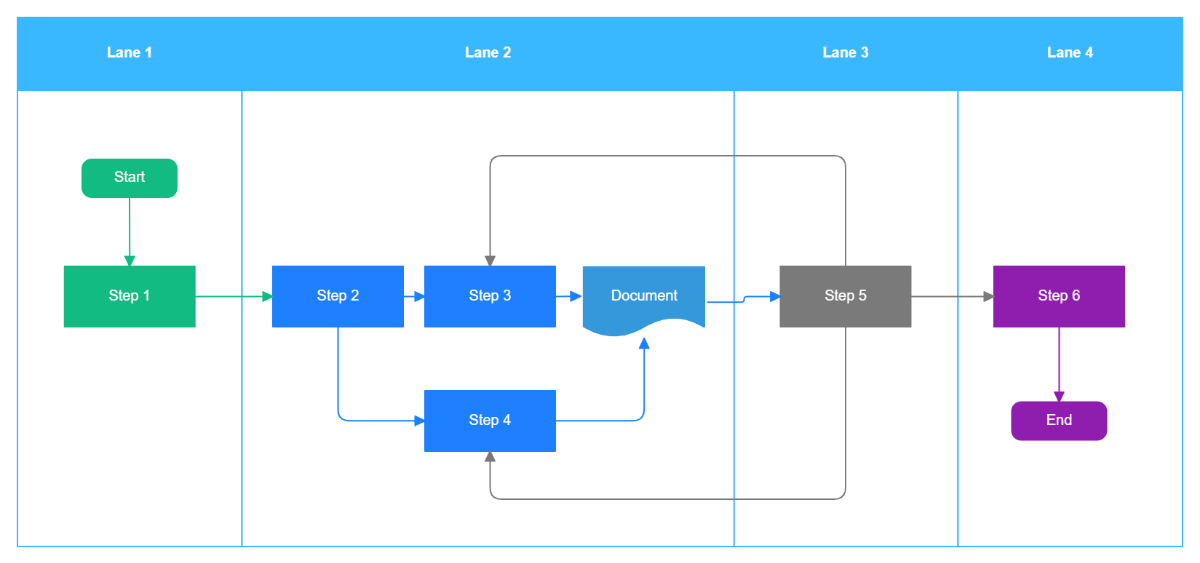
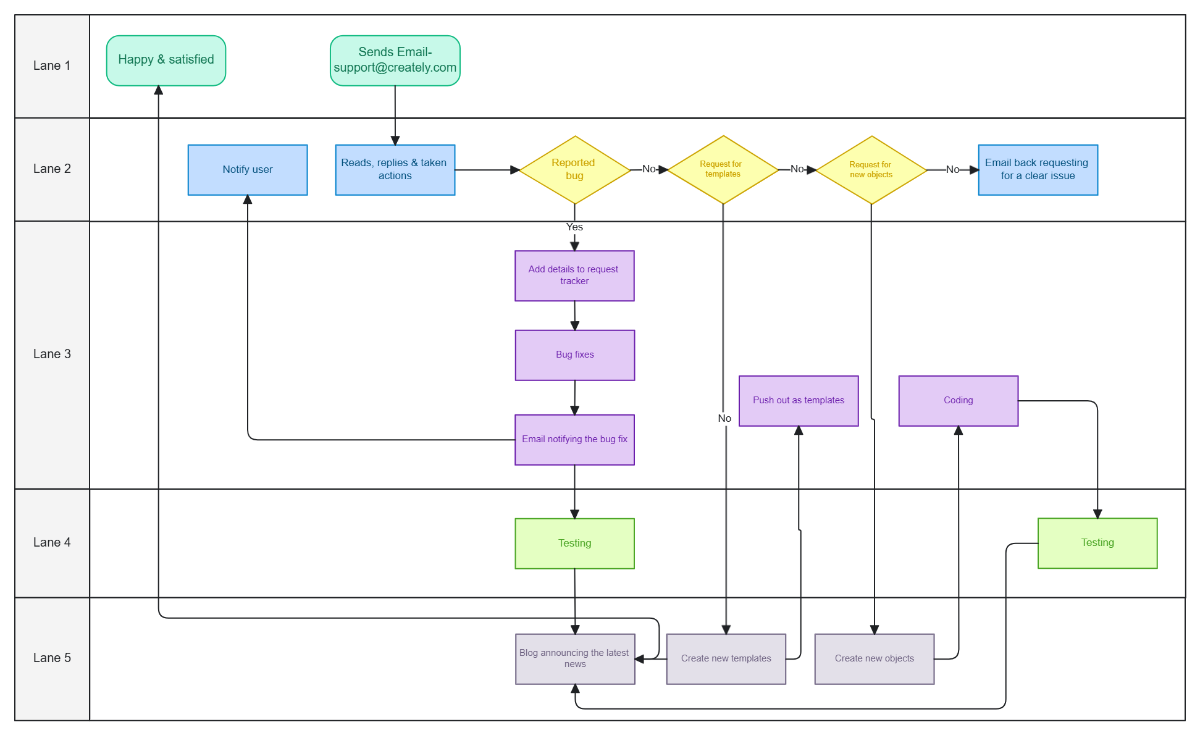
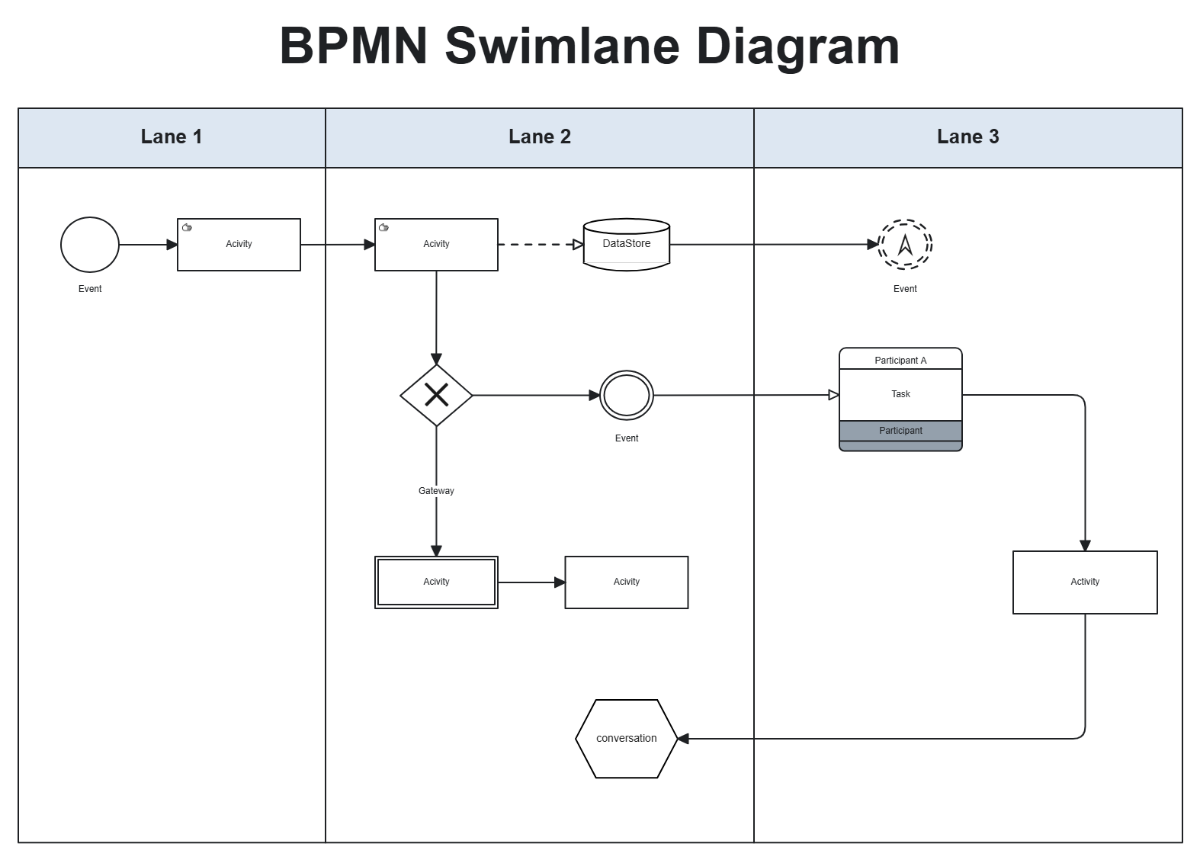
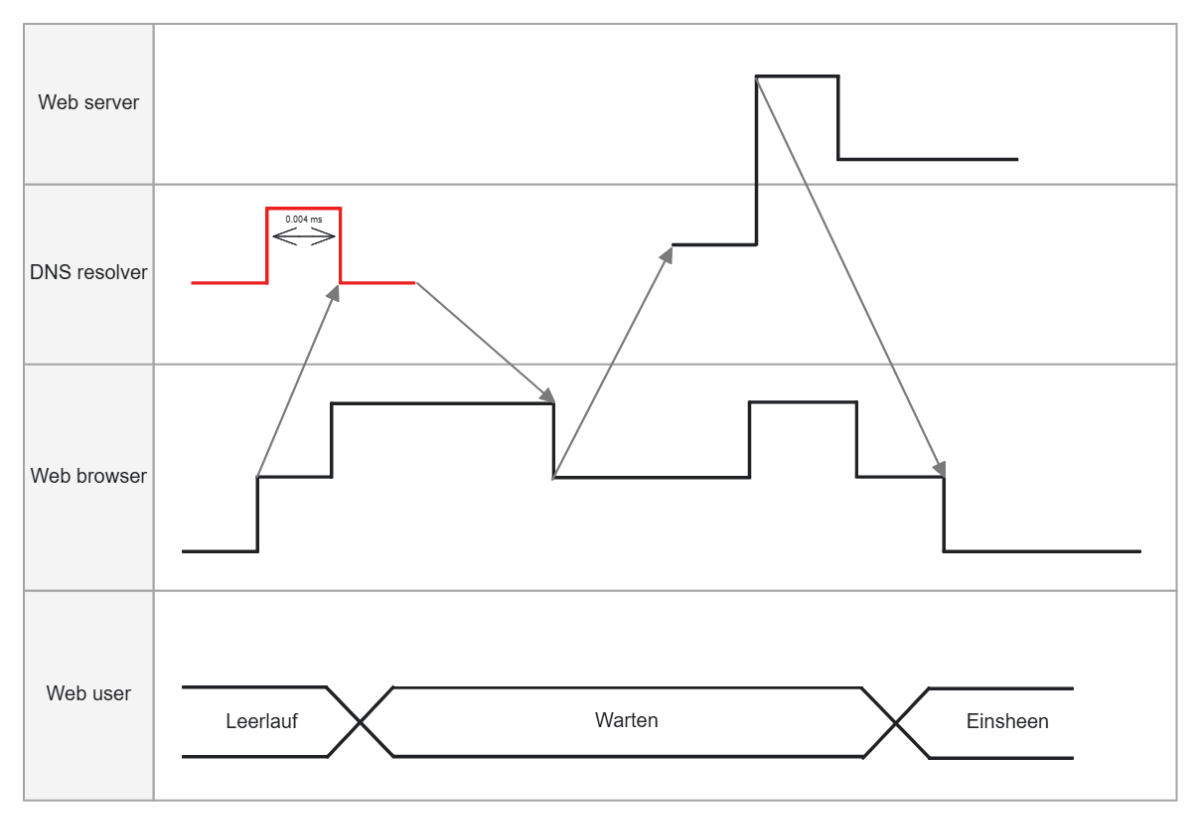
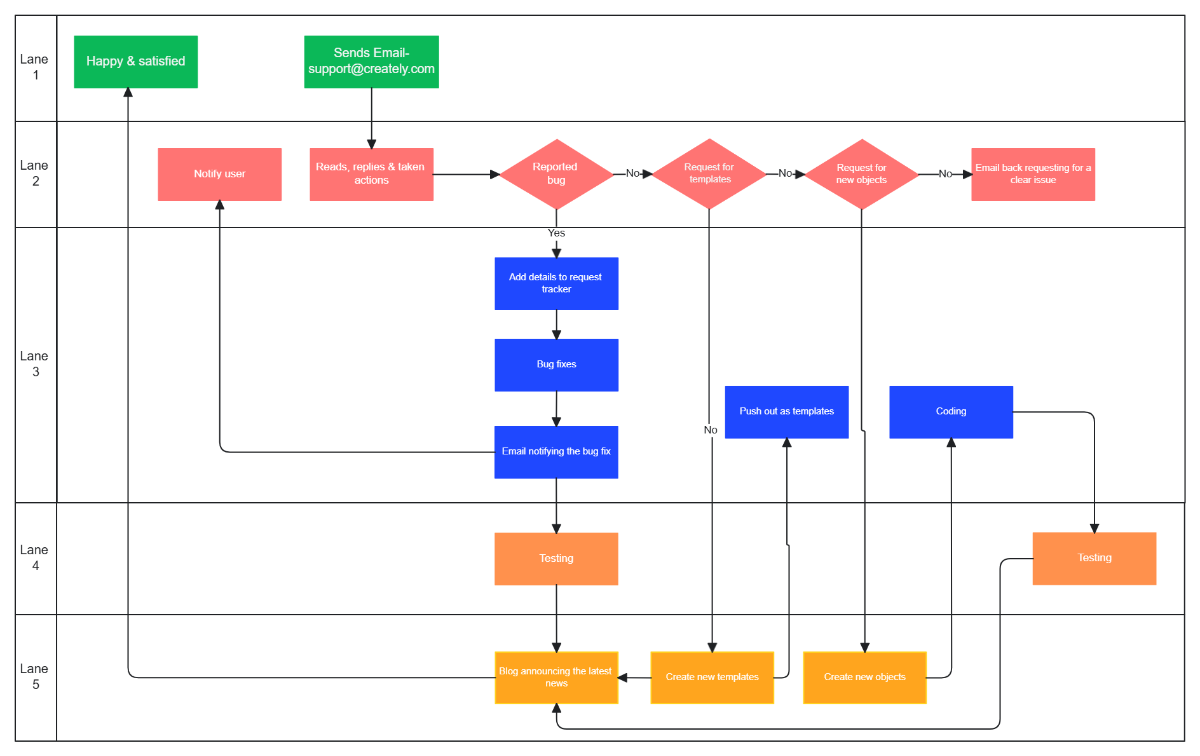
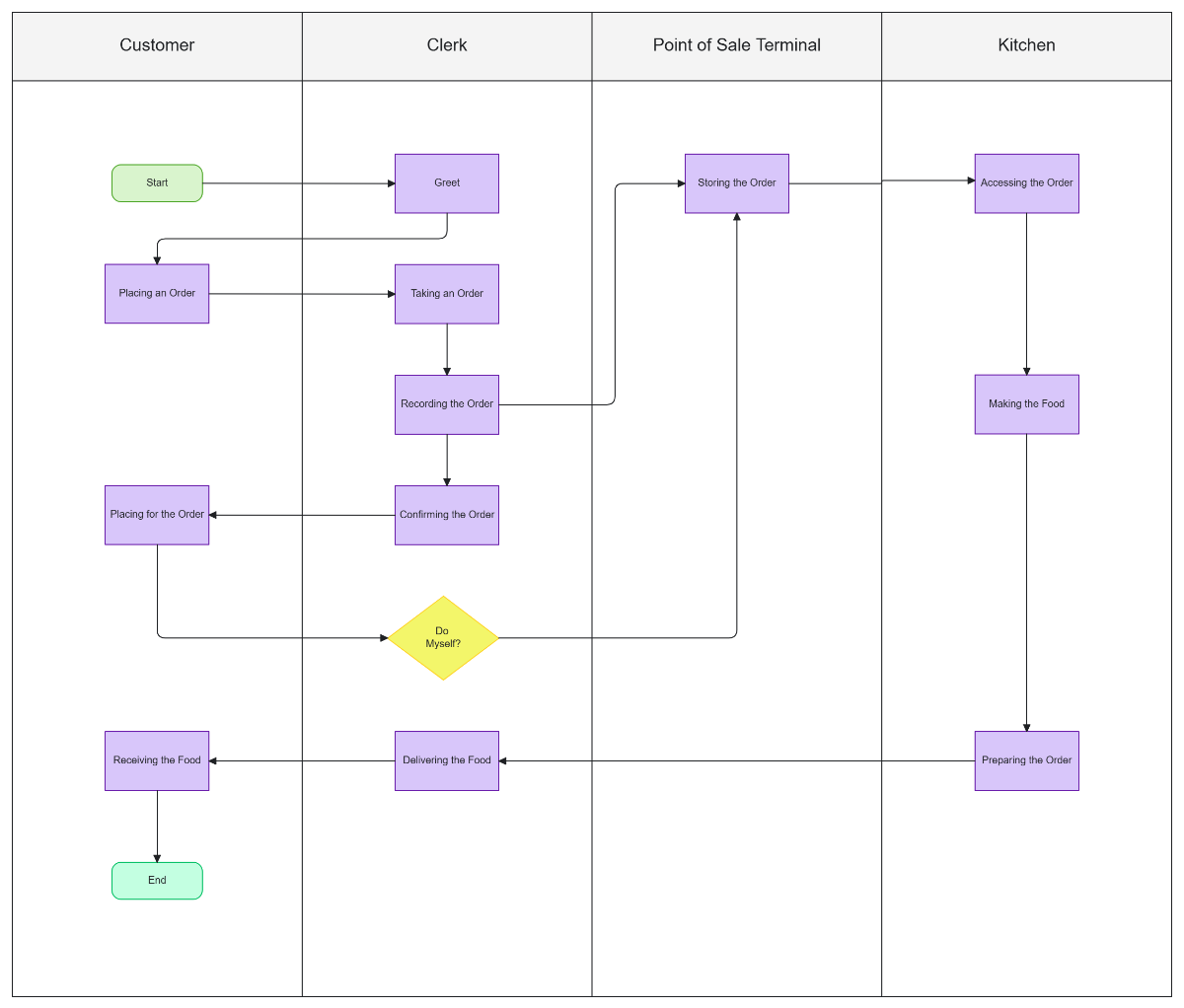
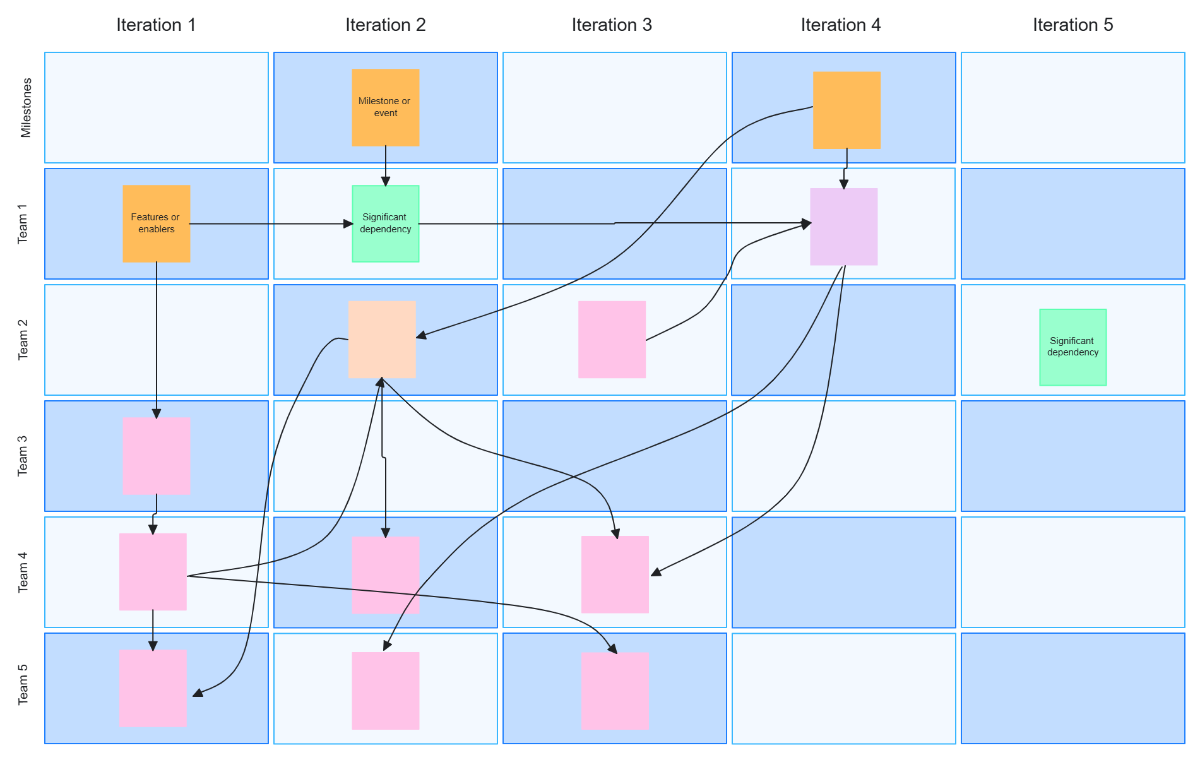
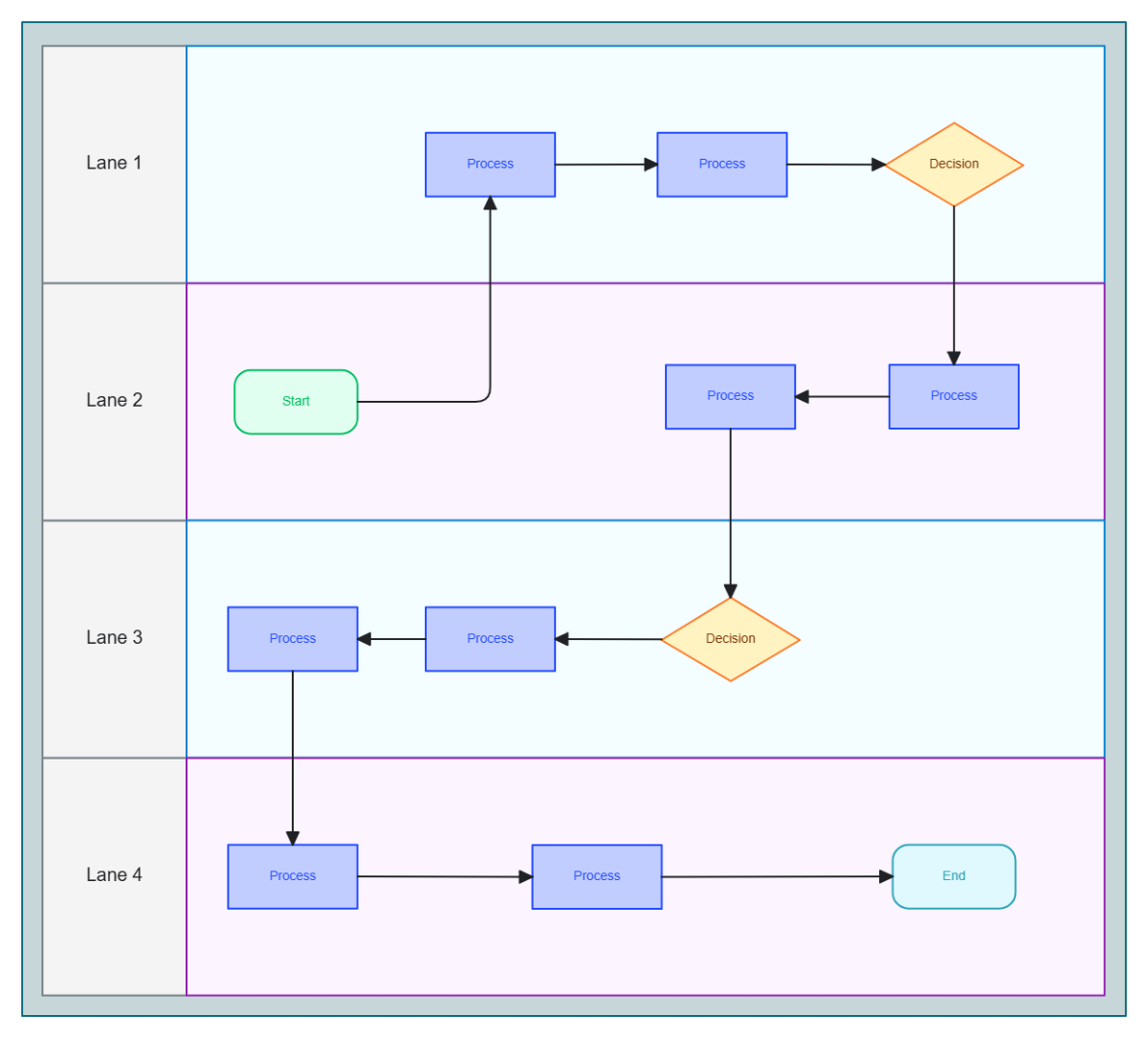
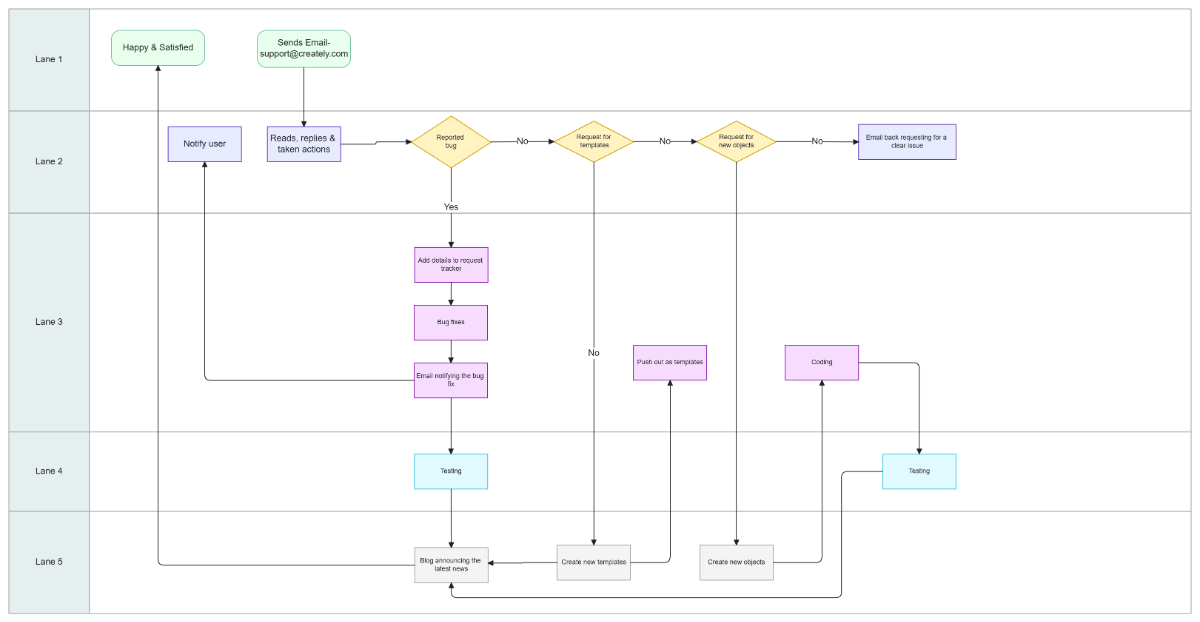
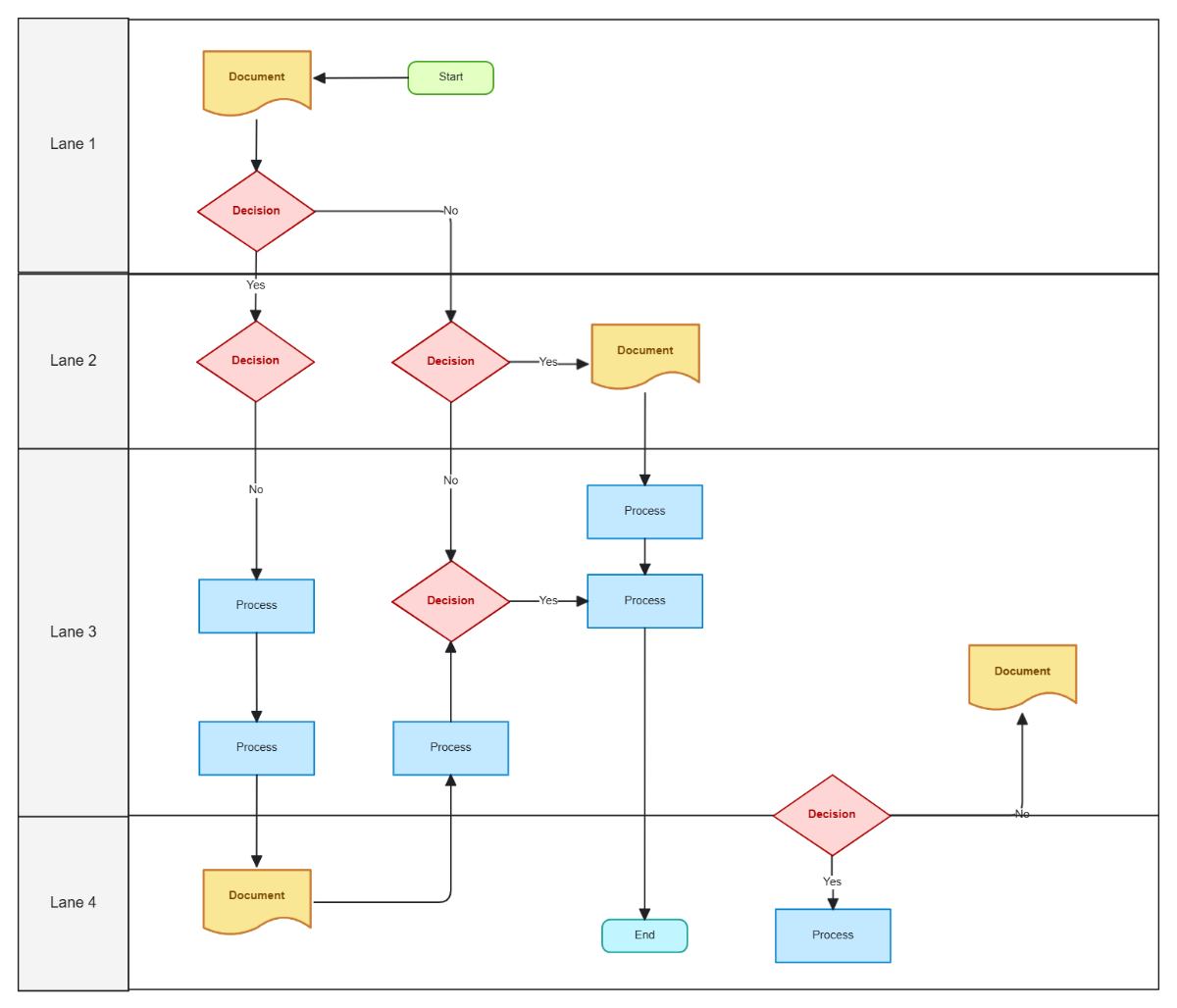
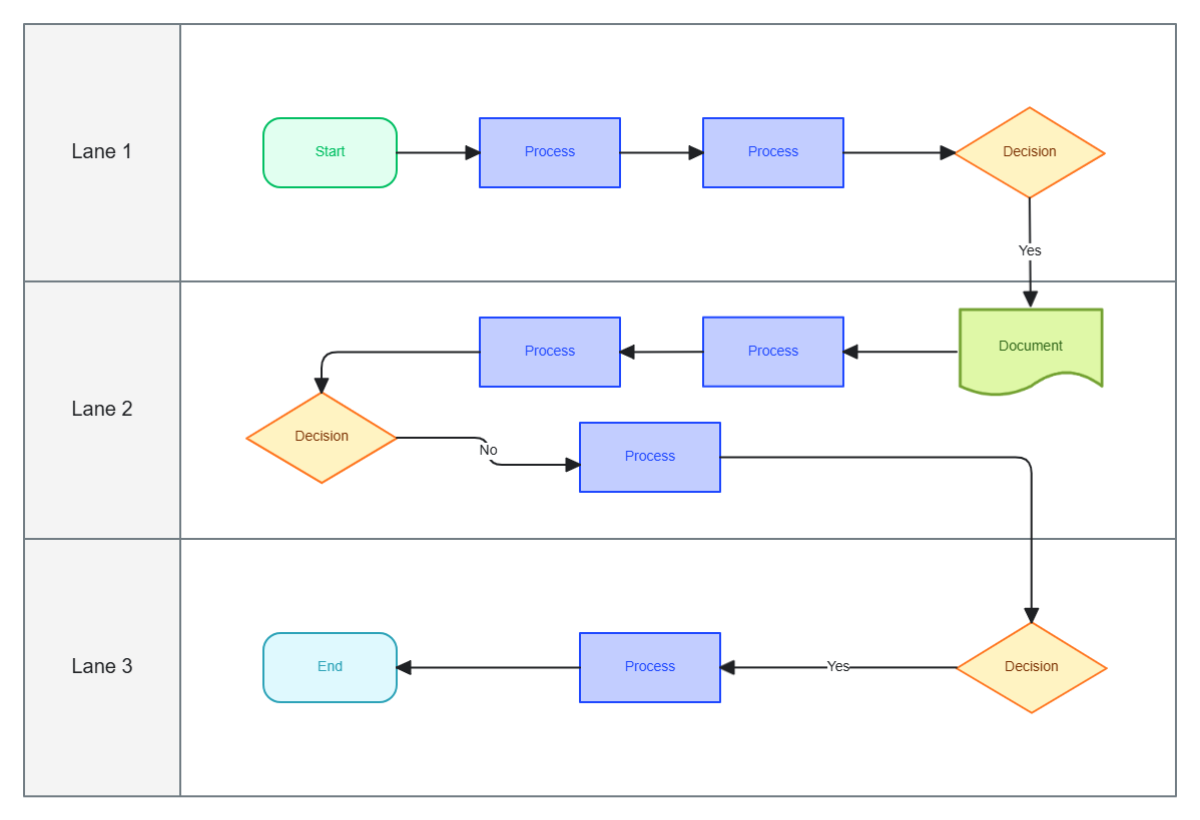
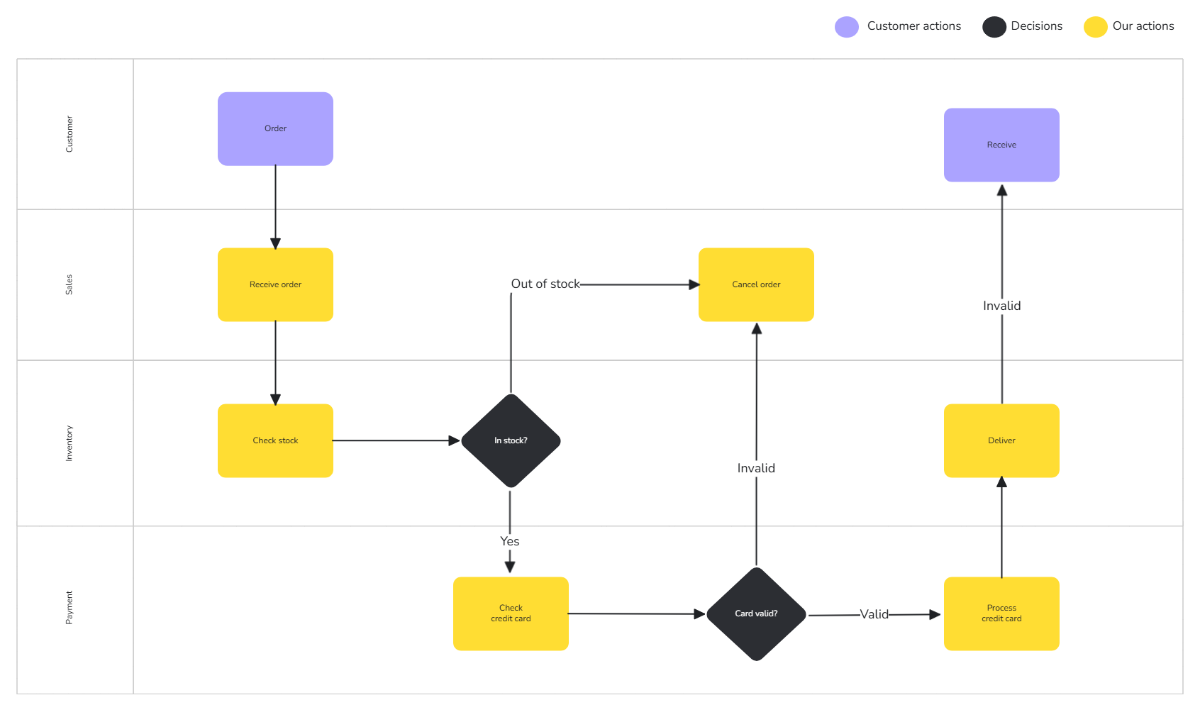
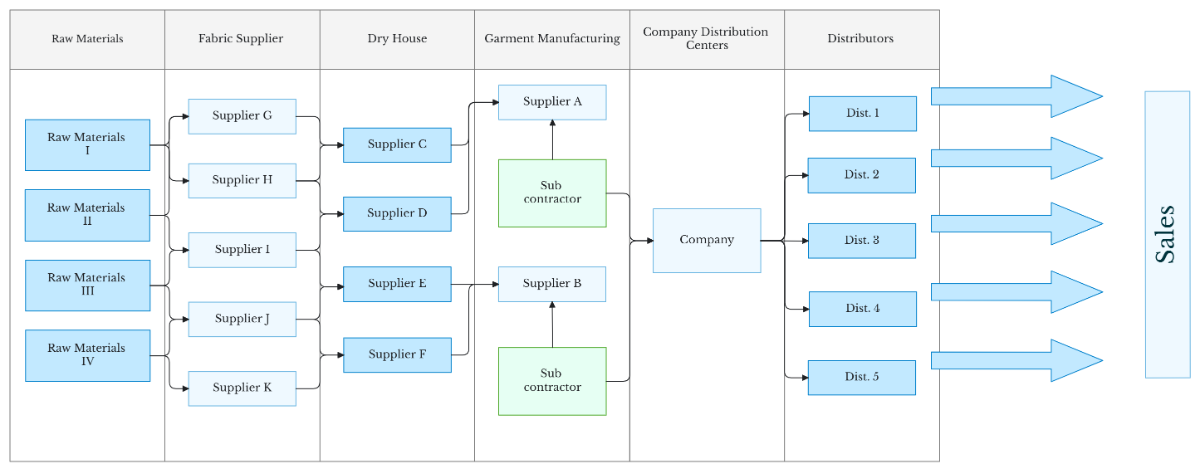
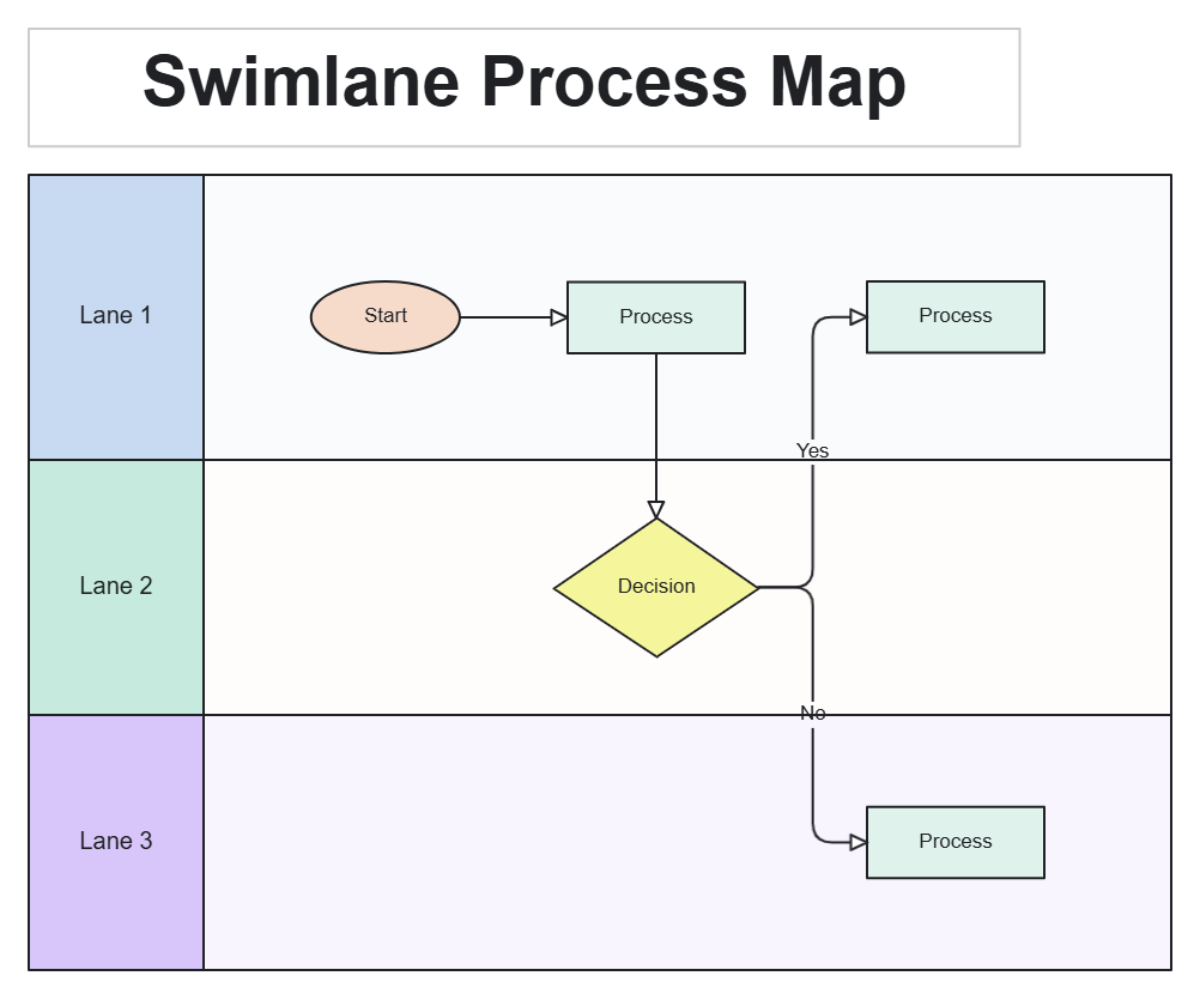
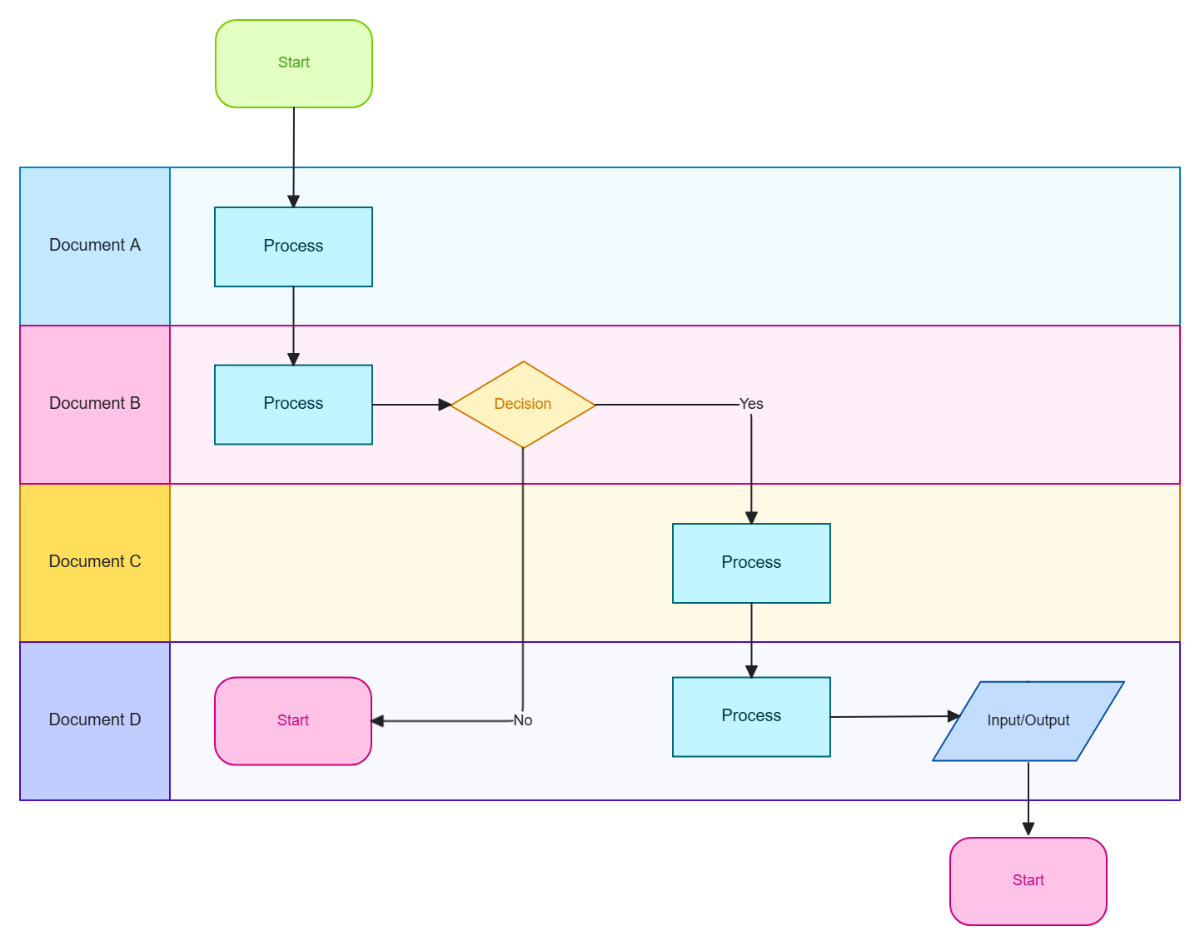
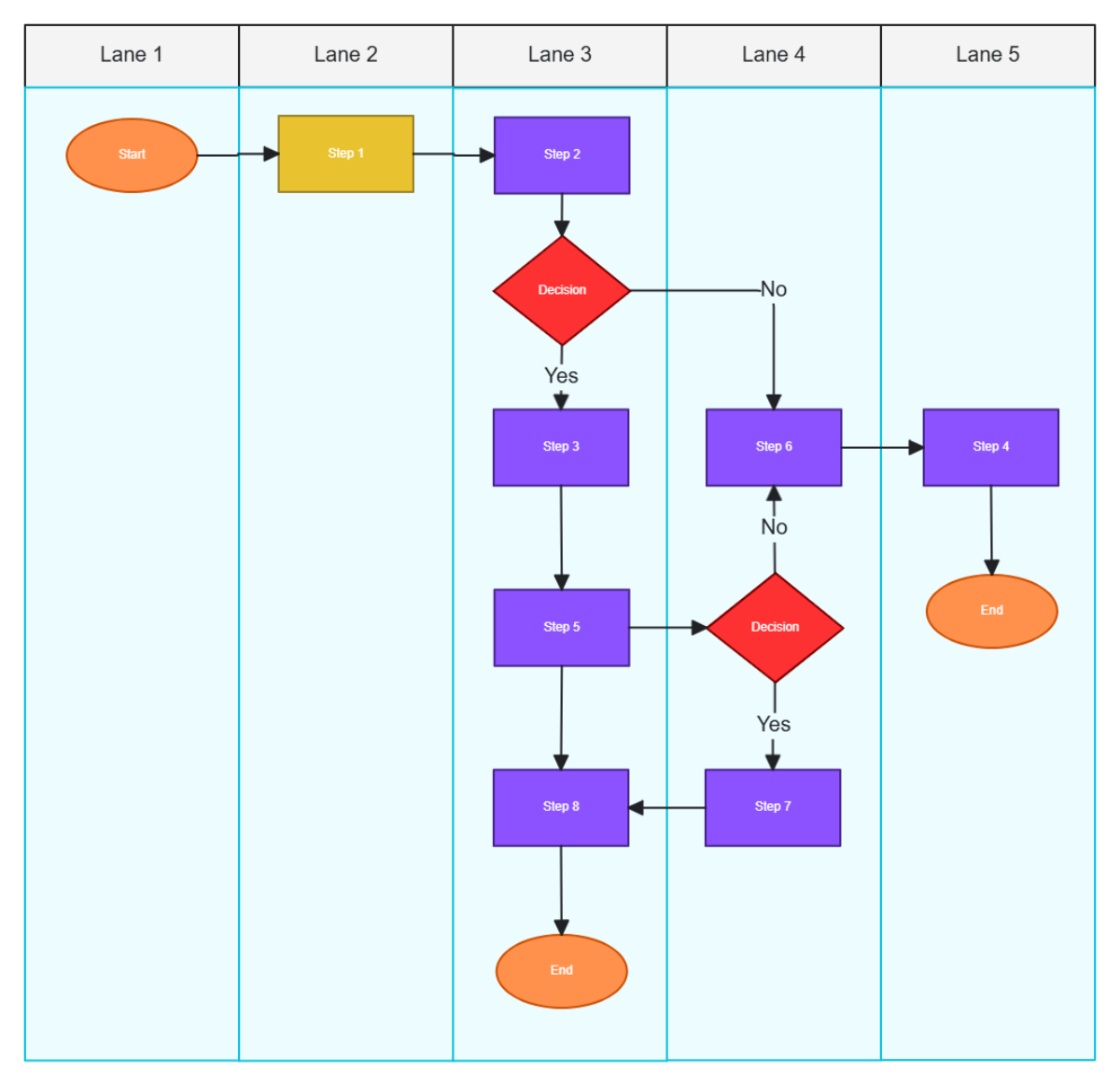
A Swimlane Diagram is a process flowchart that visually divides tasks or steps into horizontal or vertical lanes representing different participants or departments. Swimlane Diagrams help clarify responsibilities and sequence in complex workflows using columns, shapes, and text blocks.
Why use a Swimlane Diagram?
Swimlane Diagrams improve process transparency by clearly showing task ownership across swimlanes. They enable teams to identify bottlenecks and streamline workflows through visual color coding and structured sections, enhancing planning and communication.
Who typically uses Swimlane Diagrams?
Swimlane Diagrams are commonly used by project managers, process analysts, and cross-functional teams to map workflows. They assist stakeholders in understanding role-based task flow through collaborative real-time editing and shared canvas layouts.
What sections or blocks should a Swimlane Diagram include?
A Swimlane Diagram should include distinct swimlanes for each role or department, sequential process steps in shapes or nodes, connectors showing flow direction, and clear text blocks for task descriptions. Consistent color coding enhances readability.
What are the best tips for designing a Swimlane Diagram?
Designing effective Swimlane Diagrams involves using clear lanes for roles, limiting text per block, applying consistent color coding, and arranging steps logically with connectors. Keep the canvas layout uncluttered for easy understanding.
How do you share or present a Swimlane Diagram?
Swimlane Diagrams can be shared online via links or embedded in presentations. Export options allow saving diagrams in multiple file formats for easy distribution. Interactive canvas layouts support live presentations and collaborative reviews.
How do teams collaborate on a Swimlane Diagram?
Teams collaborate on Swimlane Diagrams through online real-time editing, using features like shared collaboration cursors, comments, and drag-and-drop shapes. This fosters efficient brainstorming, planning, and consensus building.
What file formats can I download for a Swimlane Diagram?
Template.net whiteboard templates support multiple export formats for Swimlane Diagrams, including Swimlane Diagram Templates for easy editing, sharing, and presenting.
Can I create a new Swimlane Diagram using AI?
Template.net provides an AI-powered tool that generates new Swimlane Diagram layouts from prompts in seconds, ready for online refinement and multi-format export. Try the Swimlane Diagram Maker for quick creation.
