

















Venn Diagram Templates: Definition, Uses, and Collaboration Features
What is a Venn Diagram?
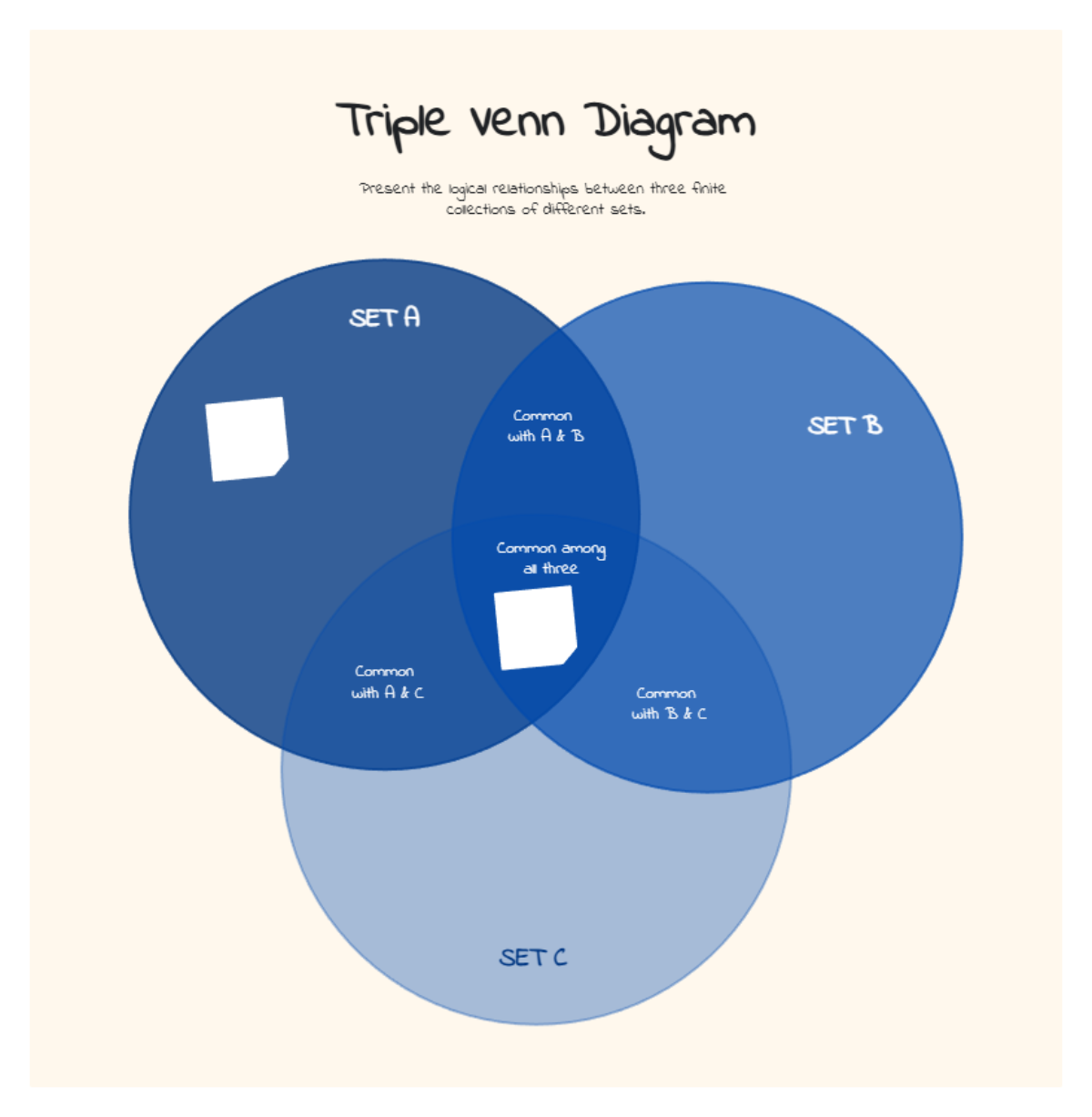
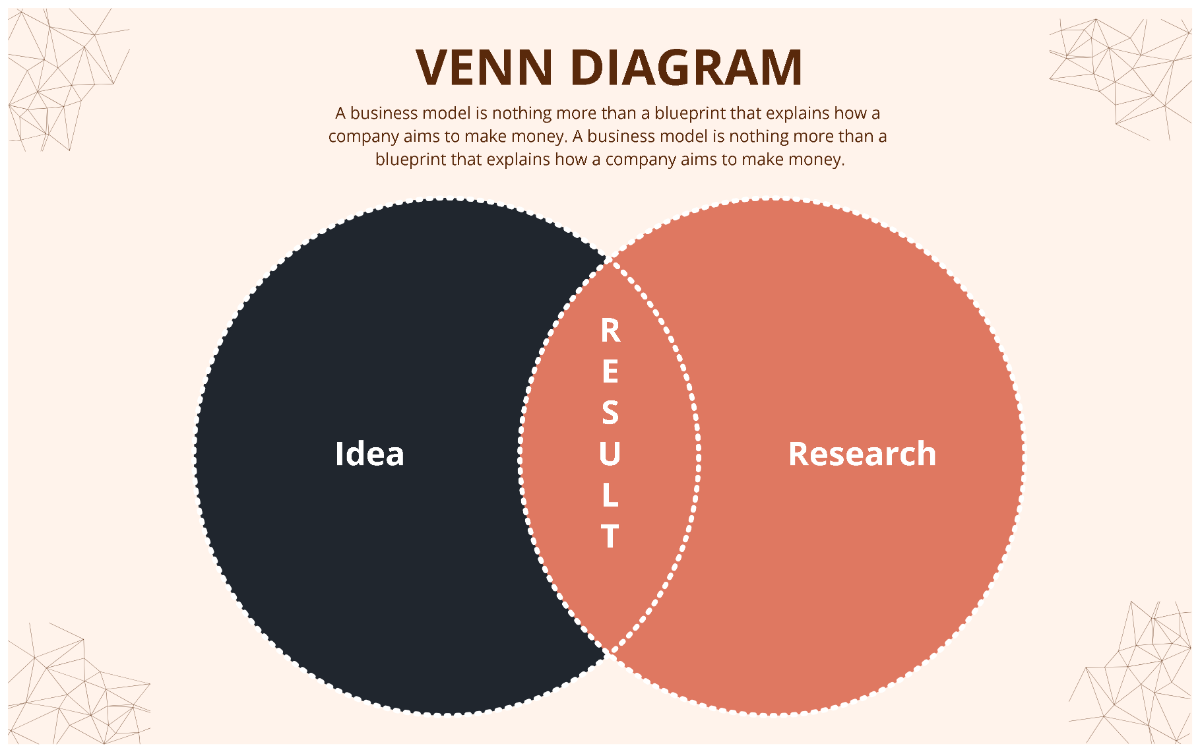
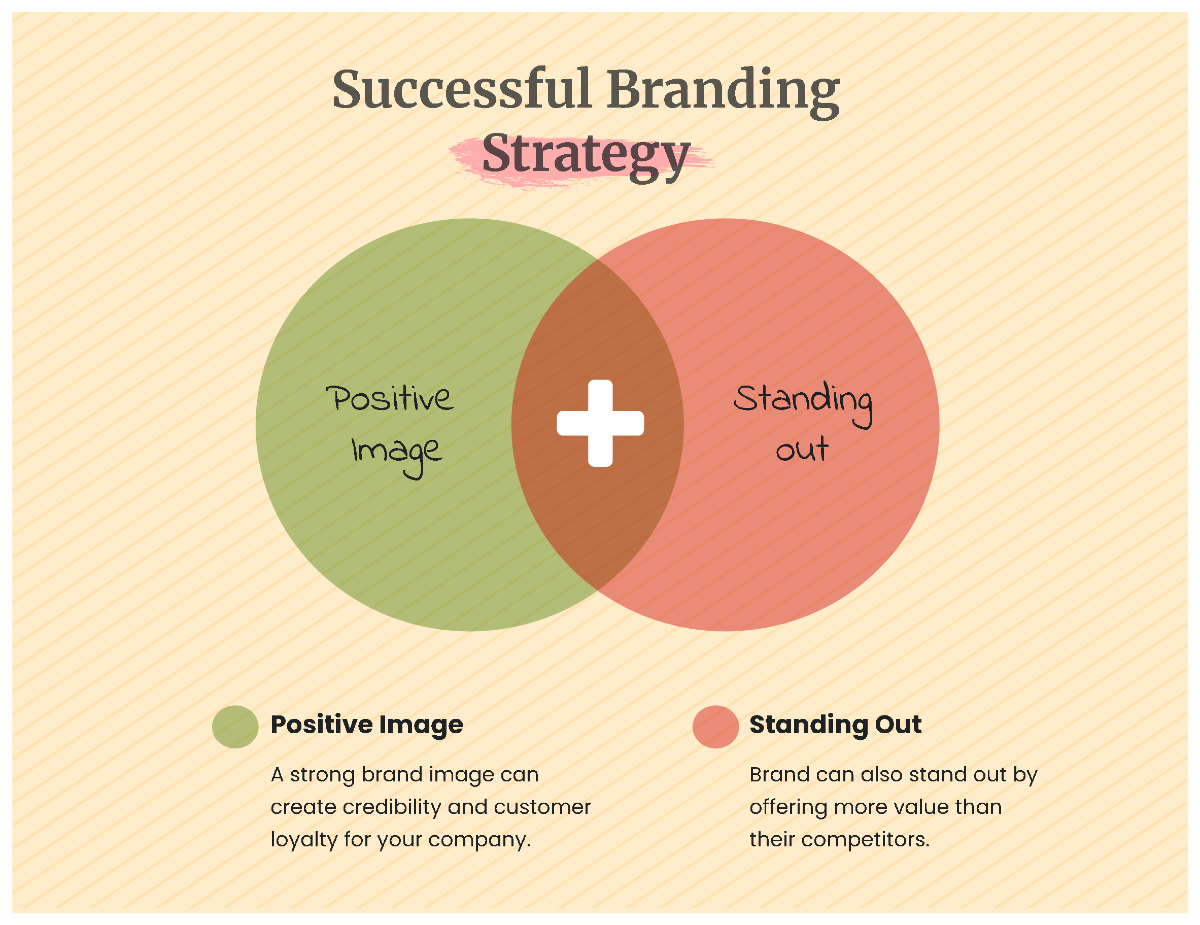
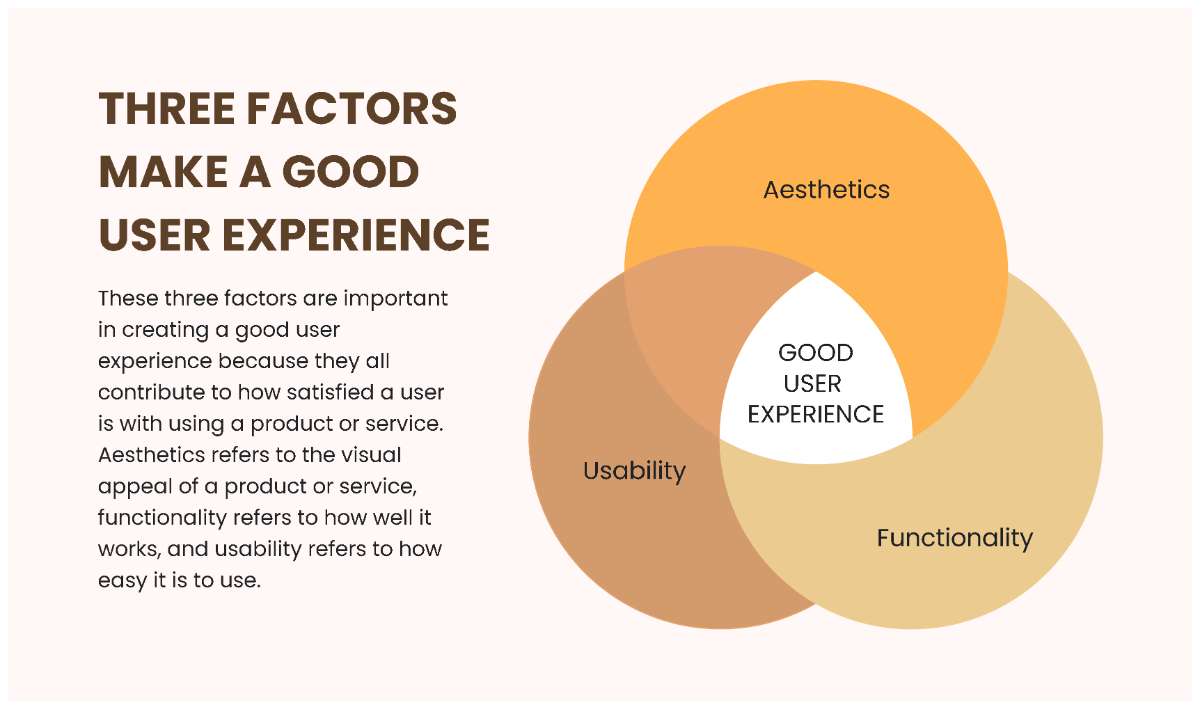
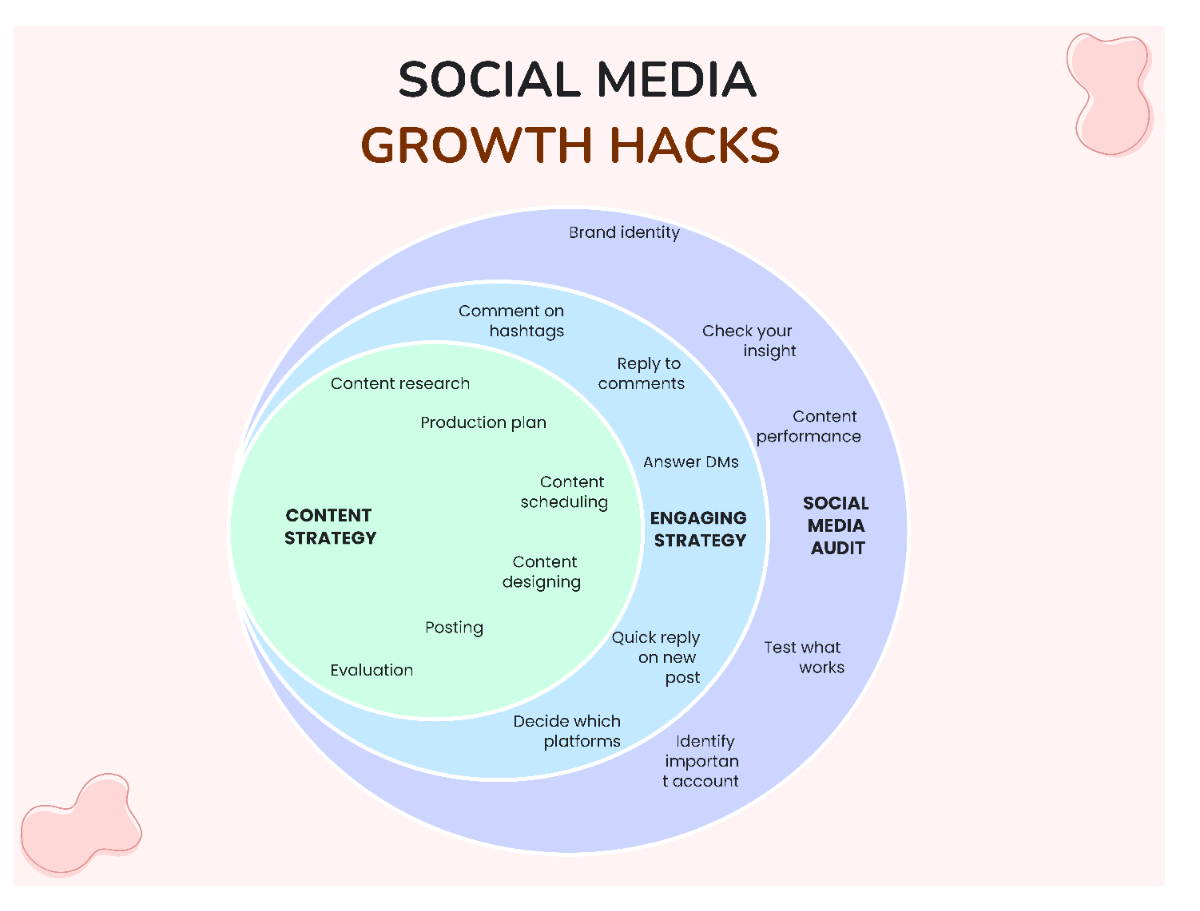
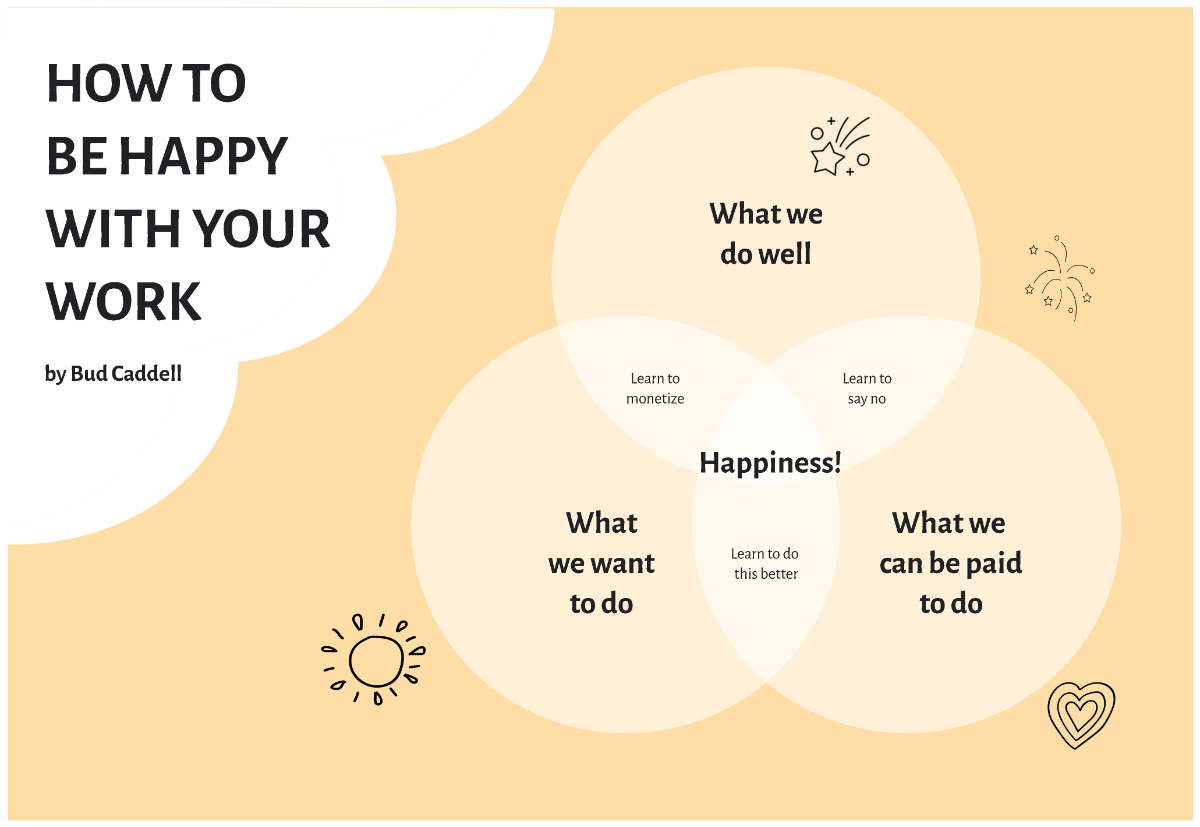
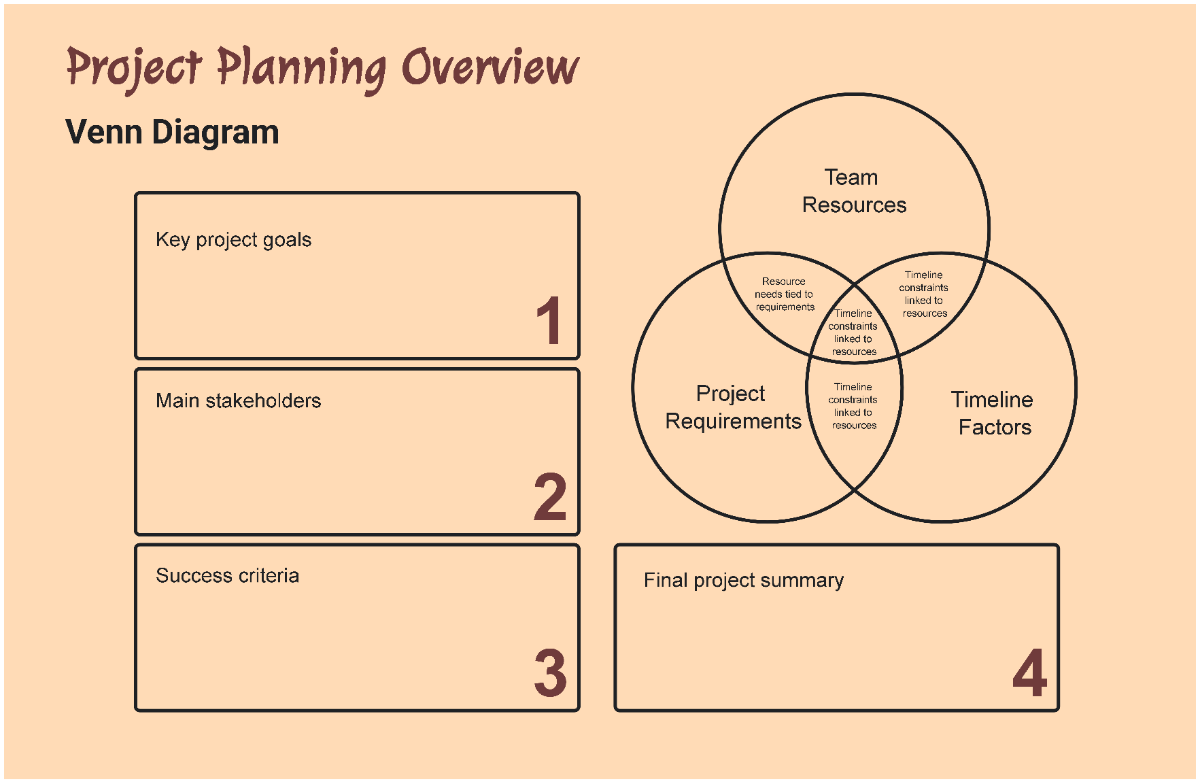
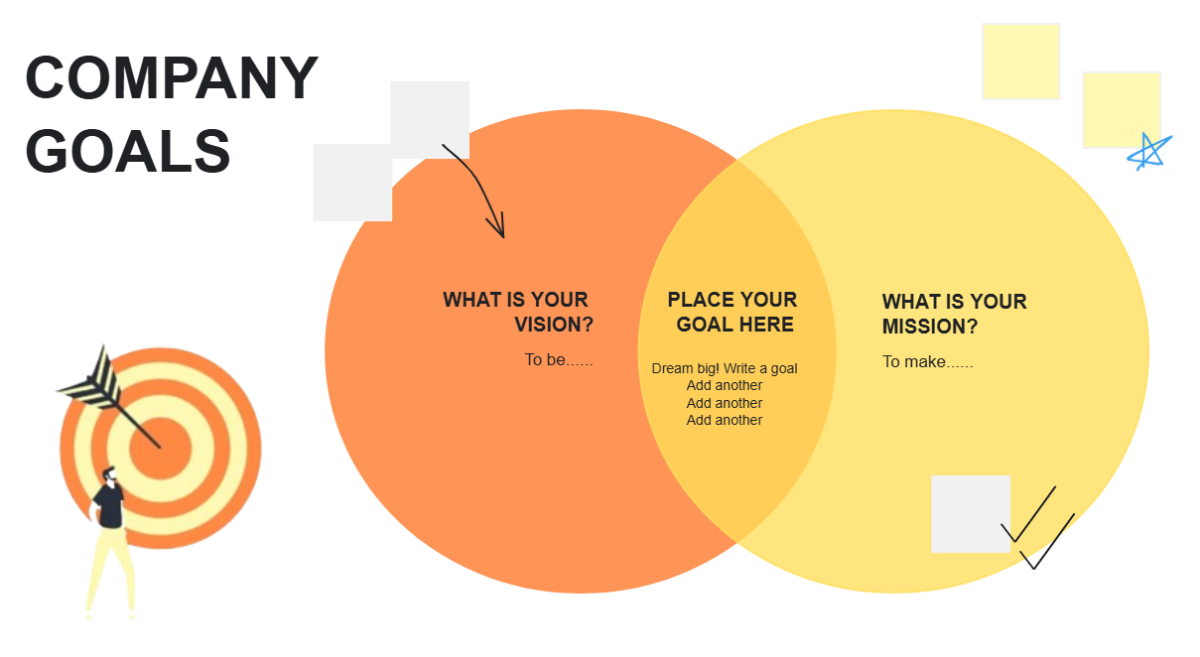
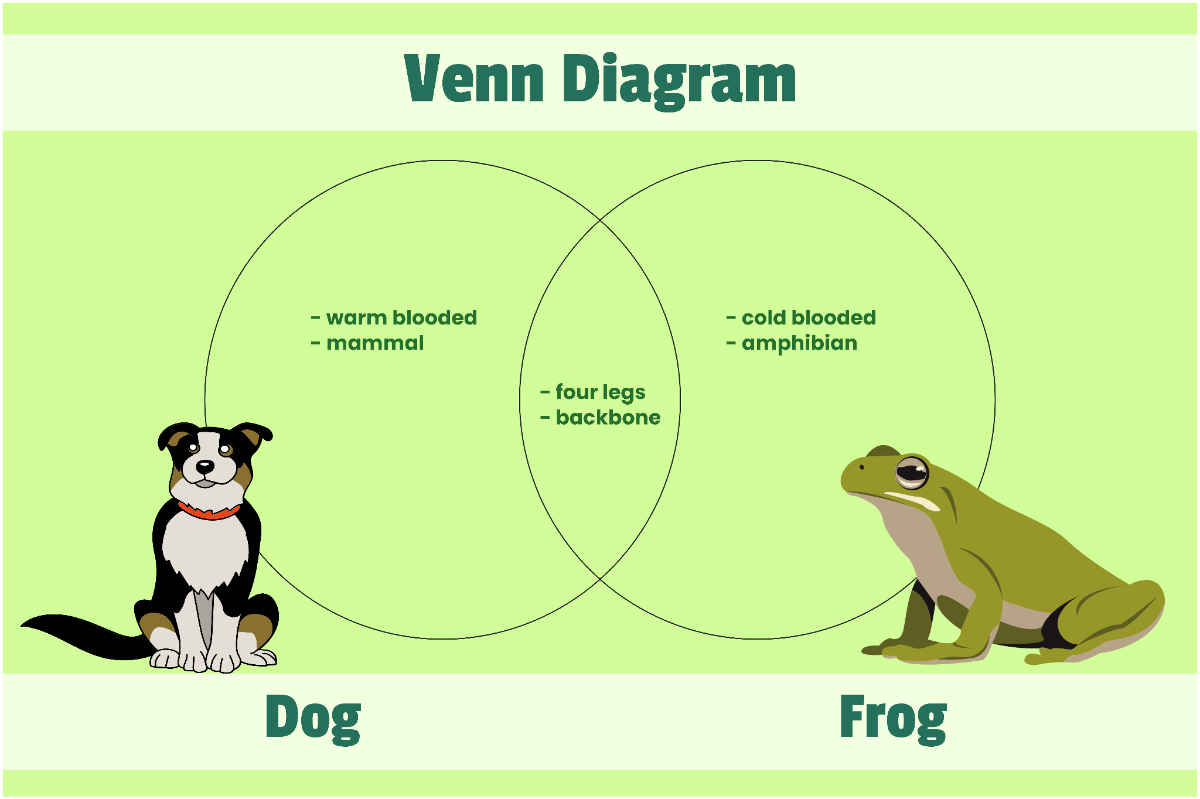
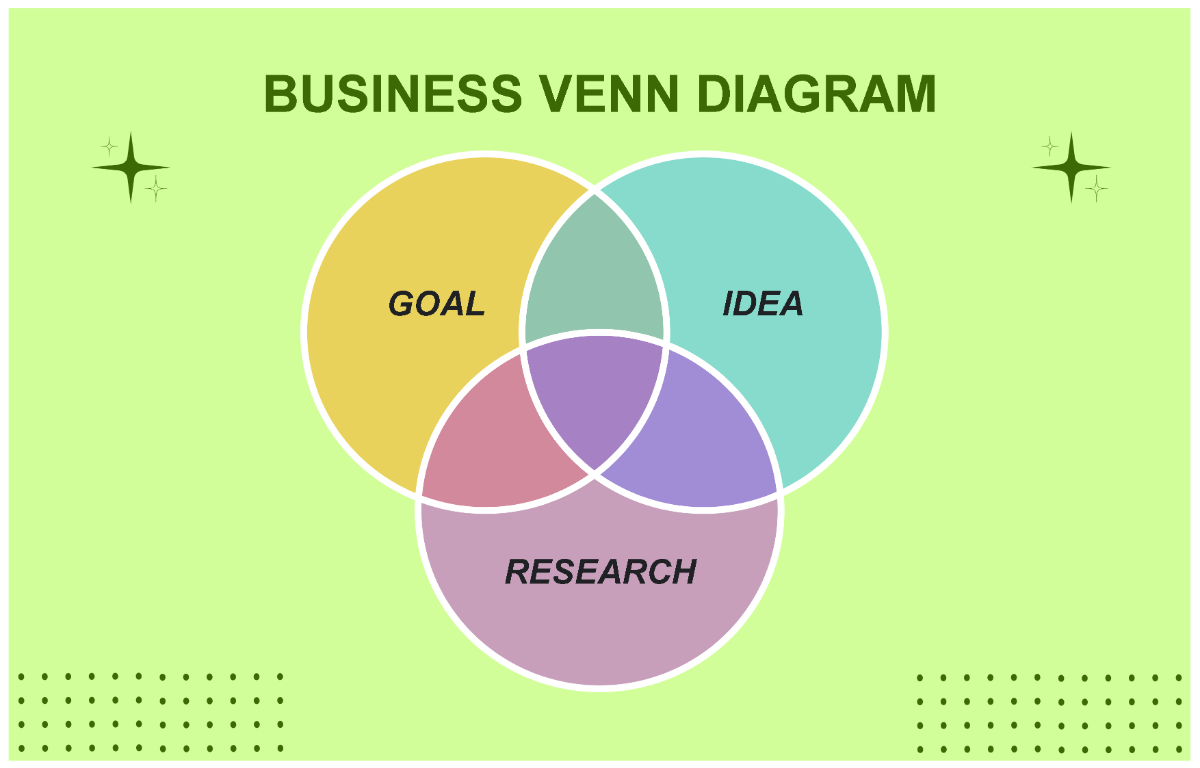
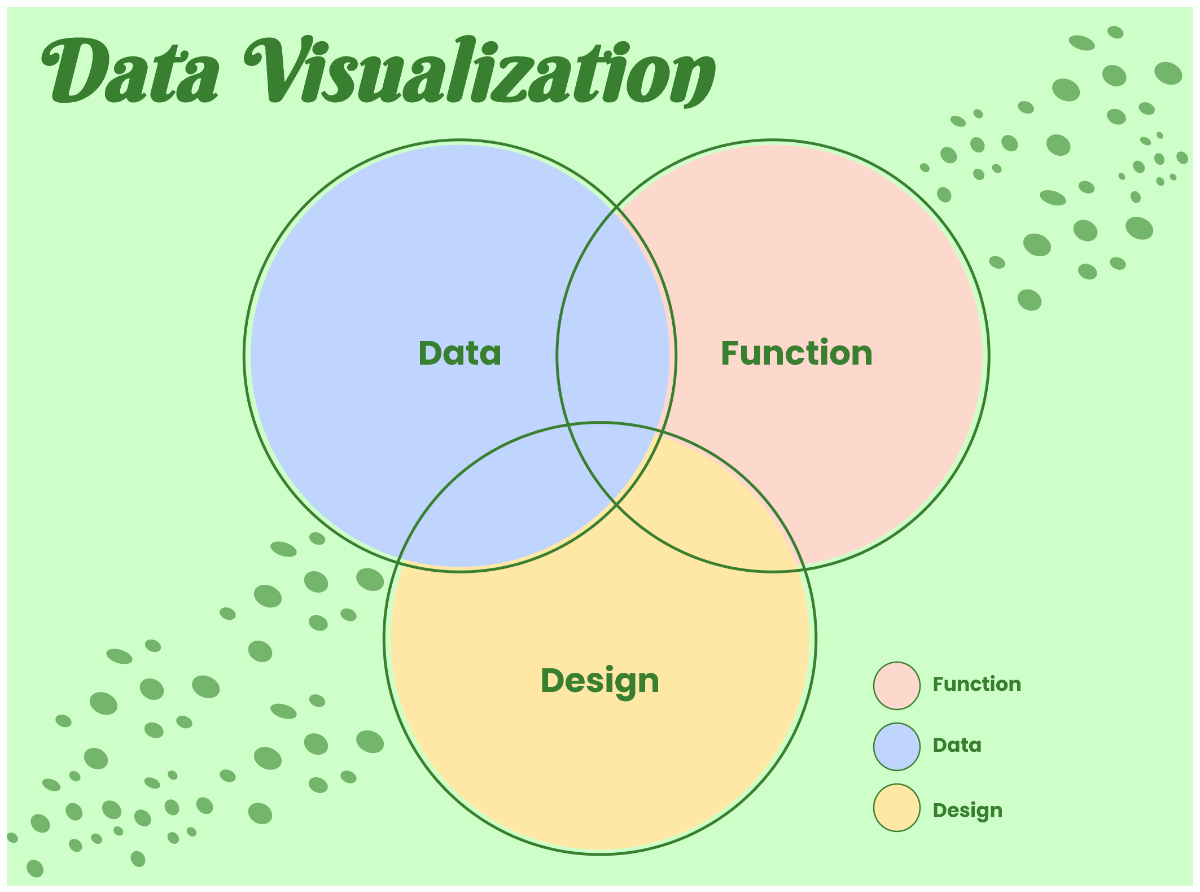
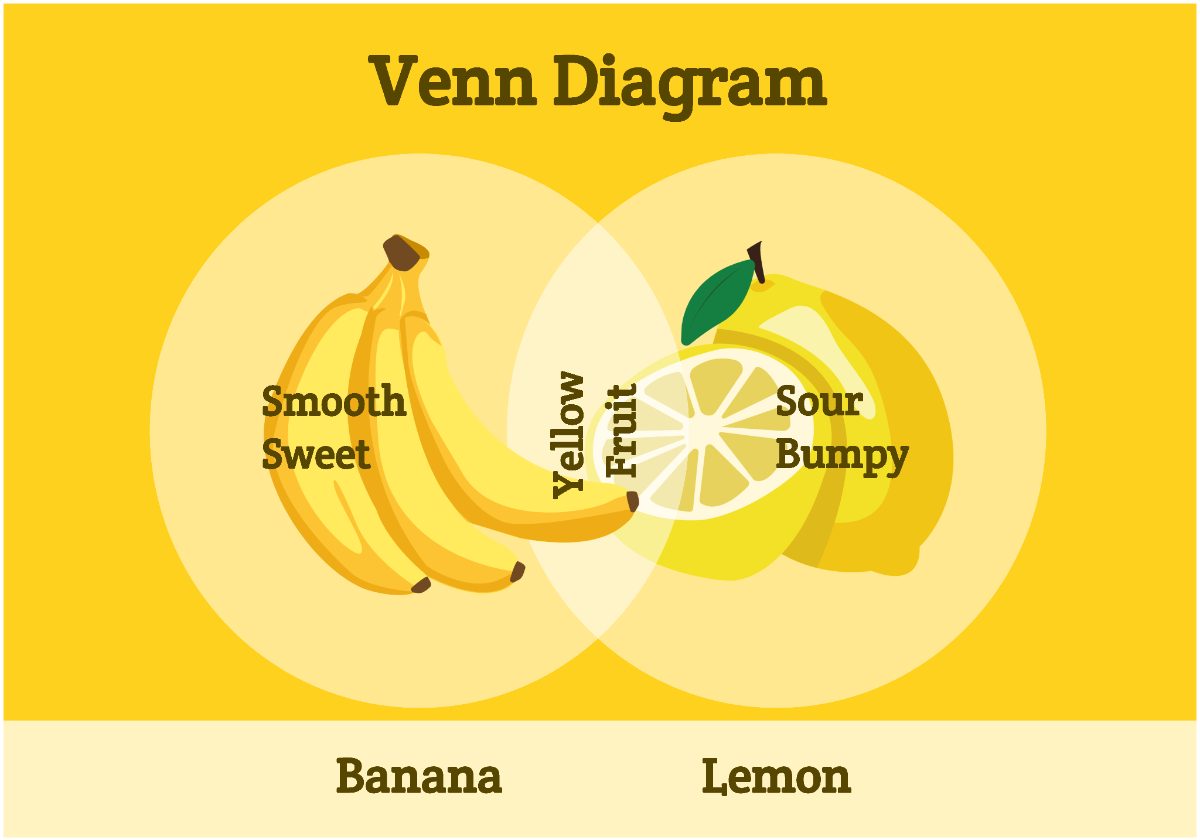
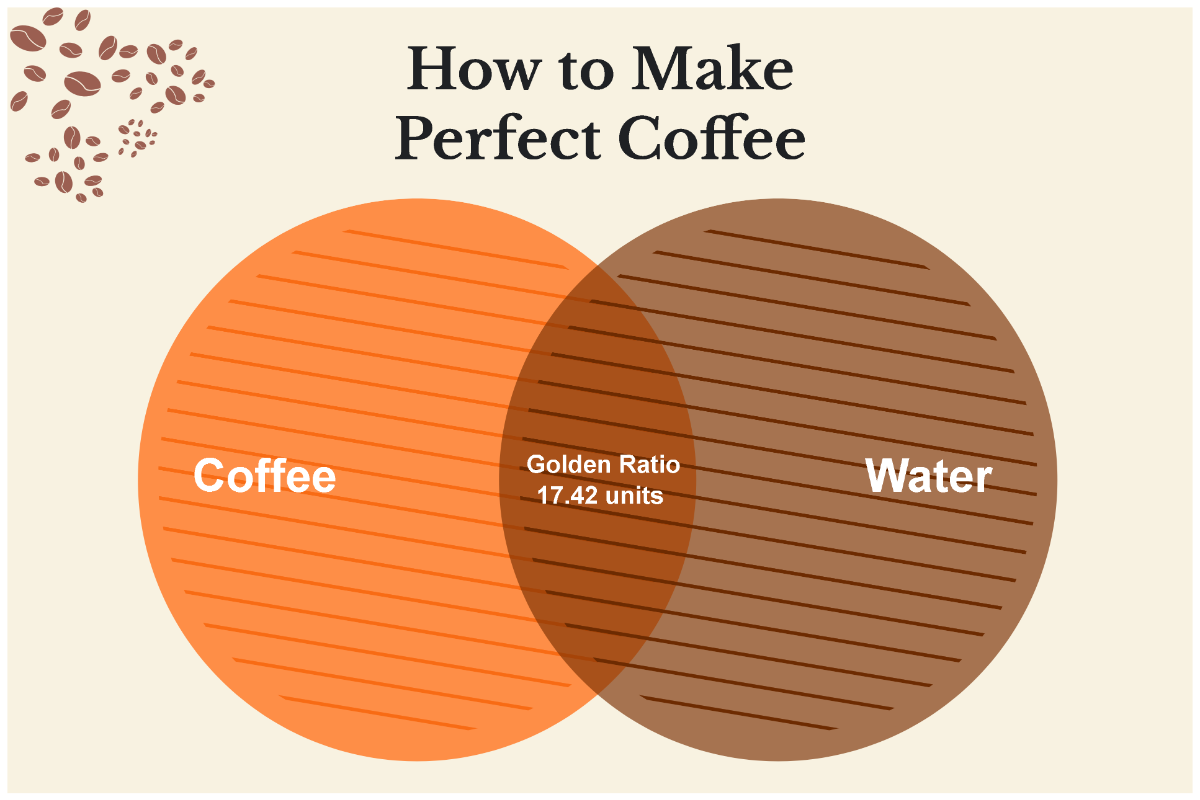
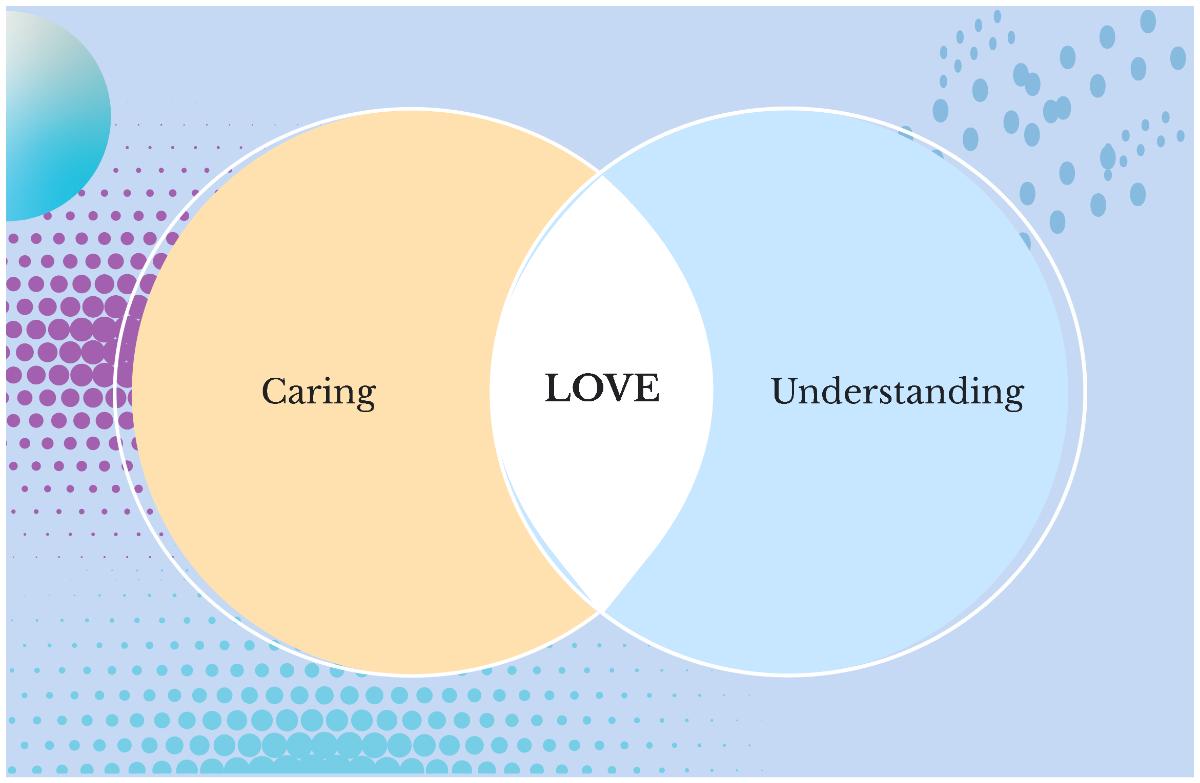
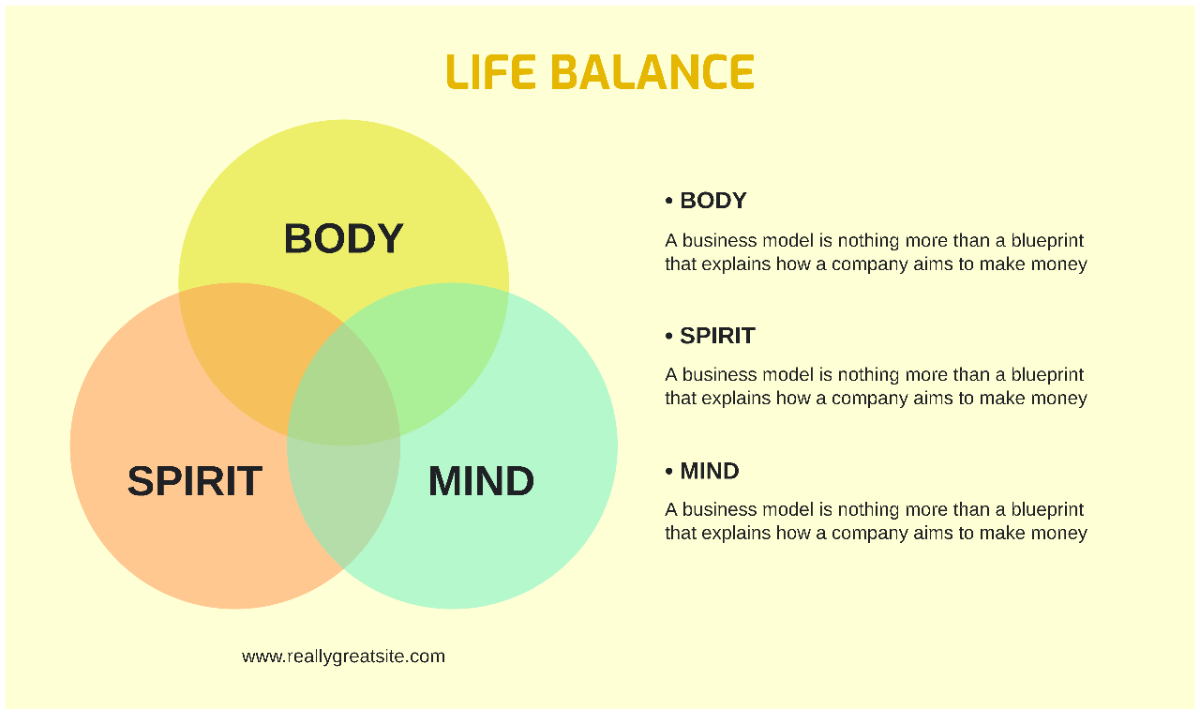
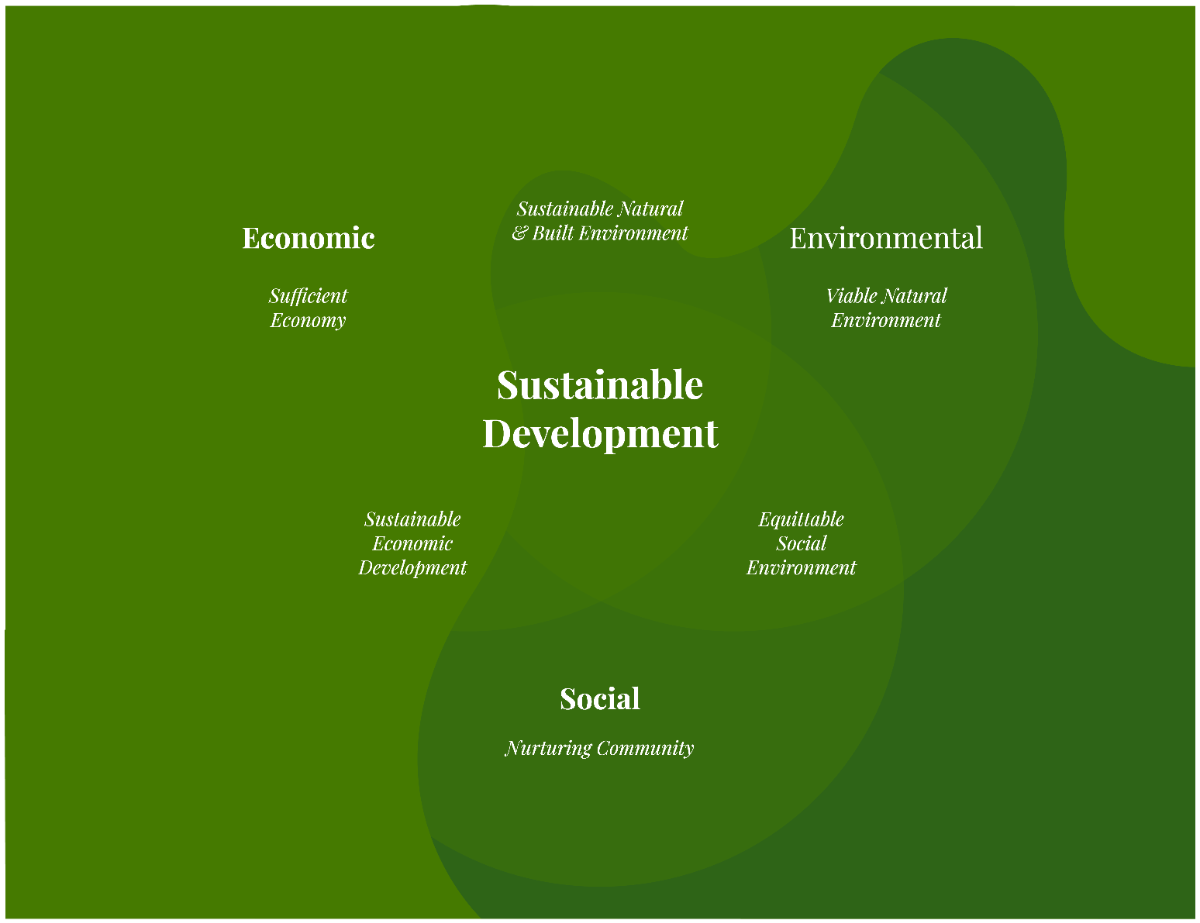
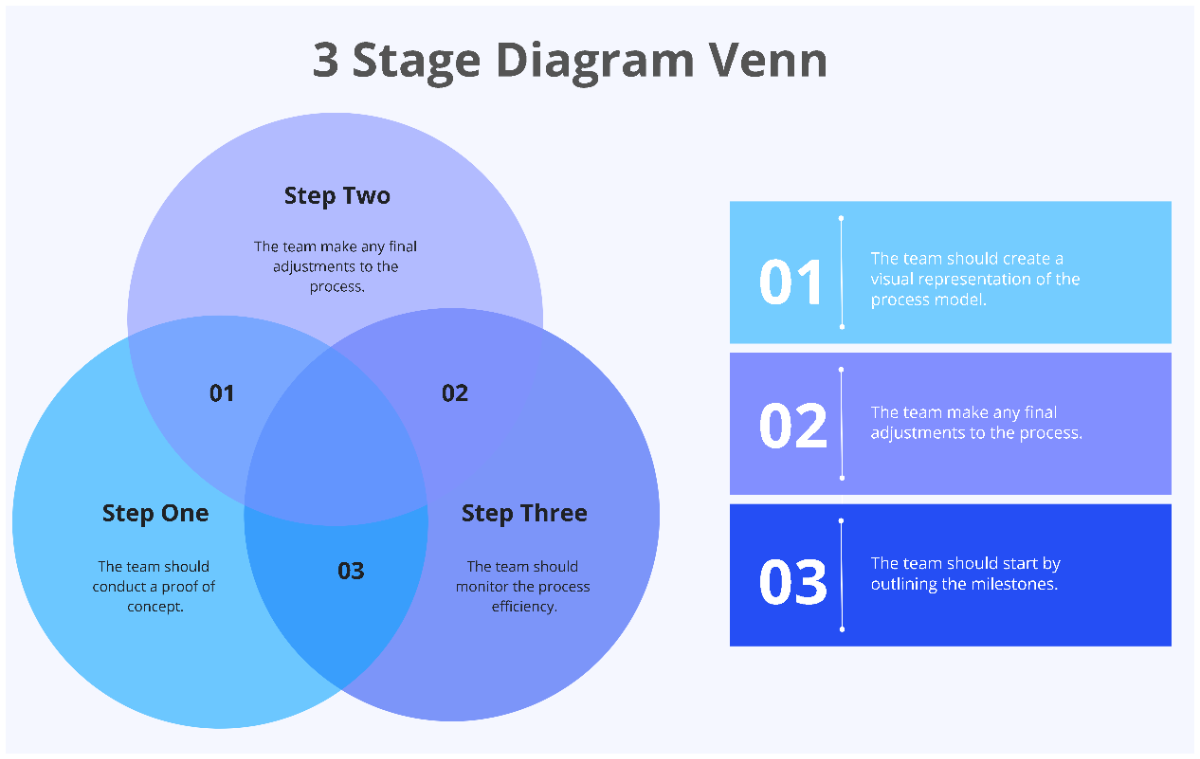
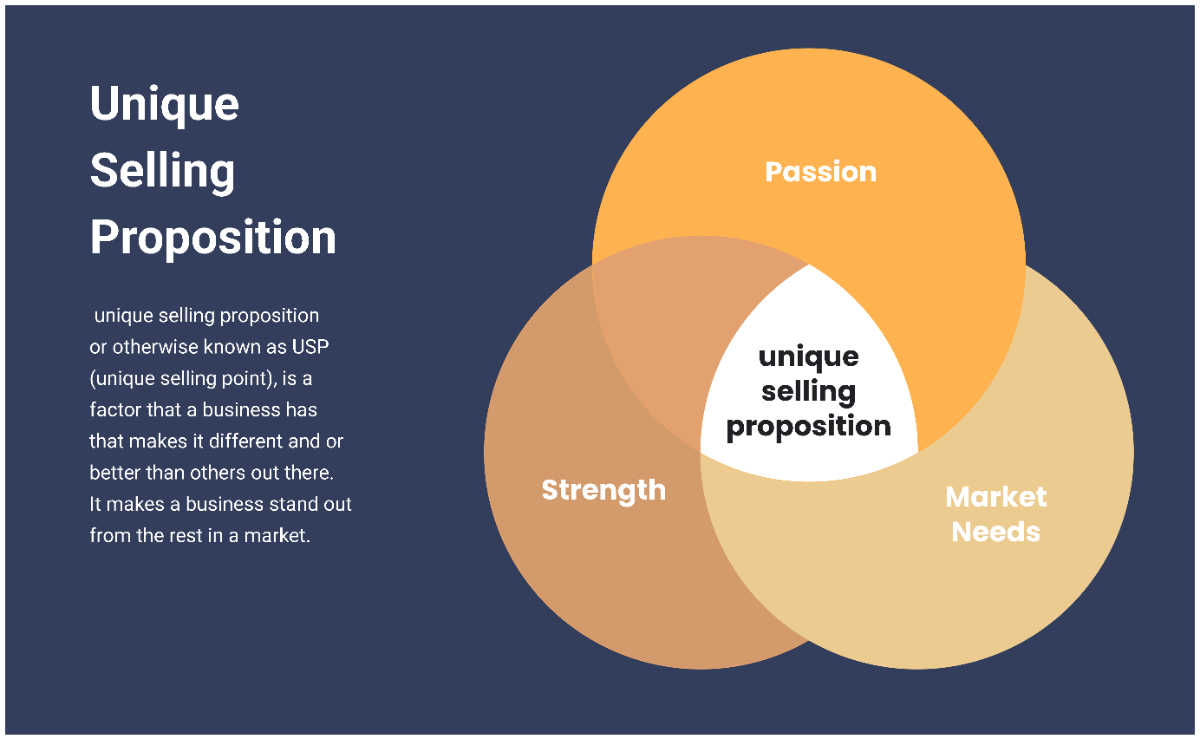
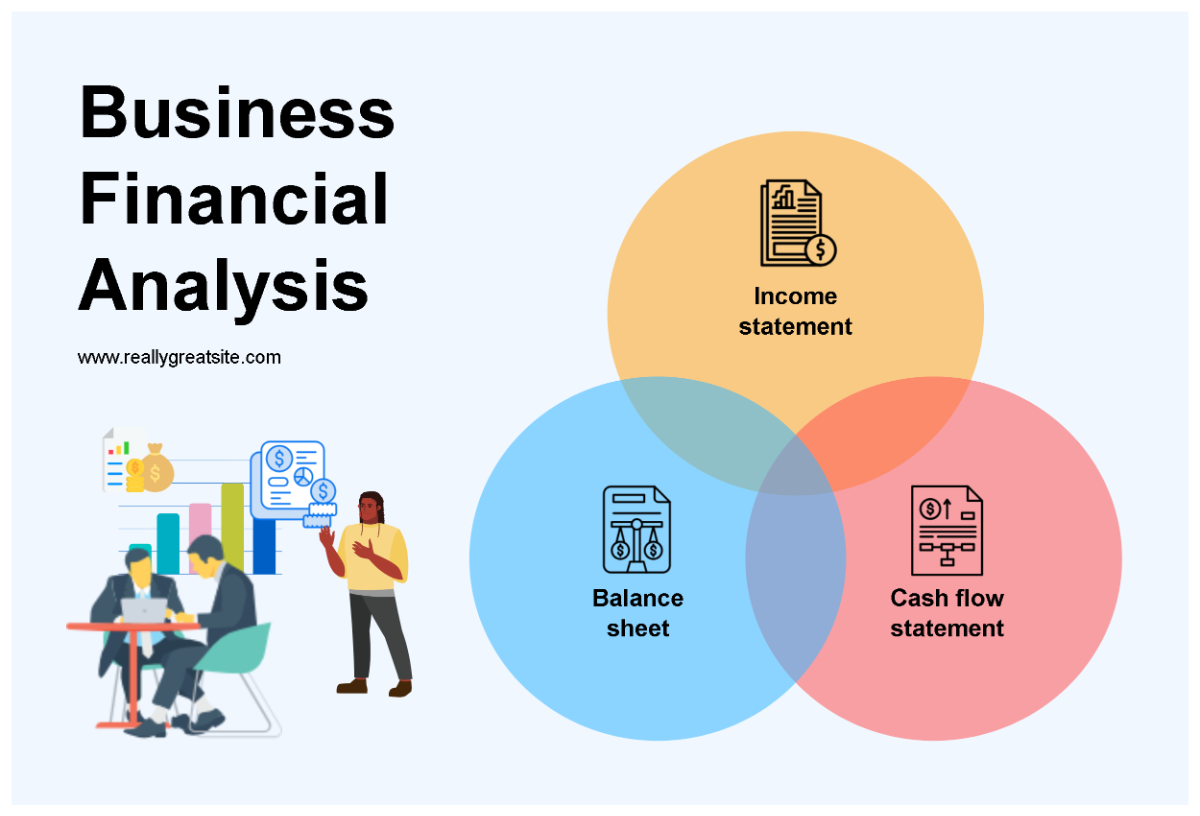
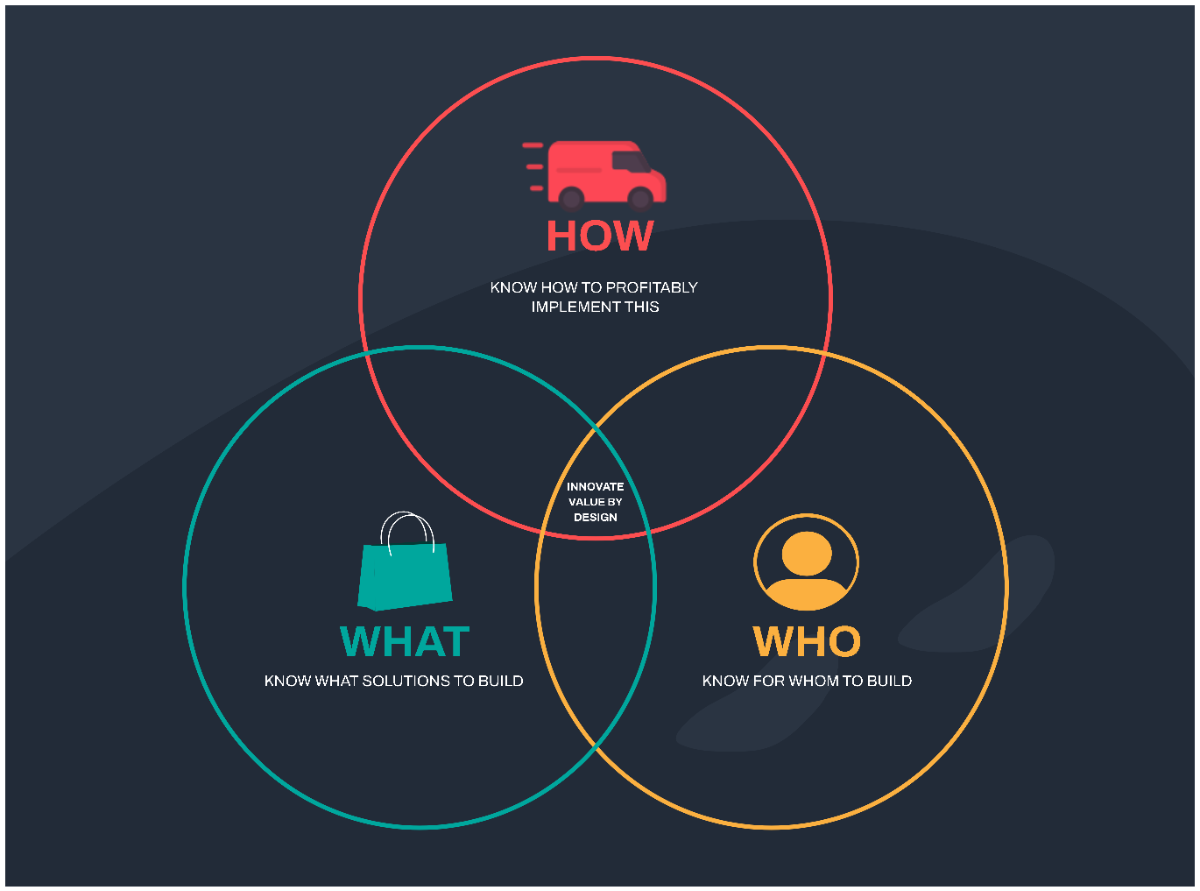
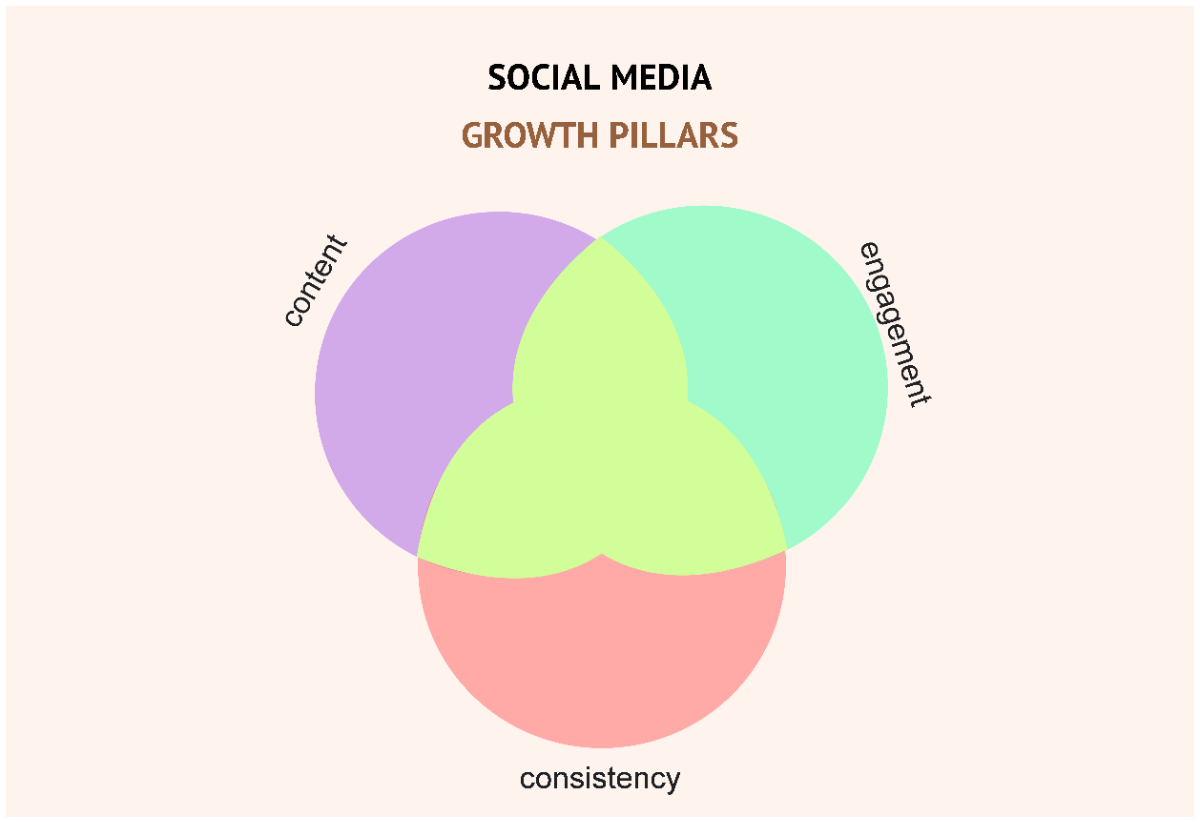
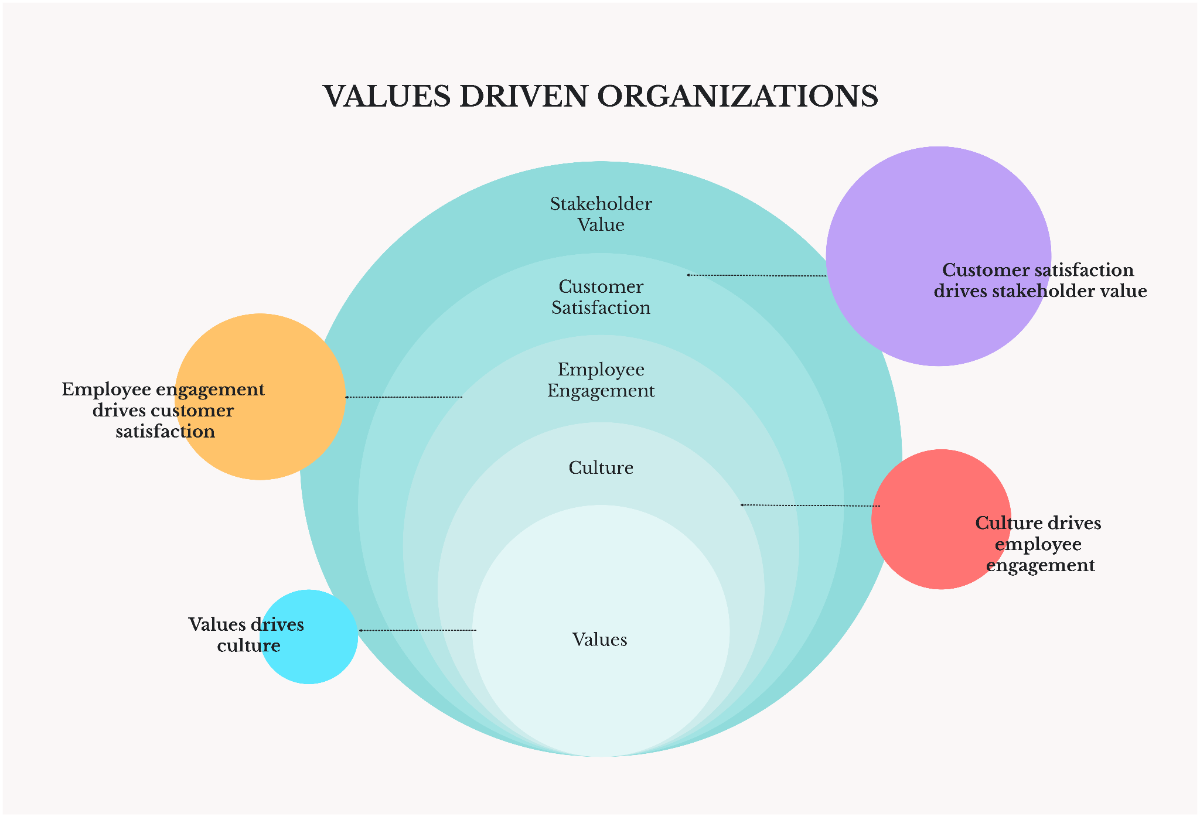
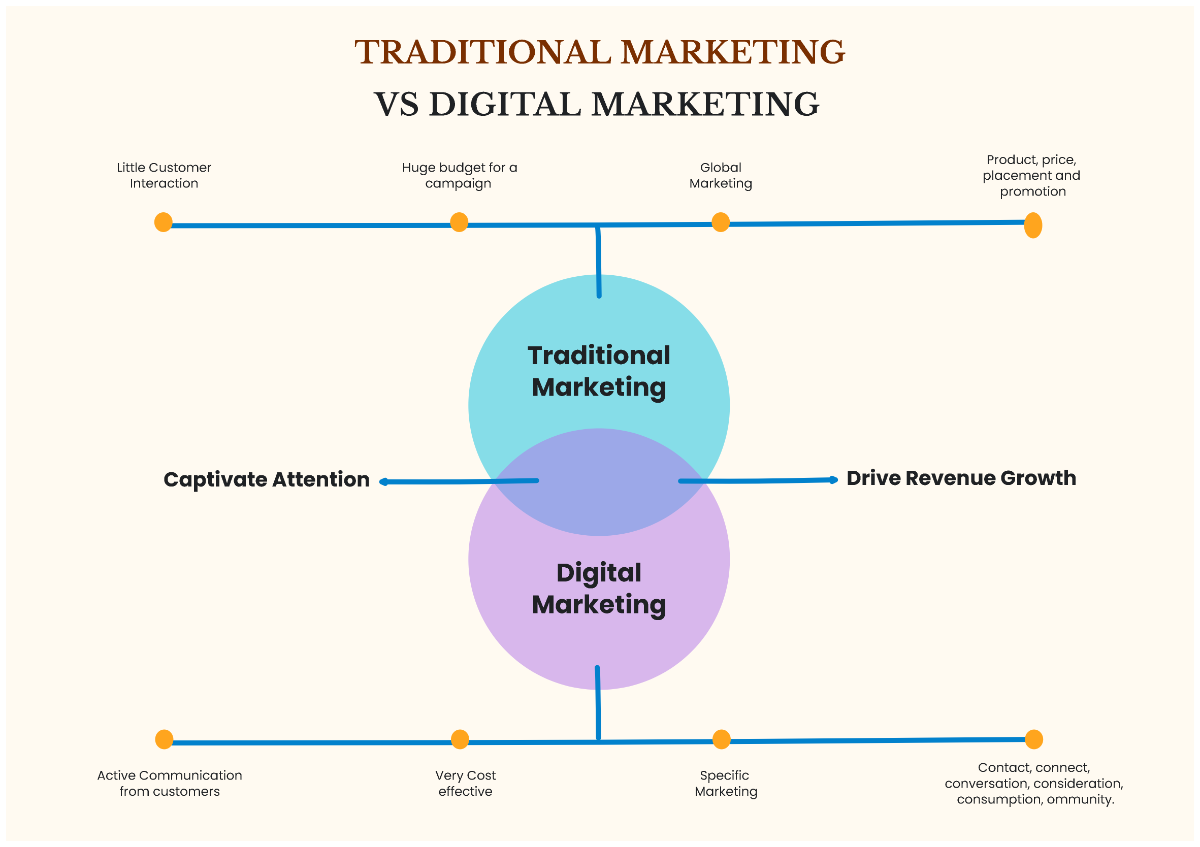
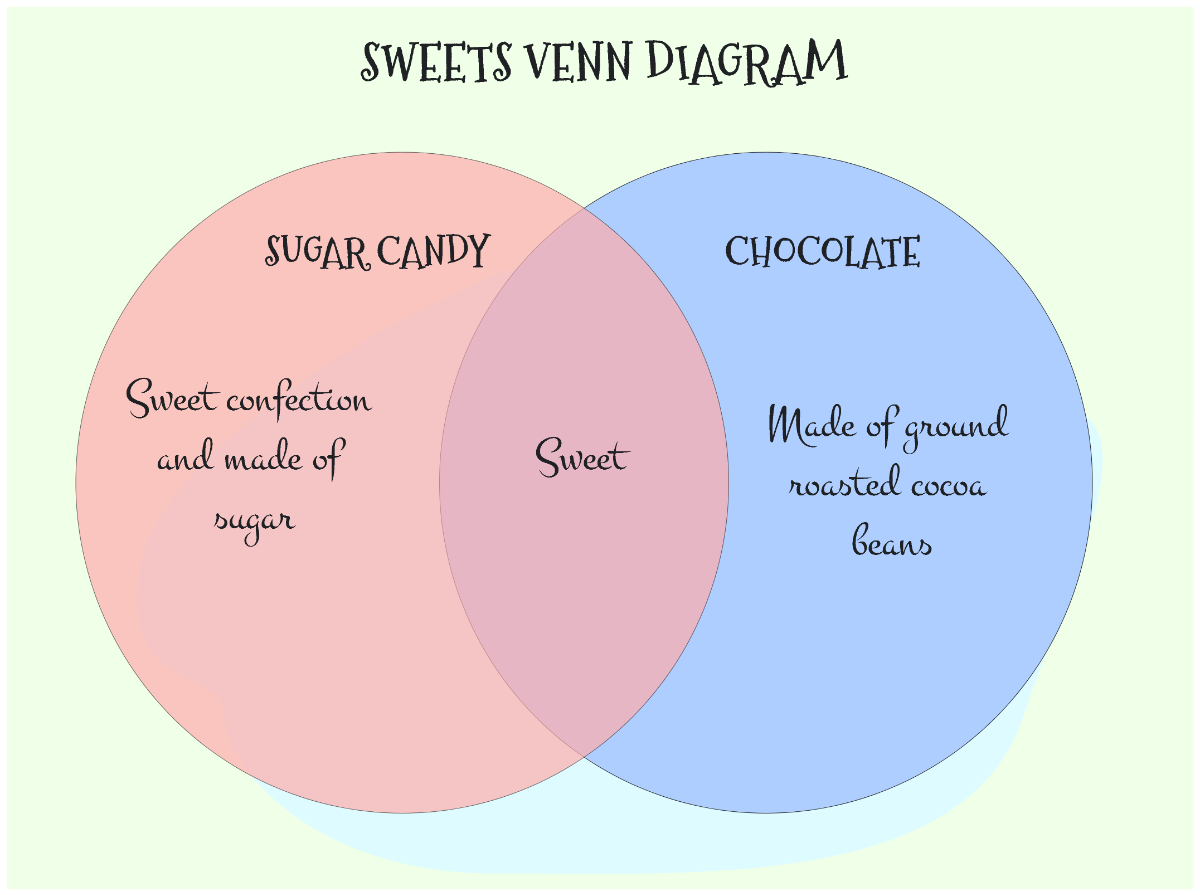
A Venn Diagram is a visual representation that uses overlapping circles to show logical relationships between different sets or groups. These whiteboard templates help users identify commonalities and differences through color coding and text blocks placed within intersecting areas.
Why use a Venn Diagram?
People use Venn Diagram templates to visually compare and contrast multiple concepts or data sets with clear overlapping sections. These templates enhance understanding through interactive shapes and support brainstorming and decision-making processes on a collaborative whiteboard canvas.
Who typically uses Venn Diagrams?
Venn Diagram templates are commonly used by educators, students, marketers, and project managers to organize ideas visually. These users benefit from collaboration cursors and real-time editing features that facilitate teamwork during brainstorming and analysis sessions.
What sections or blocks should a Venn Diagram include?
A Venn Diagram should include distinct circle shapes representing each set, overlapping intersections for shared elements, and clear text blocks labeling each area. Additional color coding helps differentiate the sets and improve visual clarity on the whiteboard canvas.
What are the best tips for designing a Venn Diagram?
Effective Venn Diagram design uses balanced canvas layout with evenly sized circles, consistent color coding, and clear labels. Utilizing drag-and-drop editing and grouping related elements improves readability and enhances collaborative brainstorming.
How do you share or present a Venn Diagram?
Venn Diagram templates can be shared directly via online links or exported in multiple formats for presentations. The use of shareable URLs, downloadable files, and embedded interactive elements supports seamless distribution and professional presentation.
How do teams collaborate on a Venn Diagram?
Teams collaborate on Venn Diagram templates using real-time editing, collaboration cursors, and comment features within the online whiteboard. These tools facilitate synchronized brainstorming and adjustments, making teamwork more efficient and visually organized.
Can I create a new Venn Diagram using AI?
Template.net provides an AI-powered tool that generates new Venn Diagram layouts from prompts in seconds, ready for online refinement and multi-format export. Use the Venn Diagram Maker to create custom diagrams efficiently.
