Free Affinity Diagram Templates
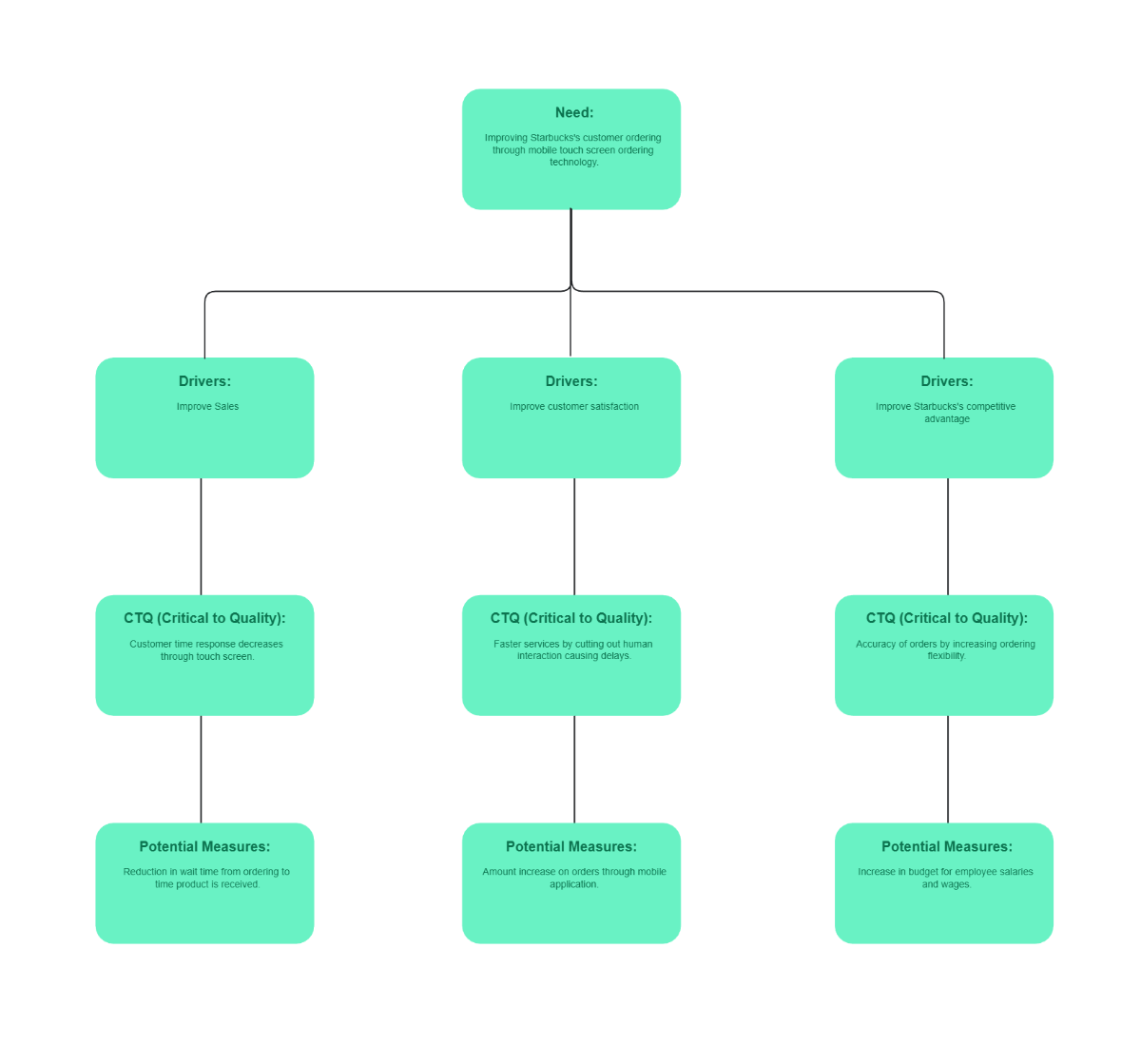
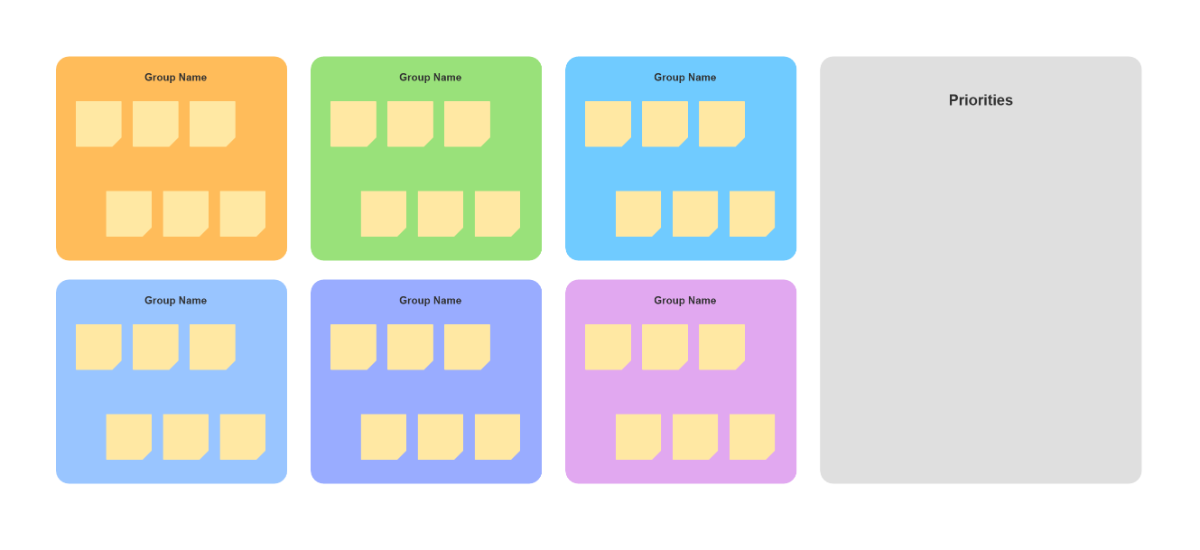
Affinity Diagram Templates: Definition, Benefits, Users, and Design Tips
What is a Affinity Diagram?
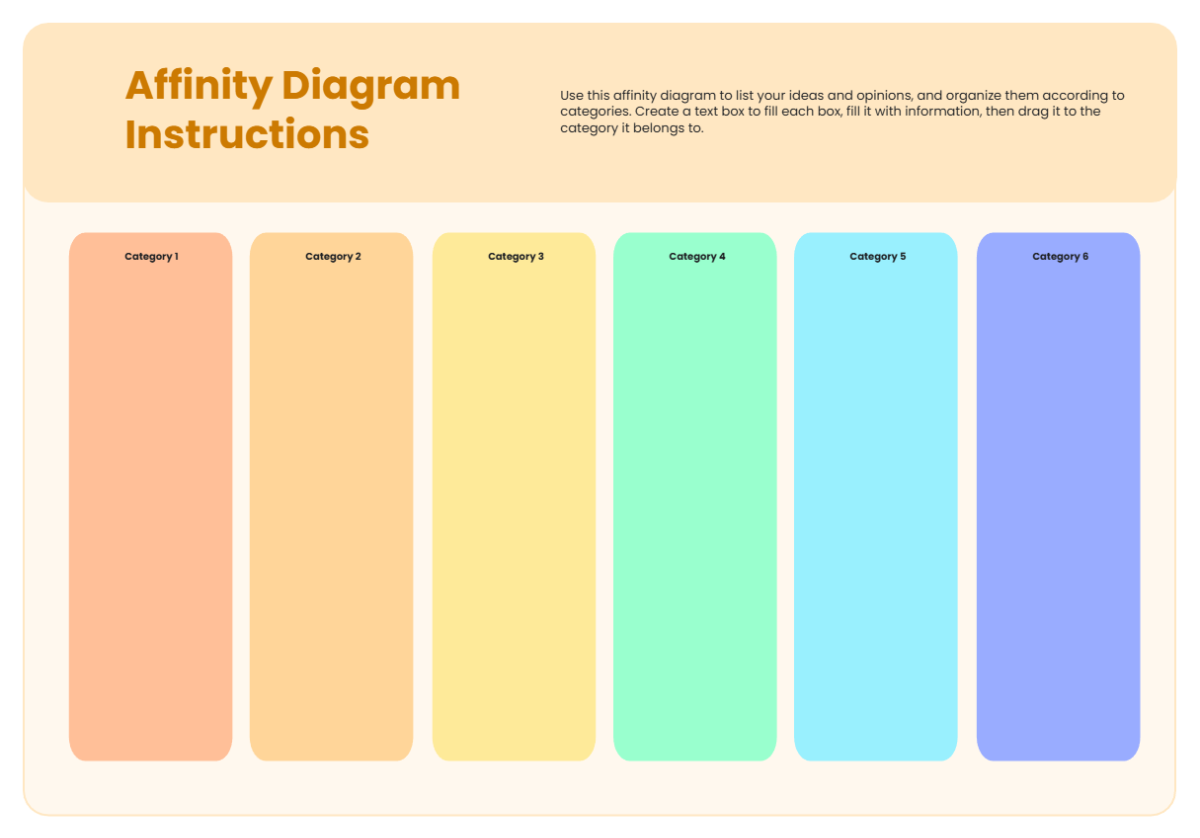
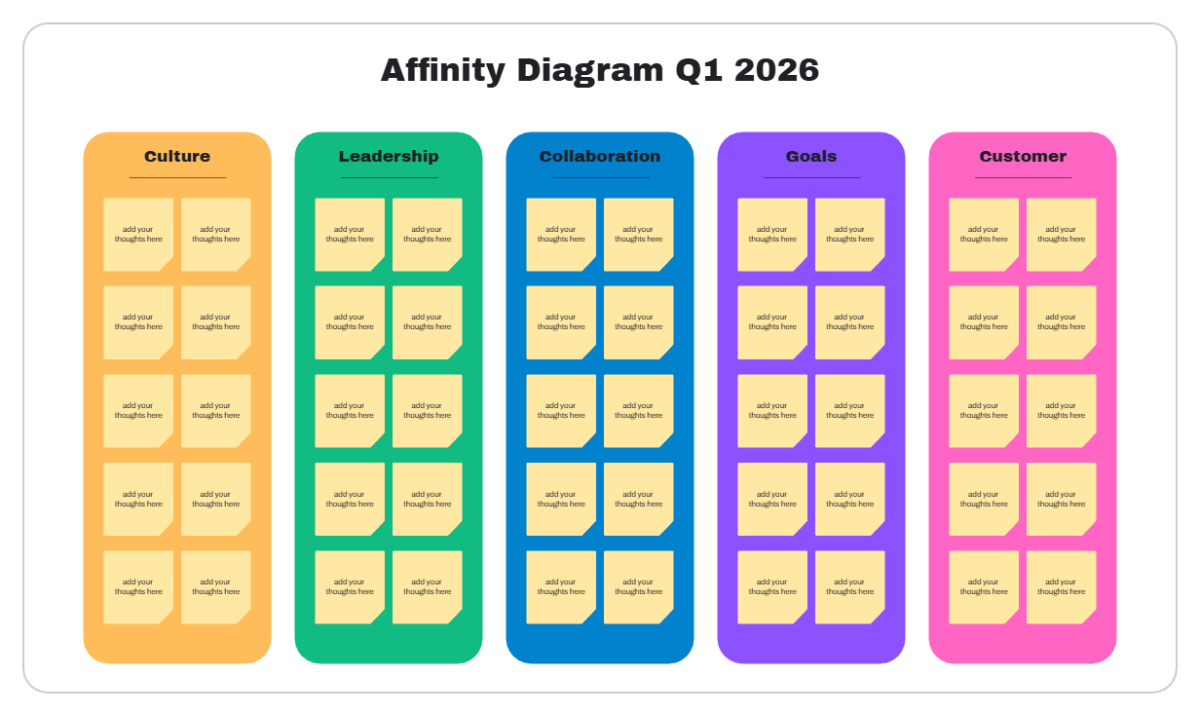
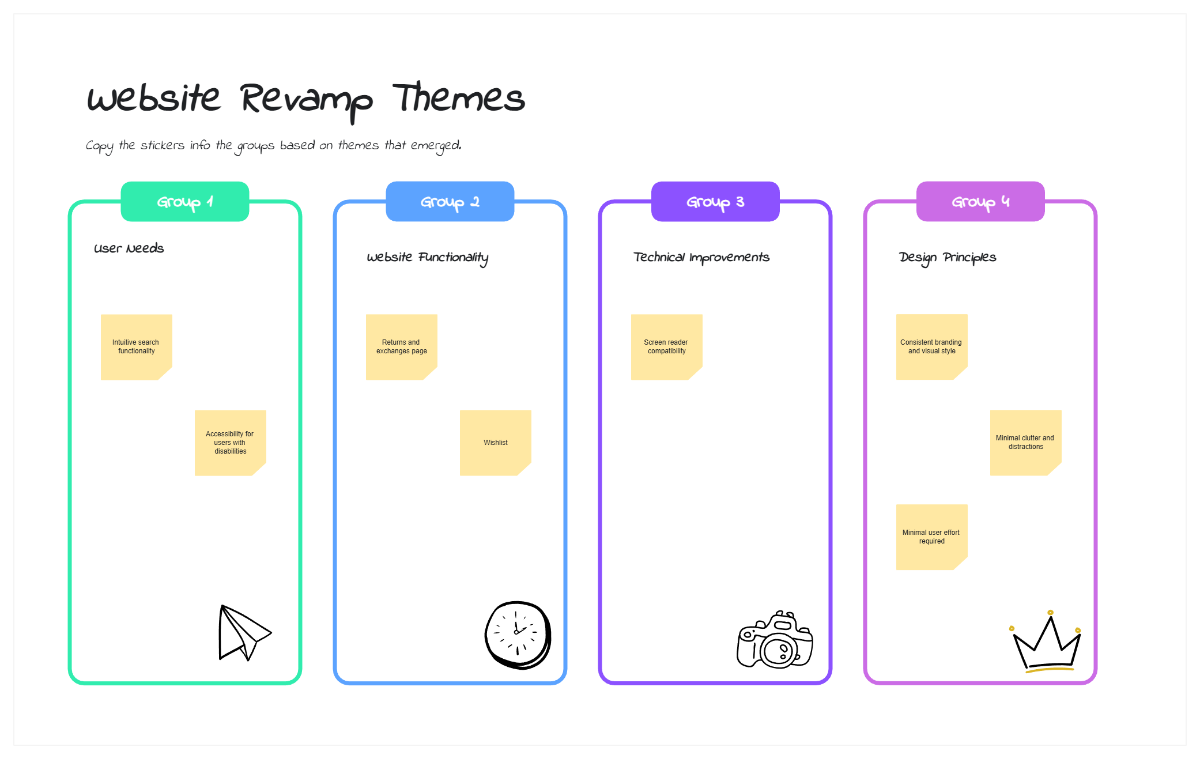
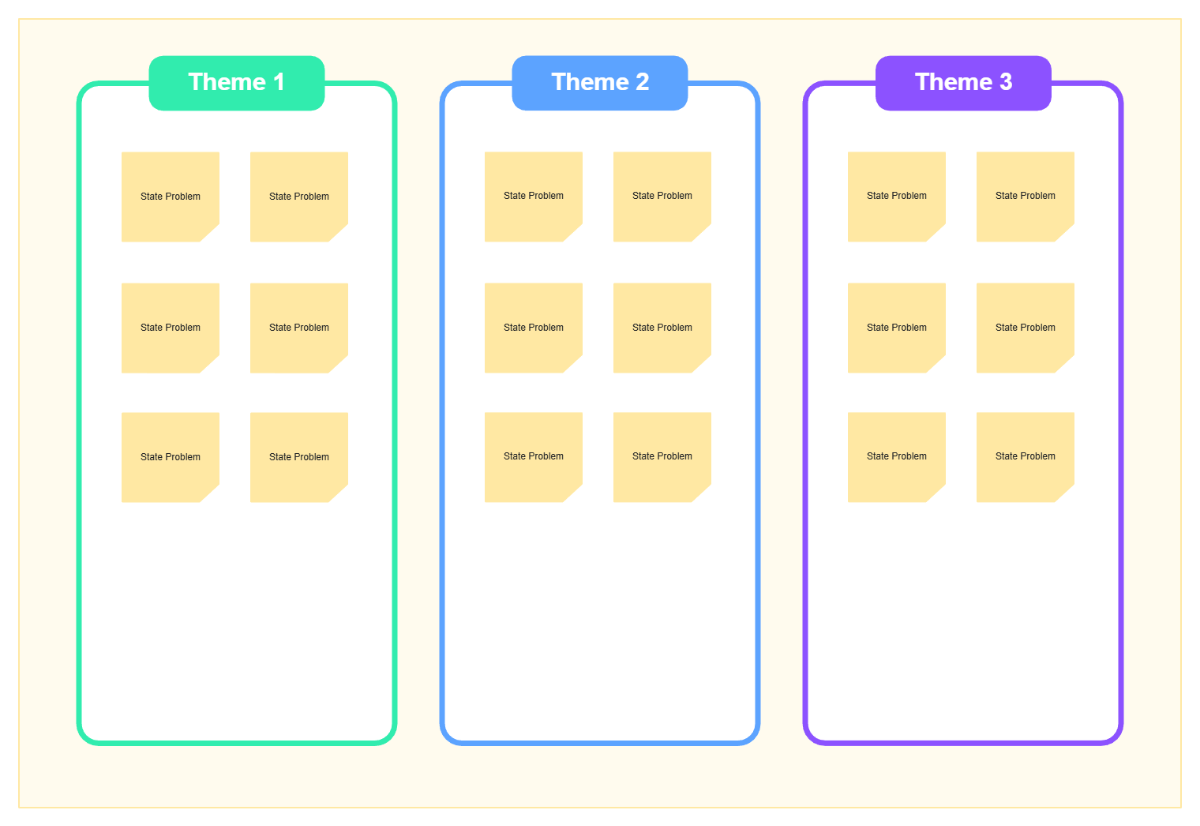
An Affinity Diagram is a visual whiteboard template that organizes ideas or data into related groups or clusters based on natural relationships. This whiteboard template facilitates brainstorming and collaborative planning by using sticky notes and thematic sections for clarity.
Why use a Affinity Diagram?
Affinity diagram templates help teams visually organize complex information into meaningful clusters, making patterns easier to identify. These whiteboard templates accelerate idea grouping, foster collaboration, and improve decision-making during brainstorming and project planning.
Who typically uses Affinity Diagrams?
Affinity diagram whiteboard templates are typically used by project managers, facilitators, designers, and teams focused on brainstorming, problem solving, and user research. These users leverage the templates for organizing ideas and enhancing visual collaboration.
What sections or blocks should a Affinity Diagram include?
An affinity diagram should include sticky note clusters grouped by theme, labeled sections for each idea group, and a clear canvas layout for easy navigation. Using color coding and text blocks helps distinguish different categories within the template.
What are the best tips for designing a Affinity Diagram?
Designing an affinity diagram whiteboard template benefits from clear sections, consistent color coding, and ample space for sticky notes. Use drag-and-drop editing for easy grouping and add icons or labels to highlight key themes for better visual clarity.
How do you share or present a Affinity Diagram?
Affinity diagram whiteboard templates can be shared via online links for real-time collaboration or exported in multiple formats for presentations. Using interactive canvases allows teams to present ideas dynamically and gather instant feedback during meetings.
How do teams collaborate on a Affinity Diagram?
Teams collaborate on affinity diagram whiteboard templates through real-time editing with shared collaboration cursors and sticky notes. This enables simultaneous idea grouping, instant feedback, and dynamic adjustments on a flexible visual canvas.
What file formats can I download for a Affinity Diagram?
Template.net affinity diagram whiteboard templates support multiple export formats to suit editing, sharing, and presenting needs. You can download the templates in Affinity Diagram Templates.
Can I create a new Affinity Diagram using AI?
Template.net provides an AI-powered tool that generates new affinity diagram layouts from prompts in seconds, ready for online refinement and multi-format export. Try the Affinity Diagram Maker to create your own instantly.
