
Free Box and Whisker Diagram Templates


Box and Whisker Diagram Templates: Definition, Usage, and Collaboration
What is a Box and Whisker Diagram?
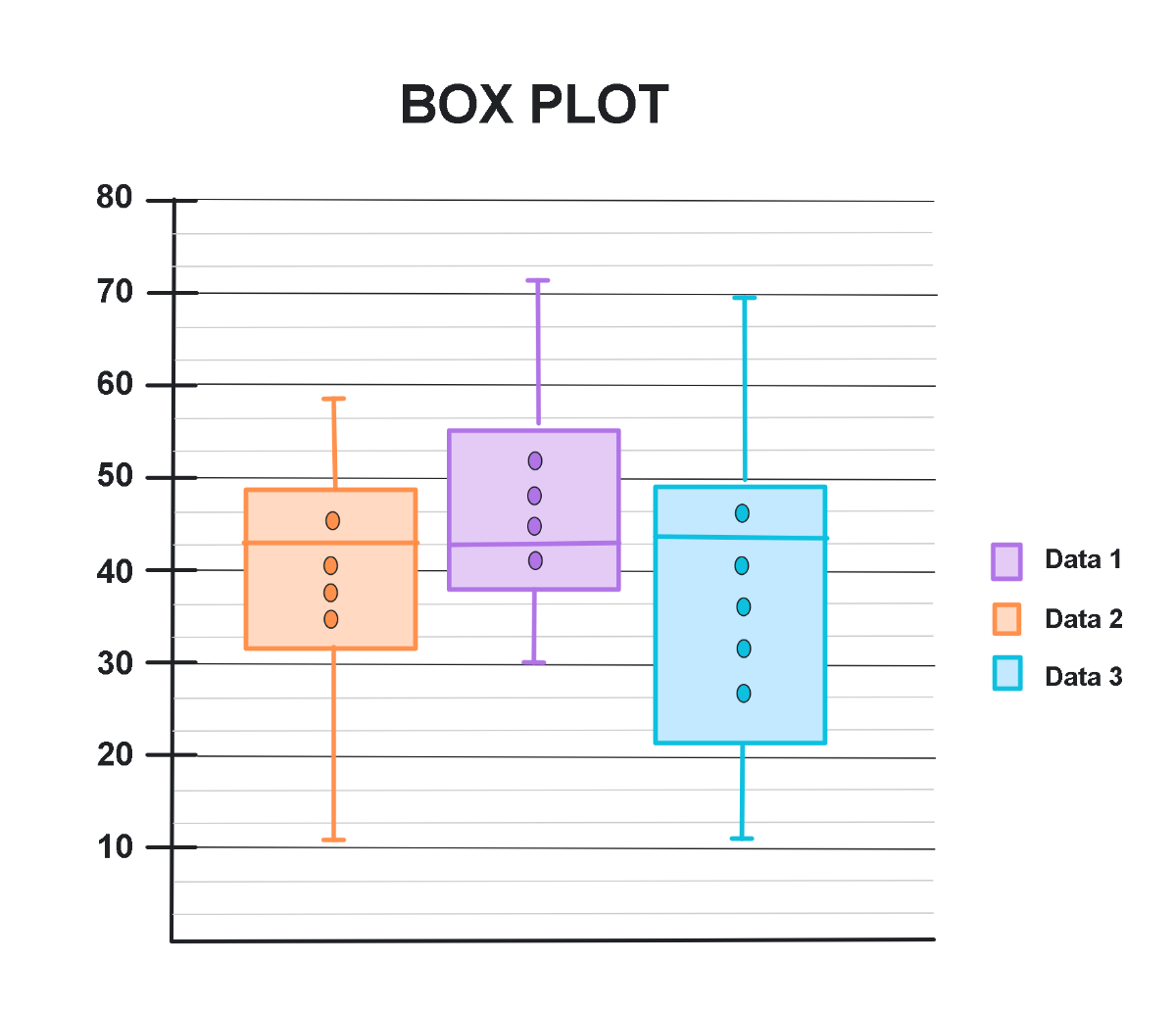
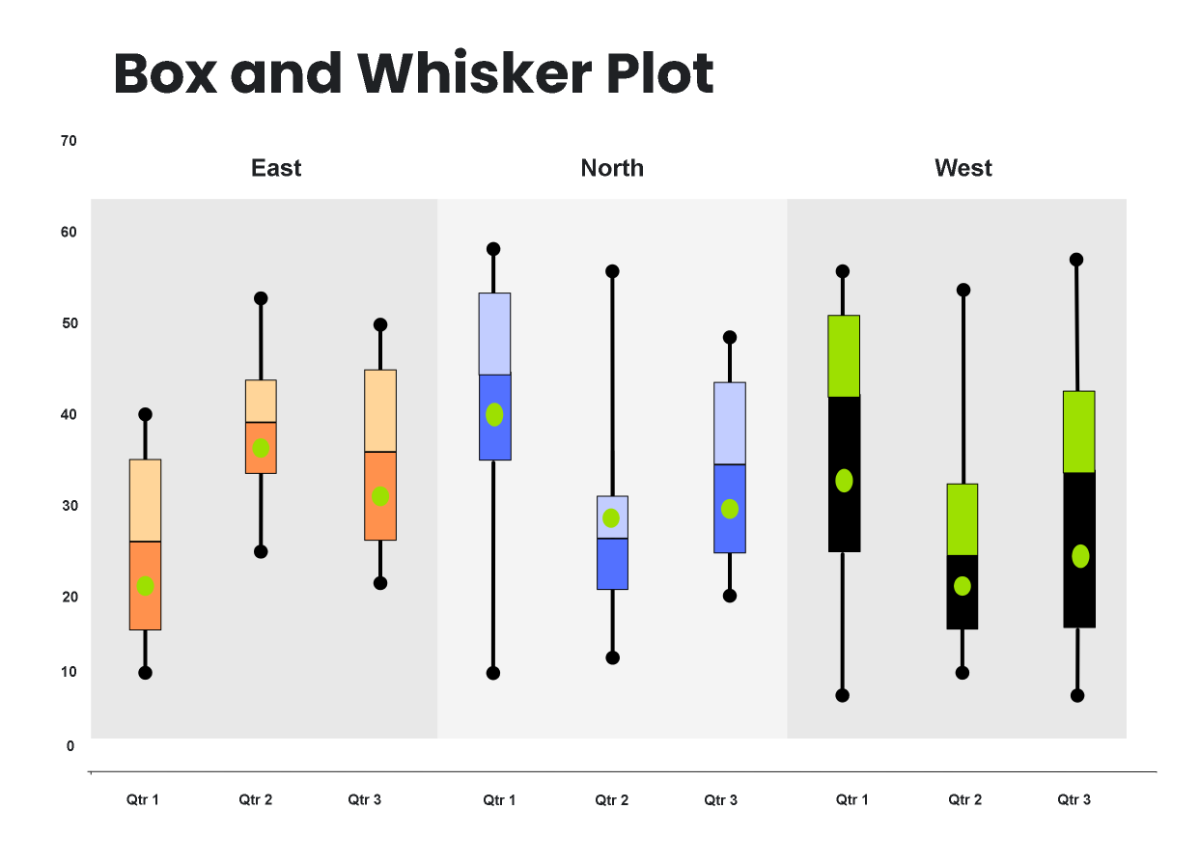
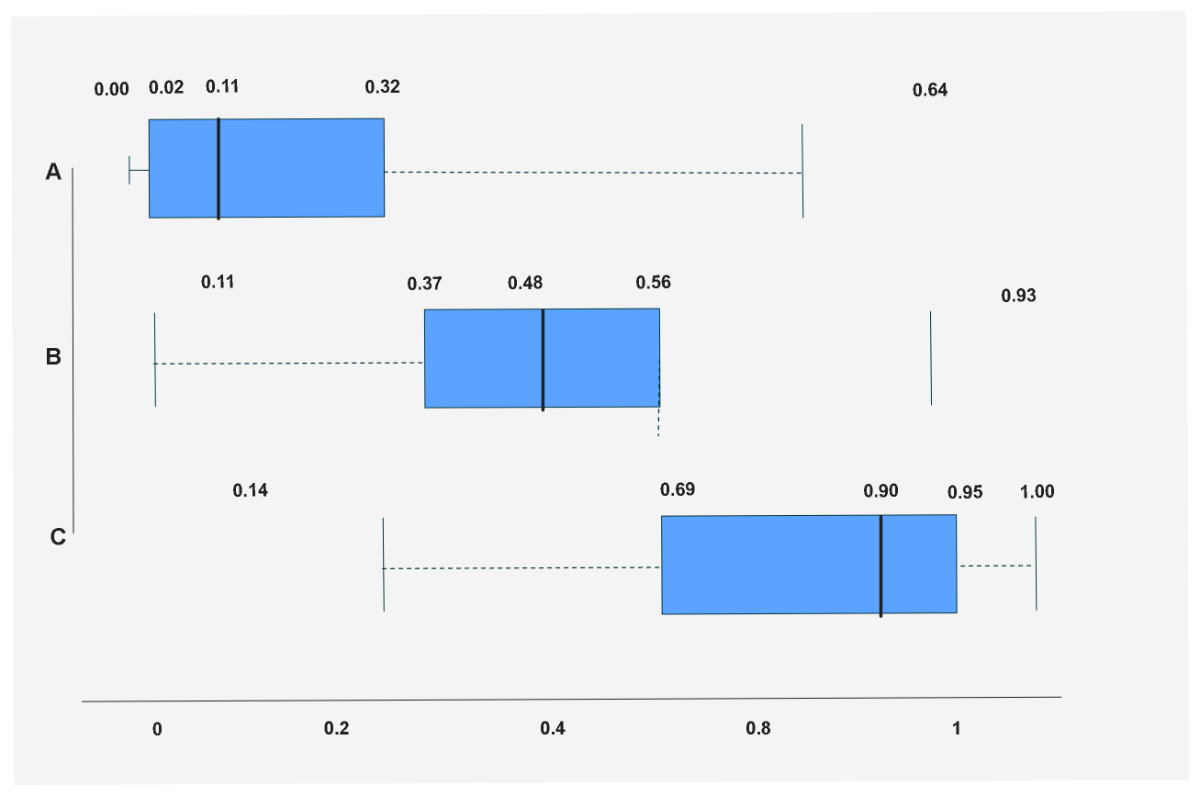
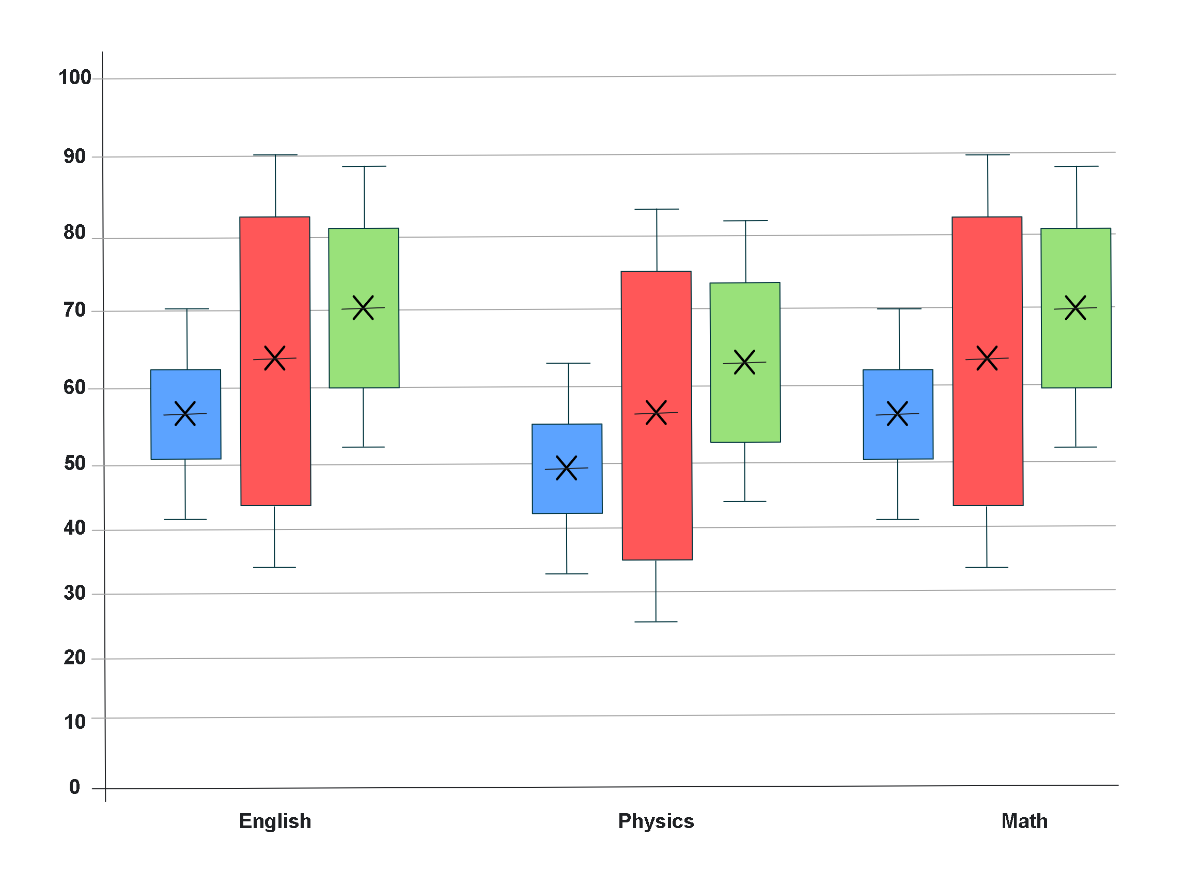
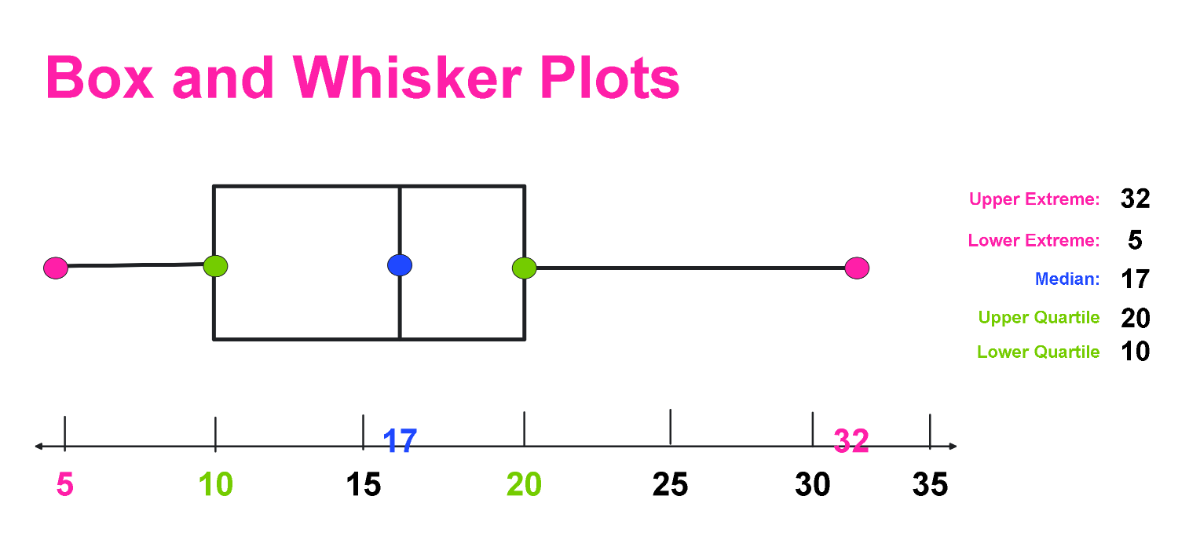
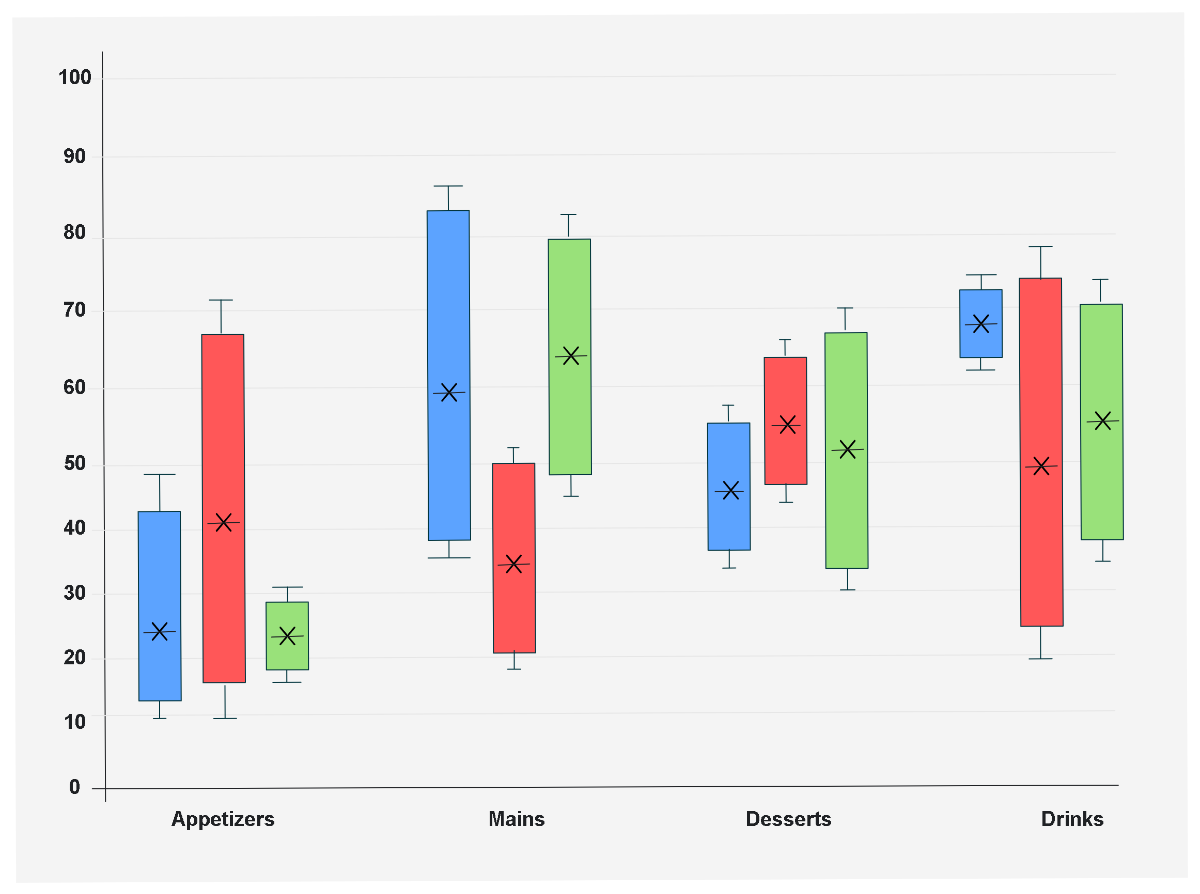
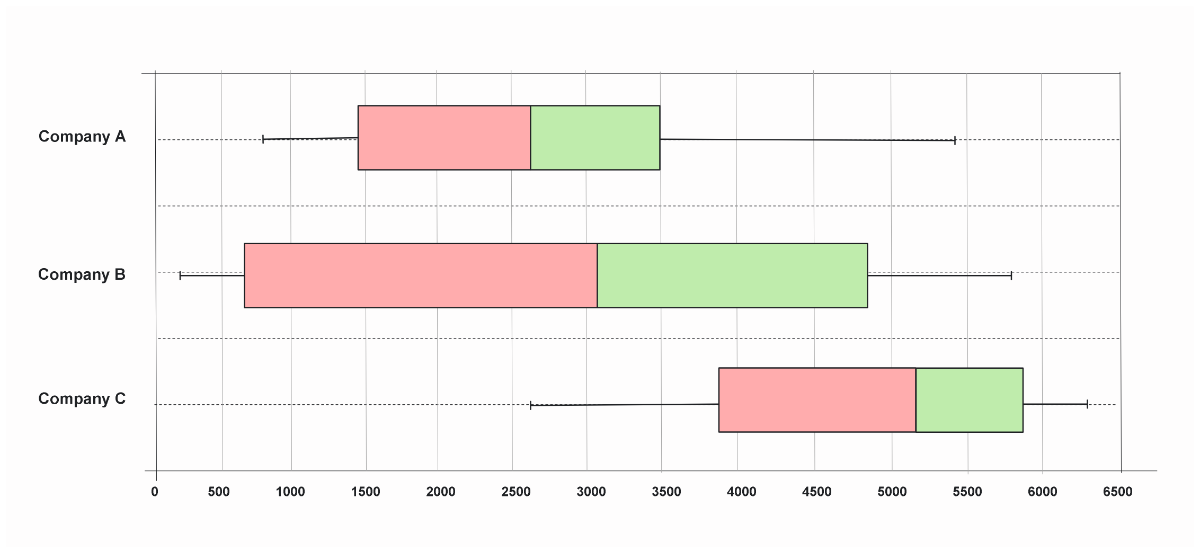
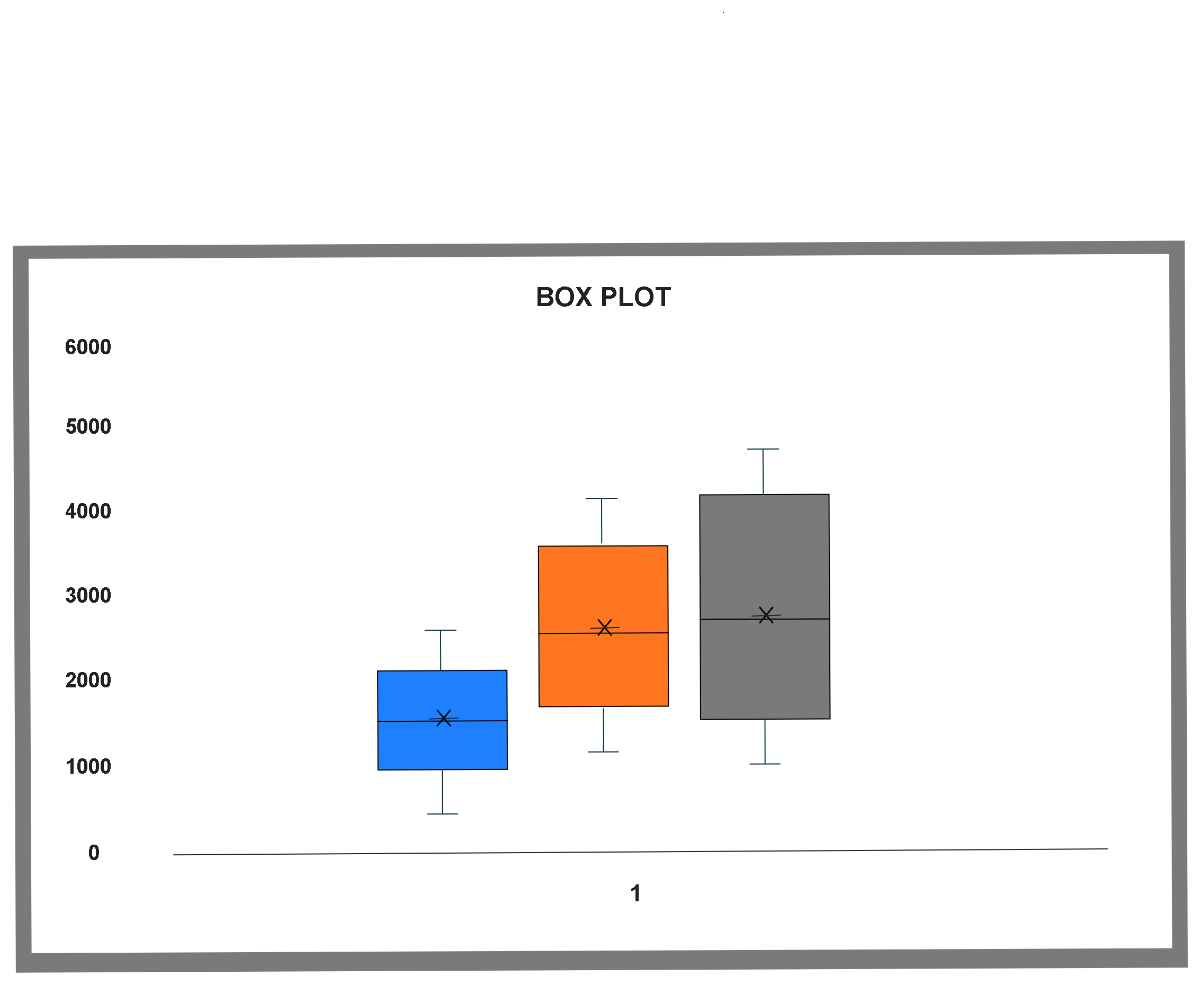
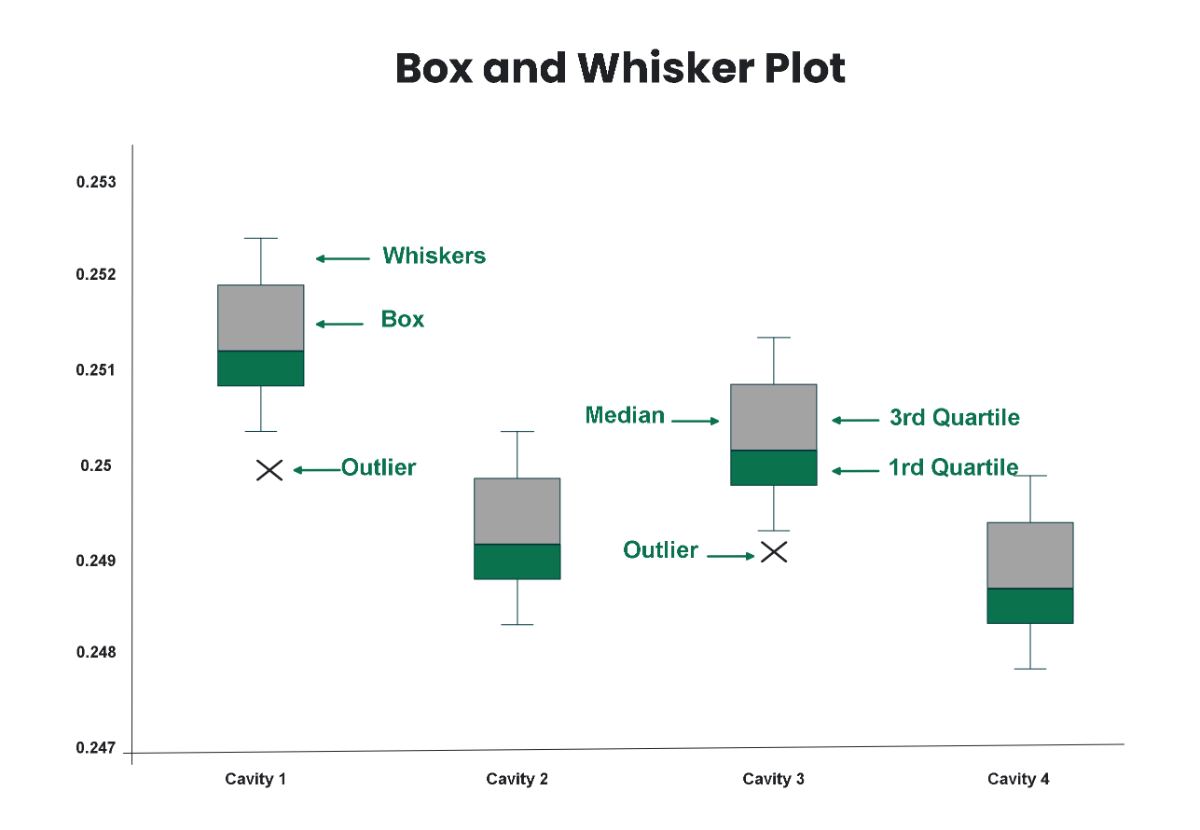
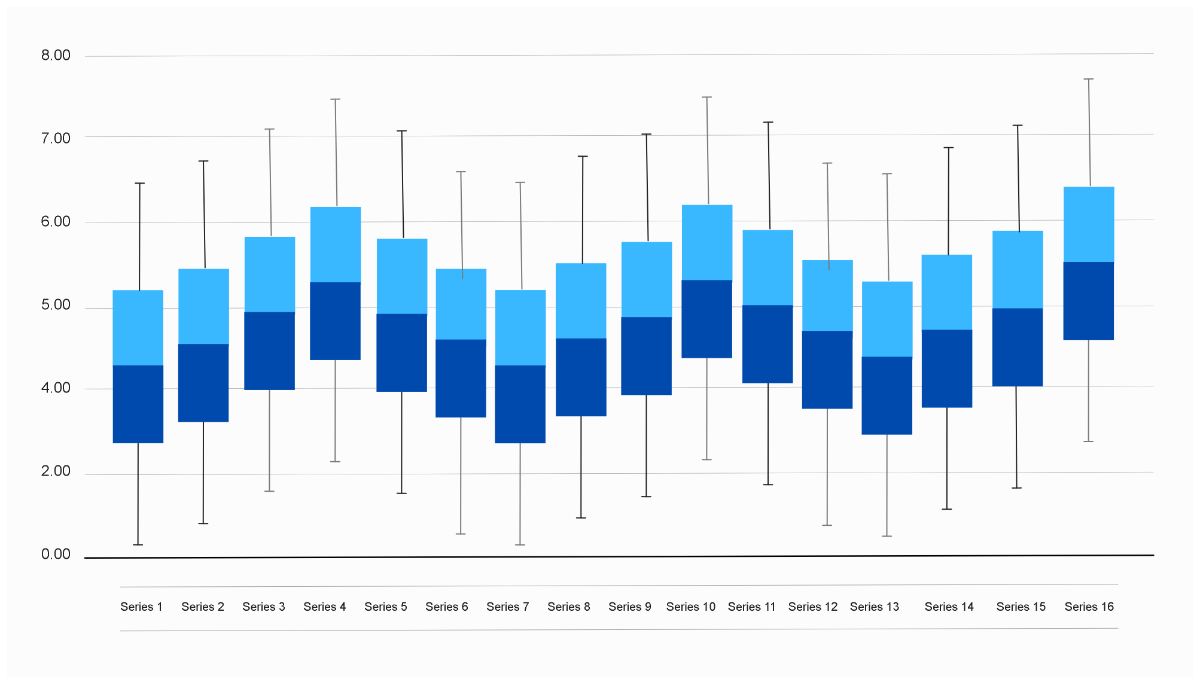
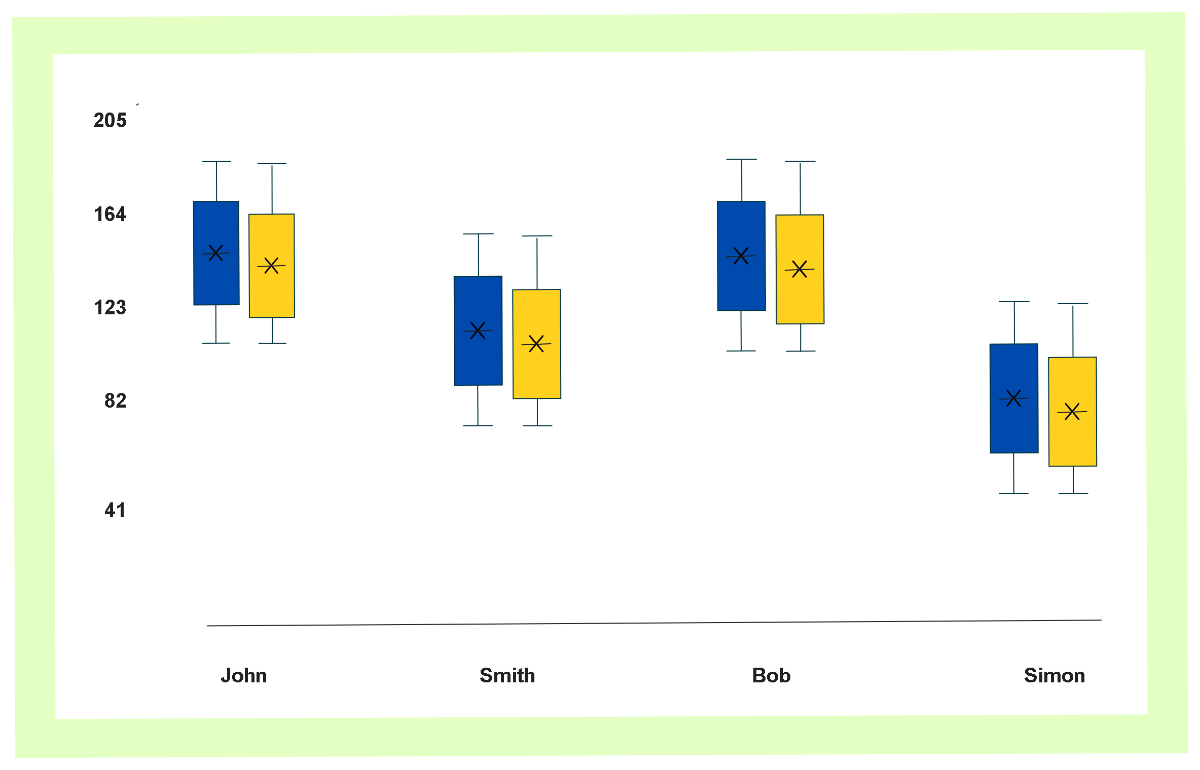
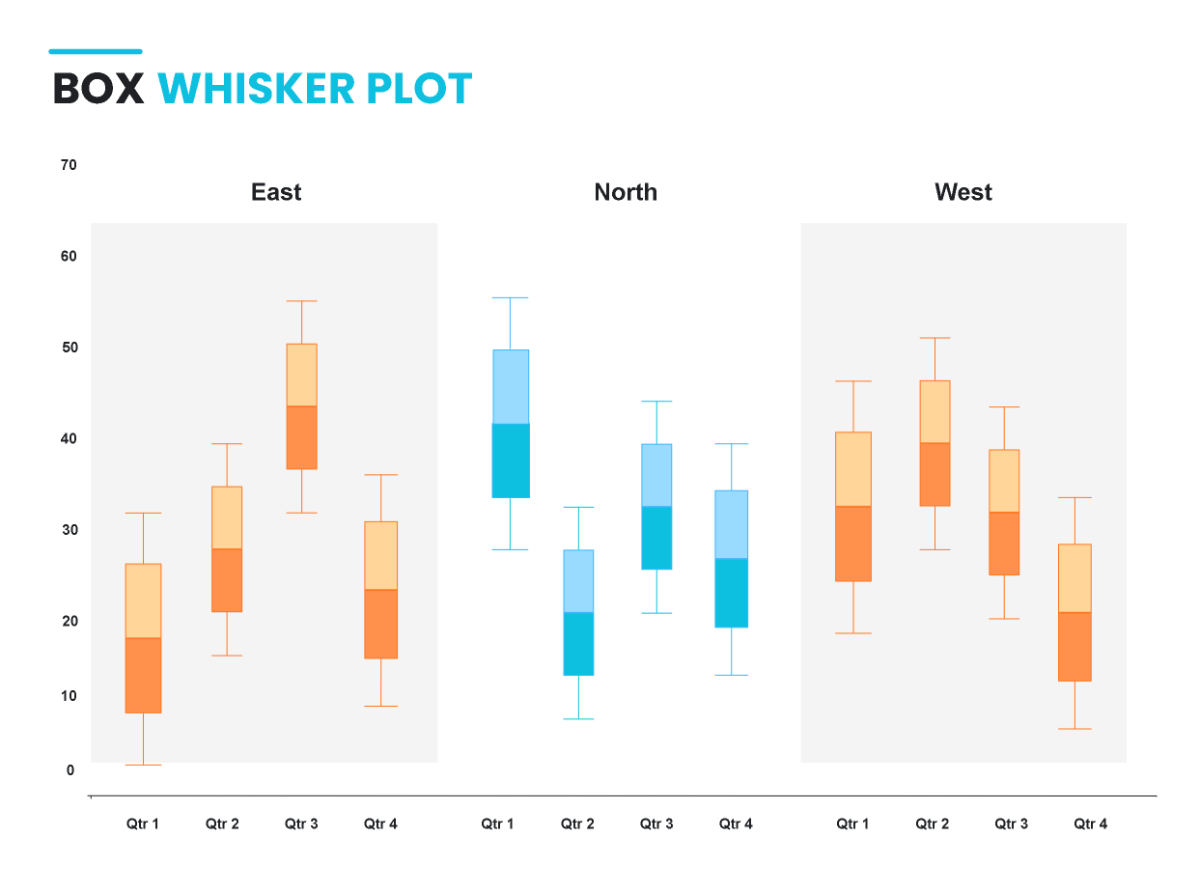
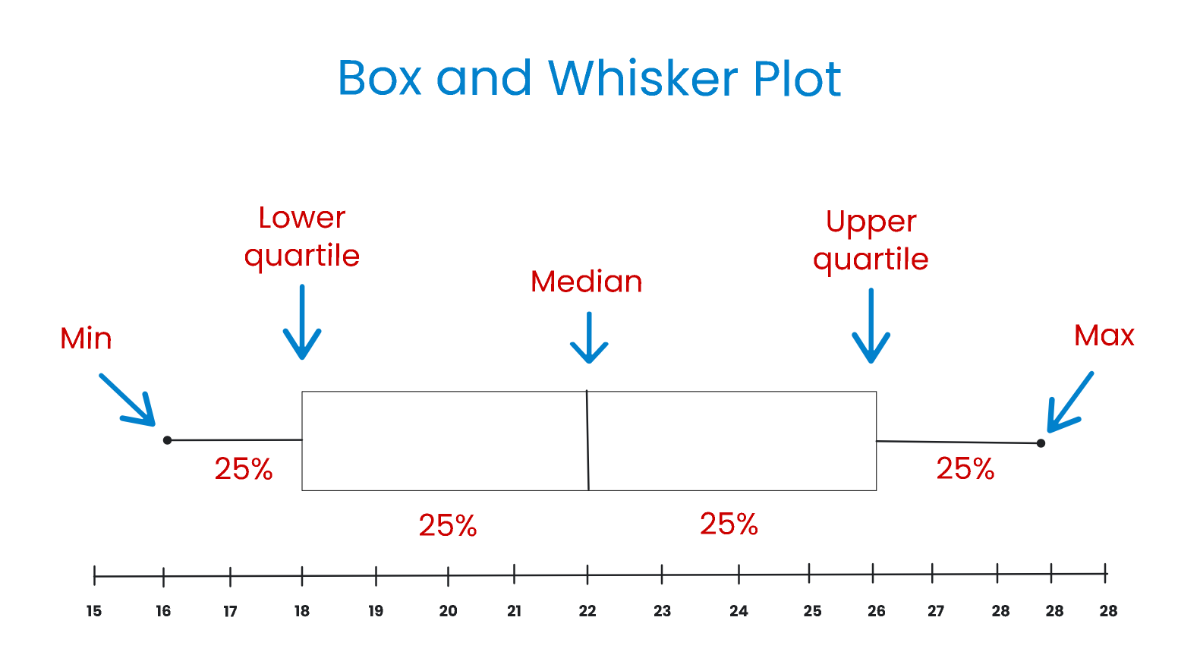
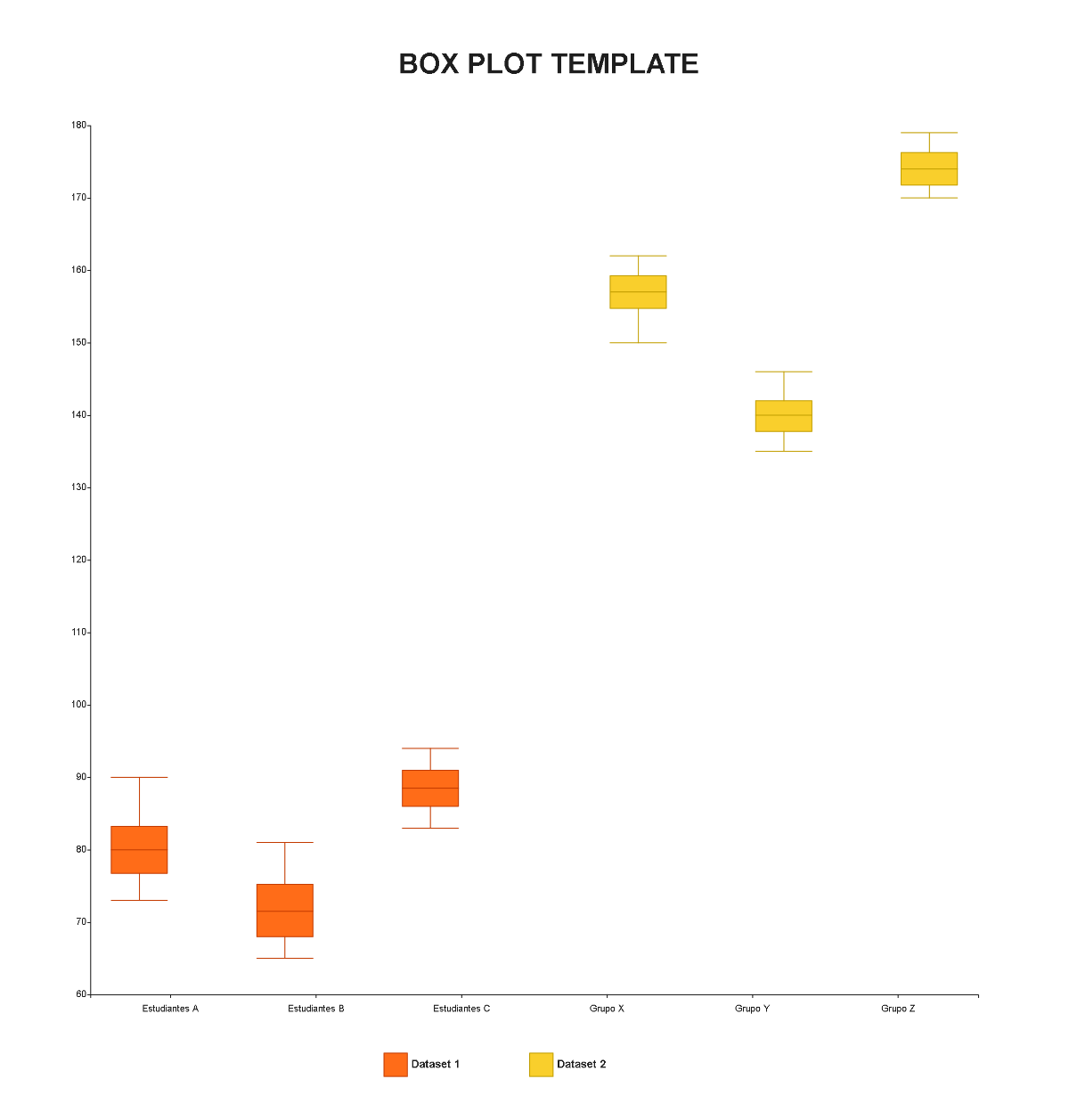
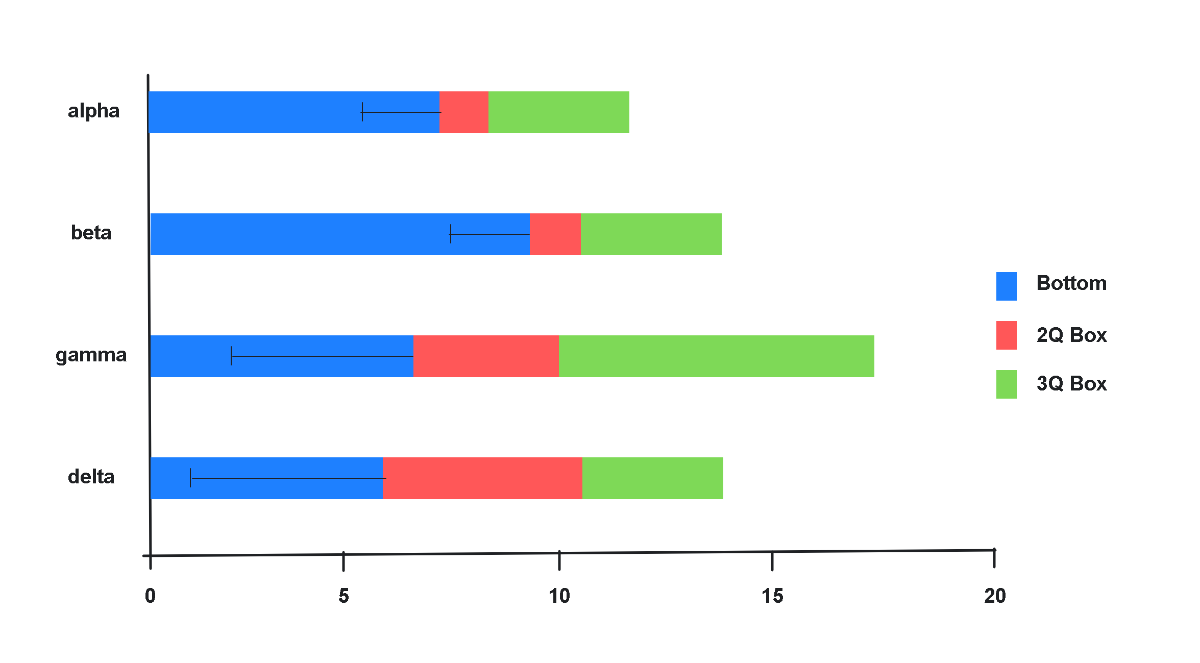
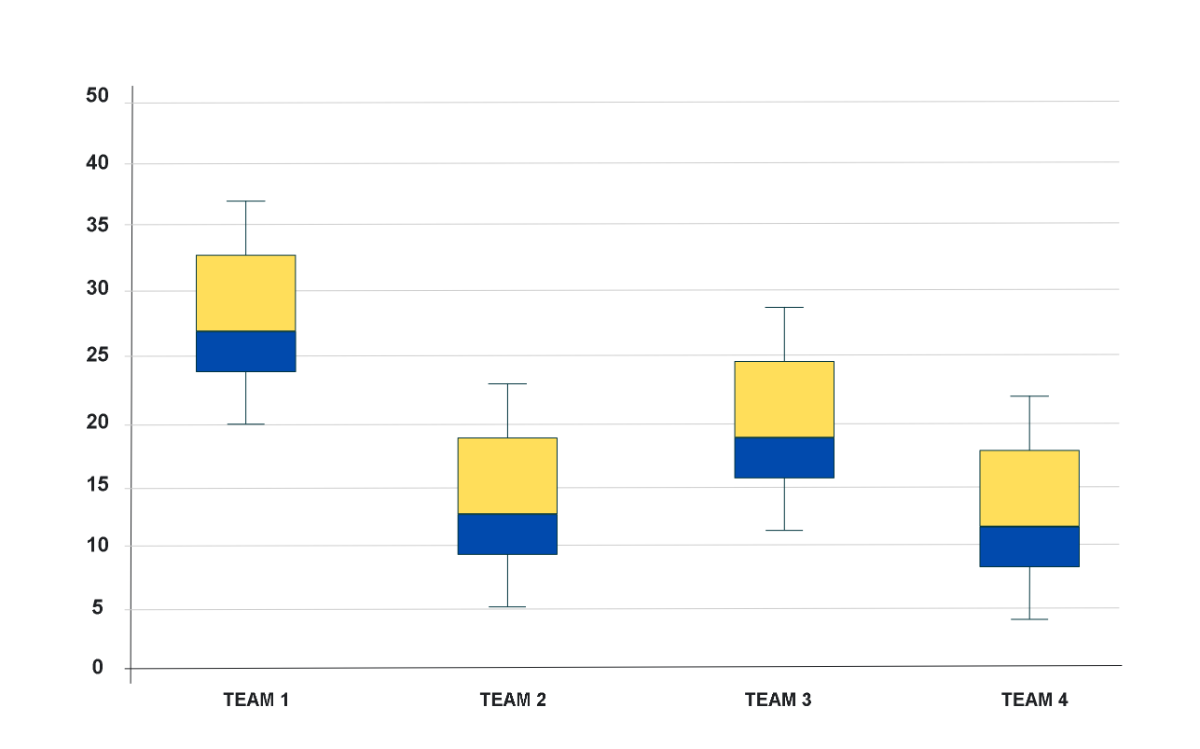
A Box and Whisker Diagram is a graphical representation that summarizes data distributions by showing quartiles, median, and outliers. These diagrams use boxes and whiskers to visualize spread and variation in datasets, making complex statistics easily interpretable.
Why use a Box and Whisker Diagram?
Box and Whisker Diagrams are used to quickly reveal data spread, central tendency, and outliers in datasets, aiding in comparative analysis. These diagrams help teams visually interpret statistical information, improving decision-making during brainstorming and planning sessions.
Who typically uses Box and Whisker Diagrams?
Box and Whisker Diagrams are commonly used by data analysts, students, researchers, and project managers who require clear visualization of statistical data. These diagrams assist teams in collaborative analysis and effective communication of insights.
What sections or blocks should a Box and Whisker Diagram include?
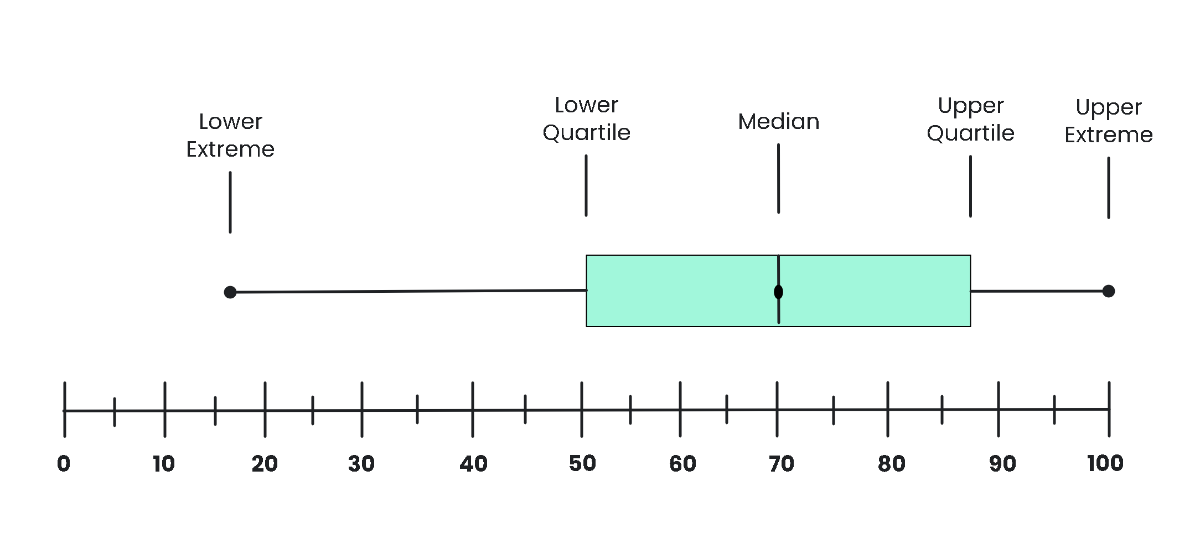
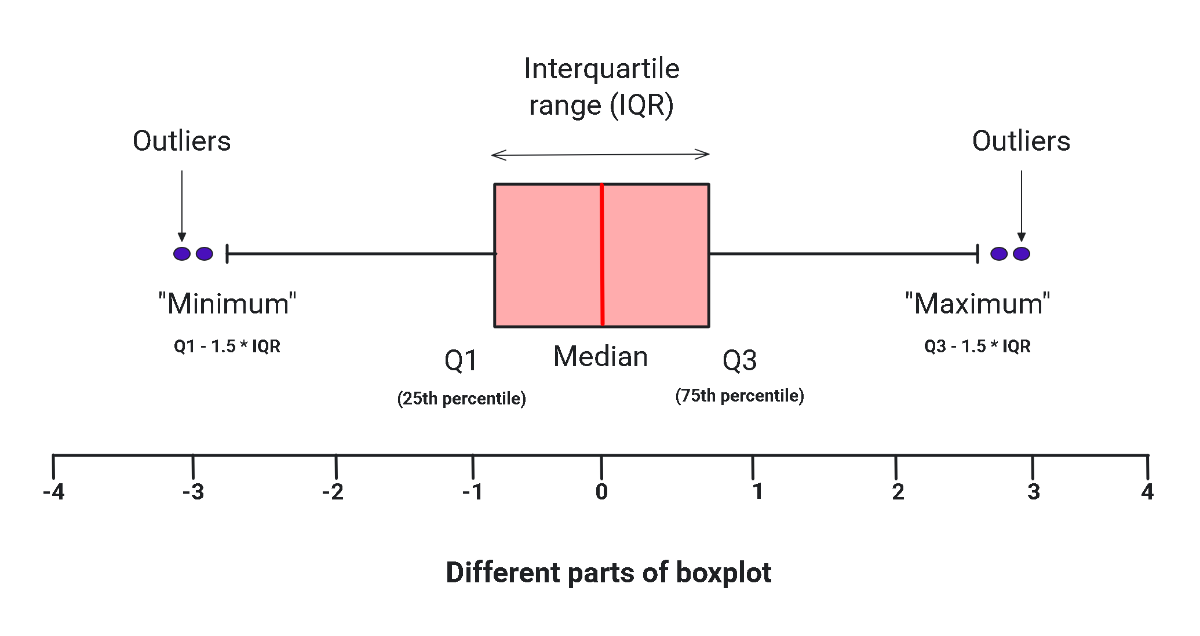
A Box and Whisker Diagram should include clear boxes representing the interquartile range, whiskers extending to minimum and maximum values, a median line inside the box, and outlier markers. Proper canvas layout enhances readability and data interpretation.
What are the best tips for designing a Box and Whisker Diagram?
Use color coding to differentiate quartiles, include clear labels for each section, and maintain a balanced canvas layout. Incorporate shapes and text blocks for data points, ensuring the diagram remains visually accessible and easy to understand.
How do you share or present a Box and Whisker Diagram?
Sharing a Box and Whisker Diagram involves exporting in common file formats or using shareable links from the online canvas. Presentations benefit from interactive views and real-time editing features to engage audiences effectively.
How do teams collaborate on a Box and Whisker Diagram?
Teams collaborate on Box and Whisker Diagrams through real-time editing, collaboration cursors, and shared online whiteboards. These features enable simultaneous updates, feedback, and brainstorming for data analysis within a unified visual workspace.
What file formats can I download for a Box and Whisker Diagram?
Template.net whiteboard templates support multiple export formats for Box and Whisker Diagrams including PDF, PNG, SVG, and PPTX, allowing easy editing, sharing, and presenting.
Can I create a new Box and Whisker Diagram using AI?
Template.net provides an AI-powered tool that generates new Box and Whisker Diagram layouts from prompts in seconds, ready for online refinement and multi-format export. Use the Box and Whisker Diagram Maker to start creating instantly.
