












UML Diagram Templates: Definition, Usage, and Collaboration
What is a UML Diagram?
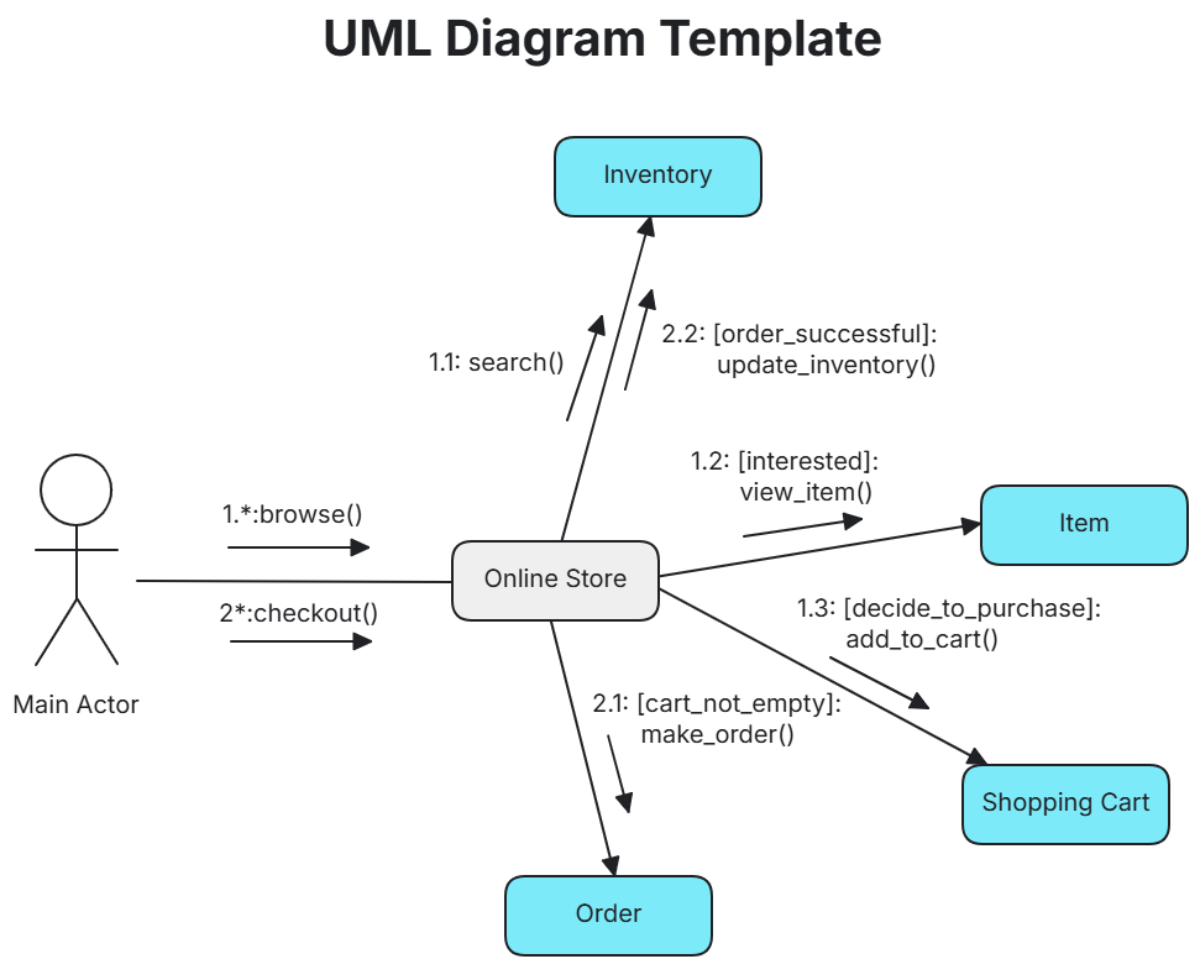
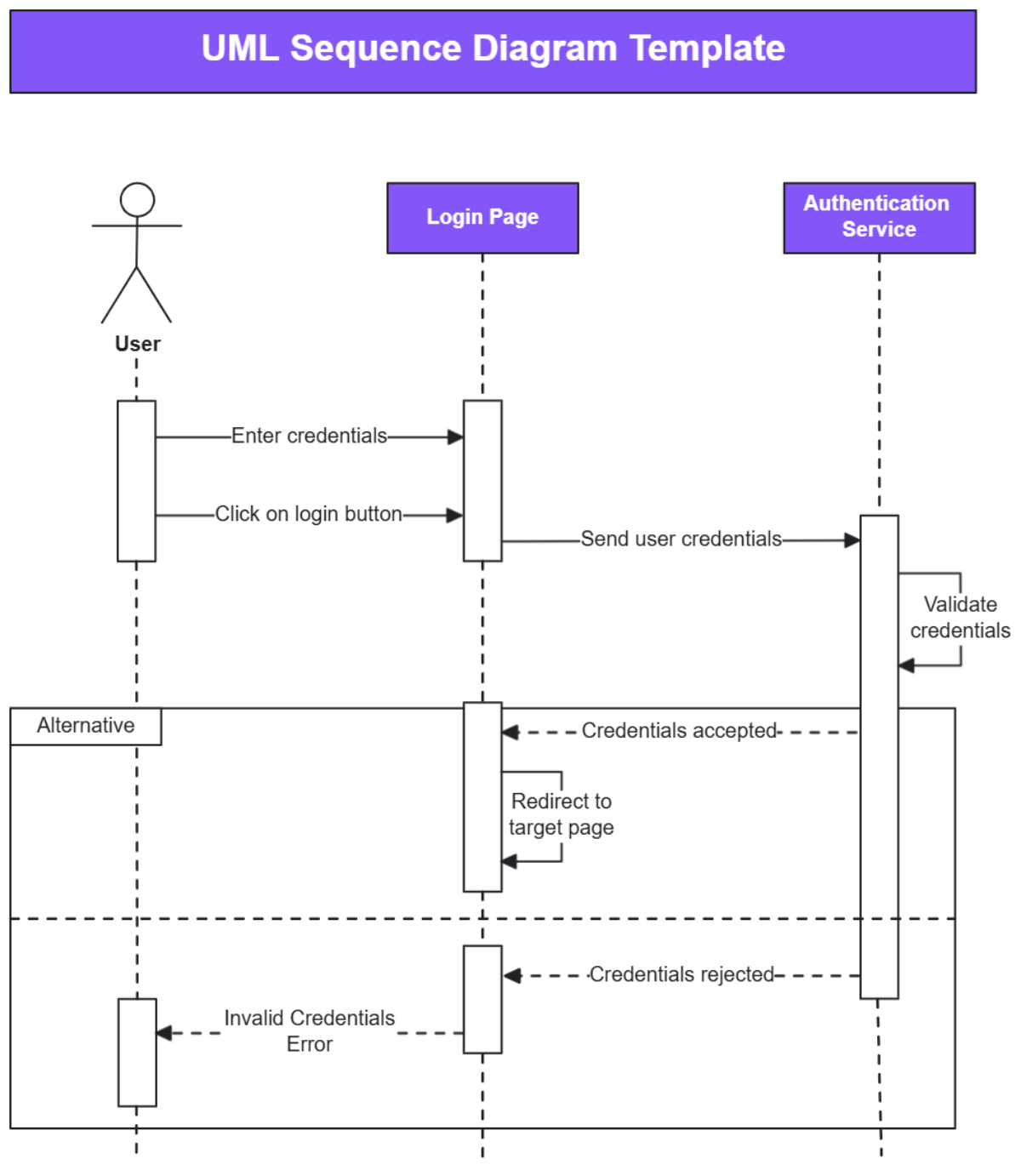
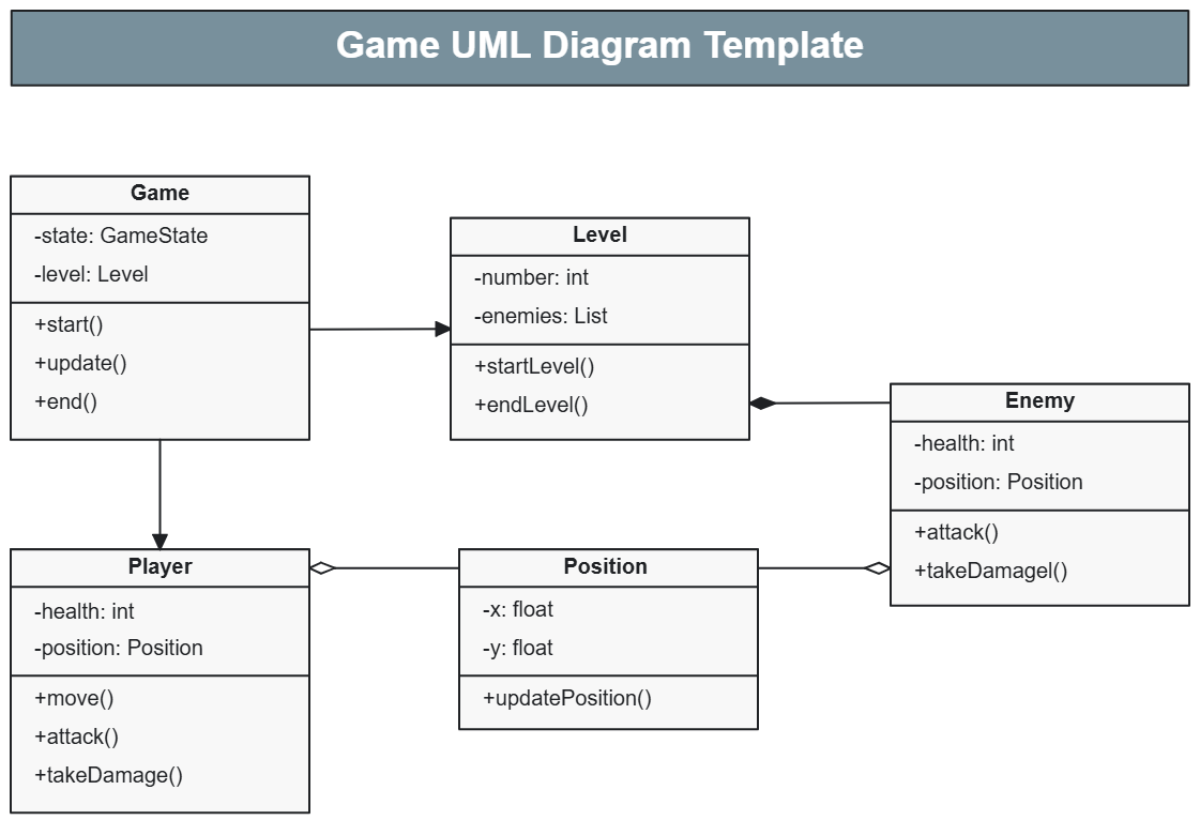
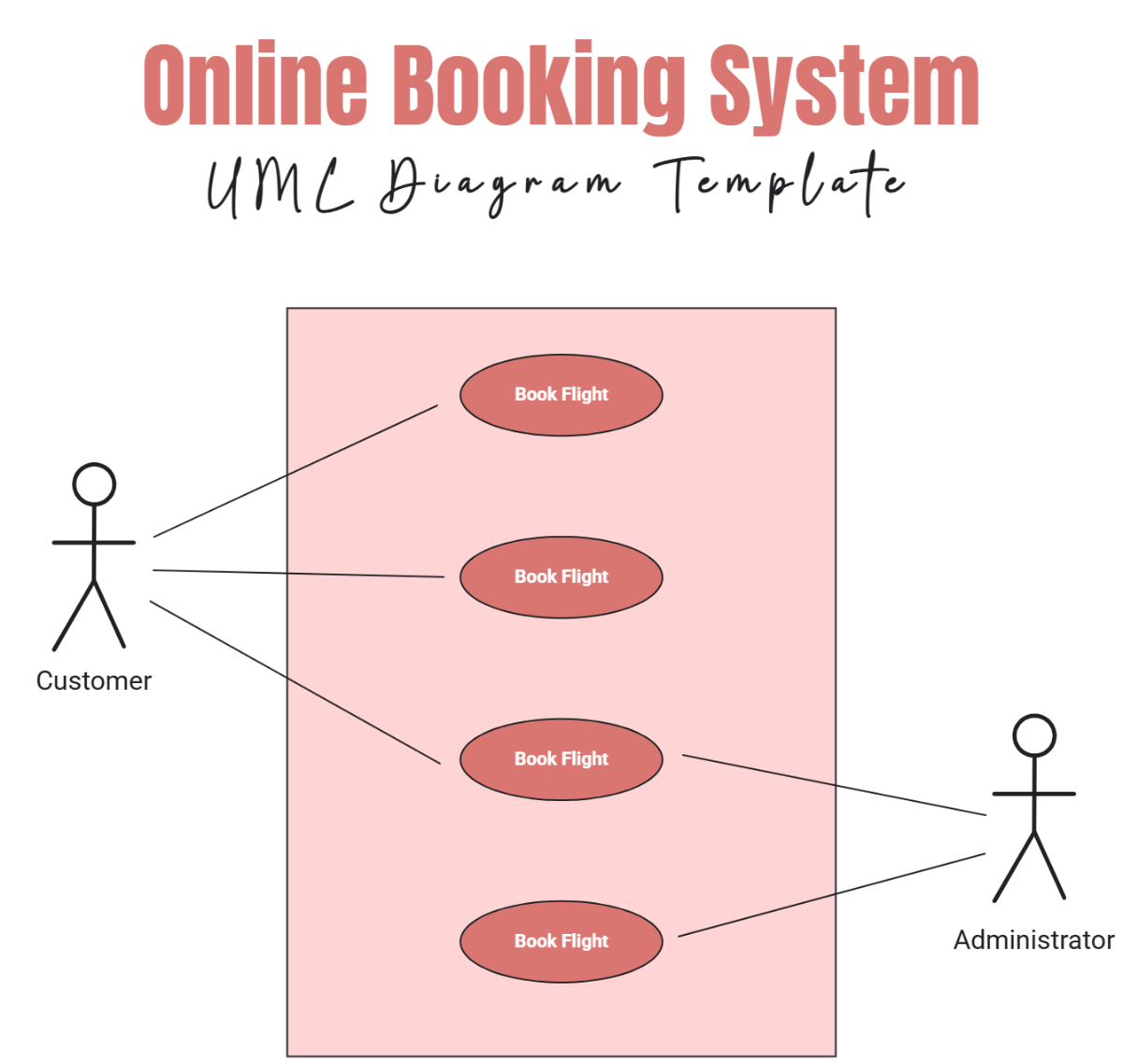
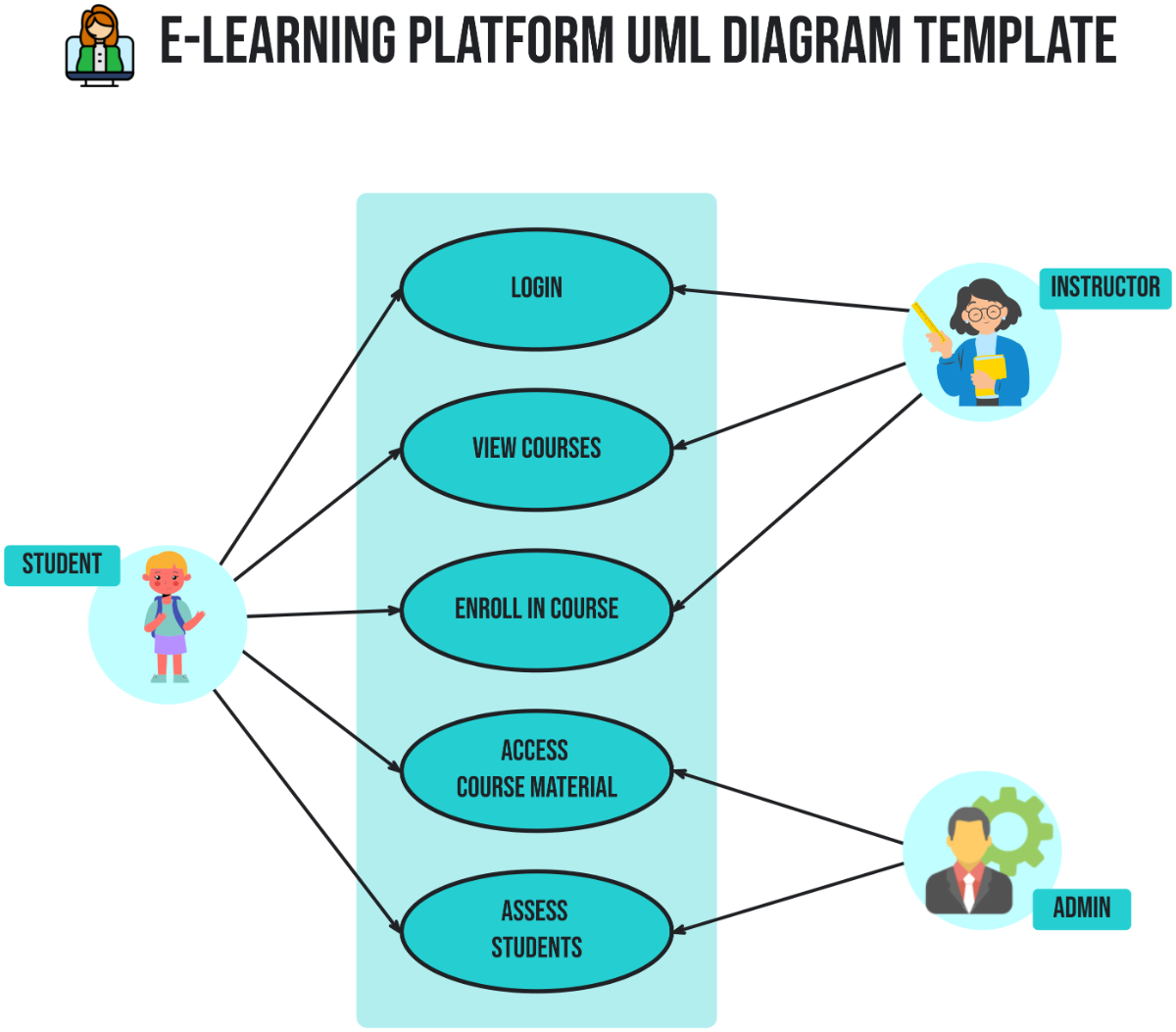
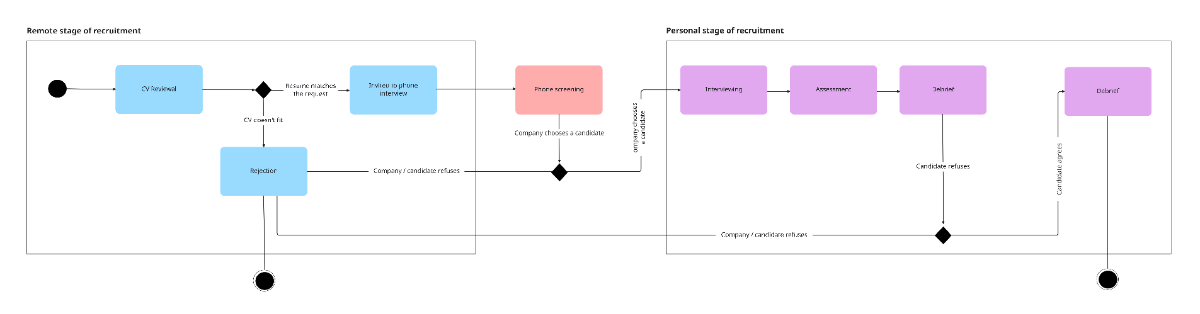
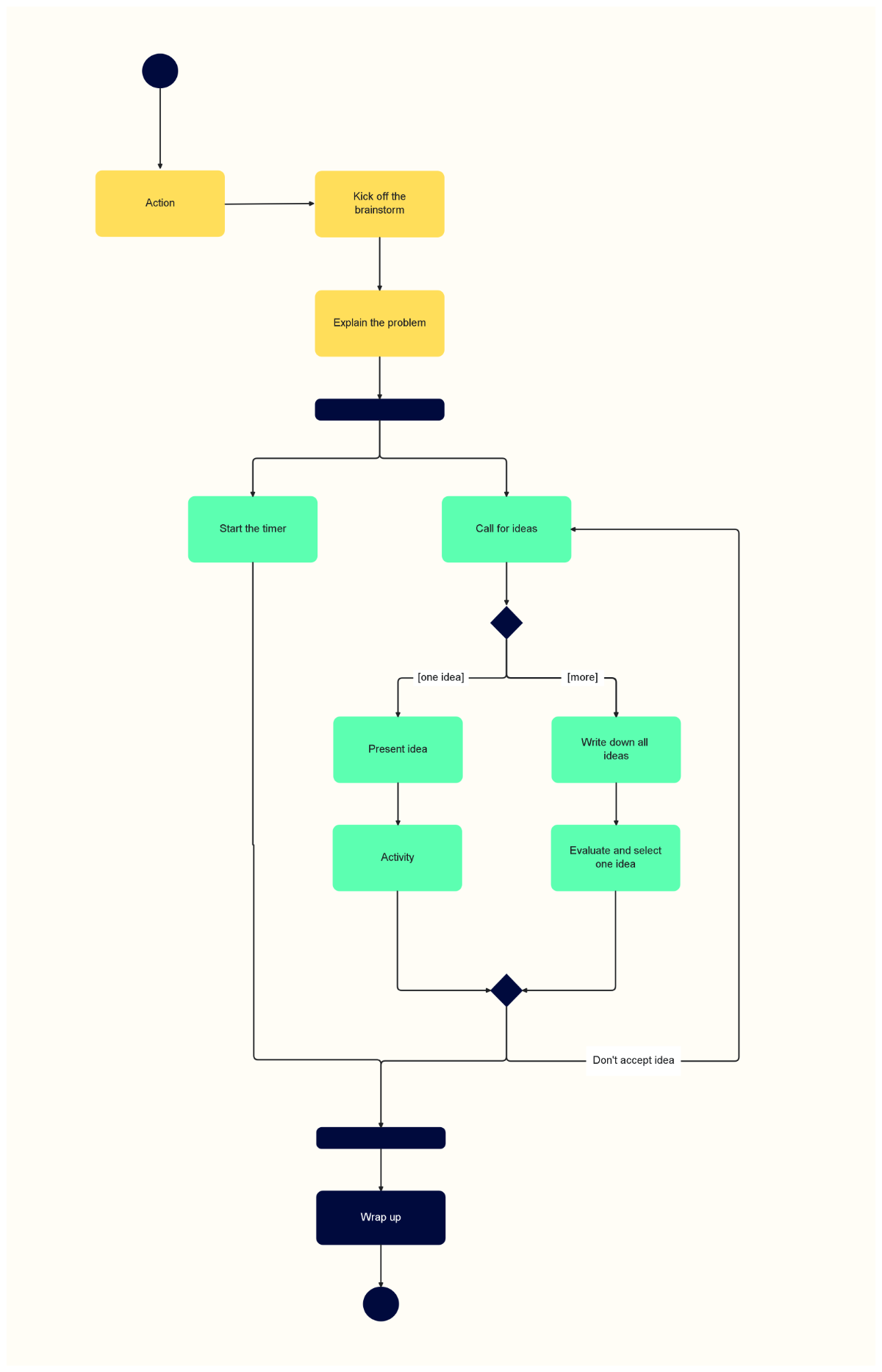
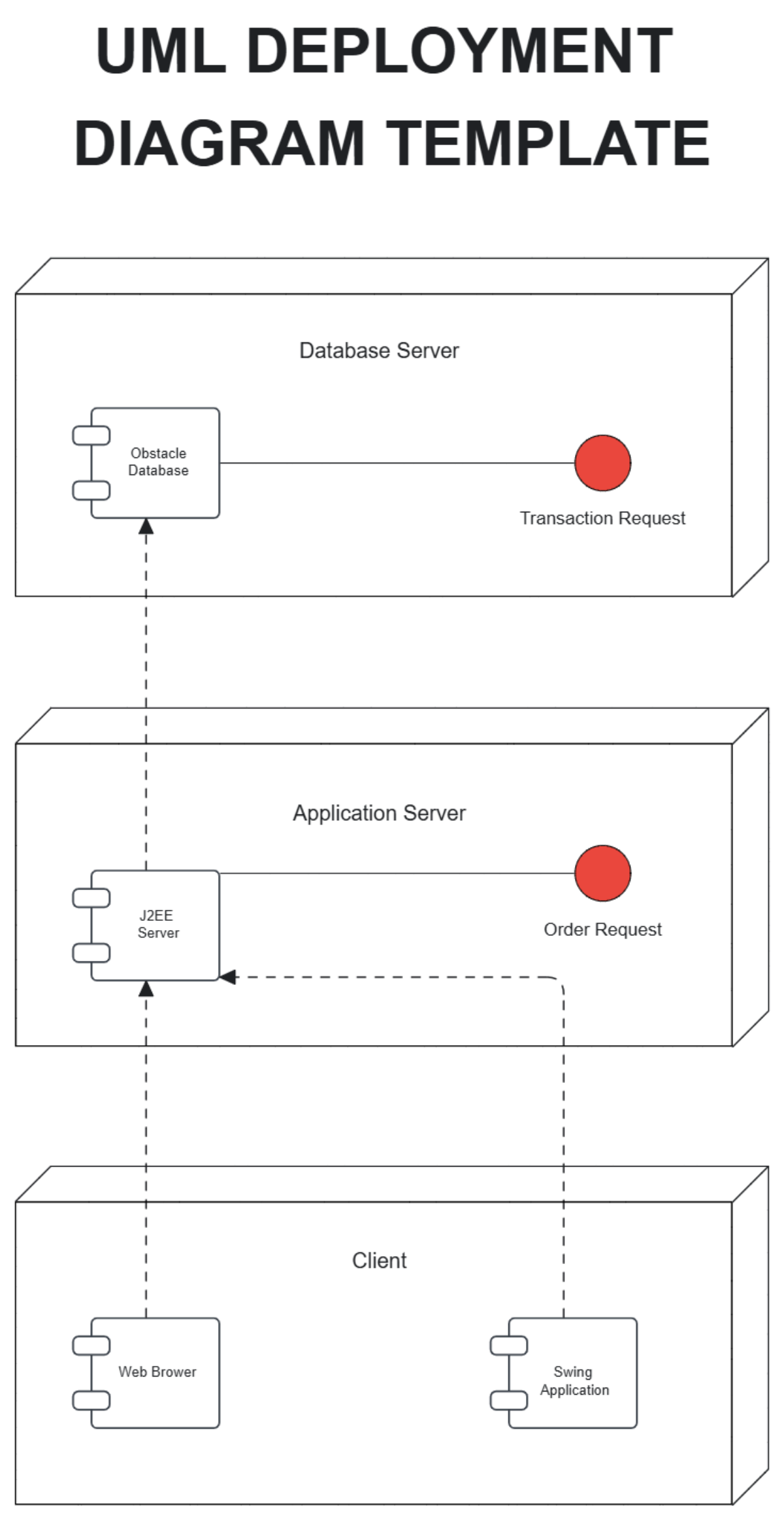
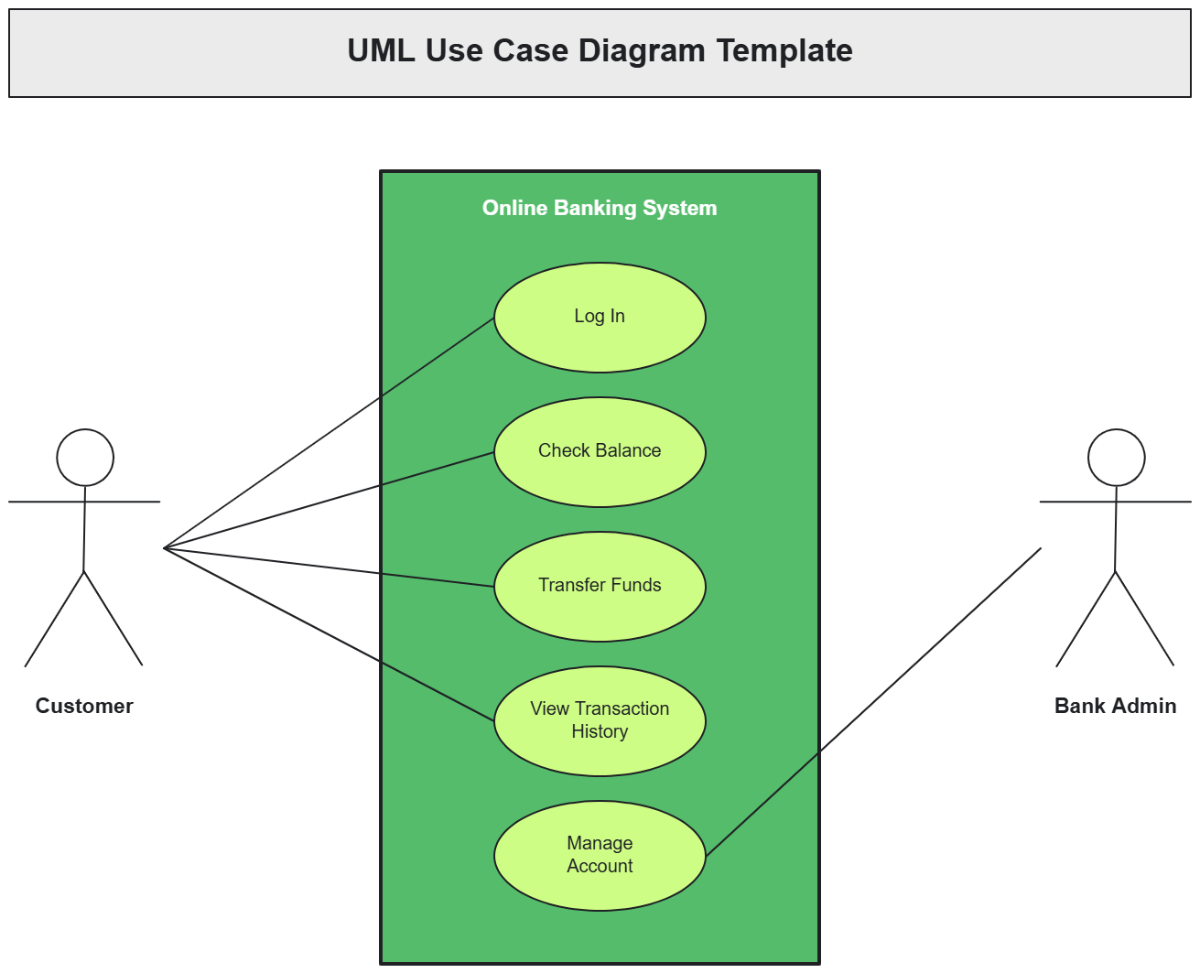
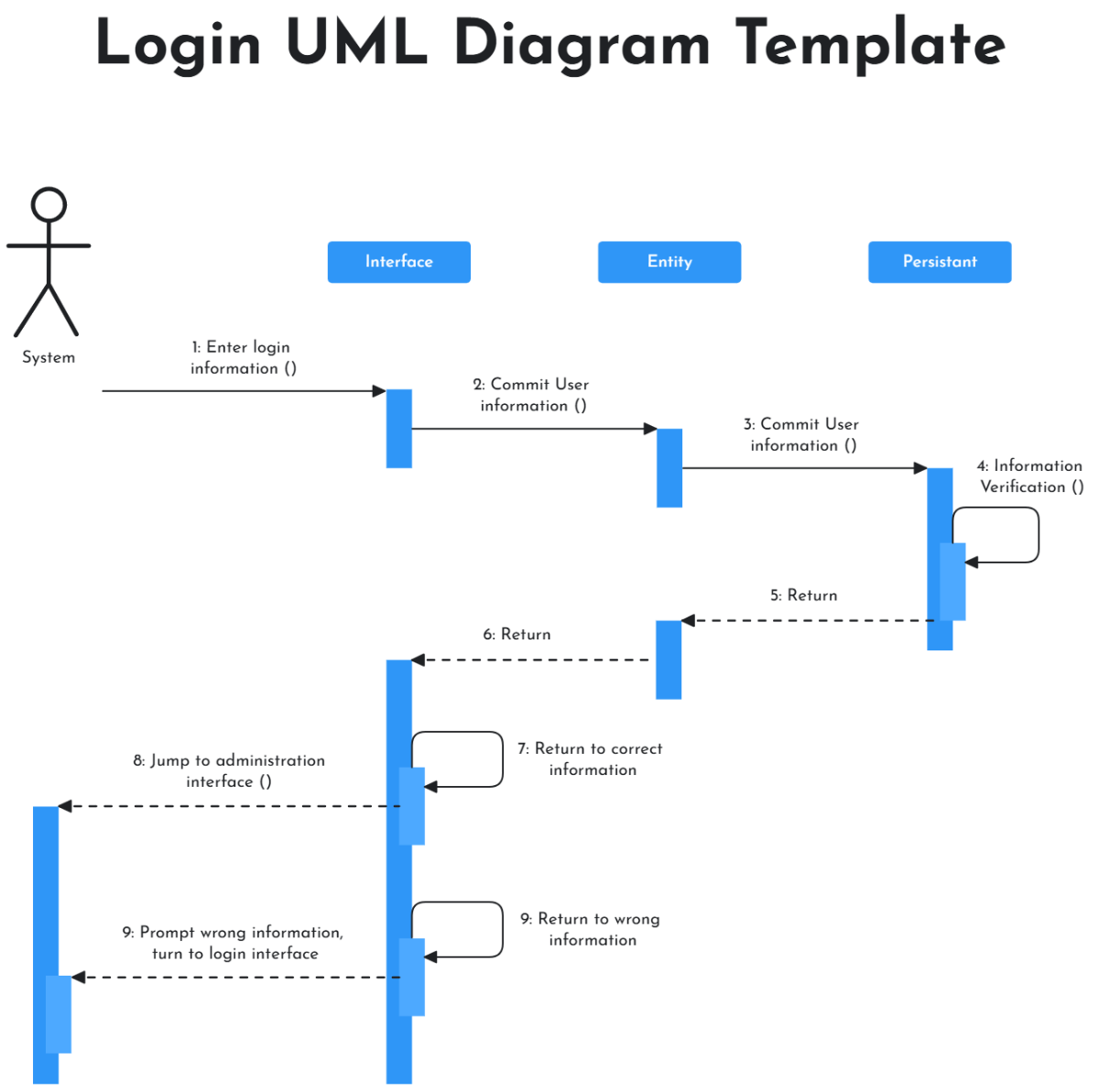
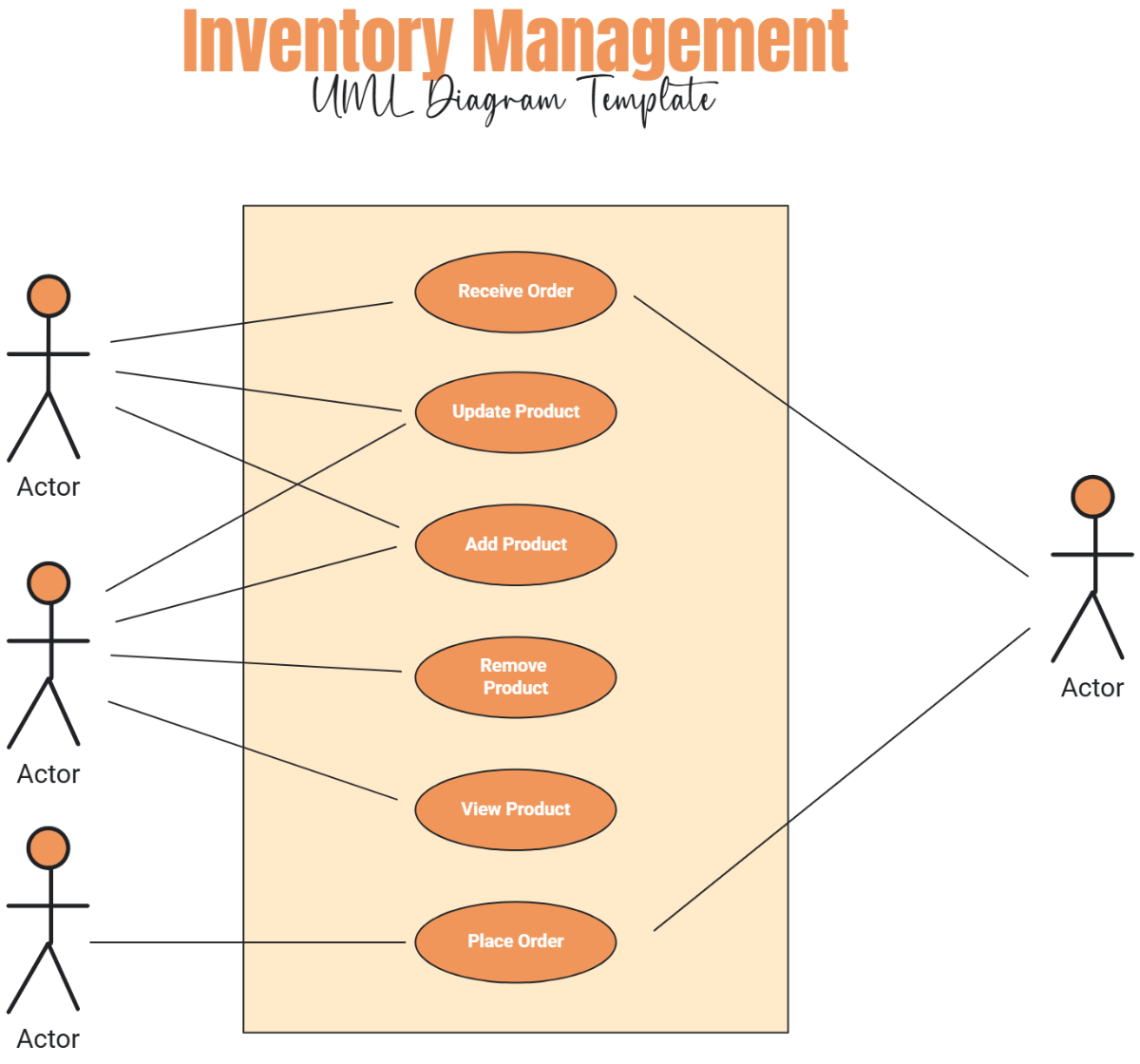
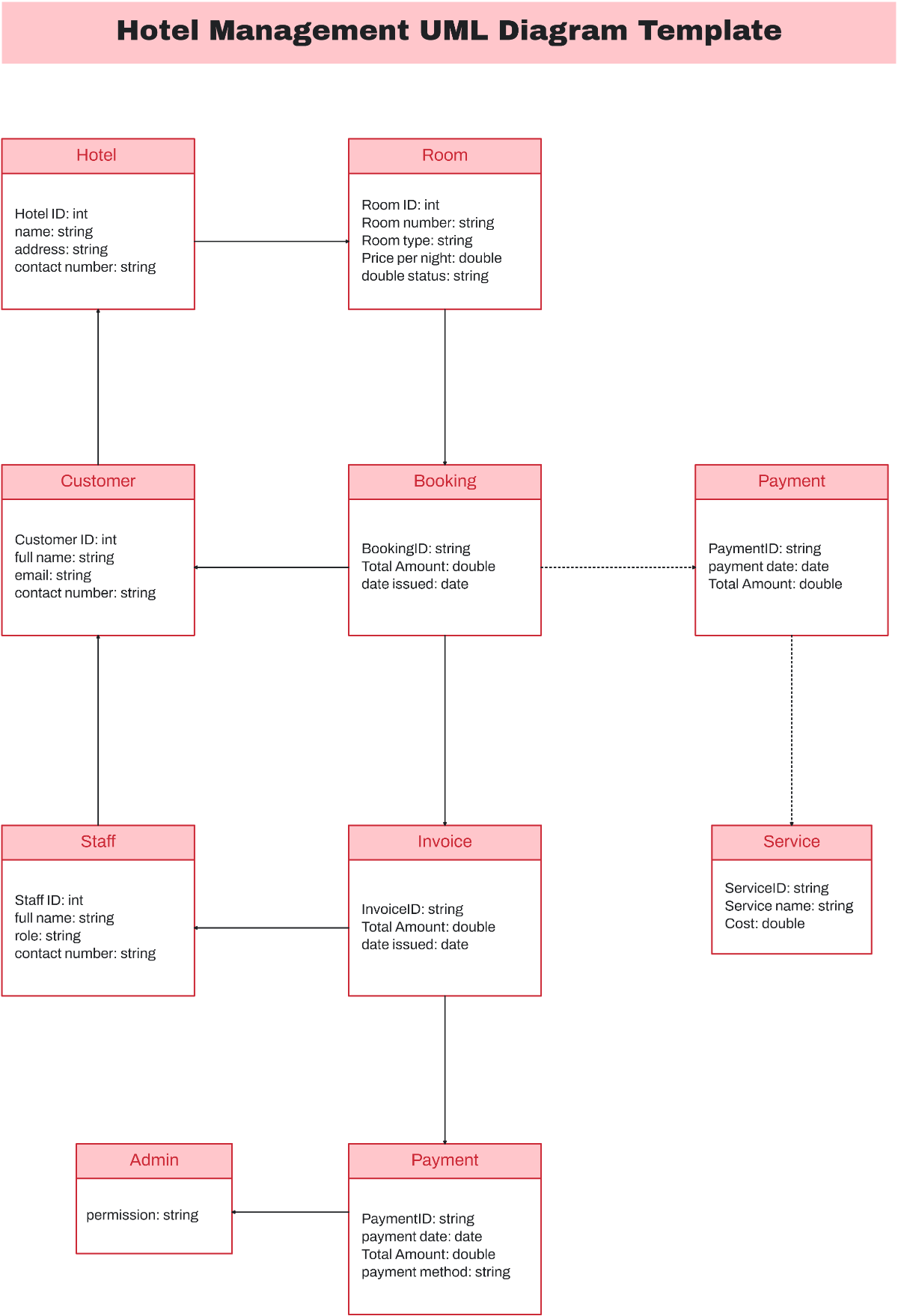
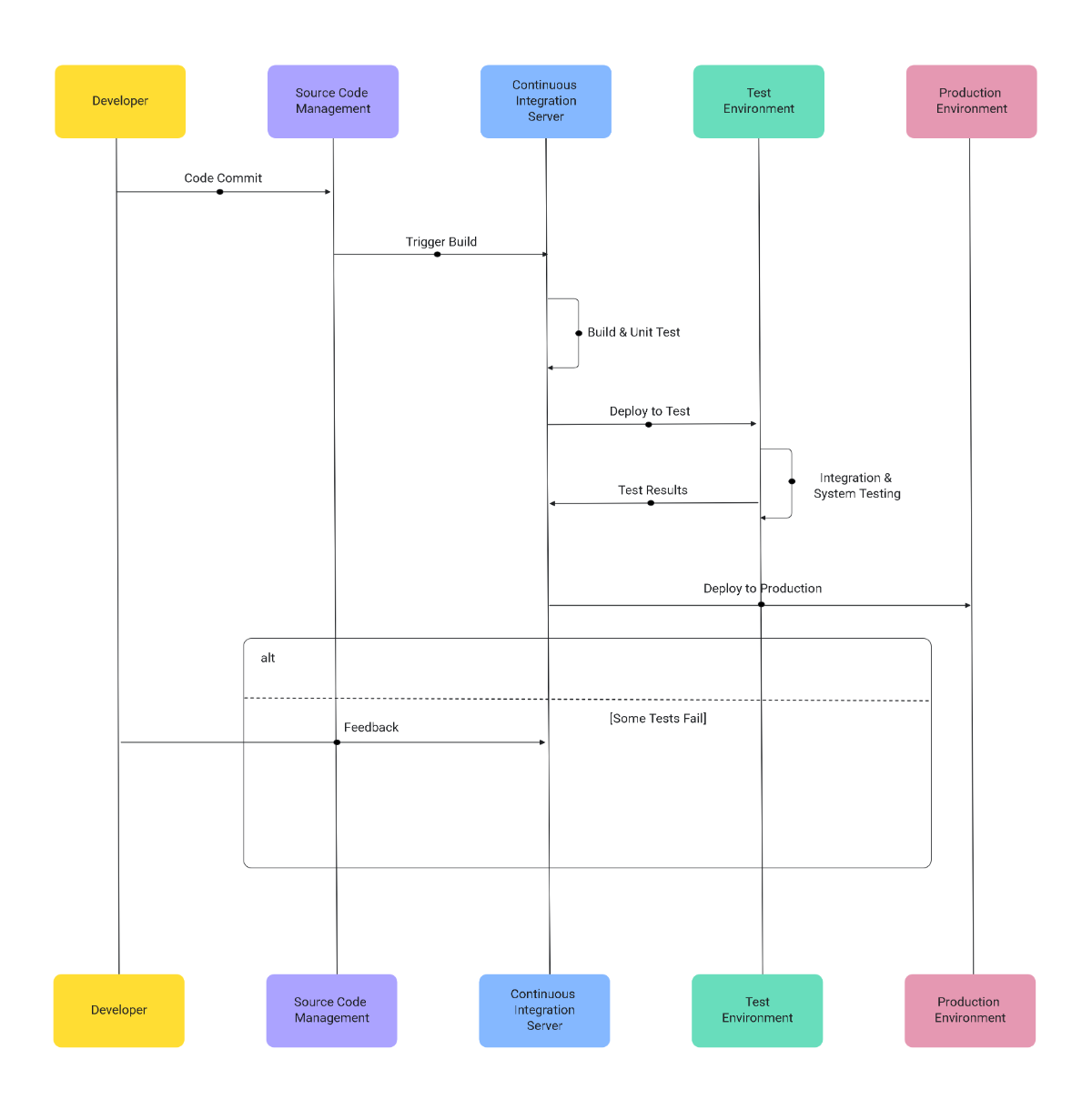
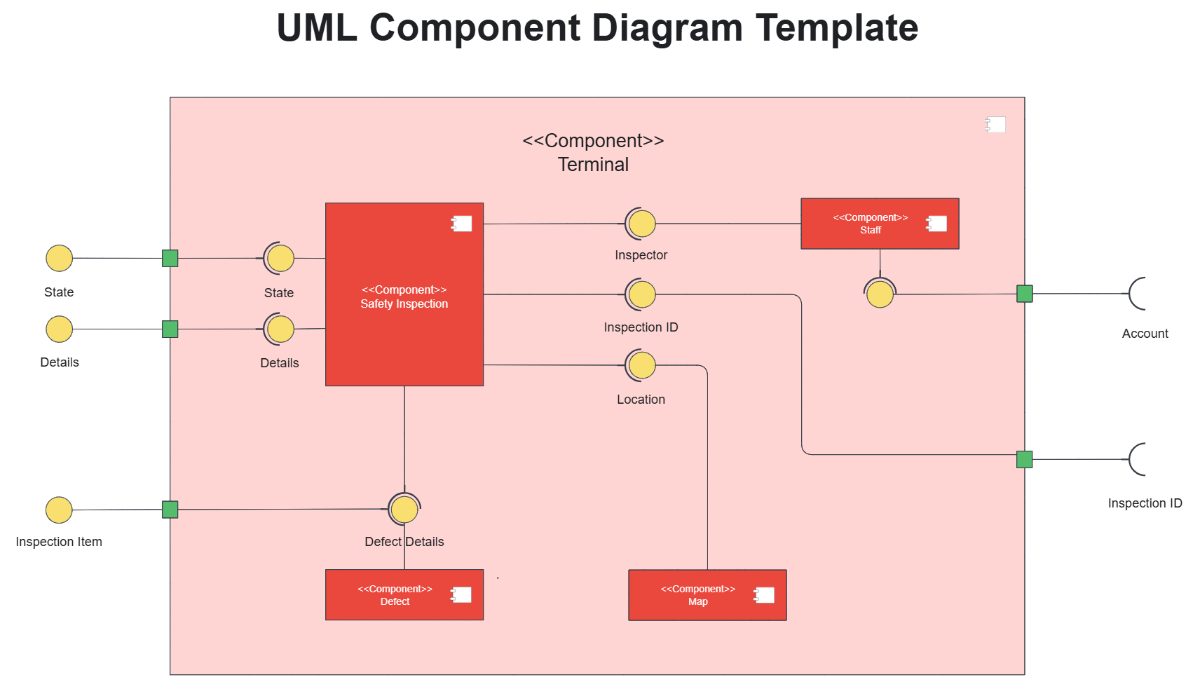
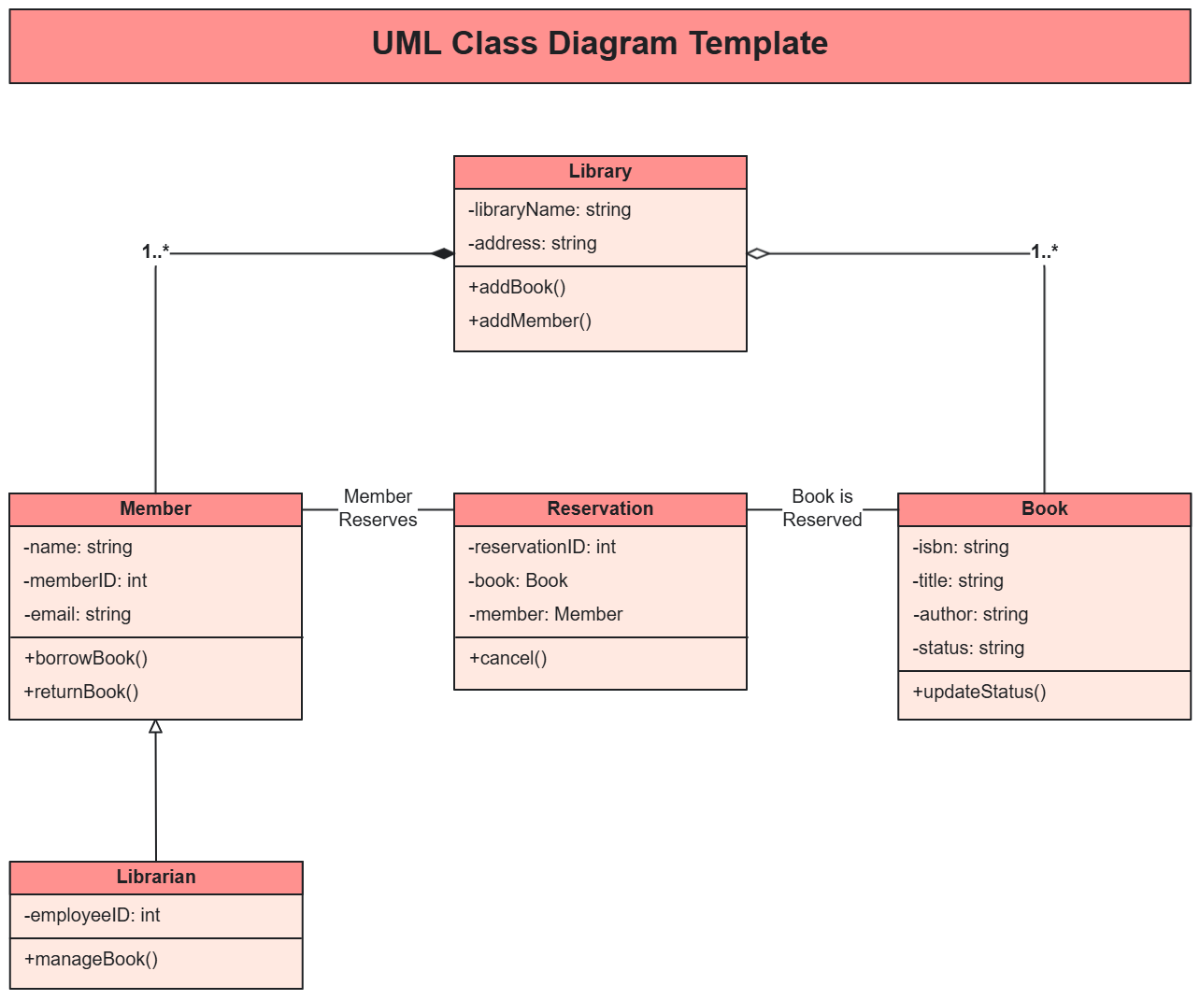
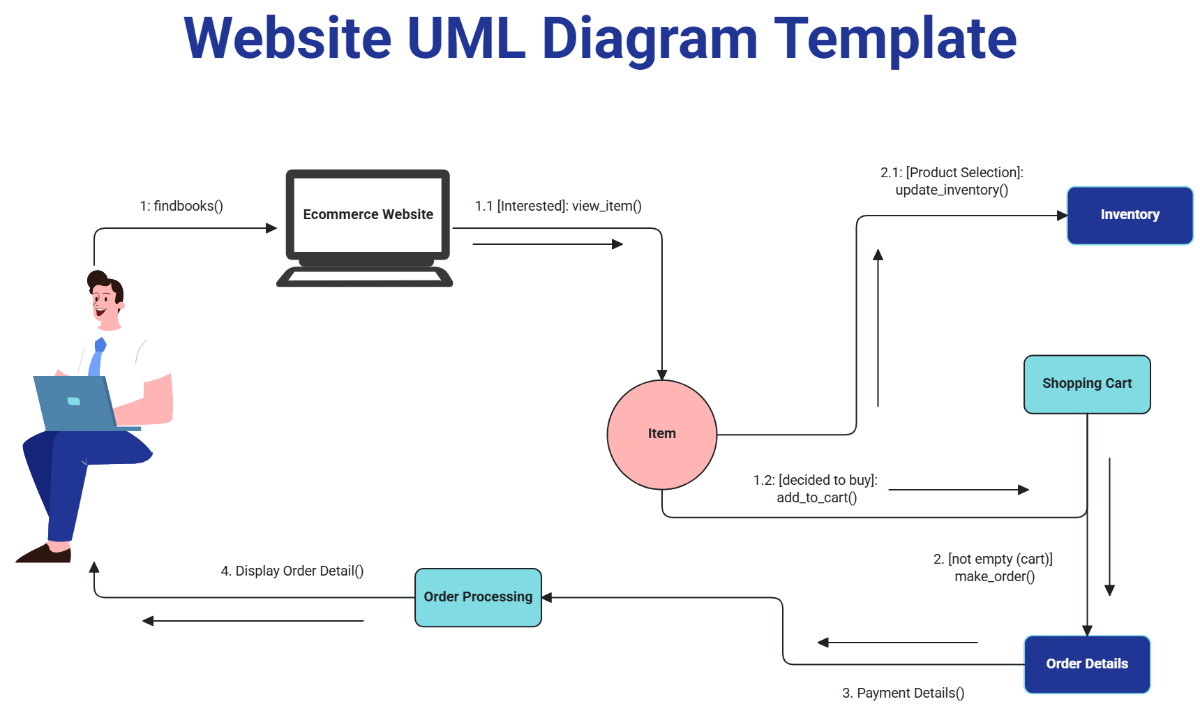
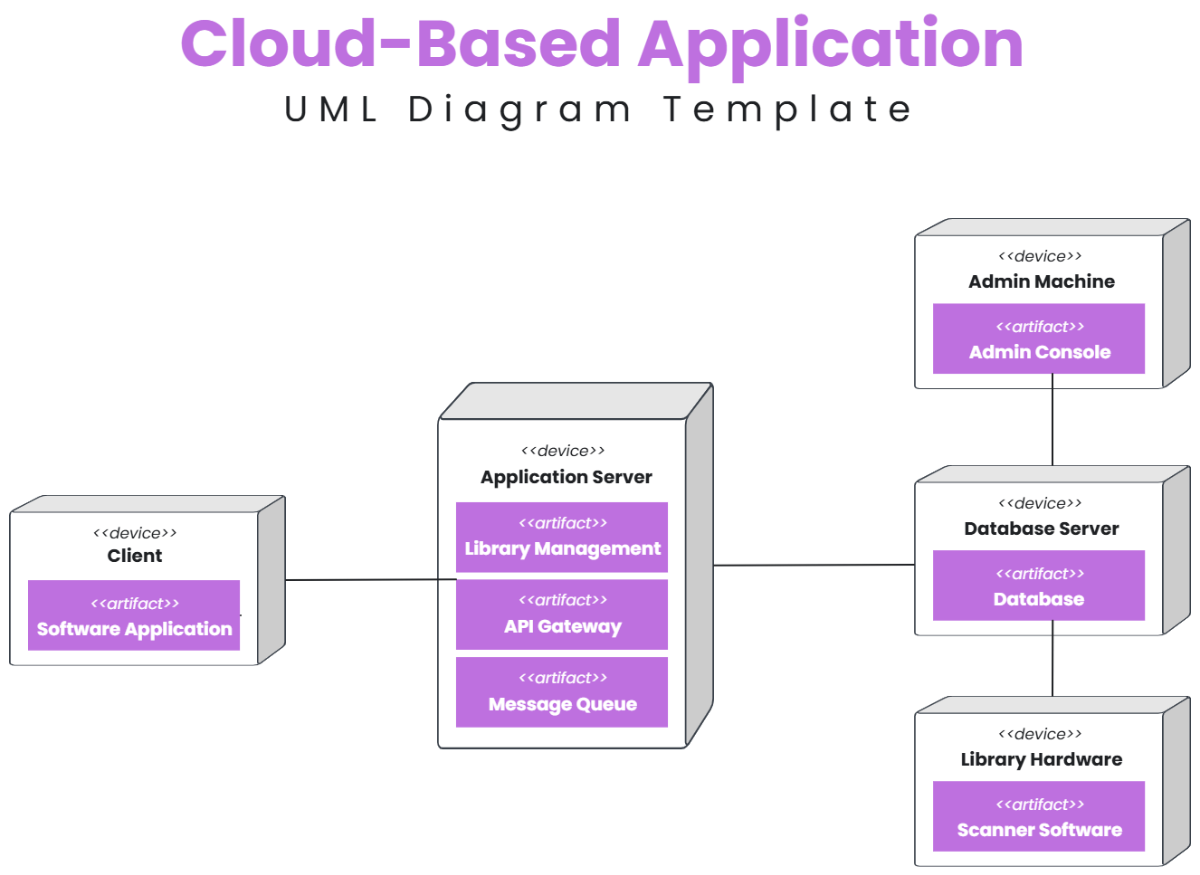
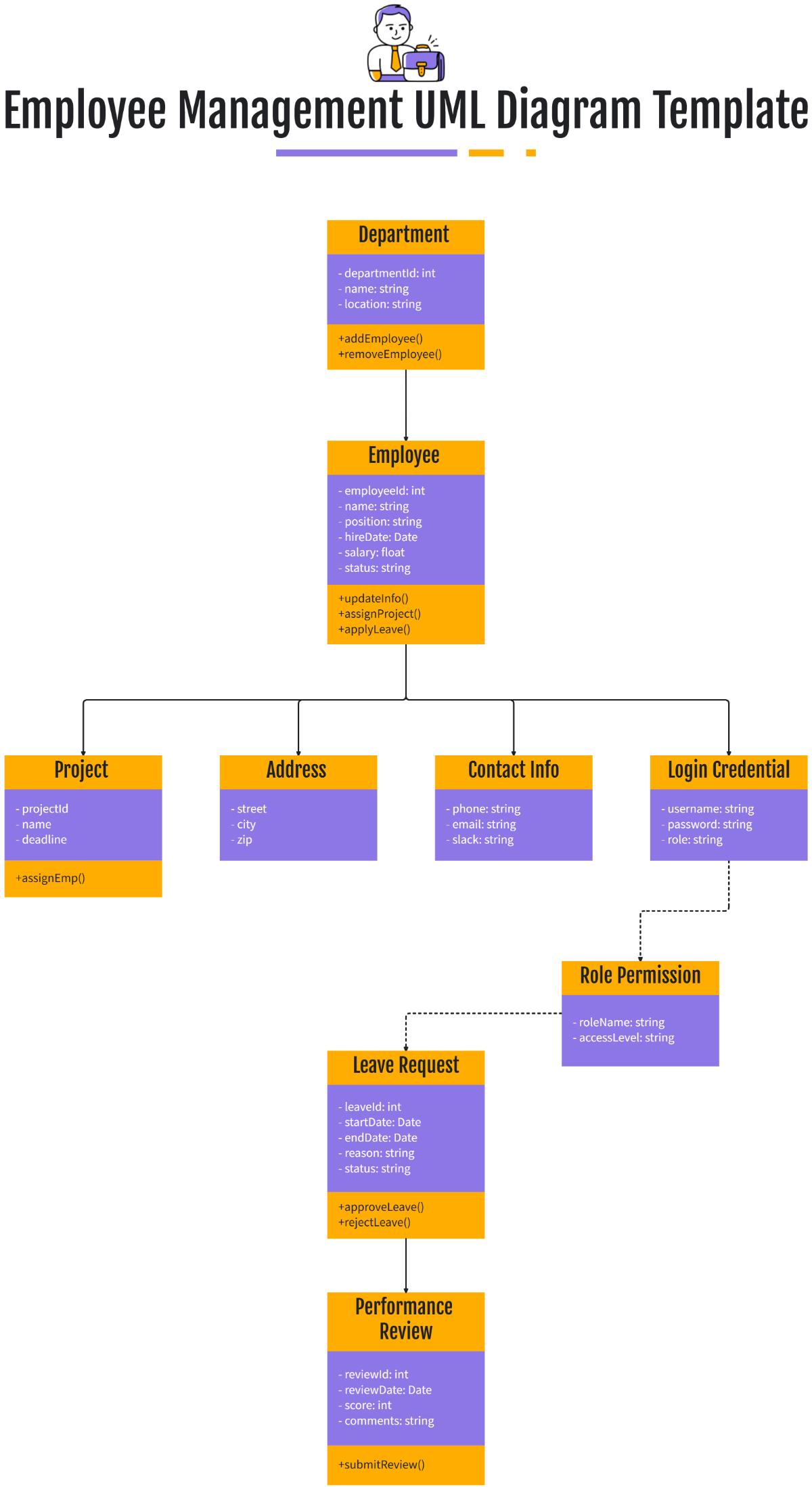
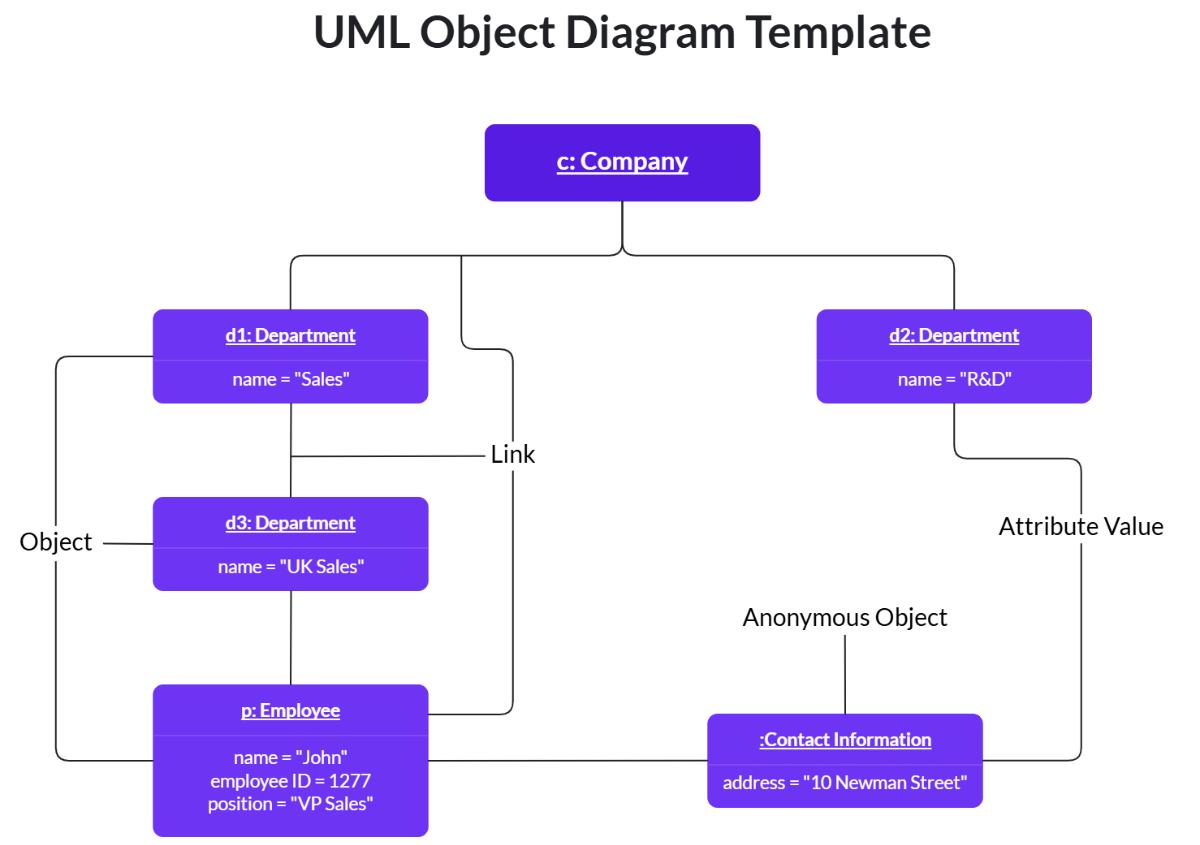
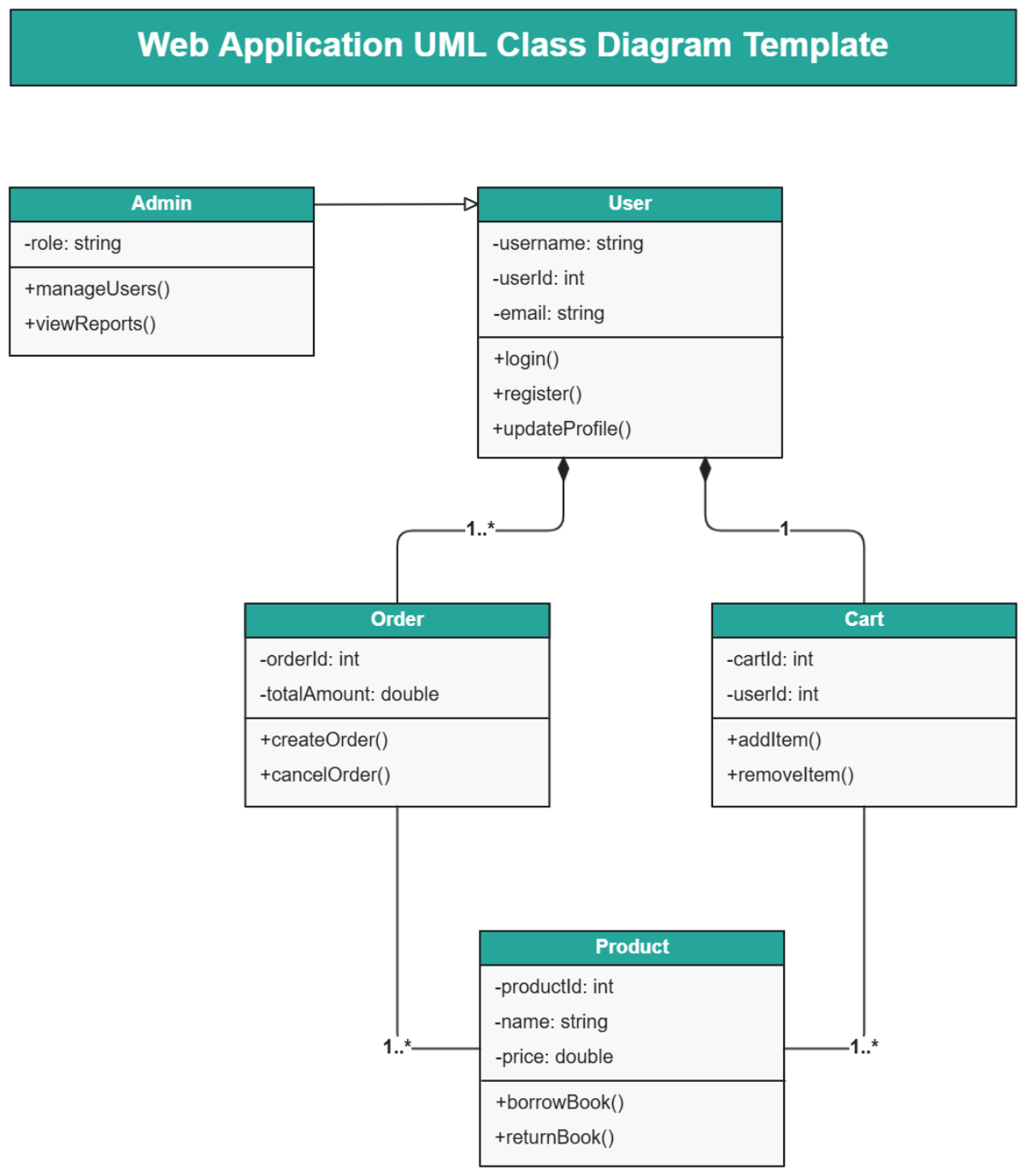
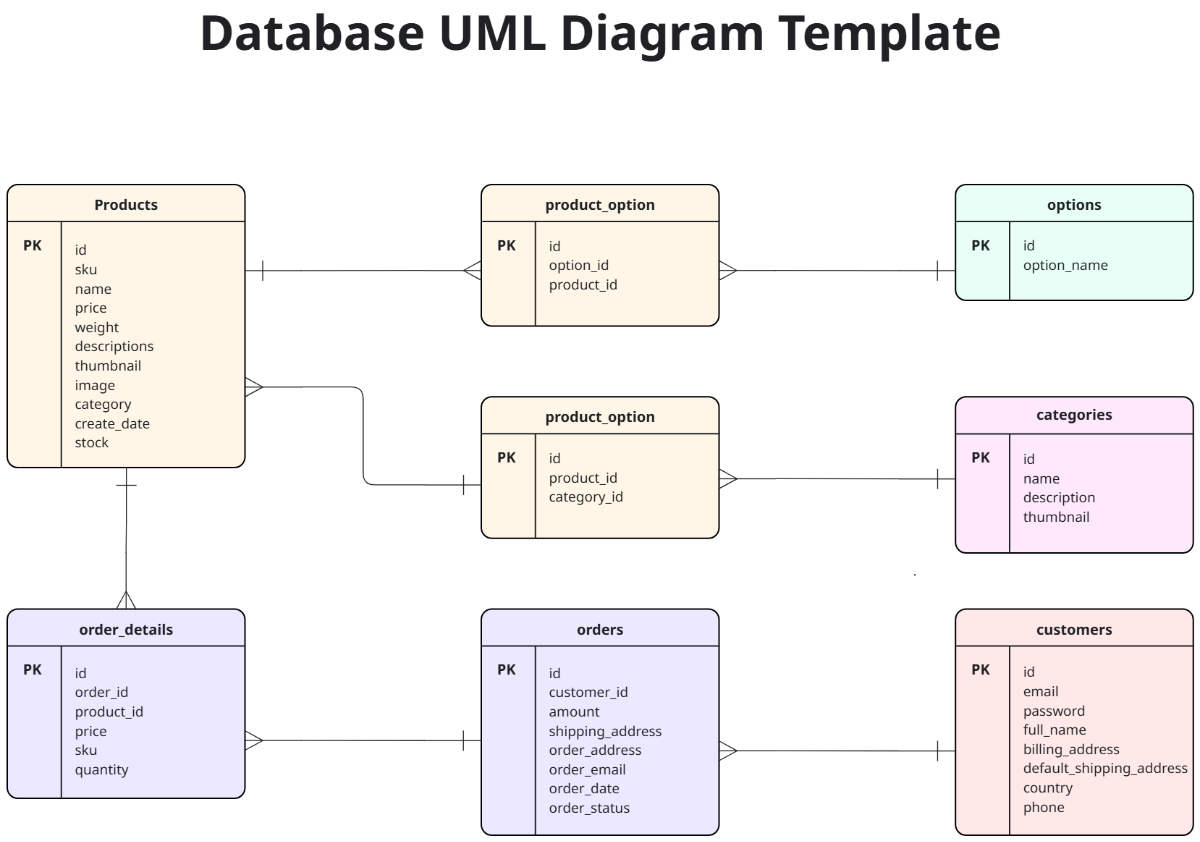
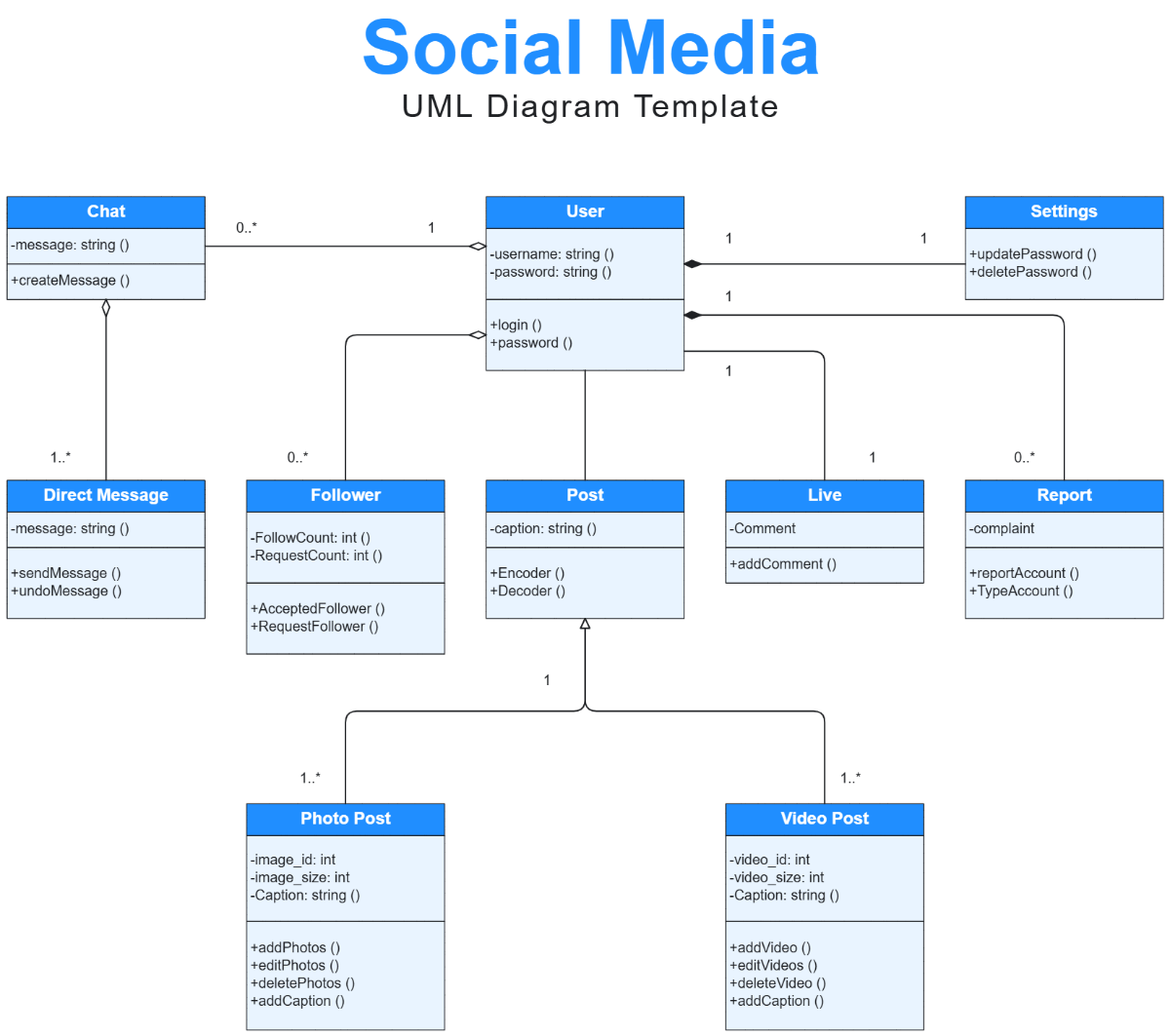
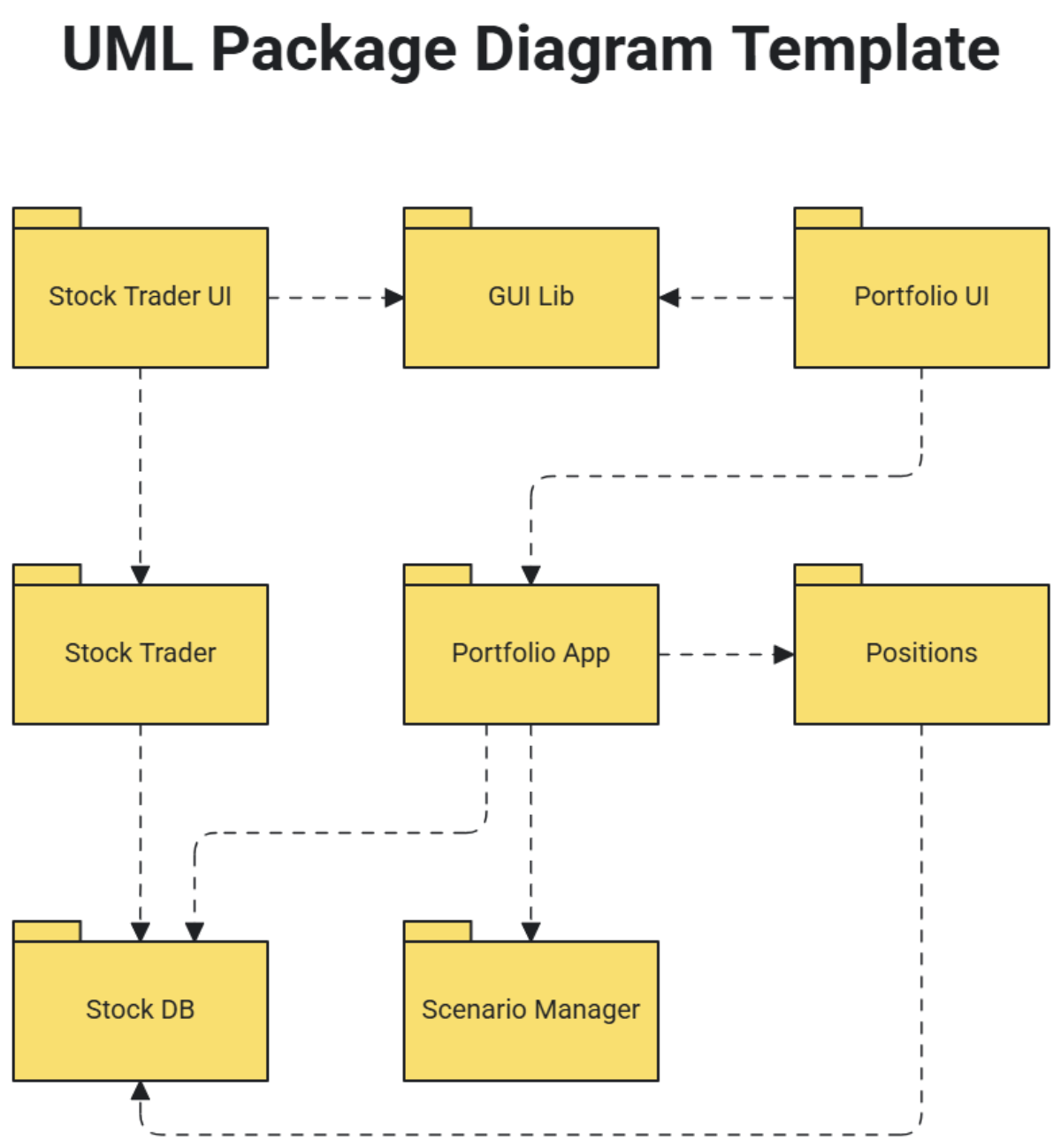
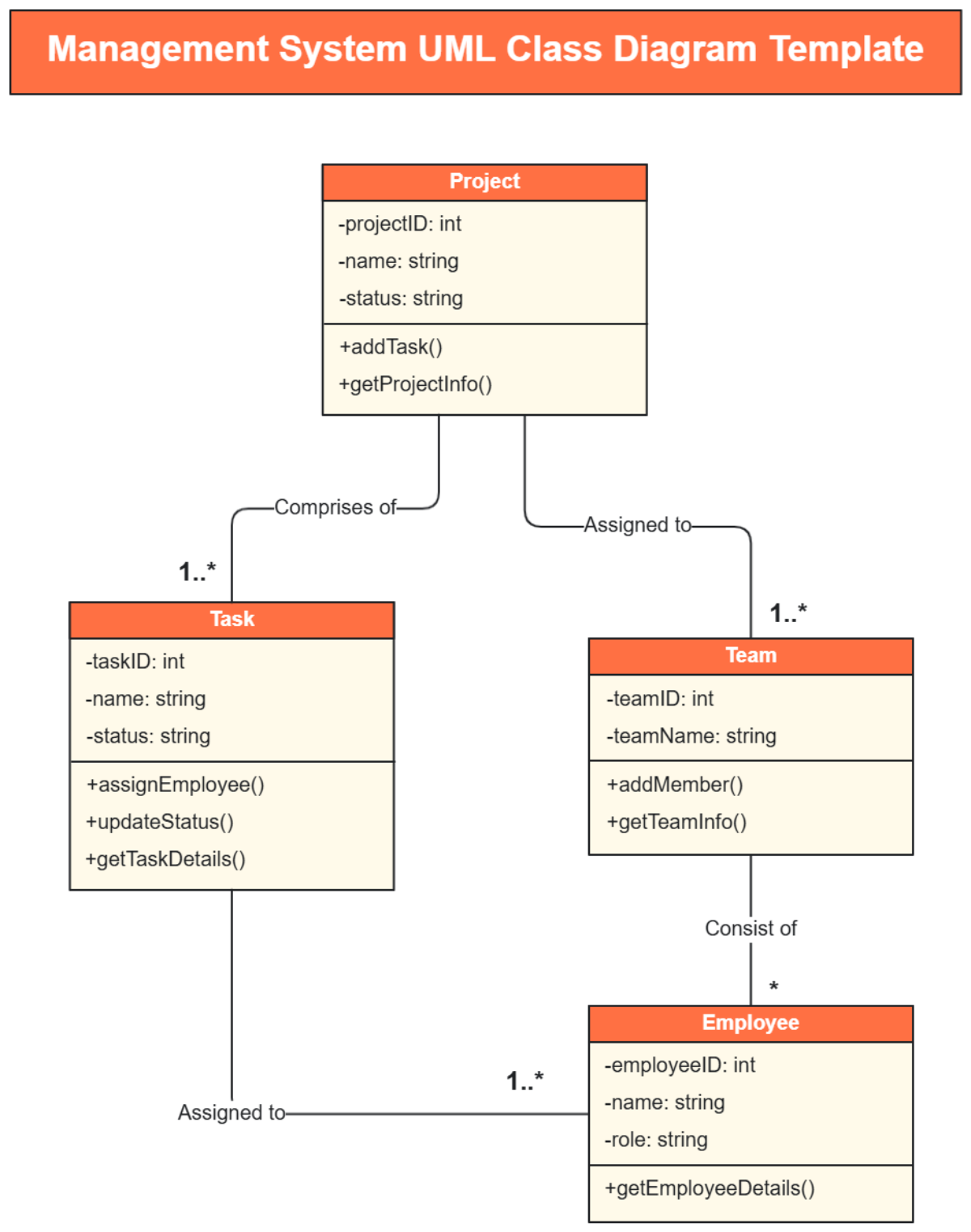
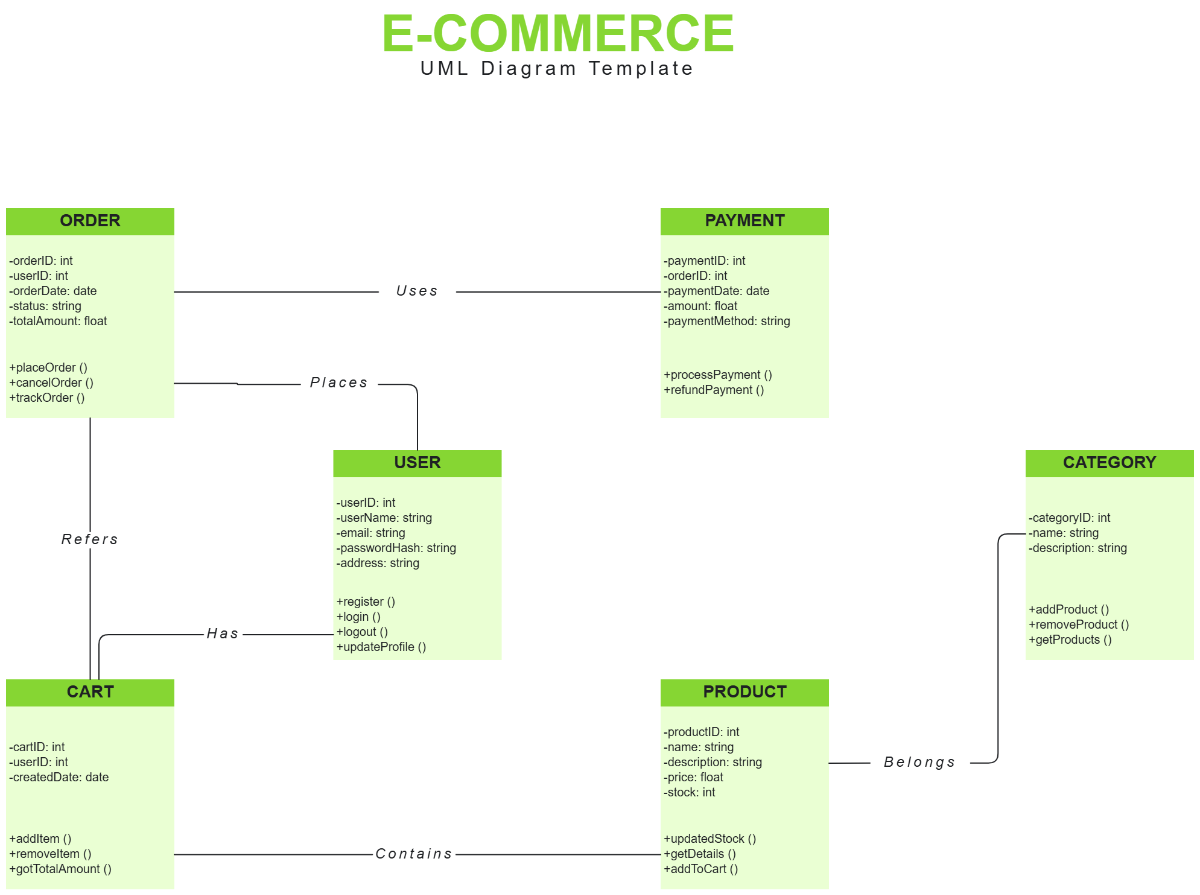
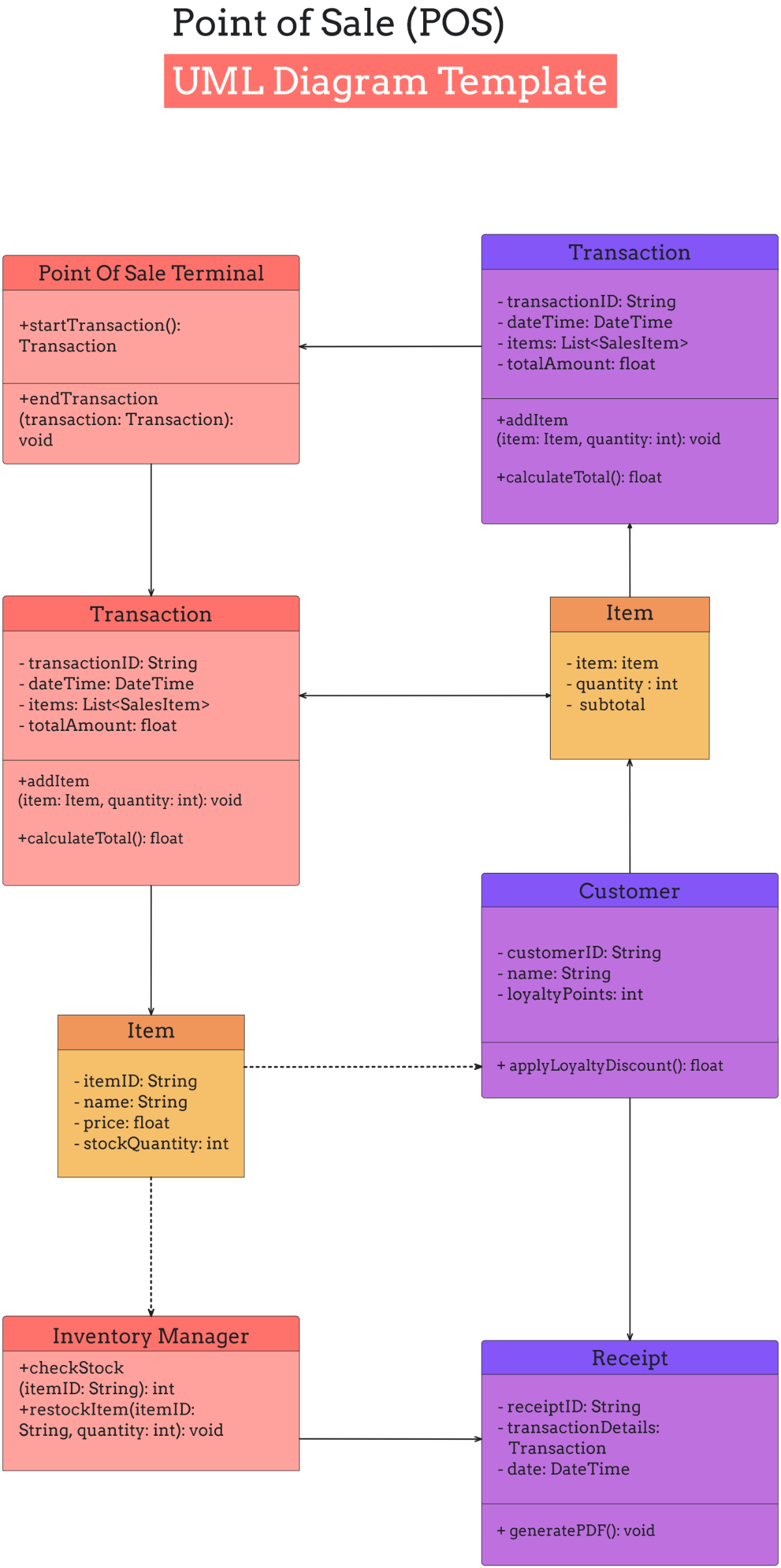
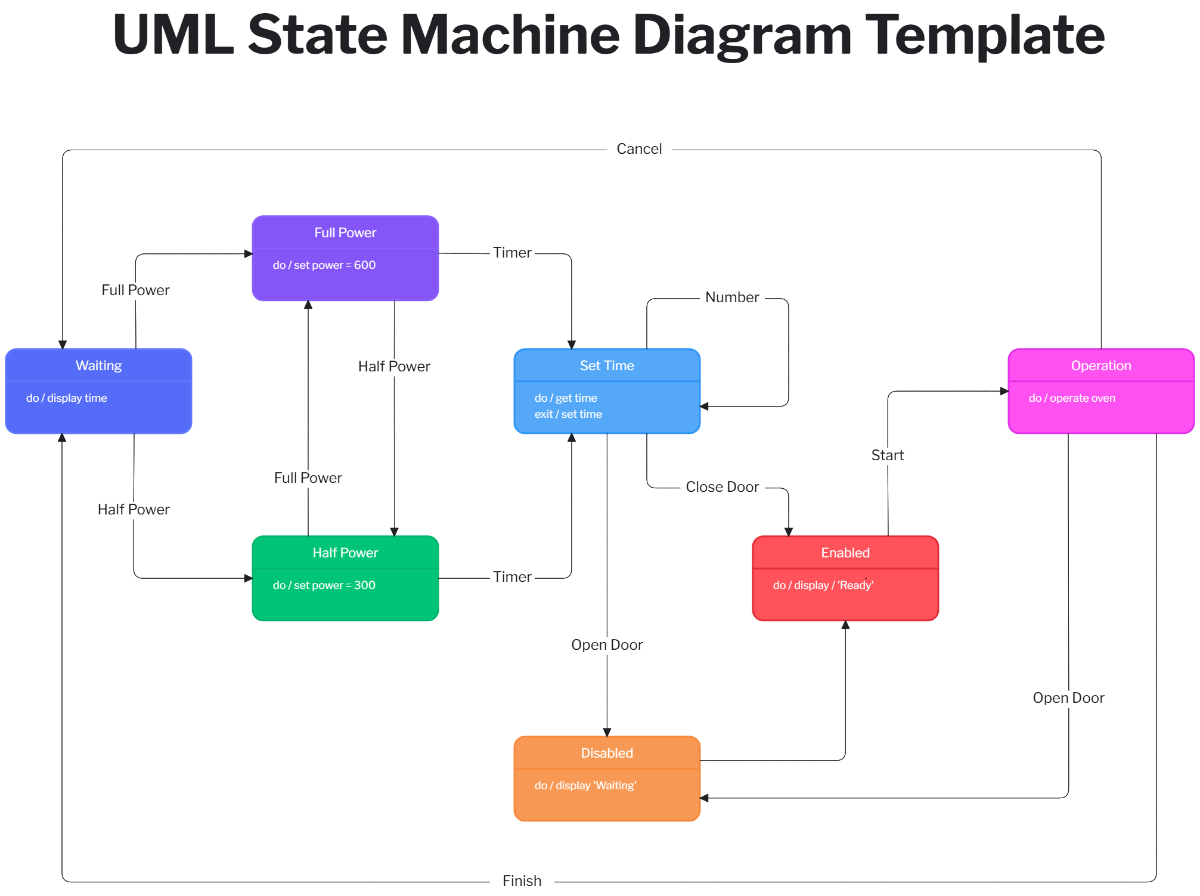
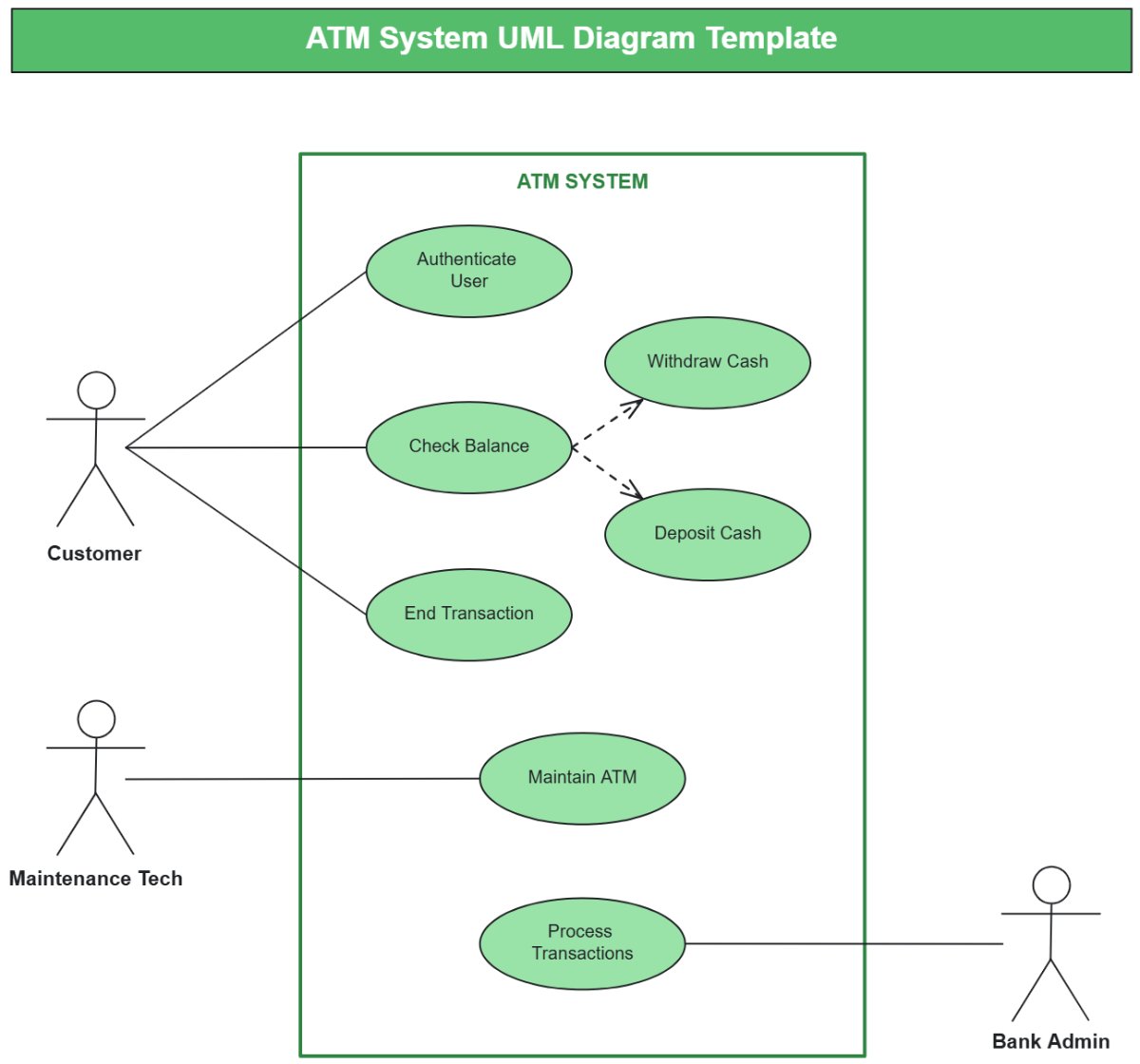
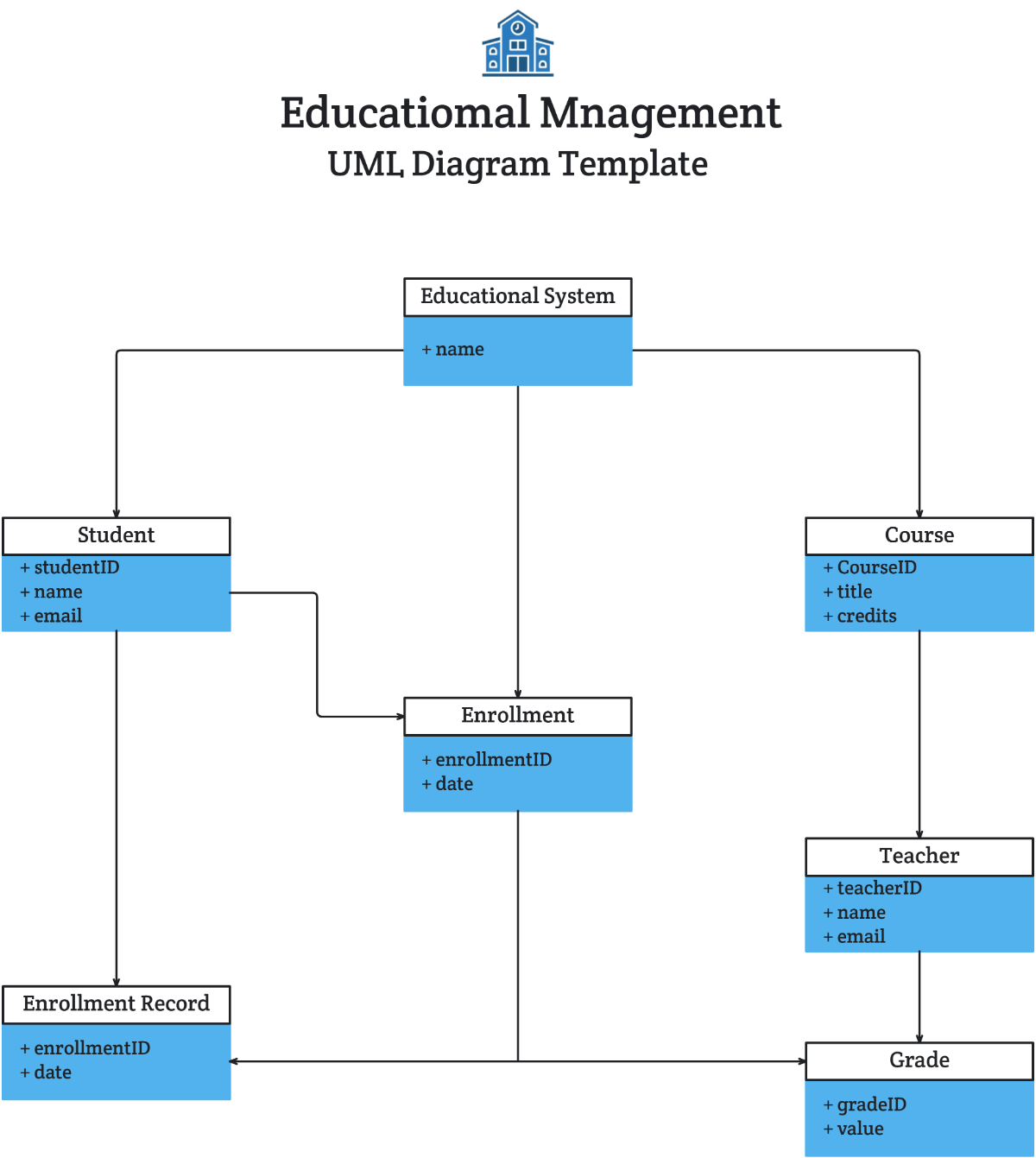
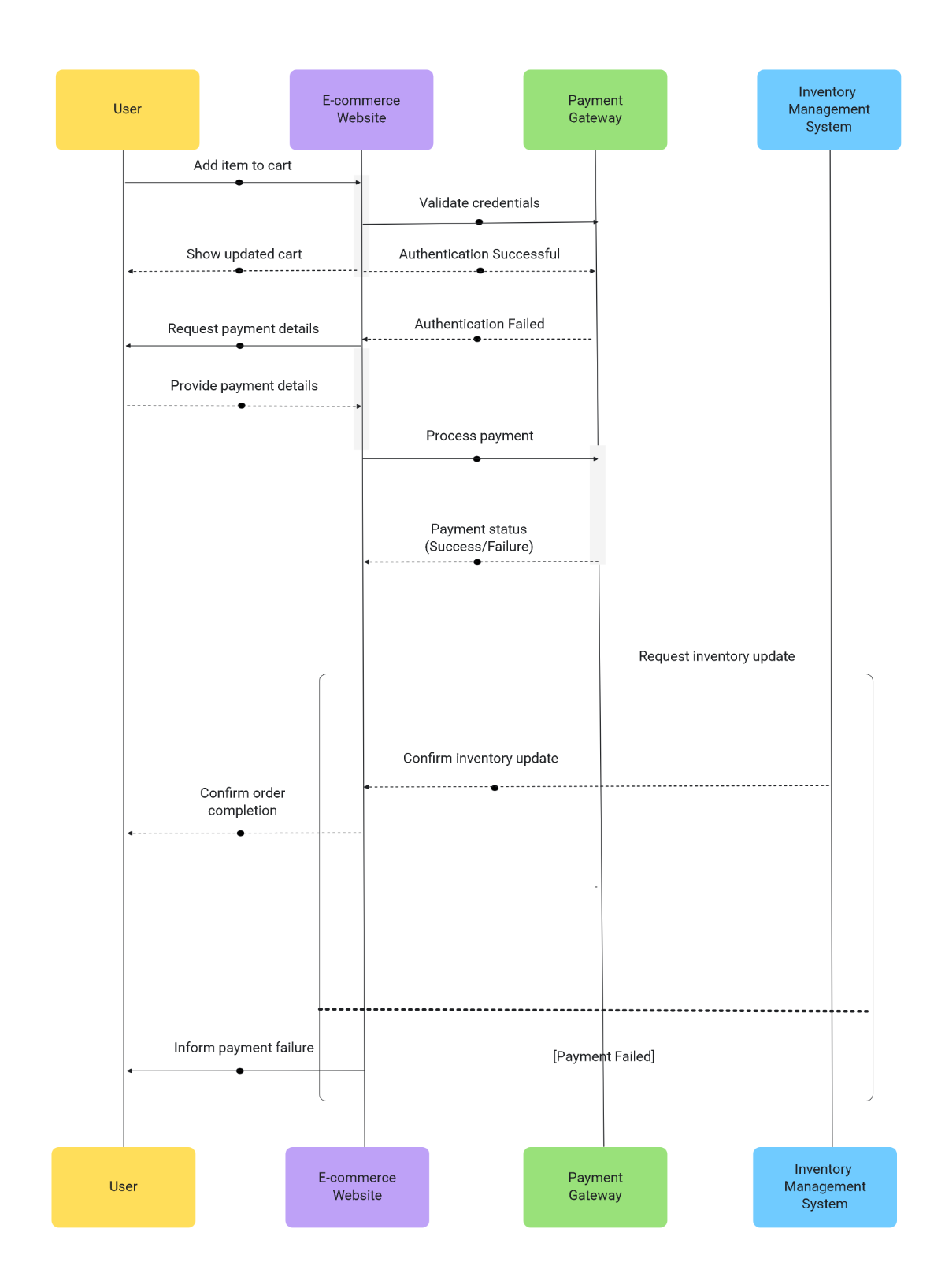
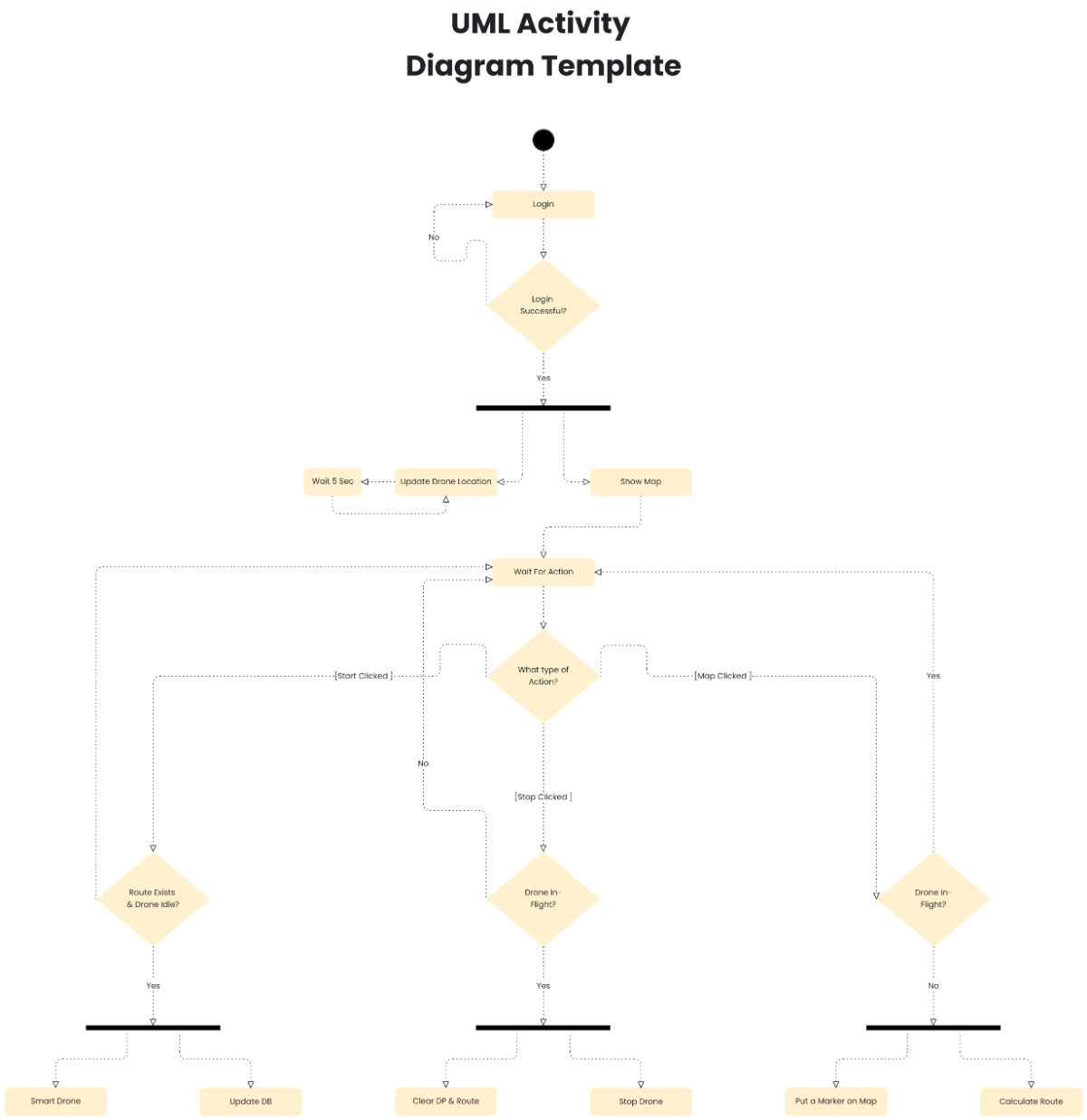
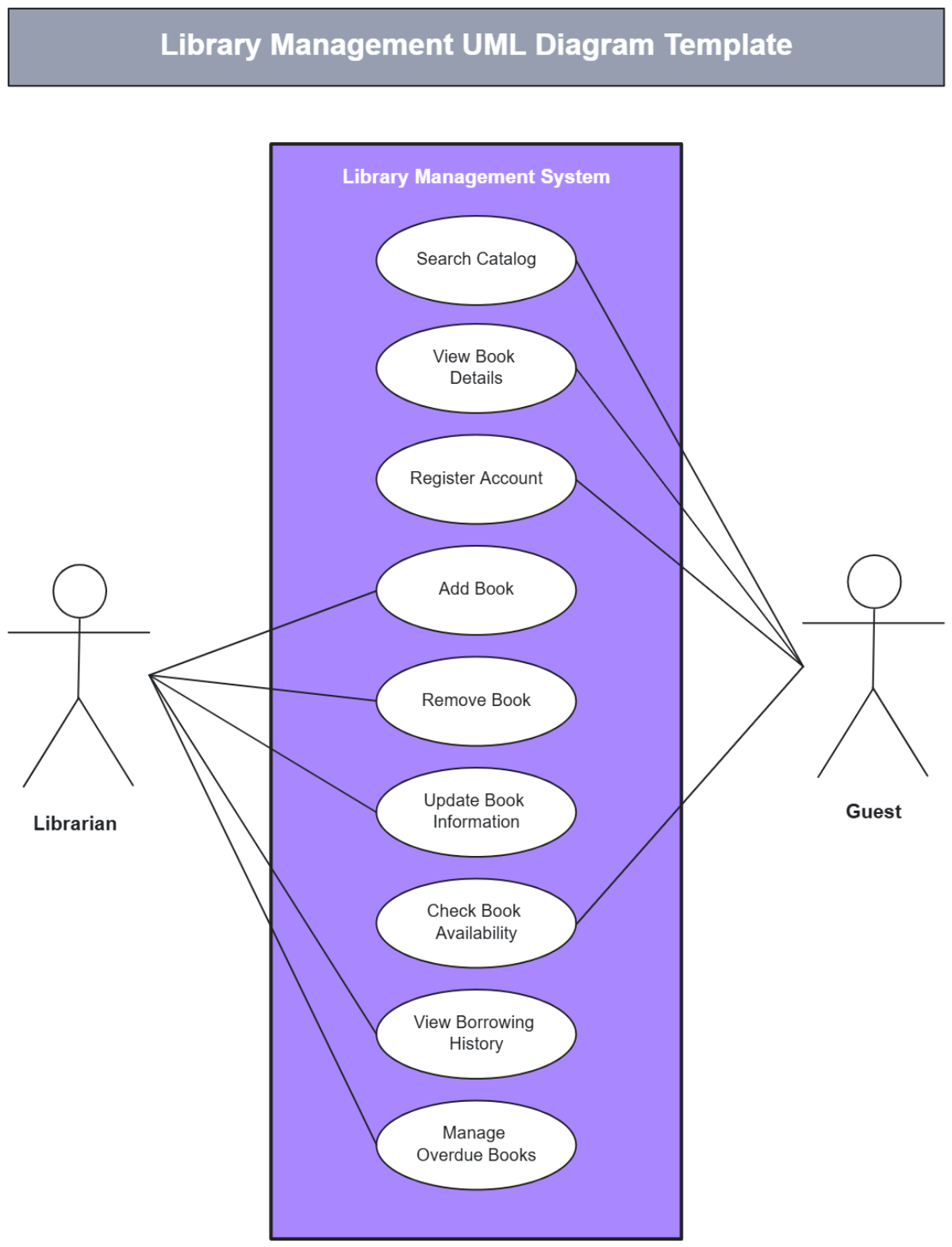
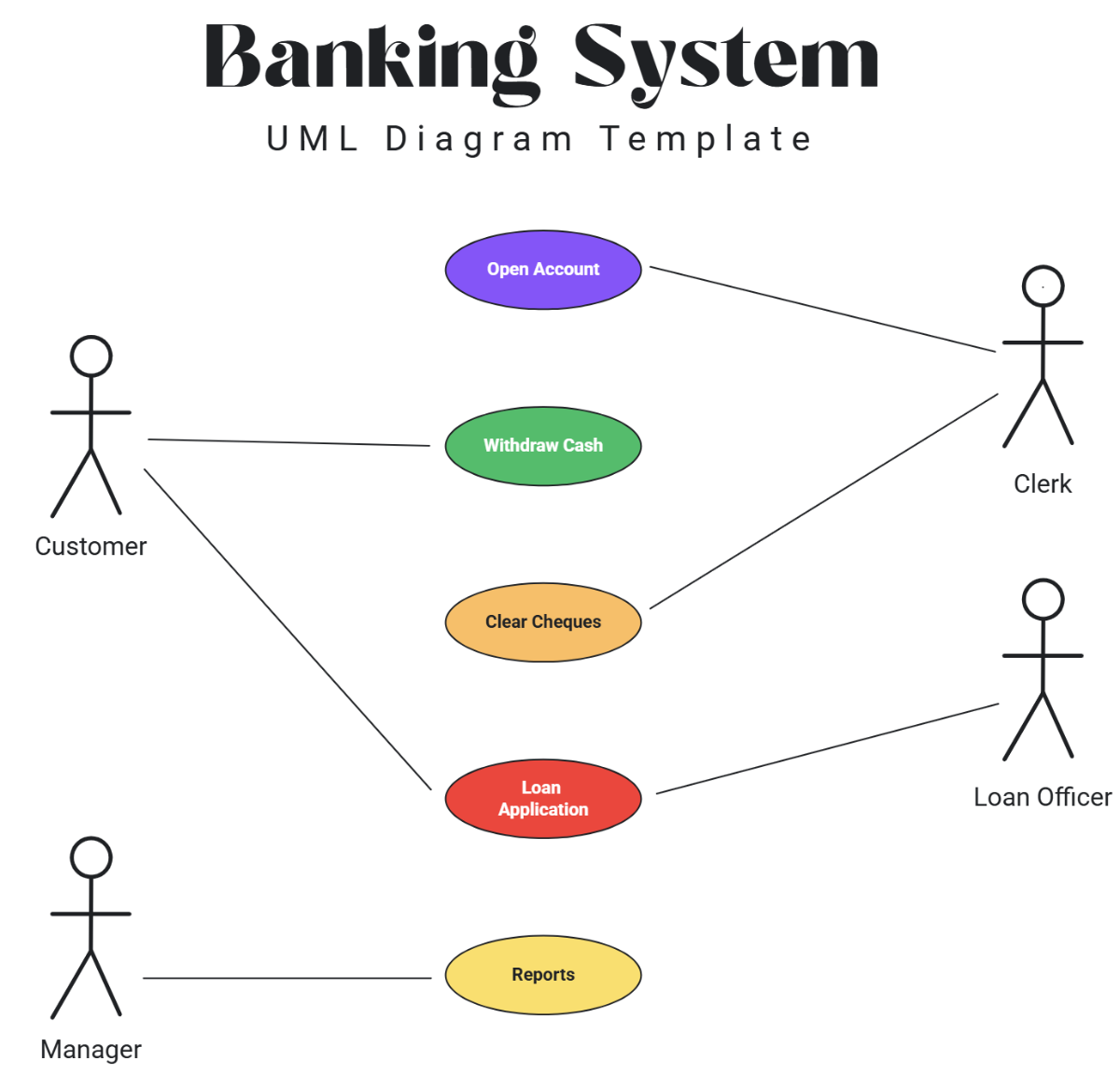
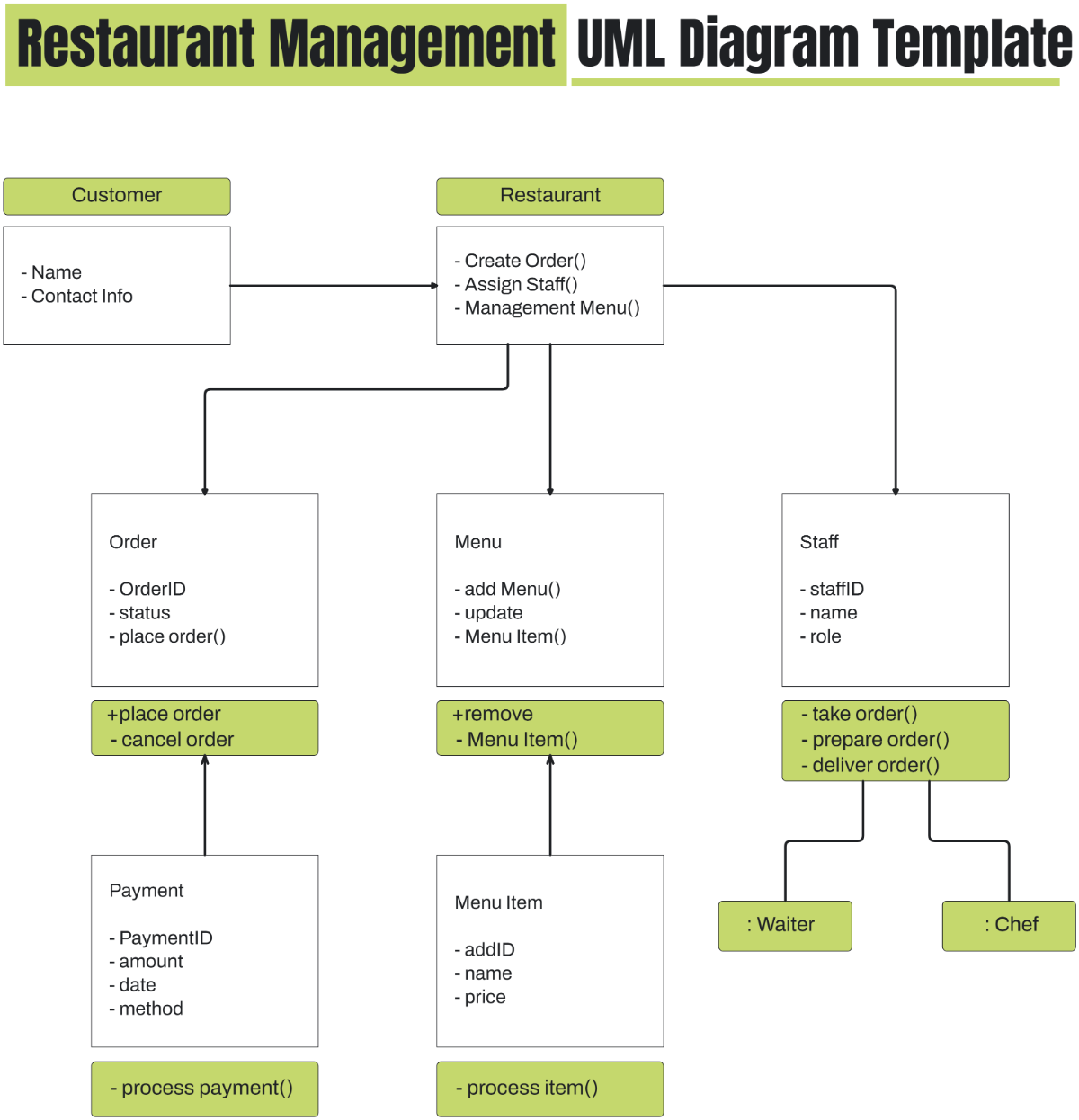
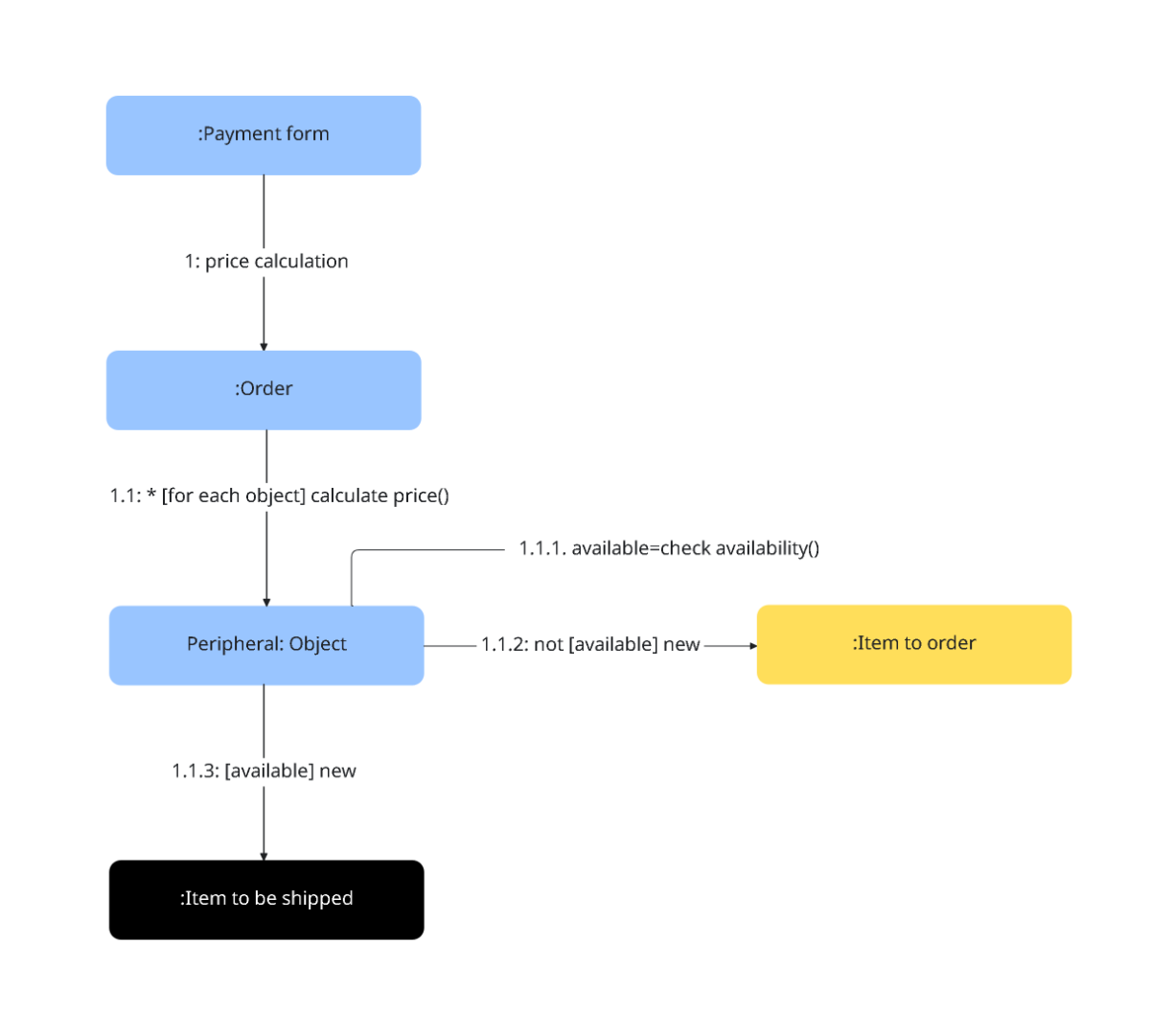
A UML Diagram is a standardized visual representation used to model software systems, illustrating classes, objects, and their relationships. These diagrams help in designing and documenting software architecture with clear nodes and connectors on a structured canvas.
Why use a UML Diagram?
UML Diagrams simplify complex software designs by providing clear visual layouts that improve understanding and communication among developers. Using these diagrams enhances collaboration and ensures consistency in software planning and documentation.
Who typically uses UML Diagrams?
UML Diagrams are commonly used by software developers, system architects, business analysts, and project managers who need to visualize system design and workflows. These users benefit from interactive whiteboards that support real-time editing and collaboration cursors.
What sections or blocks should a UML Diagram include?
A UML Diagram should include sections for classes or objects, connectors representing relationships, text blocks for annotations, and shapes like rectangles or arrows to clarify interactions. A consistent canvas layout ensures clarity and usability.
What are the best tips for designing a UML Diagram?
When designing a UML Diagram, use clear shapes and connectors, maintain consistent color coding, and organize elements into logical sections. Employing drag-and-drop editing on an online canvas speeds up creation and improves visual clarity.
How do you share or present a UML Diagram?
UML Diagrams can be shared or presented by exporting them in multiple formats or sharing a link to the interactive online canvas. Using collaboration cursors and real-time editing features allows teams to discuss diagrams efficiently during presentations.
How do teams collaborate on a UML Diagram?
Teams collaborate on UML Diagrams using online whiteboard templates that support real-time editing, collaboration cursors, and shared access. These features enable brainstorming, instant updates, and feedback on the diagram's structure and content.
What file formats can I download for a UML Diagram?
Template.net whiteboard templates support multiple export formats that facilitate editing, sharing, and presenting. You can download UML Diagrams in formats such as UML Diagram Templates.
Can I create a new UML Diagram using AI?
Template.net provides an AI-powered tool that generates new UML Diagram layouts from prompts in seconds, ready for online refinement and multi-format export. Try the UML Sequence Diagram Maker for quick diagram creation.
