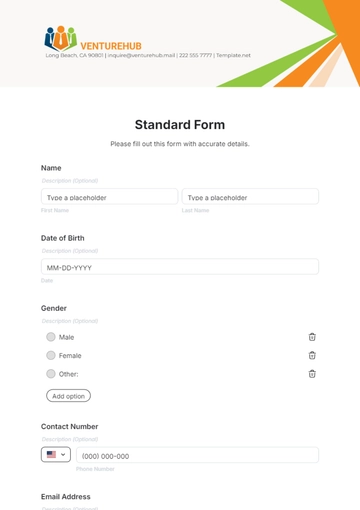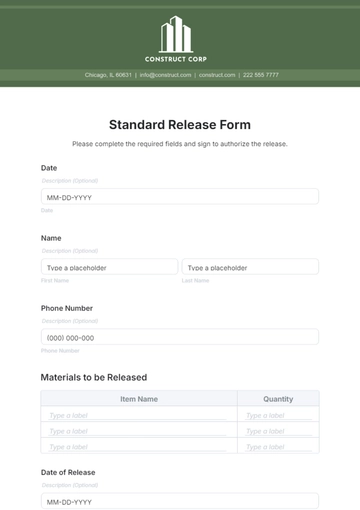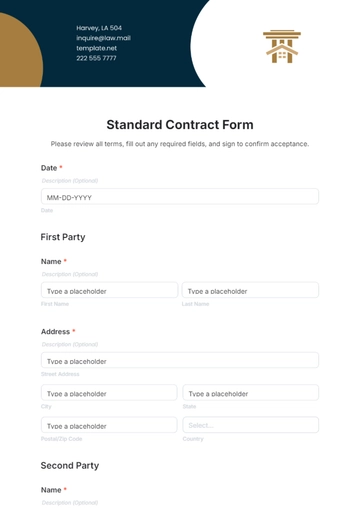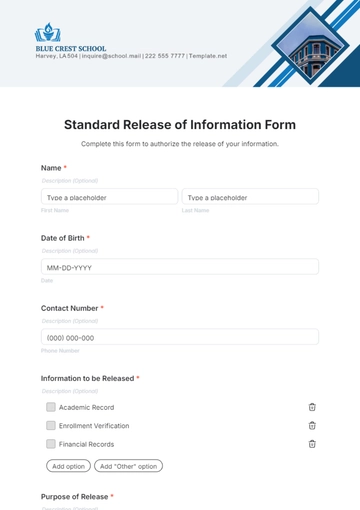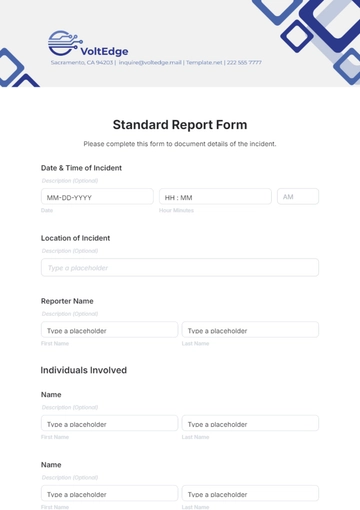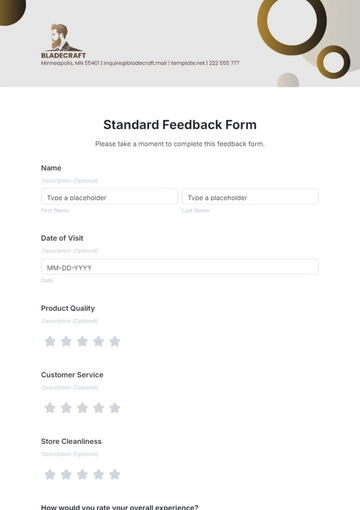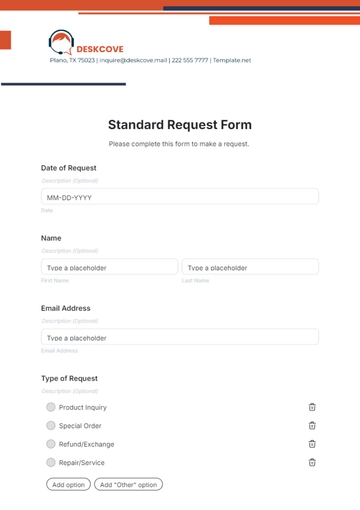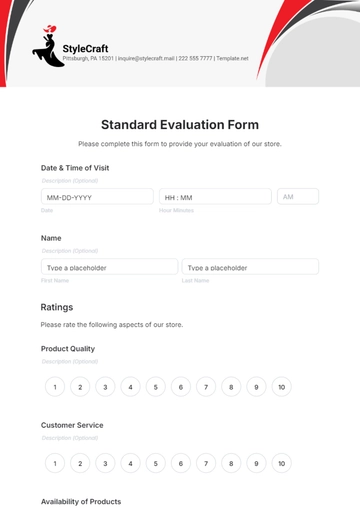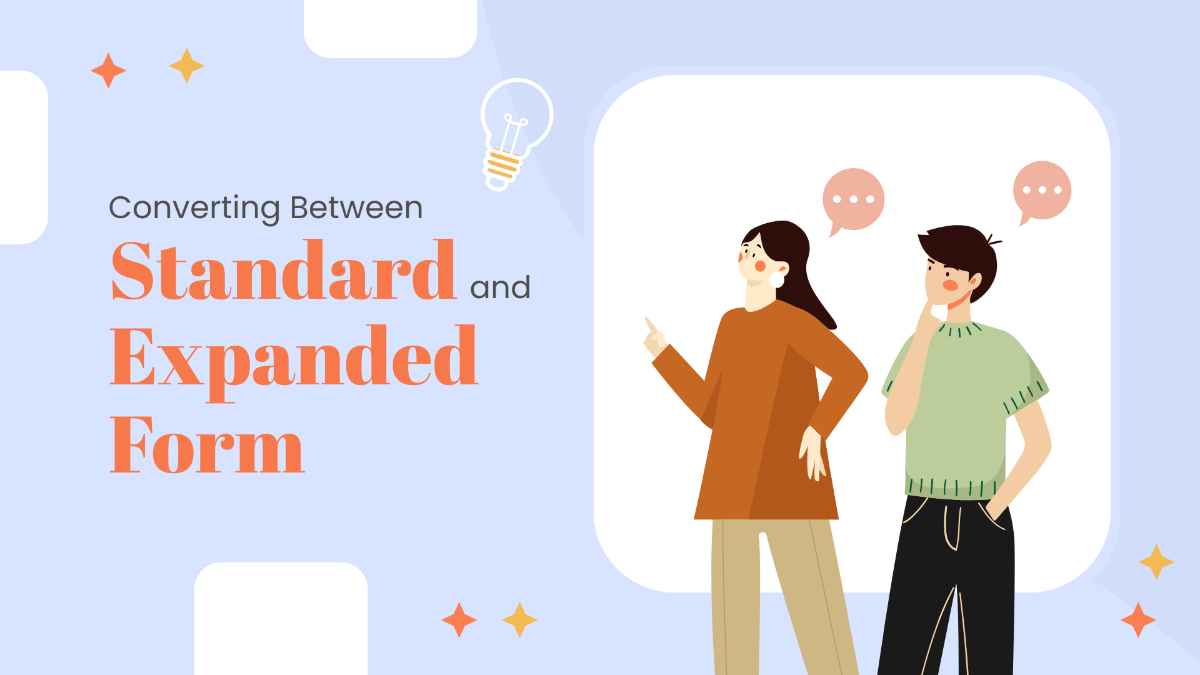
A Converting Between Standard and Expanded Form is an interactive form that helps users practice expressing numbers in both standard and expanded ways, commonly used by students and educators.
A Converting Between Standard and Expanded Form is an interactive form that helps users practice expressing numbers in both standard and expanded ways, commonly used by students and educators.
How to create a Converting Between Standard and Expanded Form template for free?
Creating a Converting Between Standard and Expanded Form template takes just minutes with this free online tool.
- Customize a Free TemplateStart with this free editable, fillable, and printable Converting Between Standard and Expanded Form template and personalize it online for your classroom, tutoring sessions, or math practice.
- Generate an On-Brand Converting Between Standard and Expanded Form with AIDescribe the form you need, and AI builds your interactive Converting Between Standard and Expanded Form with fields and questions based on your input, ready to fill and edit.
- Edit in the HTML5 EditorModify every part of your Converting Between Standard and Expanded Form including numbers, place values, fonts, colors, and layout using our drag-and-drop HTML5 editor.
- Download a Printable PDFSave your completed Converting Between Standard and Expanded Form as a printable PDF to share in classrooms, tutoring, or homework.
- Share a Link to Collect Responses OnlinePublish your Converting Between Standard and Expanded Form with a shareable link to gather input and answers online from students or learners.