
Free Google Docs Templates






Google Docs Templates: Definition, Usage, and Best Practices

What is a Google Docs?
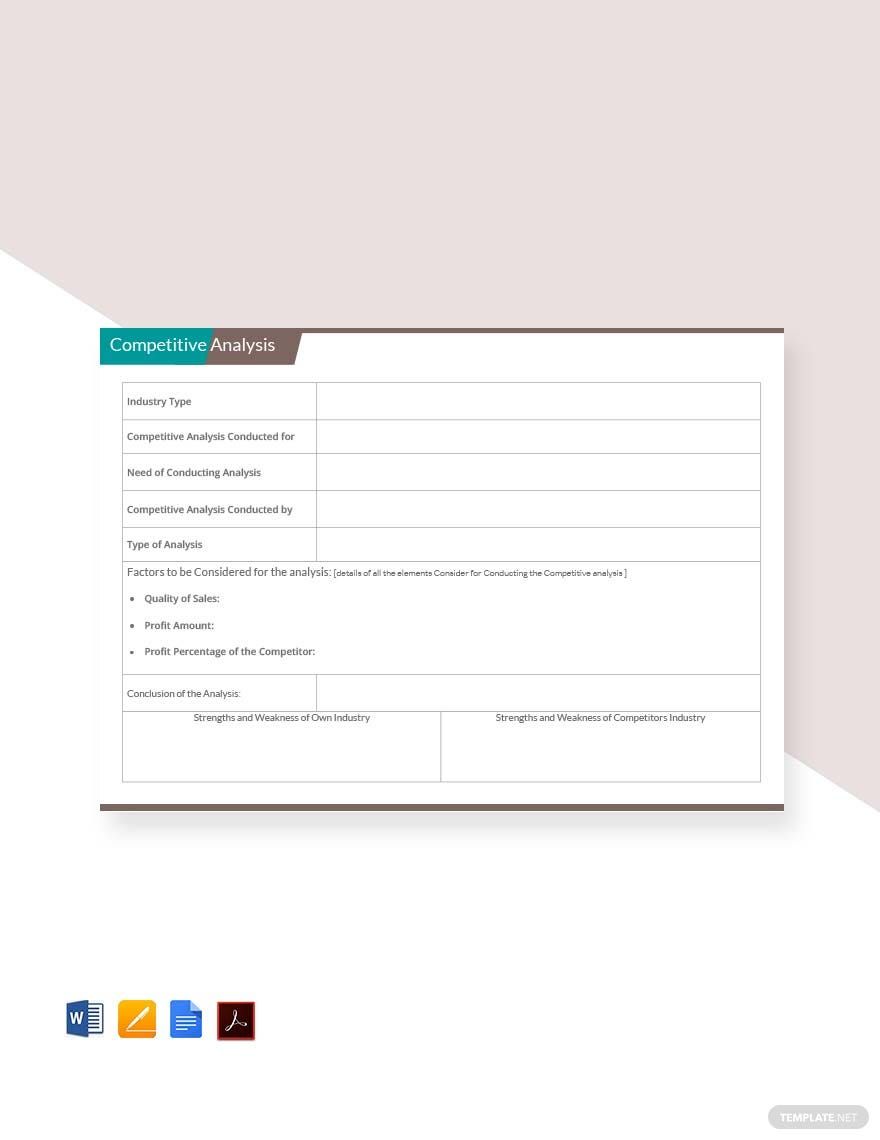
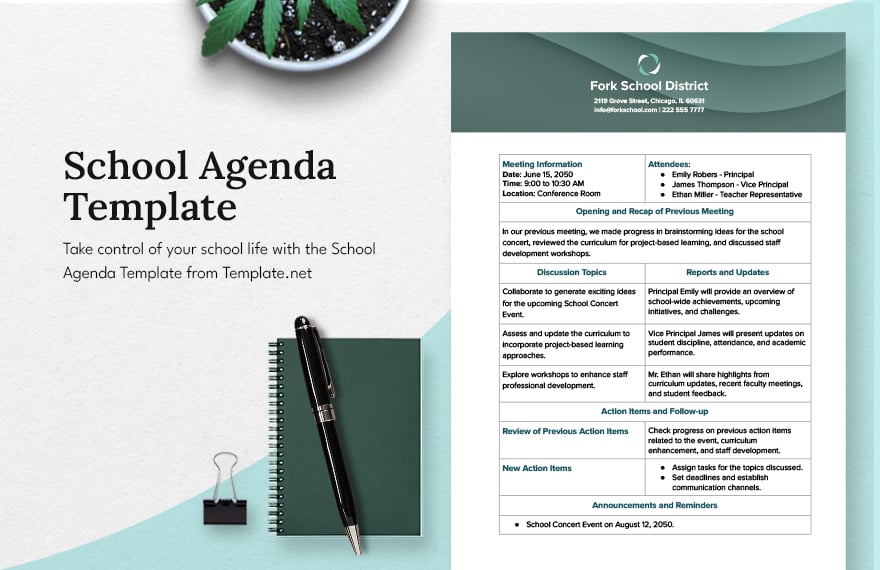
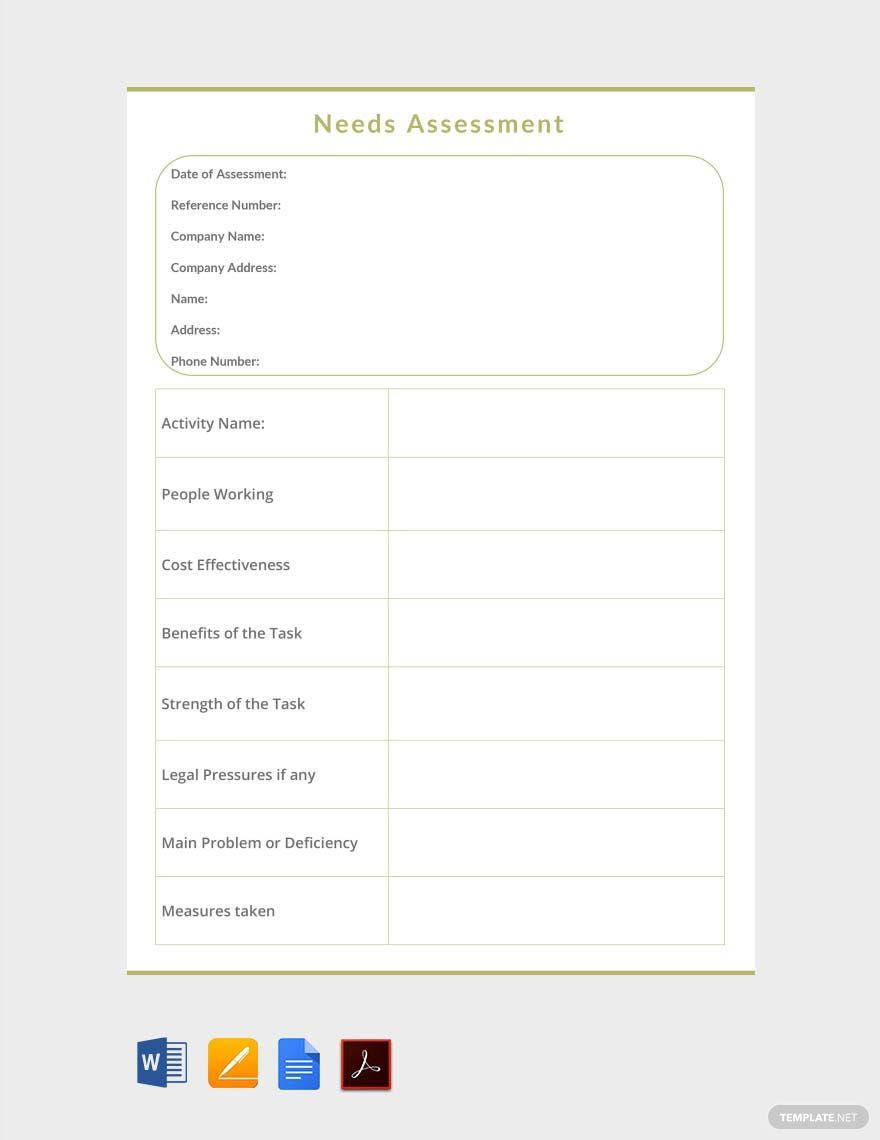
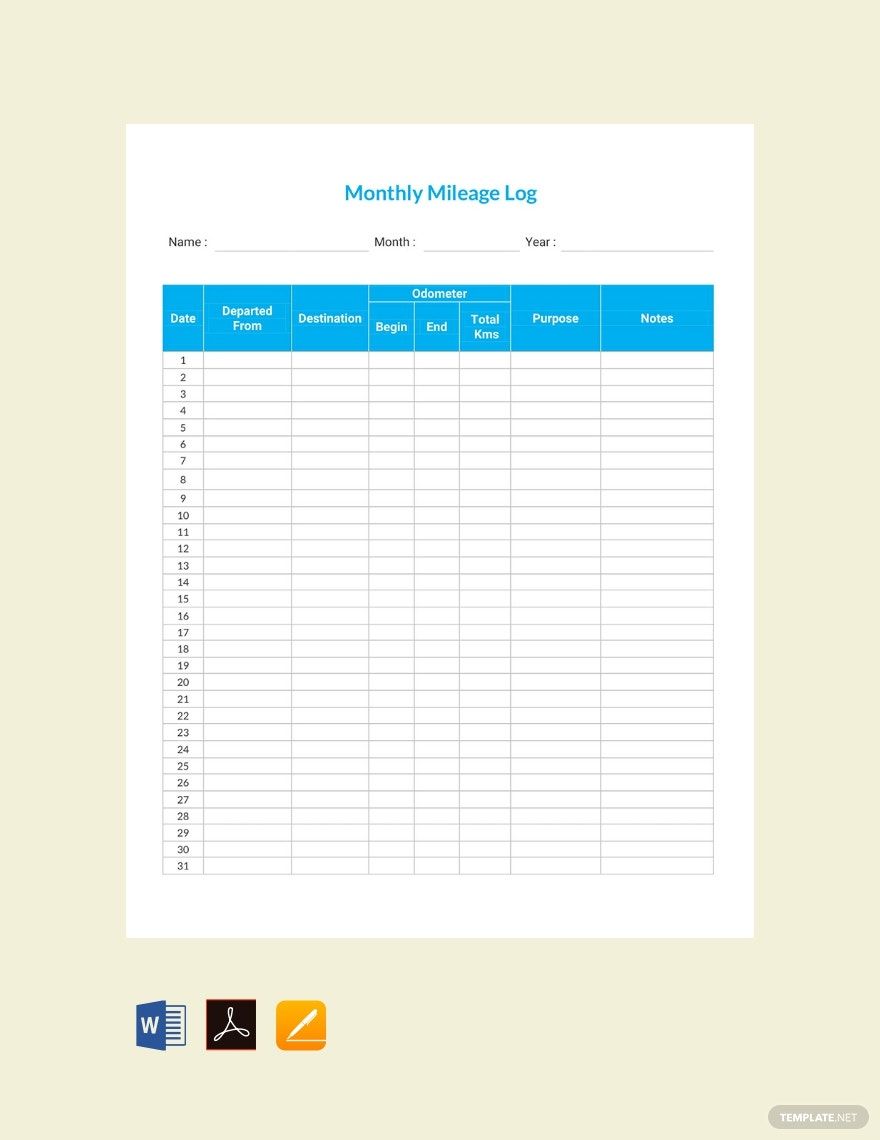
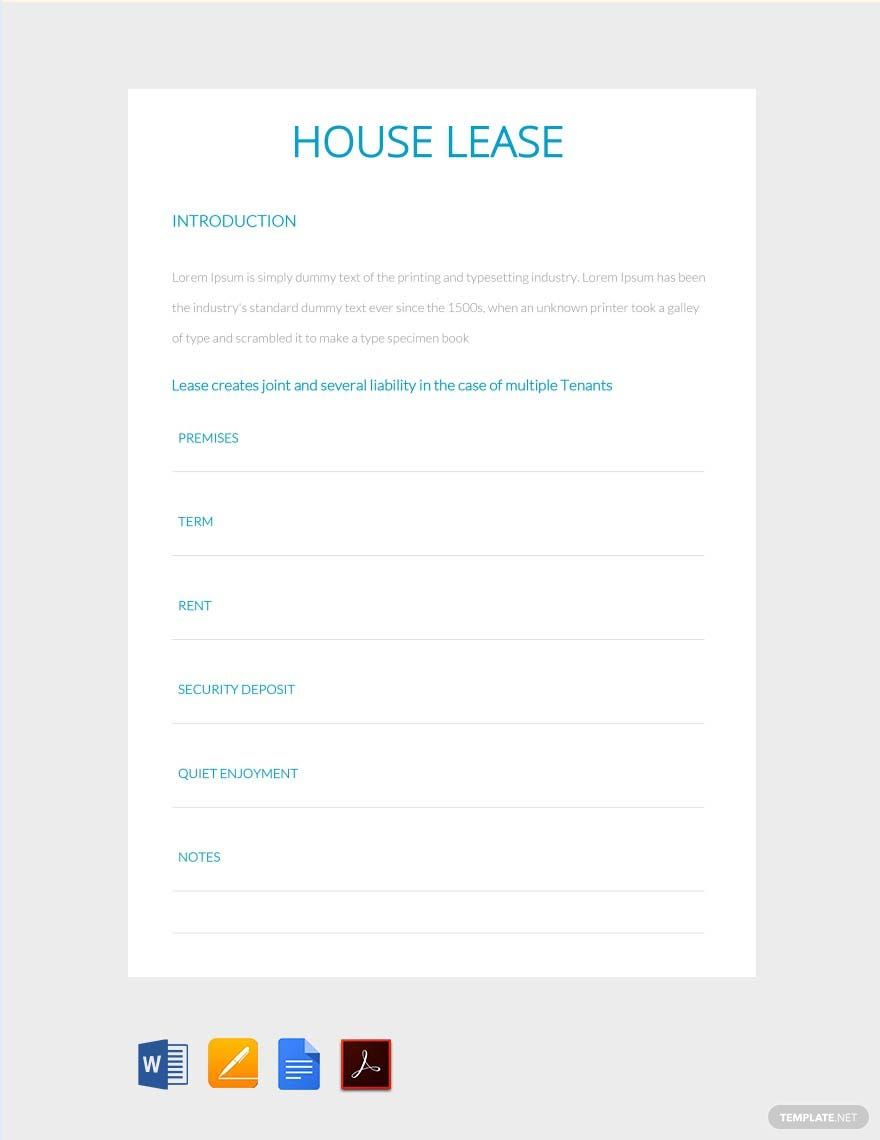
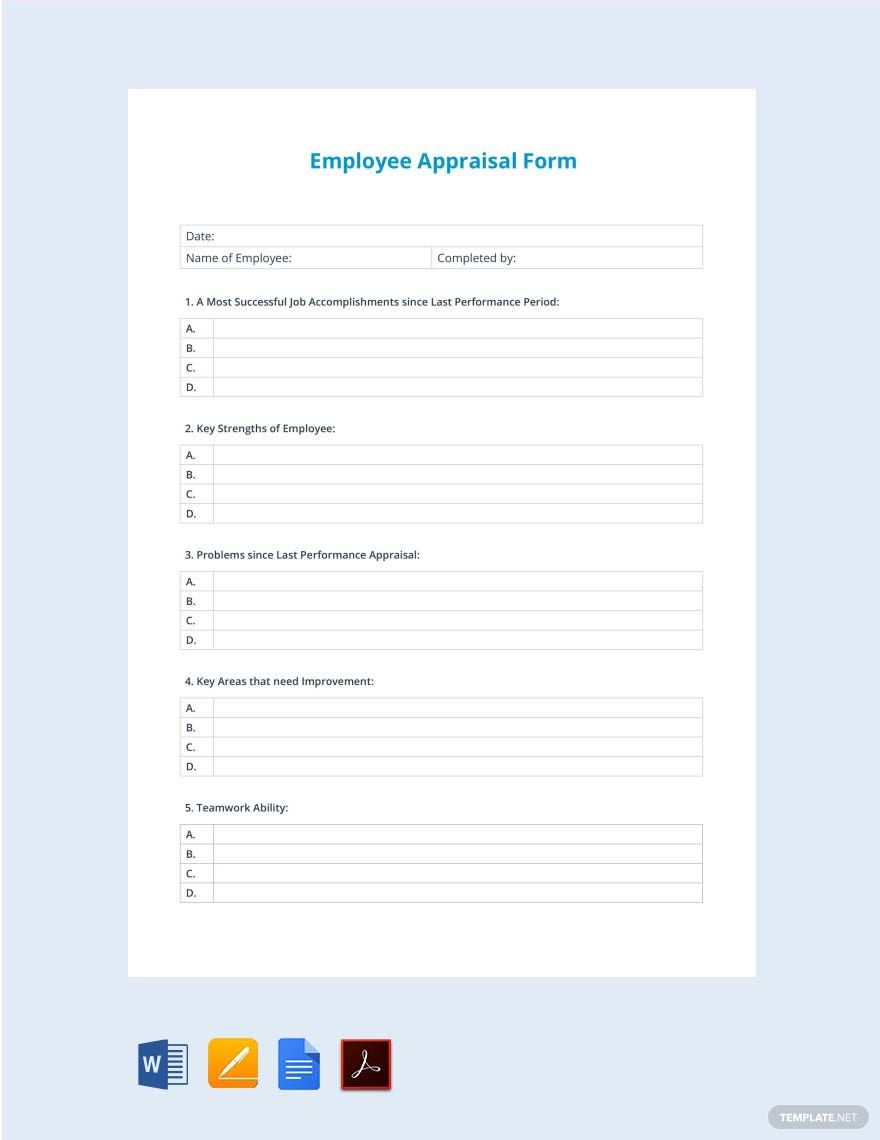
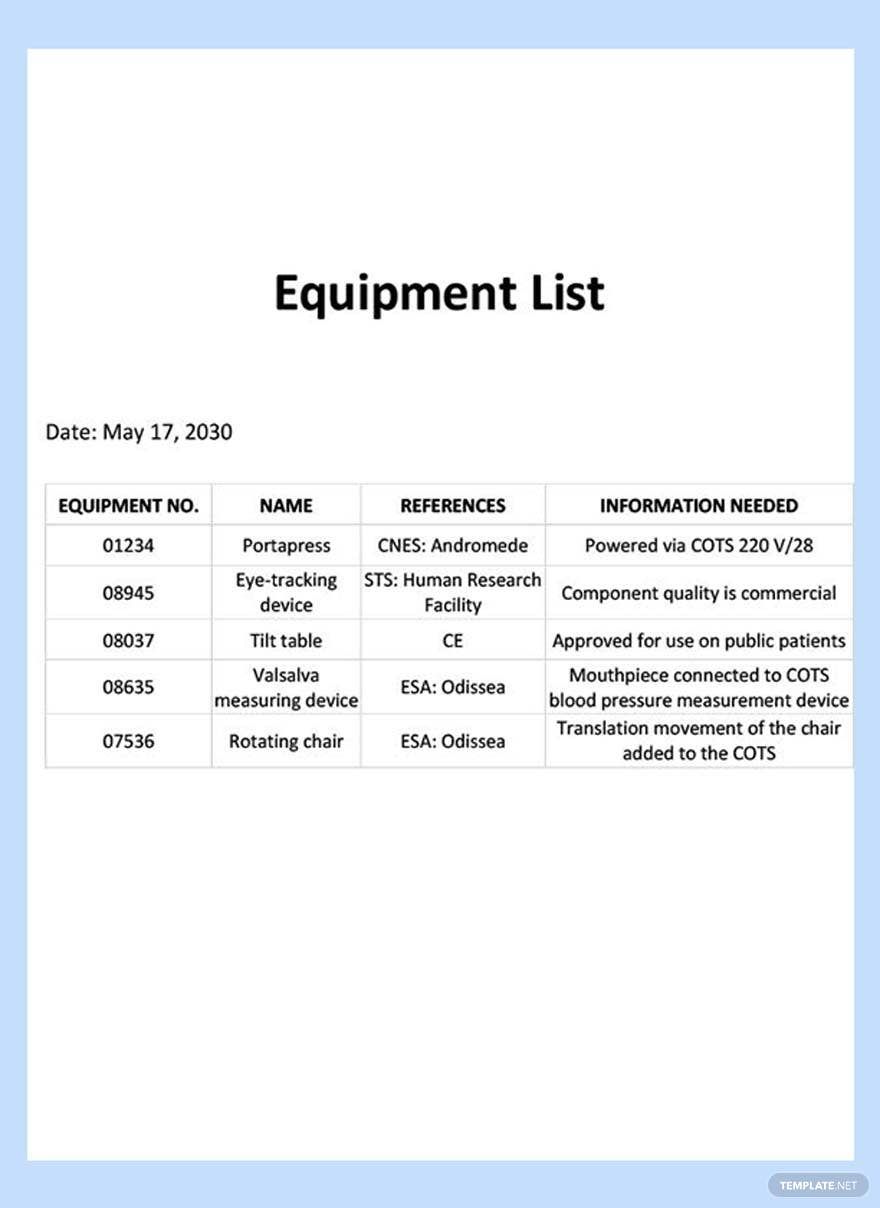
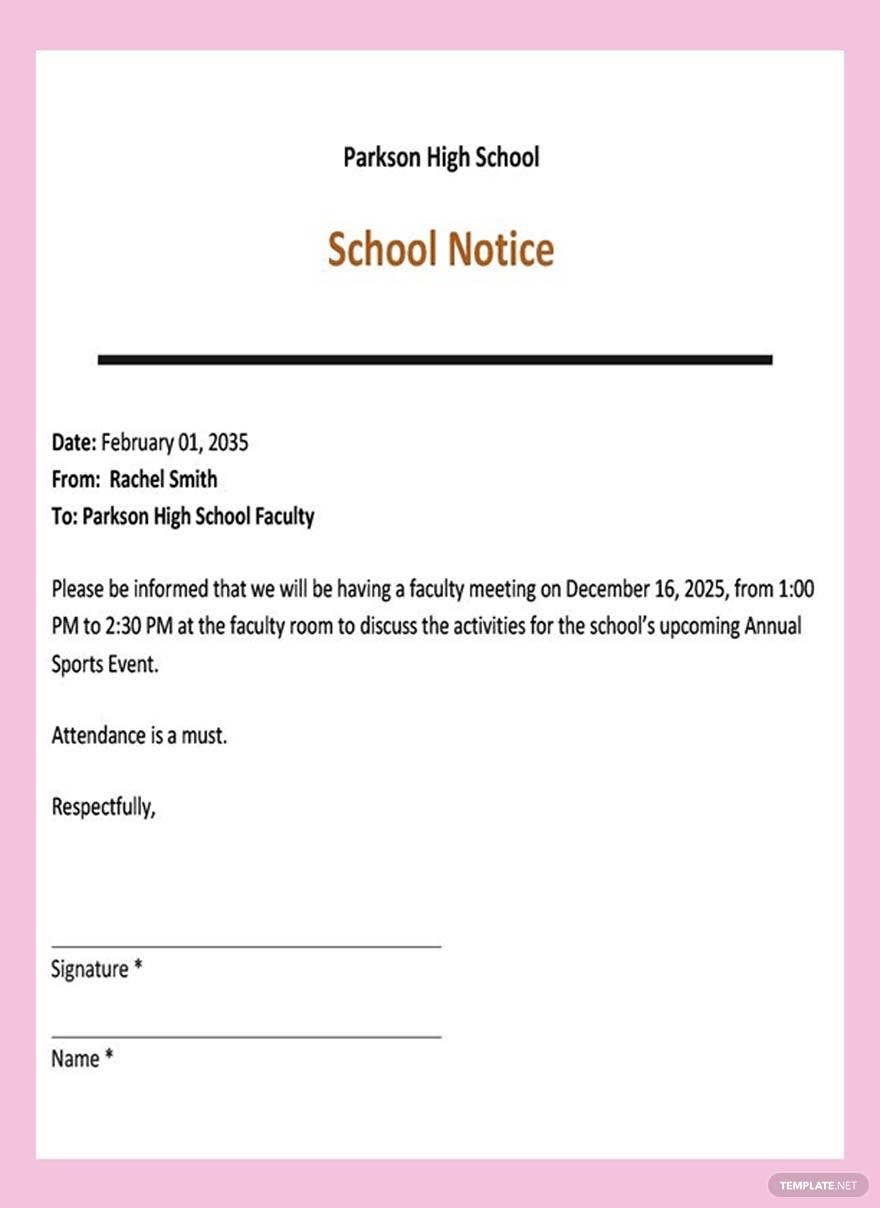
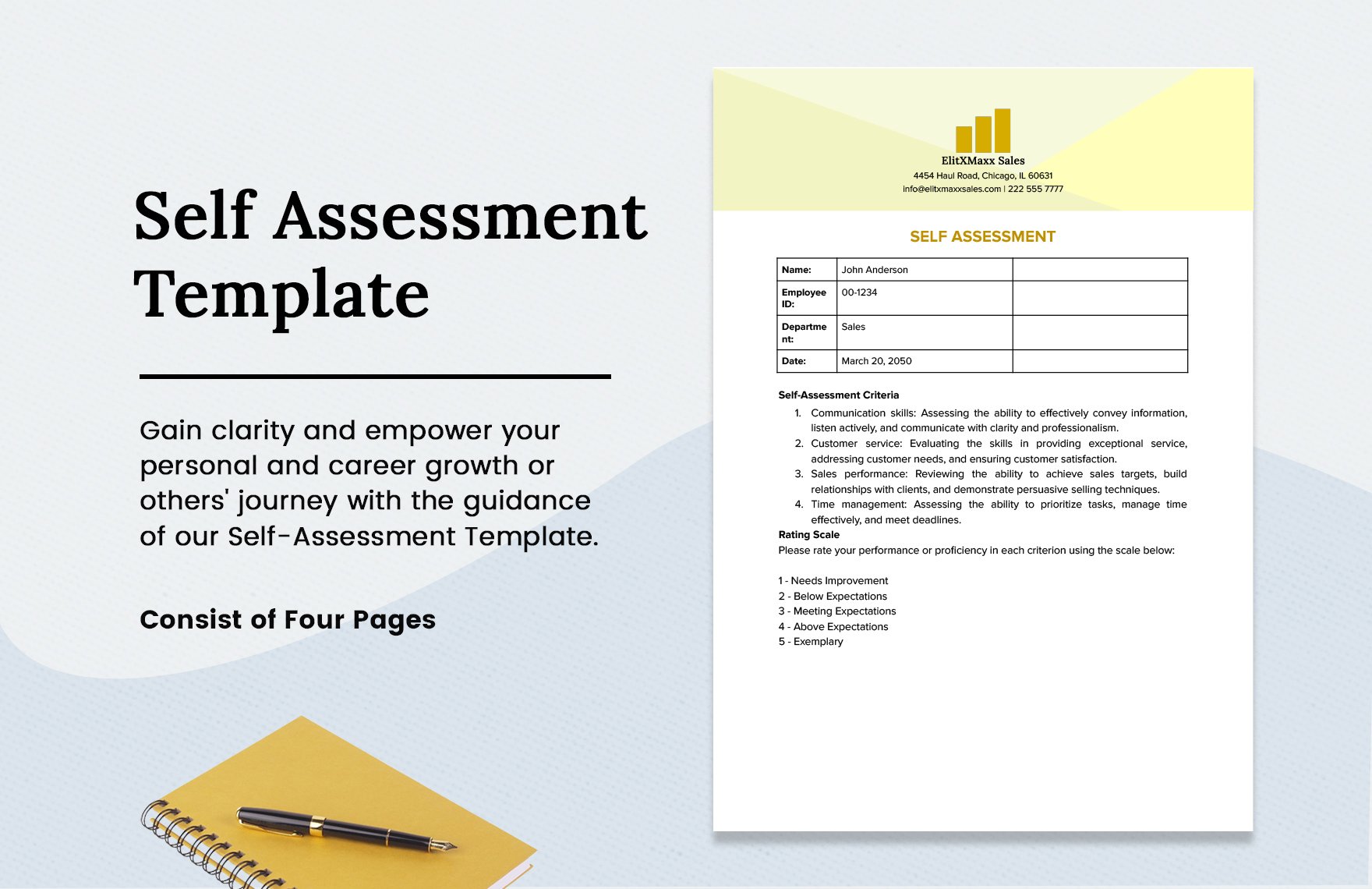
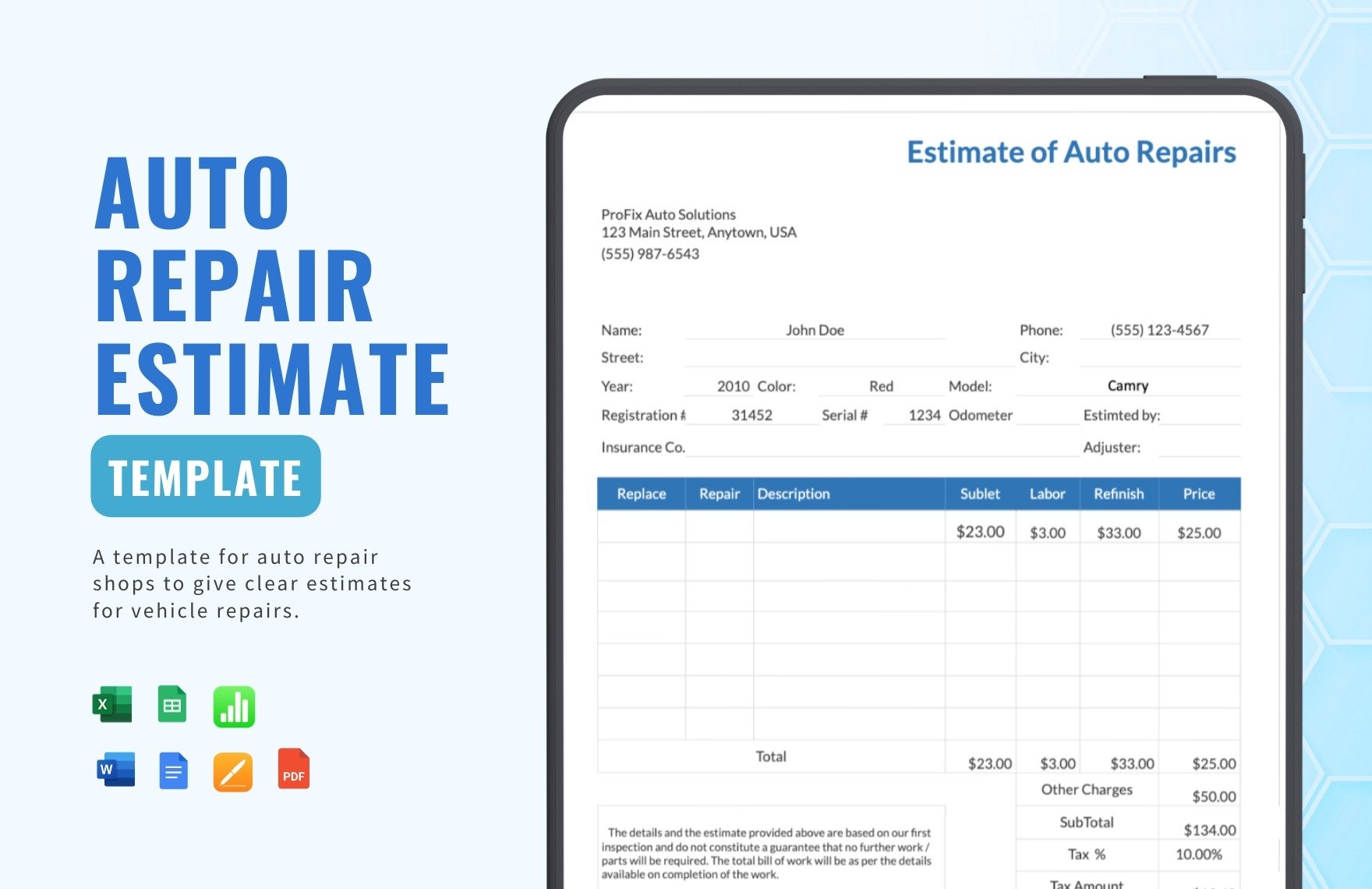
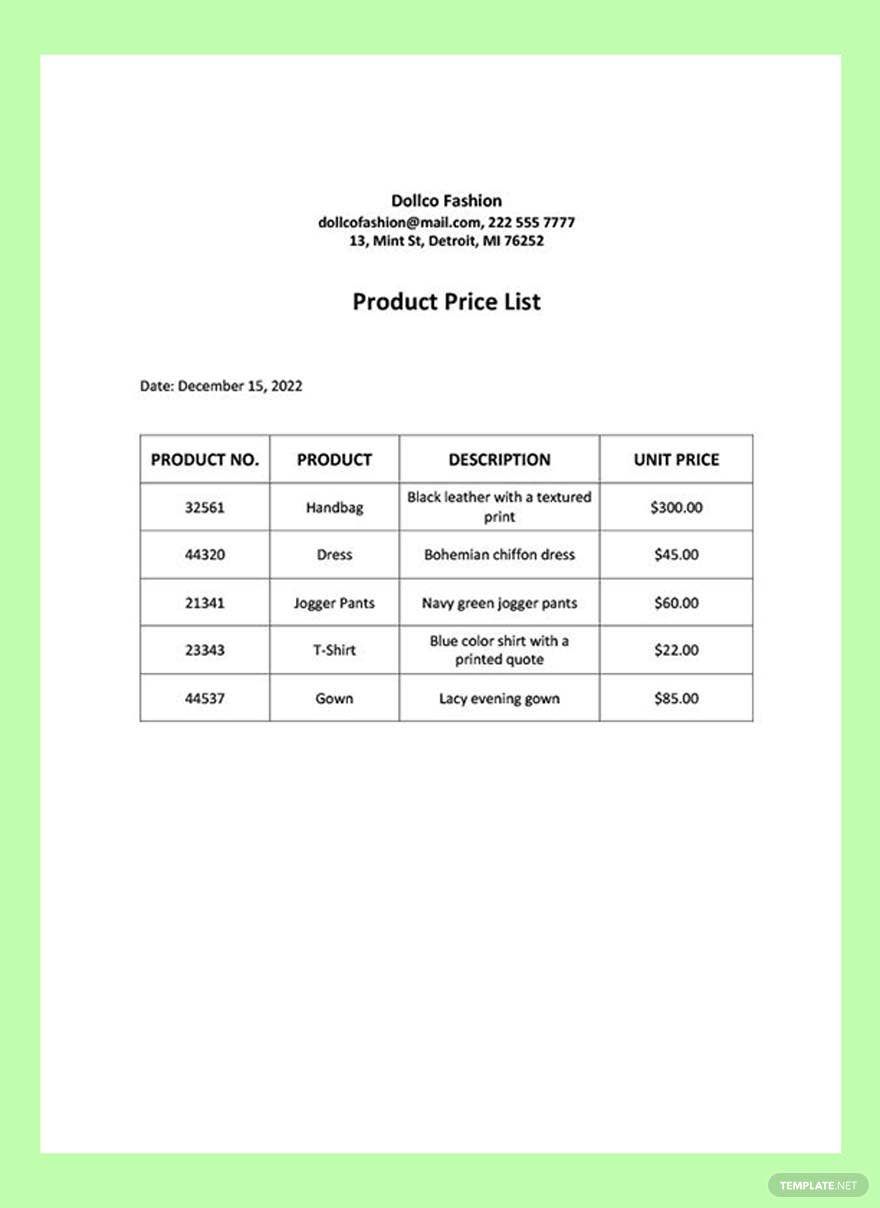
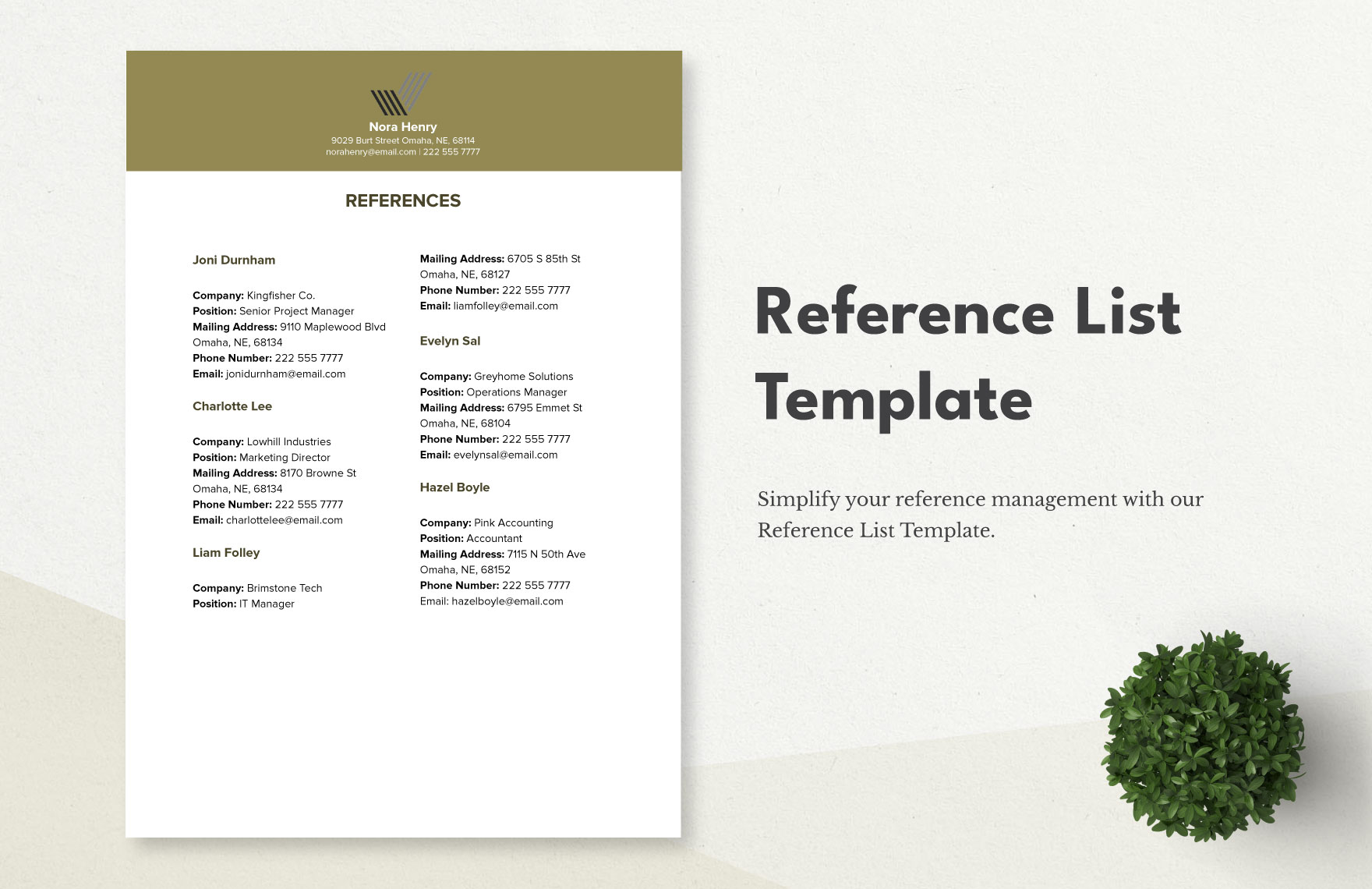
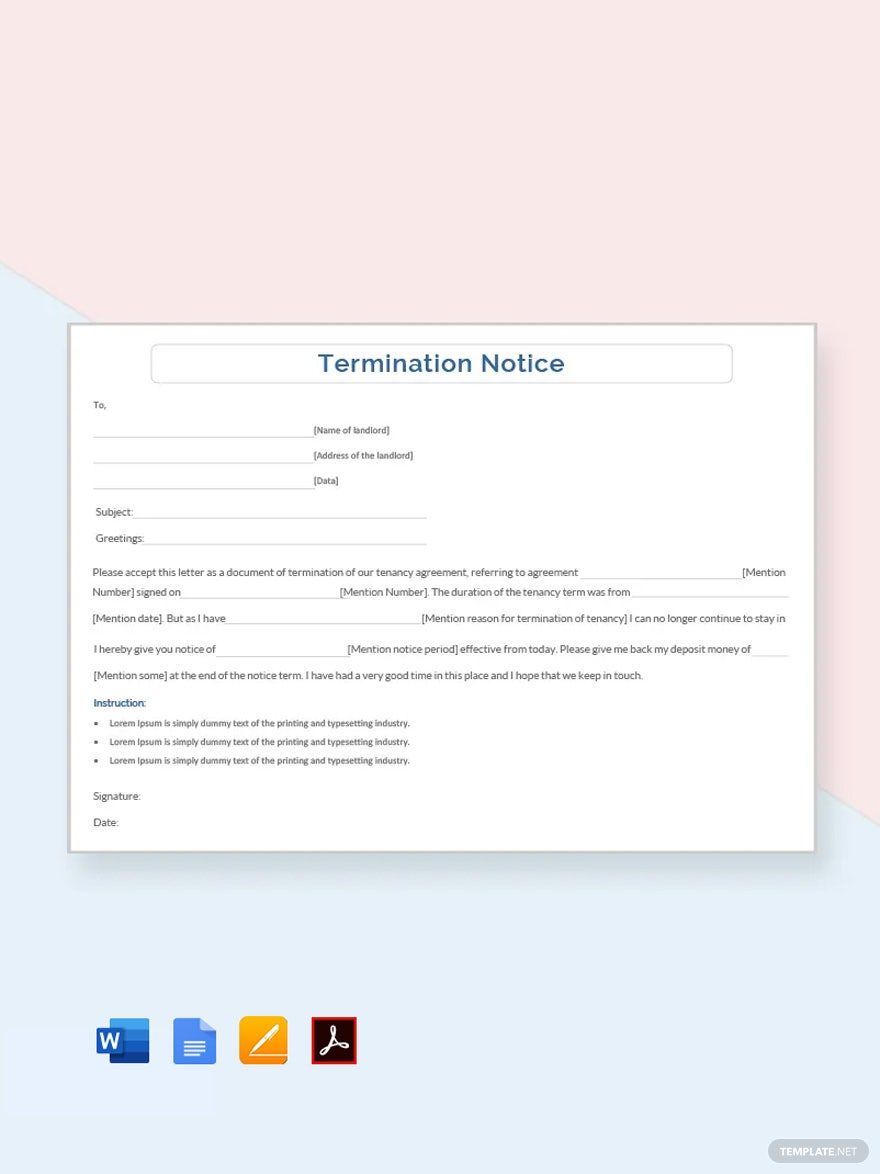
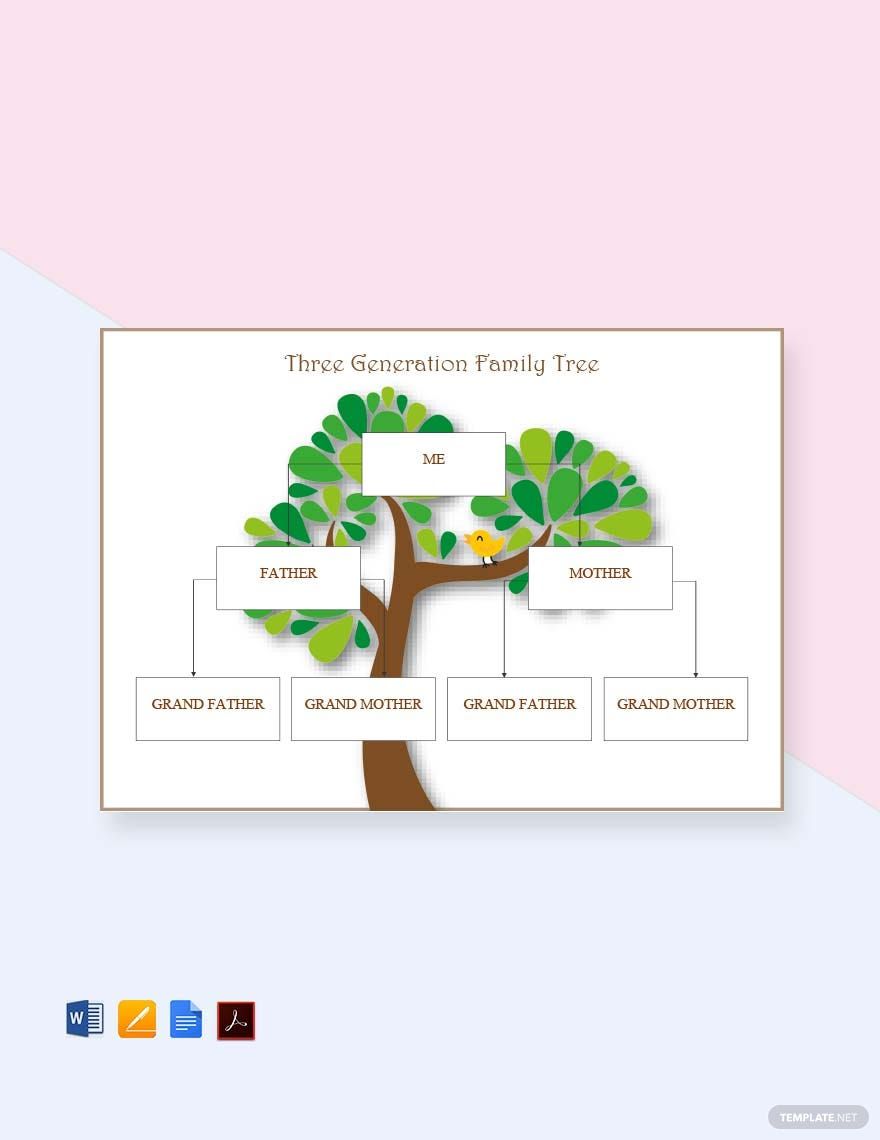
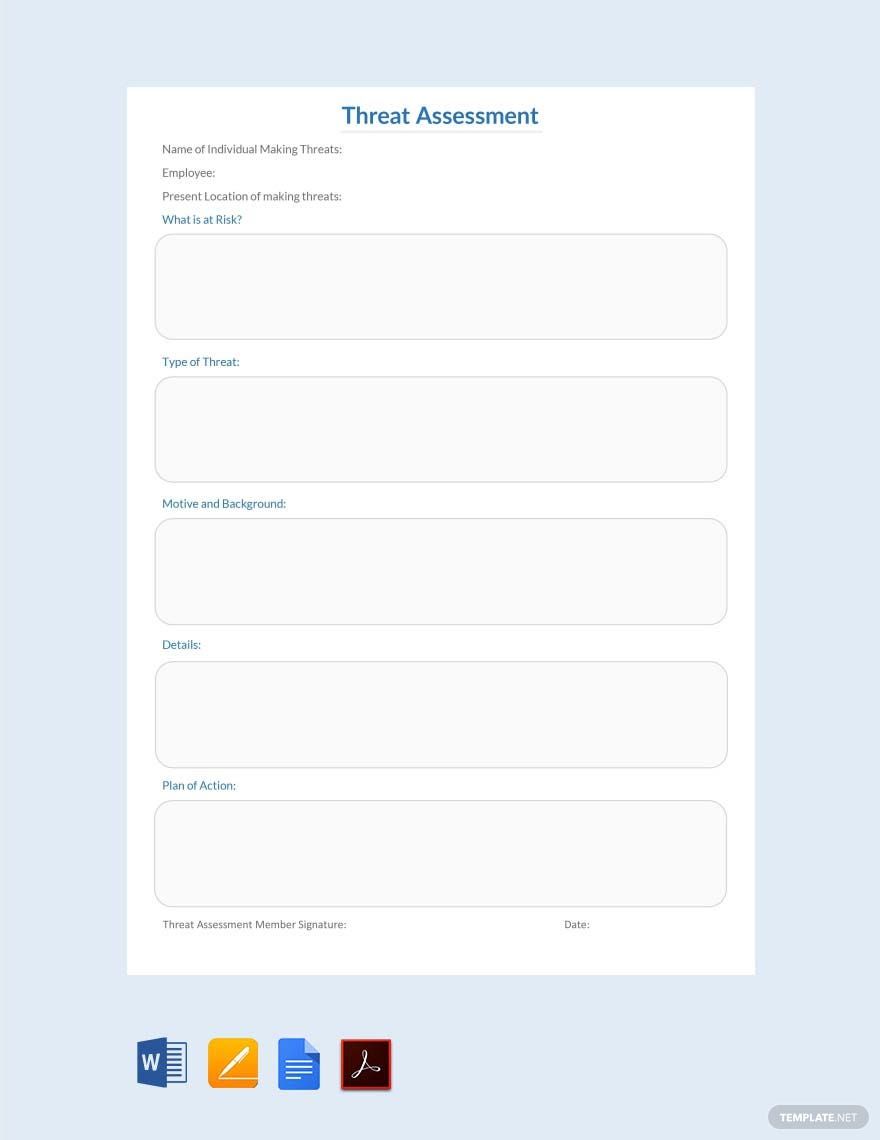
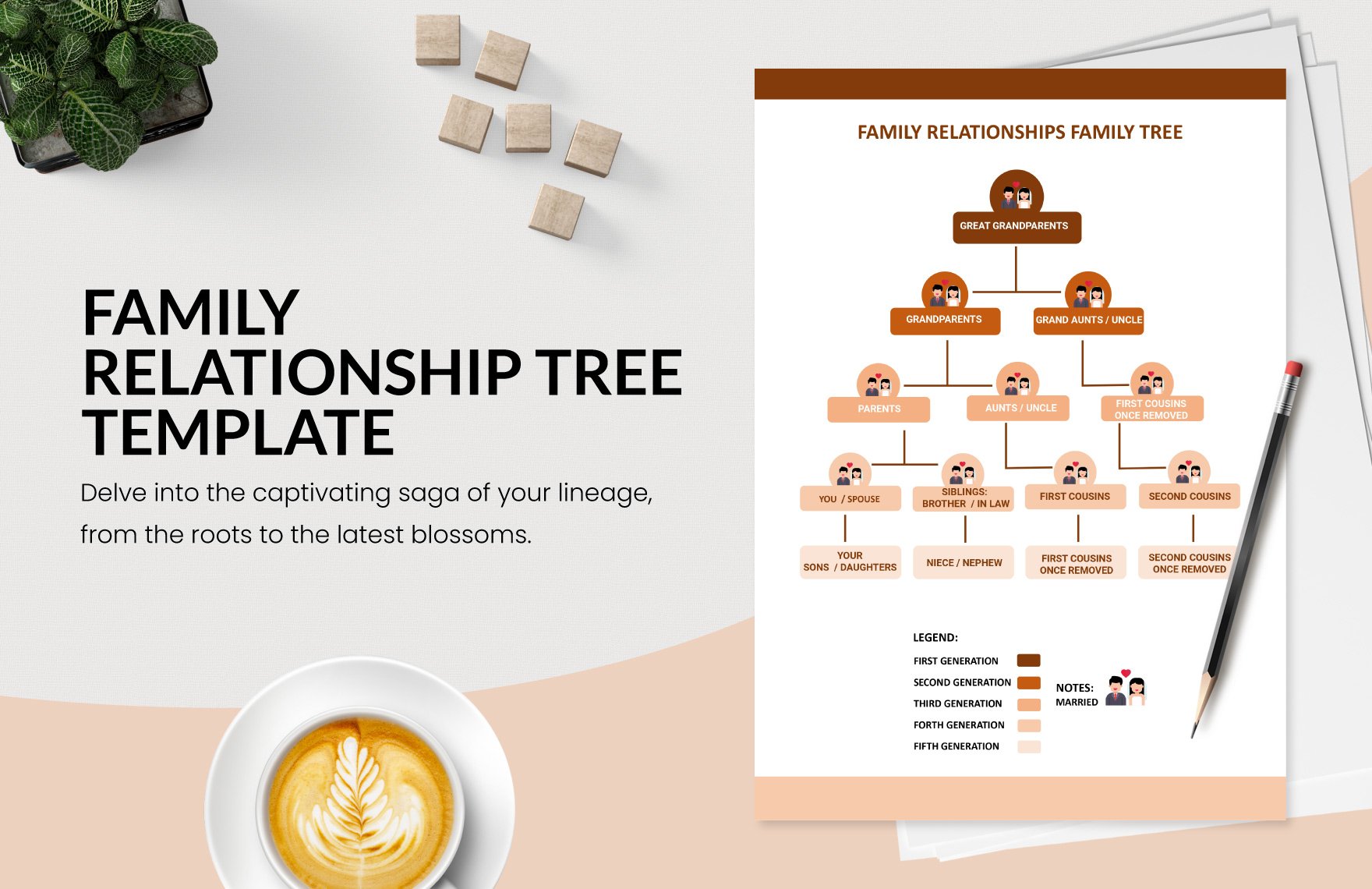
A Google Docs document is an online word processing file created and edited directly in the Google Docs platform with real-time collaboration features and cloud storage. Google Docs templates provide pre-formatted layouts for resumes, contracts, reports, and more, enabling fast and structured document creation.

Why use a Google Docs?
Google Docs offers browser-based editing with no software installation, allowing users to collaborate in real time and access documents anywhere. Google Docs templates ensure professional layouts and save time by providing structured formats for various document types.

Who typically uses Google docs?
Professionals, students, businesses, and freelancers commonly use Google Docs documents for creating business-ready templates, reports, and letters. Google Docs templates support diverse audiences needing structured, editable, and shareable documents accessible online.

What sections should a Google Docs include?
A Google Docs document template should include clearly defined sections such as a header with contact information, a summary or introduction, body content organized by headings, and a footer, all arranged in a structured and professional format.

What are the best tips for formatting a Google Docs document?
Best formatting tips for Google Docs documents include using consistent fonts and sizes, applying headings for structure, incorporating bullet points for clarity, and ensuring print-ready margins around 8.5 × 11 inches or A4 size for professional presentation.

How do you print or export a Google Docs document?
Google Docs documents can be printed directly from the browser or exported as PDF and .docx files for versatile use. Templates from Template.net support easy exporting with business-ready layout and compliance-friendly formatting for professional distribution.

Is a Google Docs legally and professionally acceptable?
Google Docs documents are widely accepted for legal and professional use when formatted with compliance-friendly sections and business-ready layouts. Templates ensure content meets industry standards for contracts, agreements, and formal letters.

When should you use a Google Docs document?
Google Docs documents are ideal when you need collaborative editing, instant access without software installation, and structured formatting for reports, resumes, or business plans. Templates help create consistent, professional documents quickly in any remote or team environment.

Can I create a new Google Docs document using AI?
Template.net provides AI-powered tools capable of generating structured Google Docs documents compatible with Google Docs, allowing fast creation of professional templates ready for online editing and export.
