
Free Itinerary Templates


































Itinerary Templates: Definition, Uses, and Formats
What is a Itinerary?
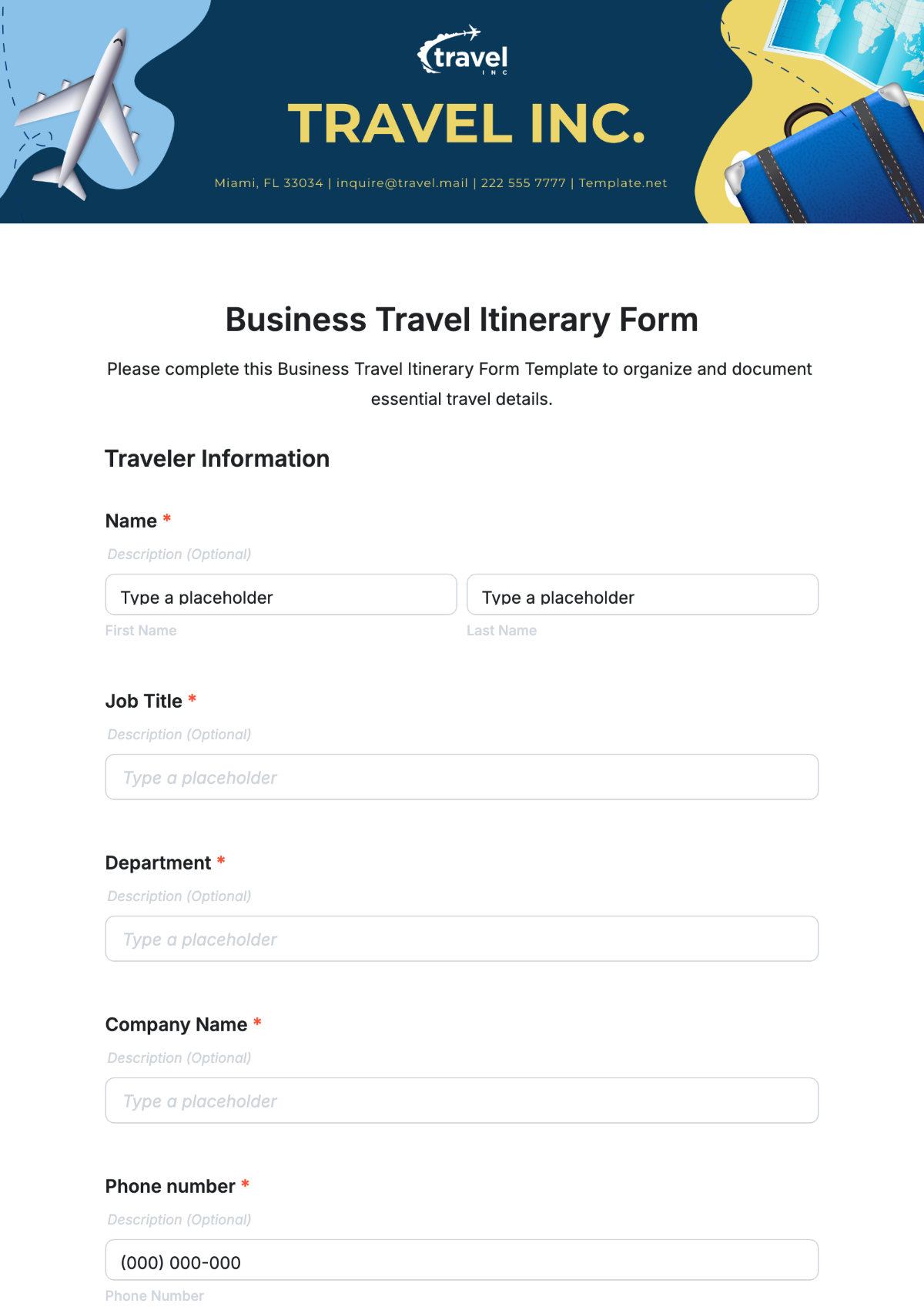
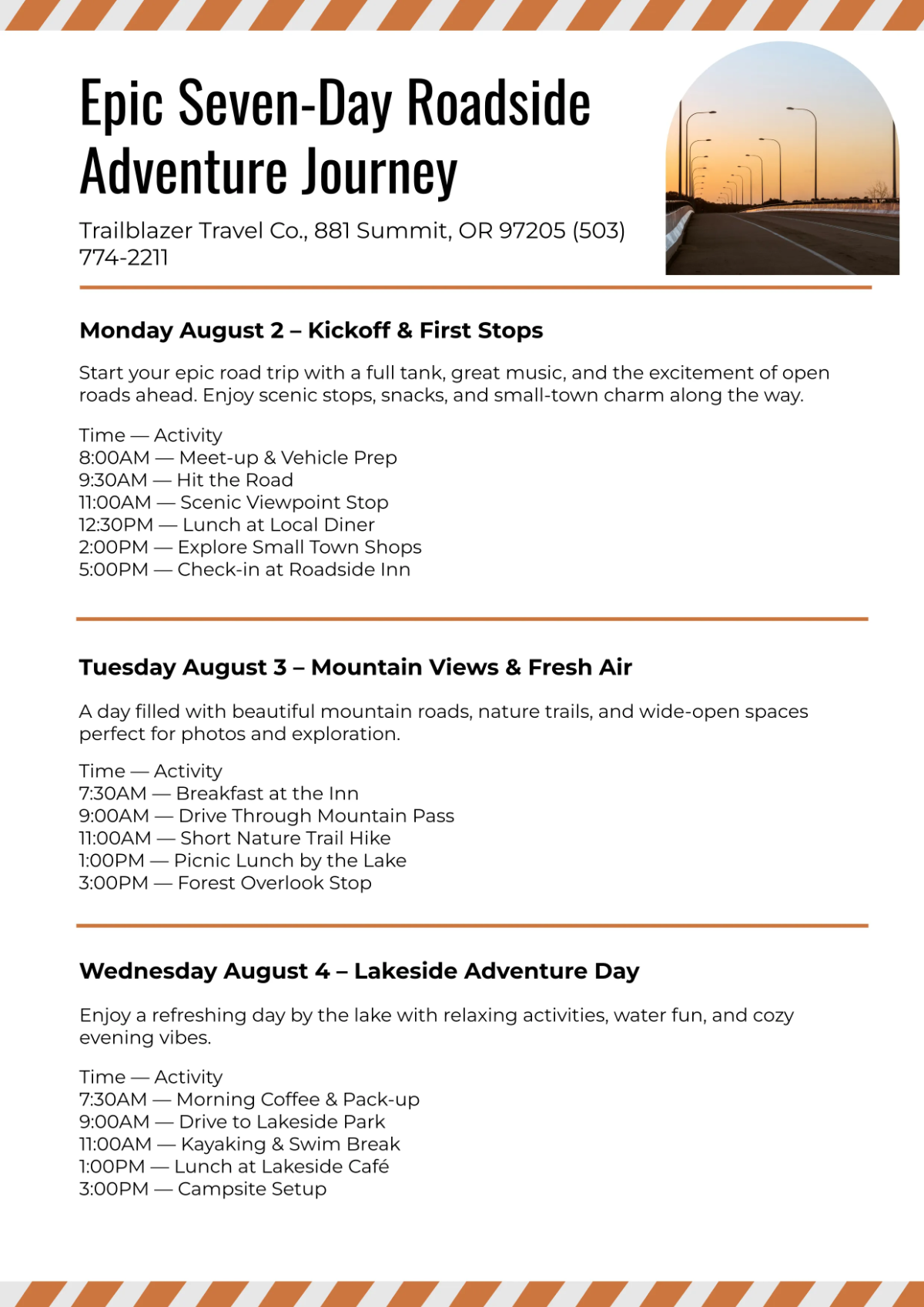
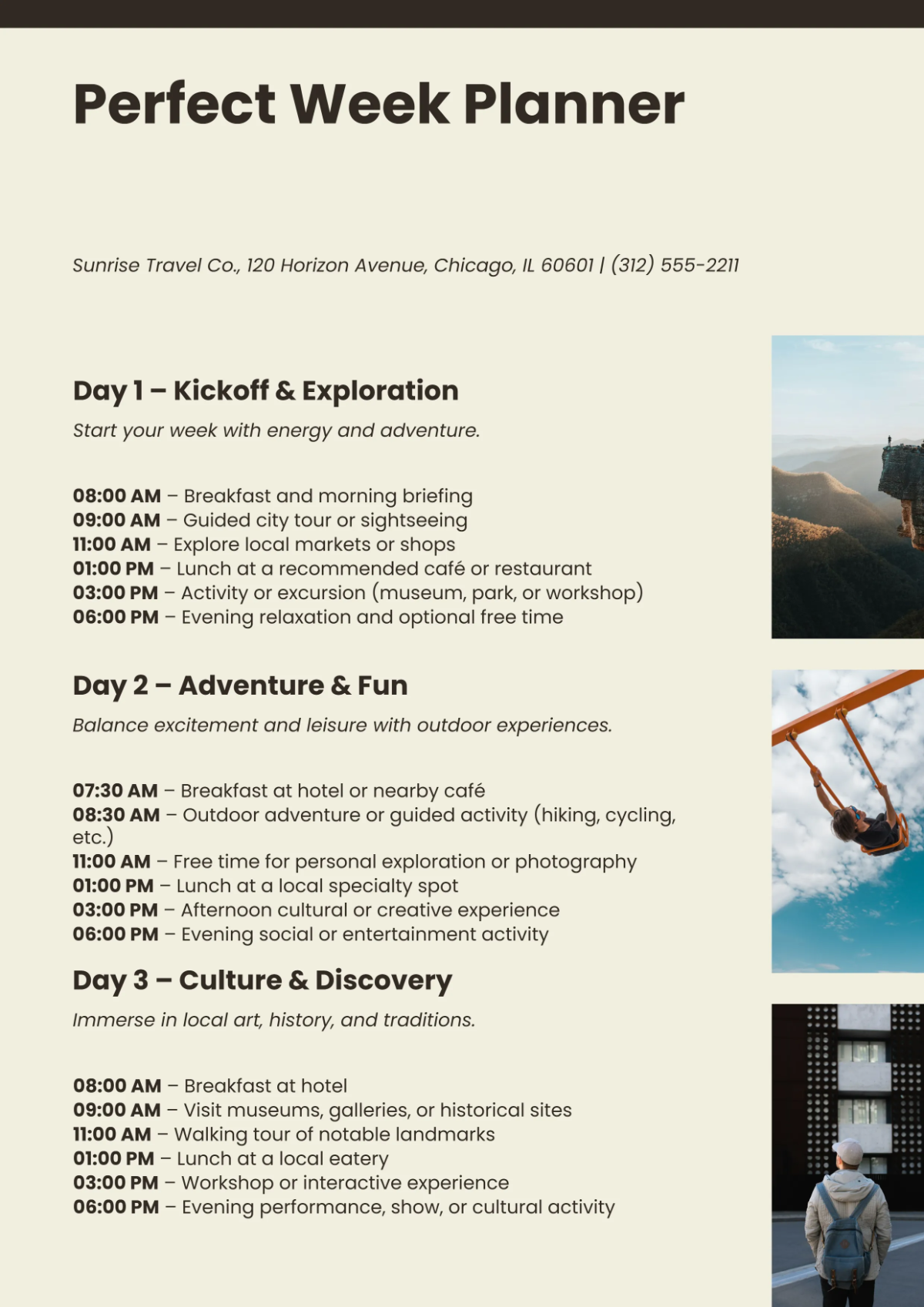
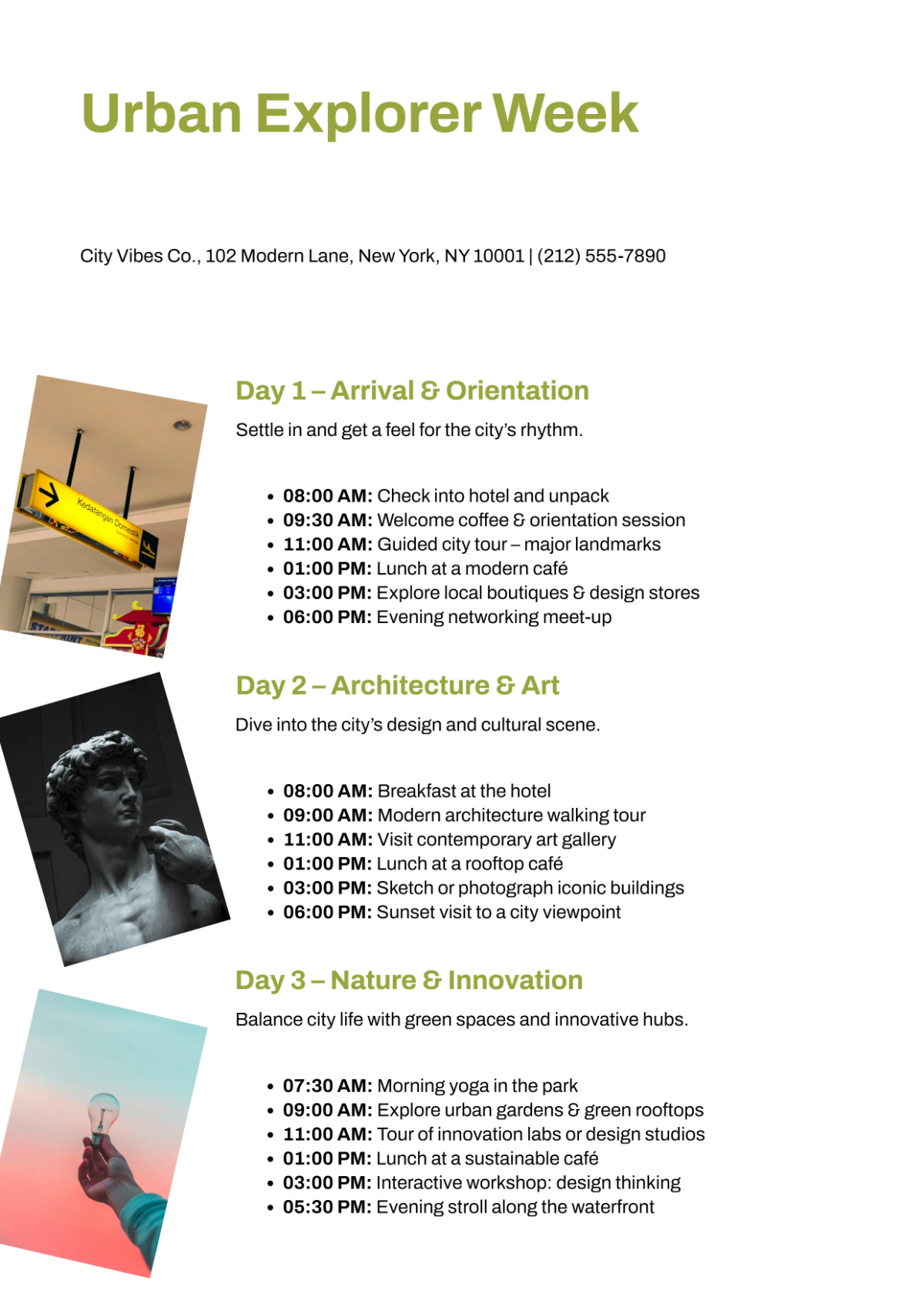
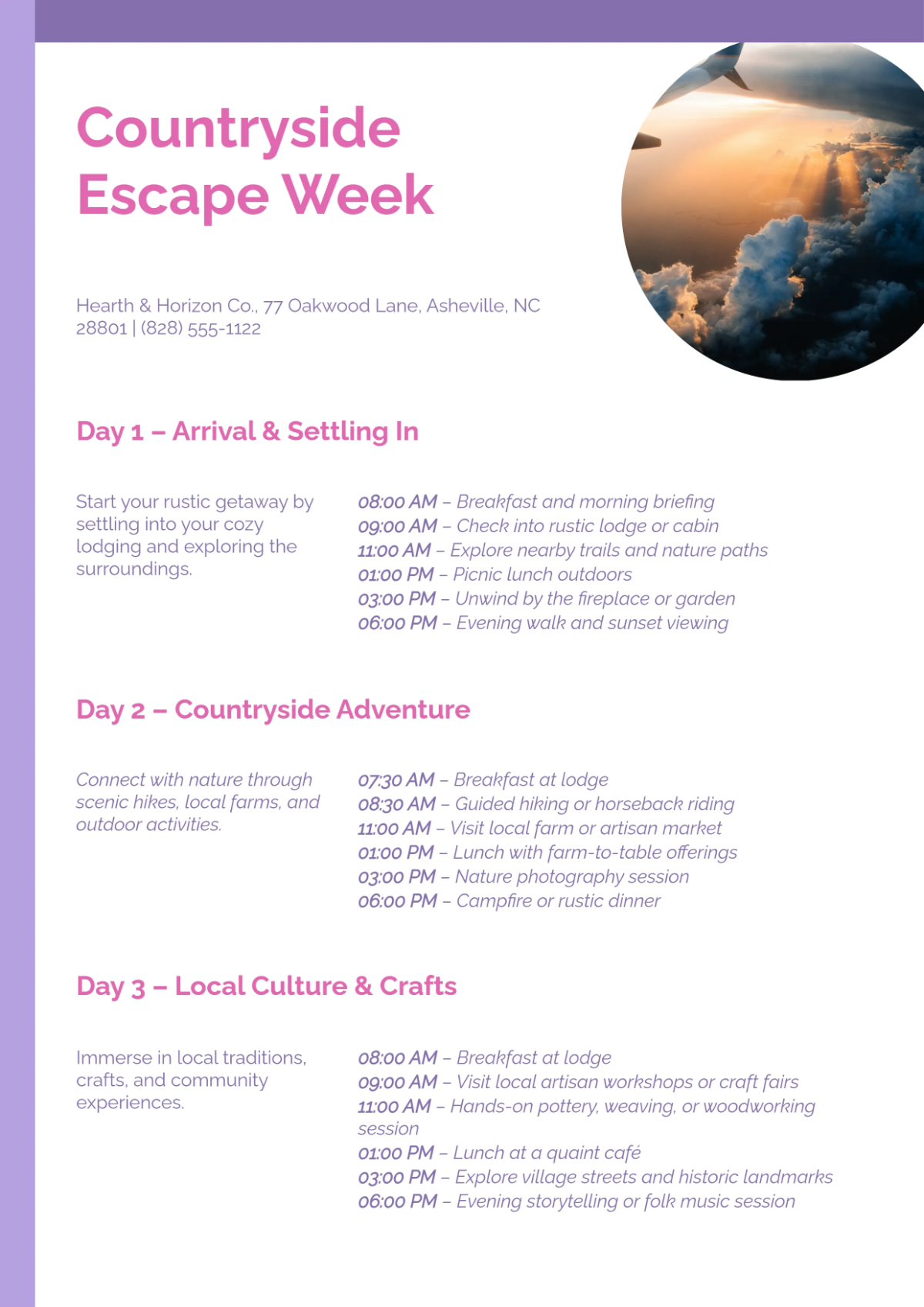
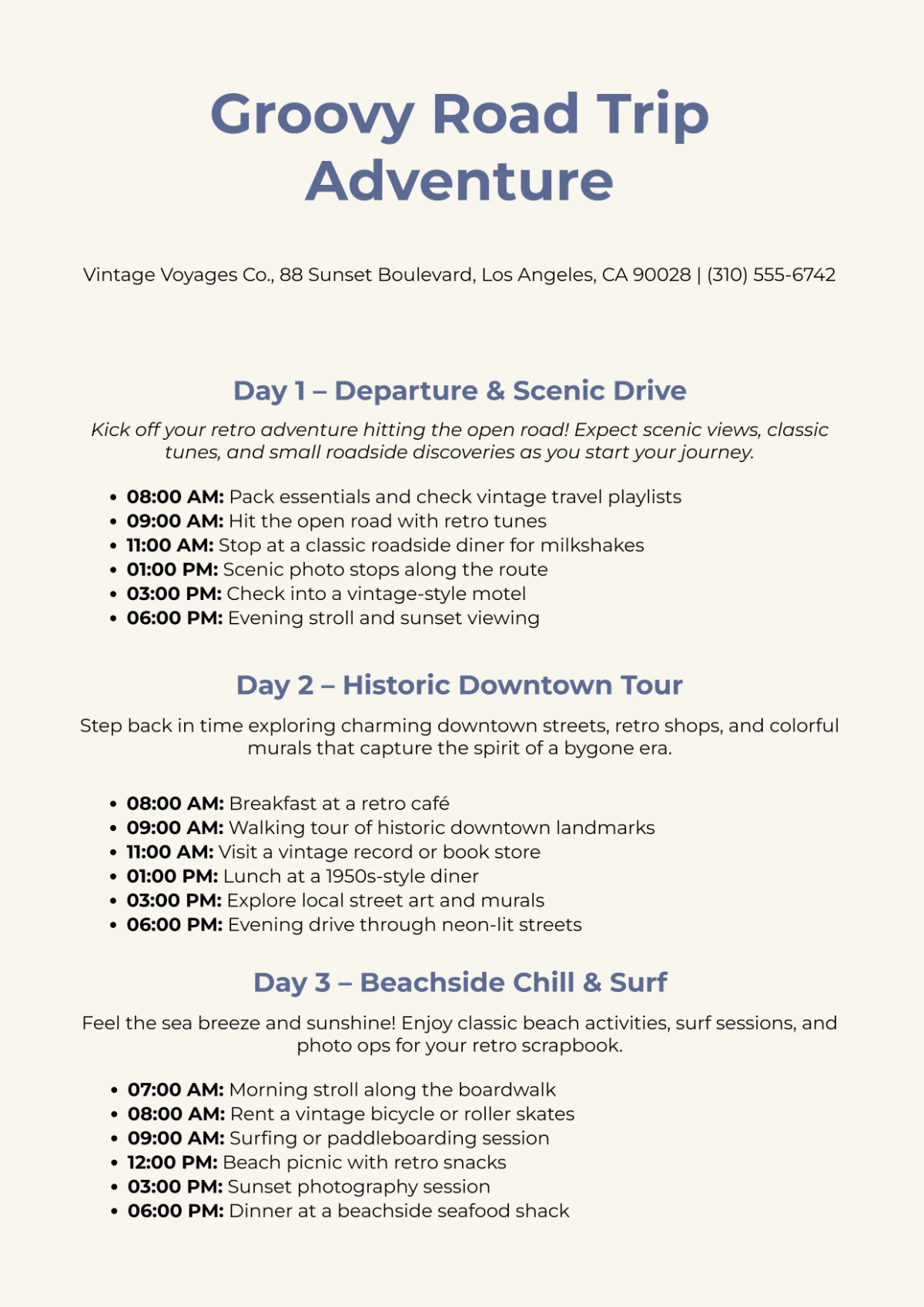
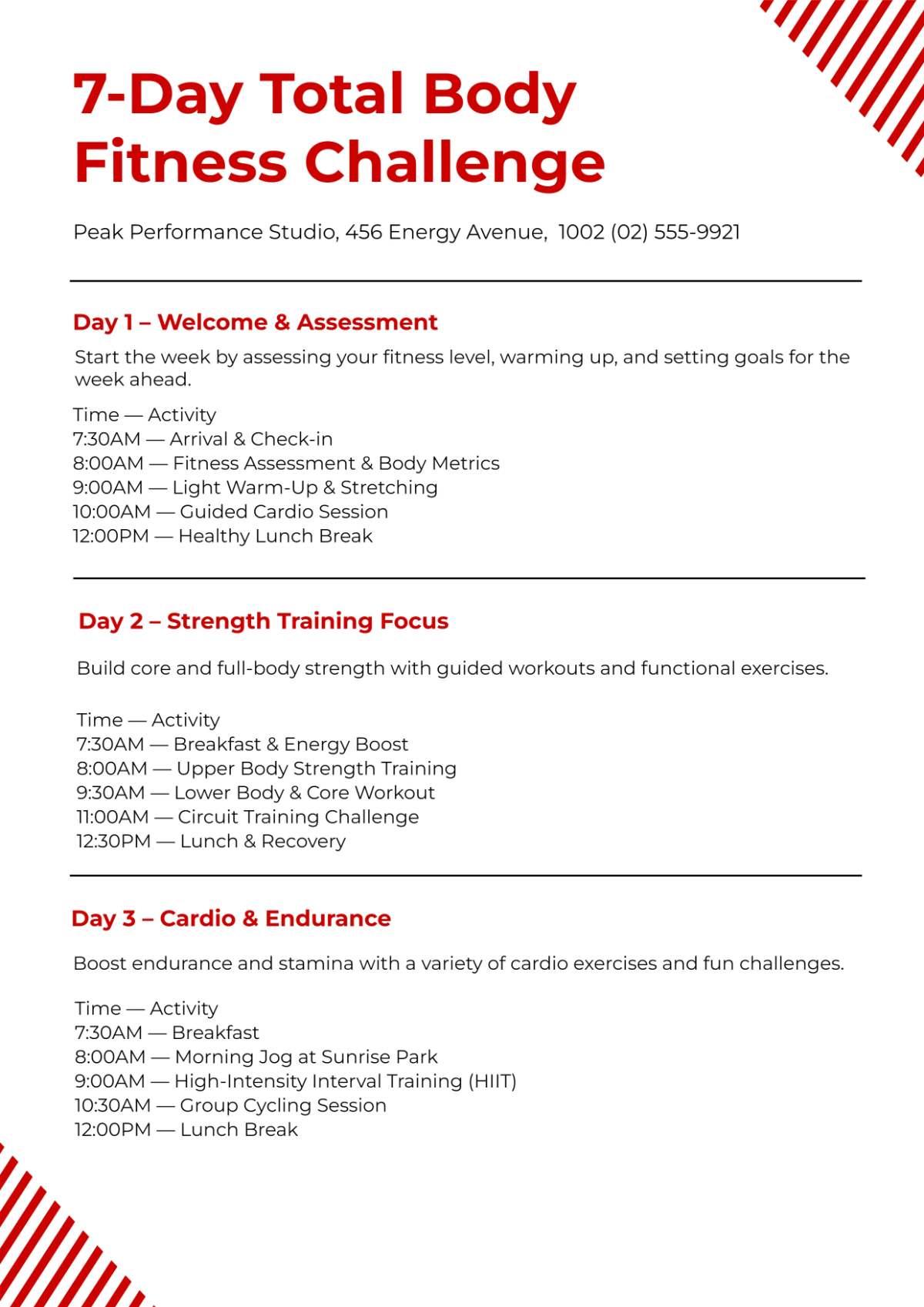
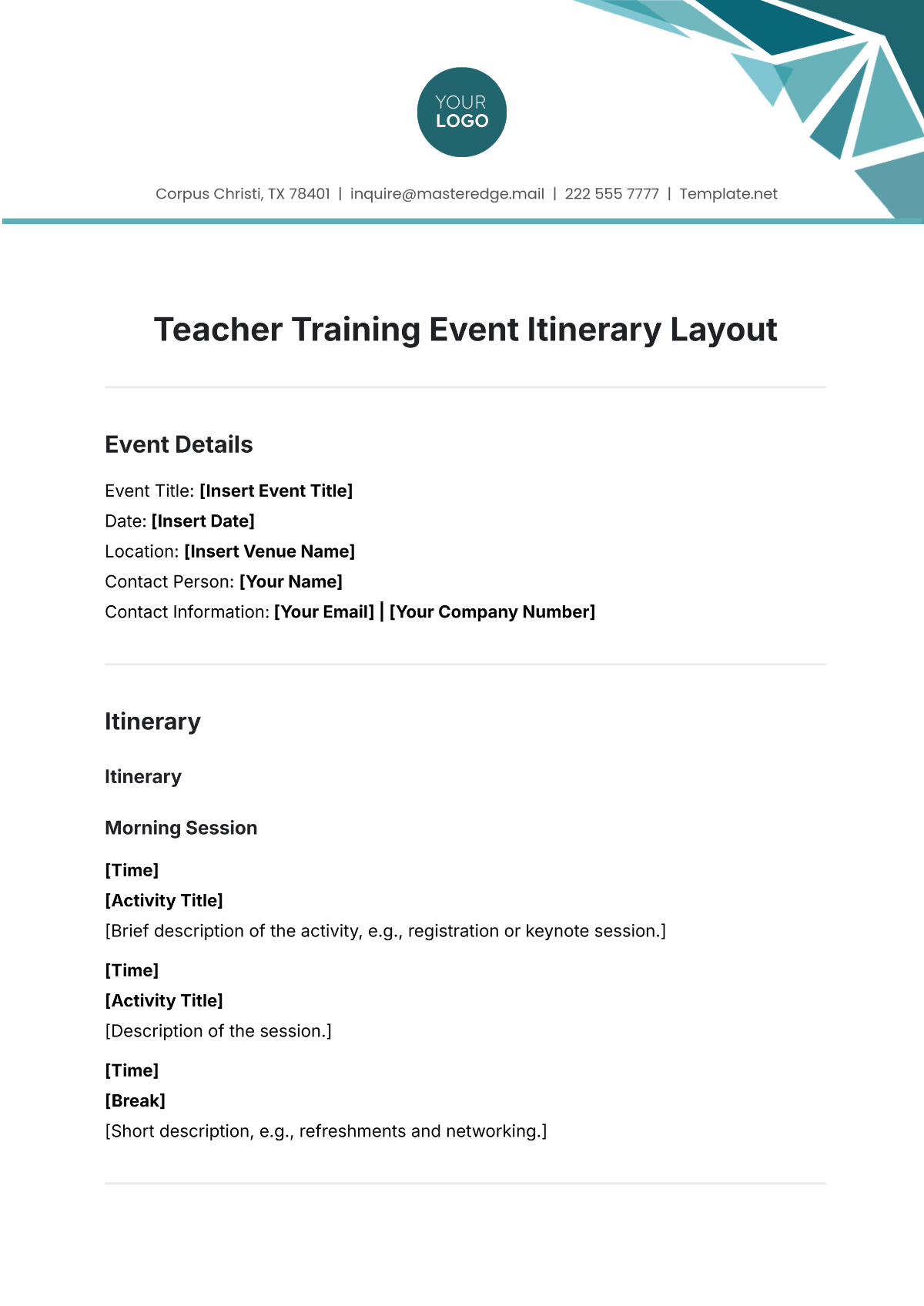
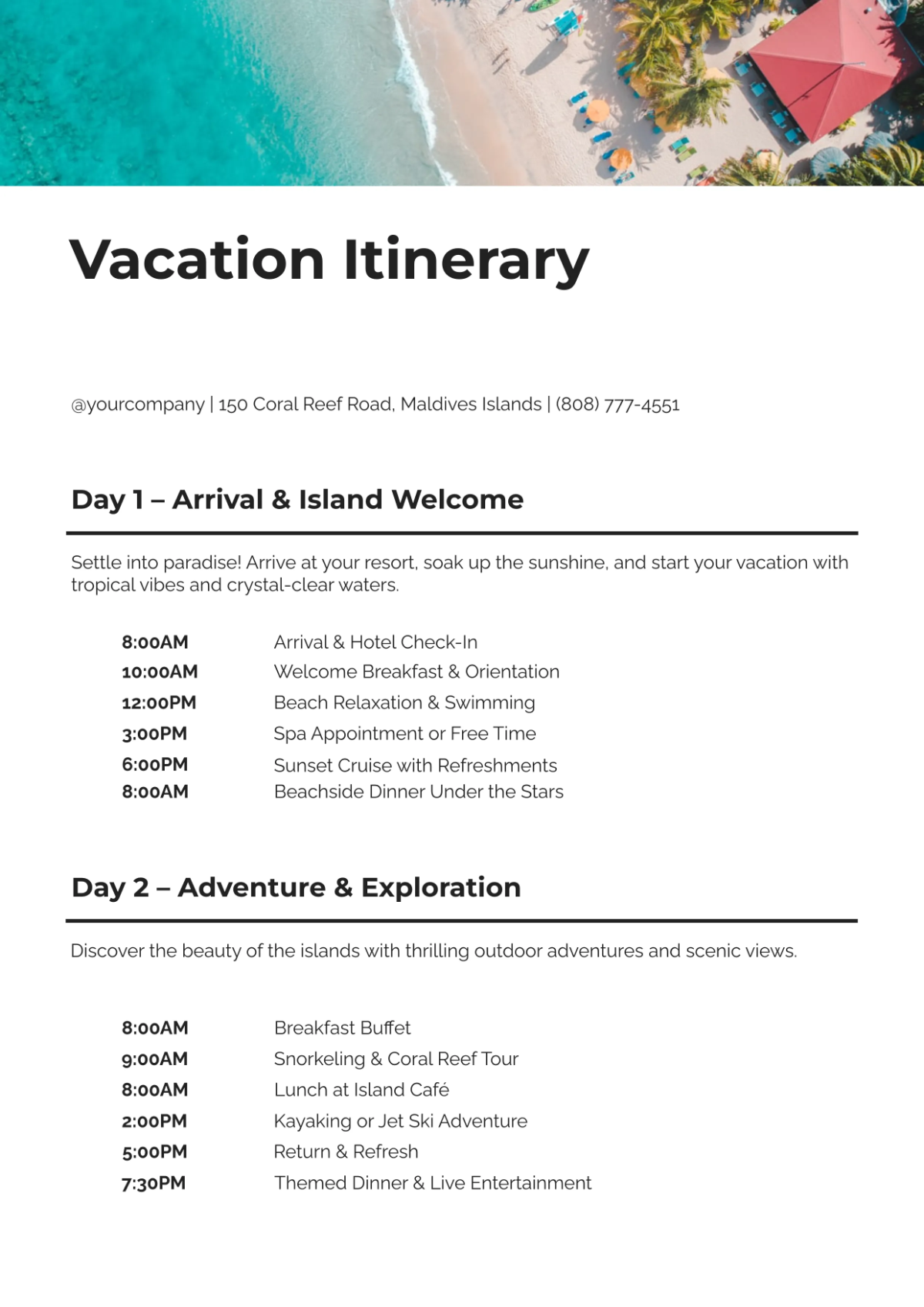
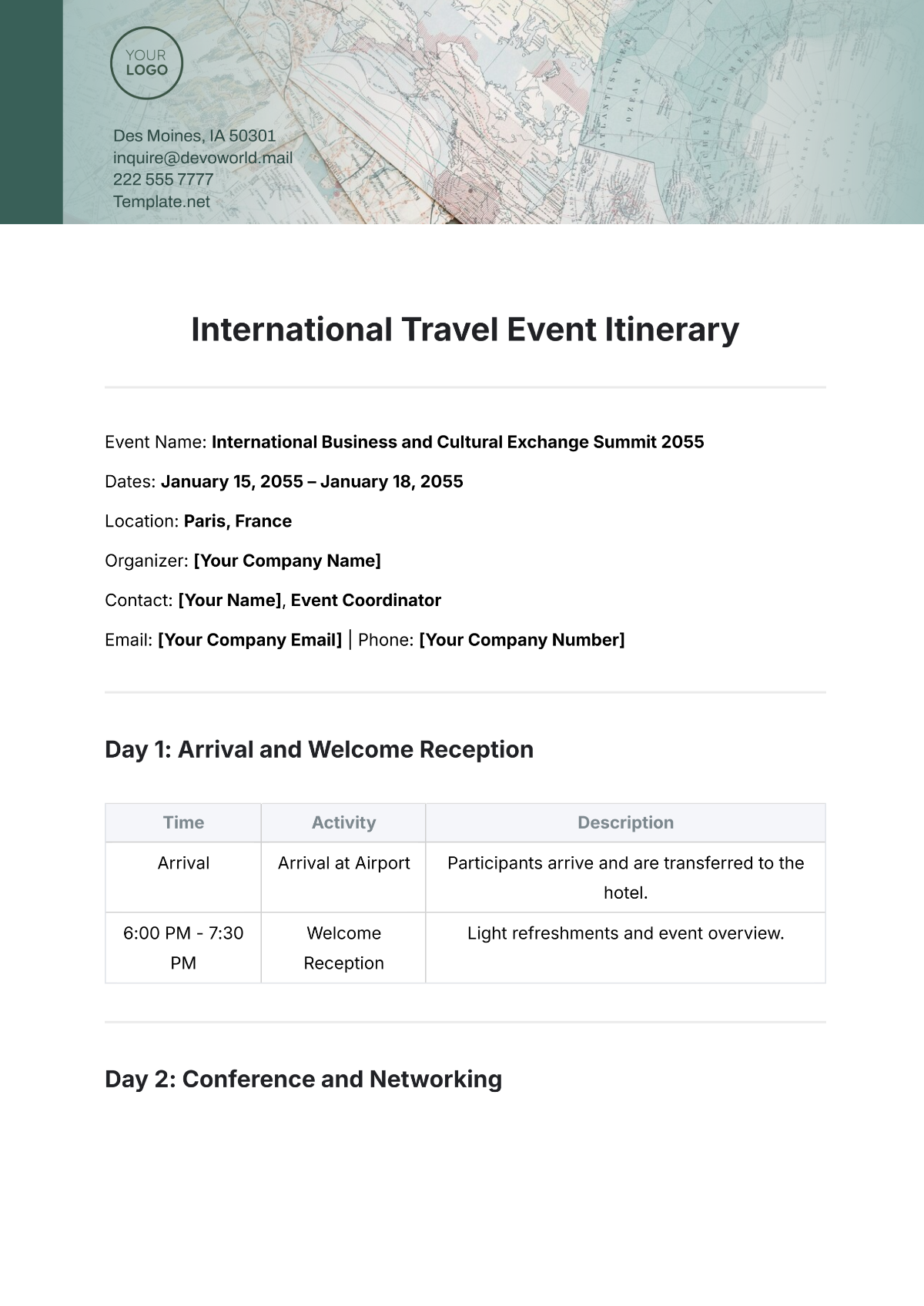
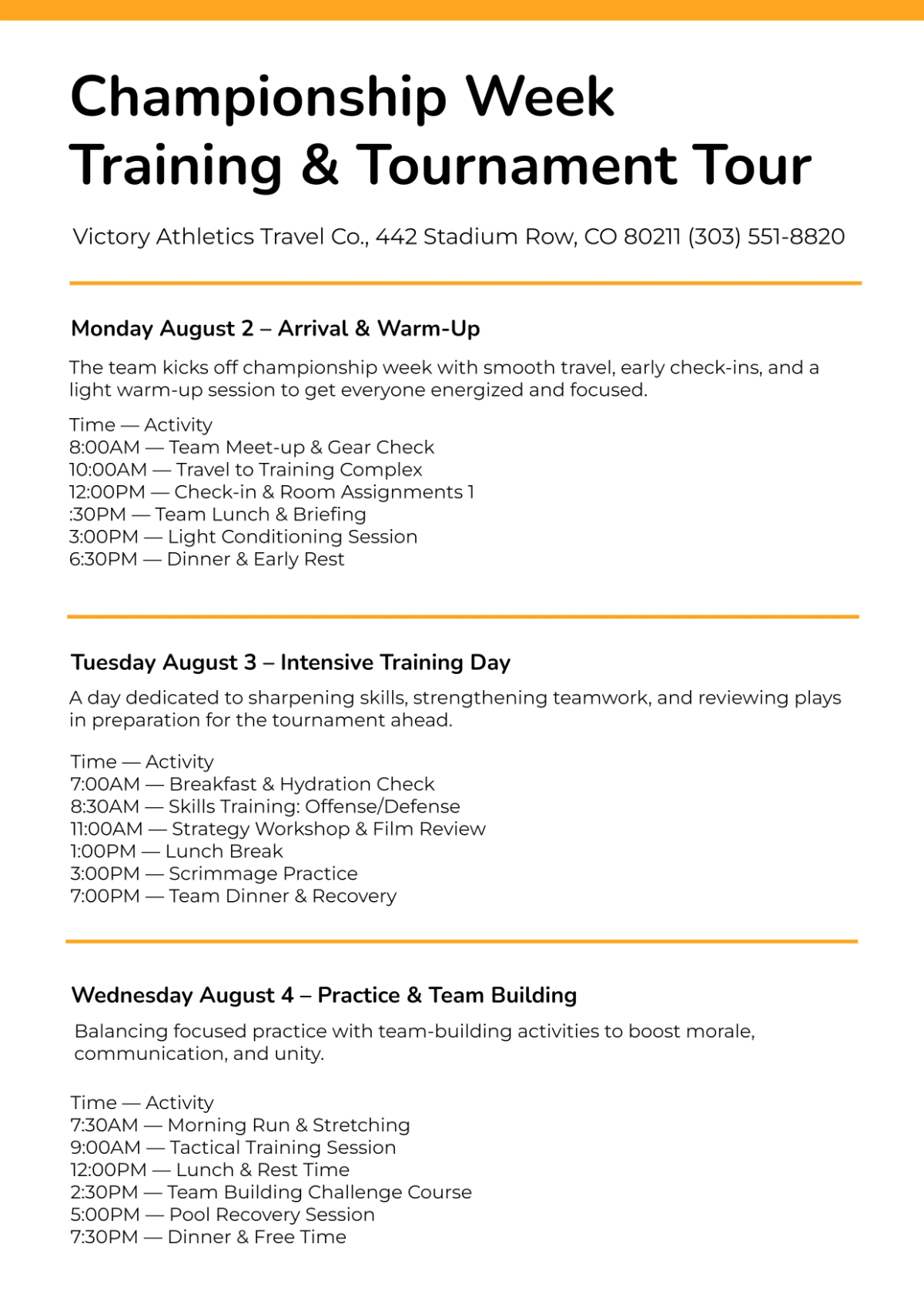
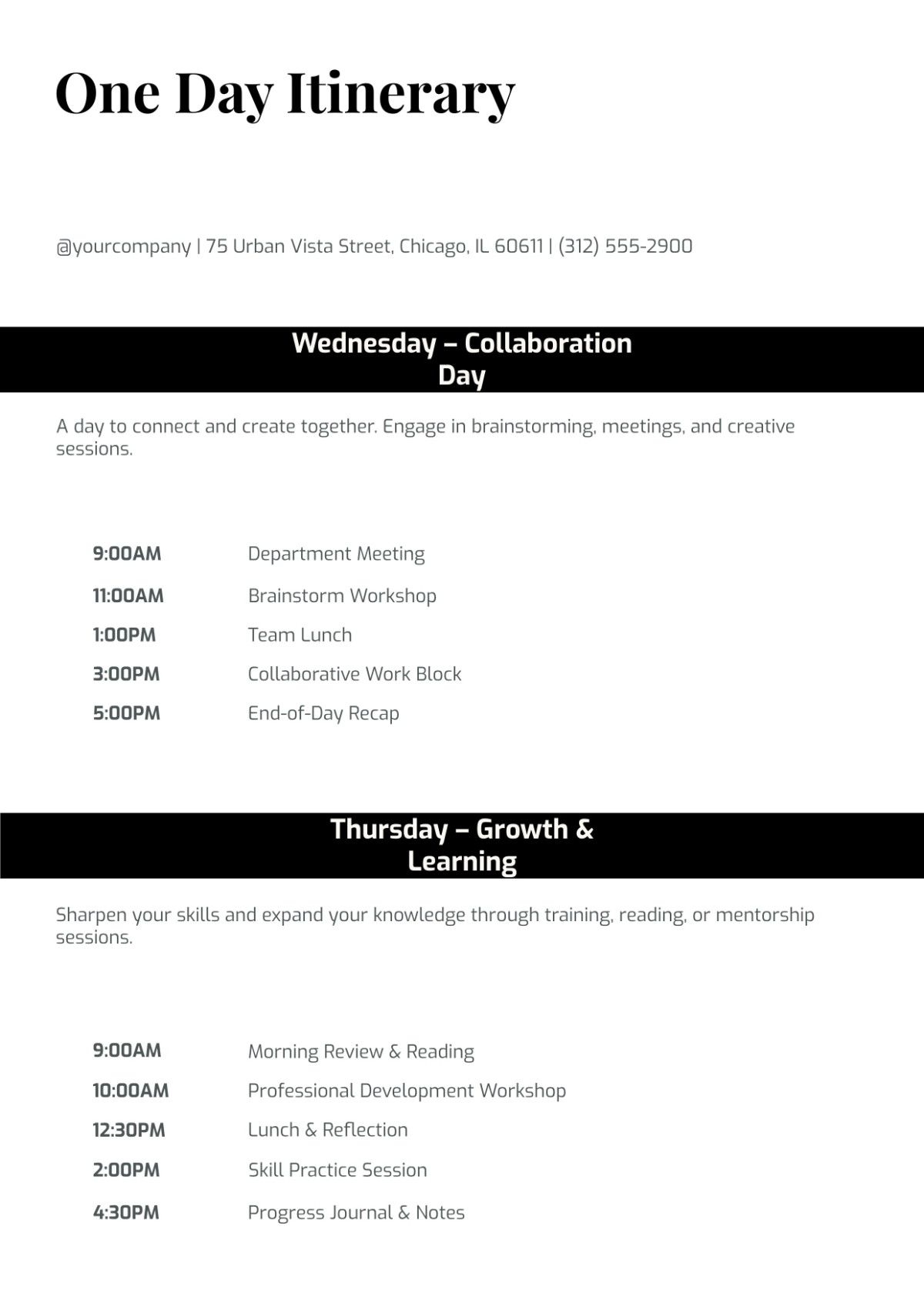
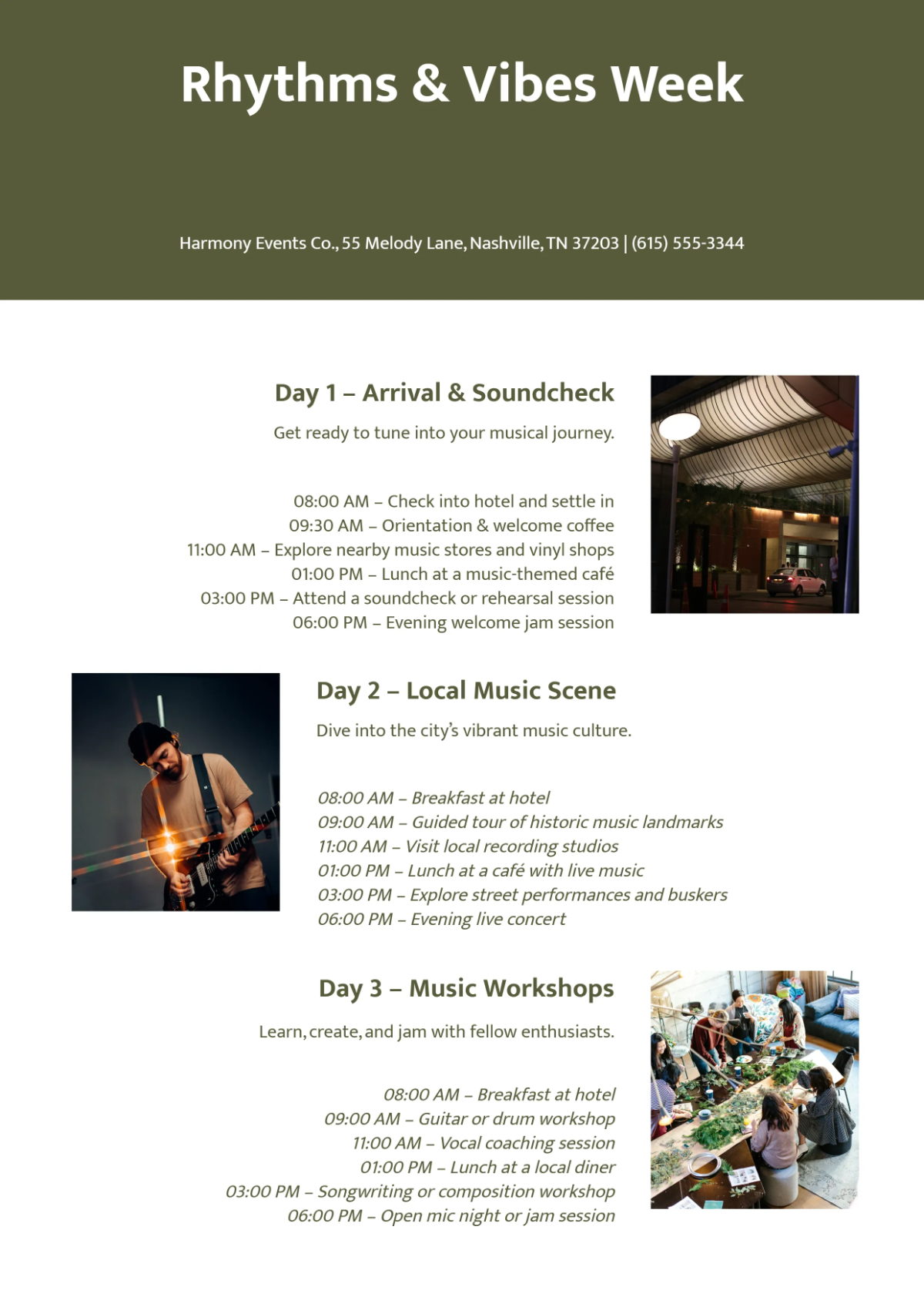
A itinerary is a structured document that outlines a detailed plan or schedule for travel, events, or activities. It includes timelines, locations, and important notes arranged in a professional layout for clear communication. Ready-made itinerary templates help users create these plans efficiently with section-based editing.
Why use a Itinerary?
Using an itinerary ensures organized scheduling, helps avoid conflicts, and improves time management during travel or events. Itinerary templates offer a business-ready layout that enhances clarity and professionalism, making planning faster and more reliable through online editing and easy customization.
Who typically uses Itinerarys?
Itinerary templates are commonly used by travelers, event planners, corporate teams, and individuals needing structured schedules. These users benefit from professional layouts that streamline plans for meetings, tours, or conferences, with print-ready and editable formats suited for various professional needs.
What sections should a Itinerary include?
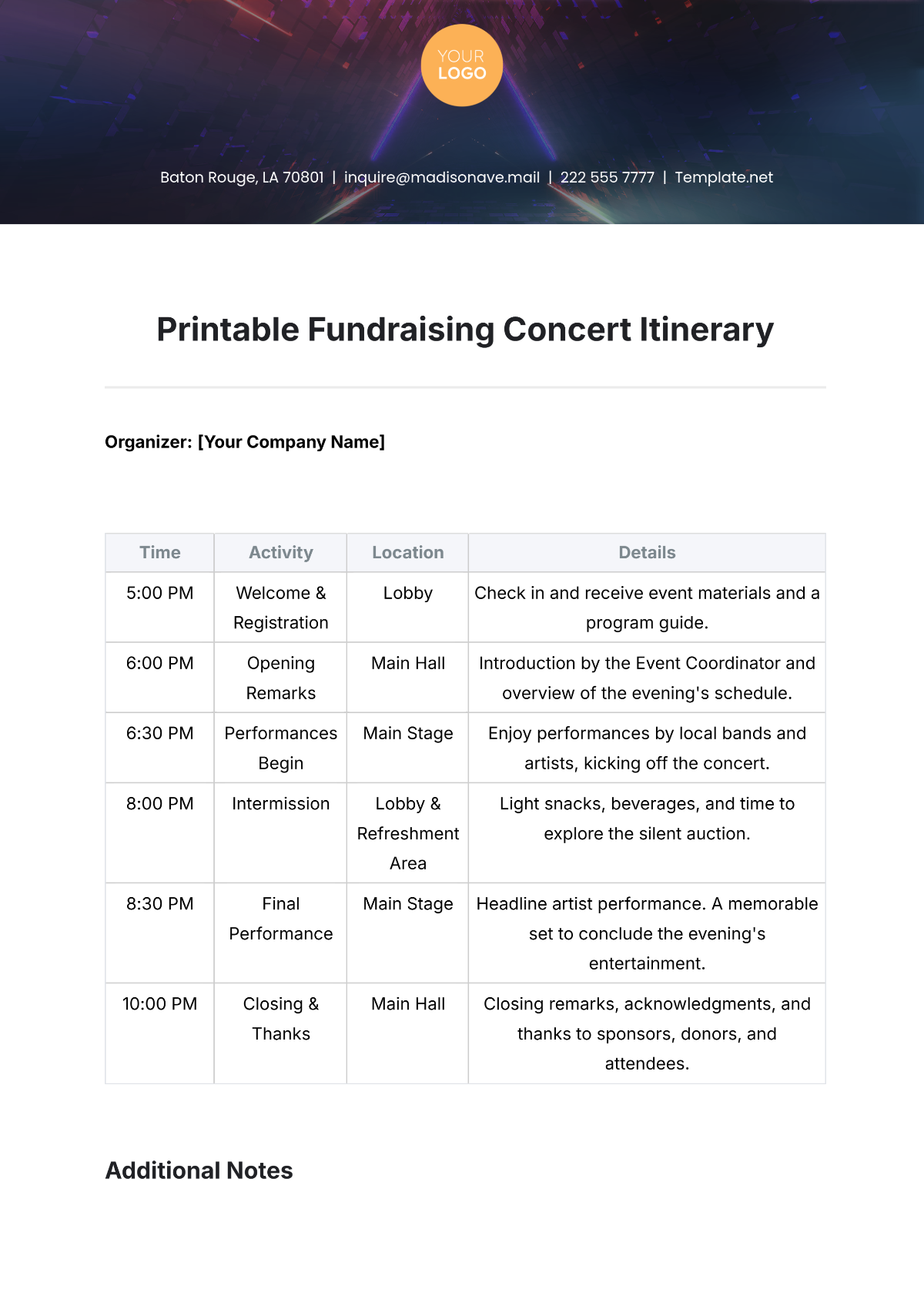
A professional itinerary should include sections like date and time, locations or venues, activities or events, and notes or instructions. These structured sections ensure clarity and completeness, making the itinerary easy to follow and professionally presentable.
What are the best tips for formatting a Itinerary?
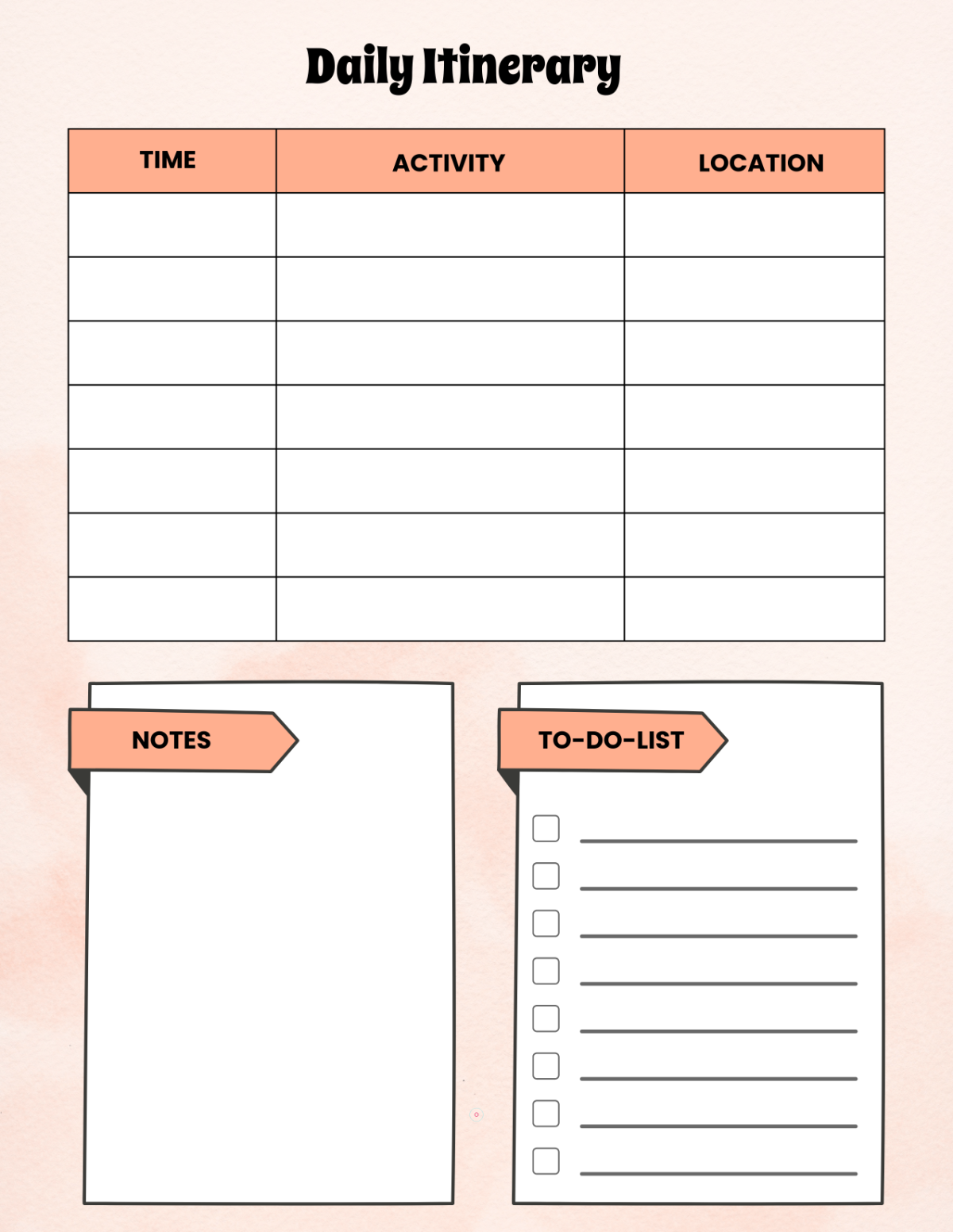
Effective itinerary formatting uses clear headers, consistent fonts, and logical section divisions with bullet points or tables. Templates with structured formatting enhance readability and allow easy online editing, ensuring the final document is both visually appealing and functional.
How do you print a Itinerary?
Printing a itinerary involves exporting the document as a print-ready PDF or compatible format from the template editor. Template.net enables direct printing with maintained professional layouts and structured formatting to ensure the itinerary looks polished on paper, typically formatted for Letter size or A4 dimensions.
Is a Itinerary legally and professionally acceptable?
A well-prepared itinerary is professionally acceptable and can support legal compliance when required, such as for business travel or event planning. Using compliance-friendly presentation and structured professional layouts in templates ensures the itinerary meets formal standards and is suitable for official use.
What file formats can I download for a Itinerary?
Template.net itinerary templates support multiple export formats for editing and printing, including Apple Pages, Word, PDF, Excel, Google Docs, and Google Sheets. These formats ensure structured formatting and professional layouts.
Can I create a new Itinerary using AI?
Template.net provides an AI-powered tool that generates structured itinerary documents from prompts within 3–10 seconds. This AI itinerary generator creates editable drafts optimized for online refinement and multi-format export, accelerating professional itinerary creation. Use the Itinerary Generator for instant results.
