
Free Presentation Templates
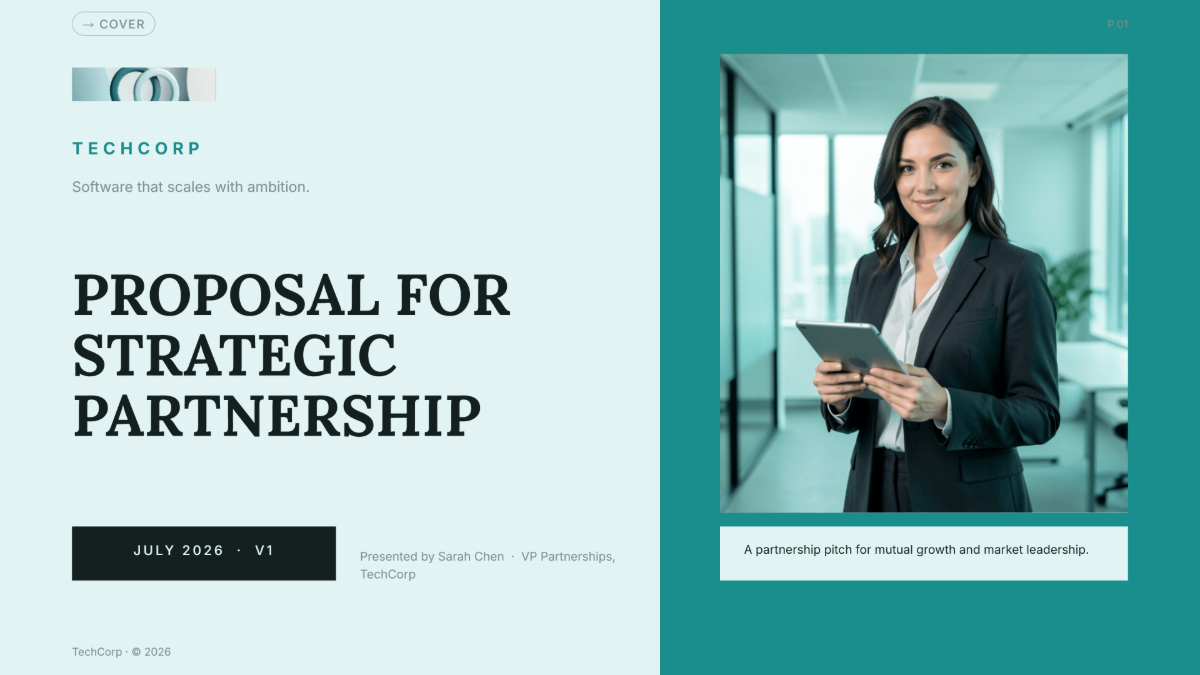



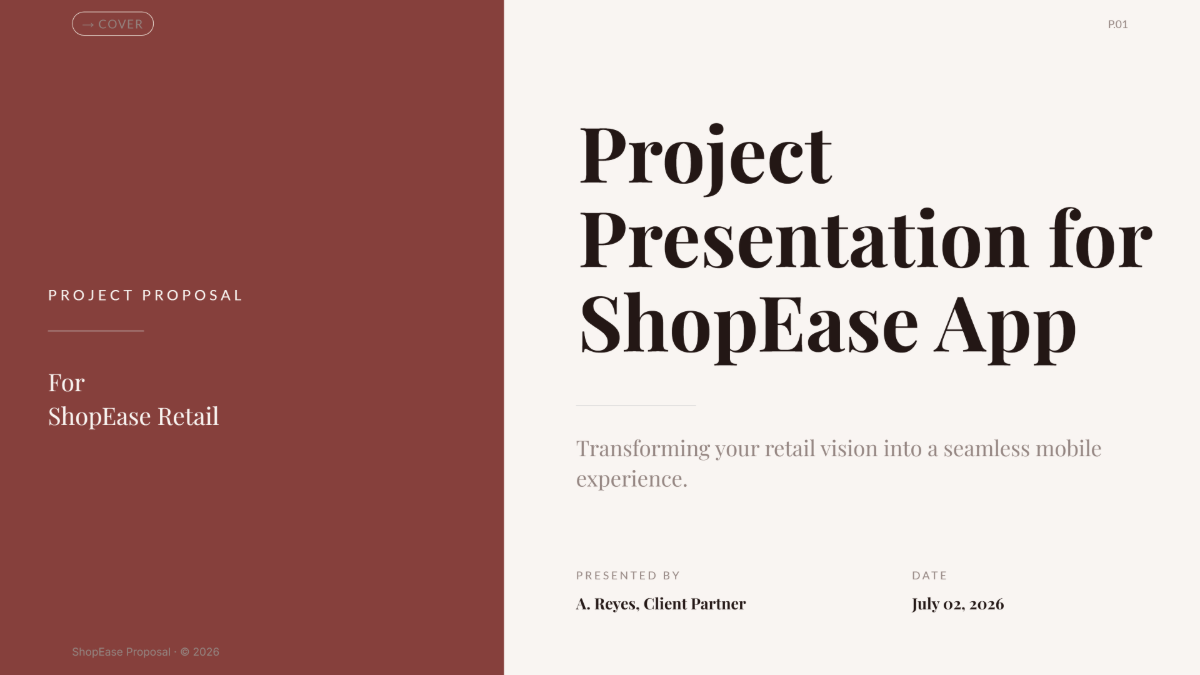

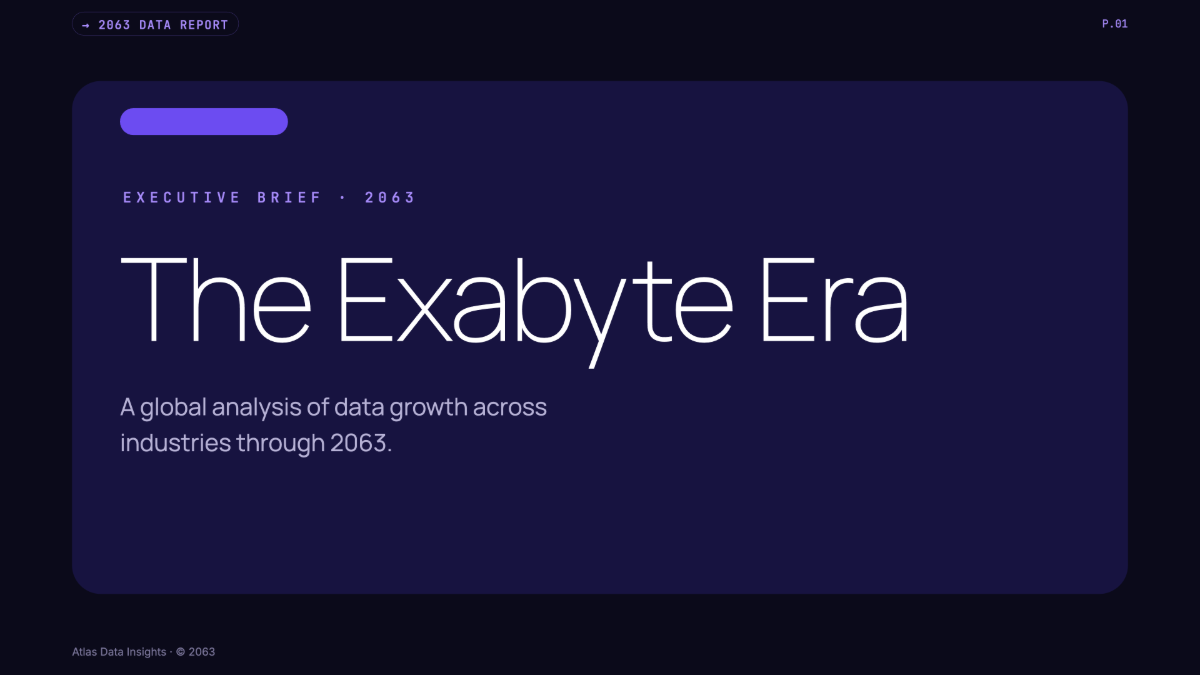

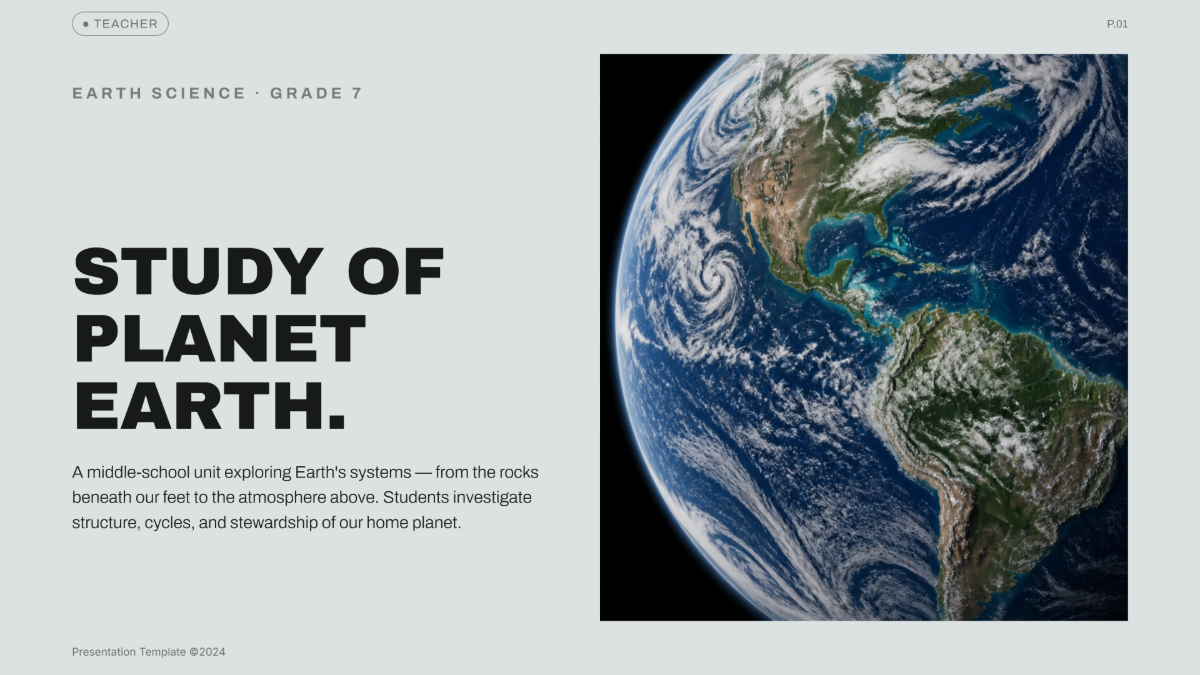

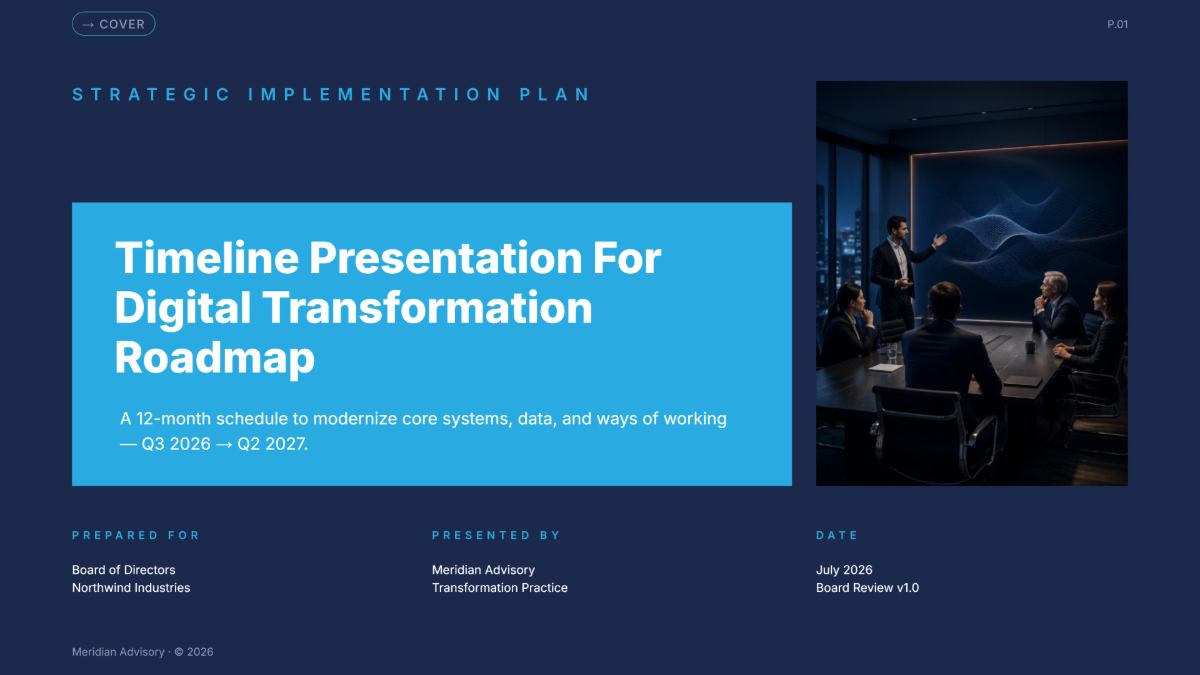










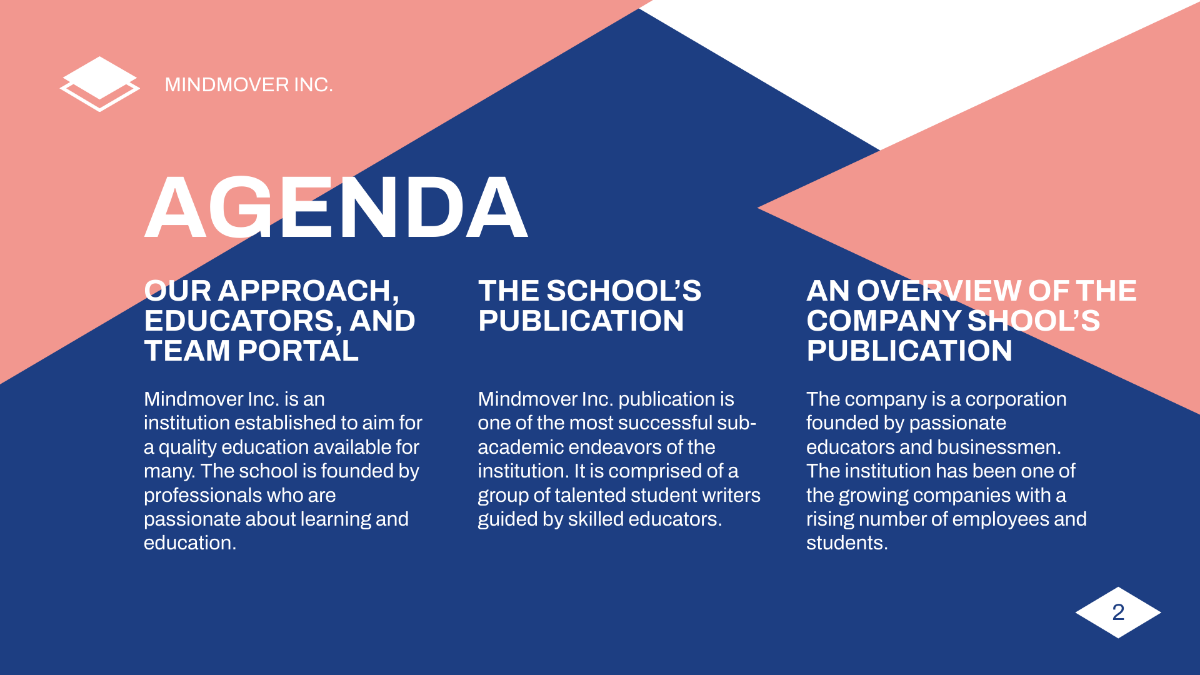



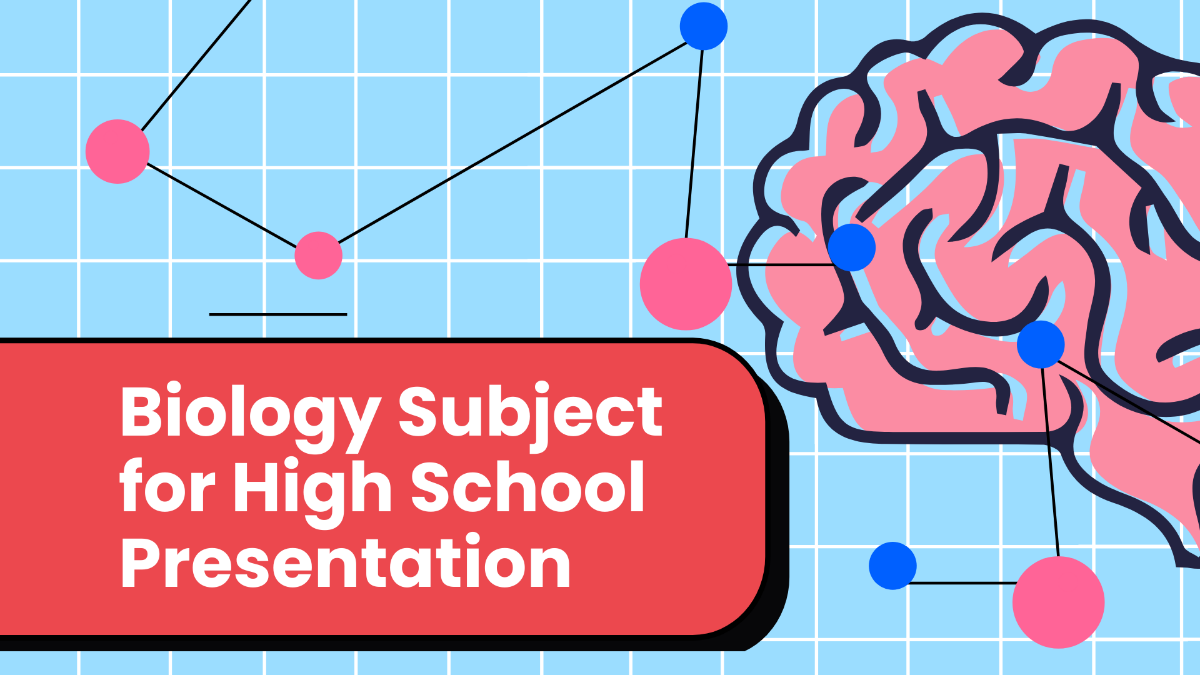







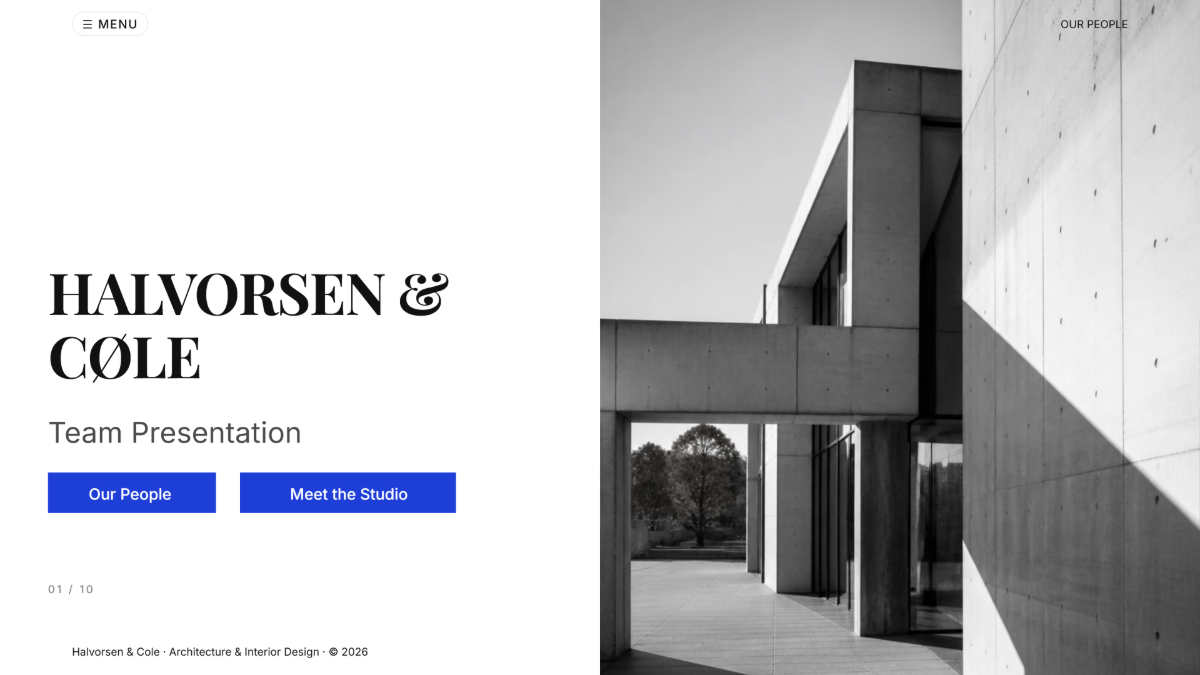




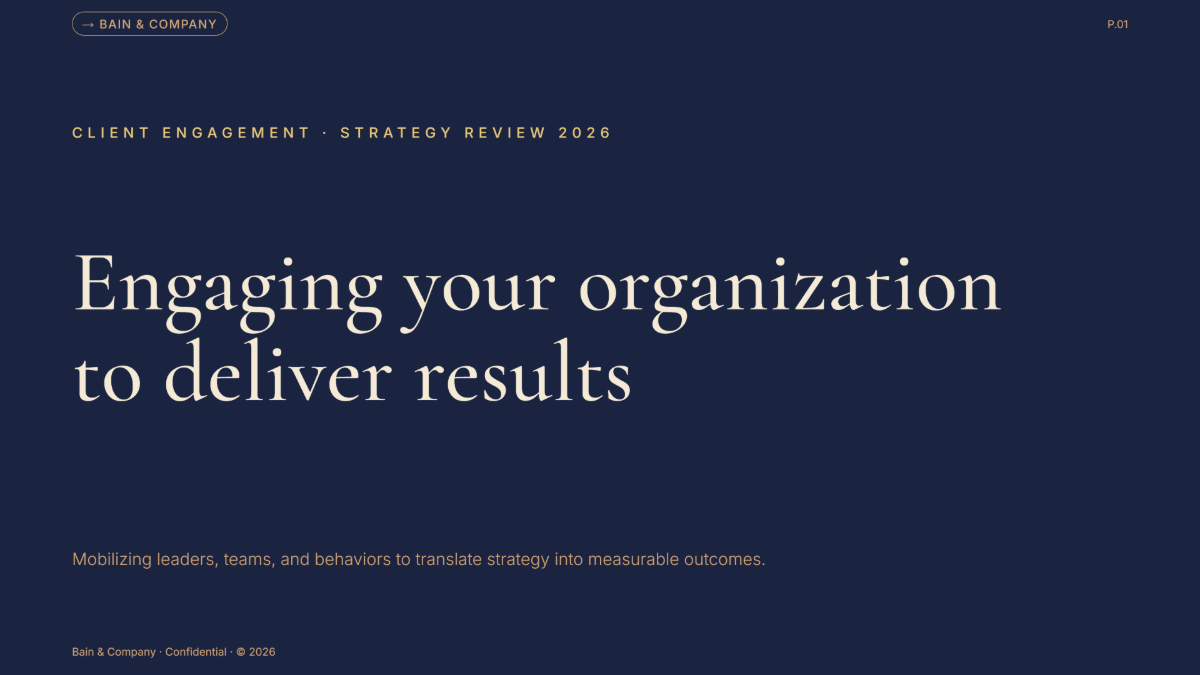

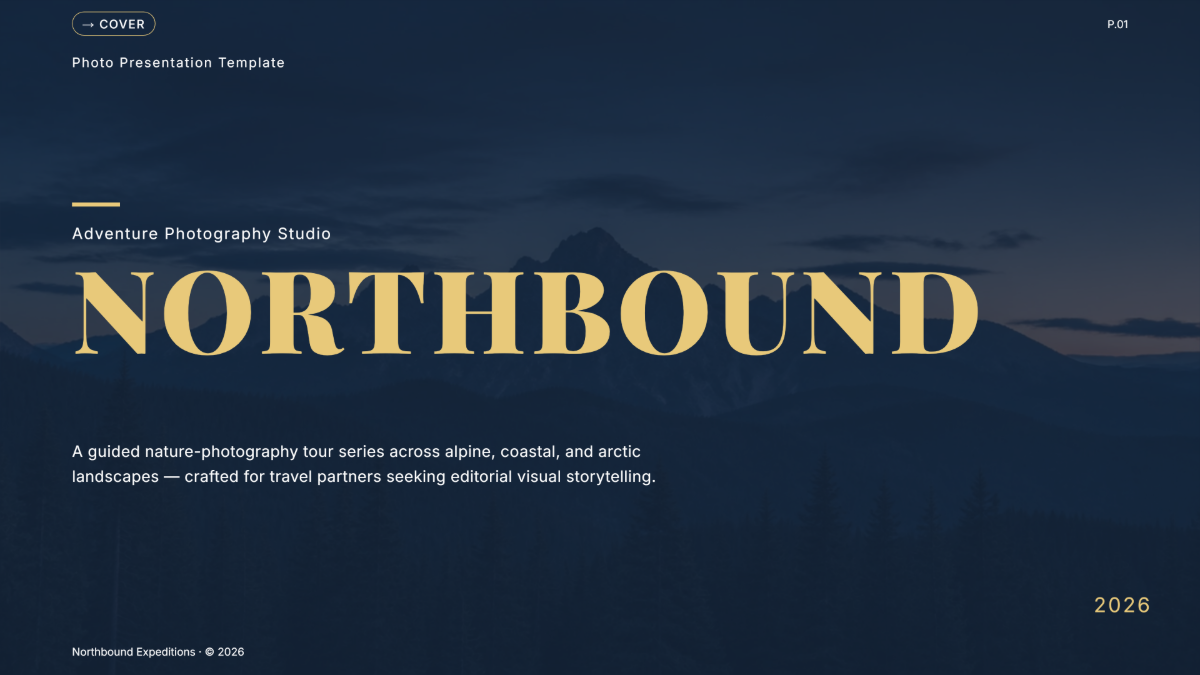
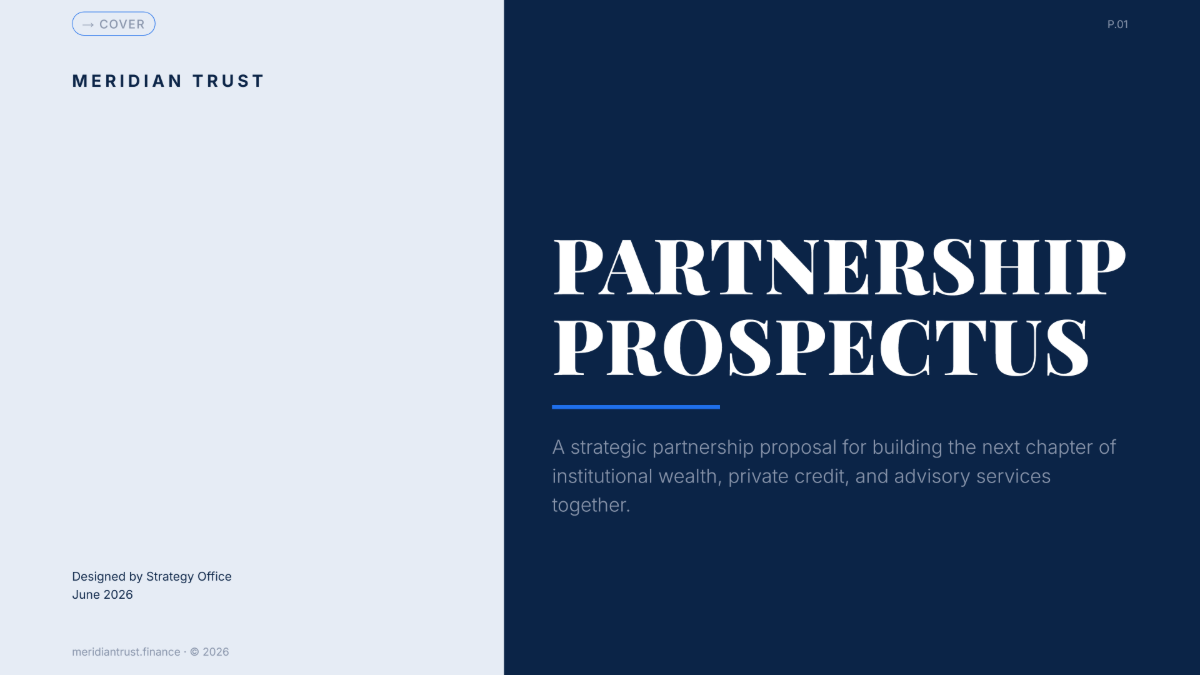




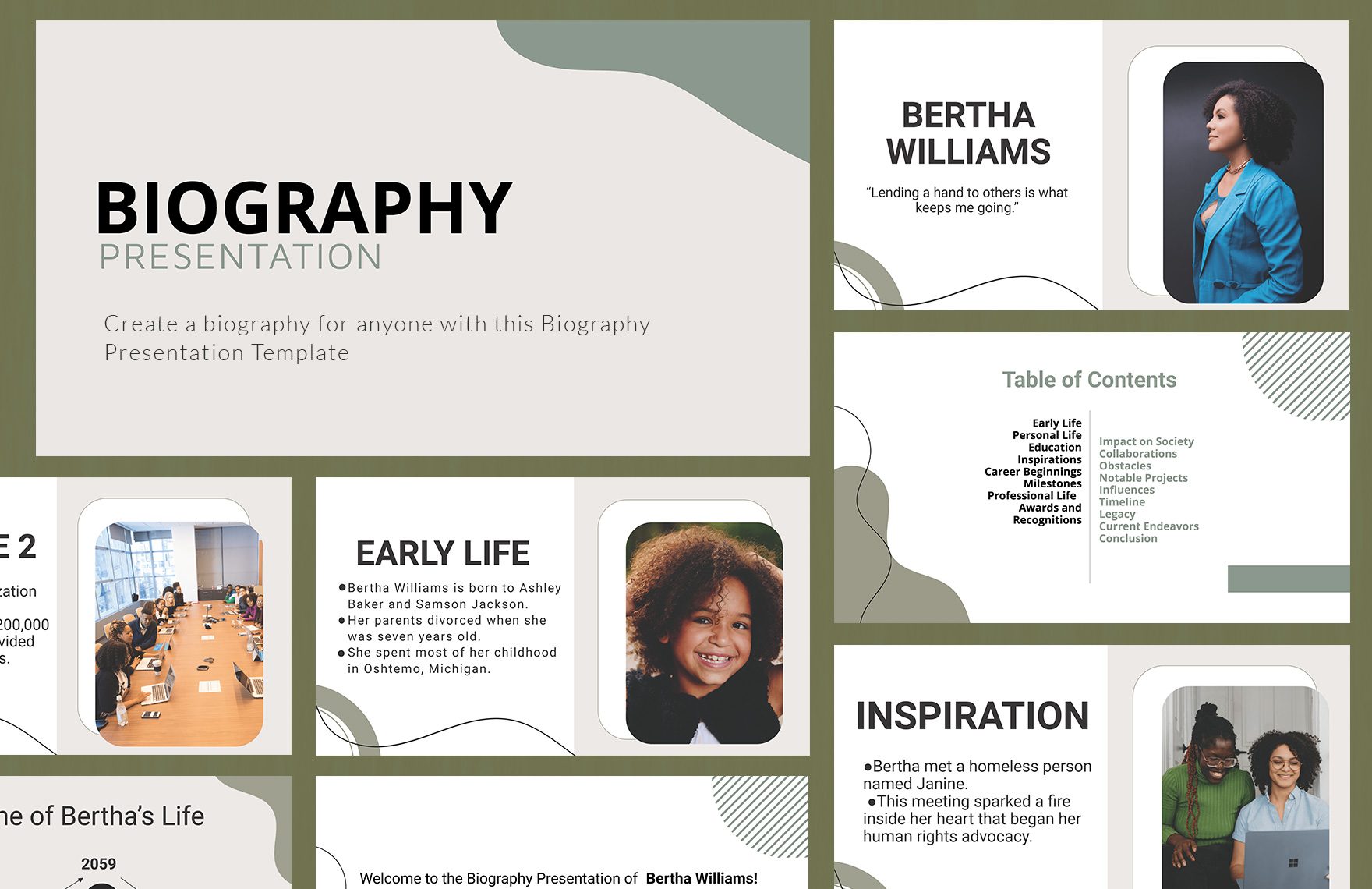


Free Presentation Templates: Customizable Design Guide, Sizes, and Download Formats
What is a Presentation?
A presentation is a structured collection of slides or visuals designed to communicate information clearly and effectively to an audience. Presentations combine text, images, and data to support your message in meetings, lectures, or pitches.
Why should I use a Presentation?
You should use a presentation because it helps organize your ideas visually, enhances audience engagement, and effectively delivers information. Presentations clarify complex concepts through visuals and structured content.
Who uses Presentations?
Presentations are widely used by professionals, educators, students, marketers, and business leaders to communicate ideas, reports, training content, and proposals clearly to various audiences.
What are the best tips for designing my Presentation?
Here are effective tips to design your presentation for maximum impact:
- Consistent color scheme to maintain visual harmony
- Readable fonts with adequate size for clarity
- Minimal text to avoid overcrowding slides
- High-quality images and icons for engagement
- Clear structure including introduction, body, and conclusion
- Use of bullet points to highlight key ideas
- Balanced white space for clean layouts
- Incorporate charts and graphs for data visualization
- Consistent slide transitions to maintain flow
- Practice timing to keep presentations concise
What file formats can I download for my Presentation?
Template.net presentation templates support multiple export formats for easy editing and sharing. You can download your presentation in PowerPoint, Apple Keynote, PSD, Illustrator, Word, Google Slides, Apple Pages, PDF, Google Docs, Excel, Google Sheets, PowerPoint, and PowerPoint.
Can I create a Presentation using AI?
Template.net provides an AI-powered tool that generates new Presentation designs from prompts. You can use the Presentation Generator to create customized presentations quickly and easily.
What are the recommended digital pixel dimensions for my Presentation?
For optimal display on digital screens, use these common pixel dimensions when designing your presentation:
- Standard HD: 1920 × 1080 pixels
- Widescreen: 1280 × 720 pixels
- 4K Ultra HD: 3840 × 2160 pixels
- Square format: 1080 × 1080 pixels
- Mobile-friendly: 1080 × 1920 pixels (vertical)
What visual elements should I include in my Presentation?
Your presentation should include essential visual elements to enhance clarity and engagement:
- Consistent headers and footers for branding
- Icons and illustrations for emphasis
- Graphs and charts to represent data
- High-resolution images to support content
- Background colors or gradients for visual appeal
- Whitespace to reduce clutter
- Animations or transitions for flow
- Callout boxes to highlight key points
What are the benefits of using a Presentation?
Using a presentation offers several benefits to improve communication and impact:
- Enhances audience engagement through visuals
- Organizes complex information clearly
- Supports verbal explanations with graphics
- Improves retention of key messages
- Facilitates remote sharing and collaboration
- Boosts professionalism and credibility
- Customizable to fit different audiences
- Provides a reusable resource for future presentations
