
Free Banner Templates










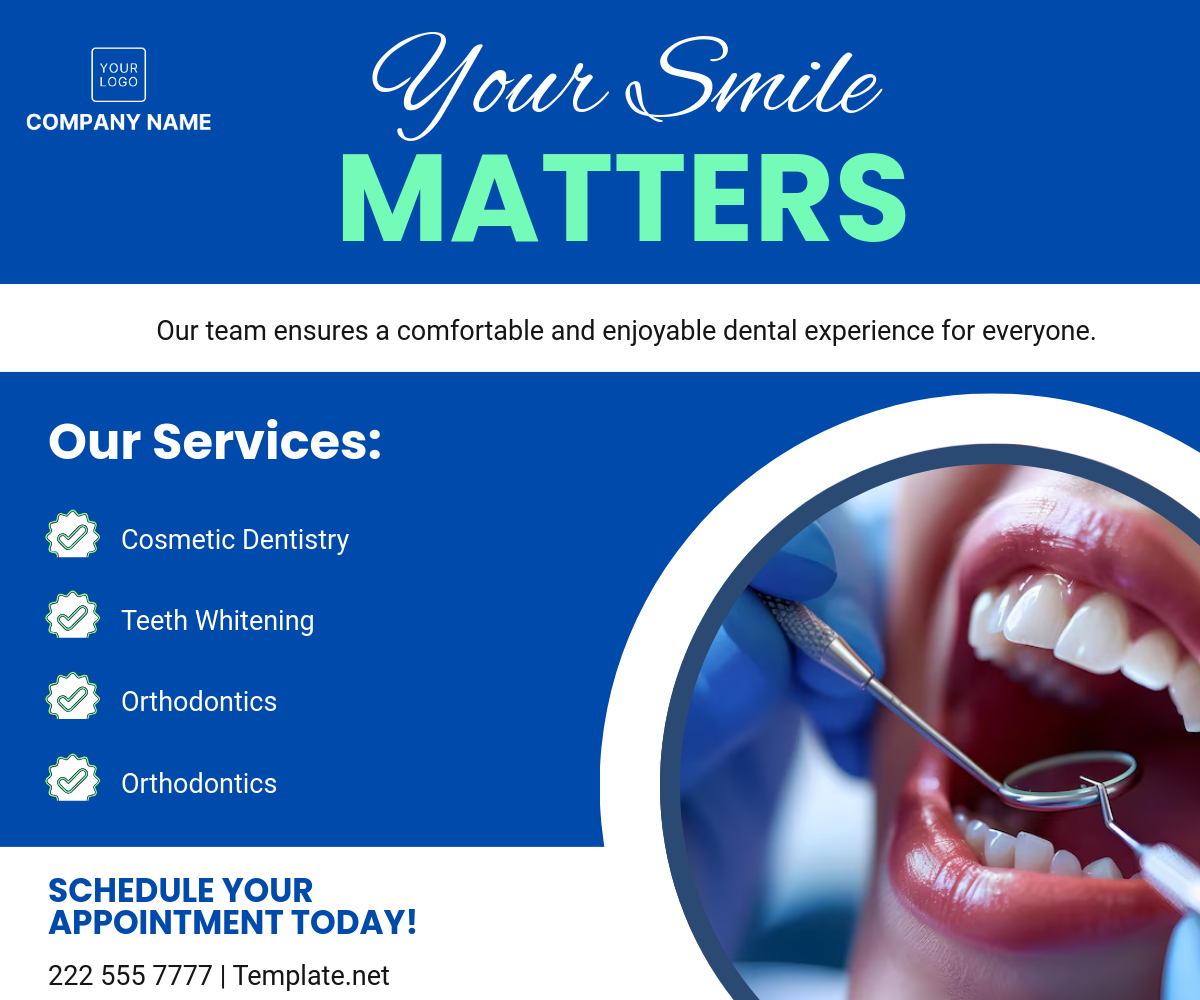

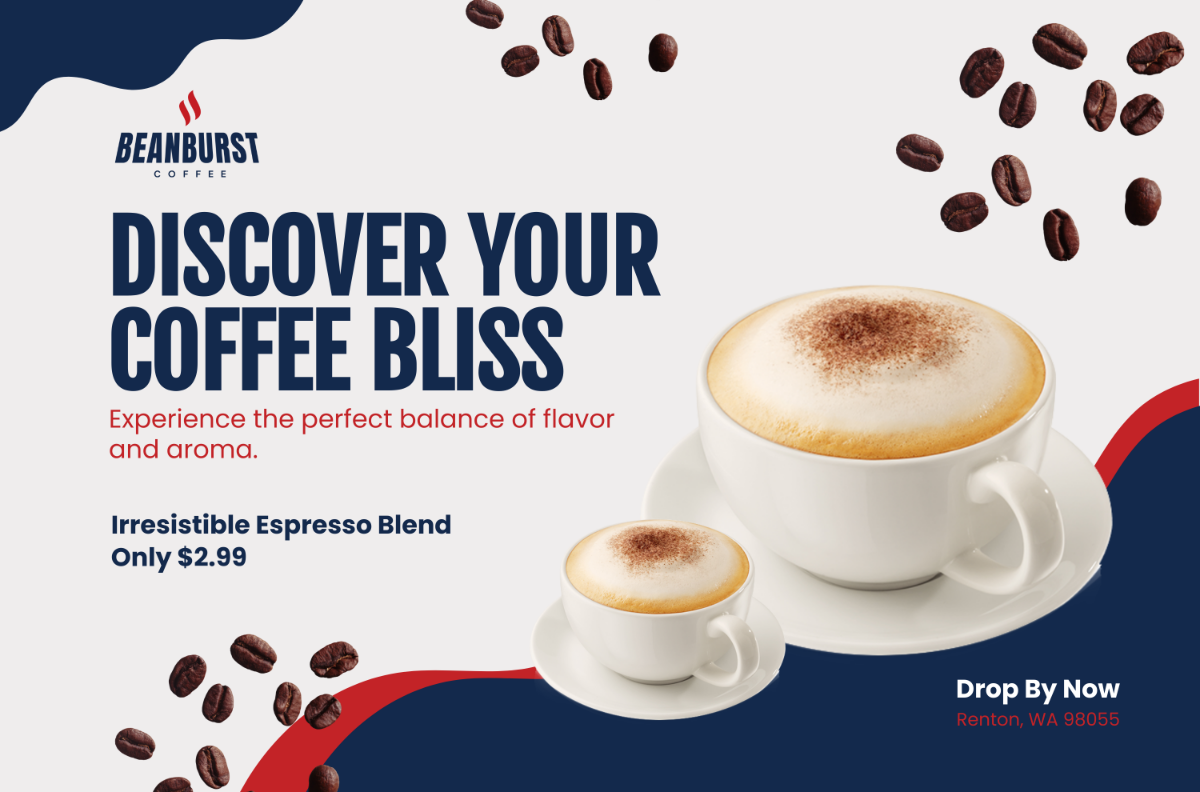
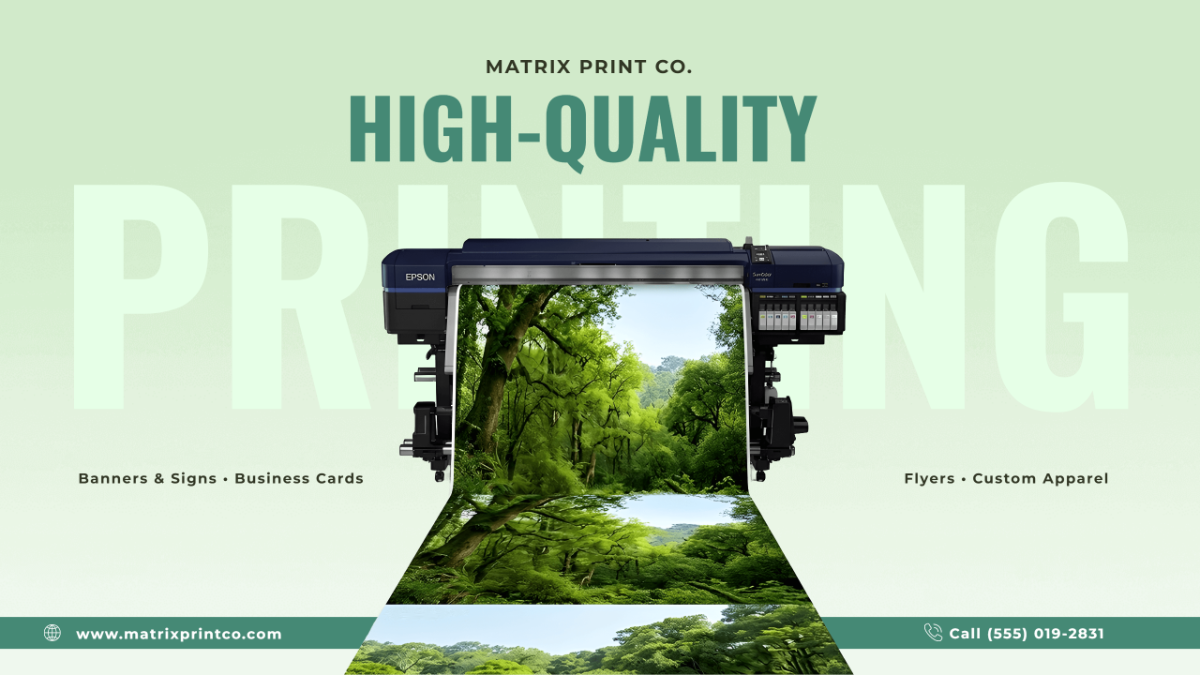

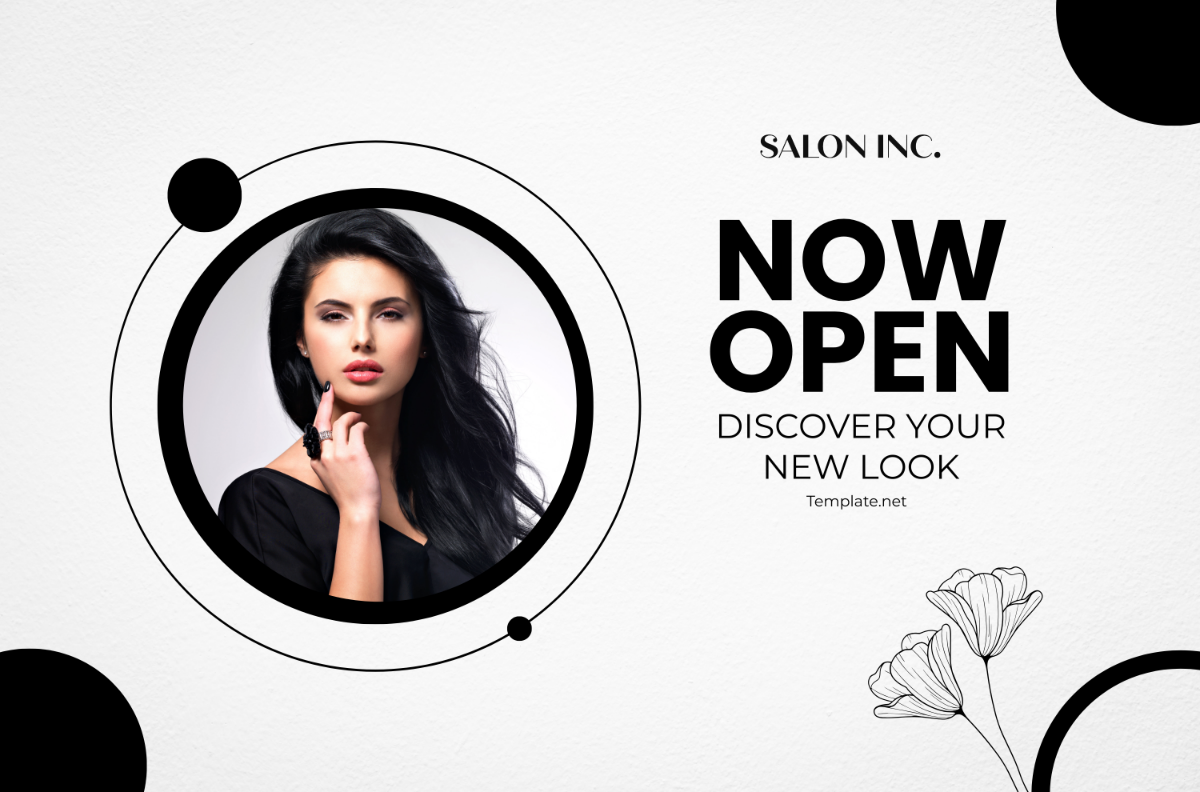


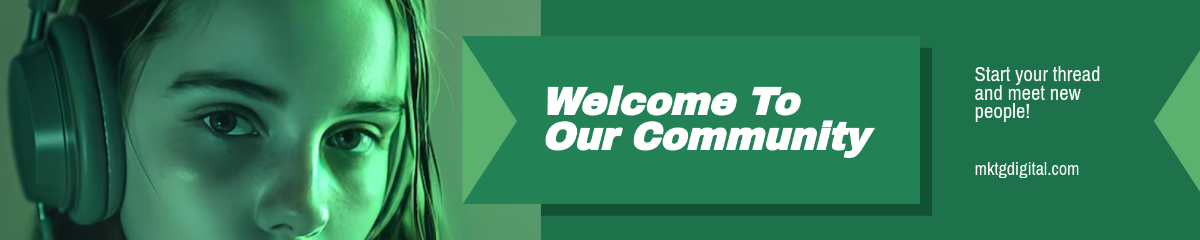


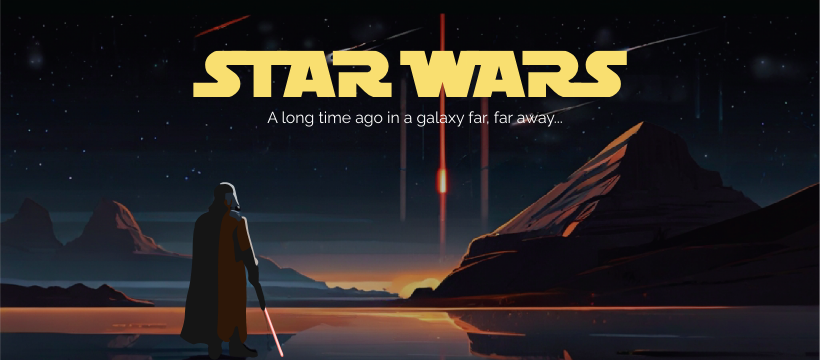

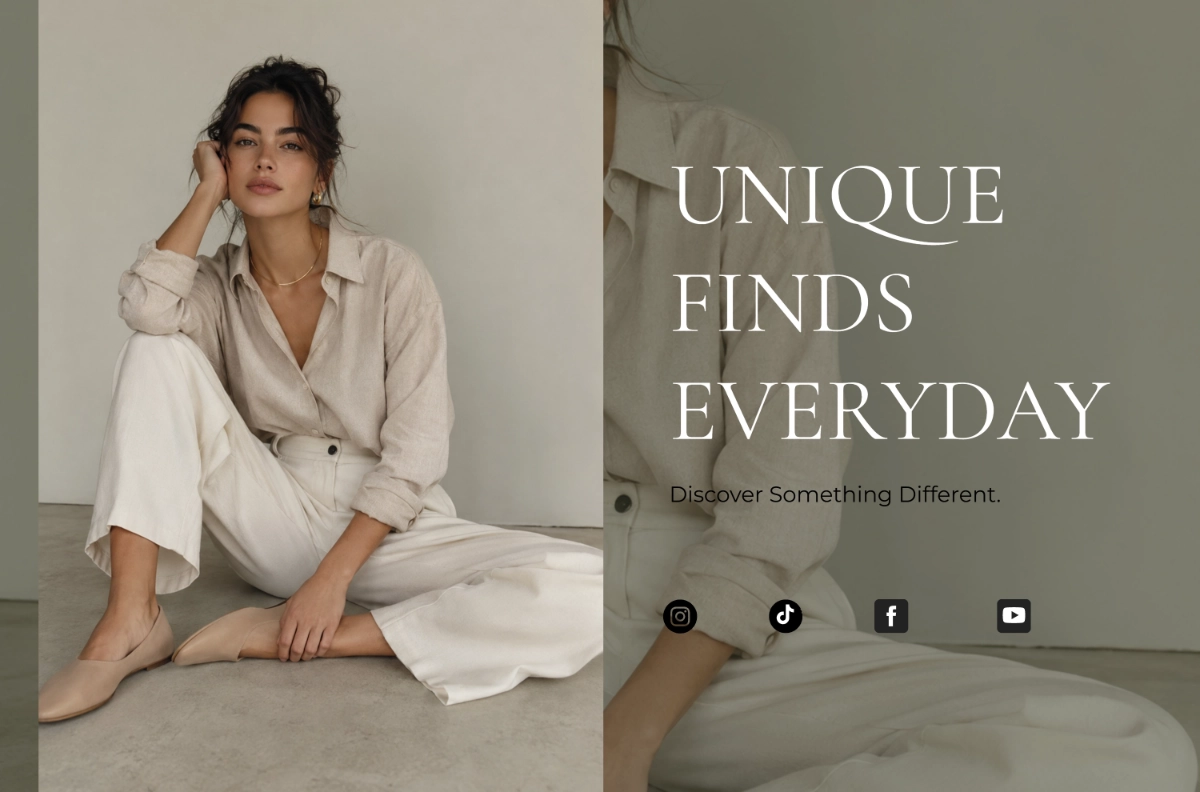




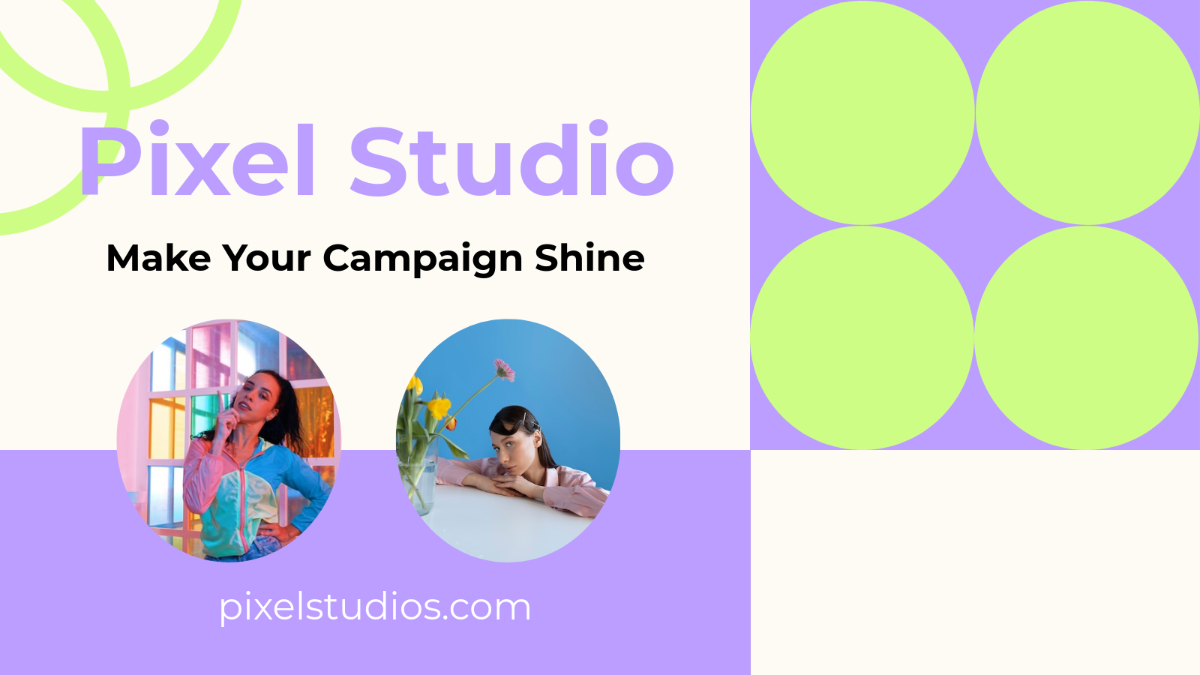

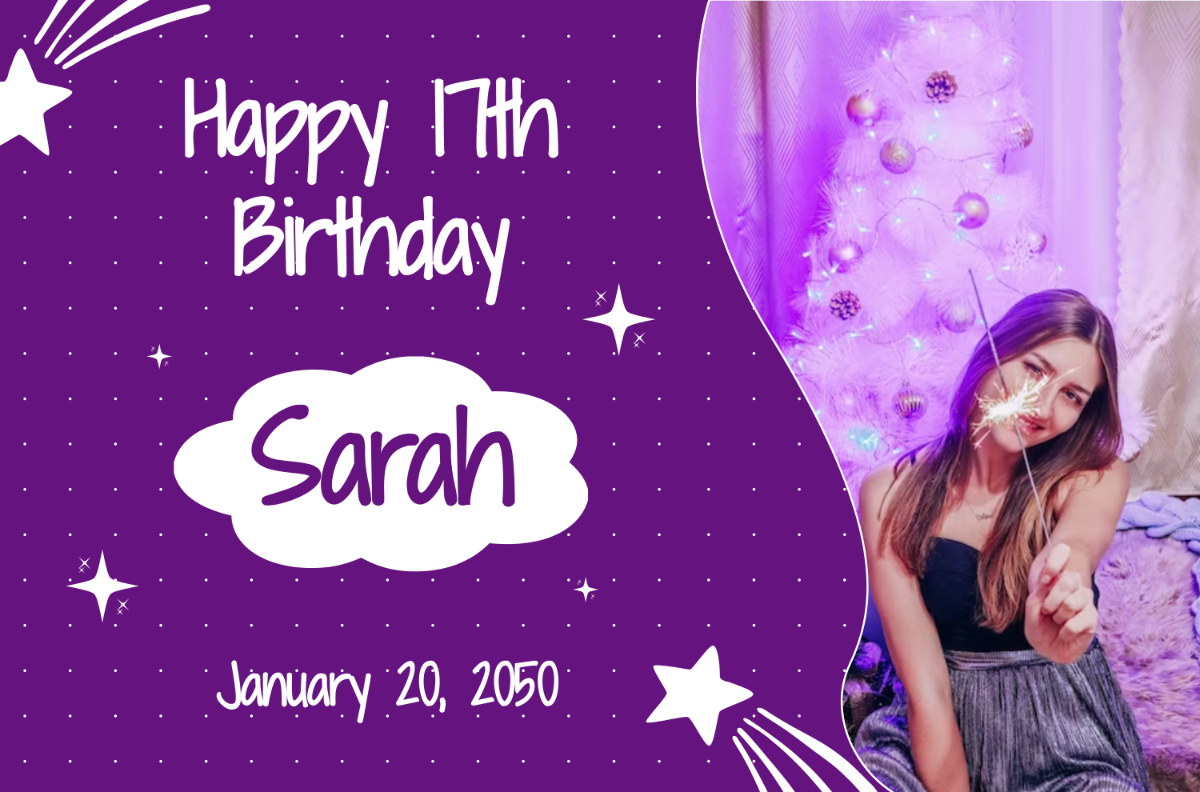
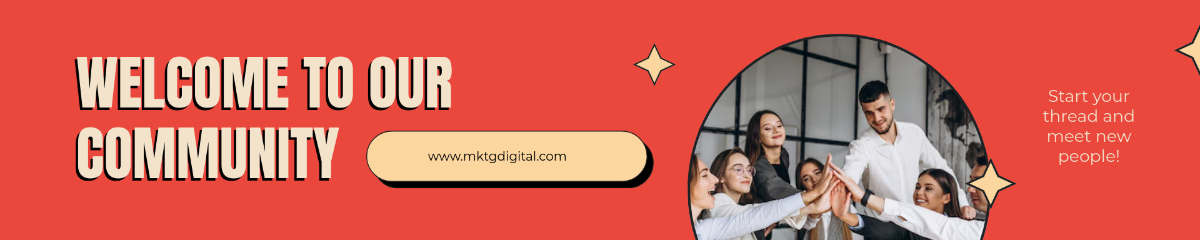

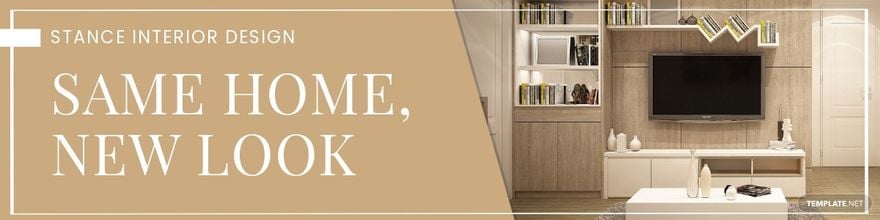






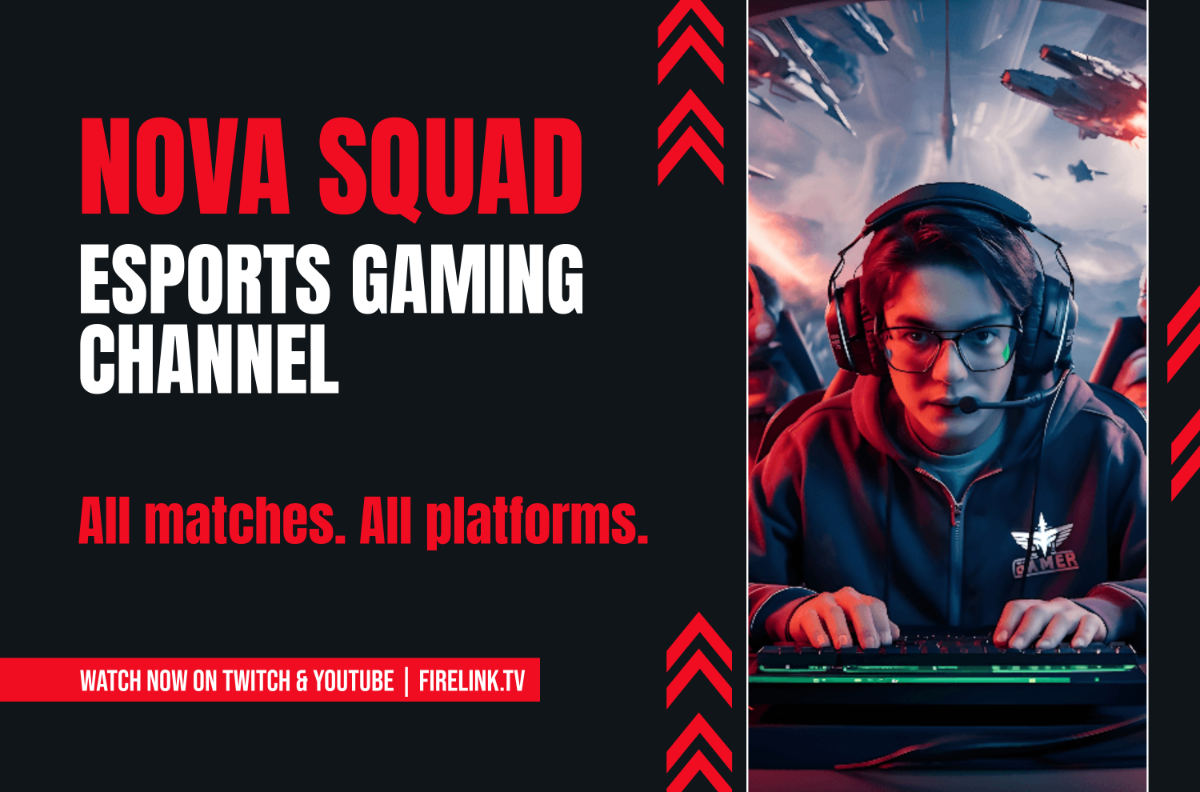

Free Banner Templates: Customizable Design Guide, Sizes, and Download Formats

What is a Banner?
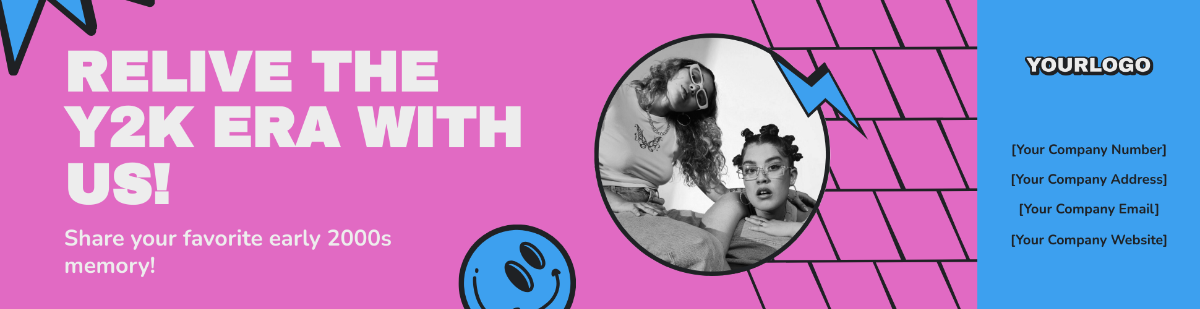
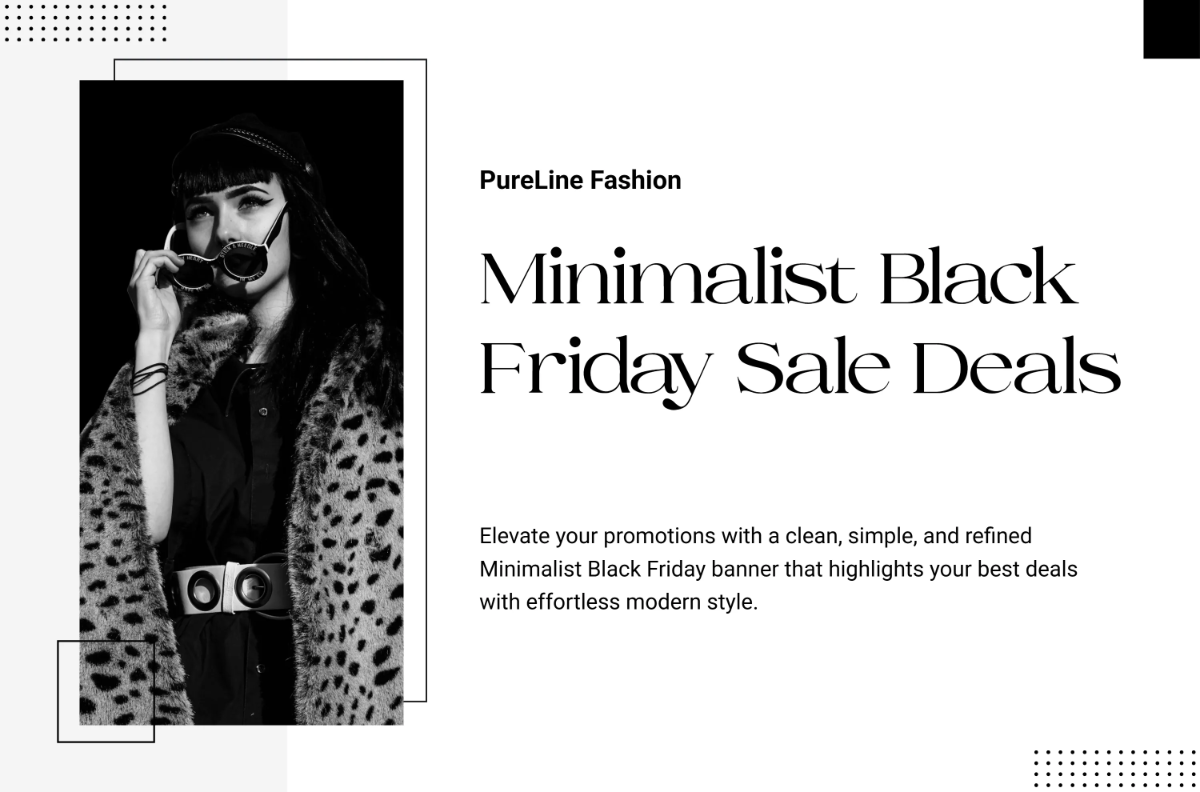
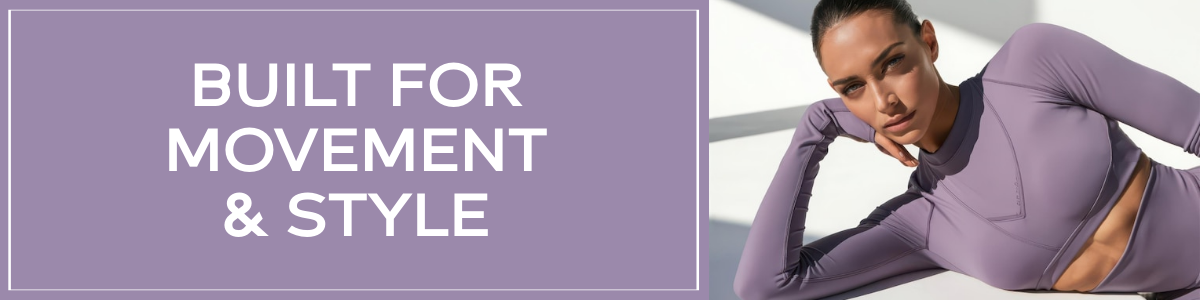
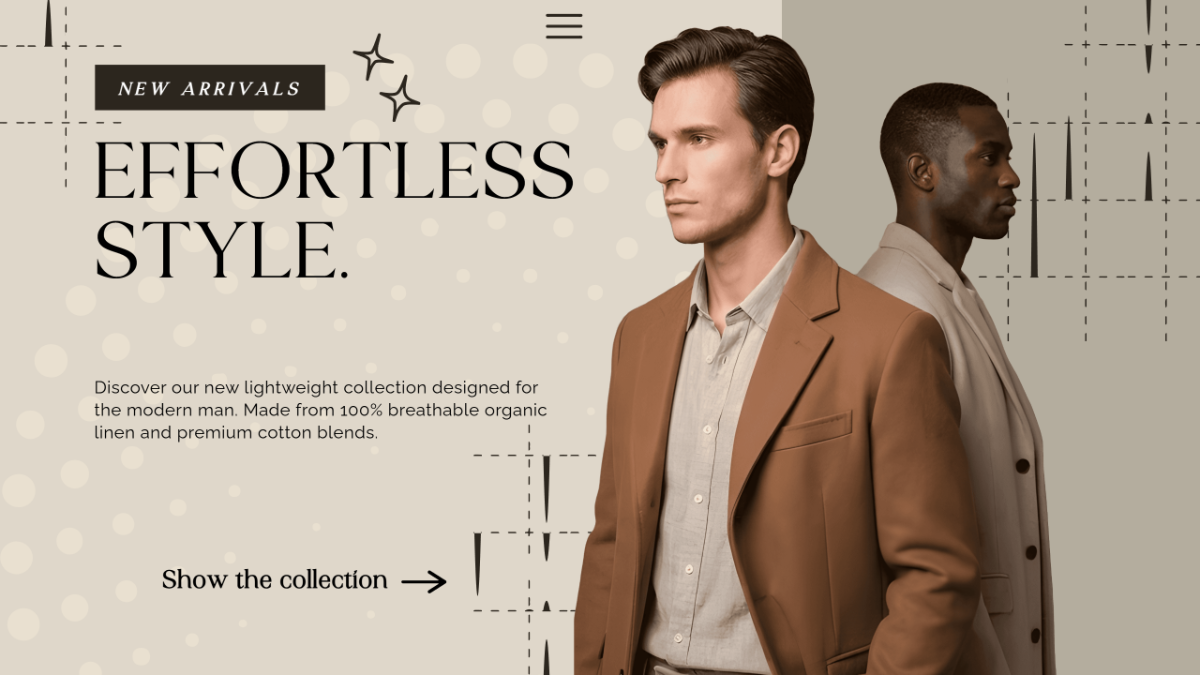
A banner is a graphic design used for advertising or promotion that can be displayed in digital or physical formats to capture attention and convey messages. Banners come in various styles and sizes depending on their purpose and platform.

Why should I use a Banner?
You should use a banner to effectively communicate your message, promote products or events, and increase your brand visibility. Banners offer a versatile way to capture audience attention with strong visuals and concise information.

Who uses Banners?
Banners are used by businesses, marketers, event organizers, and content creators to promote services, sales, events, and announcements both online and offline.

What are the best tips for designing my Banner?
Here are effective tips for designing your banner to ensure it stands out and communicates clearly:
- Use bold colors that contrast well
- Incorporate clear typography with readable fonts
- Include a strong call-to-action
- Keep the design simple and uncluttered
- Use high-quality images or graphics
- Maintain brand consistency with logos and colors
- Optimize size according to where the banner will be displayed
- Ensure mobile responsiveness for digital banners
- Align elements for balanced composition
- Test different designs for effectiveness

What file formats can I download for my Banner?
Template.net offers banner templates in multiple formats suitable for editing and sharing. You can download your banner in PSD, Illustrator, Word, InDesign, Publisher, Apple Pages, Google Docs, and PDF formats.

Can I create a Banner using AI?
Template.net provides an AI-powered tool that generates new banner designs from prompts to help you create unique banners quickly and easily. Use the Banner Generator to explore this feature.
What are the ideal pixel dimensions for my digital Banner?
Digital banner sizes vary by platform. Common pixel dimensions include:
- 728 × 90 pixels (Leaderboard)
- 300 × 250 pixels (Medium Rectangle)
- 160 × 600 pixels (Wide Skyscraper)
- 468 × 60 pixels (Banner)
- 250 × 250 pixels (Square)
- 320 × 50 pixels (Mobile Banner)
- 1200 × 628 pixels (Facebook Ad Banner)
- 1080 × 1080 pixels (Instagram Square Banner)
- 1920 × 1080 pixels (Full HD Web Banner)
- 600 × 314 pixels (Twitter Card Banner)

What visual elements should I include in my Banner?
Effective banners typically include these visual elements:
- Brand logo for recognition
- Clear headline to convey the message
- Call-to-action button for engagement
- Background images or patterns to enhance appeal
- Consistent color scheme matching your brand
- Readable fonts for clarity
- Icons or graphics to support the message
- Whitespace for balance
- Contact information if applicable
- Social media handles for connectivity

What are the benefits of using Banner templates from Template.net?
Using banner templates from Template.net offers these benefits:
- Time-saving ready-to-use designs
- Customizable to fit your brand and message
- Professional quality graphics and layouts
- Multiple formats for various editing tools
- Browser-based editing with no software needed
- Variety of styles for different purposes
- Consistent branding with editable elements
- Access to creative assets like icons and fonts
- Easy sharing and downloading options
- Free and premium options to fit budgets
