


40+ Word Checklist Templates
Due to limited memory and attention, we humans often forget to do tasks which we were supposed to perform. Our…
Feb 28, 2020


Nov 25, 2024
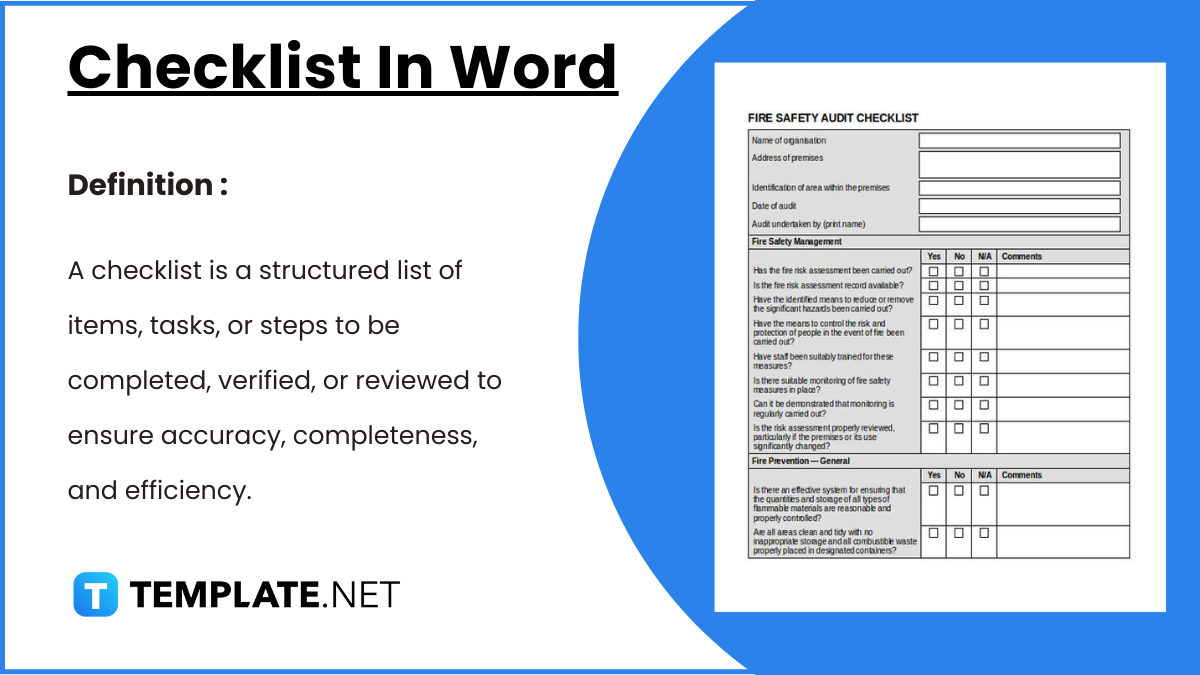
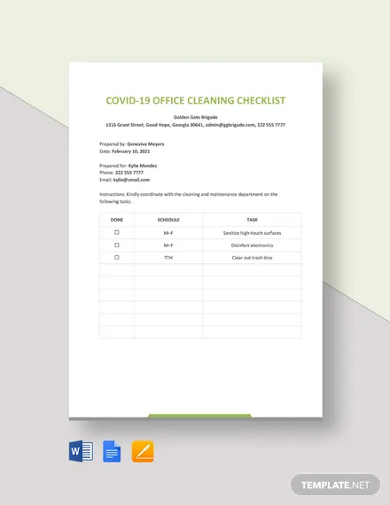
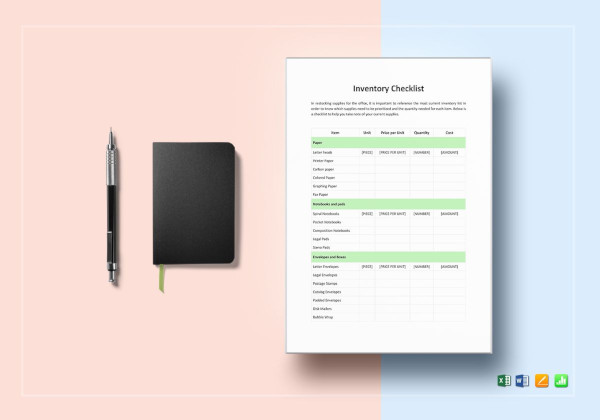
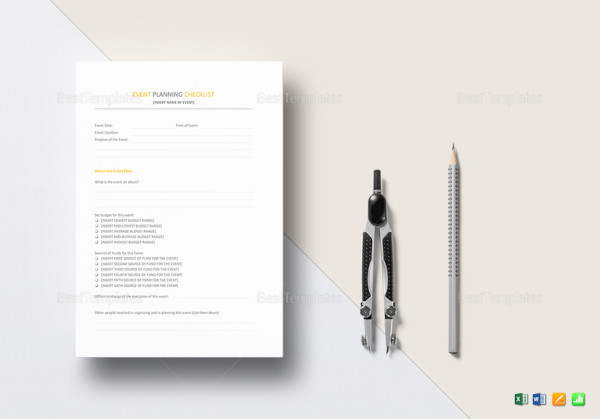
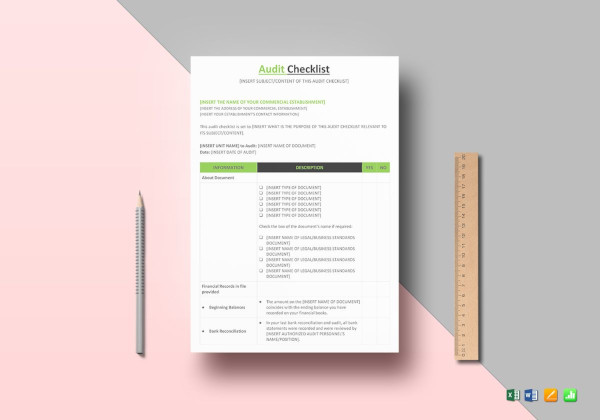
A checklist in Word is an essential tool for organizing tasks, activities, or items systematically. It simplifies planning, ensures completeness, and enhances productivity by providing a structured framework. Whether for personal, professional, or academic purposes, checklists in Word streamline workflows and maintain focus. With customizable templates, users can tailor their checklists to specific needs, enabling seamless tracking of progress and effective task management.
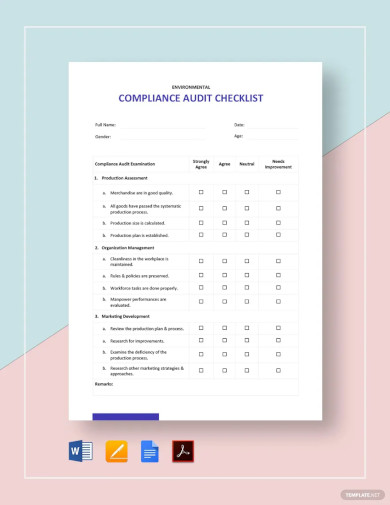
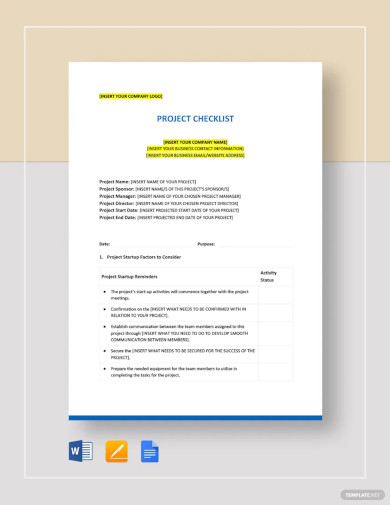
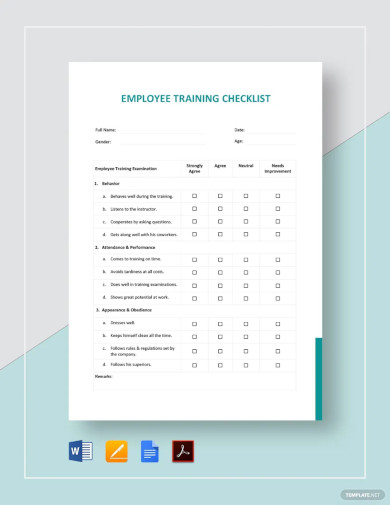
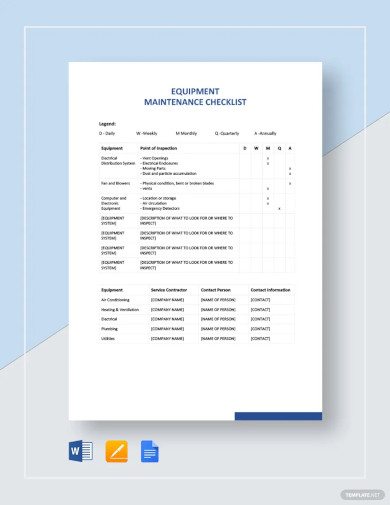
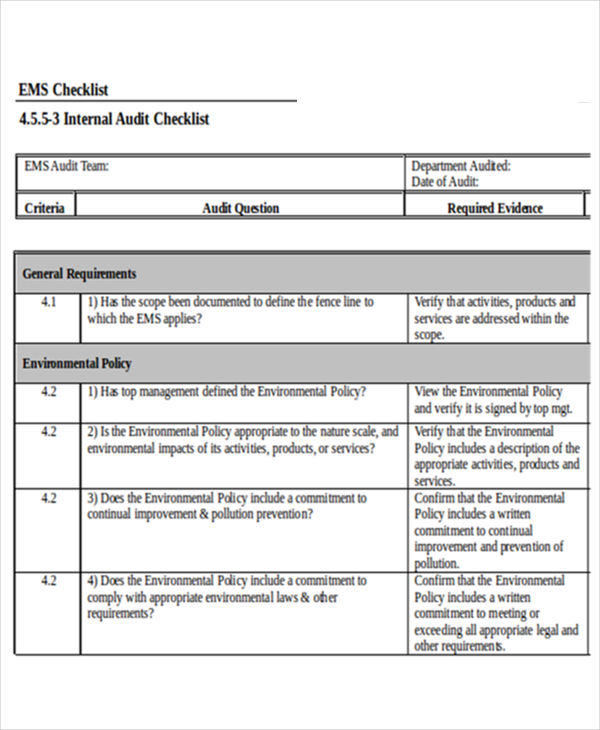 ftp.ashevillenc.gov
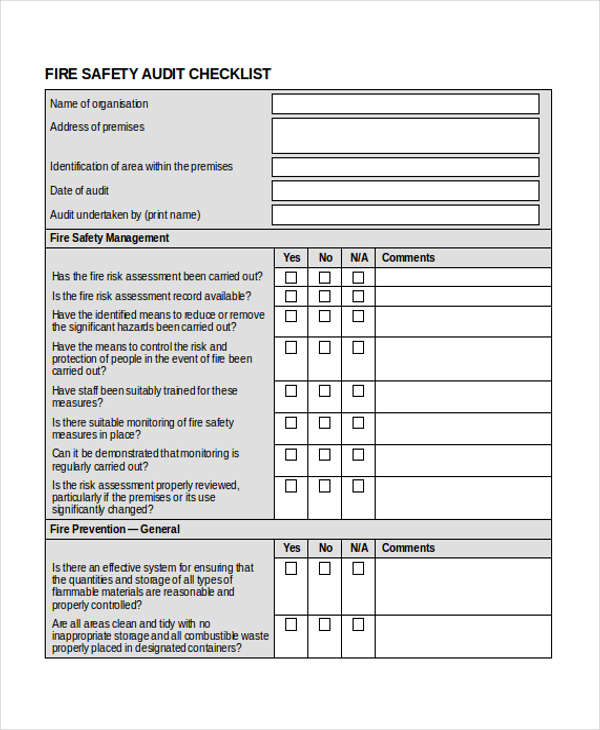 simplypersonnel.co.uk
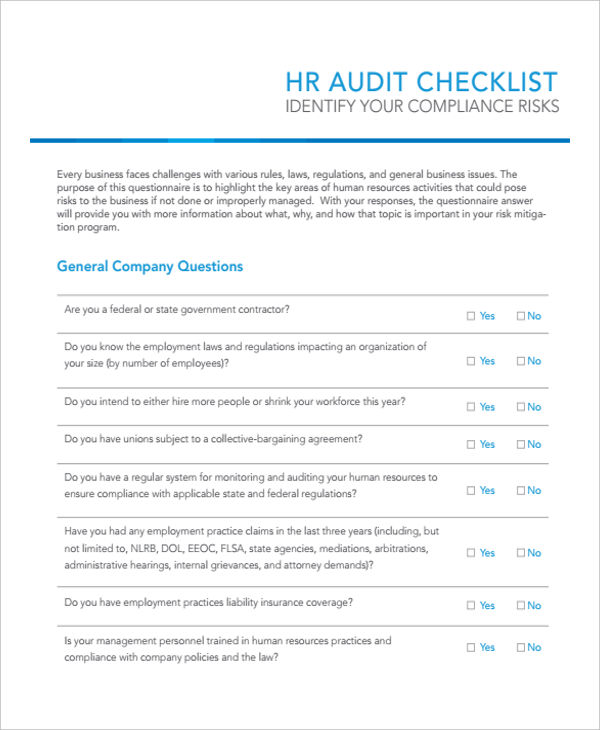 princetonhrsolutions.com
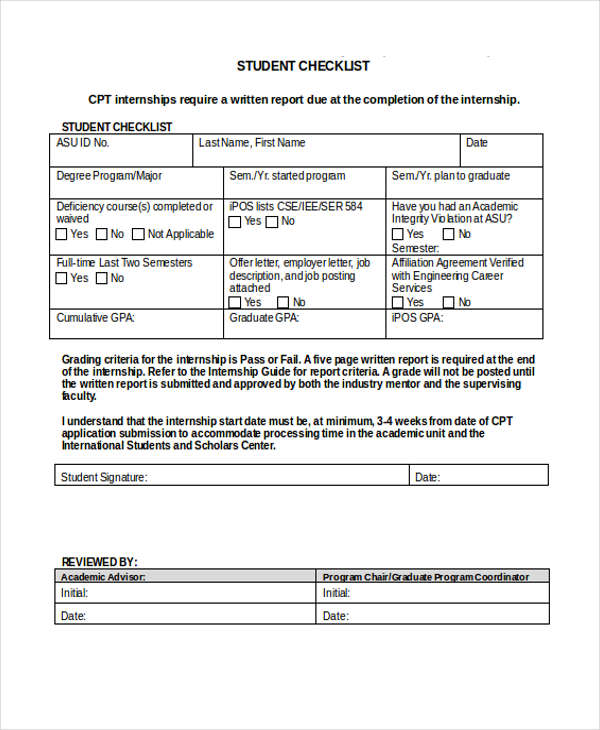 member.societyforscience.org
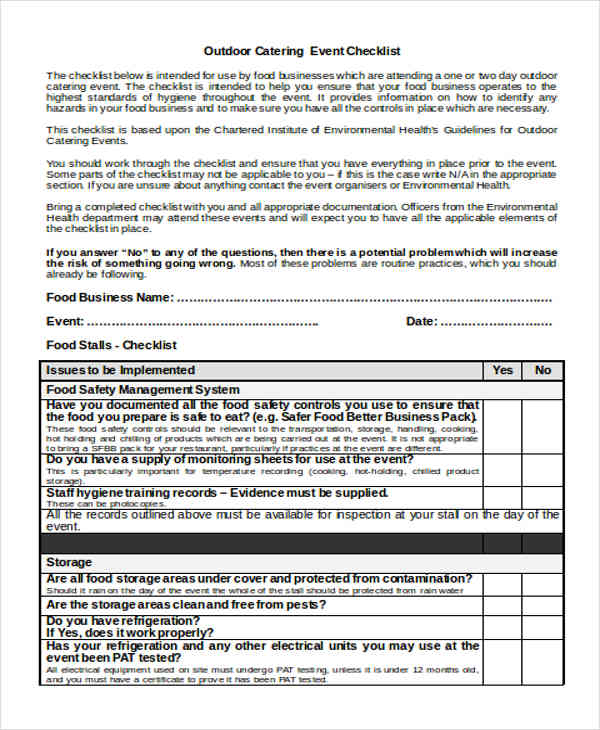 bradford.gov.uk
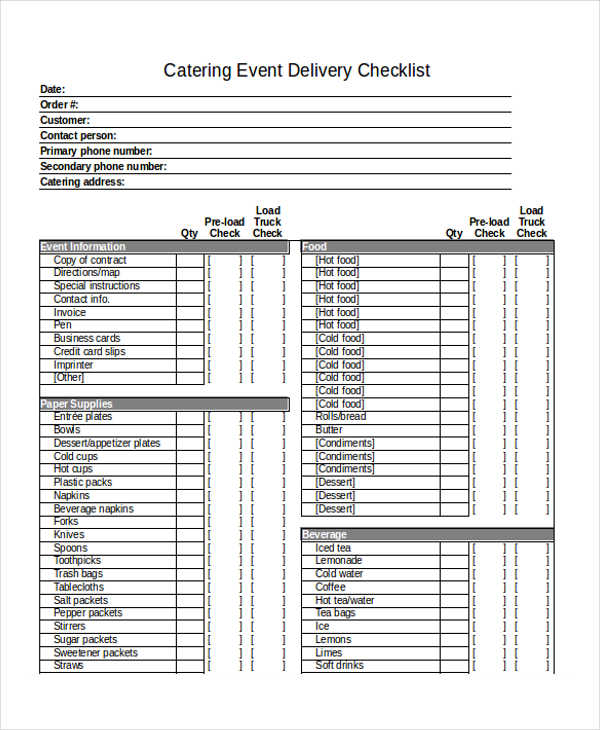 mymission.lamission.edu
While there may not be a perfect modern checklist, following these tips should help you make an effective and reliable checklist layout that you can use for various tasks.
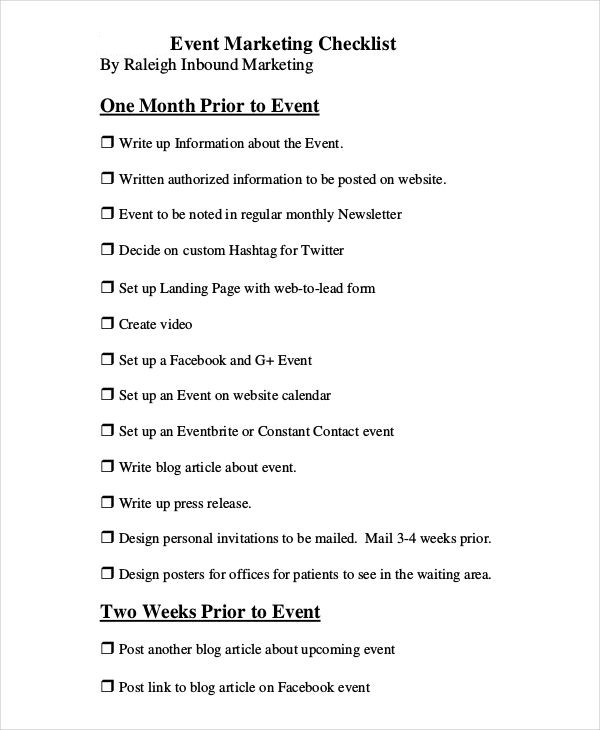
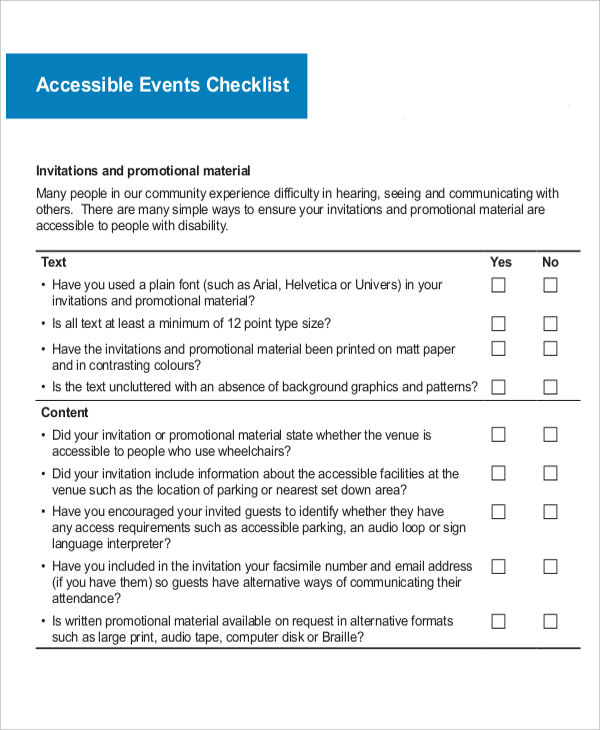 disability.wa.gov.au
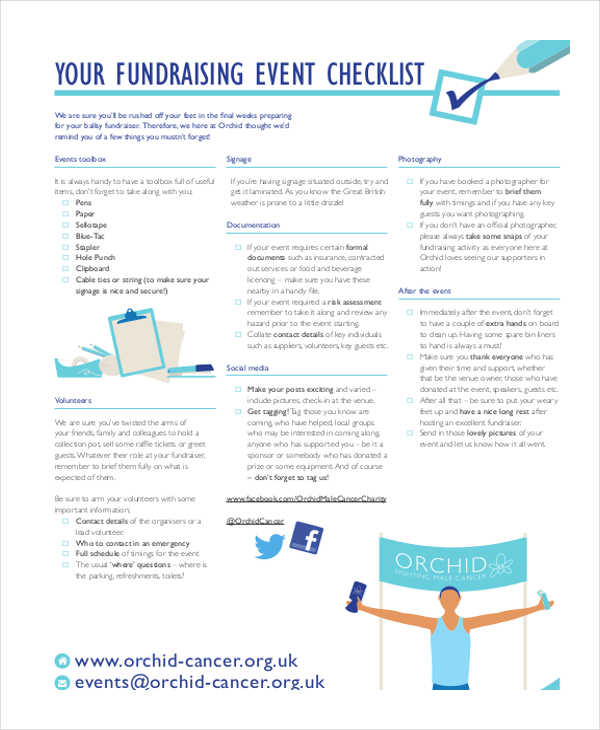 orchid-cancer.org.uk
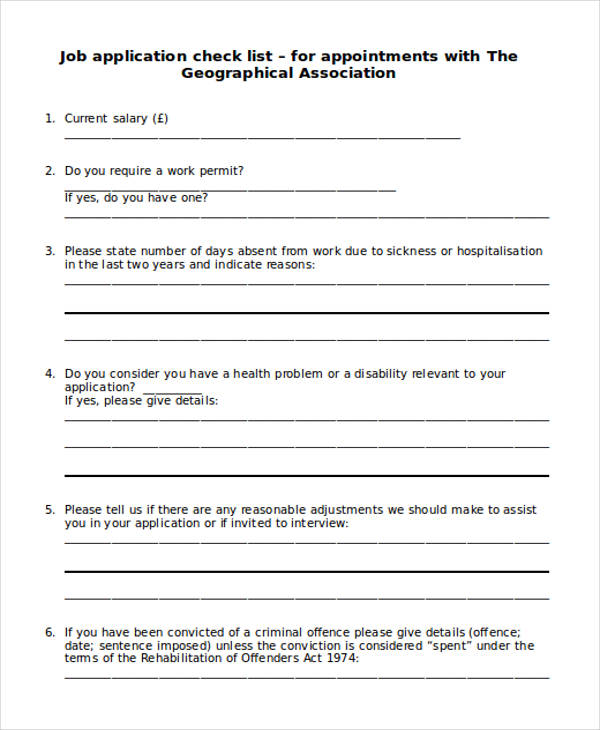 geography.org.uk
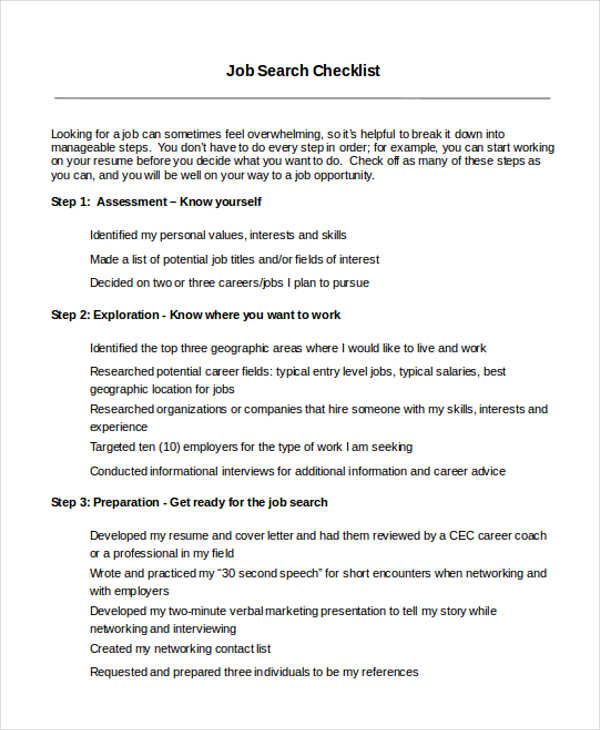 simmons.edu
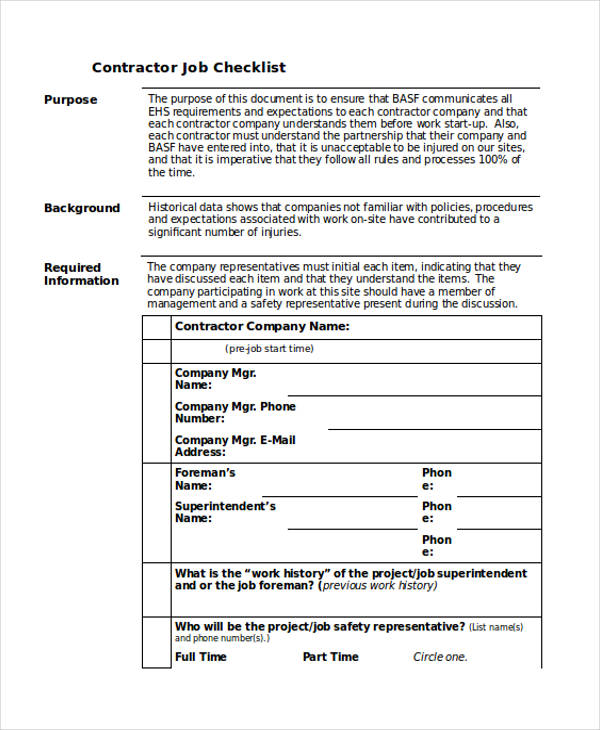 basf.us
While you can use tools like blank checklist templates for different tasks, it would help to know what some of those tasks are. After all, the more you understand these tools, the easier time you should have when it comes to using them.
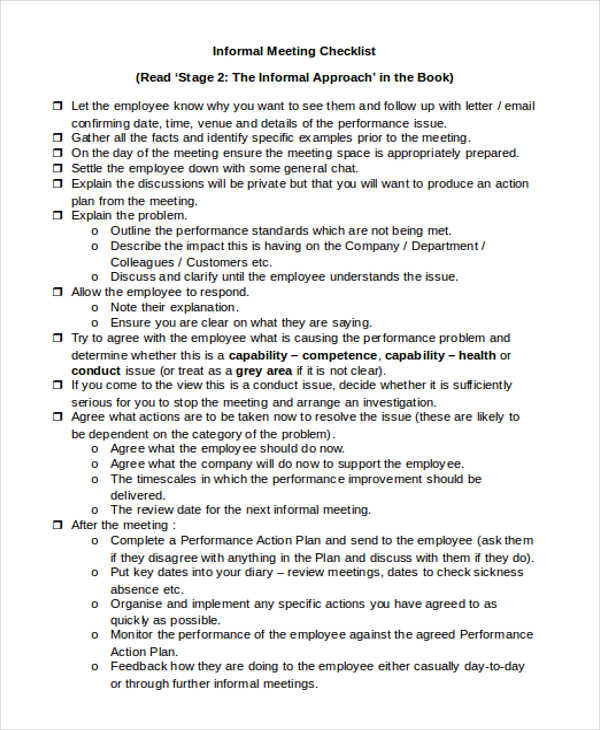 human-resource-solutions.co.uk
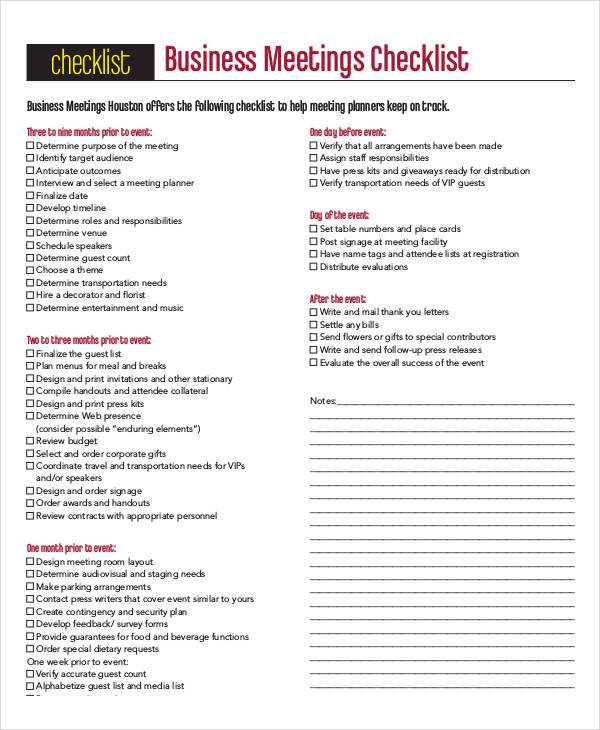 meetingsandeventslasvegas.com
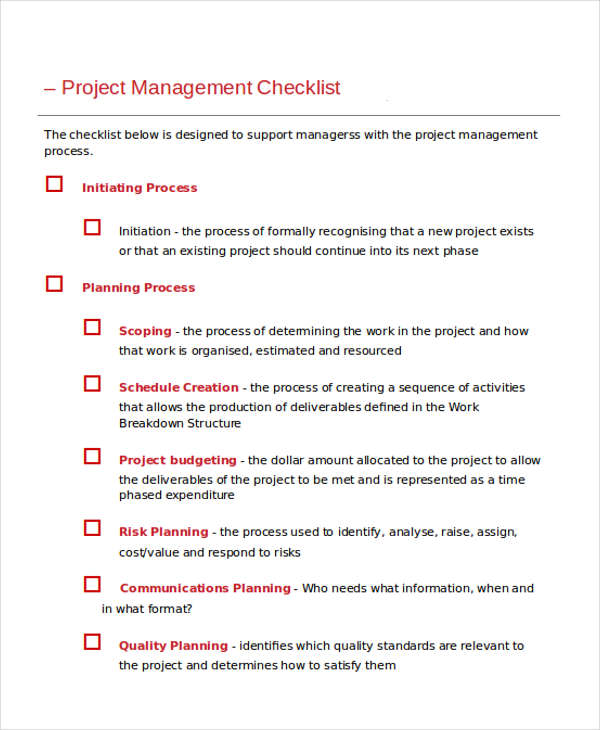 csu.edu.au
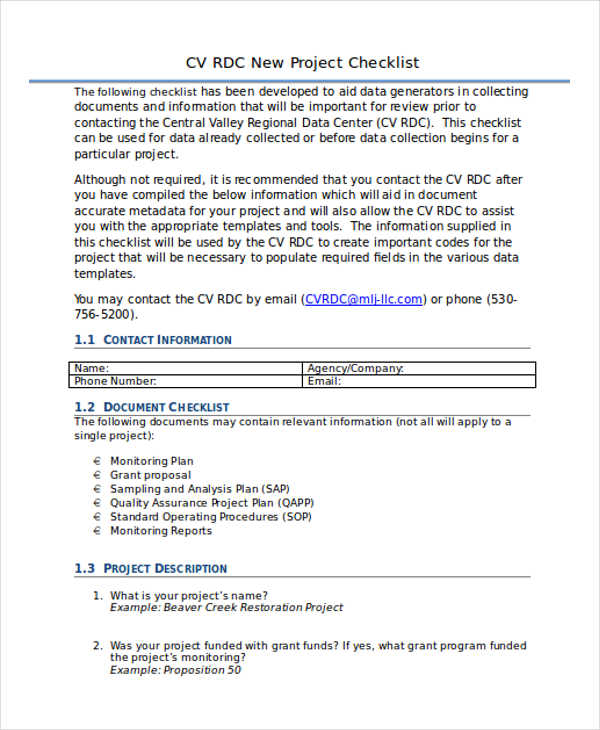 mlj-llc.com
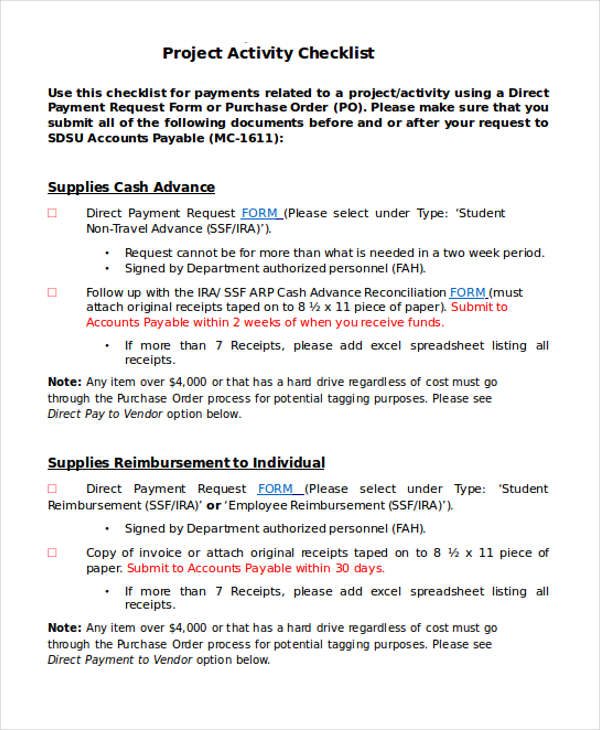 bfa.sdsu.edu
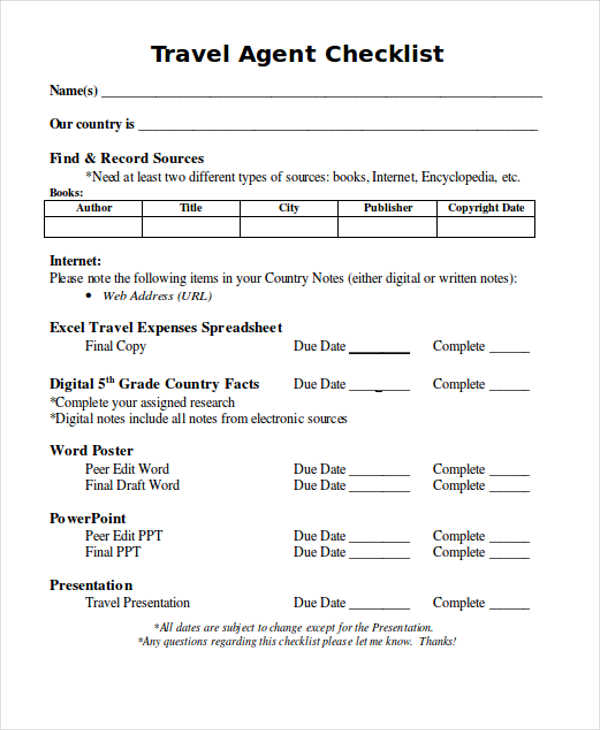 waukeeworldtravel
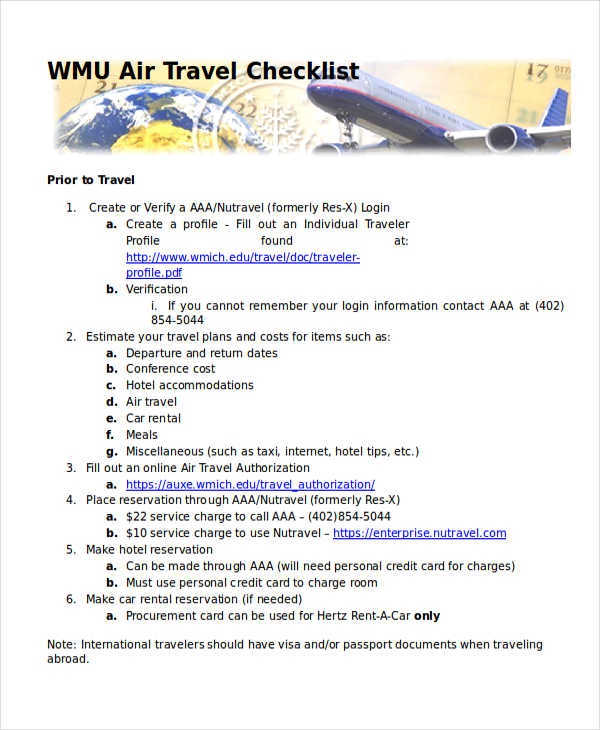 wmich.edu
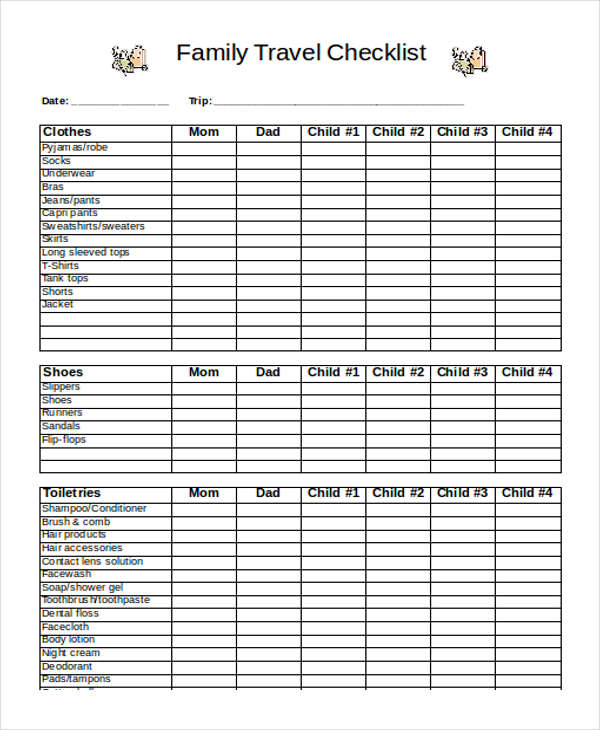 orgjunkie.com
Since there are several purposes for which you could use different checklist styles, it stands to reason that there are also ways you can classify checklists to keep them organized, some of which include the following:
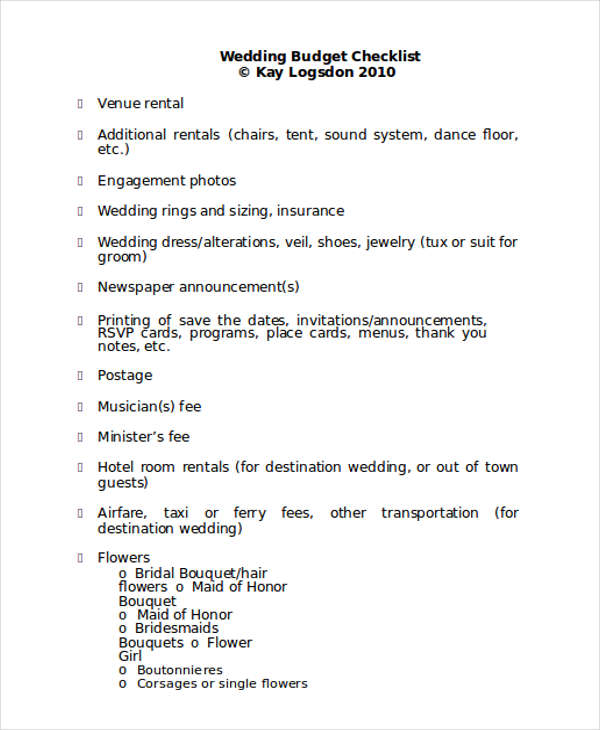 foodchannel.com
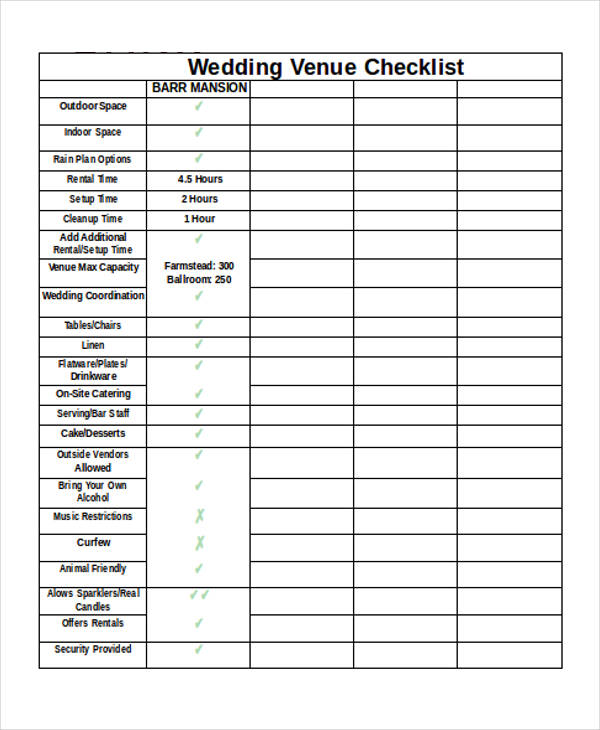 barrmansion.com
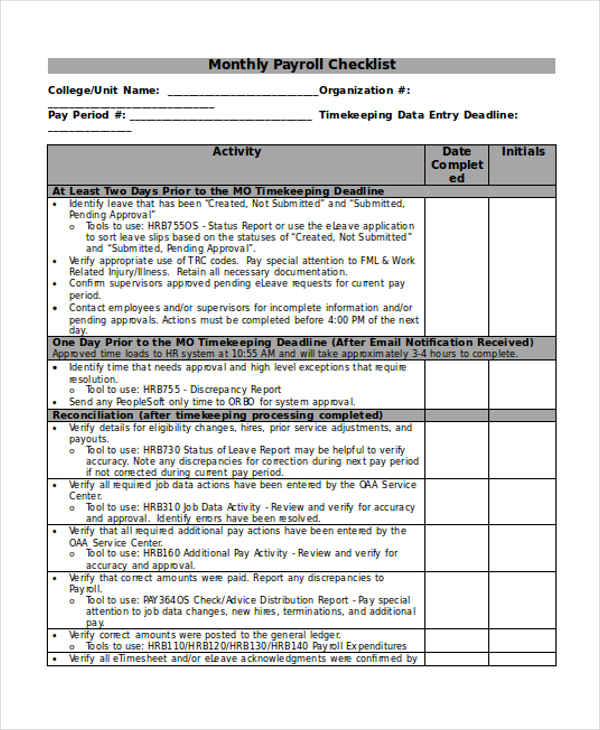 research.osu.edu
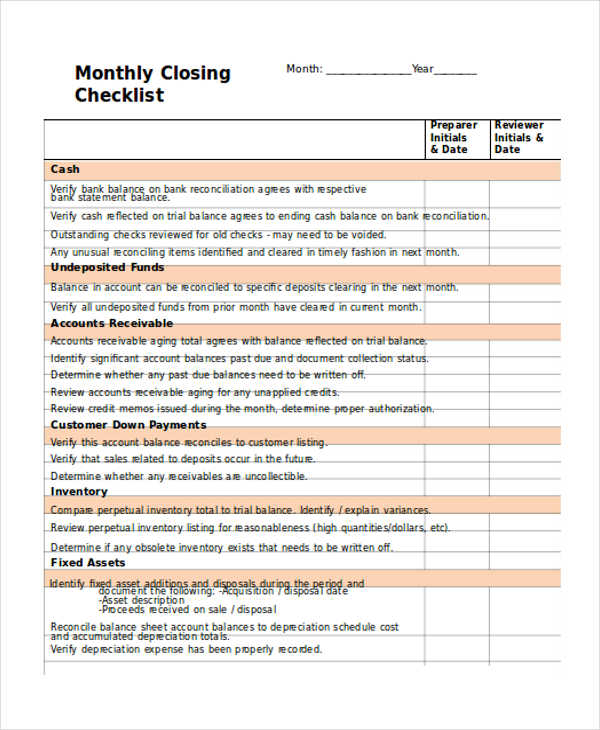 accountants.sva.com
In general, checklist-making and templates can make your work considerably easier. After all, your work can be made all the more organized, which can only improve your productivity and workflows. This can be visible in examples like wedding checklist templates, to show that you can find a use for checklists in almost any field.
Hopefully, you should have a better idea of how to utilize checklists in Google Docs after this, which should be useful whenever you need to bring some order to your work.
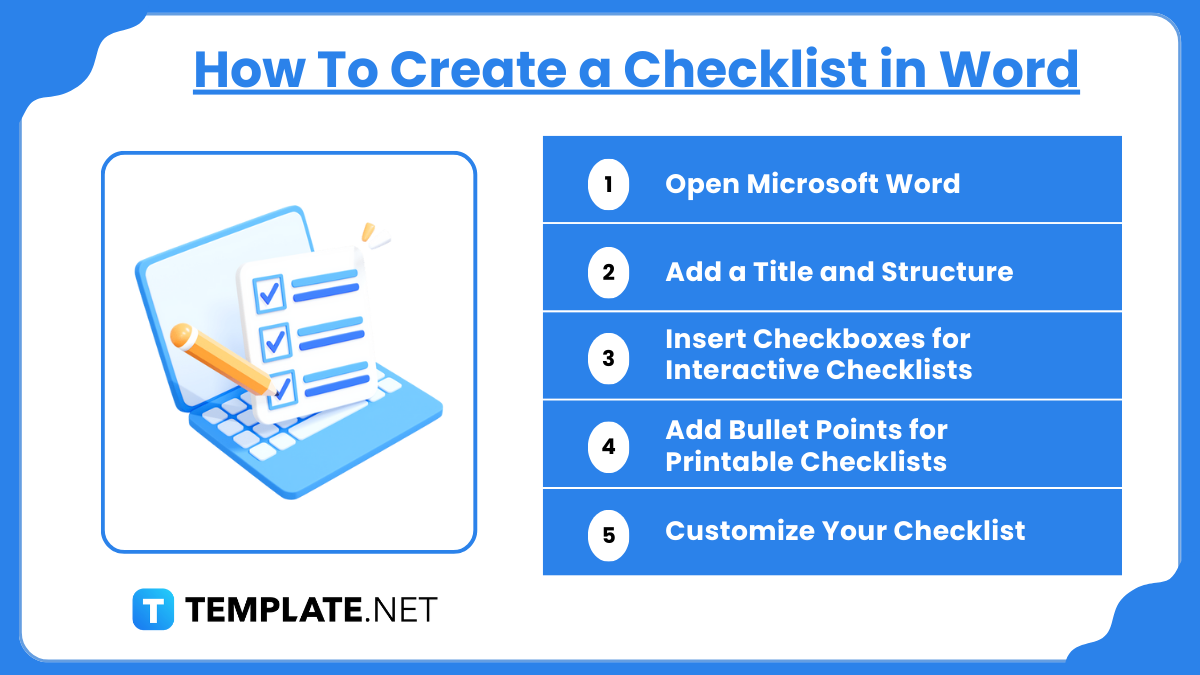
Step 1: Open Microsoft Word
Step 2: Add a Title and Structure
Step 3: Insert Checkboxes for Interactive Checklists
Step 4: Add Bullet Points for Printable Checklists
Step 5: Customize Your Checklist
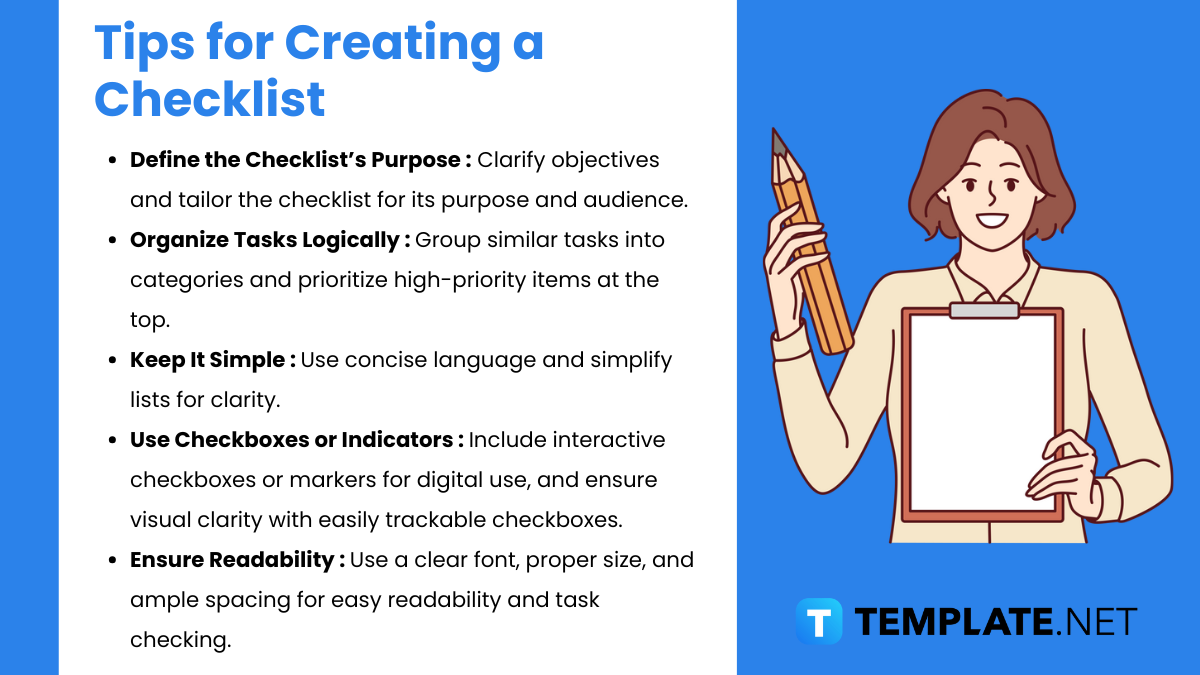
Creating a checklist that is clear, effective, and functional involves a few key practices. Here are tips to ensure your checklist is easy to use and accomplishes its purpose.
1. Define the Checklist’s Purpose : Clarify objectives and tailor the checklist for its purpose and audience.
2. Organize Tasks Logically : Group similar tasks into categories and prioritize high-priority items at the top.
3. Keep It Simple : Use concise language and simplify lists for clarity.
4. Use Checkboxes or Indicators : Include interactive checkboxes or markers for digital use, and ensure visual clarity with easily trackable checkboxes.
5. Ensure Readability : Use a clear font, proper size, and ample spacing for easy readability and task checking.
Checklists in MS Word are easy to create and customize. They help in organizing tasks, tracking progress, and improving productivity. MS Word offers flexibility in formatting, allowing users to adapt checklists for personal, academic, or professional use. They can also be shared digitally or printed.
Yes, MS Word provides various checklist templates that you can download and customize. These templates save time and offer pre-designed formats for different needs, such as task lists, grocery lists, or project management. You can find them in Word’s template gallery or online.
To add checkboxes, enable the “Developer” tab from Word settings. Once enabled, click on the “Check Box Content Control” under the Developer tab. Place the checkbox where needed, then type your list items. For a static list, use the “Symbol” option to add checkbox symbols from the “Insert” tab.
A printable checklist is designed to be printed and manually checked off using a pen, while an interactive checklist includes clickable checkboxes that can be marked on-screen. Printable checklists are useful for physical documents, whereas interactive ones are ideal for digital use and collaboration.
Yes, MS Word allows full customization of checklists. You can change the font, size, and color of the text, and modify the appearance of checkboxes. Use themes and styles to match the checklist’s design with your purpose. Advanced users can even use macros for automated styling.

Due to limited memory and attention, we humans often forget to do tasks which we were supposed to perform. Our…

A facility maintenance checklist is a priceless defense means to keep a building reliable and safe by periodical planning, checkups,…
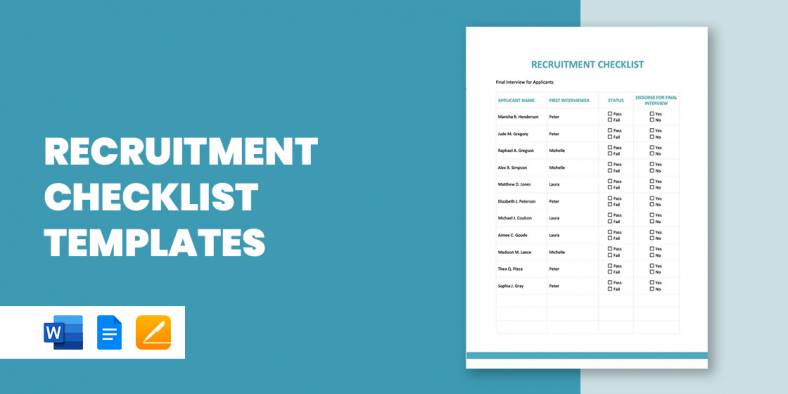
A Recruitment Checklist is the to-do-list where you list down all the important details that you need to do or…

Logistics Performance Index indicates that America is one of the leading logistics industries in the globe. Its networks coordinate with…
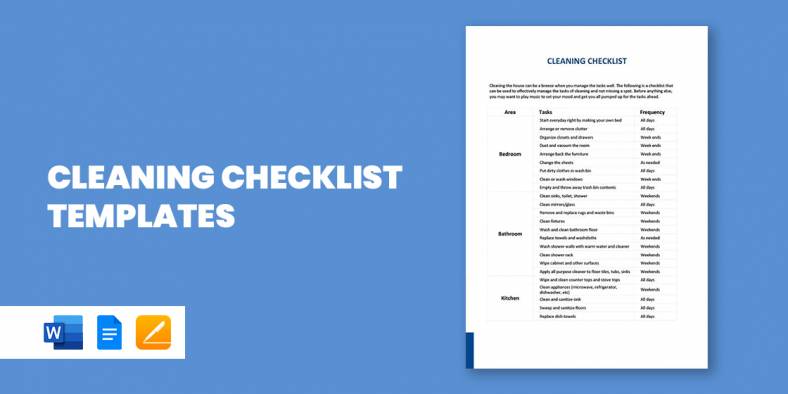
The best way you can make sure that all cleaning go as planned is to have a cleaning checklist samples.…

A Resume Screening Checklist is a checklist that is prepared by the recruiter to list all the important points based…

HR Compliance Checklist is the tool that is used by HR professionals to make the preparations for the HR tools.…

A retirement party is the opportunity to celebrate the retiree’s past achievements as well as their future efforts. The party…

The mortgage business has gone through a lot of chapters in the industry, combating business challenges every year. According to…