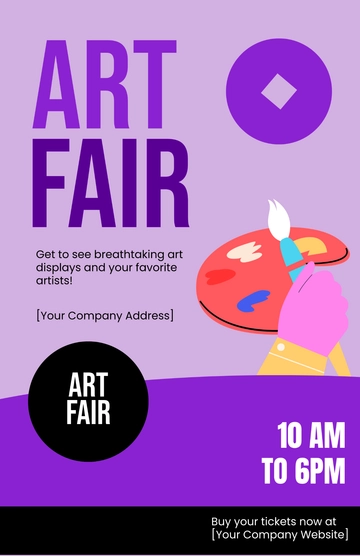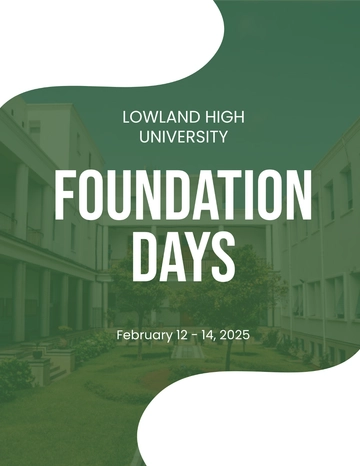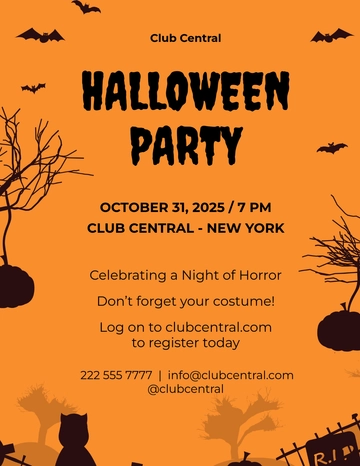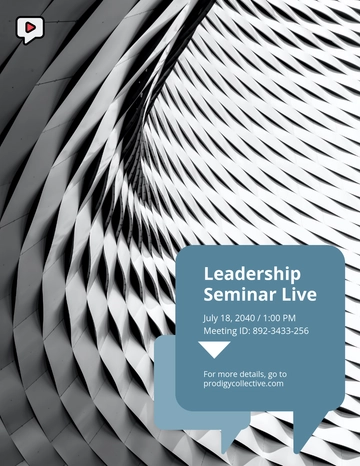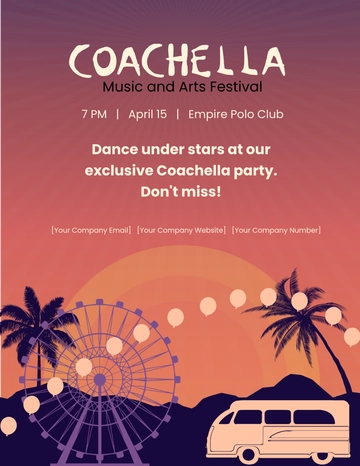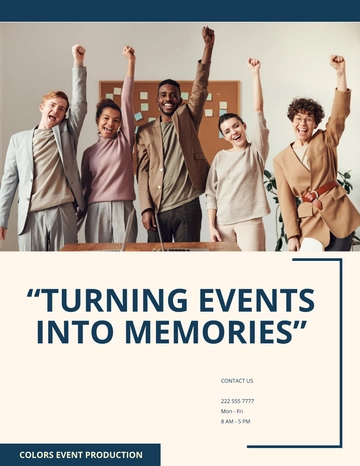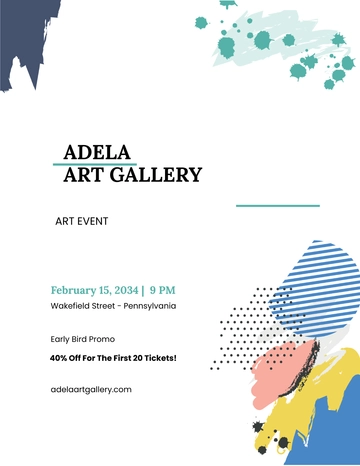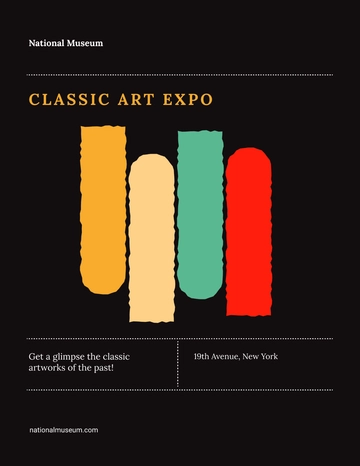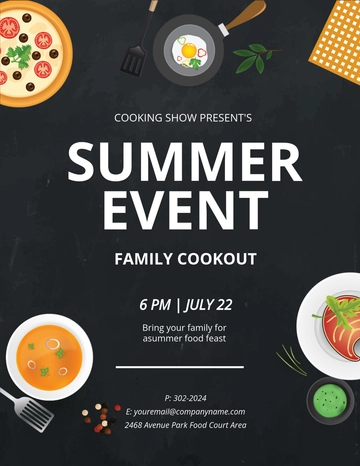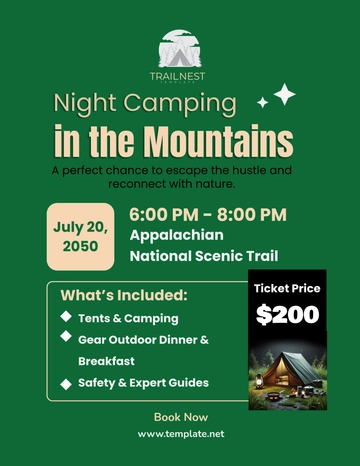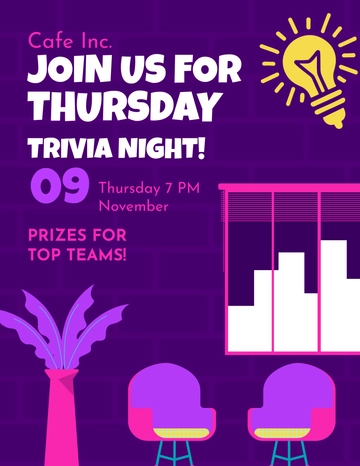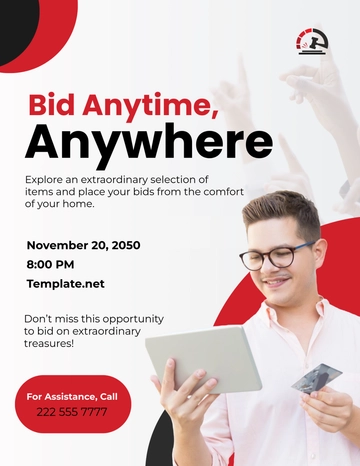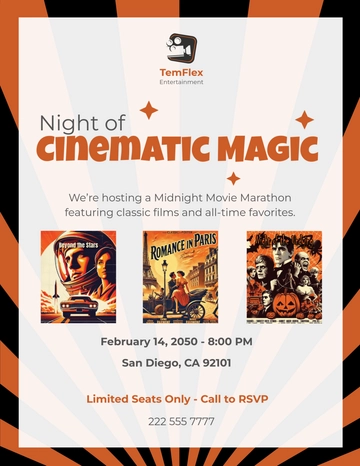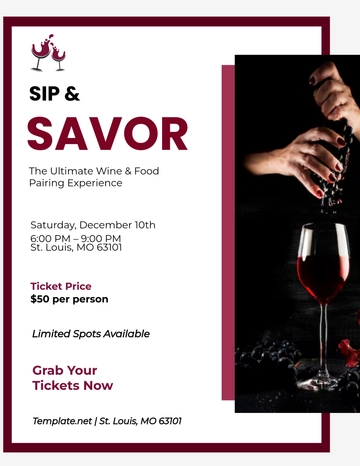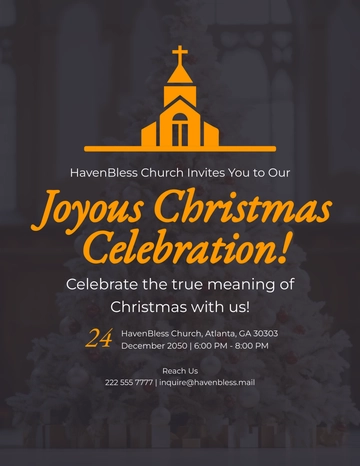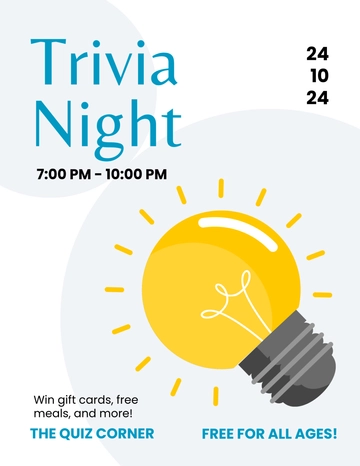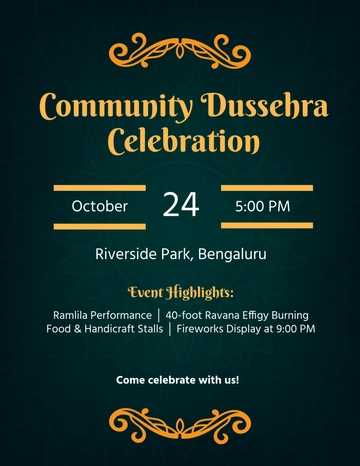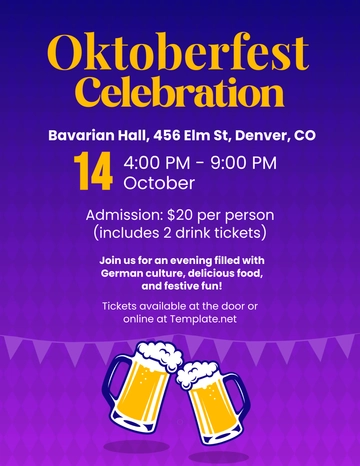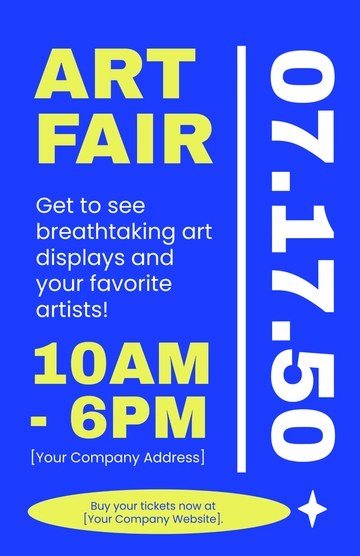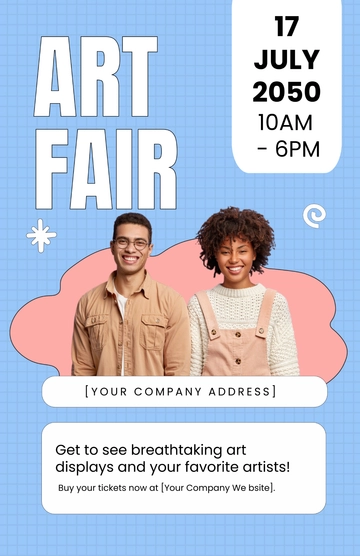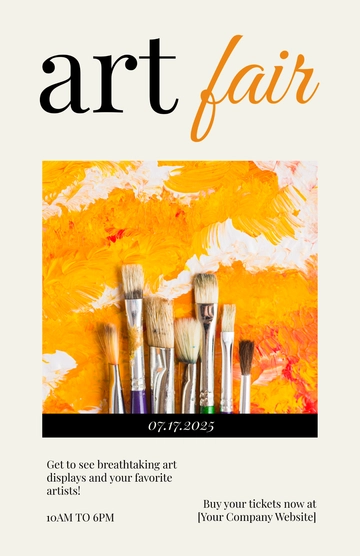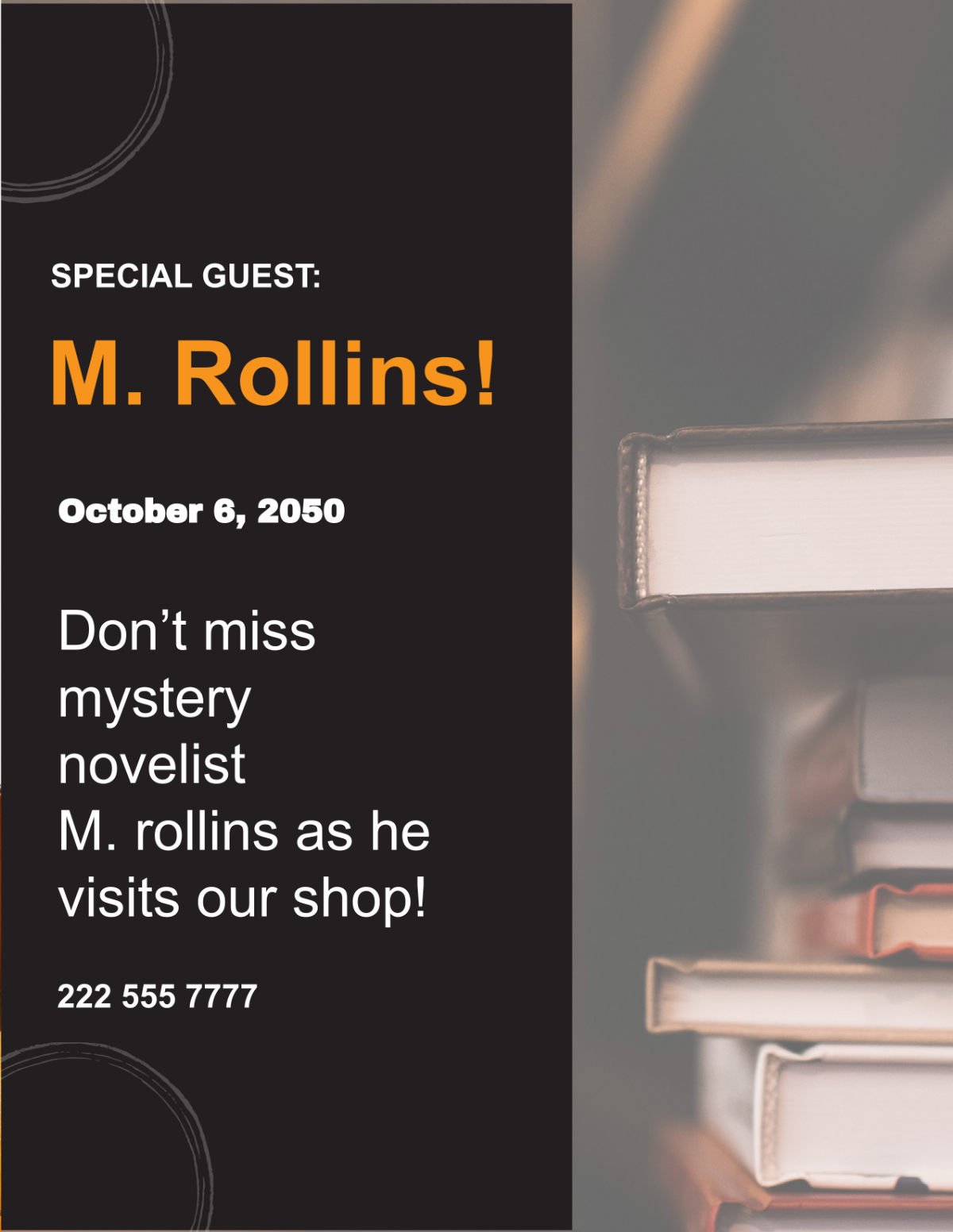
Event Flyer promotes entertainment events like summer music festivals to engage music fans and festival-goers with clear date, location, and ticket details.
Event Flyer promotes entertainment events like summer music festivals to engage music fans and festival-goers with clear date, location, and ticket details.
How do I create an Event Flyer?
- Upload your PhotosUpload your photos and describe your Event Flyer including mood, style, color tone, and composition.
- Click GenerateAfter entering your details, click Generate and Template.net's AI creates a customized Event Flyer.
- Review & EditRefine the Event Flyer by re-prompting or manually editing elements with the editor.
- Download, share or publish to social mediaDownload in formats like jpg, png, pdf, share edit links with colleagues, or publish to social channels.
What Are the Benefits of Using an Event Flyer?
Event Flyers effectively promote entertainment events and increase attendance.
Clear Visual Hierarchy
Uses bold, readable fonts and a centered column layout to highlight key event details.Engaging Design Style
Flat vector pop art with vibrant colors creates an energetic and fun vibe for the event.Customization Options
Easily change colors, fonts, photos, and text to fit your specific music festival theme.Targeted Audience Appeal
Specifically designed to catch the attention of music fans and young adults attending festivals.Multiple Export Formats
Ready for print or digital sharing with many file formats like PDF and social media optimized images.
What are good Event Flyer prompt examples?
Try these sample prompts to quickly craft a fitting Event Flyer for your occasion.
- Create a summer music festival in the park with live music, food, and fun, using bold colors.
- Design a charity 10K run flyer with the event date, location, and registration call to action.
- Make a seasonal menu launch announcement with vibrant retro style and a clear GET TICKETS button.
- Use my event name, features, date, time, location, and website to generate a festival flyer.
- Replace the illustration photo with a contemporary festival image, maintaining pop art aesthetics.
Template.net AI uses this vibrant Retro Summer Festival Event Flyer template with a flat vector pop art style and 3:4 portrait layout, applies your photos and event information like name, date, and location to generate a unique, customizable flyer for you.