
Free Countdown Flyer Templates















Countdown Flyer Templates: Uses, Sizes, and Design Essentials
What is a Countdown Flyer?
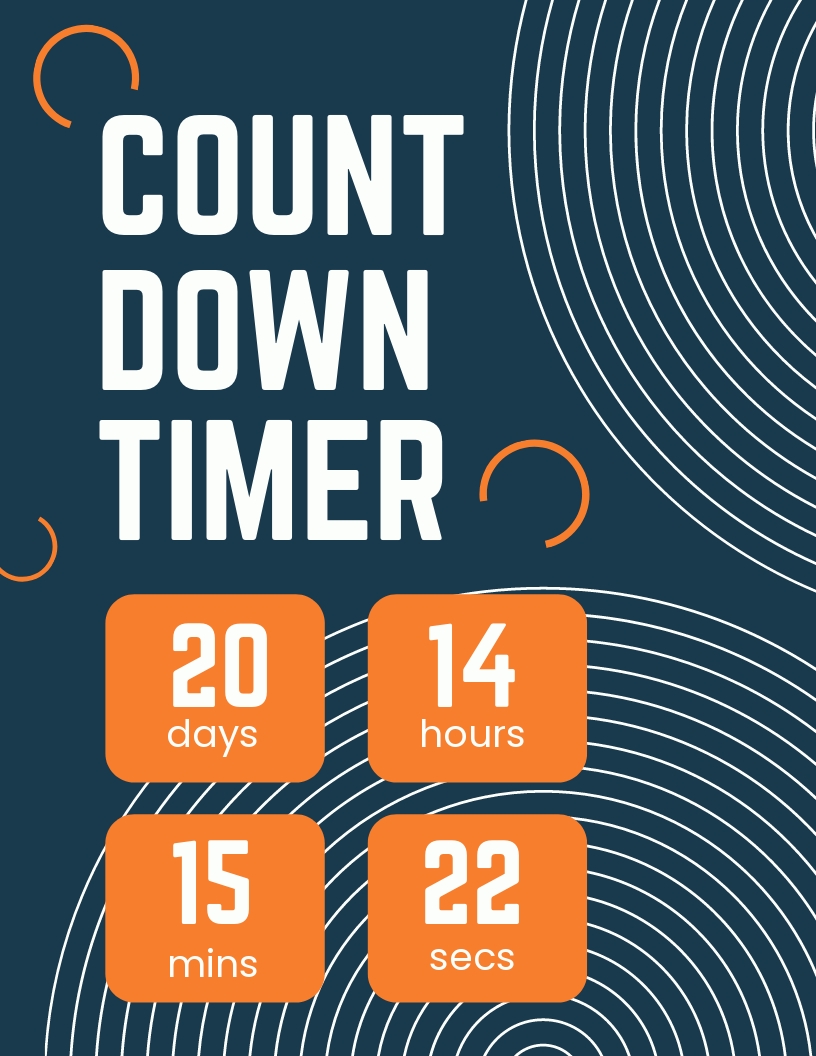
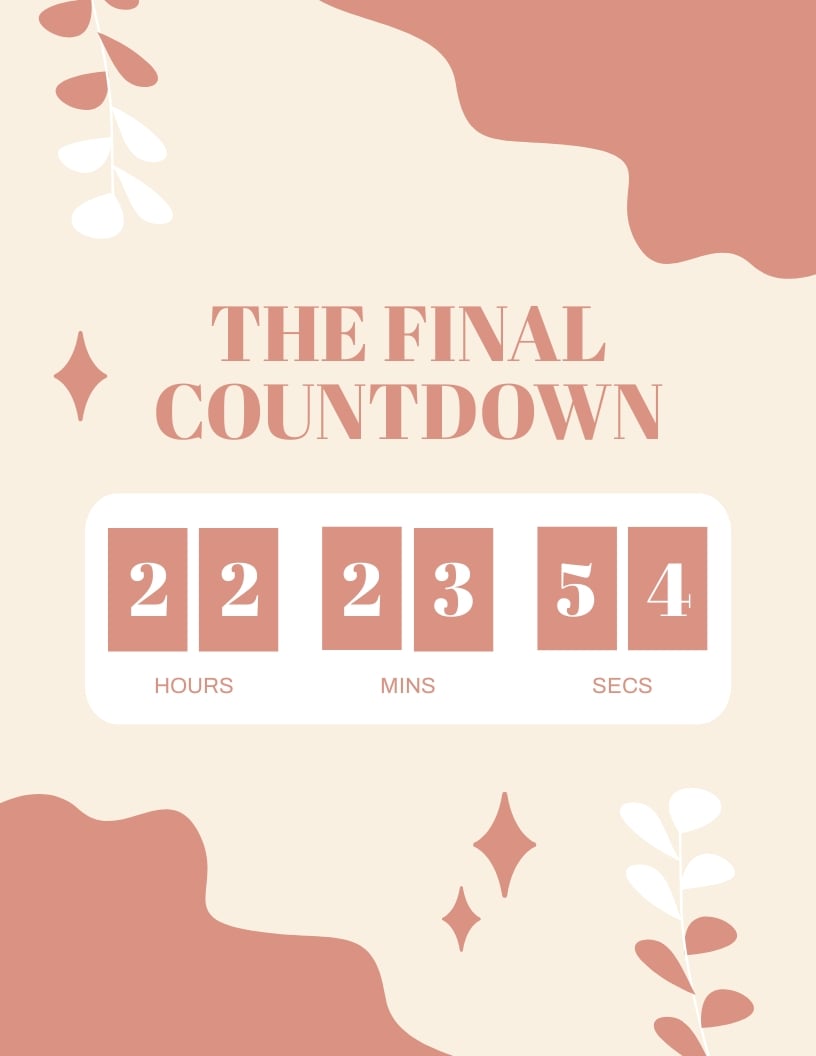
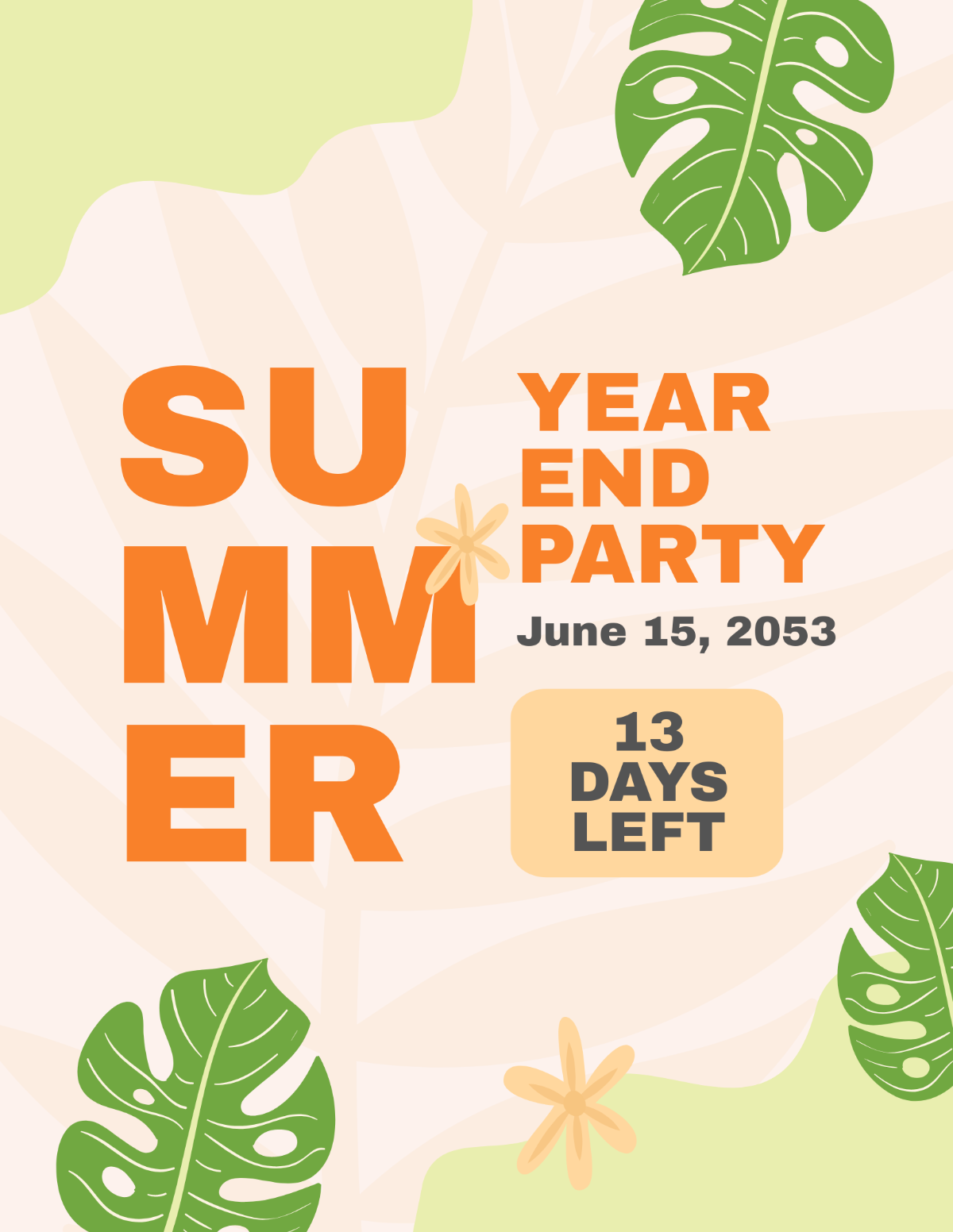
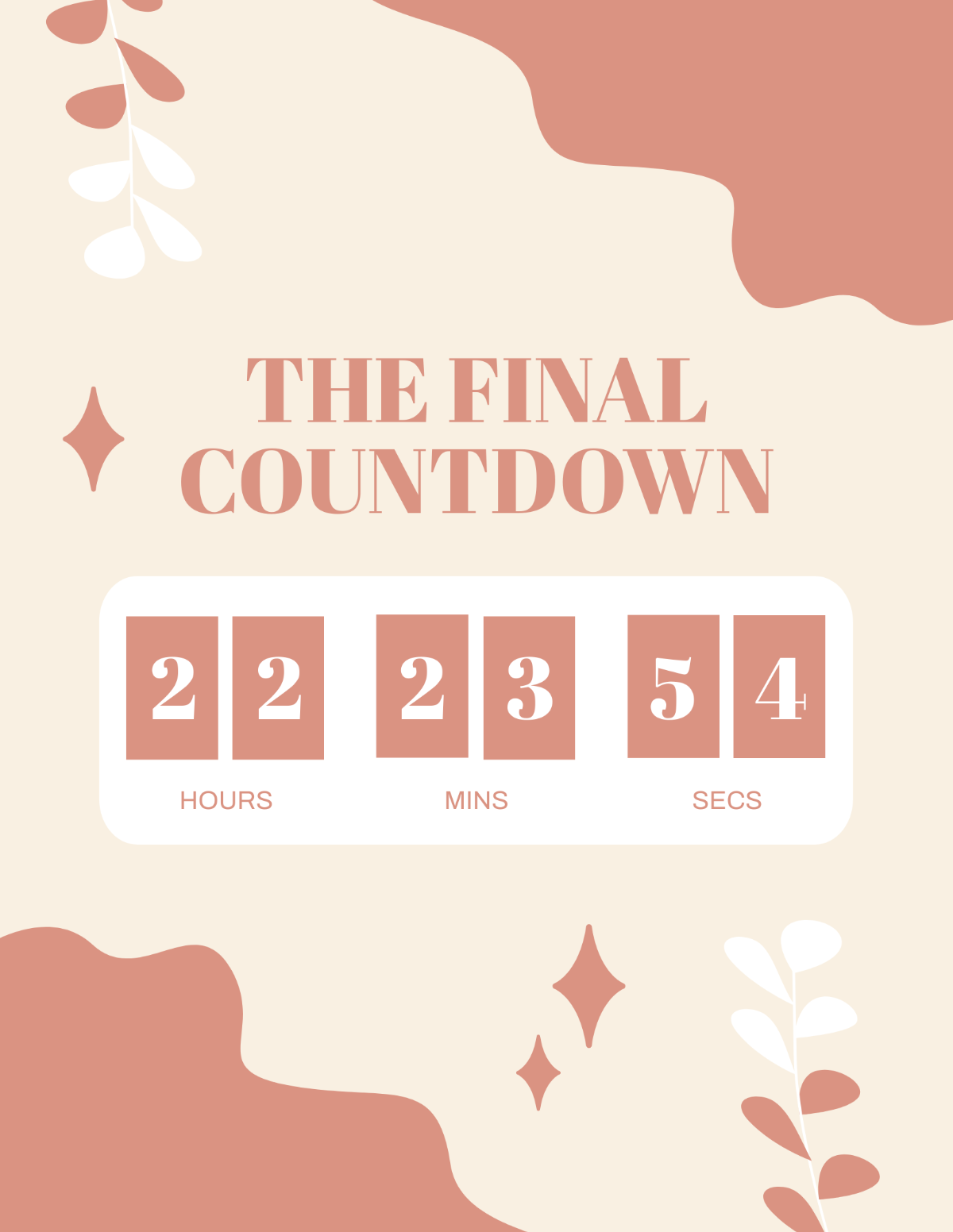
A countdown flyer is a promotional layout that visually emphasizes a countdown timer to an event or deadline. These flyers use editable text areas and graphics to create urgency and attract attention. Ready-made templates help users customize these elements easily online.
Why use a Countdown Flyer?
Using a countdown flyer helps build anticipation and urgency for events or sales. These flyer templates feature professional layouts and call to action areas that drive engagement. Online editing tools allow quick customization to match branding and event details.
Who typically uses Countdown Flyers?
Countdown flyers are commonly used by event planners, marketers, and businesses to promote upcoming sales, launches, or special occasions. These users benefit from layered design customization in templates that streamline creating eye-catching, time-sensitive promotions.
What size should a Countdown Flyer be?
The most common sizes for countdown flyers include 4 × 6 inches, 5 × 7 inches, and 8.5 × 11 inches. These sizes suit various distributions and display options. Template.net offers templates in these dimensions with editable layout blocks for easy adjustment.
What are the best tips for designing a Countdown Flyer?
Effective countdown flyer designs use clear headlines, bold countdown graphics, and prominent call to action sections. Use layered design customization for easy edits and maintain visual hierarchy to ensure key details stand out.
How do you print a Countdown Flyer?
To print a countdown flyer, use templates with high-resolution layouts and export to print-ready formats. Ensure design layers are flattened properly and select suitable paper sizes like 5 × 7 inches for best results. Template.net templates support these professional printing needs.
What elements should a Countdown Flyer include?
A countdown flyer should include a strong headline, a visible countdown timer graphic, key information sections such as date and location, and a clear call to action. Editable design layers allow easy customization of these elements.
Can I create a new Countdown Flyer using AI?
Template.net provides an AI-powered tool that generates new Countdown Flyer designs from prompts. This tool enables quick creation of customized flyer layouts online. Try the Flyer Generator to create unique countdown flyers effortlessly.
