
Free Save the Date Flyer Templates






Save the Date Flyer Templates: Design Guide, Sizes, and Download Formats
What is a Save the Date Flyer?
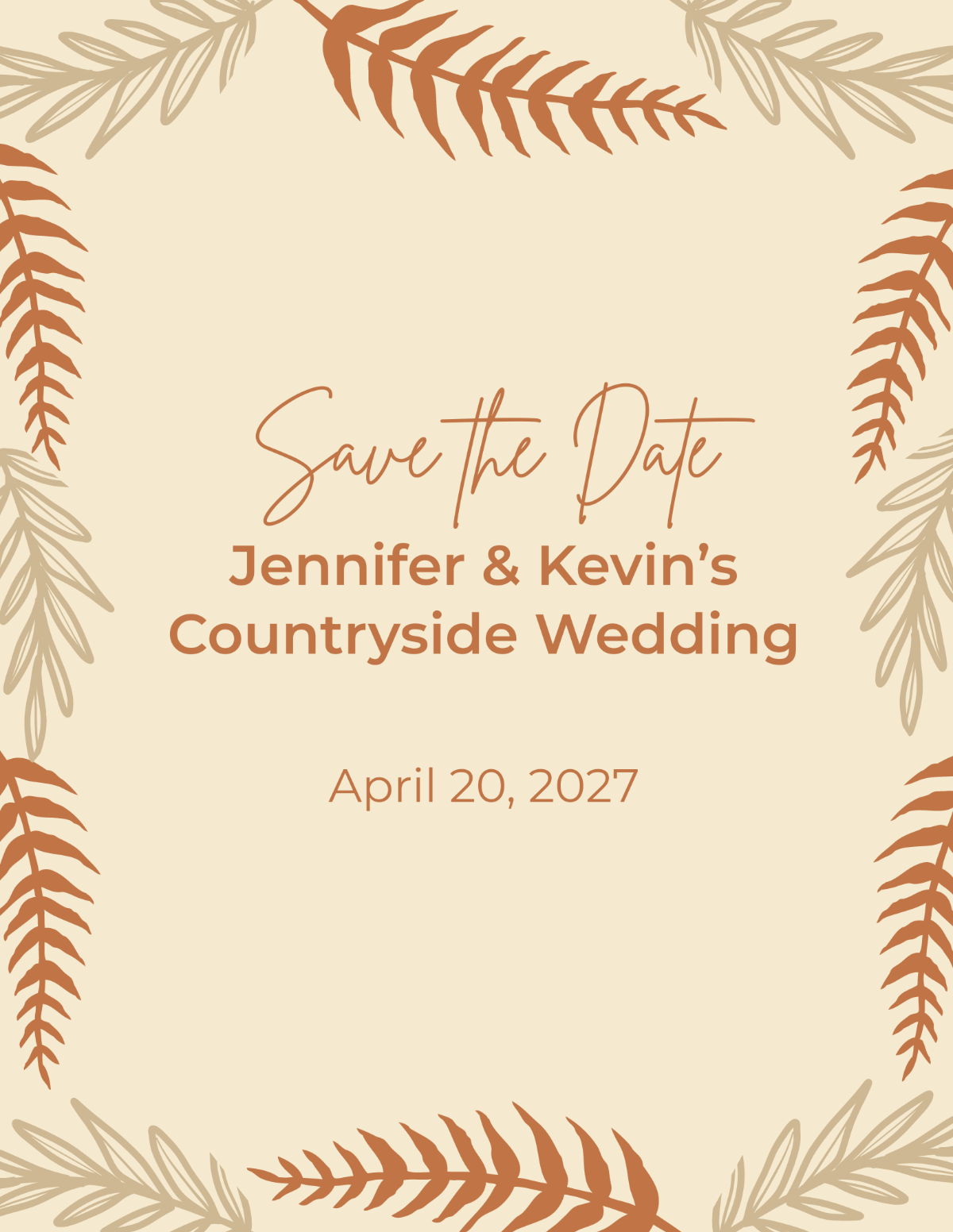
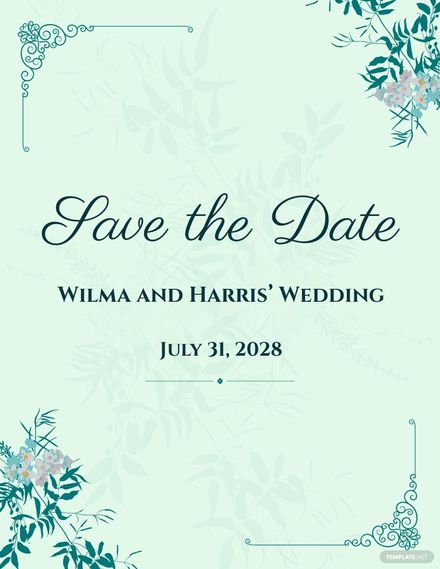
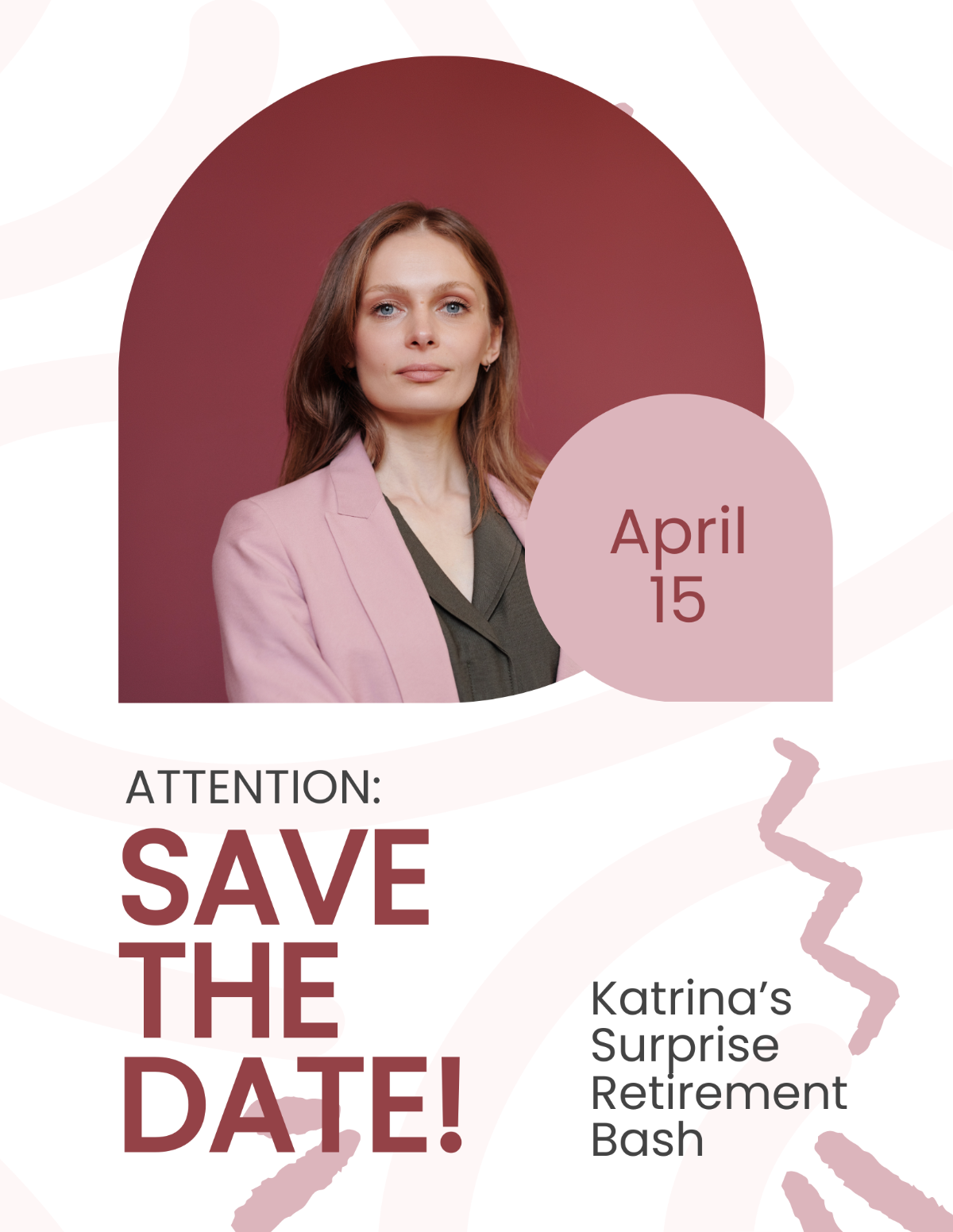
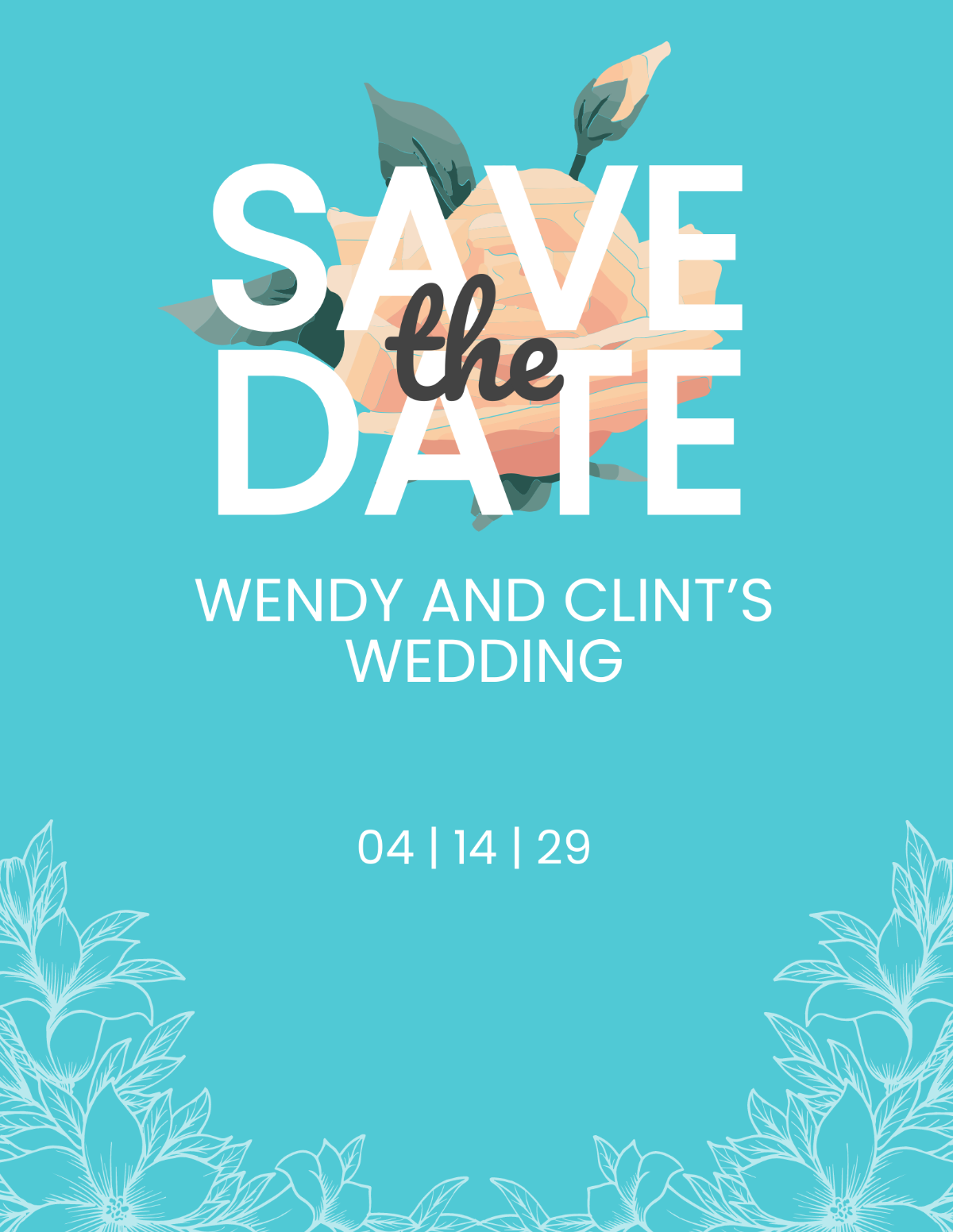
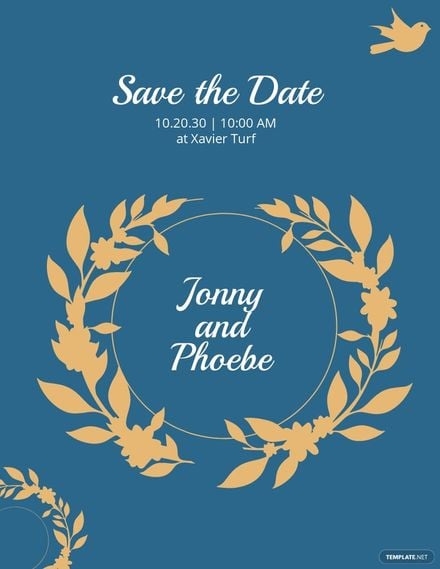
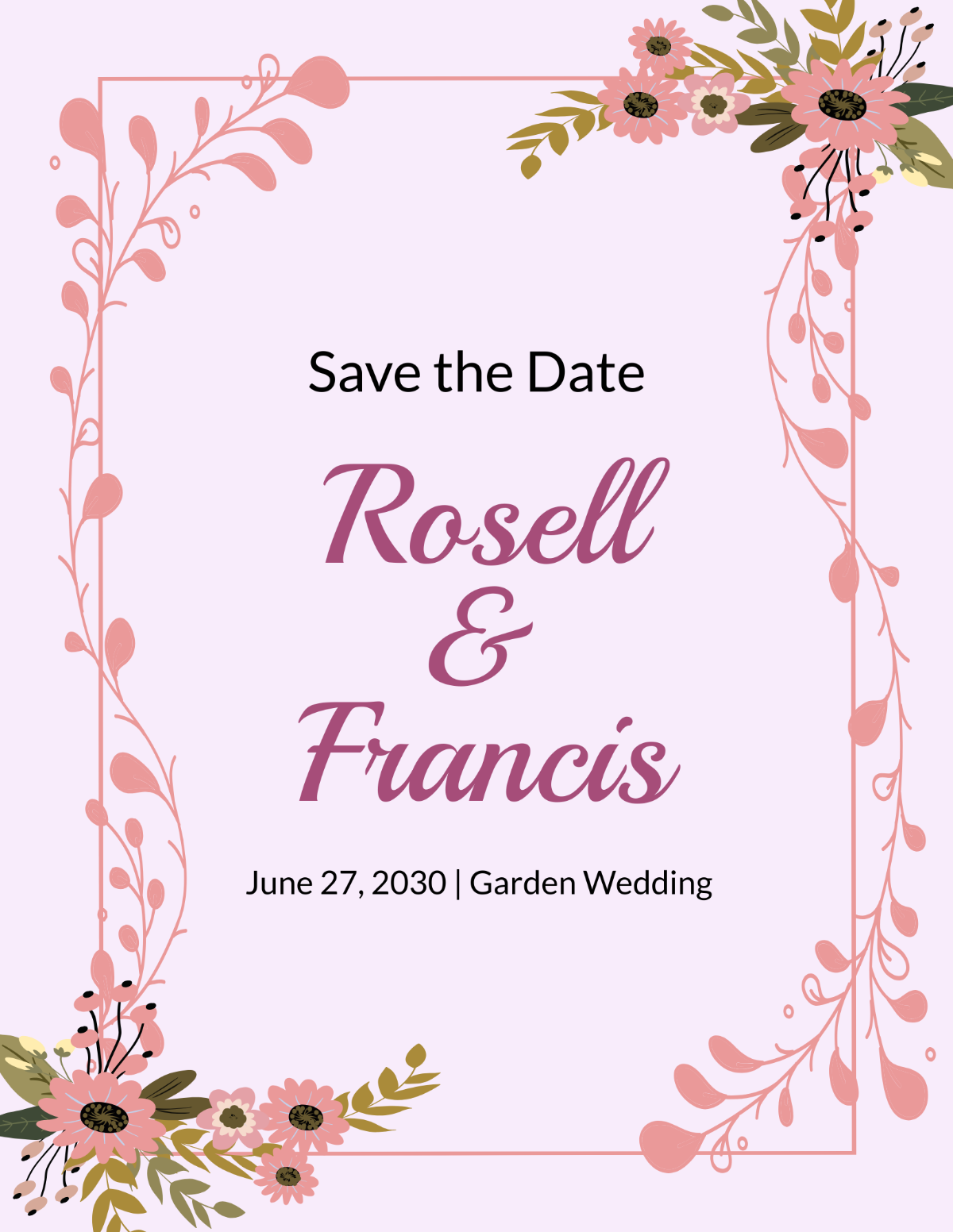
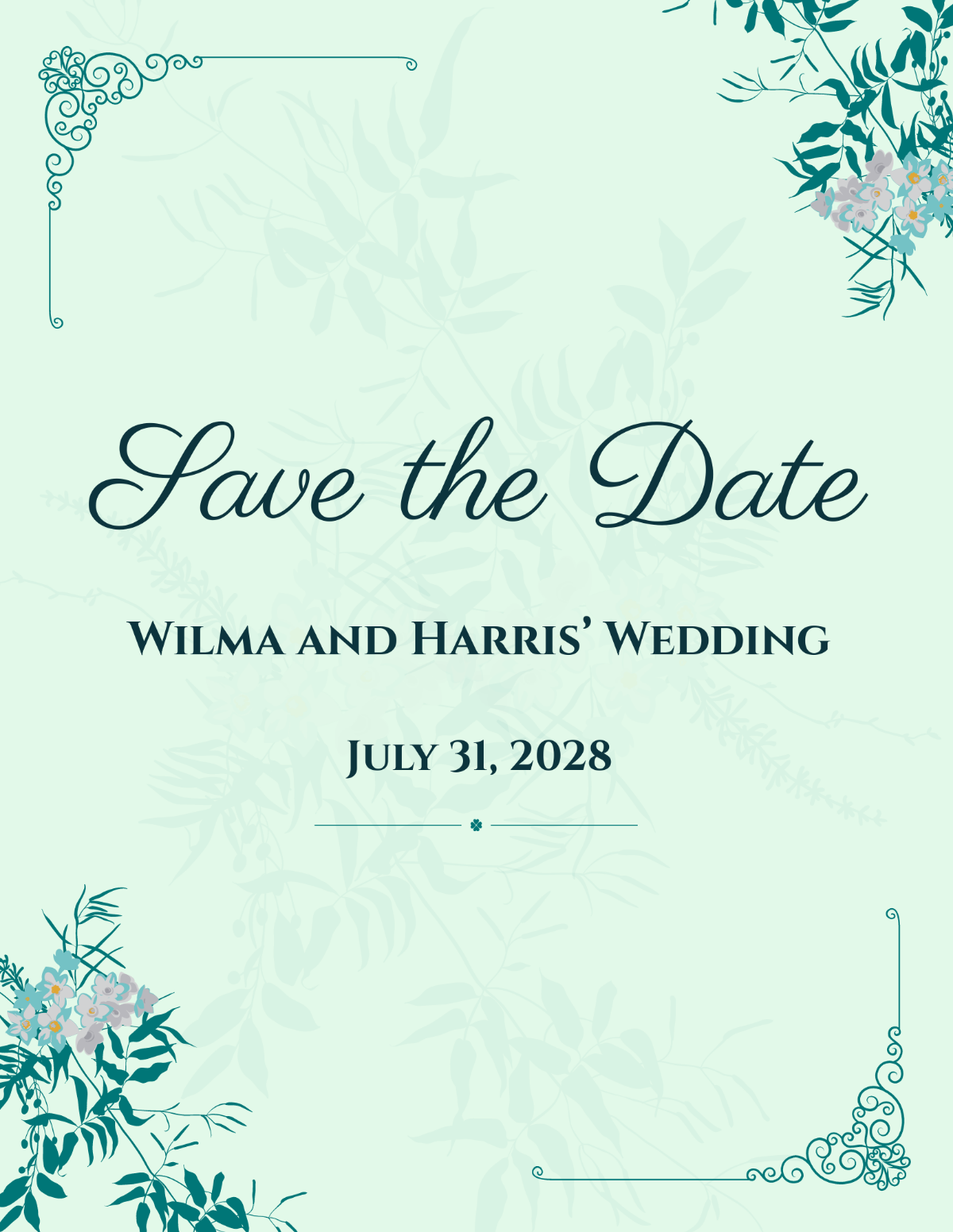
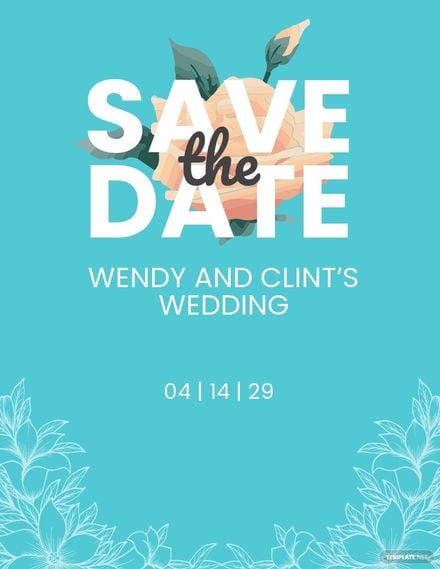
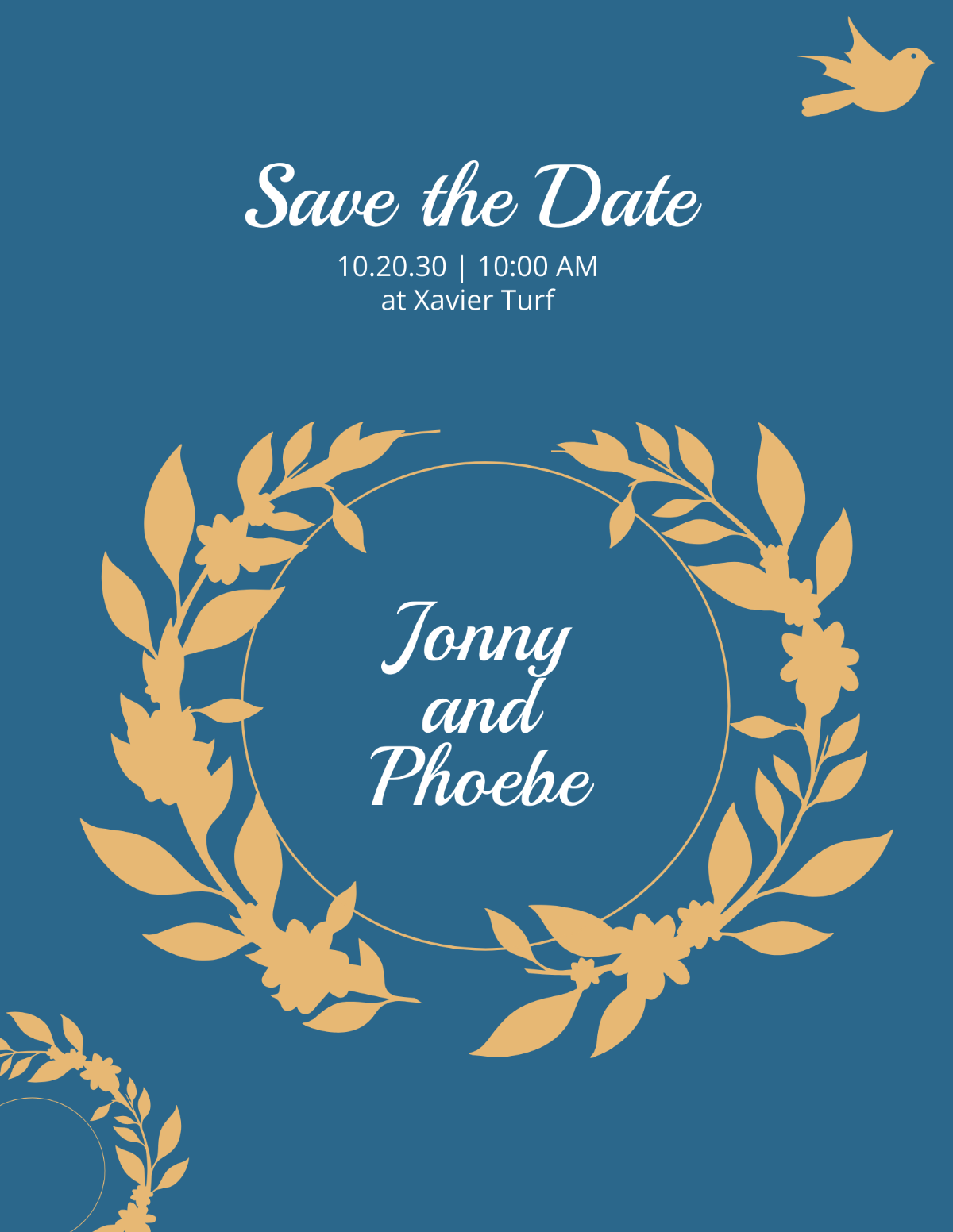
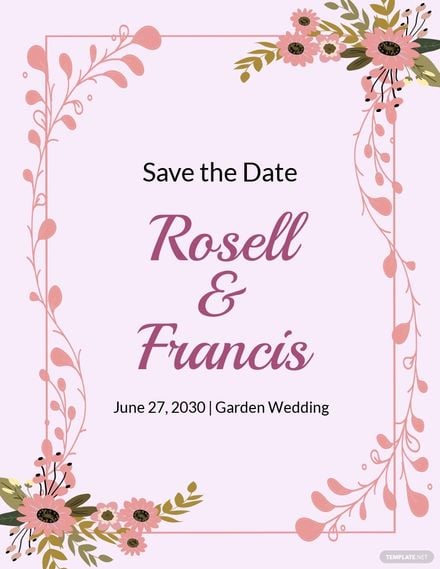
A Save the Date Flyer is a customizable promotional layout designed to announce and remind recipients of an upcoming event date. These flyer templates feature editable text areas, design layers, and professional layouts that users can personalize online for timely event promotion.
Why use a Save the Date Flyer?
Save the Date Flyers help ensure guests remember important event dates by providing clear and attractive headline and key information sections. Using these flyer templates with online editing enables fast creation of professional announcements that increase event attendance.
Who typically uses Save the Date Flyers?
Save the Date Flyers are typically used by event planners, couples, businesses, and organizations to announce upcoming weddings, parties, or corporate events. These flyer templates offer layered customization for users needing quick, professional, and editable promotional materials.
What size should a Save the Date Flyer be?
Save the Date Flyers commonly come in sizes like 4 × 6 inches or 5 × 7 inches to balance portability and visibility. These flyer templates provide layout blocks designed for standard print sizes, ensuring professional presentation and easy printing.
What are the best tips for designing a Save the Date Flyer?
Effective Save the Date Flyers should include a strong headline, clear call to action, and well-placed images or graphics. Using layered flyer templates allows easy editing of each design element for clear communication and visual appeal.
How do you print a Save the Date Flyer?
Save the Date Flyers should be printed using high-quality paper and settings that preserve colors and design layers. Template.net’s downloadable flyer templates support standard print sizes for professional, crisp results suitable for mailing or hand distribution.
What elements should a Save the Date Flyer include?
A Save the Date Flyer should include a headline, event date, venue details, contact information, and a clear call to action. These flyer templates feature layered design blocks that make customizing each element straightforward and efficient.
What file formats can I download for a Save the Date Flyer?
Template.net’s Save the Date Flyer templates support multiple export formats for easy editing and printing, including Word, and Google Docs. These formats ensure flexible customization and professional output.
Can I create a new Save the Date Flyer using AI?
Template.net provides an AI-powered tool that generates new Save the Date Flyer designs from prompts. Use the Flyer Generator to create unique, customizable flyers quickly and professionally.
