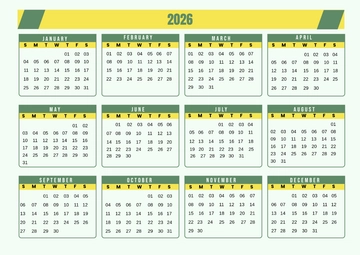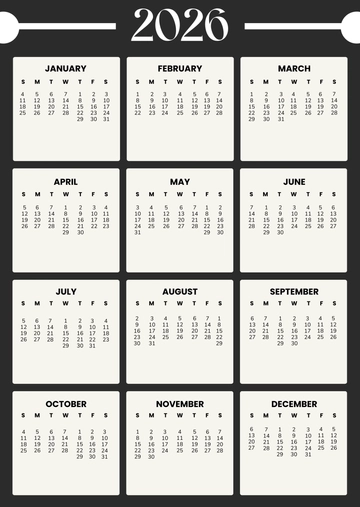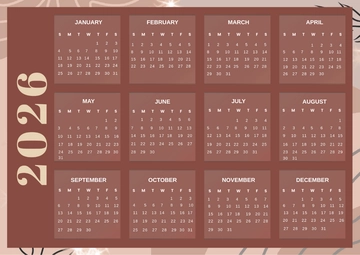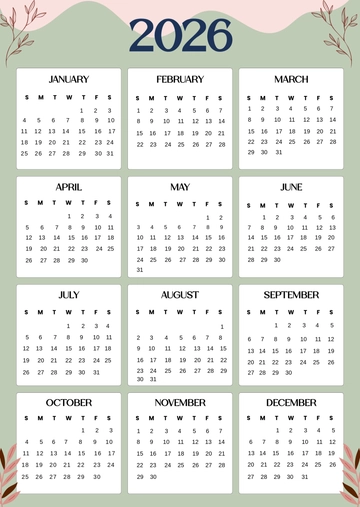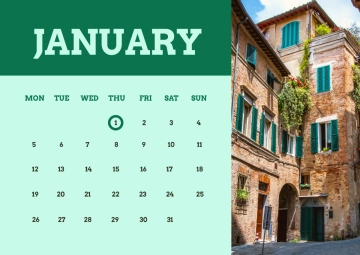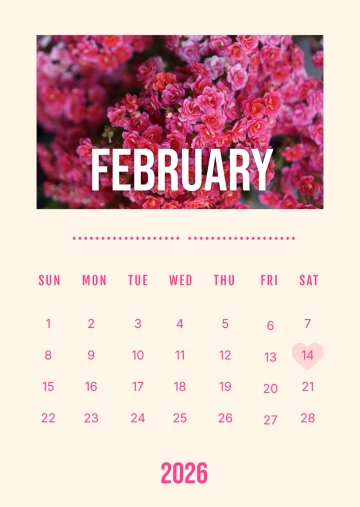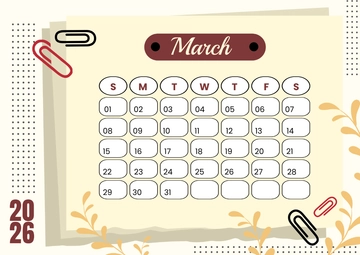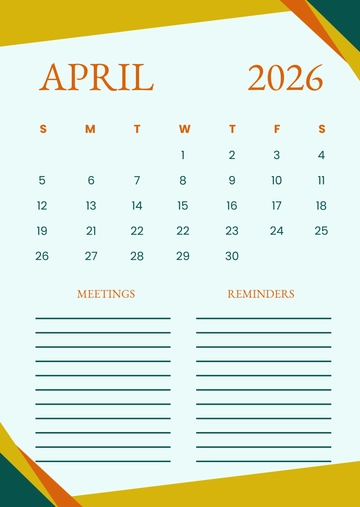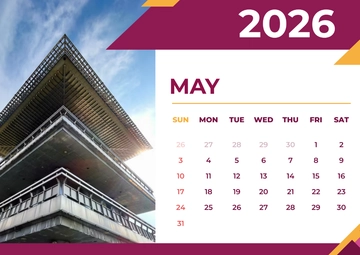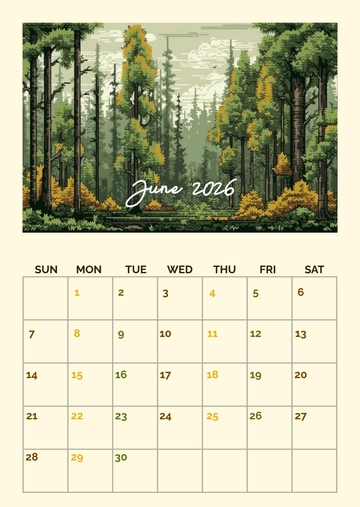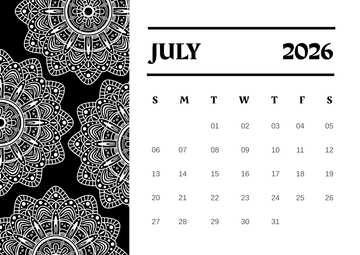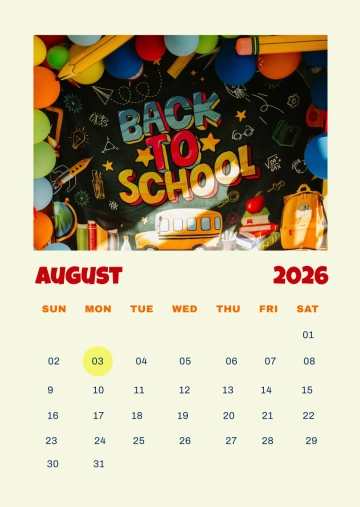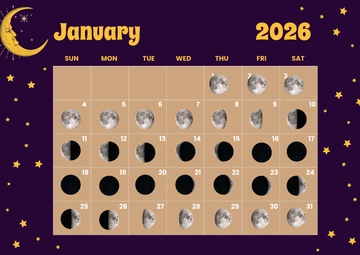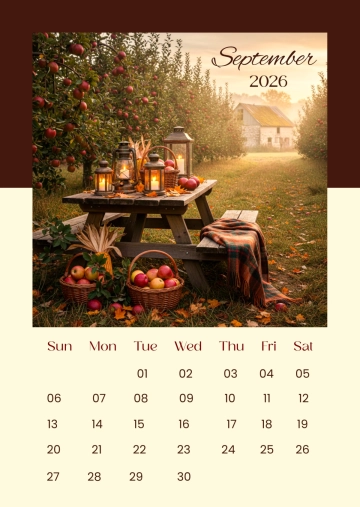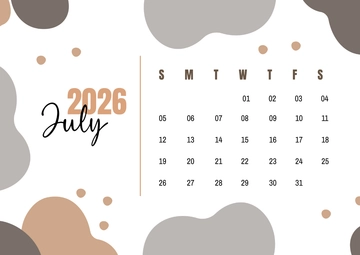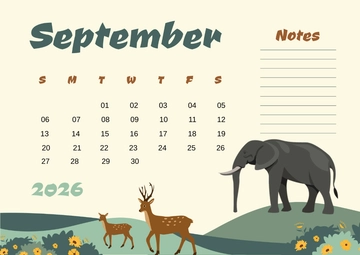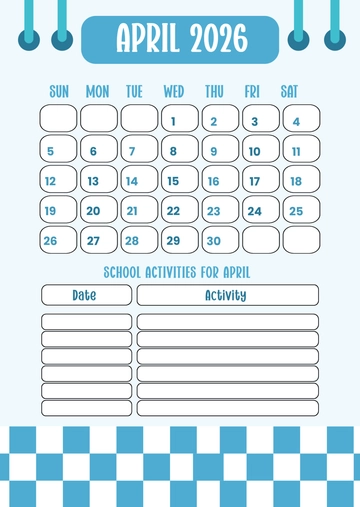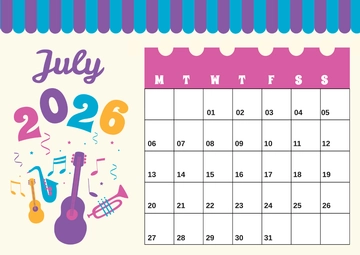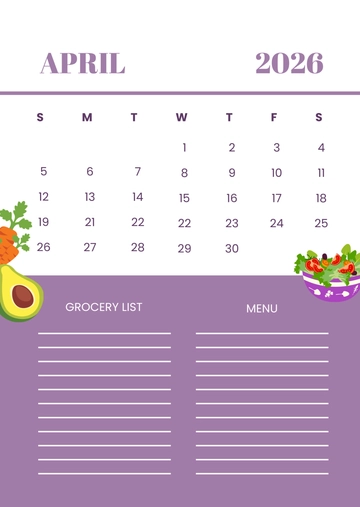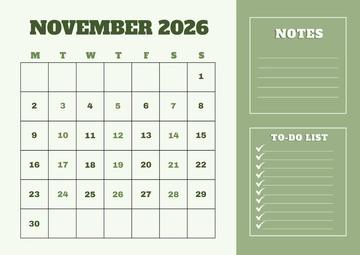
Free Calendar Timetable Design

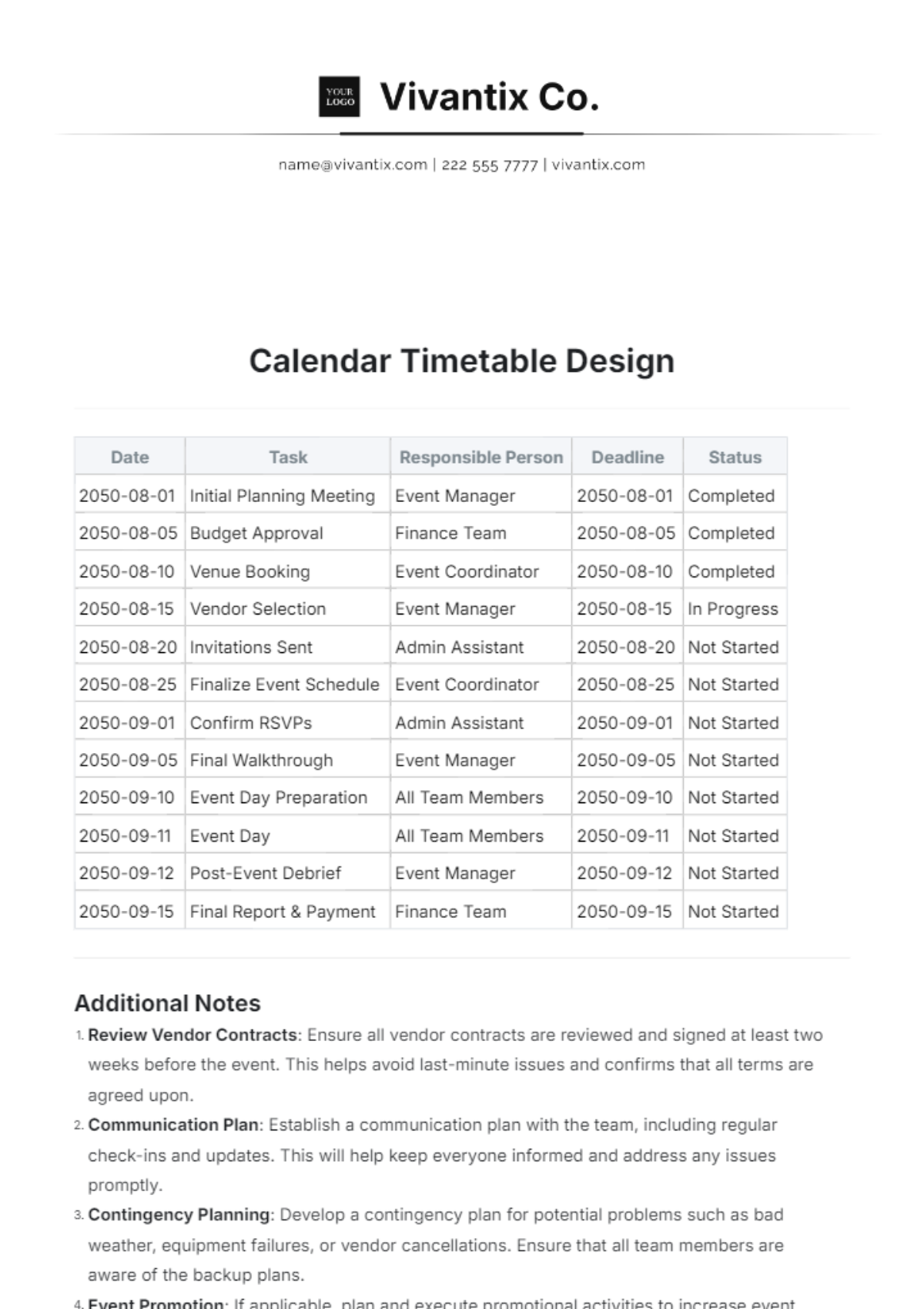
Date | Task | Responsible Person | Deadline | Status |
|---|---|---|---|---|
2050-08-01 | Initial Planning Meeting | Event Manager | 2050-08-01 | Completed |
2050-08-05 | Budget Approval | Finance Team | 2050-08-05 | Completed |
2050-08-10 | Venue Booking | Event Coordinator | 2050-08-10 | Completed |
2050-08-15 | Vendor Selection | Event Manager | 2050-08-15 | In Progress |
2050-08-20 | Invitations Sent | Admin Assistant | 2050-08-20 | Not Started |
2050-08-25 | Finalize Event Schedule | Event Coordinator | 2050-08-25 | Not Started |
2050-09-01 | Confirm RSVPs | Admin Assistant | 2050-09-01 | Not Started |
2050-09-05 | Final Walkthrough | Event Manager | 2050-09-05 | Not Started |
2050-09-10 | Event Day Preparation | All Team Members | 2050-09-10 | Not Started |
2050-09-11 | Event Day | All Team Members | 2050-09-11 | Not Started |
2050-09-12 | Post-Event Debrief | Event Manager | 2050-09-12 | Not Started |
2050-09-15 | Final Report & Payment | Finance Team | 2050-09-15 | Not Started |
Additional Notes
Review Vendor Contracts: Ensure all vendor contracts are reviewed and signed at least two weeks before the event. This helps avoid last-minute issues and confirms that all terms are agreed upon.
Communication Plan: Establish a communication plan with the team, including regular check-ins and updates. This will help keep everyone informed and address any issues promptly.
Contingency Planning: Develop a contingency plan for potential problems such as bad weather, equipment failures, or vendor cancellations. Ensure that all team members are aware of the backup plans.
Event Promotion: If applicable, plan and execute promotional activities to increase event visibility. This might include social media campaigns, press releases, or community outreach.
Post-Event Feedback: Gather feedback from attendees, vendors, and team members after the event. This will provide valuable insights for improving future events and address any issues that arose.
- 100% Customizable, free editor
- Access 1 Million+ Templates, photo’s & graphics
- Download or share as a template
- Click and replace photos, graphics, text, backgrounds
- Resize, crop, AI write & more
- Access advanced editor
Transform your scheduling with the Calendar Timetable Design Template from Template.net. This fully customizable and editable template is enhanced with an AI Editable Tool, allowing seamless personalization to fit any needs. Perfect for professionals and students alike, it ensures an organized and efficient way to manage your time with ease.
You may also like
- Holiday
- January Calendar
- February Calendar
- March Calendar
- April Calendar
- May Calendar
- June Calendar
- July Calendar
- August Calendar
- September Calendar
- October Calendar
- November Calendar
- December Calendar
- Monthly Calendar
- Weekly Calendar
- Birthday Calendar
- Daily Calendar
- Event Calendar
- Photo Calendar
- Christmas Calendar
- Summer Calendar
- Class Room Calendar
- Marketing Calendar
- Social Media Calendar