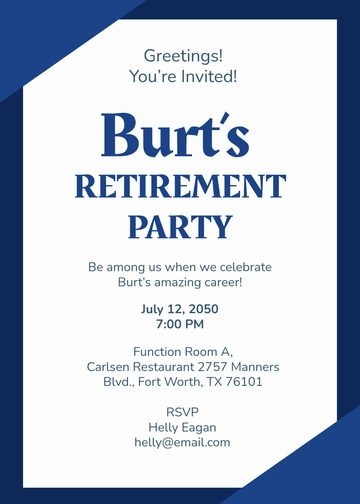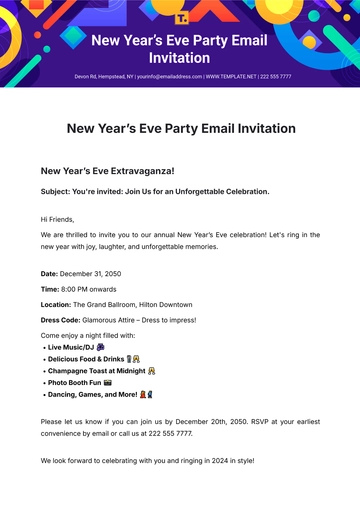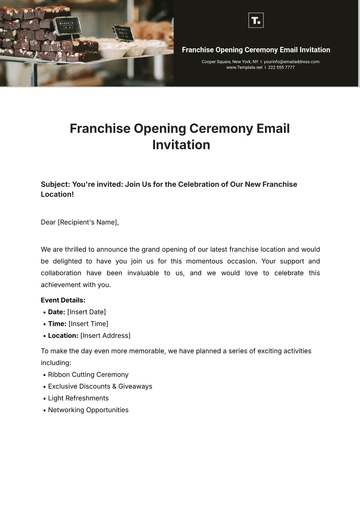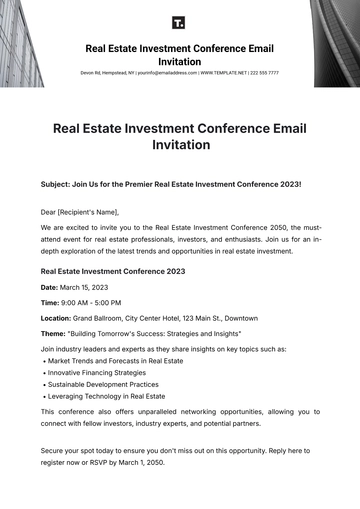
A Blue and Purple Webinar Email Invitation is a single-panel email featuring a bold headline, RSVP instructions by a reply date, and a clear event platform. It is built with Template.net's AI-powered invitation builder and exported as an HTML5 file with inline styles and table-based rows for consistent display across email clients.
A Blue and Purple Webinar Email Invitation is a single-panel email featuring a bold headline, RSVP instructions by a reply date, and a clear event platform. It is built with Template.net's AI-powered invitation builder and exported as an HTML5 file with inline styles and table-based rows for consistent display across email clients.
How to Create a Blue and Purple Webinar Email Invitation for Free?
Creating a professional Blue and Purple Webinar Email Invitation is quick and straightforward.
- Customize a Free TemplateStart with this free editable and email-ready Blue and Purple Webinar Email Invitation template and personalize it online for online corporate training sessions, business management webinars, or consulting events. (or )
- Generate an On-Brand Blue and Purple Webinar Email Invitation with AIDescribe the webinar details including RSVP deadline and event platform or upload your last invitation; AI builds the actual editable invitation with a bold headline and RSVP line set in table-based rows and inline styles, ready for review.
- Edit in the HTML5 EditorAdjust the subject line, preheader, background waves design, event title, event date and time, event platform and access notes, RSVP deadline label, and contact details in our drag-and-drop HTML5 editor.
- Download an HTML5 FileDownload the completed invitation as an HTML5 file with inline styles and absolute image URLs, ready to paste into a Gmail compose window or hand to your email sender.
Blue and Purple Webinar Email Invitation Details and How Each One Is Set
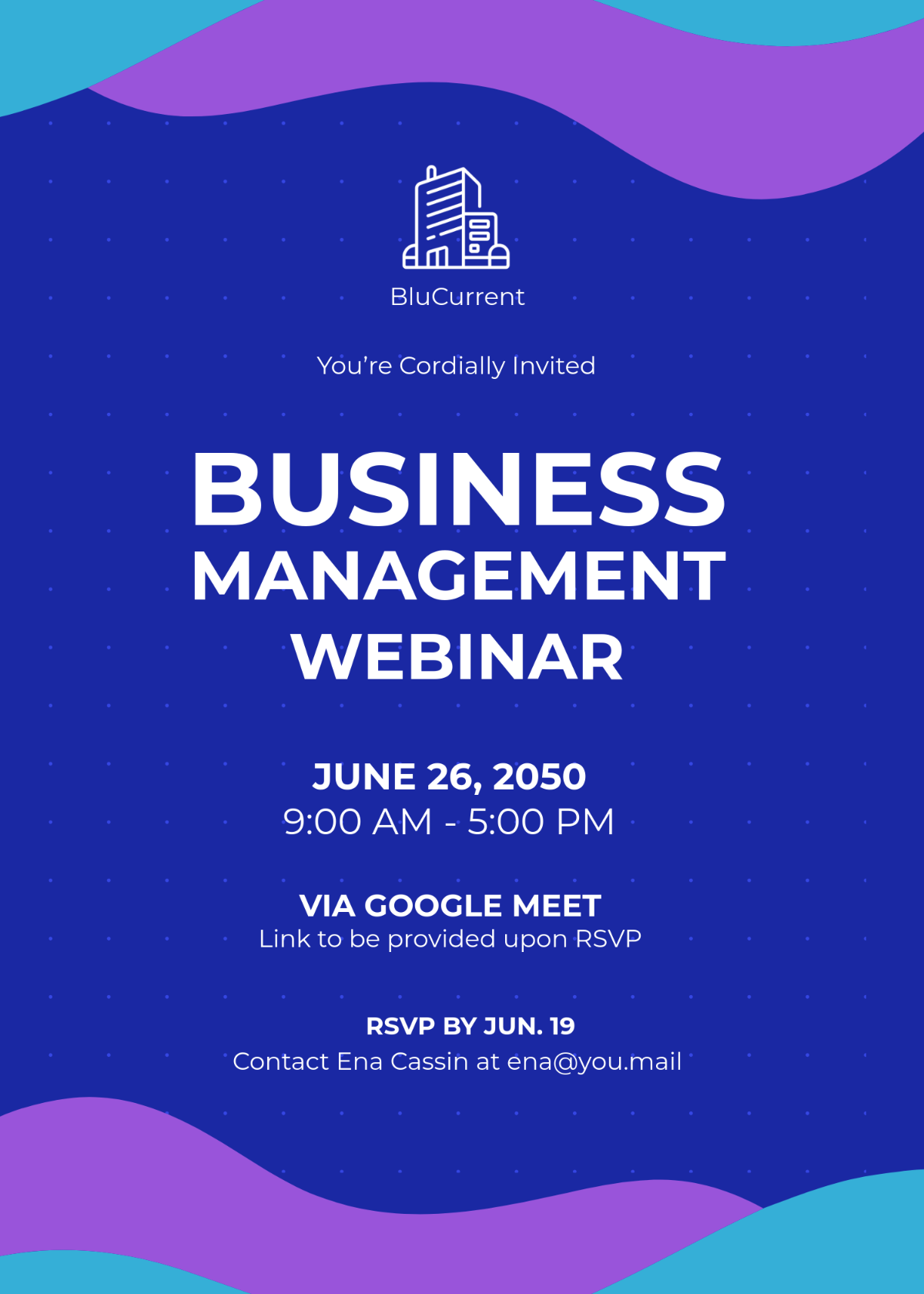
This template starts with company logo and name, invitation greeting line, main event title, event date and time, event platform and access note, RSVP deadline and contact details, RSVP BY JUN. 19, and footer wave graphic design, and you can expand it to cover any of the invitation details below.
Set these invitation details the way each one is normally presented — subject line (short and clear to fit inbox preview), preheader snippet (a brief teaser held back from the body), invitation label (all-caps above the headline), occasion headline (large bold all-caps text centred), host or inviting party name and logo (small centered line with icon), event date (bold line with uppercase letters), event time (single centred line with start and end time), event platform label (bold with access instructions below), access instructions or notes (small centred text beneath platform), RSVP deadline label (bold centred line above contact info), RSVP contact name and email (small centred text including contact info), RSVP reply-by date (bolded line near contacts), background decorative elements (full-bleed waves or shapes framing top and bottom), background color and pattern (solid or gradient behind main text), central text block grouping key event details vertically centred, and call to action emphasis (bold or uppercase lines encouraging RSVP).