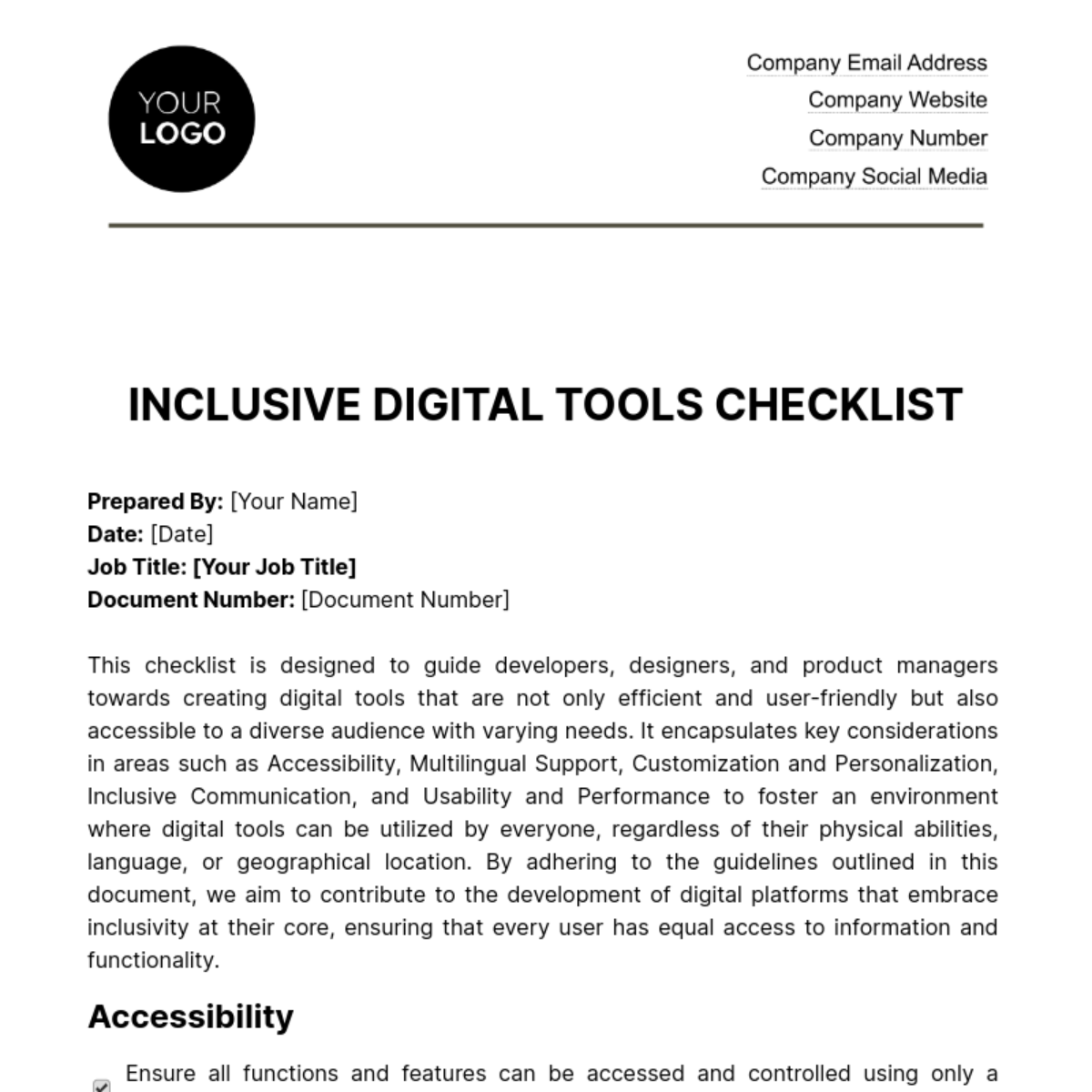
Free Inclusive Digital Tools Checklist HR

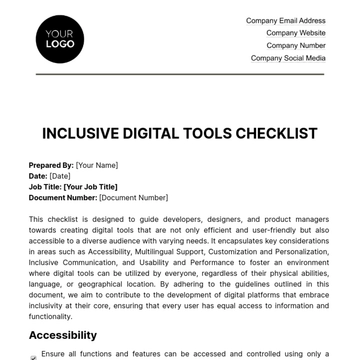
Prepared By: [Your Name]
Date: [Date]
Job Title: [Your Job Title]
Document Number: [Document Number]
This checklist is designed to guide developers, designers, and product managers towards creating digital tools that are not only efficient and user-friendly but also accessible to a diverse audience with varying needs. It encapsulates key considerations in areas such as Accessibility, Multilingual Support, Customization and Personalization, Inclusive Communication, and Usability and Performance to foster an environment where digital tools can be utilized by everyone, regardless of their physical abilities, language, or geographical location. By adhering to the guidelines outlined in this document, we aim to contribute to the development of digital platforms that embrace inclusivity at their core, ensuring that every user has equal access to information and functionality.
Accessibility
Ensure all functions and features can be accessed and controlled using only a keyboard.
Verify that keyboard focus is clearly visible and that users can navigate through the tool without a mouse.
Provide text alternatives for all non-text content, including images and multimedia elements.
Multilingual Support
Offer multiple language options for user interface and content.
Ensure that the tool supports a wide range of Unicode characters, including characters from various scripts and languages.
Provide built-in translation features or integration with popular translation services for user-generated content.
Customization and Personalization
Allow users to customize font size, color schemes, and other visual settings to accommodate their specific needs.
Tailor content recommendations, search results, and user experiences based on individual user preferences and behaviors.
Clearly communicate how user data is used for personalization and ensure users have control over their data.
Inclusive Communication
Support text-based communication for users with speech or hearing disabilities.
Offer real-time translation of text-based conversations to bridge language barriers.
Ensure video conferencing and webinars support closed captions and sign language interpretation
Usability and Performance
Optimize the tool for fast loading times to accommodate users with slower internet connections.
Make the tool accessible on a variety of platforms, including Windows, macOS, iOS,
Provide comprehensive documentation and training materials to assist users in effectively using the tool.
By implementing the practices outlined in this checklist, we can significantly enhance the inclusivity and accessibility of digital tools, making technology a lever for equality and integration in our increasingly digital world.
- 100% Customizable, free editor
- Access 1 Million+ Templates, photo’s & graphics
- Download or share as a template
- Click and replace photos, graphics, text, backgrounds
- Resize, crop, AI write & more
- Access advanced editor
Ensure that your digital tools are inclusive and accessible with Template.net's Inclusive Digital Tools Checklist HR Template that's fully editable and customizable with our AI editor too. This checklist provides a systematic approach to evaluating the accessibility and inclusivity of the software and tools used within your organization. It's an essential resource for HR professionals aiming to create an accessible and equitable digital workplace. Secure your copy today and ensure that all employees can effectively use your digital tools.
You may also like
- Cleaning Checklist
- Daily Checklist
- Travel Checklist
- Self Care Checklist
- Risk Assessment Checklist
- Onboarding Checklist
- Quality Checklist
- Compliance Checklist
- Audit Checklist
- Registry Checklist
- HR Checklist
- Restaurant Checklist
- Checklist Layout
- Creative Checklist
- Sales Checklist
- Construction Checklist
- Task Checklist
- Professional Checklist
- Hotel Checklist
- Employee Checklist
- Moving Checklist
- Marketing Checklist
- Accounting Checklist
- Camping Checklist
- Packing Checklist
- Real Estate Checklist
- Cleaning Checklist Service
- New Employee Checklist
- Food Checklist
- Home Inspection Checklist
- Advertising Checklist
- Event Checklist
- SEO Checklist
- Assessment Checklist
- Inspection Checklist
- Baby Registry Checklist
- Induction Checklist
- Employee Training Checklist
- Medical Checklist
- Safety Checklist
- Site Checklist
- Job Checklist
- Service Checklist
- Nanny Checklist
- Building Checklist
- Work Checklist
- Office Checklist
- Training Checklist
- Website Checklist
- IT and Software Checklist
- Performance Checklist
- Project Checklist
- Startup Checklist
- Education Checklist
- Home Checklist
- School Checklist
- Maintenance Checklist
- Planning Checklist
- Manager Checklist
- Wedding Checklist
- Vehicle Checklist
- Travel Agency Checklist
- Vehicle Inspection Checklist
- Interior Design Checklist
- Backpacking Checklist
- Business Checklist
- Legal Checklist
- Nursing Home Checklist
- Weekly Checklist
- Recruitment Checklist
- Salon Checklist
- Baby Checklist
- Equipment Checklist
- Trade Show Checklist
- Party Checklist
- Hospital Bag Checklist
- Evaluation Checklist
- Agency Checklist
- First Apartment Checklist
- Hiring Checklist
- Opening Checklist
- Small Business Checklist
- Rental Checklist
- College Dorm Checklist
- New Puppy Checklist
- University Checklist
- Building Maintenance Checklist
- Work From Home Checklist
- Student Checklist
- Application Checklist