Free Church Bookkeeping Statement Layout

Introduction
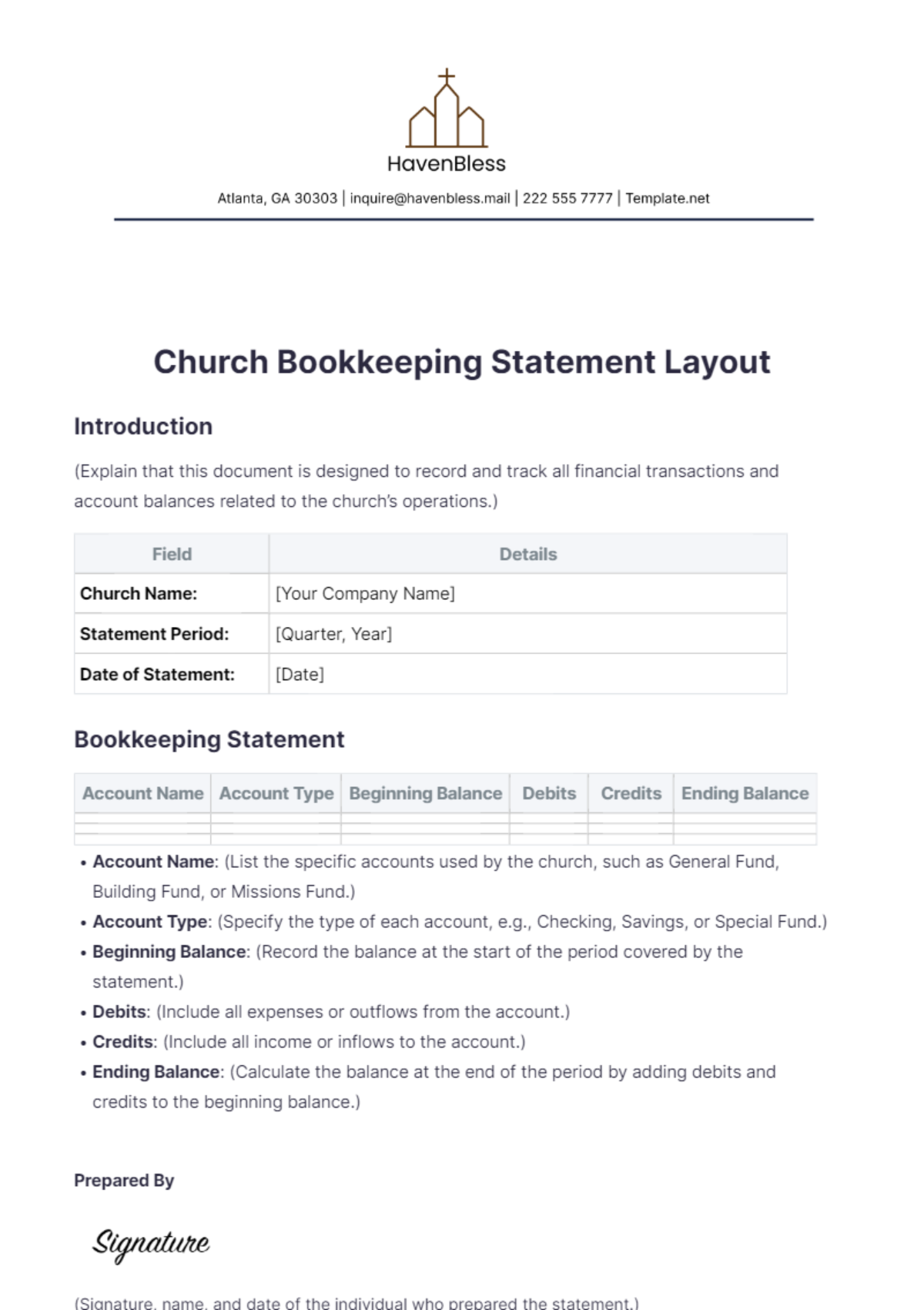
(Explain that this document is designed to record and track all financial transactions and account balances related to the church’s operations.)
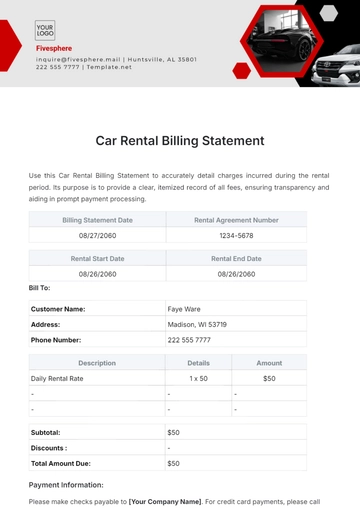
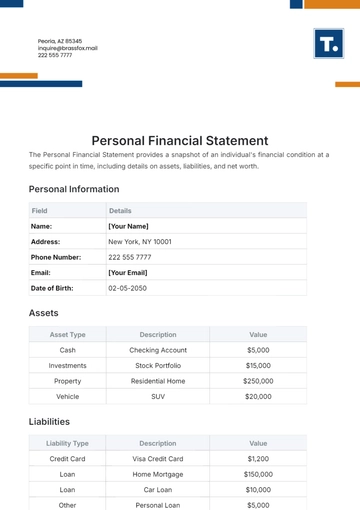
Field | Details |
|---|---|
Church Name: | [Your Company Name] |
Statement Period: | [Quarter, Year] |
Date of Statement: | [Date] |
Bookkeeping Statement
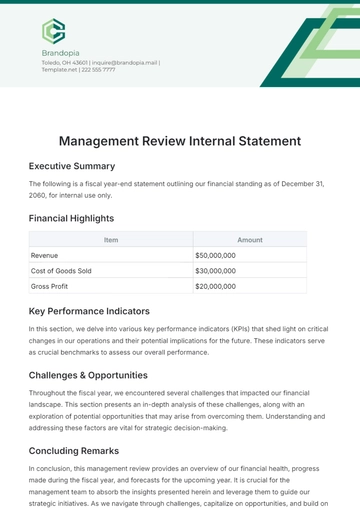
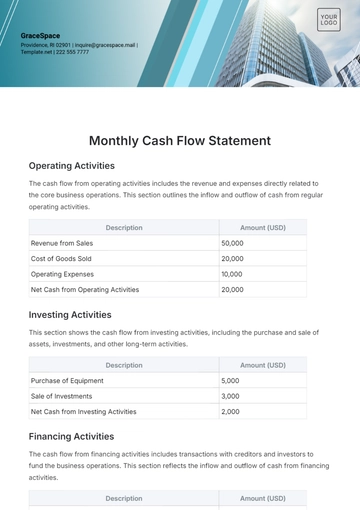
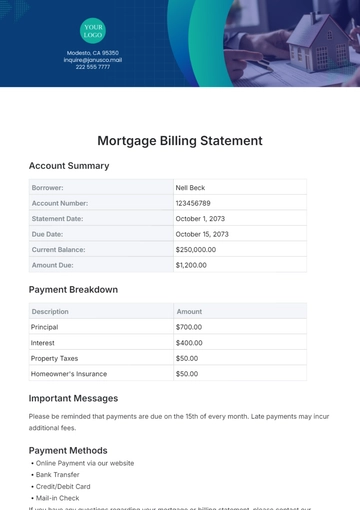
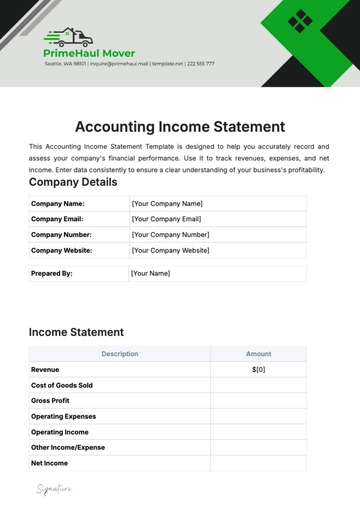
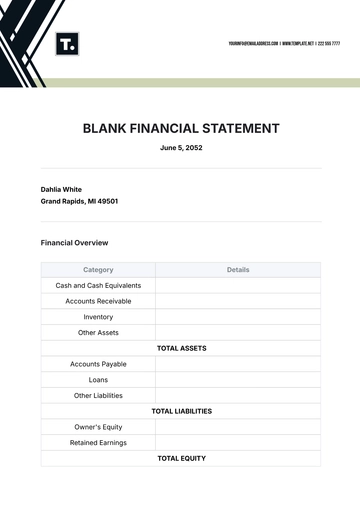
Account Name | Account Type | Beginning Balance | Debits | Credits | Ending Balance |
|---|---|---|---|---|---|
Account Name: (List the specific accounts used by the church, such as General Fund, Building Fund, or Missions Fund.)
Account Type: (Specify the type of each account, e.g., Checking, Savings, or Special Fund.)
Beginning Balance: (Record the balance at the start of the period covered by the statement.)
Debits: (Include all expenses or outflows from the account.)
Credits: (Include all income or inflows to the account.)
Ending Balance: (Calculate the balance at the end of the period by adding debits and credits to the beginning balance.)
Prepared By

(Signature, name, and date of the individual who prepared the statement.)
Reviewed By
(Signature, name, and date of the individual who reviewed the statement.)
Approved By
(Signature, name, and date of the individual who approved the statement.)
- 100% Customizable, free editor
- Access 1 Million+ Templates, photo’s & graphics
- Download or share as a template
- Click and replace photos, graphics, text, backgrounds
- Resize, crop, AI write & more
- Access advanced editor
Manage finances with the Church Bookkeeping Statement Layout Template from Template.net. It’s customizable and editable, designed for detailed records. Utilize our Ai Editor Tool to create comprehensive bookkeeping statements, tracking income and expenses for efficient financial oversight.