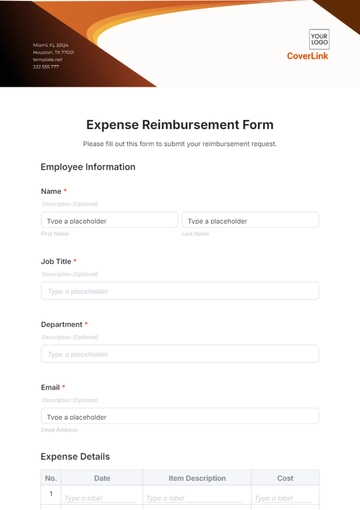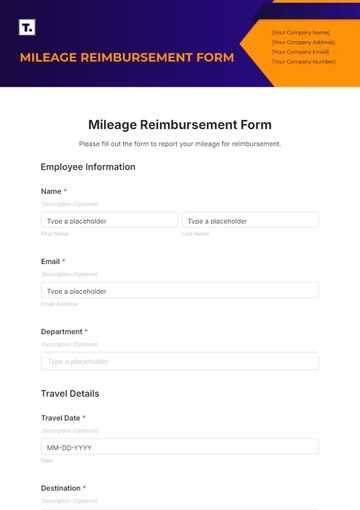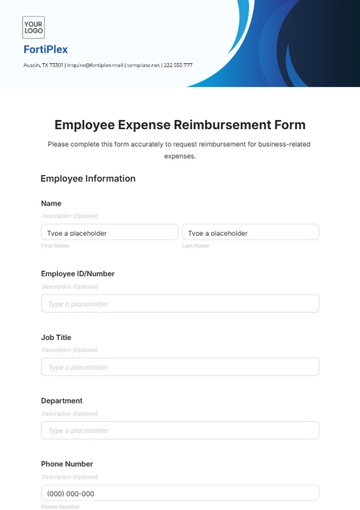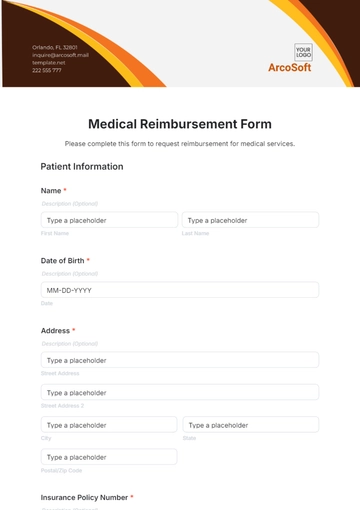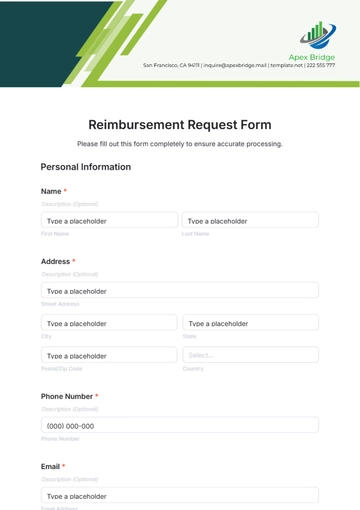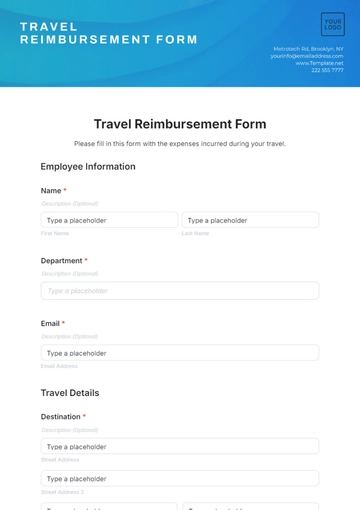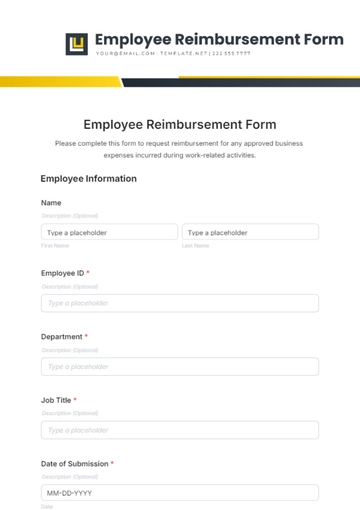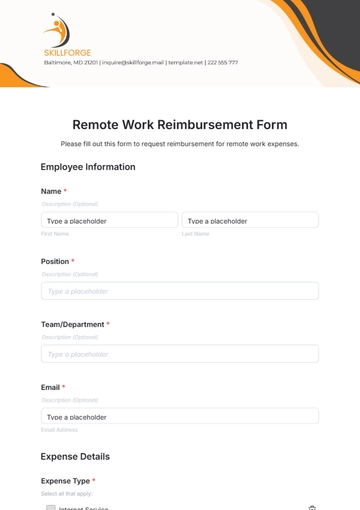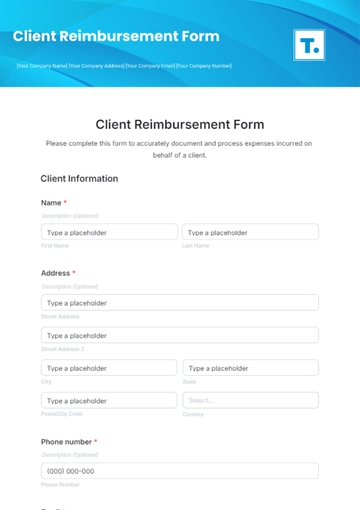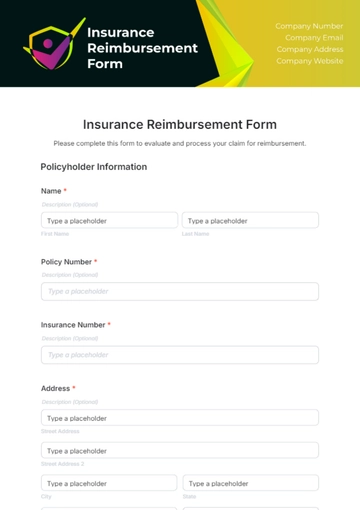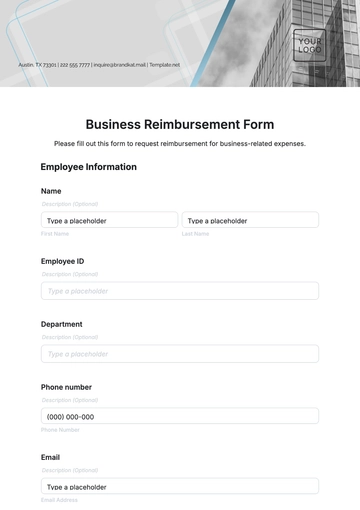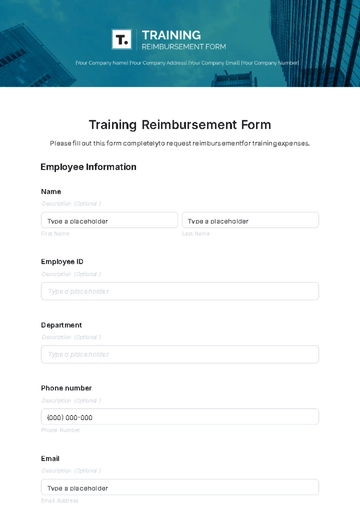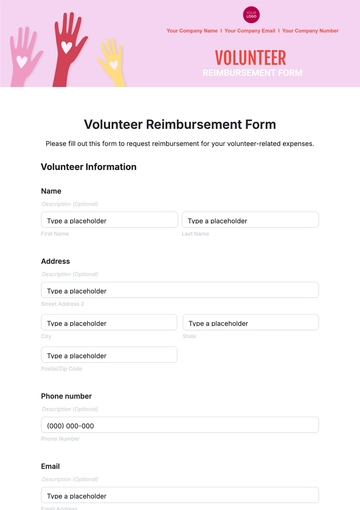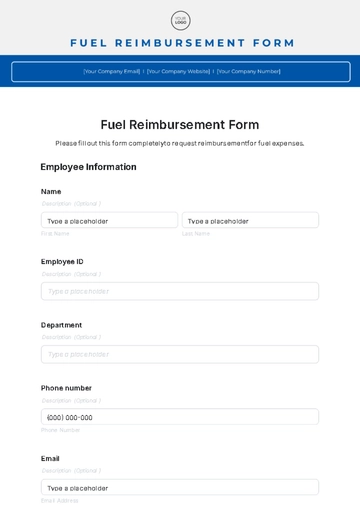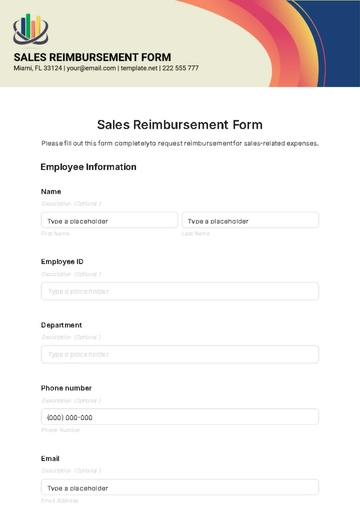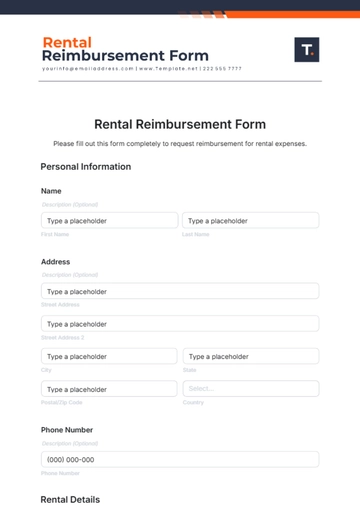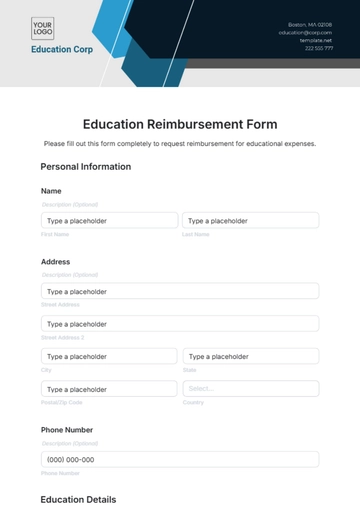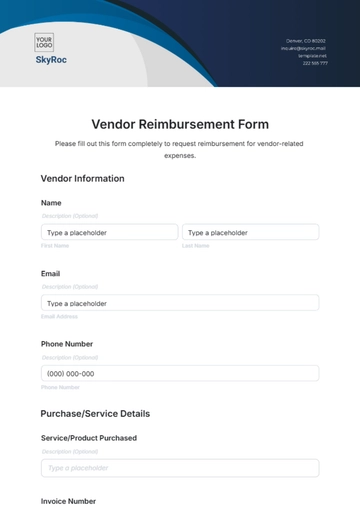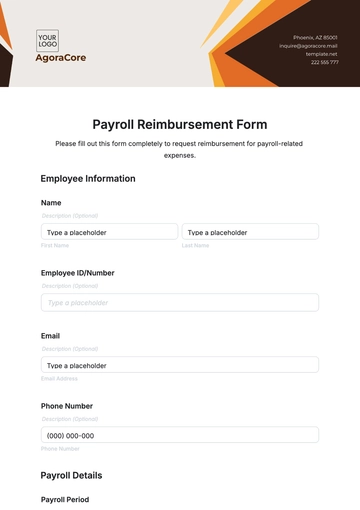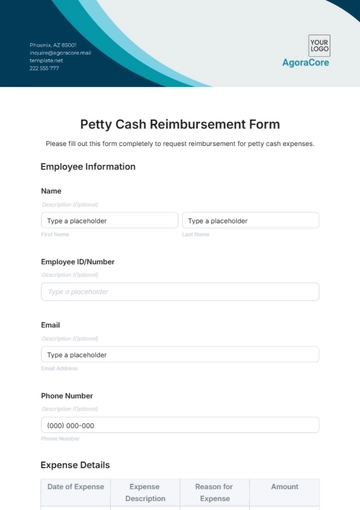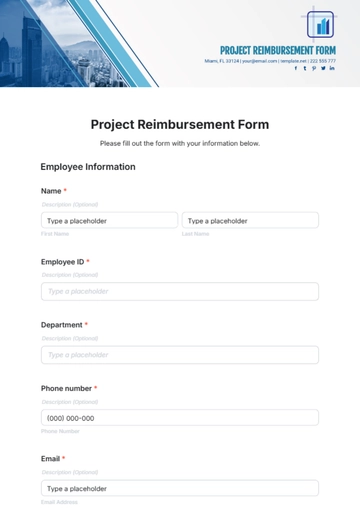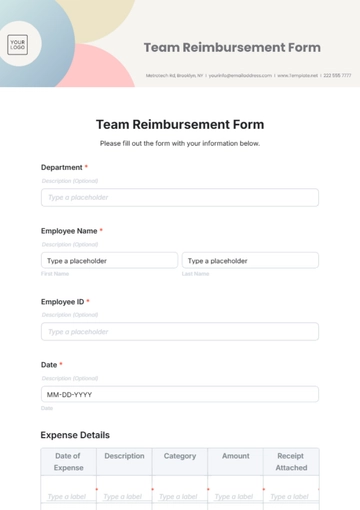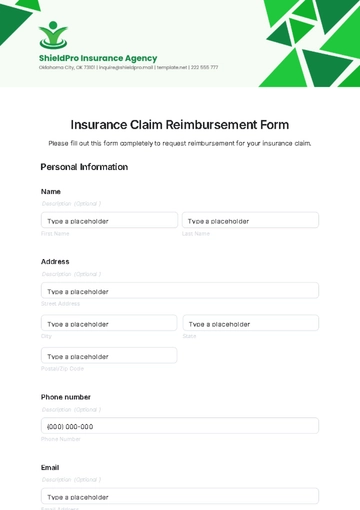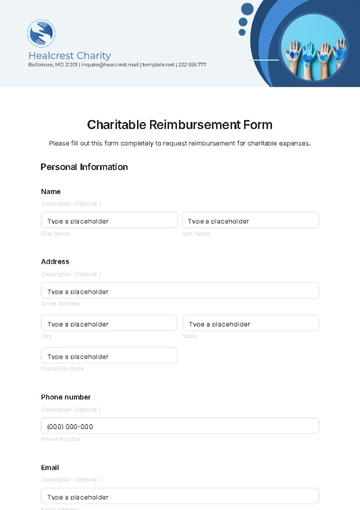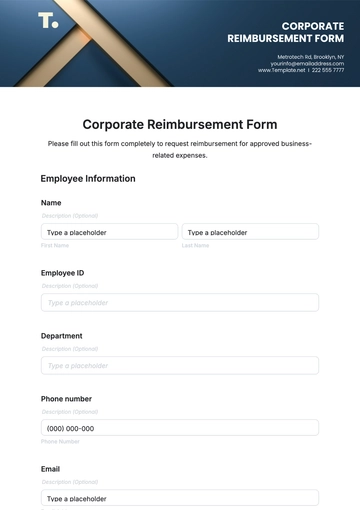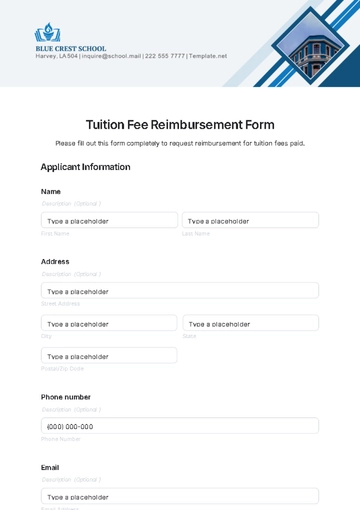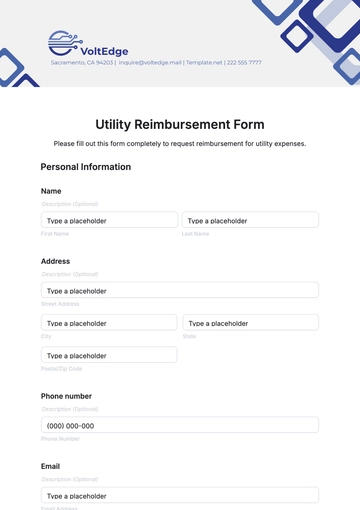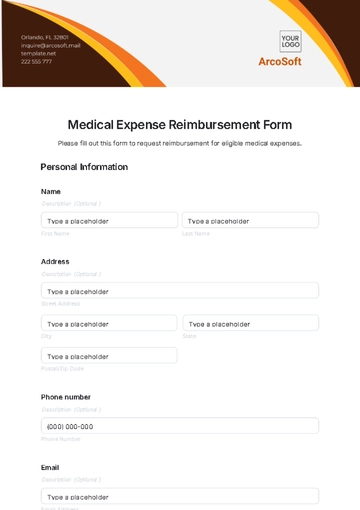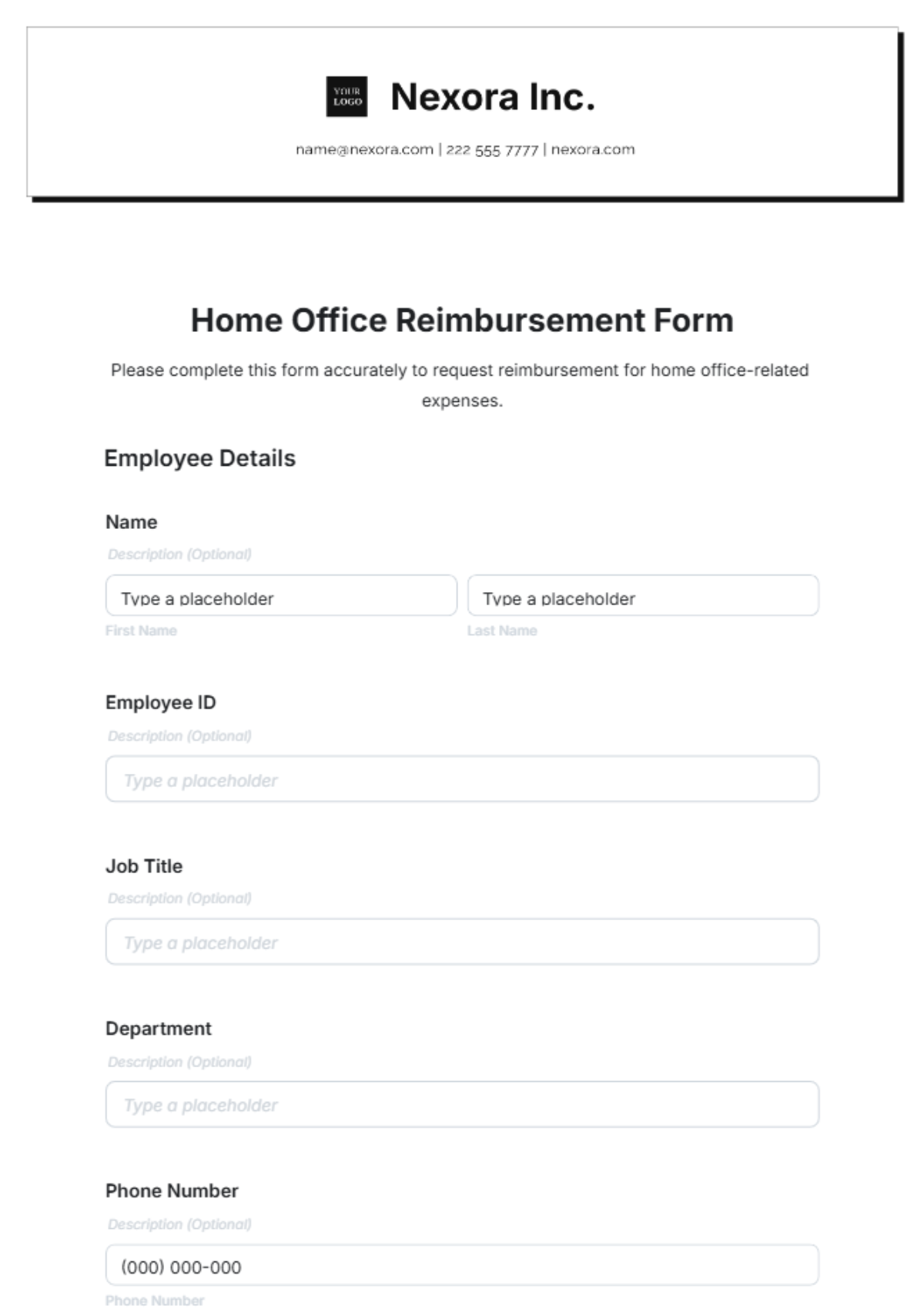
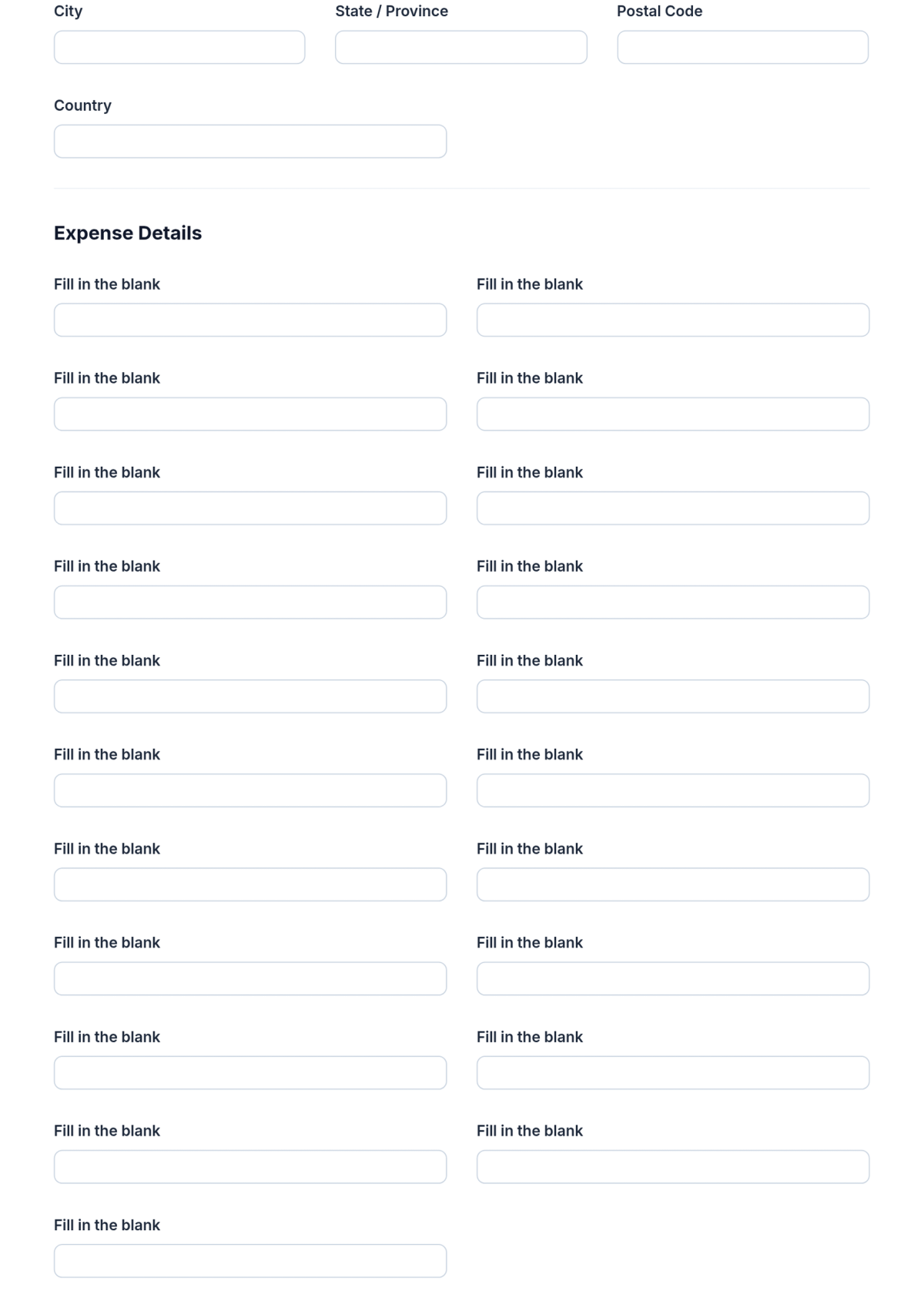
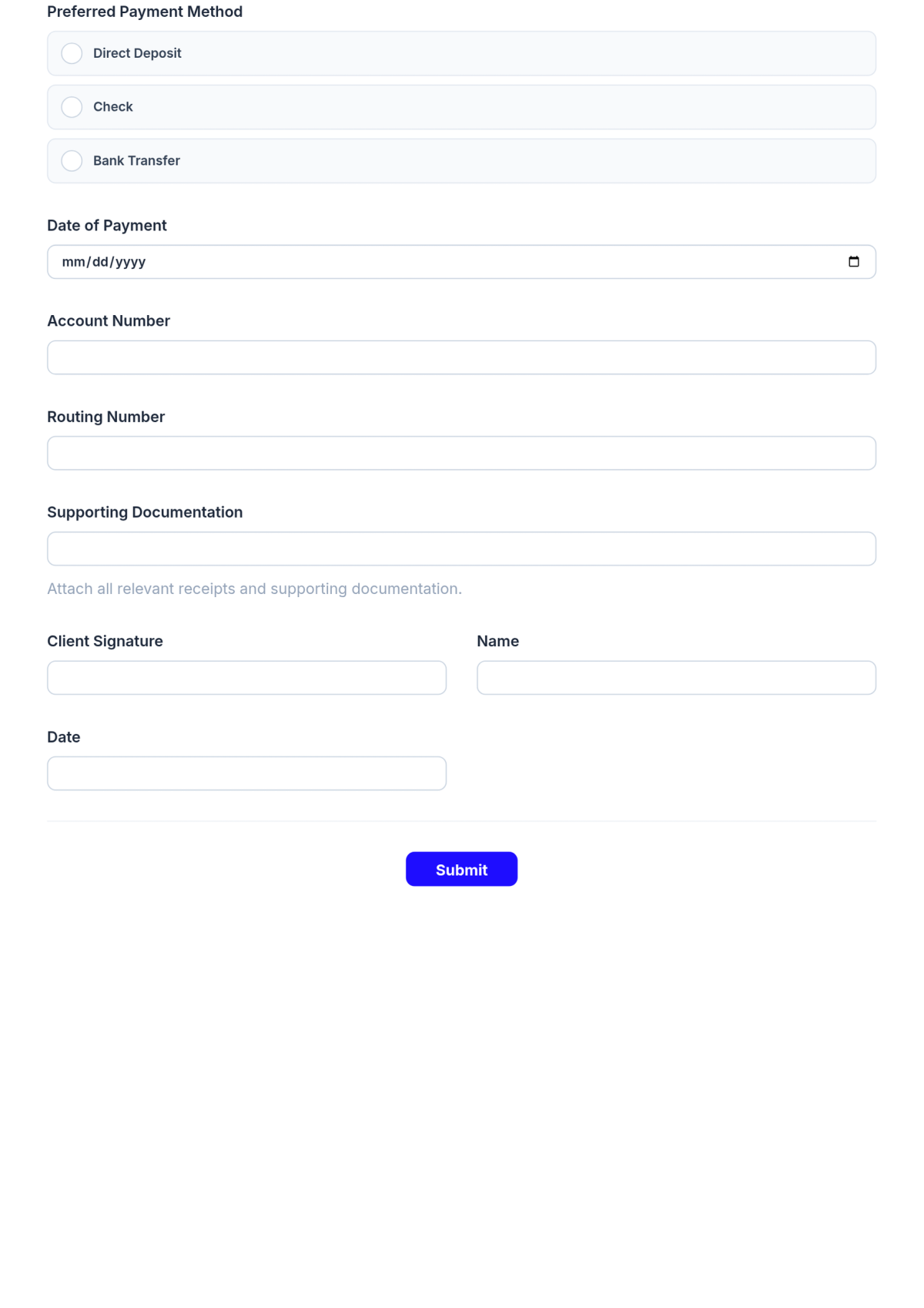
A Home Office Reimbursement Form is an interactive HTML5 document used to record expenses and reimbursements for home office setups, made for employees, employers, and accountants managing remote work costs.

How to Create a Home Office Reimbursement Form for Free?

Creating a professional Home Office Reimbursement Form takes just a few minutes.
  1. Customize a Free Template
    Start with this free editable, fillable, and printable Home Office Reimbursement Form template and personalize it online for your company, employee, or remote work tax needs.
  2. Generate an On-Brand Home Office Reimbursement Form with AI
    Describe the form you need and AI will build the actual editable and fillable Home Office Reimbursement Form with custom fields, expenses categories, and reimbursement options ready to use.
  3. Edit in the HTML5 Editor
    Adjust every detail including your company logo, employee details, expense items, reimbursement rates, and layout in the drag-and-drop HTML5 editor.
  4. Download a Printable PDF
    Download your completed Home Office Reimbursement Form as a printable PDF to provide physical copies or for record keeping.
  5. Share a Link to Collect Forms Online
    Publish your form with a shareable link to gather Home Office Reimbursement submissions online from employees or contractors.

Free Home Office Reimbursement Form Template & AI builder

By Template.net


Use this AI Template

Describe the form you want to build

Free Template - Edit & Download in jpg, png, pdf, png transparent, svg background, svg transparent, webp, bmp, tiff, html, PowerPoint, Google Slides, Word, Google Docs

Form Builder