
Free Drawing Templates


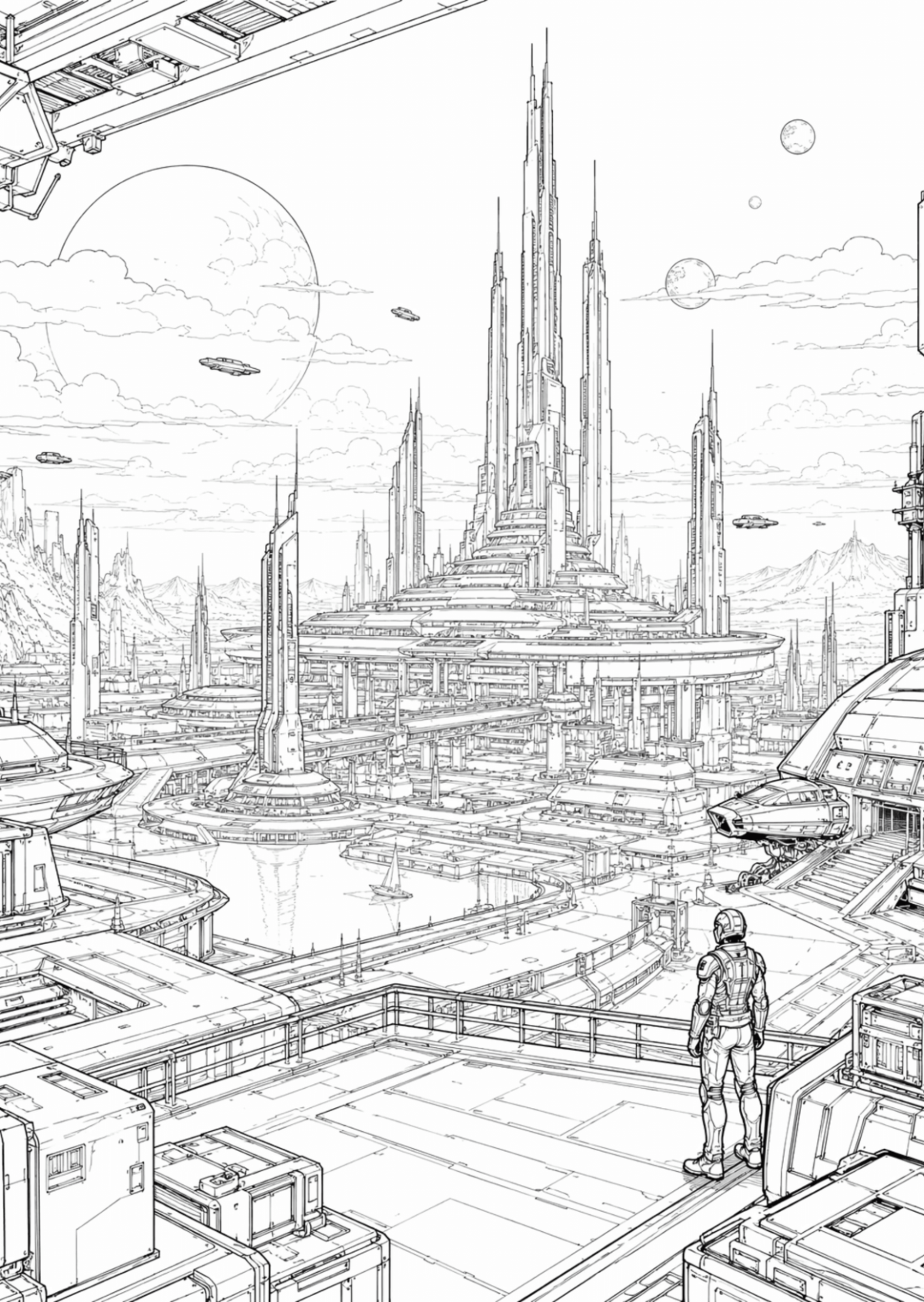









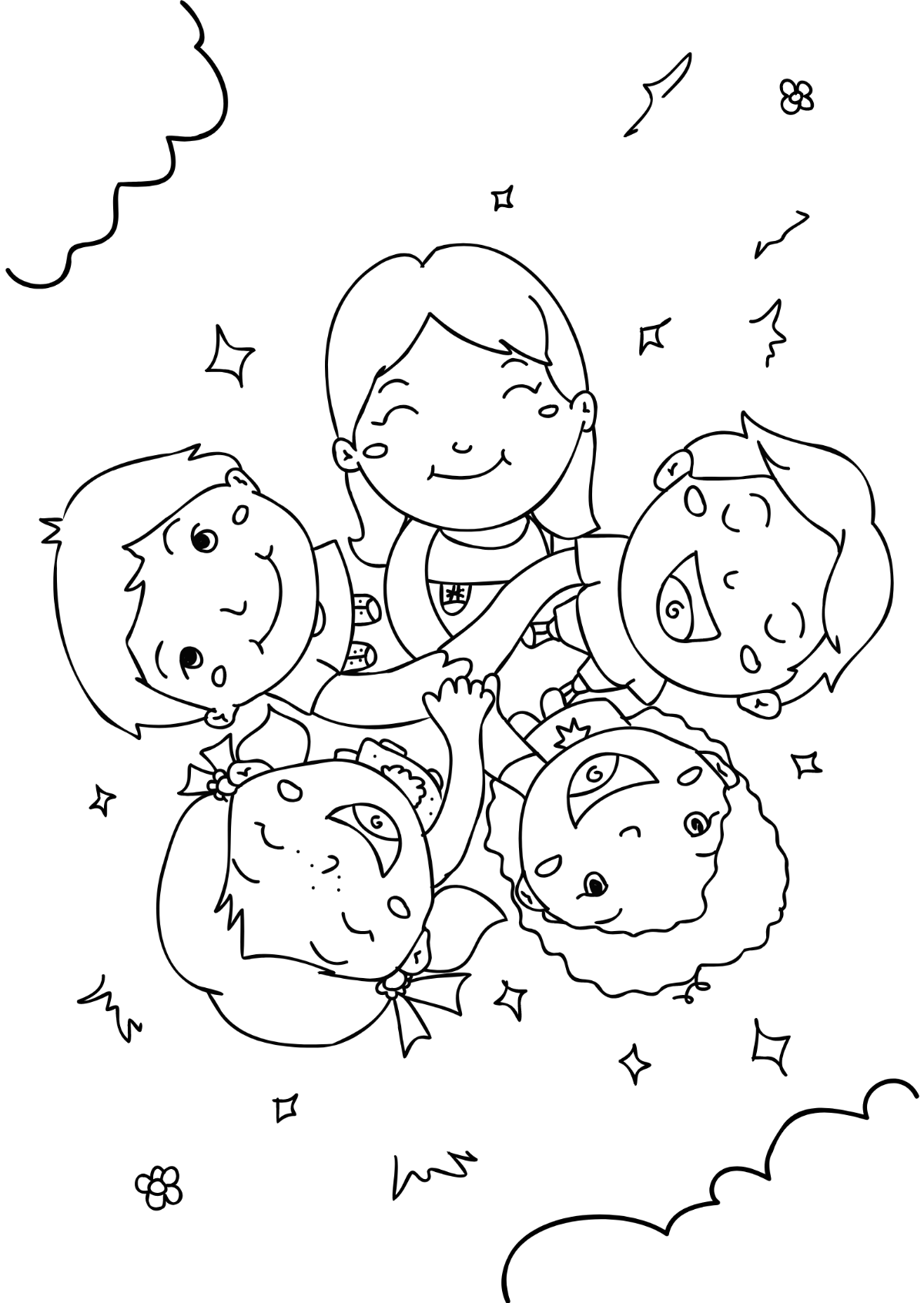

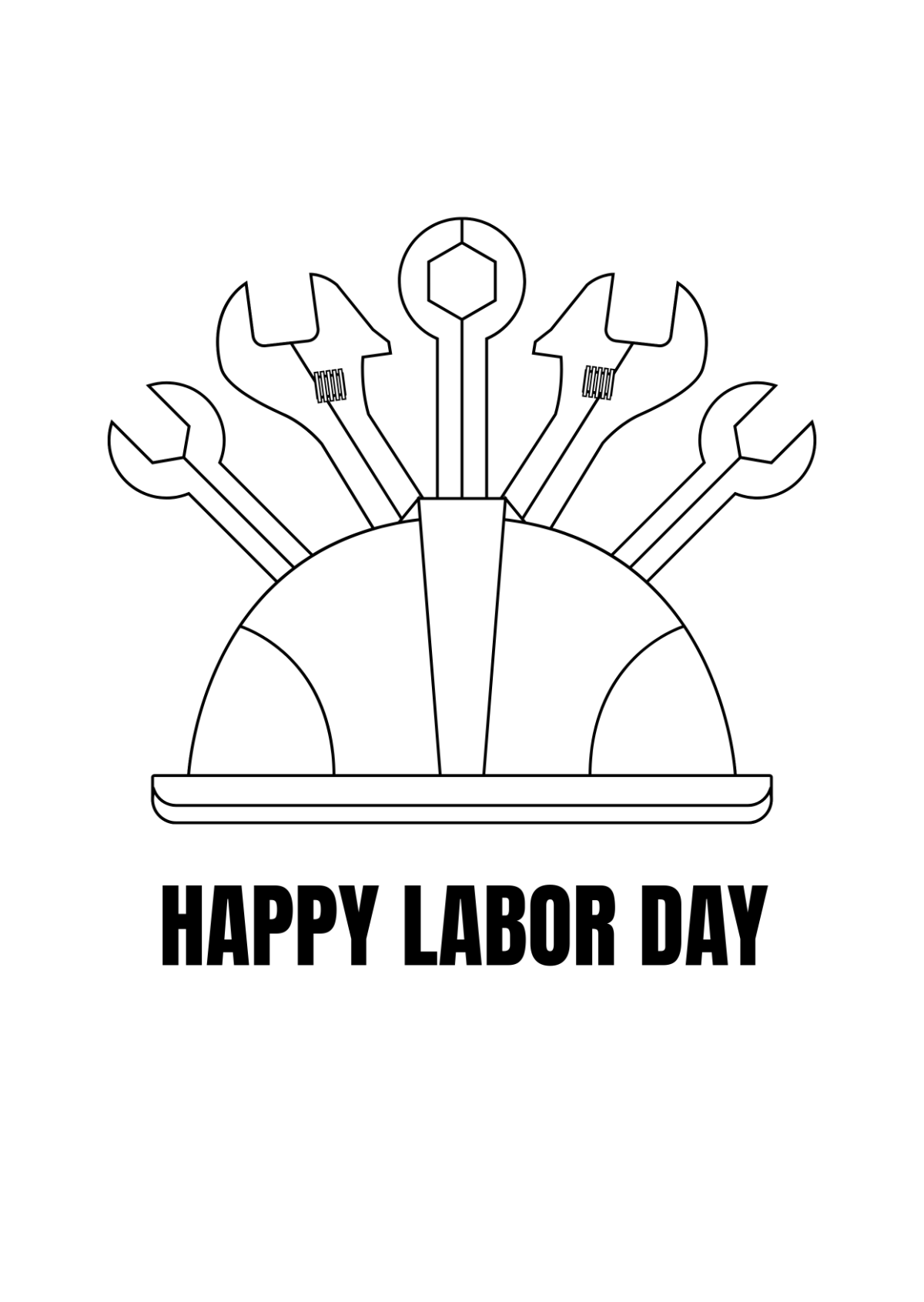

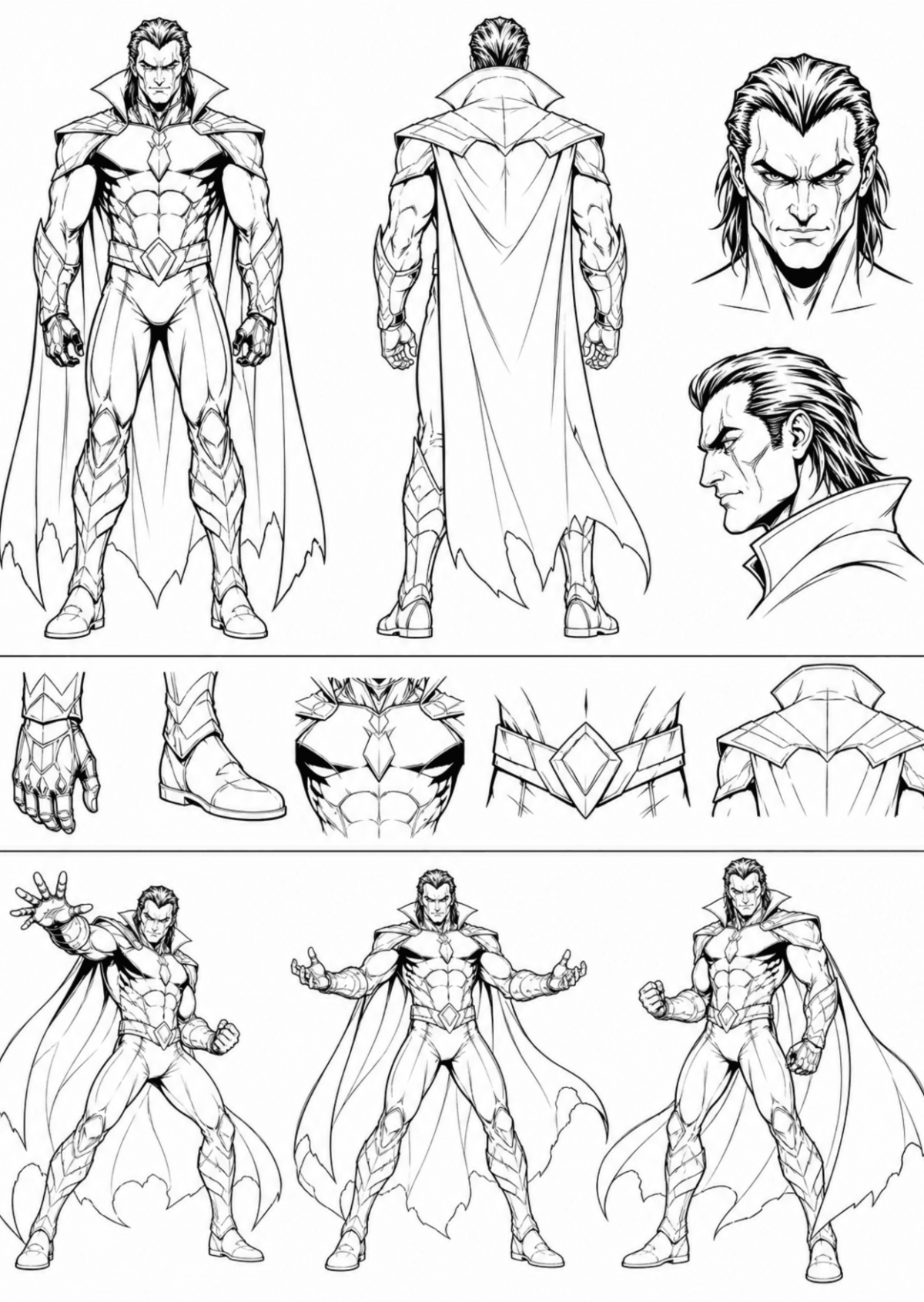



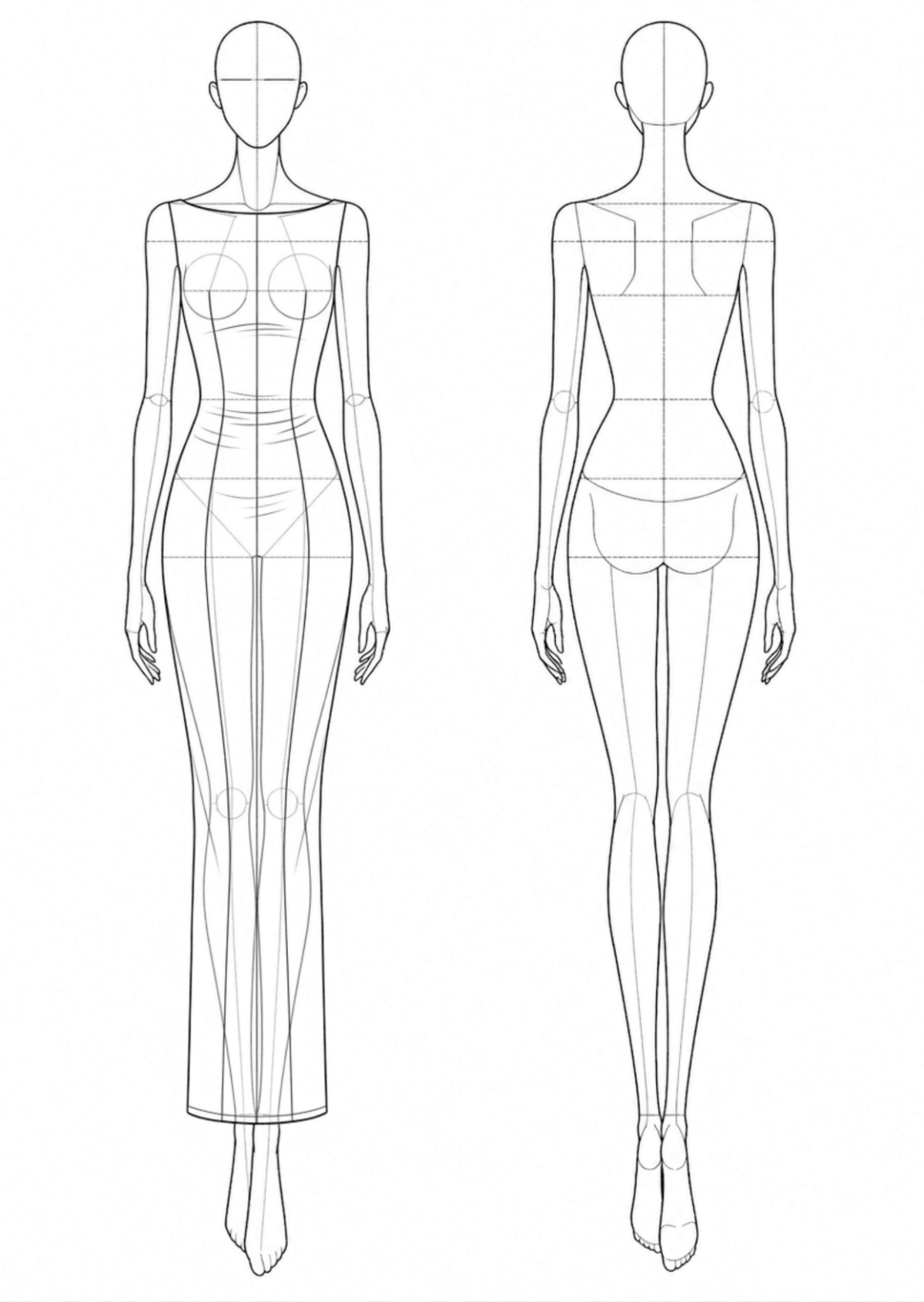





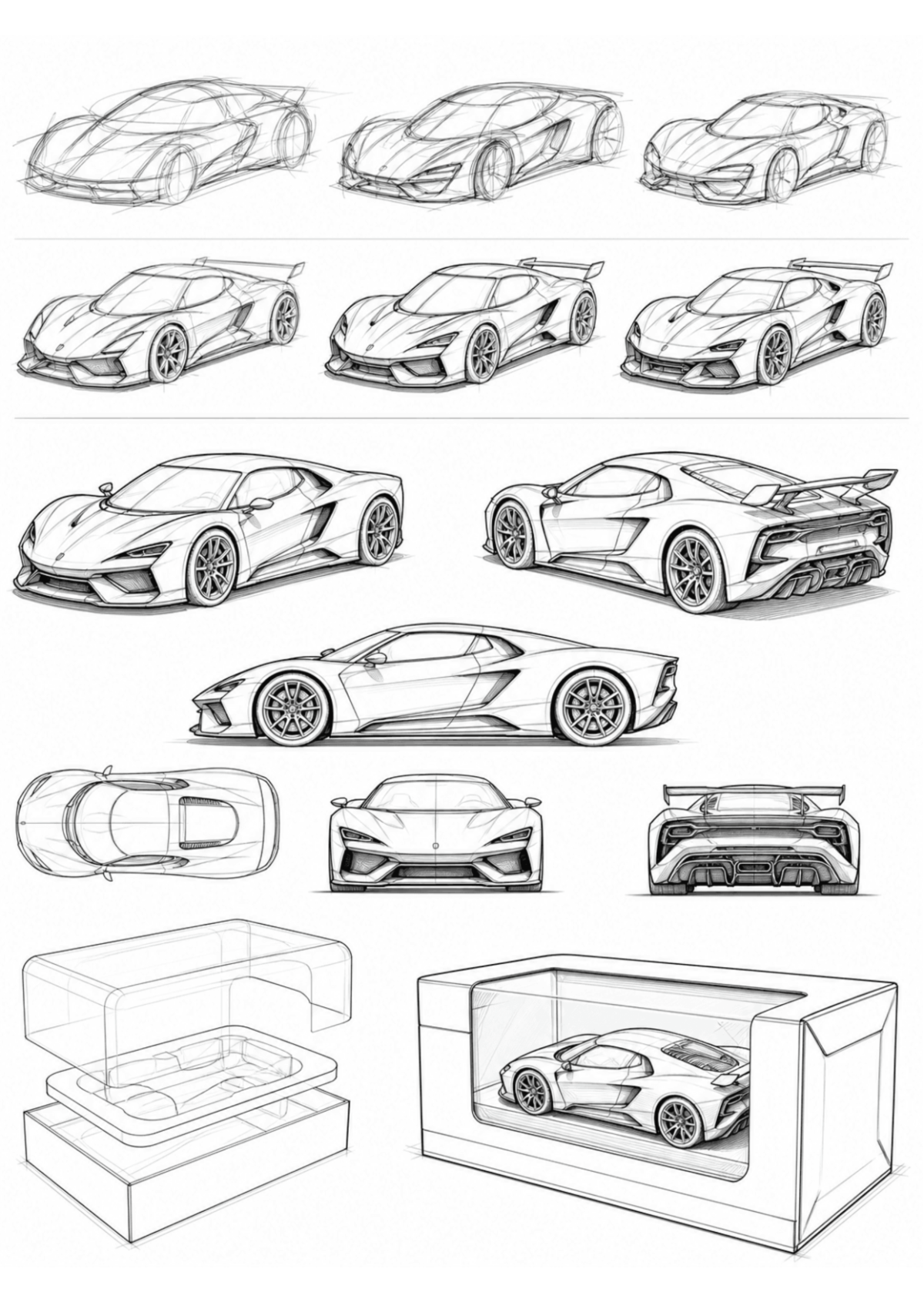


















Free Drawing Templates: Customizable Guide, Uses, and Download Formats
What is a Drawing?
Drawing is a visual representation or design created to communicate ideas, plans, or artistic concepts in a printable format. Drawings are often used in professional and creative contexts to illustrate technical details, artistic visions, or project plans.
Why should I use a Drawing?
Using a Drawing helps you convey complex information visually, making ideas easier to understand and share. Customizable Drawing templates enable you to create professional-quality designs efficiently without starting from scratch.
Who uses Drawing?
Drawing is used by professionals such as architects, engineers, designers, educators, and artists who require clear visual communication. It is also useful for students and hobbyists who want to create detailed and printable design documents.
What are the best tips for completing my Drawing?
When completing a Drawing, focus on clarity, accuracy, and consistent style. Use layers and labels to organize elements, choose appropriate scales or sizes, and proofread details to ensure the design meets its intended purpose.
Can I create a Drawing using AI?
You can create a Drawing using AI tools available on Template.net, such as the Drawing Generator, which assists in generating customizable drawings online.
What file formats can I download for my Drawing?
Template.net provides customizable Drawing templates that you can download in multiple file formats including Word, Google Docs, PDF, and PSD.
What are the essential elements of a Drawing?
Essential elements of a Drawing include a title block, scale indicator, legend for symbols, detailed annotations, and clear line work. These components ensure the drawing is informative and easy to interpret.
How is Drawing used in professional workflows?
Drawing is used in professional workflows to communicate design concepts, technical specifications, and project plans clearly and accurately. Editable templates streamline collaboration and revisions among teams.
What are common use cases for Drawing templates?
Common use cases for Drawing templates include architectural plans, engineering schematics, educational diagrams, art projects, and business presentations requiring visual explanations.
