
Free Magazine Cover Templates





























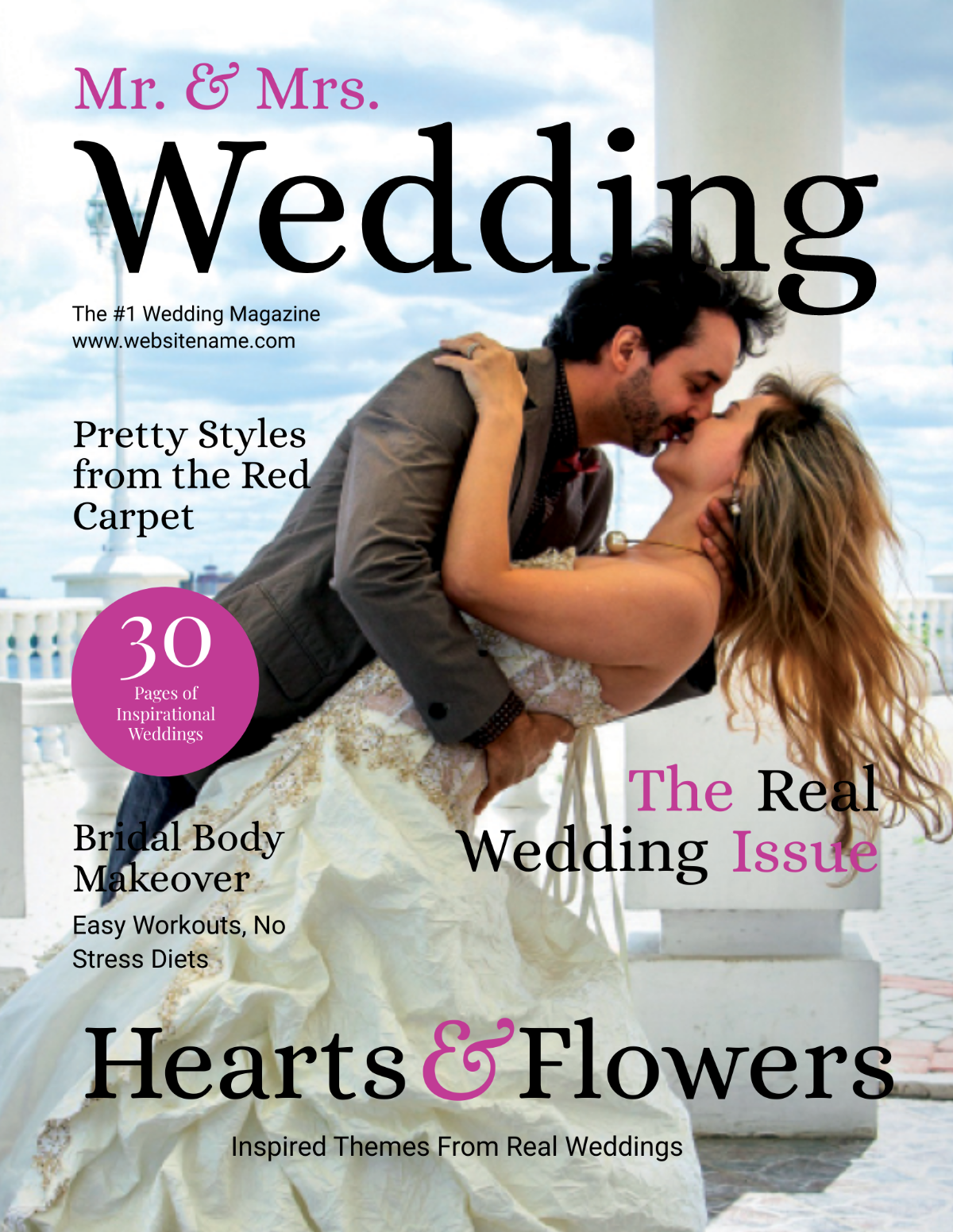


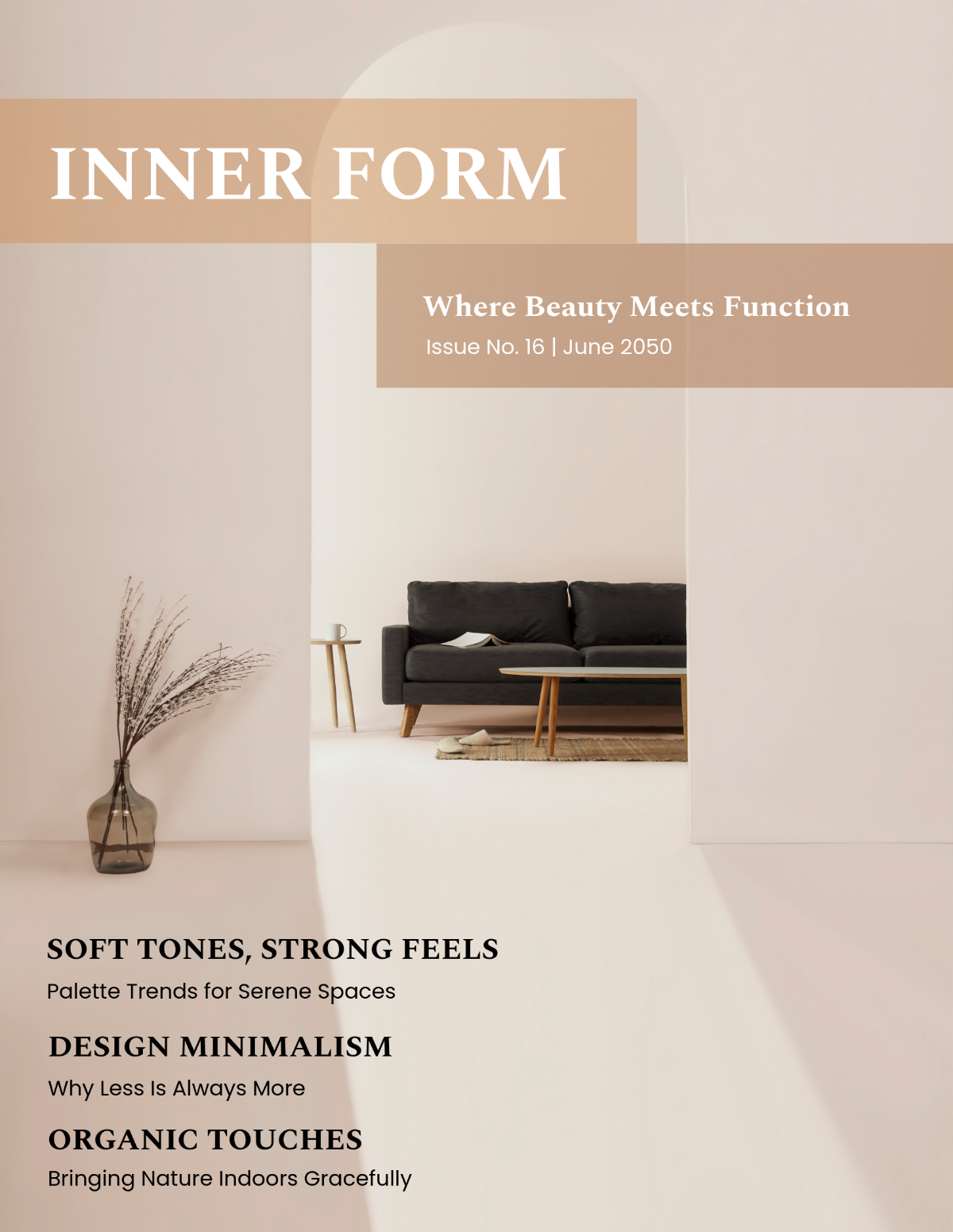
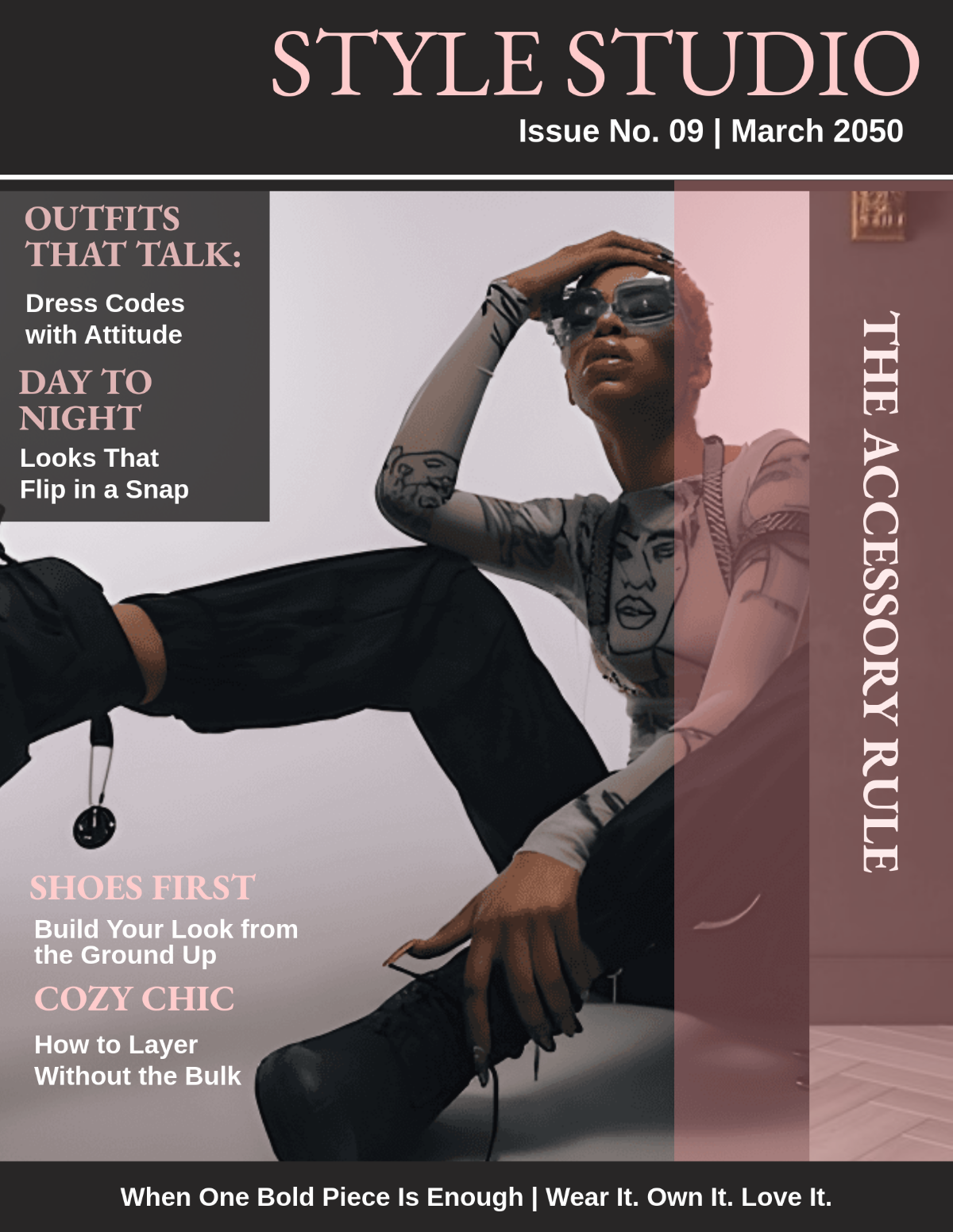
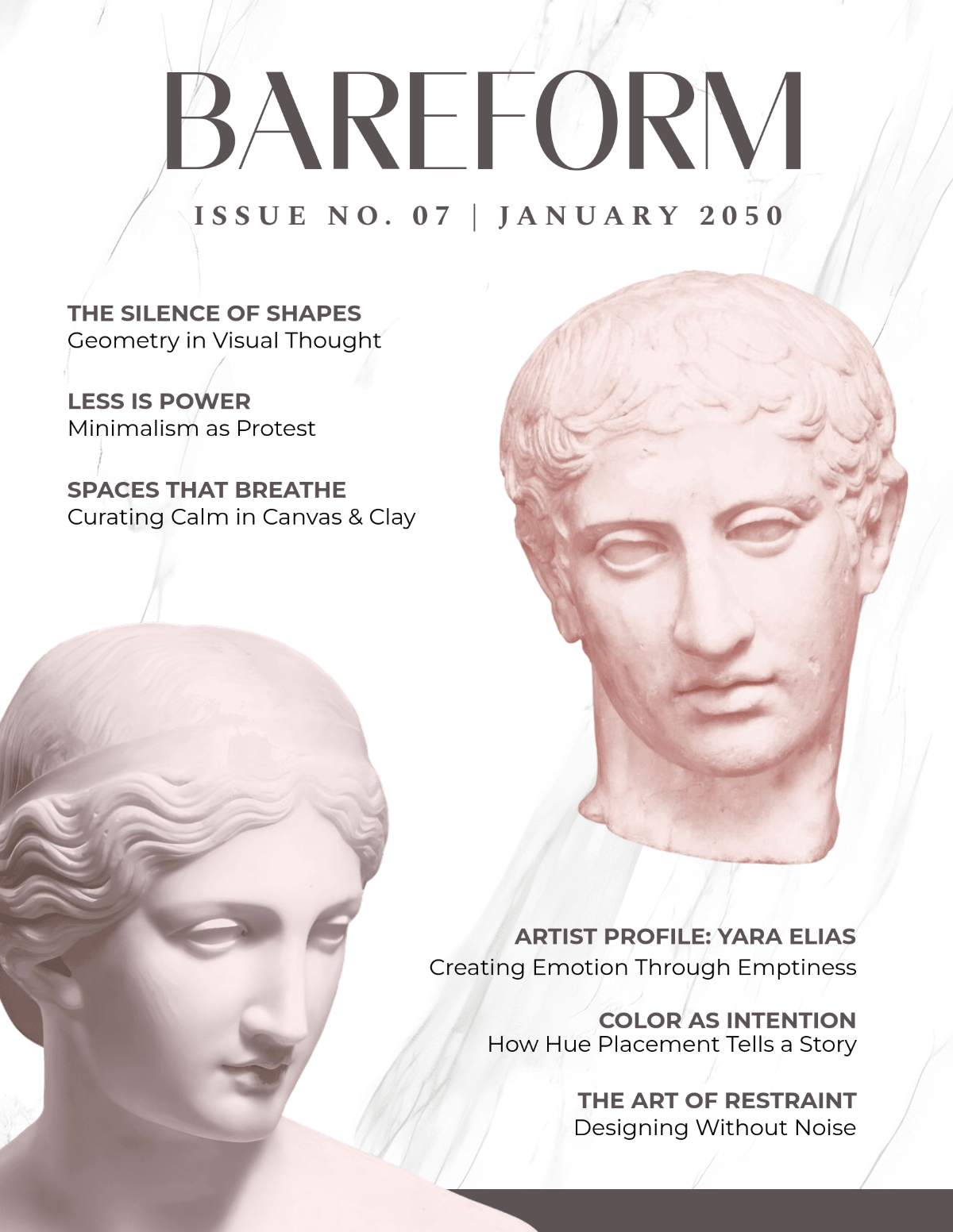



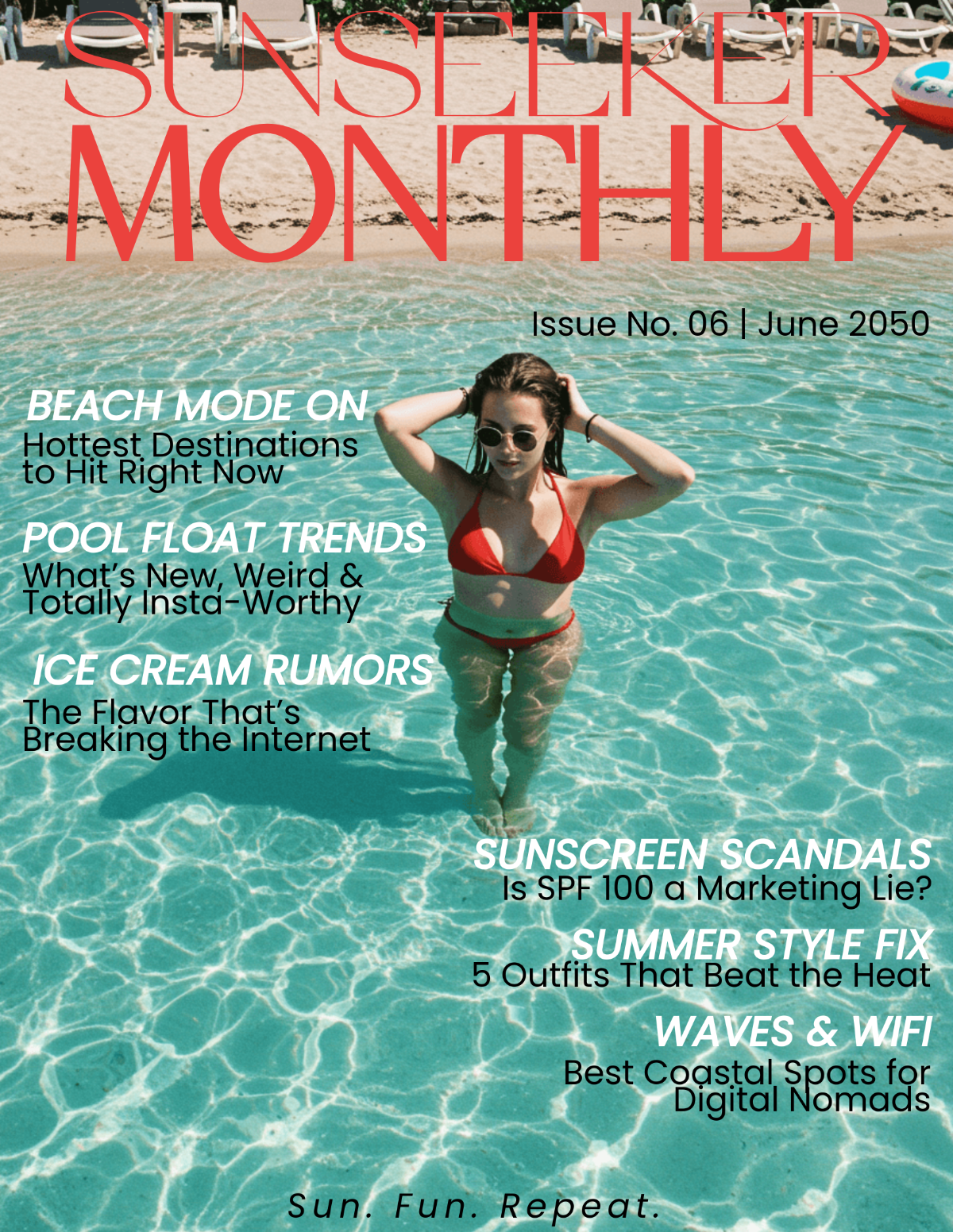



Free Magazine Cover Templates: Customizable Design Guide, Sizes, and Download Formats
What is a Magazine Cover?
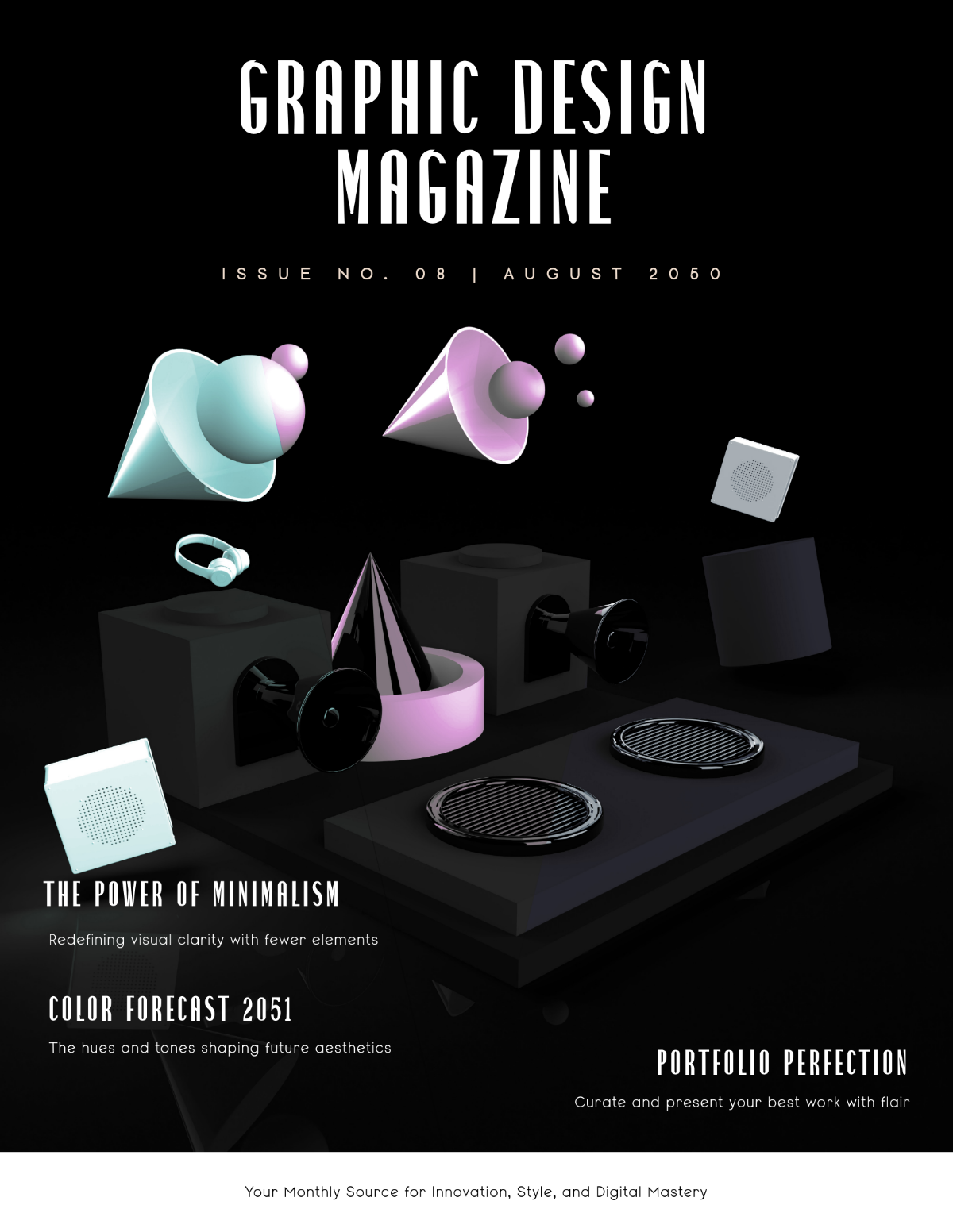
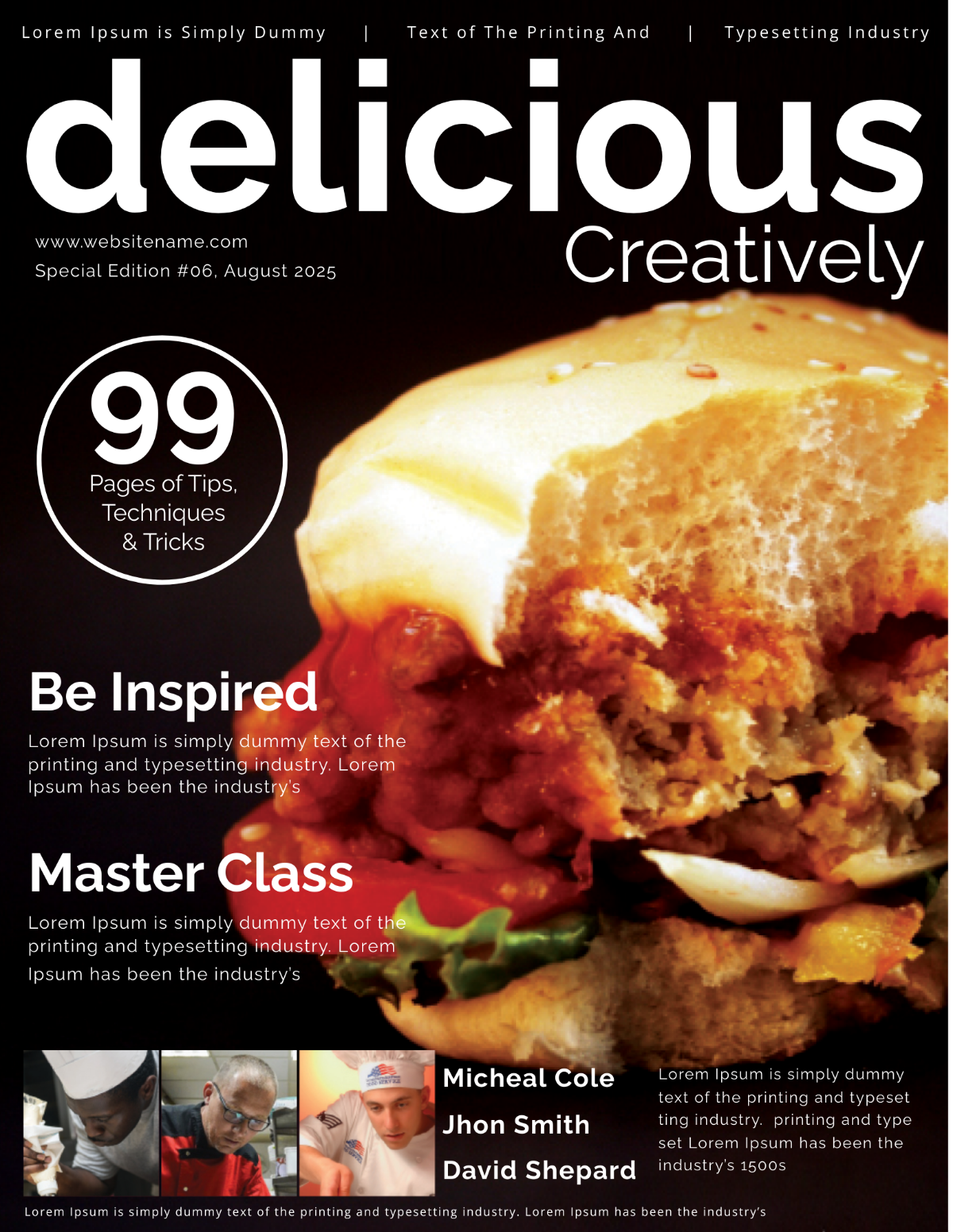
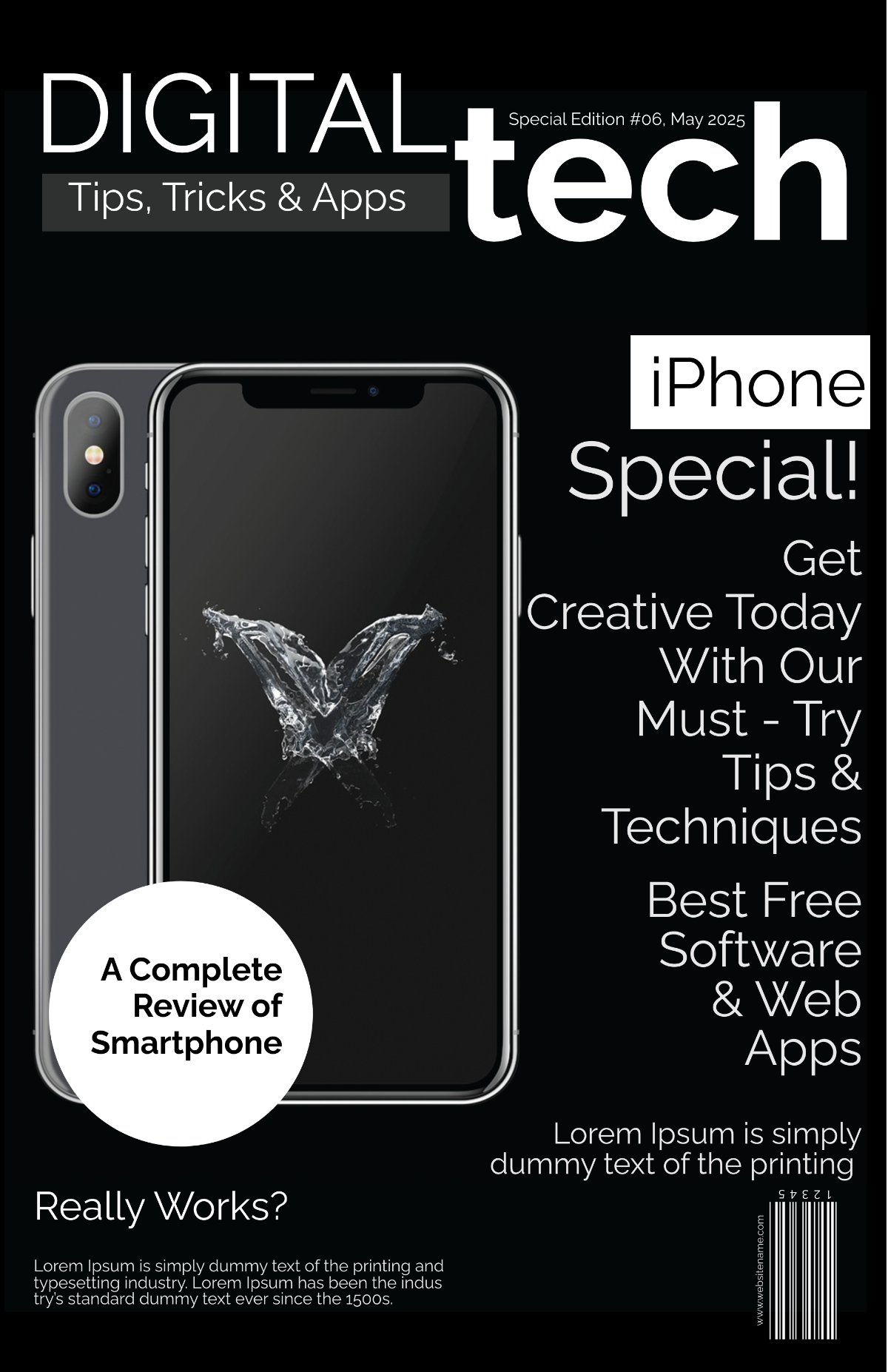
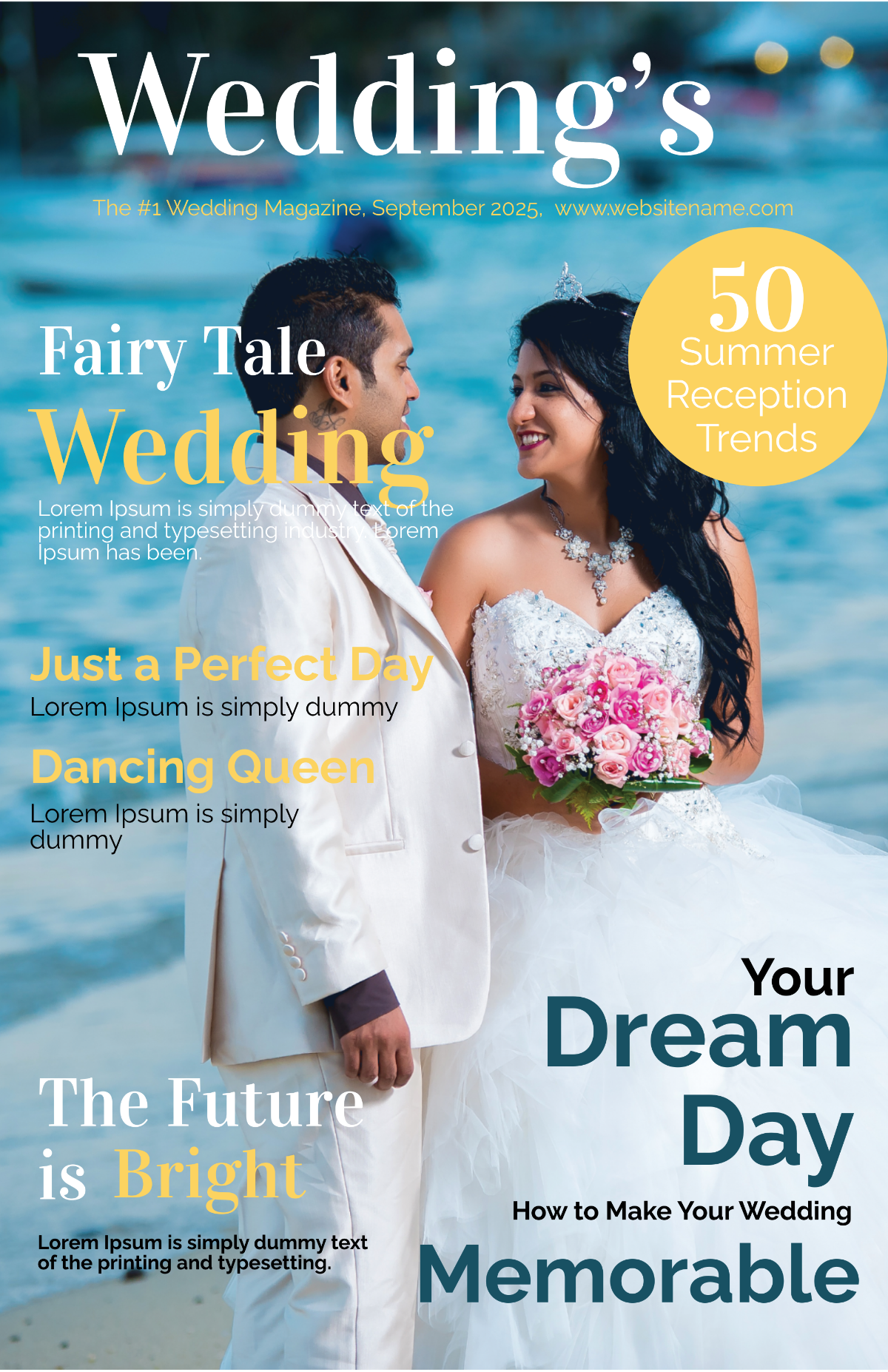
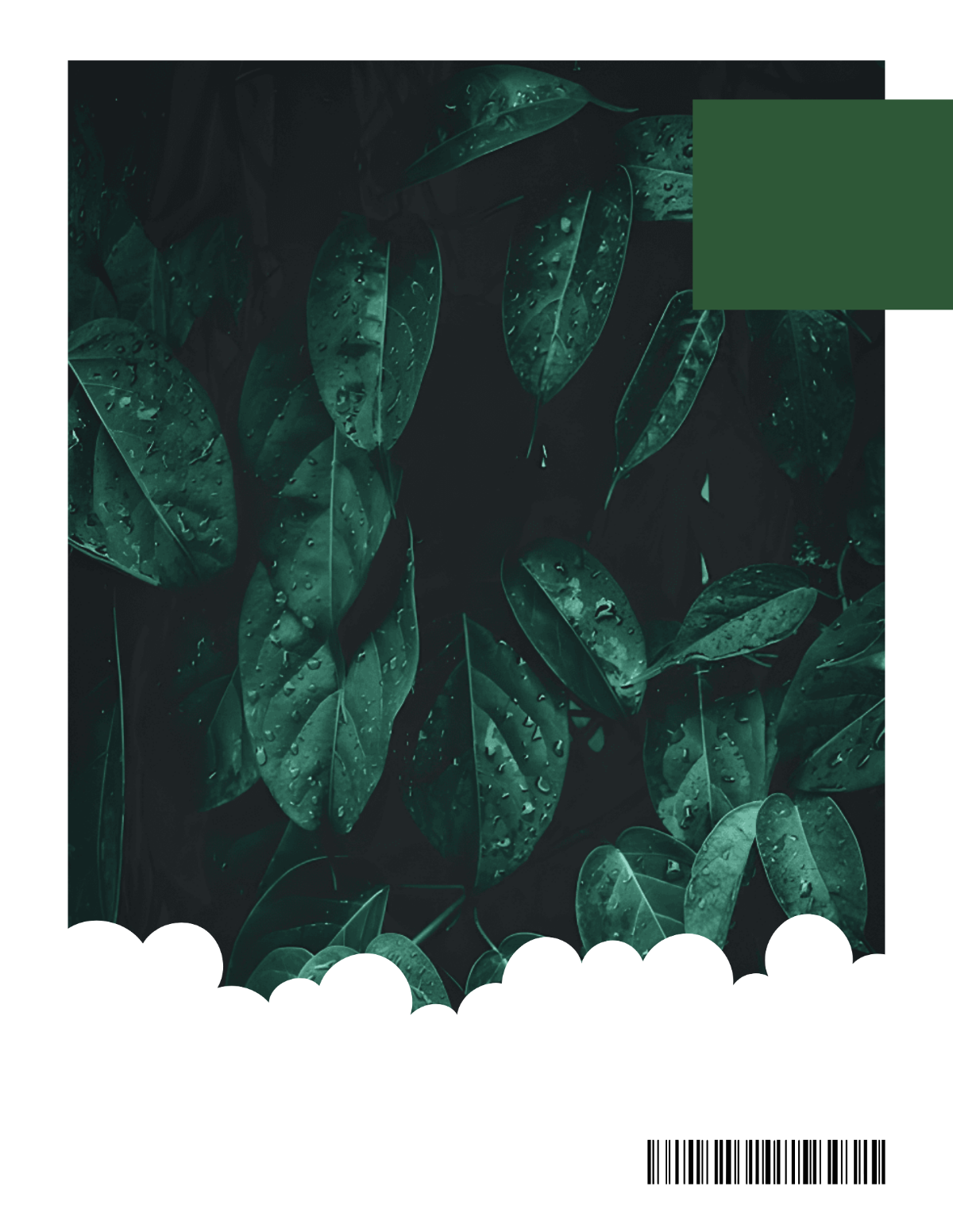
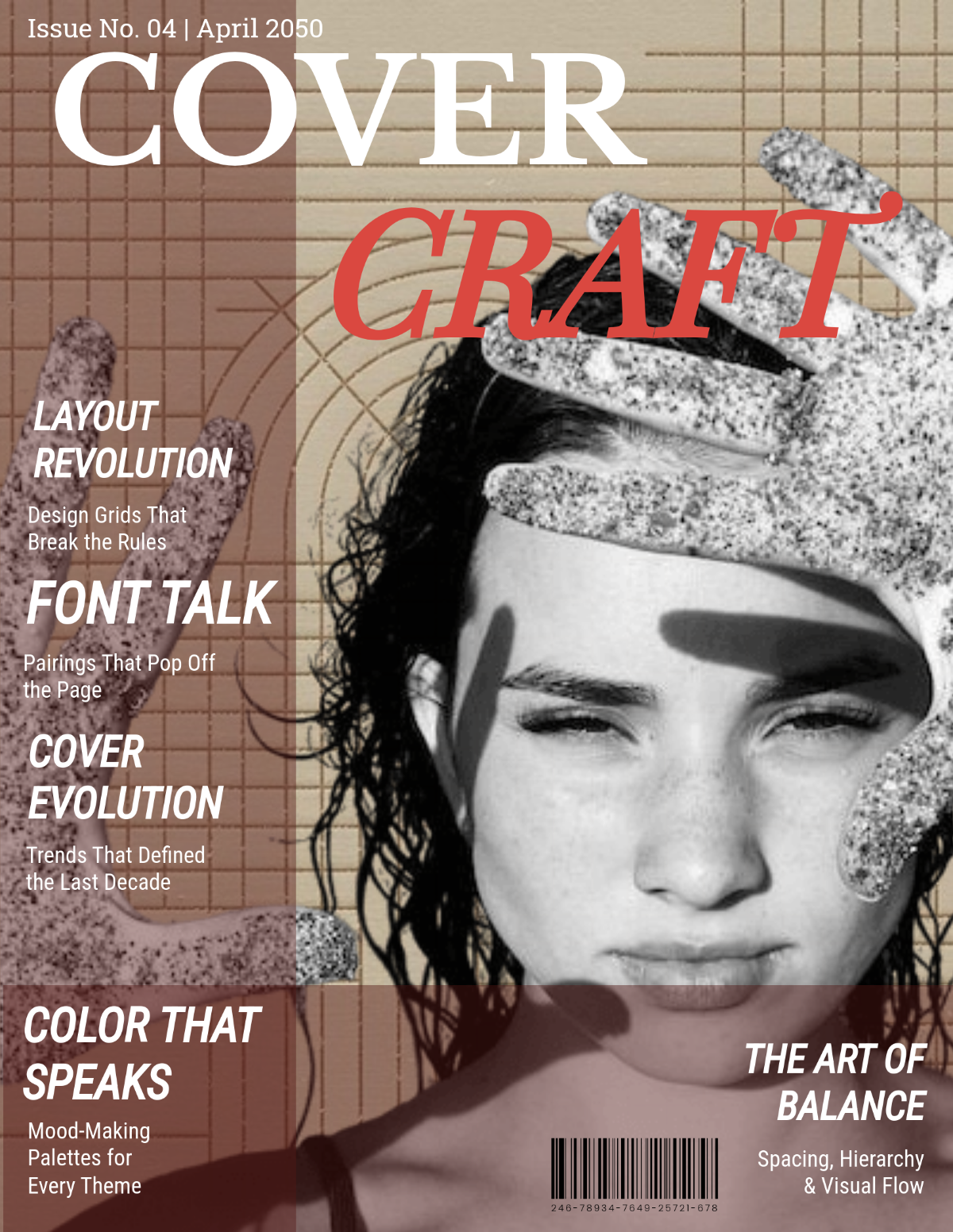
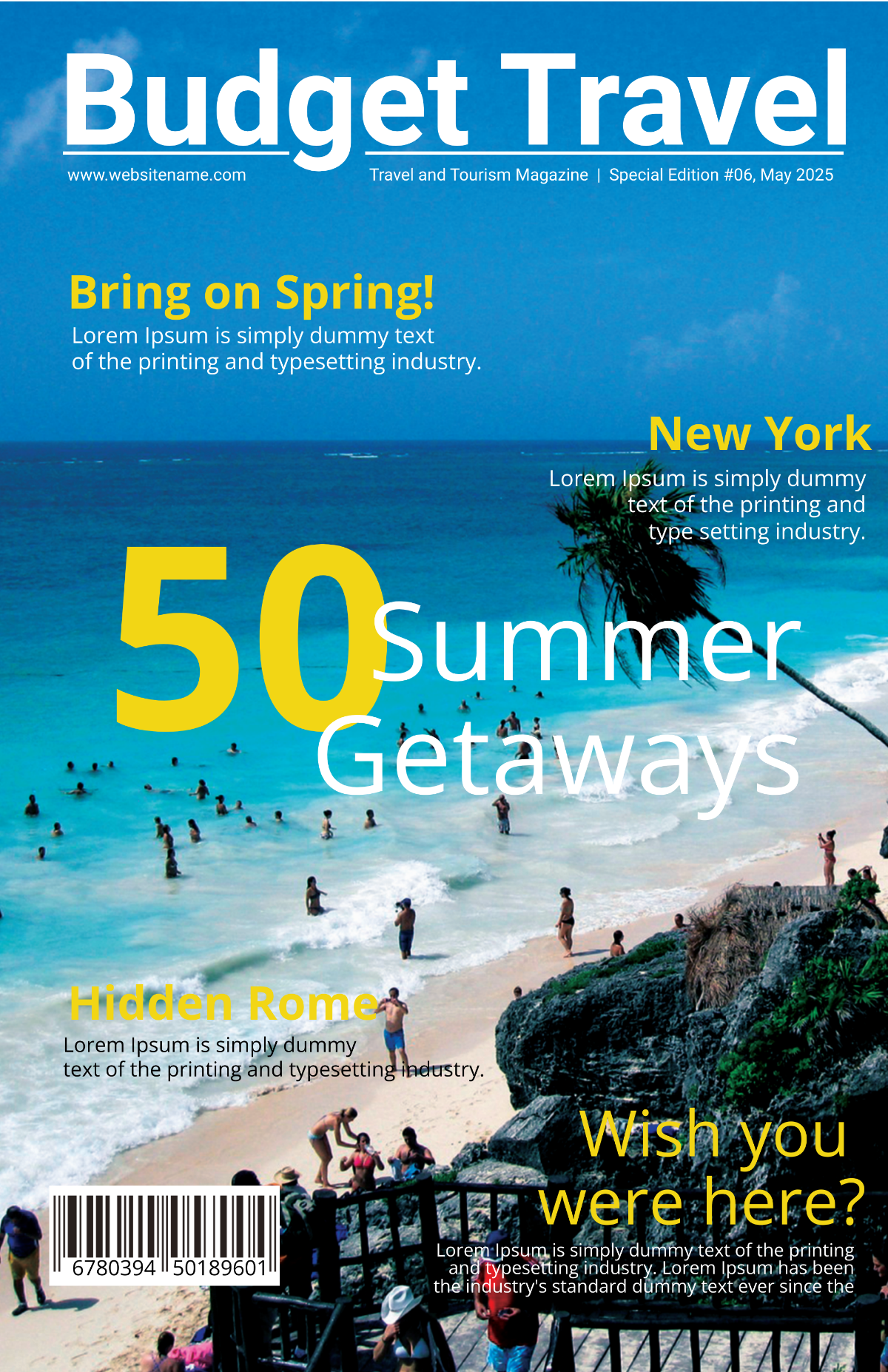
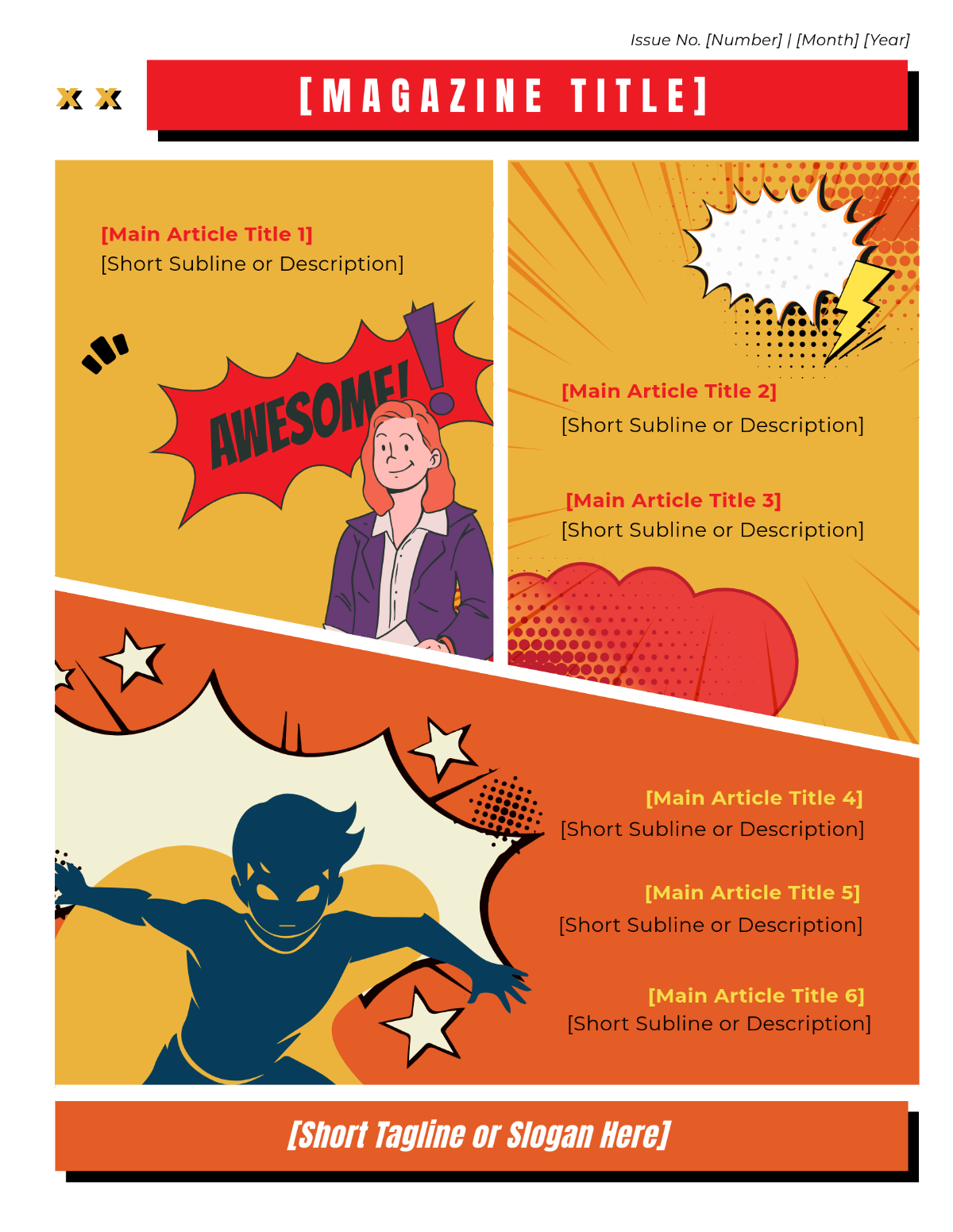
A Magazine Cover is the front page of a magazine that features key visuals, headlines, and branding elements designed to attract readers. It serves as the first impression and summary of the magazine's content using strong graphics and typography.
Why should I use a Magazine Cover?
You should use a Magazine Cover to effectively capture your audience's attention and convey the magazine's theme or main stories. A well-designed cover increases reader engagement, enhances brand recognition, and provides a professional presentation of your content.
Who uses Magazine Covers?
Magazine Covers are used by publishers, editors, graphic designers, marketers, and content creators who want to present their magazines professionally. Businesses and organizations also use magazine covers for promotional publications, newsletters, and event programs.
What are the best tips for designing my Magazine Cover?
Here are some essential tips for designing your Magazine Cover effectively:
- Use bold and readable typography to highlight headlines
- Incorporate high-quality images that relate to your content
- Maintain a balanced layout with clear visual hierarchy
- Choose a color scheme consistent with your brand
- Include engaging cover lines that attract readers
- Leave sufficient white space for clarity
- Use contrast to make important elements stand out
- Ensure alignment and grid consistency for professionalism
- Add your logo to reinforce brand identity
- Test readability both in print and digital formats
What file formats can I download for my Magazine Cover?
Templates for Magazine Covers at Template.net support multiple export formats for easy editing and sharing. You can download your magazine cover in formats like PSD, Illustrator, Word, InDesign, Apple Pages, and Publisher.
Can I create a Magazine Cover using AI?
Template.net provides an AI-powered tool capable of generating Magazine Cover designs to help you create unique covers efficiently. You can explore the AI features directly at Template.net.
What are the standard print sizes for Magazine Covers?
Magazine Covers typically follow standard print sizes to ensure compatibility with printing presses and distribution. Common sizes include:
- 8.5 × 11 inches (US Letter size)
- 8.27 × 11.69 inches (A4 size)
- 6 × 9 inches (Digest size)
- 9 × 12 inches (Standard magazine size)
- Custom sizes depending on publication needs
What visual elements should I include in my Magazine Cover?
Your Magazine Cover should include key visual elements that enhance readability and appeal. Important elements include:
- Cover image or main photo that reflects the theme
- Main headline to grab attention
- Subheadings or cover lines summarizing content
- Logo or magazine title for branding
- Barcode if for retail distribution
- Date and issue number for reference
- Color accents to support the design
- Call-to-action or teaser text
What benefits will I get by using Magazine Cover templates?
Using Magazine Cover templates offers several benefits for your publishing process:
- Time-saving with ready-made designs
- Professional quality without expert design skills
- Easy customization to fit your branding
- Consistent layout across issues
- Multiple format support for print and digital
- Improved reader engagement through attractive visuals
- Cost-effective compared to custom design
- Access to trending styles and design elements
