
Free Google Sheets Templates


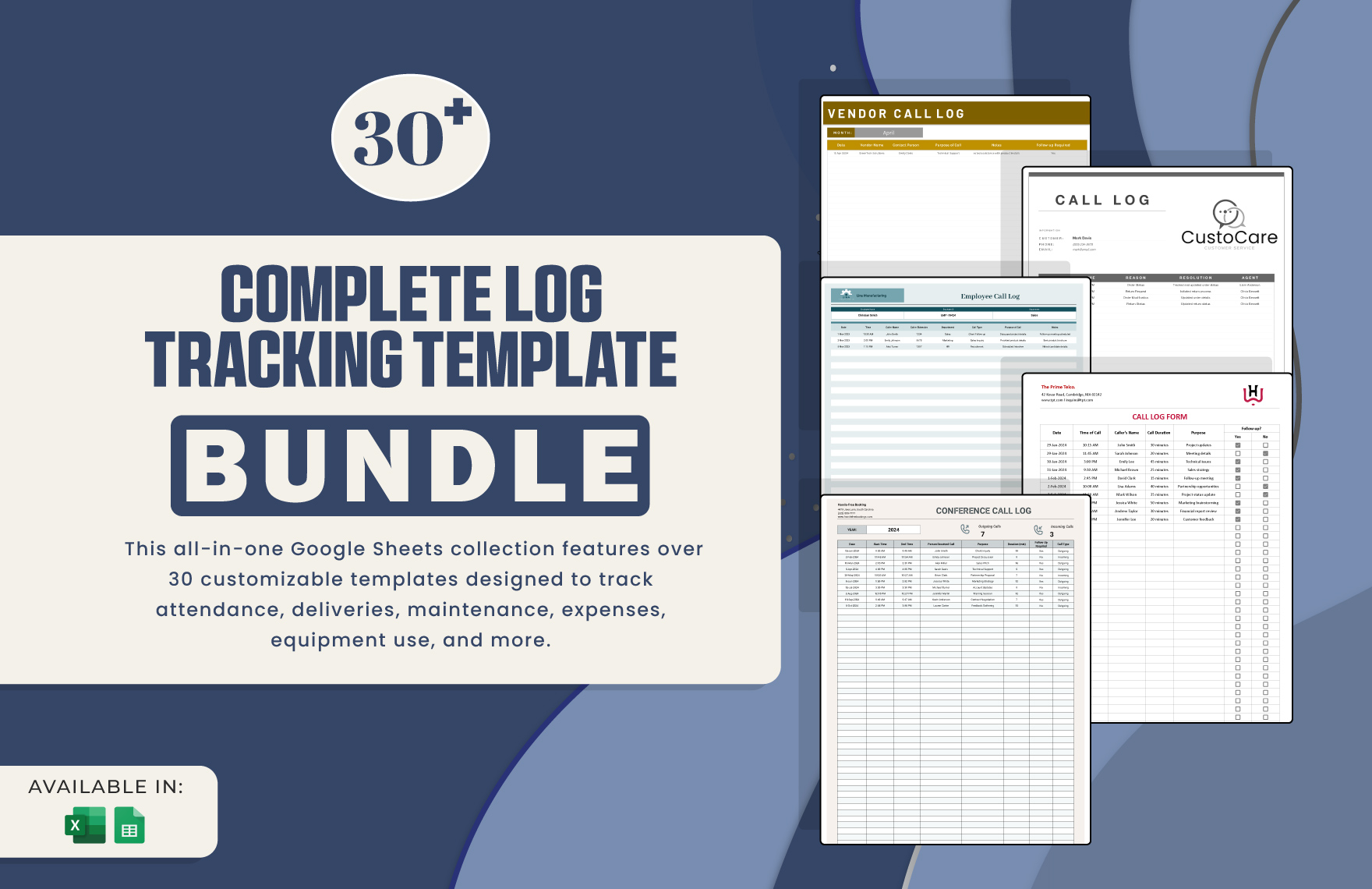
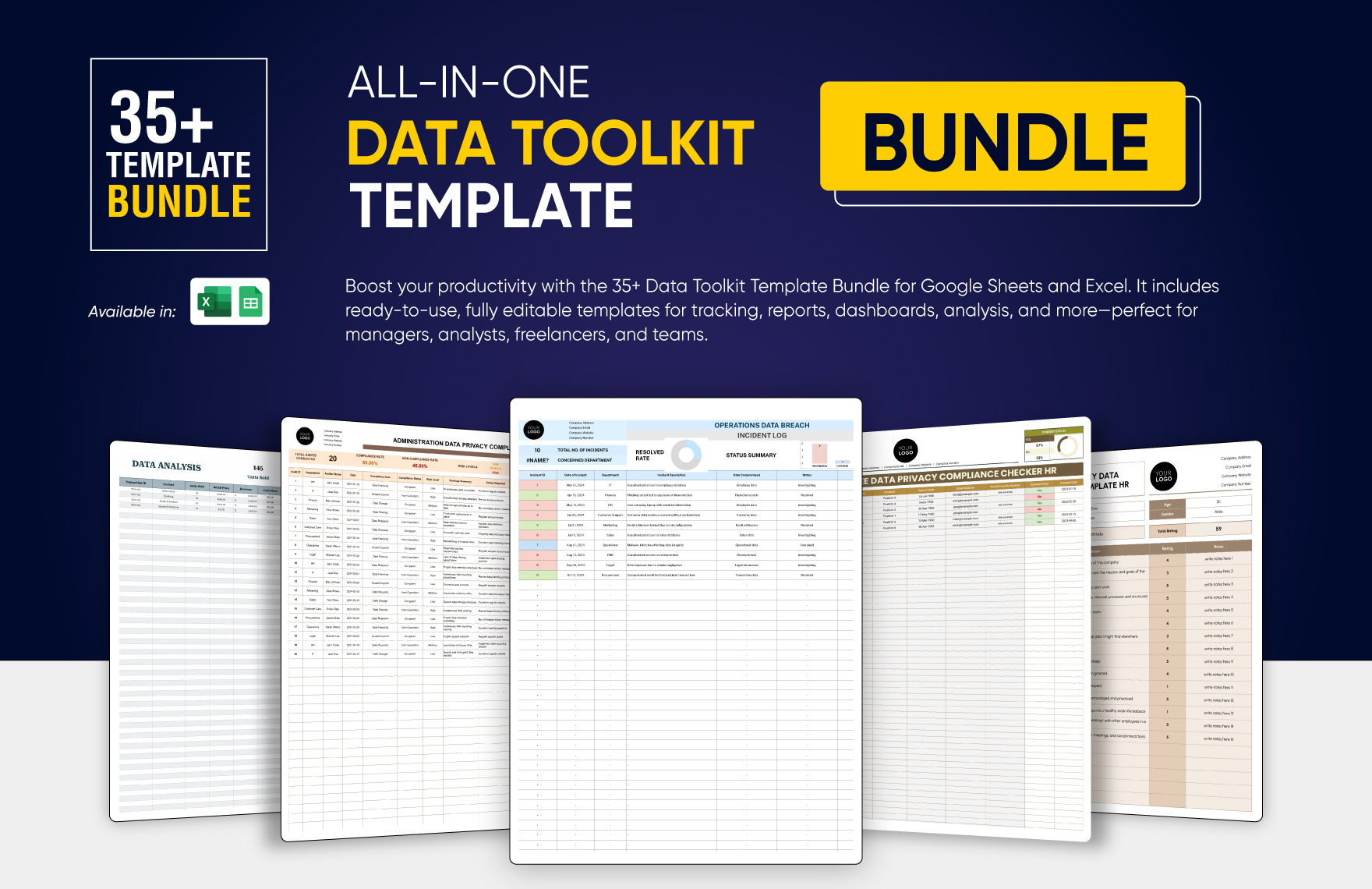
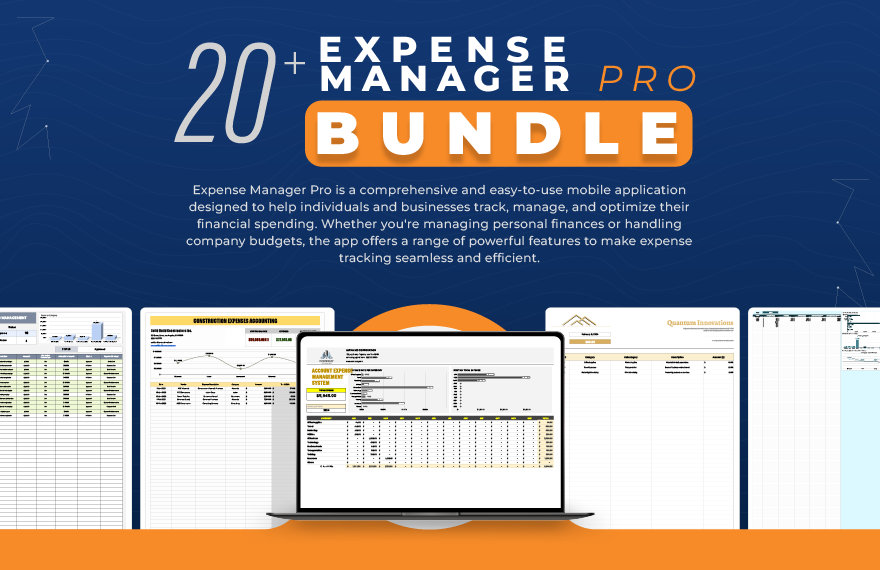
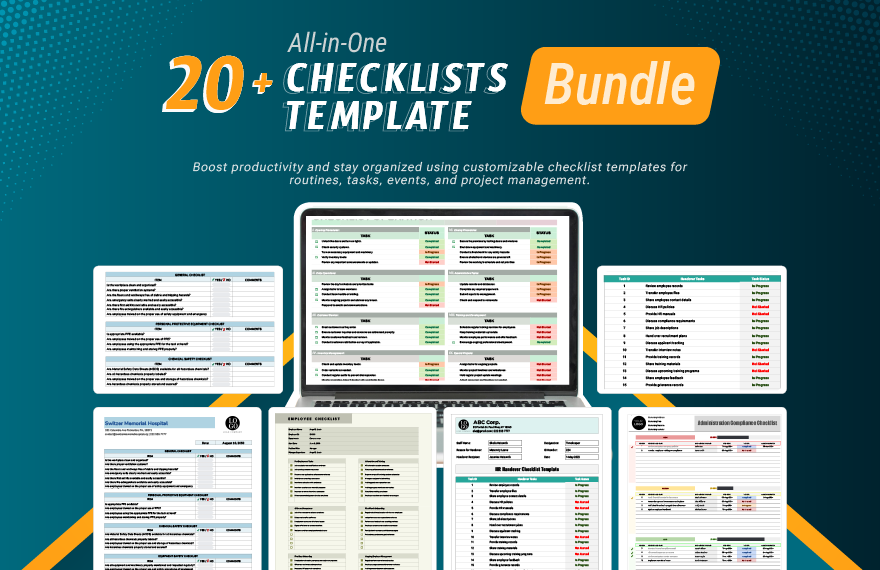

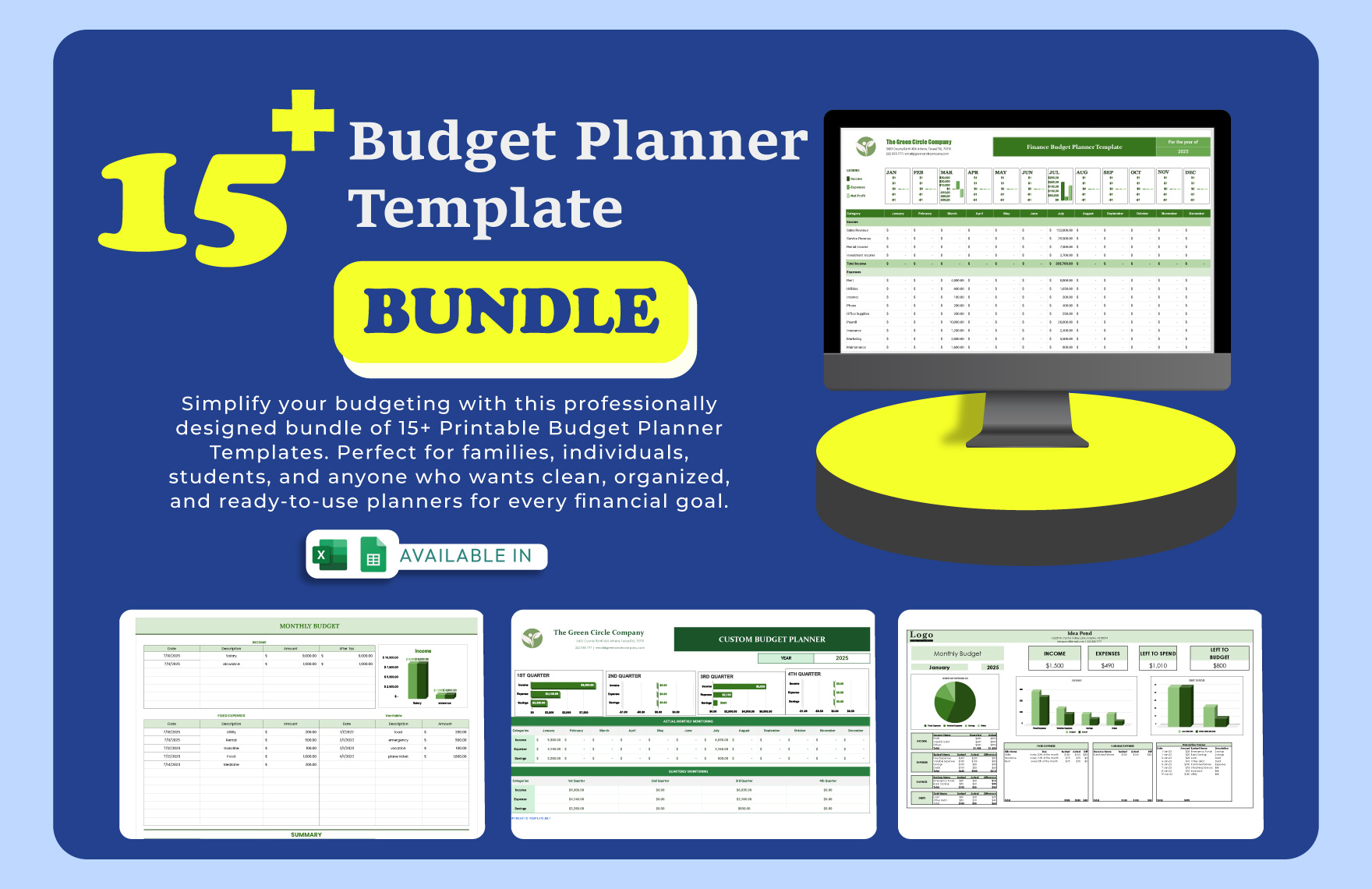
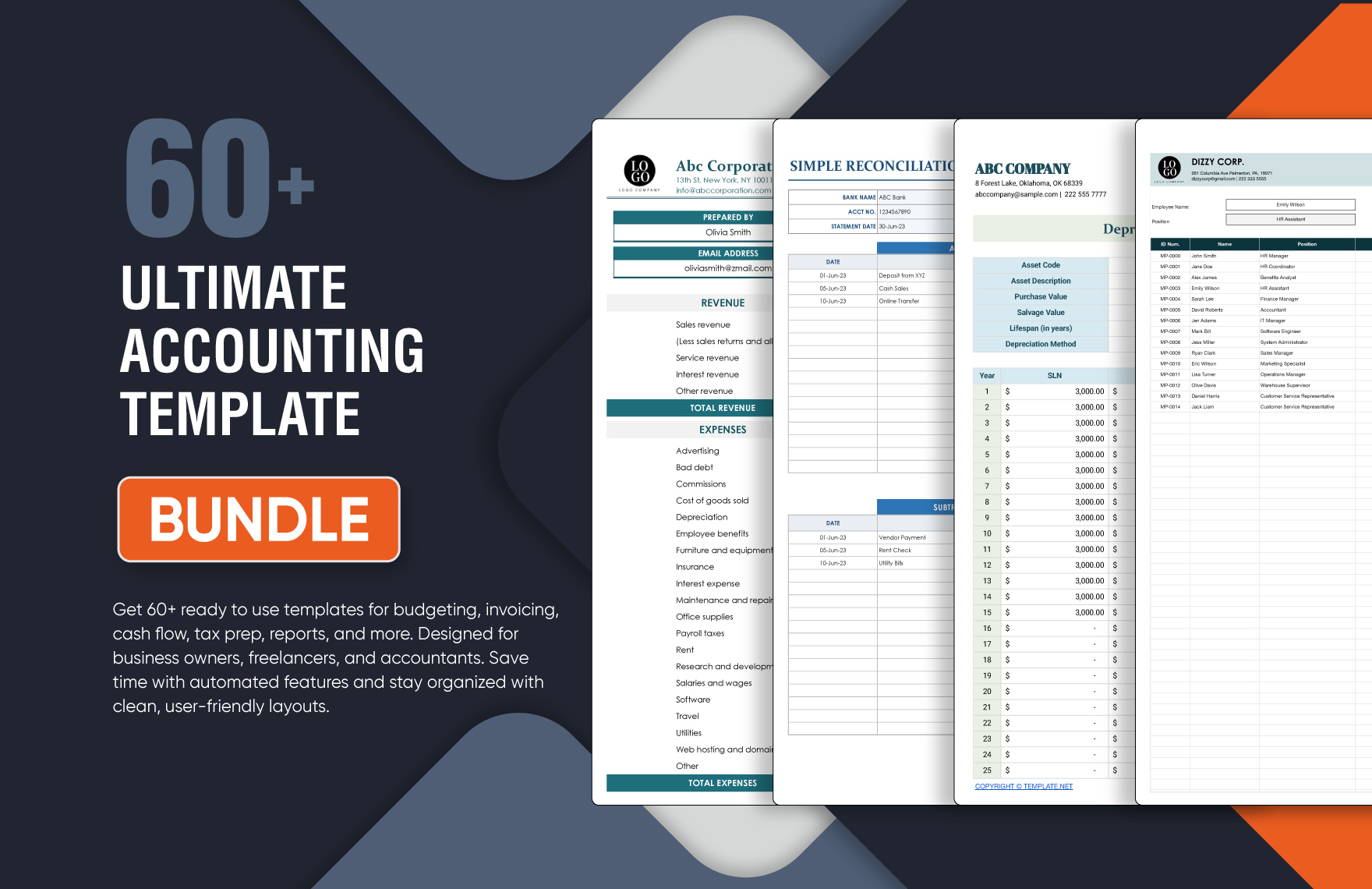
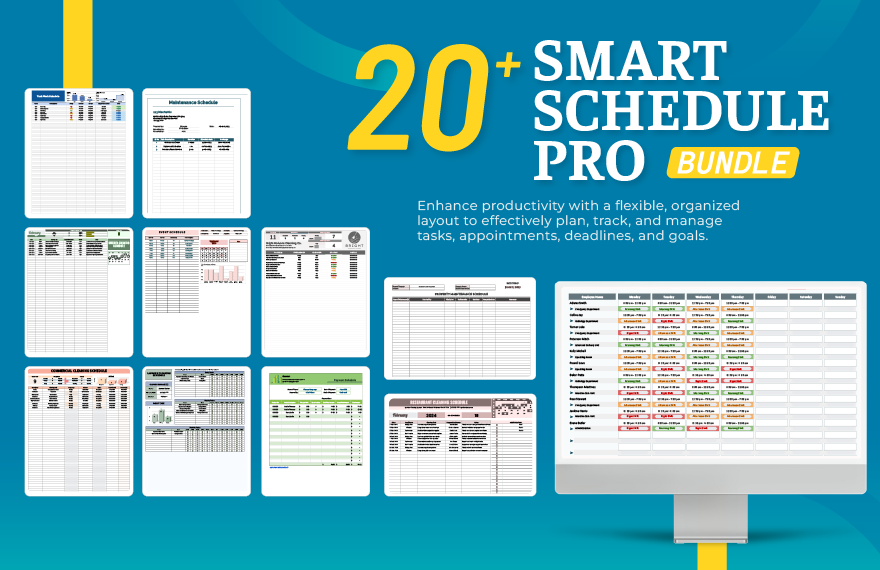
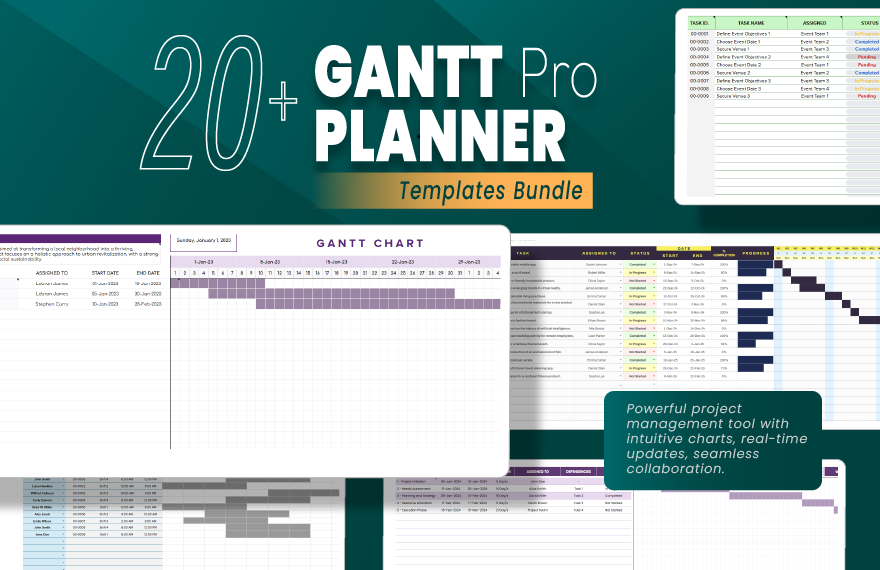

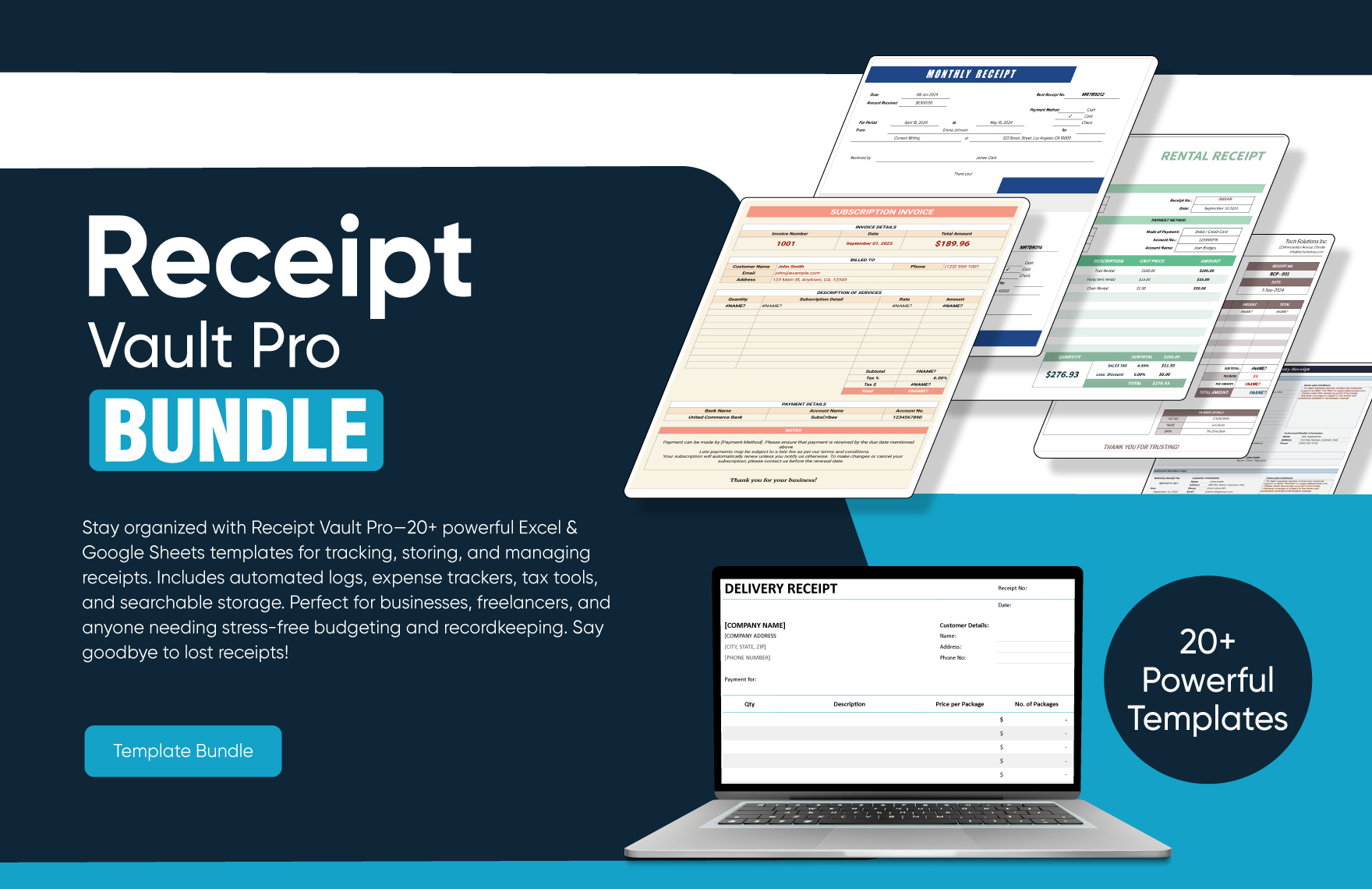
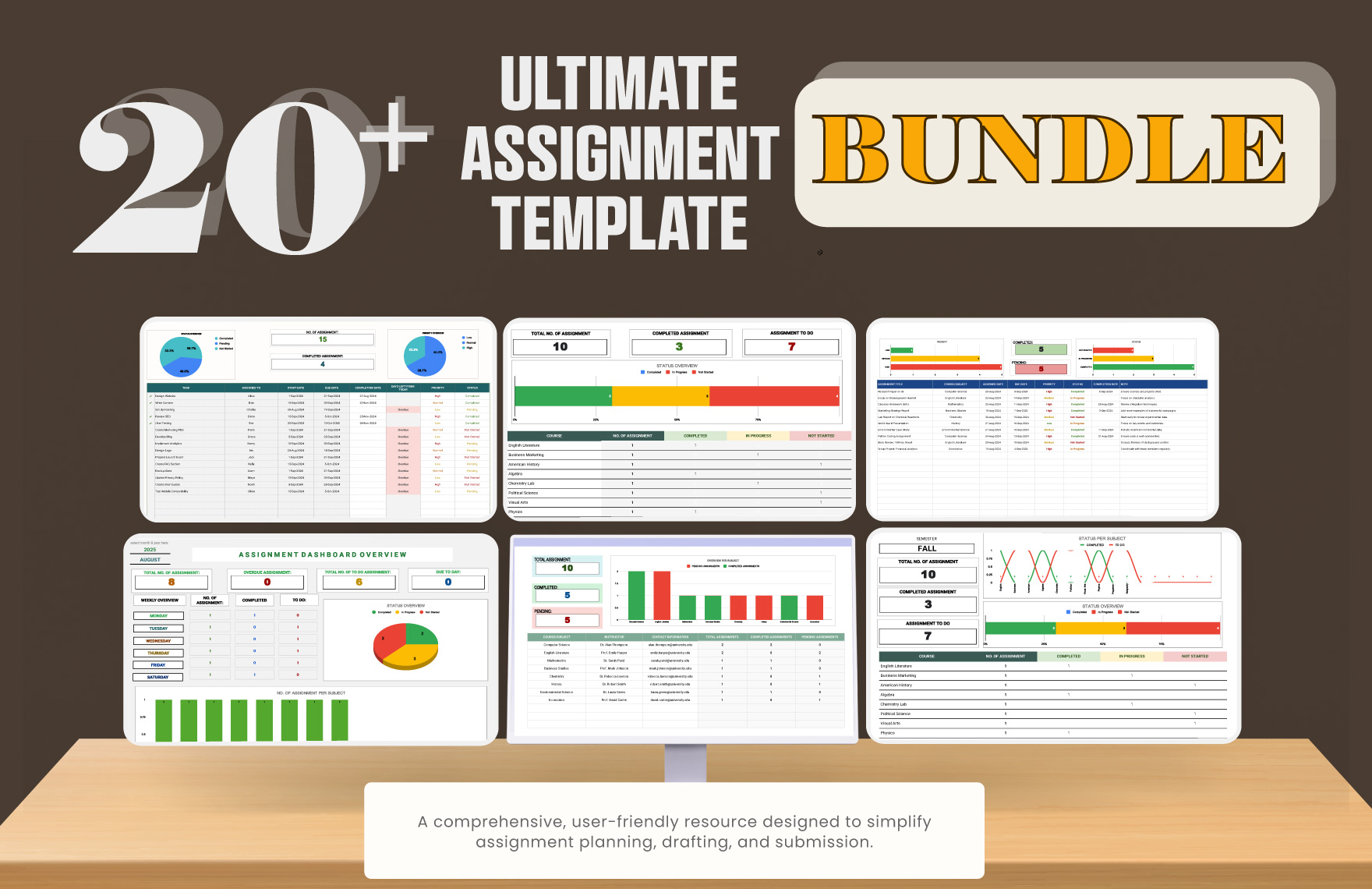
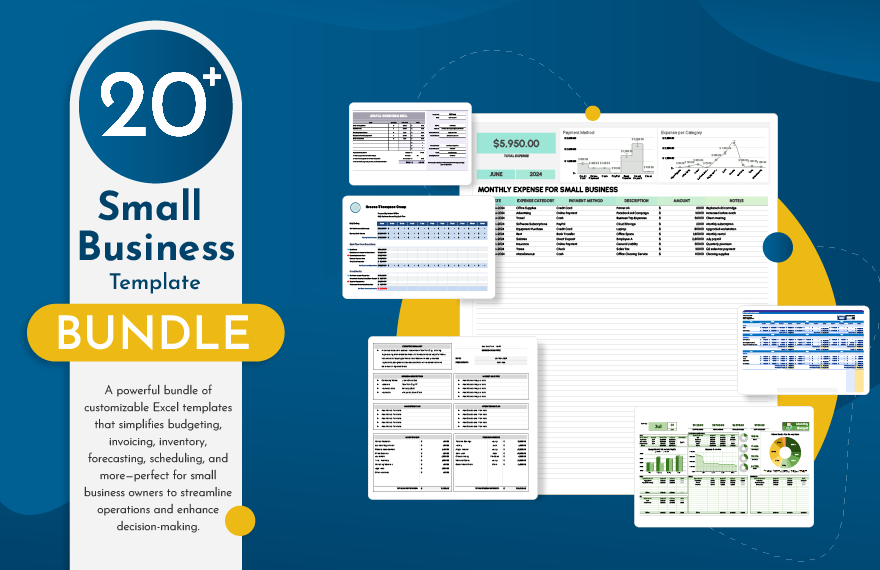
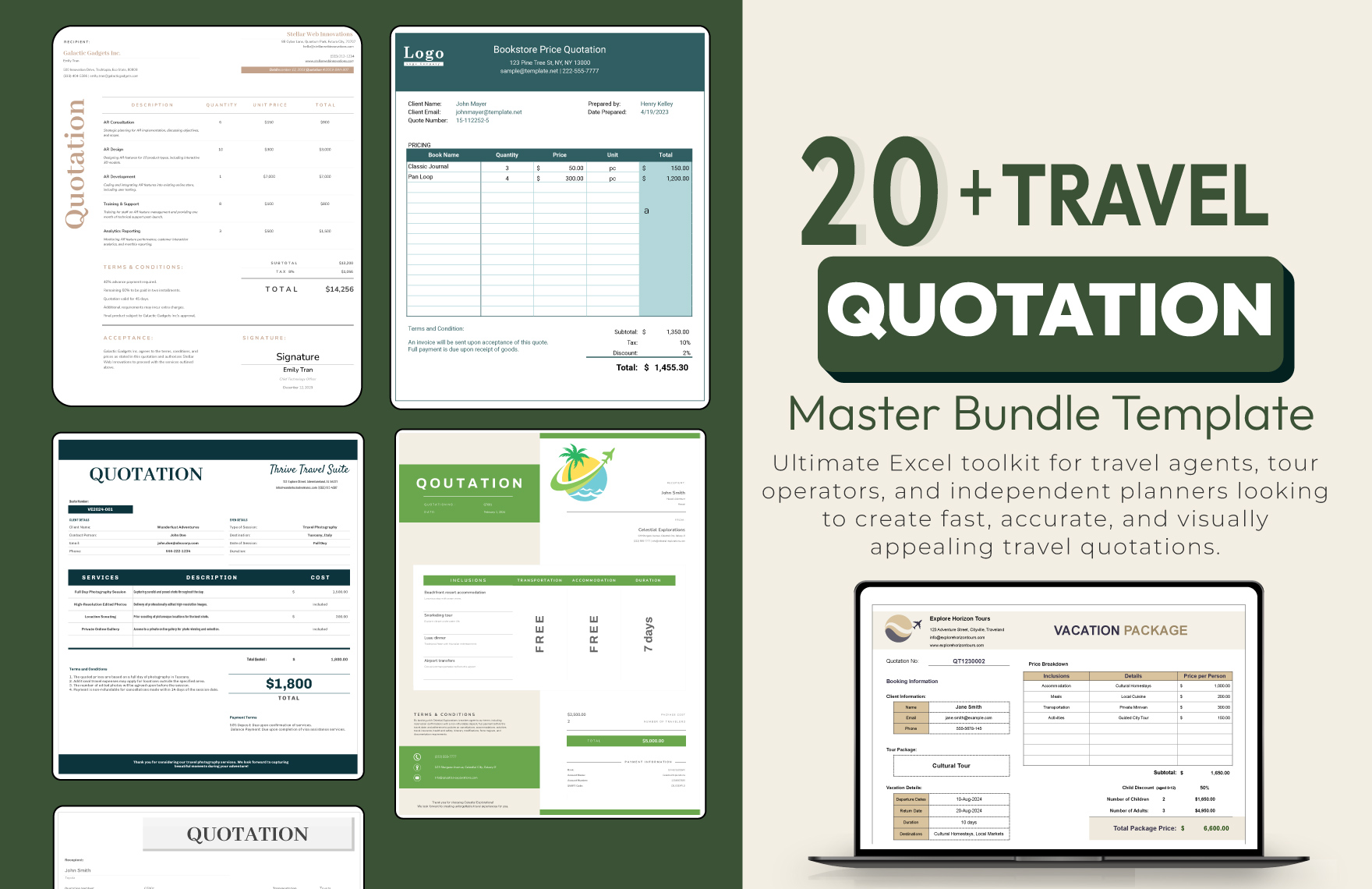
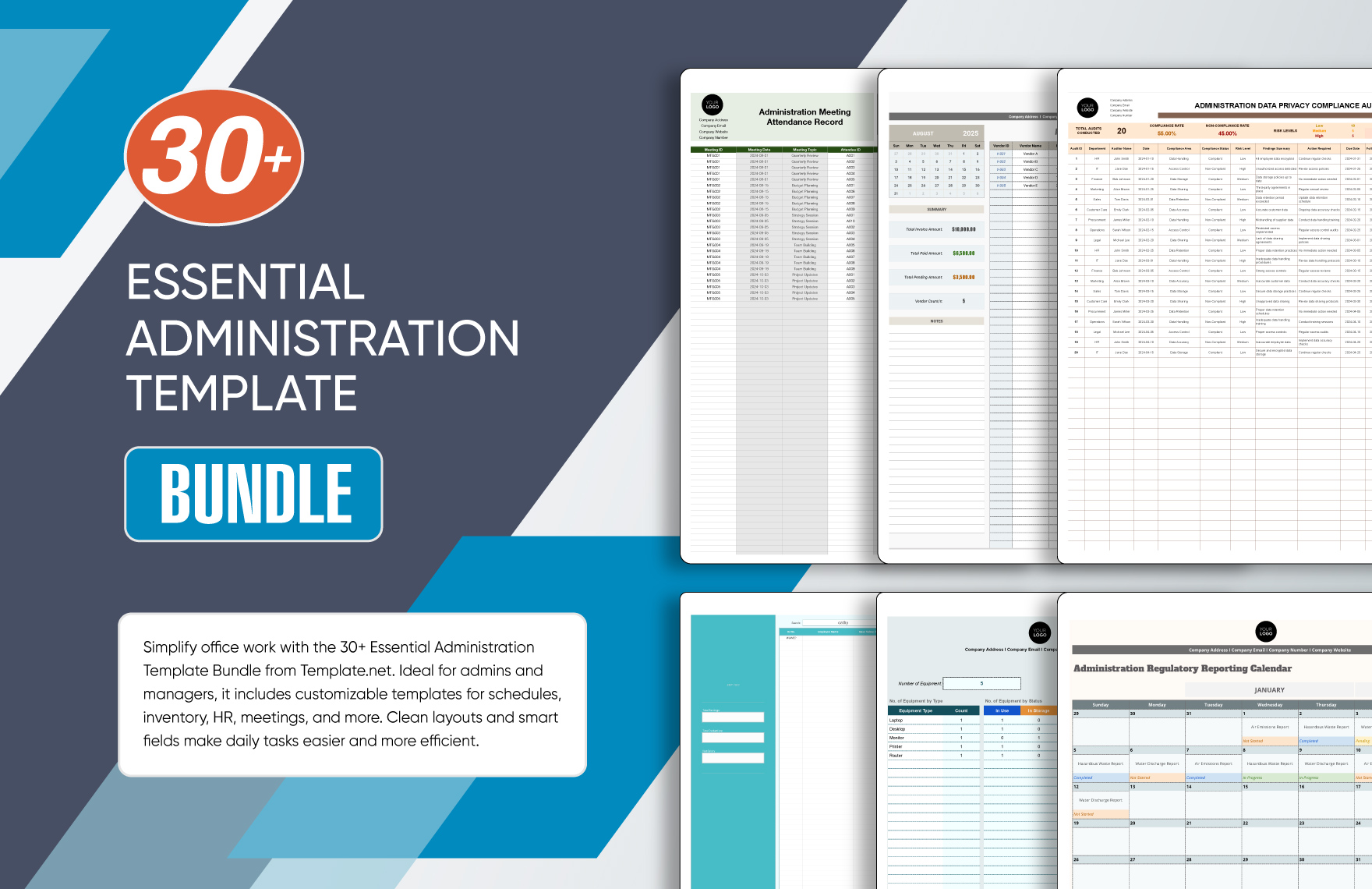
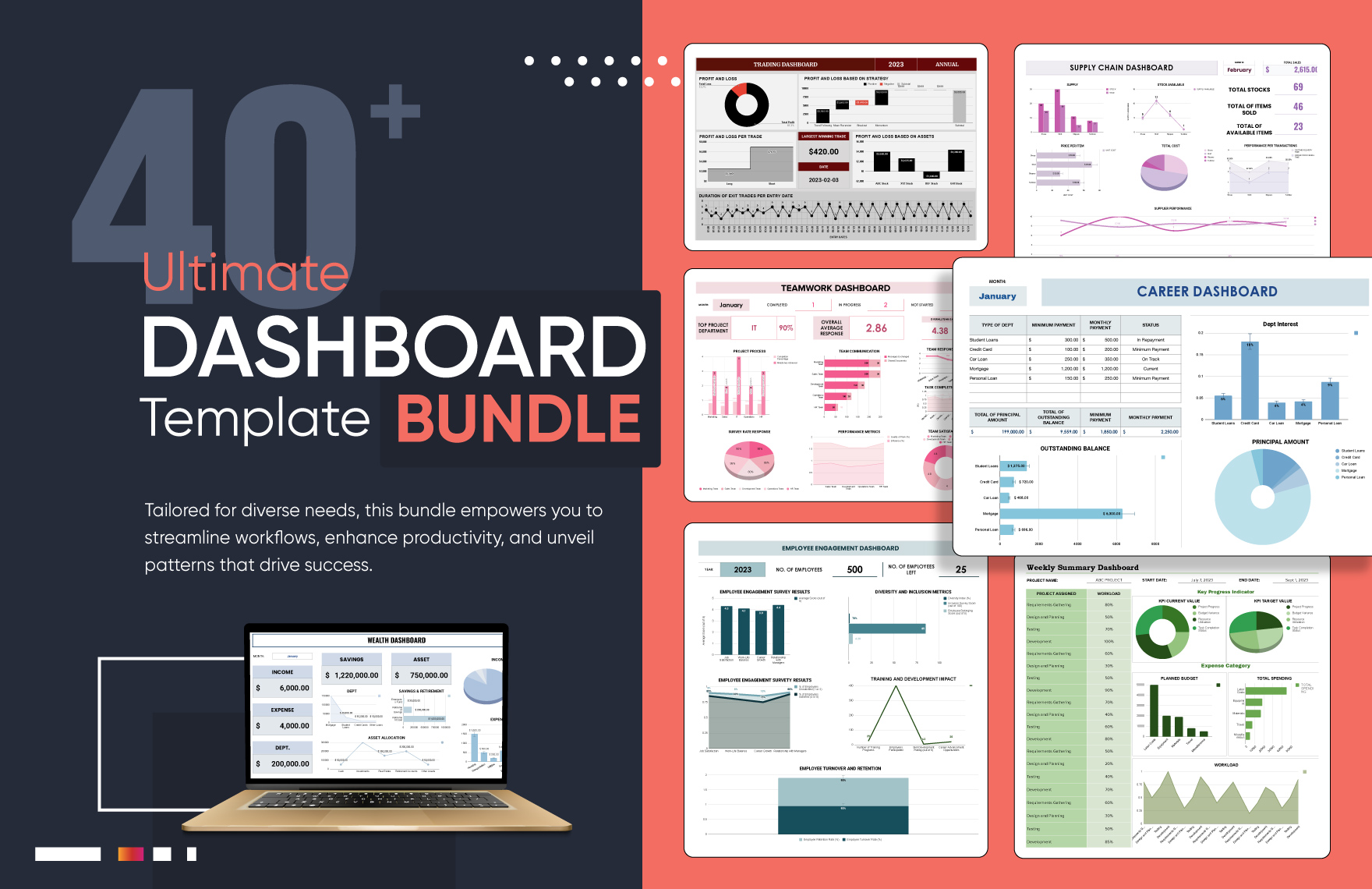
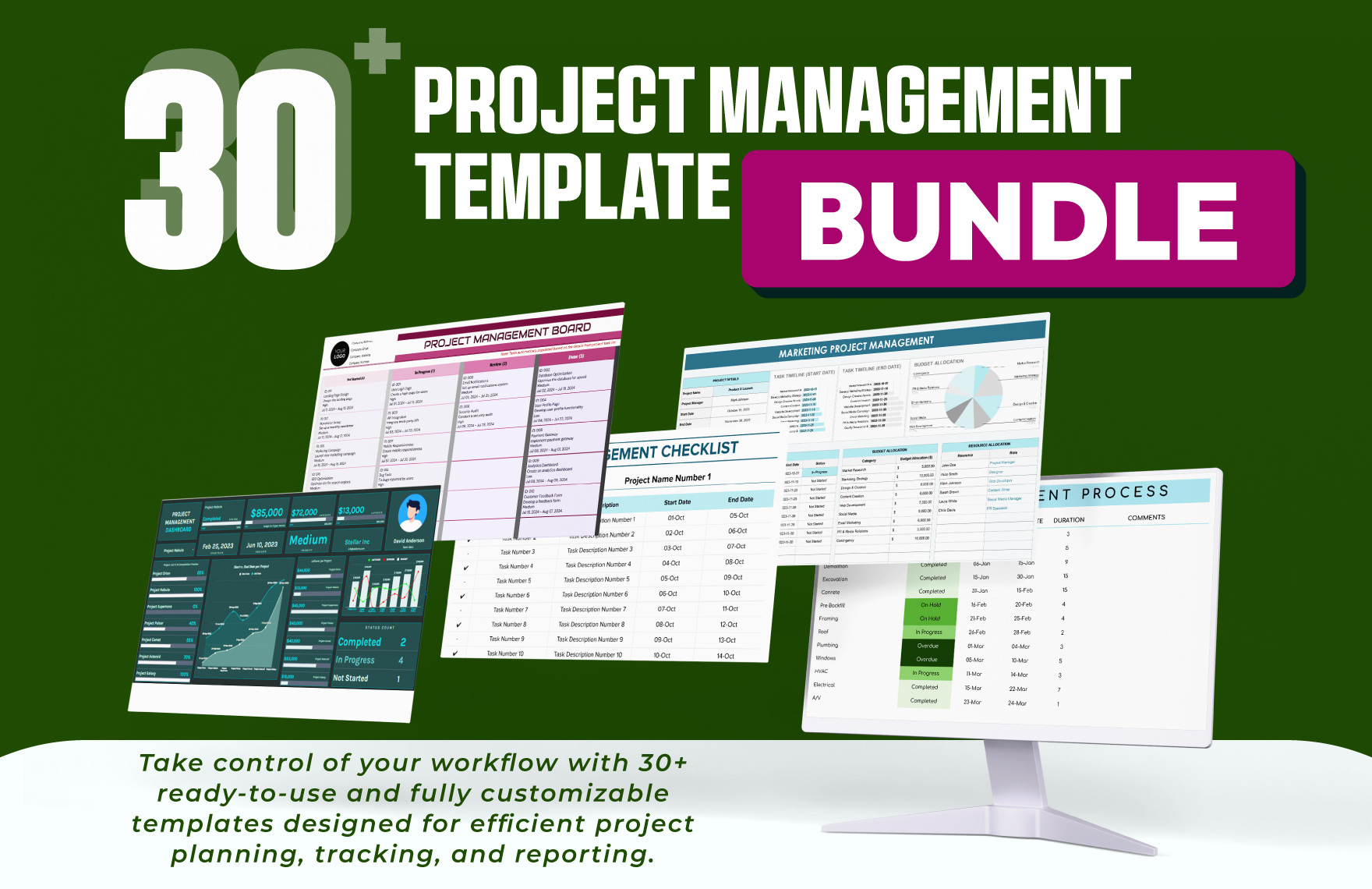
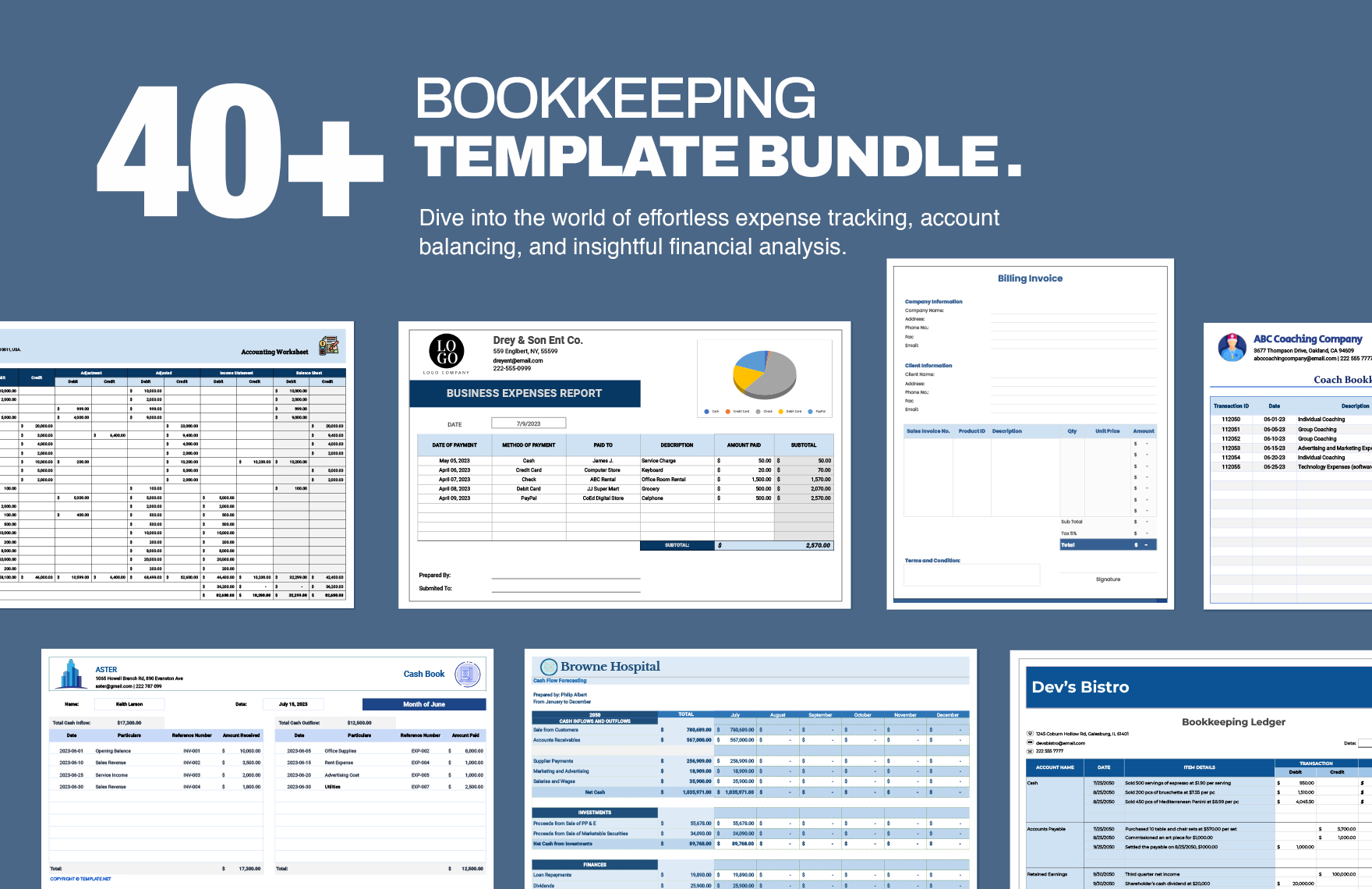
Google Sheets Templates: Definition, Usage, Structure, and Collaboration

What is a Google Sheets?
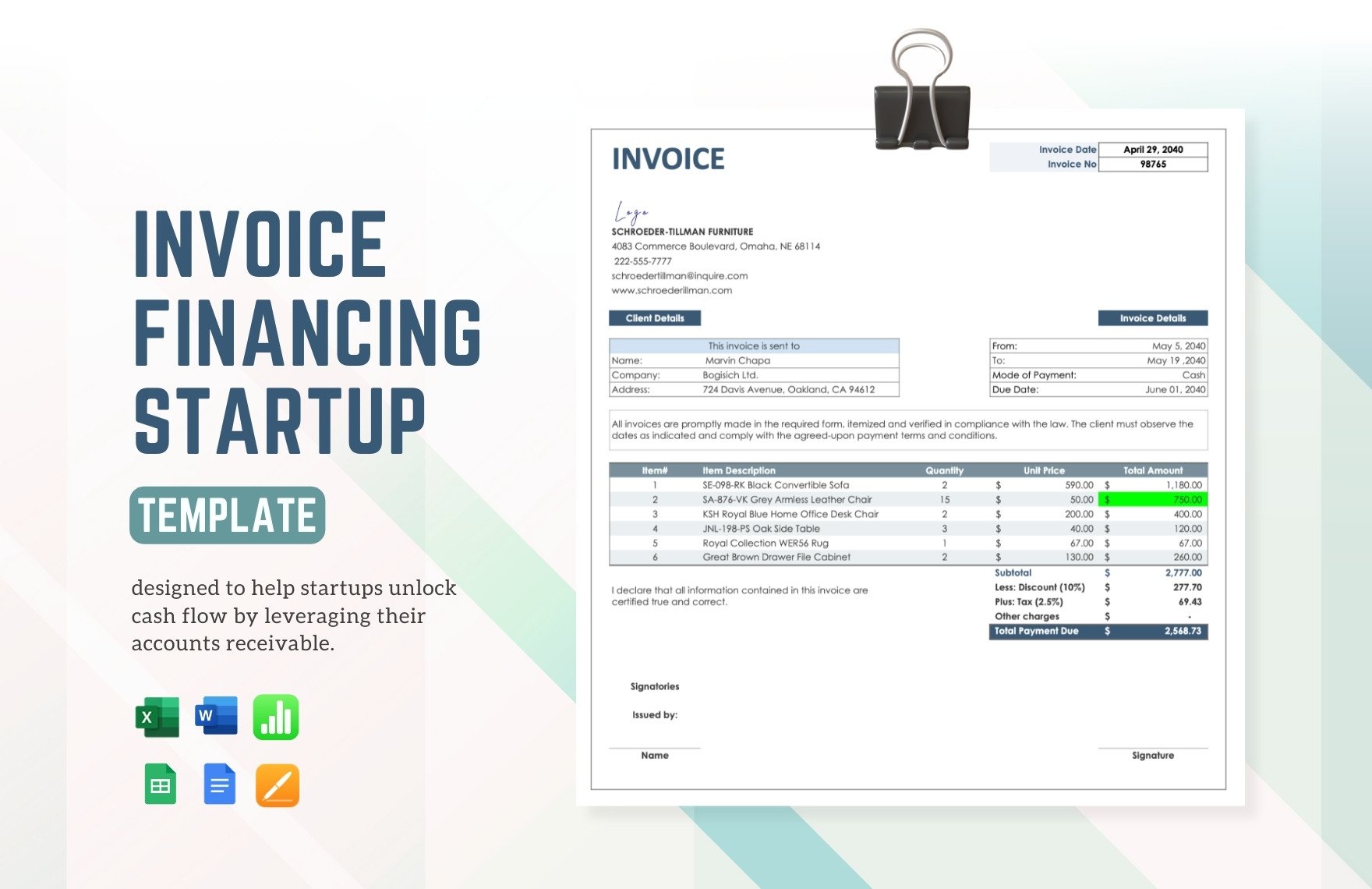
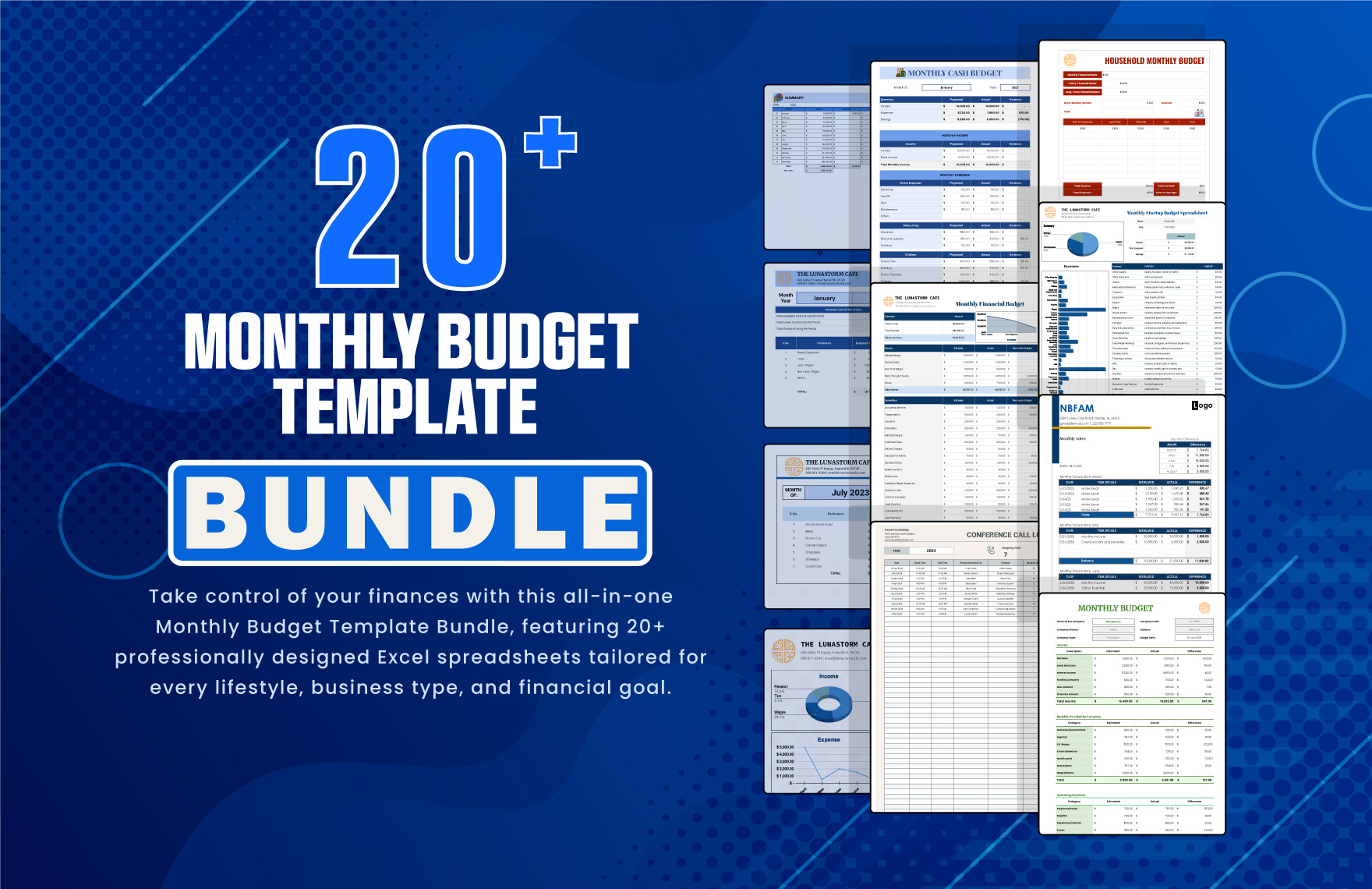
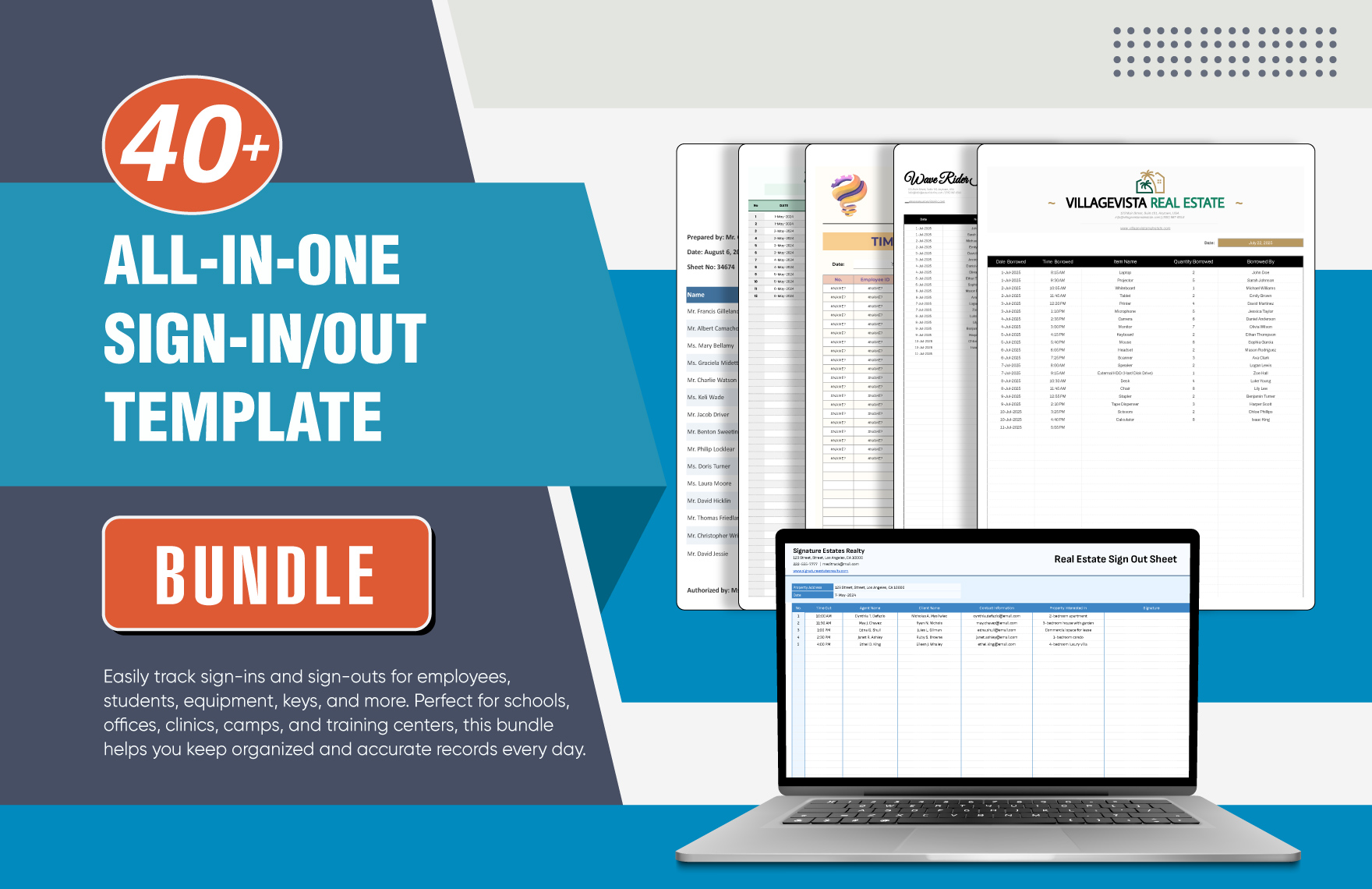
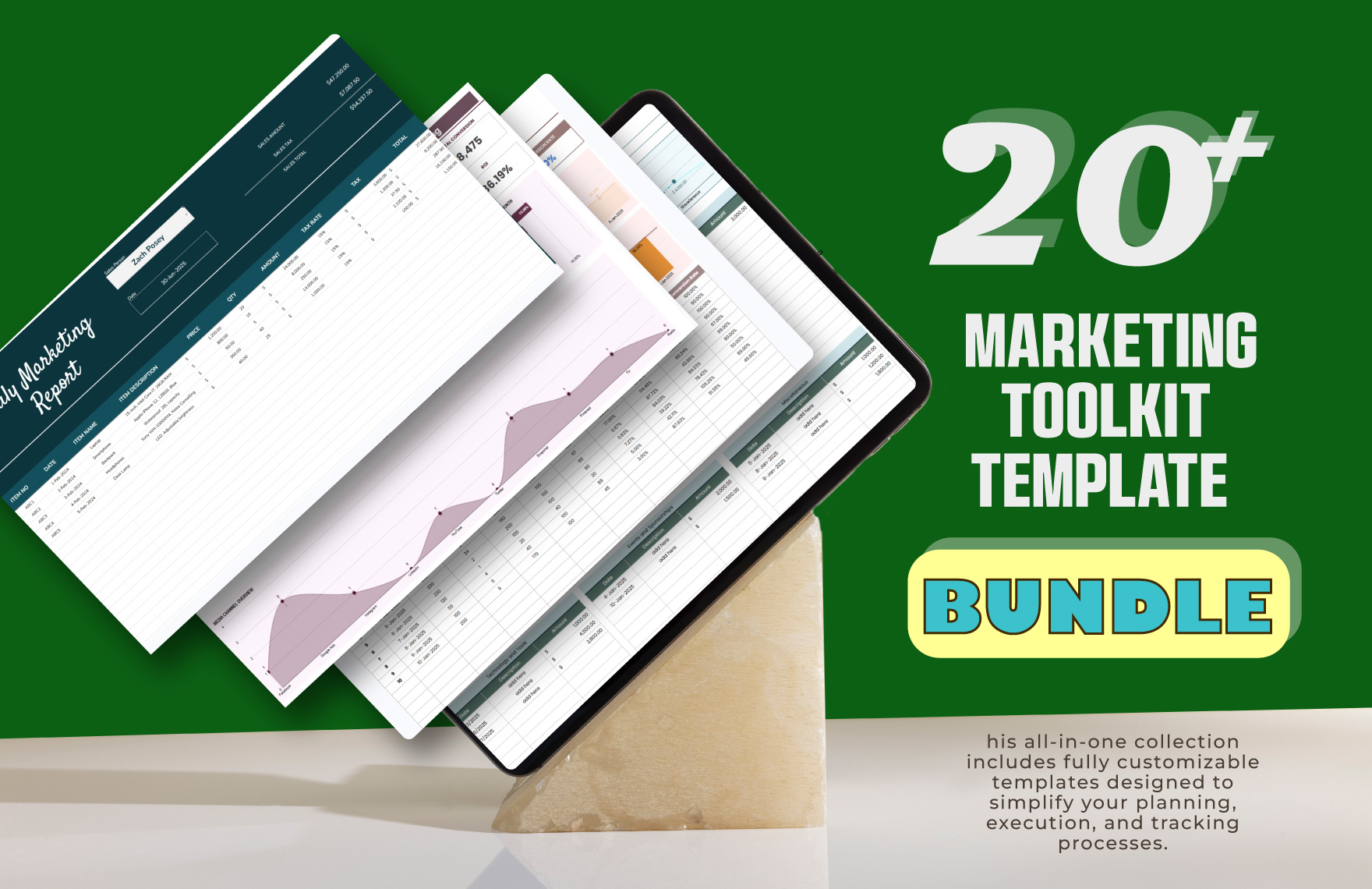
a Google Sheets is a cloud-based spreadsheet application that enables users to create, edit, and organize data using rows and columns, cell formulas, and charts in real time. Google Sheets templates provide ready-made layouts for various professional and personal needs within Google Sheets.

Why use a Google Sheets?
Google Sheets offers real-time collaboration, automatic saving, and easy sharing, making data management efficient. Using Google Sheets templates speeds up work with pre-built formulas and professional layouts that are customizable and accessible directly in your browser without software installation.

Who typically uses Google Sheets?
Google Sheets templates are widely used by business professionals, students, project managers, and freelancers who need organized data, automated calculations, and easy sharing for budgeting, tracking, reporting, and scheduling tasks.

What rows and columns should a Google Sheets include?
A Google Sheets template should include clearly defined rows and columns for data categories relevant to its purpose, such as dates, descriptions, quantities, and amounts. Including calculated totals and data validation ensures accuracy and professional data presentation.

What are the best tips for formatting a Google Sheets spreadsheet?
Effective Google Sheets templates use conditional formatting to highlight key data, consistent font styles for readability, and locked header rows for easy navigation. Incorporating charts and data categories enhances visual clarity and professional appearance.

How do you print or export a Google Sheets spreadsheet?
Google Sheets templates support printing with customizable page setup options and exporting to formats like .xlsx and PDF. Template.net templates allow quick browser-based export, preserving layout and calculated totals for professional results without extra software.

Is a Google Sheets accurate and reliable for professional use?
Google Sheets templates provide accuracy through built-in cell formulas and data validation, ensuring reliable calculations and data consistency. The cloud platform supports real-time updates and version history, making it suitable for professional and collaborative environments.

What formulas are commonly used in a Google Sheets?
Commonly used formulas in Google Sheets templates include SUM for totals, IF for conditional logic, VLOOKUP for data retrieval, and COUNTIF for conditional counting. These formulas automate calculations and improve data accuracy within structured rows and columns.

Can I create a new Google Sheets spreadsheet using AI?
Template.net provides AI-powered tools capable of generating structured Google Sheets spreadsheets compatible with Google Sheets, enabling fast creation of customized spreadsheets ready for online editing and export.
