
Free Password Templates

Free Password Templates: Editable Designs, Uses, and Formats
What is a Password?
A Password is a secret combination of characters used to verify identity and secure access to accounts, devices, or information. Passwords serve as a fundamental security layer against unauthorized entry, often comprising letters, numbers, and symbols to enhance protection.
Why should I use a Password?
Using a Password is essential for protecting sensitive data and personal information. Passwords prevent unauthorized access by authenticating users, thereby maintaining confidentiality and safeguarding digital assets and accounts from cyber threats.
Who uses Password?
Password usage spans individuals, businesses, and organizations who require secure access control. Professionals in IT, finance, healthcare, and everyday users rely on passwords to protect their online accounts, devices, and confidential information.
What are the best tips for completing my Password?
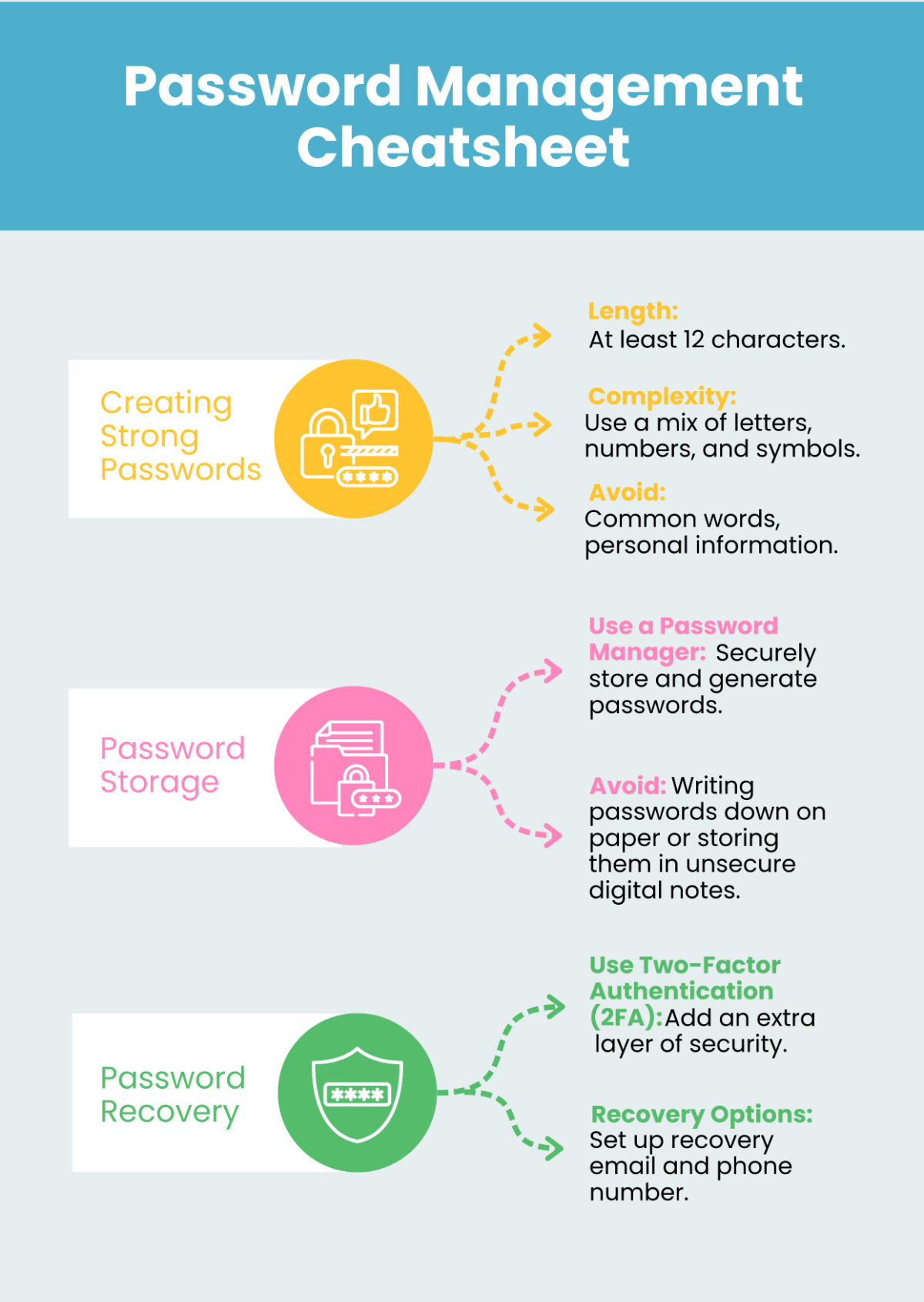
When completing a Password, ensure it is strong and secure. Use a combination of uppercase and lowercase letters, numbers, and special characters. Avoid common words or easily guessable information, and consider using a password manager to store complex passwords safely.
Can I create a Password using AI?
You can use AI tools to generate strong and unique Password options. AI can create complex passwords that balance memorability and security, reducing the risk of weak or repetitive passwords for improved protection.
What file formats can I download for my Password?
Template.net offers editable Password templates supporting multiple export formats including Word and Google Docs. You can download templates in these formats for easy editing and printing.
What are the essential elements of a Password template?
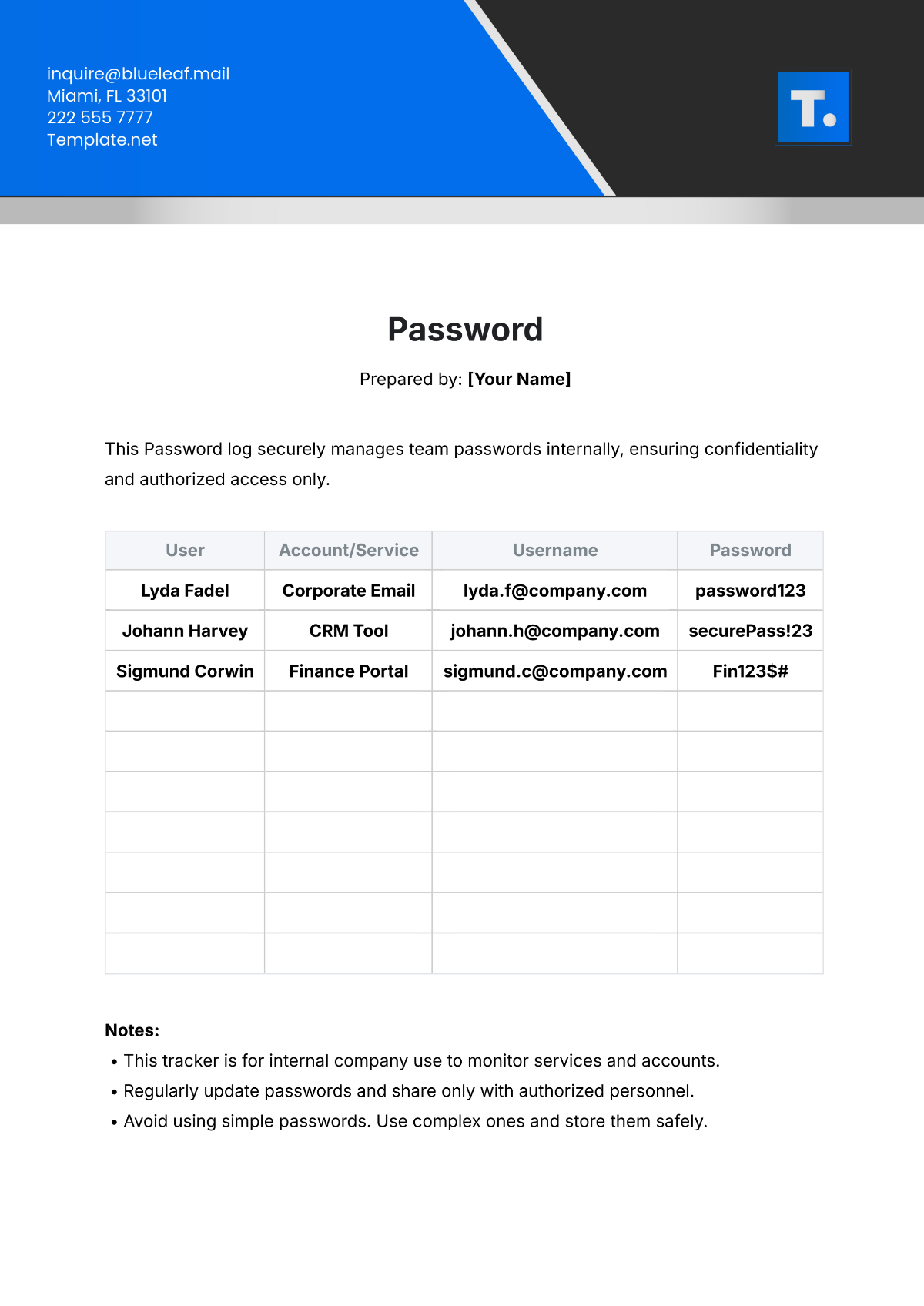
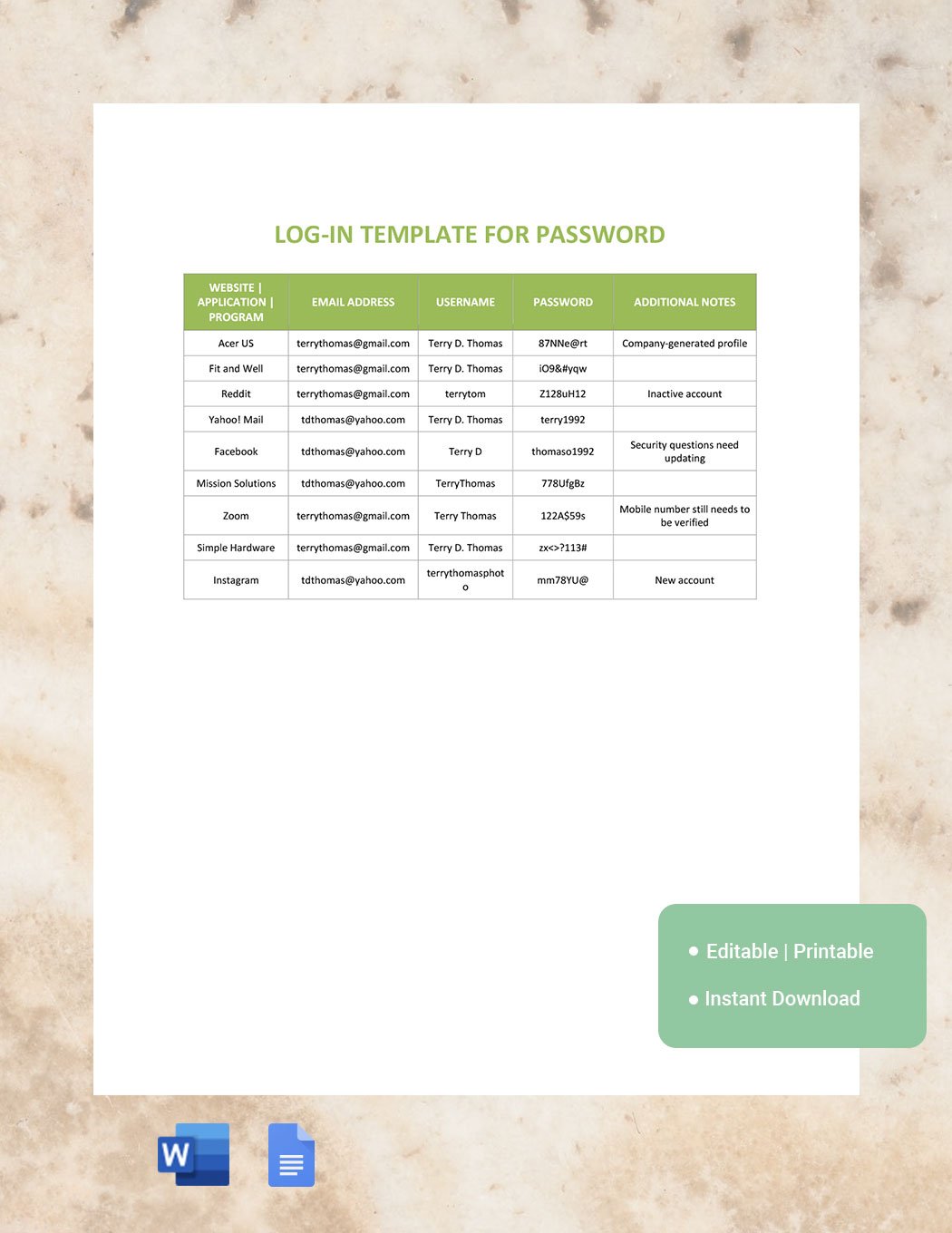
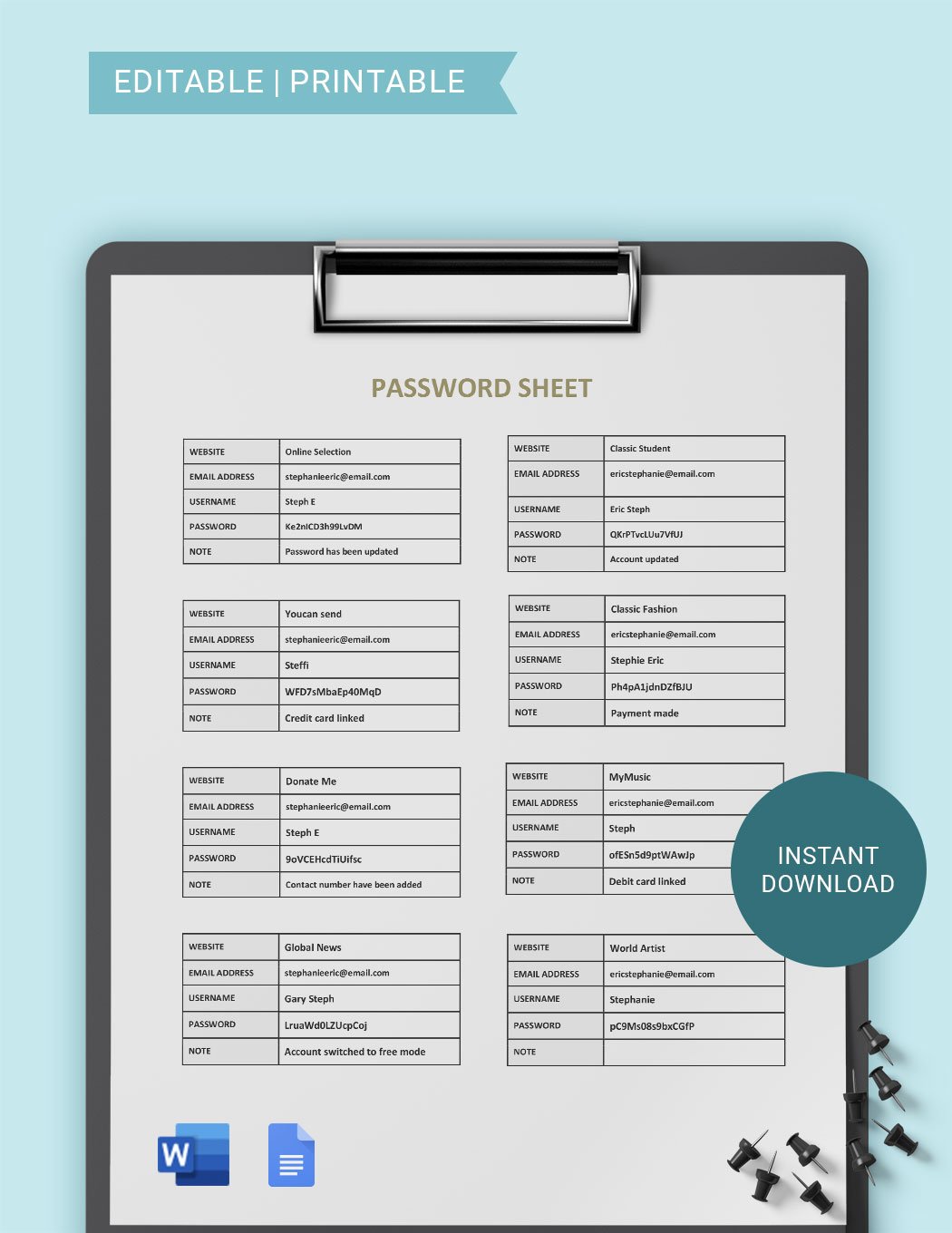
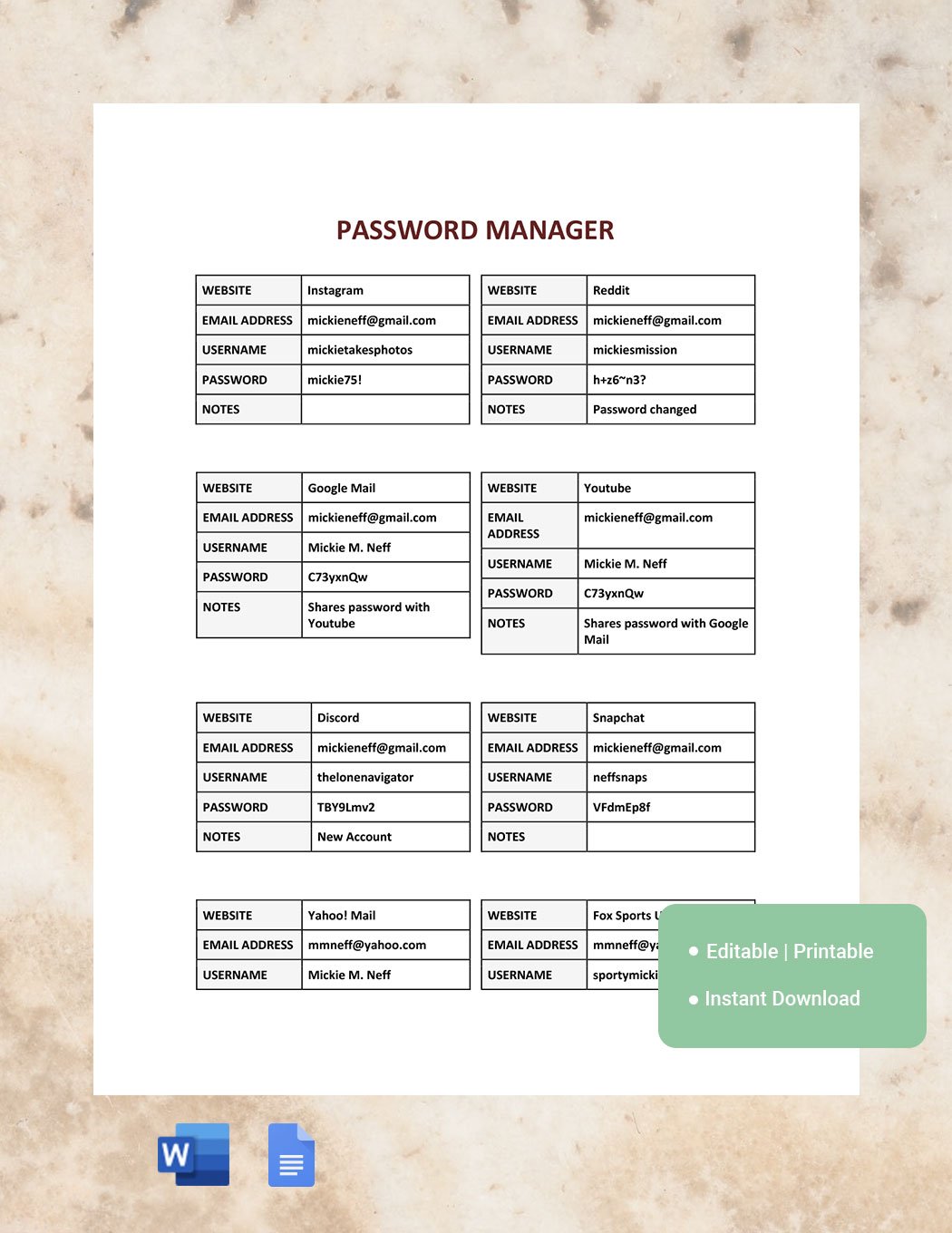
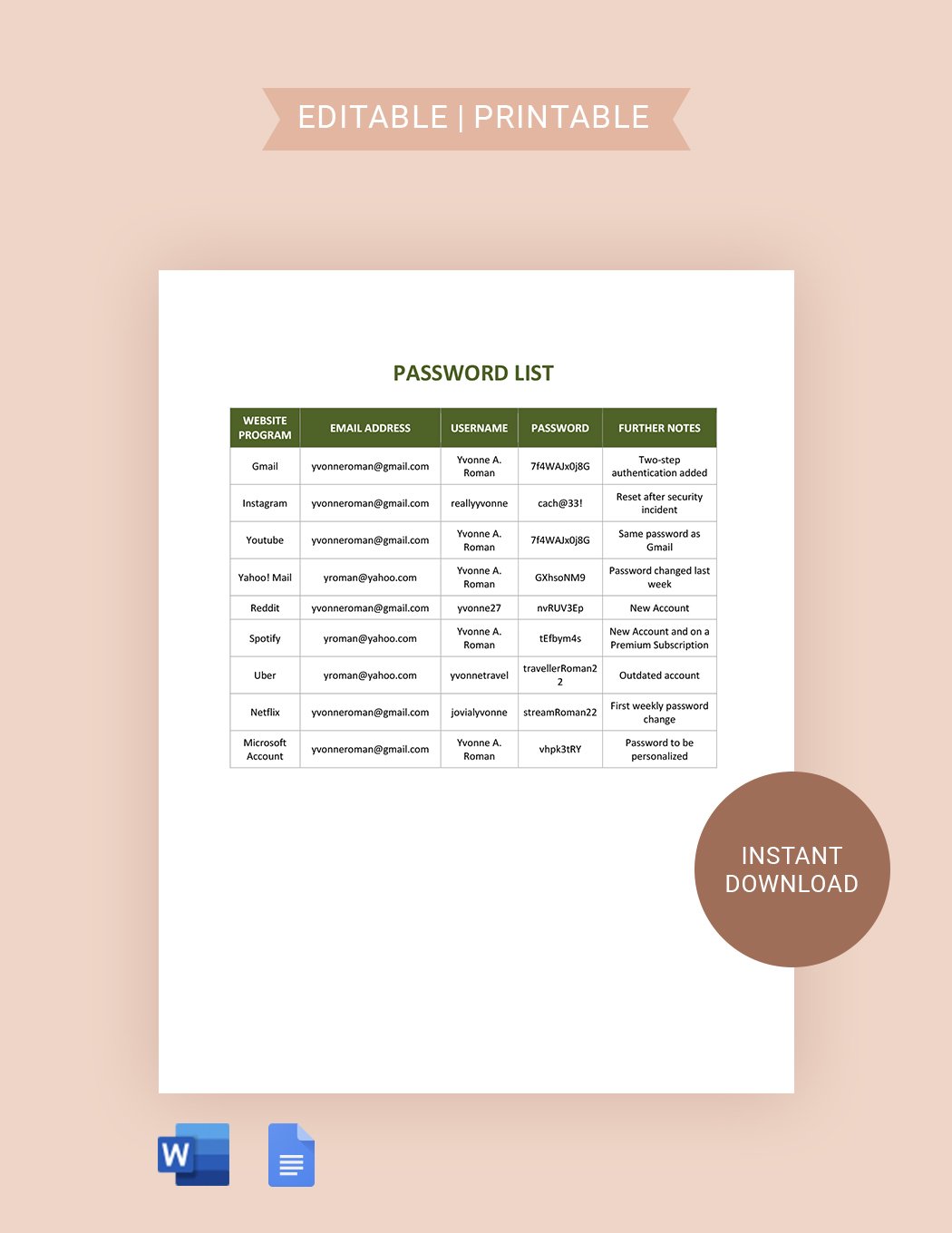
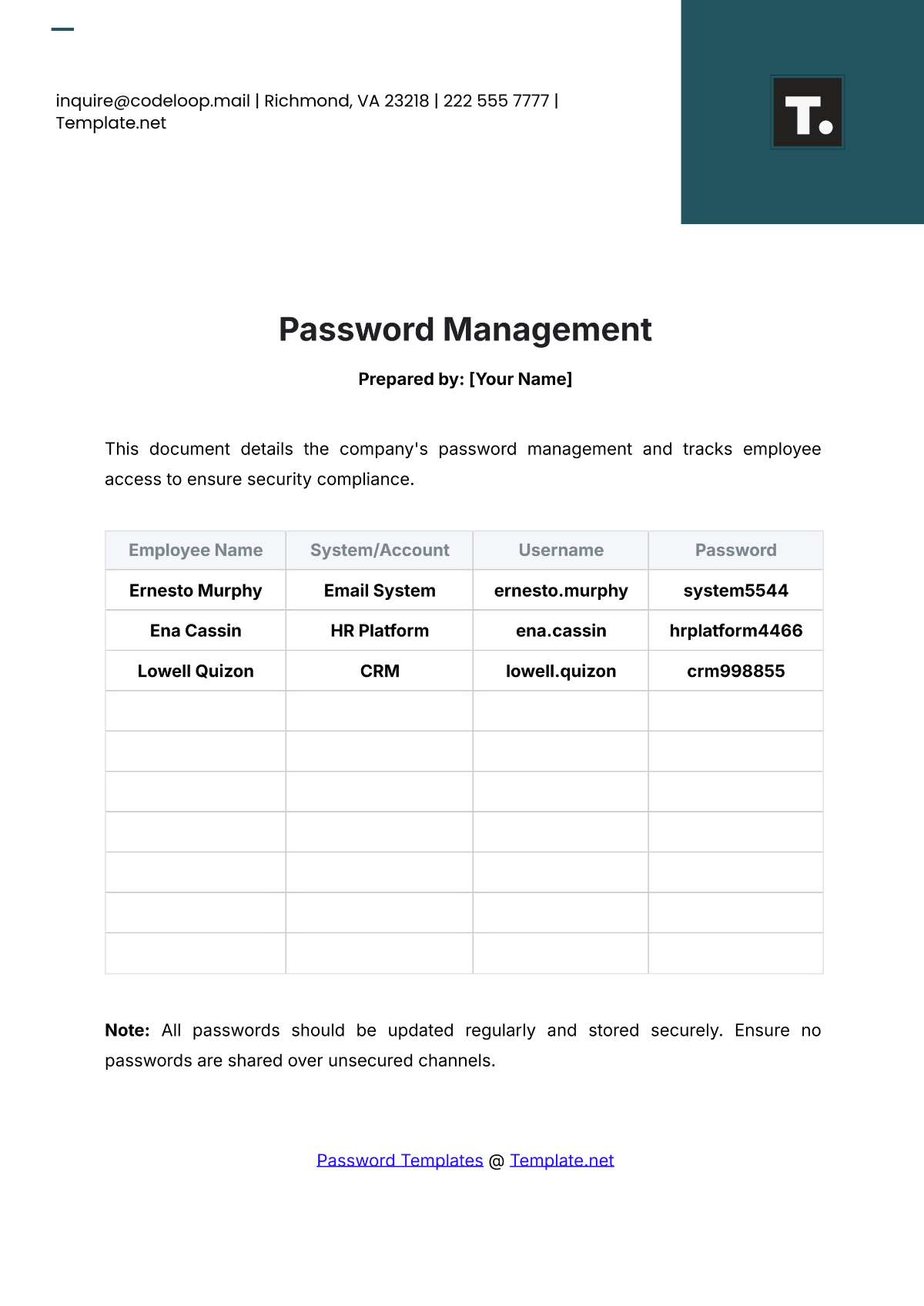
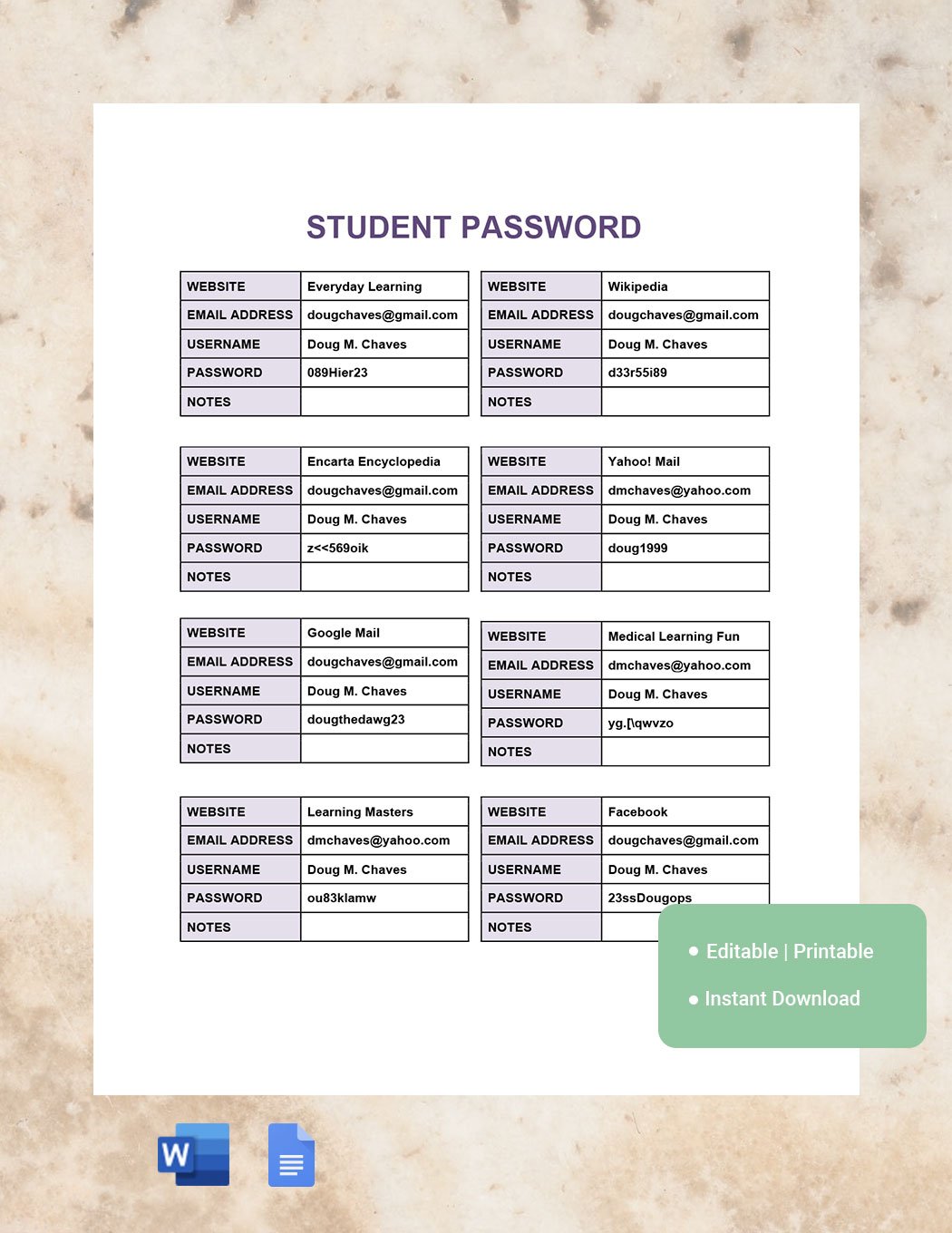
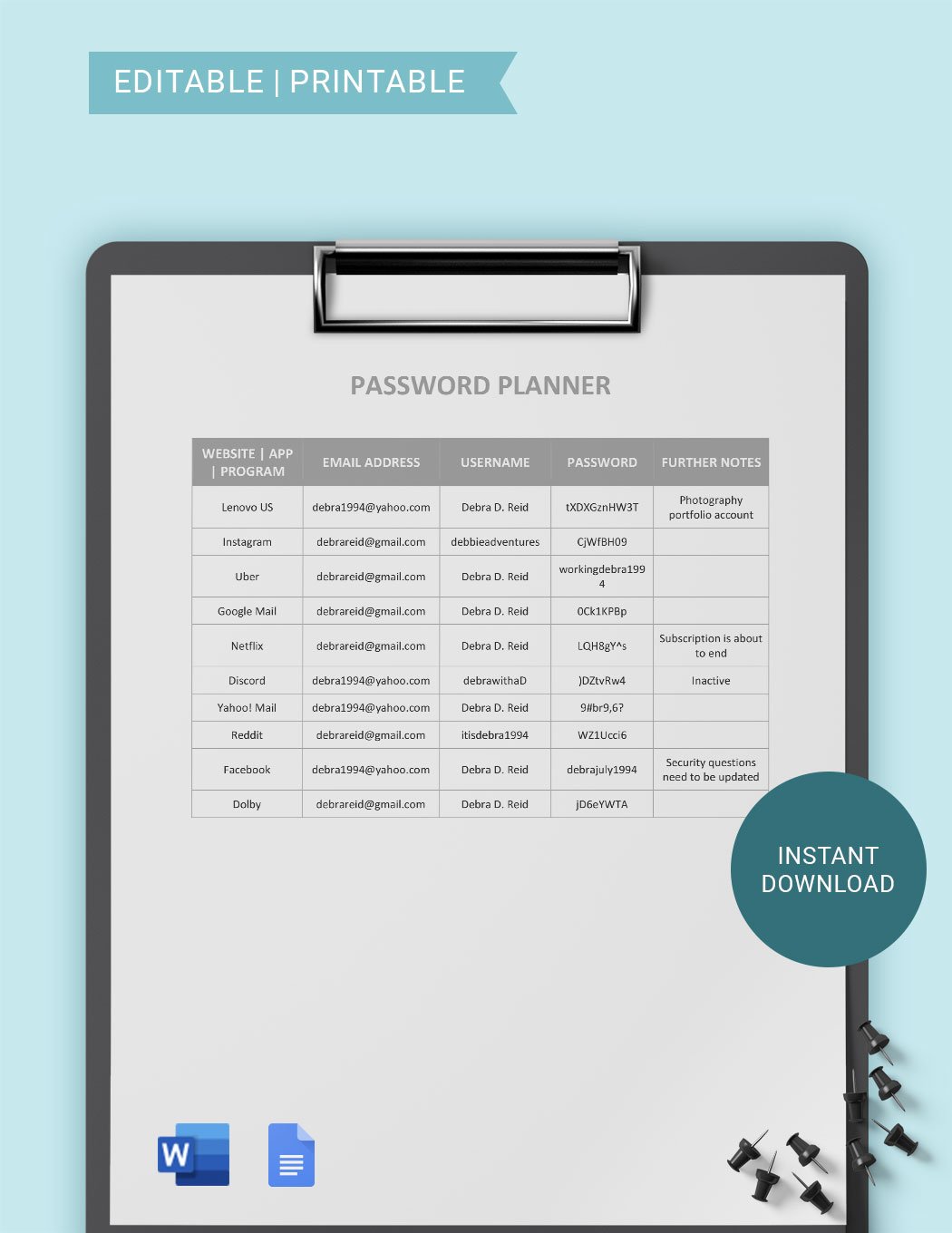
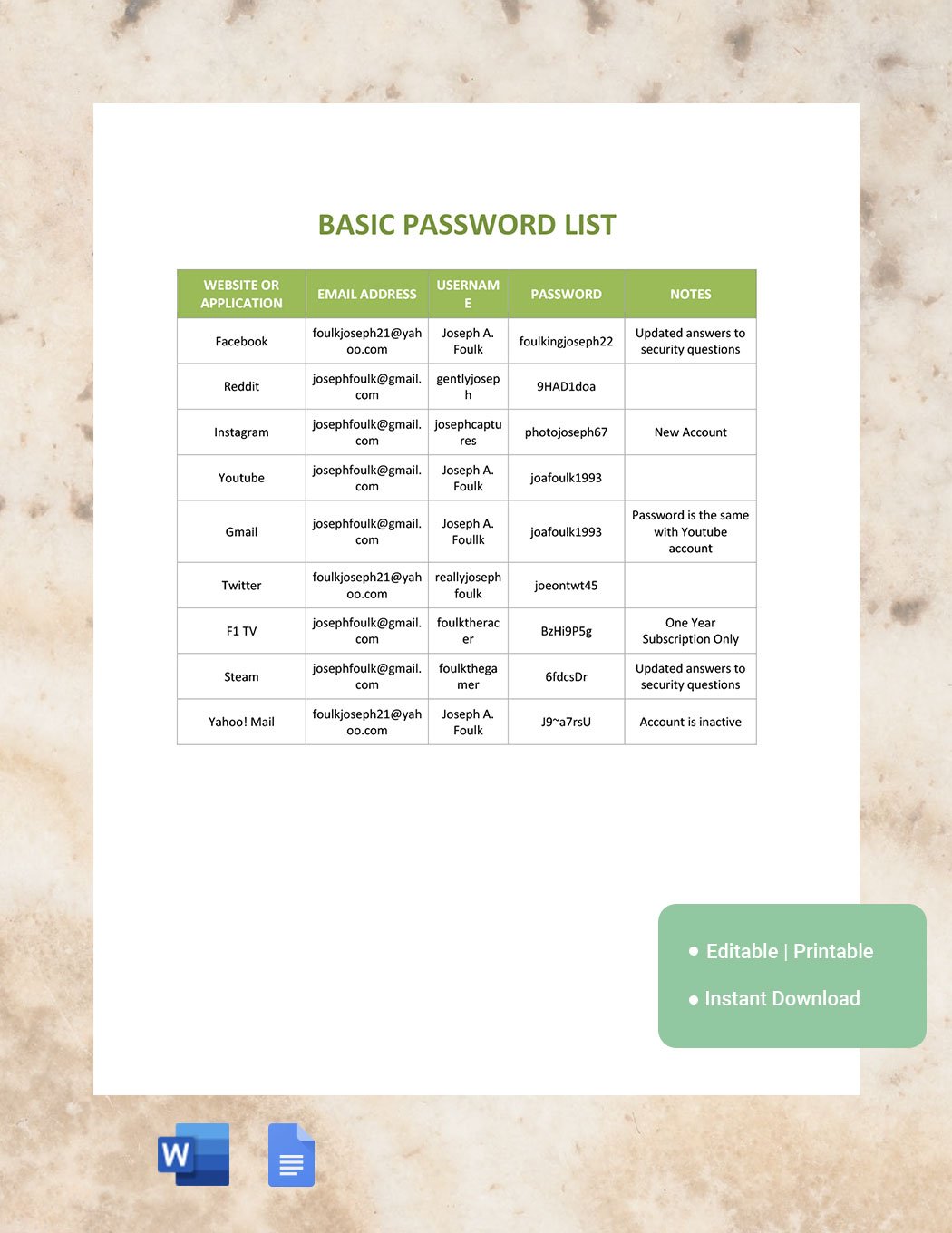
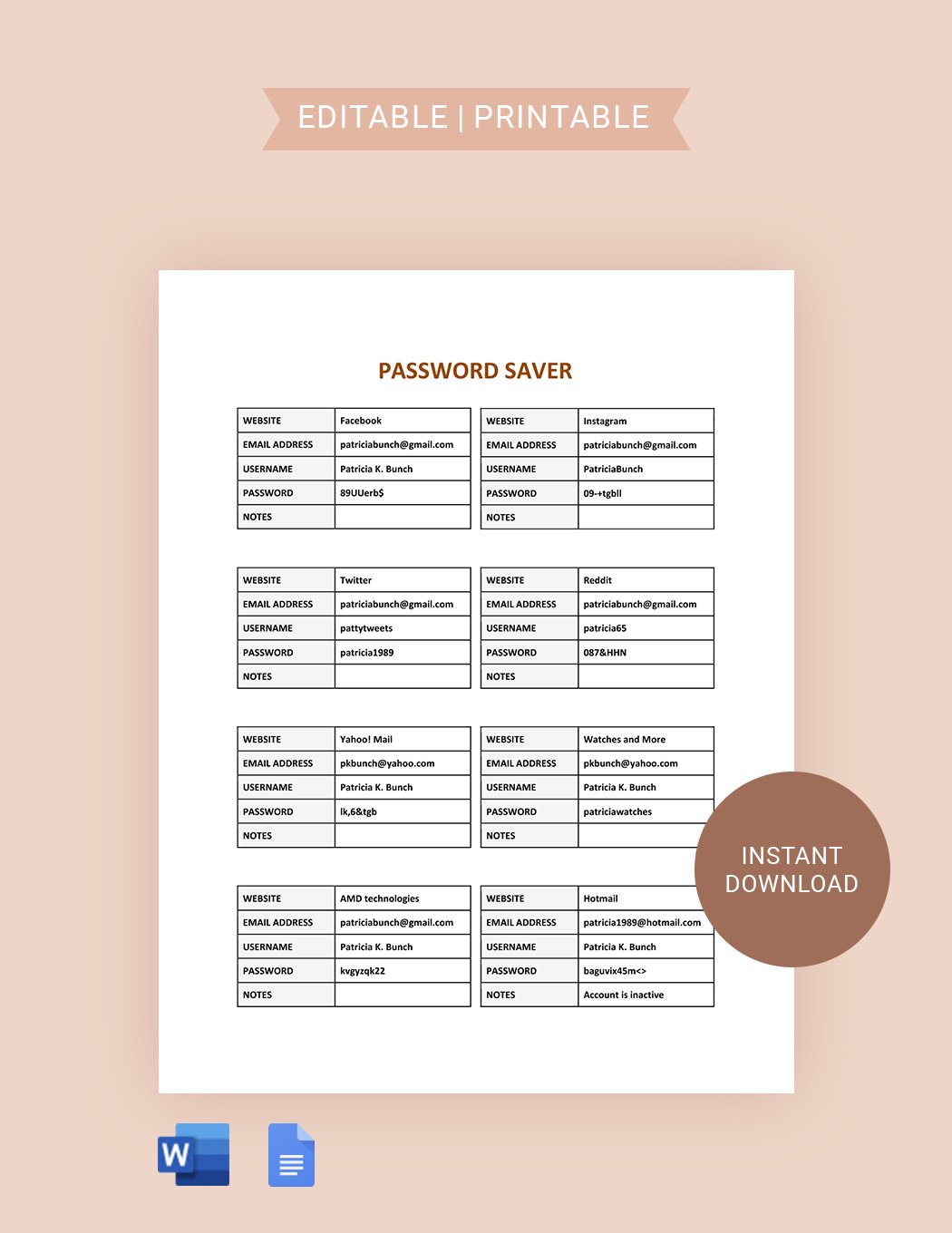
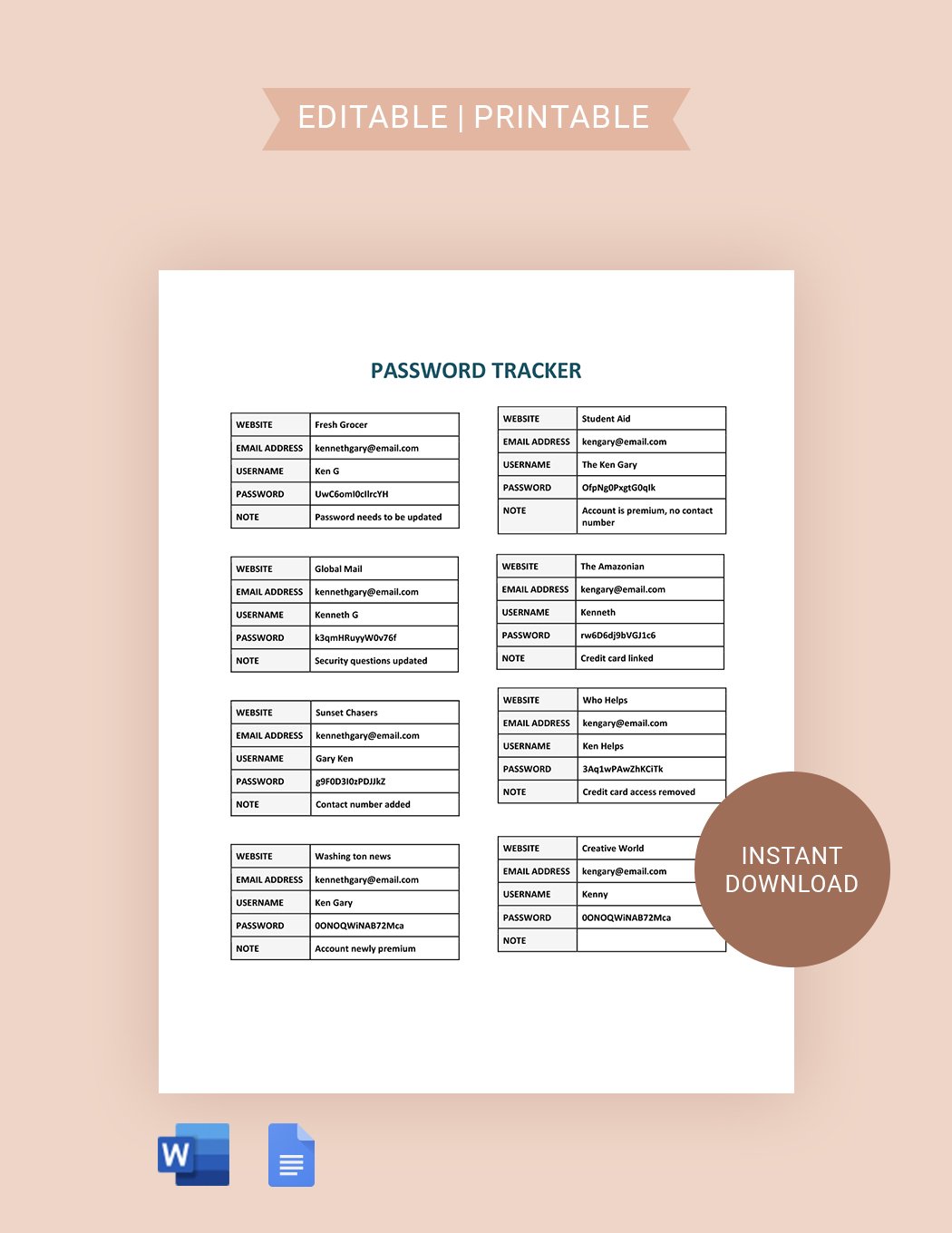
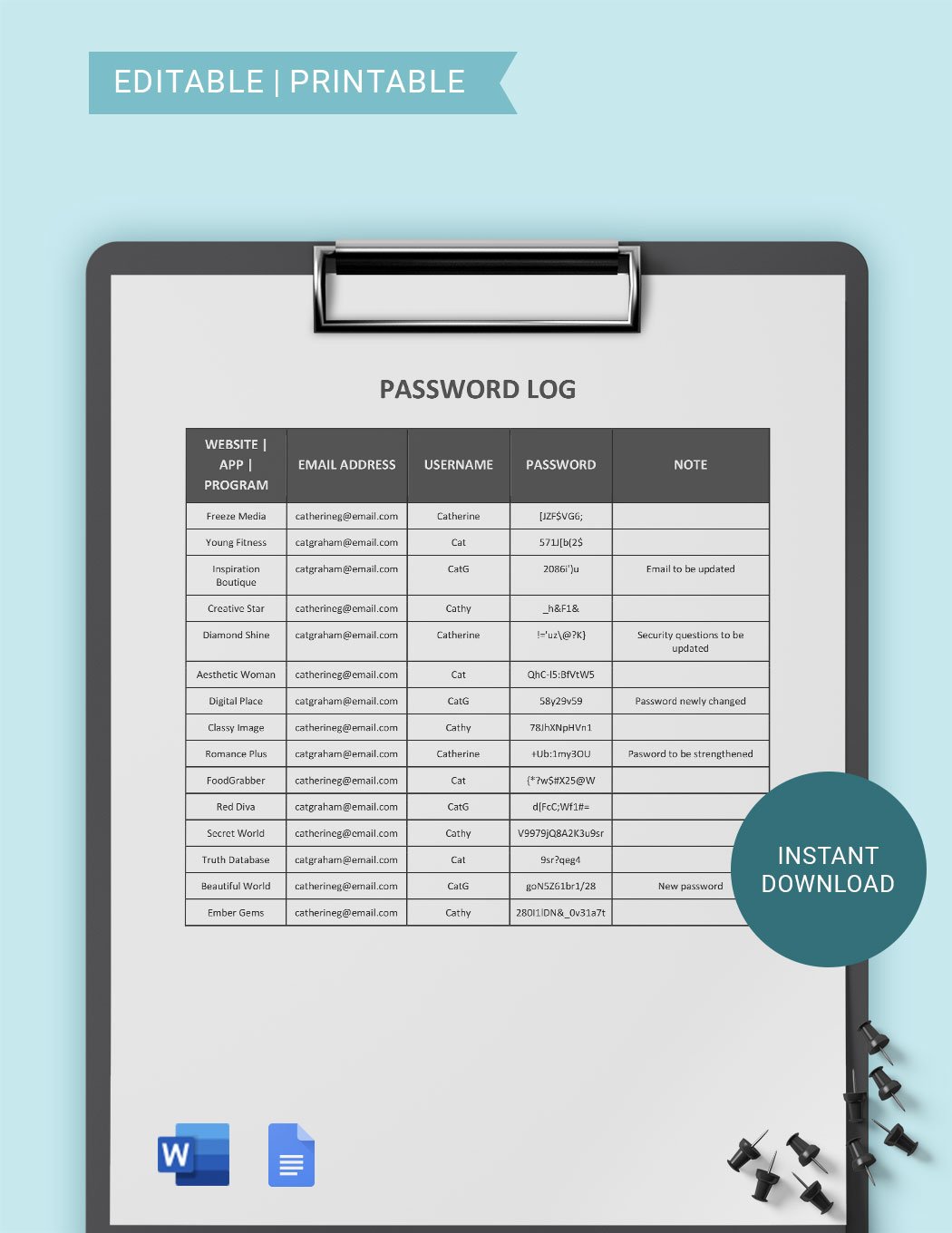
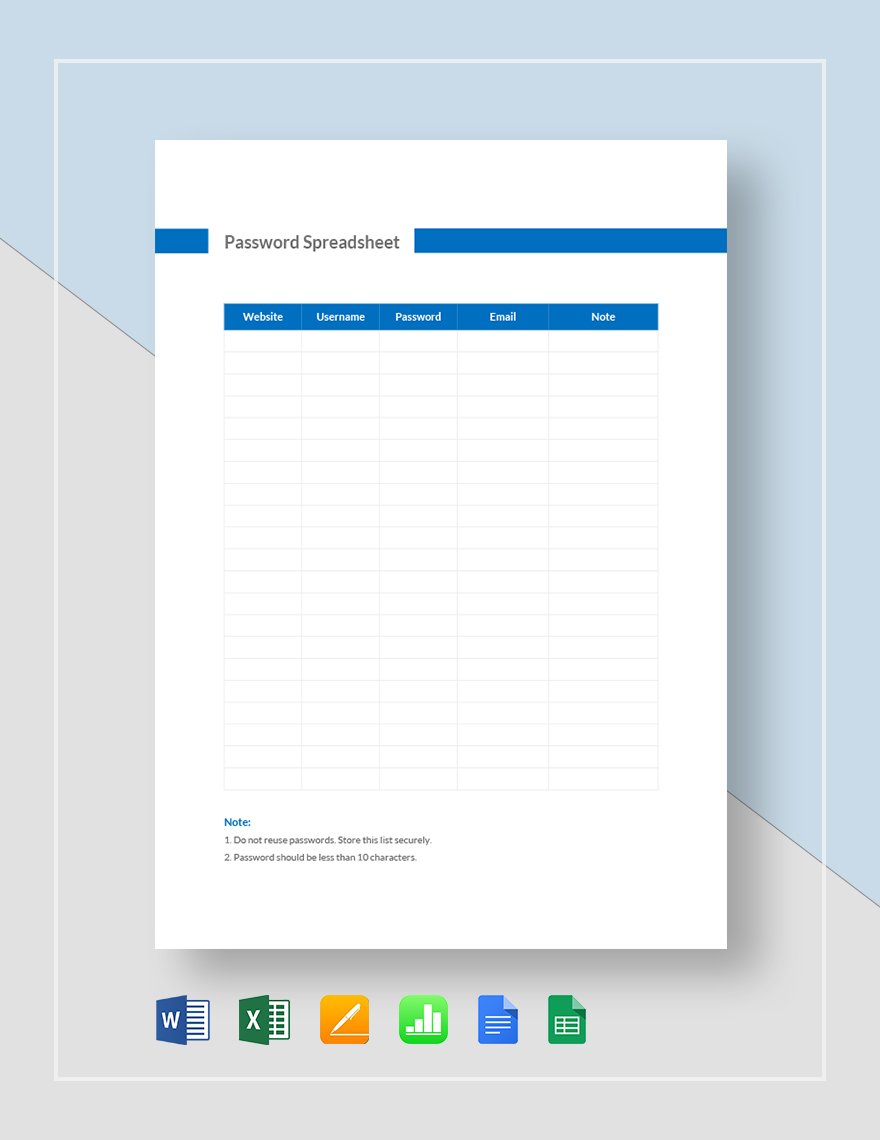
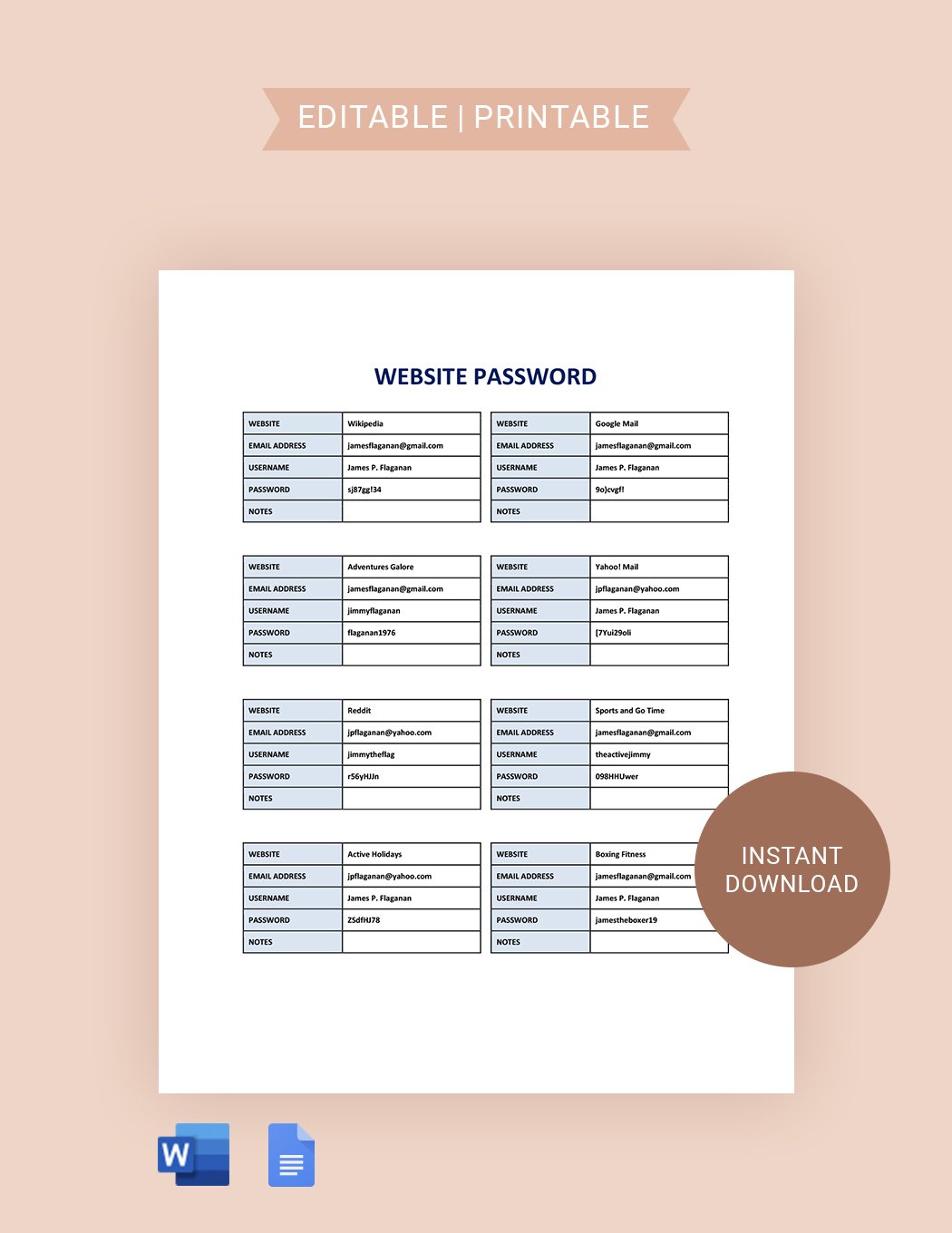
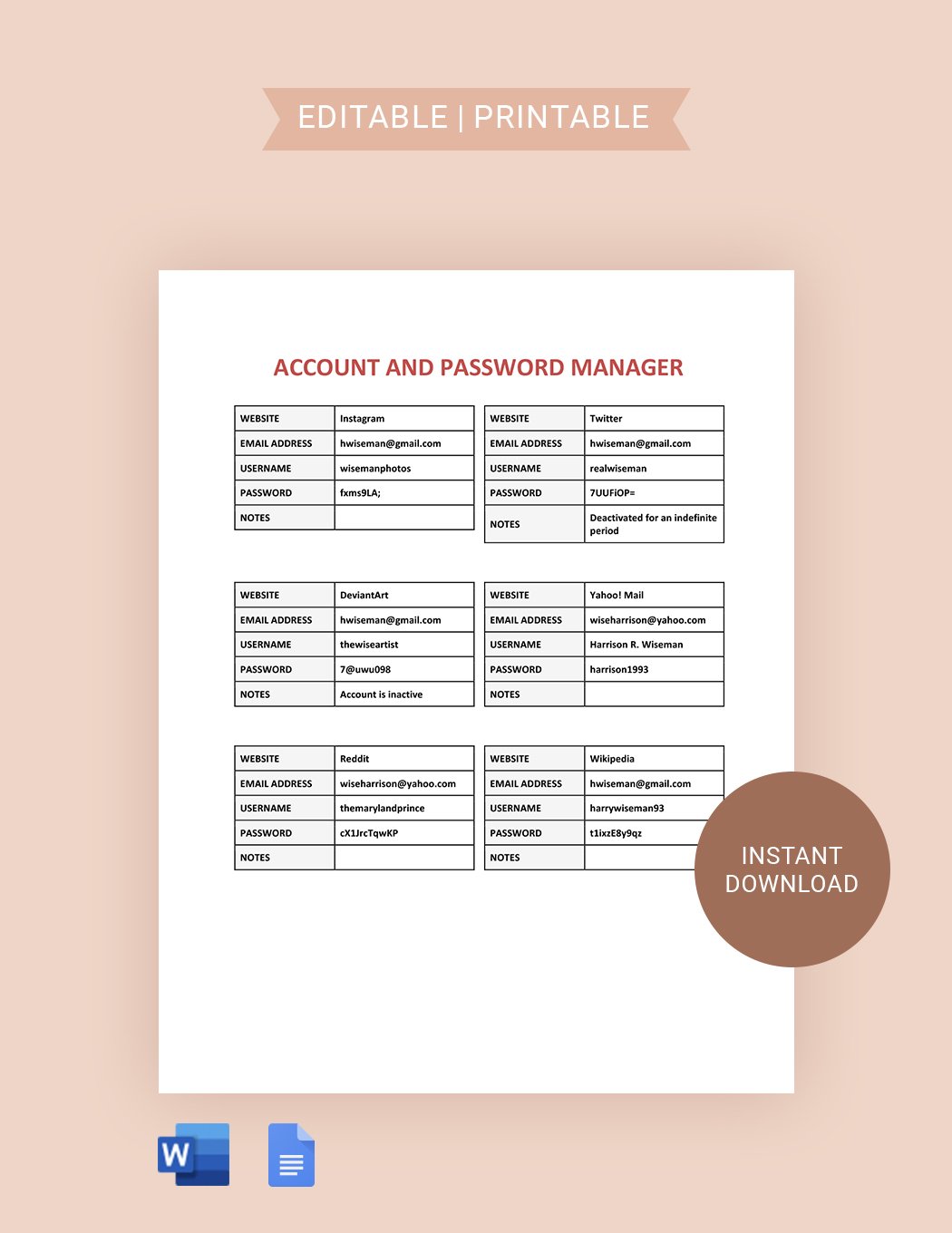
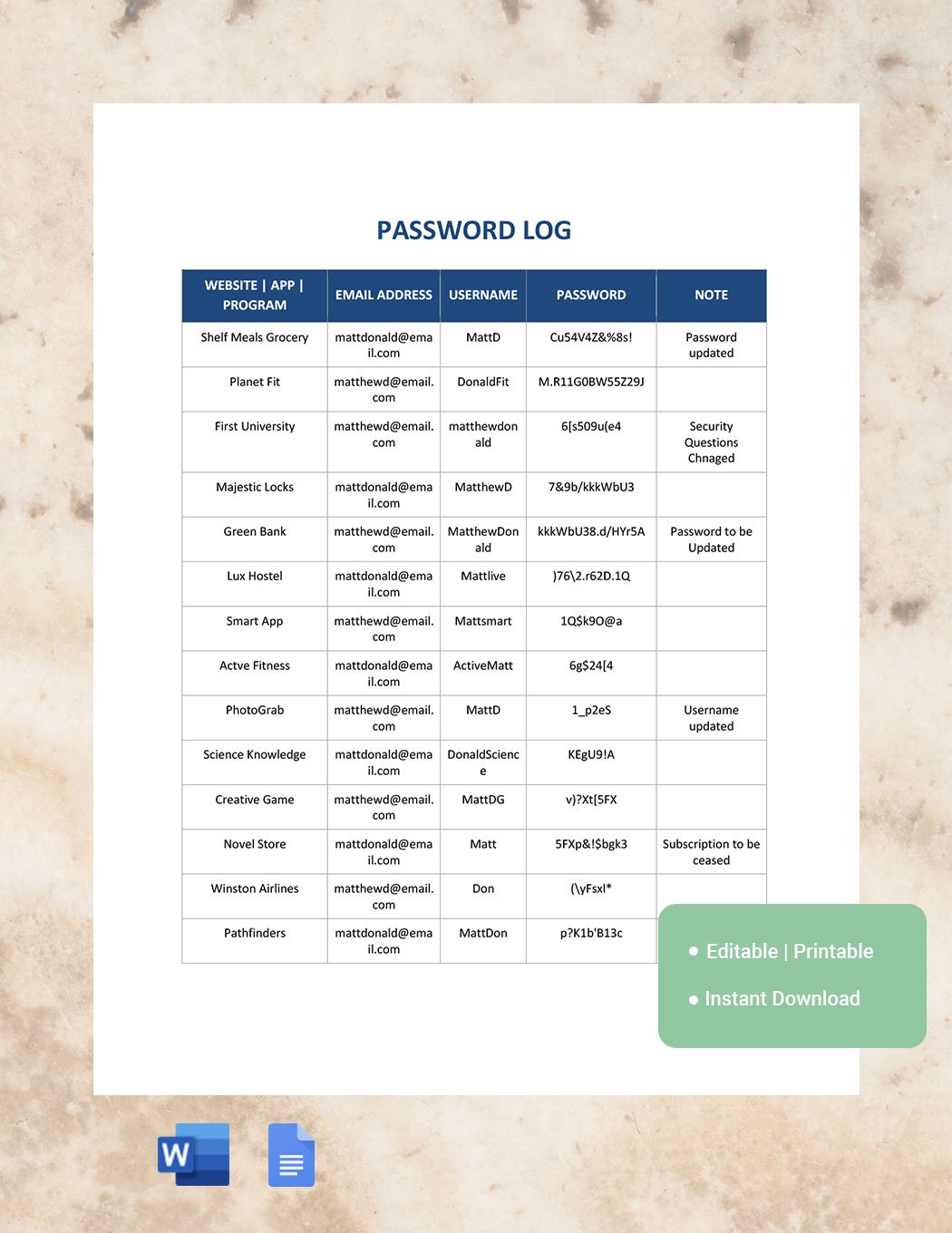
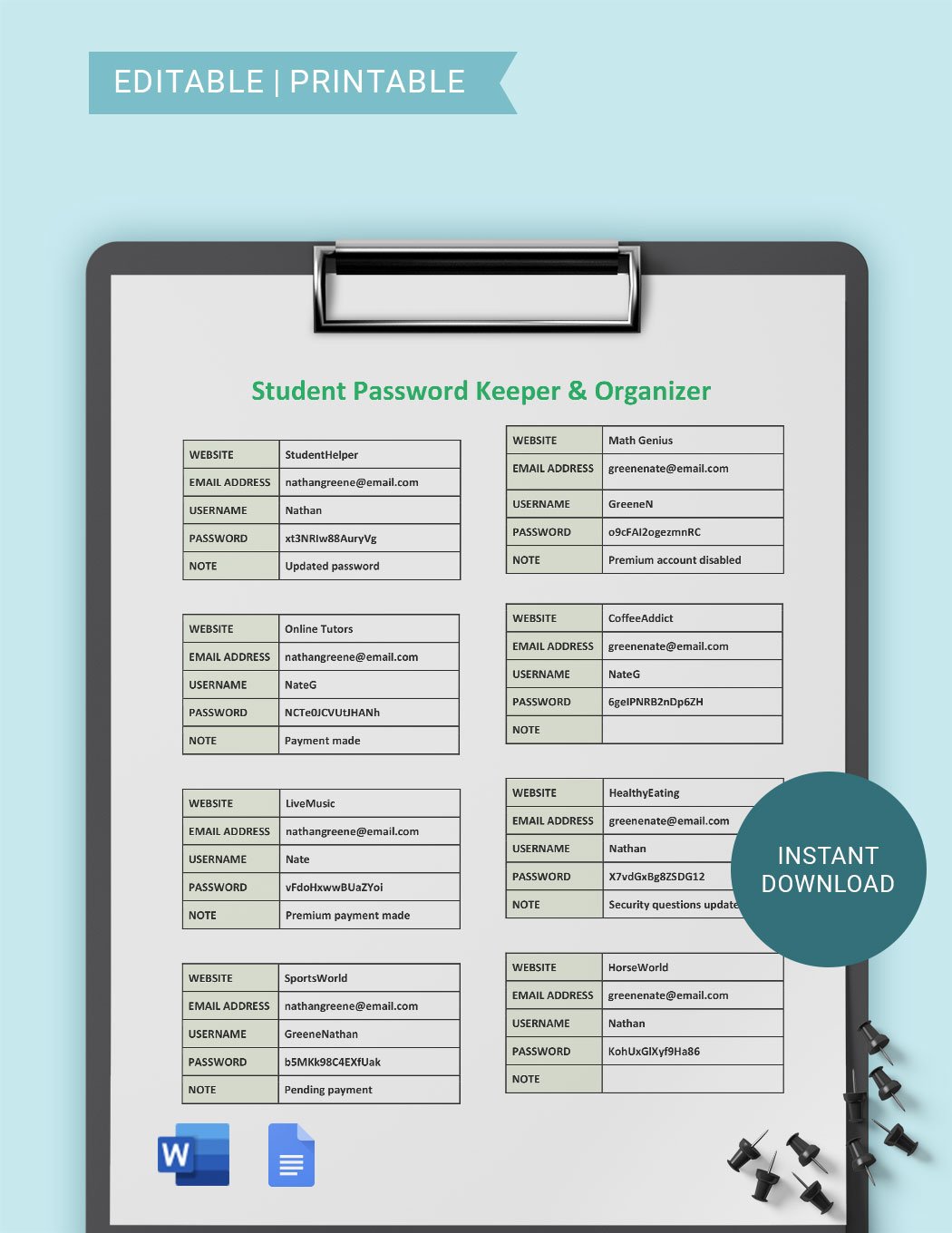
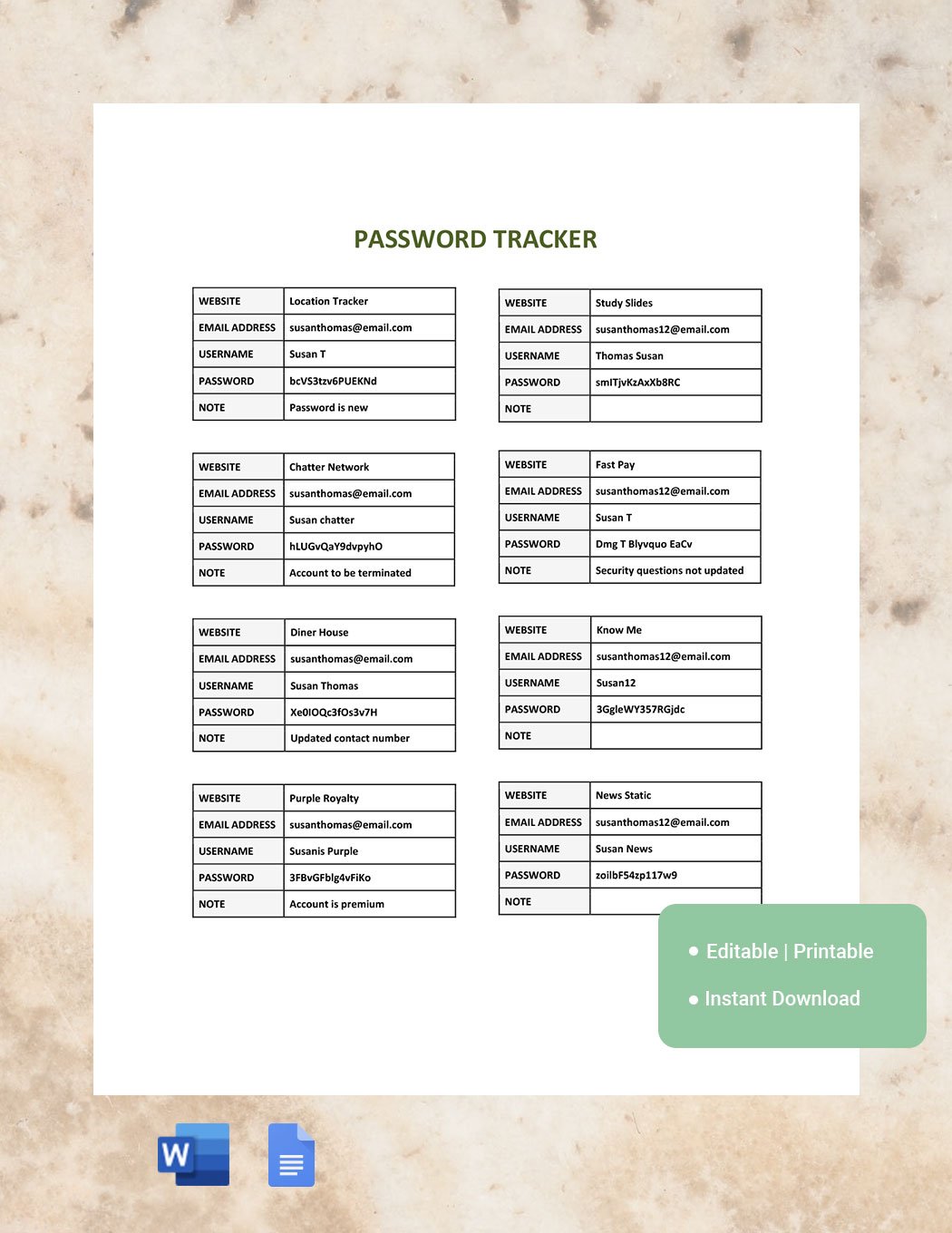
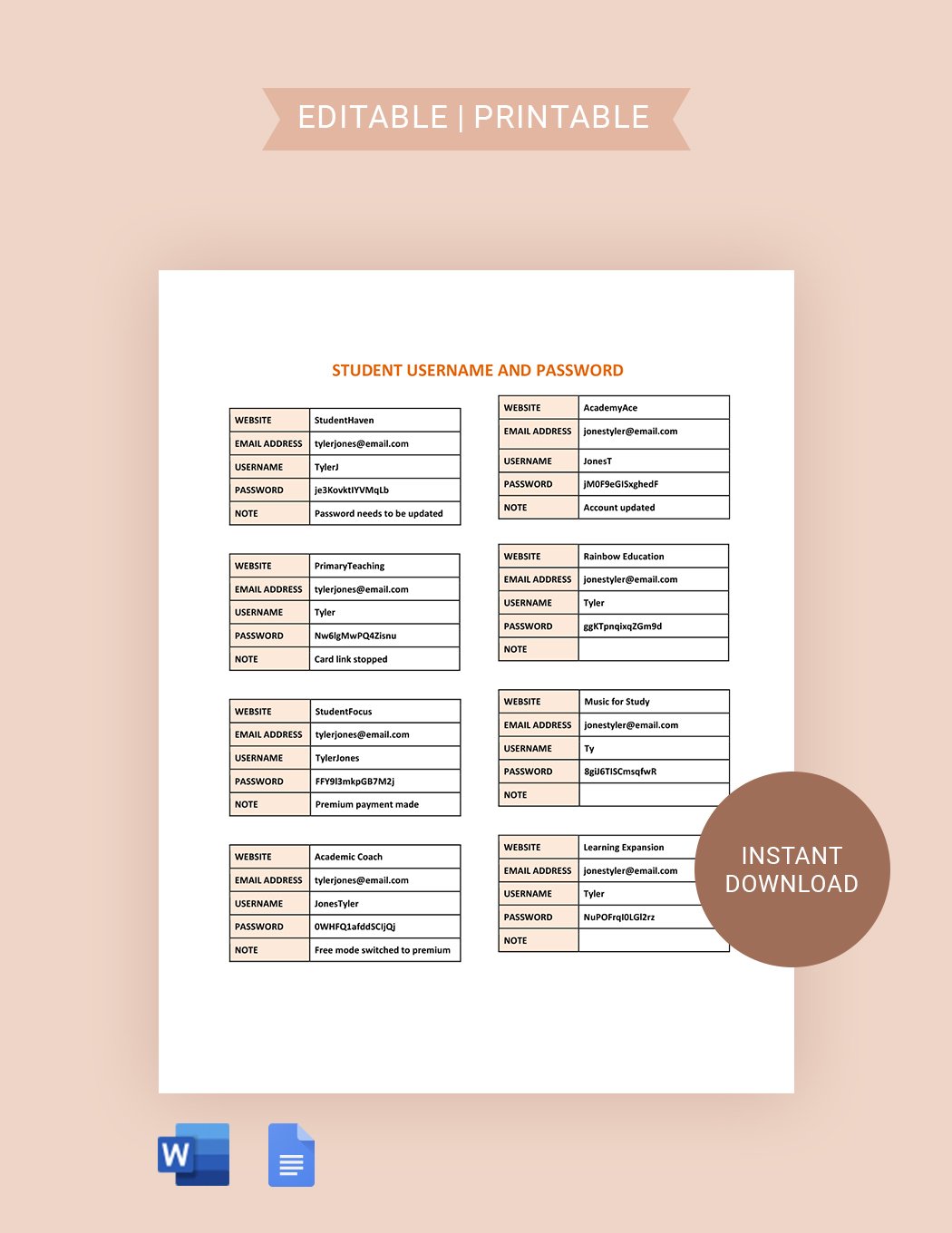
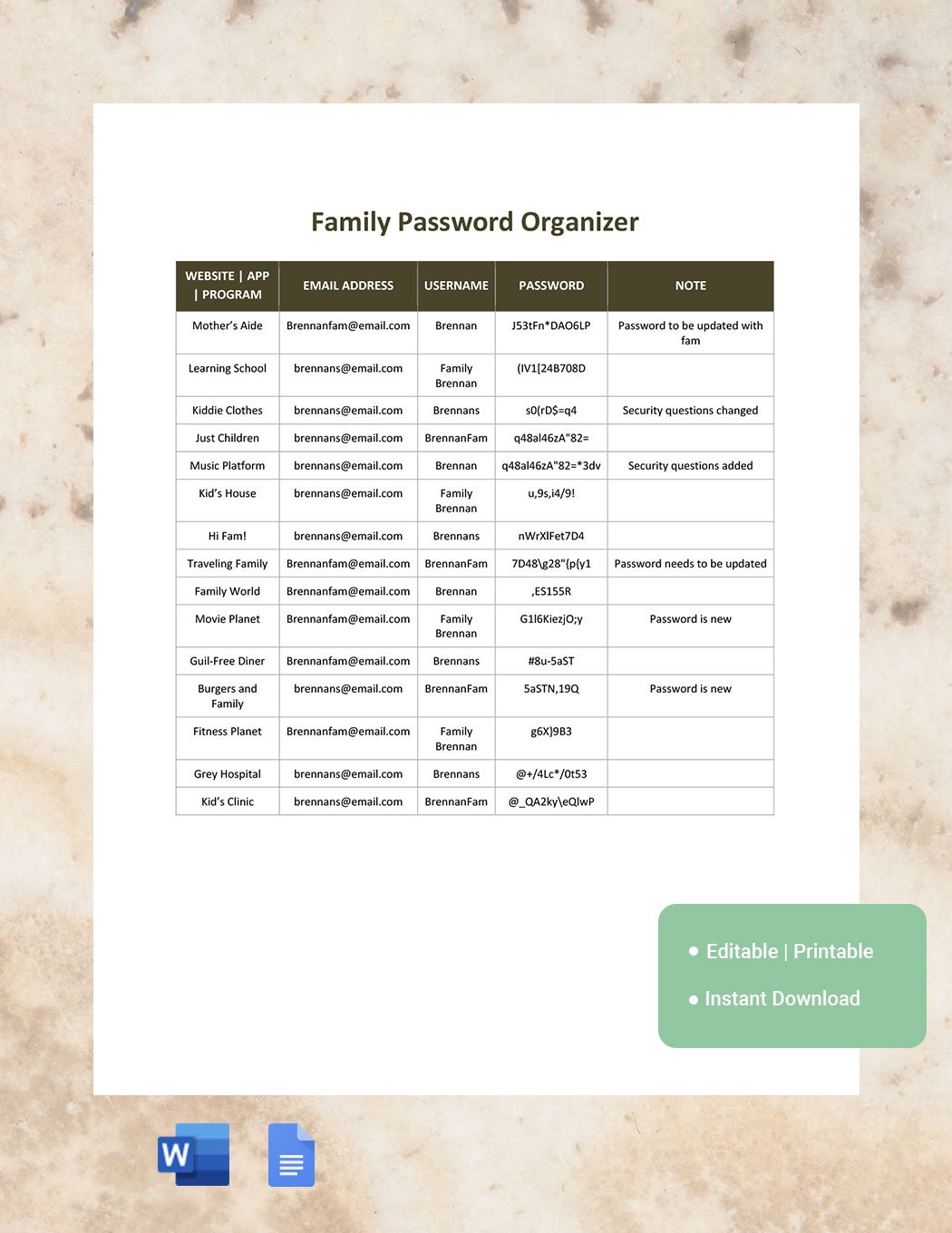
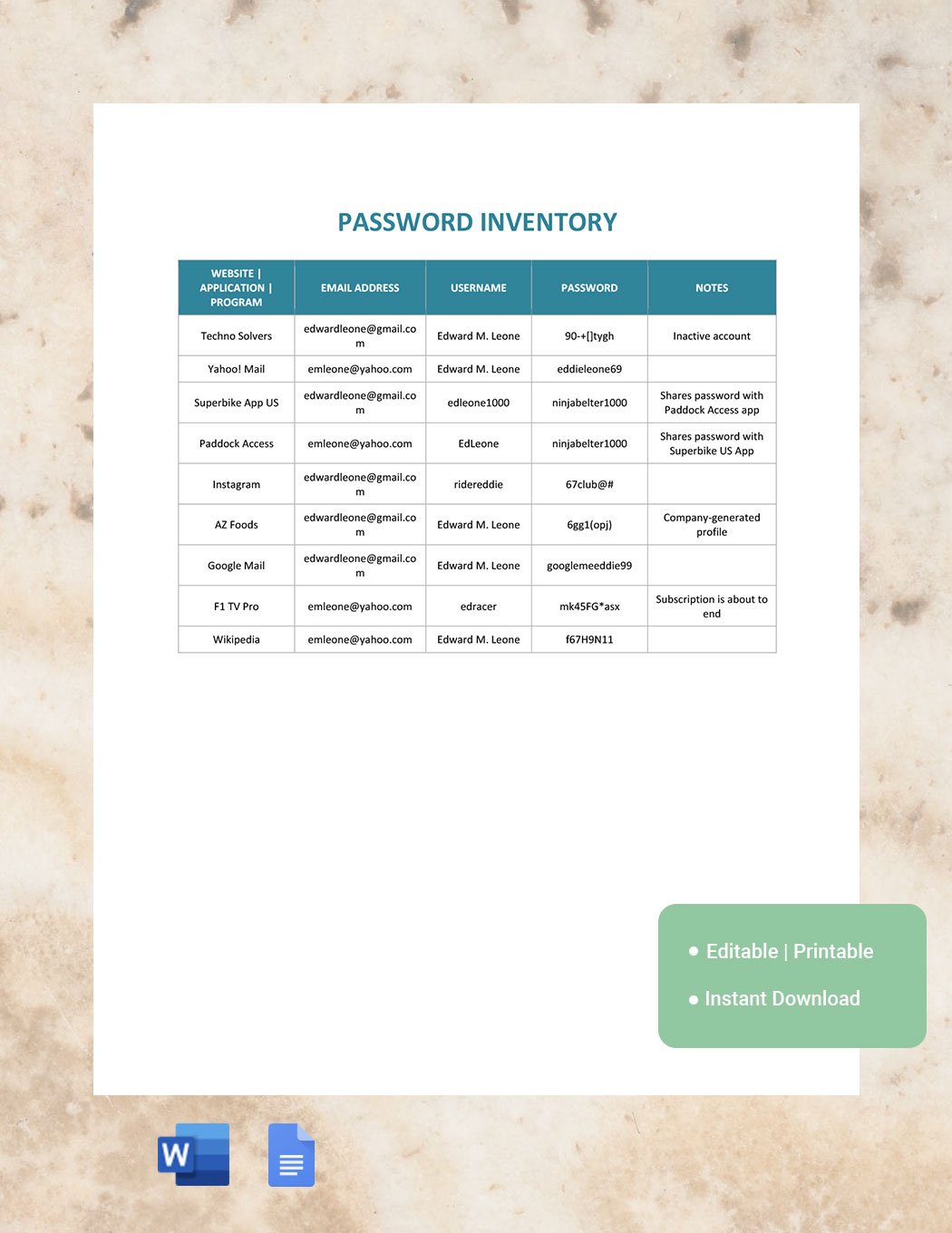
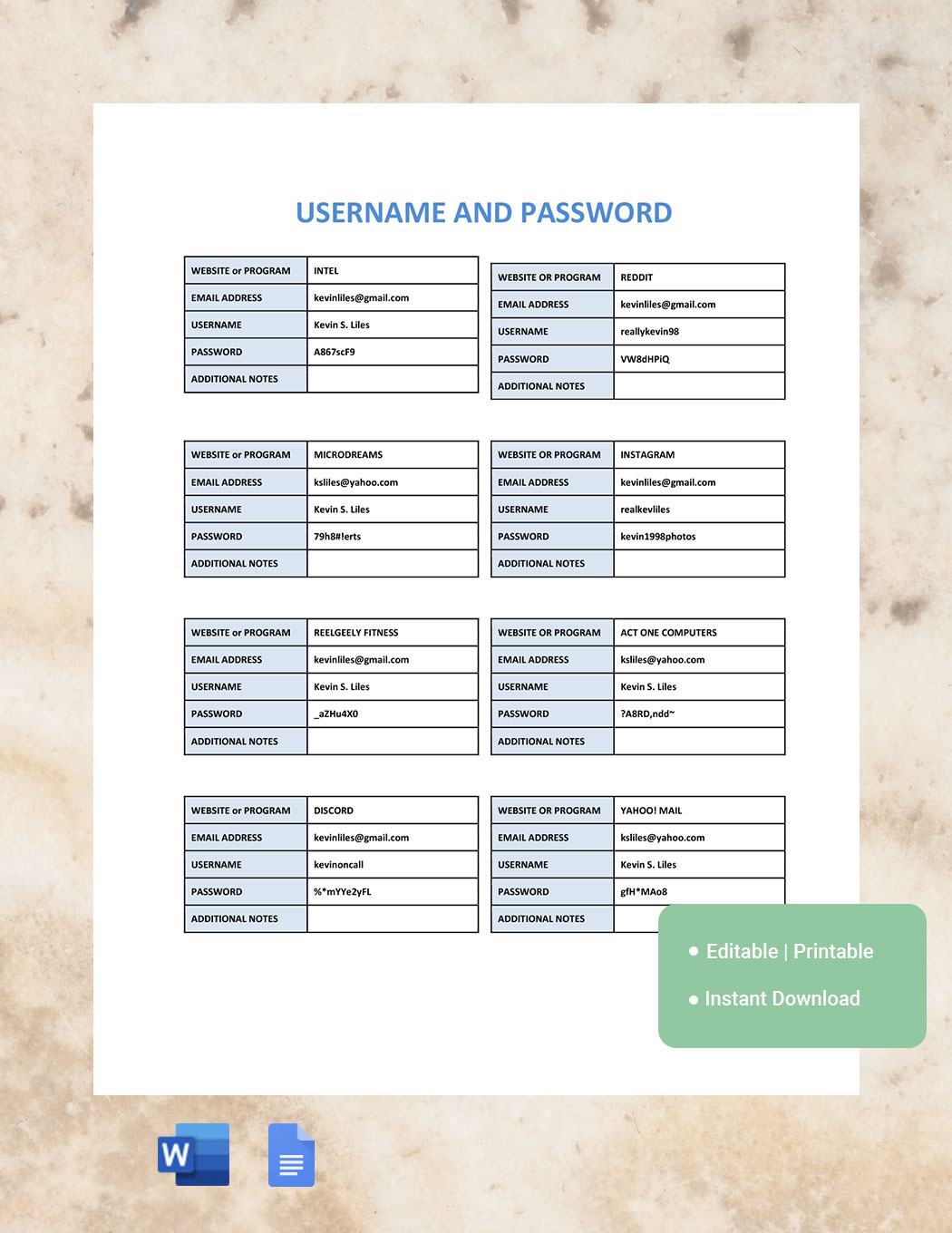
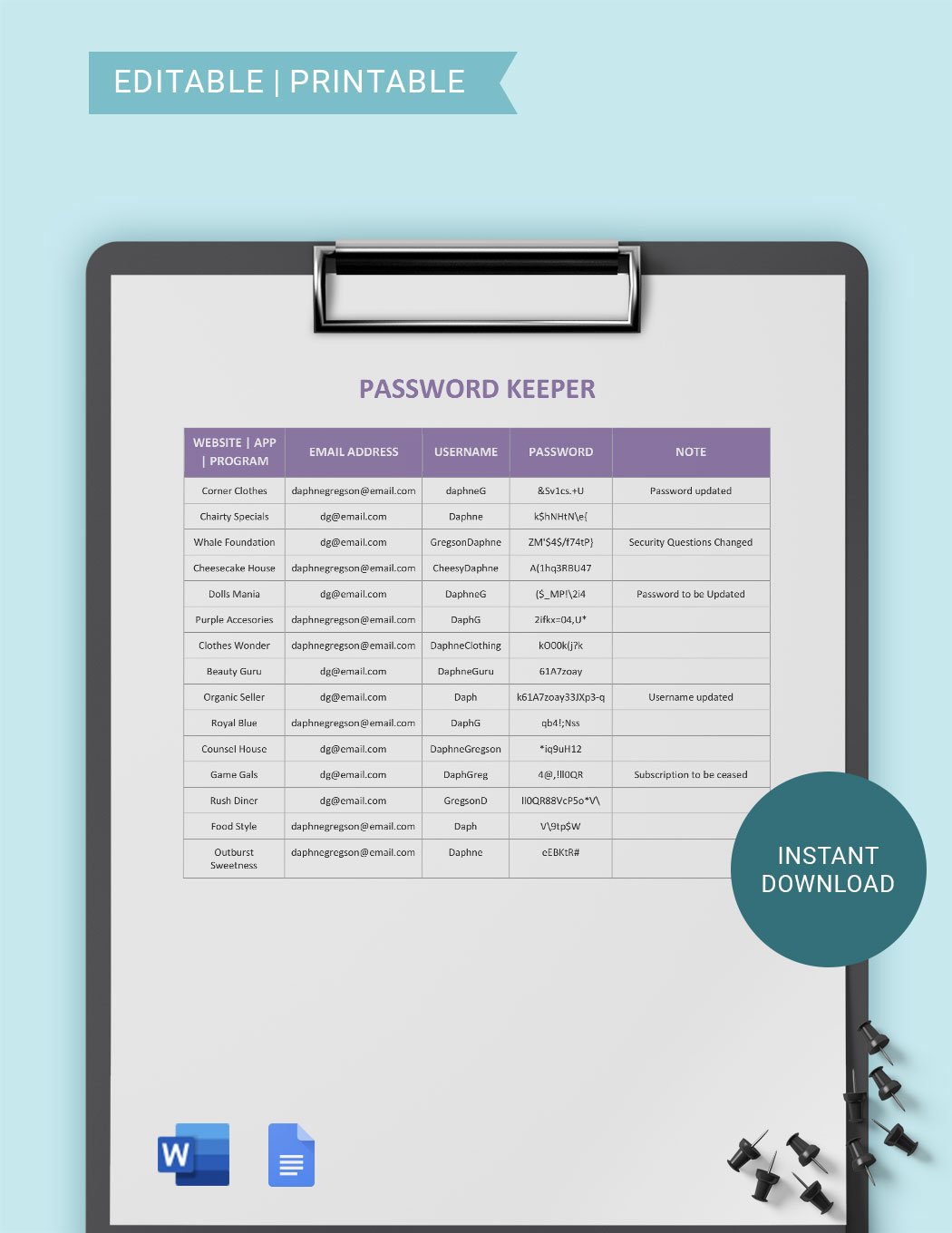
Essential elements in a Password template include fields for the password itself, username or account name, usage context, creation or expiration dates, and security notes. These components help organize and track password details securely and effectively.
How is Password used in professional workflows?
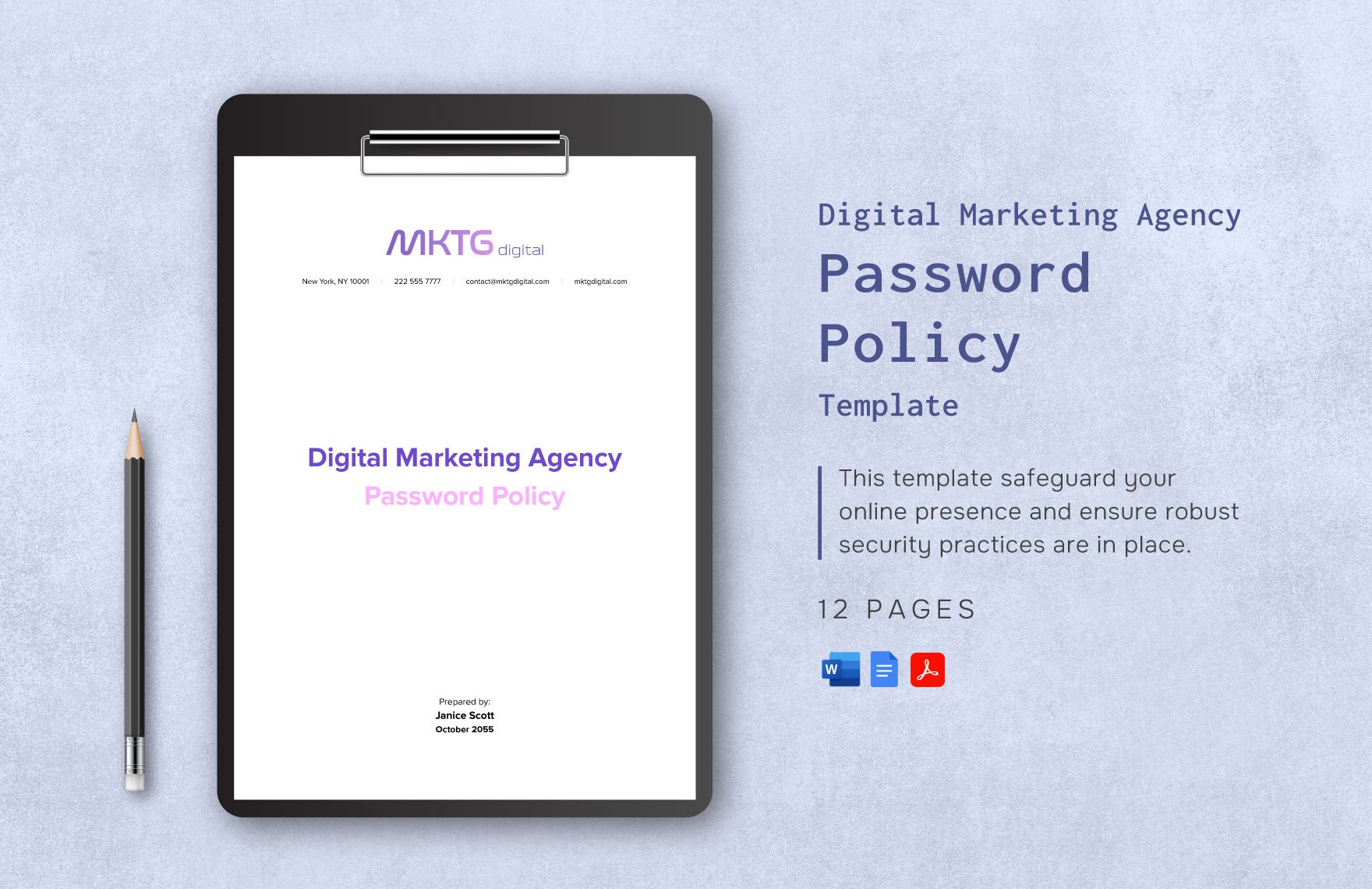
Password usage in professional workflows involves securing access to corporate systems, databases, and confidential documents. Strong password policies and templates ensure consistent application of security standards across teams and departments.
What are common use cases for Password templates?
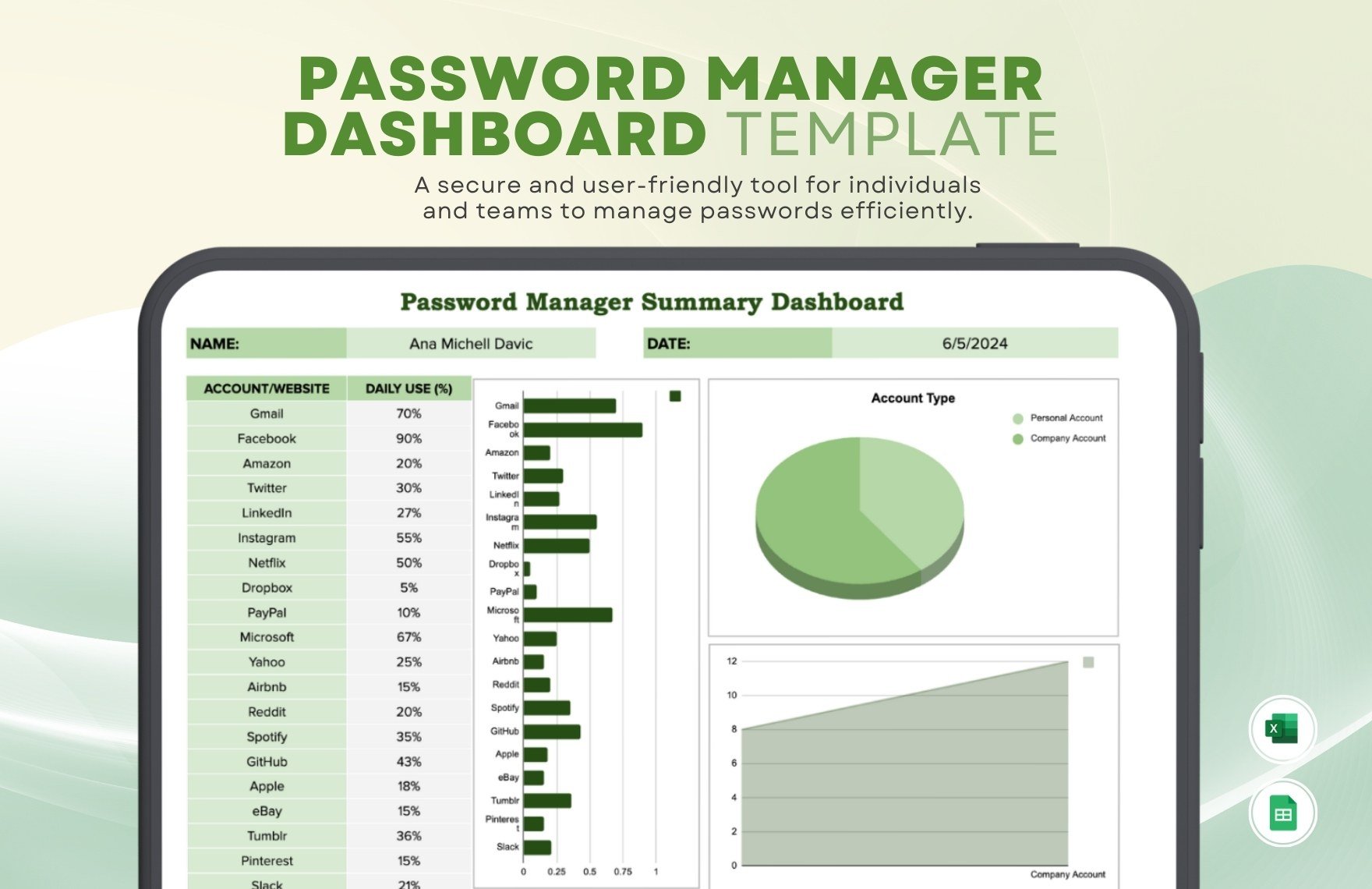
Common use cases for Password templates include managing login credentials for multiple accounts, documenting temporary access codes, and organizing password recovery information. Templates help maintain security and streamline credential management.
