
Free Script Templates

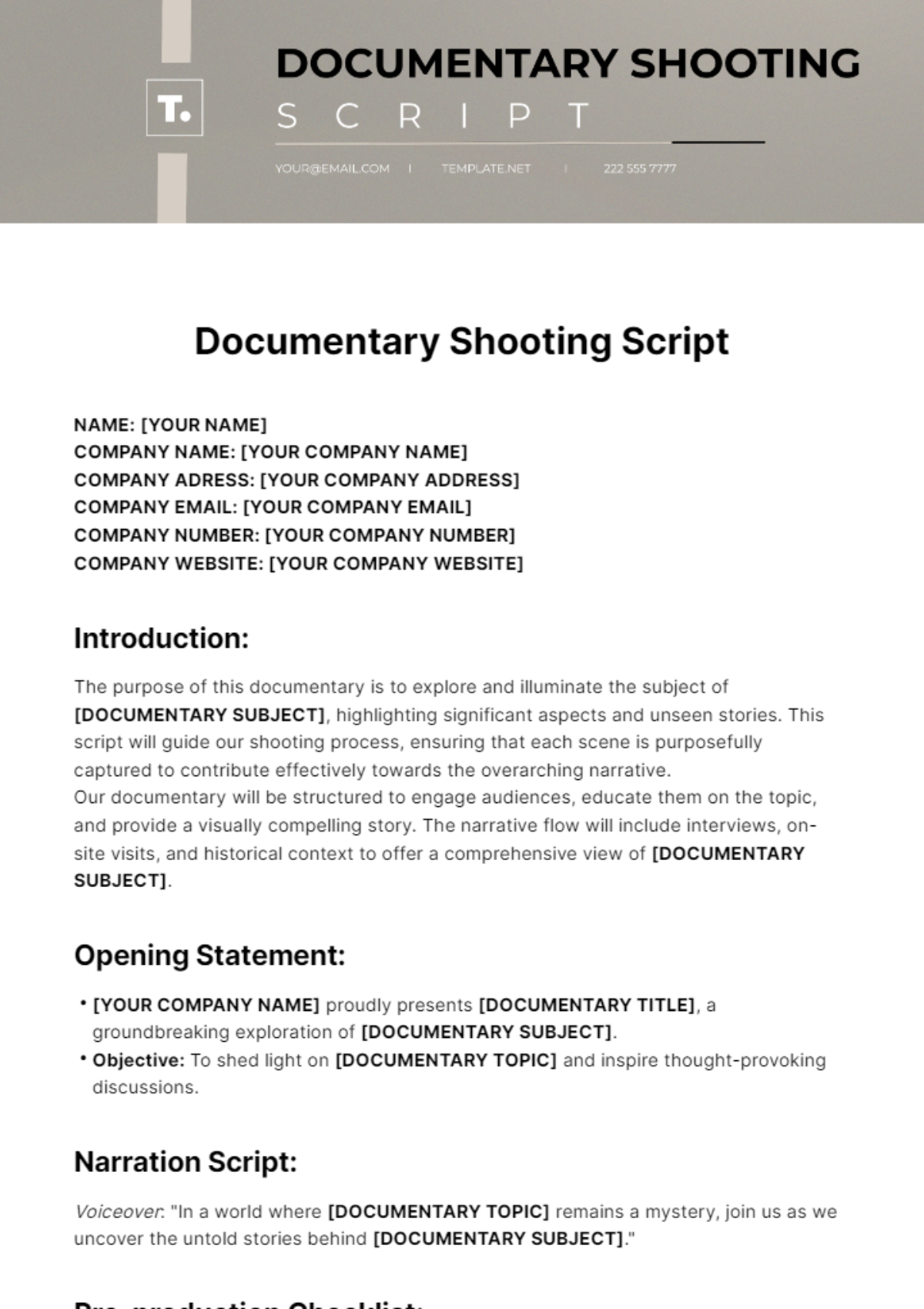
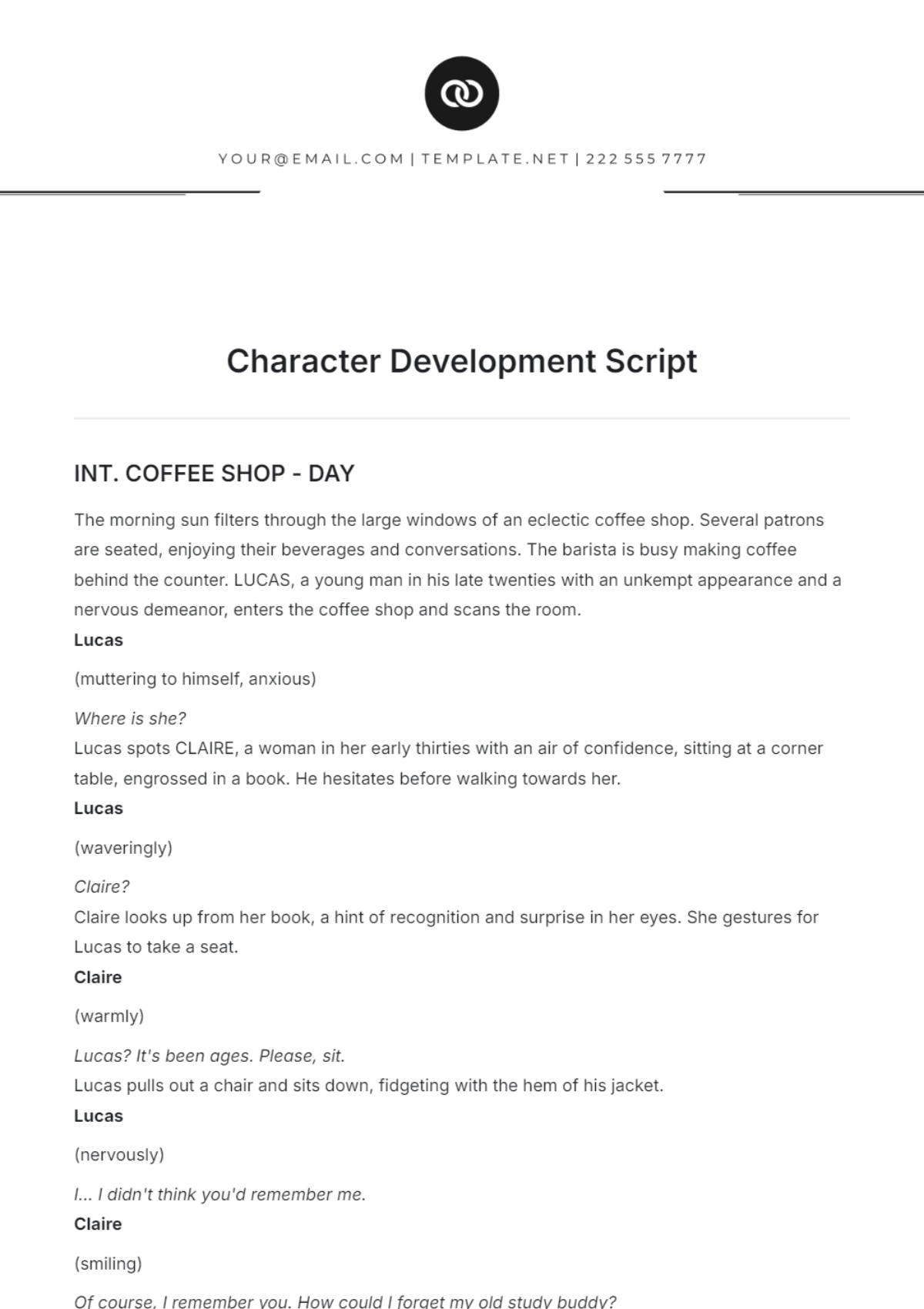
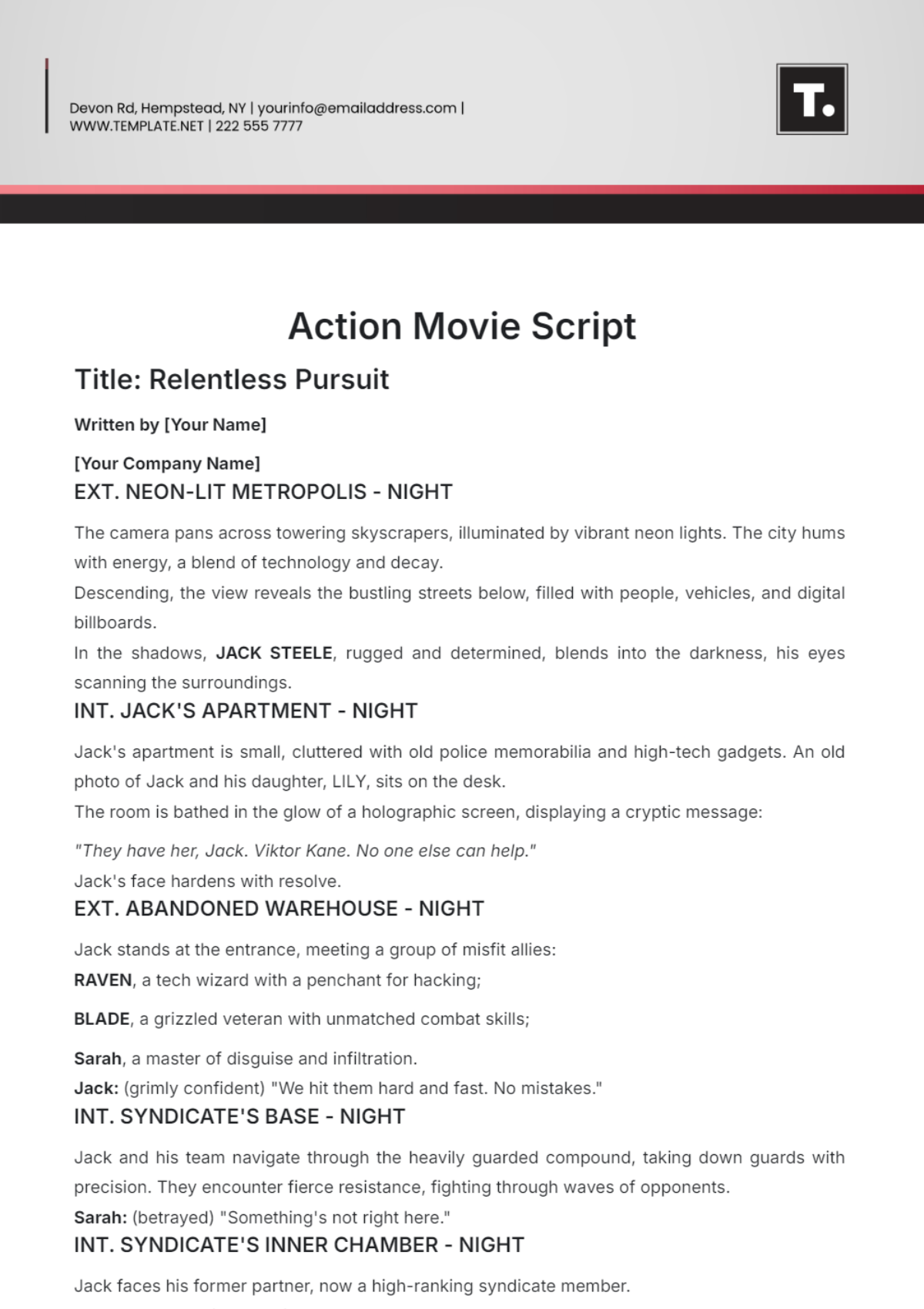
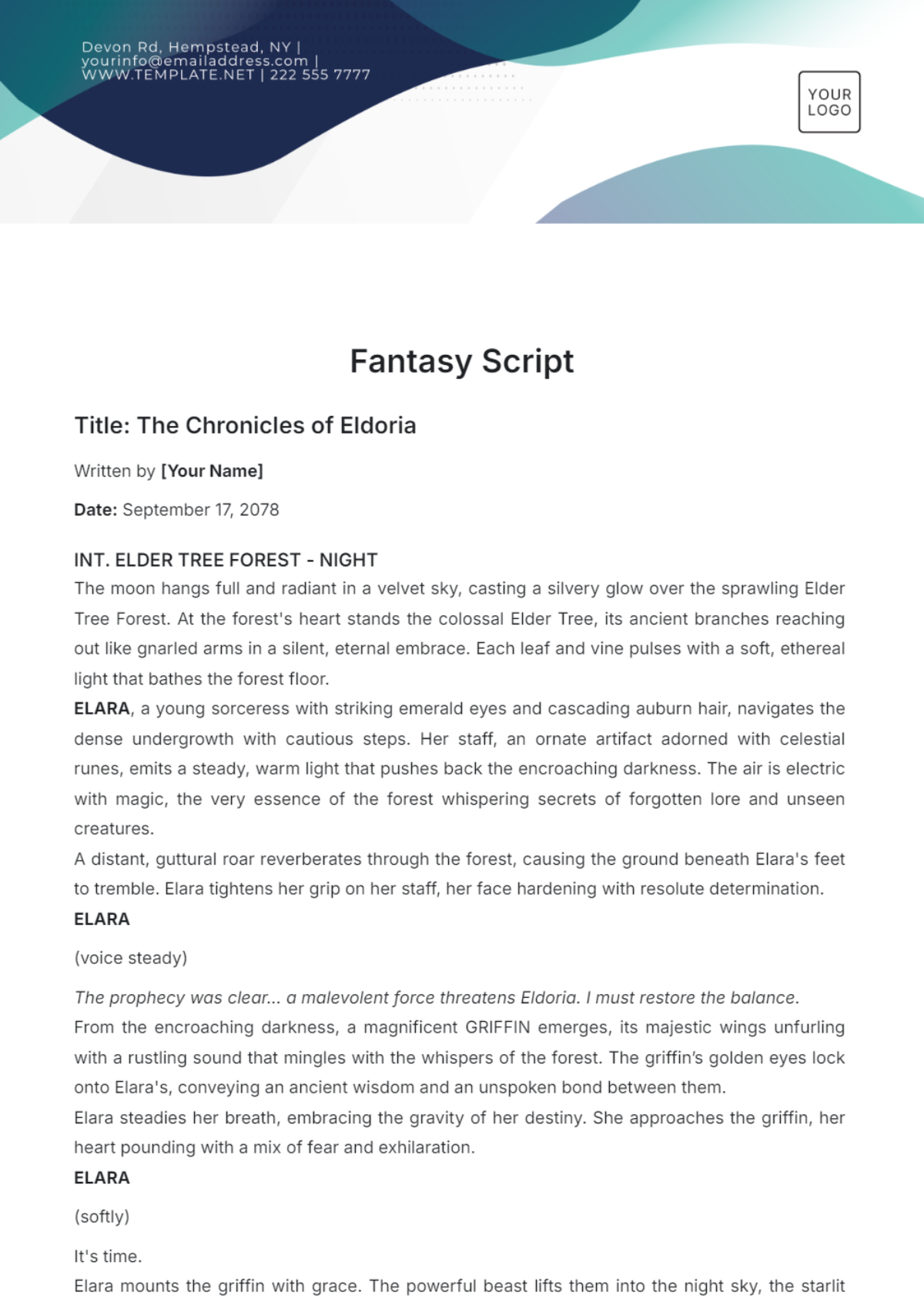
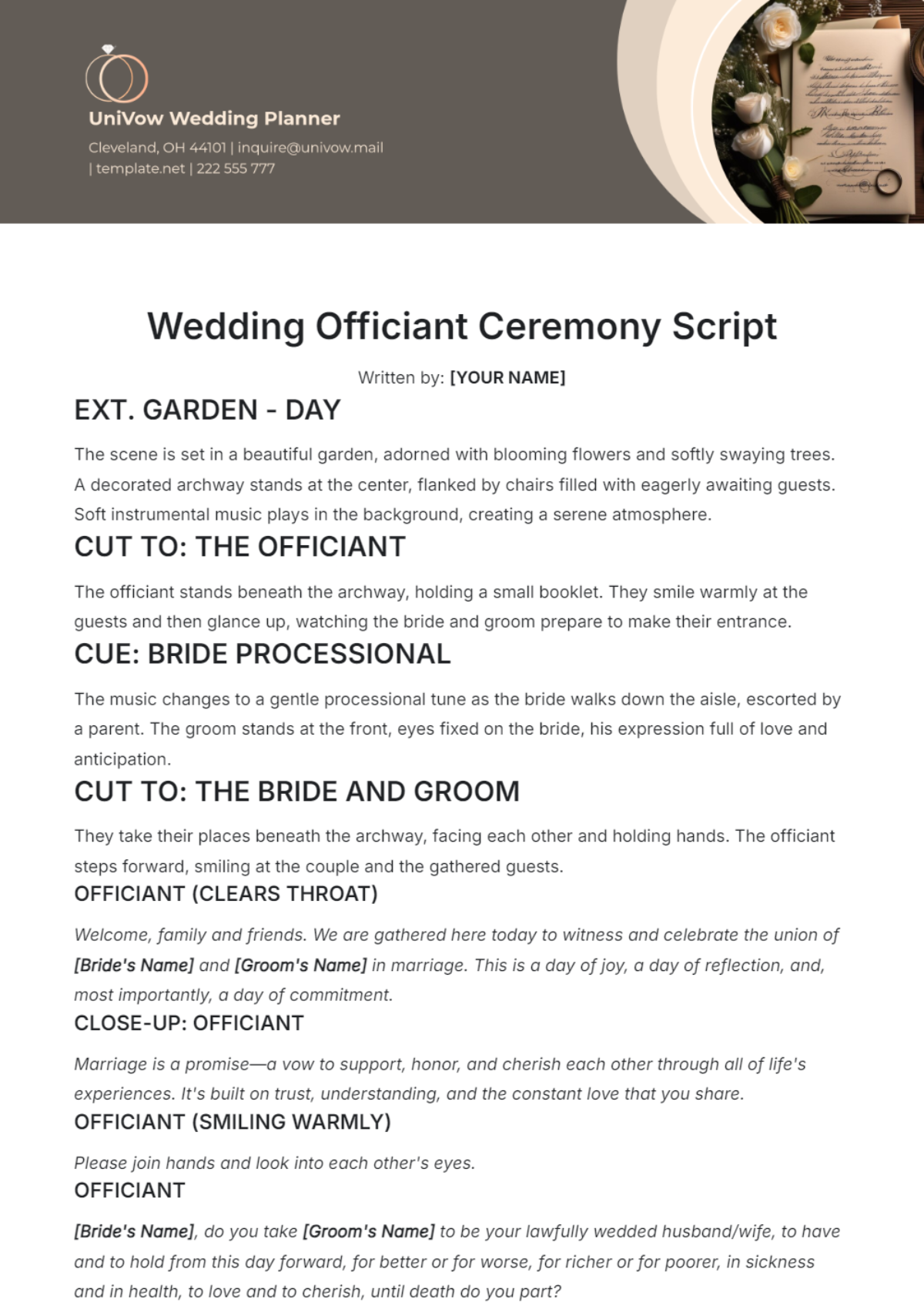
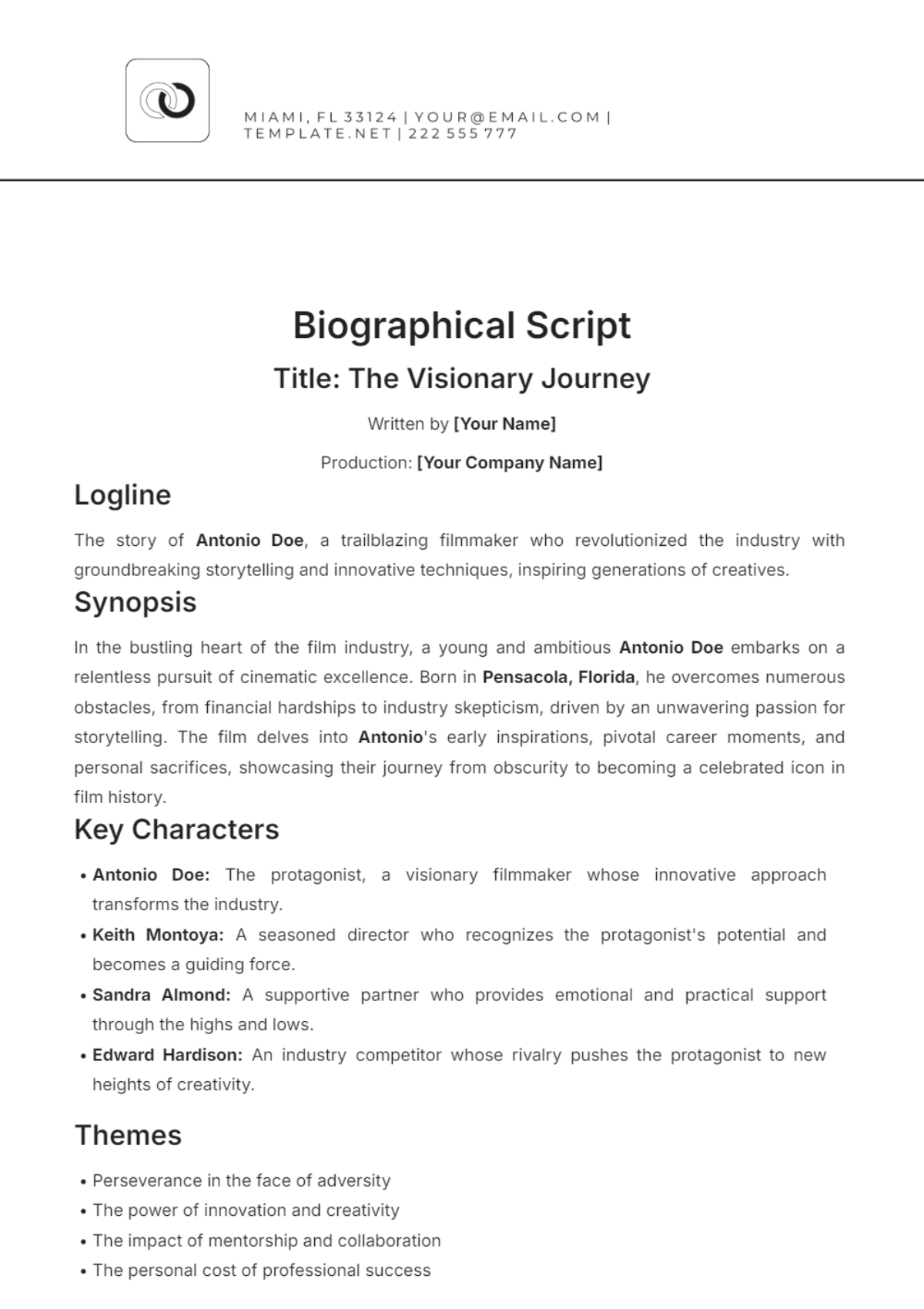
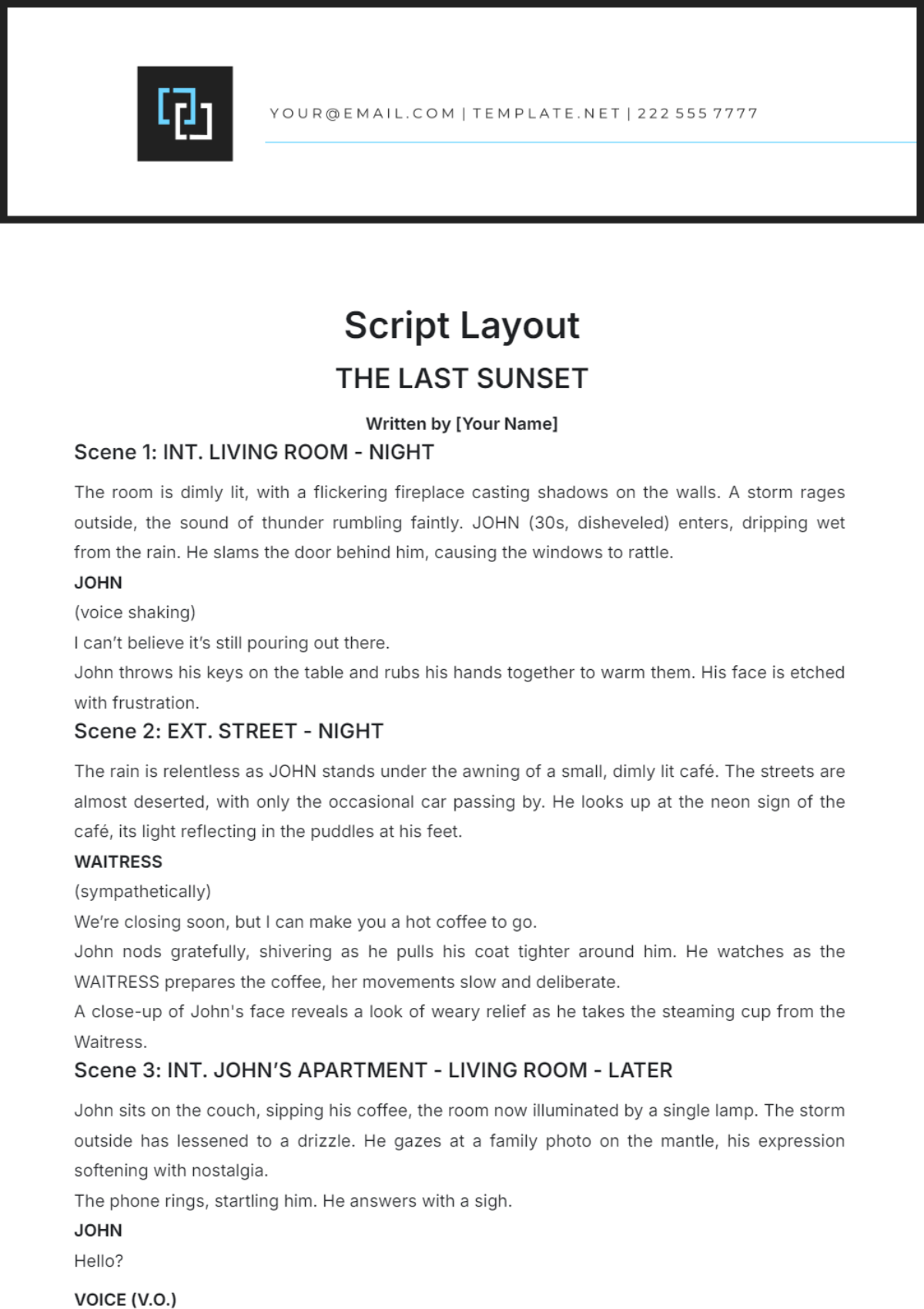

Script Templates: Definition, Usage, and Formats
What is a Script?
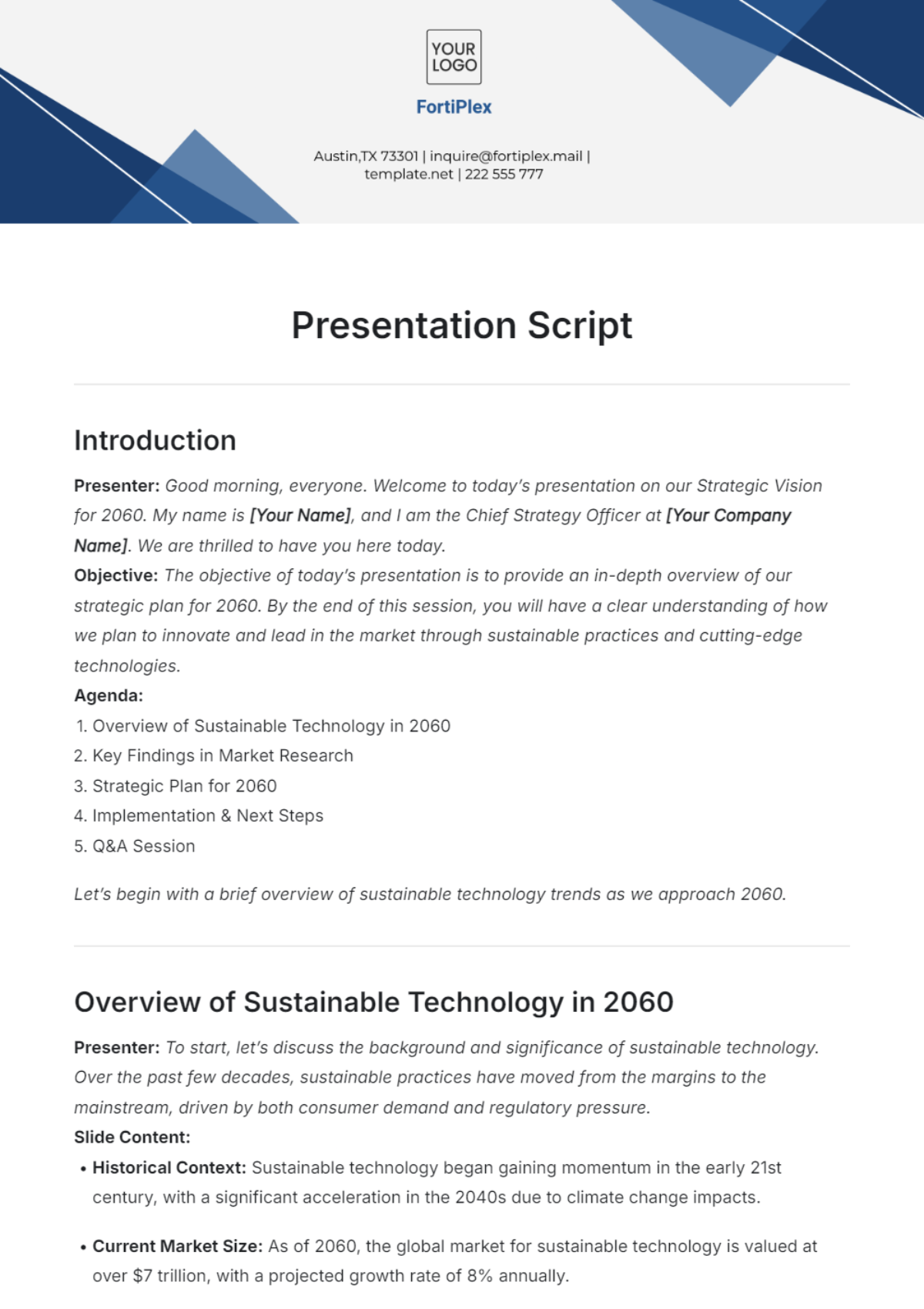
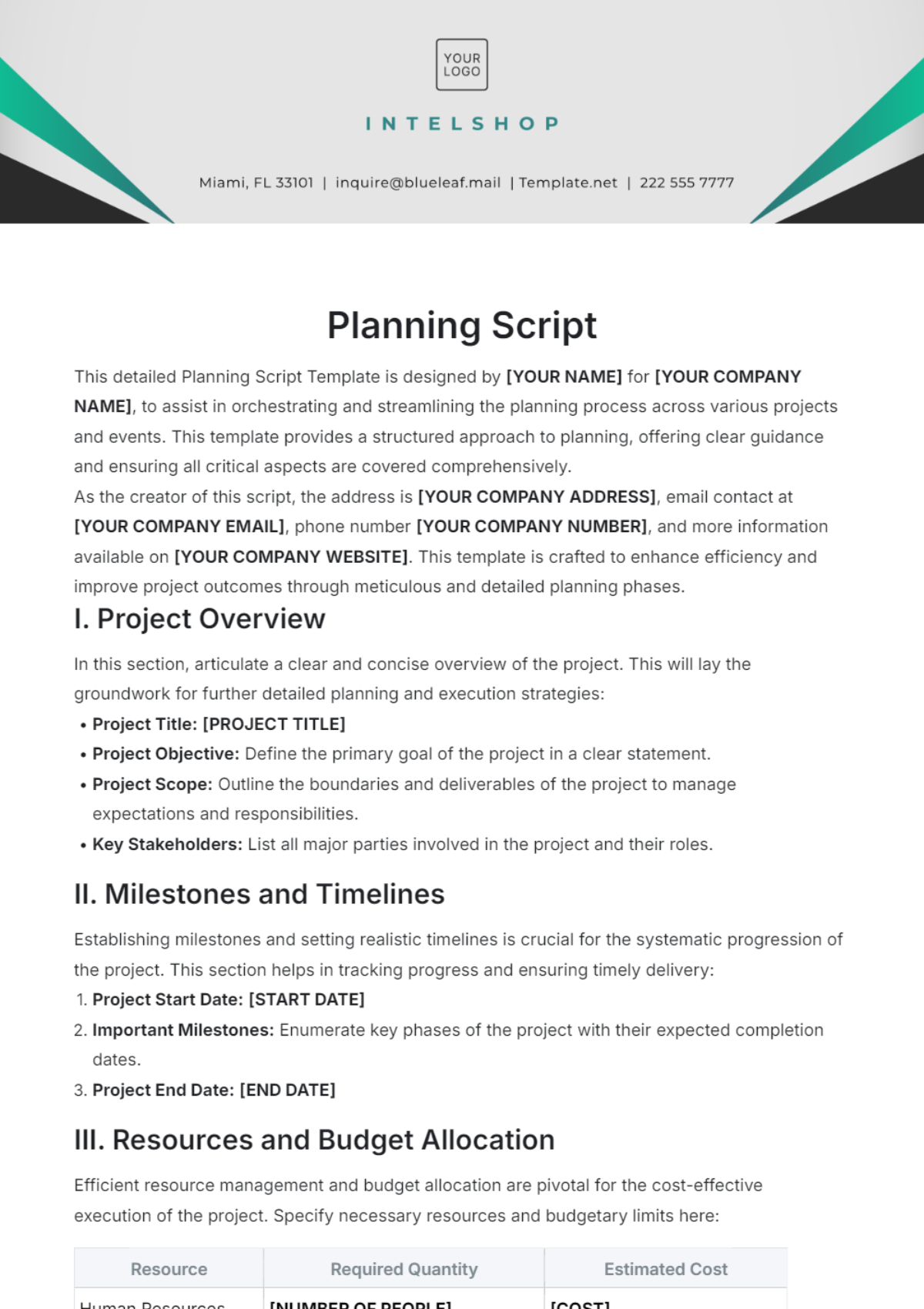
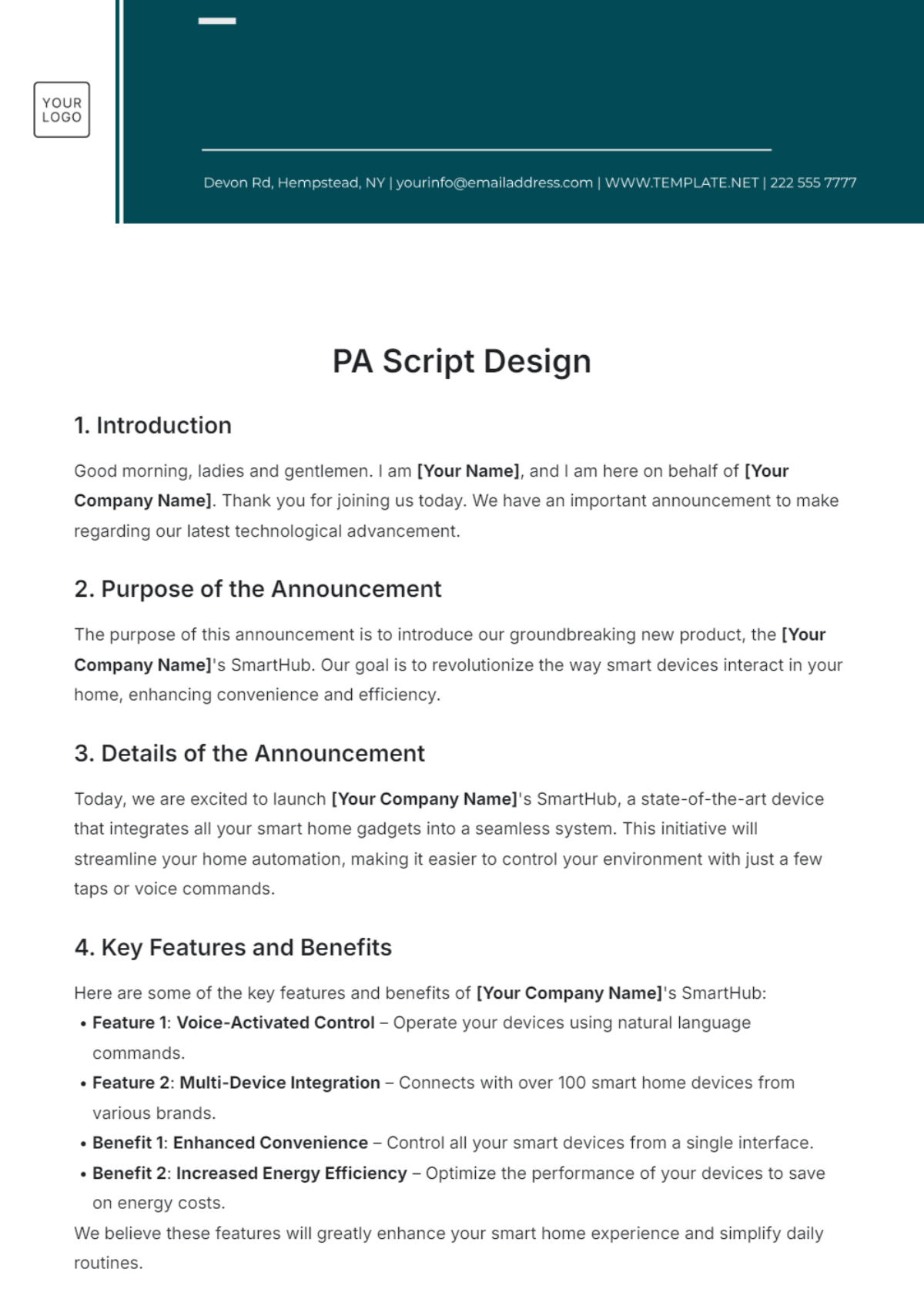
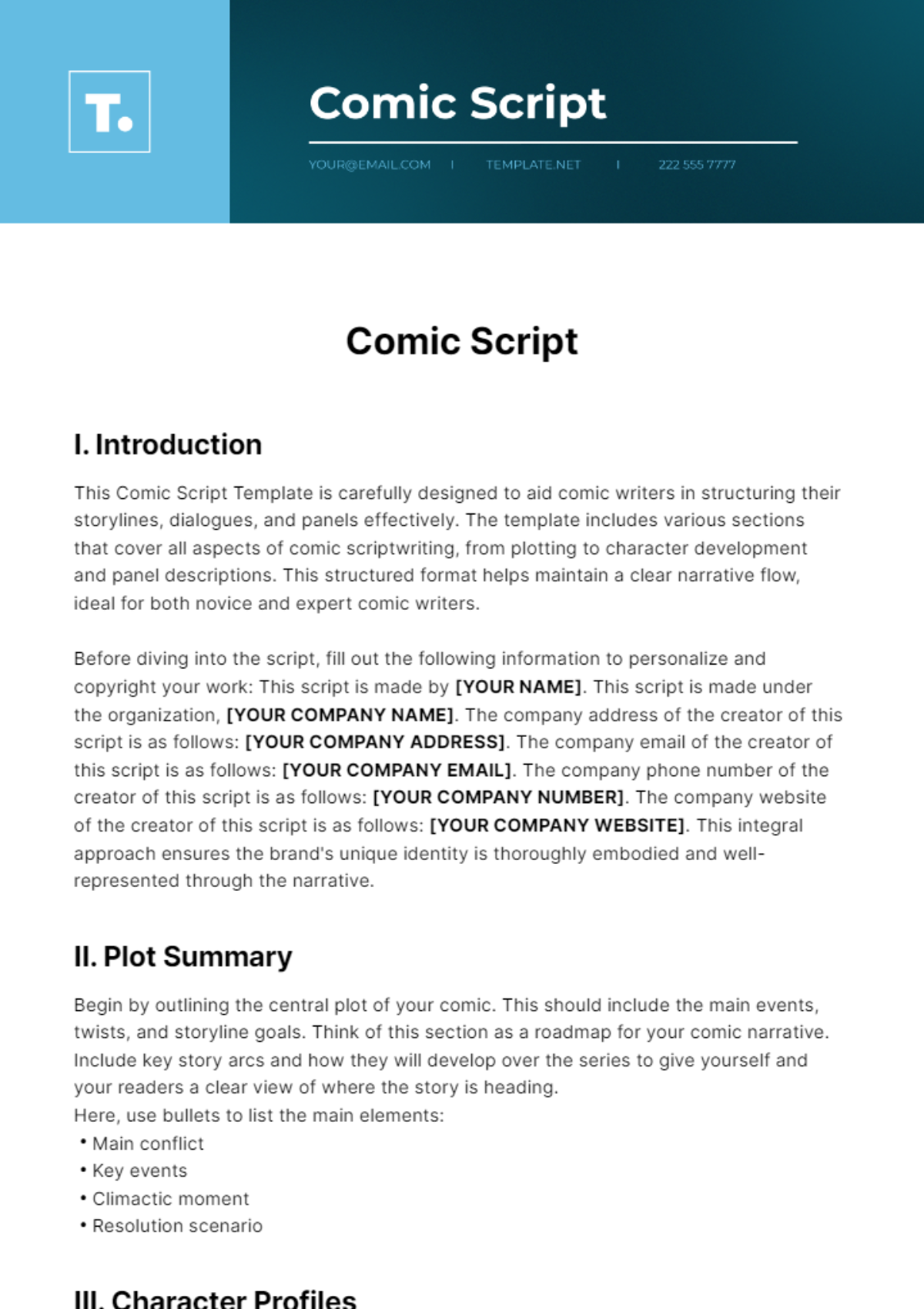
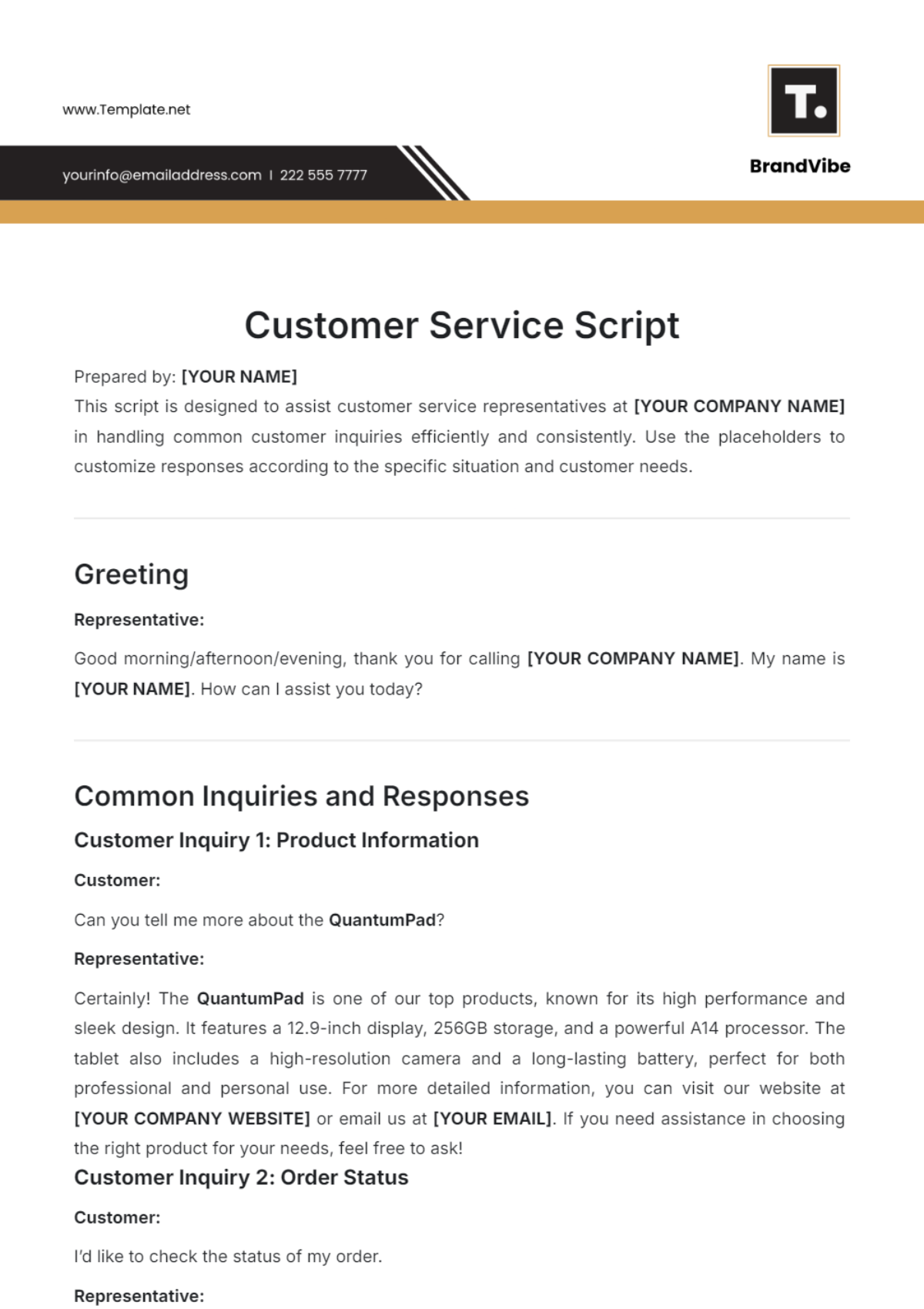
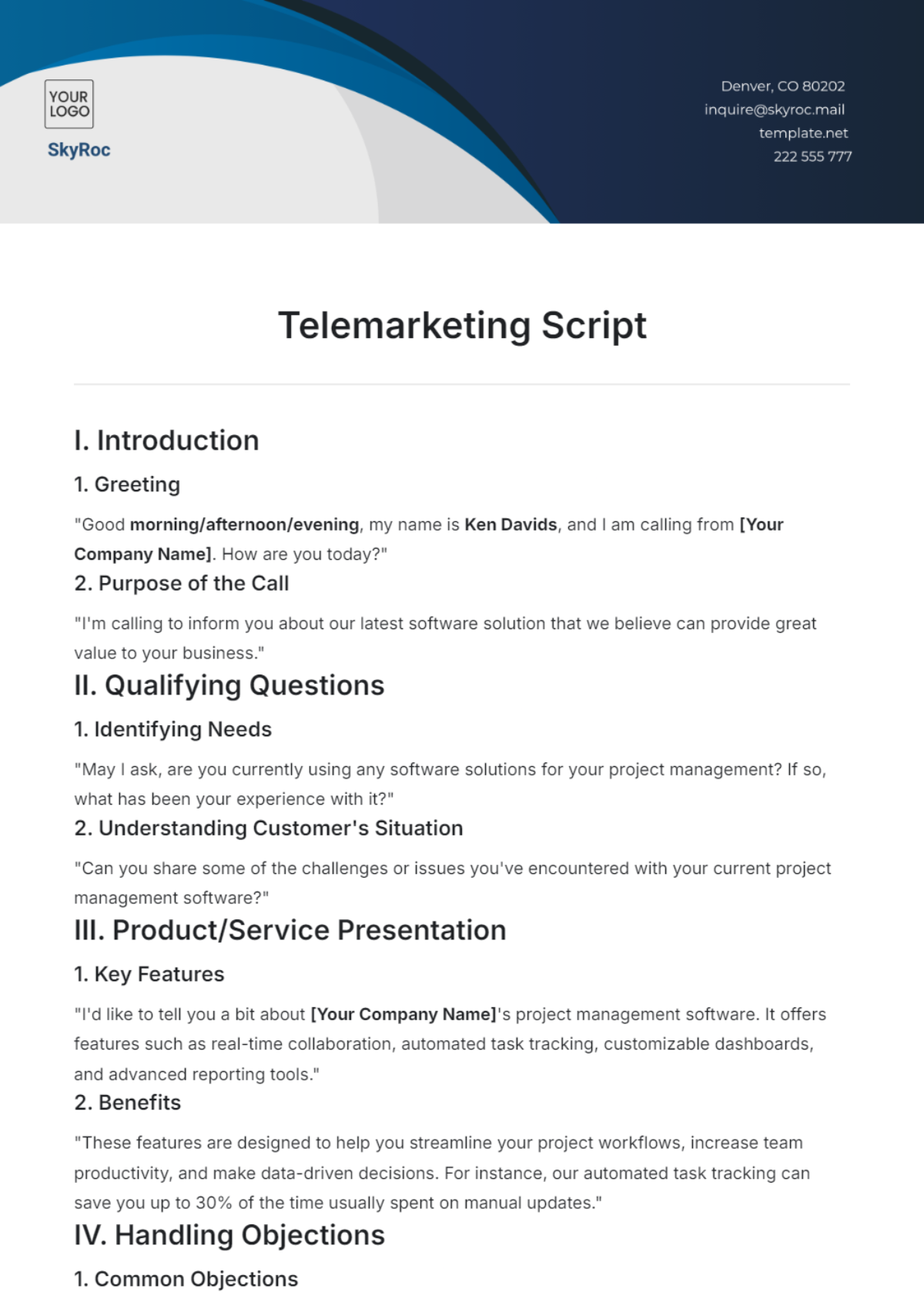
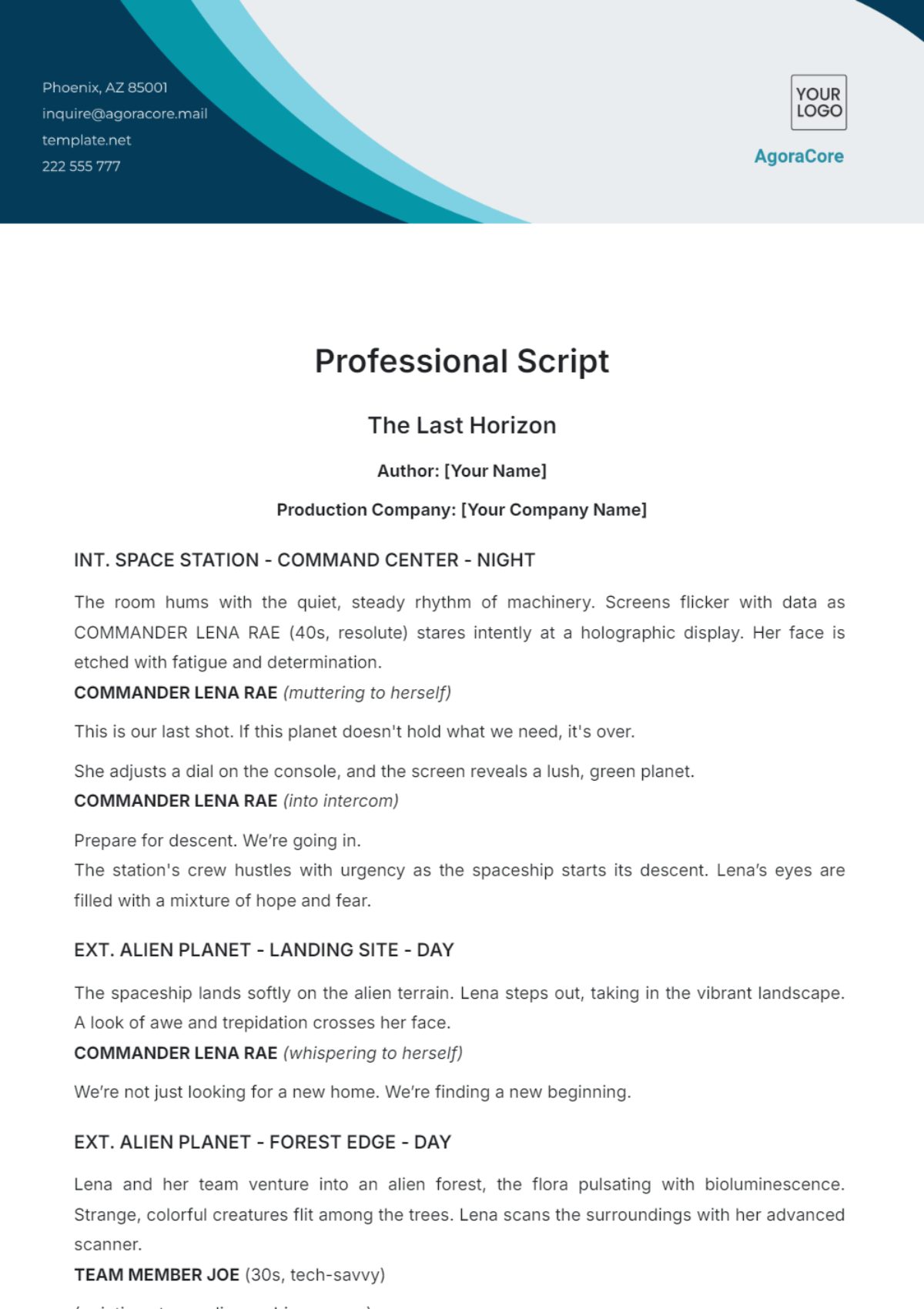
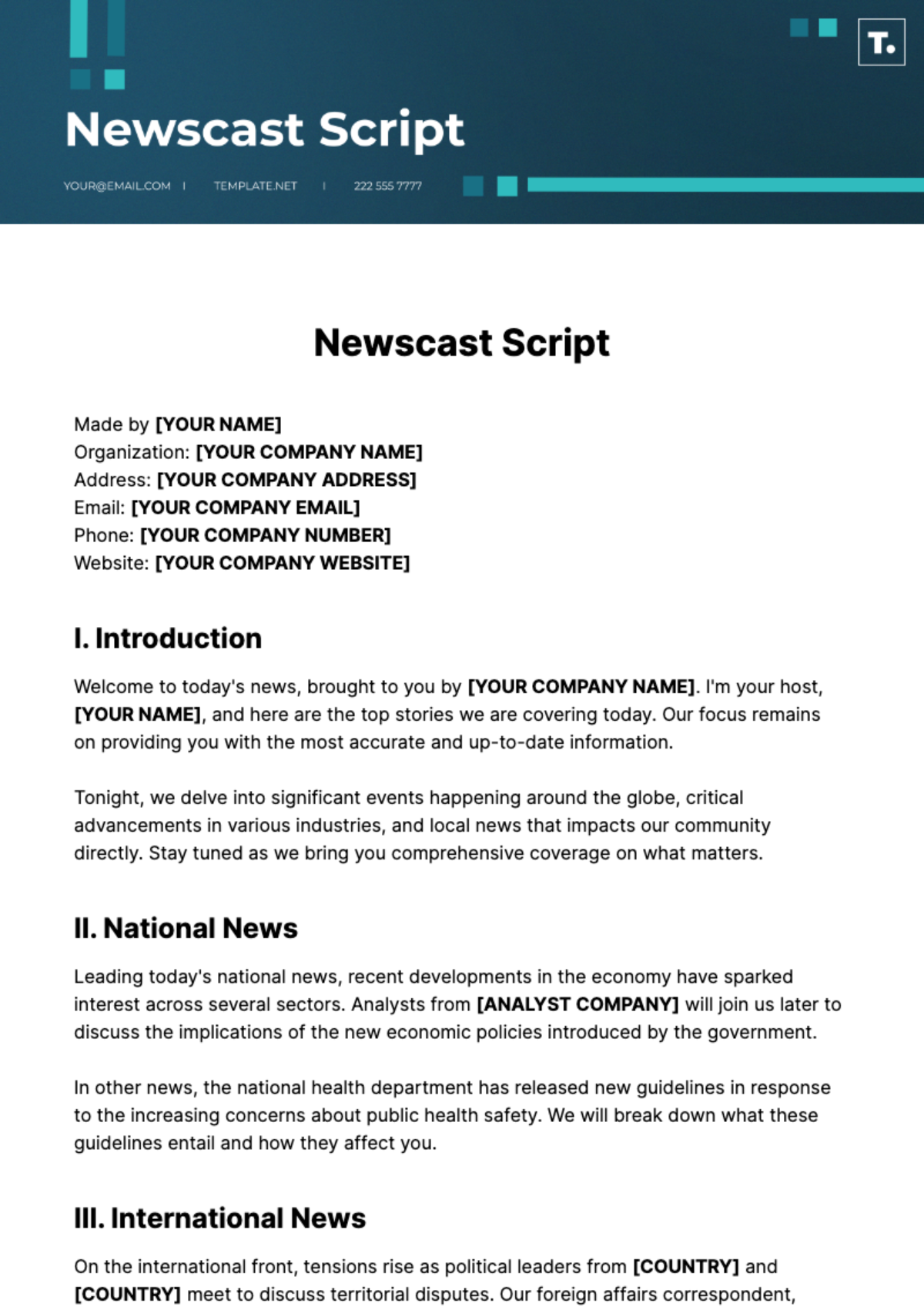
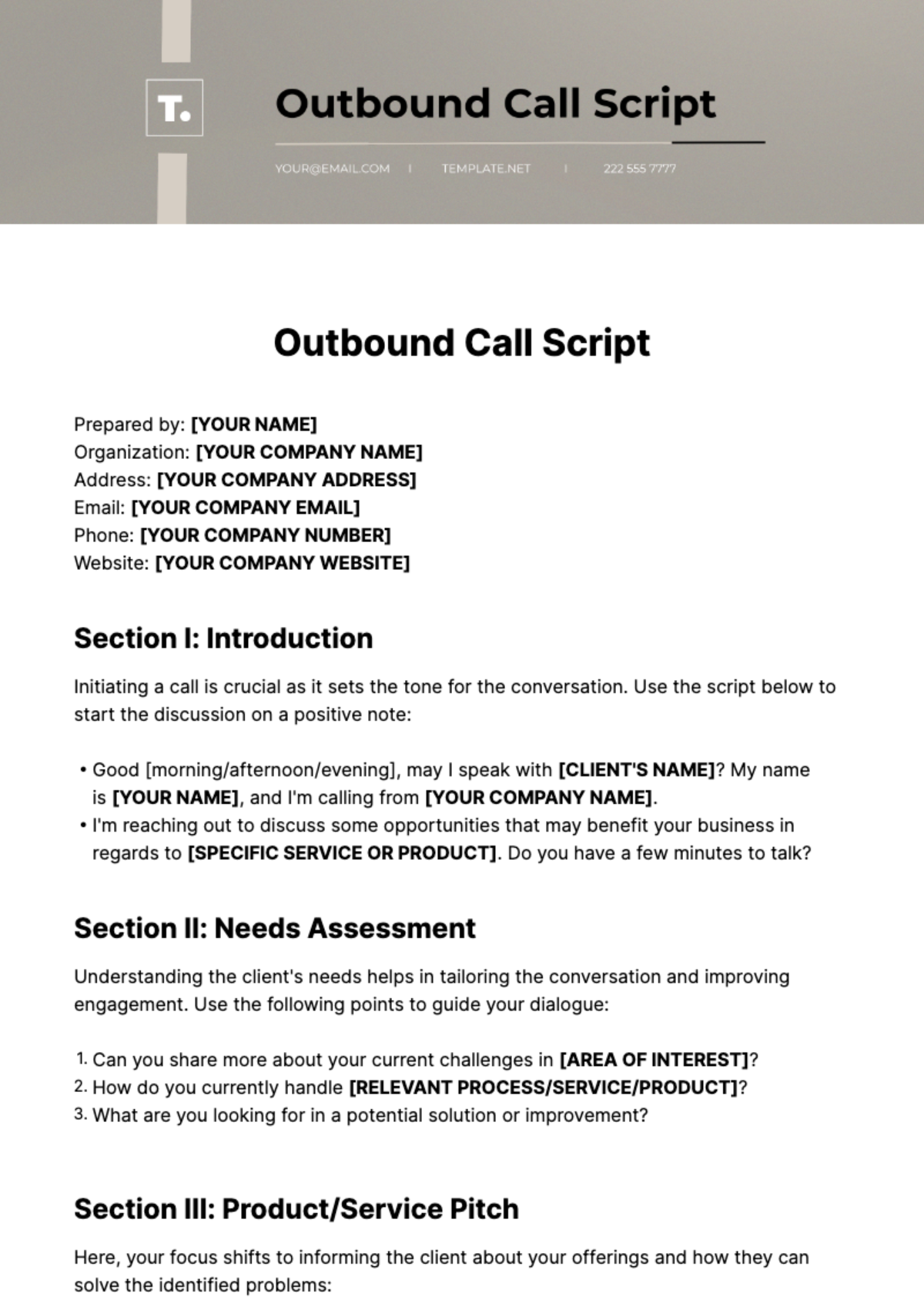
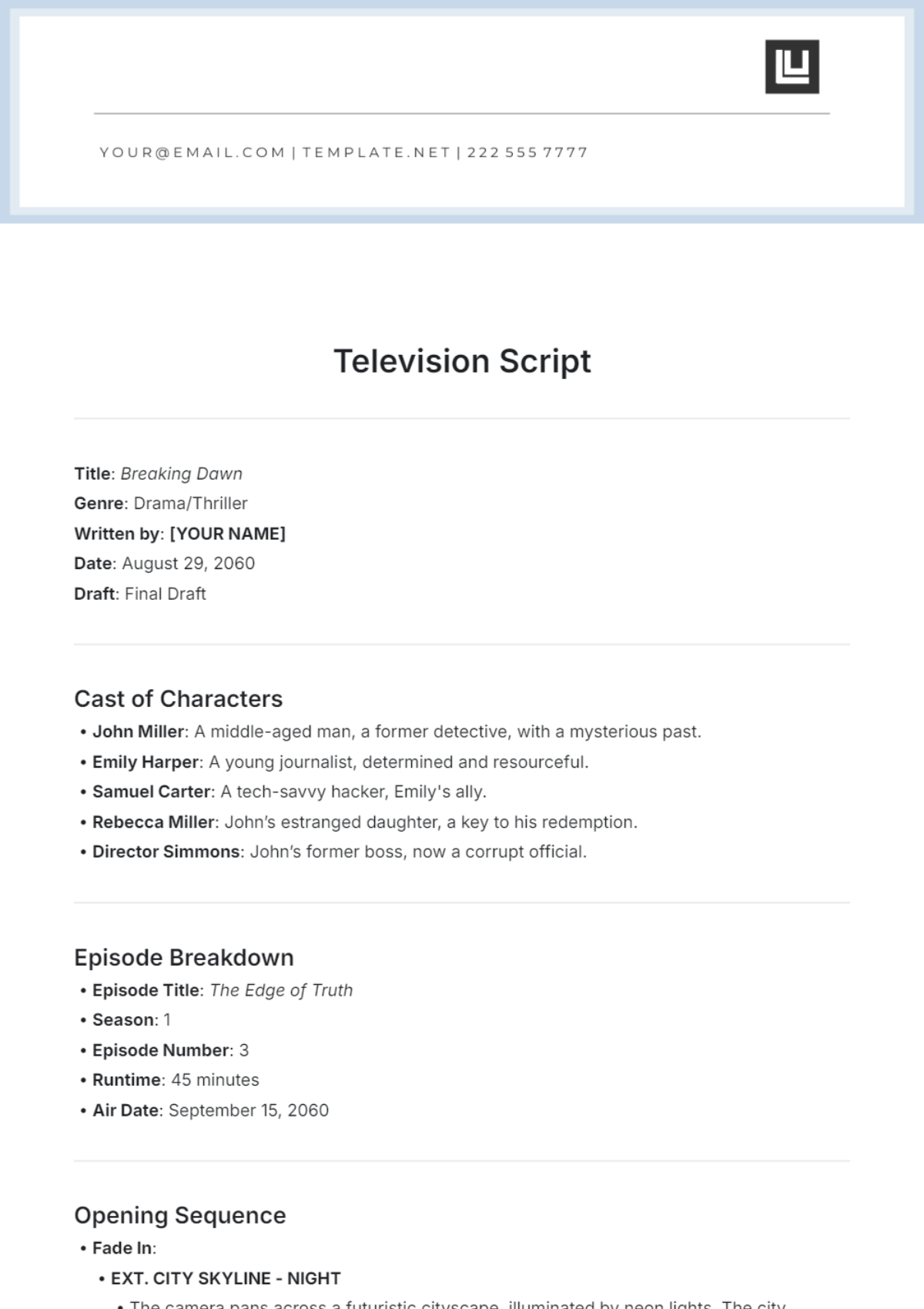
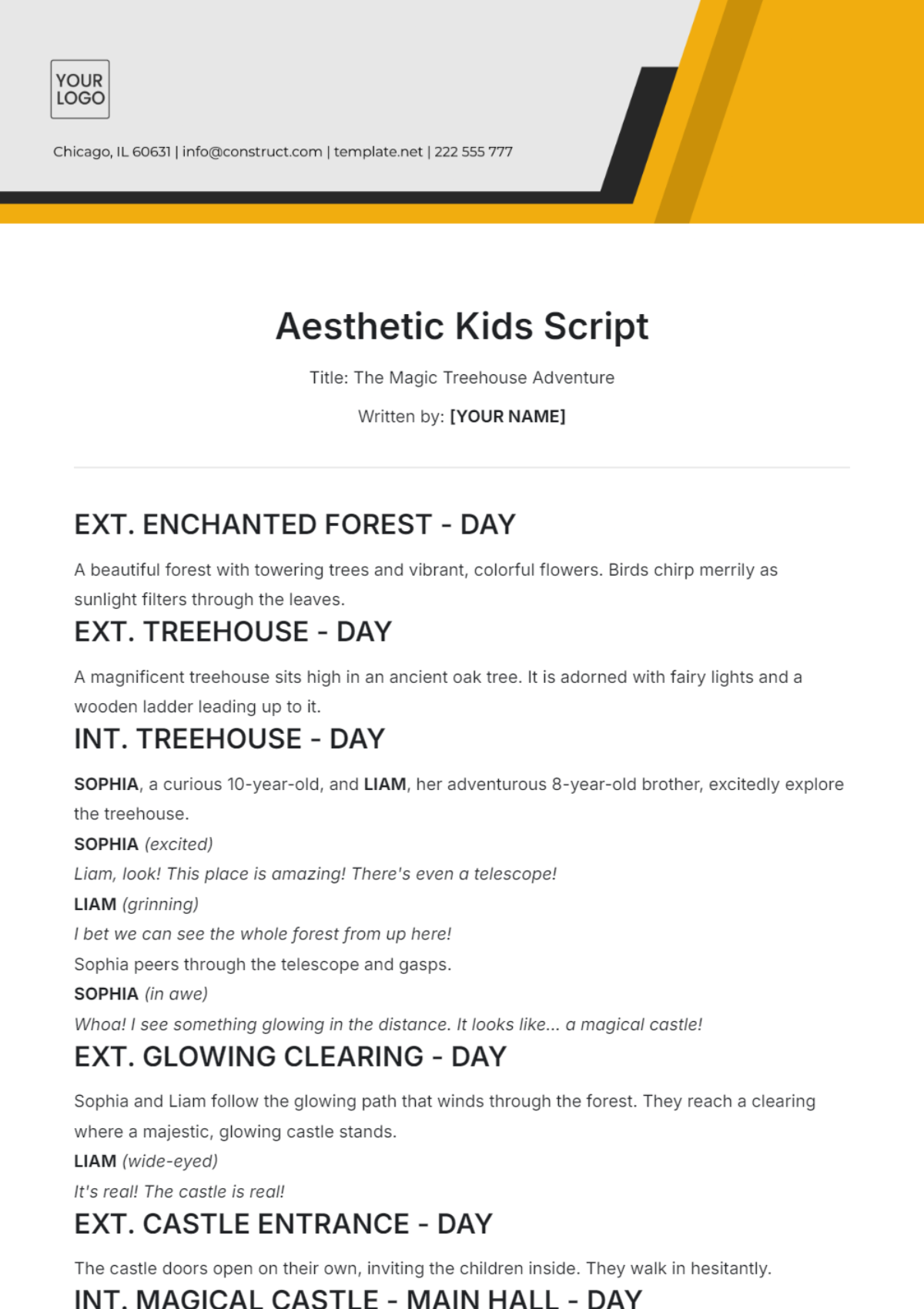
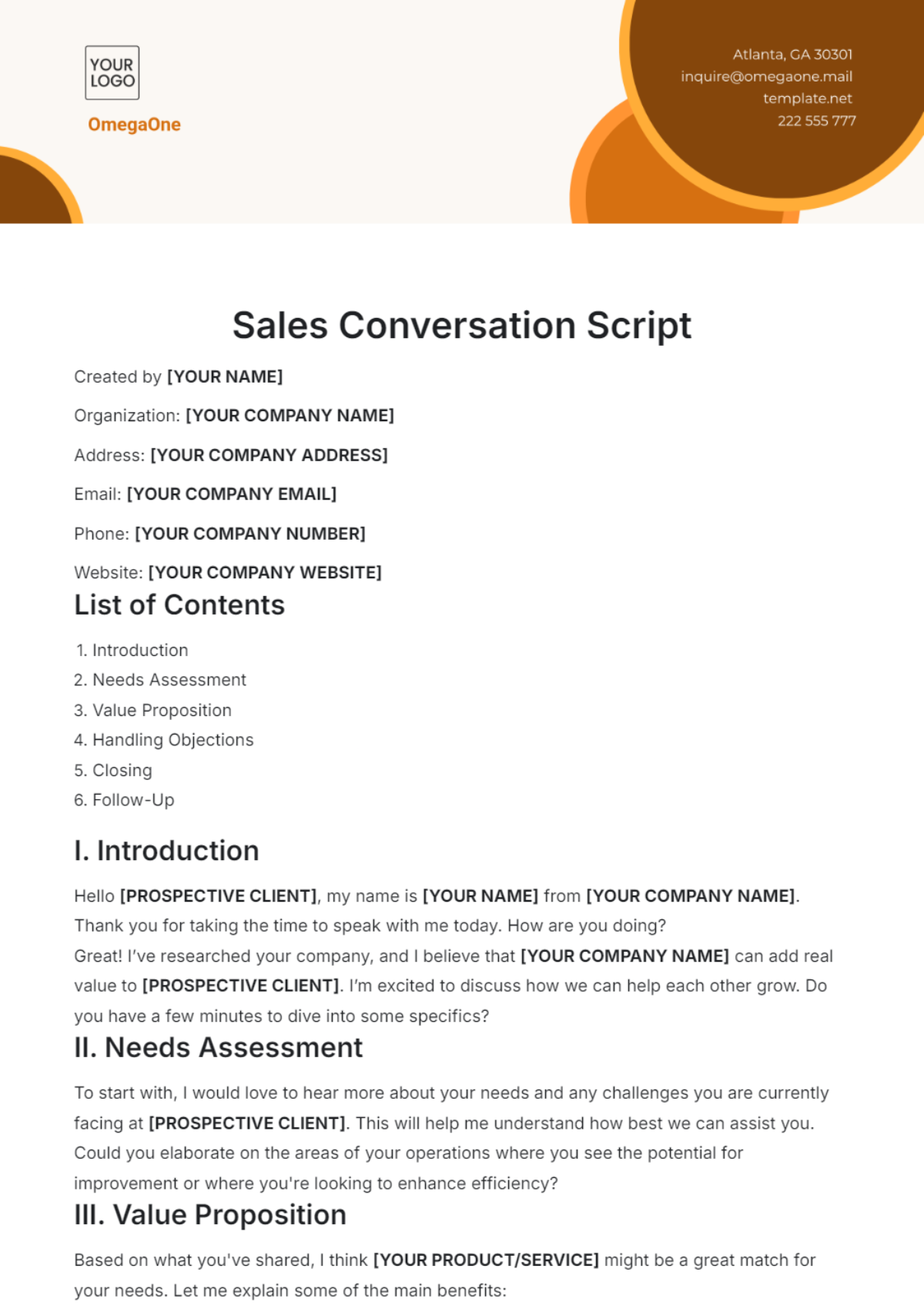
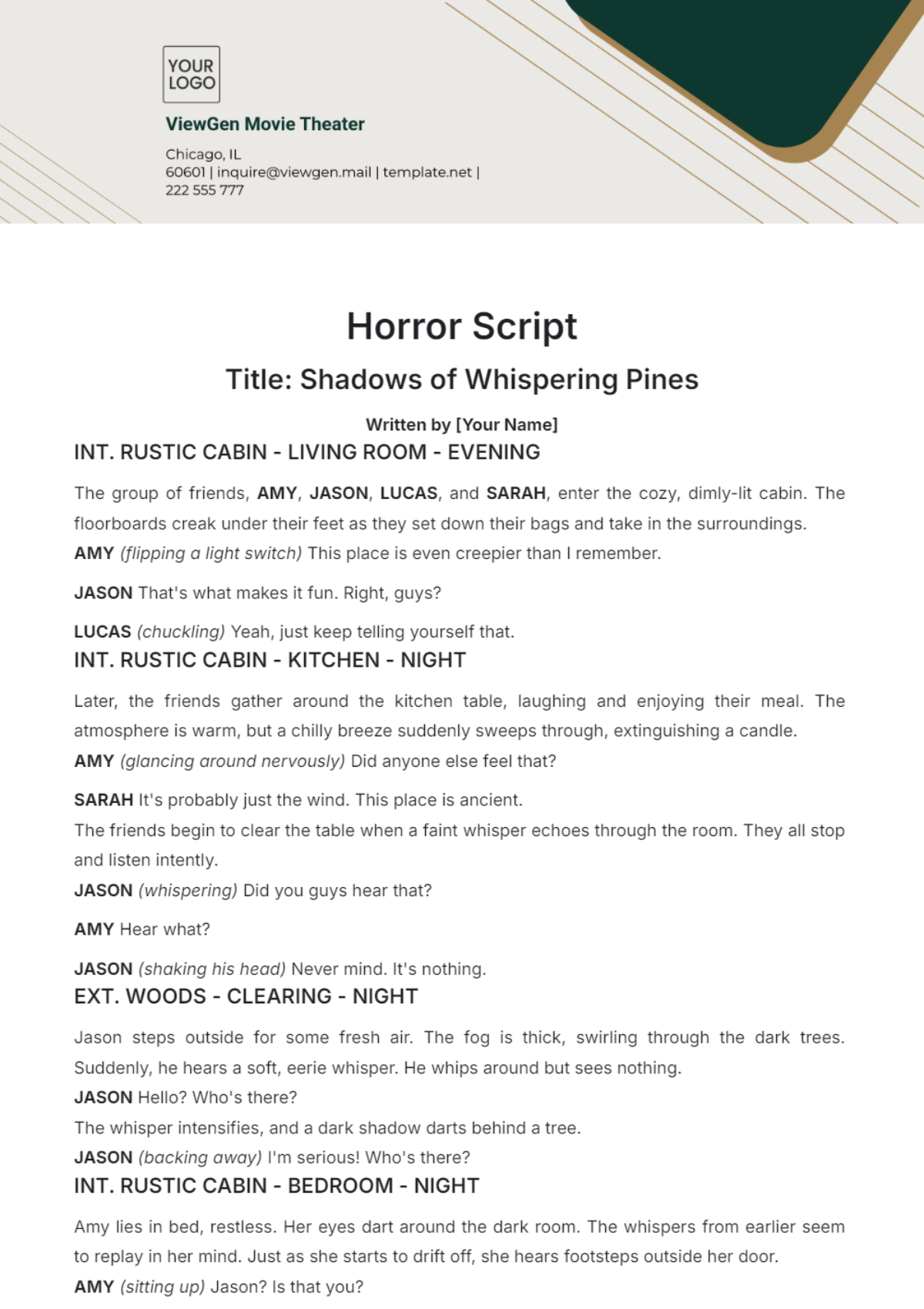
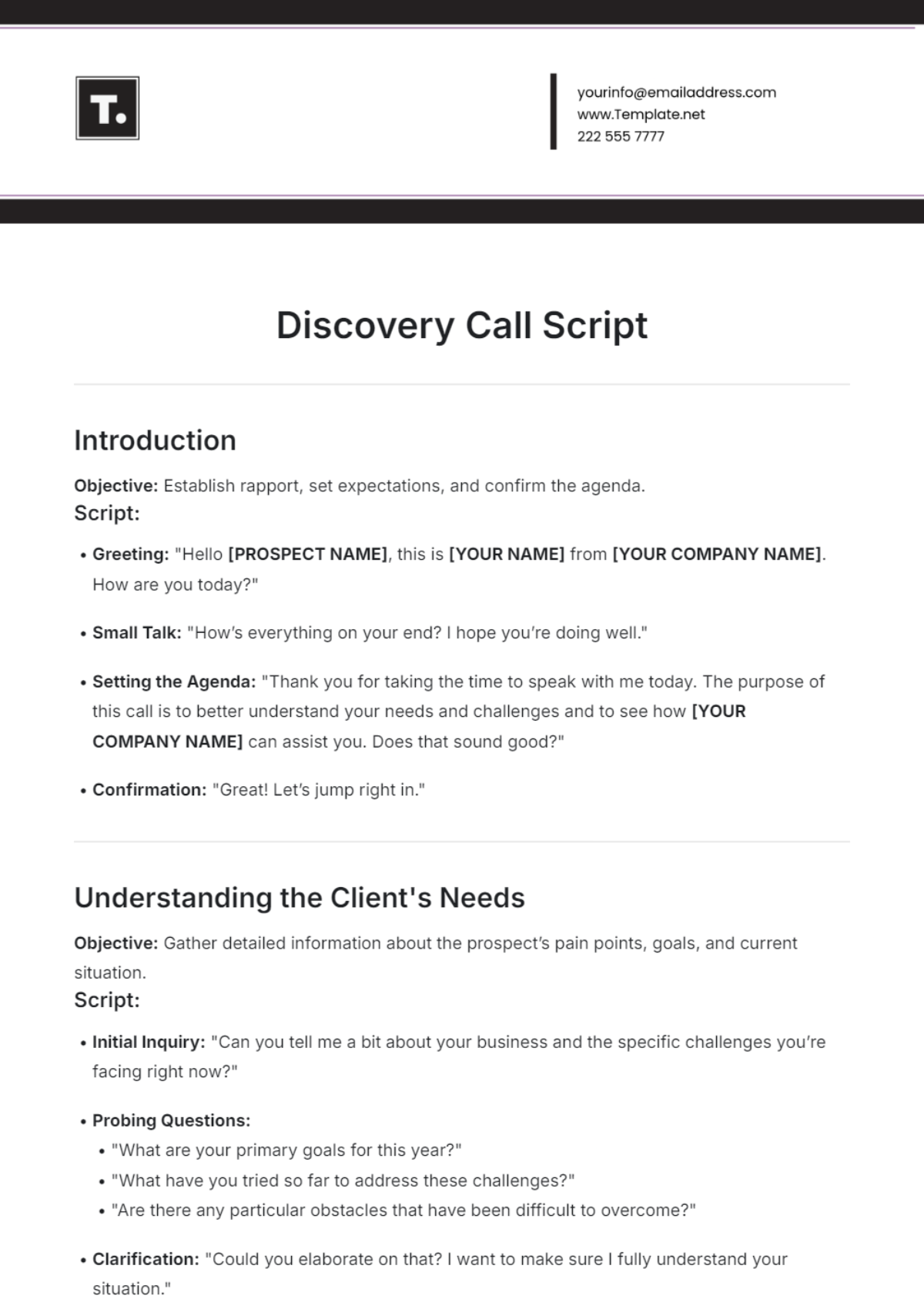
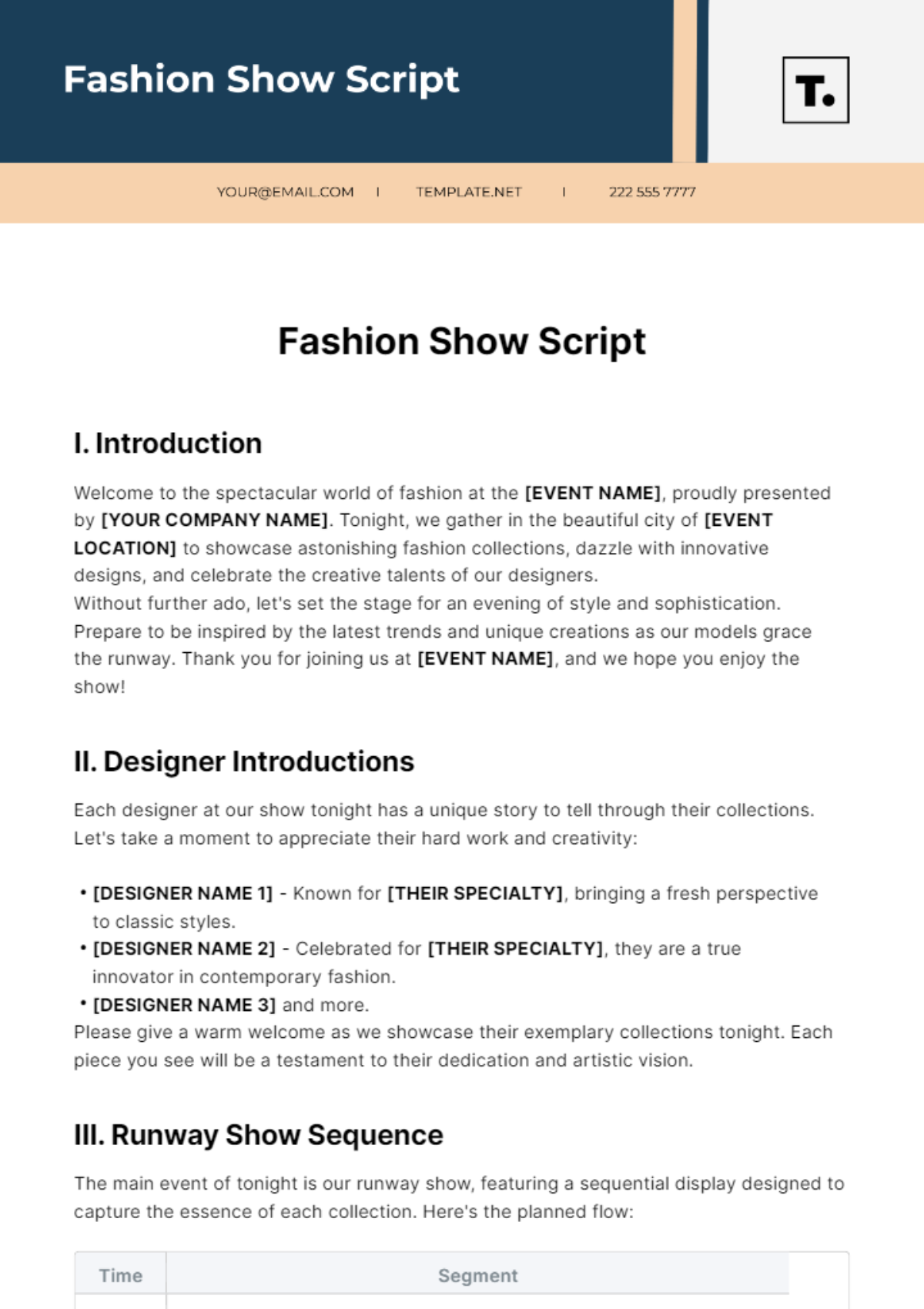
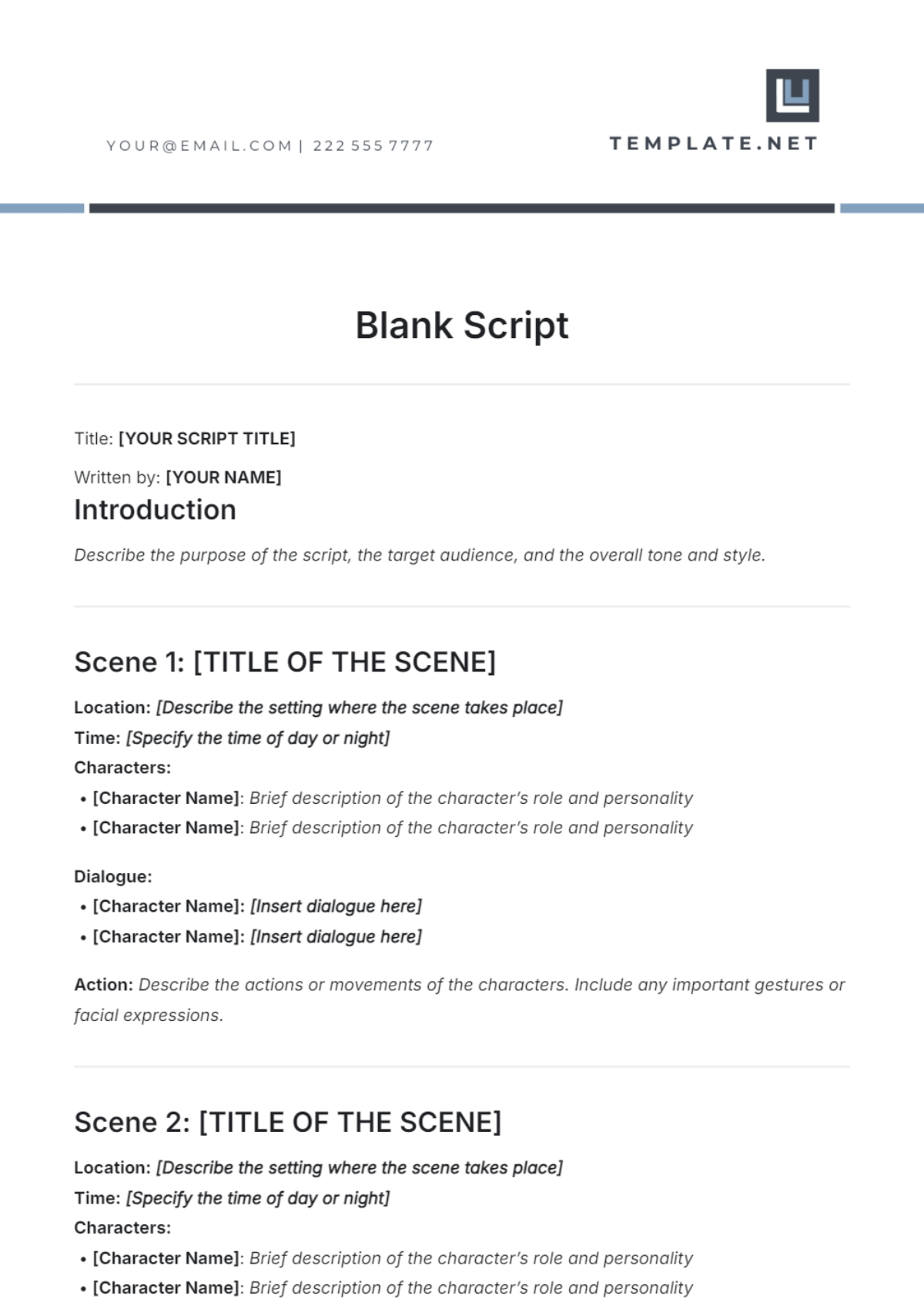
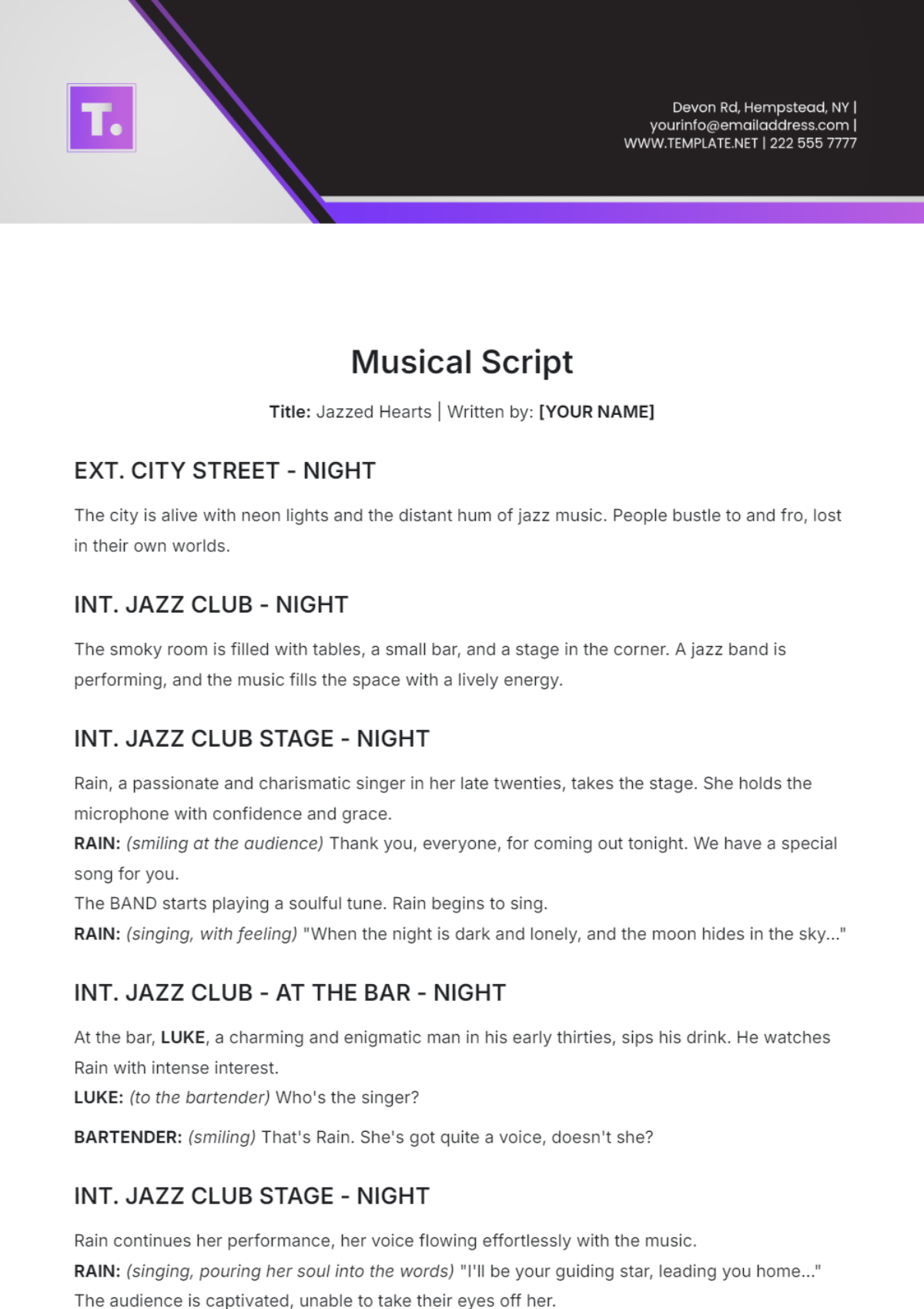
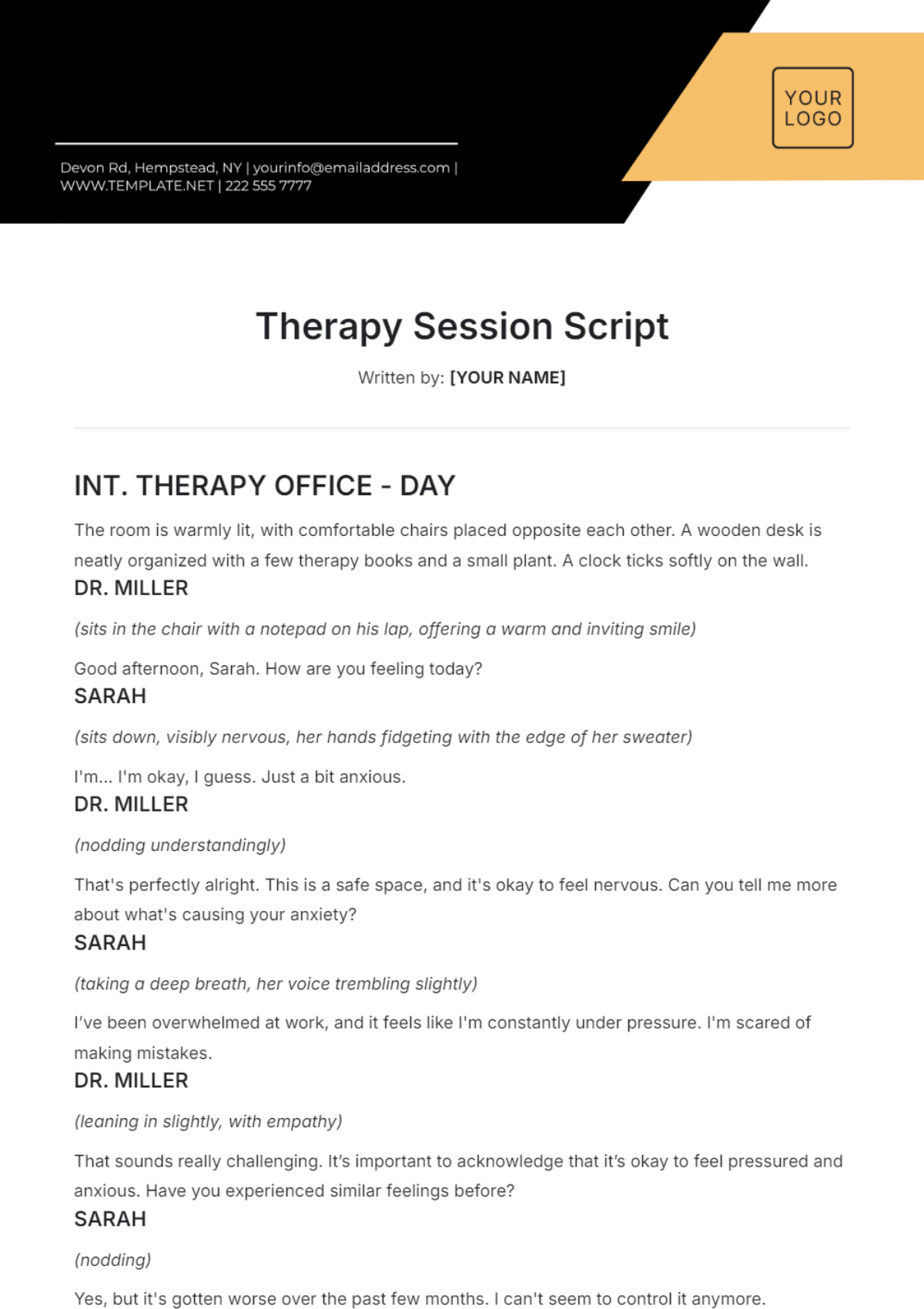
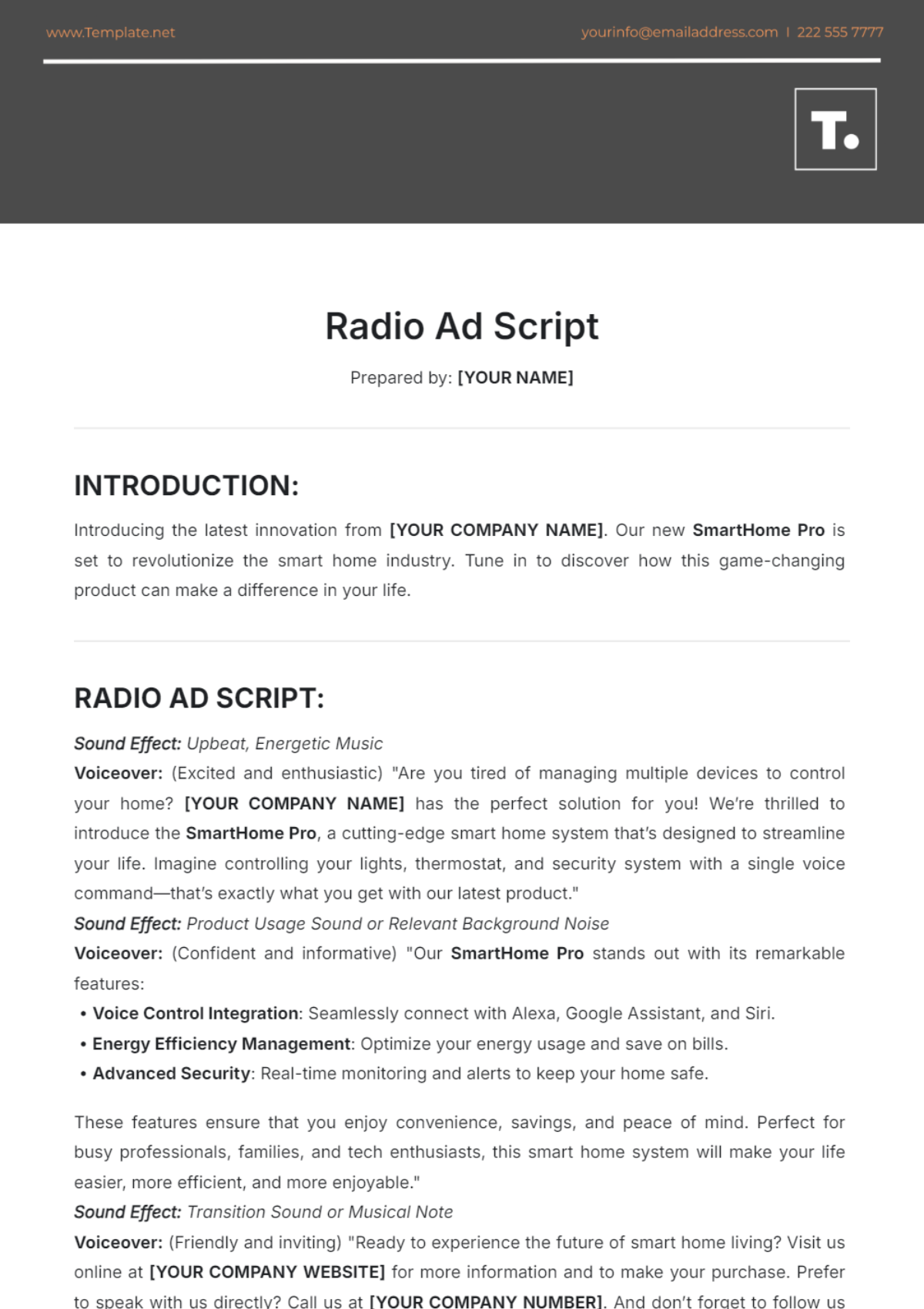
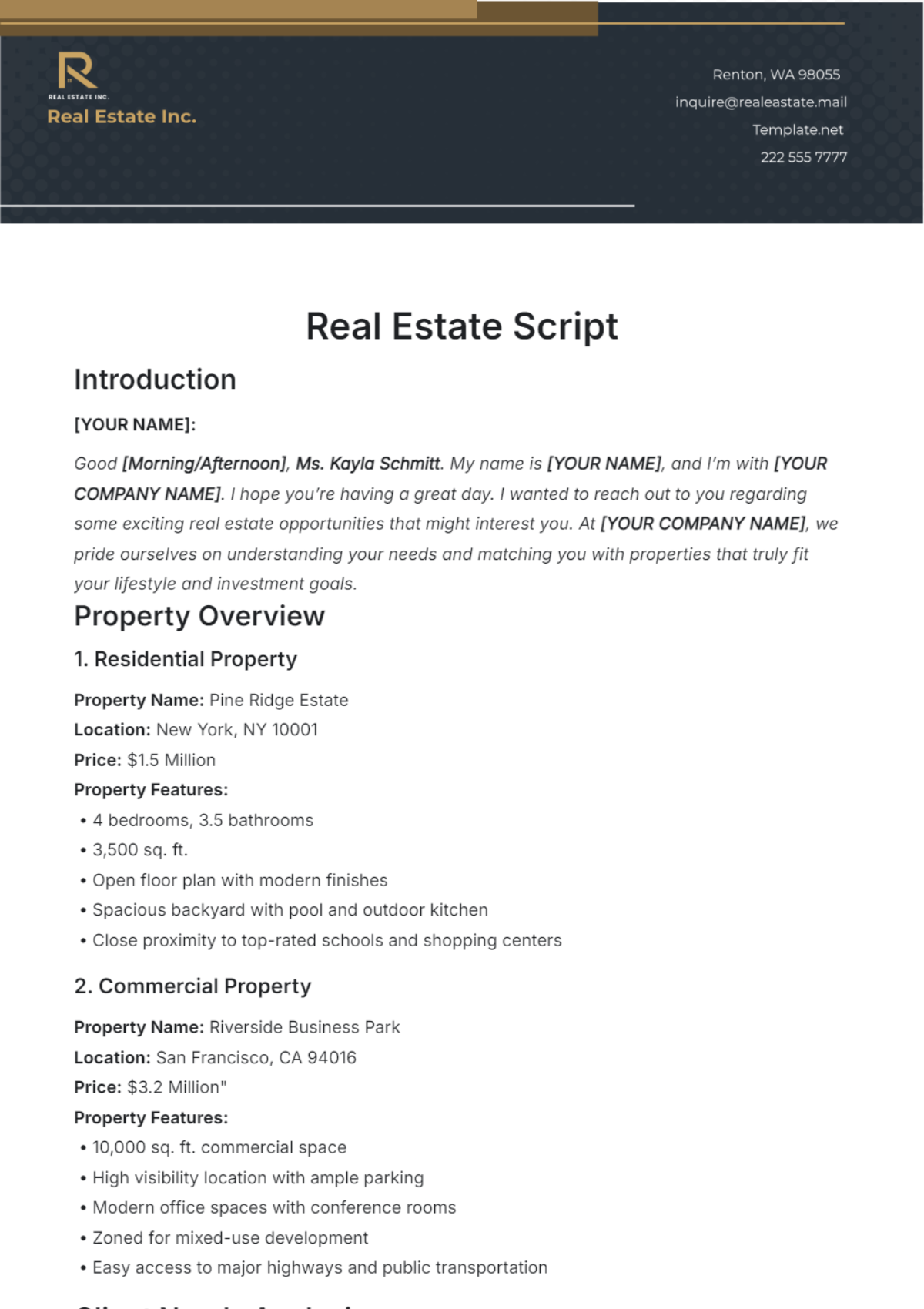
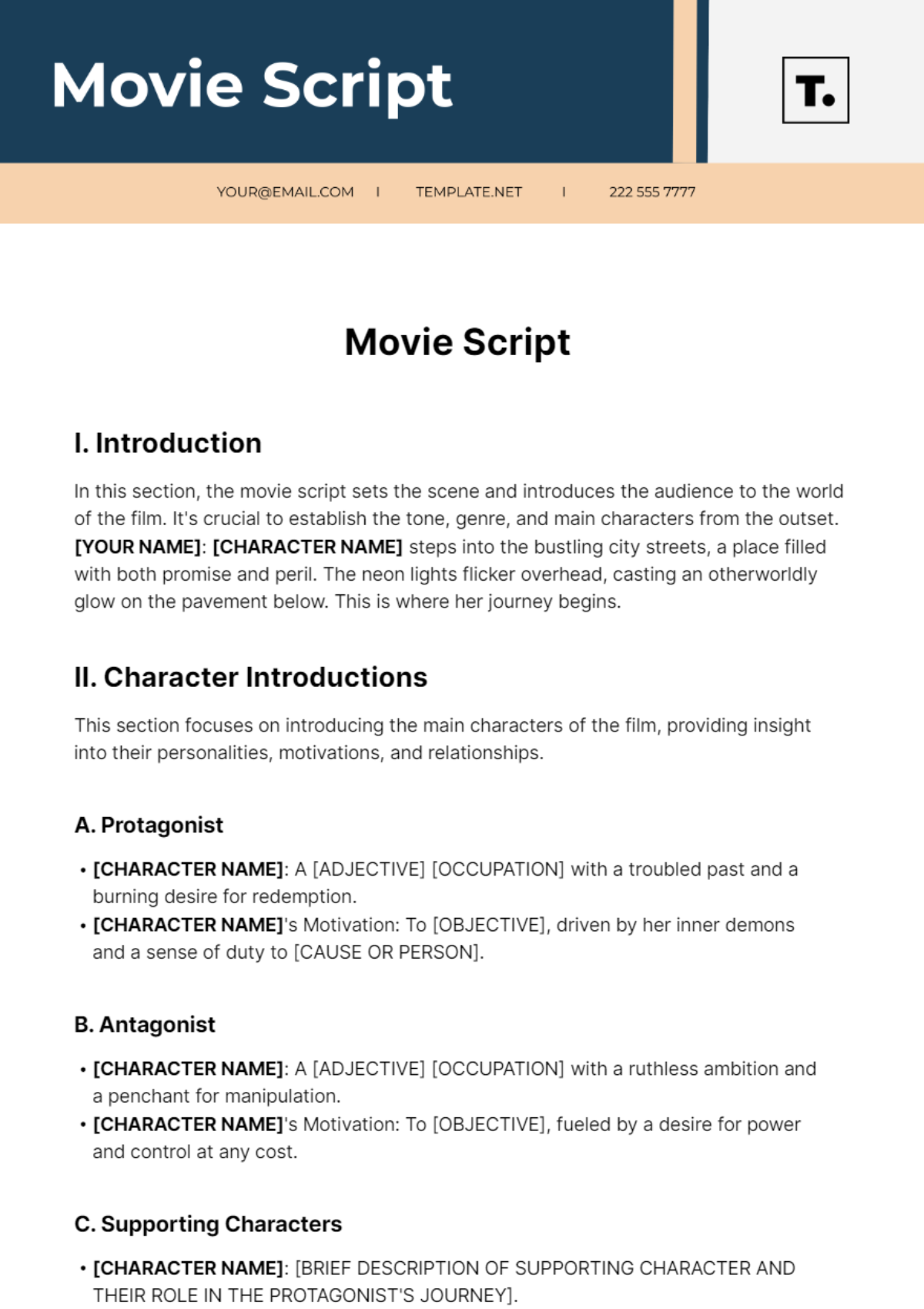
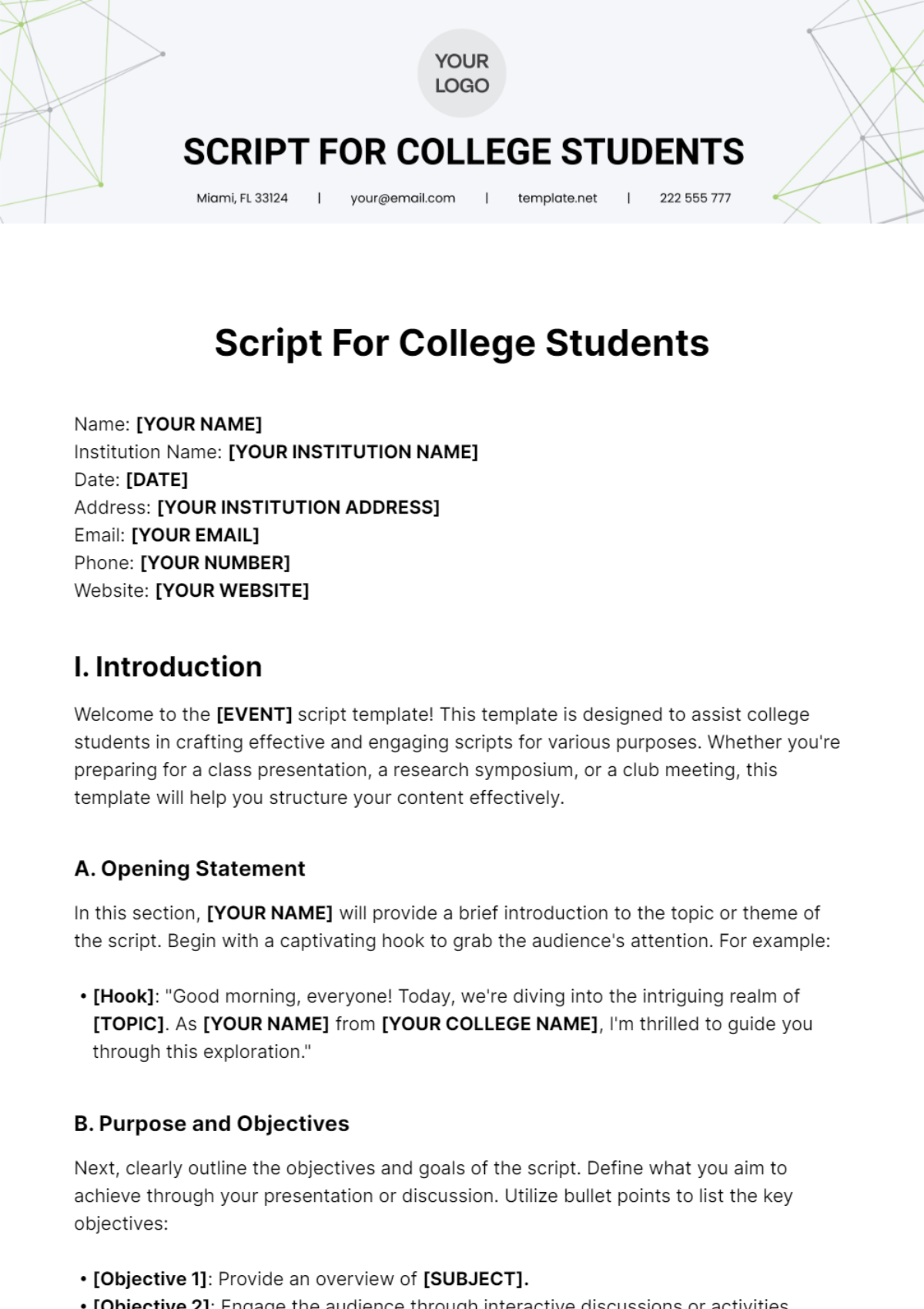
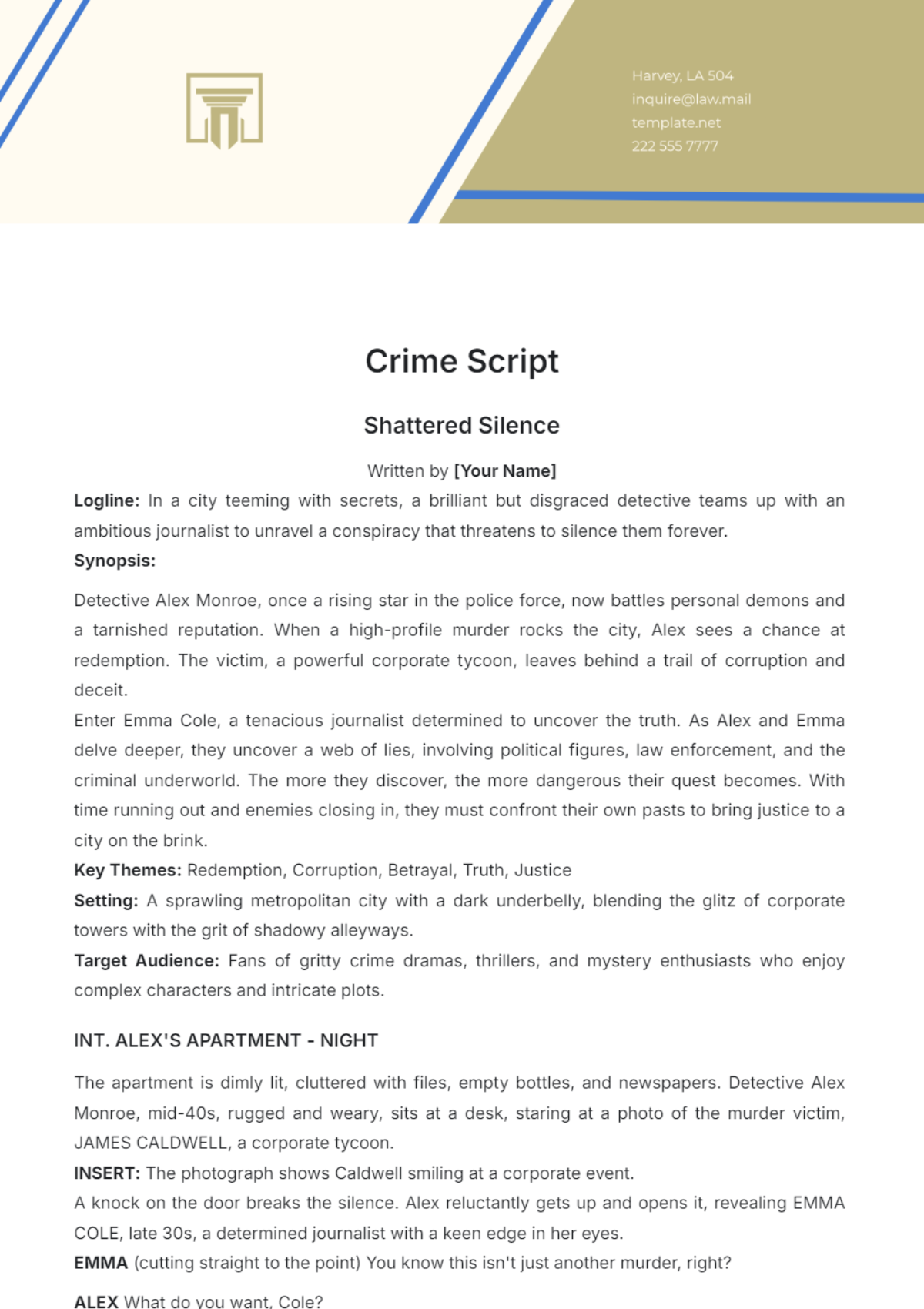
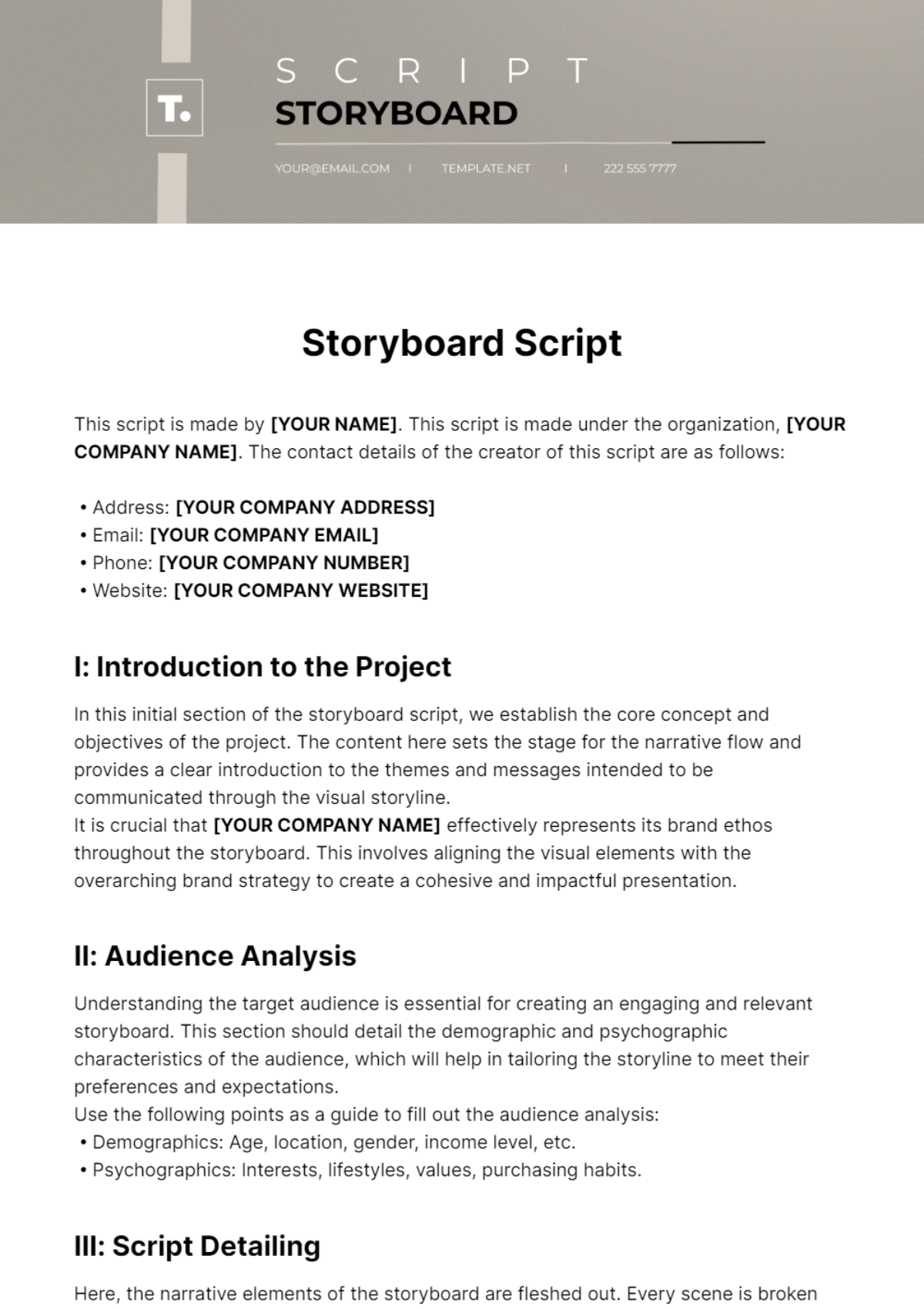
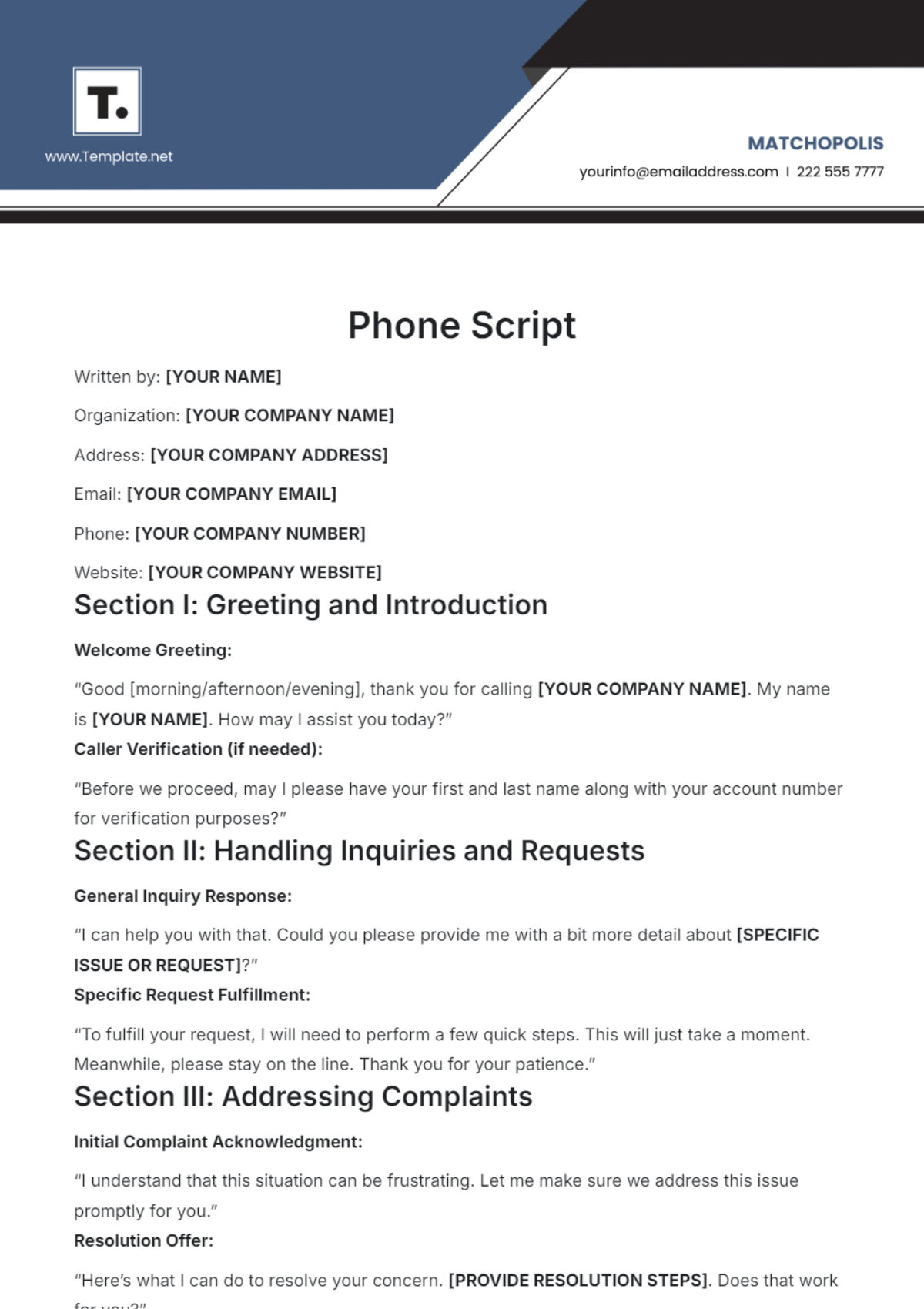
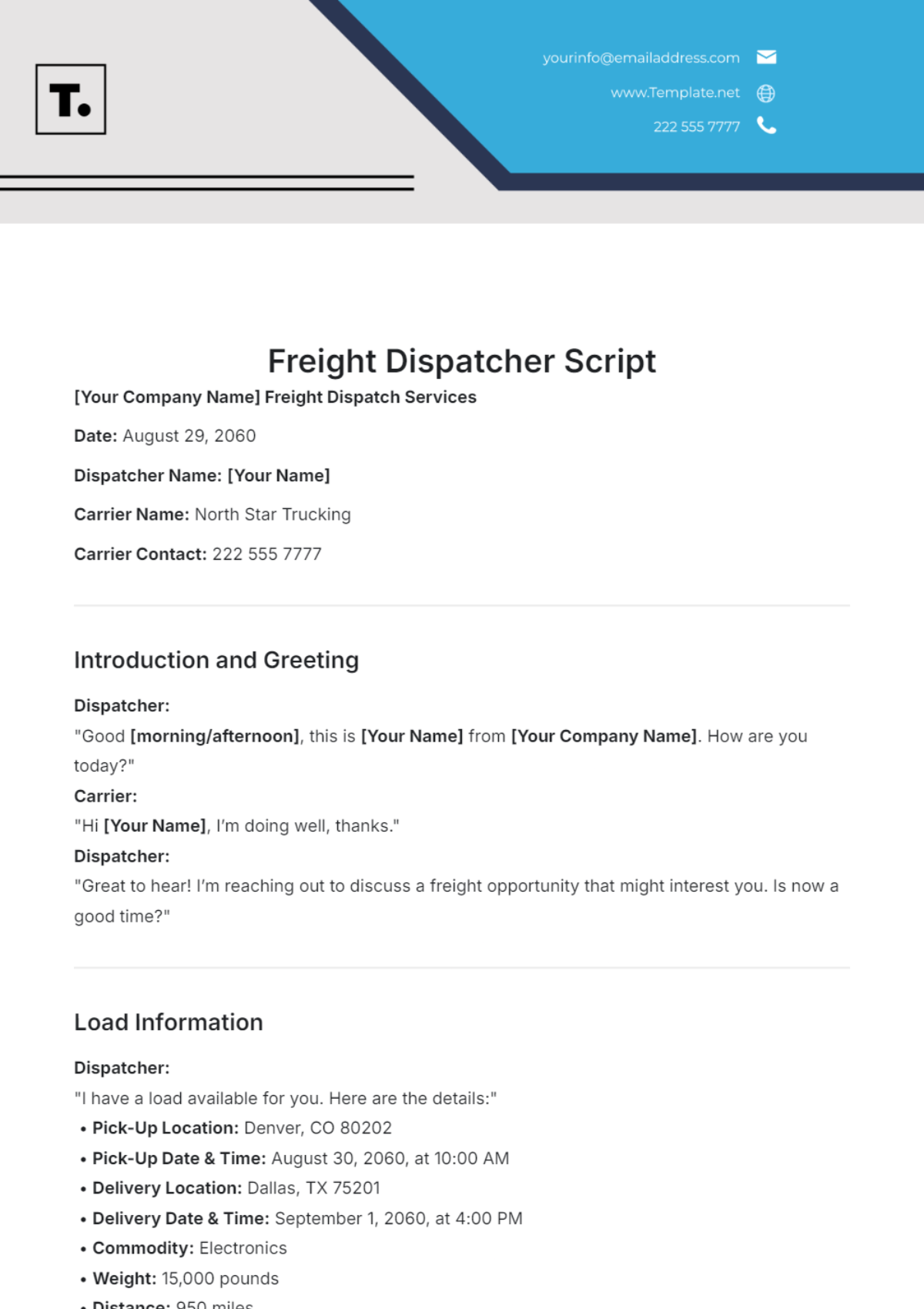
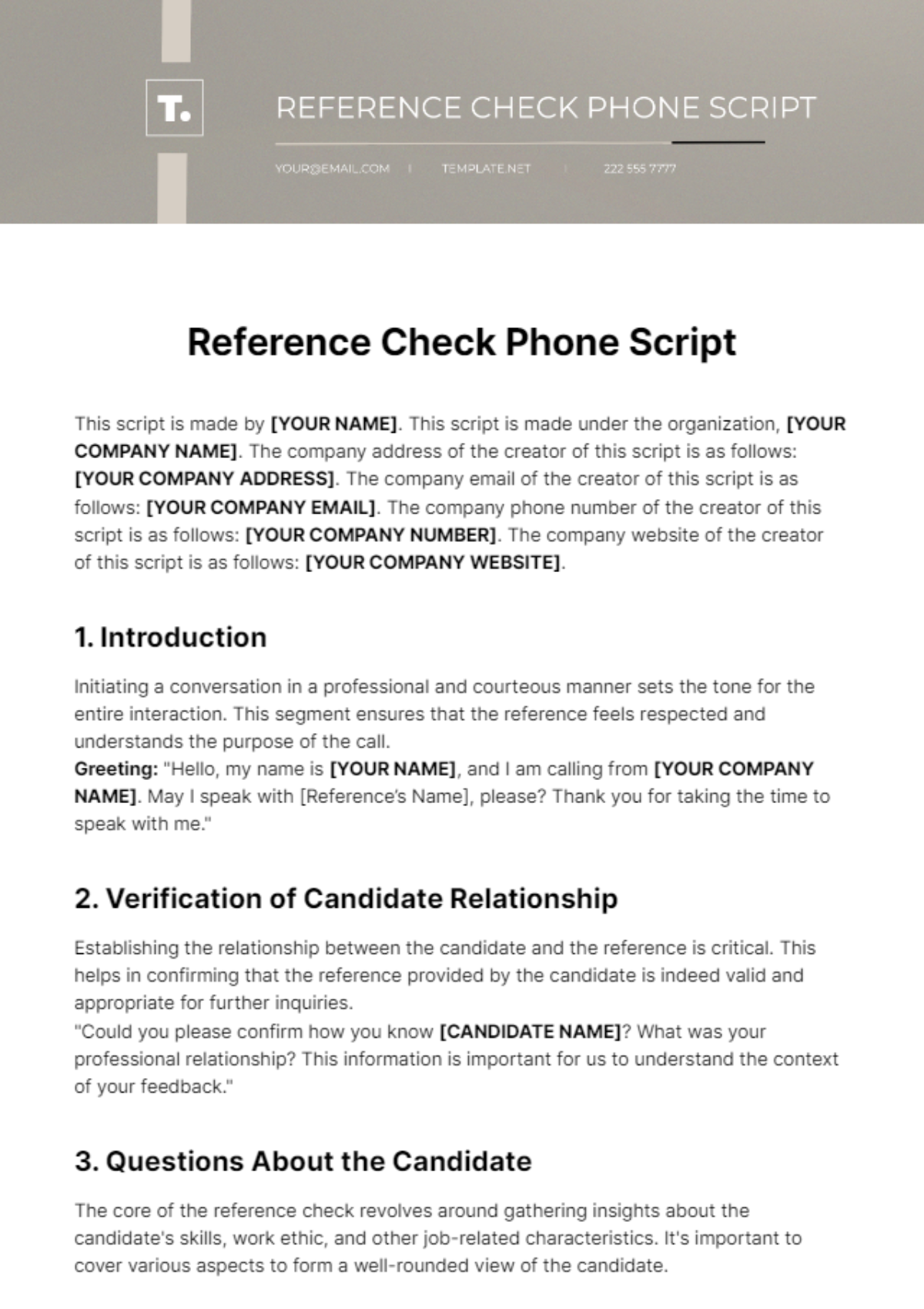
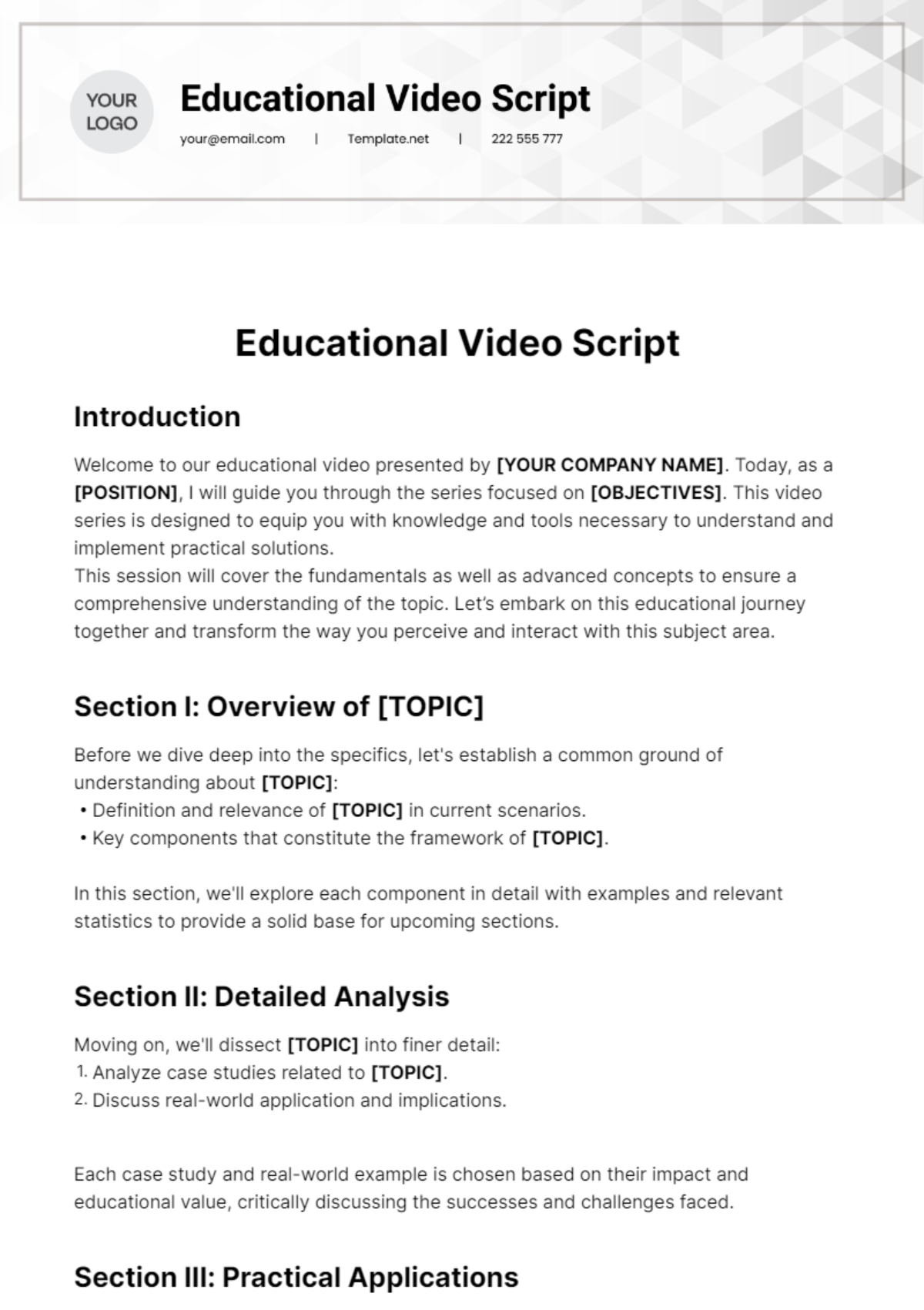
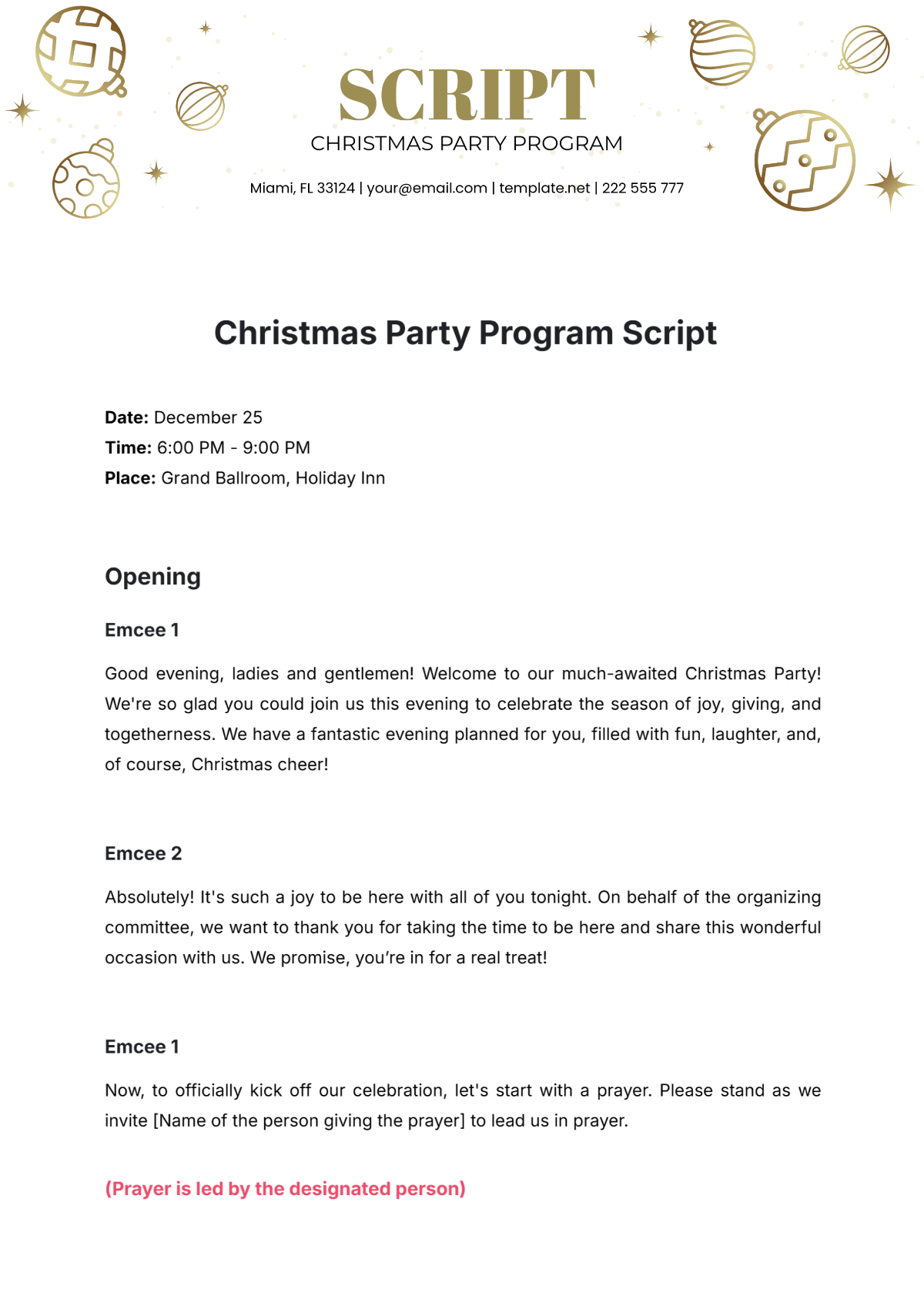
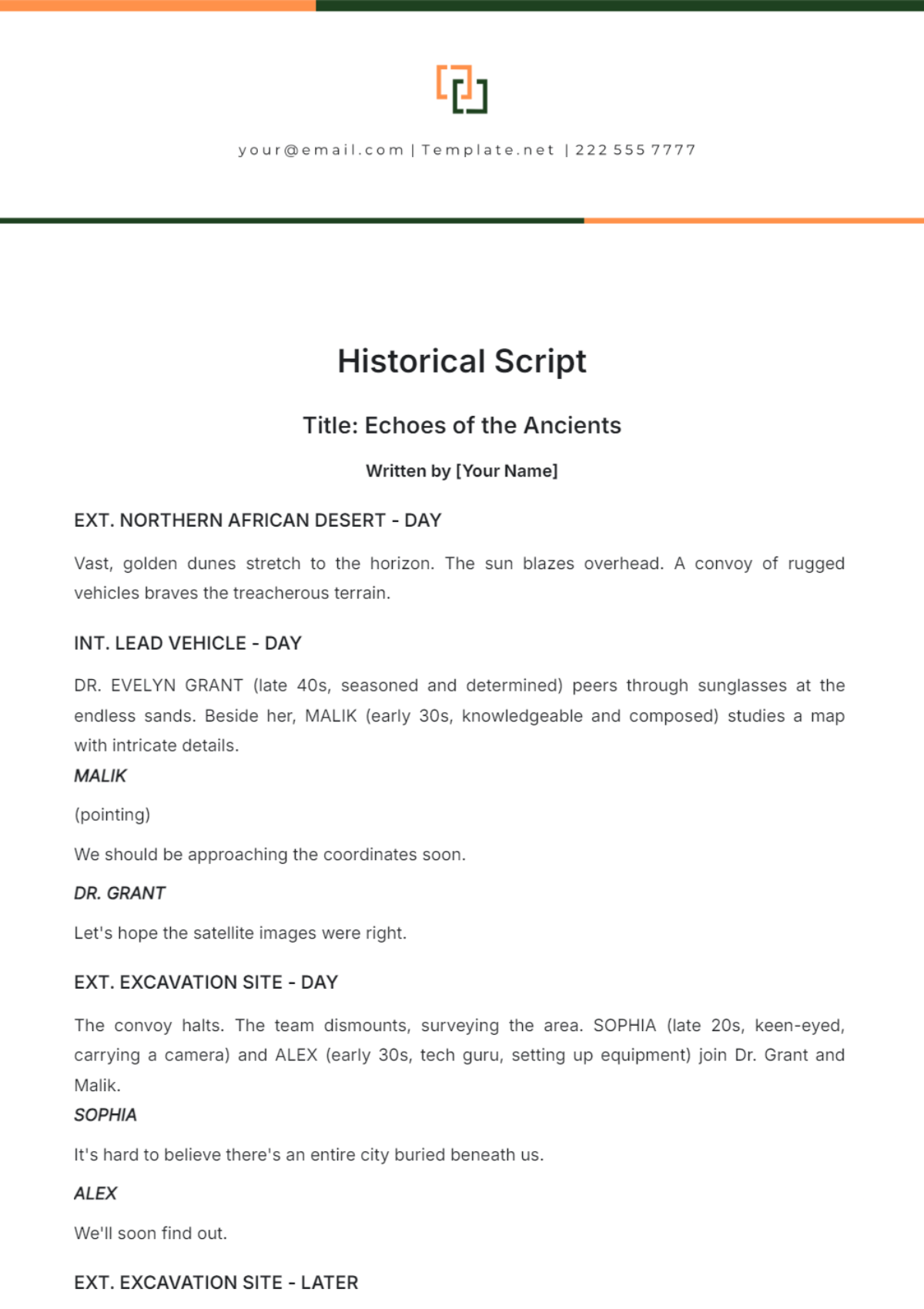
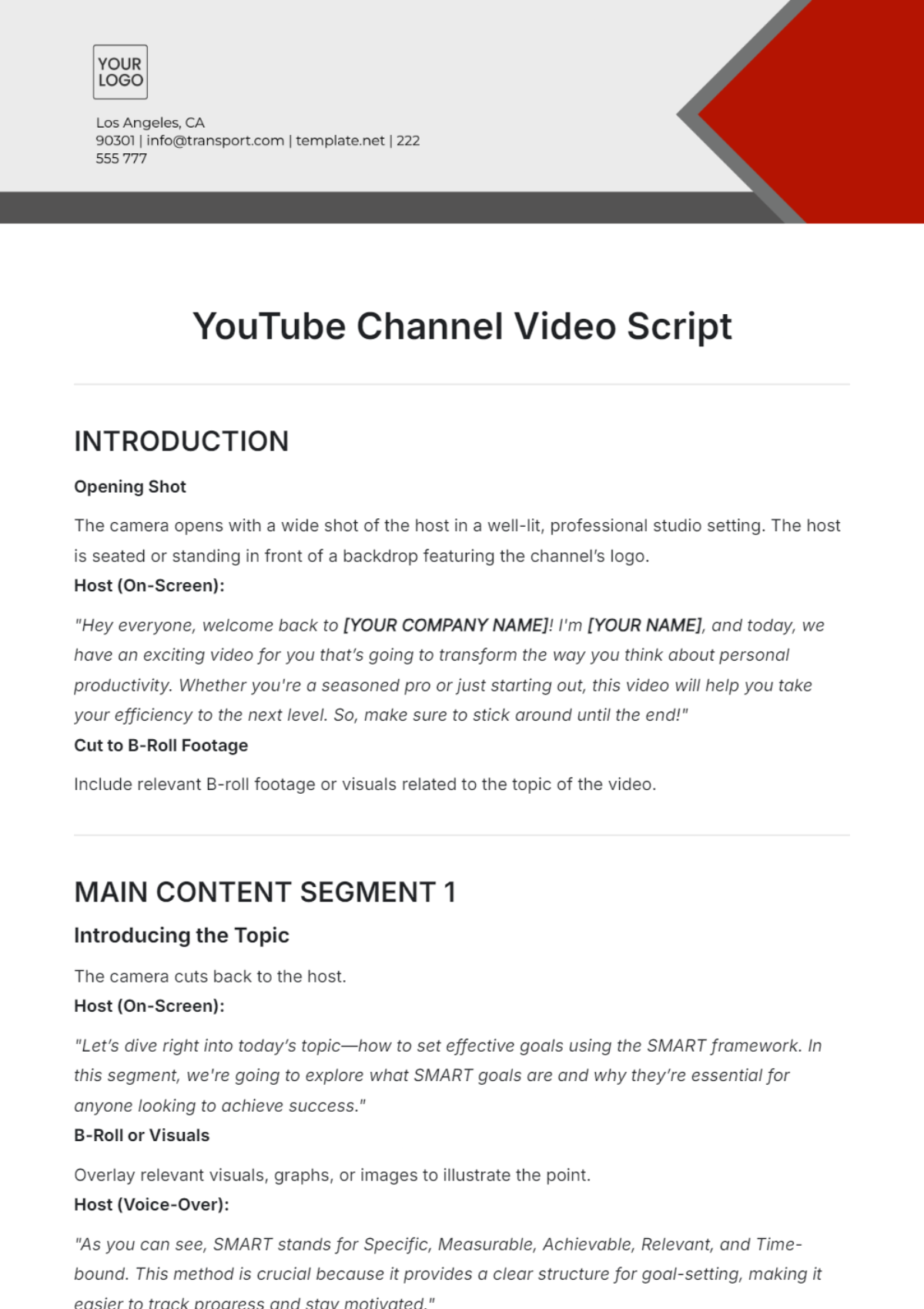
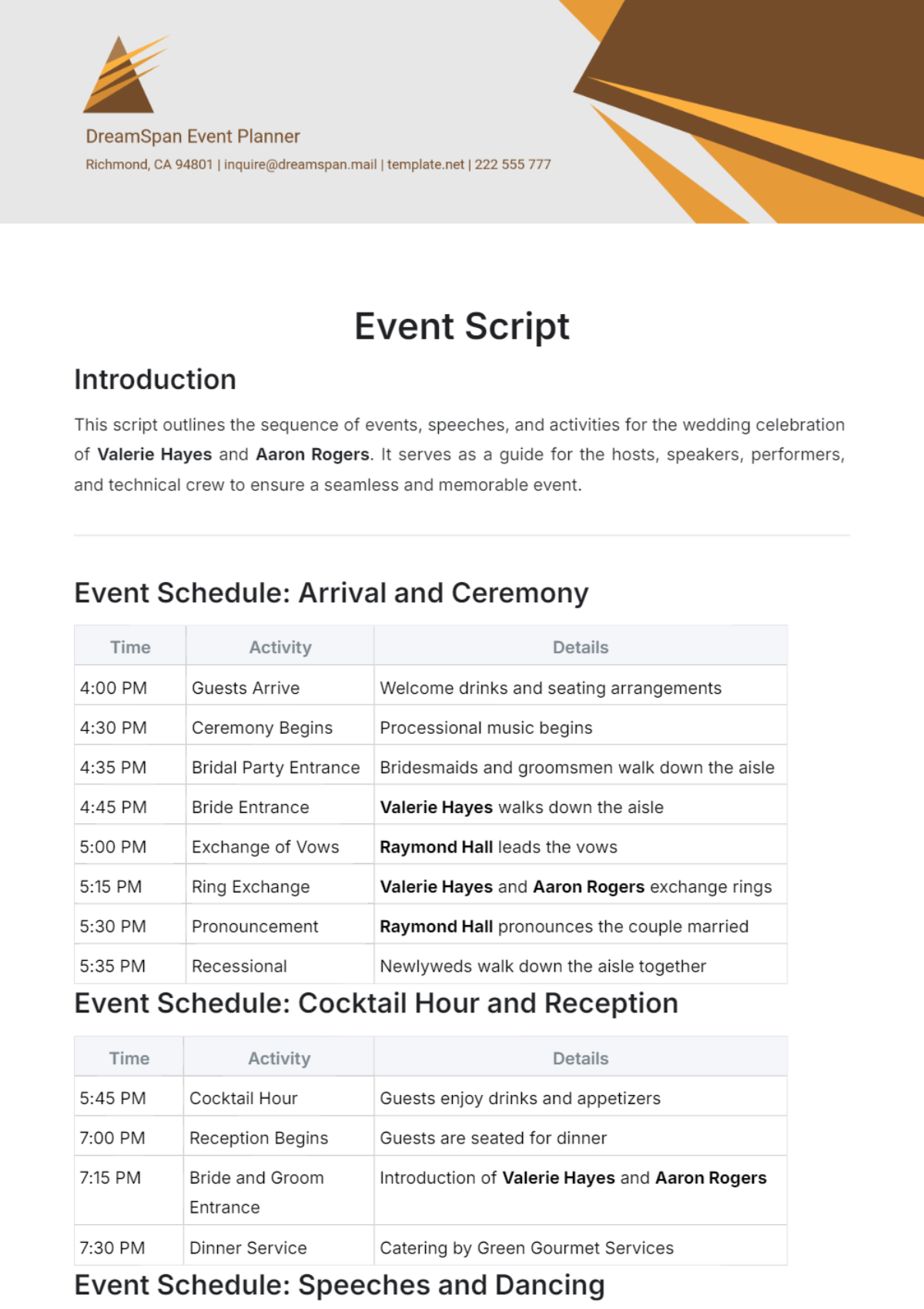
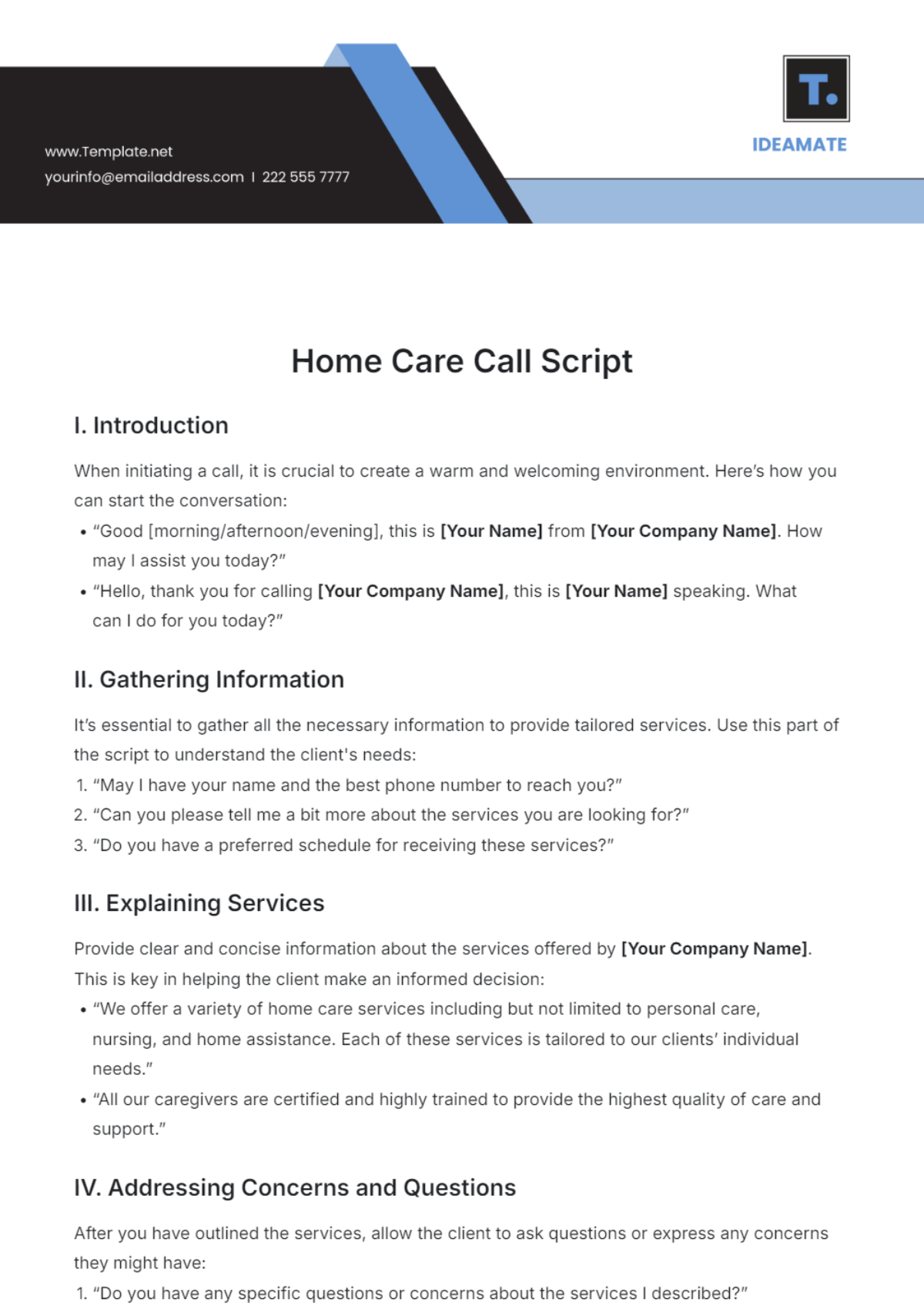
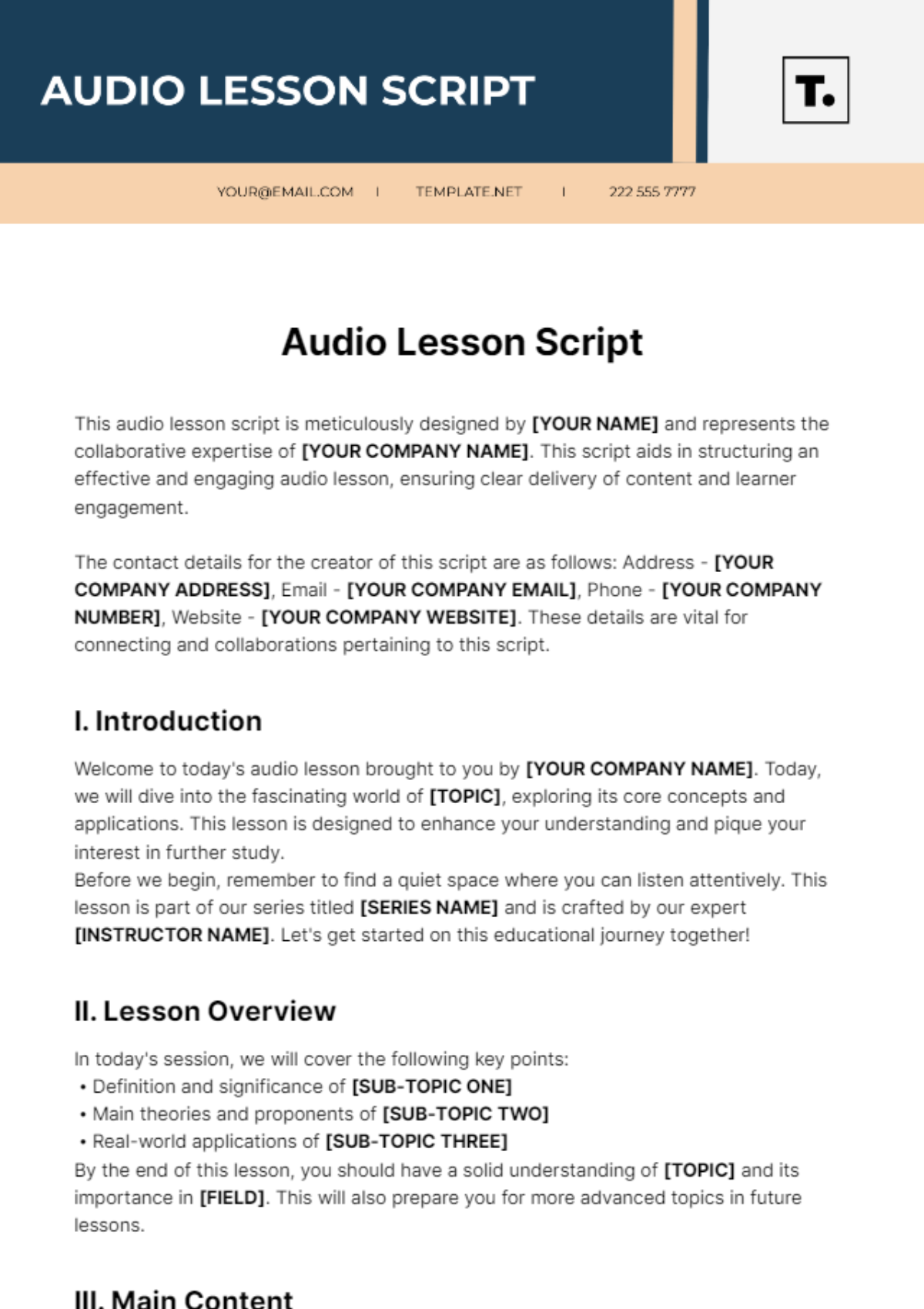
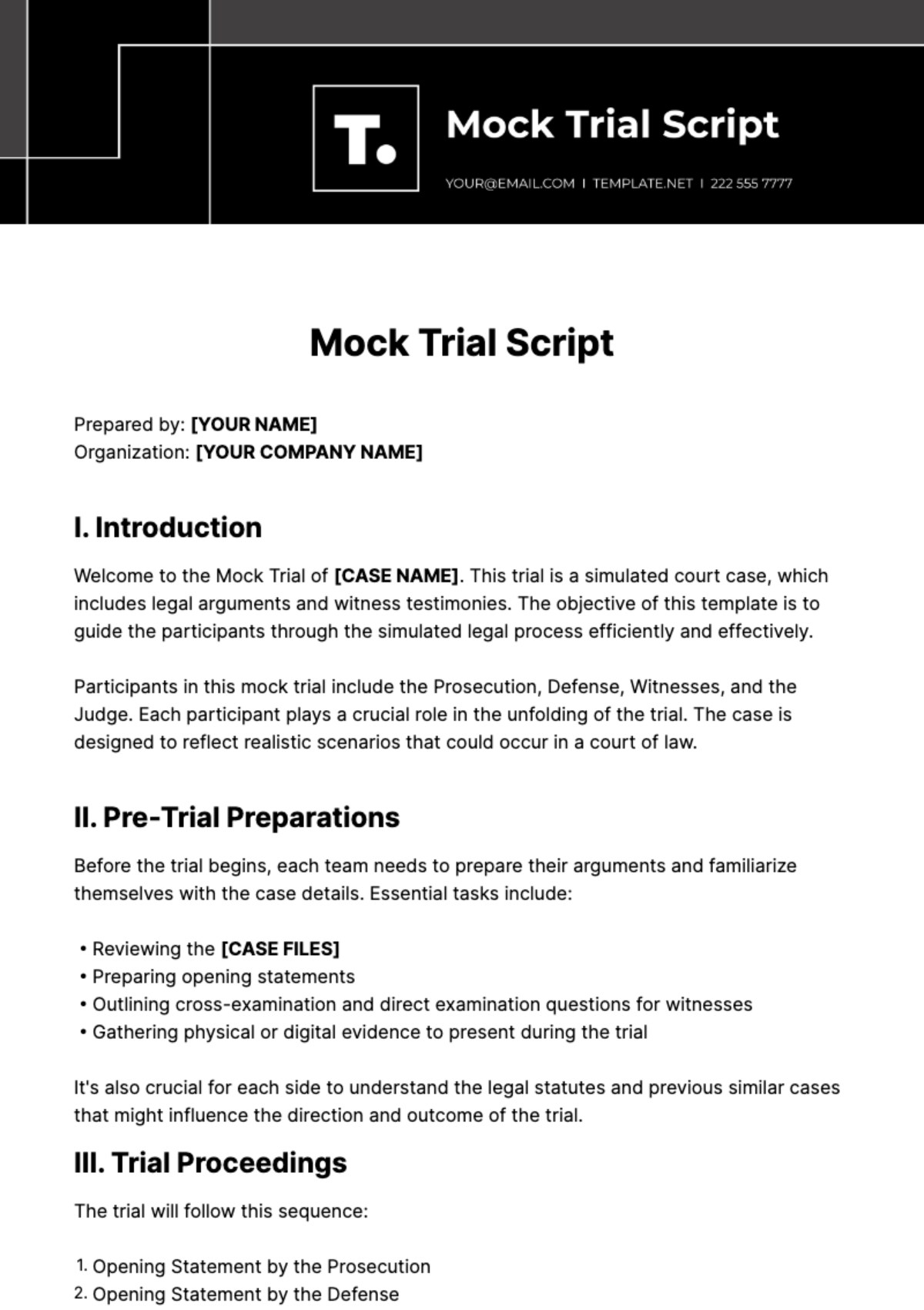
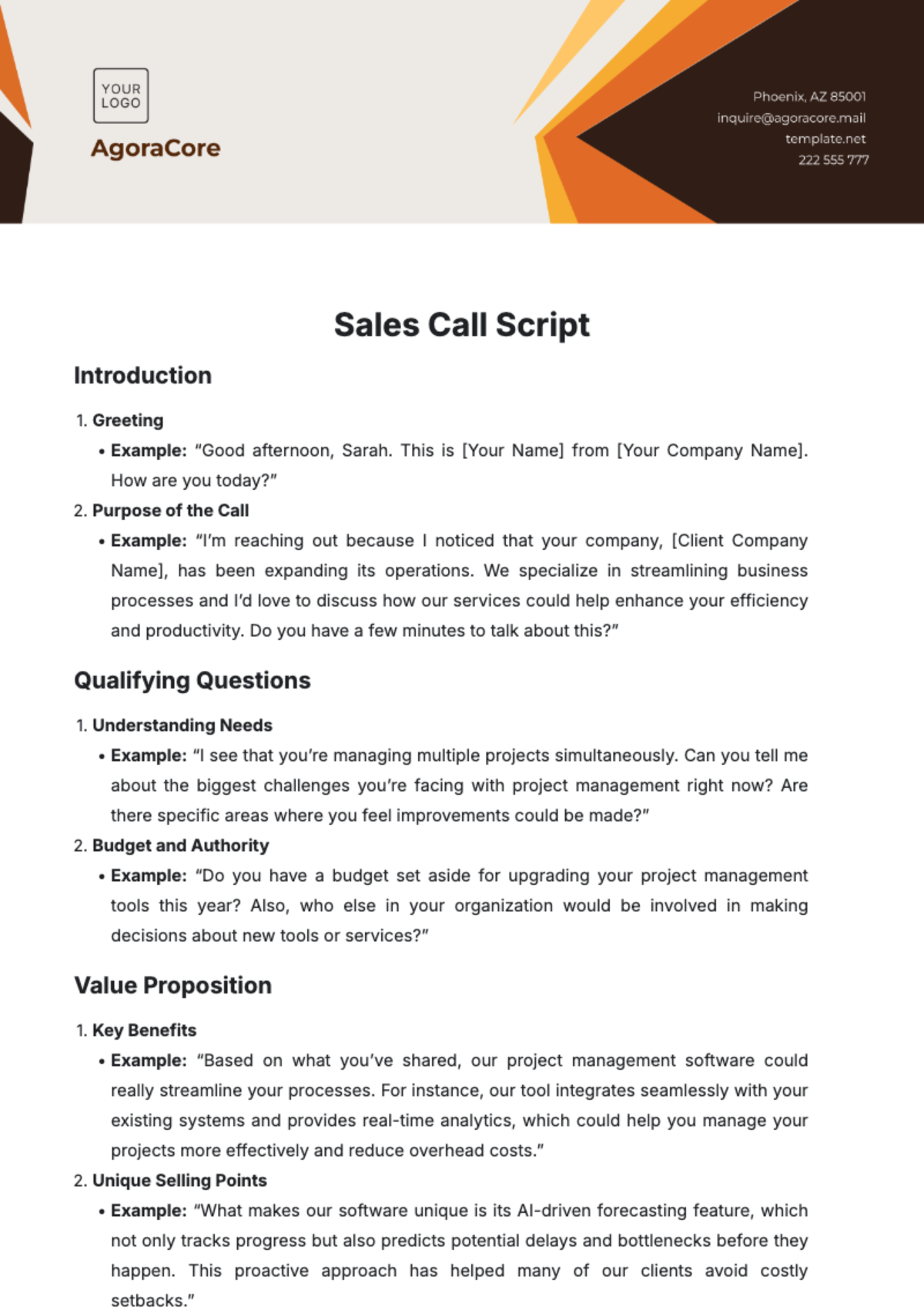
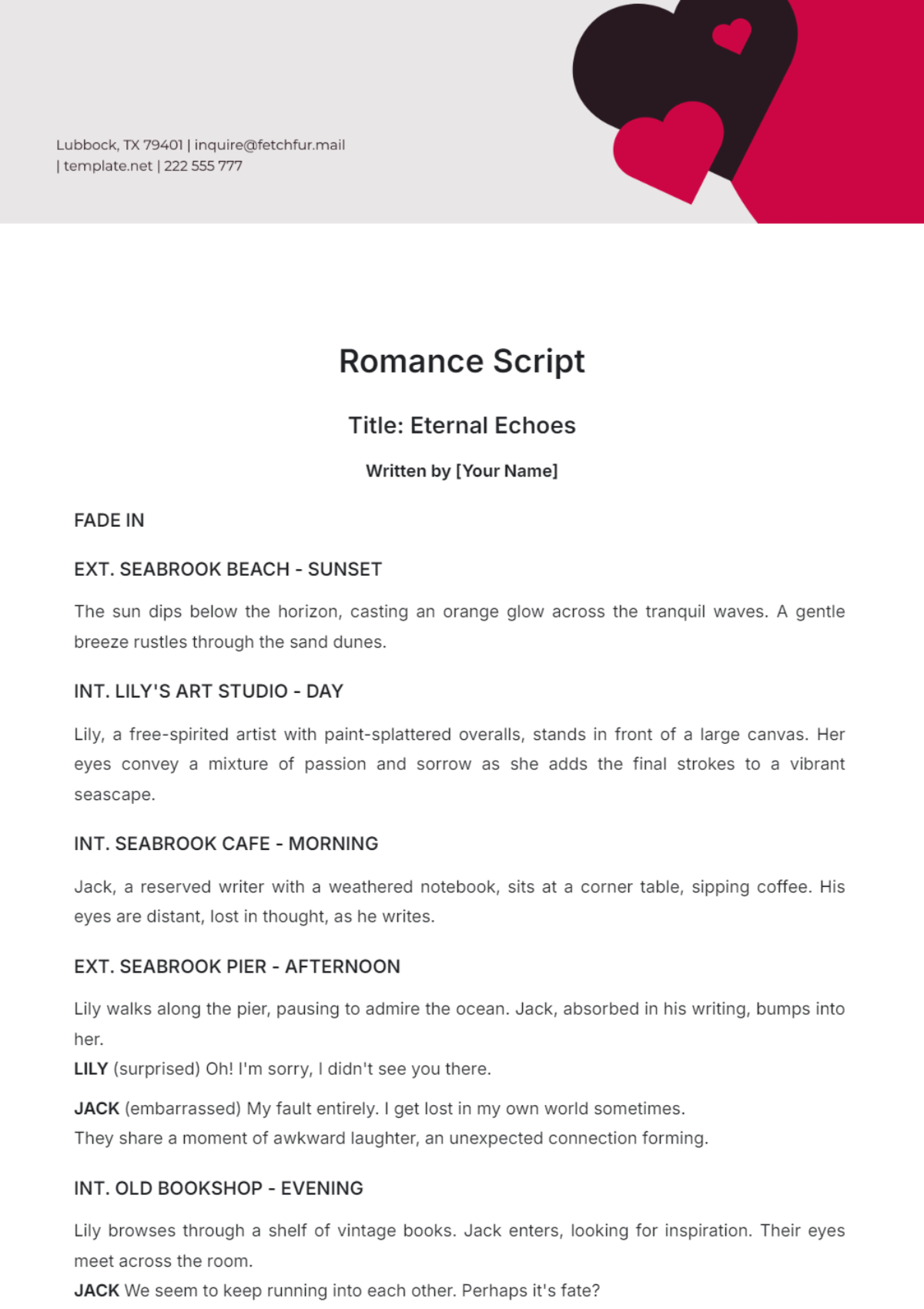
A script is a written text that outlines dialogue, actions, and directions for films, plays, or videos in a structured format. Script templates provide ready-made layouts to present scenes, character dialogues, and stage directions clearly. These templates ensure professional layout and business-ready formatting for easy editing and presentation.
Why use a Script?
Using a script organizes dialogue and actions in a clear, structured manner, ensuring smooth production workflows. Script templates save time by offering section-based editing and print-ready formatting. Template.net enables quick online customization for professional scripts that meet industry standards.
Who typically uses Scripts?
Scripts are primarily used by screenwriters, playwrights, content creators, and directors to communicate storylines and directions. These users benefit from structured formatting and editable templates that facilitate collaboration and quick revisions directly in the browser.
What sections should a Script include?
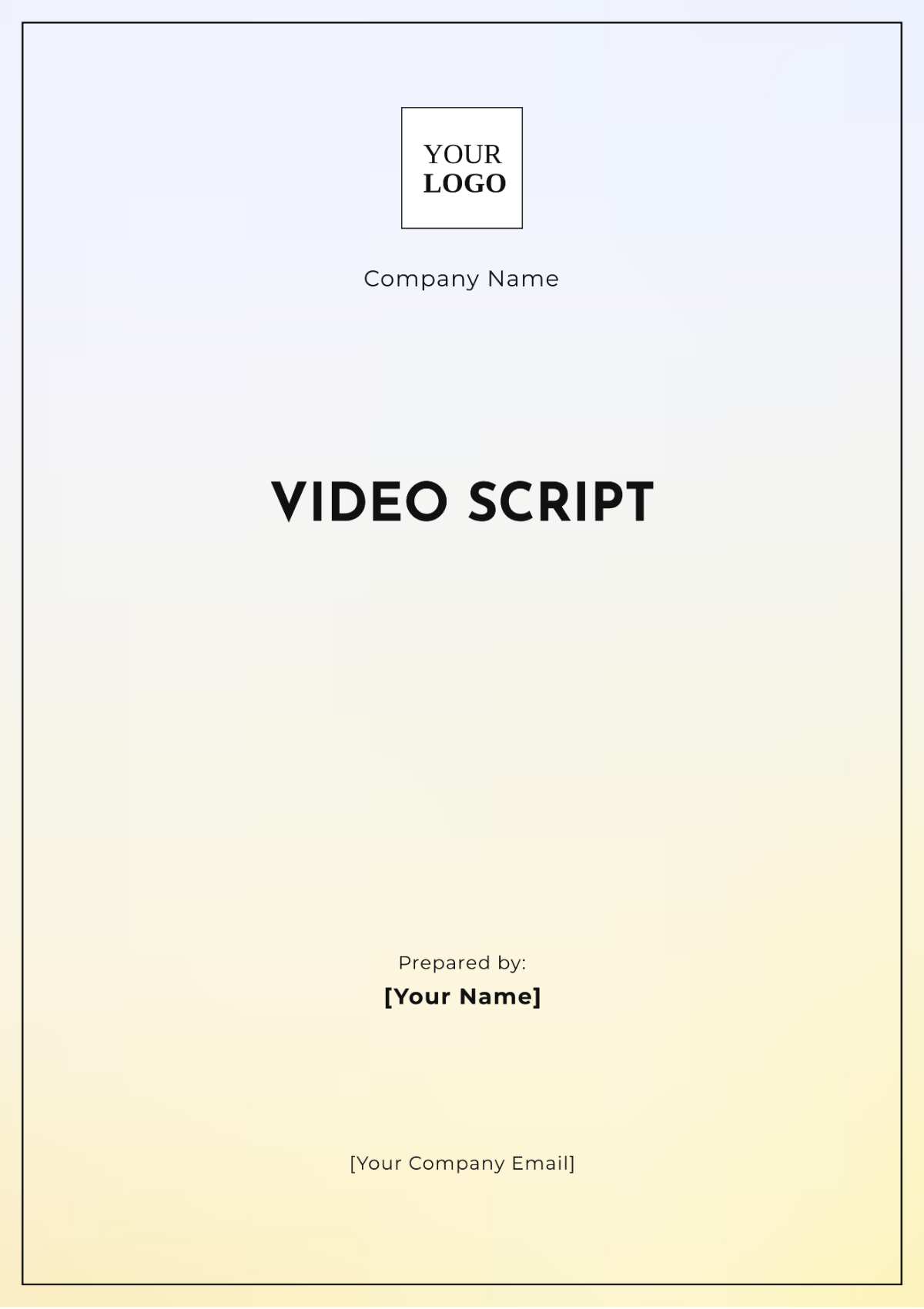
A script should include a title page, scene headings, character names, dialogues, and stage directions. These sections ensure clear navigation and professional structure, making the script suitable for production and distribution.
What are the best tips for formatting a Script?
For a professional script, use consistent font styles, clear scene breaks, and proper indentation for dialogues and directions. Employ business-ready layout with margins suitable for 8.5 × 11 inches or A4 size to enhance readability and printing quality.
How do you print a Script?
Printing a script requires exporting the document to a print-ready PDF format with appropriate page size like 8.5 × 11 inches or A4. Template.net templates ensure structured formatting and print-ready layout for high-quality physical copies.
Is a Script legally and professionally acceptable?
A well-formatted script follows industry standards ensuring legal and professional acceptance. Using Template.net's templates guarantees compliance-friendly presentation with clear sections and proper formatting, which is essential for contracts, submissions, and official use.
What file formats can I download for a Script?
Template.net's script templates support multiple export formats for editing and printing, including Word, Google Docs, PDF, and Apple Pages. These formats ensure flexibility and professional output.
Can I create a new Script using AI?
Template.net provides an AI-powered tool that generates structured script documents from prompts in 3–10 seconds. This tool produces scripts ready for online refinement with section-based editing and multi-format export for professional use. Try the Script Generator.
