
Free Save the Date Templates

















Free Save the Date Templates: Editable Design Guide, Uses, and Download Formats
What is a Save the Date?
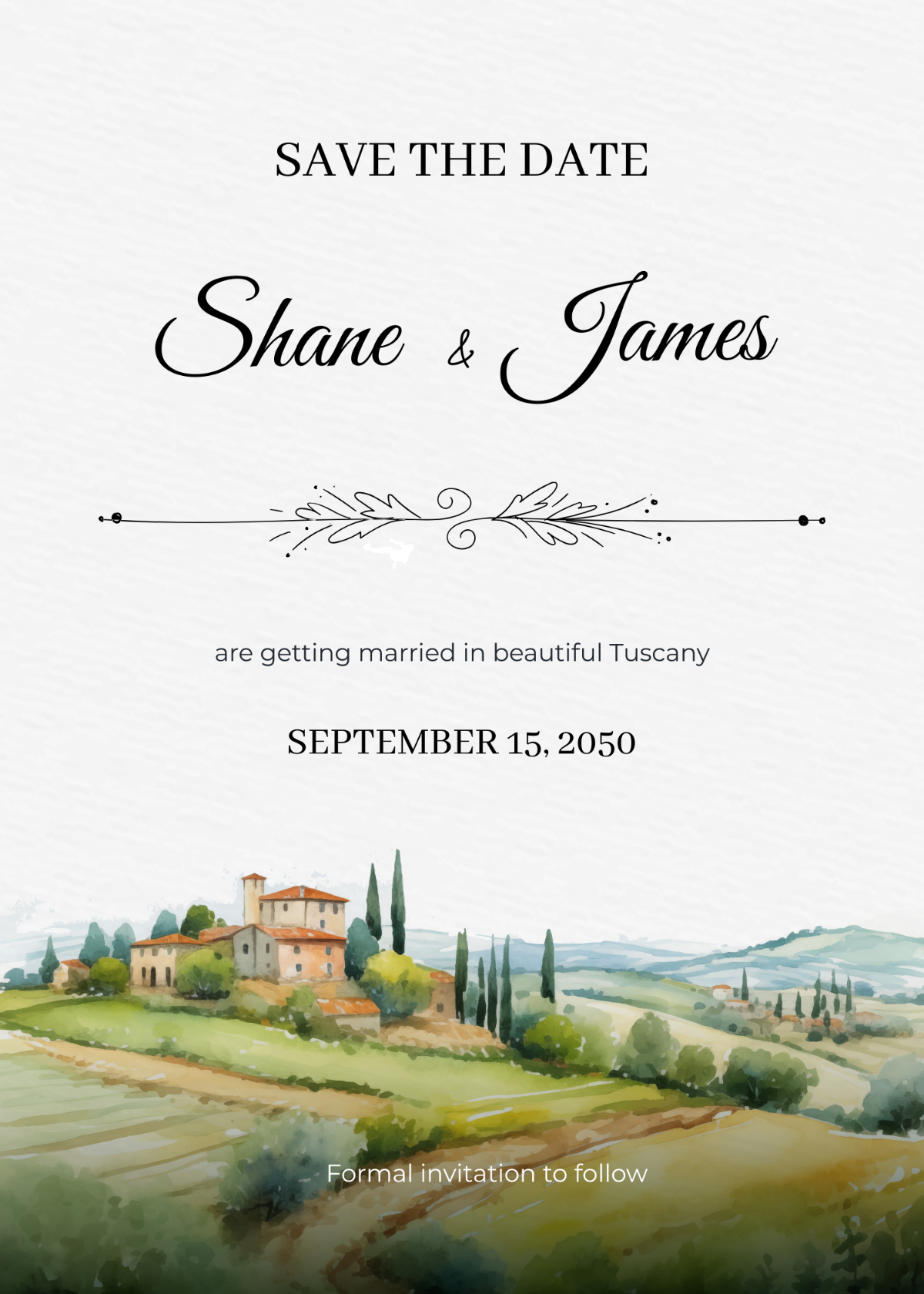
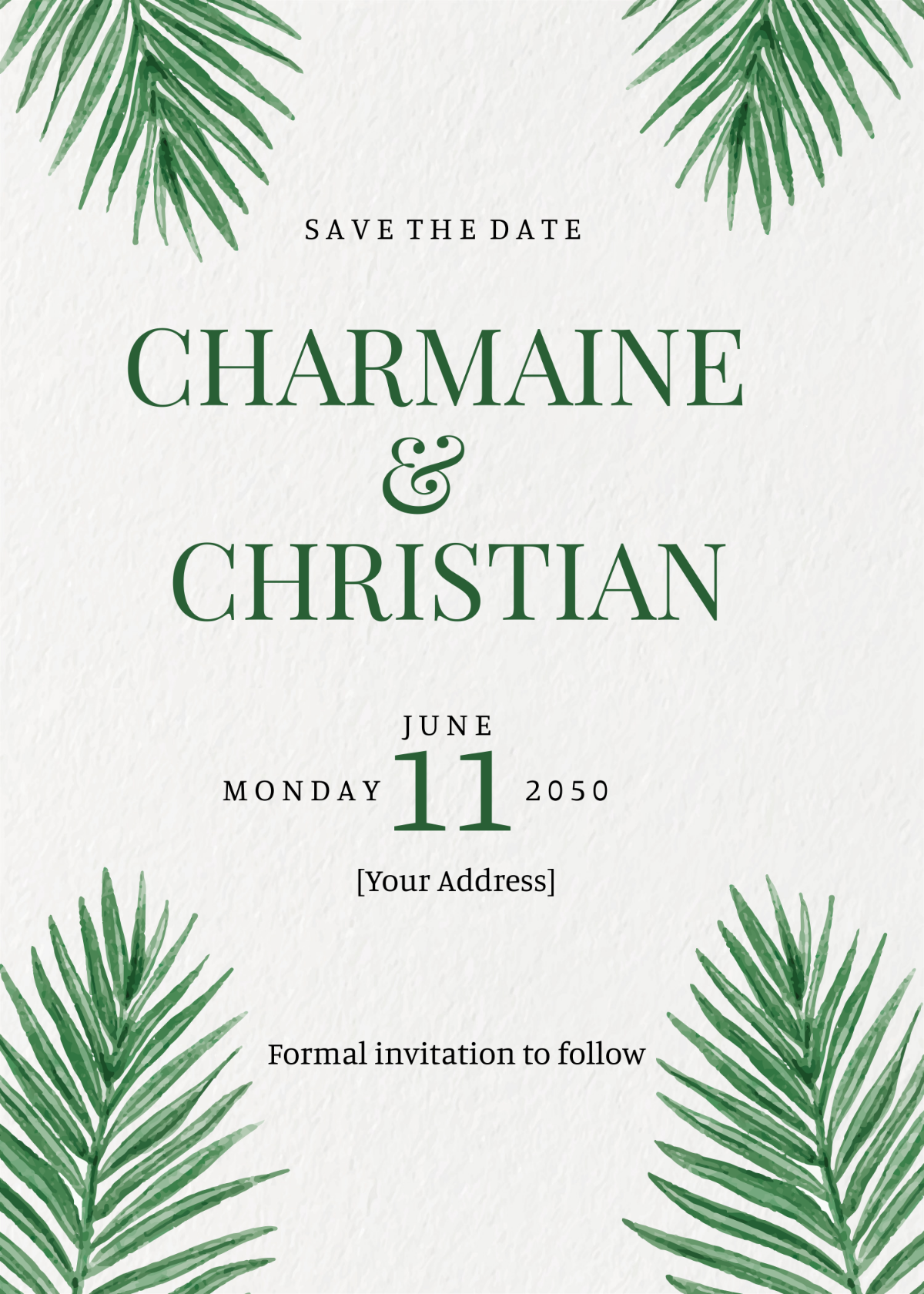
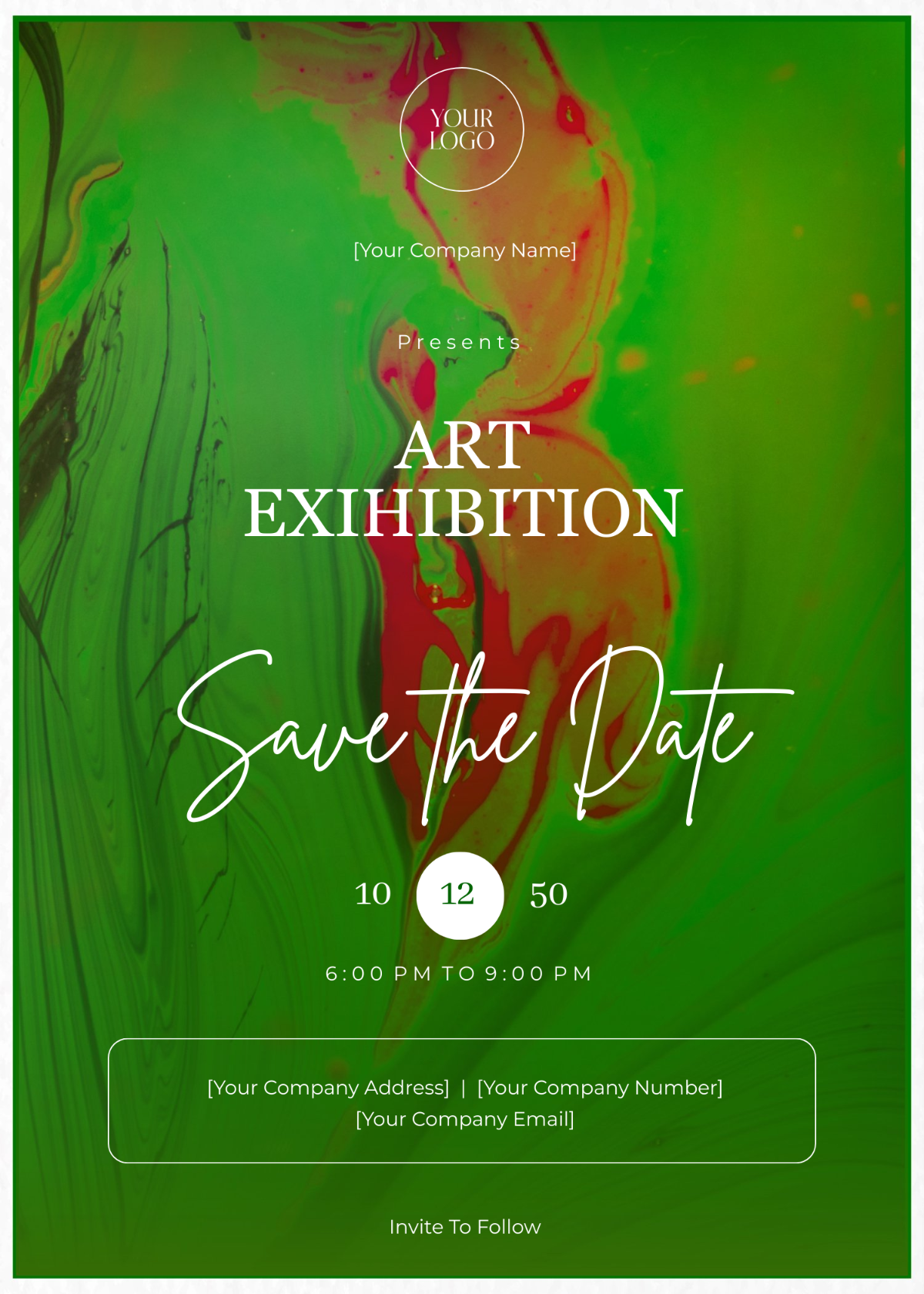
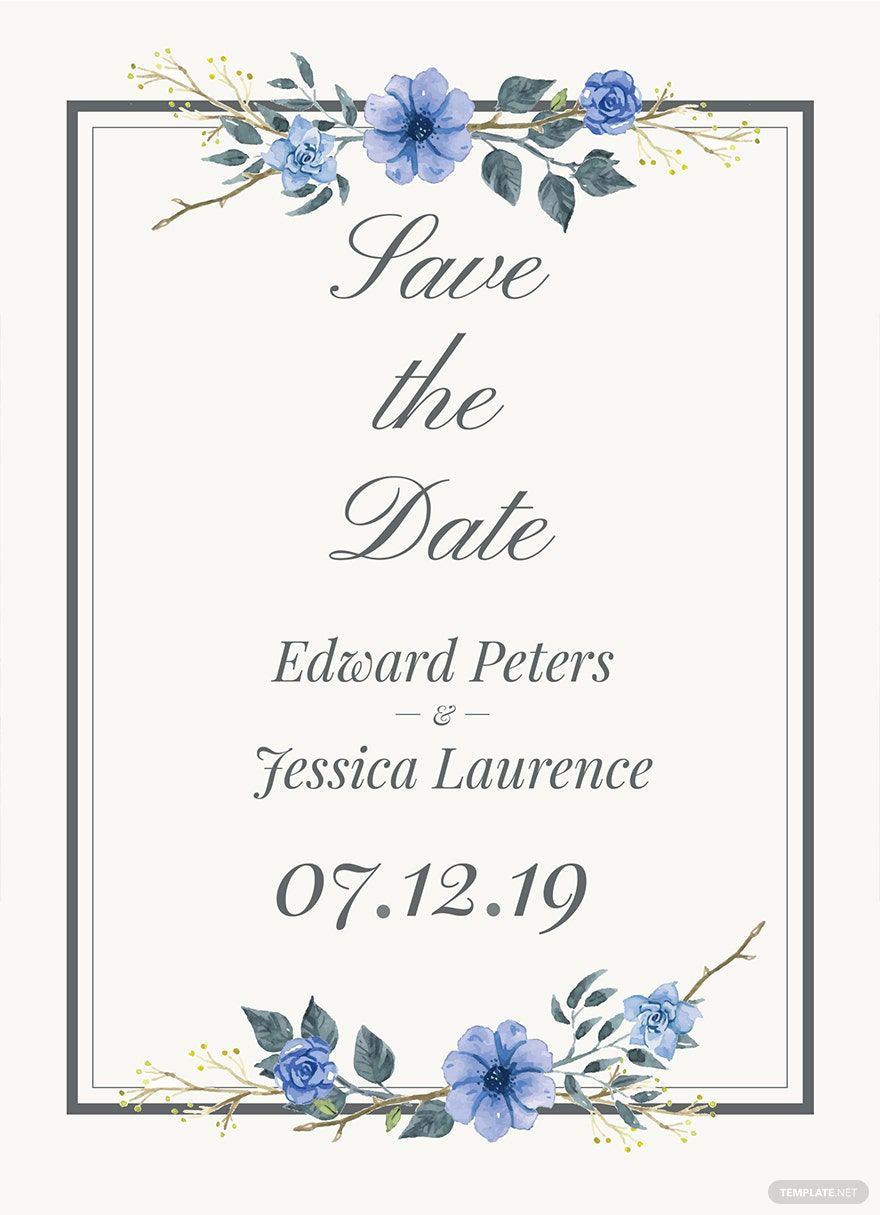
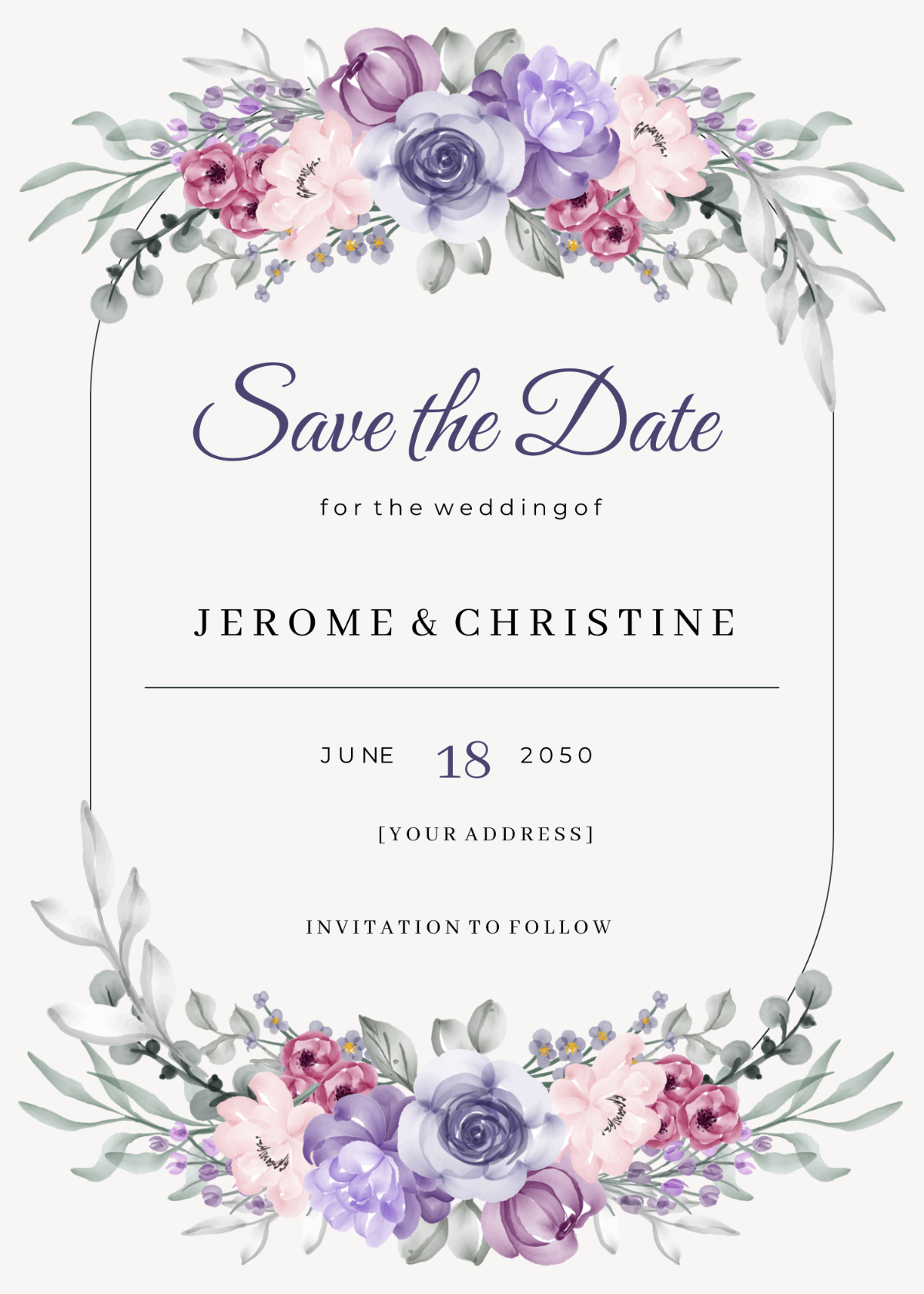
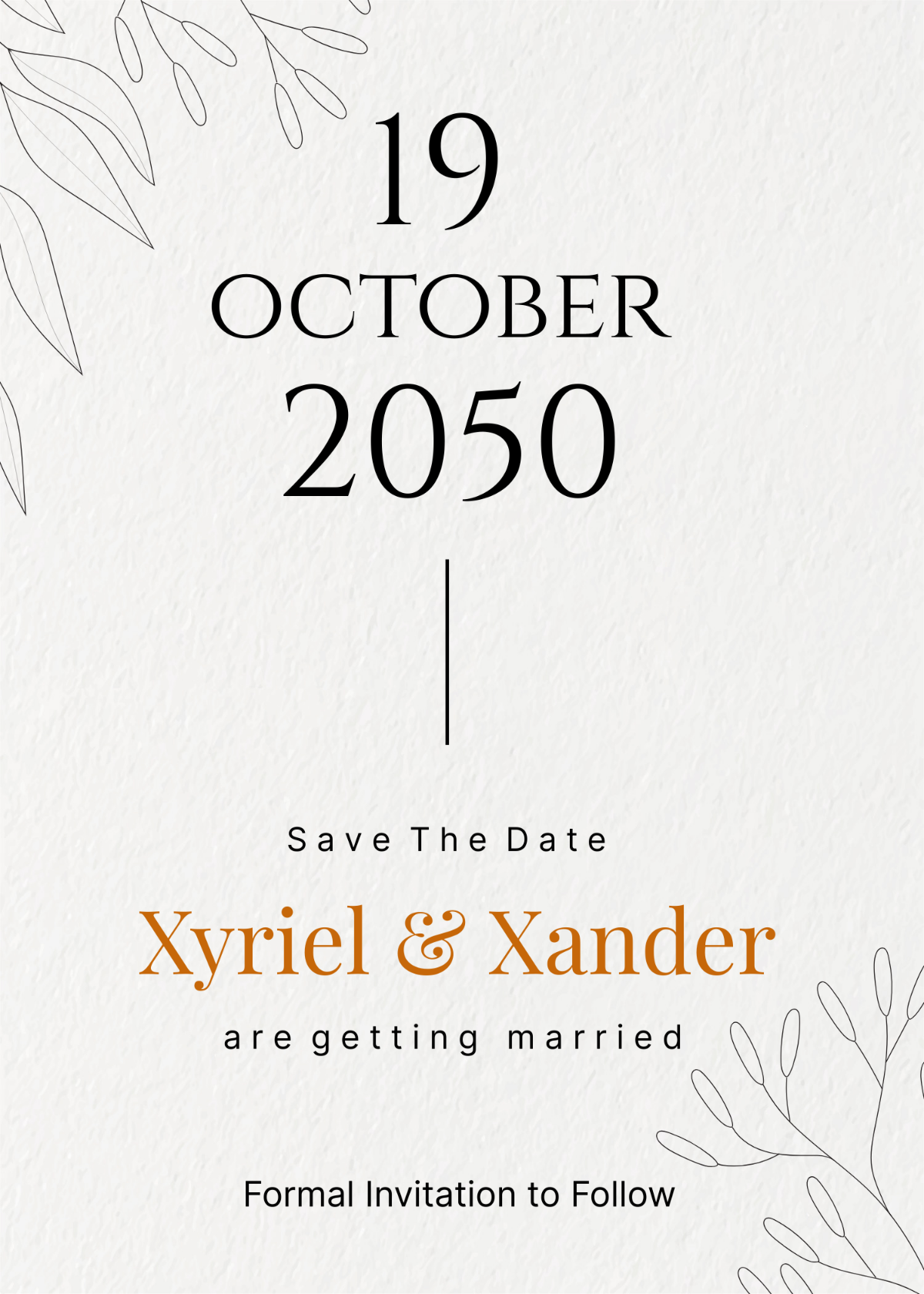
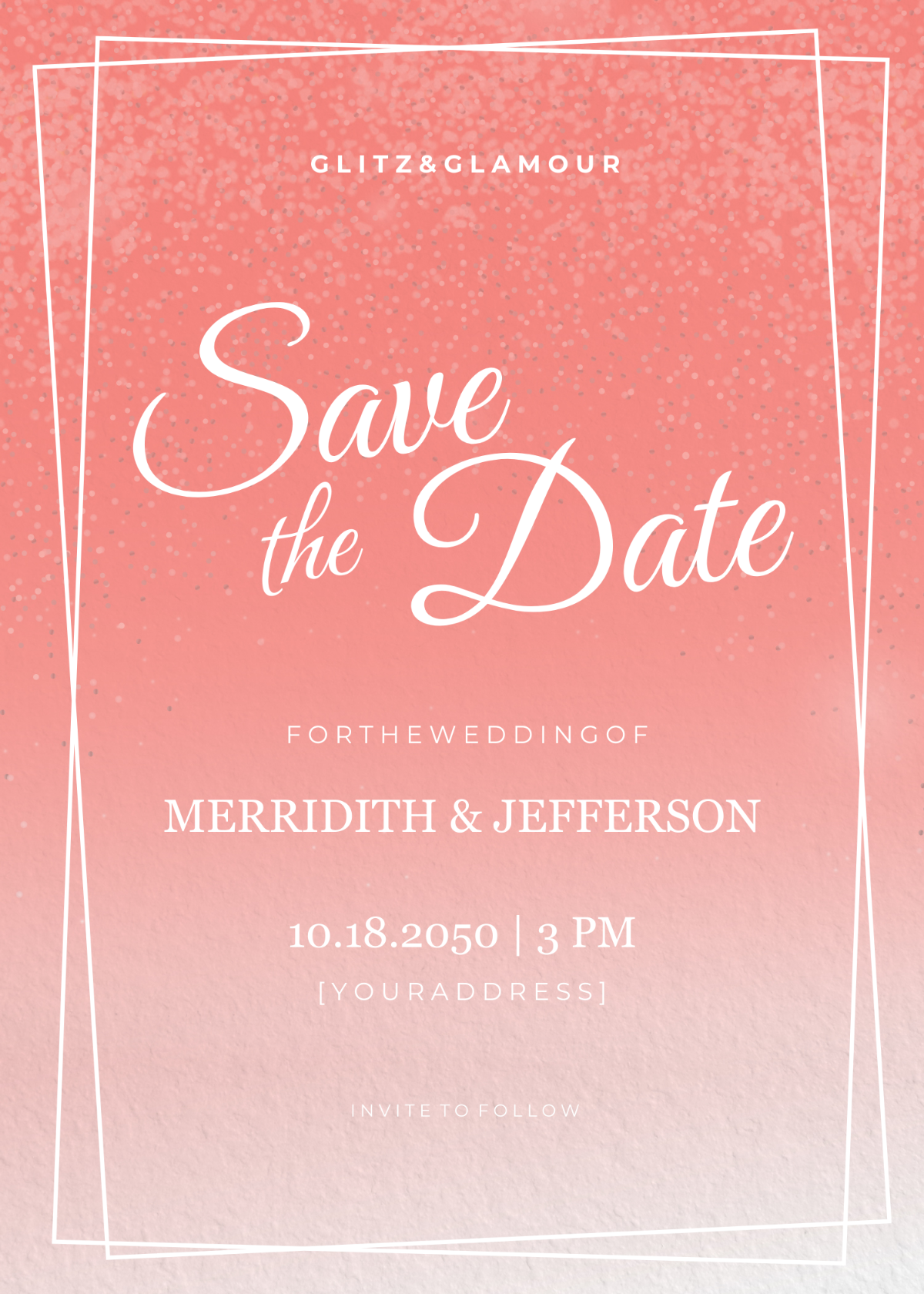
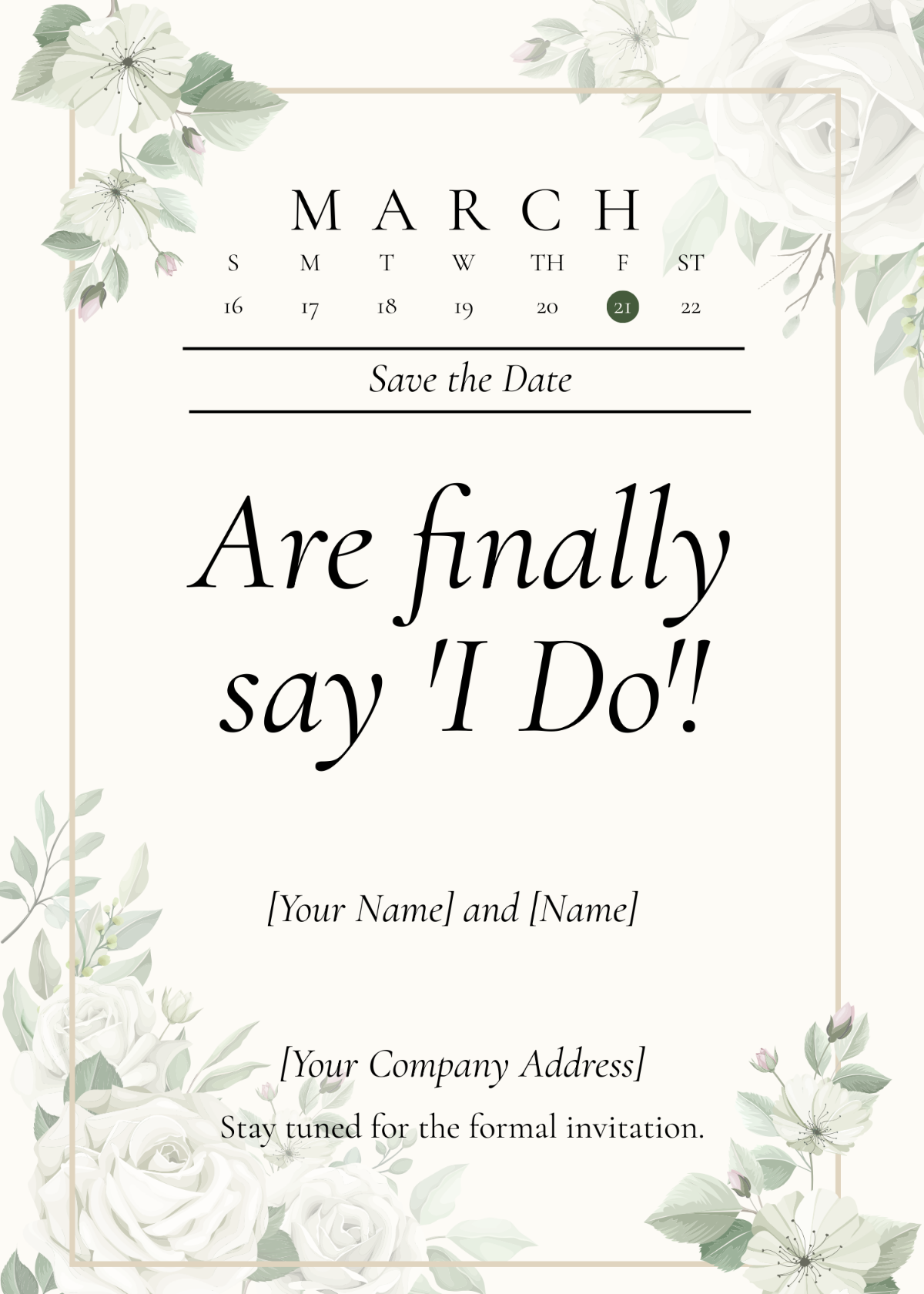
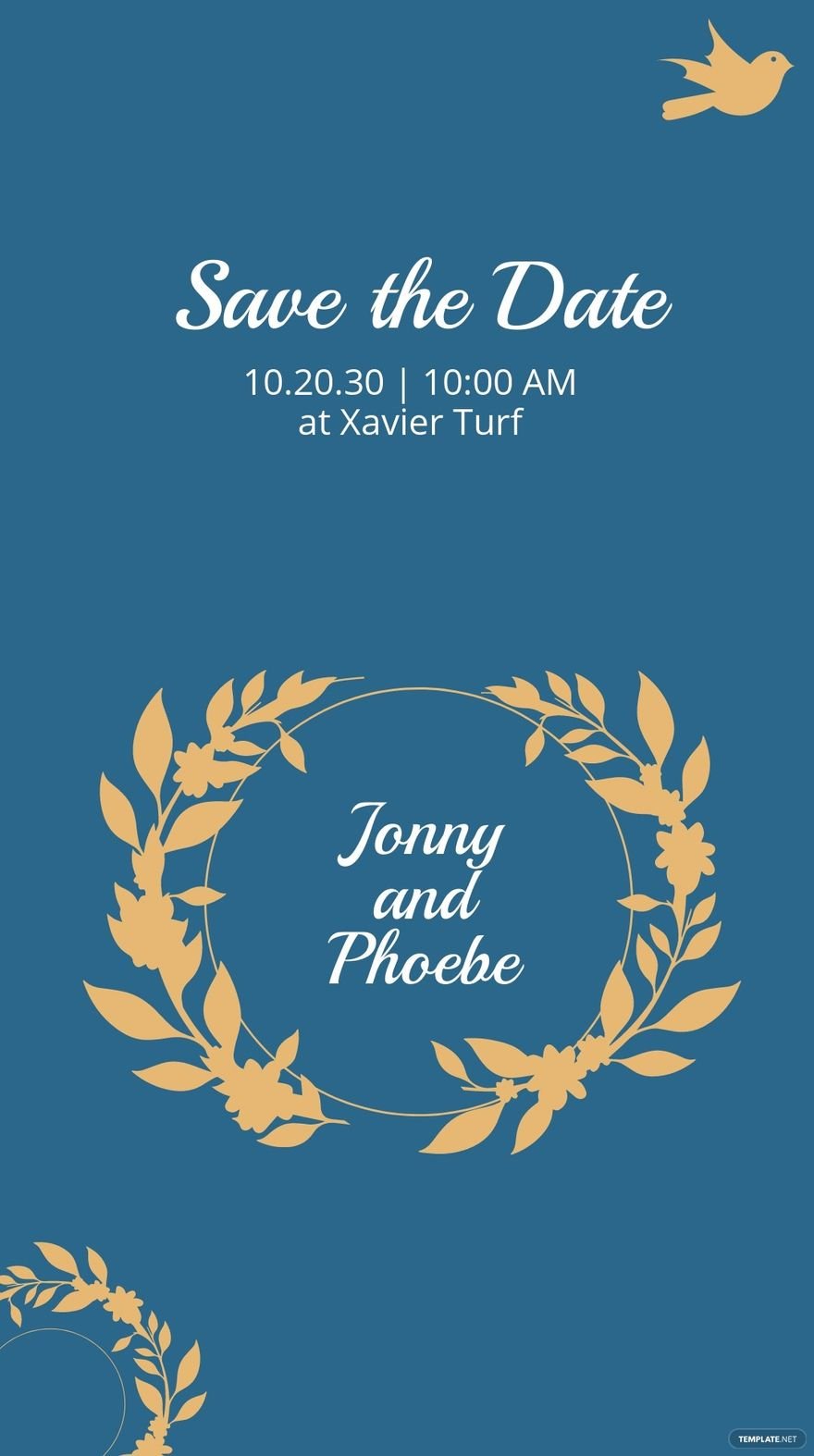
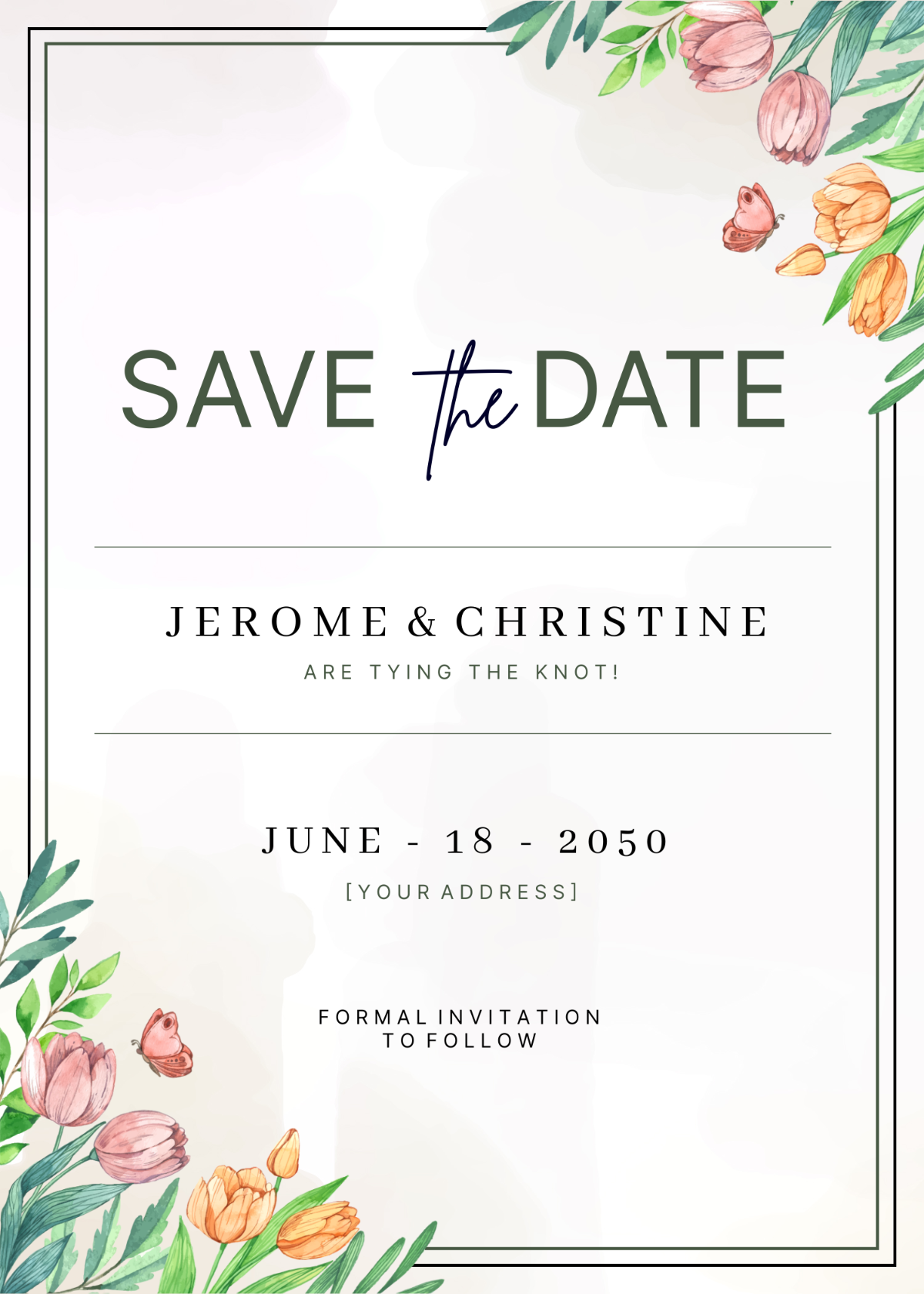
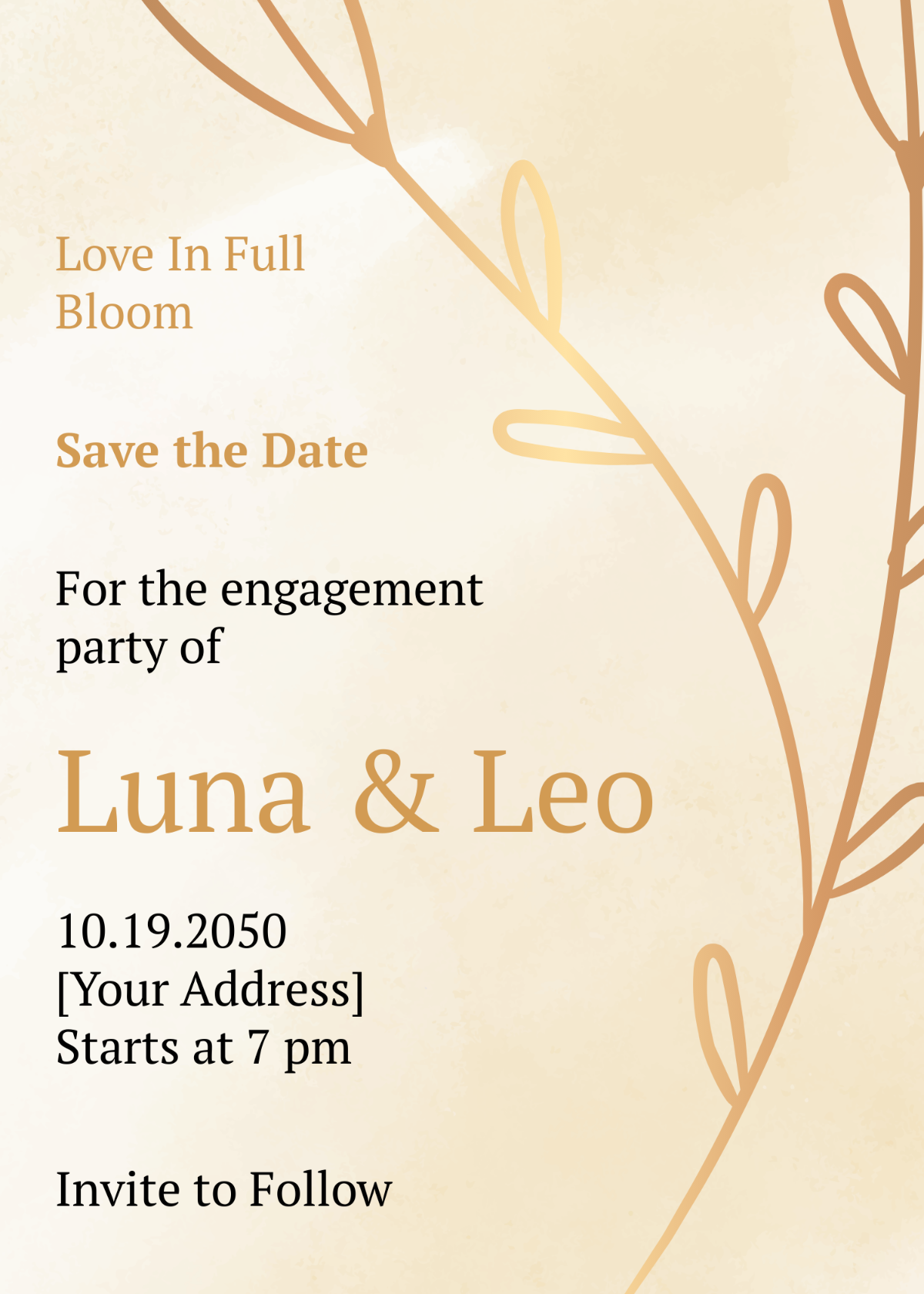
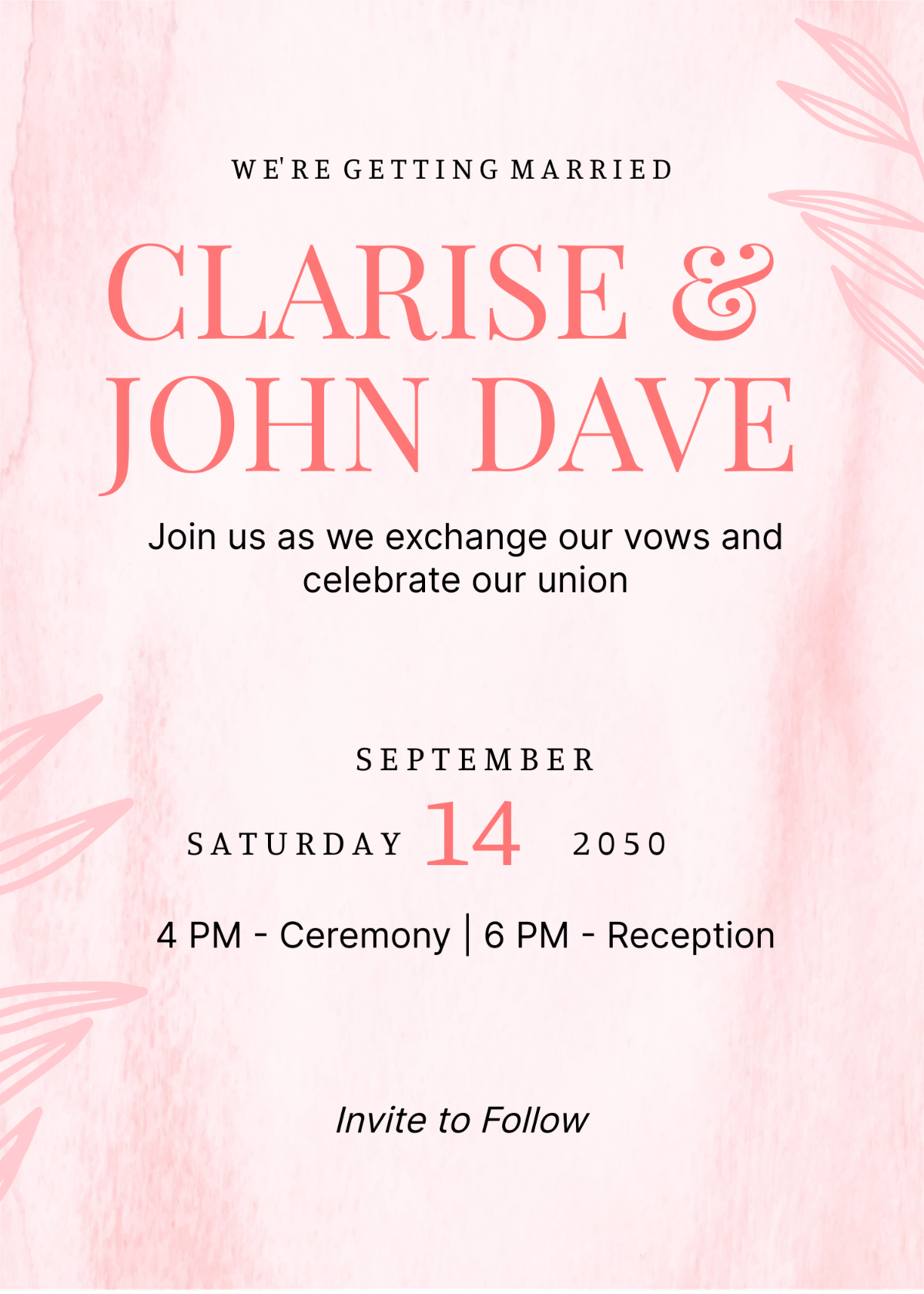
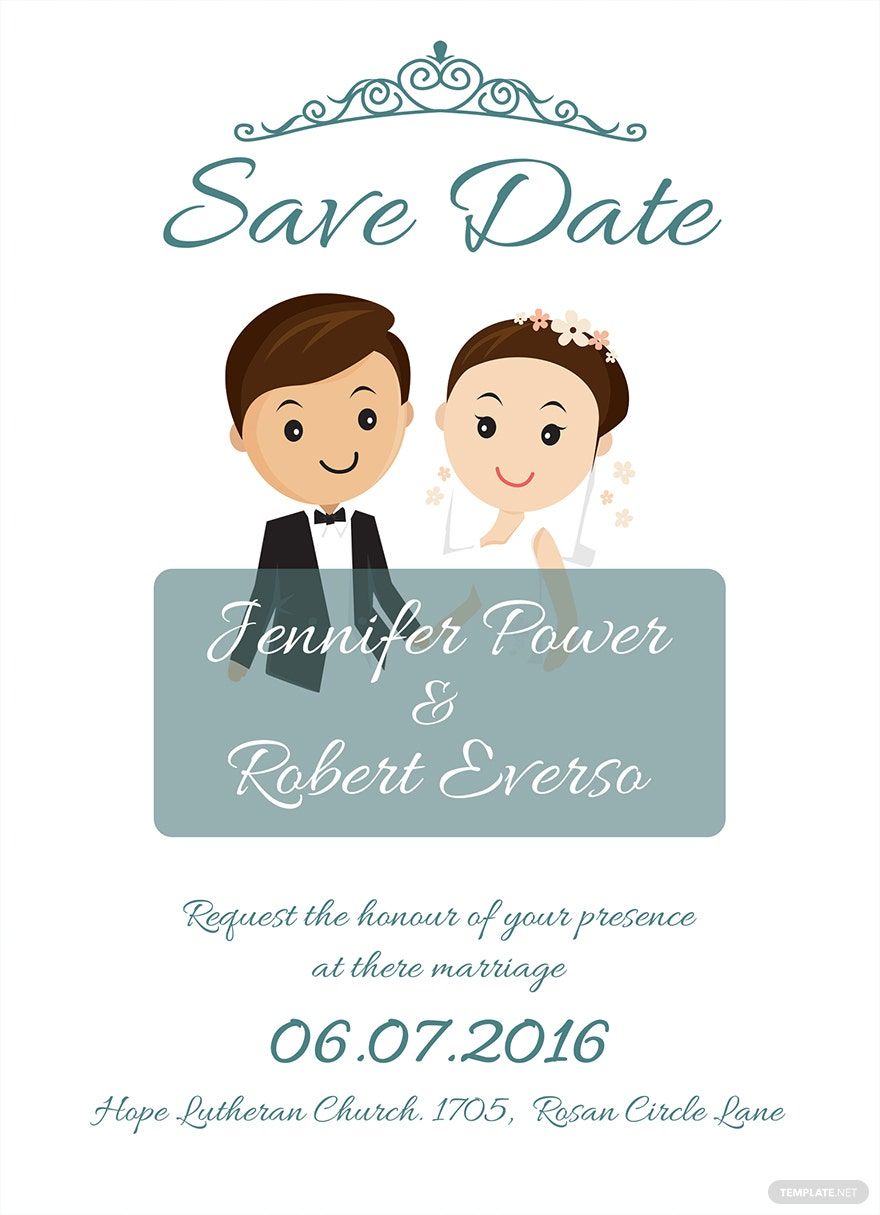
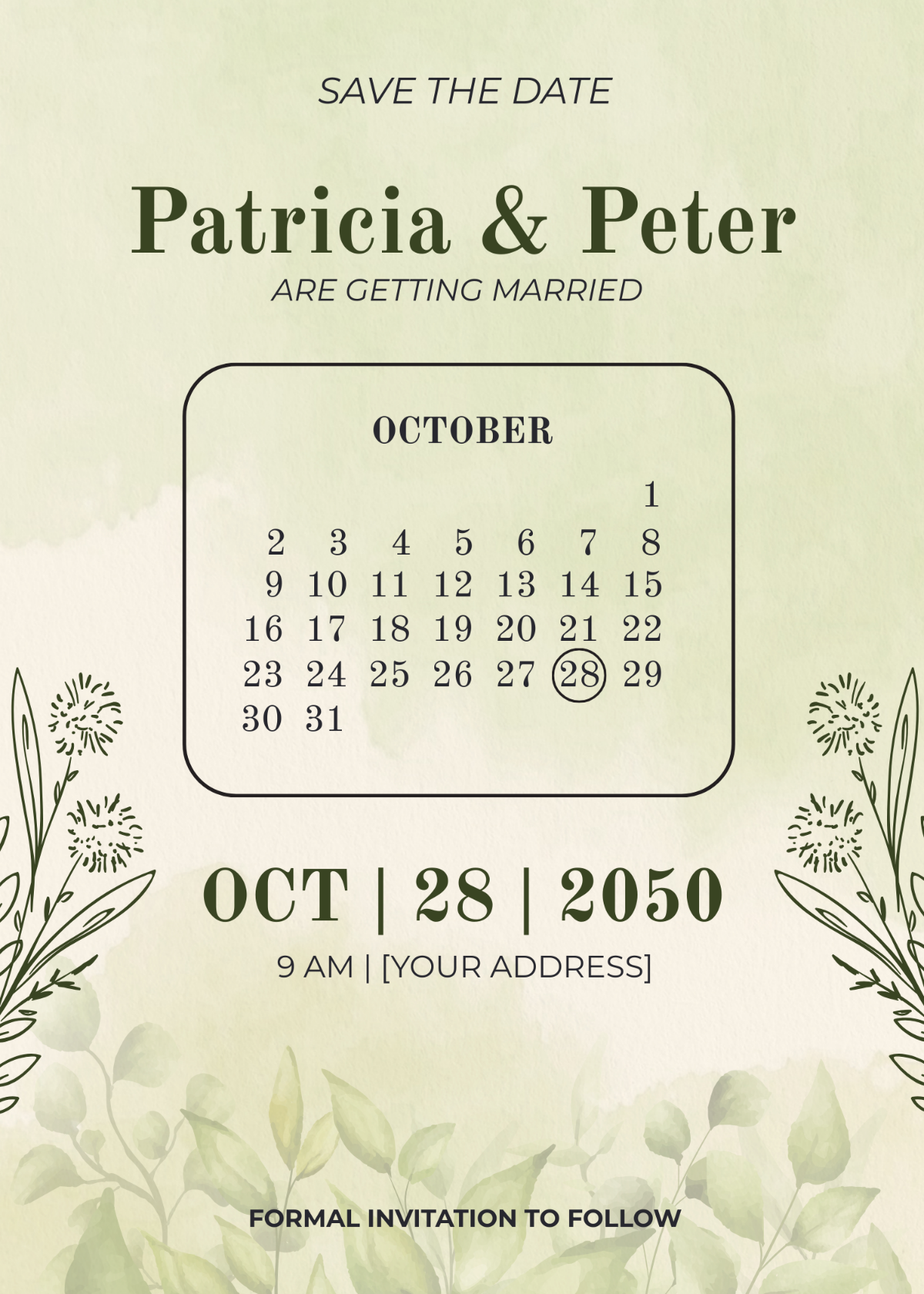
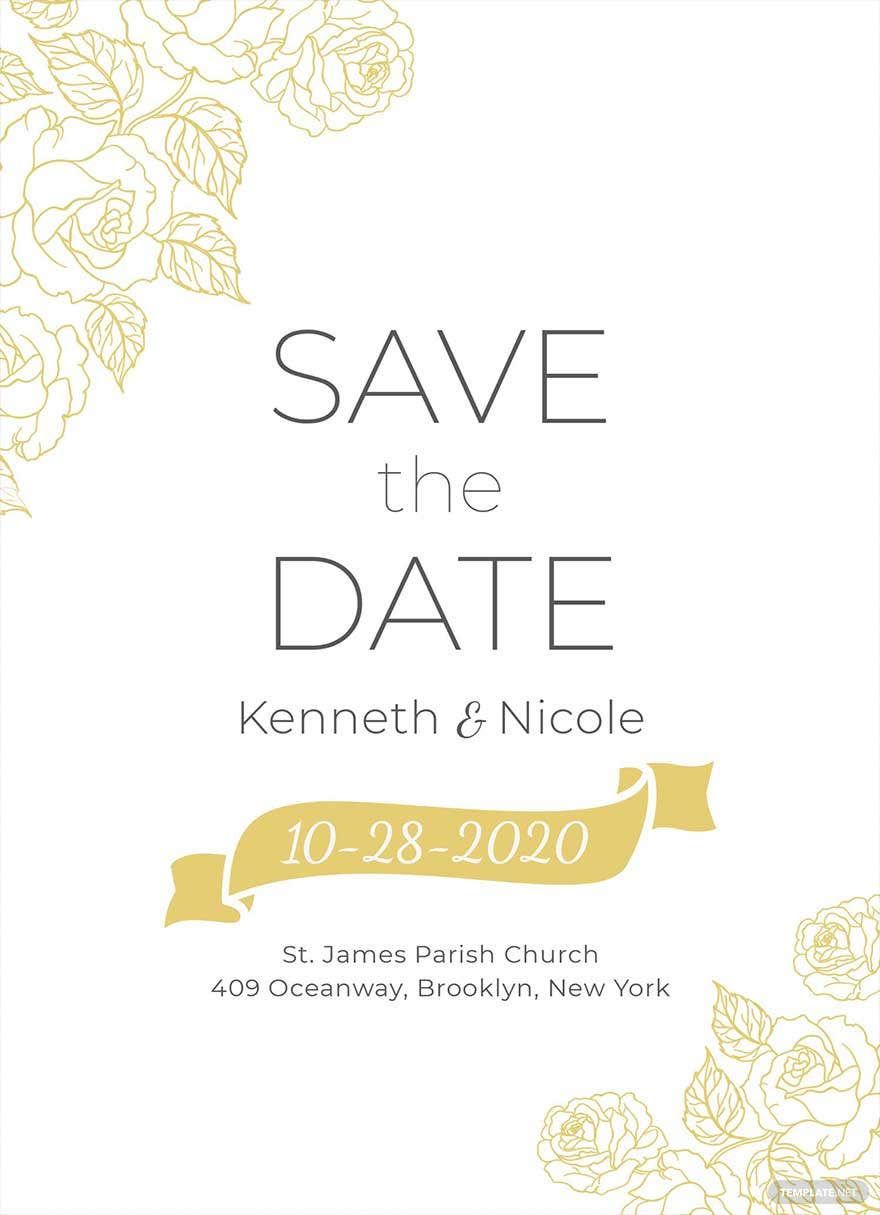
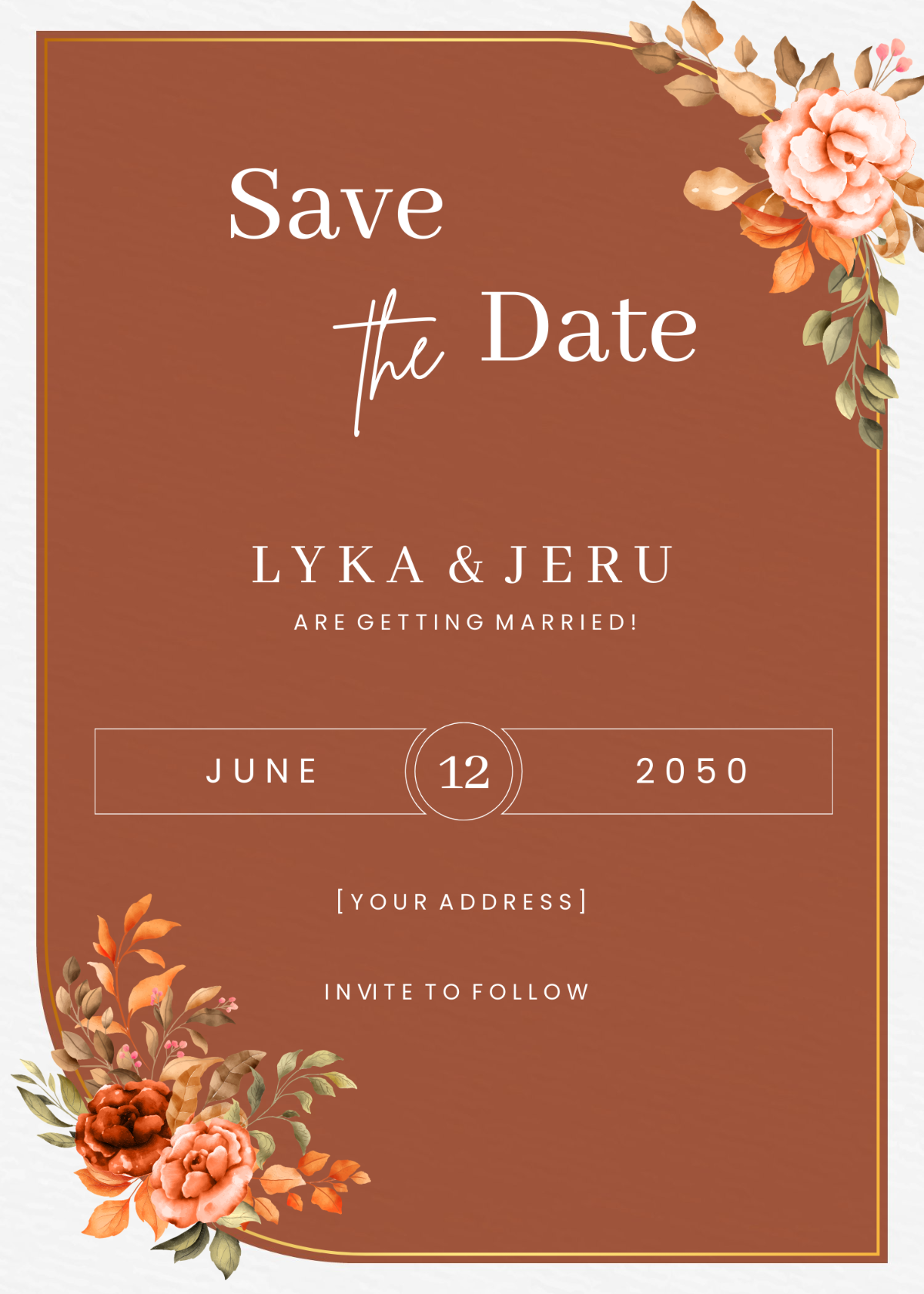
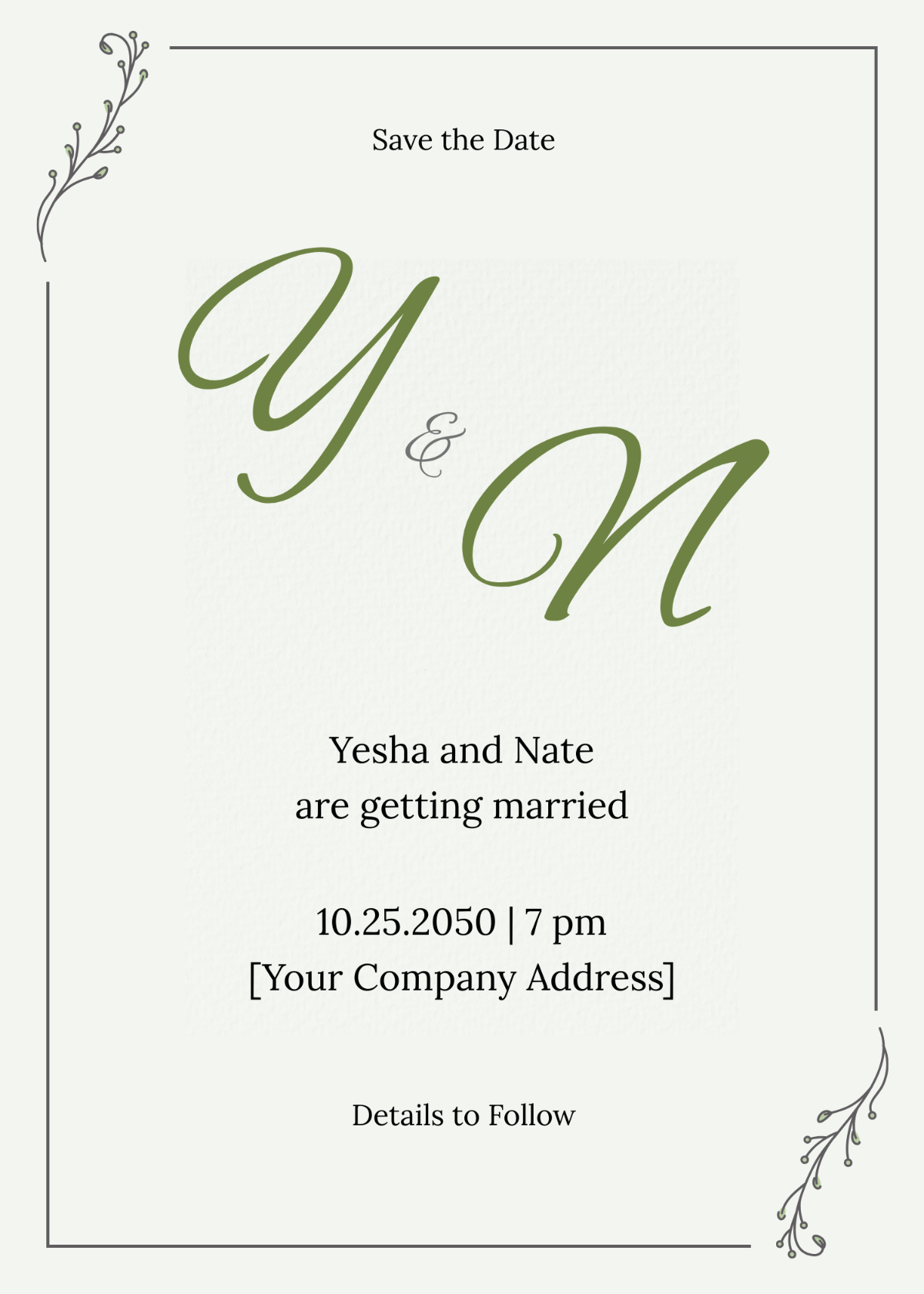
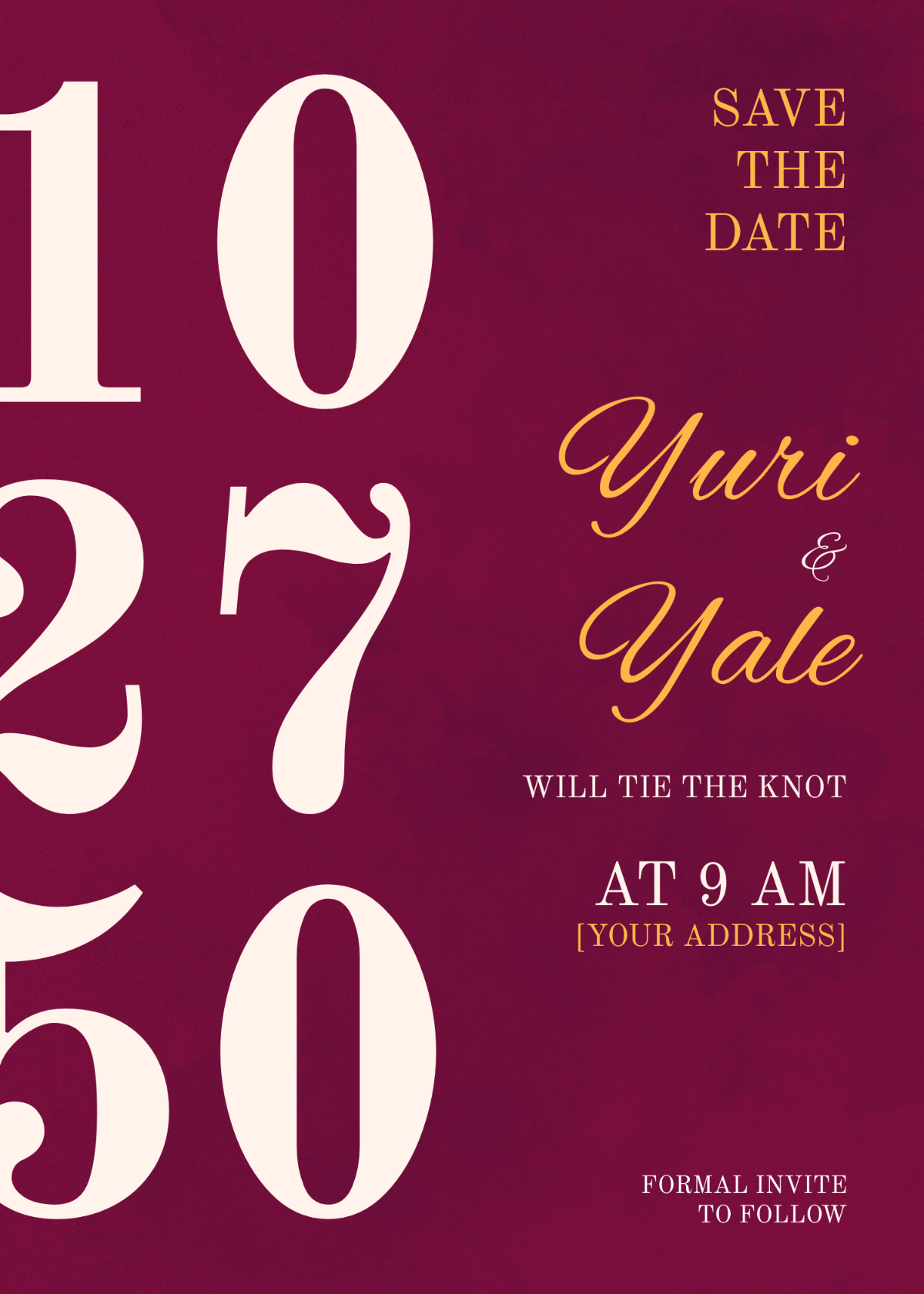
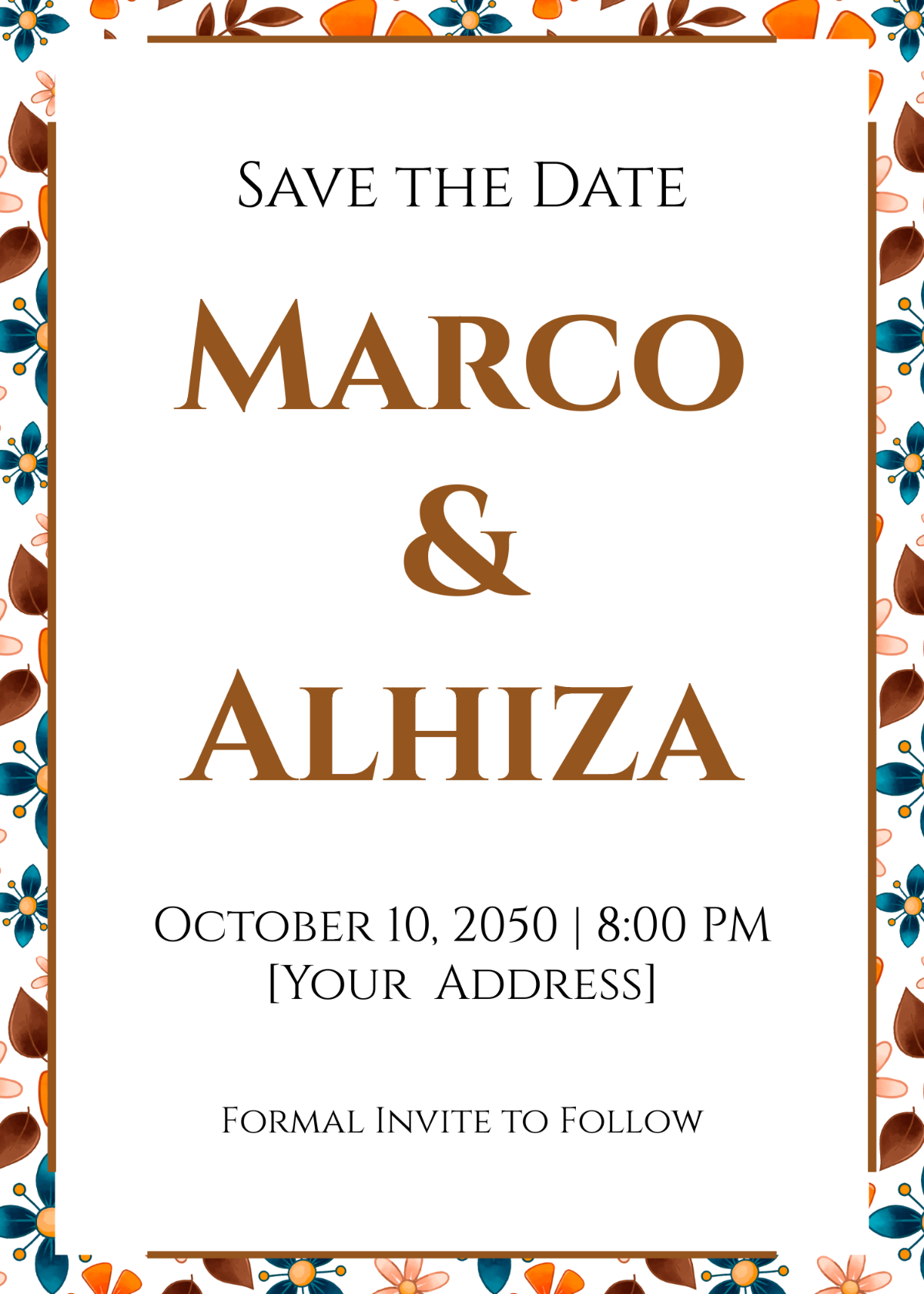
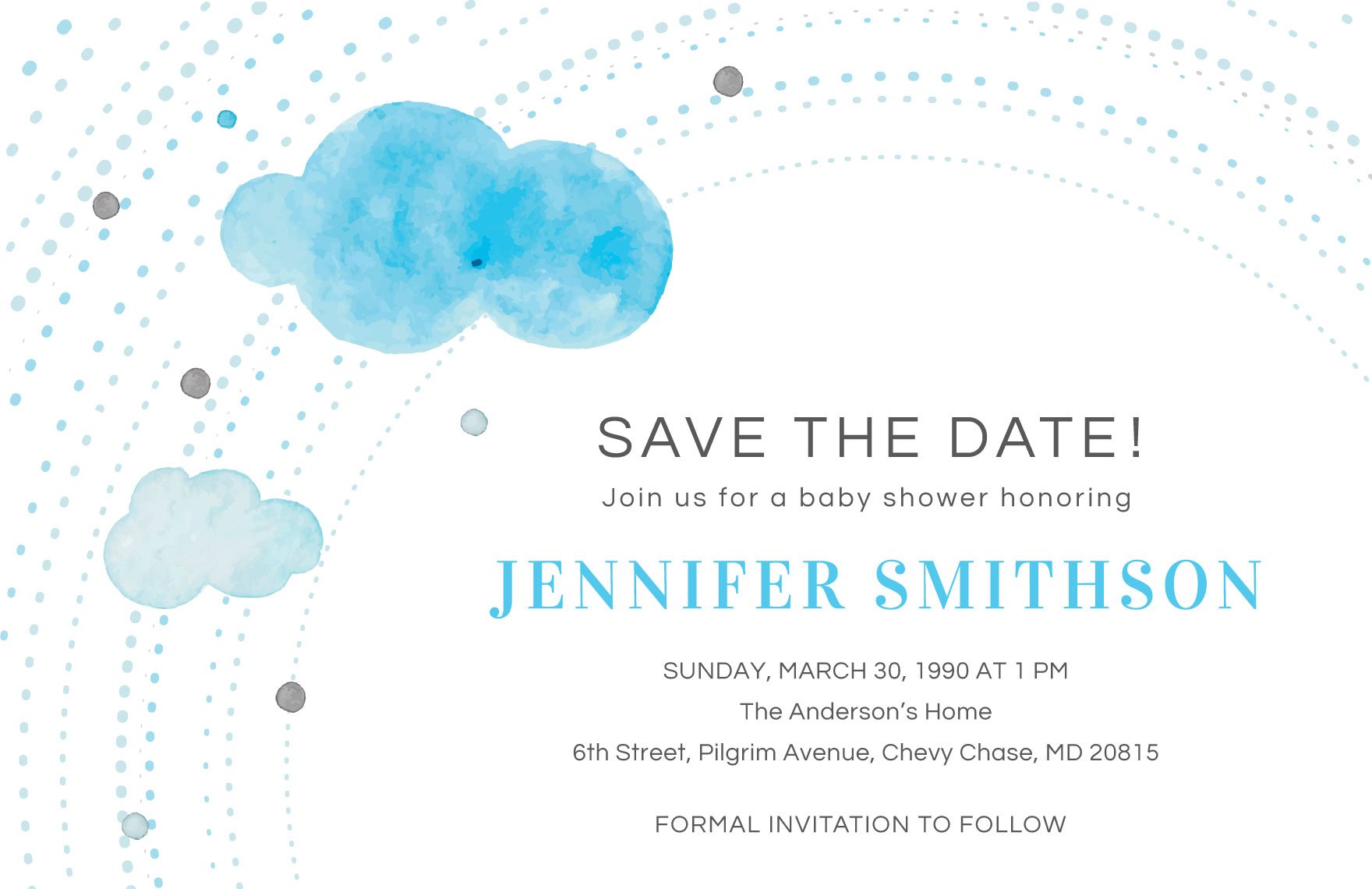
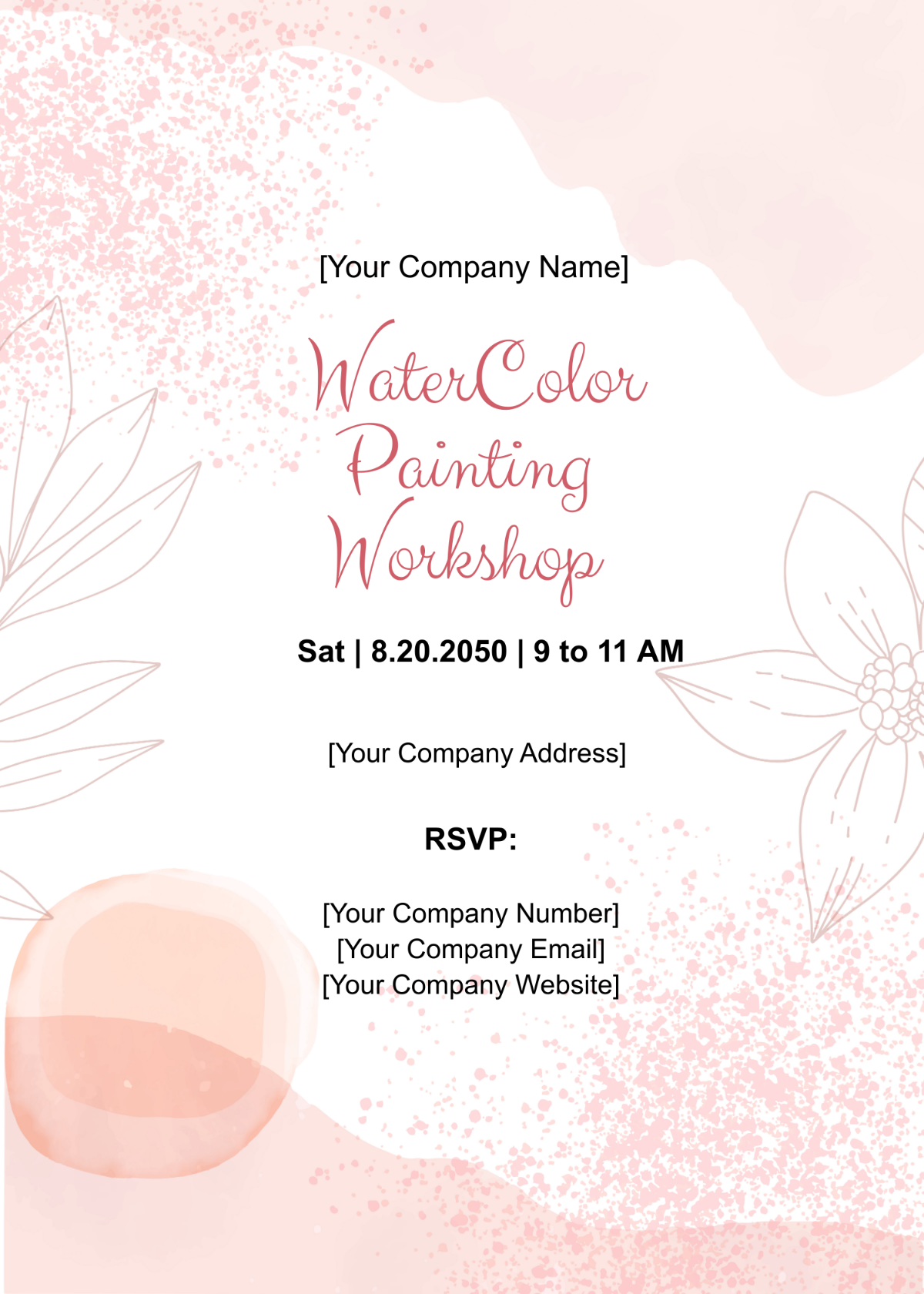
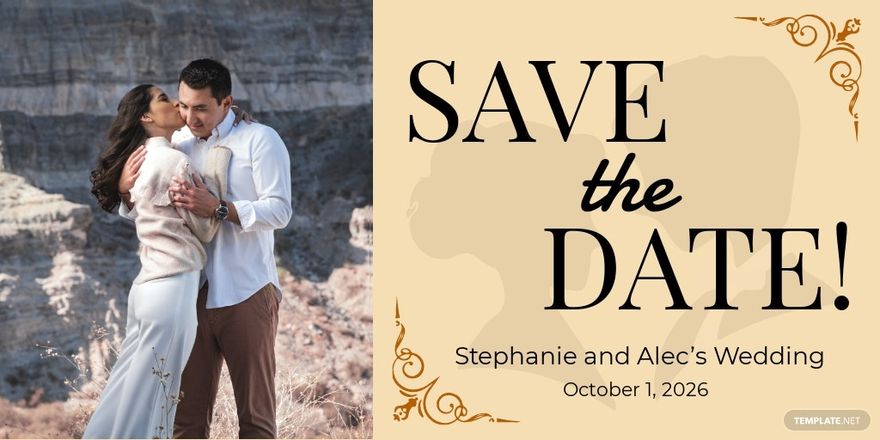
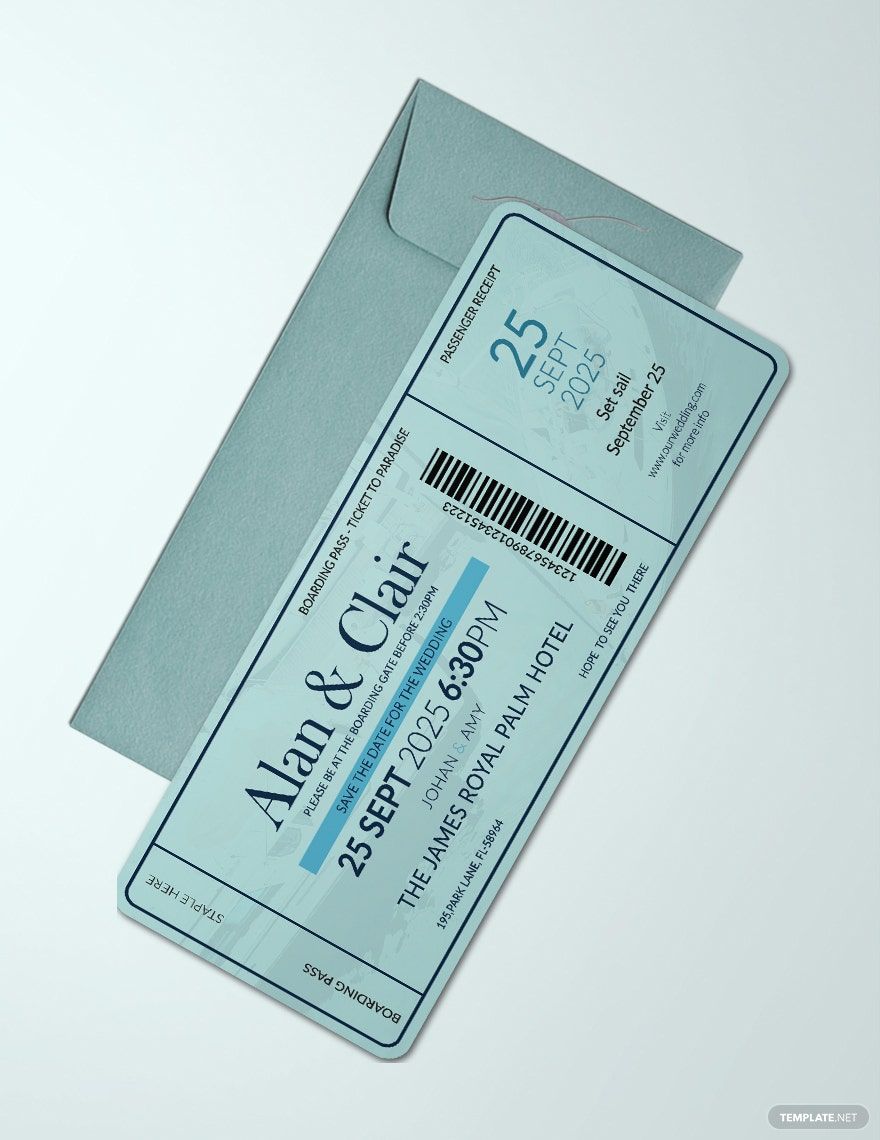
A Save the Date is a pre-invitation notification used to inform guests about an upcoming event date. It serves as an early announcement, allowing recipients to reserve the date before formal invitations are sent. Save the Date templates typically include event details such as the date, location, and hosts.
Why should I use a Save the Date?
You should use a Save the Date to ensure your guests have ample notice of important events, especially weddings or large gatherings. This helps increase attendance by allowing people to plan ahead and avoid scheduling conflicts. Save the Date templates provide a professional and clear way to communicate event information early.
Who uses Save the Date?
Save the Date templates are commonly used by individuals and organizations hosting significant events such as weddings, corporate functions, conferences, or milestone celebrations. Event planners, couples, and businesses utilize Save the Date templates to efficiently notify their guest lists in advance.
What are the best tips for completing my Save the Date?
When completing your Save the Date, focus on clarity and essential details. Include the event date, location, and names of hosts or organizers. Use high-quality images or designs, and maintain consistent branding if applicable. Ensure your contact information or a website link is visible for guests to seek more details.
Can I create a Save the Date using AI?
You can create a Save the Date using AI tools, but Template.net primarily offers customizable templates for manual editing. AI-generated designs exist elsewhere on the domain, while this page focuses on providing editable templates that you can personalize directly in your browser.
What file formats can I download for my Save the Date?
Template.net offers Save the Date templates in multiple editable formats to suit your software preferences. You can download templates in Illustrator, Apple Pages, PDF, PSD, Word, Publisher, and InDesign.
What are the essential elements of a Save the Date?
The essential elements of a Save the Date include clear event details that inform guests effectively. These elements are:
- Event Date: The specific day guests should remember.
- Host Names: Identifies who is organizing the event.
- Location: Venue or city where the event will occur.
- Contact Information: Website or phone number for further inquiries.
- Design Theme: Visual style that reflects the event’s tone.
How are Save the Date templates used in professional workflows?
Save the Date templates are integrated into event planning workflows to provide early communication with attendees. Professionals customize templates to match branding and event style before distributing them digitally or in print. This process streamlines guest notification and enhances coordination with vendors and venues.
What are common scenarios for sending a Save the Date?
Common scenarios for sending a Save the Date include weddings, milestone birthdays, corporate events, conferences, and holiday parties. They are typically sent months in advance to ensure guests can make travel arrangements and clear their schedules.
