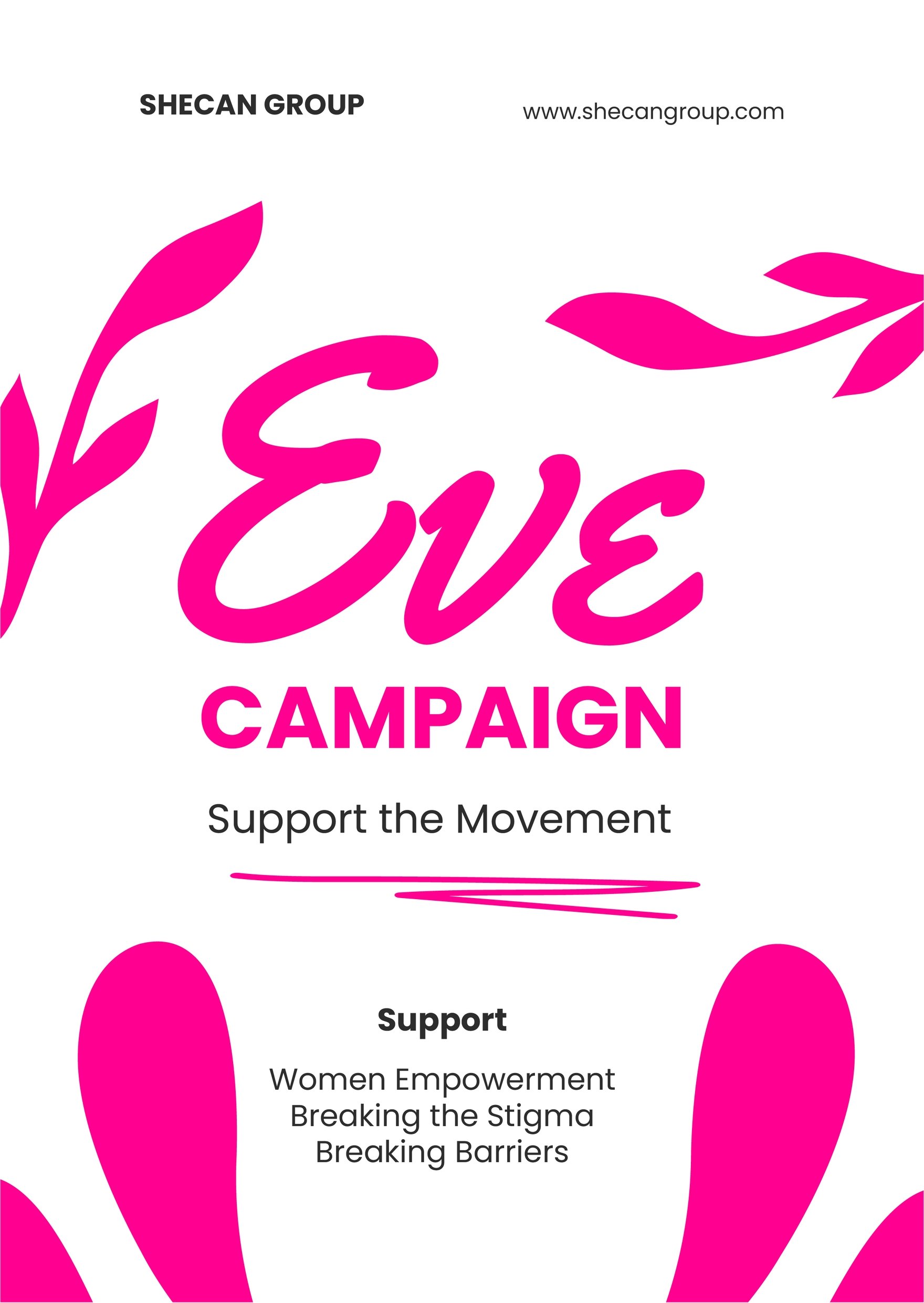
Free Handout Templates
Free Handout Templates: Editable Guide, Uses, and Download Formats
What is a Handout?
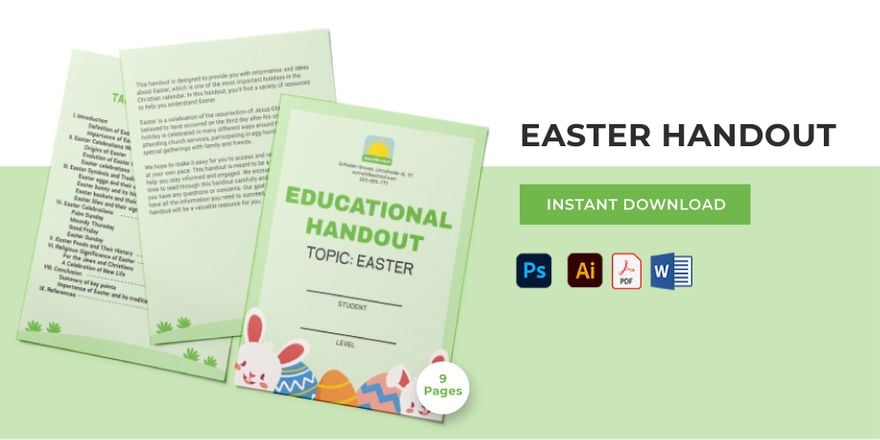
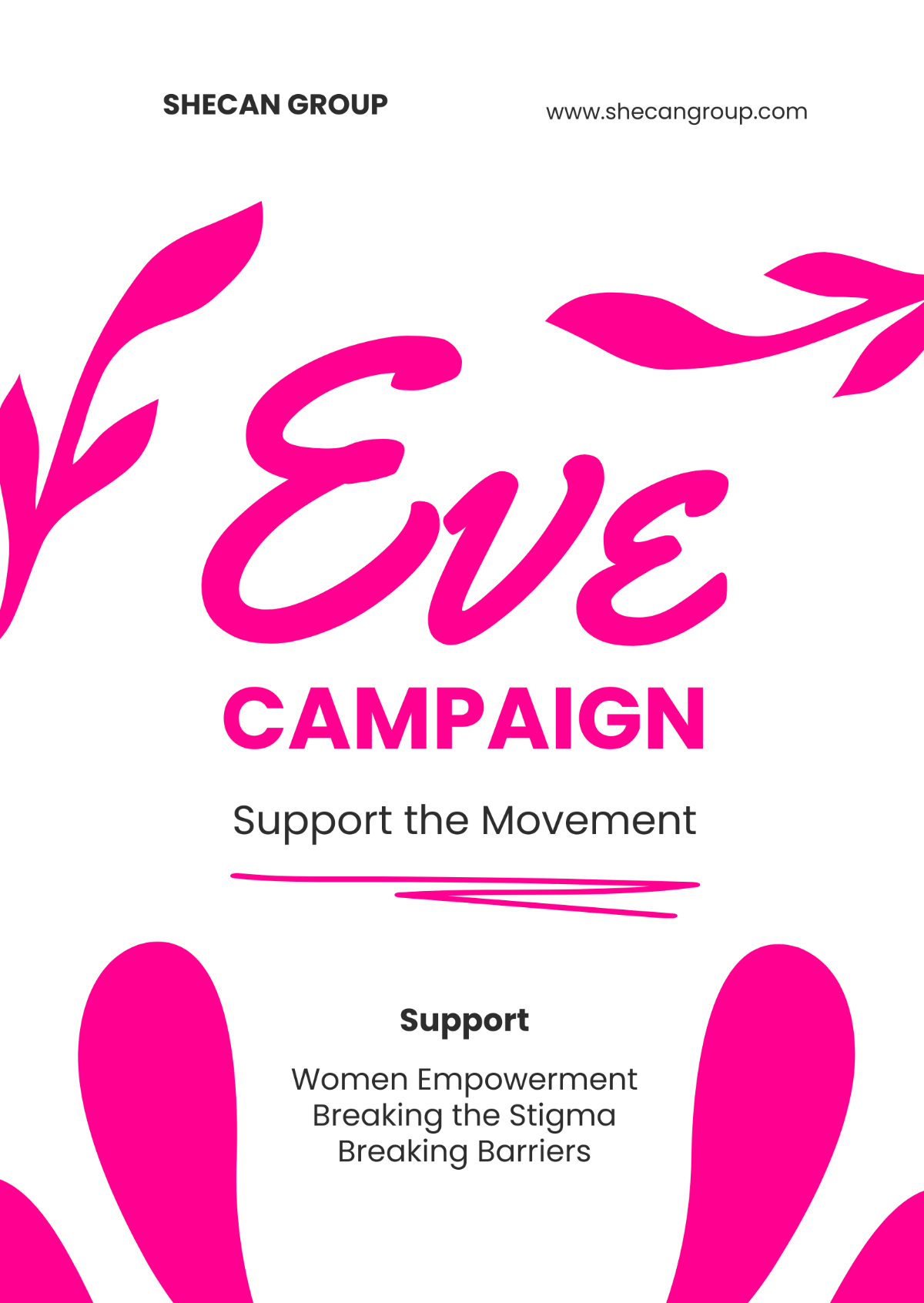
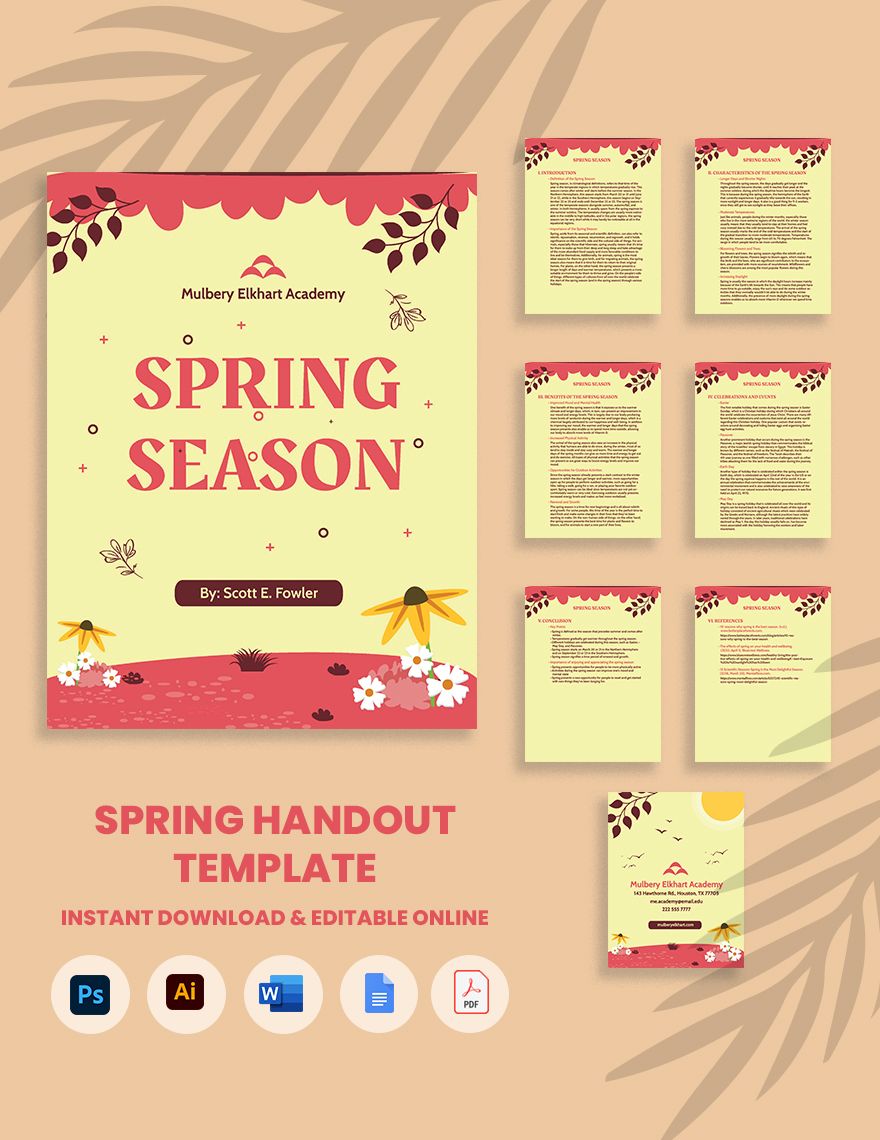
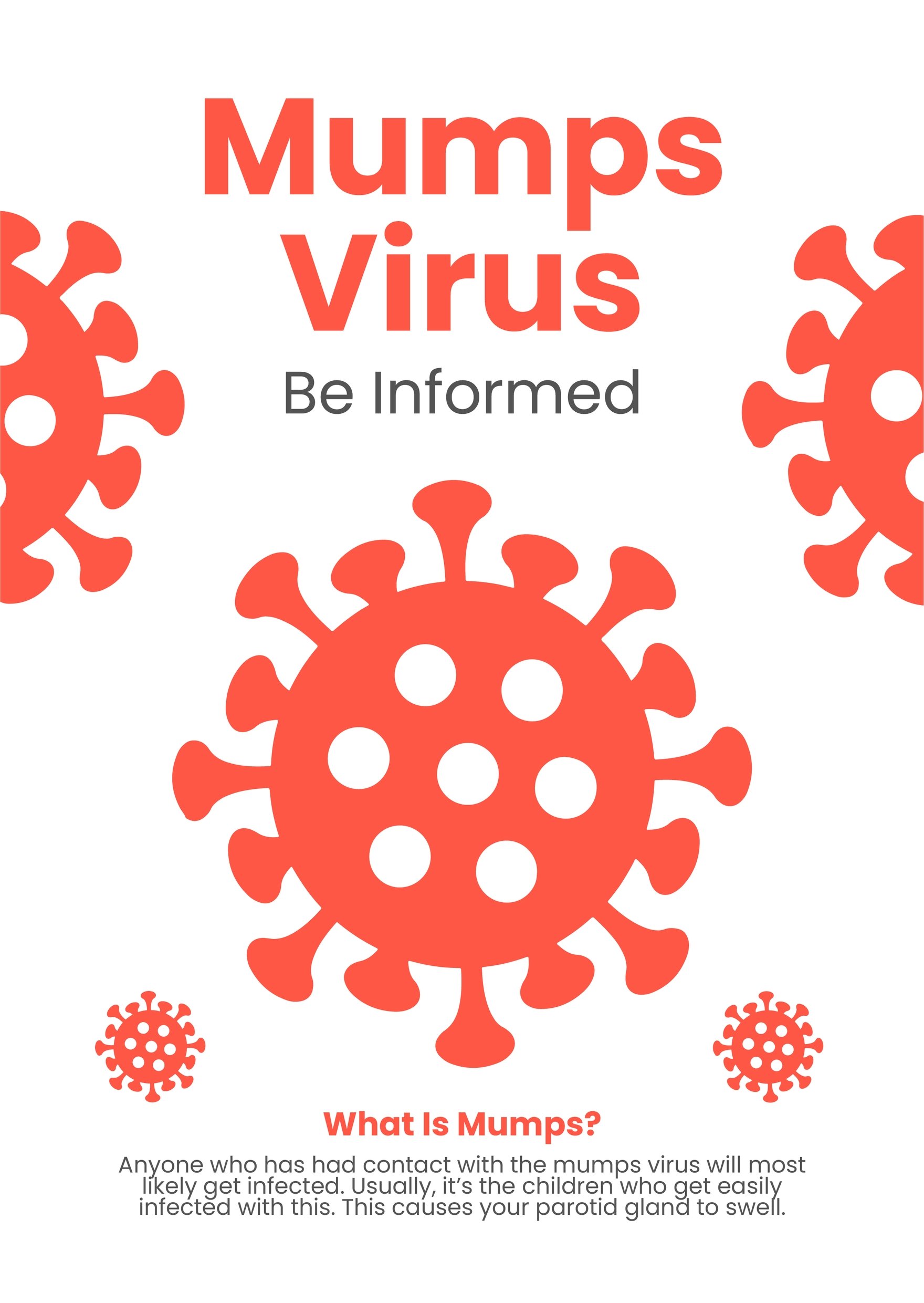
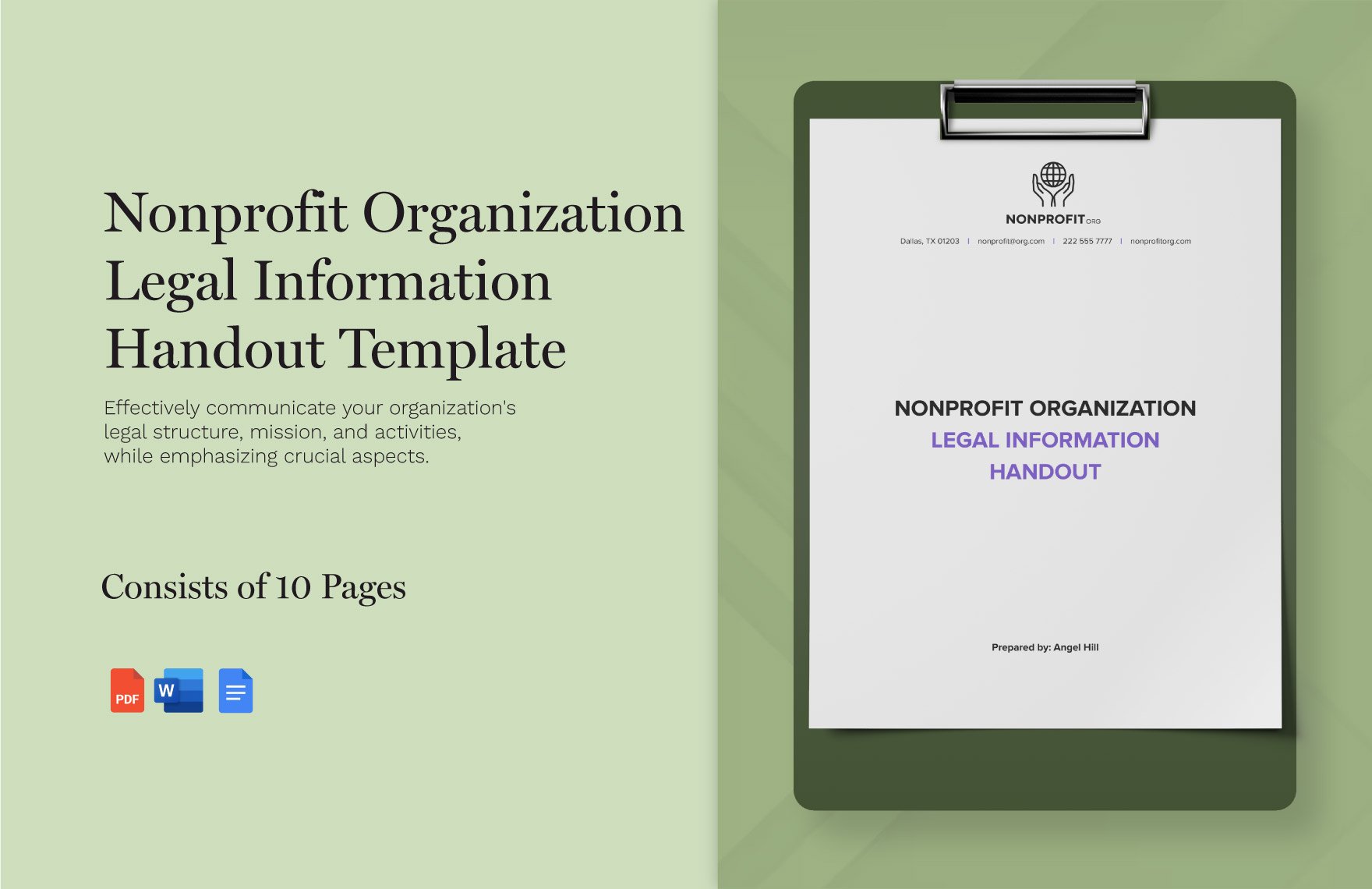
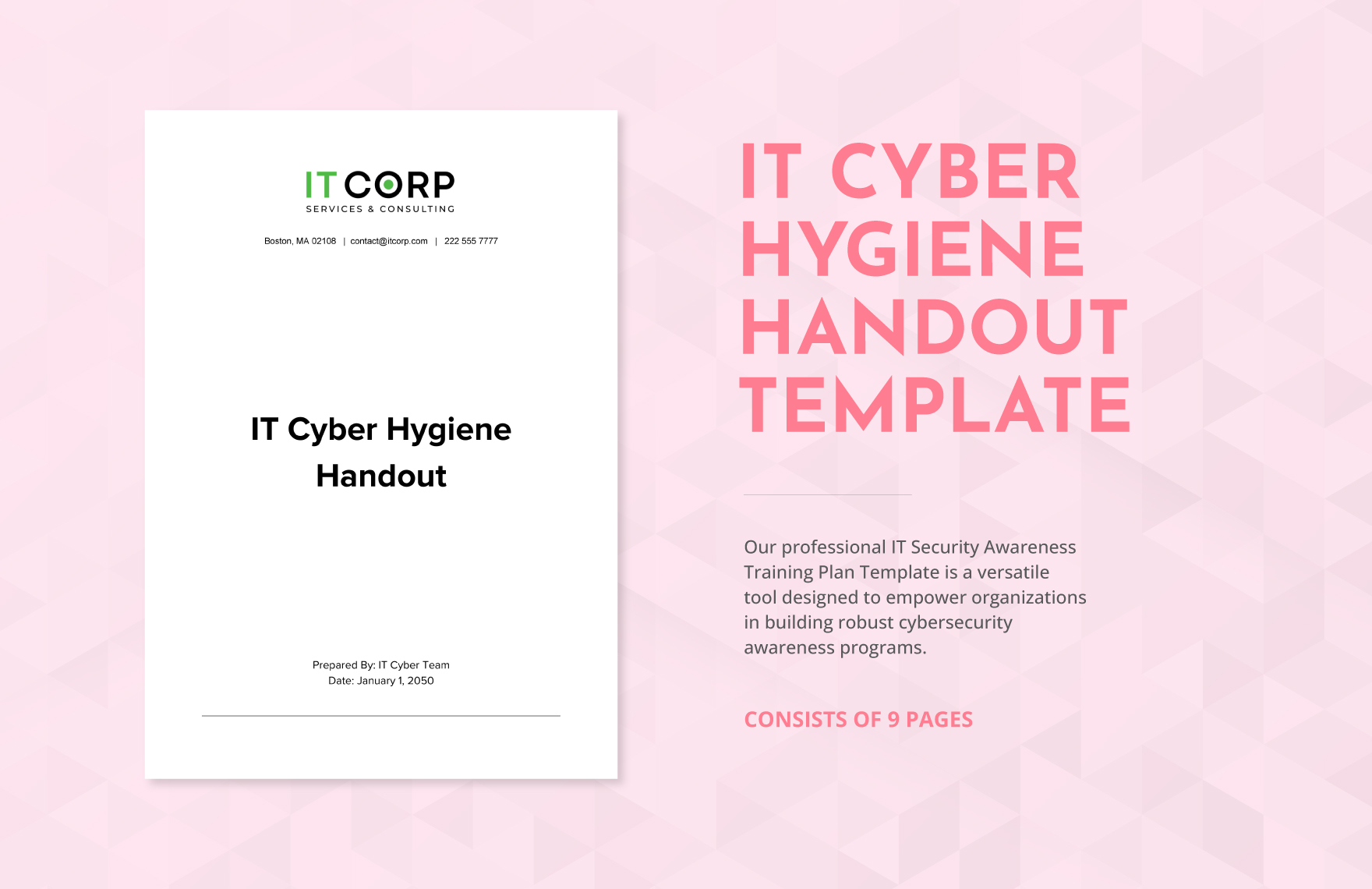
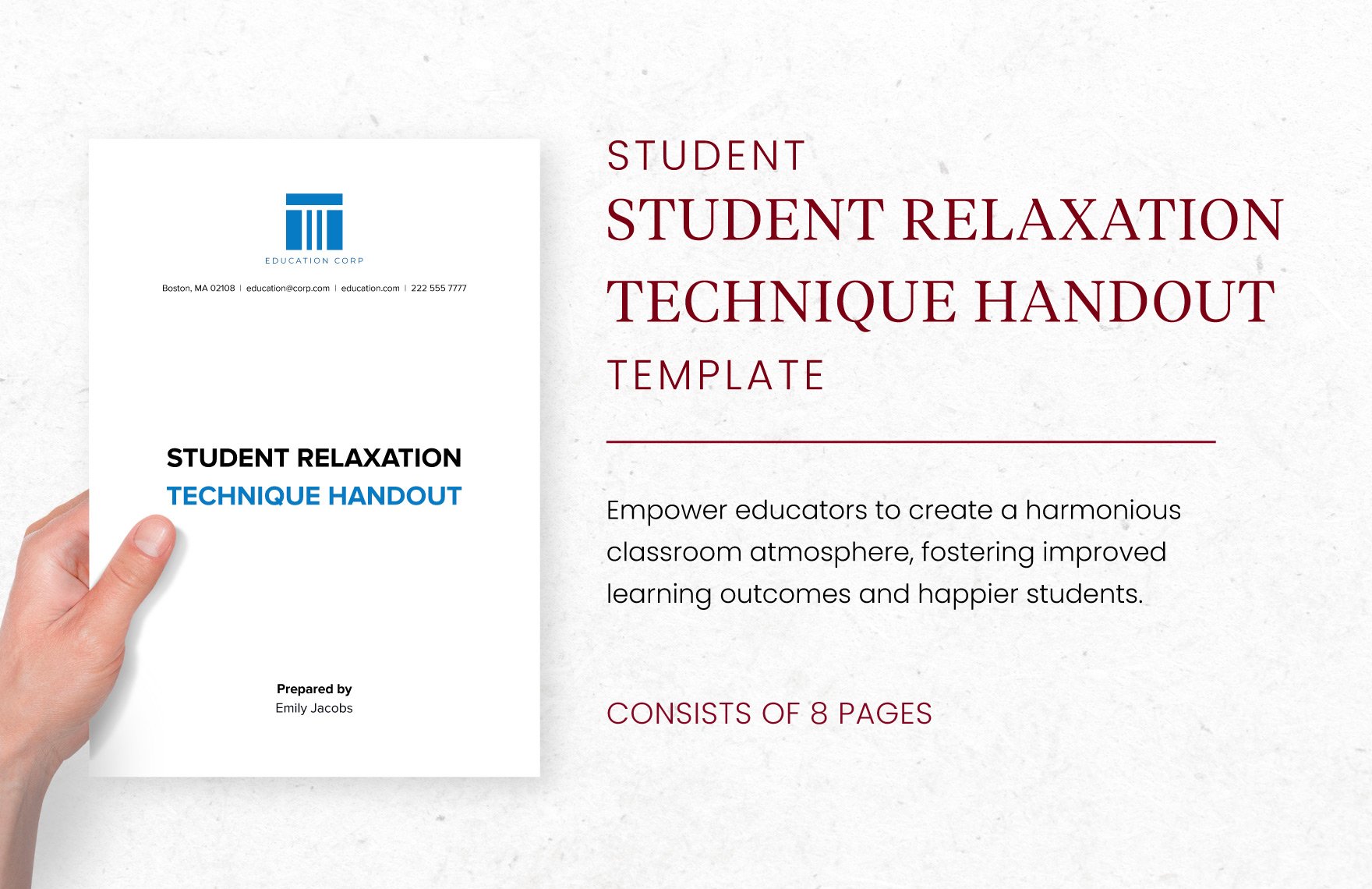
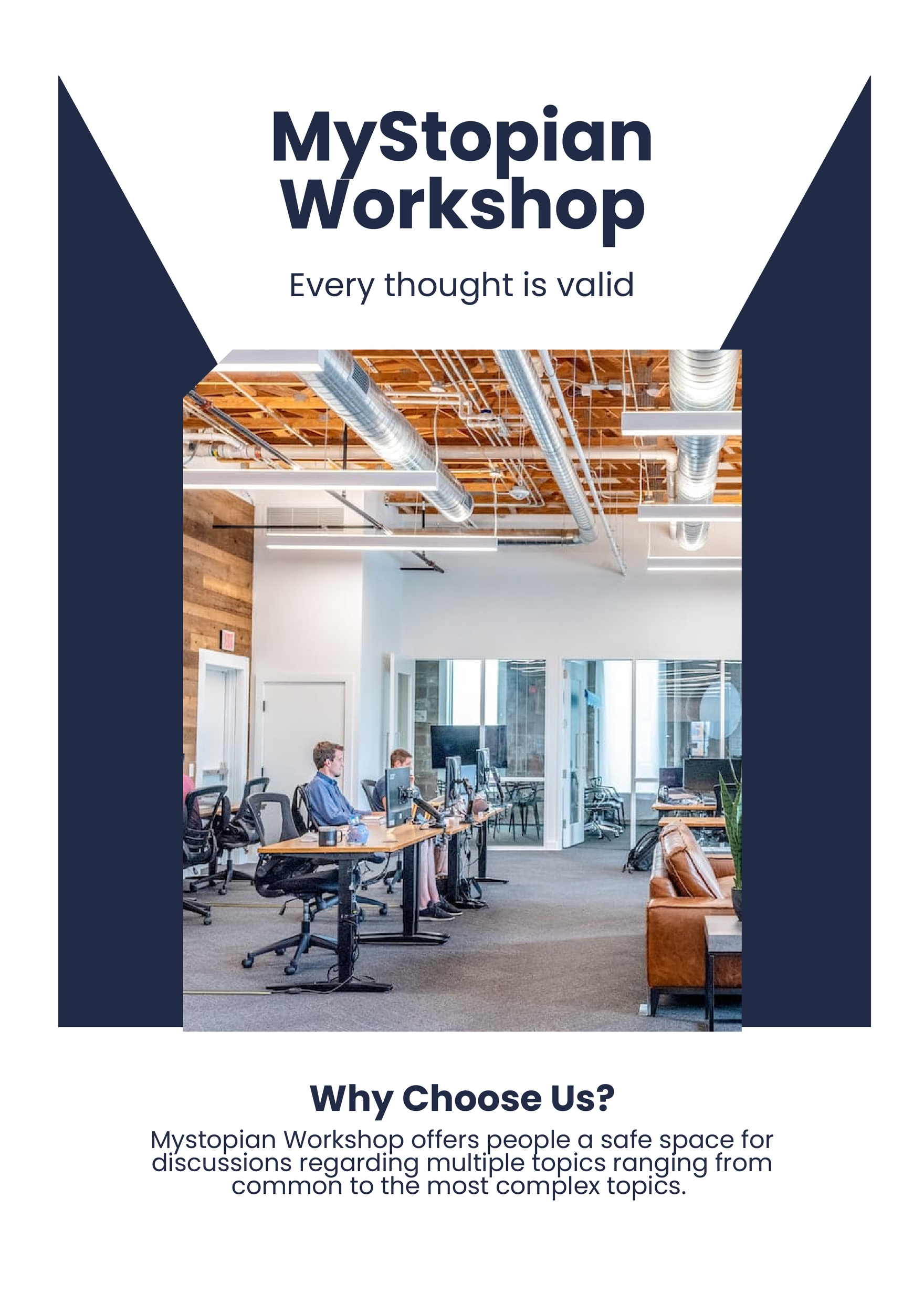
A Handout is a document designed to distribute information clearly and effectively to an audience. It often contains key points, summaries, or detailed content intended for easy reference during or after presentations, meetings, or educational sessions. Handout templates on Template.net are editable for quick customization.
Why should I use a Handout?
Using a Handout helps you communicate important information in a structured and accessible way. It supports audience retention, provides a tangible reference, and enhances the professionalism of your message. Template.net's editable Handout templates make this process efficient and customizable to your needs.
Who uses Handout?
Handout usage spans educators, business professionals, event organizers, and marketers who need to distribute clear, concise information. These users rely on Template.net's editable Handout templates to create materials that are easy to customize and present.
What are the best tips for completing my Handout?
To complete your Handout effectively, focus on clarity and brevity. Use headings, bullet points, and visuals to structure content, keep language simple, and include contact information if relevant. Template.net's editable Handout templates streamline this process by offering pre-designed layouts that you can customize.
Can I create a Handout using AI?
You can create a Handout using AI tools available on Template.net, such as the Handout generator. This tool allows you to generate content quickly and customize the layout directly in your browser, combining AI assistance with editable templates.
What file formats can I download for my Handout?
Template.net provides editable Handout templates that support multiple download formats to suit different software and design needs. You can download Handout templates in Word, PSD, and Illustrator formats, enabling flexible editing and printing.
What essential elements should I include in my Handout?
When creating a Handout, include key elements to ensure clarity and effectiveness:
- Title: Clearly state the topic or purpose.
- Introduction: Brief overview of the content.
- Main points: Use bullet points or numbered lists.
- Visual aids: Charts, images, or graphs to support text.
- Contact information: Provide details for follow-up.
- Footer or branding: Include logos or disclaimers.
How is Handout used in professional workflows?
Handout templates are used in professional workflows to enhance communication and support presentations or training sessions. They serve as takeaway materials for audiences, summarize key information, and ensure consistent messaging. Template.net offers editable templates that integrate smoothly into business and educational processes.
What are common use cases for Handout templates?
Handout templates are commonly used for:
- Educational materials: Summaries for lectures or workshops.
- Business presentations: Key points and data highlights.
- Event programs: Schedules and speaker information.
- Marketing: Product details or promotional offers.
- Training sessions: Step-by-step guides or checklists.