


![How to Add a Signature in Microsoft Forms [Templates + Examples] 2026](https://images.template.net/wp-content/uploads/2022/07/How-to-Add-a-Signature-in-Microsoft-Forms-Templates-Examples-2023-788x443.jpg)
How to Add a Signature in Microsoft Forms [Templates + Examples] 2026
Signatures found in documents establish who you are as an individual or as an organization. Aside from the fact that…
Dec 22, 2025


Sep 02, 2025
Microsoft Access database record locking takes place in two settings: Access Interface or ADO Recordset Object. It is acknowledged that record locking issues frequently occur during network shares.
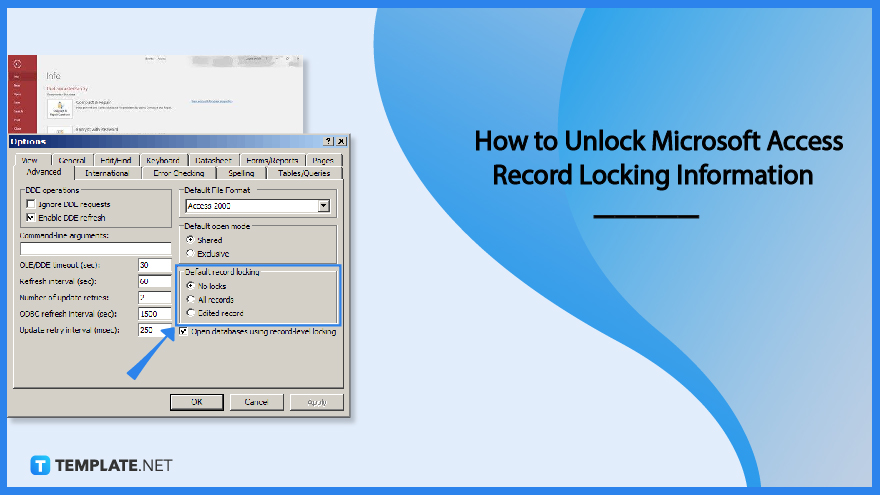
Record locking in a Microsoft Access database is a mechanism that prevents concurrent activity by other users by locking records when one user makes changes in the database.
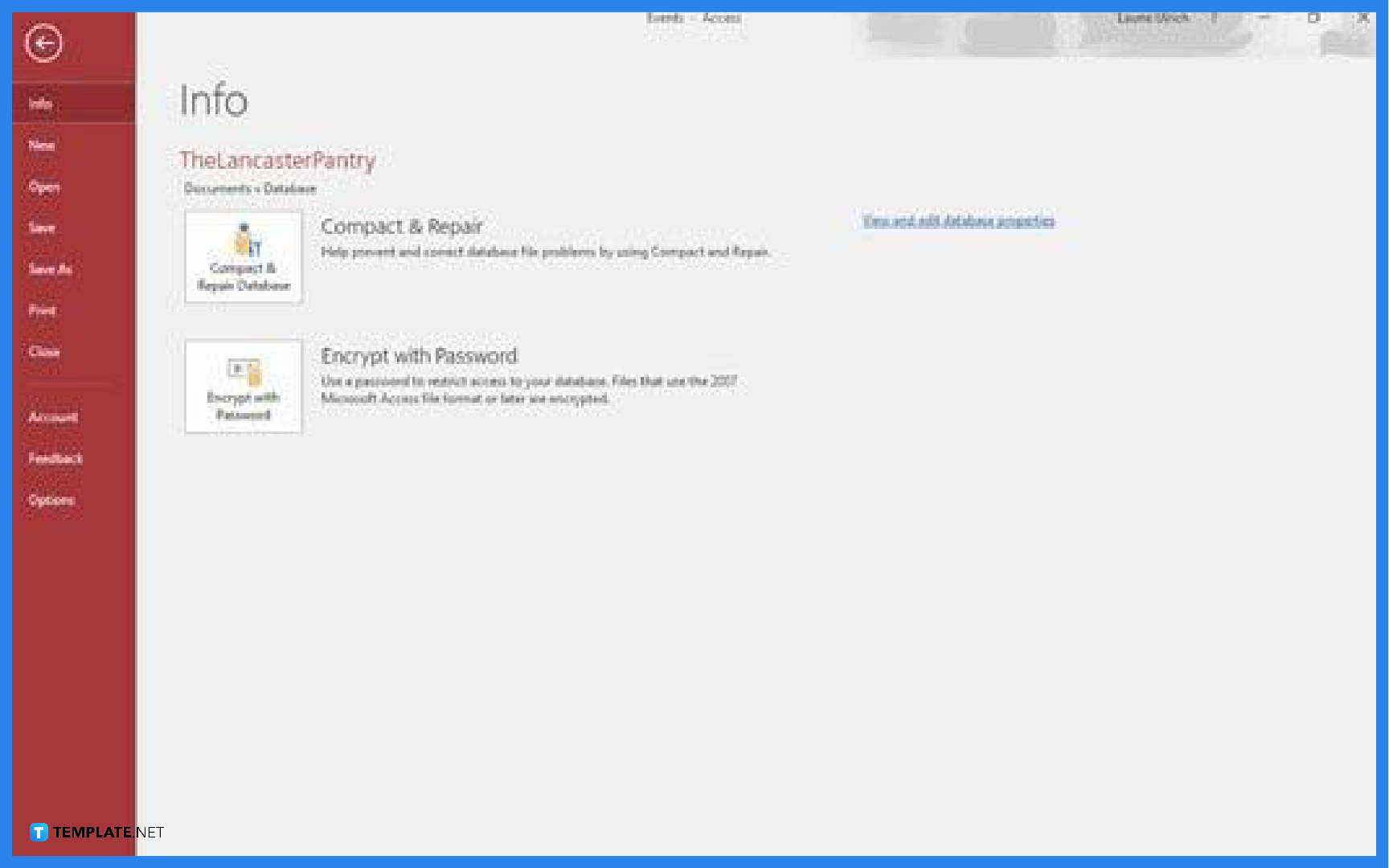
Launch Microsoft Access on your computer. After launching the application, open the database file, go to the File tab and click on Options.
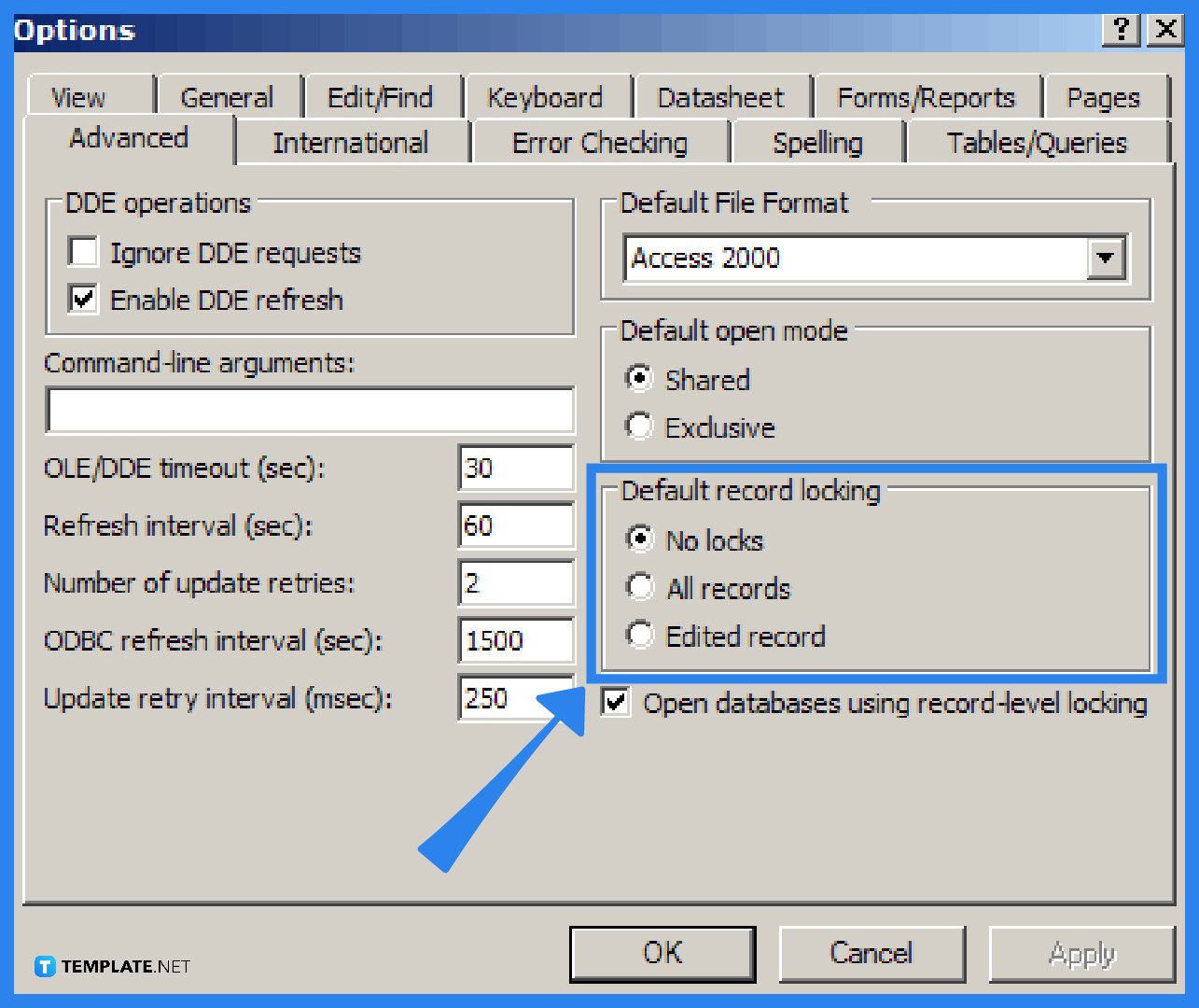
A dialog box will appear after you click on Options. Choose the Advanced menu and under that option, go to the “Default record locking” and select the “No locks” option. This will unlock Microsoft Access record locking information. Click OK to finish the process.
Microsoft Access record locking is a feature that locks records whenever changes are made to the database, wherein every version of the Access database employs a lock file to stop users from editing the same document at the same time; this Access lock file doesn’t contain any data and can be deleted by itself when the database is closed, but in some cases, this file doesn’t d elete itself.
Microsoft Access has three main record locking options, which include the “No locks” option, the “All records” option, and the “Edited record” option.
The no lock option, also known as optimistic locking, is utilized when there are few chances of more than one person modifying the same data in a Microsoft Access database.
The Edit record option, which ensures that Access locks a record the minute a user begins the editing process and subsequently releases the lock when users save the changes, is the most frequently used in a multi-user scenario, and this locking mechanism is also known as pessimistic locking.
By selecting the “All records” option, users can lock the entire table while records are being edited, but this option’s drawback is that several users won’t be able to access the database for extended periods.
The Microsoft Access lock file helps keep track of all the users working on the same Access databases, including all the edits made, therefore, maintaining a detailed log of multiple users with machine and user names, which runs in the same directory as the opened Access database file.
When the Microsoft Access record locking multi-user issue occurs, several errors like Error 3260, Error 3218, and Error 3197 appear on your screen.

Signatures found in documents establish who you are as an individual or as an organization. Aside from the fact that…
![How To Make/Create a Newsletter in Microsoft Outlook [Templates + Examples] 2026](https://images.template.net/wp-content/uploads/2022/07/How-to-Start-a-Newsletter-with-Microsoft-Outlook-788x443.jpg)
Newsletters enable companies and organizations to communicate relevant and helpful information to their client, prospects, and subscribers. By giving you…
![How To Make/Create a Booklet in Microsoft Publisher [Templates + Examples] 2026](https://images.template.net/wp-content/uploads/2022/08/How-To-Make_Create-a-Booklet-in-Microsoft-Publisher-788x443.png)
Booklet templates are pre-designed layouts that make it easy to create a professional-looking booklet. They typically include placeholders for text…
![How To Make/Create a Booklet in Microsoft PowerPoint [Templates + Examples] 2026](https://images.template.net/wp-content/uploads/2022/07/How-To-Make-Create-a-Booklet-in-Microsoft-PowerPoint-788x443.jpg)
Booklets can be created in Microsoft PowerPoint, which offers a design feature that allows users to display them in PPT…
![How to Automatically Fill PDF Forms Using Microsoft Excel [Templates + Examples] 2026](https://images.template.net/wp-content/uploads/2022/07/How-to-Automatically-Fill-PDF-Forms-Using-Microsoft-Excel-788x444.png)
Automatically fill PDF forms using Microsoft Excel so you won’t have to save multiple PDF forms in an Excel spreadsheet…
![How to Make/Create a Floor Plan on Microsoft Excel [Templates + Examples] 2026](https://images.template.net/wp-content/uploads/2022/07/How-to-Make-a-Floor-Plan-on-Microsoft-Excel-788x443.jpg)
Floor plans either make or break projects related to engineering and architecture. That being said, every apartment room, bedroom, living…
![How to Make/Create a Grid in Microsoft Word [Templates + Examples] 2026](https://images.template.net/wp-content/uploads/2022/07/How-to-Make_Create-a-Grid-in-Microsoft-Word-788x444.jpg)
Grids consist of a network of lines that work as graphic cues while formatting your document in Microsoft Office. If…
![How to Add More Highlight Colors to Microsoft Word [Templates + Examples] 2026](https://images.template.net/wp-content/uploads/2022/07/How-to-Add-More-Highlight-Colors-to-Microsoft-Word-Templates-Examples-2023-788x443.jpg)
Add more highlight colors to Microsoft Word so you won’t have to settle with the default shading color in marking…
![How to Make/Create a Border in Microsoft Publisher [Templates + Examples] 2026](https://images.template.net/wp-content/uploads/2022/08/How-to-MakeCreate-a-Border-in-Microsoft-Publisher-788x444.png)
Borders are graphic design elements that make a document more pleasing and stylish to look at. This can be used…