Free Sage Green Templates
Sage Green Templates: Design Guide, Sizes, and Download Formats
What is a Sage Green template?
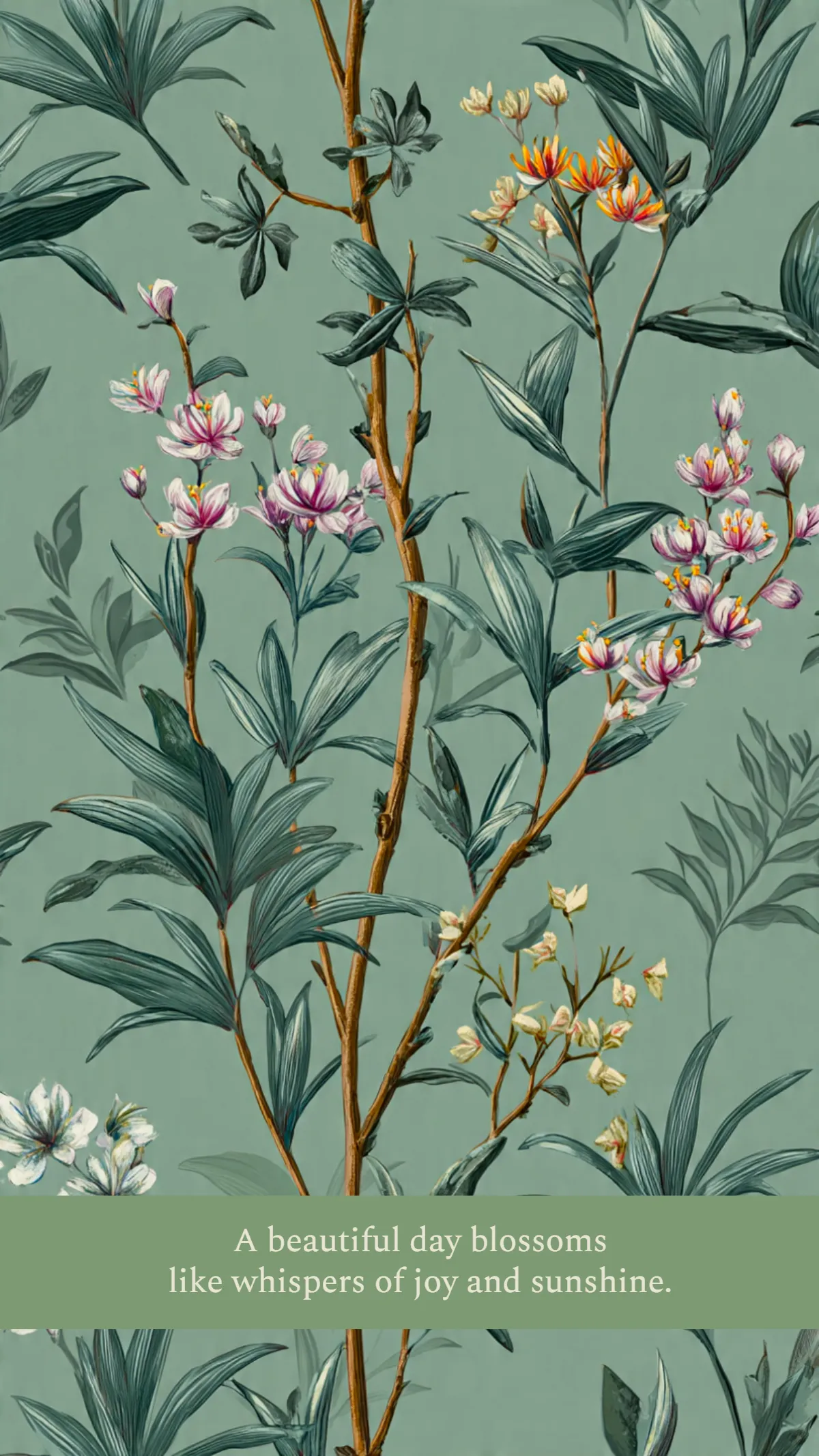
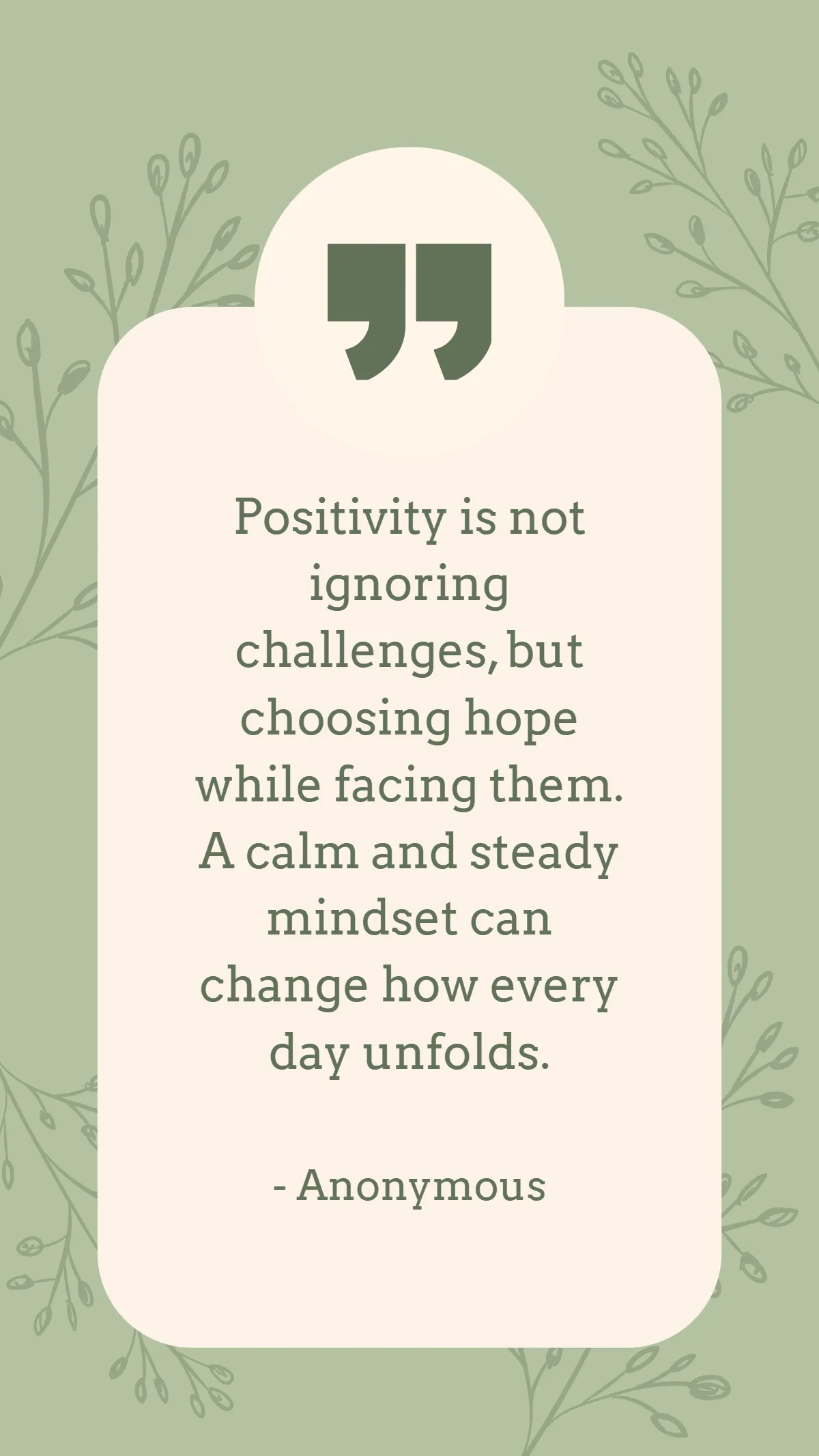
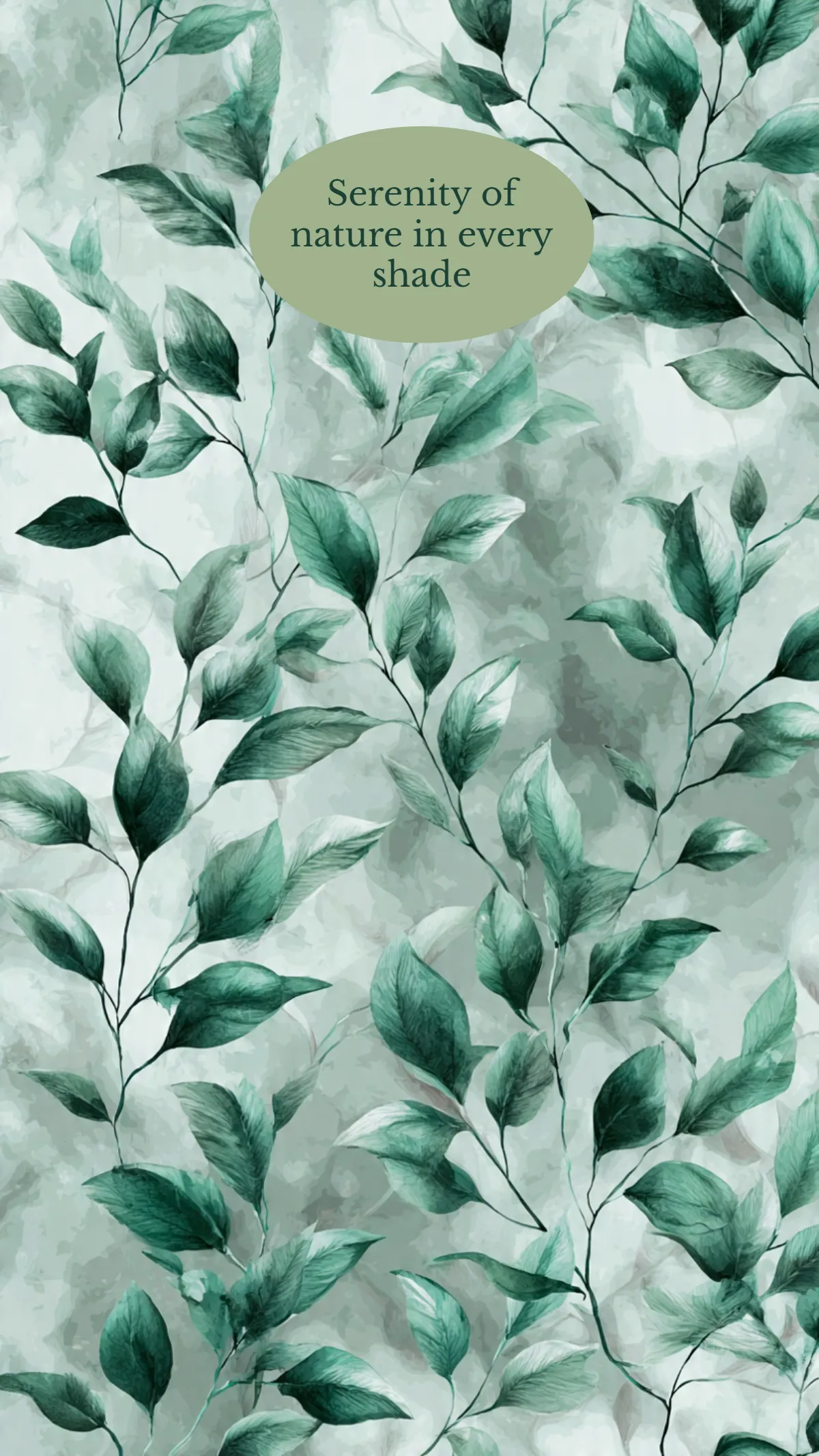
A Sage Green template is a ready-made design featuring a soft, muted green color palette that creates a natural and calming visual theme. These templates include editable text areas, layered design elements, and professional layouts suitable for various projects.
Who typically uses Sage Green templates?
Sage Green templates are commonly used by designers, small business owners, event planners, and creatives who want to convey an organic and sophisticated look. The customizable layouts and color palettes suit eco-friendly brands and wellness-focused projects.
When should I use Sage Green templates?
Sage Green templates are ideal when a design requires a calming, natural aesthetic, such as for wellness events, environmental campaigns, or minimalist branding. These templates work well for both digital and print projects needing a professional yet soothing appearance.
What design tips should I follow when customizing Sage Green templates?
When customizing Sage Green templates, use a harmonious color palette with neutral tones and soft accents. Emphasize clean typography and balance images with negative space to maintain a tranquil, professional look that highlights key content effectively.
What sizes are suitable for Sage Green templates?
Sage Green templates come in common sizes such as 8.5 × 11 inches for flyers, 5 × 7 inches for invitations, and 4 × 6 inches for postcards. These standard dimensions ensure compatibility with various print and digital platforms while maintaining design integrity.
What key elements are included in Sage Green templates?
Sage Green templates include layered design blocks, editable text areas, graphic accents in muted green hues, and placeholders for images. These elements enable easy customization and help create cohesive, visually appealing designs.
How can I prepare Sage Green templates for printing?
To prepare Sage Green templates for printing, ensure the color palette uses CMYK-friendly shades, check resolution is 300 dpi or higher, and confirm the size matches print requirements like 8.5 × 11 inches. Use bleed settings for edge-to-edge printing.
How do I share or export Sage Green templates after editing?
After editing Sage Green templates on Template.net, export the files in formats suitable for your needs. You can share designs as PDFs for printing or JPEGs and PNGs for digital use. The platform supports easy downloading and direct online sharing.
Can I create a new Sage Green template using AI?
Template.net provides an AI-powered tool capable of generating new Sage Green template designs from your prompts, allowing quick creation of unique layouts. Explore this feature to customize fresh designs effortlessly with intelligent automation and creative control. Visit Template.net.