Free Tracker Sheet Templates
Tracker Sheet Templates: Definition, Uses, and Formats
What is a Tracker Sheet?
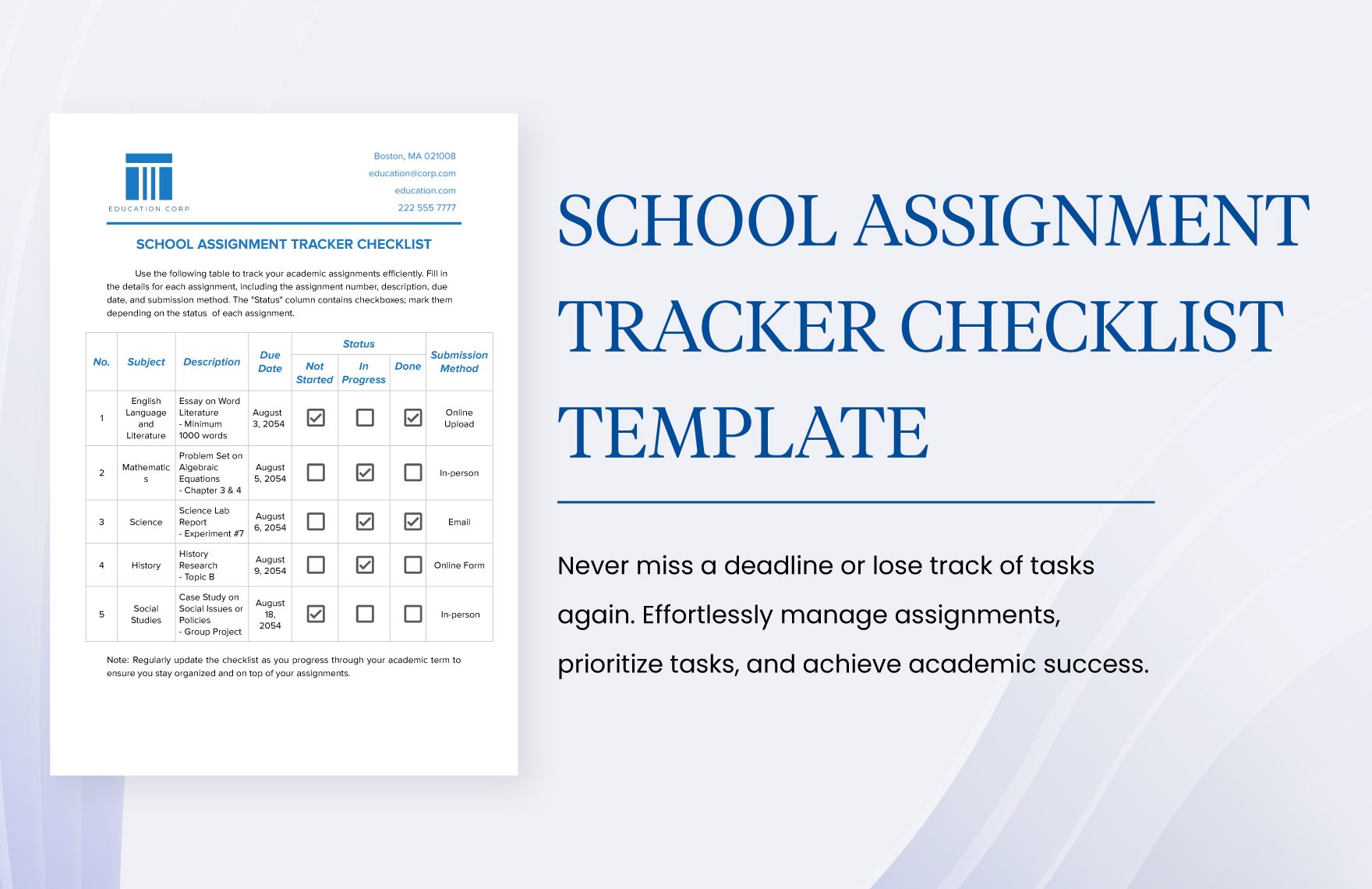
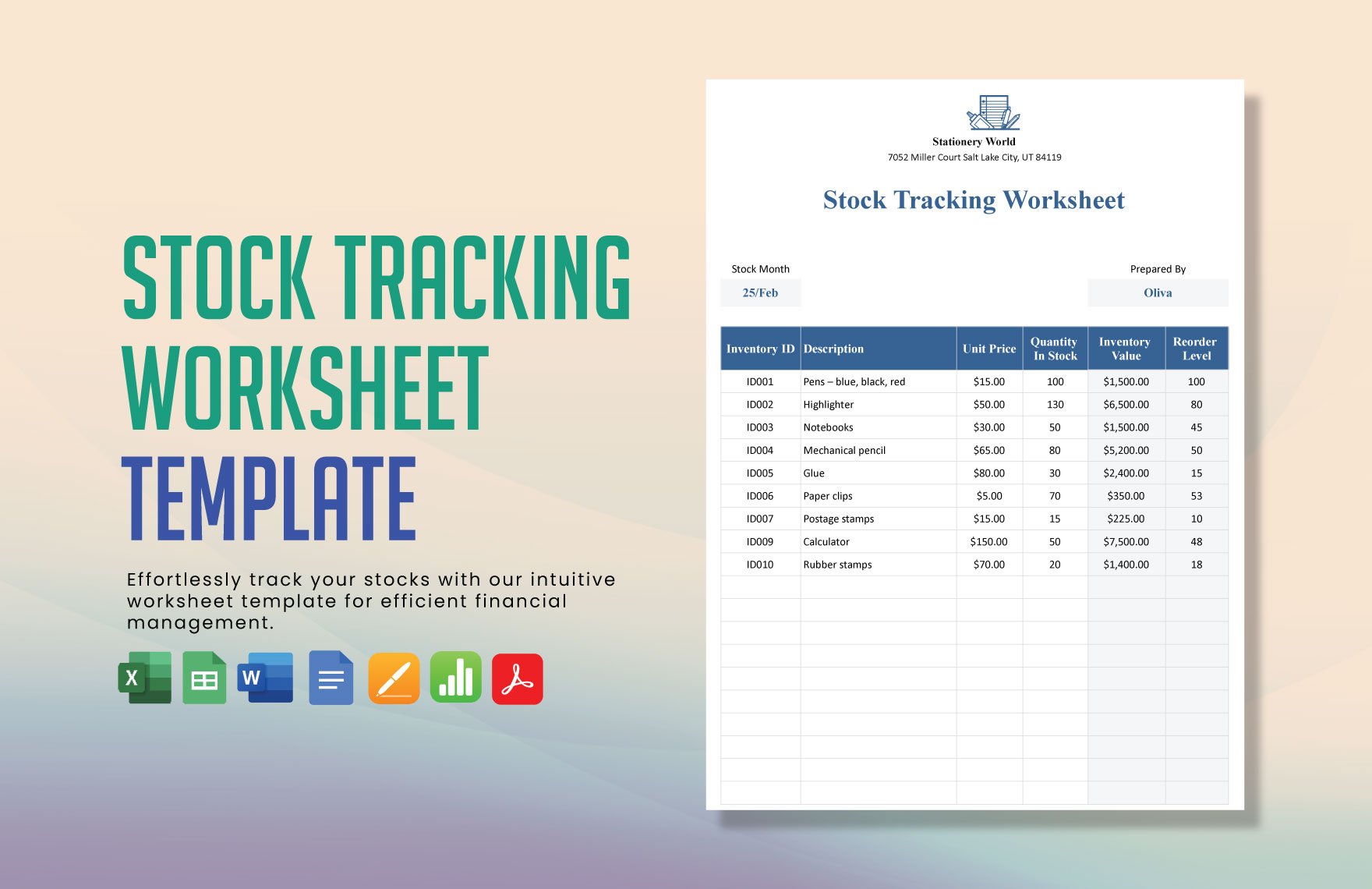
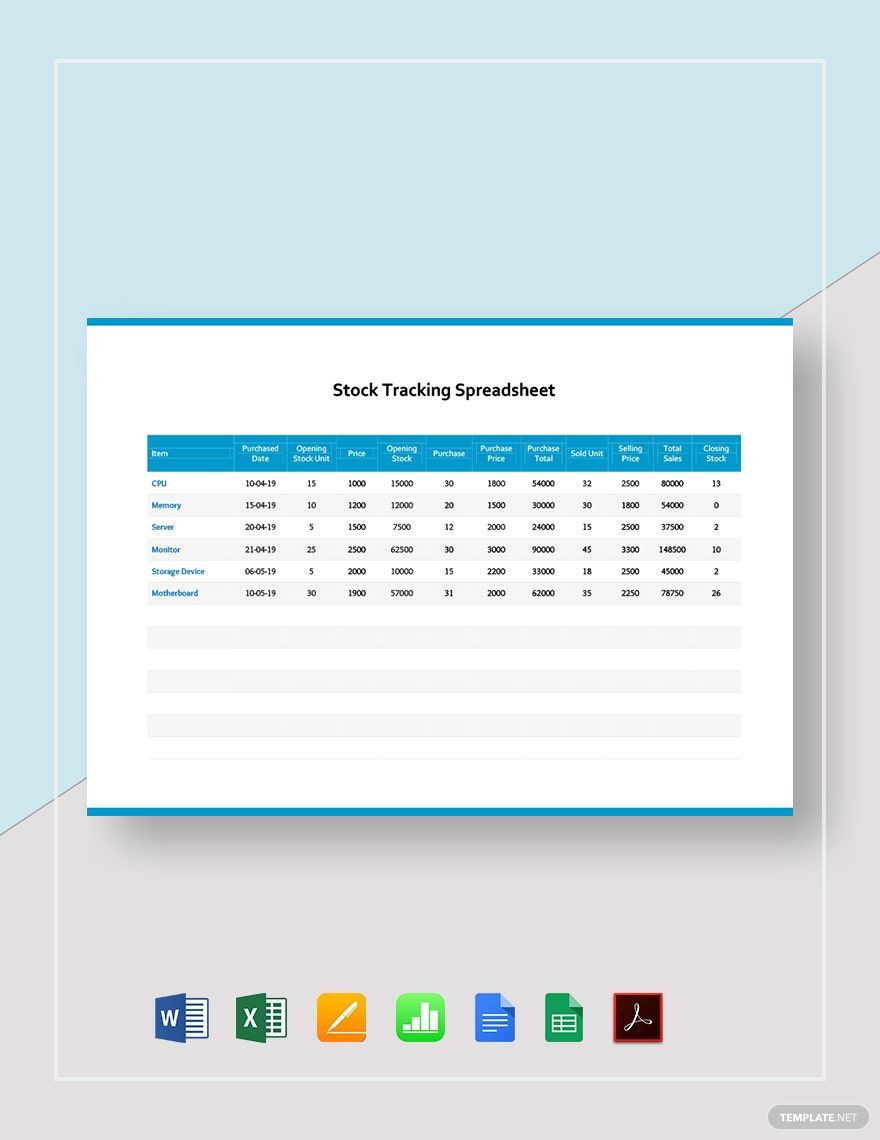
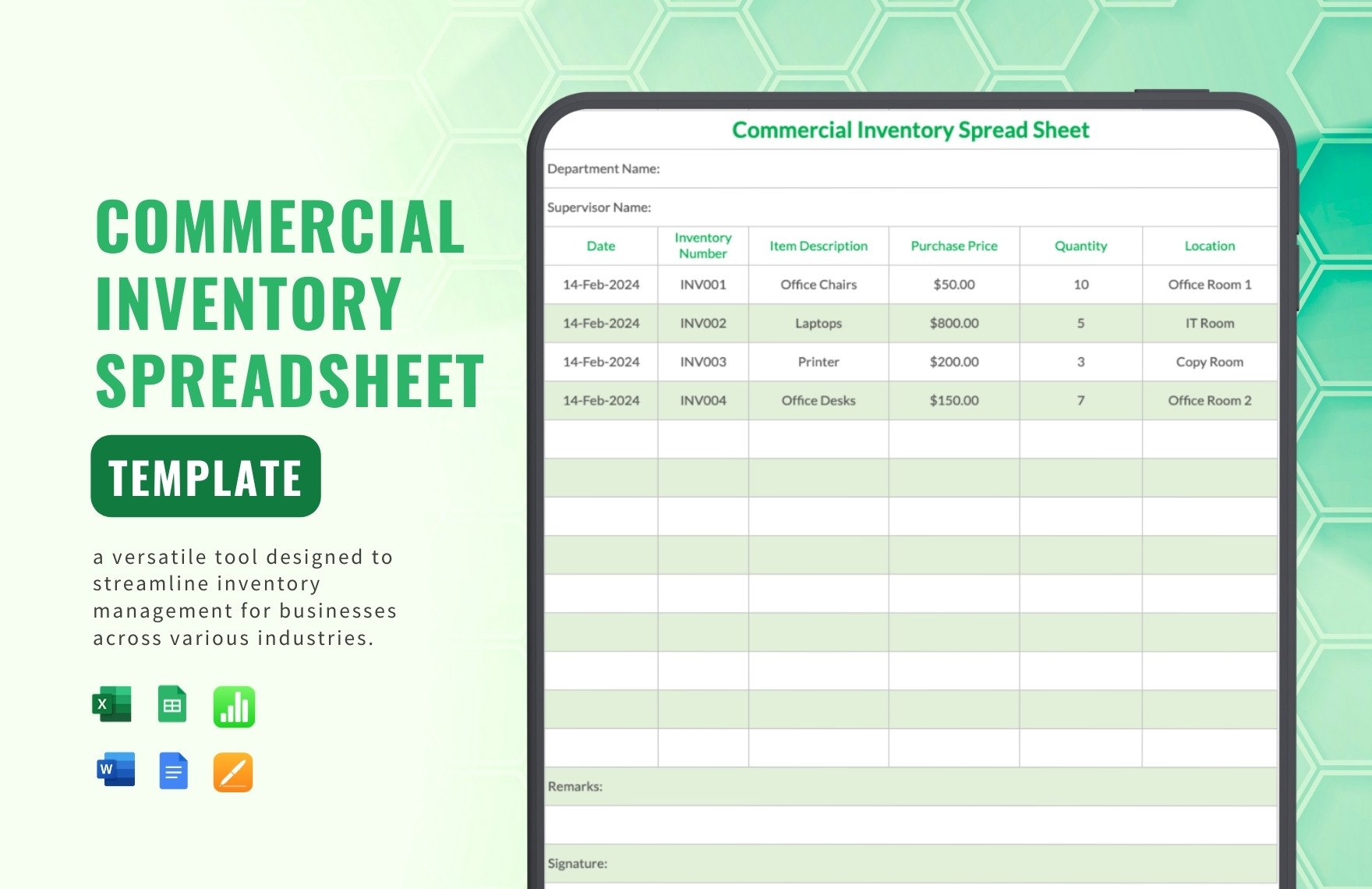
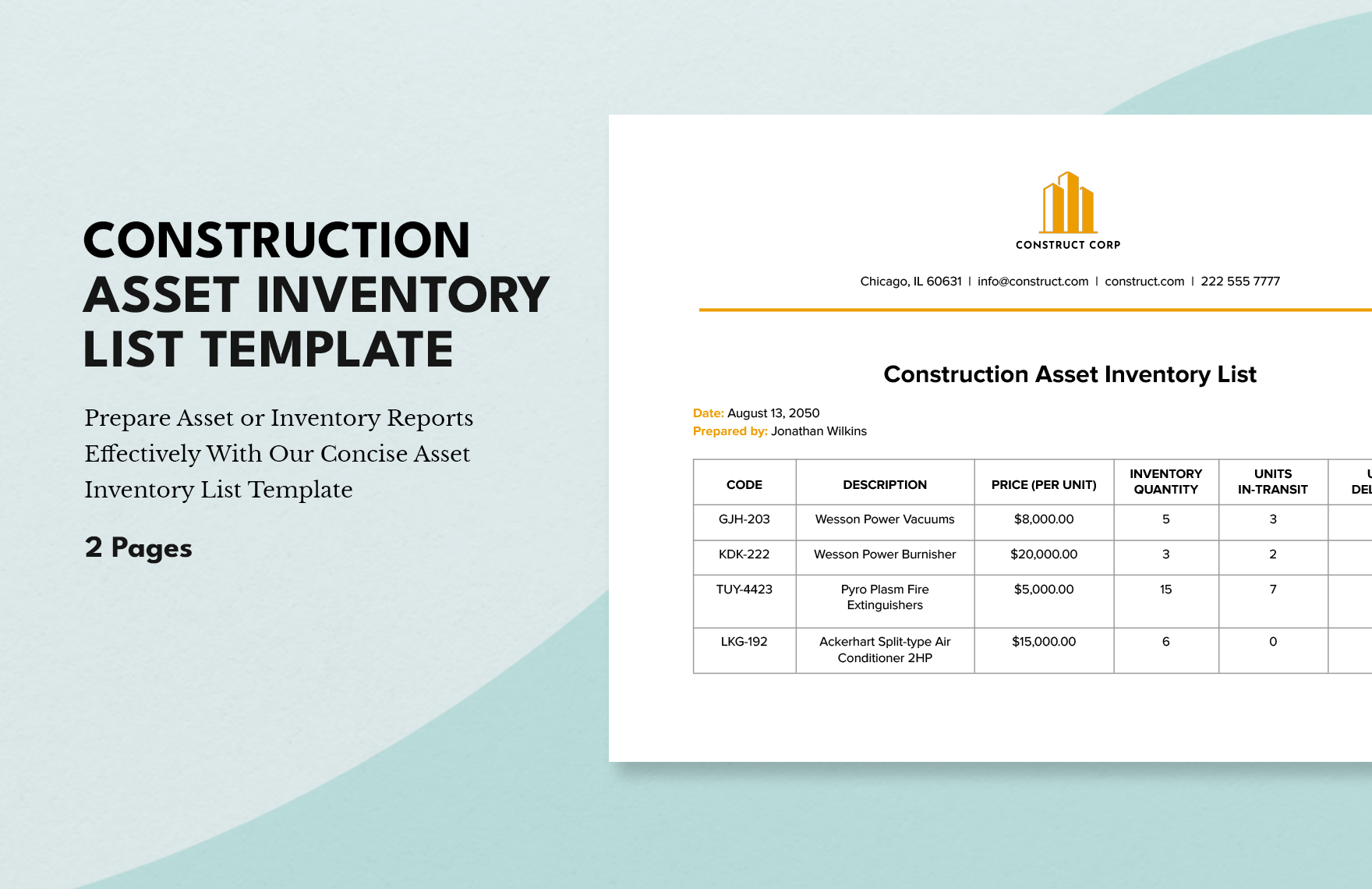
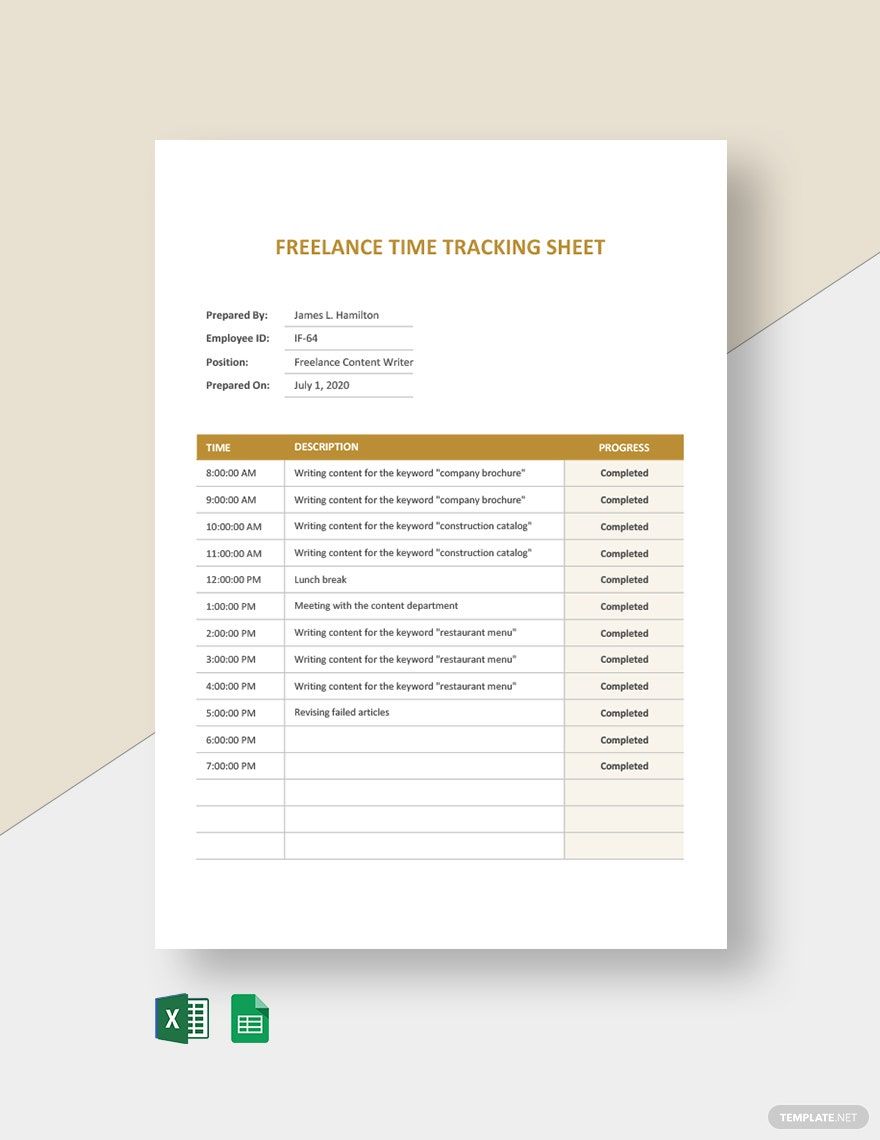
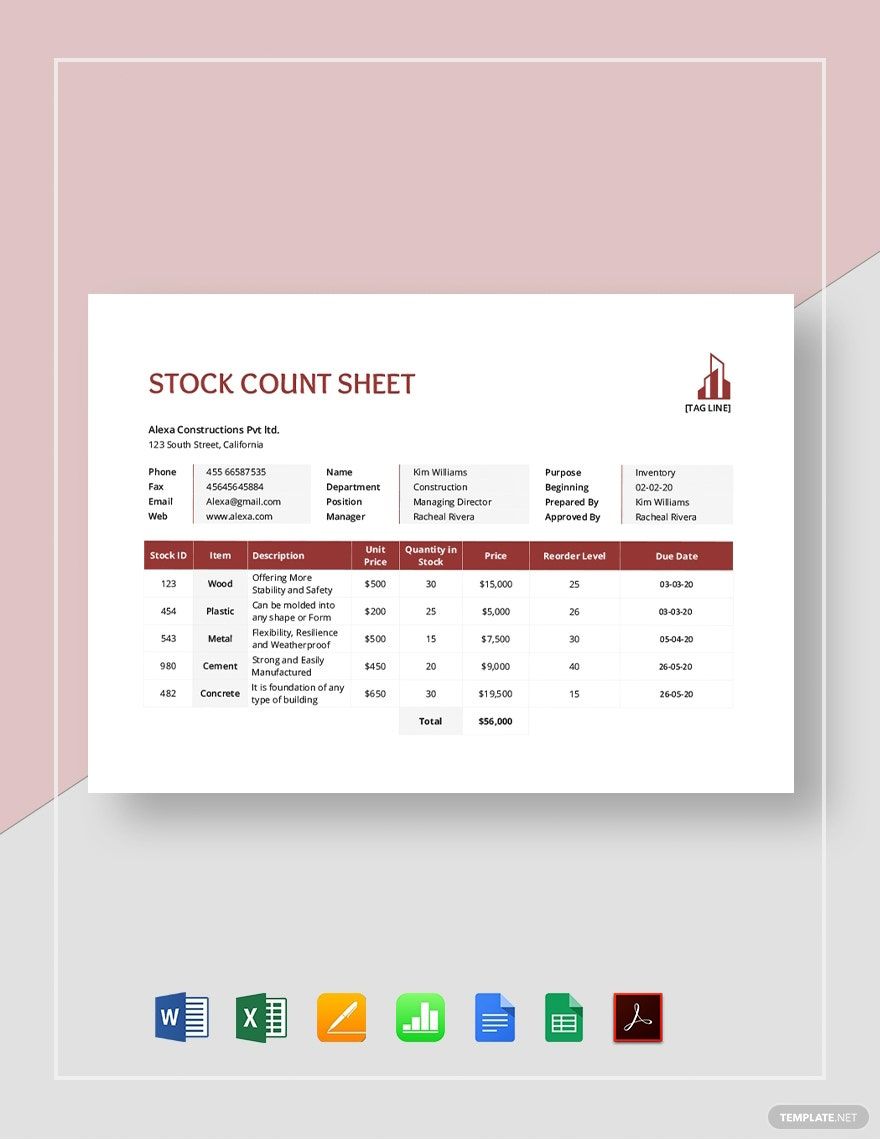
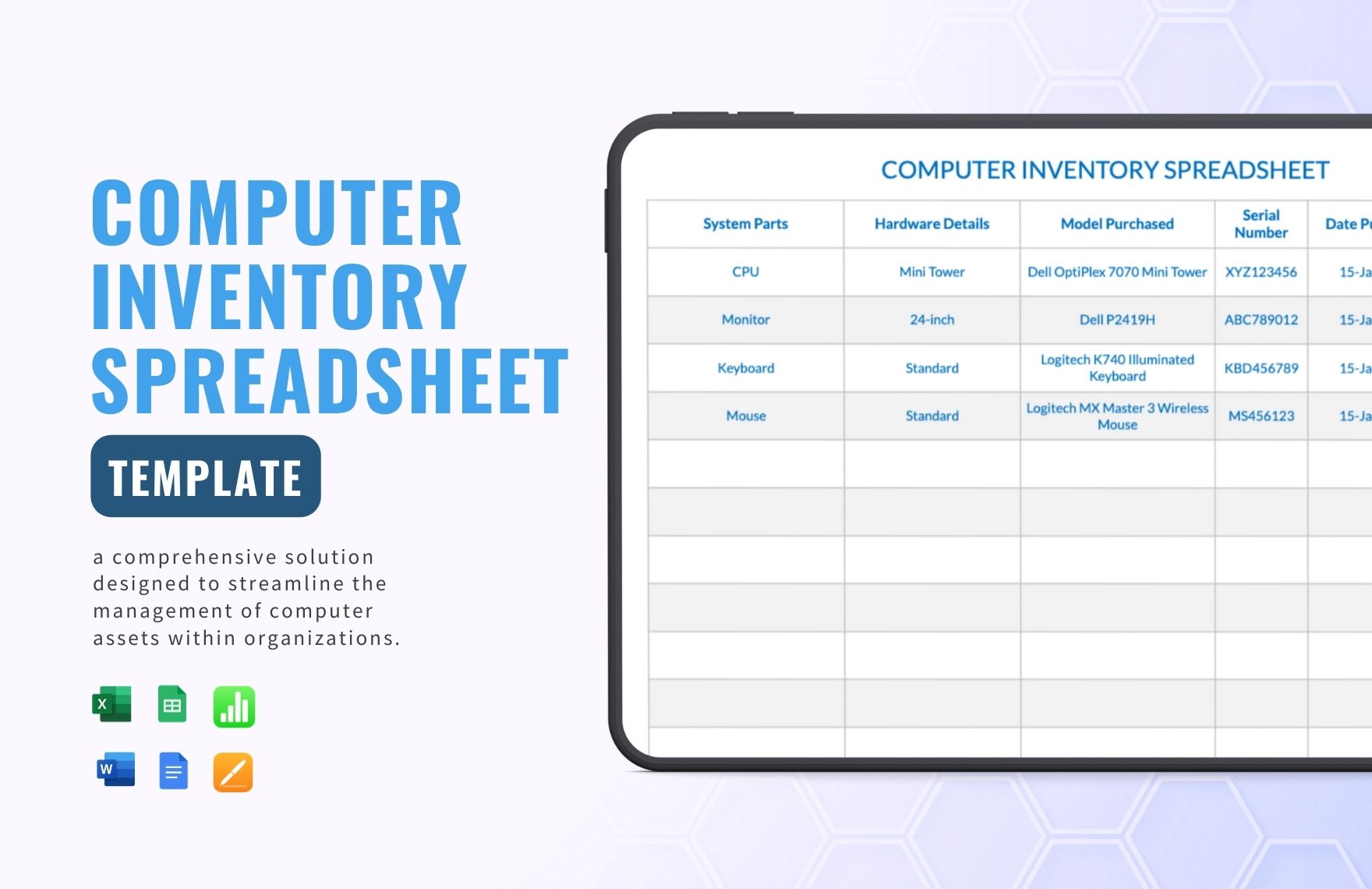
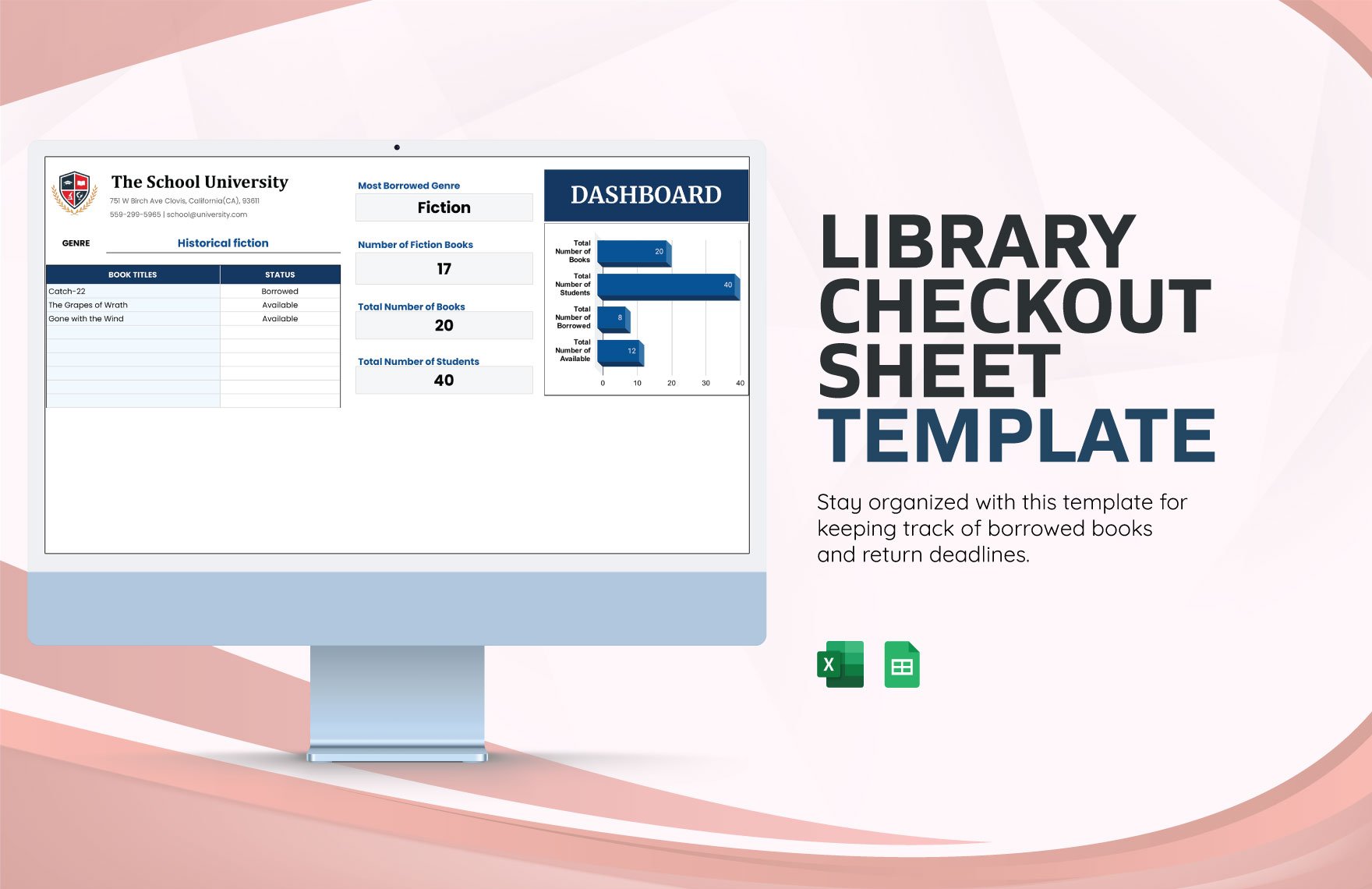
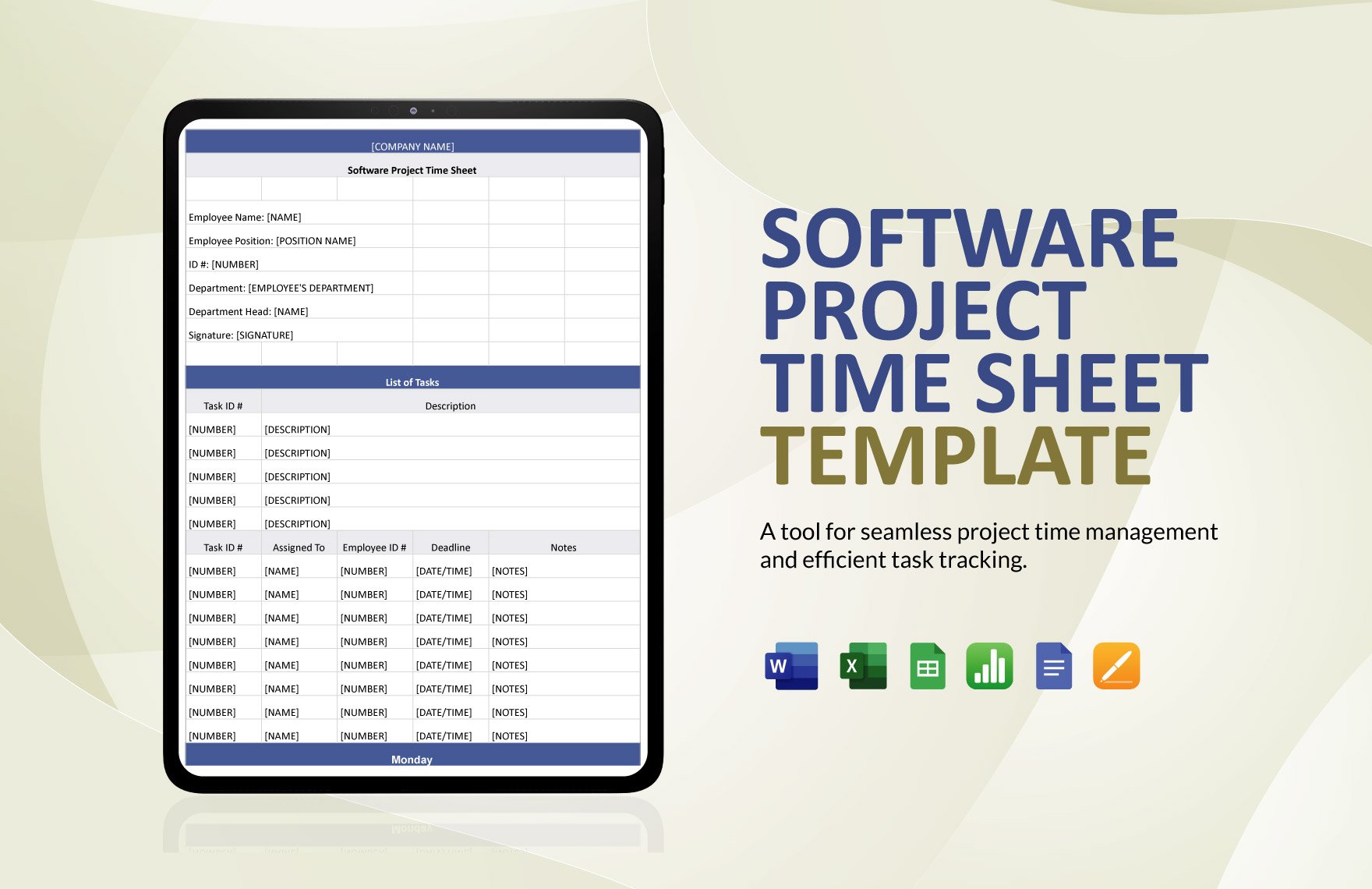
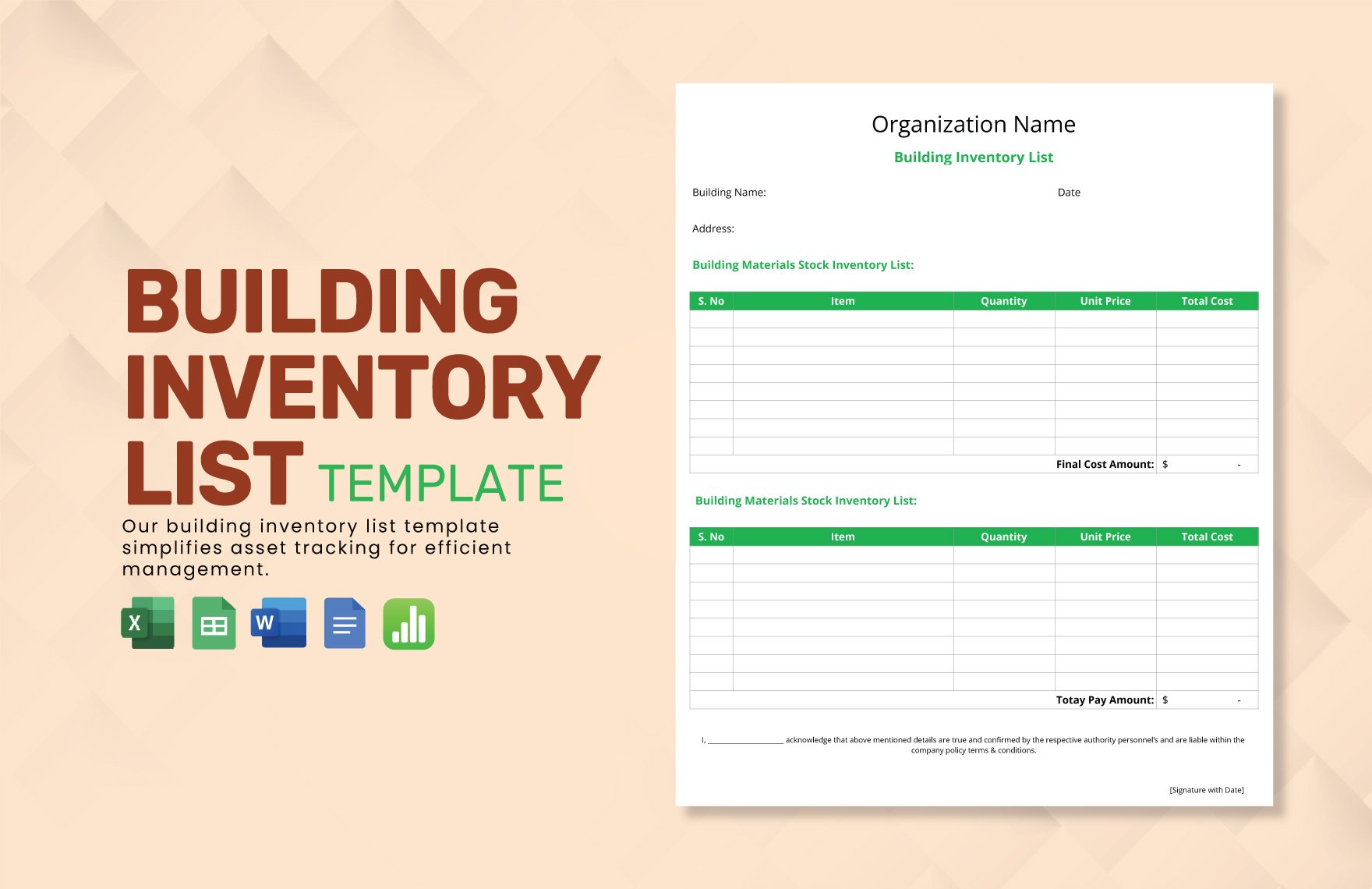
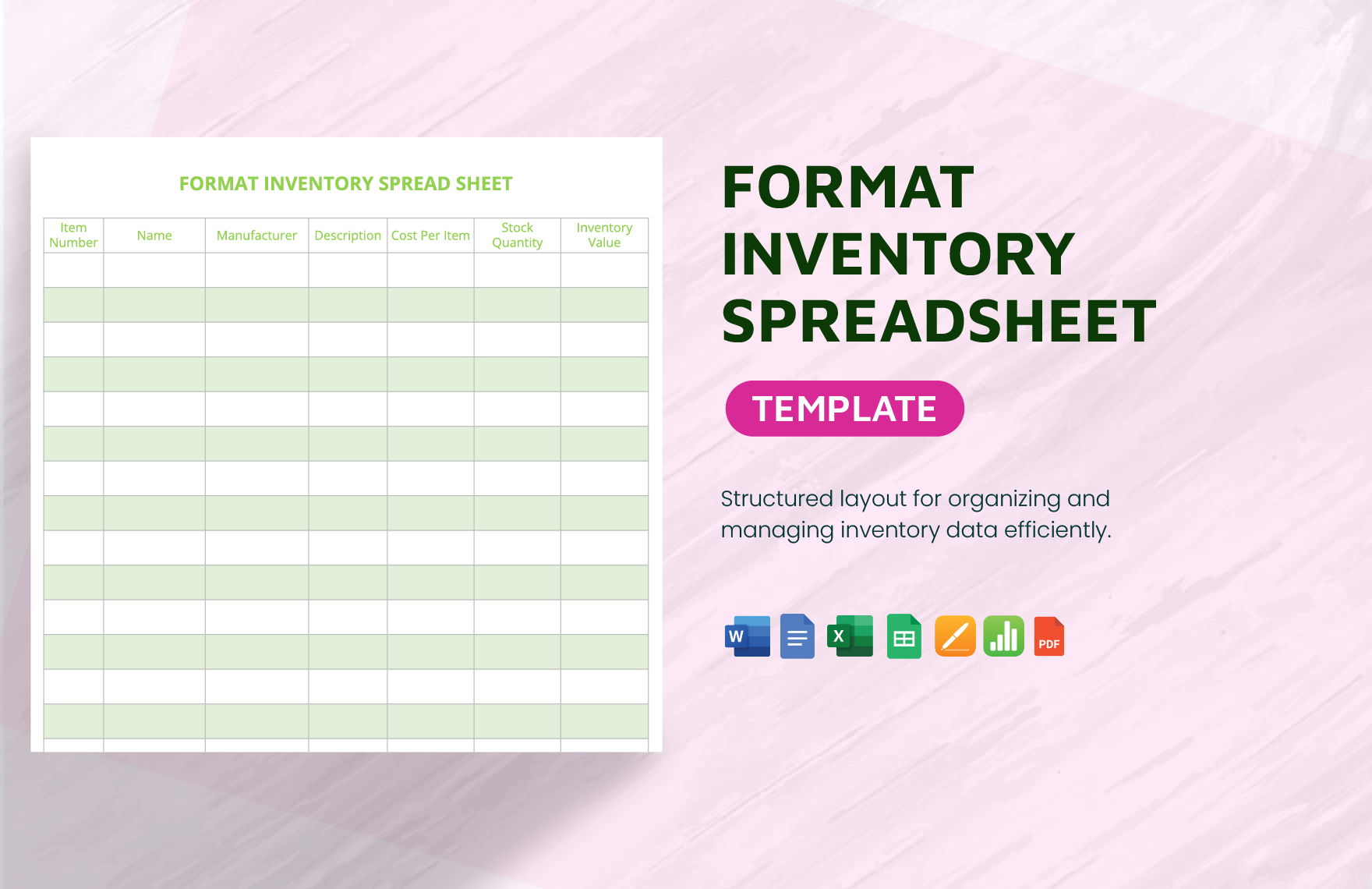
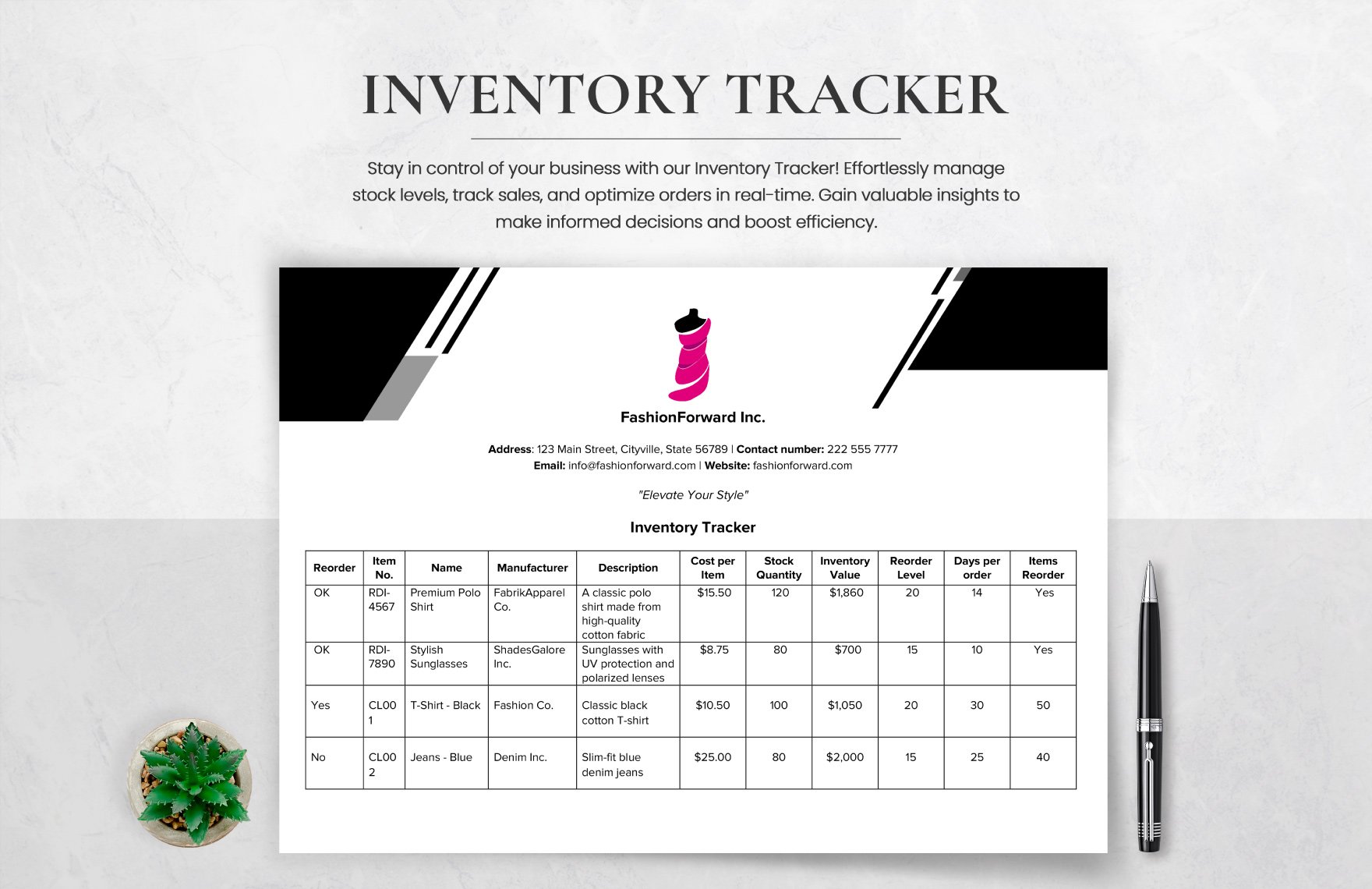
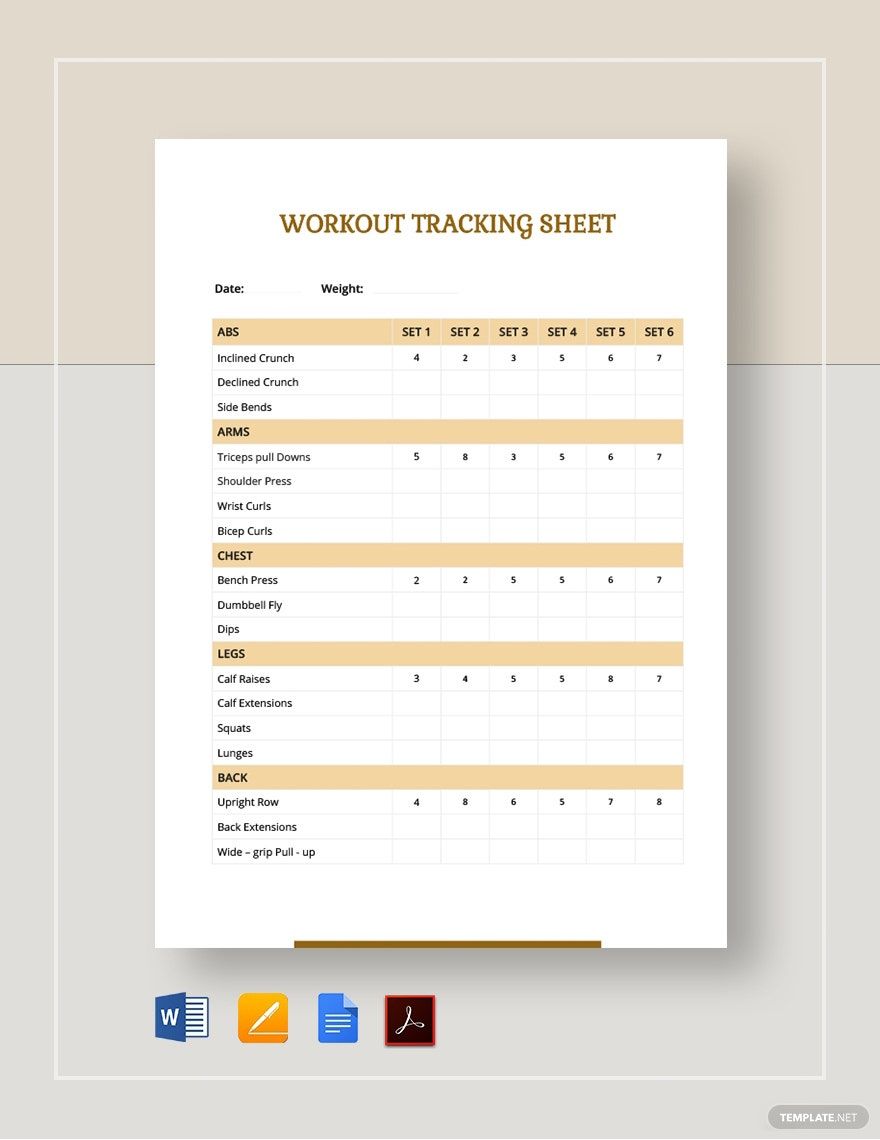
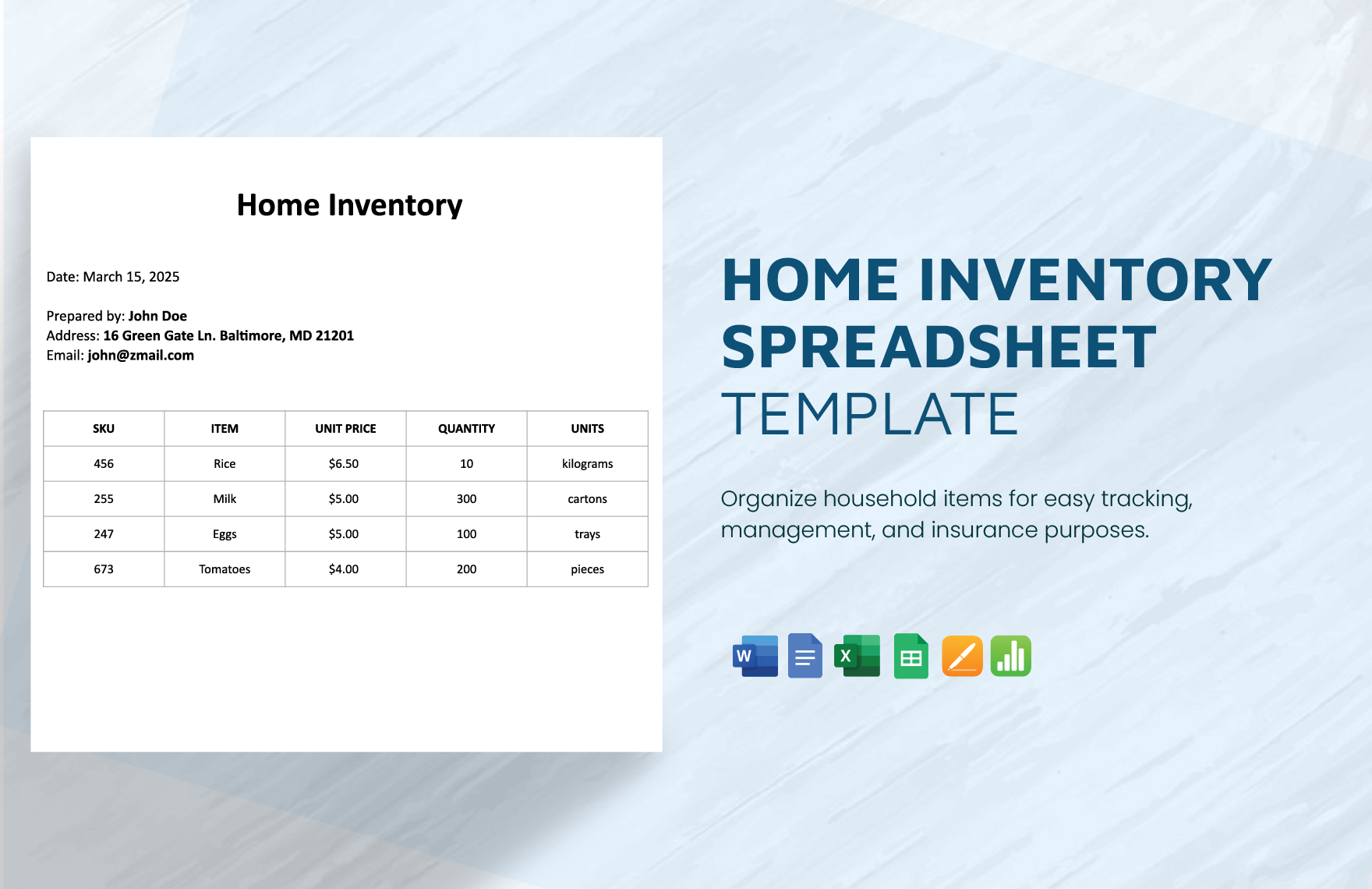
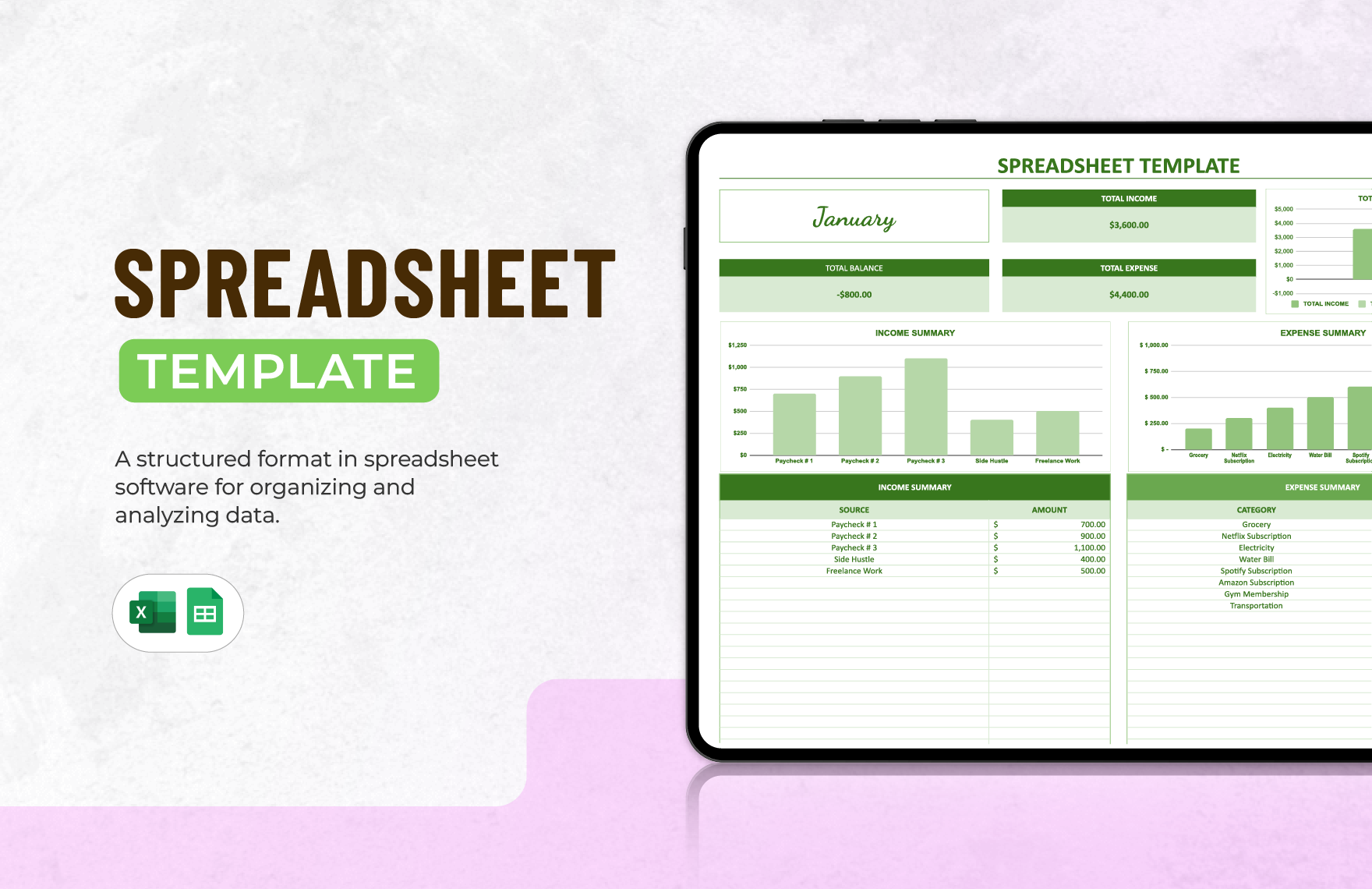
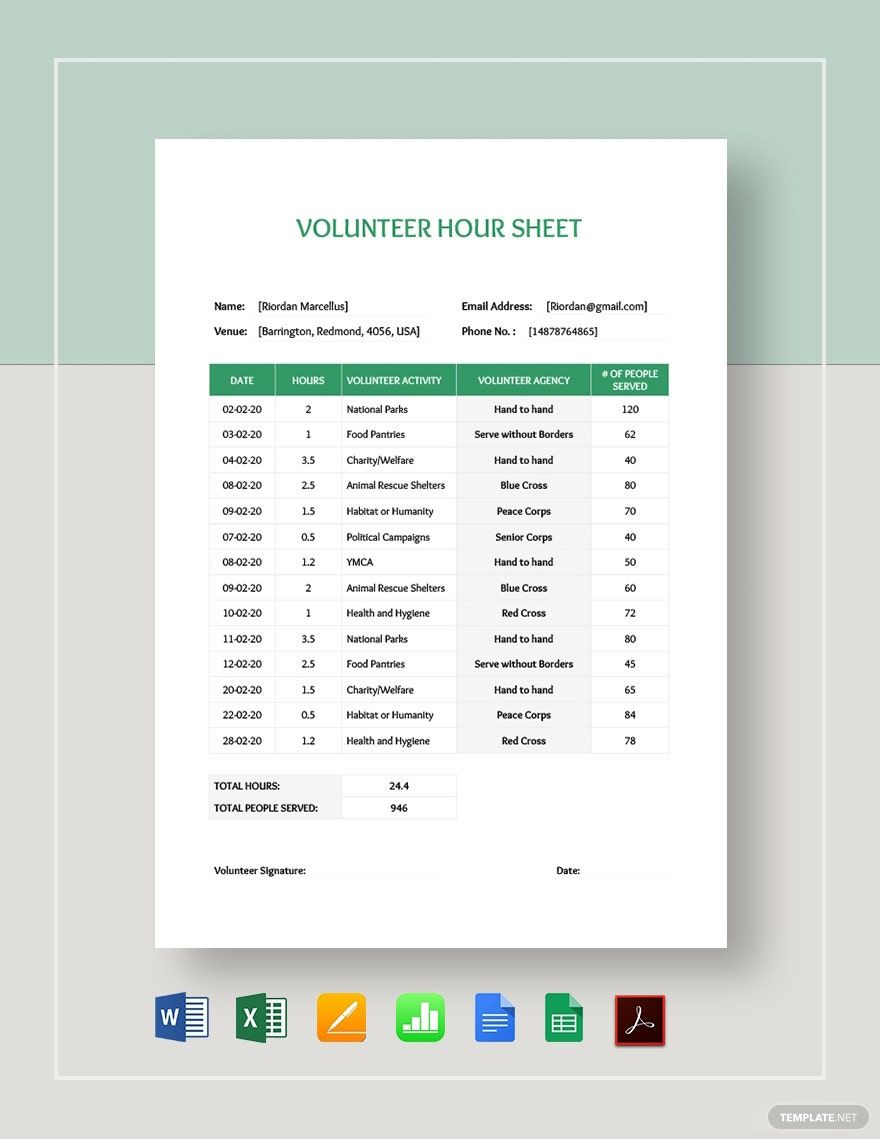
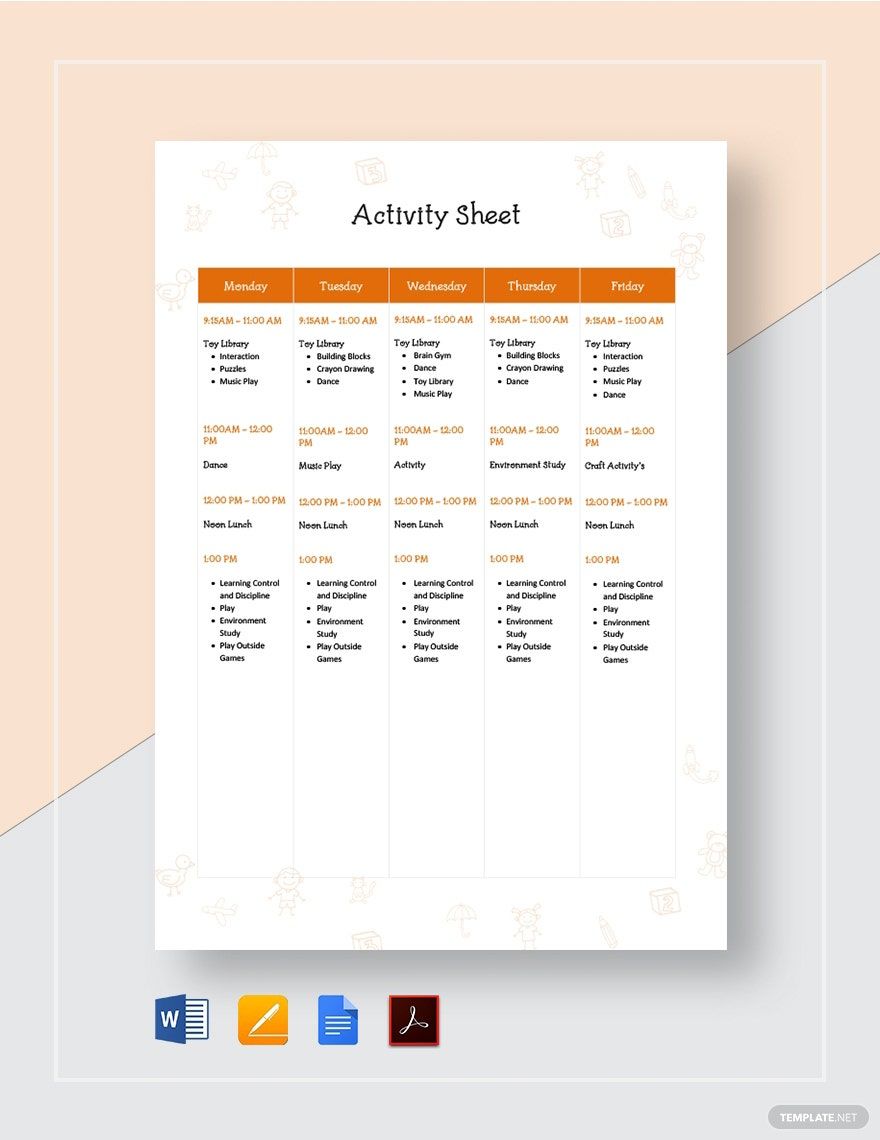
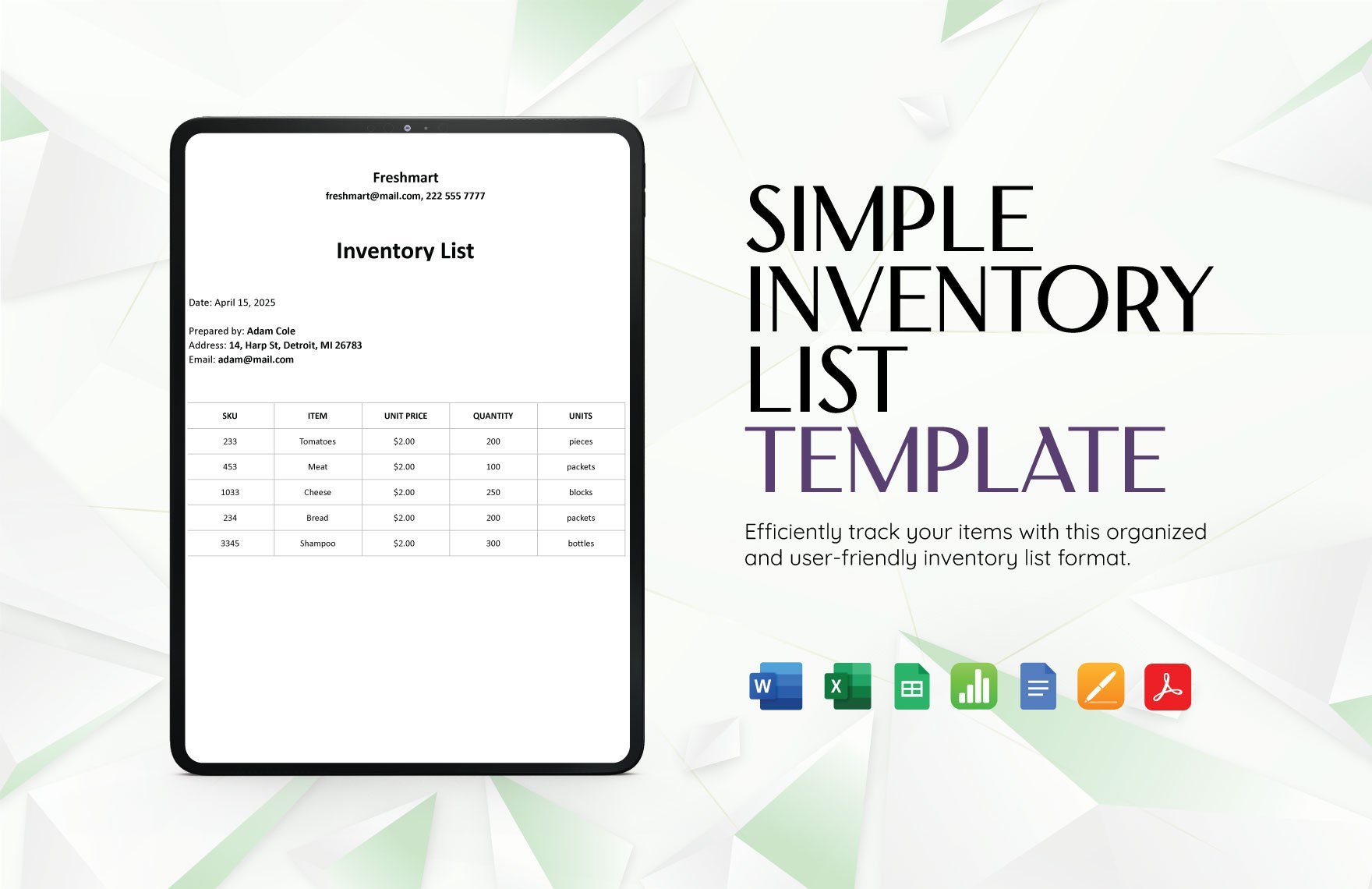
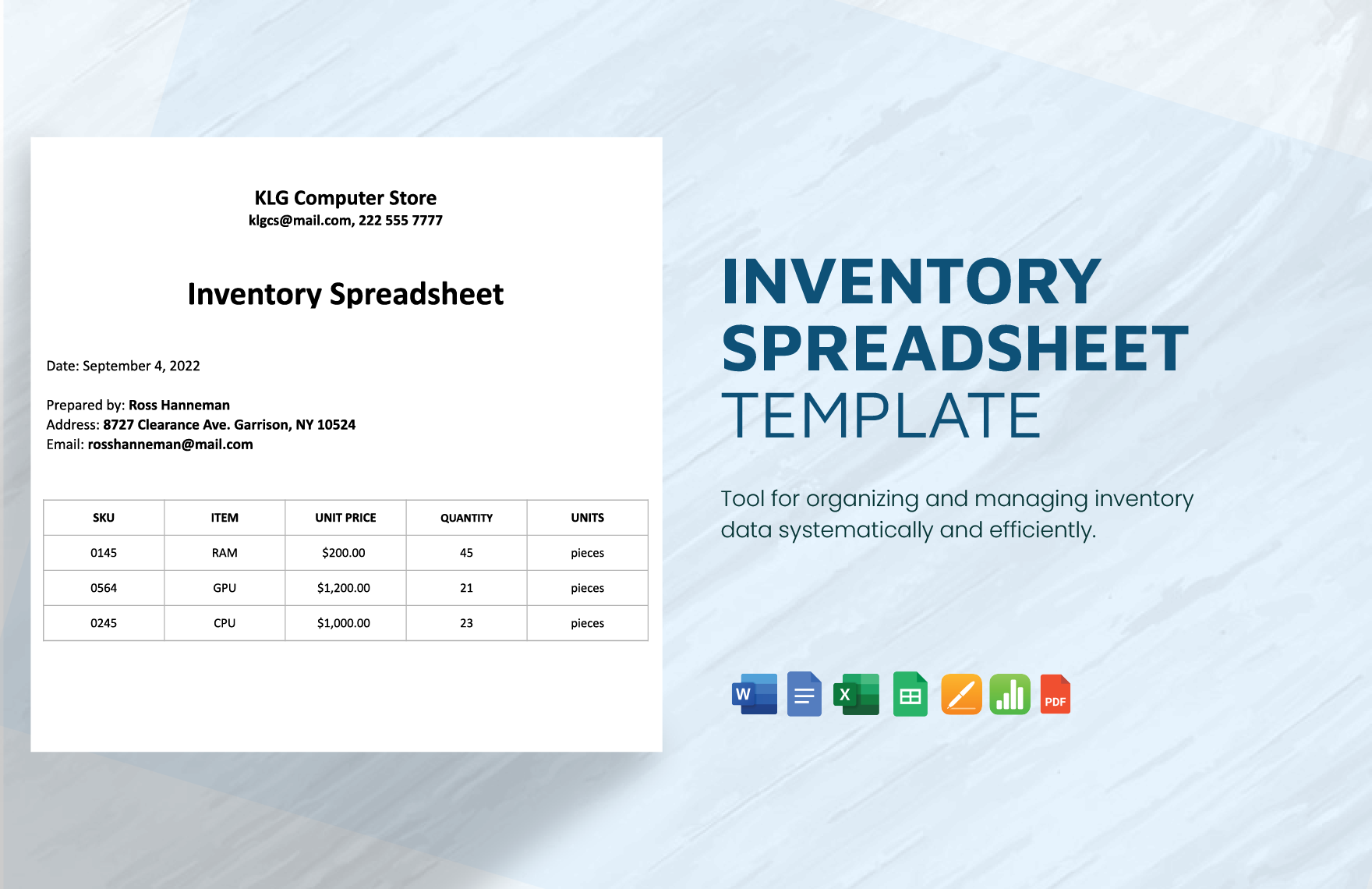
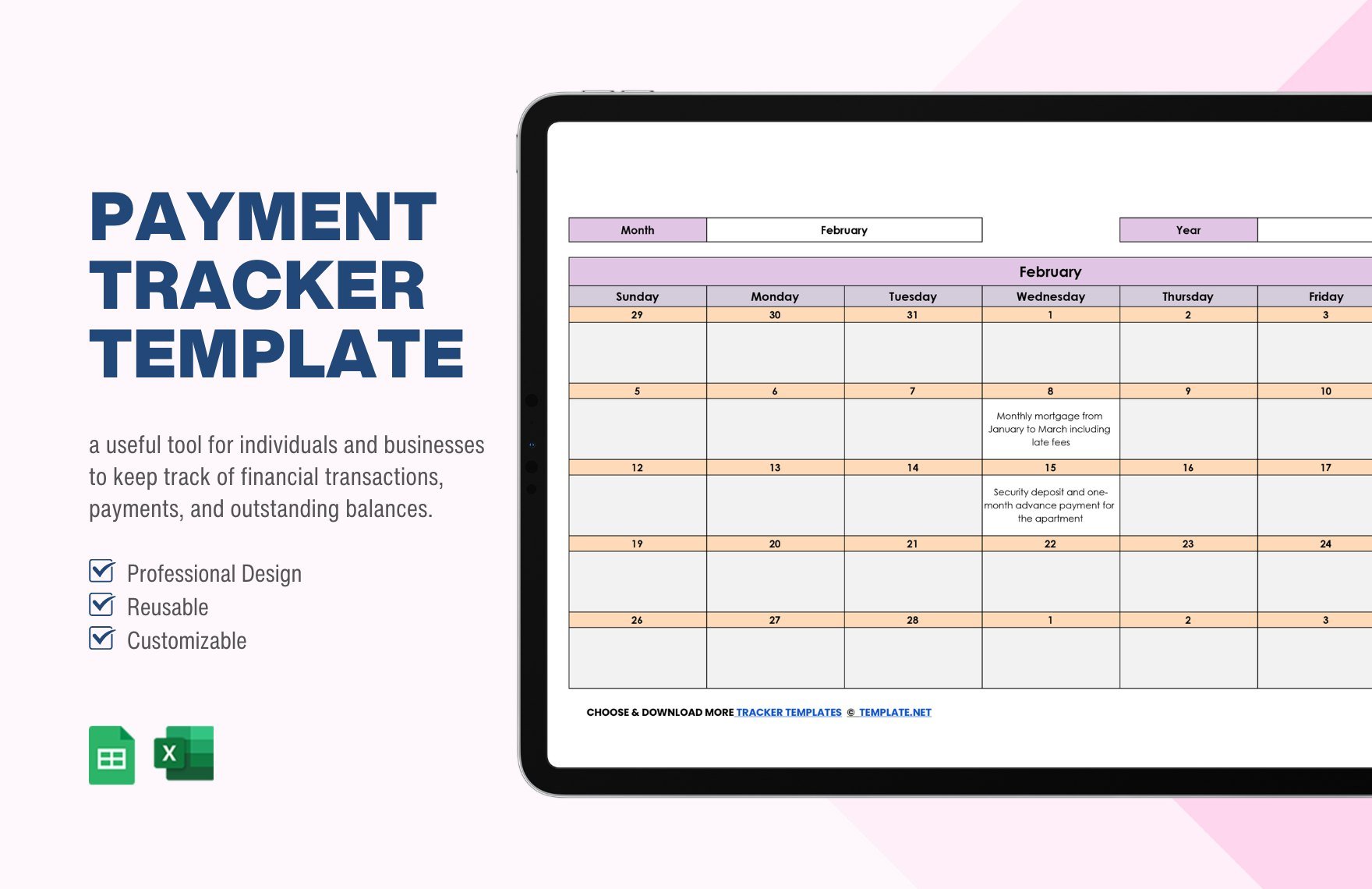
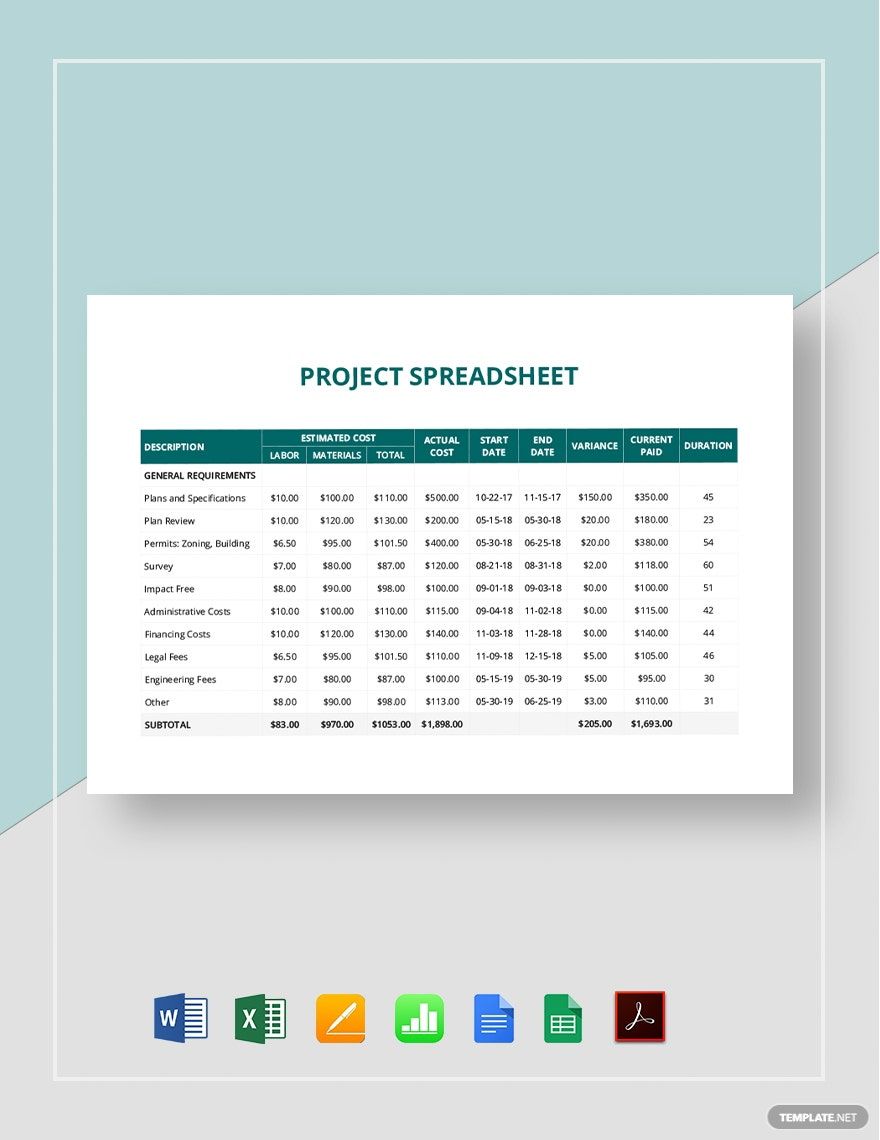
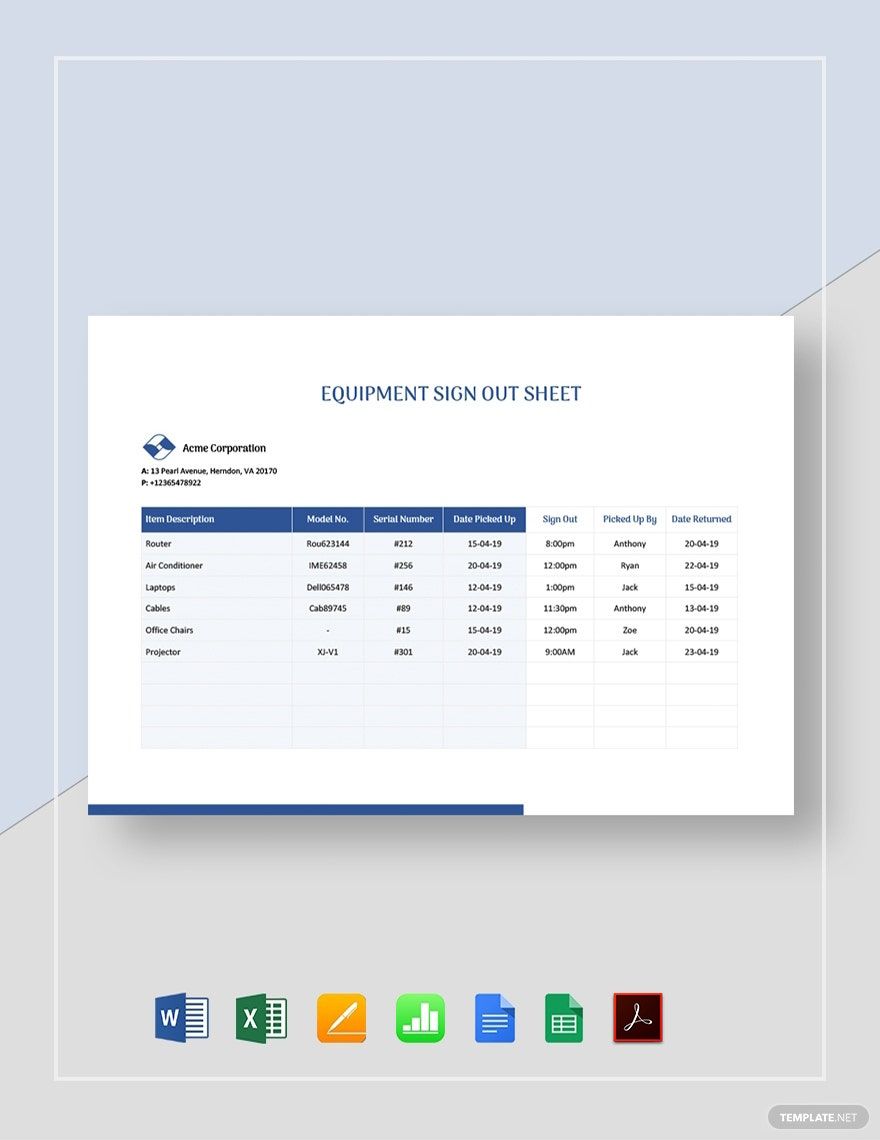
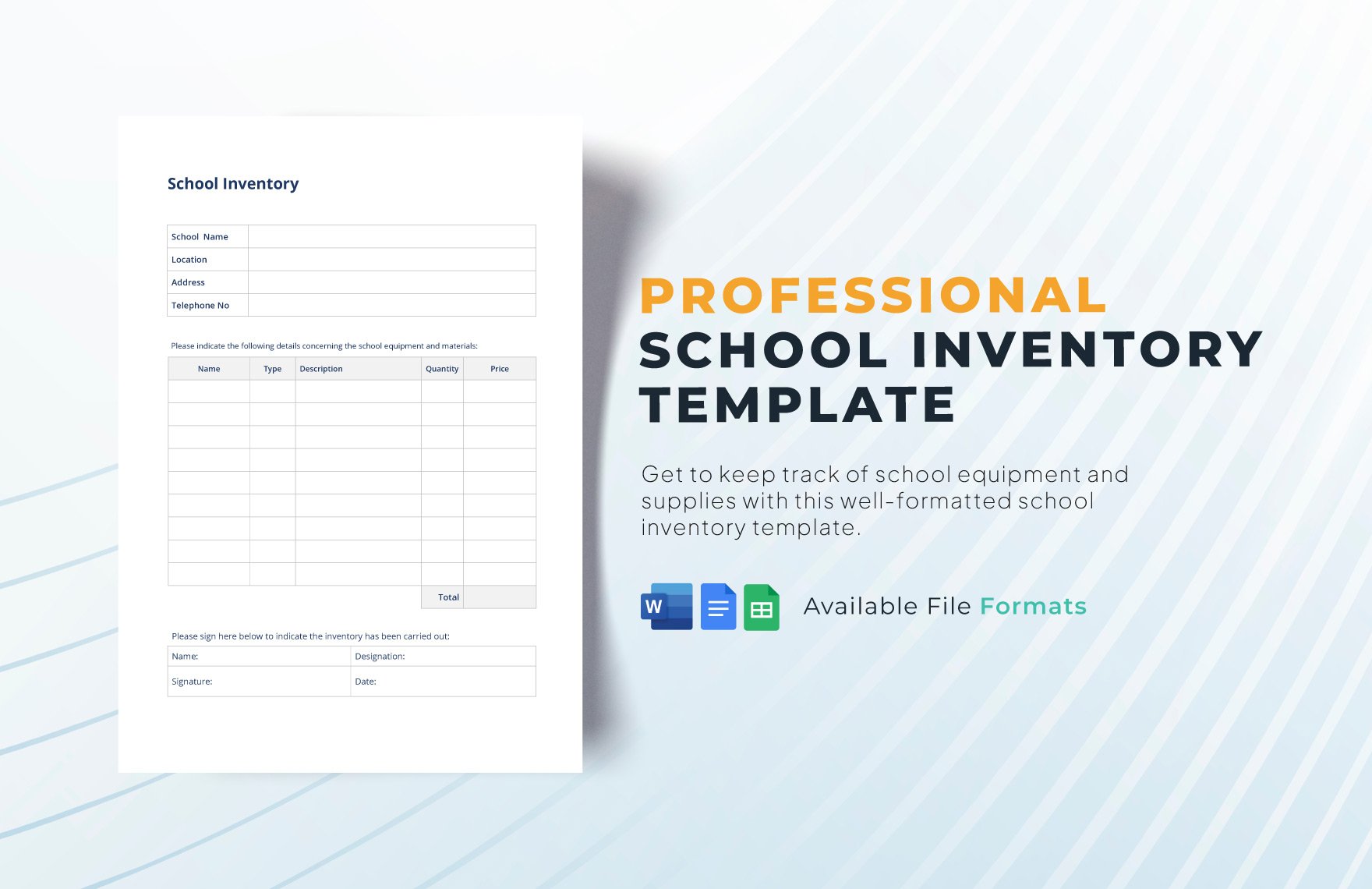
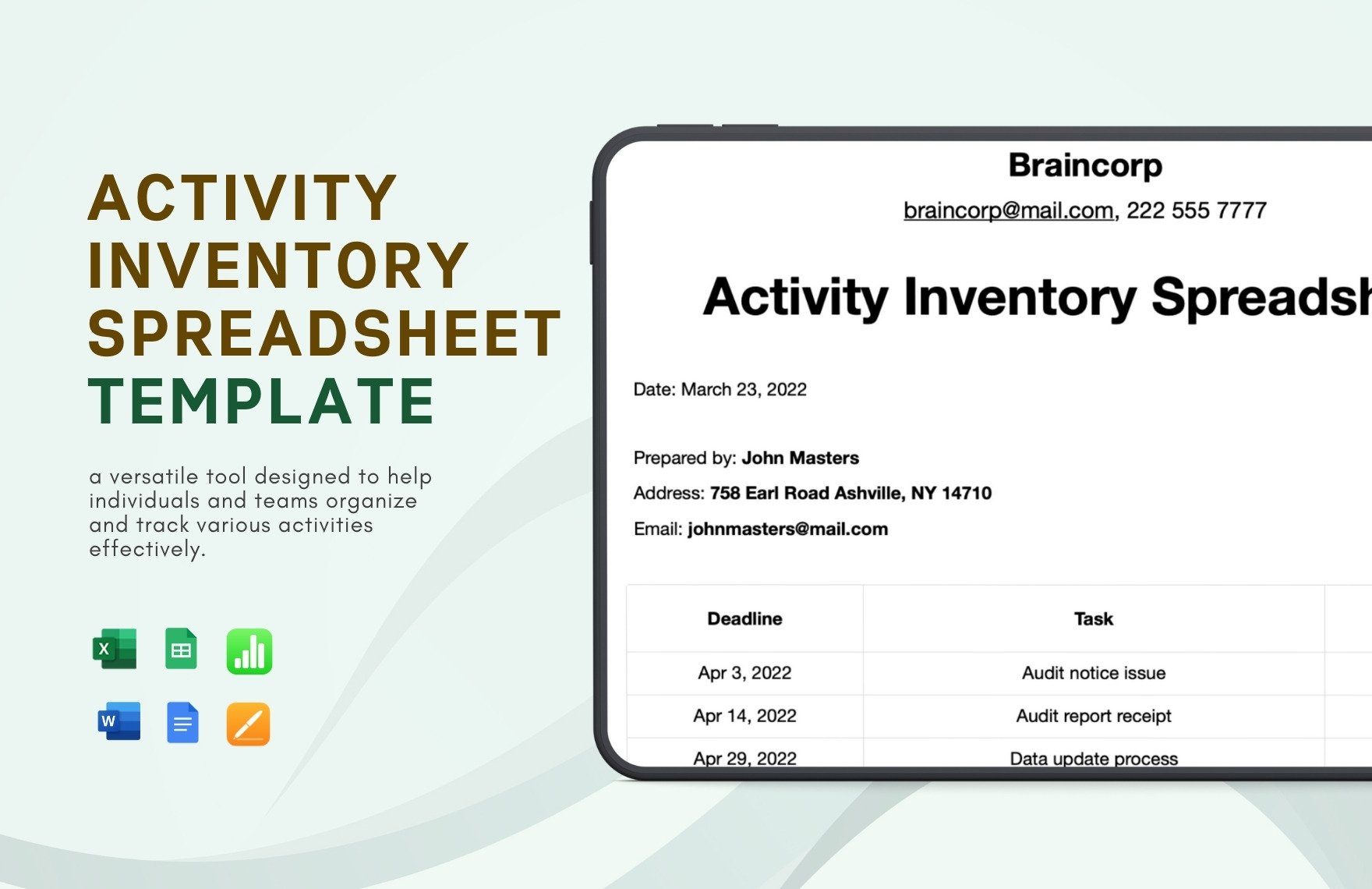
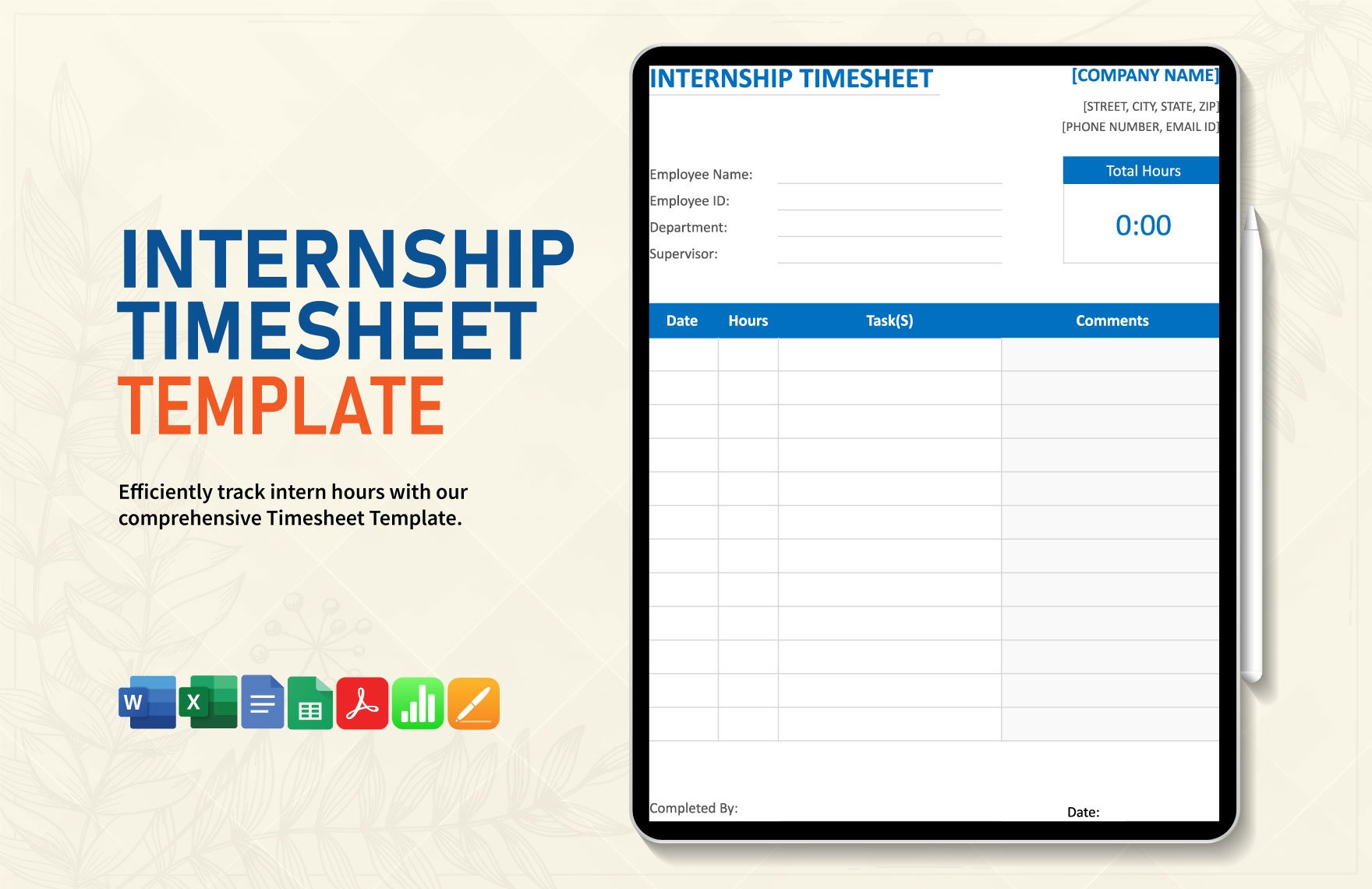
A tracker sheet is a structured document template designed to record and monitor progress, tasks, or data systematically. Tracker sheets organize information into clearly defined sections for easy tracking and management. Template.net provides customizable templates editable online for quick professional use.
Why use a Tracker Sheet?
Using tracker sheets improves data organization and enhances monitoring accuracy by providing a business-ready layout that simplifies updates and reviews. Ready-made tracker sheet templates speed up documentation and ensure structured formatting for professional results editable directly in the browser.
Who typically uses Tracker Sheets?
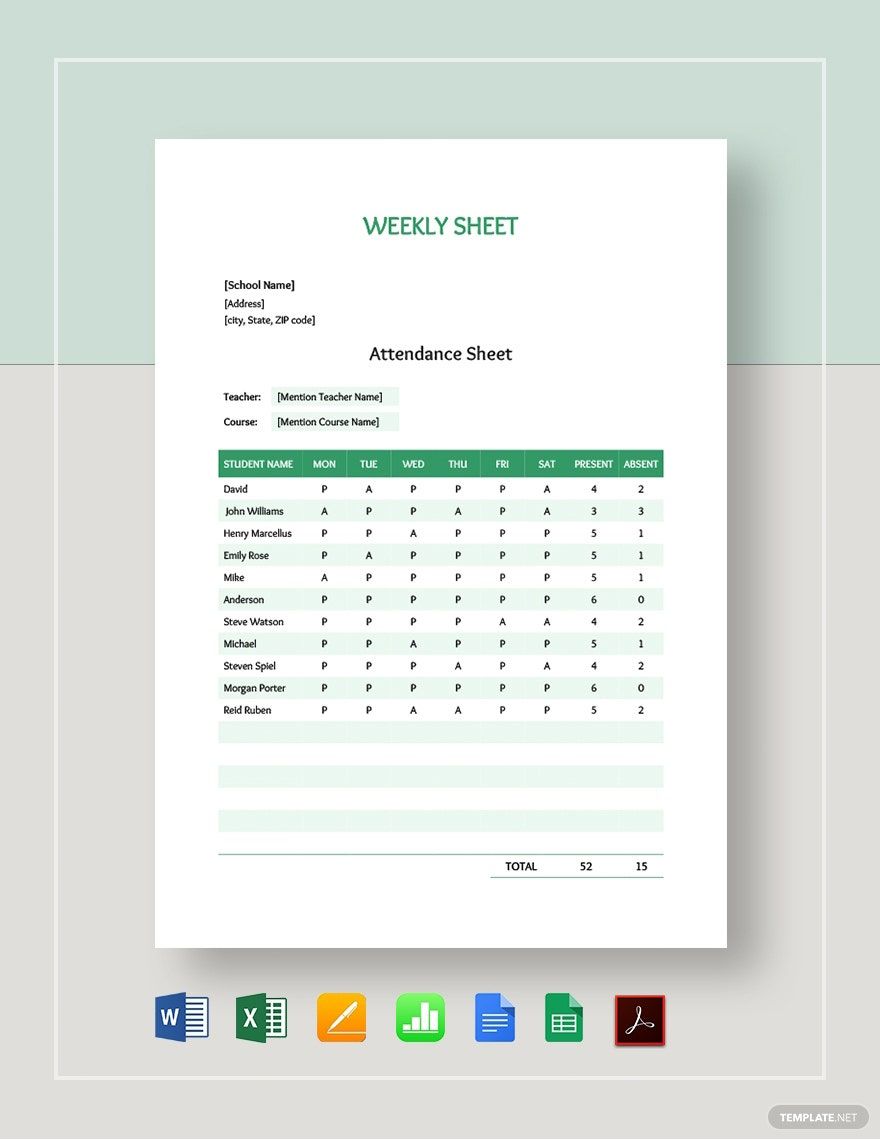
Tracker sheets are commonly used by project managers, business analysts, educators, and individual professionals who require organized tracking of tasks, attendance, or progress. Template.net’s tracker sheet templates support diverse users with customizable sections and online editing capabilities.
What sections should a Tracker Sheet include?
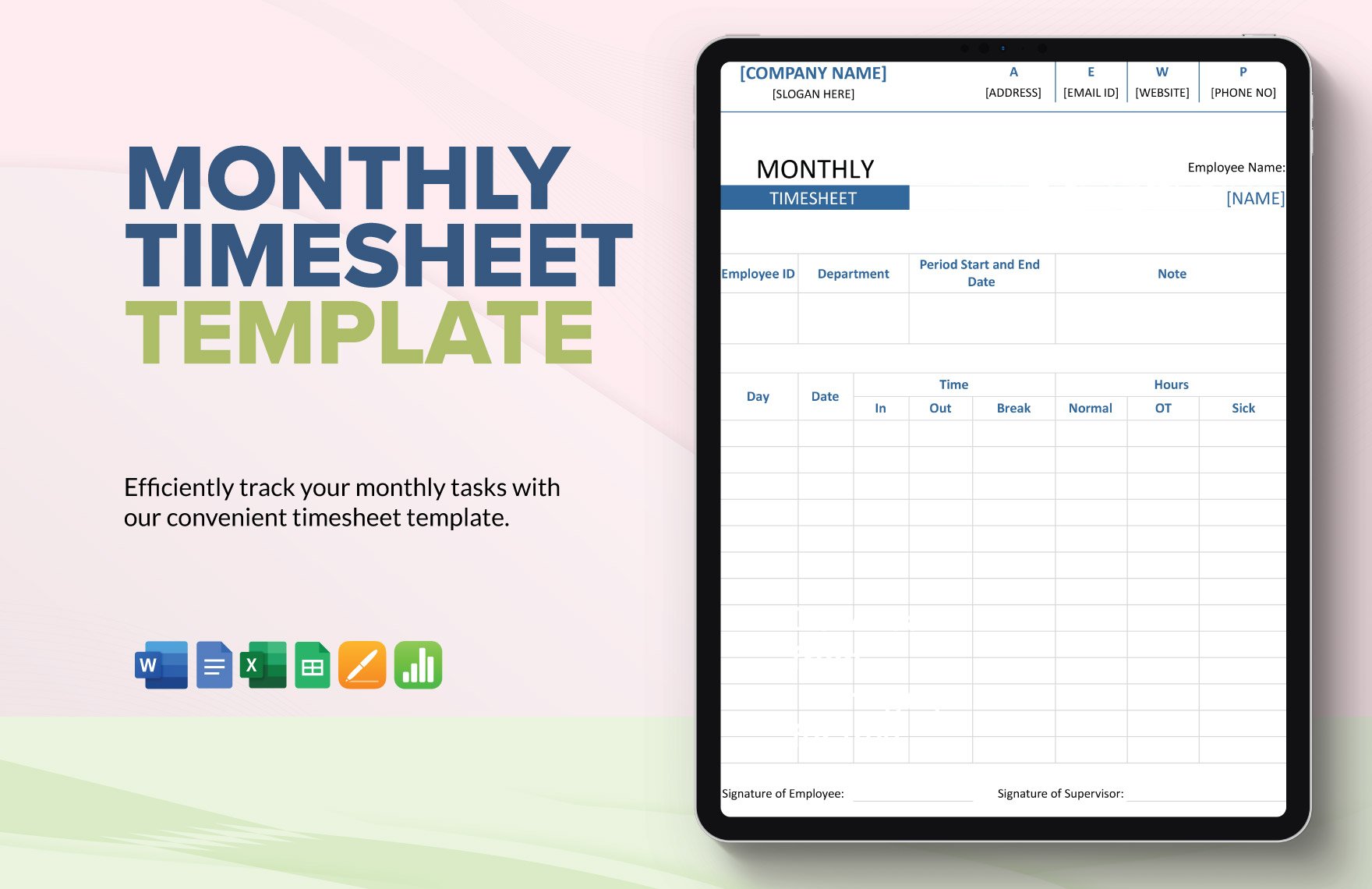
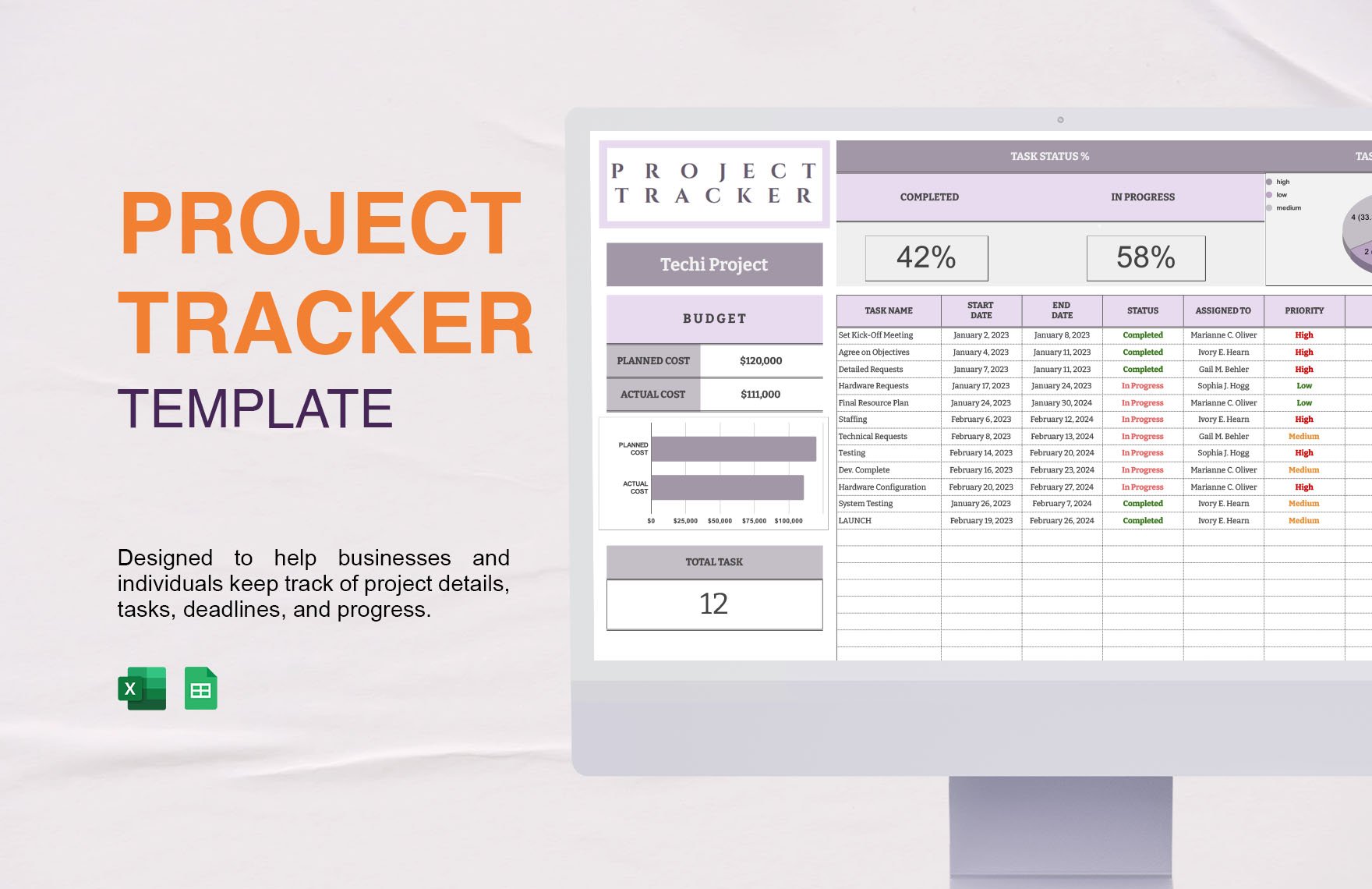
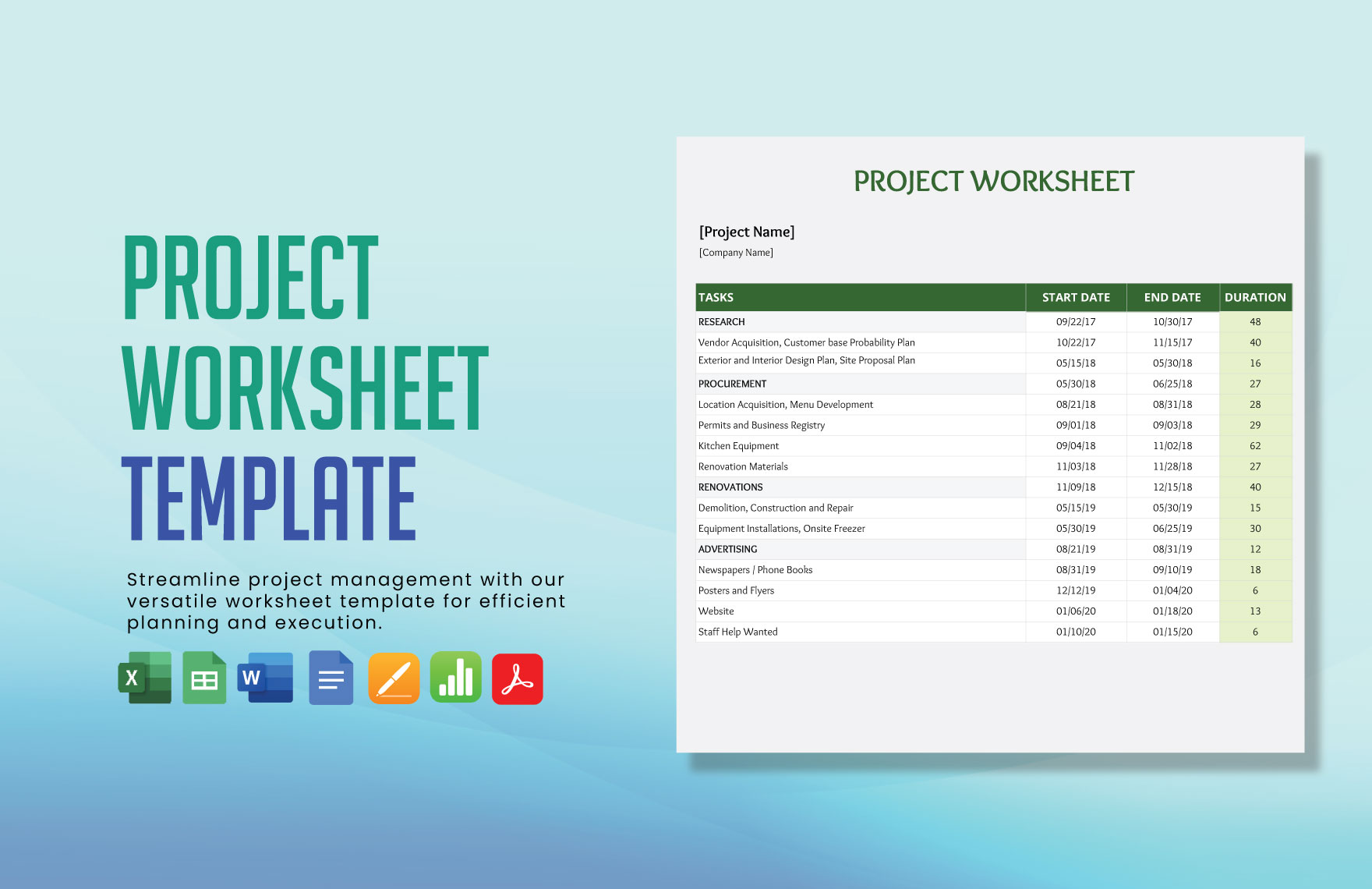
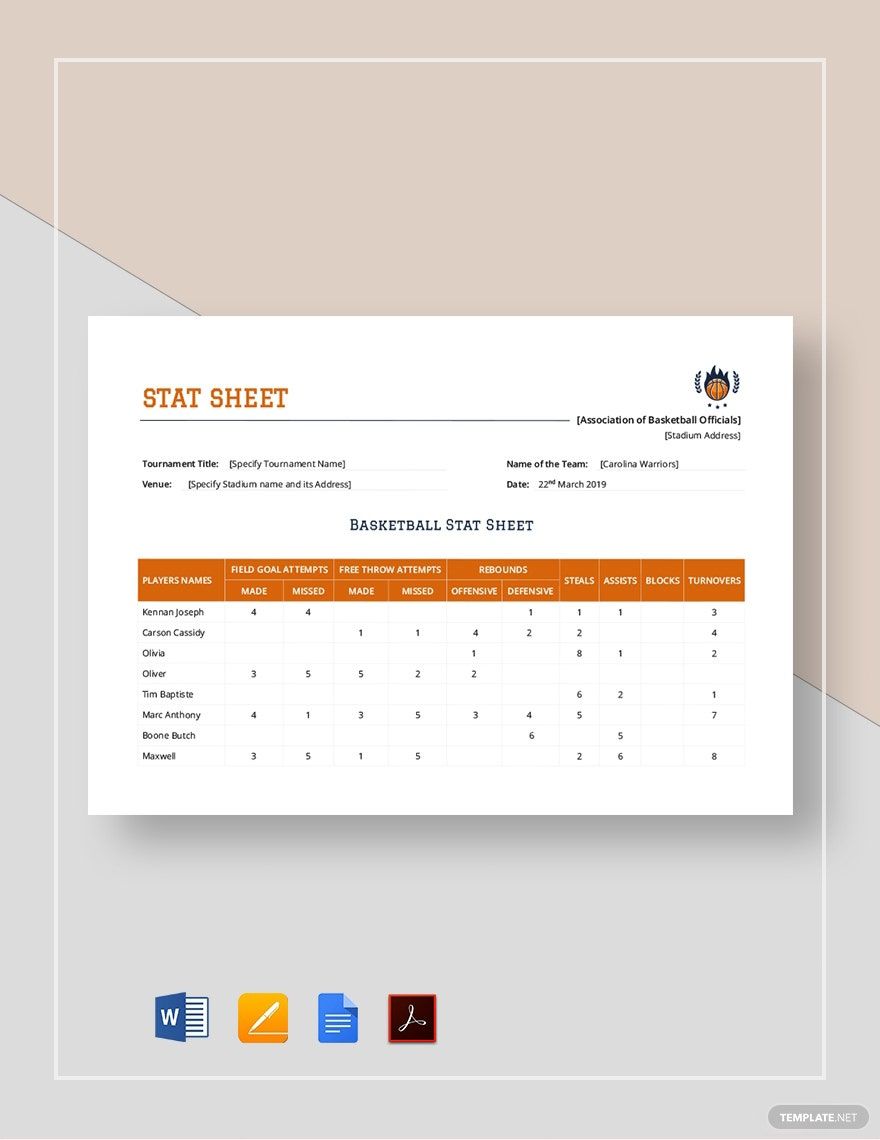
A tracker sheet should include header information, date or time columns, task or item descriptions, and status or progress indicators. These sections provide a clear structure for recording and reviewing tracked data in a professional layout editable online.
What are the best tips for formatting a Tracker Sheet?
Effective tracker sheets use consistent fonts, clear headers, and aligned columns to ensure readability. Employing color coding and gridlines enhances data segmentation. Template.net templates come with print-ready and business-friendly formatting editable online for quick customization.
How do you print a Tracker Sheet?
Tracker sheets should be printed using print-ready PDF formats to preserve the structured layout and ensure clarity. Template.net’s editable tracker sheet templates support exporting to formats optimized for professional printing directly from the browser.
Is a Tracker Sheet legally and professionally acceptable?
Tracker sheets created using Template.net templates follow compliance-friendly presentation standards and feature structured formatting that meets professional and organizational requirements. These templates support business-ready documentation suitable for official use.
What file formats can I download for a Tracker Sheet?
Template.net tracker sheet templates support multiple export formats for versatile use and editing. You can download templates in Excel and Google Sheets, both offering structured formatting and print-ready options.
Can I create a new Tracker Sheet using AI?
Template.net provides AI-powered tools capable of generating structured tracker sheet documents that can be refined online and exported in multiple formats quickly. Explore these AI features for efficient creation and customization. Visit Template.net to start.