Free Spring Templates
Free Spring Templates: Editable Design Guide, Uses, and Download Formats
What is a Spring?
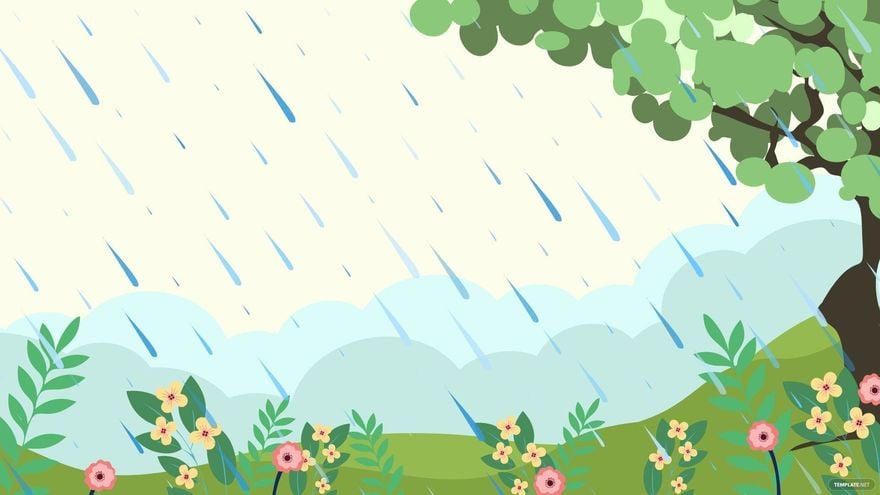
A Spring template is a customizable design or document with themes and elements inspired by the spring season. These templates include floral motifs, pastel colors, and seasonal layouts that you can edit for personal or professional use. Spring templates help streamline creating seasonal materials with consistent, appealing designs.
Why should I use a Spring?
You should use a Spring template to create visually appealing and seasonally relevant materials quickly and efficiently. These templates provide a professional layout and style that save you time, ensuring your designs or documents maintain a fresh, spring-inspired look without starting from scratch.
Who uses Spring?
Spring templates are used by a wide range of professionals including marketers, event planners, educators, and designers who need seasonal materials. Individuals preparing invitations, flyers, newsletters, or presentations also frequently use Spring templates to engage their audience with timely and attractive visuals.
What are the best tips for completing my Spring?
To complete your Spring template effectively, focus on these tips:
- Customize colors and fonts to match your brand or event theme.
- Incorporate seasonal graphics like flowers or greenery for authenticity.
- Keep layout balanced for clear readability and aesthetic appeal.
- Proofread text to ensure professionalism.
- Preview print dimensions before finalizing your design.
Can I create a Spring using AI?
You can create a Spring design using AI tools, but Template.net mainly offers customizable templates that you can edit directly in your browser without relying on AI generation. For AI-assisted template creation, you may explore dedicated AI features elsewhere on the domain.
What file formats can I download for my Spring?
Template.net's Spring templates support multiple export formats to suit your workflow and software preferences. You can download or print your Spring templates in Publisher, PDF, Word, Illustrator, Apple Pages, and Google Docs.
What essential elements should a Spring include?
A well-designed Spring template should include these essential elements:
- Seasonal colors such as soft greens, pinks, and yellows.
- Floral or nature-inspired graphics to evoke spring themes.
- Clear typography that complements the design without overpowering it.
- Balanced layout ensuring content is easy to read and visually engaging.
- Whitespace to prevent clutter and enhance focus.
How does using Spring templates benefit my workflow?
Using Spring templates benefits your workflow by providing ready-made, seasonally relevant designs that reduce creation time and improve consistency. Editable templates allow you to adapt layouts quickly while maintaining a professional appearance, enabling faster project completion and greater design flexibility.
What are common professional uses for Spring templates?
Common professional uses for Spring templates include:
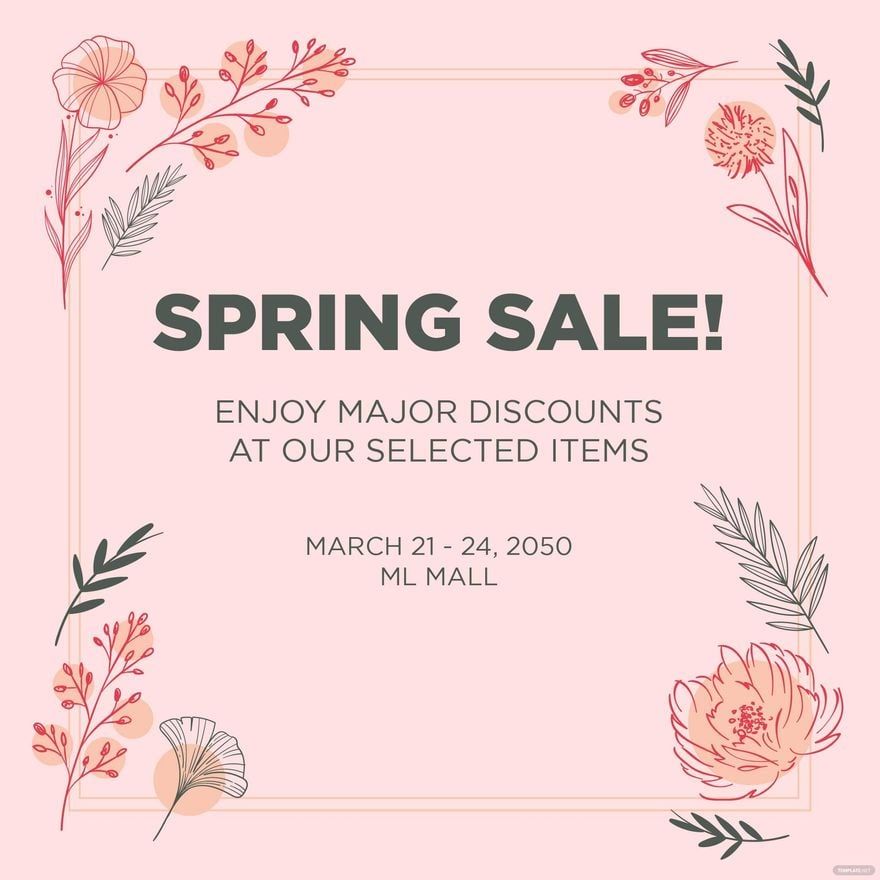
- Marketing materials like flyers and social media posts promoting spring events or sales.
- Event invitations for spring weddings, parties, or corporate gatherings.
- Newsletters and reports with thematic seasonal visuals.
- Presentations that require fresh seasonal aesthetics.
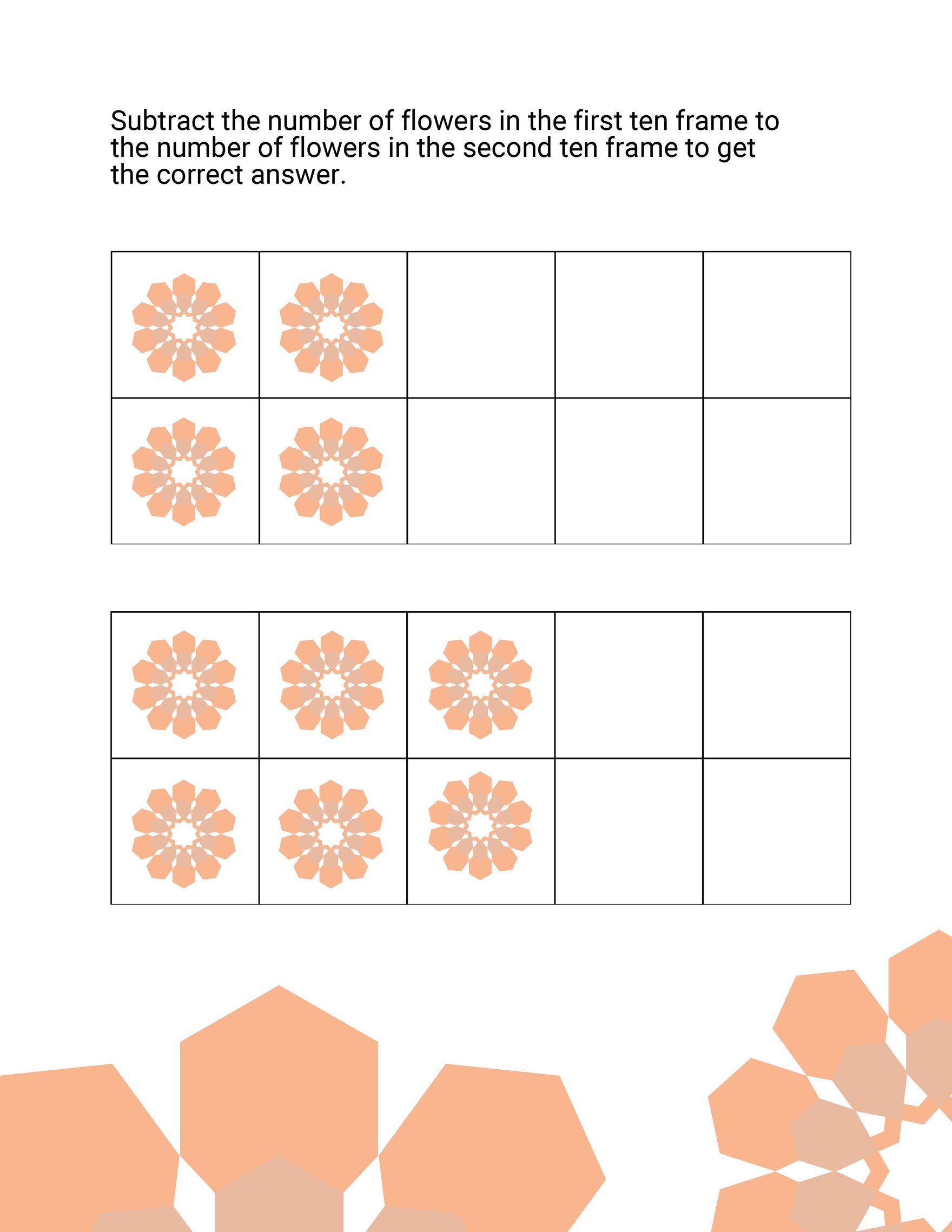
- Educational materials themed around spring activities or lessons.