
Free 3D Templates








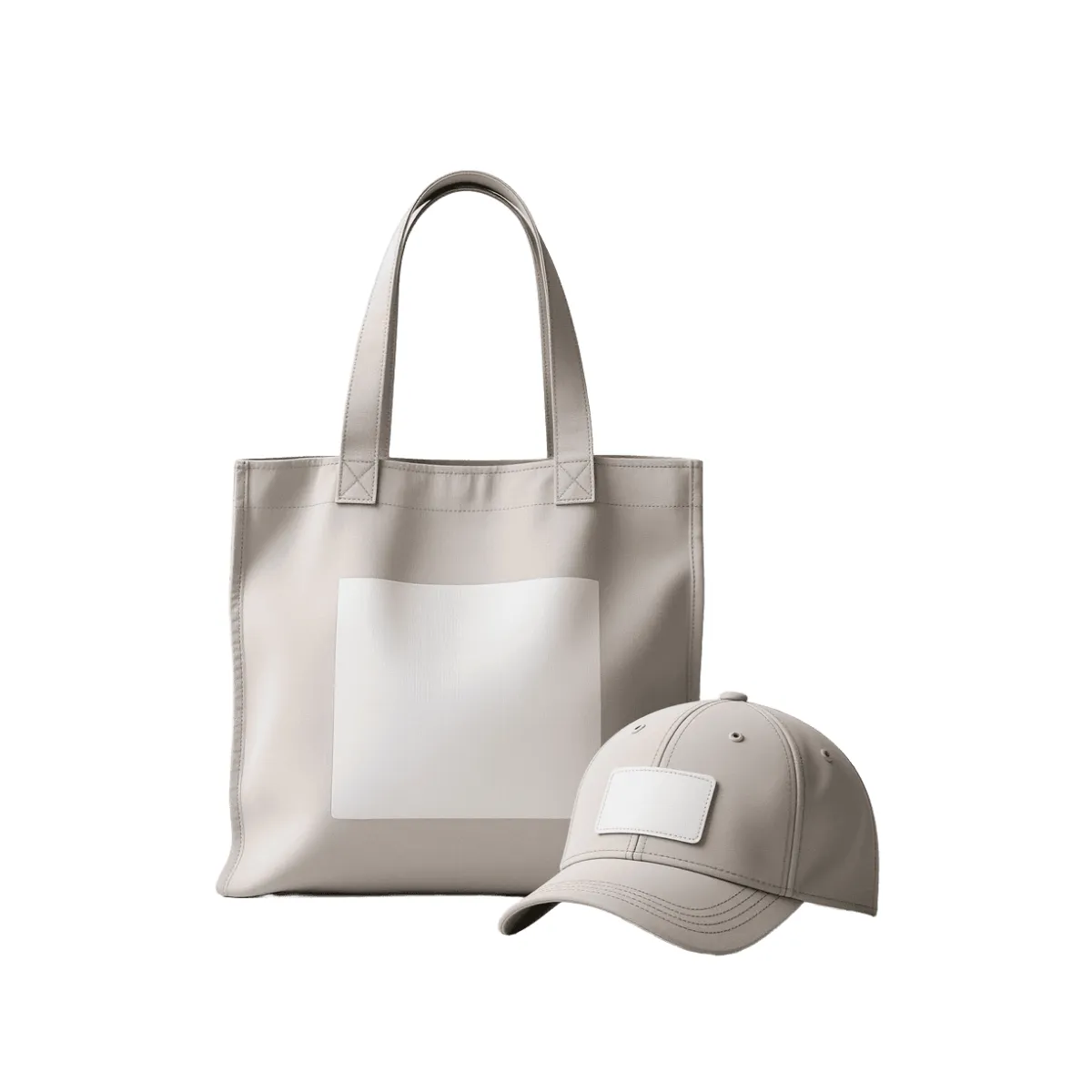



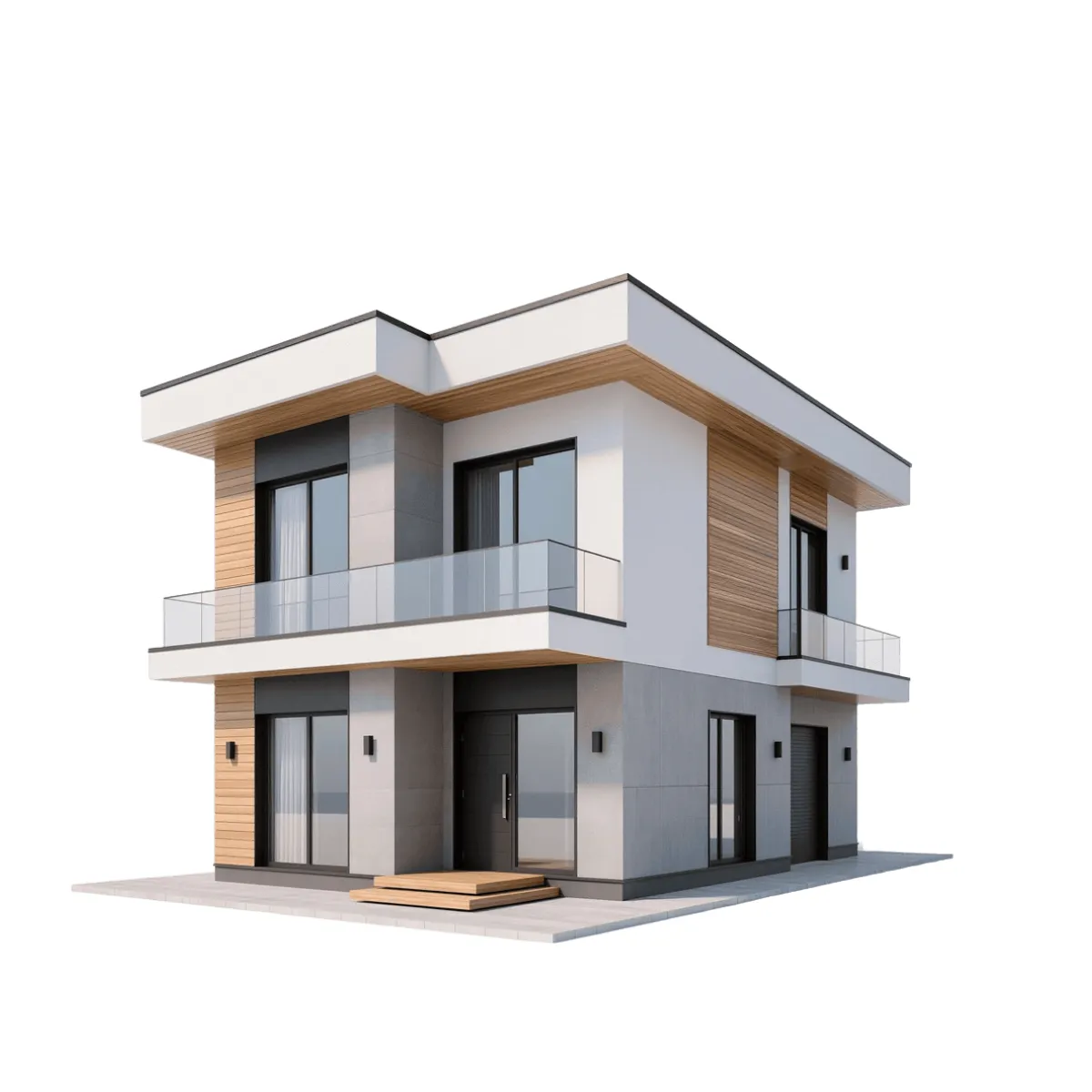
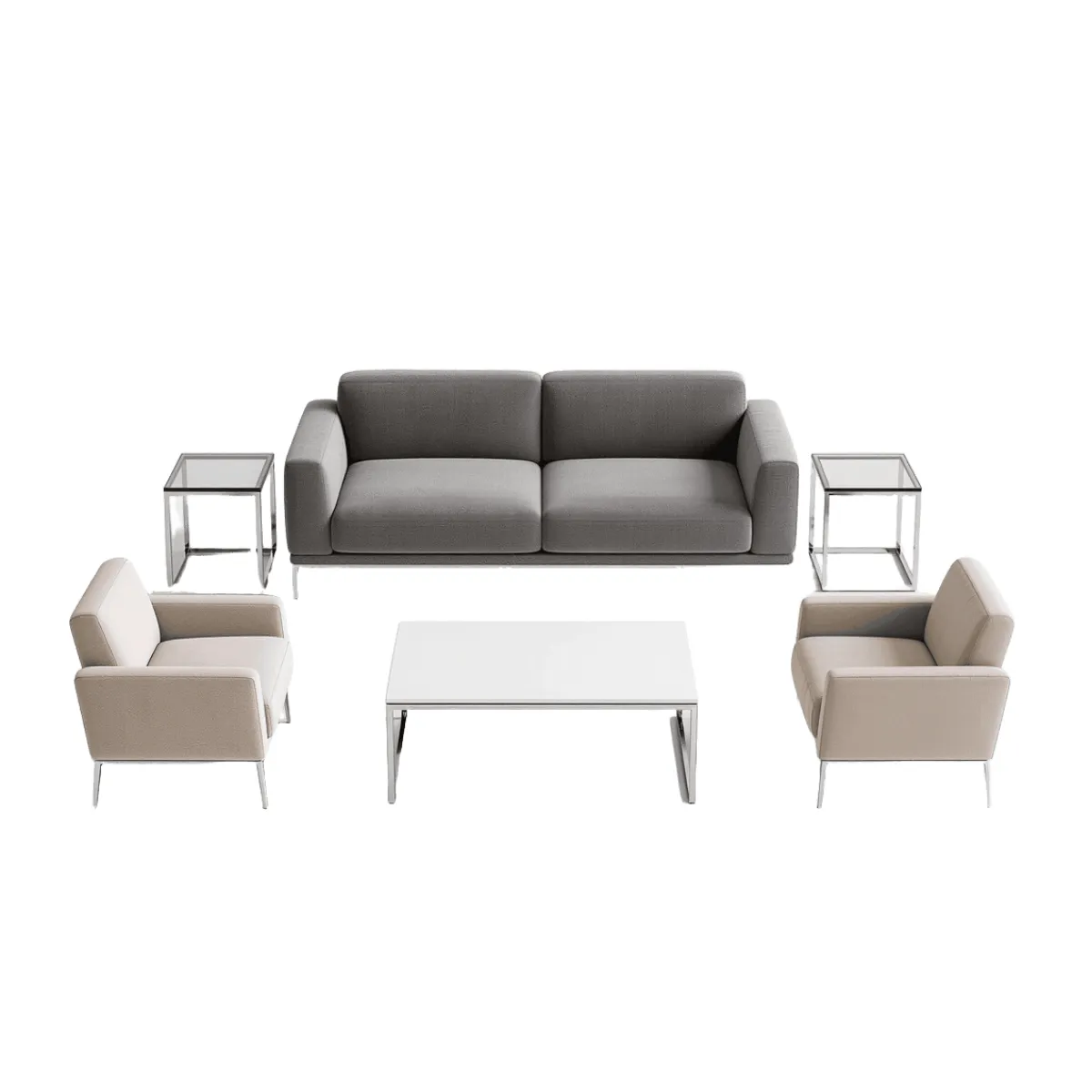




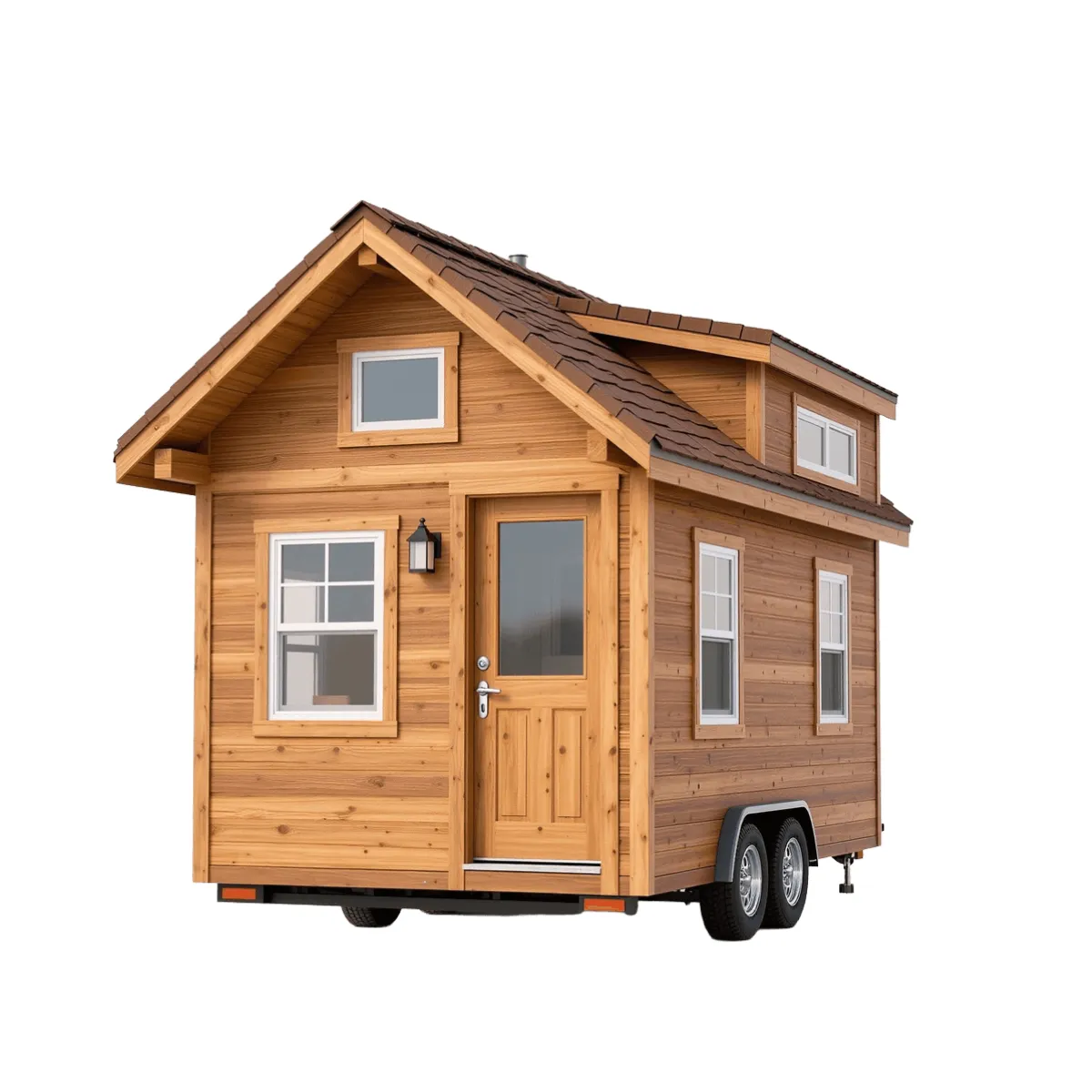
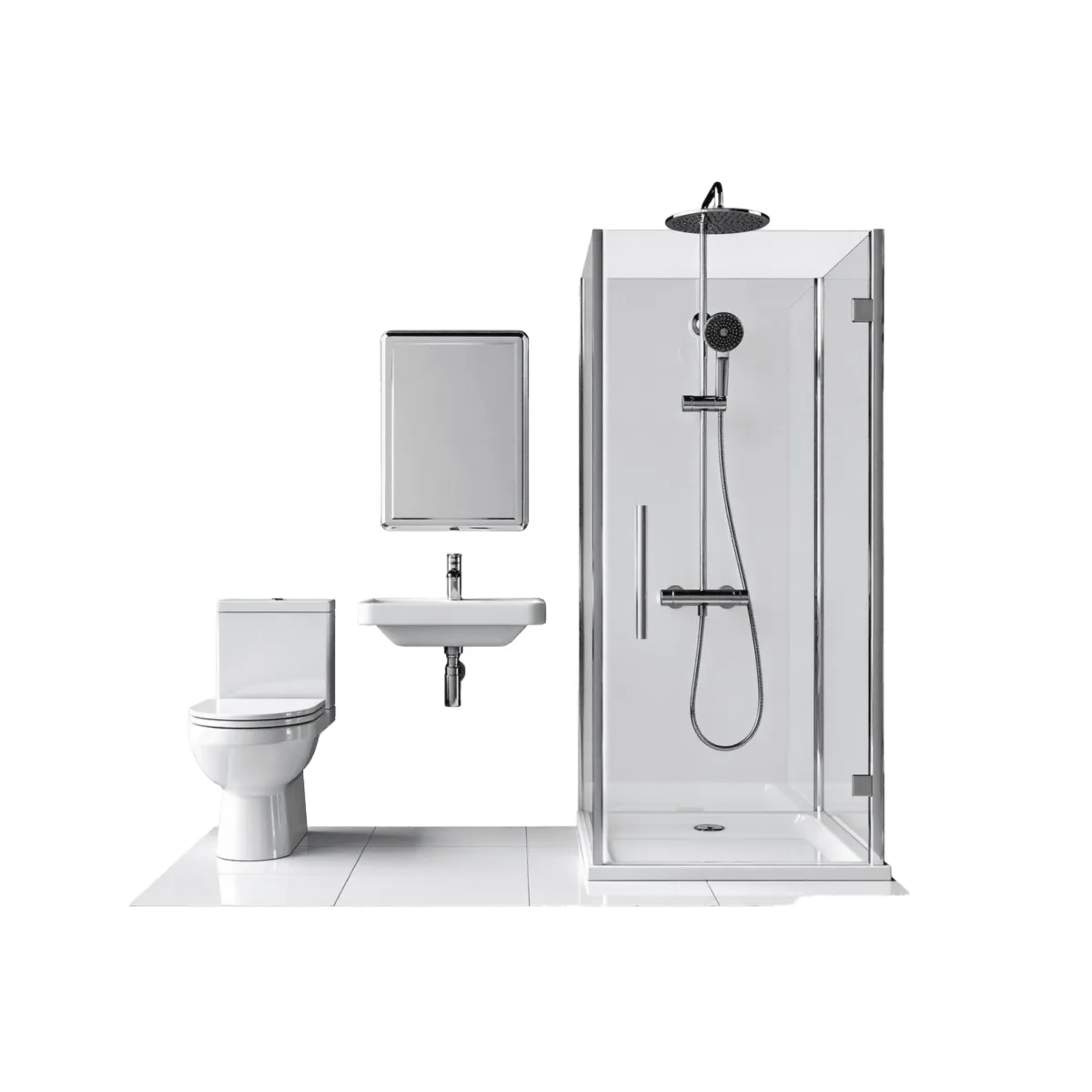
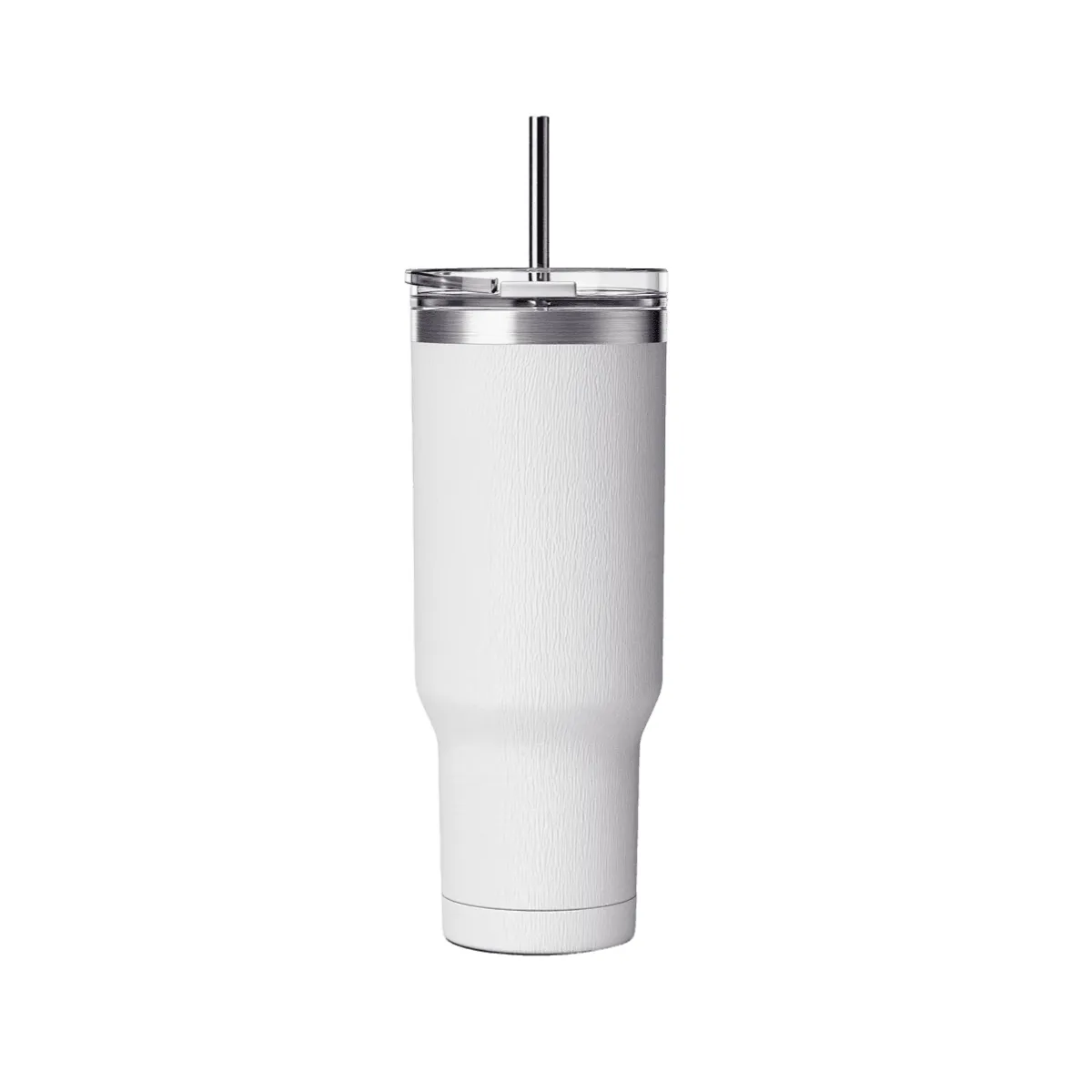



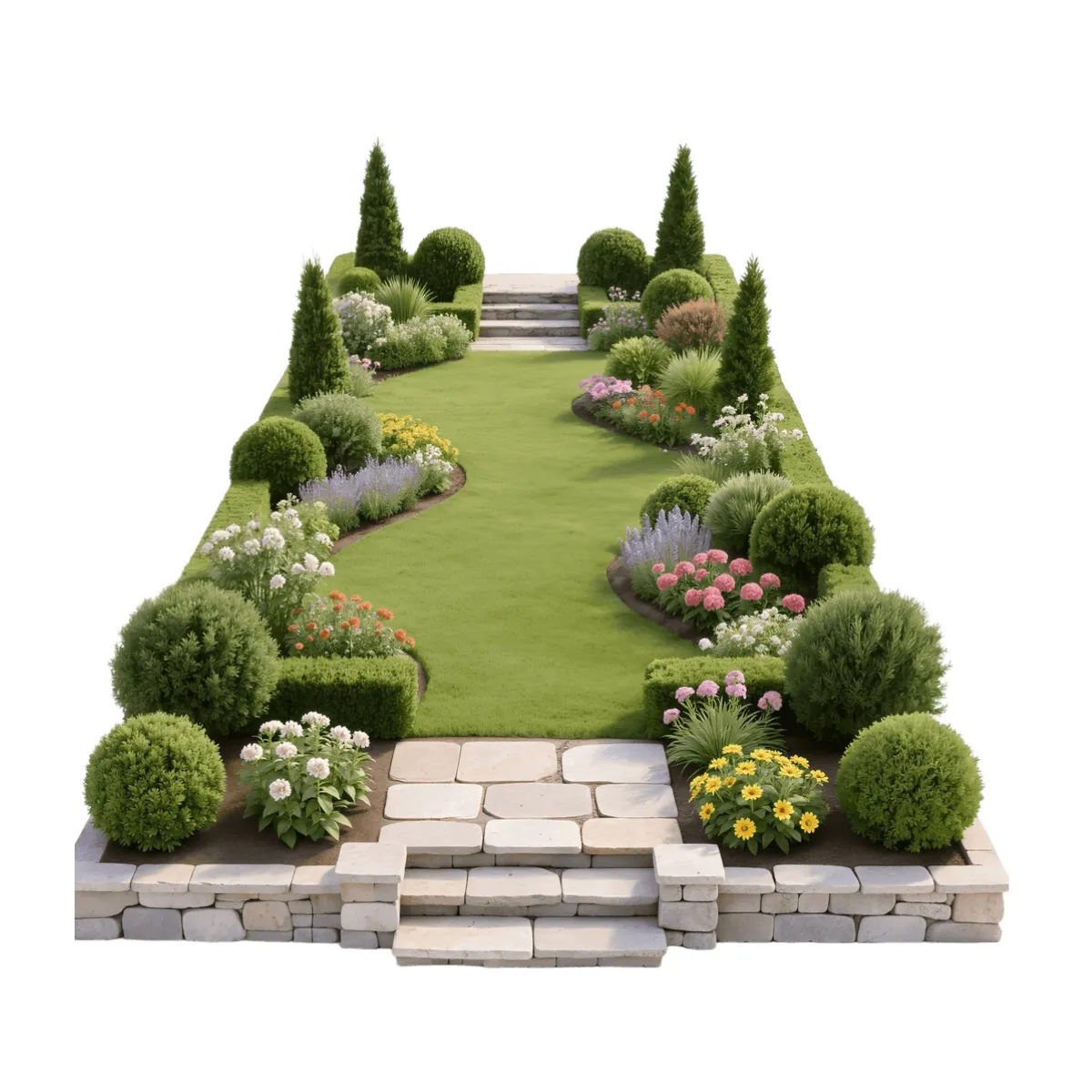
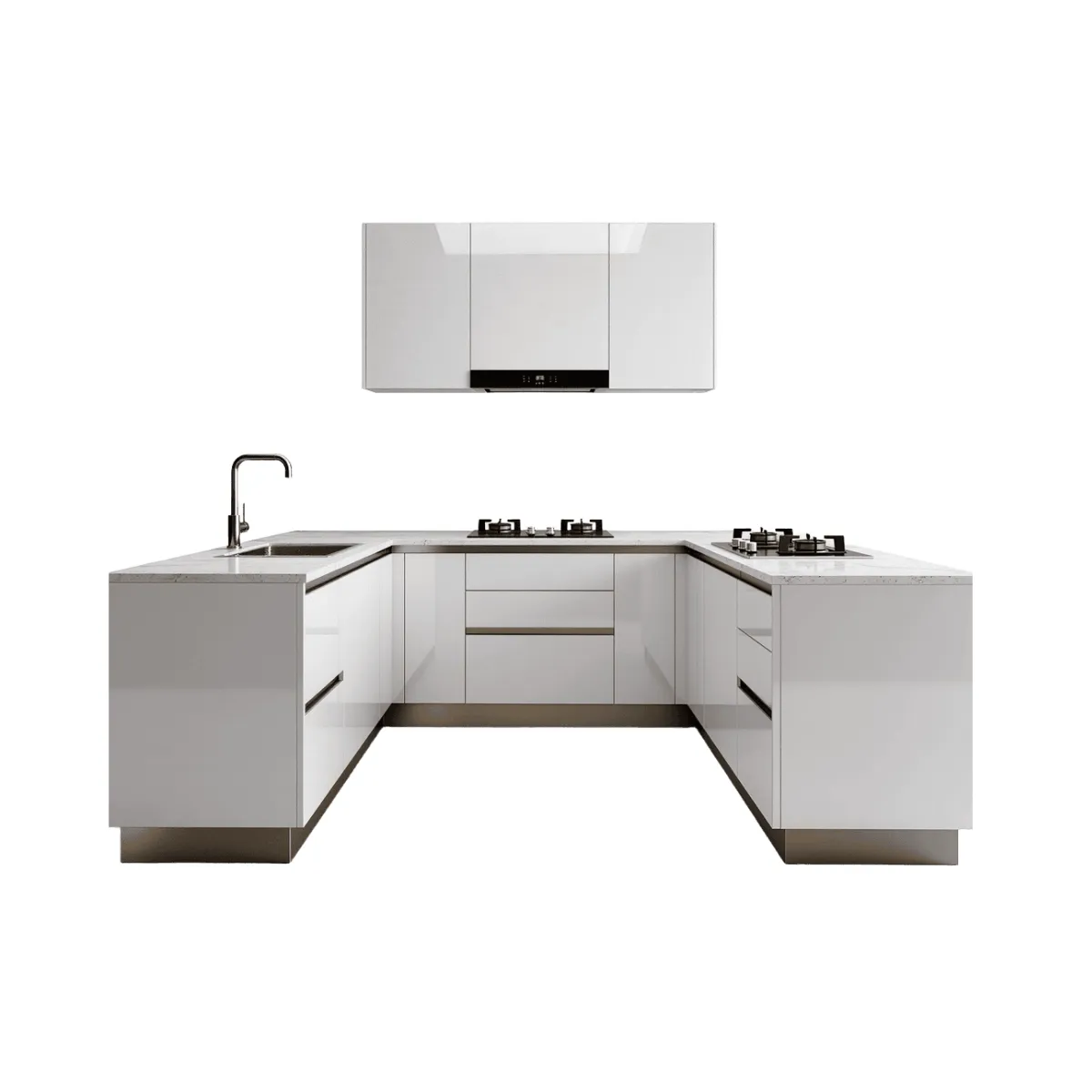
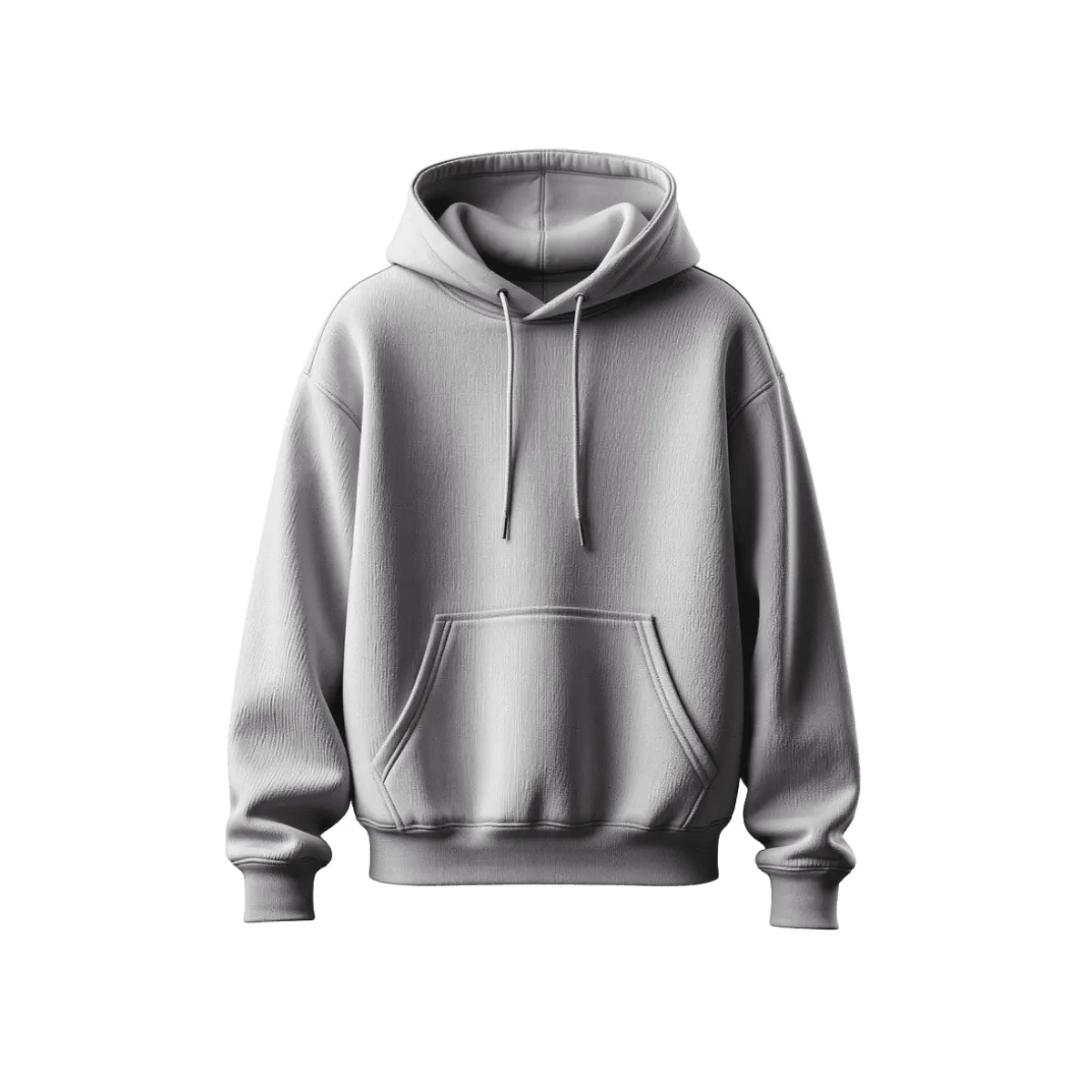



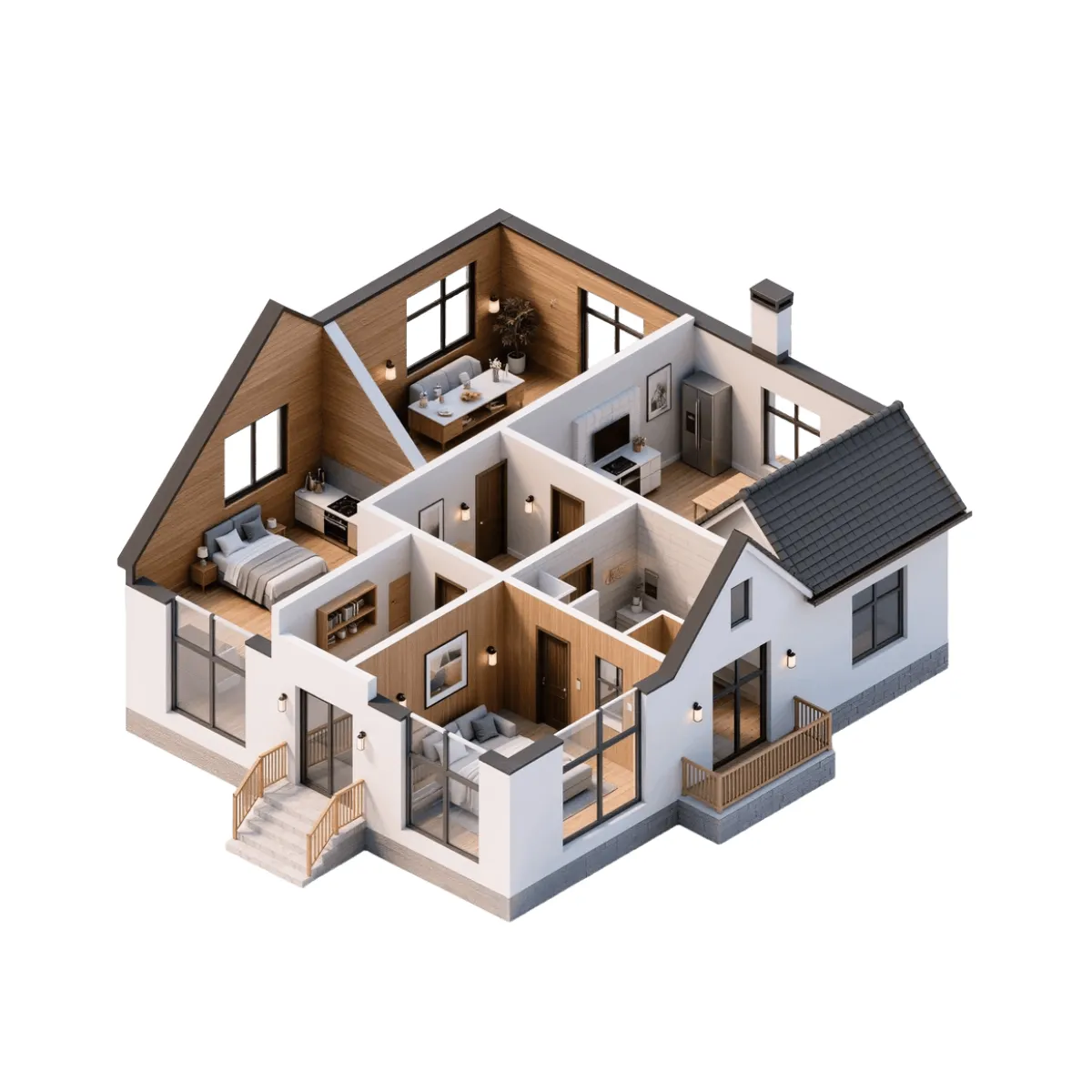
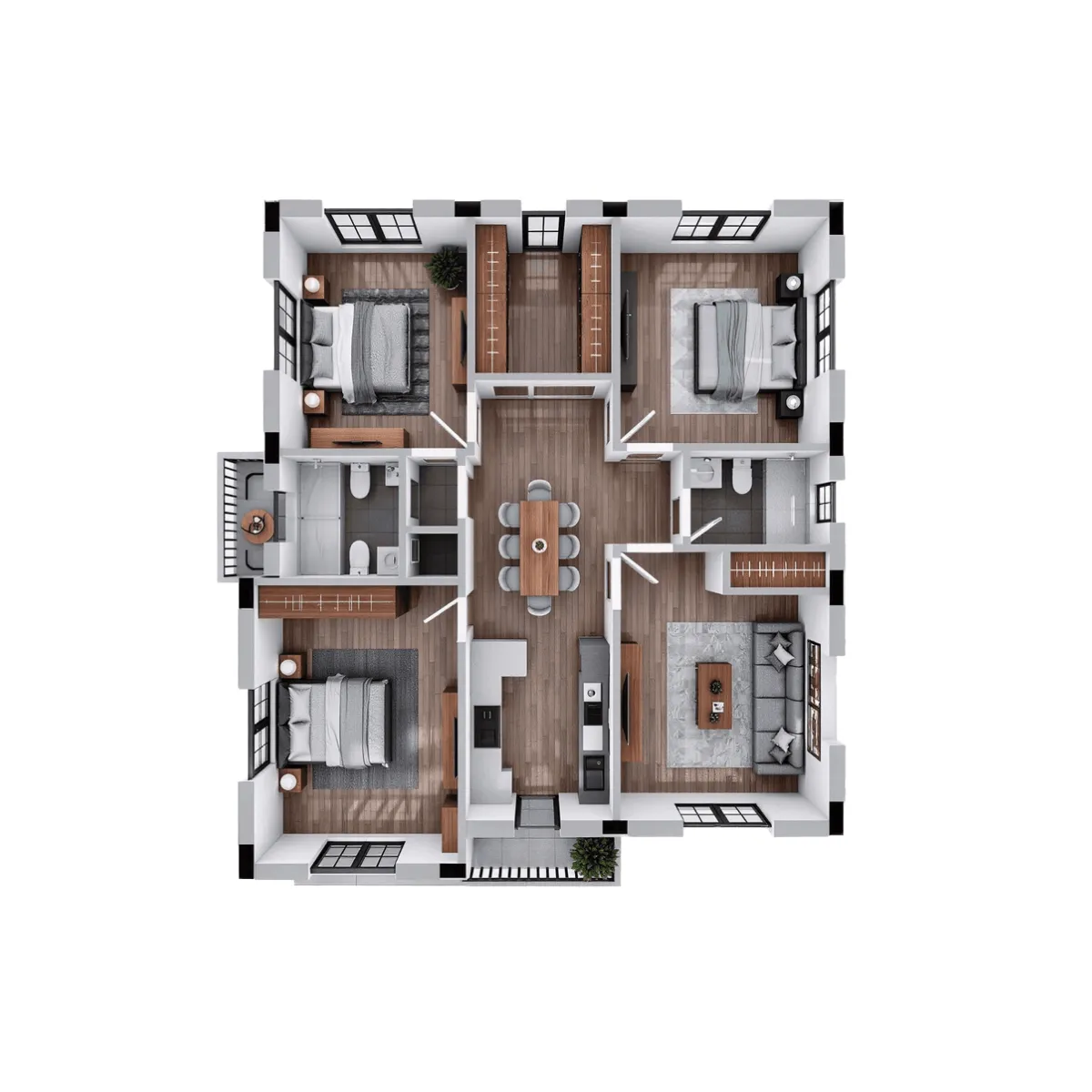

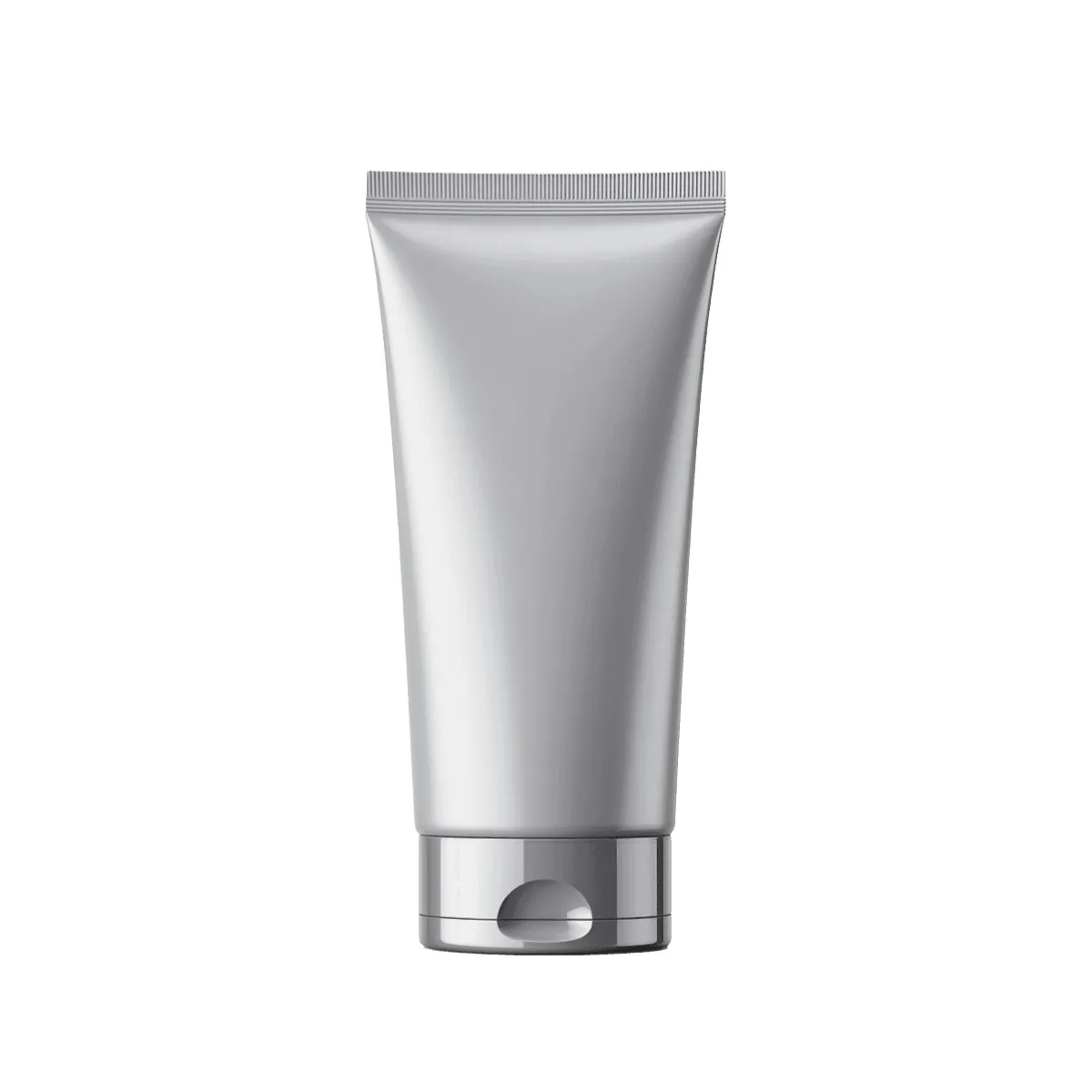
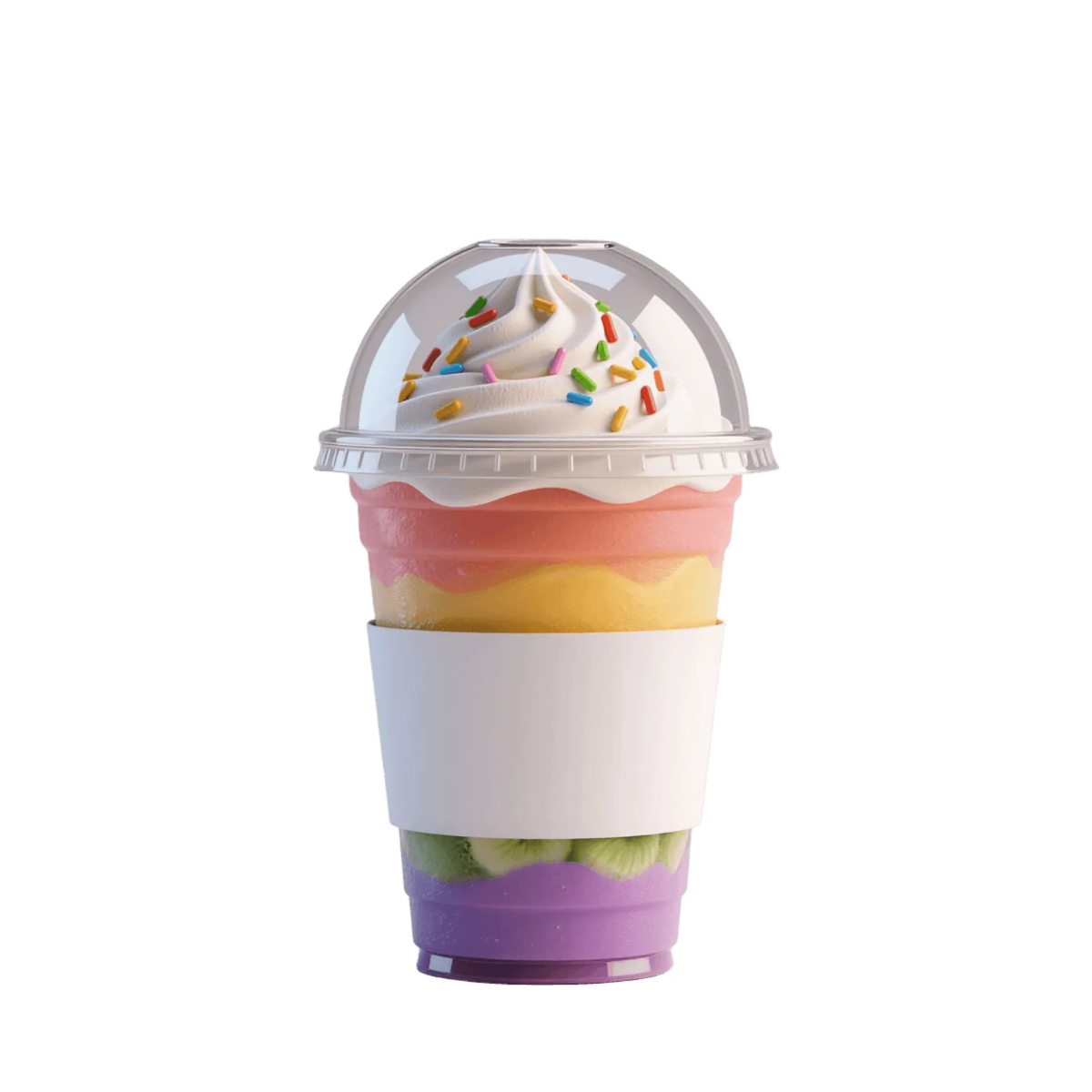


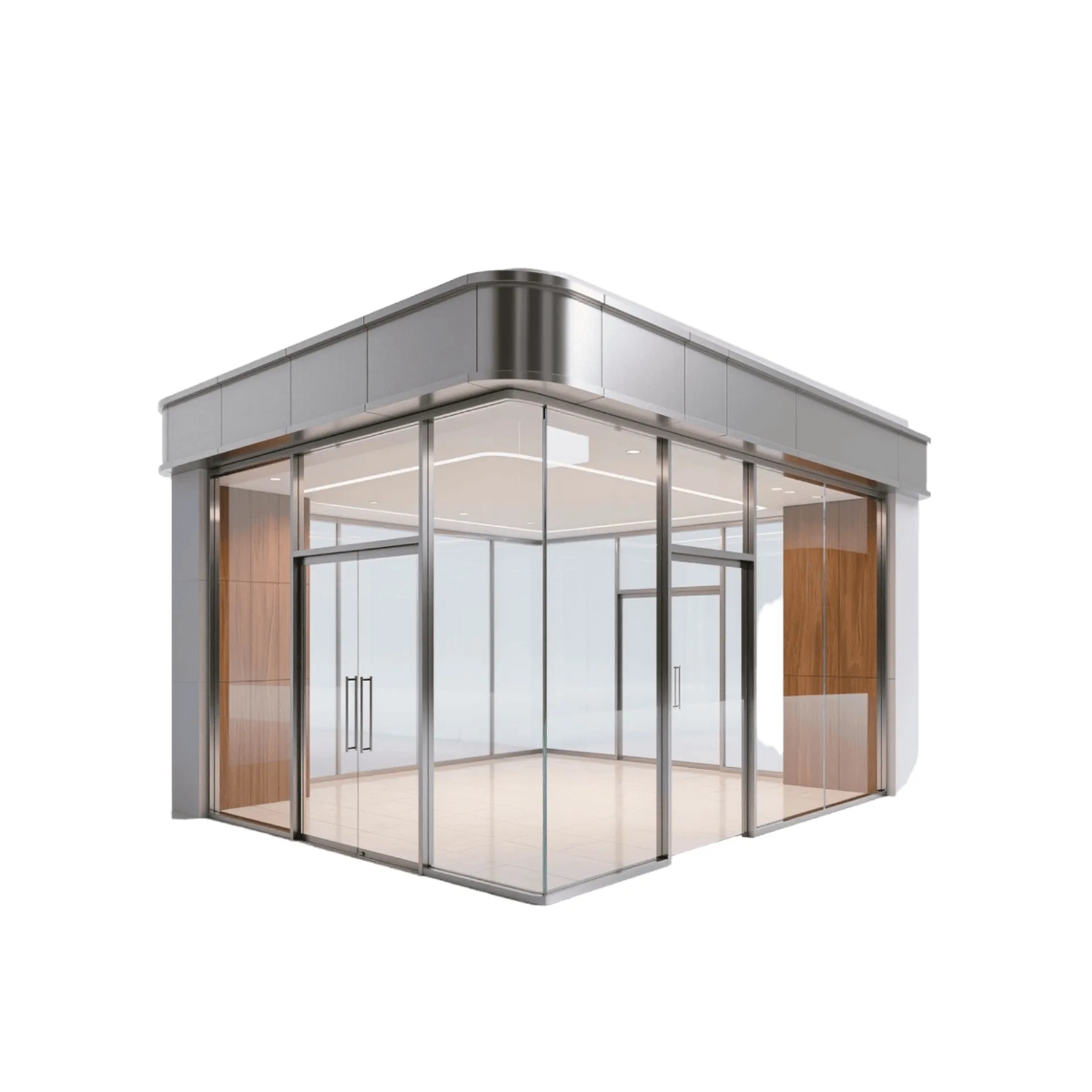
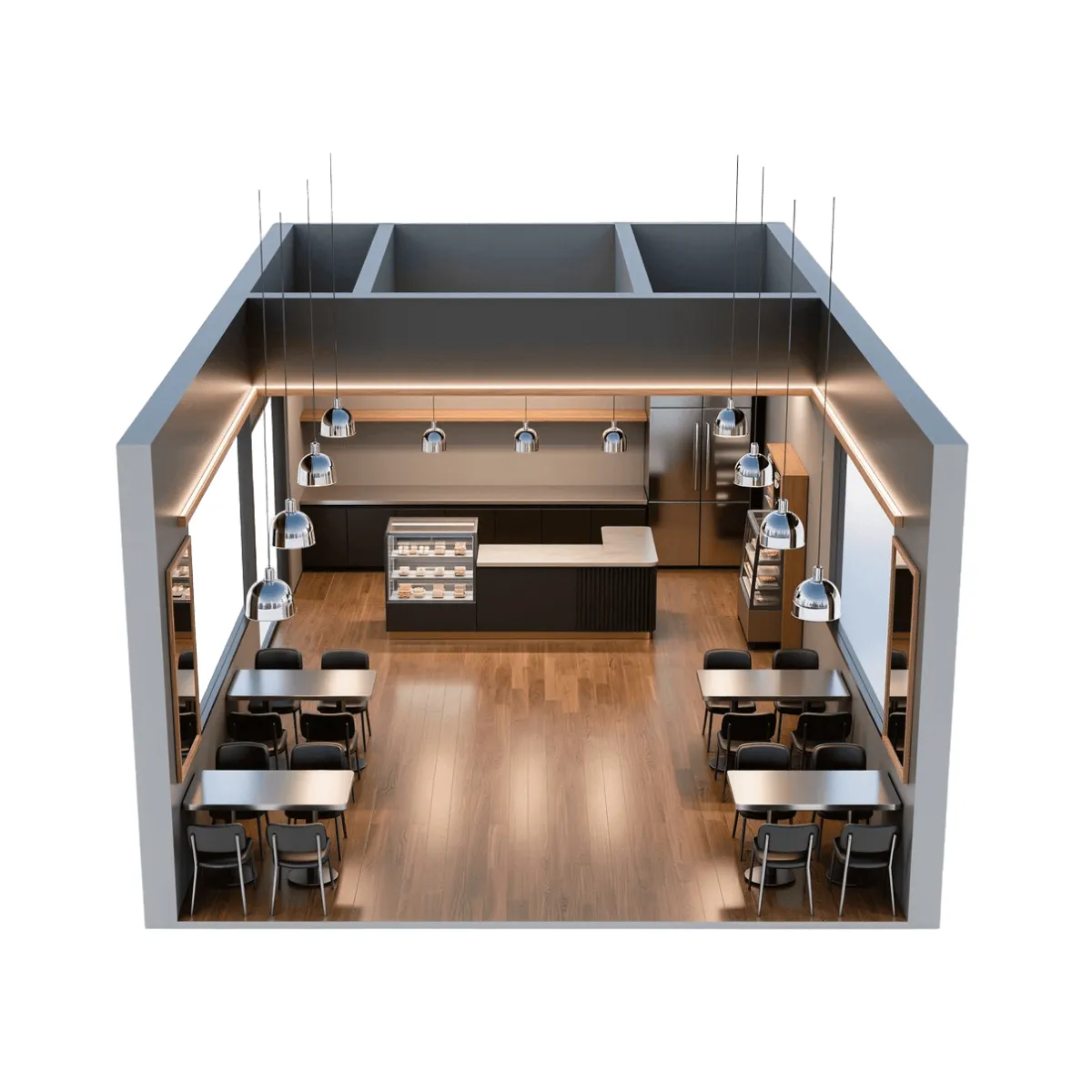

Free 3D Templates: Editable Design Guide, Uses, and Download Formats
What is a 3D?
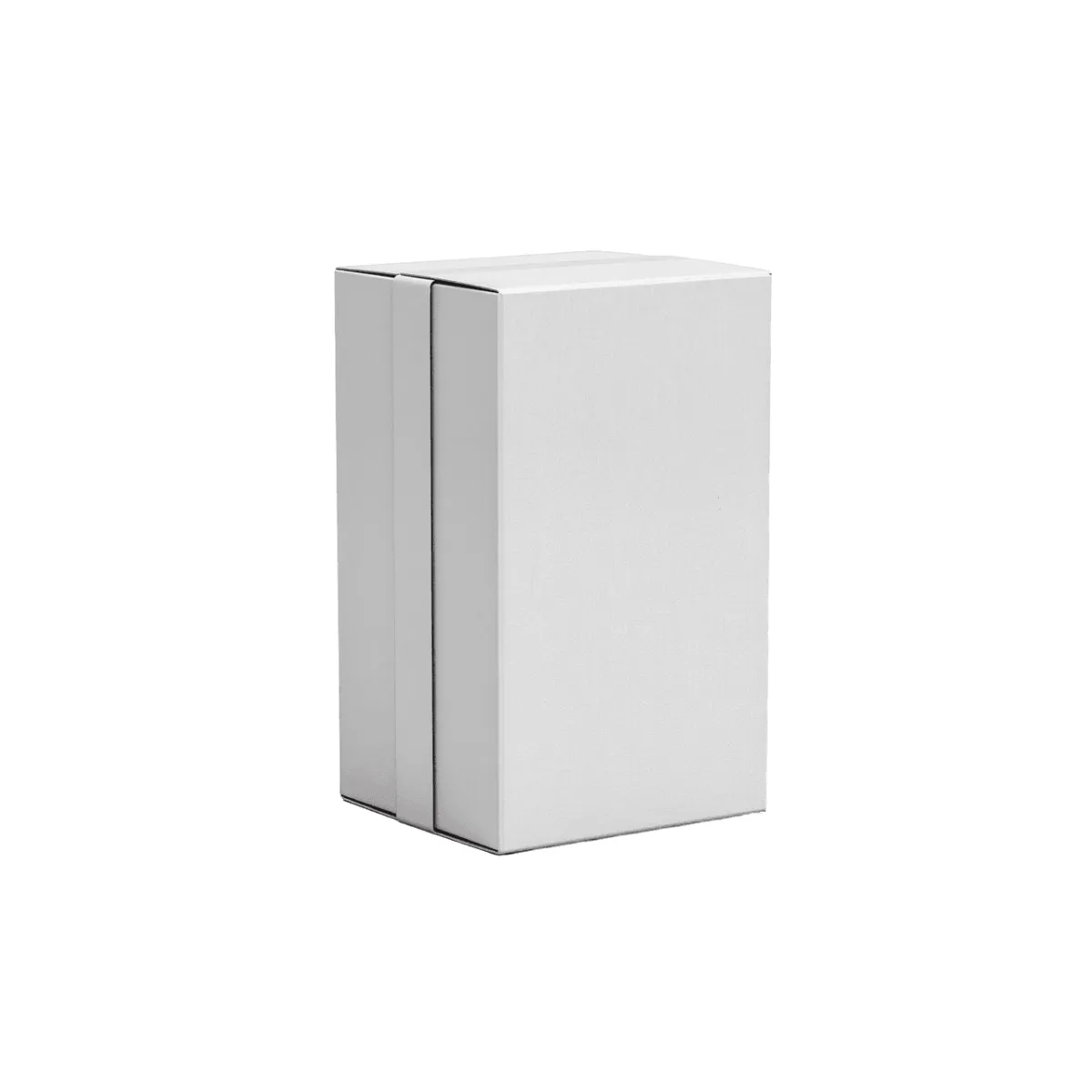
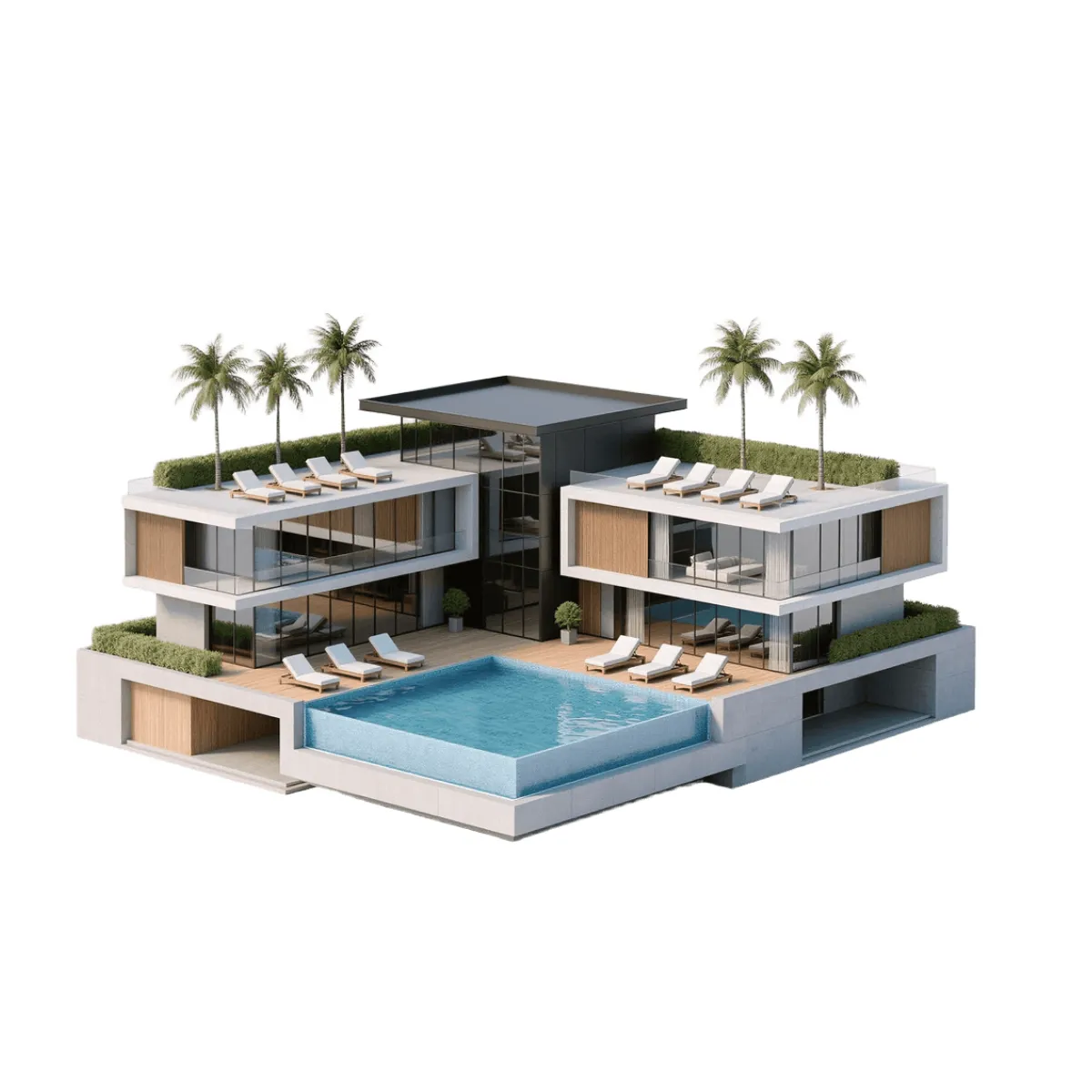
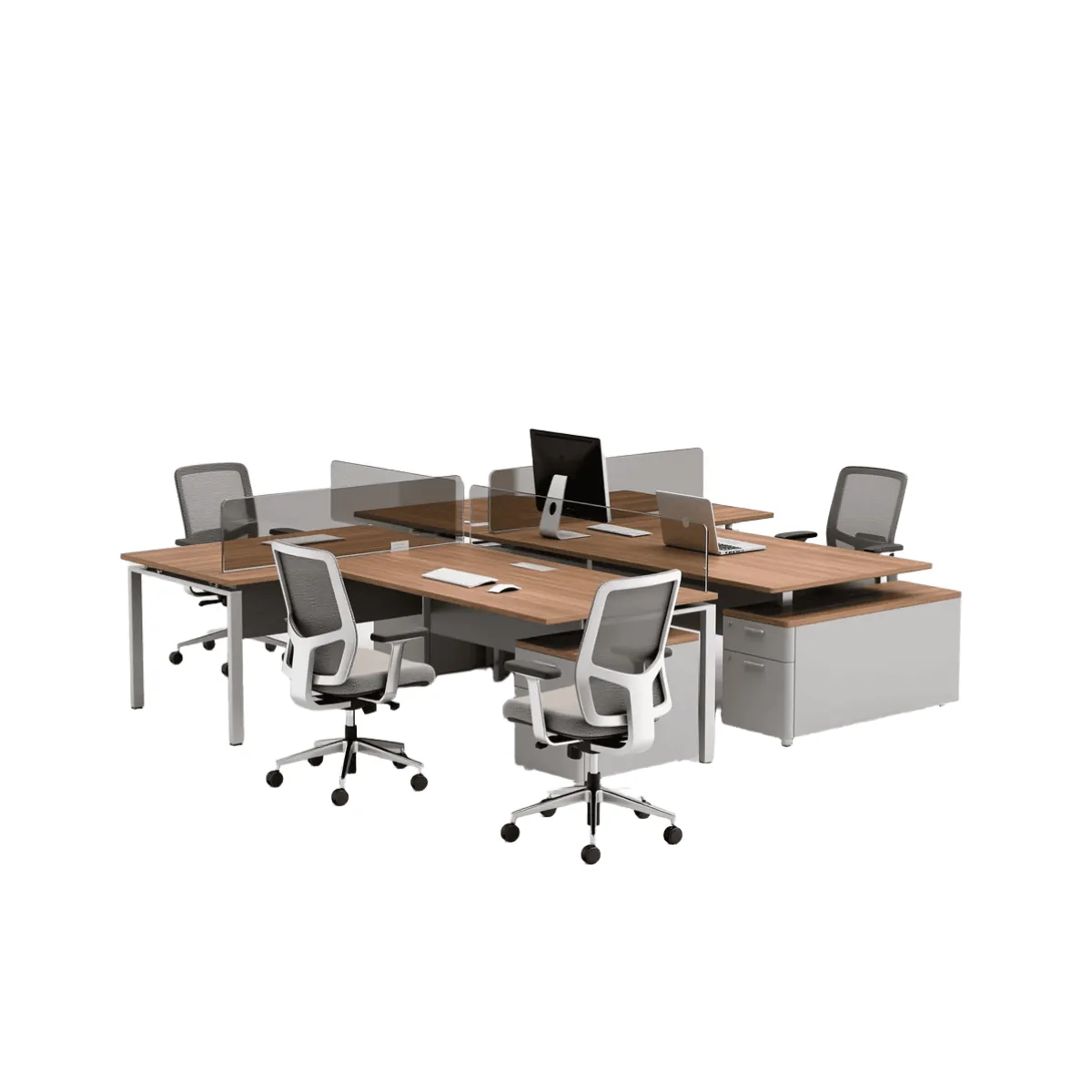
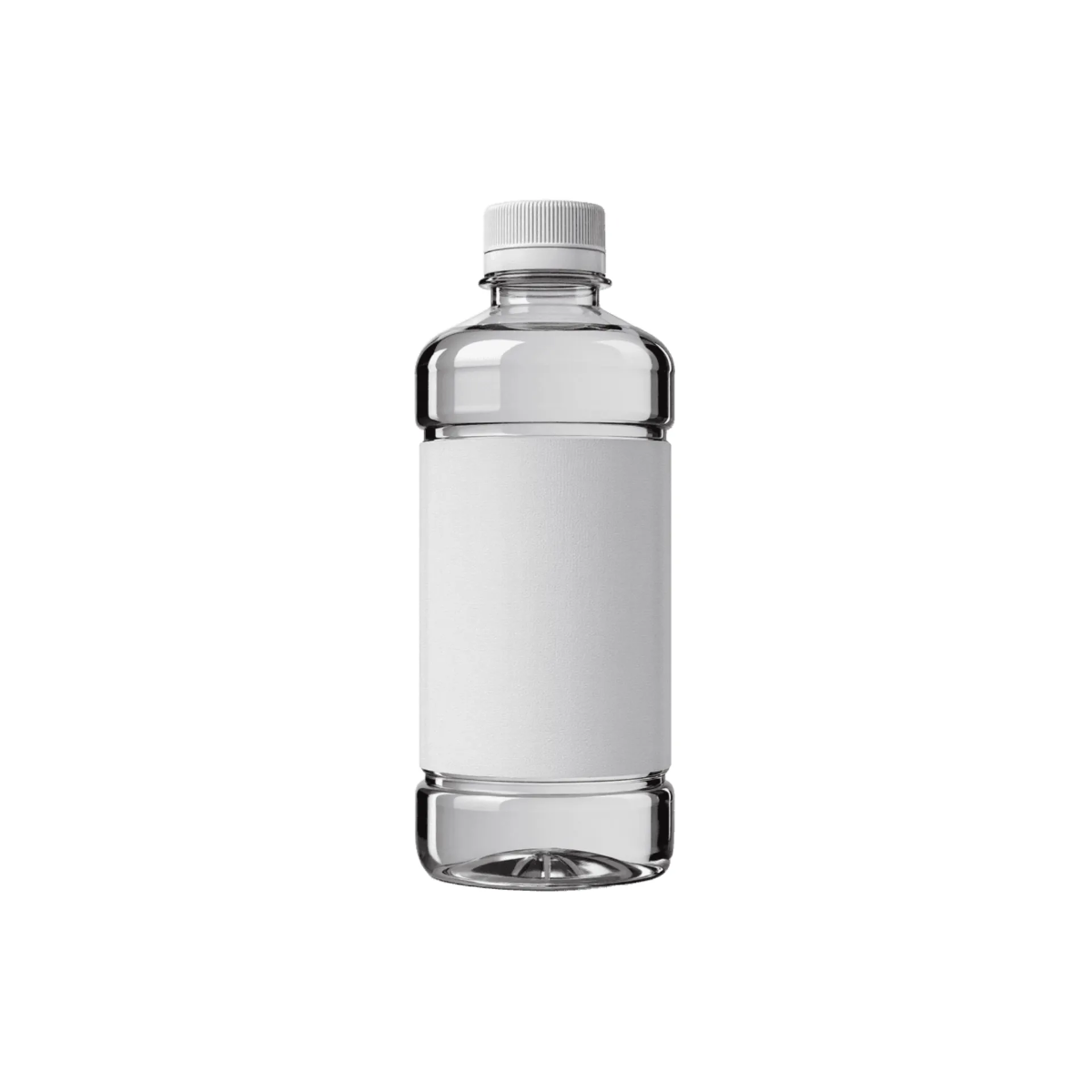
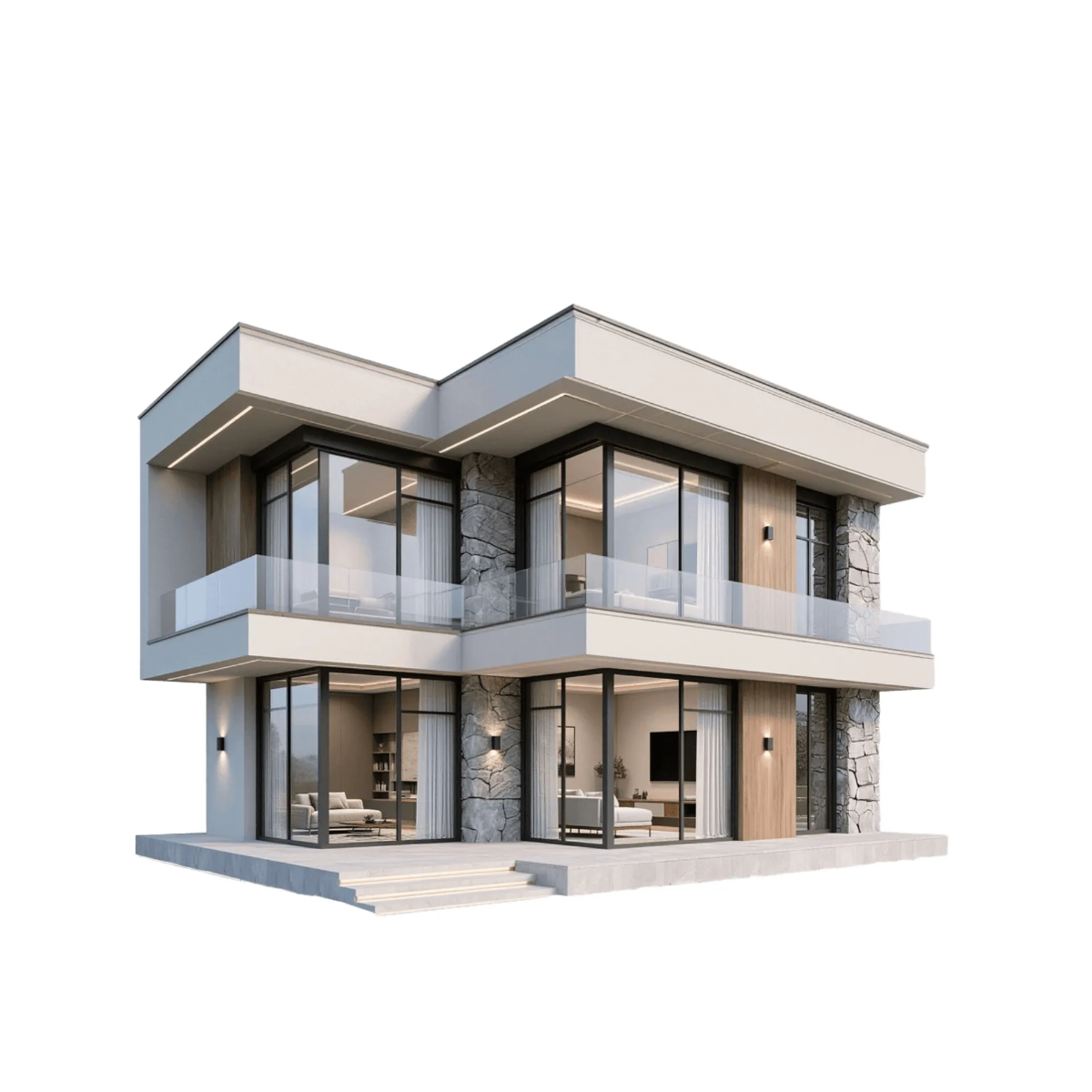
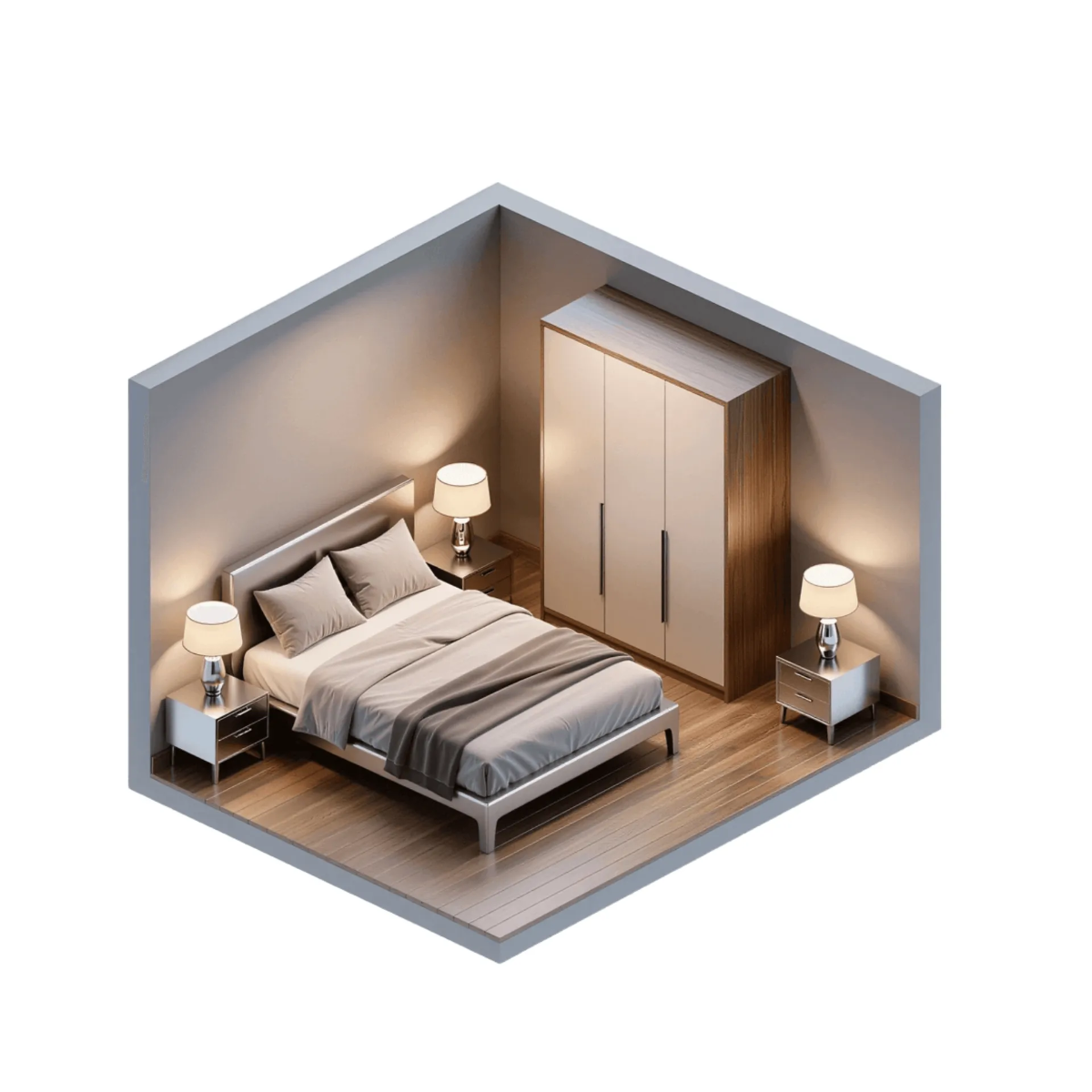
3D represents three-dimensional digital content that incorporates depth, width, and height, creating realistic visual representations. Editable 3D templates on Template.net allow you to customize professional designs online without specialized software.
Why should I use a 3D?
Using 3D templates enhances visual communication by providing depth and realism, making your projects more engaging and professional. Editable 3D designs streamline your workflow by allowing online customization that fits various project needs.
Who uses 3D?
3D templates are used by graphic designers, marketers, architects, educators, and product developers who require professional-quality visuals. Editable 3D designs support these users by offering customizable options online for diverse industries.
What are the best tips for completing my 3D?
To complete your editable 3D template effectively, focus on these tips:
- Define the project goal to guide design choices
- Customize colors and textures to match your brand or theme
- Adjust lighting and perspective for realism
- Preview frequently to ensure accuracy
- Export in suitable formats for your workflow
Can I create a 3D using AI?
Yes, you can create or enhance 3D models using AI tools. Template.net offers a 3D Model Generator that provides AI-powered assistance to generate customizable 3D designs efficiently.
What file formats can I download for my 3D?
Template.net editable 3D templates support multiple export formats for flexibility, including Illustrator, PDF, PNG, and SVG.
When should I use a 3D?
You should use 3D templates when you need to add realistic depth and dimension to presentations, marketing materials, product designs, or architectural visualizations. Editable 3D templates help convey complex information more clearly.
What are the essential elements of a 3D template?
Essential elements of an editable 3D template include:
- Three-dimensional geometry defining shapes and forms
- Textures and materials to add surface detail
- Lighting and shading for realism
- Perspective views to showcase depth
- Customizable layers for easy editing
How is 3D used in professional workflows?
3D templates are widely used in professional workflows to develop product prototypes, marketing visuals, architectural plans, and educational materials. Editable 3D designs allow professionals to customize and adapt models quickly for presentations and client approvals.
