Free AI Block Diagram Generator

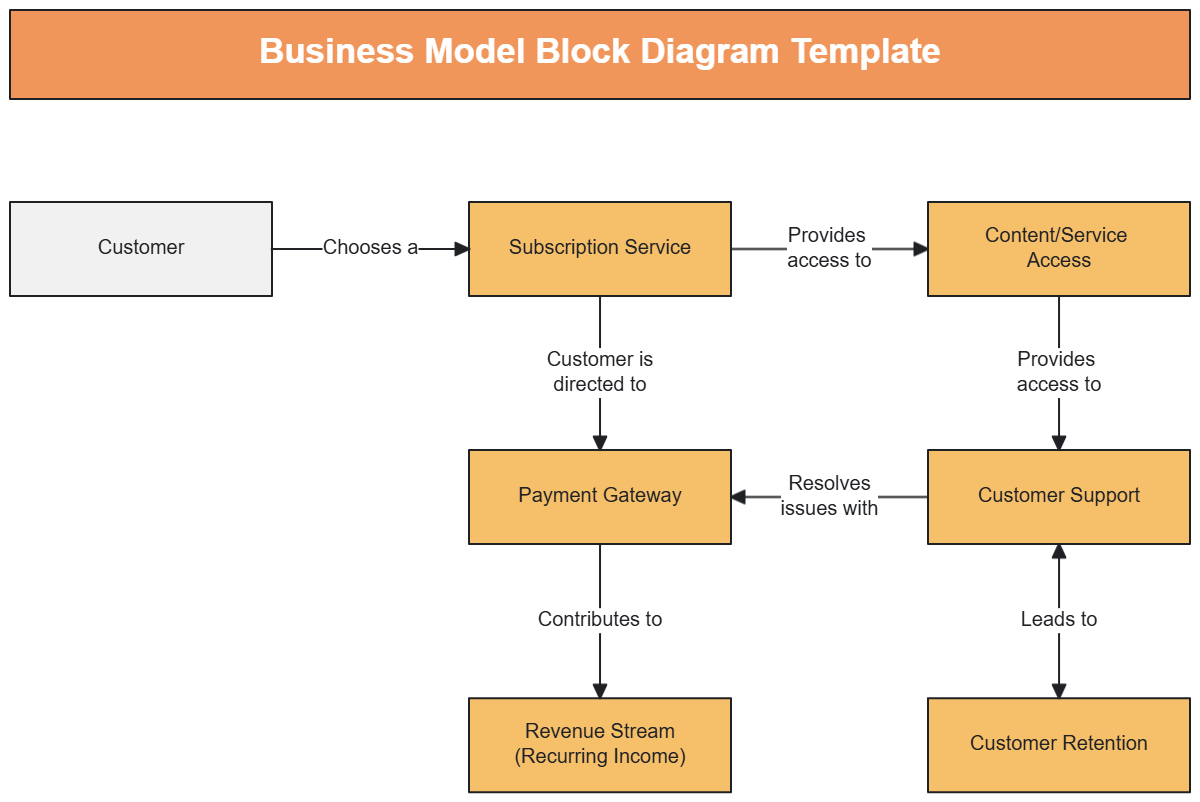
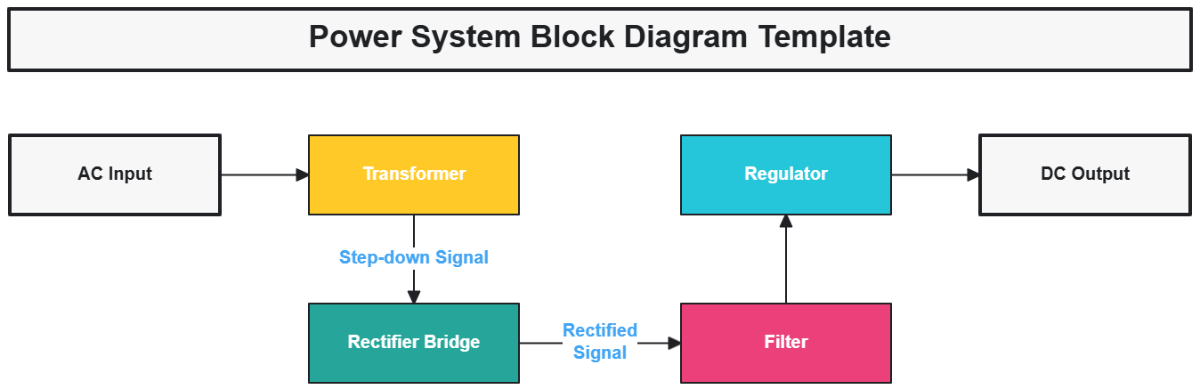
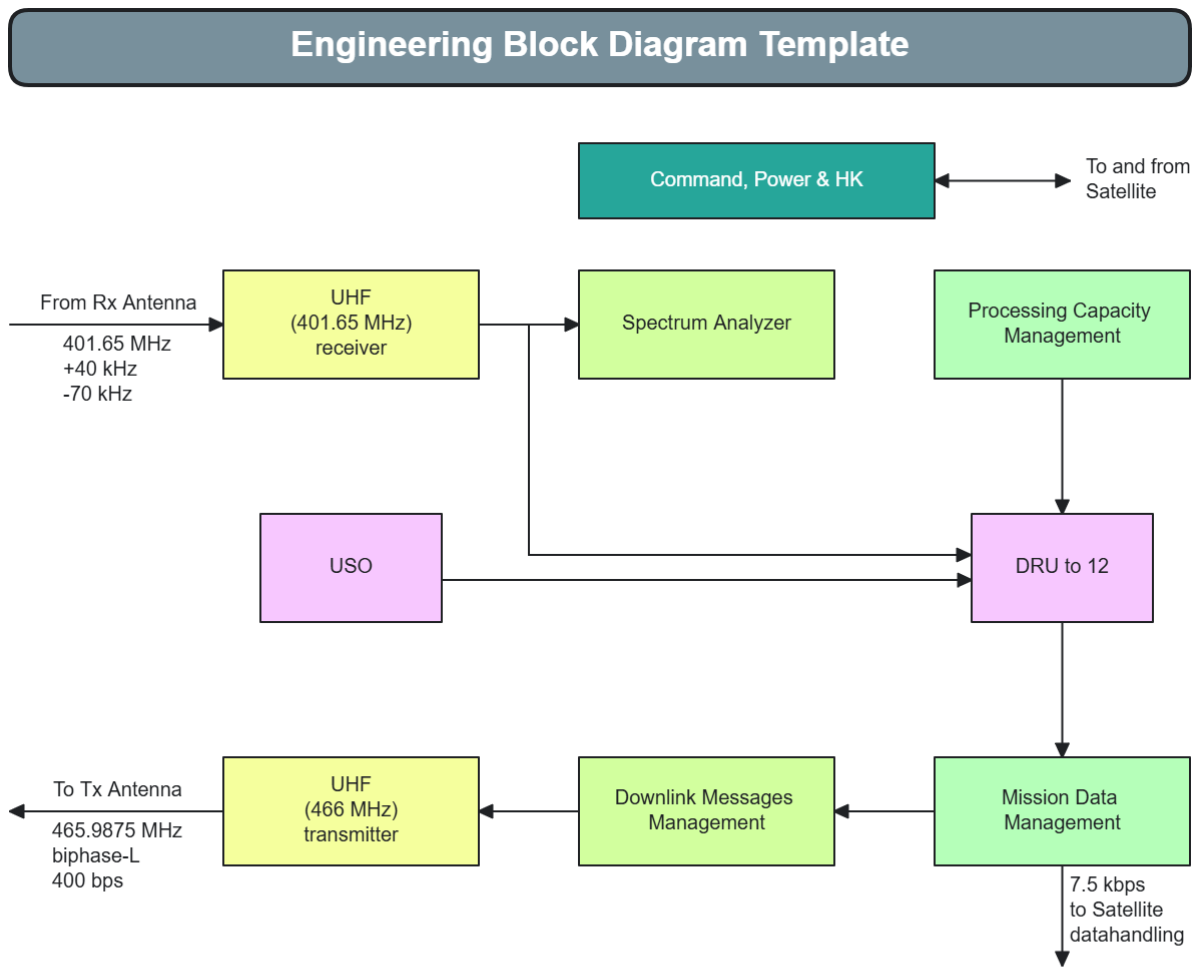
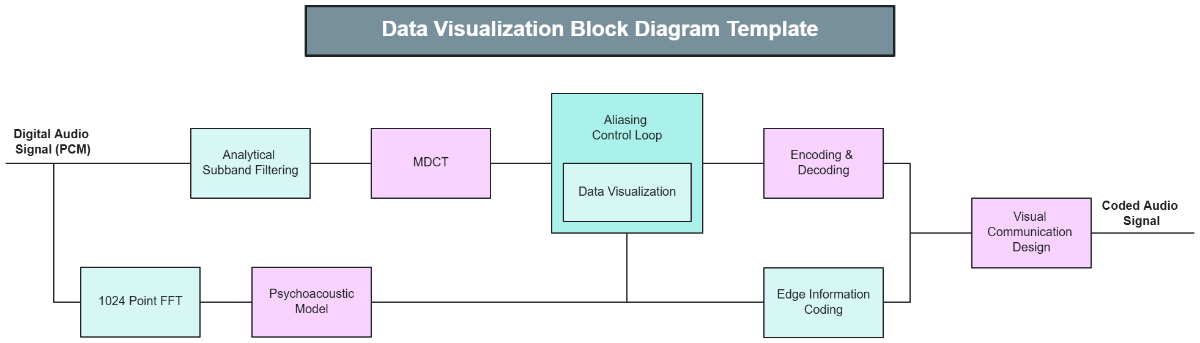
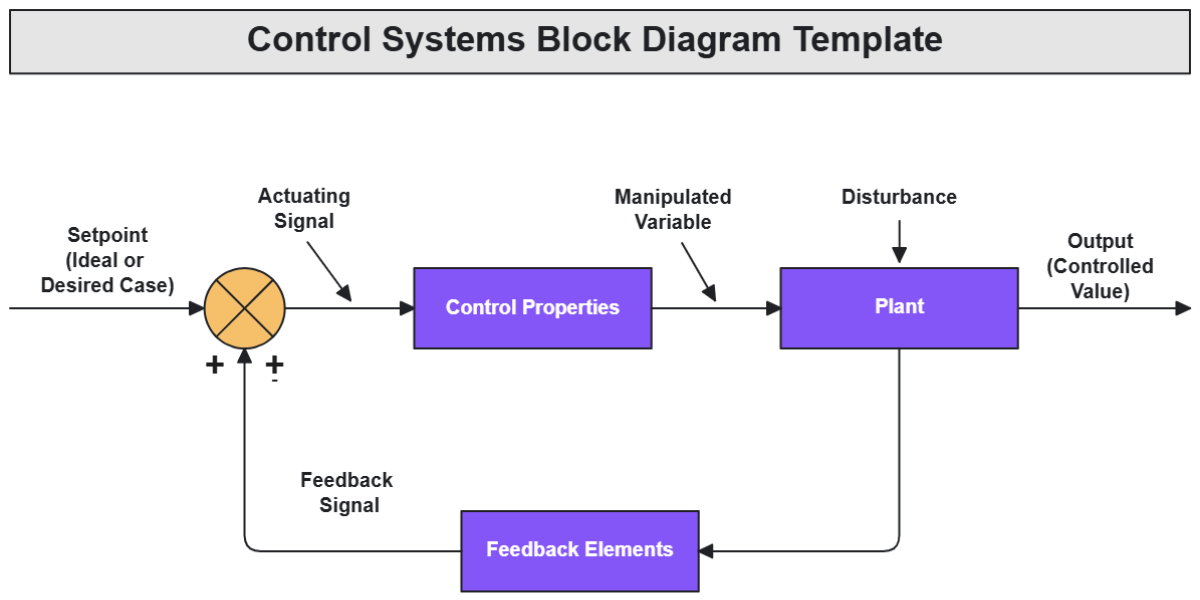
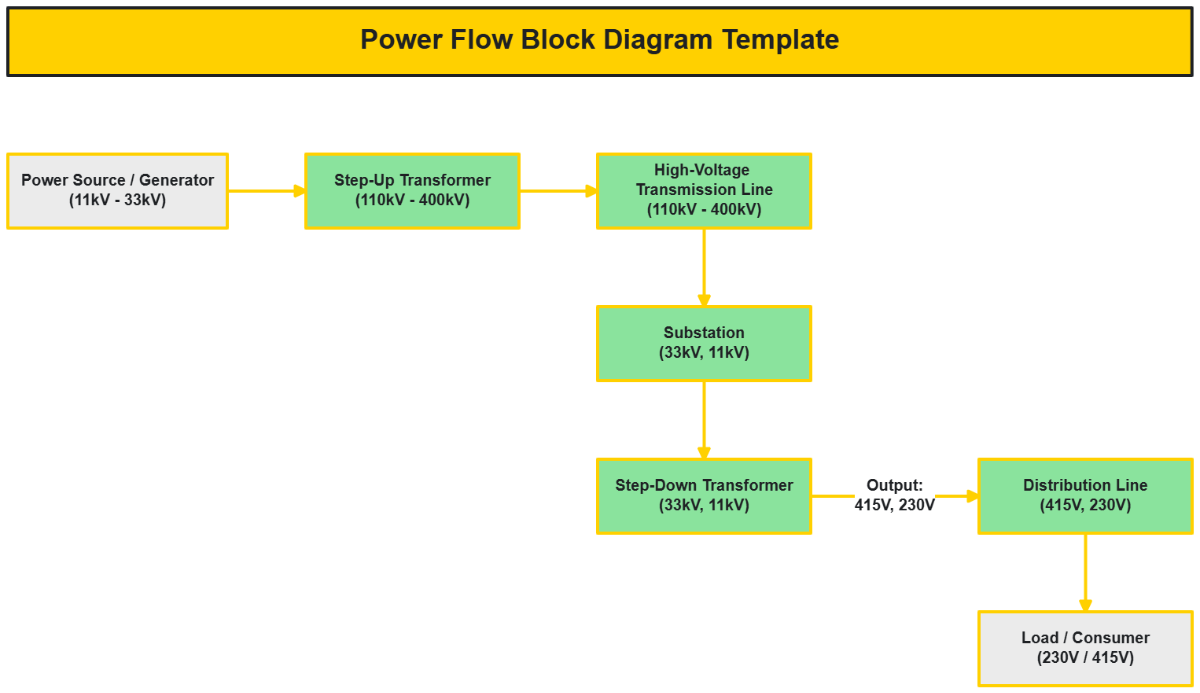
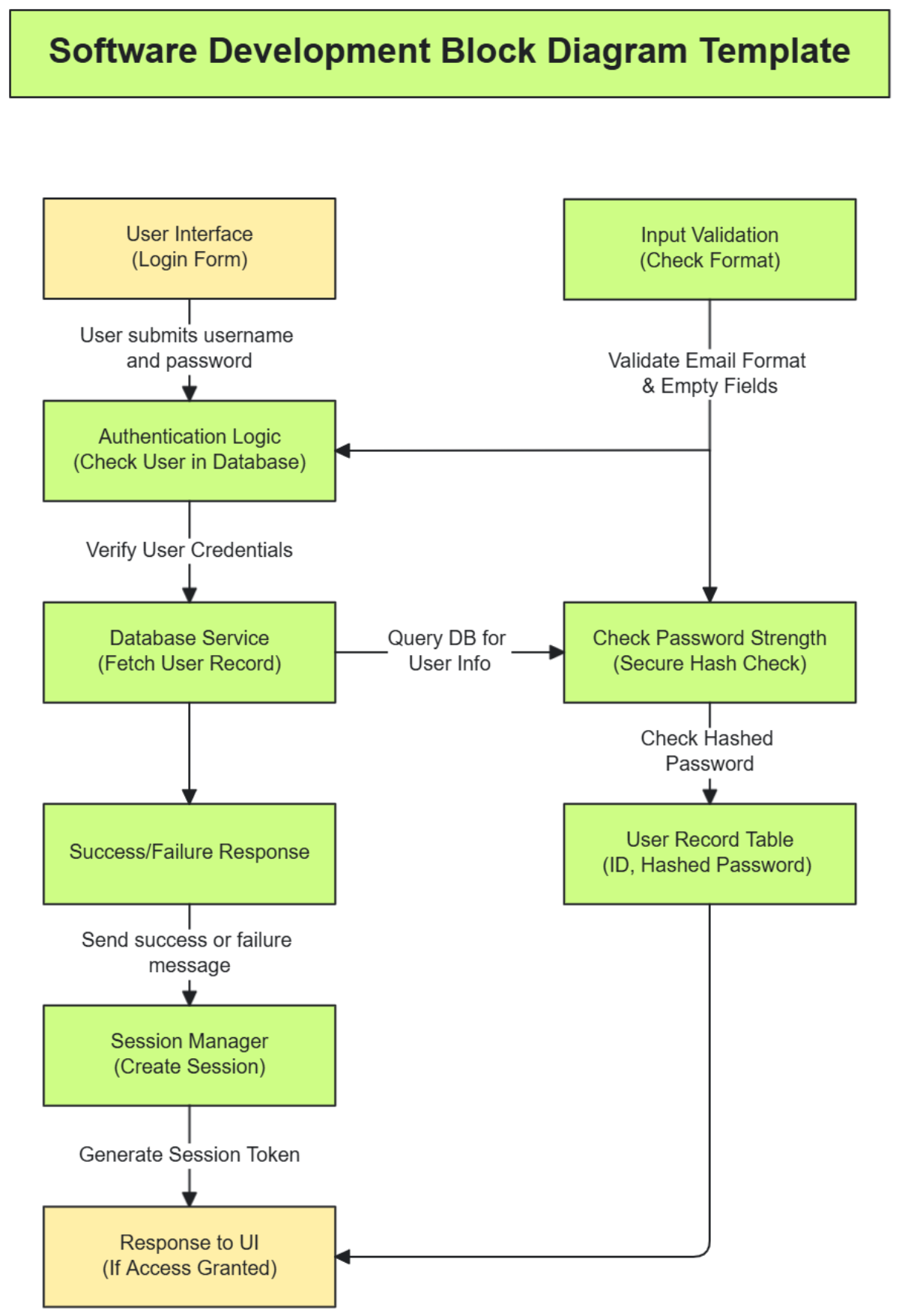
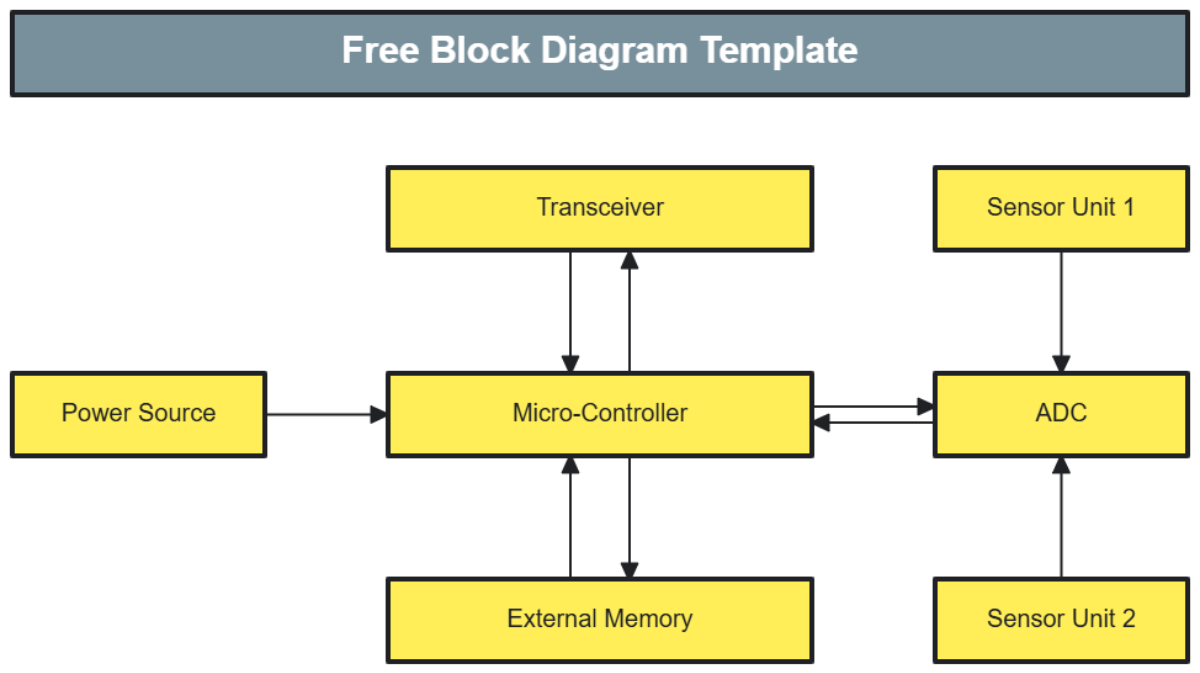
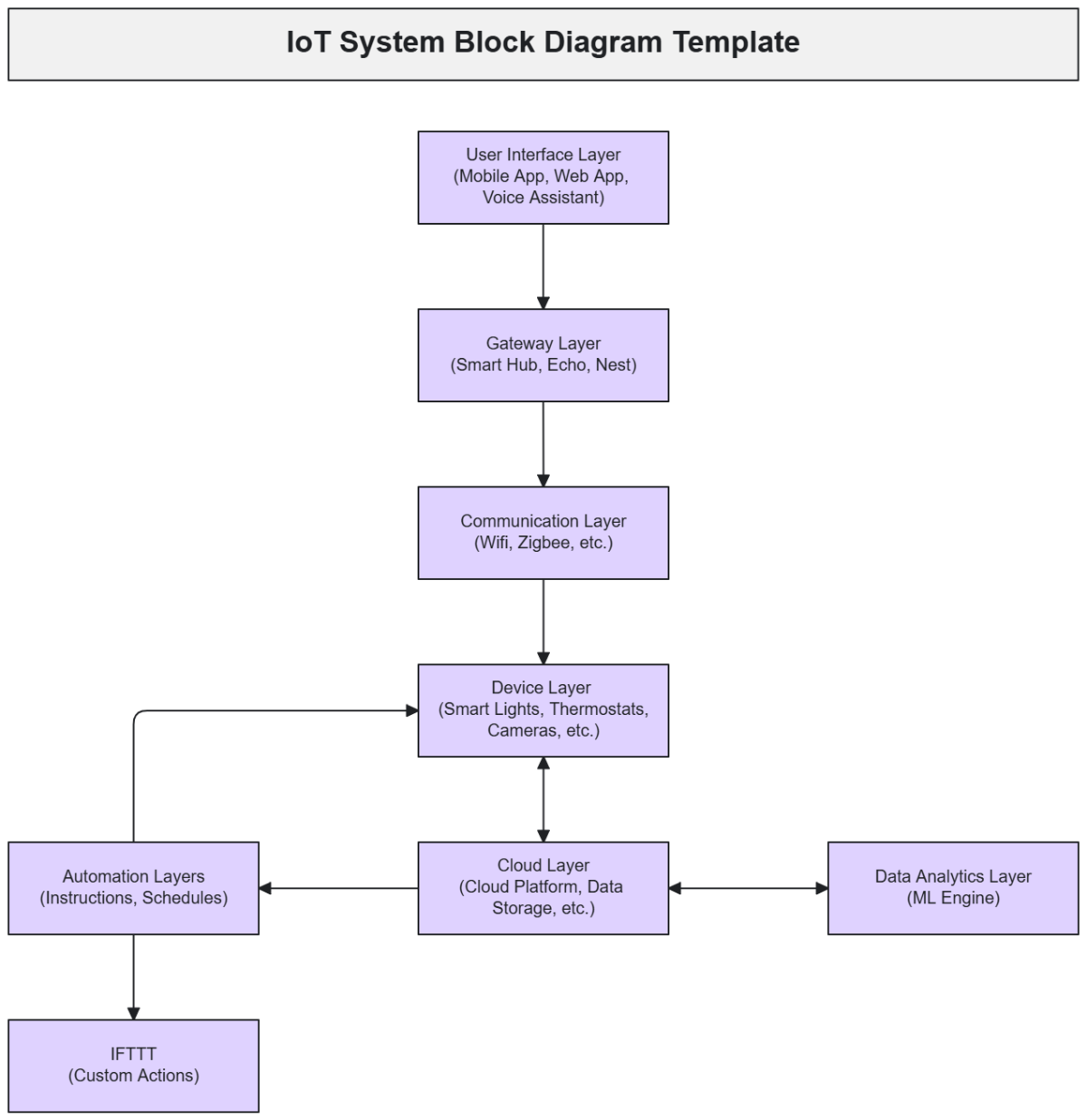
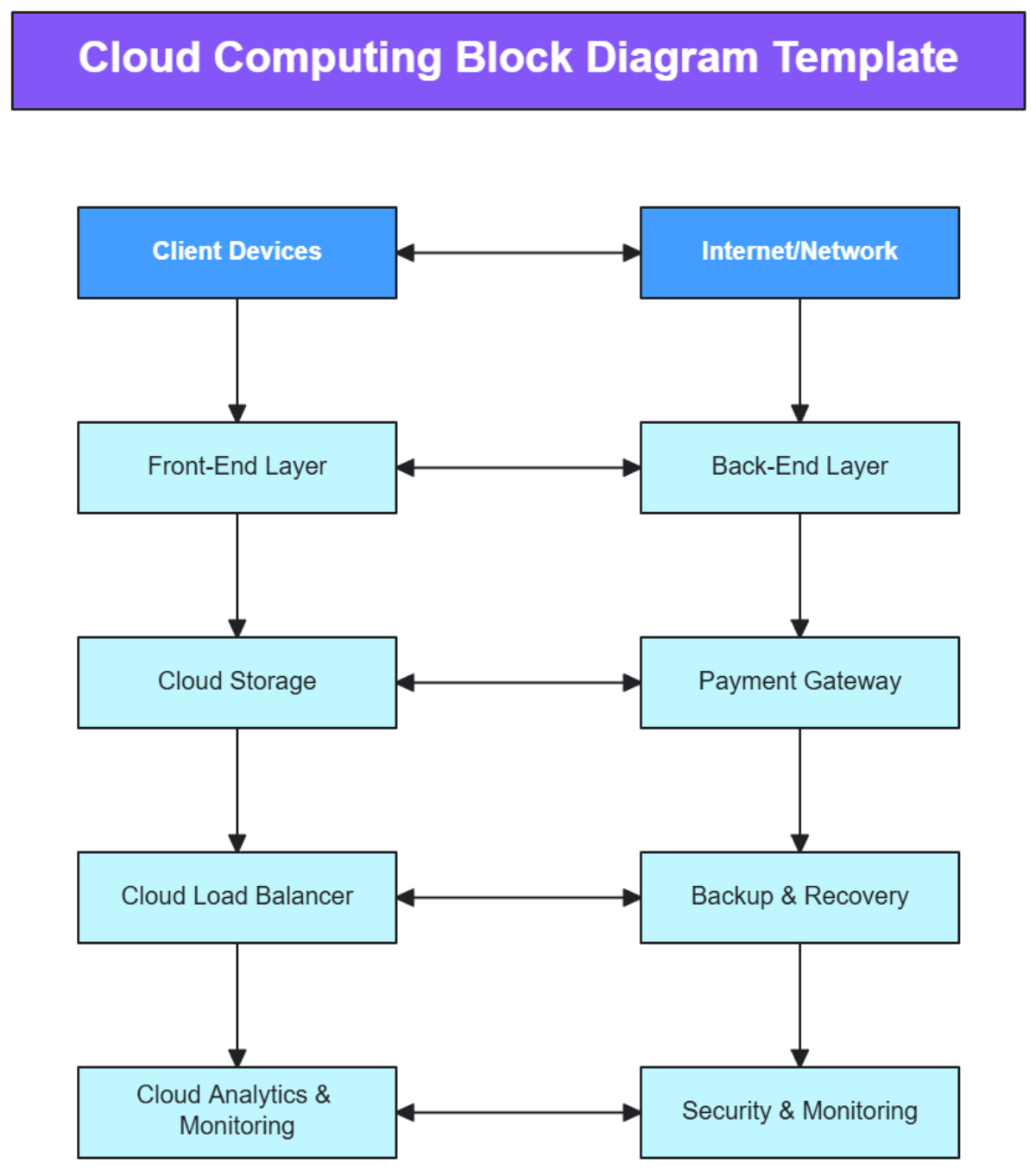
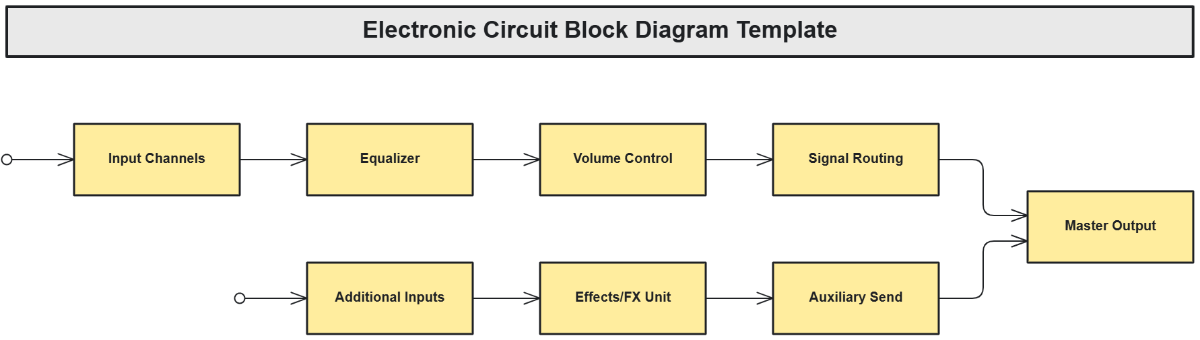
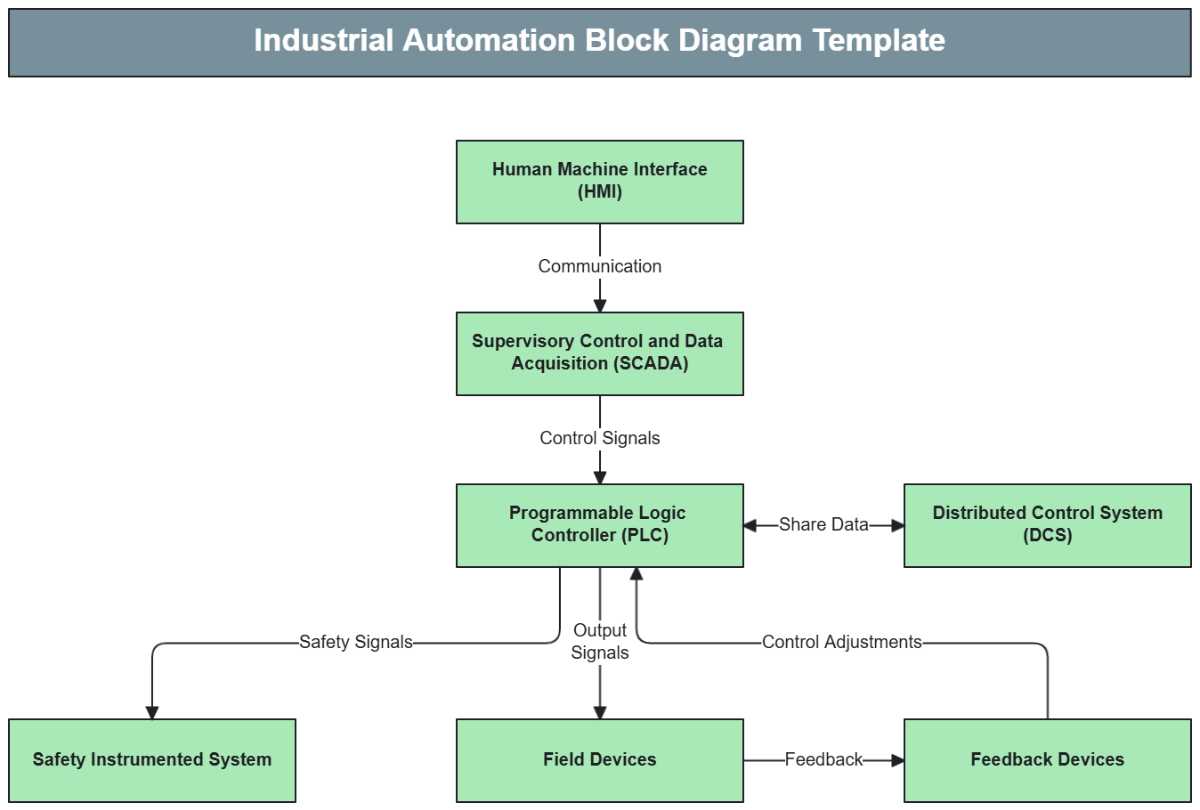

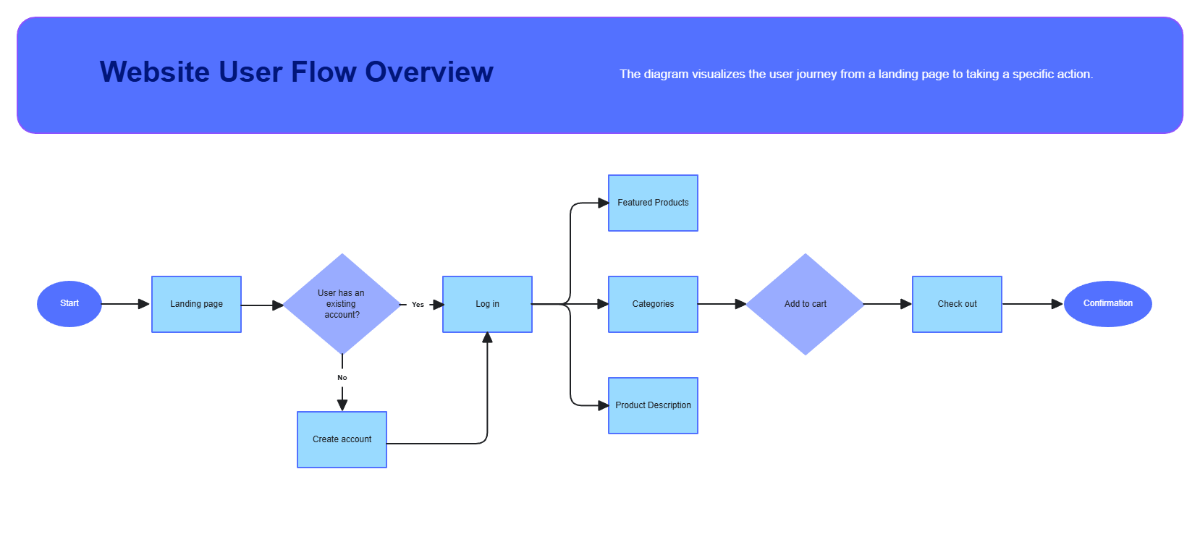
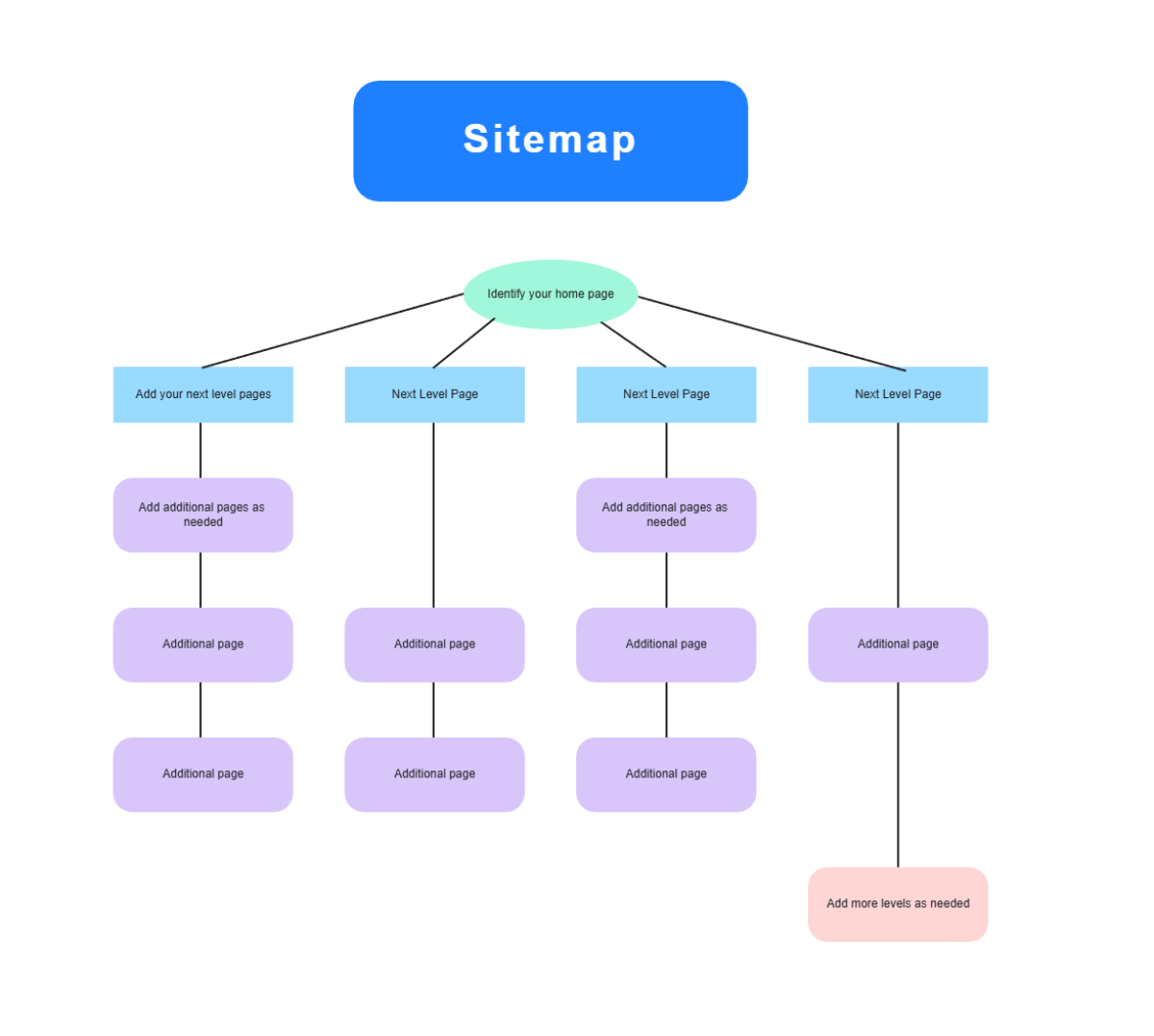
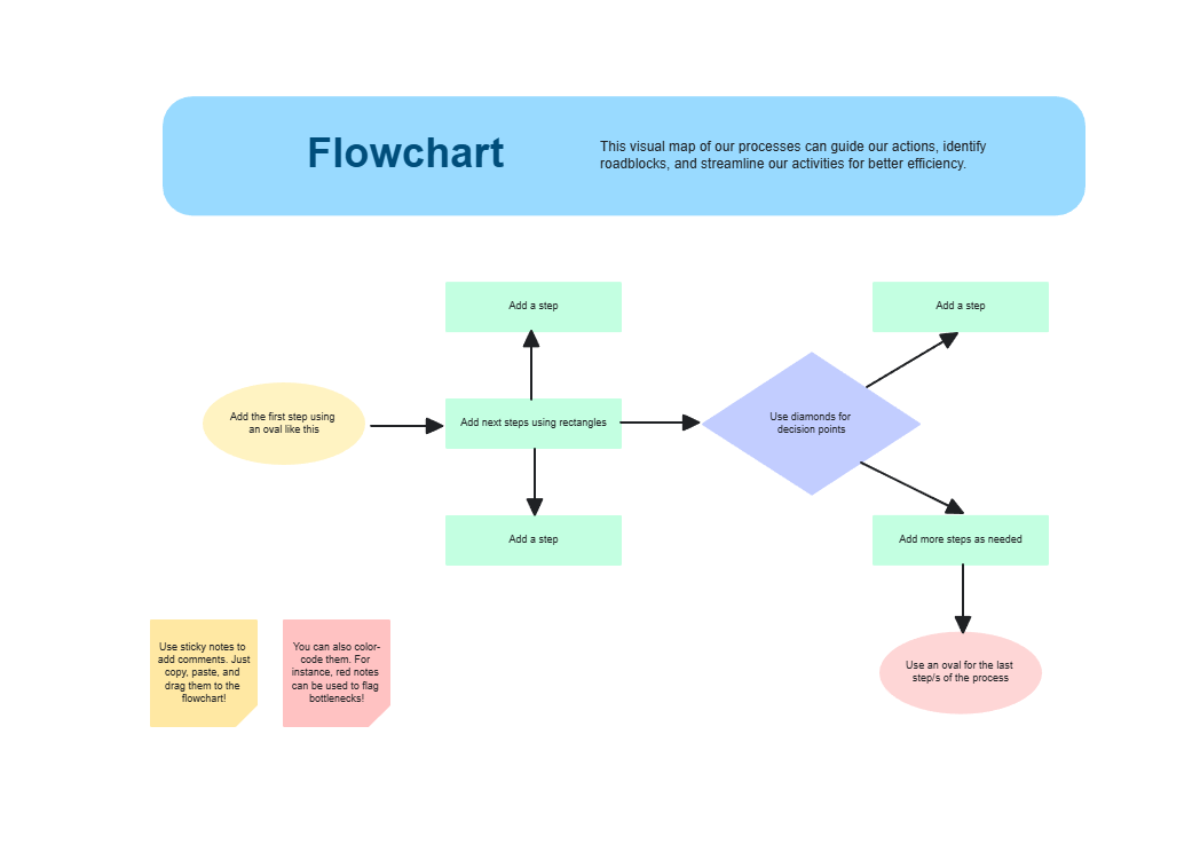
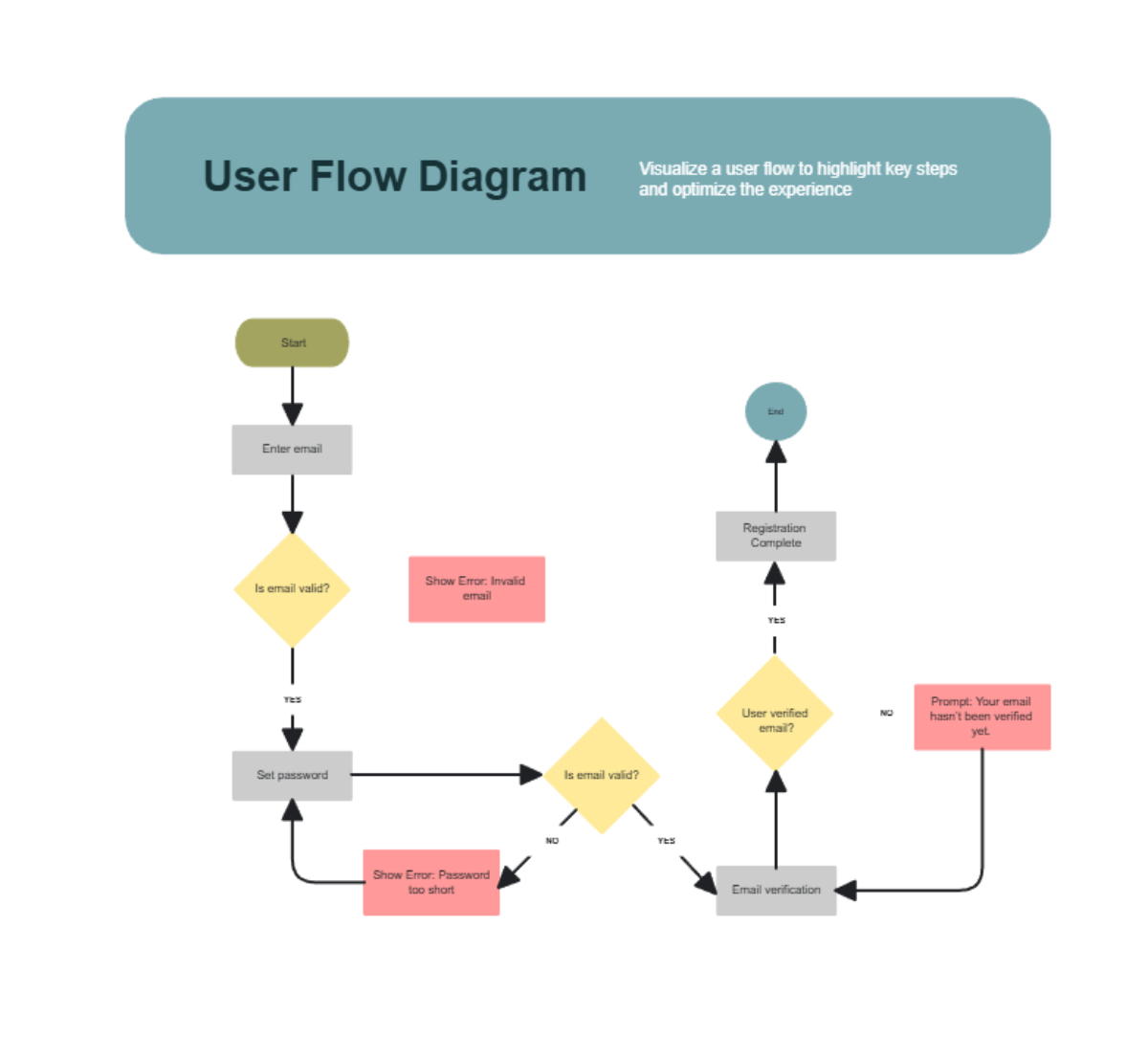


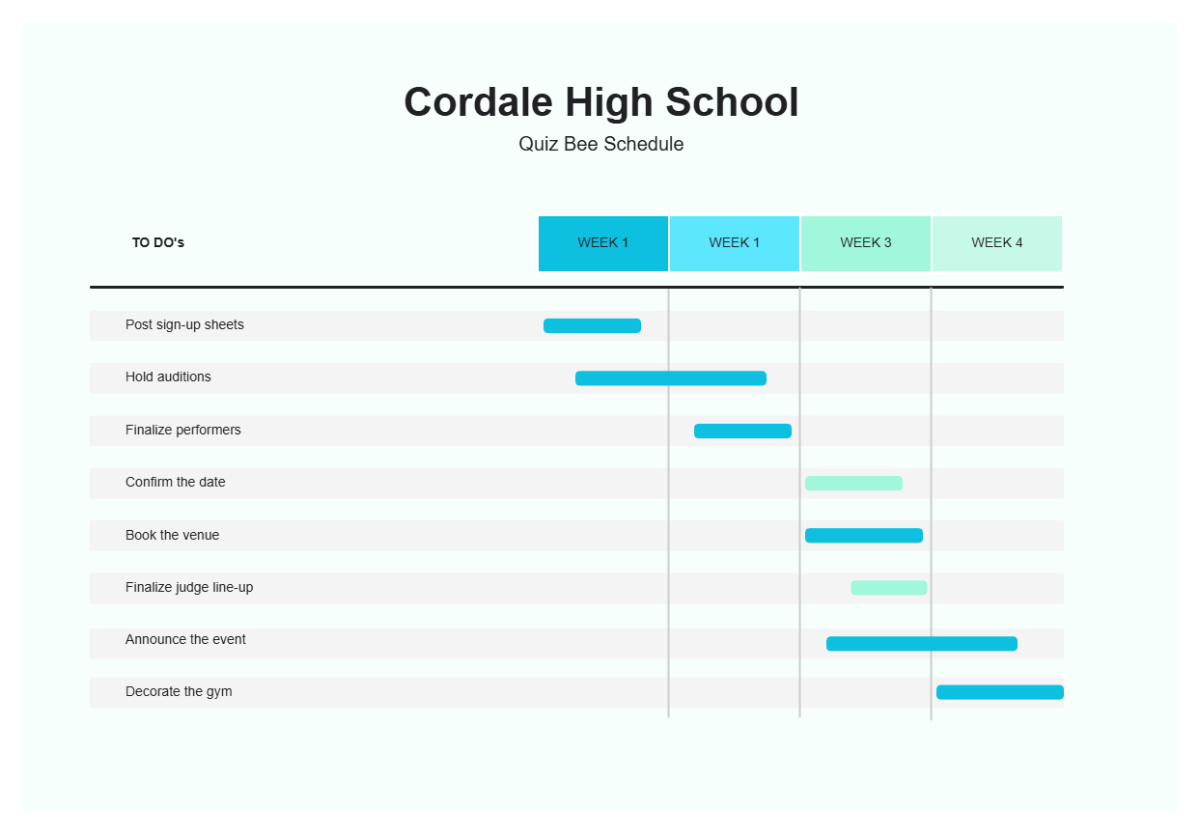
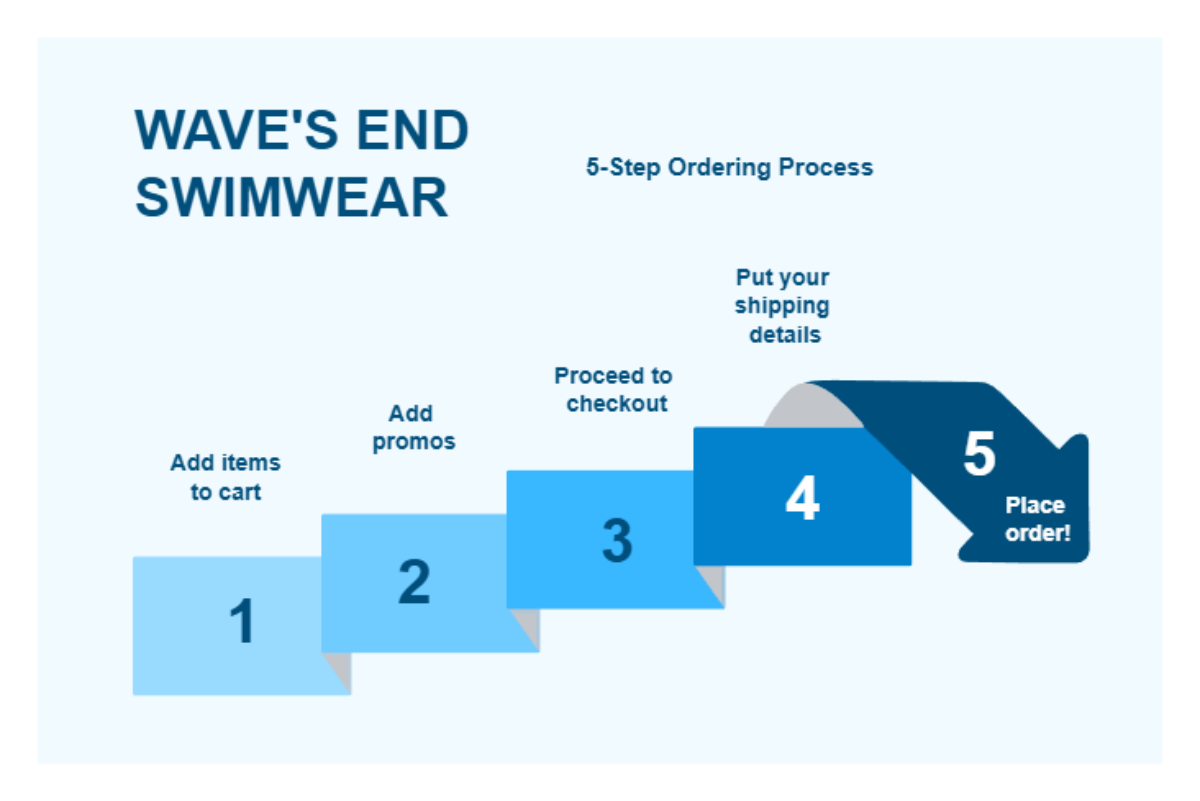
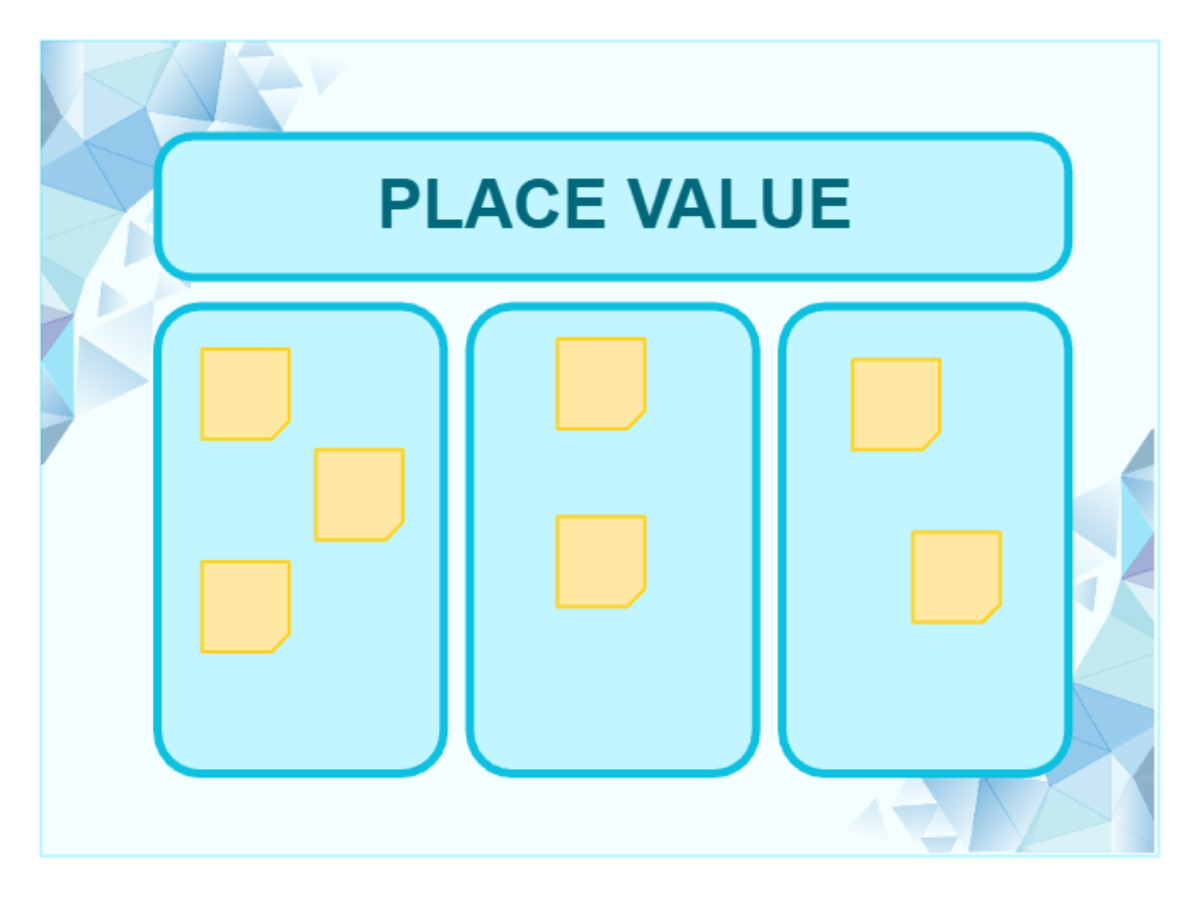
Create Intelligent System Architectures with Design Editor
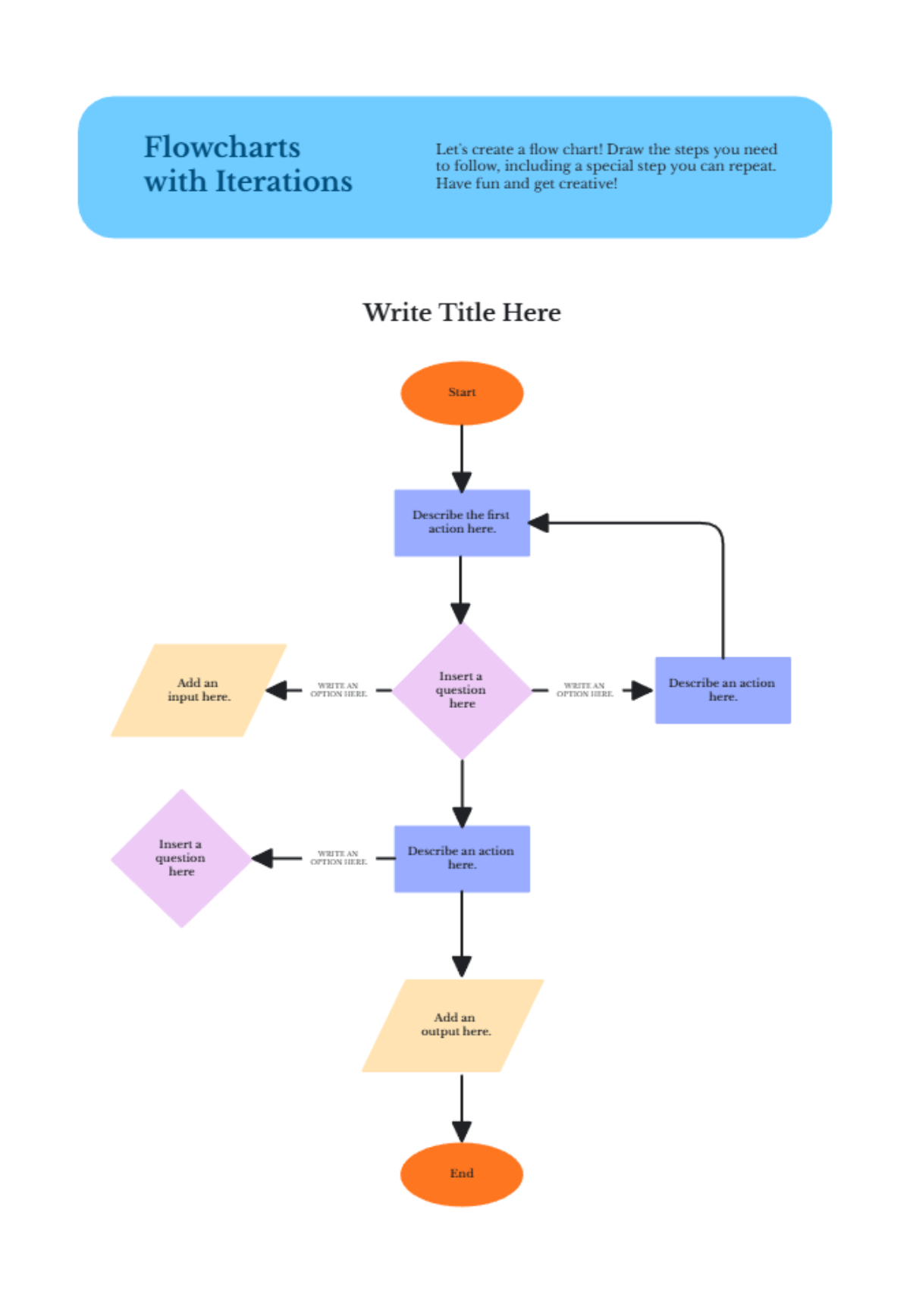
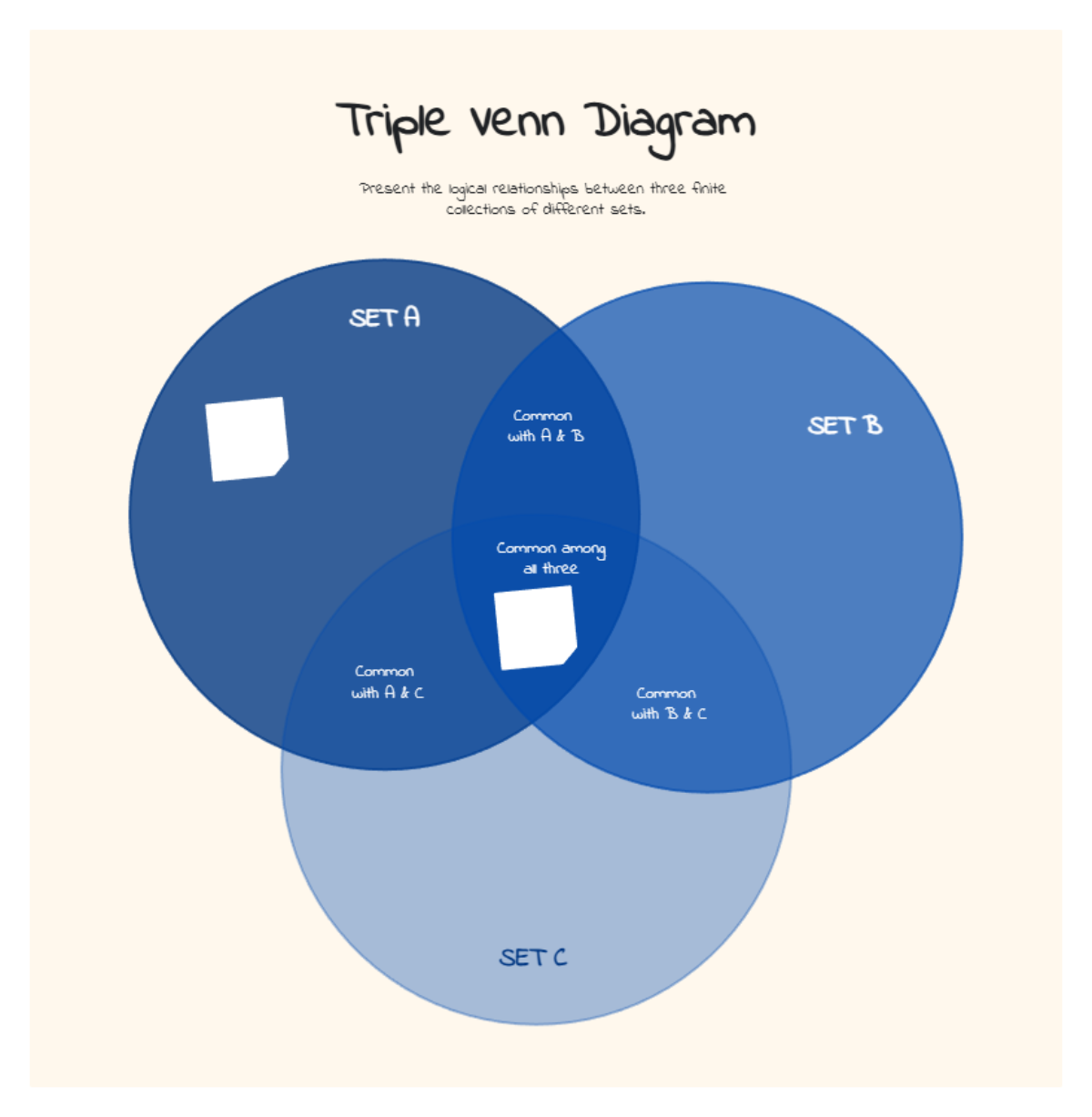
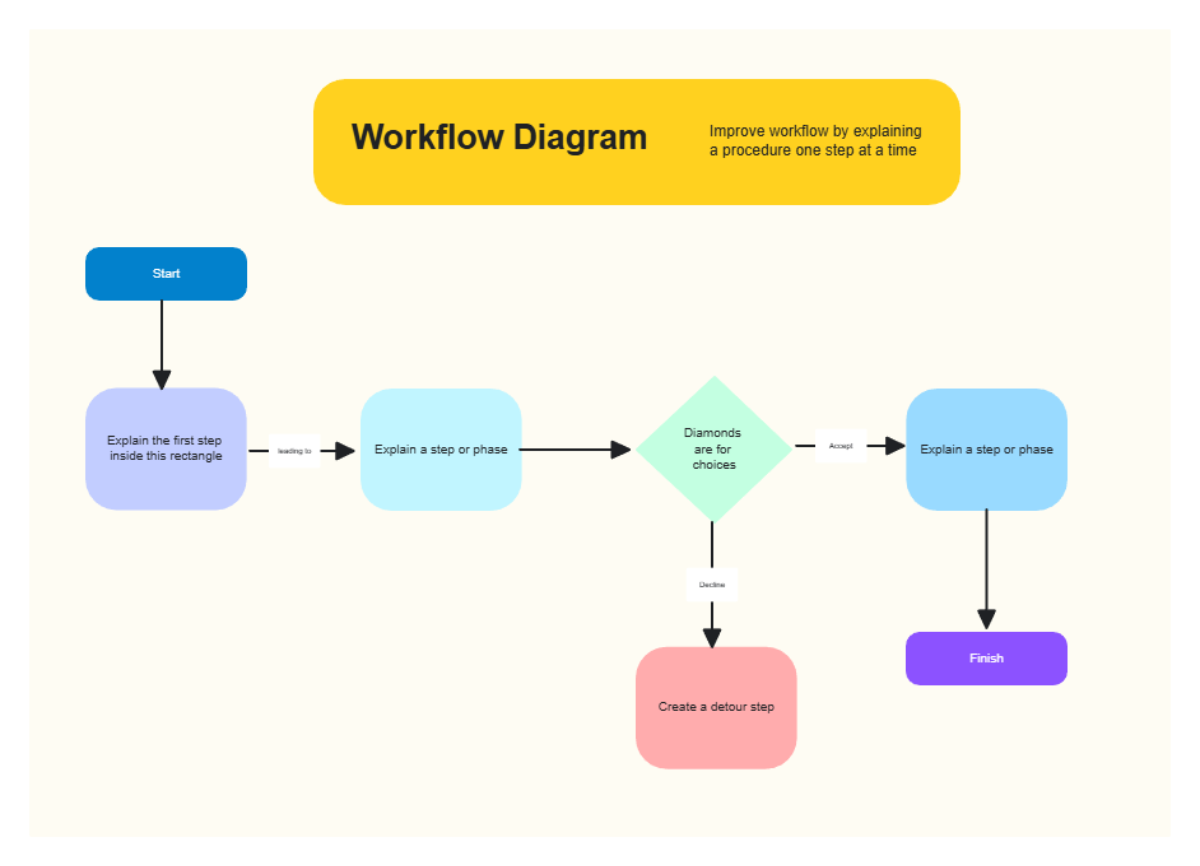
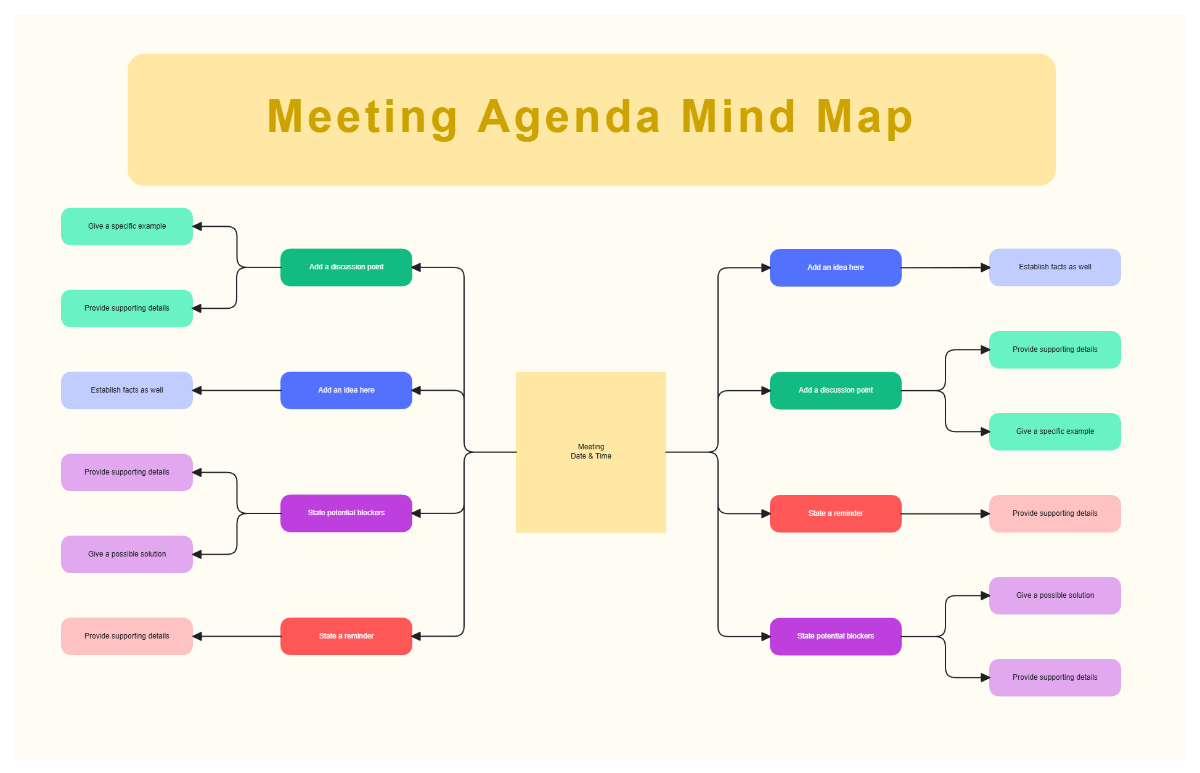
Template.net’s AI Block Diagram Generator converts complex technical concepts into structured visual models. Instantly organize functional units, data flow, signal paths, and system boundaries so engineers, developers, architects, educators, and analysts can understand workflows, improve communication, and plan scalable solutions faster.
![Free AI Block Diagram Generator, AI Block Diagram Maker Online [ No Signup ]](https://images.template.net/generator-images/0-ai-diagram-generator/0-ai-block-diagram-generator-2.webp)
Create, Customize, and Present Block Diagrams for Free
Everything you need to visualize system design in one powerful workspace.
AI Block Diagram Builder
Generate a complete functional diagram from a single prompt.
Automatic Input Output Flow Mapping
Connect system components with accurate directional relationships.
Modular Function Block Structuring
Group related operations into clear logical units.
Signal and Data Flow Representation
Visualize how information moves across the system.
Component Detail Fields
Add descriptions, specifications, and annotations for each block.
Drag and Arrange Blocks Freely
Refine layout for clarity and better presentation.
System Architecture Planning Layouts
Design high level and low level structures with precision.
Fully Customizable Visual Styles
Apply colors, connectors, labels, and typography for technical documentation.
Real Time Collaboration for Technical Teams
Work together with engineers, analysts, and stakeholders.
Multilingual Support
Create block diagrams in 20+ languages including English, Spanish, French, German, Italian, Portuguese, Dutch, Russian, Chinese, Japanese, Korean, Arabic, Hindi, Bengali, Tamil, Telugu, Marathi, Gujarati, Turkish, Vietnamese, Thai and more.
Presentation Ready System Layouts
Explain architecture clearly in meetings, reports, and classrooms.
Duplicate Diagram Variations
Compare alternate system designs and workflows.
Cloud Based Project Workspace
Access and update diagrams anytime from one secure location.
Export and Share Instantly
Download block diagrams in PNG, JPG, PDF or share via WhatsApp, Instagram, Facebook, LinkedIn, X and more.
Infinite Expandable Canvas
Scale your system design as new modules are added.
Auto Alignment for Clean Structure
Maintain perfectly spaced and readable layouts automatically.
Voice to Block Diagram Generation
Speak your architecture to build diagrams faster.
Pre Designed Block Diagram Templates
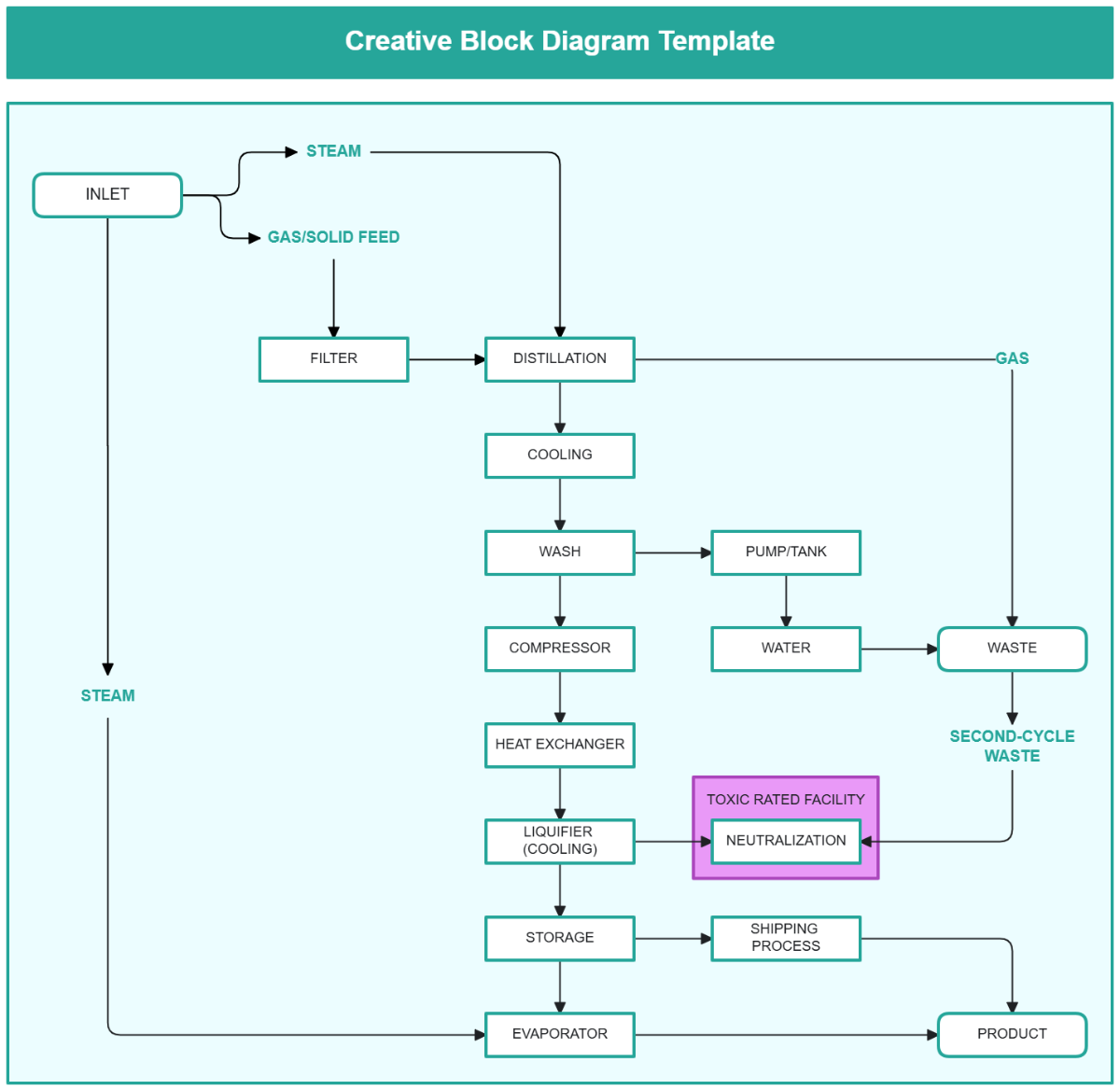
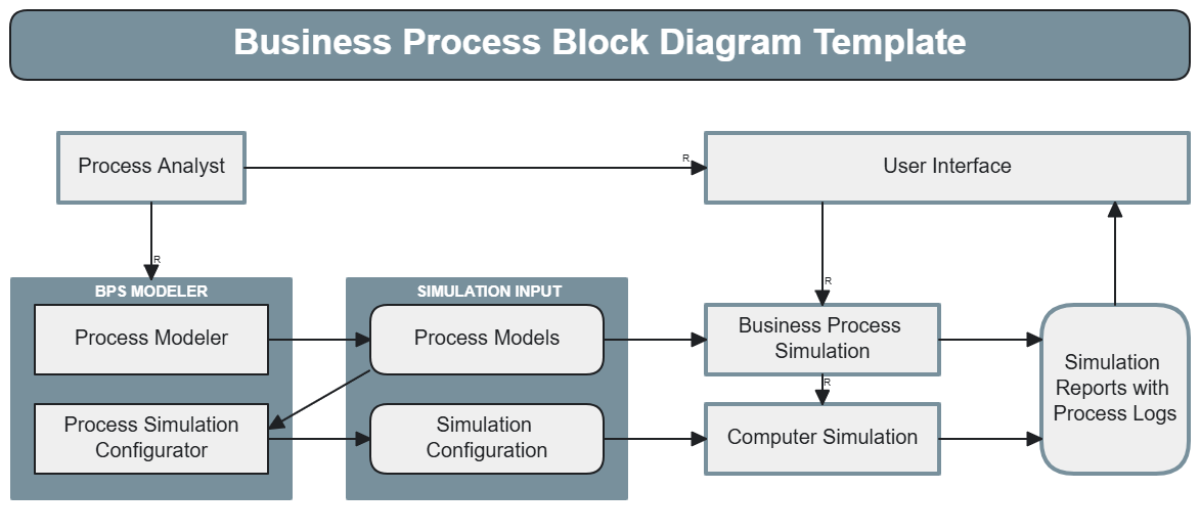
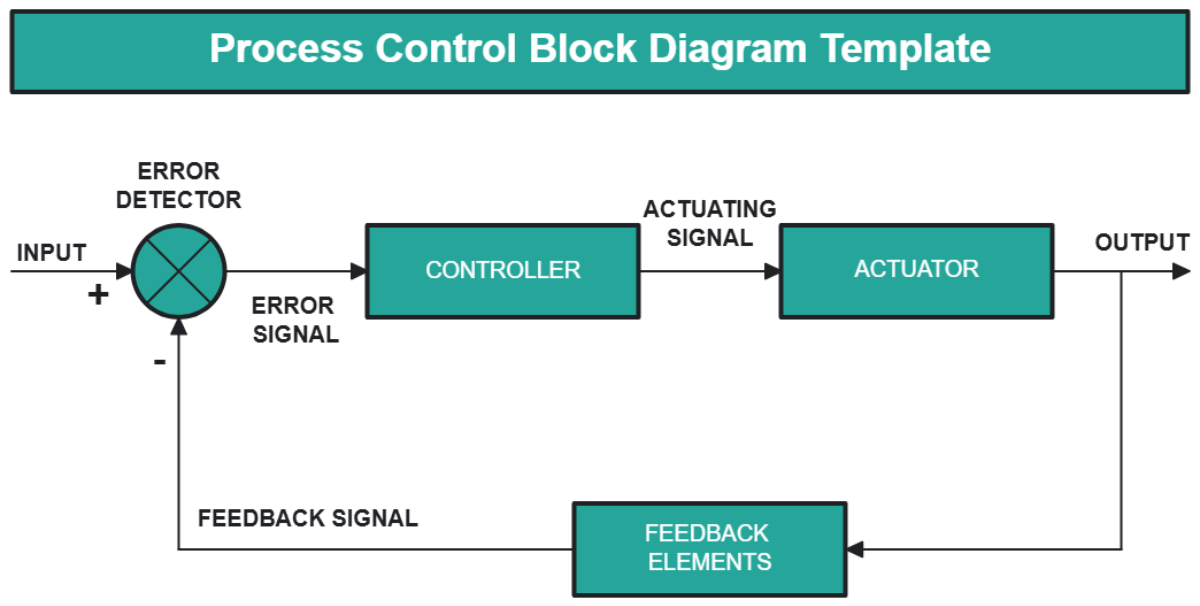
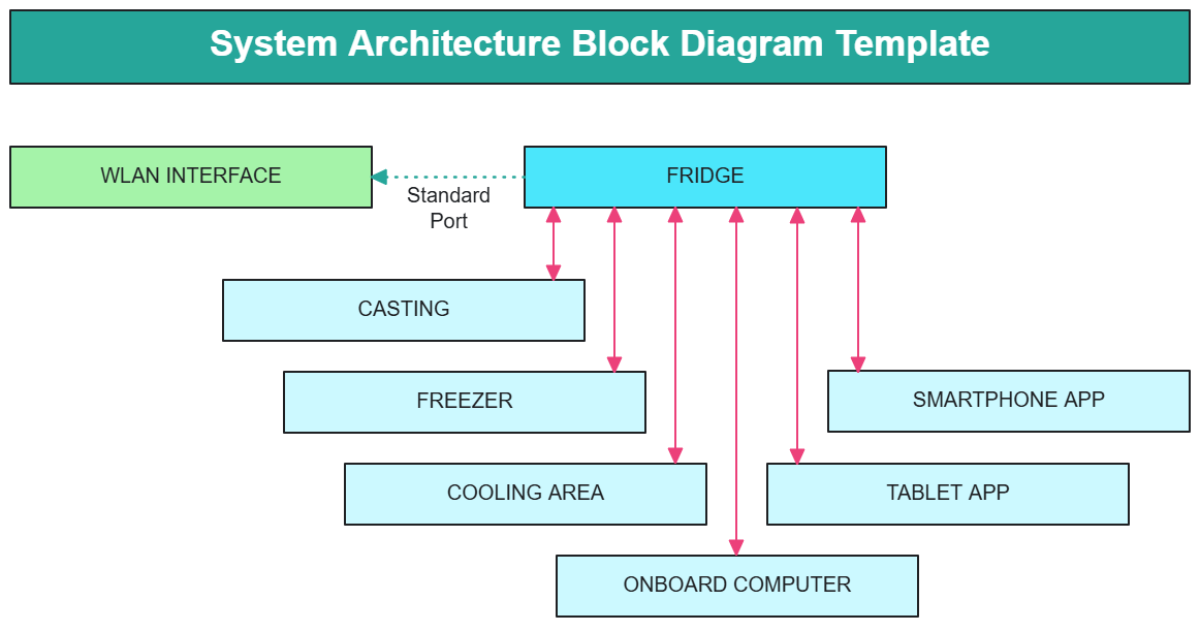
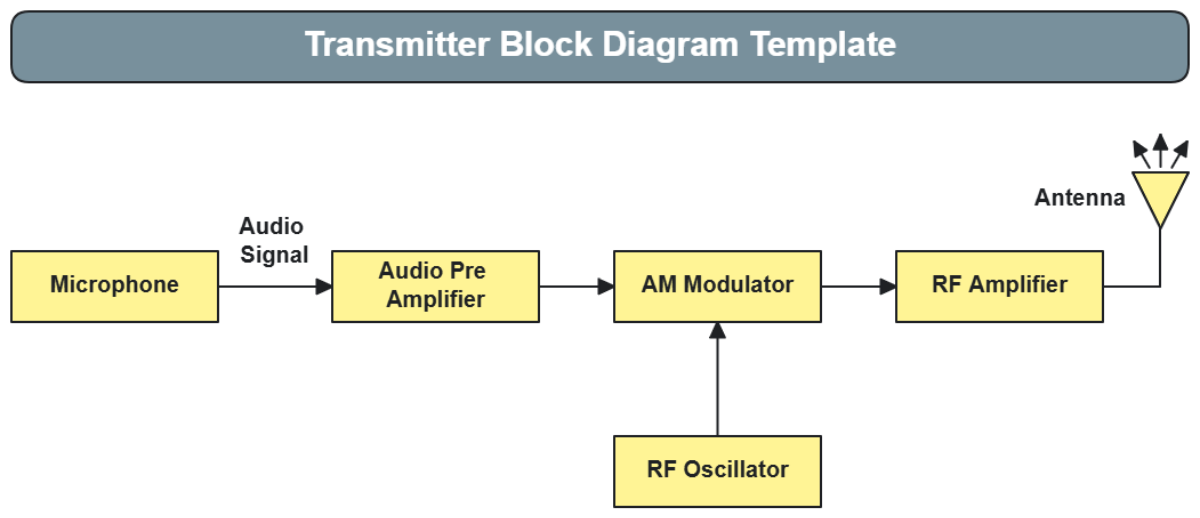
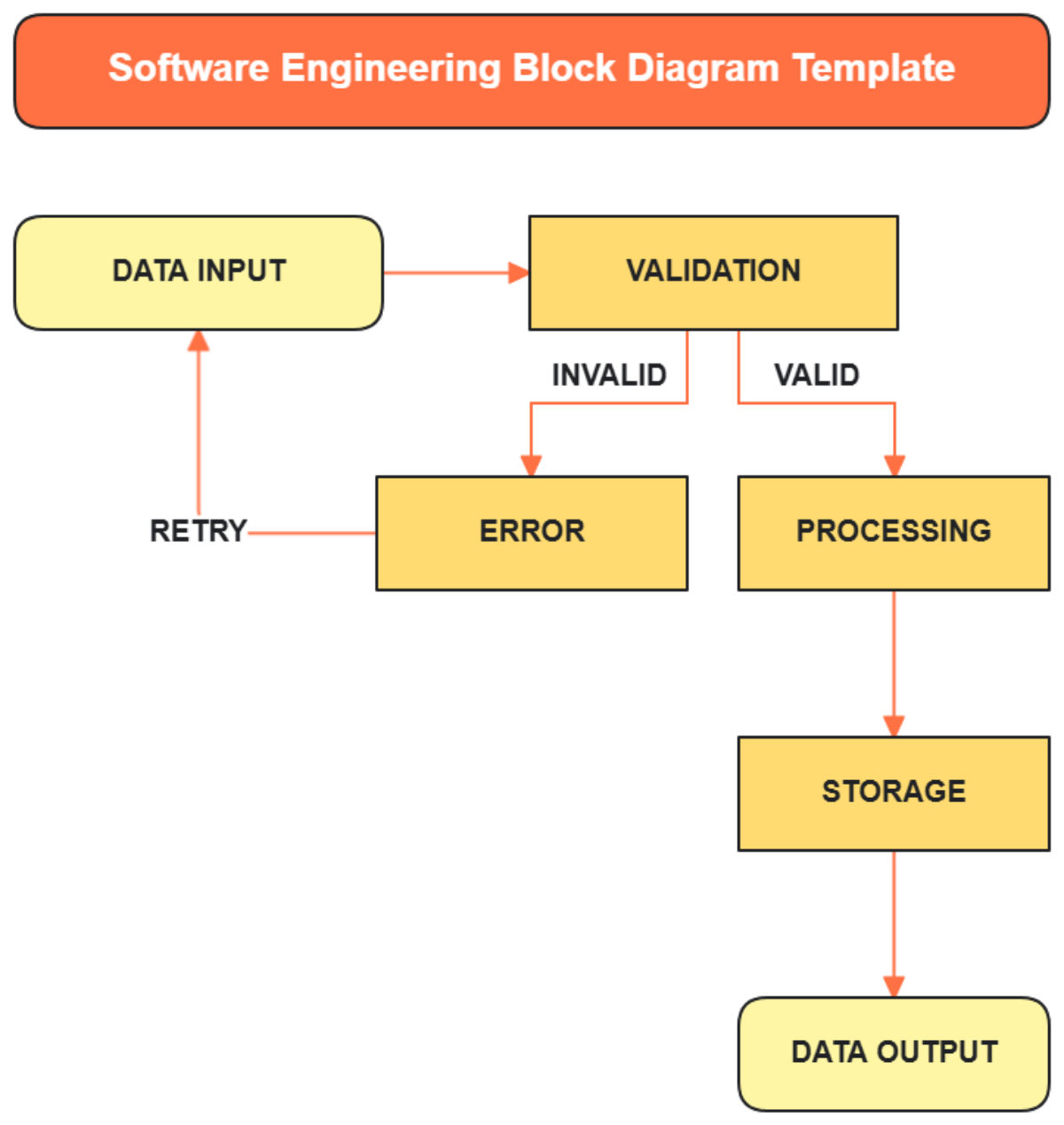
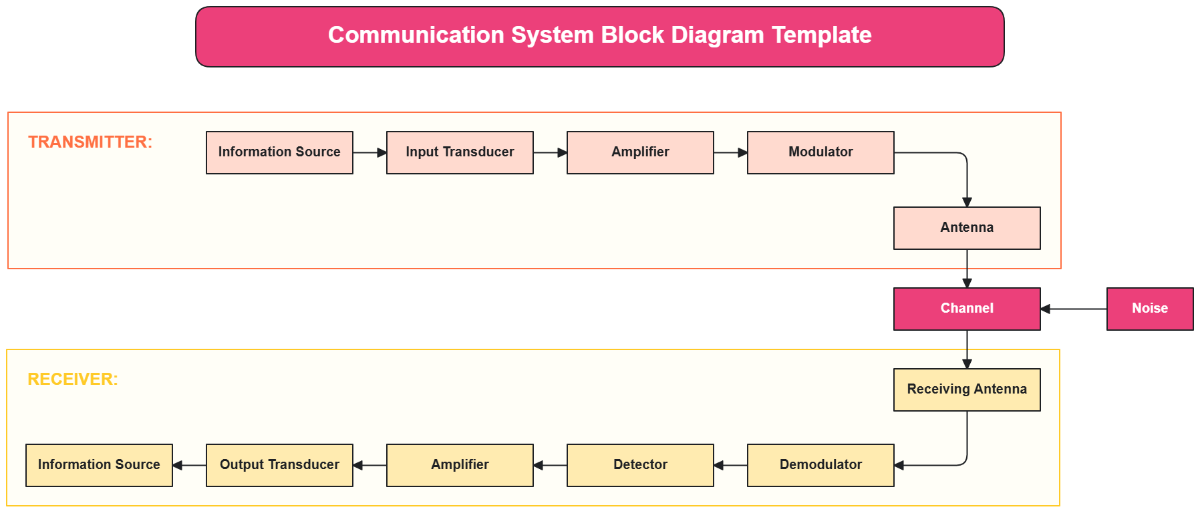
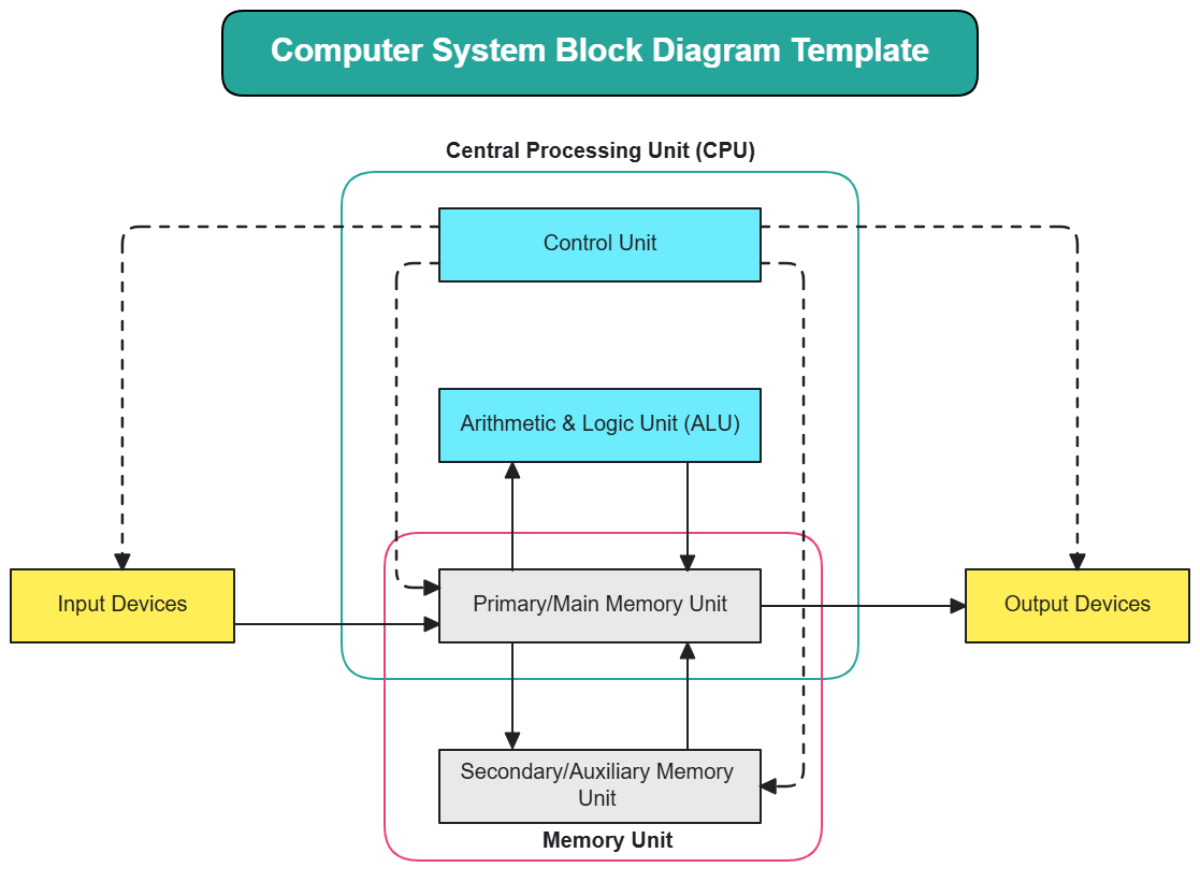
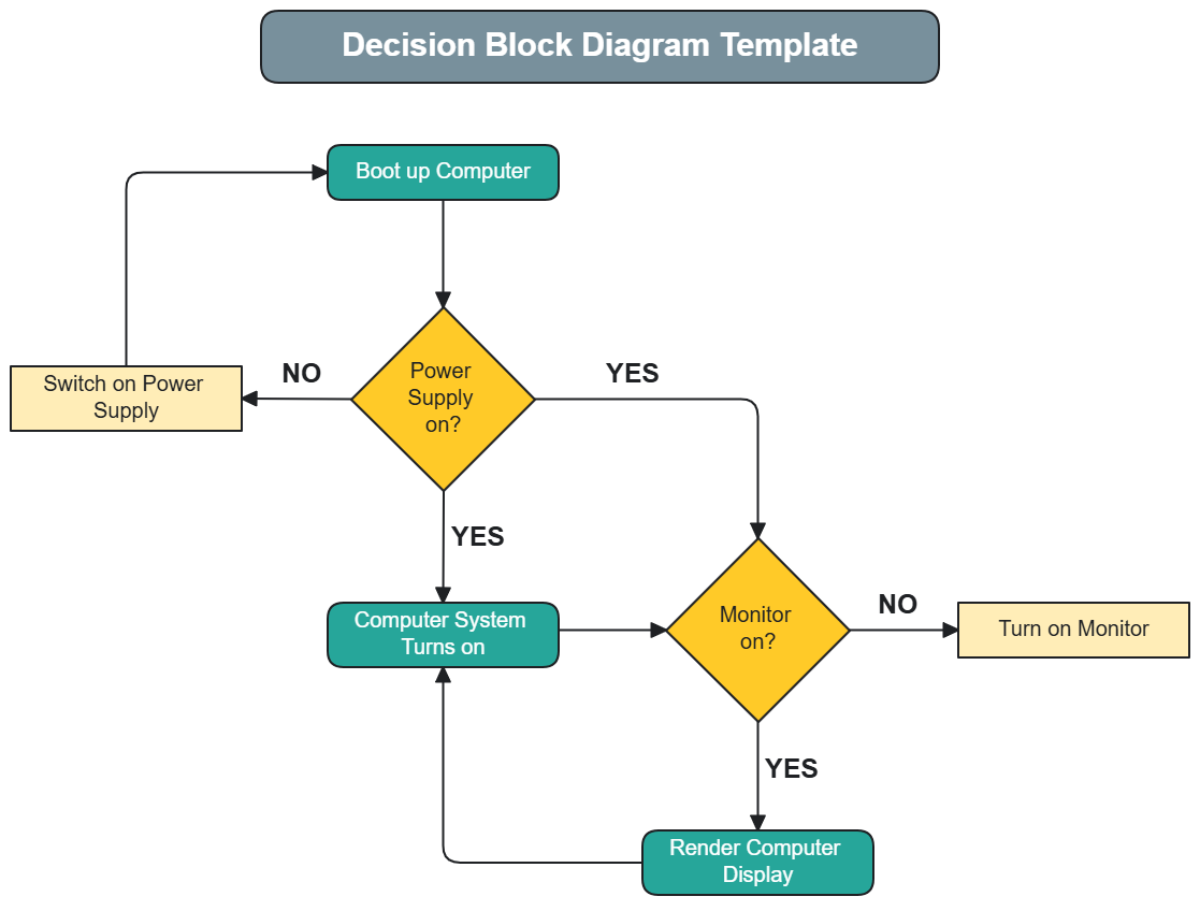
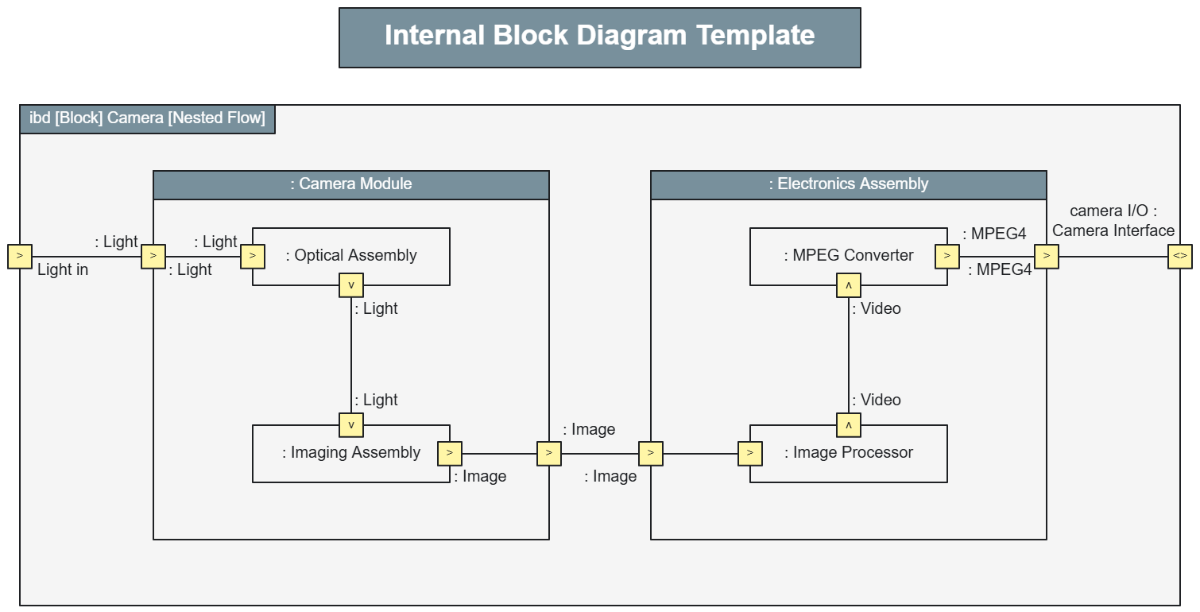
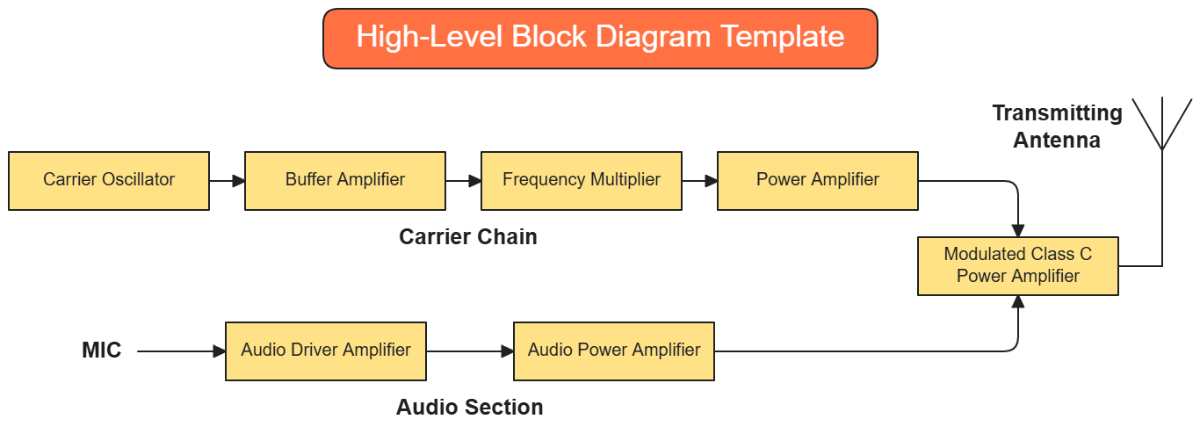
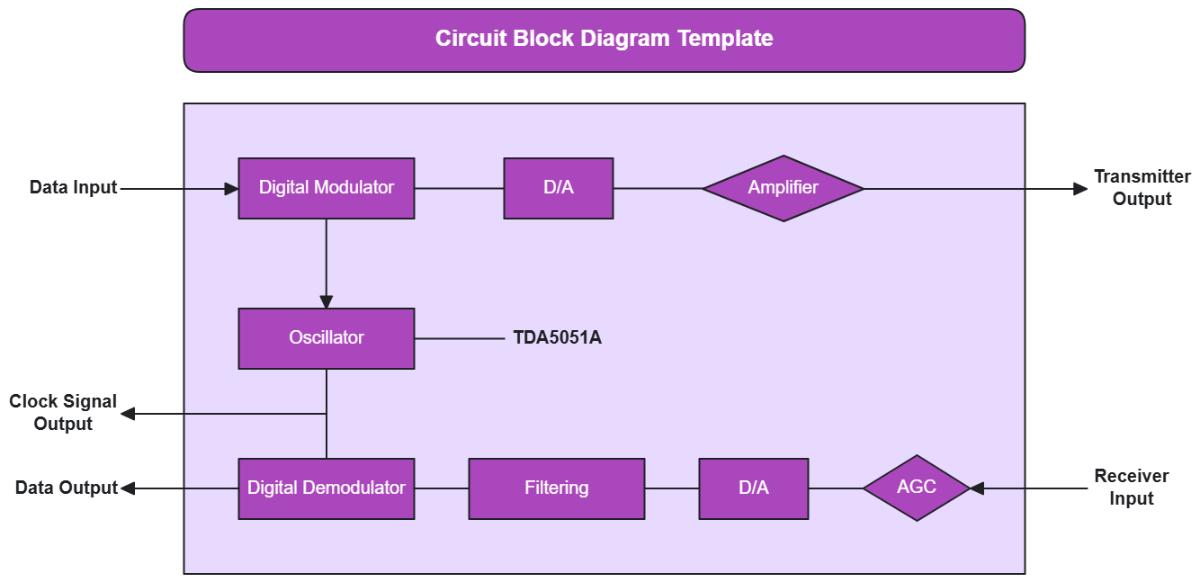
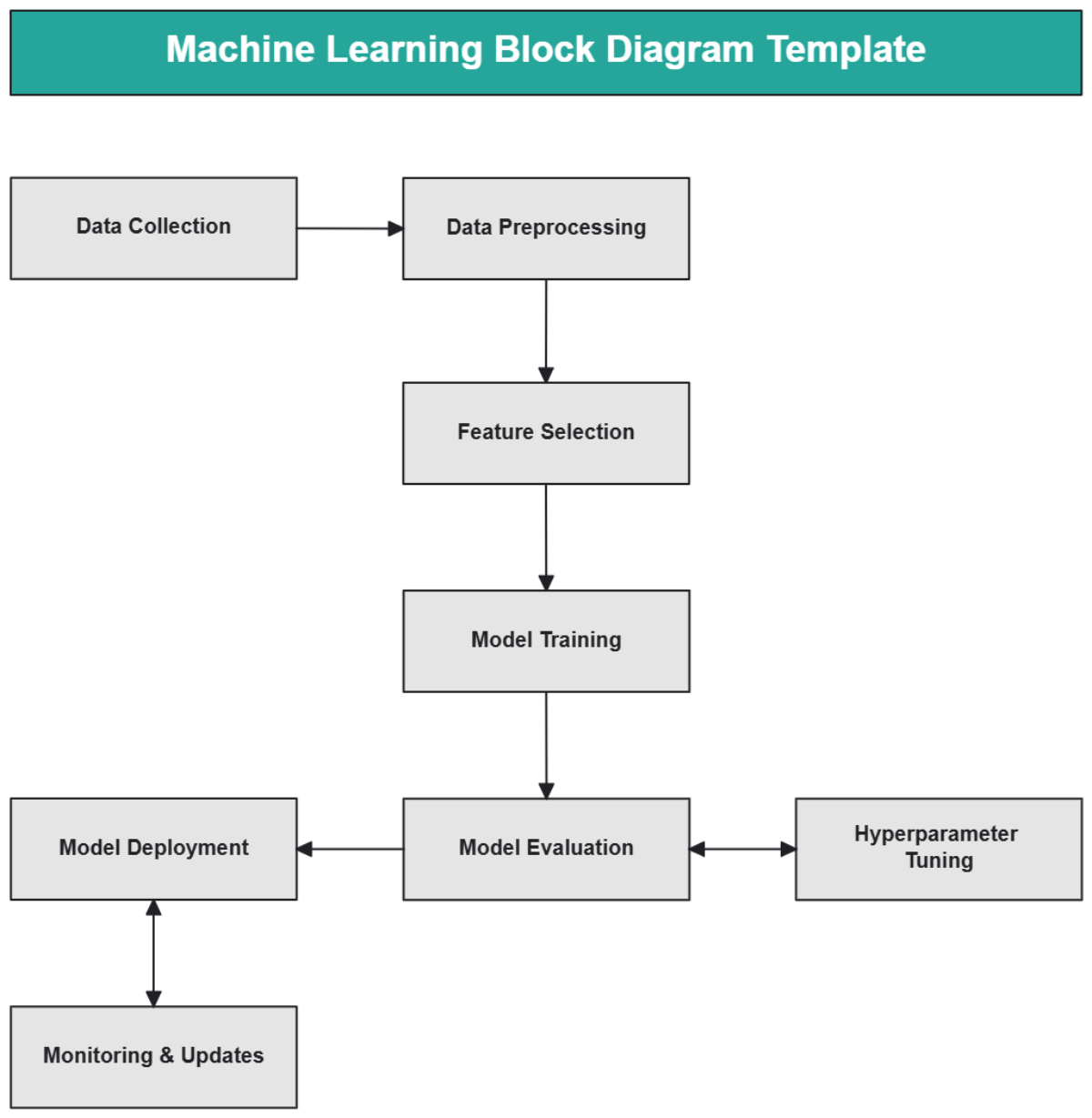
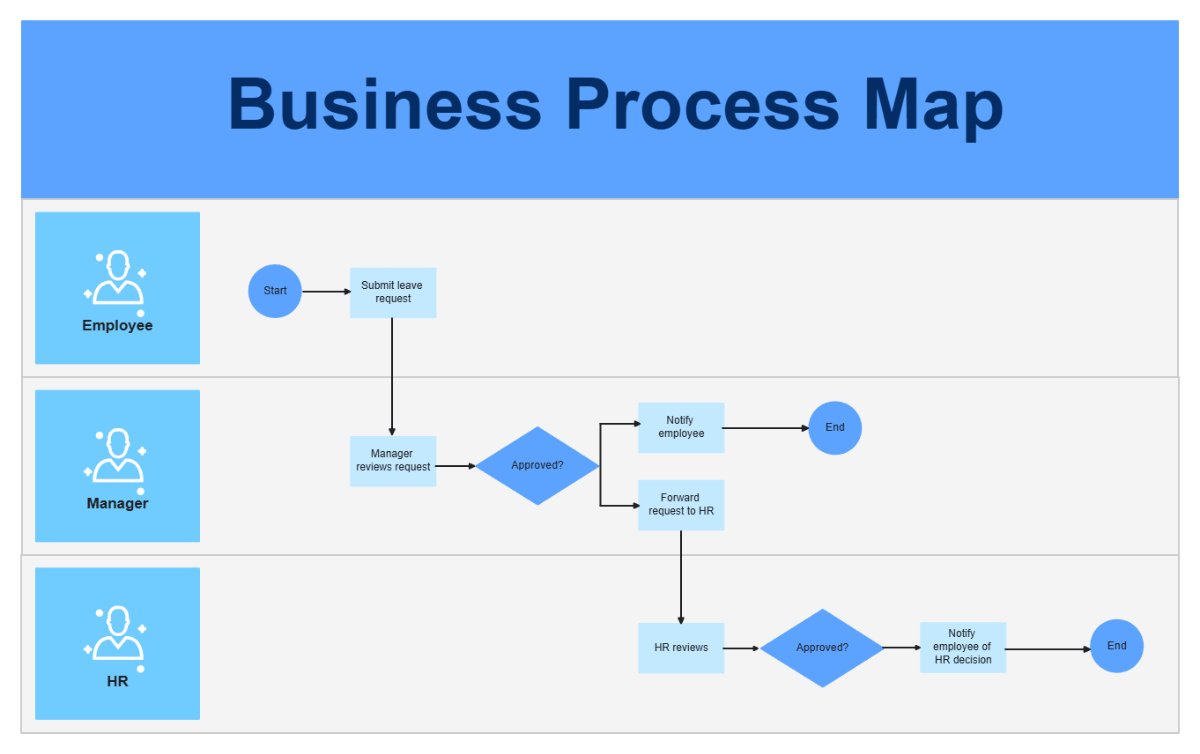
Start quickly with templates for software architecture, control systems, network design, electronics, and business processes.
![Free AI Block Diagram Generator, AI Block Diagram Maker Online [ No Signup ]](https://images.template.net/generator-images/5-ai-diagram-generator/5-ai-block-diagram-generator-1.webp "Free AI Block Diagram Generator, AI Block Diagram Maker Online [ No Signup ]")
How to Make a Free AI Generated Block Diagram
Create your system visualization in seconds with a simple guided flow.
Step 1: Enter Your Prompt
Open the AI Block Diagram Generator and describe your structure such as “Block diagram for an online food delivery platform showing mobile app, API gateway, authentication service, order management, payment system, database, and notification service with data flow.” Click Generate to instantly receive a structured visual layout.
Step 2: Review and Refine Your Block Diagram
Edit block names, adjust connections, add new modules, and reorganize flow to match your technical model.
Step 3: Customize and Share Anywhere
Apply your preferred visual style, highlight key system paths, and export your block diagram in PNG, JPG, PDF or share a live link for collaboration.
Design Scalable Systems with a Visual Architecture Workspace
![Free AI Block Diagram Generator, AI Block Diagram Maker Online [ No Signup ]](https://images.template.net/generator-images/1-ai-diagram-generator/1-ai-block-diagram-generator-1.webp "Free AI Block Diagram Generator, AI Block Diagram Maker Online [ No Signup ]")
Visualize Your Entire System Clearly
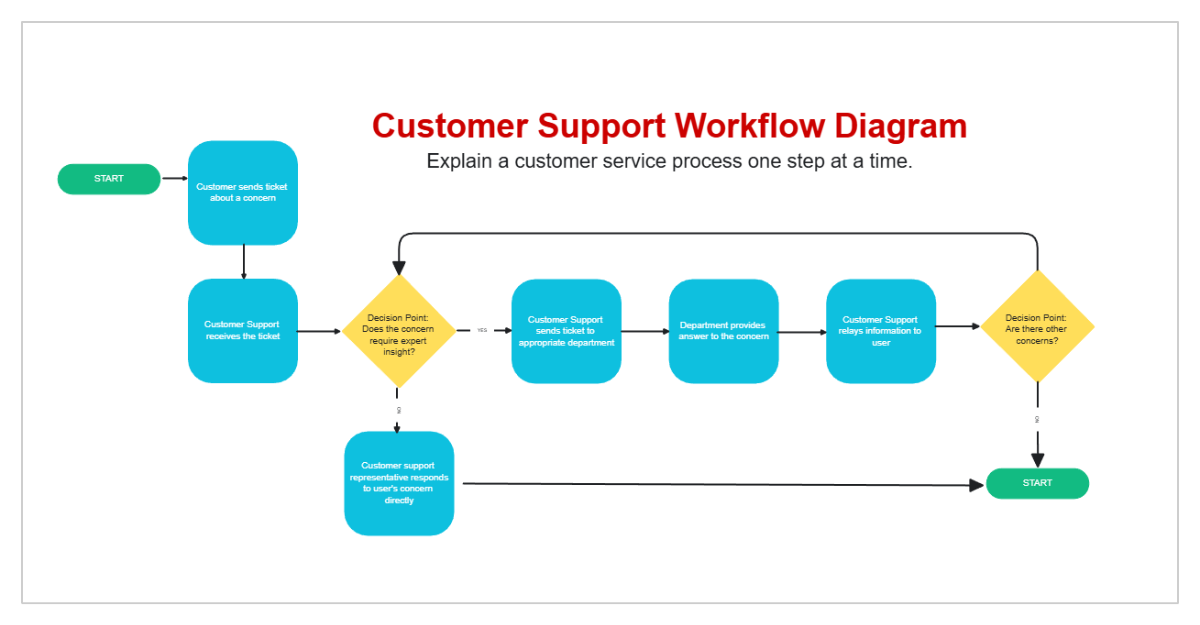
Transform complex processes into a structured functional view that reveals how components interact, making technical concepts easier to understand and present.
![Free AI Block Diagram Generator, AI Block Diagram Maker Online [ No Signup ]](https://images.template.net/generator-images/2-ai-diagram-generator/2-ai-block-diagram-generator-2.webp "Free AI Block Diagram Generator, AI Block Diagram Maker Online [ No Signup ]")
Create Multiple Architecture Models
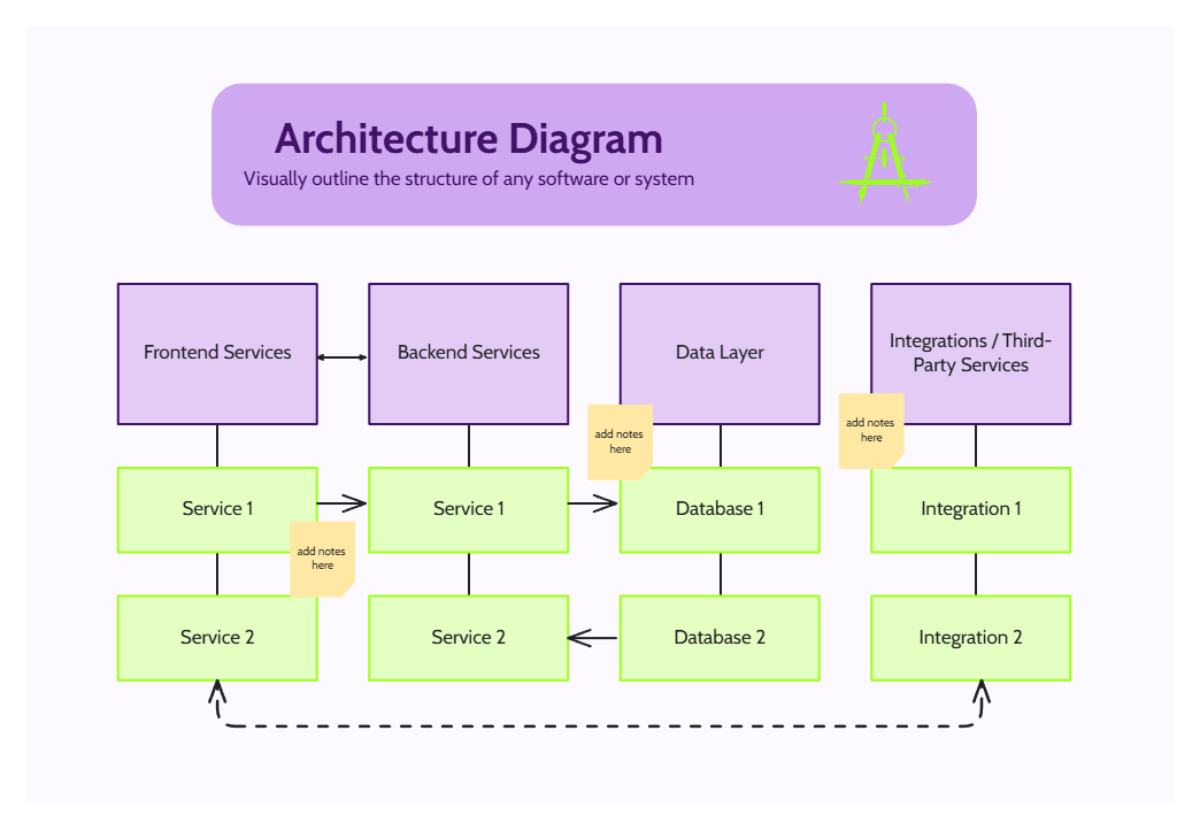
Duplicate your diagram to compare monolithic, microservices, layered, or distributed system approaches while keeping your original intact.
![Free AI Block Diagram Generator, AI Block Diagram Maker Online [ No Signup ]](https://images.template.net/generator-images/3-ai-diagram-generator/3-ai-block-diagram-generator-2.webp "Free AI Block Diagram Generator, AI Block Diagram Maker Online [ No Signup ]")
Collaborate Across Engineering and Business Teams
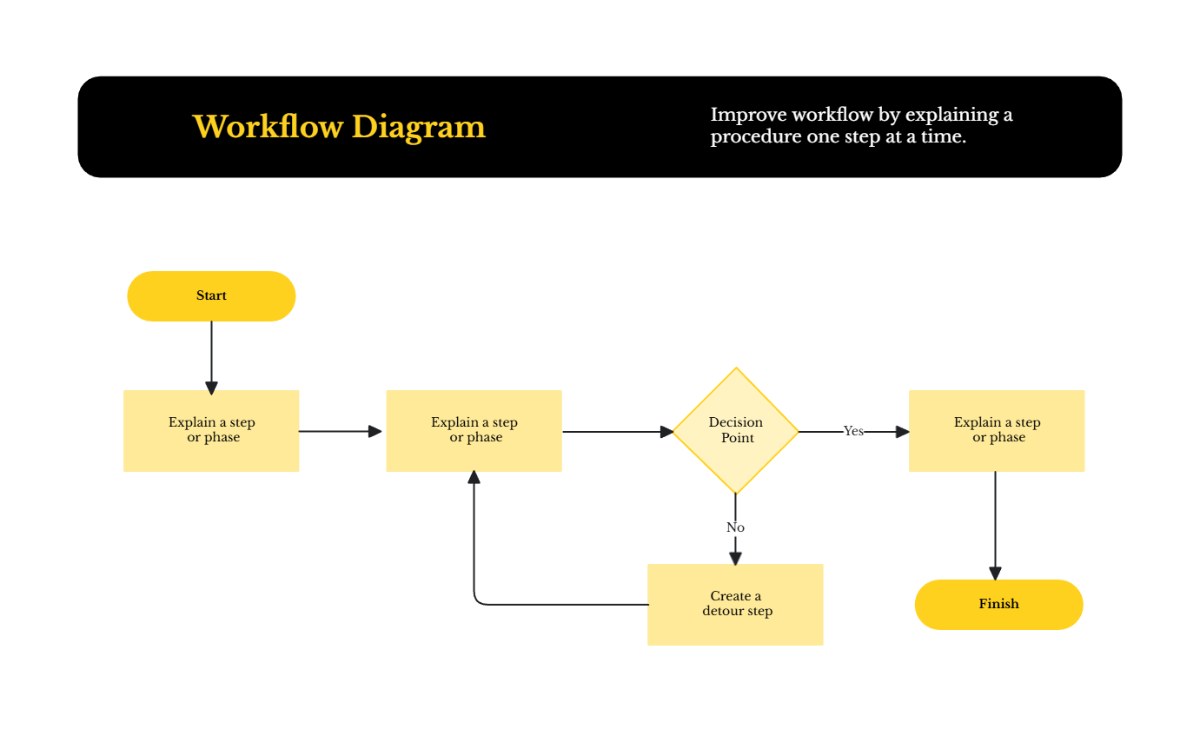
Align developers, solution architects, project managers, and stakeholders in one shared environment to validate workflows and finalize system design faster.
![Free AI Block Diagram Generator, AI Block Diagram Maker Online [ No Signup ]](https://images.template.net/generator-images/4-ai-diagram-generator/4-ai-block-diagram-generator-1.webp "Free AI Block Diagram Generator, AI Block Diagram Maker Online [ No Signup ]")
Keep Every System Plan Organized in One Place
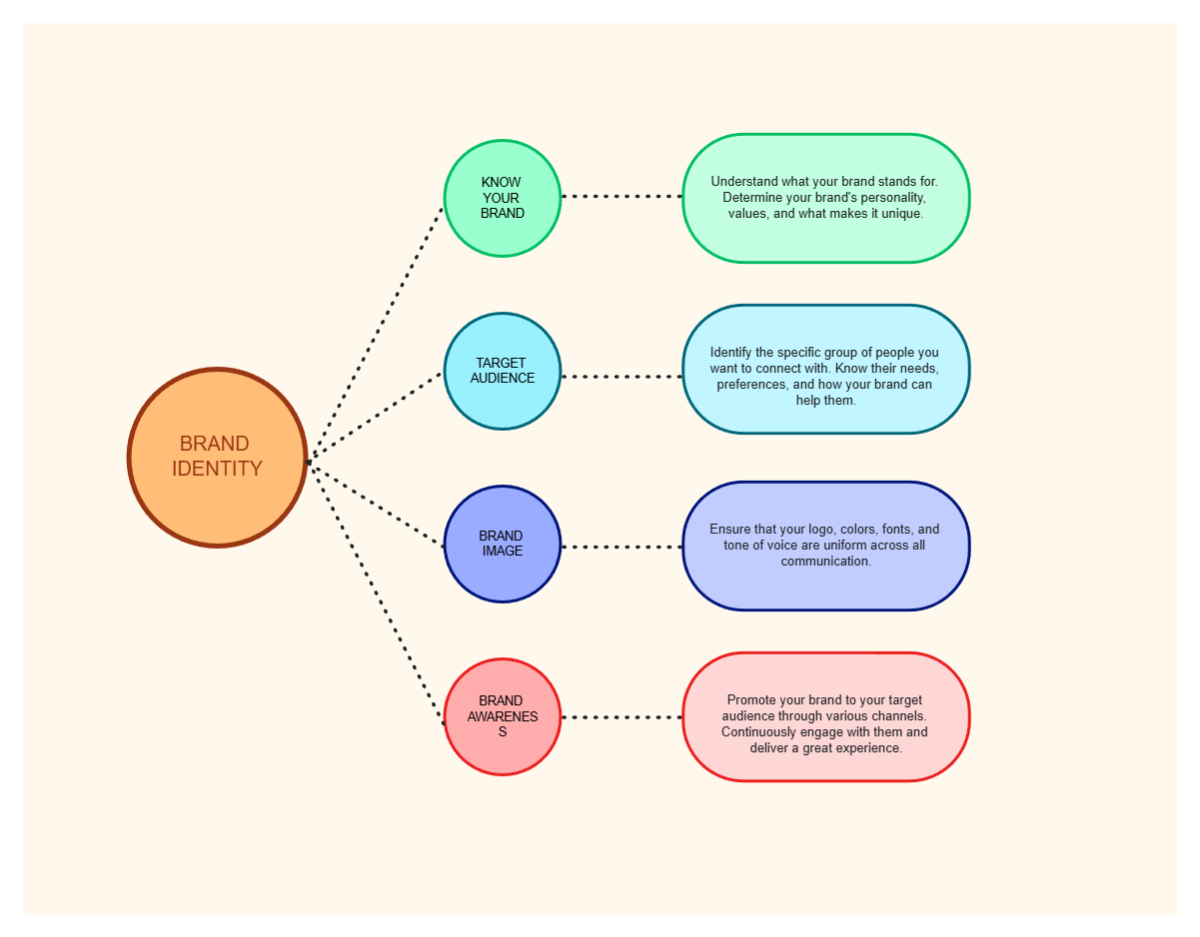
Store diagrams for multiple products, infrastructures, and process flows and maintain a single source of truth for documentation, training, and strategic planning.
