Free AI Seating Chart Generator
more
Create from a Seating Chart Template
Pick a proven format. Add your content. AI does the rest
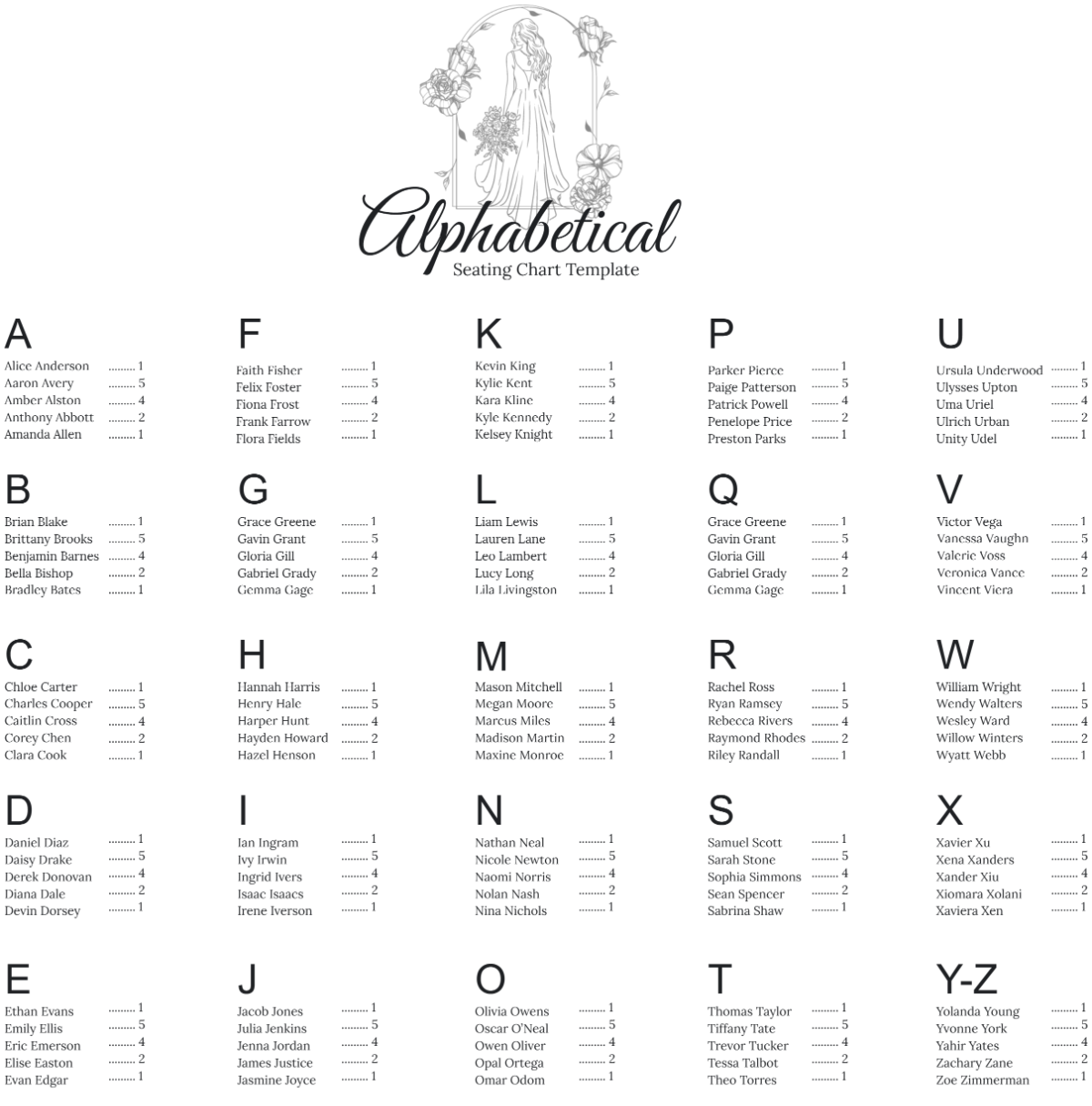
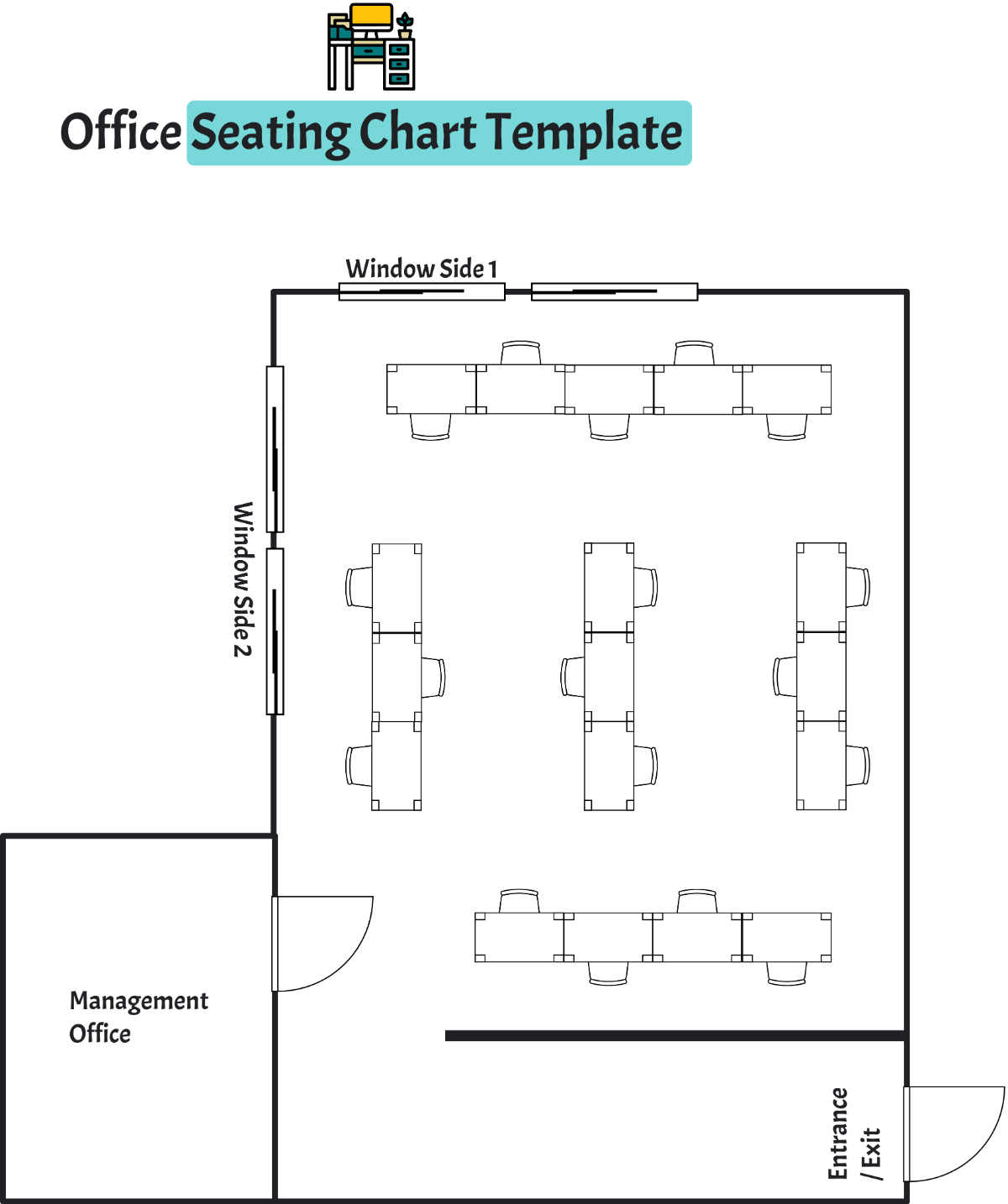
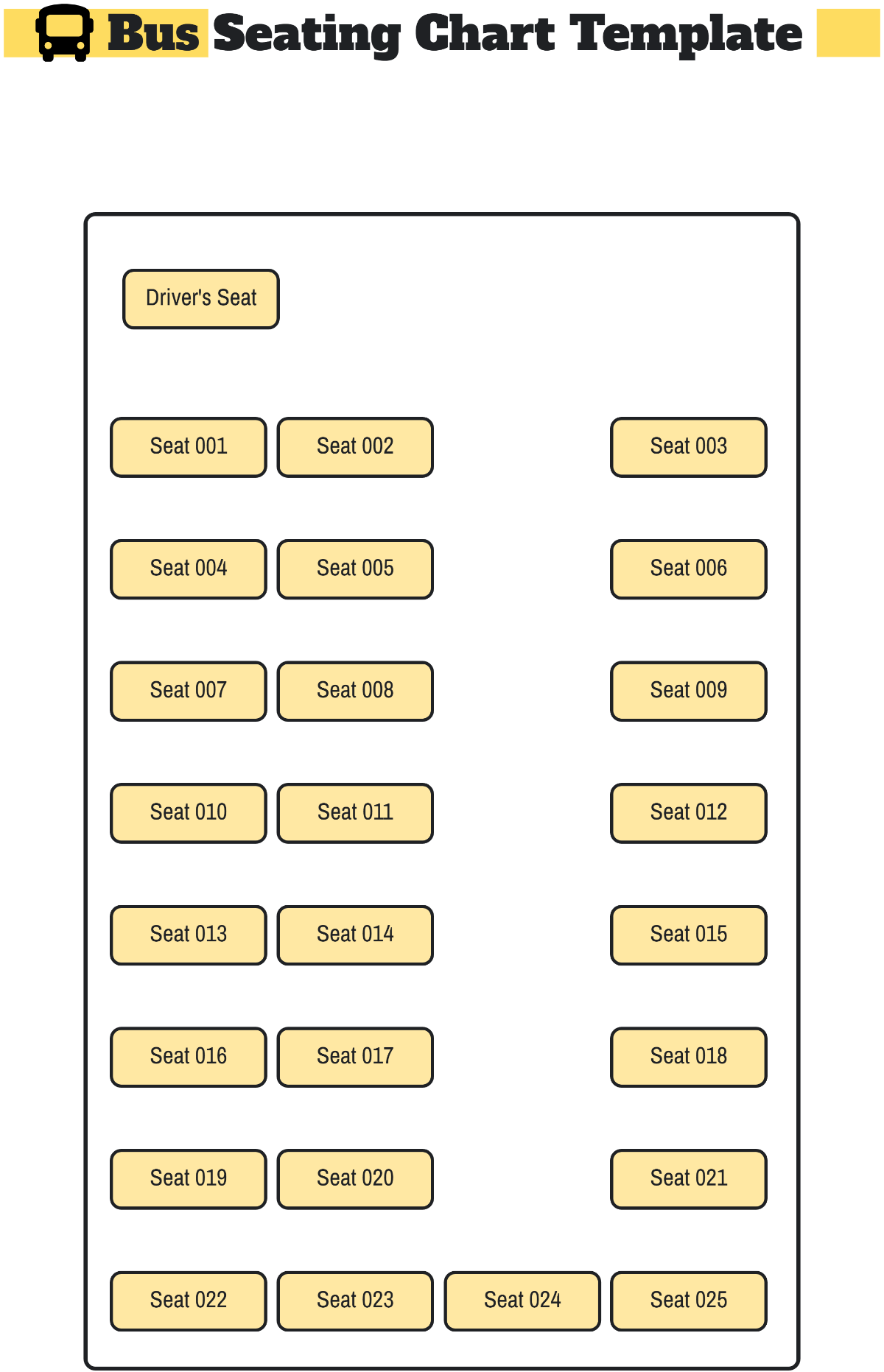
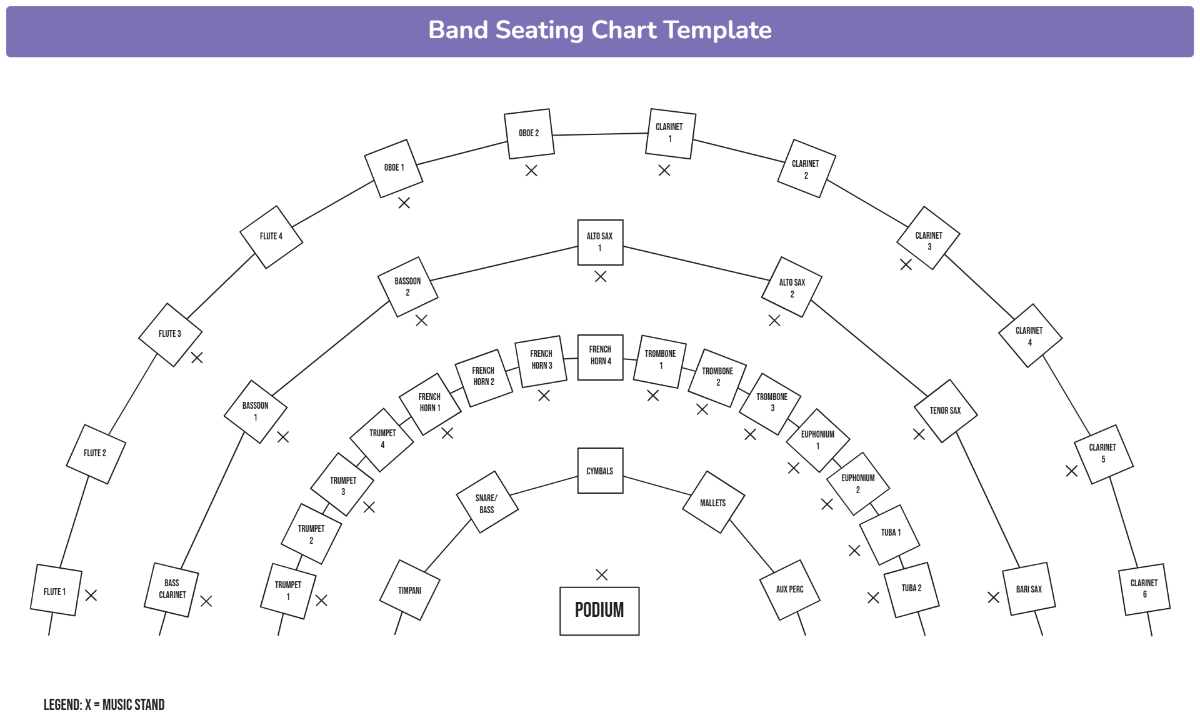
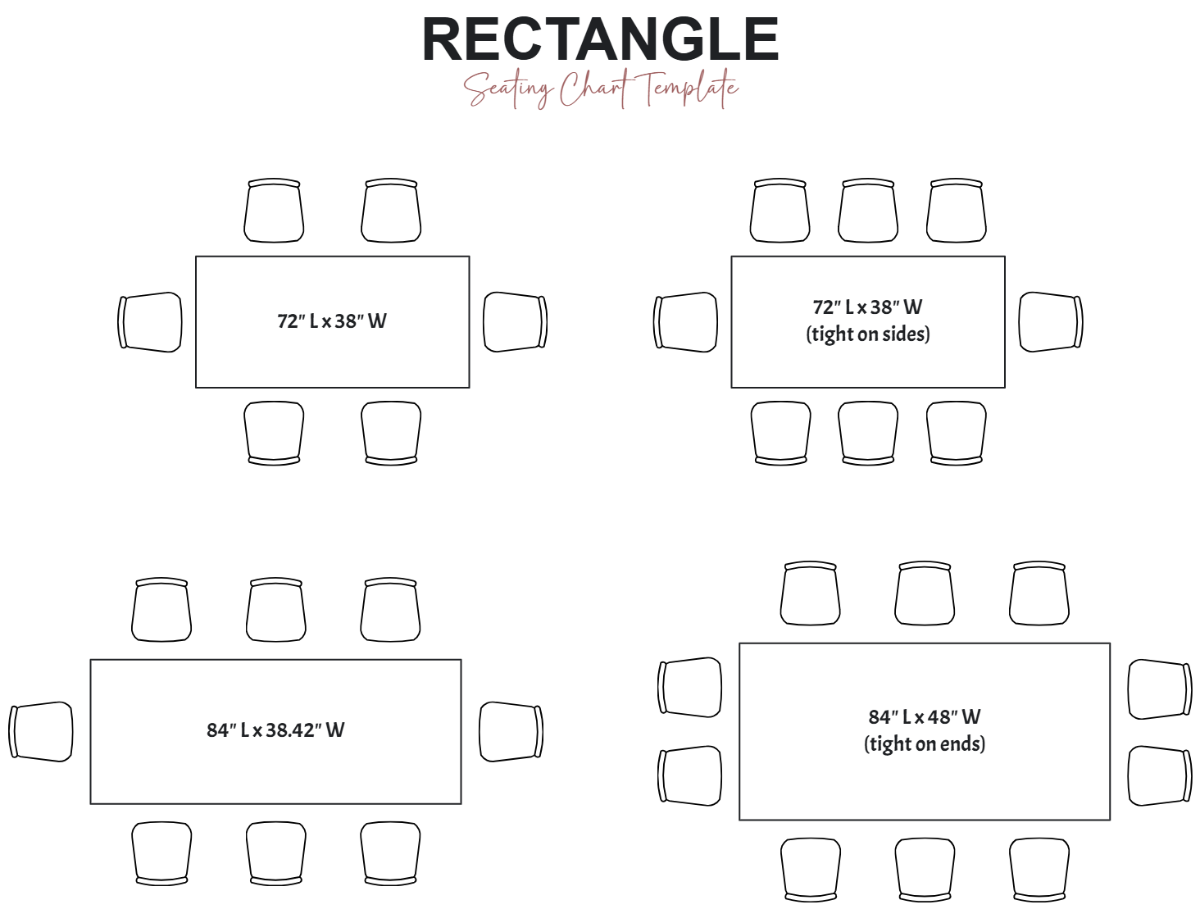
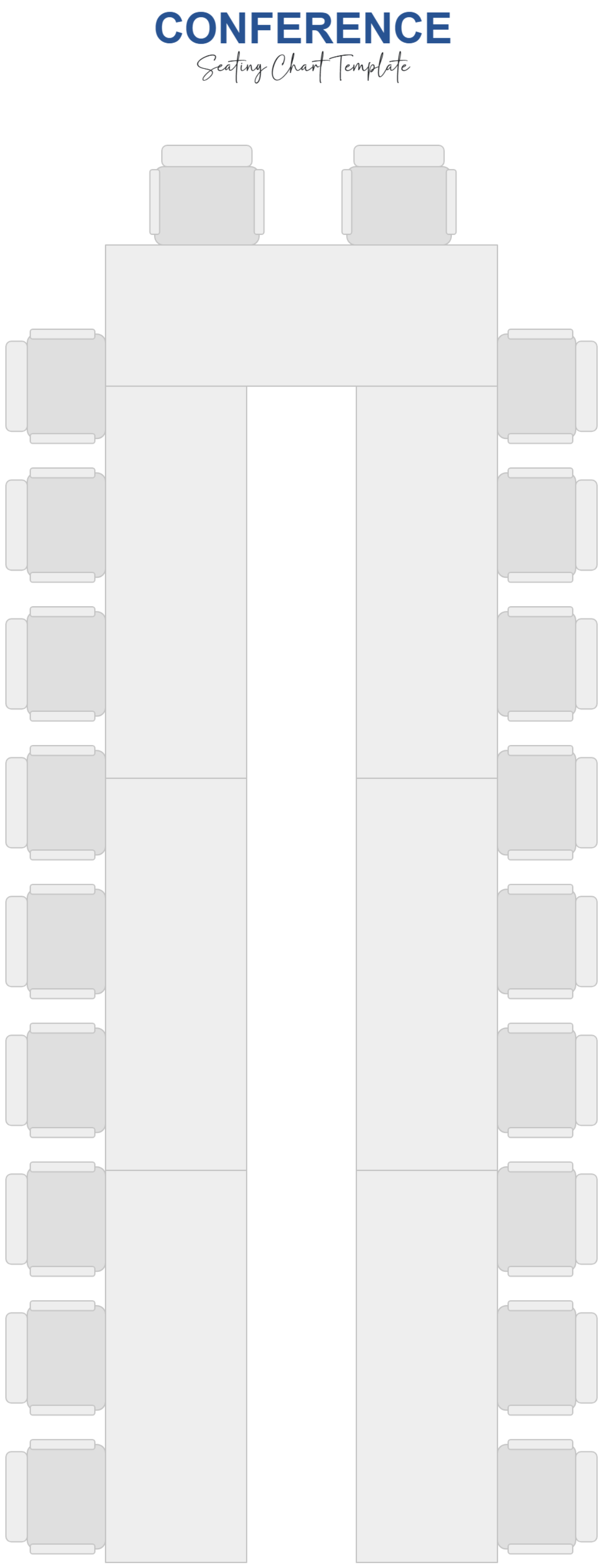
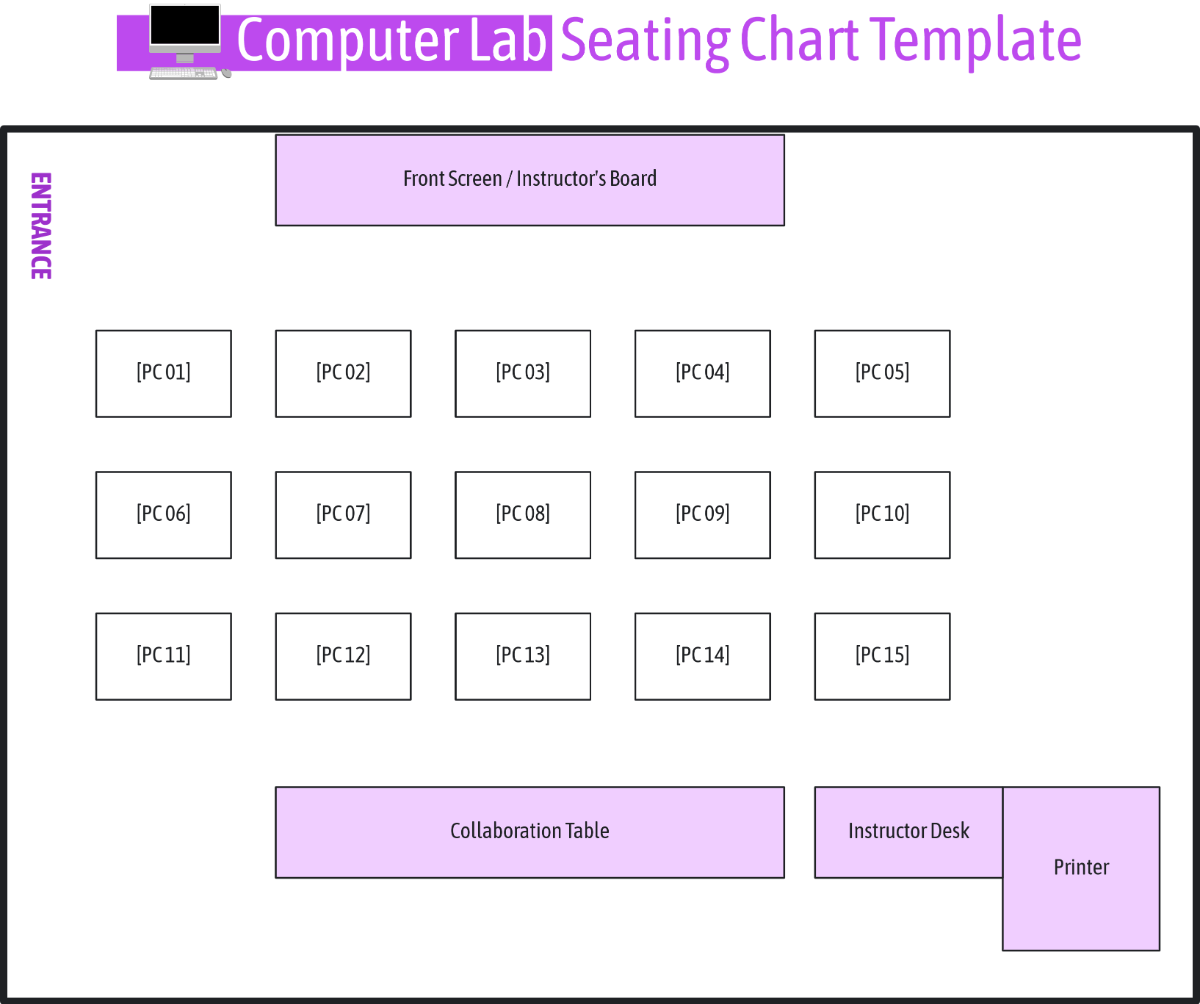
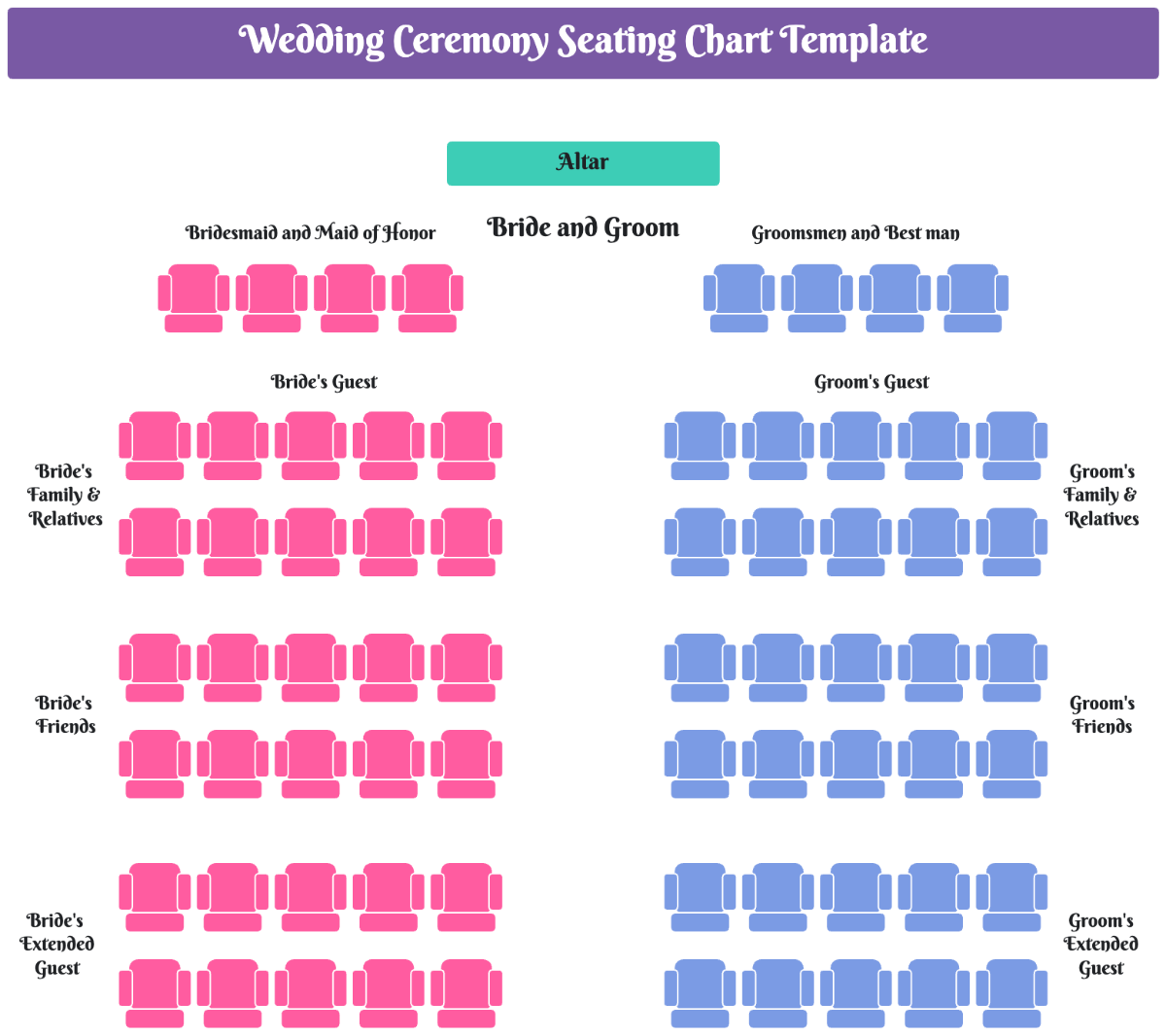
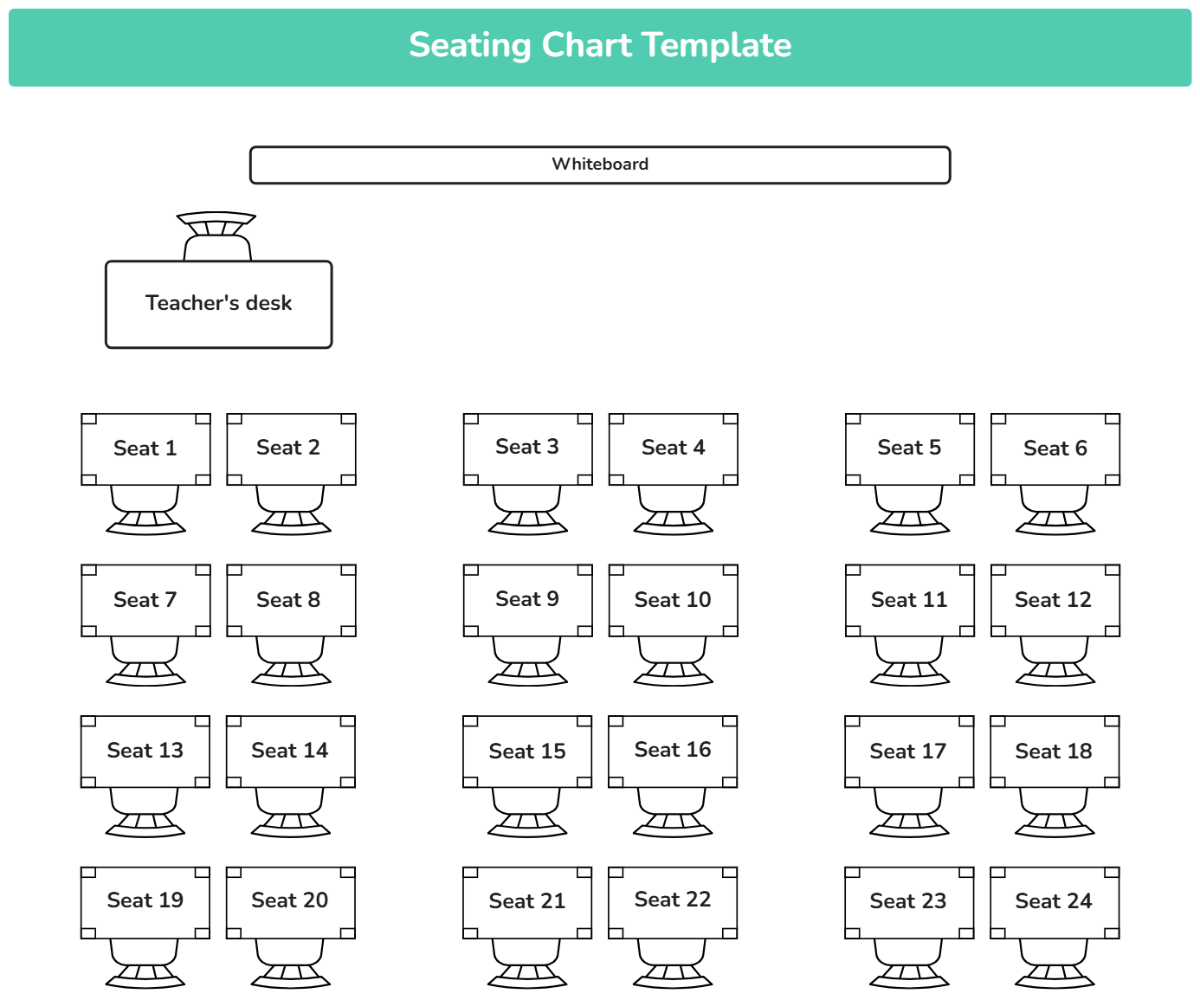
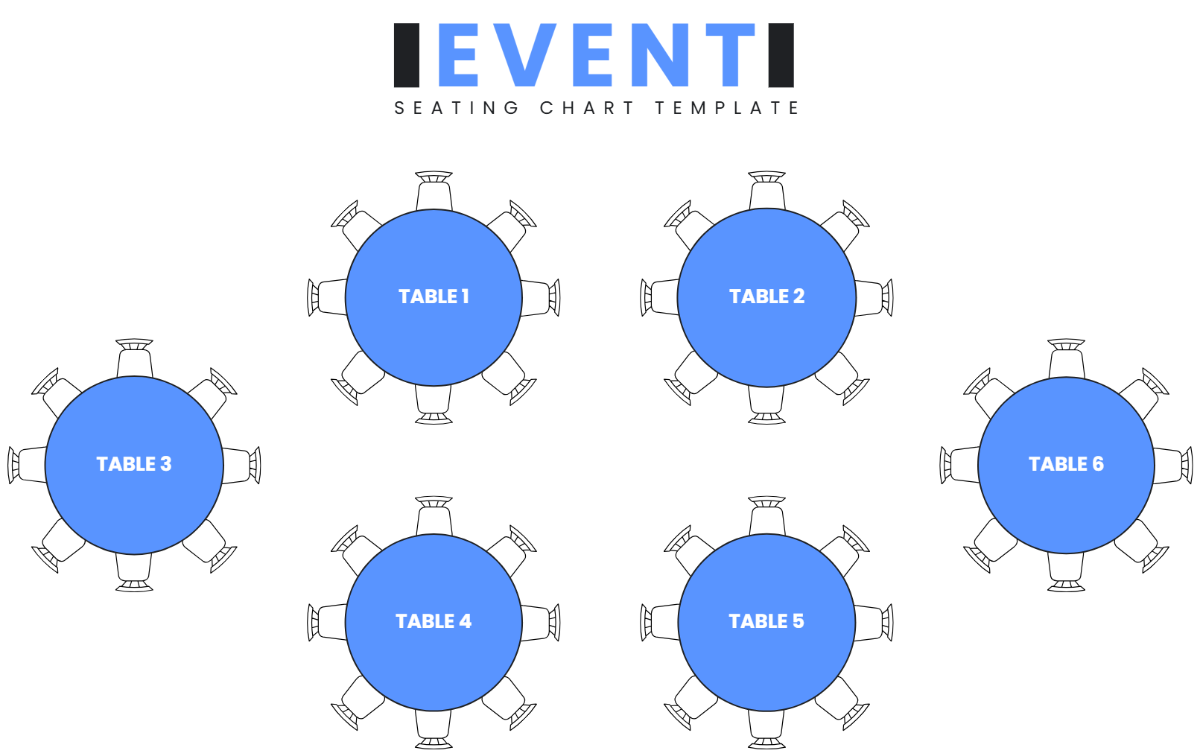
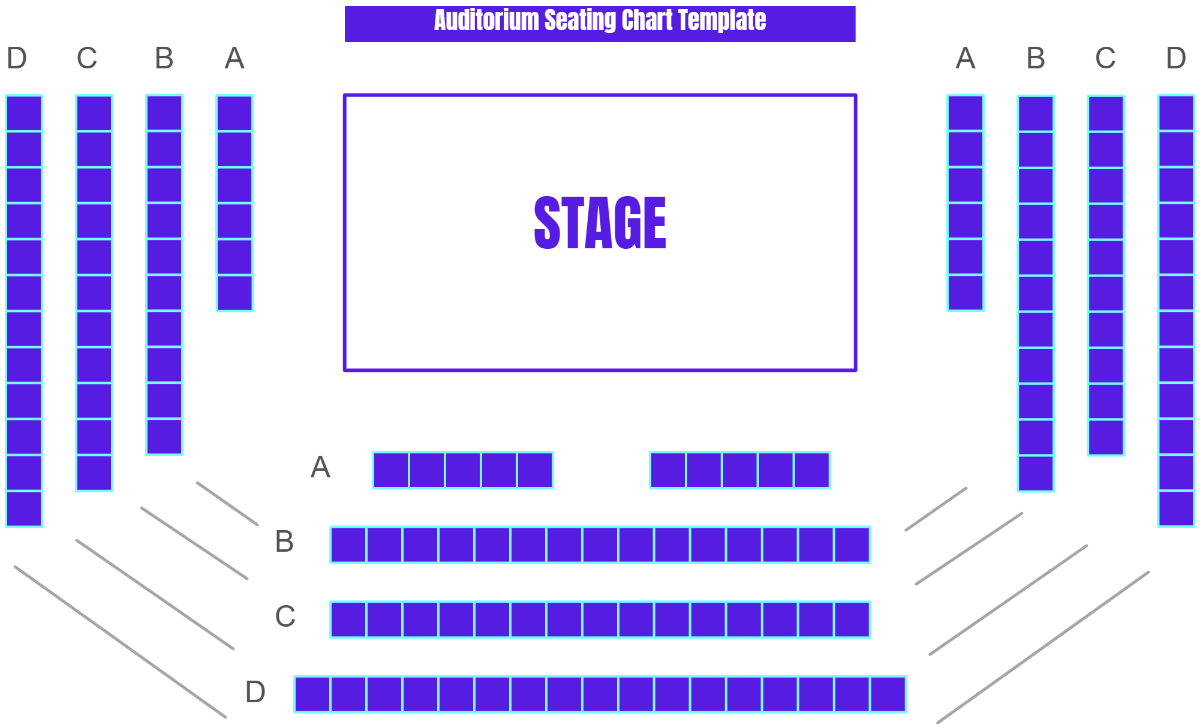
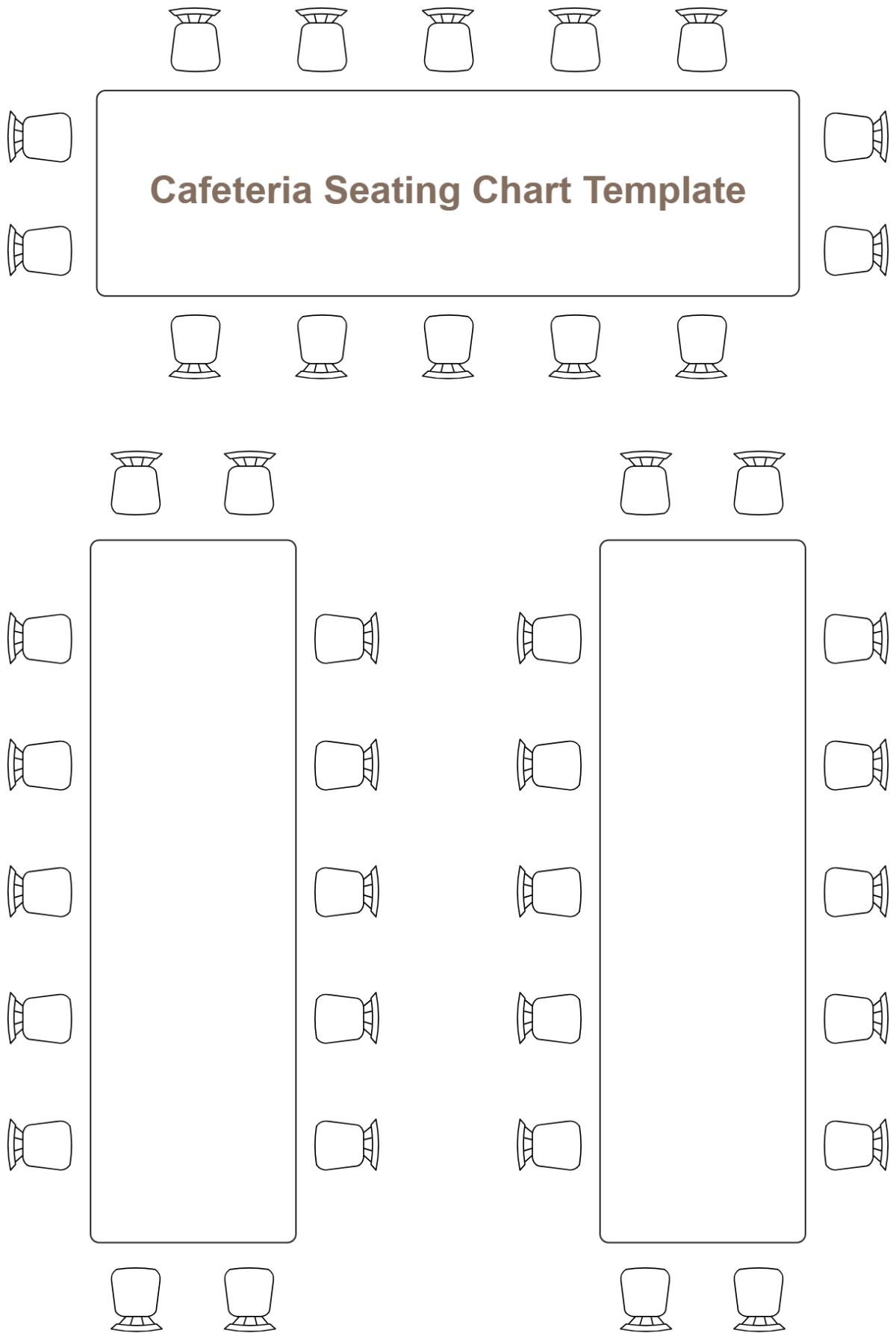
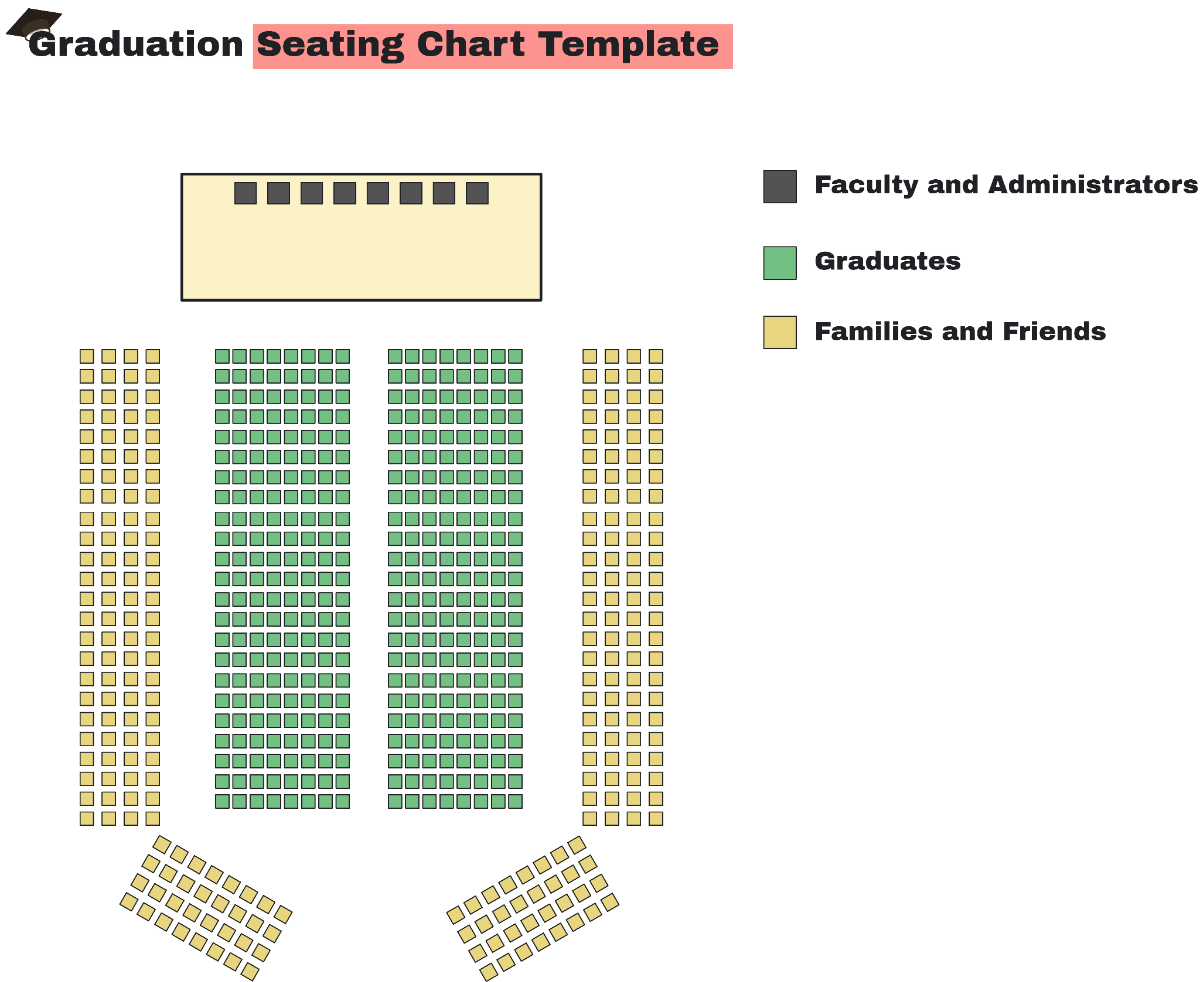
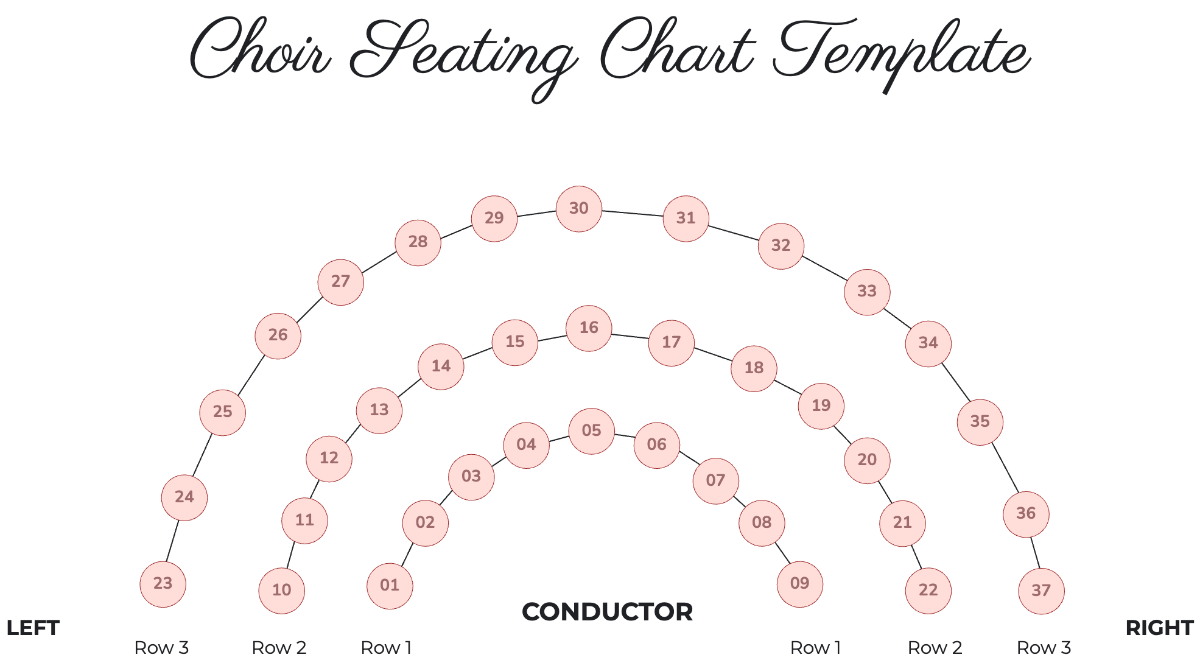
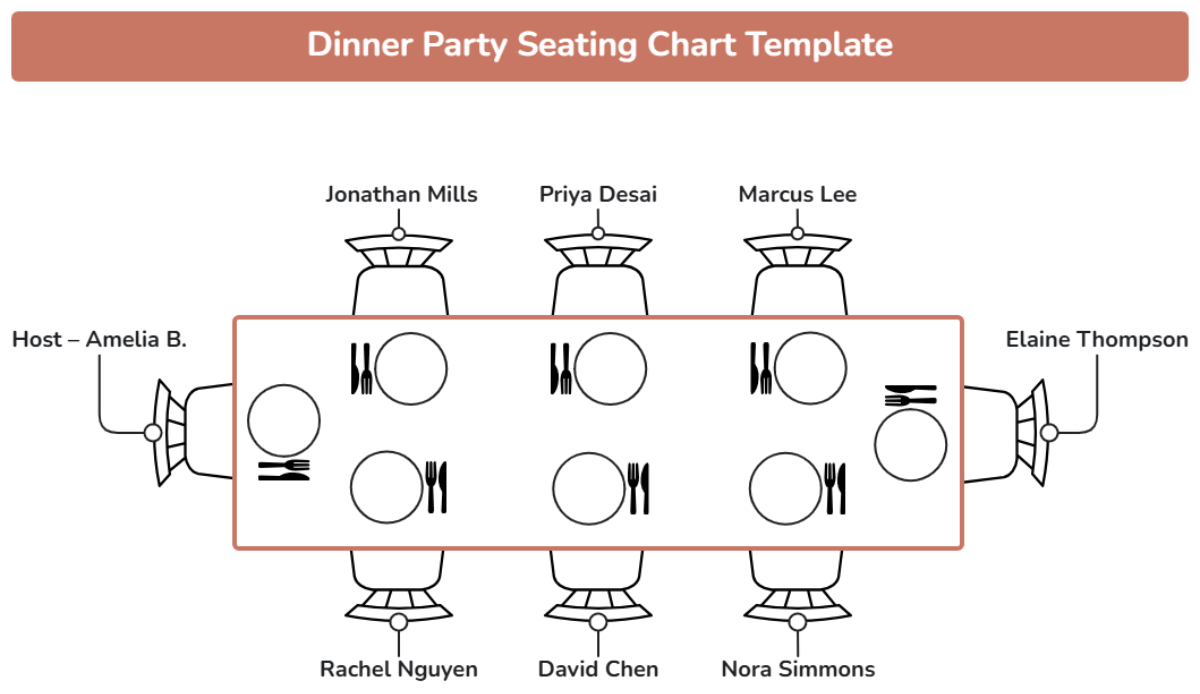
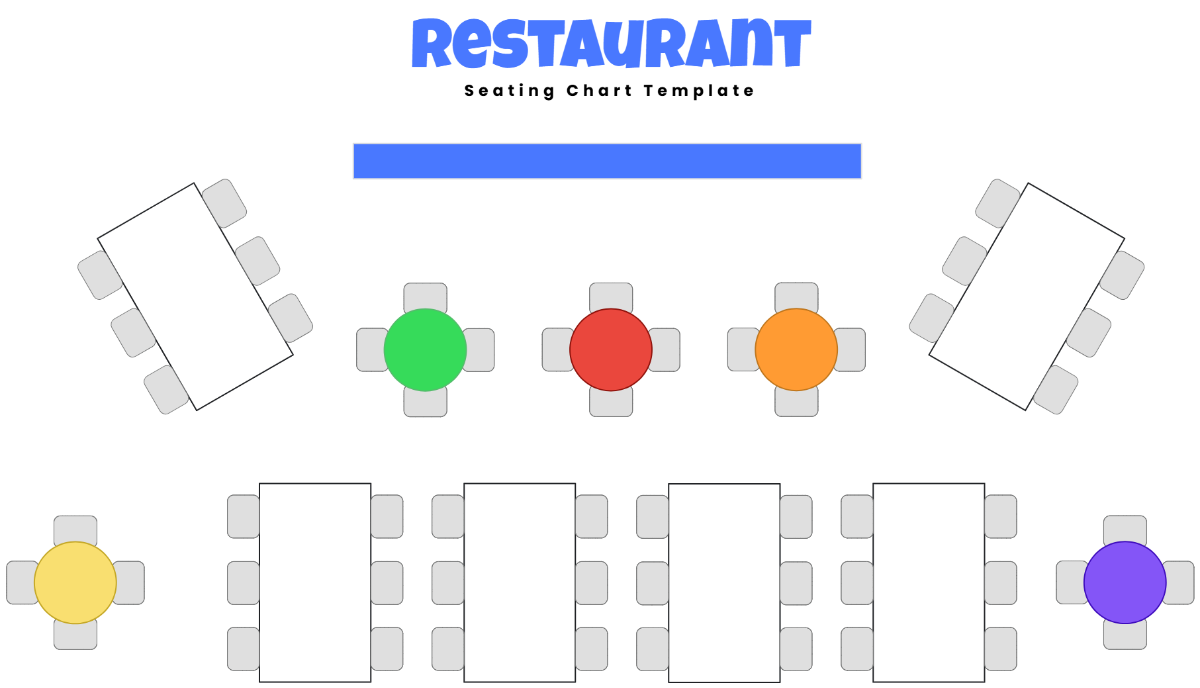
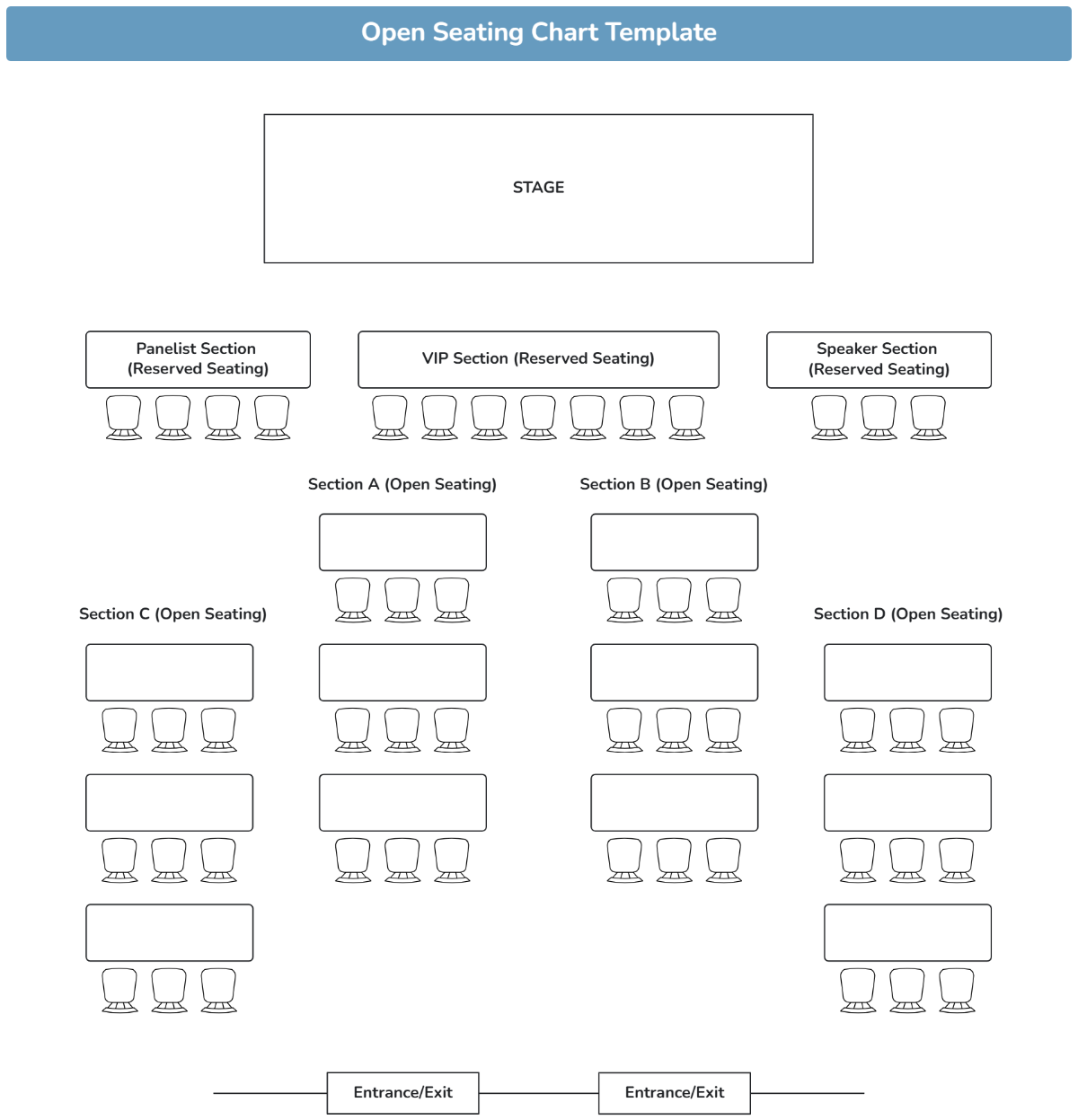
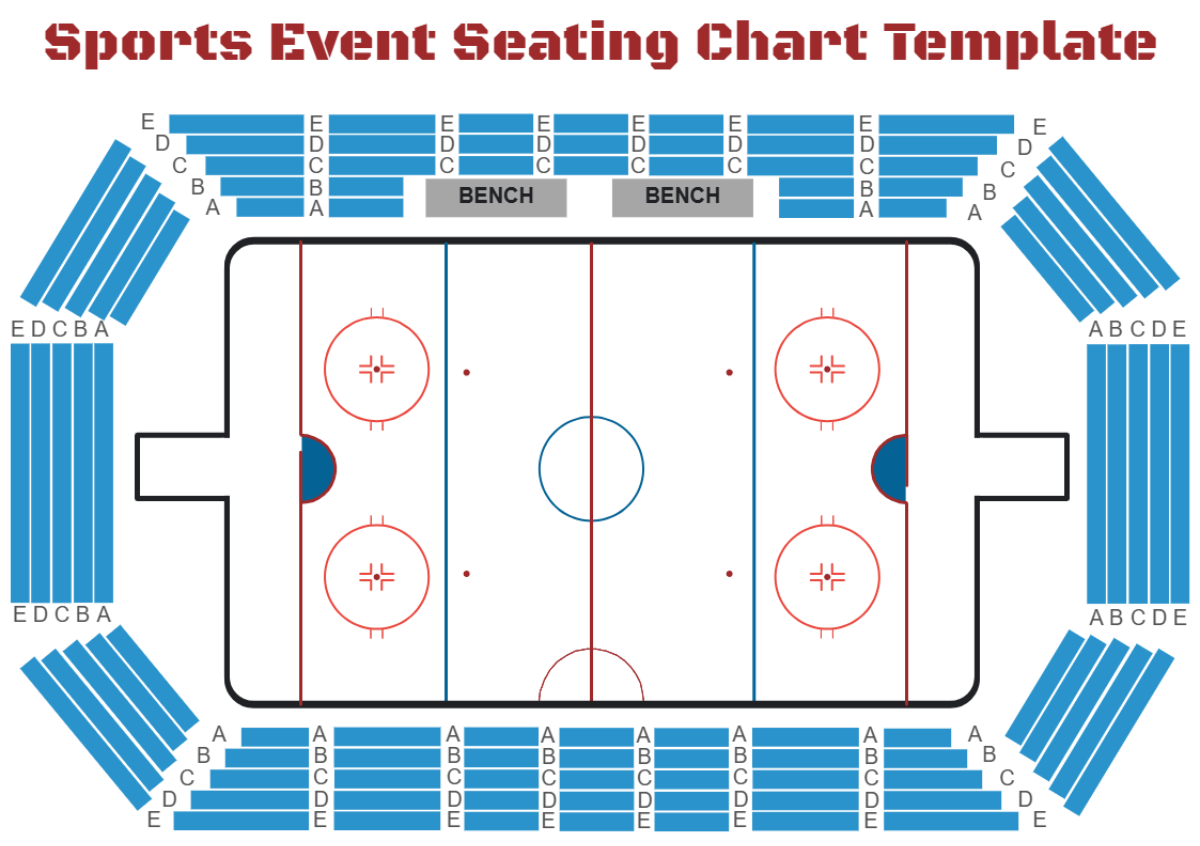
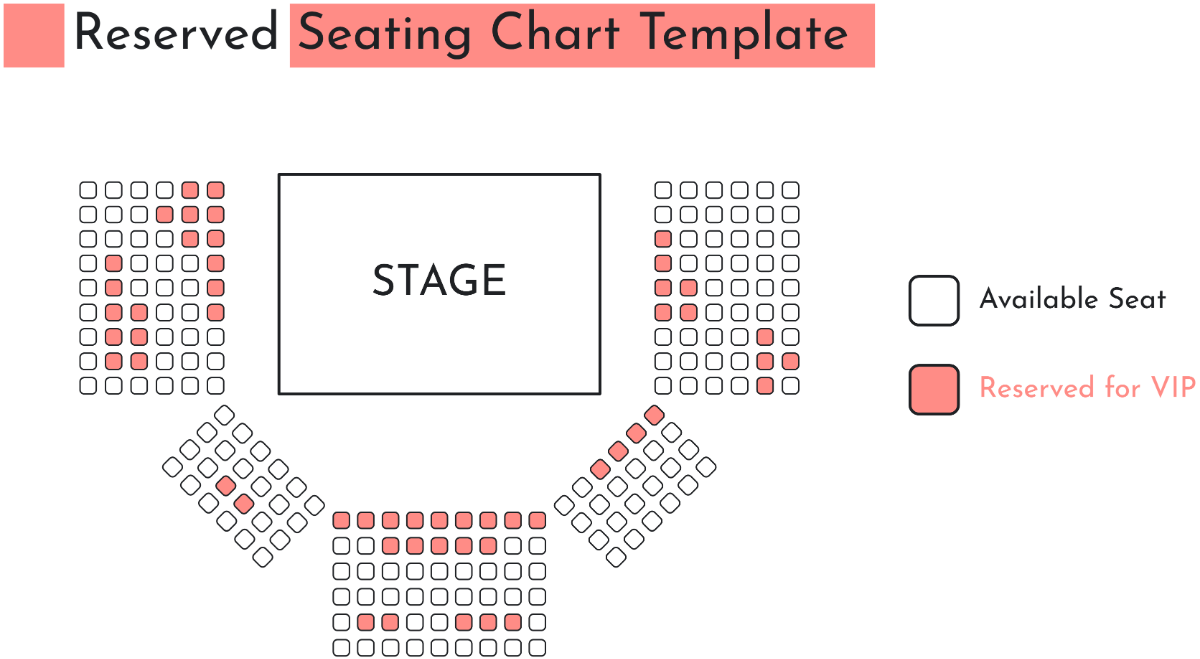
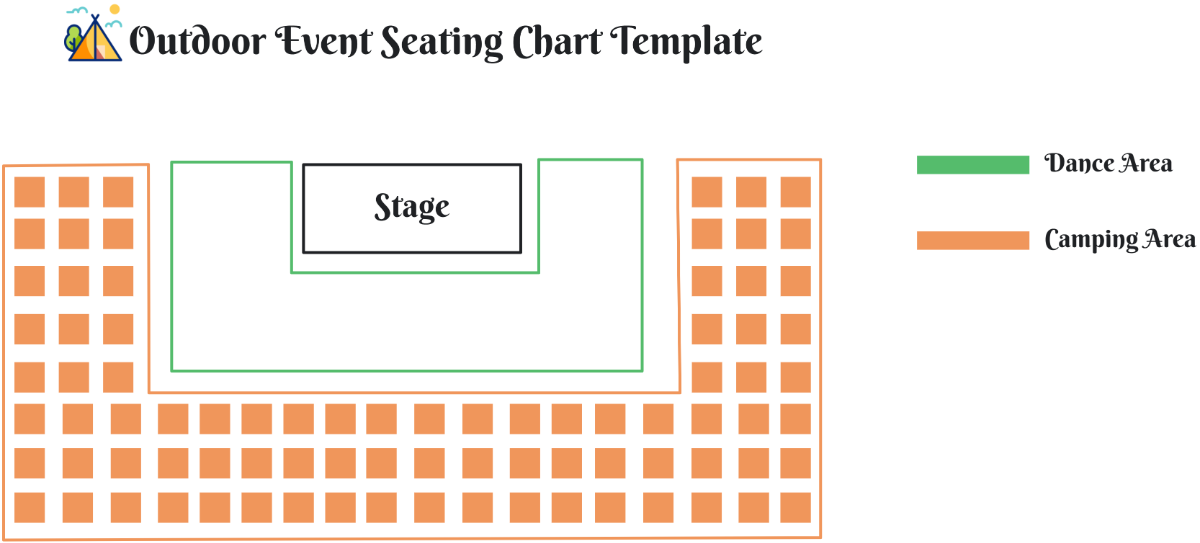
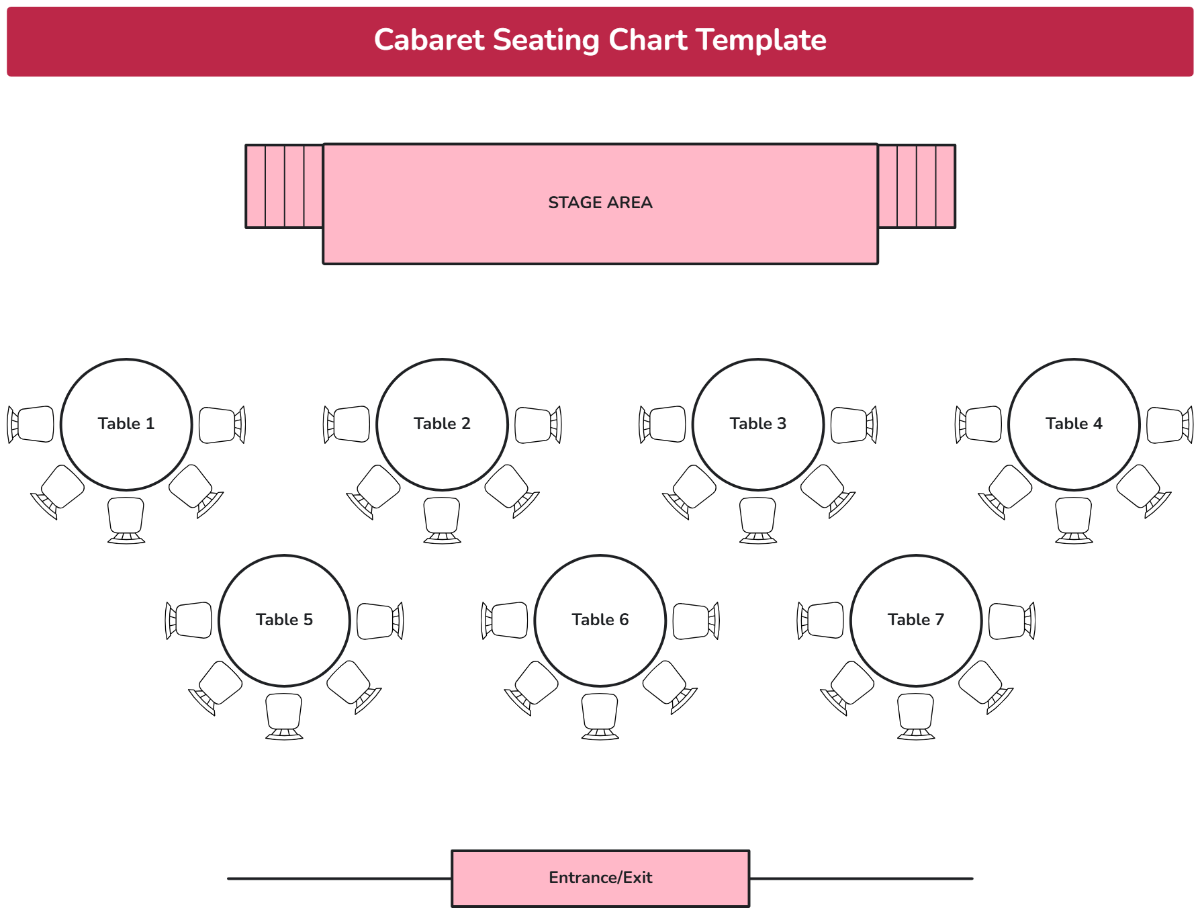

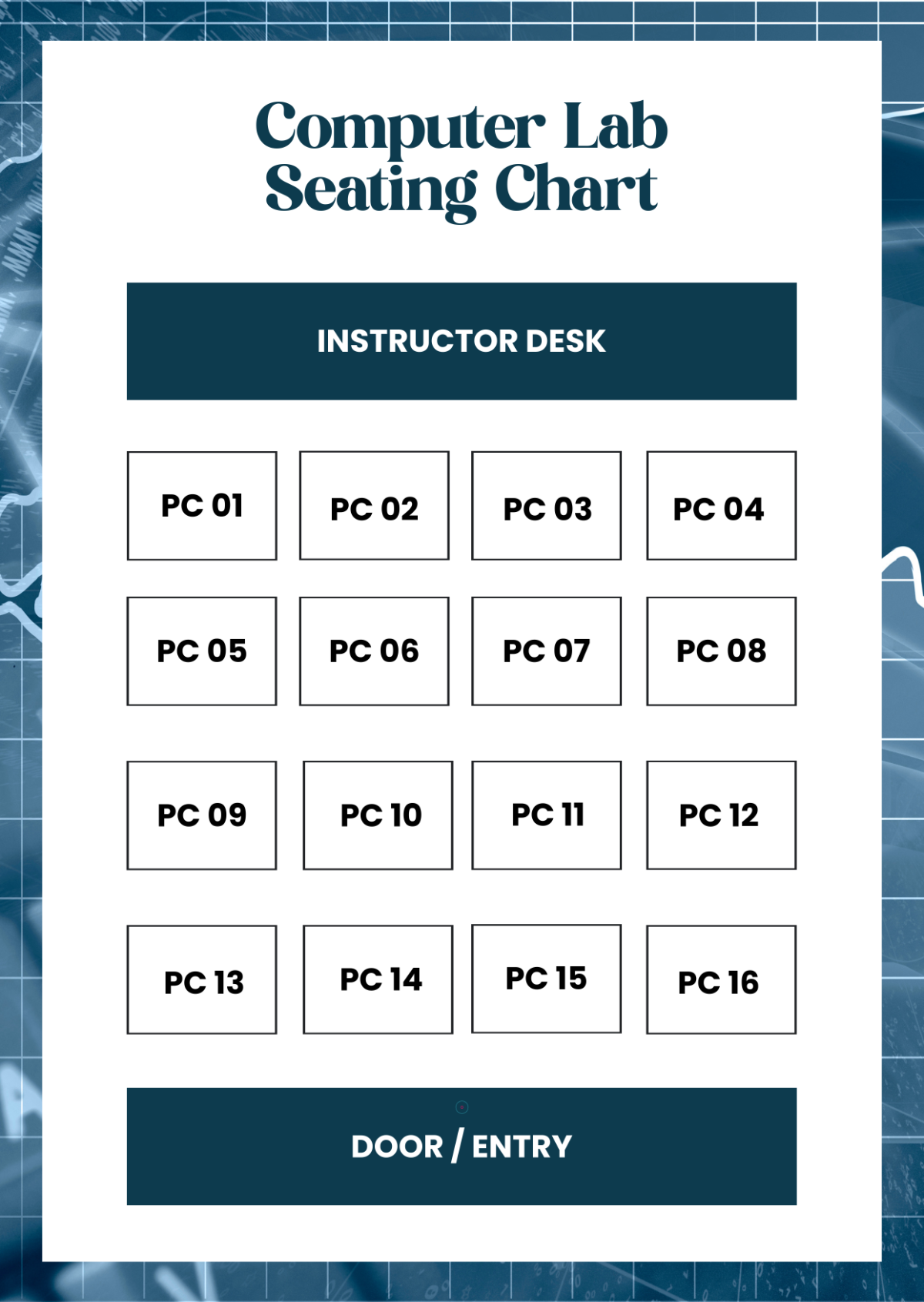


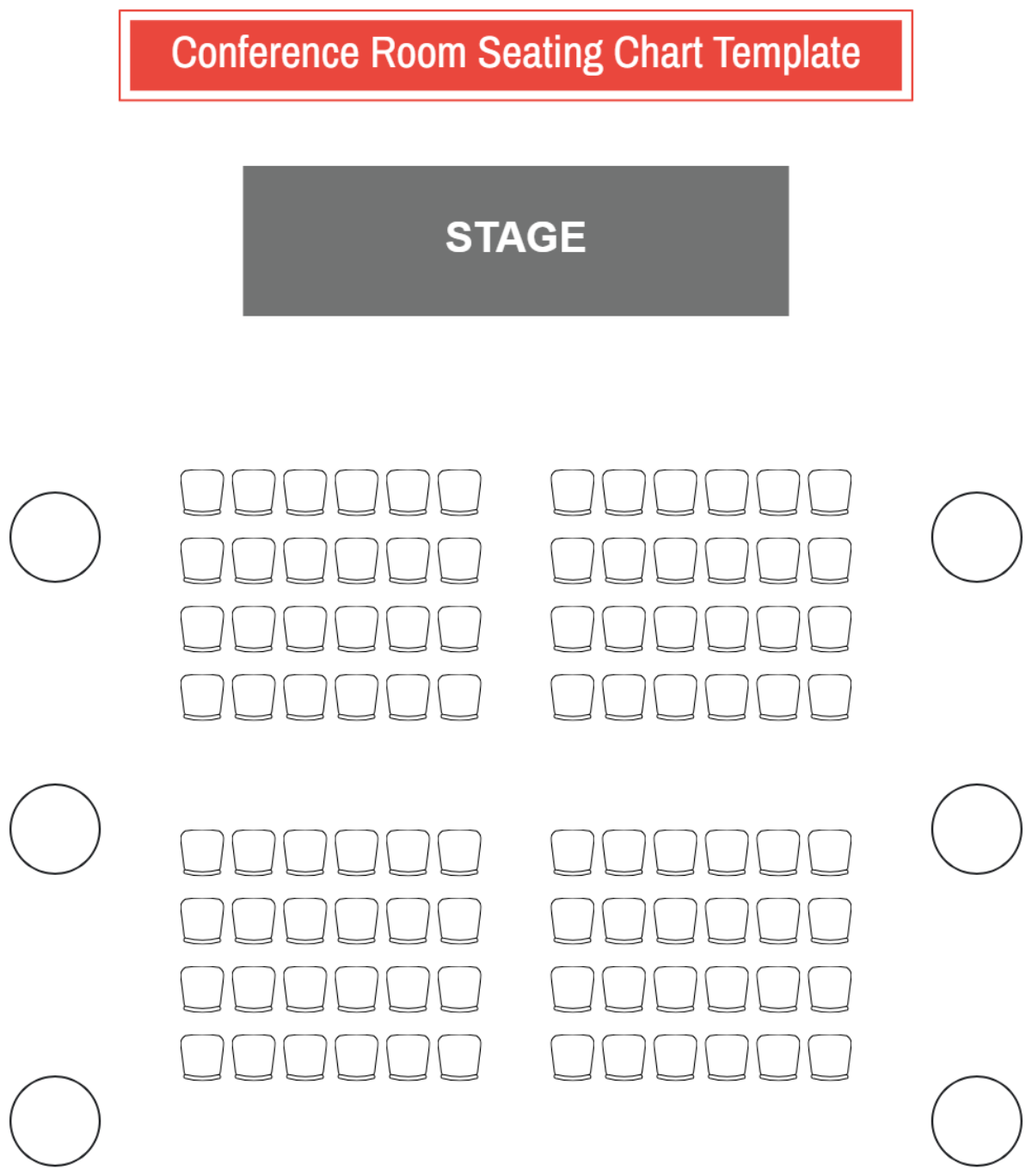
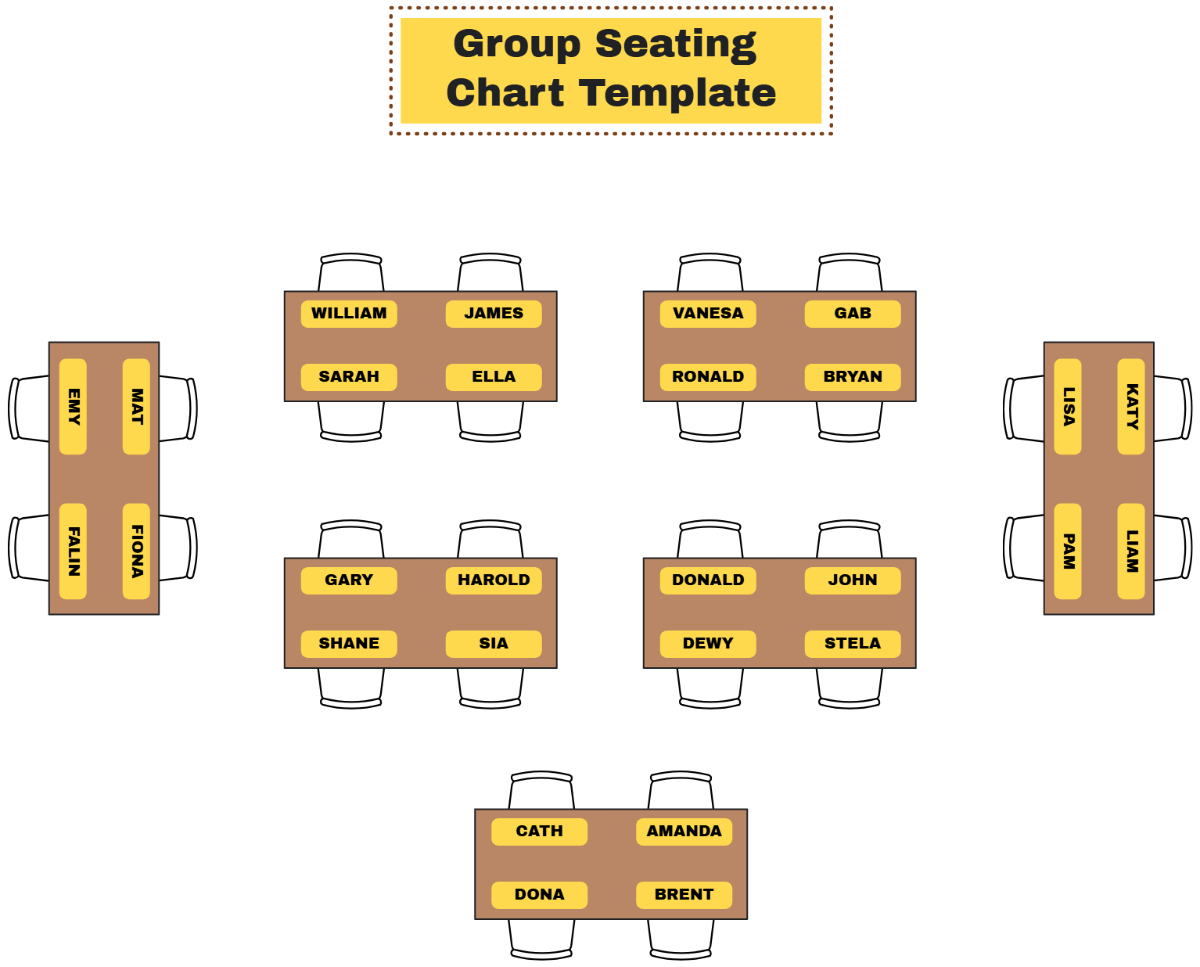
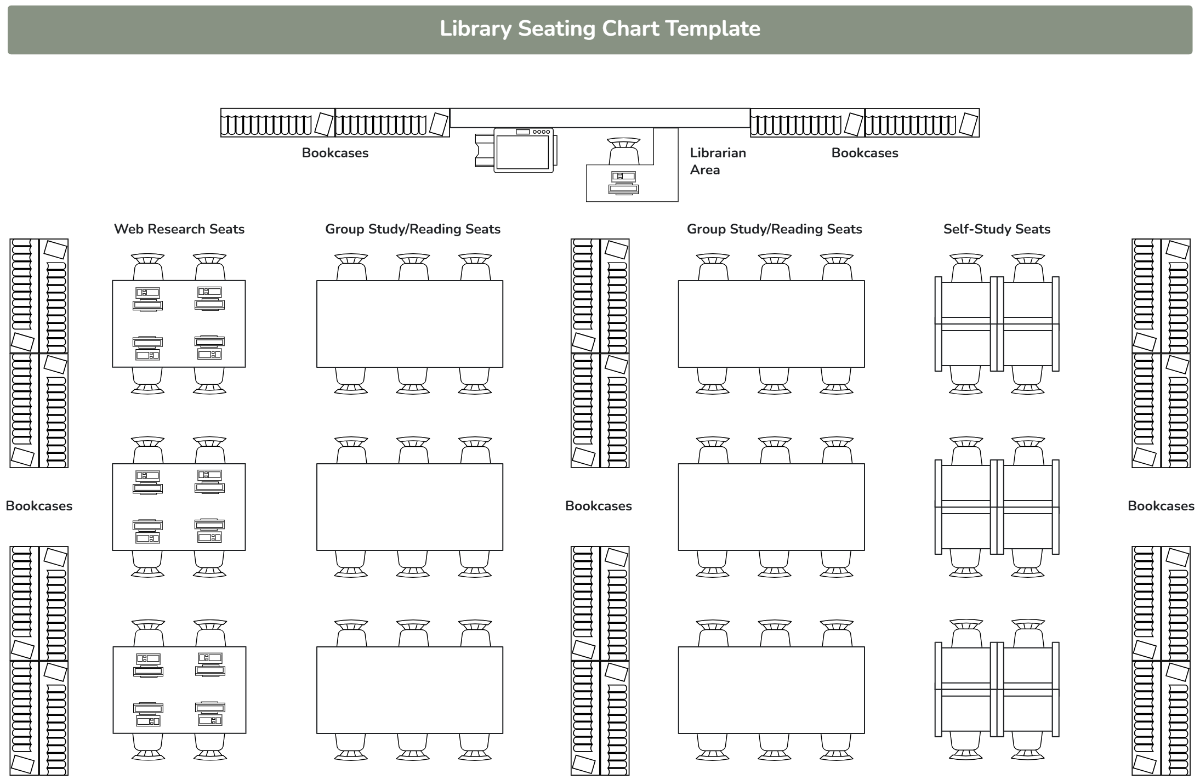
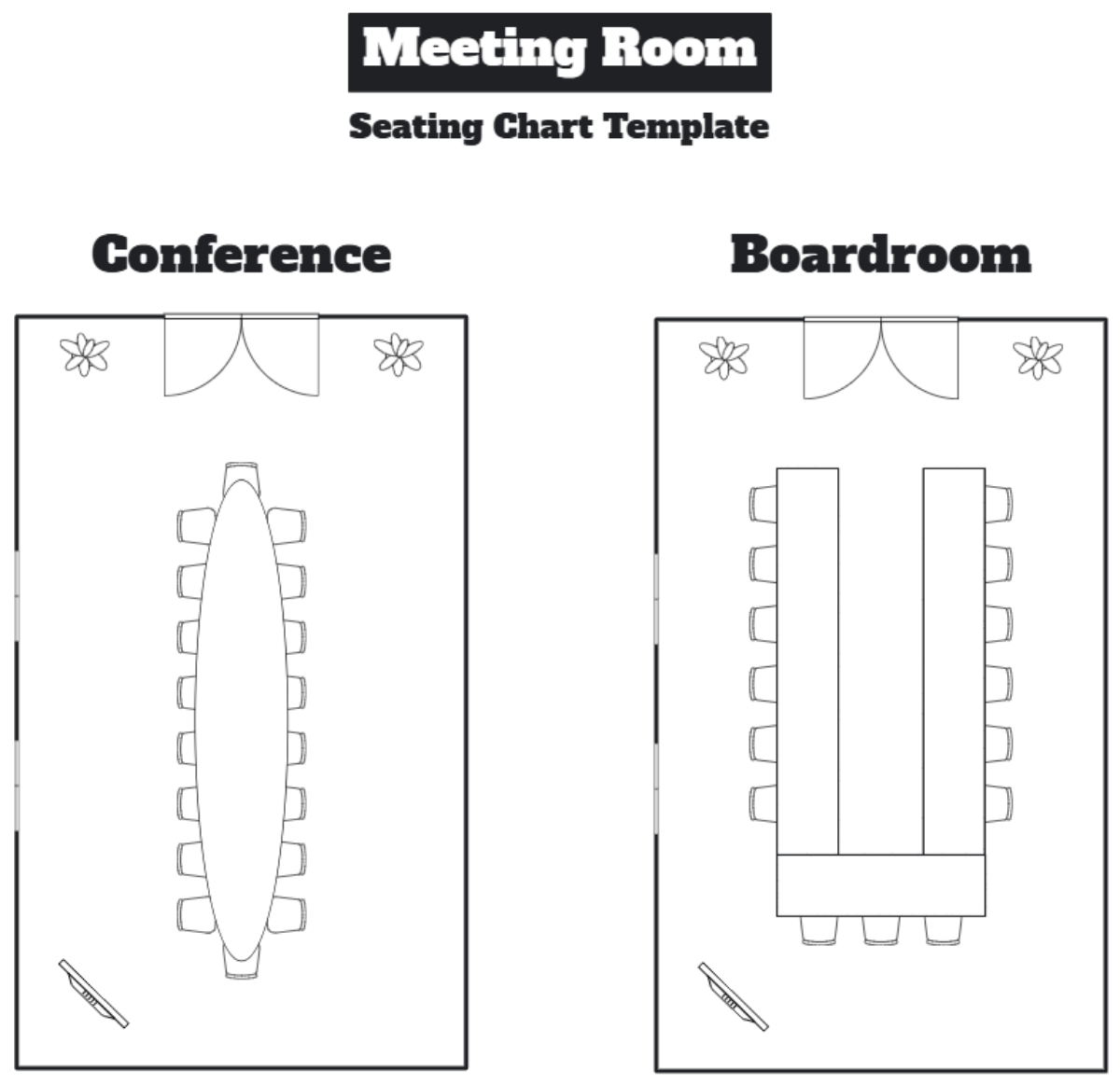
Create Smart Seating Arrangements with AI
Template.net's AI Seating Chart Generator transforms prompts or uploaded guest lists into organized seating charts within seconds. Quickly arrange guests, attendees, students, employees, speakers, or participants into clear seating layouts for weddings, conferences, classrooms, meetings, banquets, and special events. Easily optimize table assignments, improve venue organization, simplify event planning, and create professional seating diagrams that are ready to edit, present, and share.
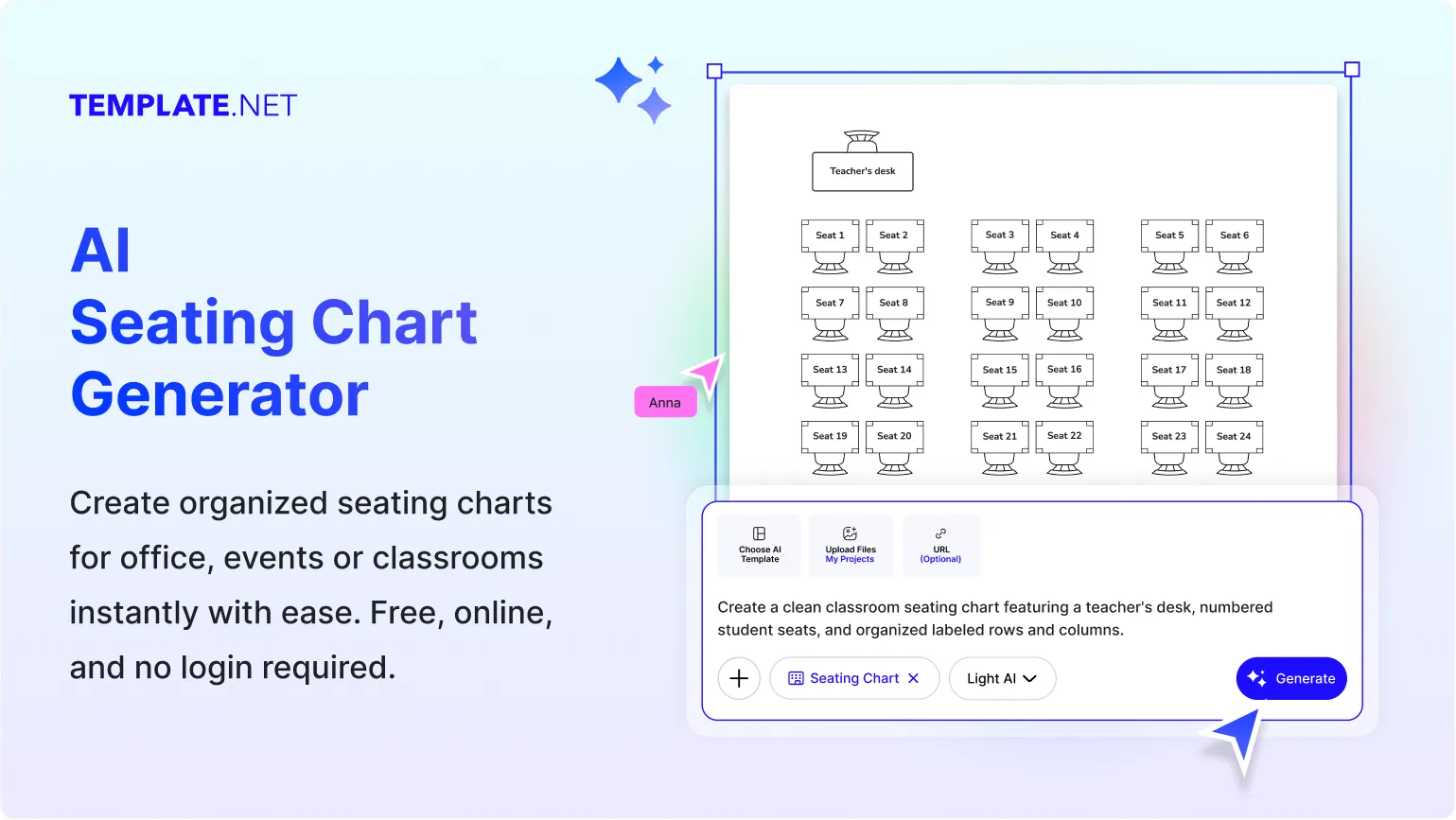
Design, Customize, and Share Seating Charts Effortlessly
Everything you need to create professional seating charts from prompts, voice input, or uploaded guest lists in one intelligent workspace.
AI-Powered Seating Chart Builder
Generate complete seating charts from a simple prompt, voice command, or uploaded guest list. AI automatically arranges guests into organized seating layouts that are easy to edit and personalize for any venue or event.
Smart Guest Assignment
Automatically organize guests, attendees, students, employees, or participants into logical seating arrangements based on your event requirements, preferences, or uploaded information.
Upload Guest Lists and Floor Plans
Upload spreadsheets, PDFs, guest lists, seating requests, venue layouts, or existing plans and instantly convert them into editable seating charts without starting from scratch.
Multiple Seating Layout Styles
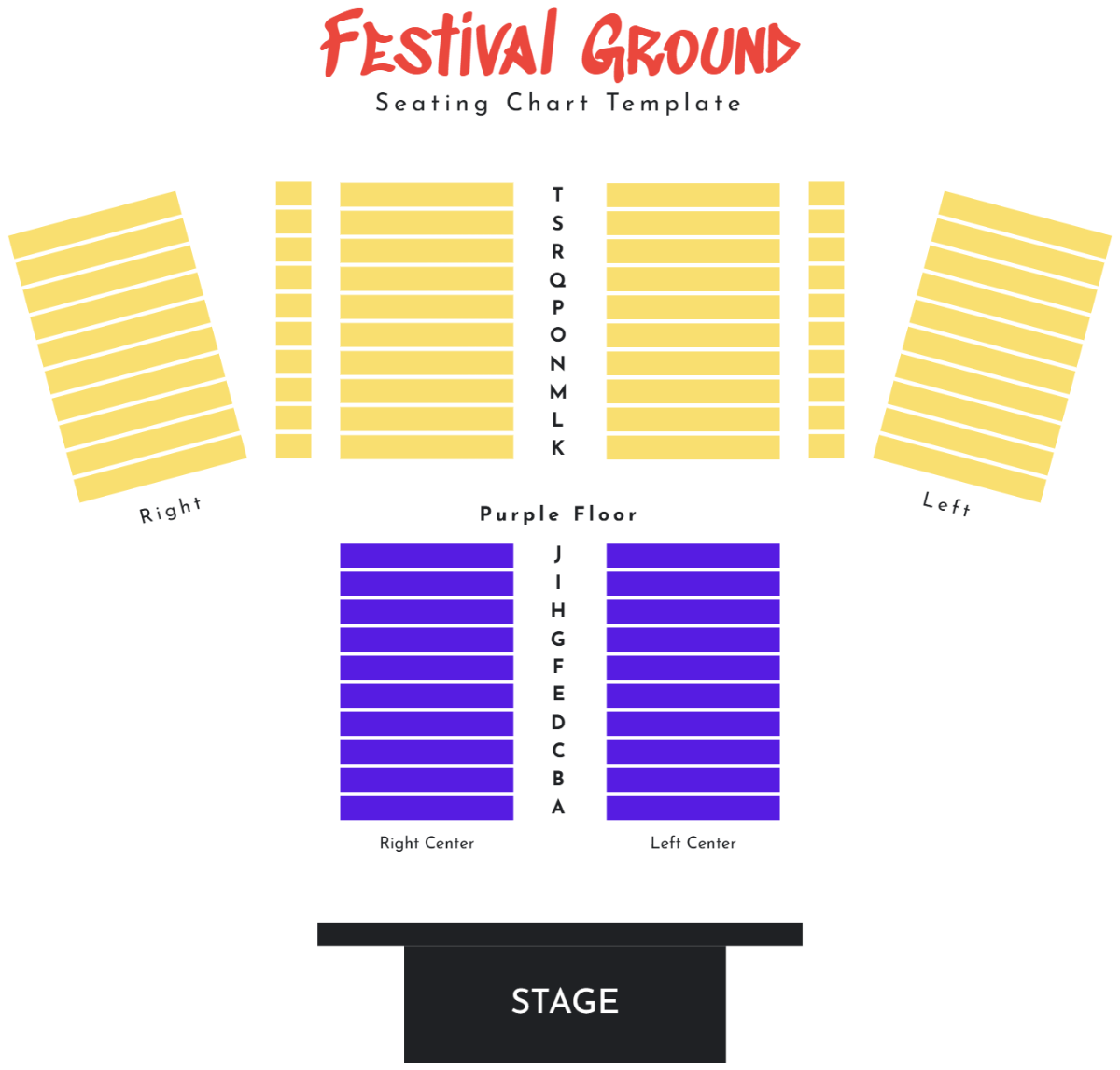
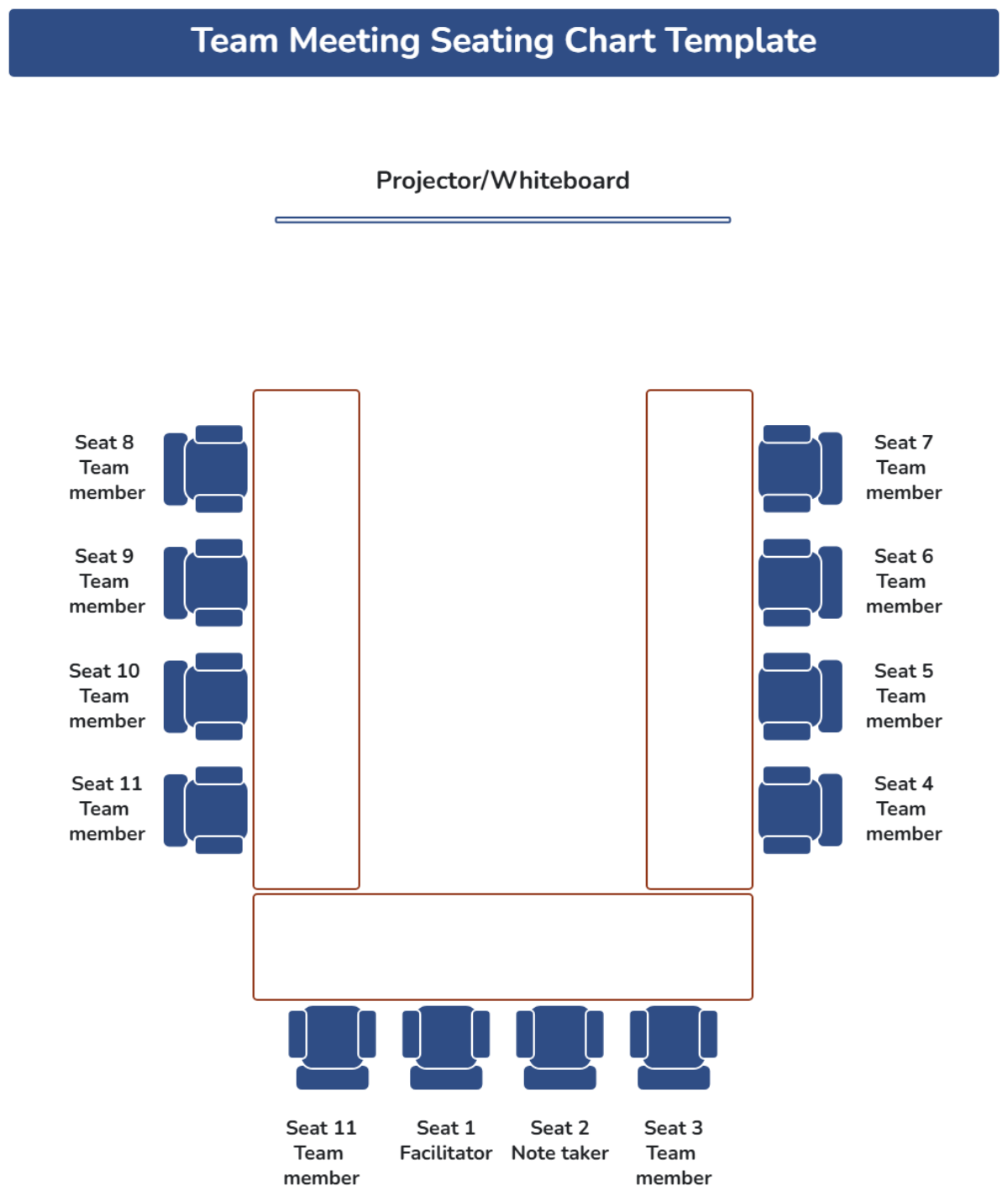
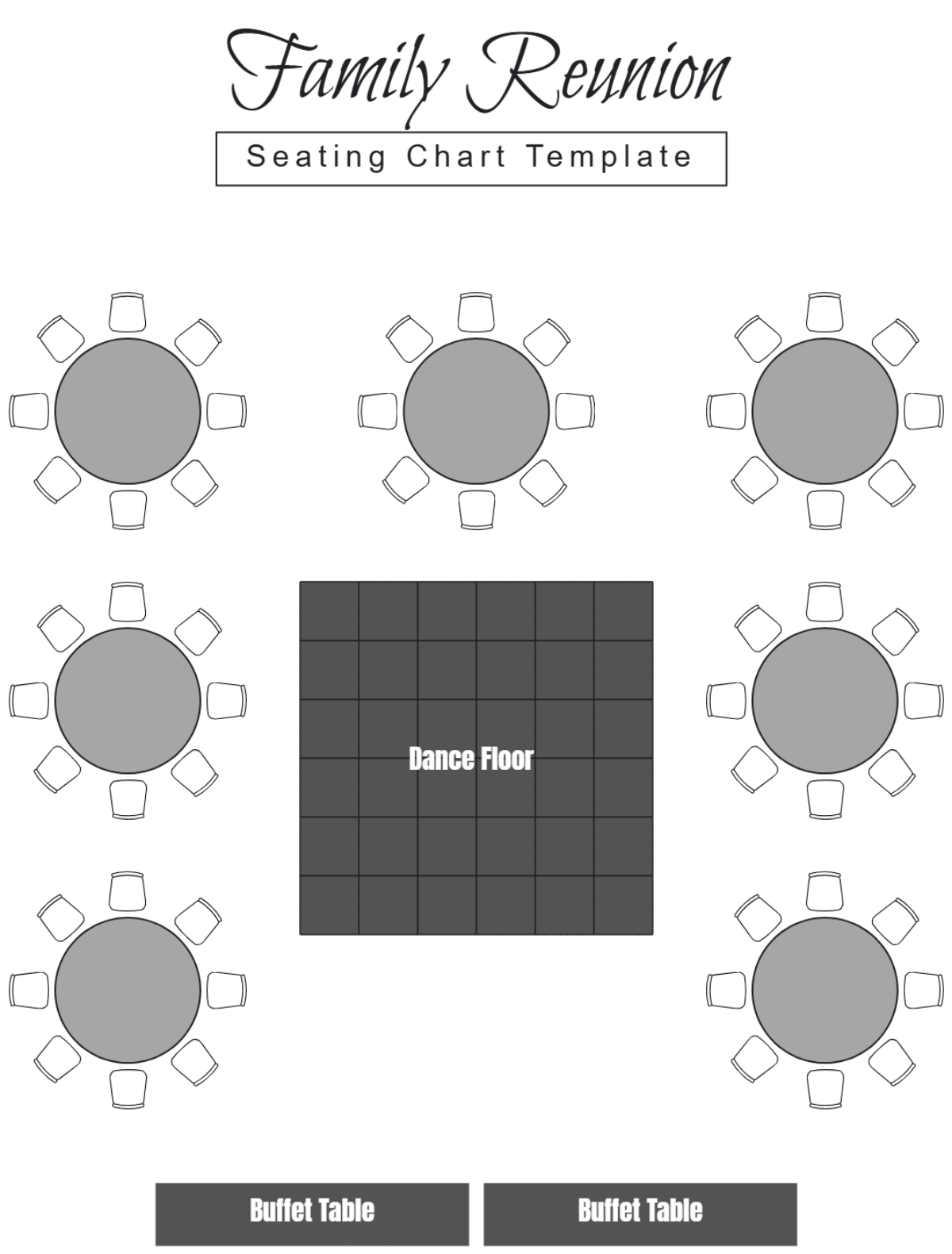
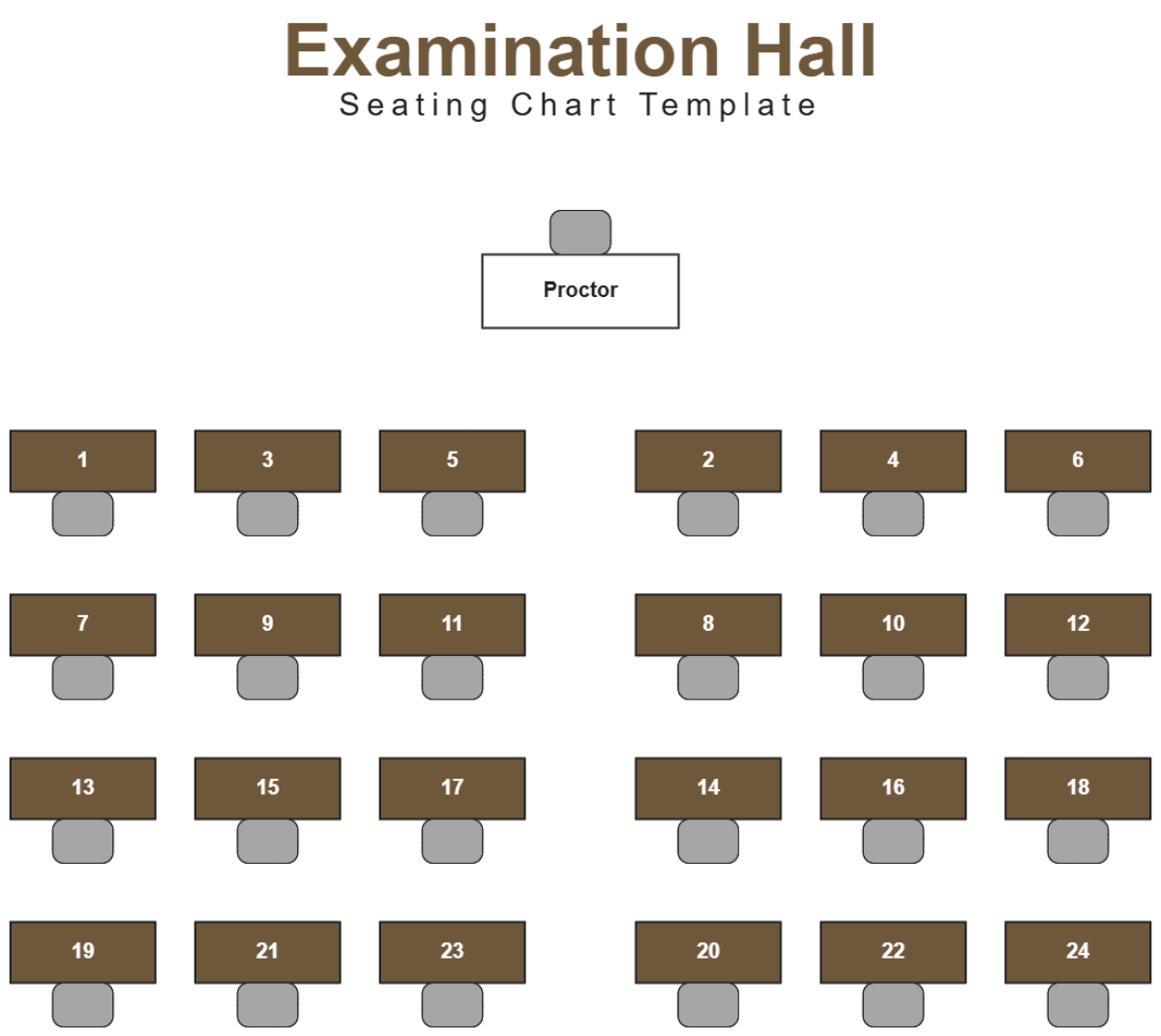
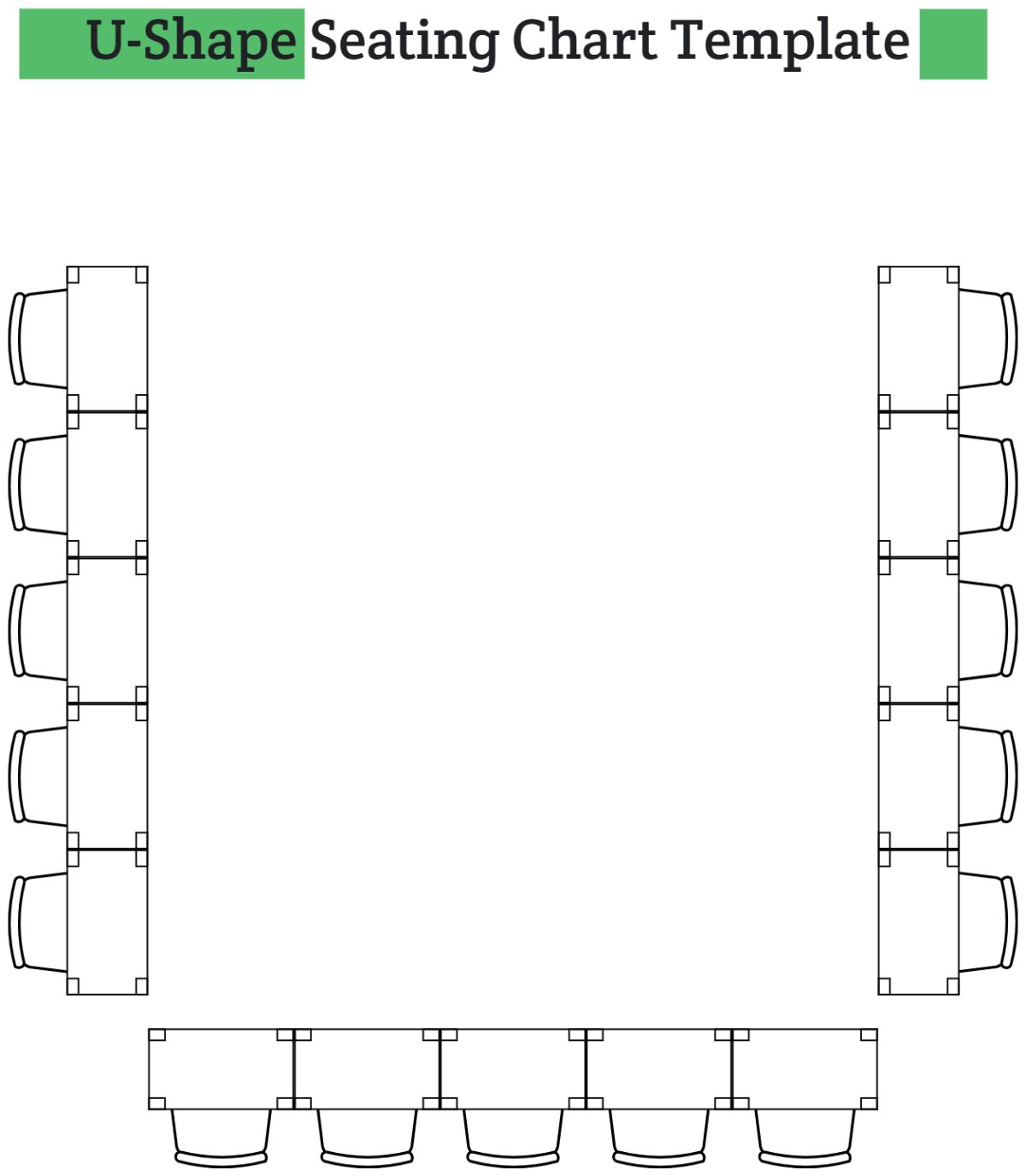
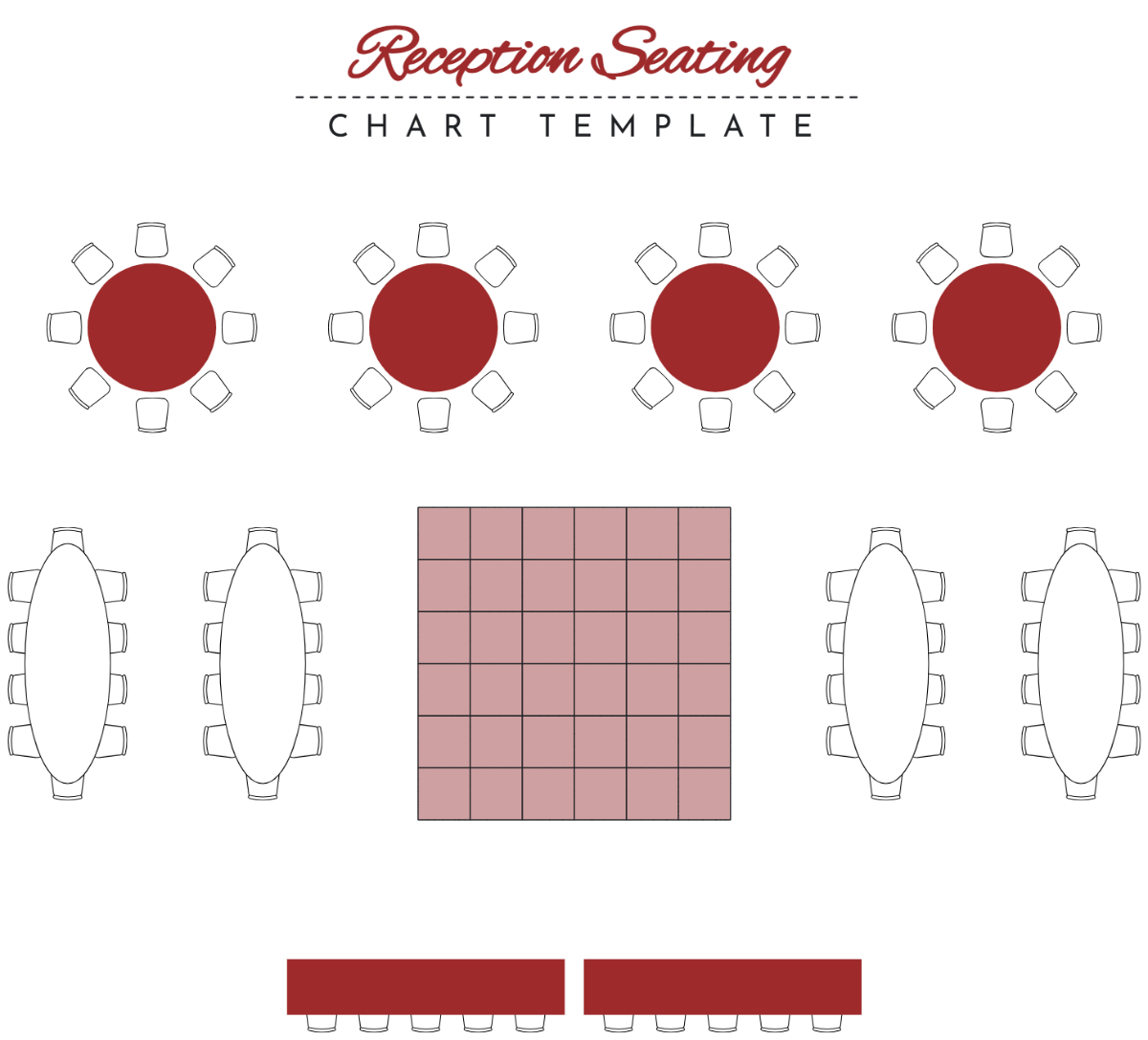
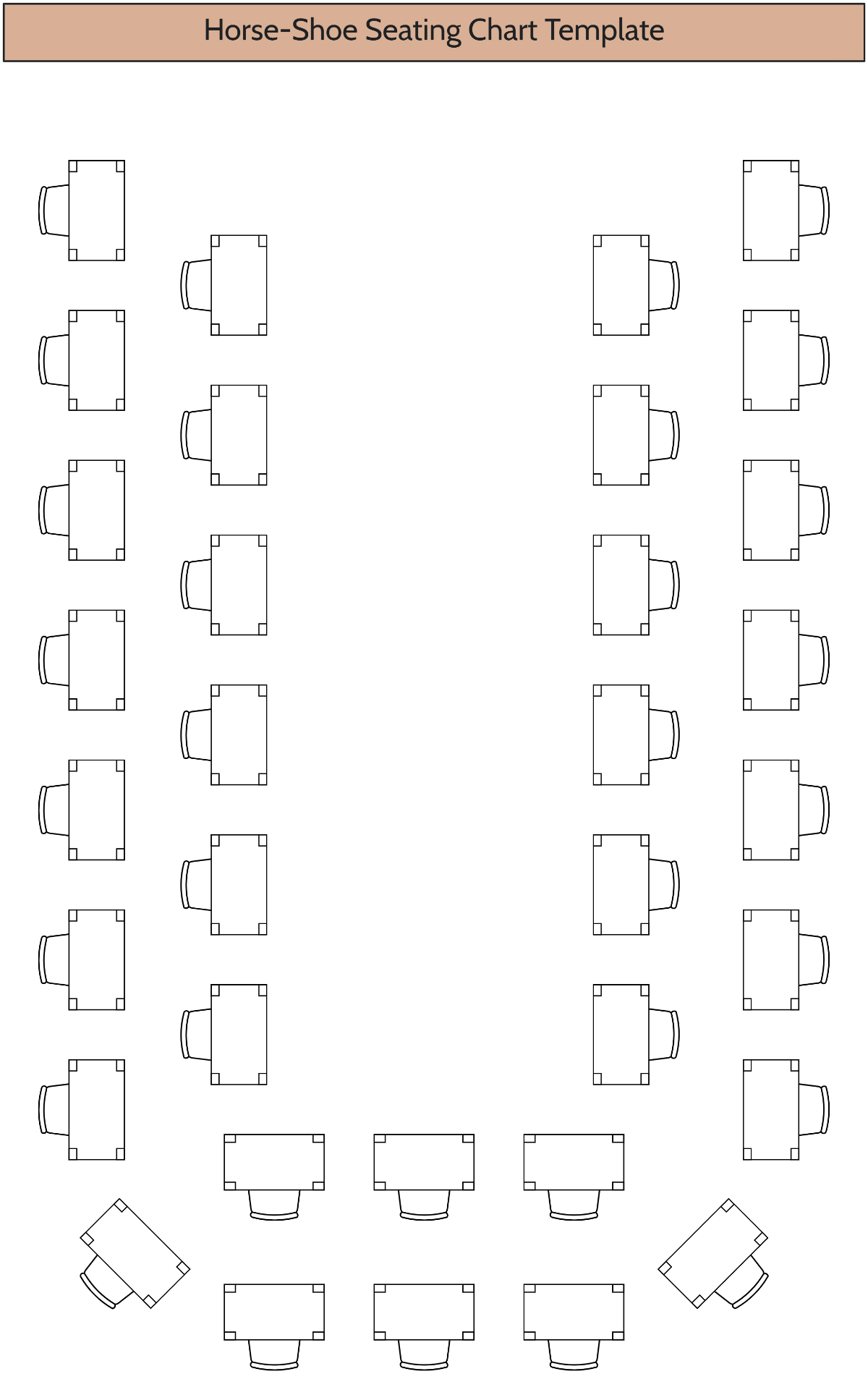
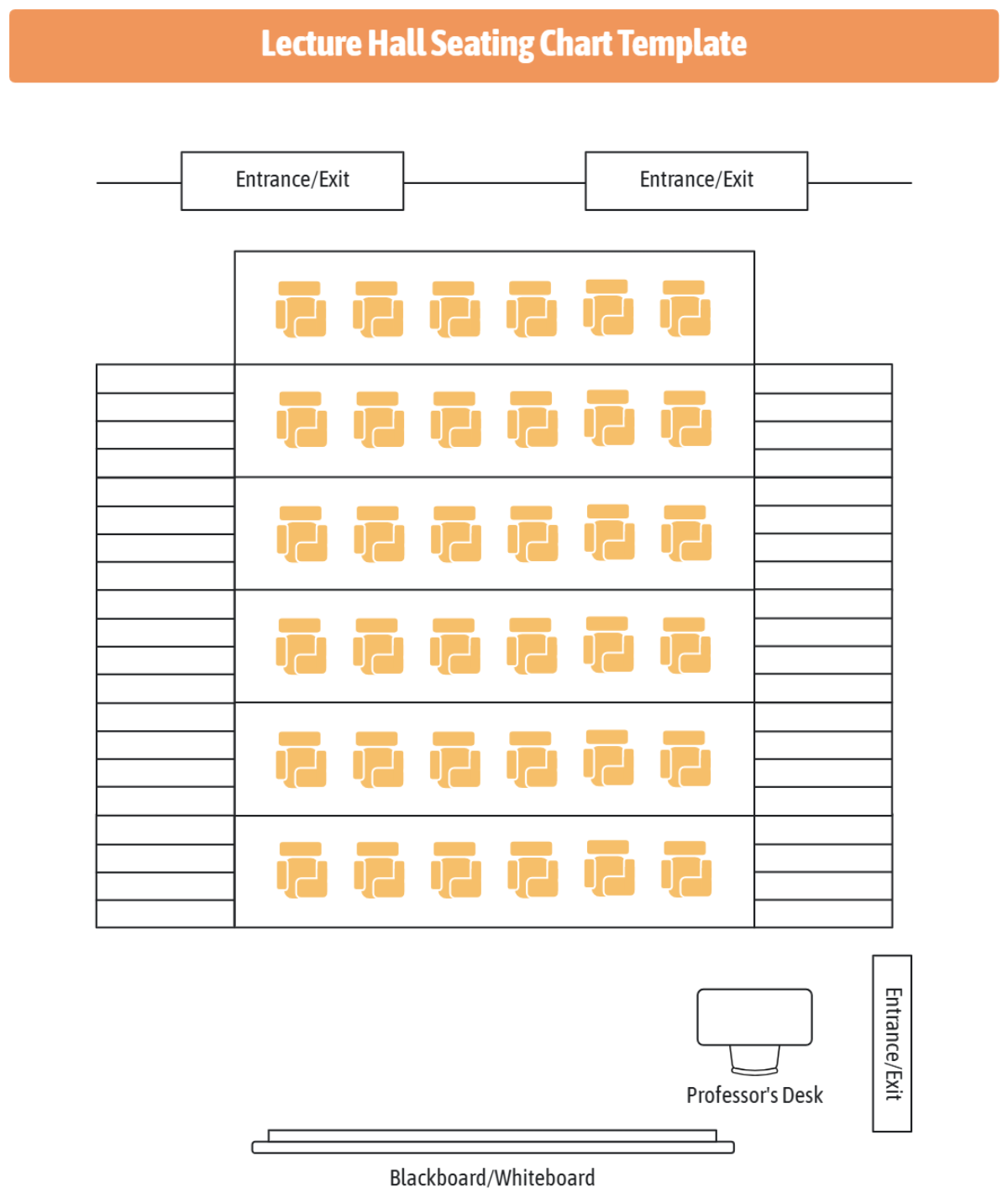
Create banquet layouts, classroom seating plans, wedding receptions, conference halls, theater seating, boardrooms, U shaped meetings, and custom room arrangements from one workspace.
Automatic Table Organization
AI intelligently groups attendees into tables or seating sections while maintaining balanced distribution, capacity limits, and organized layouts.
Flexible Venue Planning
Arrange tables, chairs, aisles, stages, entrances, exits, presentation areas, dance floors, registration desks, and service zones according to your venue requirements.
Fully Customizable Design
Personalize colors, fonts, icons, labels, connectors, spacing, table shapes, seat numbering, and layout styles to match your event branding or presentation.
Easy Drag and Rearrange
Move guests, swap seats, adjust tables, reorganize sections, and refine seating assignments quickly without rebuilding the entire seating plan.
Real Time Collaboration
Invite event planners, teachers, coordinators, venue managers, clients, or team members to review, edit, comment, and finalize seating charts together.
Multilingual Support
Generate seating charts in 20+ multiple languages including English, Spanish, French, German, Italian, Portuguese, Dutch, Russian, Chinese, Japanese, Korean, Arabic, Hindi, Bengali, Tamil, Telugu, Marathi, Gujarati, Turkish, Vietnamese, Thai, and more.
Automatic Seating Alignment
Maintain evenly spaced tables, perfectly aligned seats, and organized layouts automatically, even as your seating chart grows larger or becomes more detailed.
Presentation Ready Seating Plans
Create polished seating charts for weddings, conferences, classrooms, corporate meetings, banquets, seminars, training sessions, and special events with minimal editing.
Duplicate and Compare Layouts
Create multiple seating arrangements to compare guest placements, table configurations, classroom layouts, or event scenarios before making your final decision.
Unlimited Expandable Workspace
Expand seating layouts freely as guest lists increase while maintaining an organized arrangement that remains easy to navigate, edit, and present.
Cloud Based Project Access
Save, access, and update seating charts from anywhere, making it easy to manage venue planning across devices and collaborate with your team.
Voice to Seating Chart Generation
Describe your seating requirements naturally using voice input and let AI instantly convert your instructions into a structured, editable seating chart.
Professional Seating Templates
Start quickly with professionally designed templates for weddings, classrooms, conferences, corporate meetings, banquets, training sessions, ceremonies, and event venues.
Export, Share, and Continue Planning
Download your seating chart as PNG, WEBP, BMP, TIFF, Microsoft PowerPoint, Google Slides or instantly share through email, live links, WhatsApp, Facebook, LinkedIn, and X. Continue planning with AI Floor Plan Generator, AI Org Chart Generator, AI Hierarchy Generator, AI Mind Map Generator, AI Flowchart Generator, and AI Process Map Generator.
How to Make a Free AI Generated Seating Chart
Create professional seating arrangements in just a few simple steps.
Step 1: Enter Your Prompt
Open the AI Seating Chart Generator and describe your seating arrangement or upload your guest list, attendee spreadsheet, classroom roster, or event details. For example, enter "Create a wedding seating chart with 15 round tables seating eight guests each, keeping families together, placing the bridal party near the head table, and reserving front tables for VIP guests." Then click Generate to instantly create an editable seating chart.
Step 2: Review and Refine Your Seating Chart
Move guests between seats or tables, adjust seating assignments, rename sections, update attendee details, customize colors, and fine tune the layout until it perfectly matches your event.
Step 3: Export or Share
Download your seating chart as PNG, WEBP, BMP, TIFF, Microsoft PowerPoint, Google Slides or generate a live share link, or collaborate with your team, clients, teachers, or event organizers online.
Design Smarter Seating Plans with AI
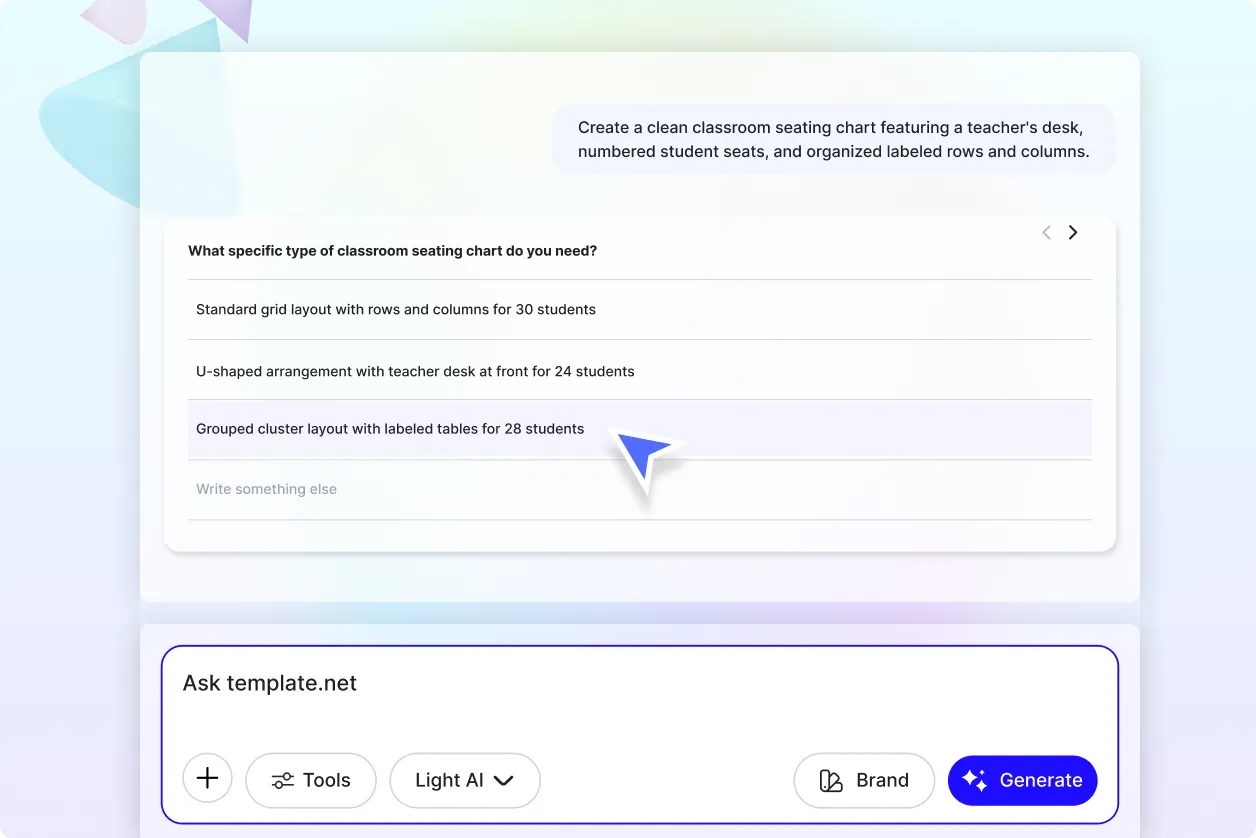
Organize Every Guest with Confidence
Create structured seating arrangements that make every event run smoothly. Arrange guests, attendees, students, or participants into clear layouts that improve organization, visibility, and event coordination.
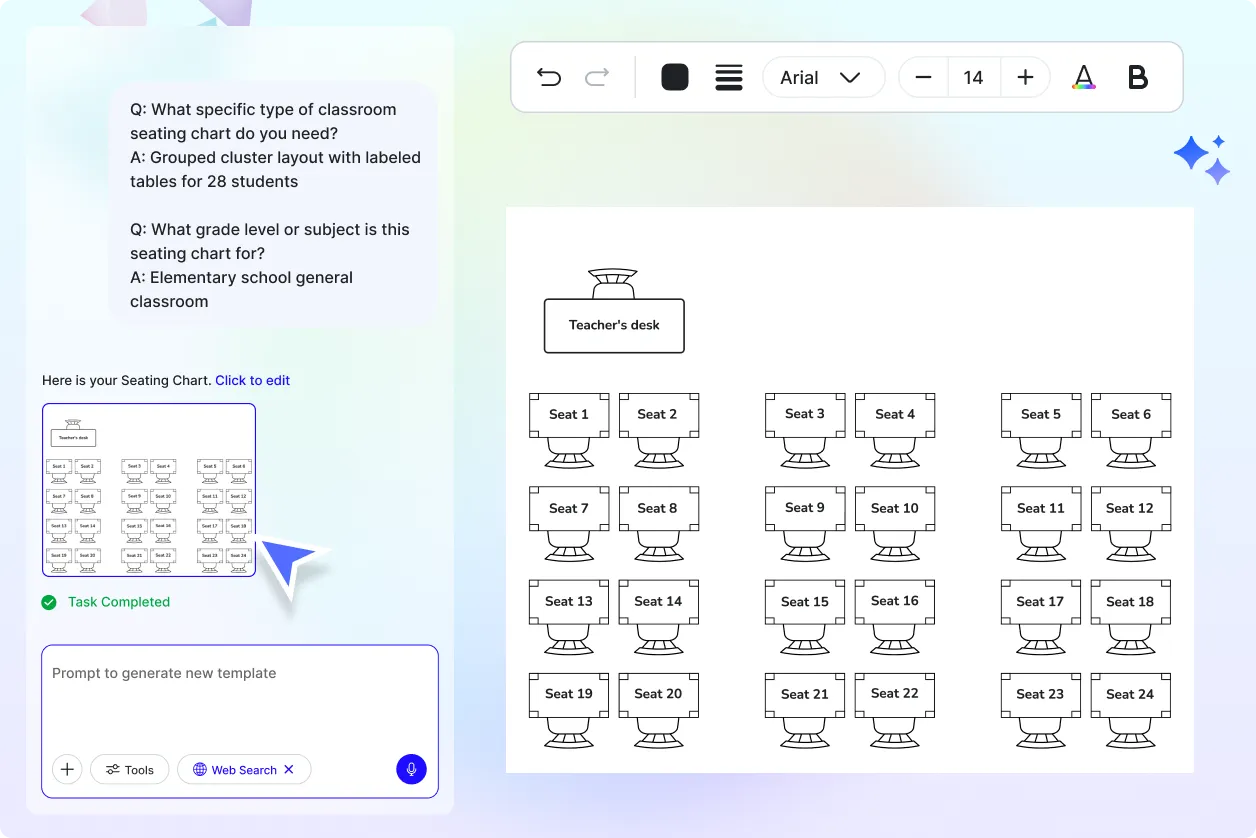
Adjust Seating Plans Anytime
Update seating assignments instantly as guest lists change. Add new attendees, rearrange tables, modify sections, or accommodate last minute requests without recreating the entire seating chart.
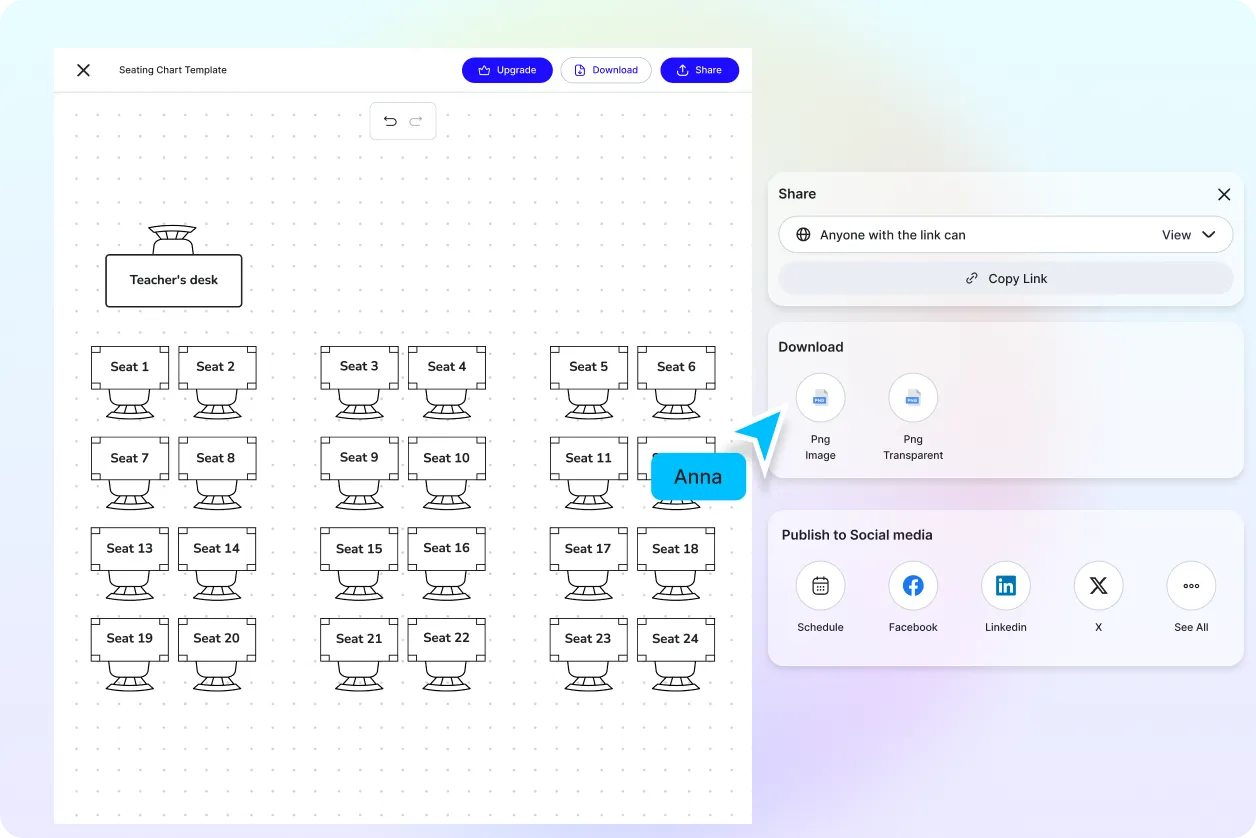
Collaborate with Event Teams
Work together with wedding planners, venue coordinators, teachers, HR teams, conference organizers, or clients in one shared project. Review seating arrangements, collect feedback, and finalize layouts faster.
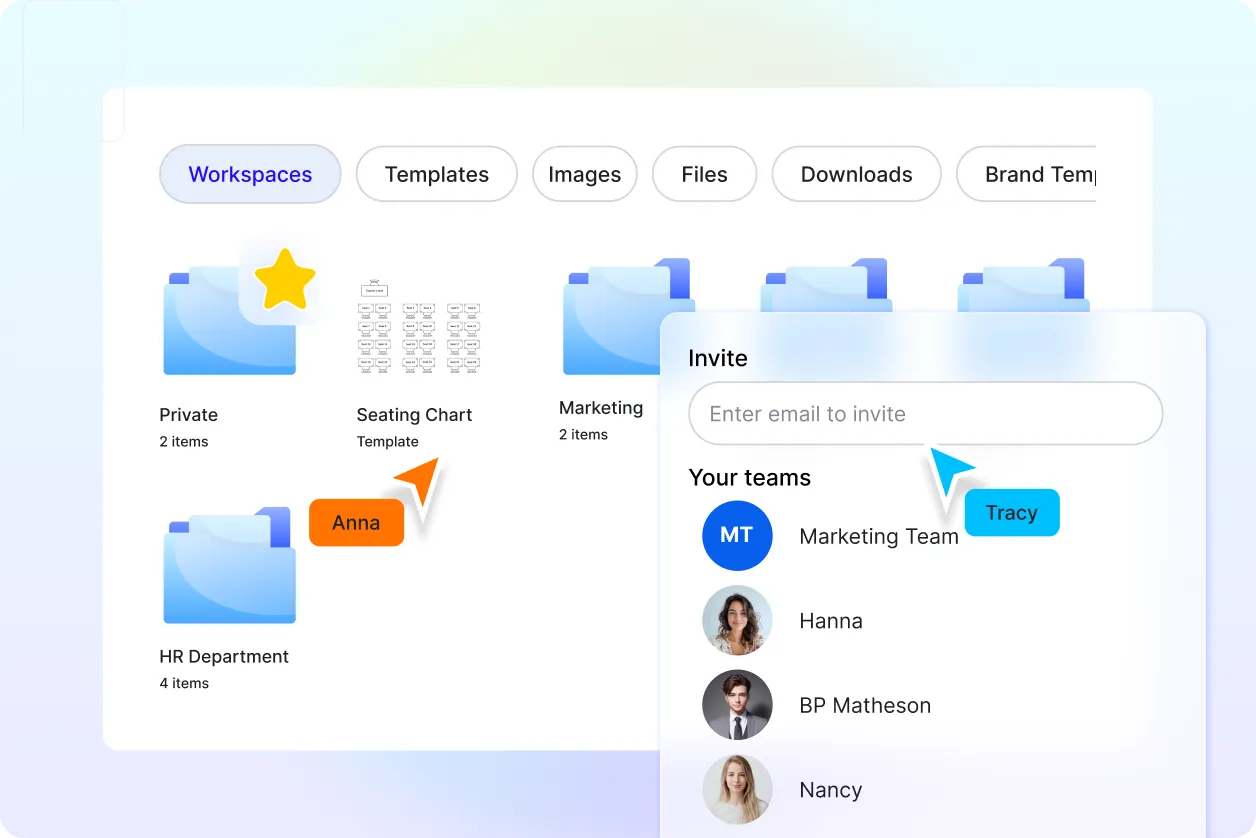
Keep Every Seating Project Organized
Store seating charts for weddings, classrooms, conferences, restaurants, examinations, banquets, corporate meetings, and special events in one centralized workspace, making future edits, updates, and reuse simple and efficient.
