AI Motion Control Video Generator
more
Create from a Motion Control Template
Pick a proven format. Add your content. AI does the rest
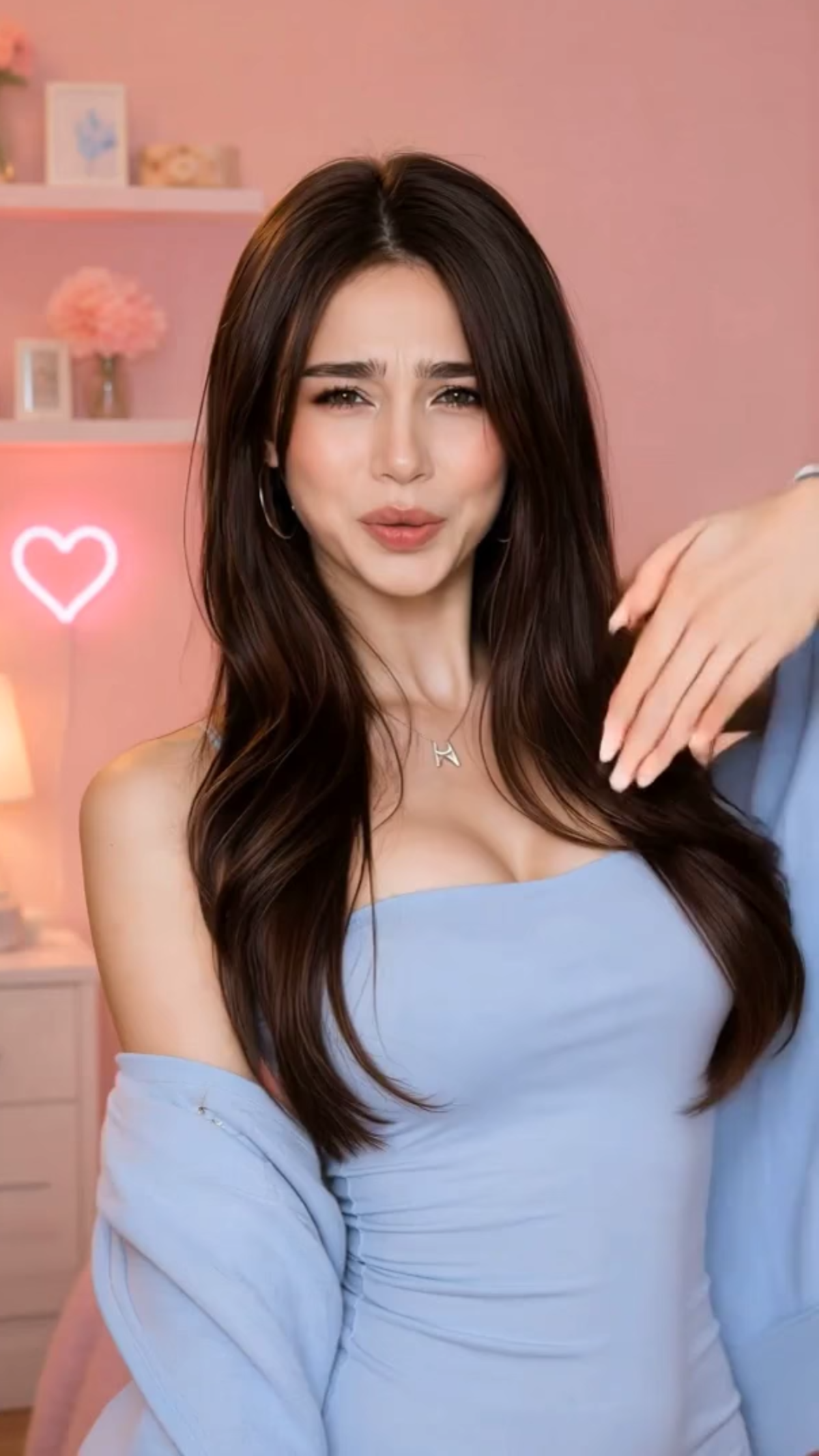
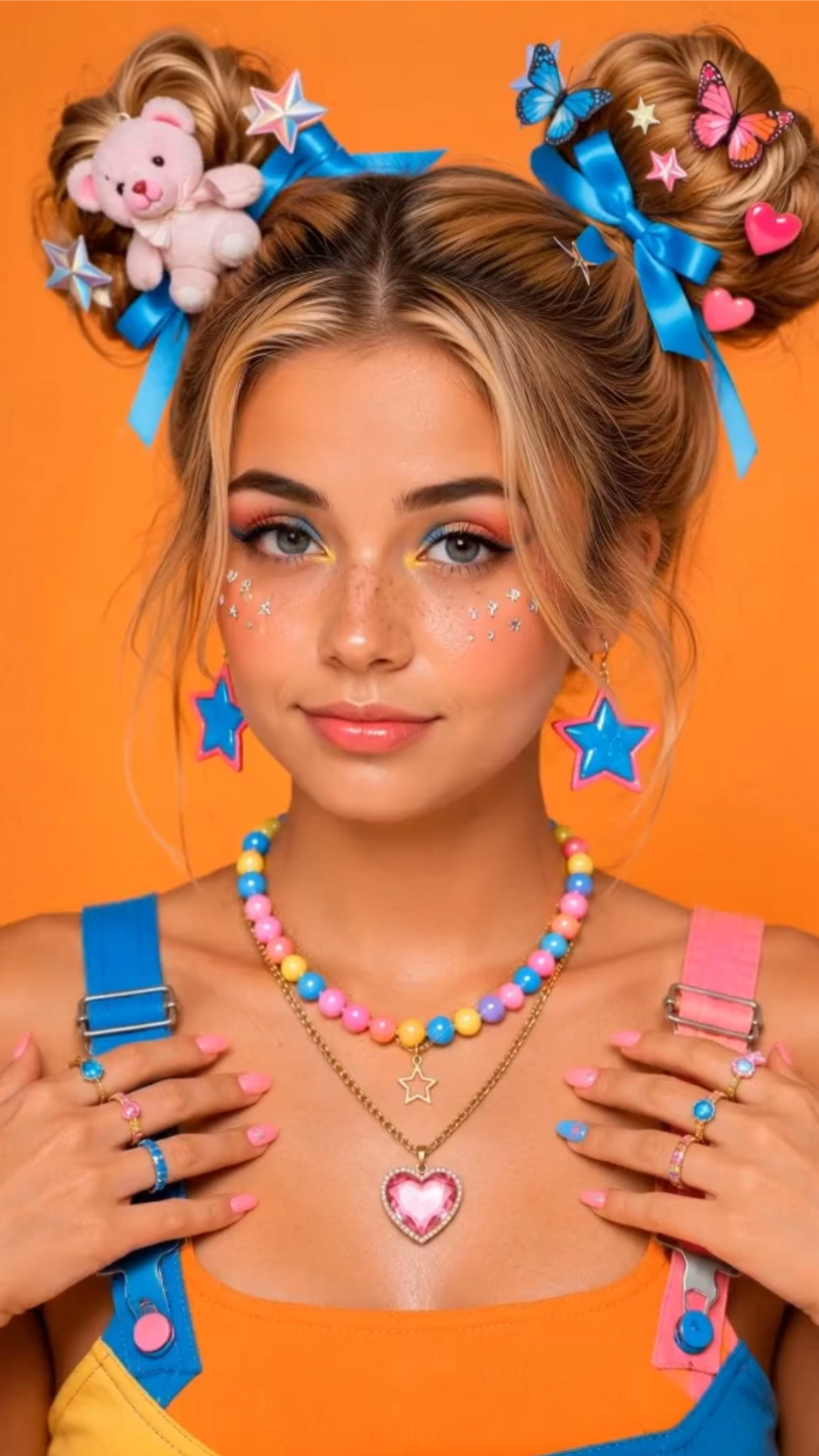
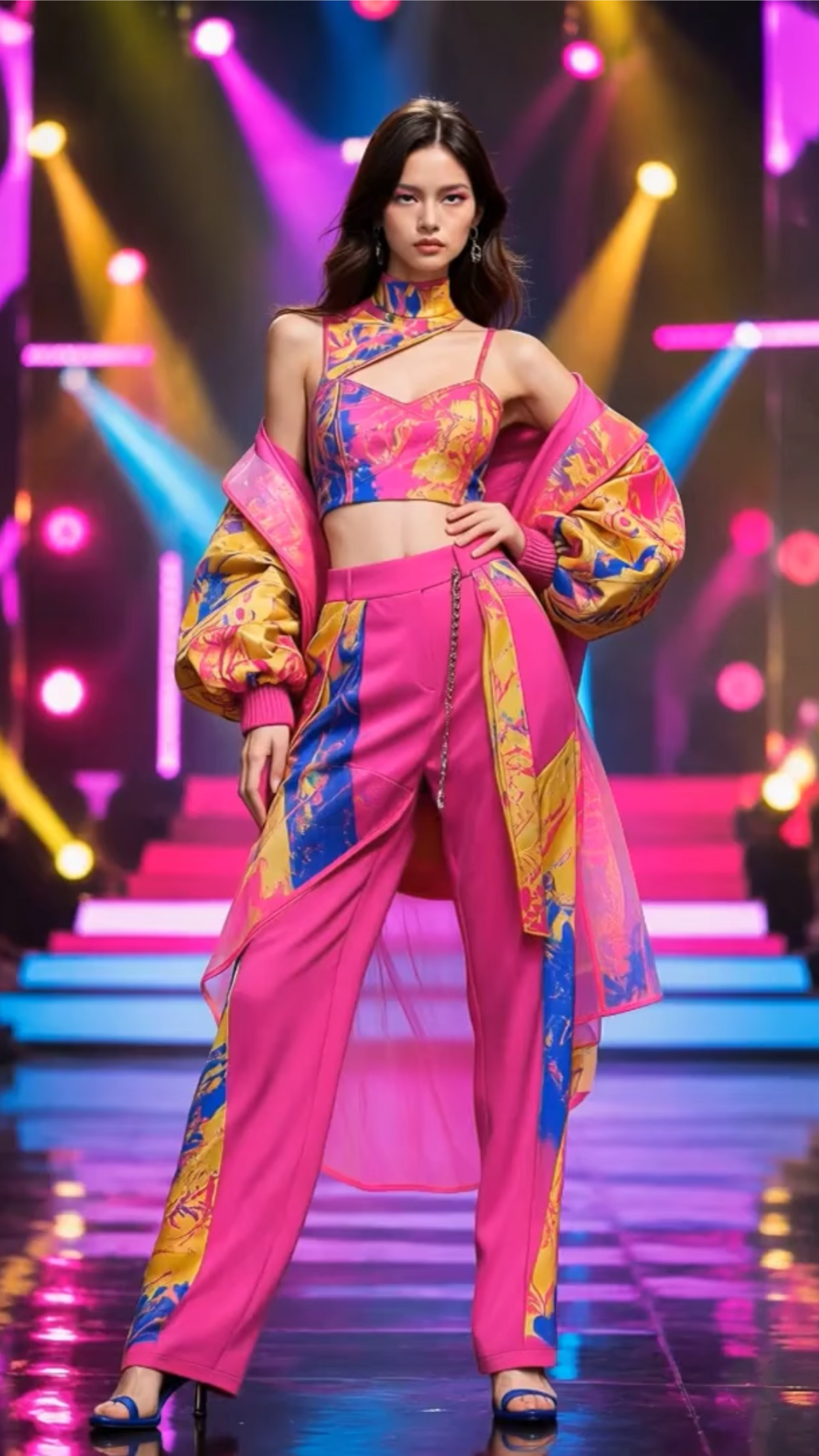
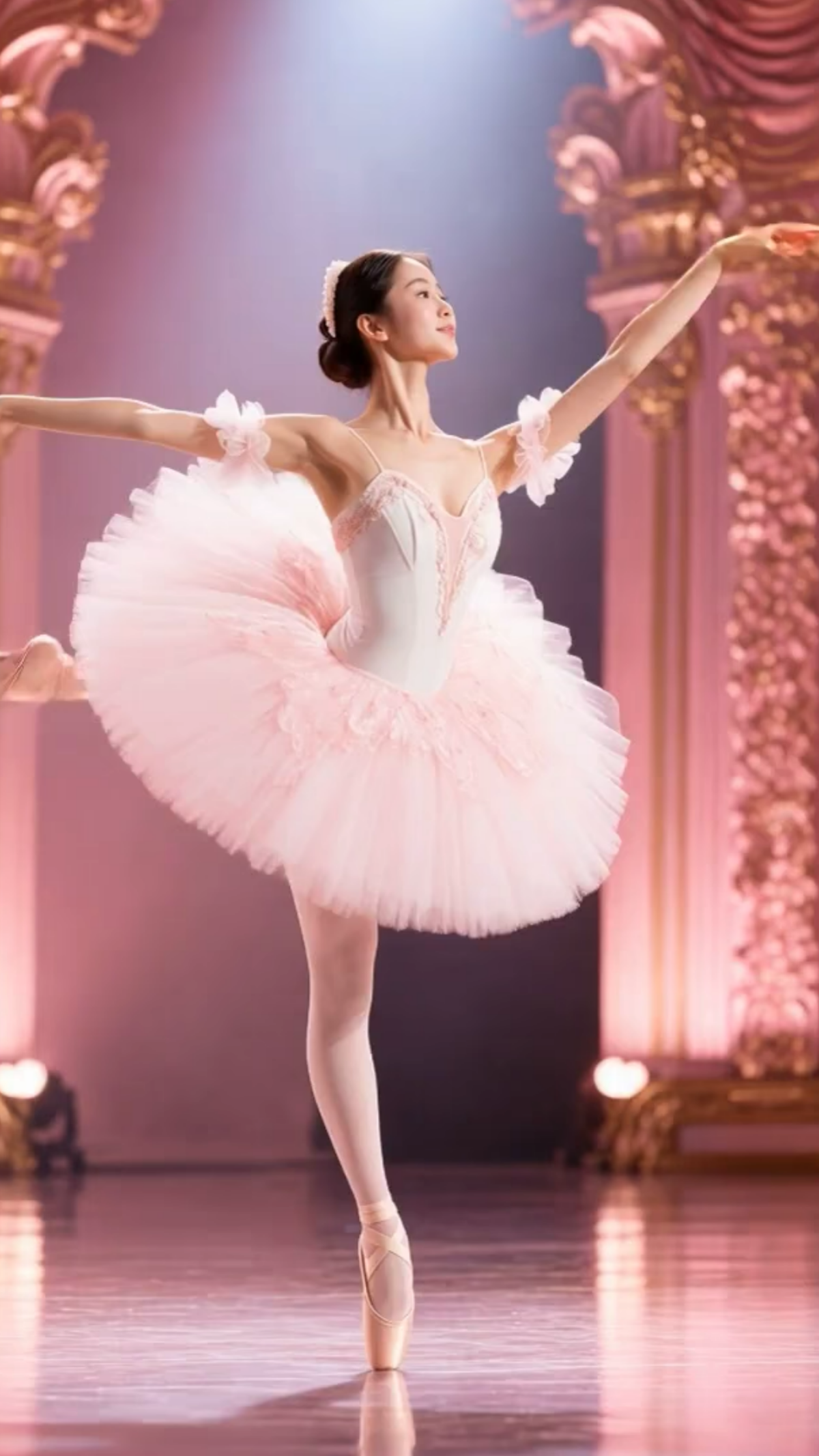
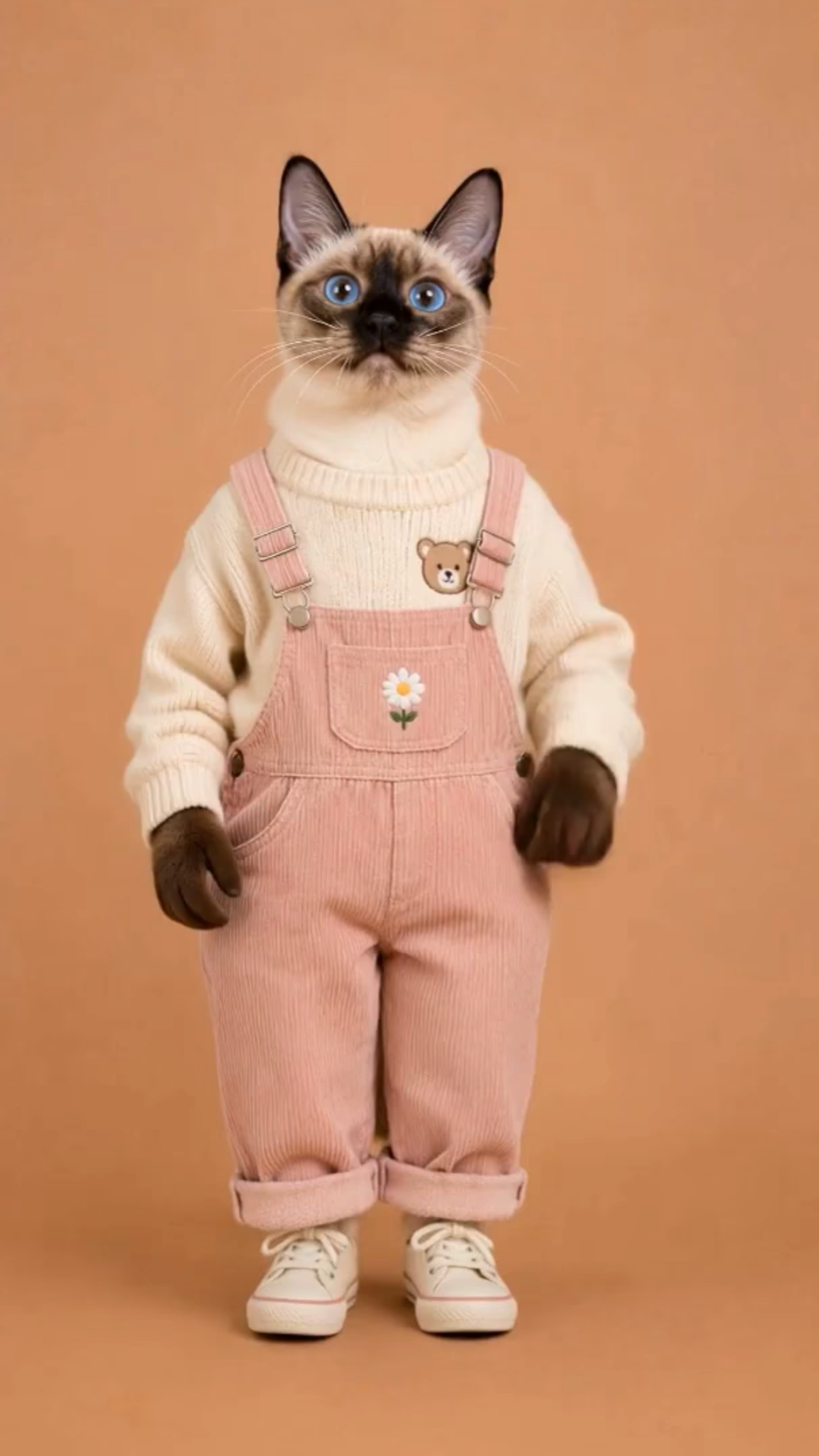
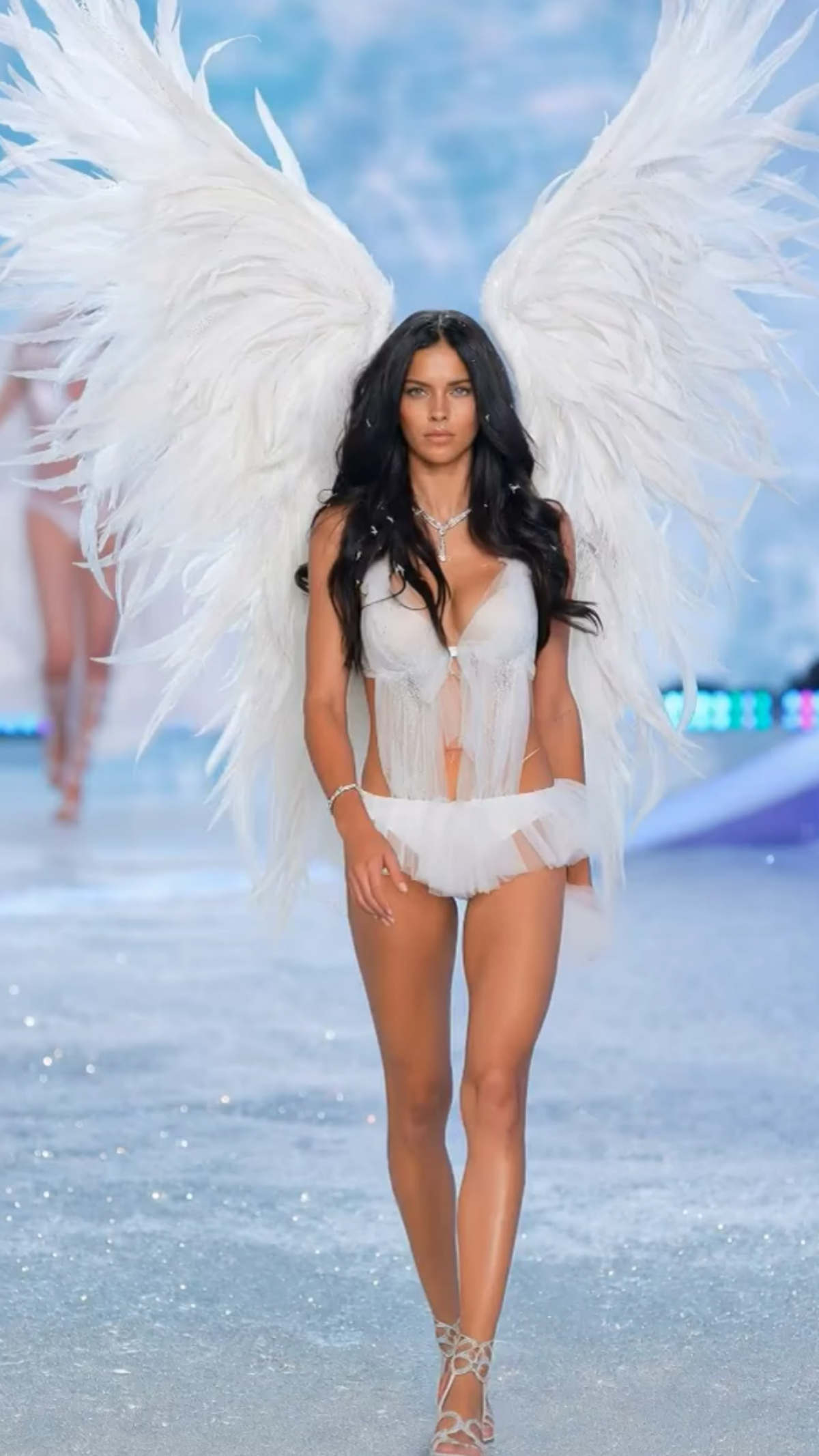
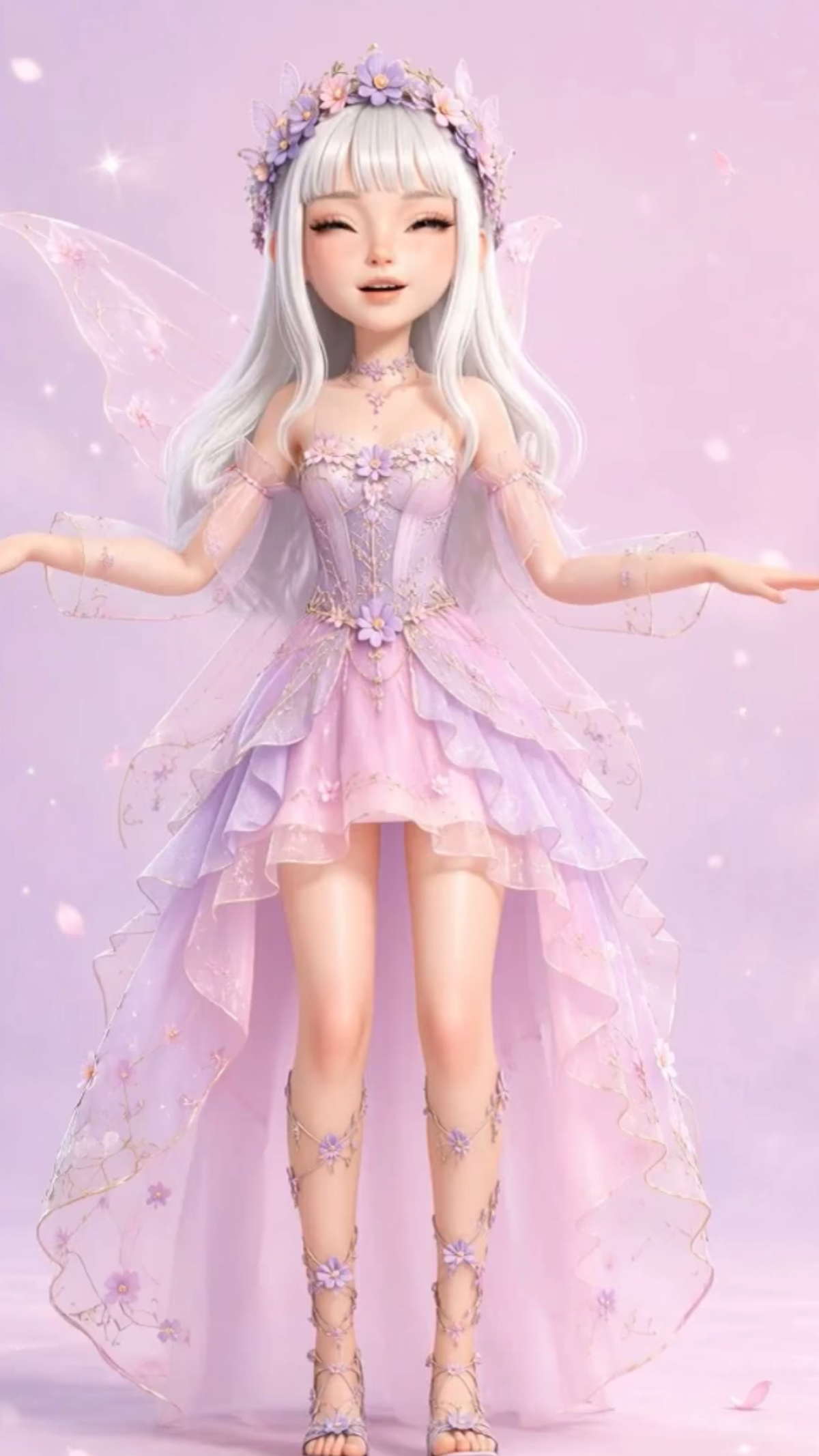
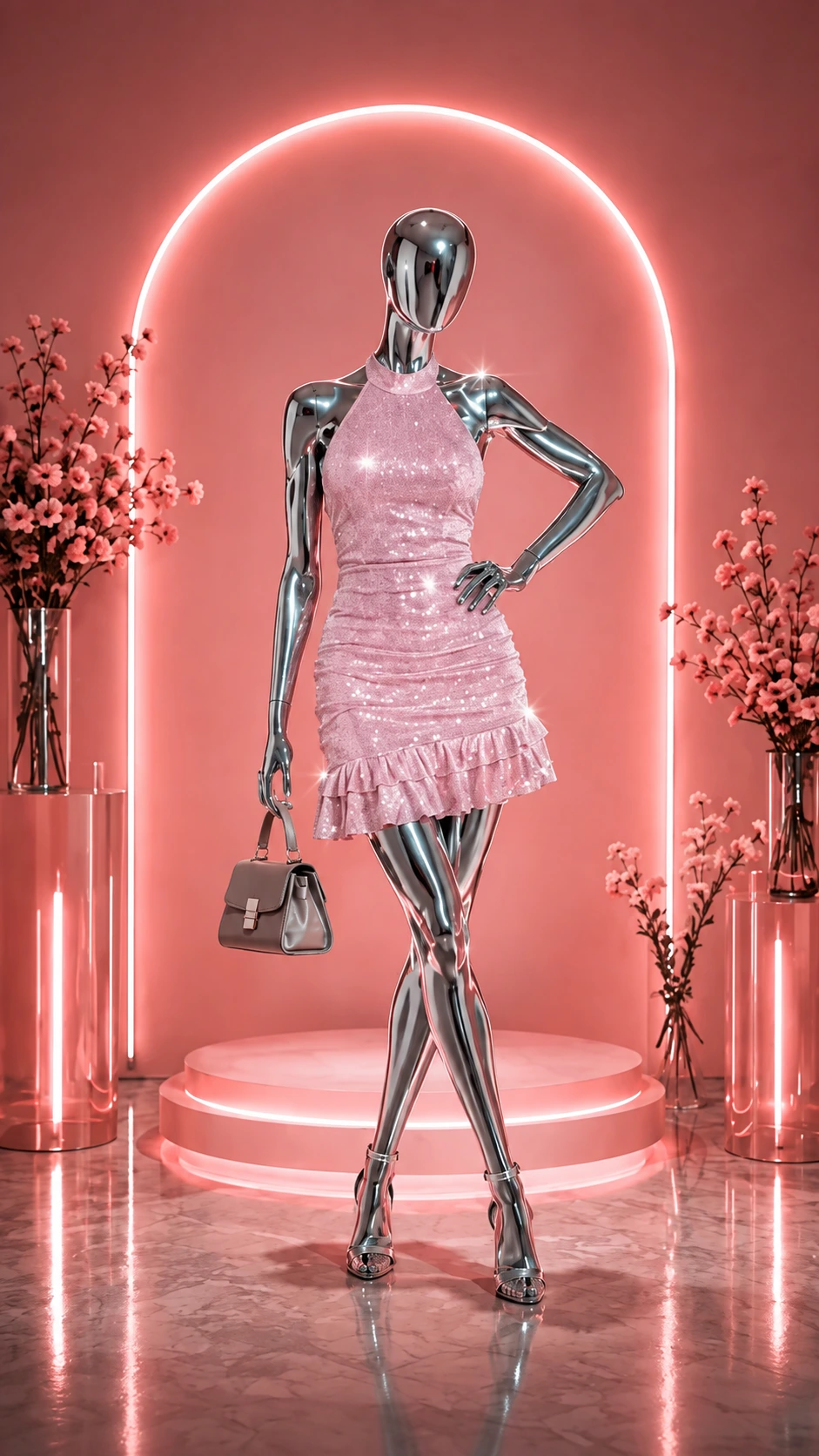
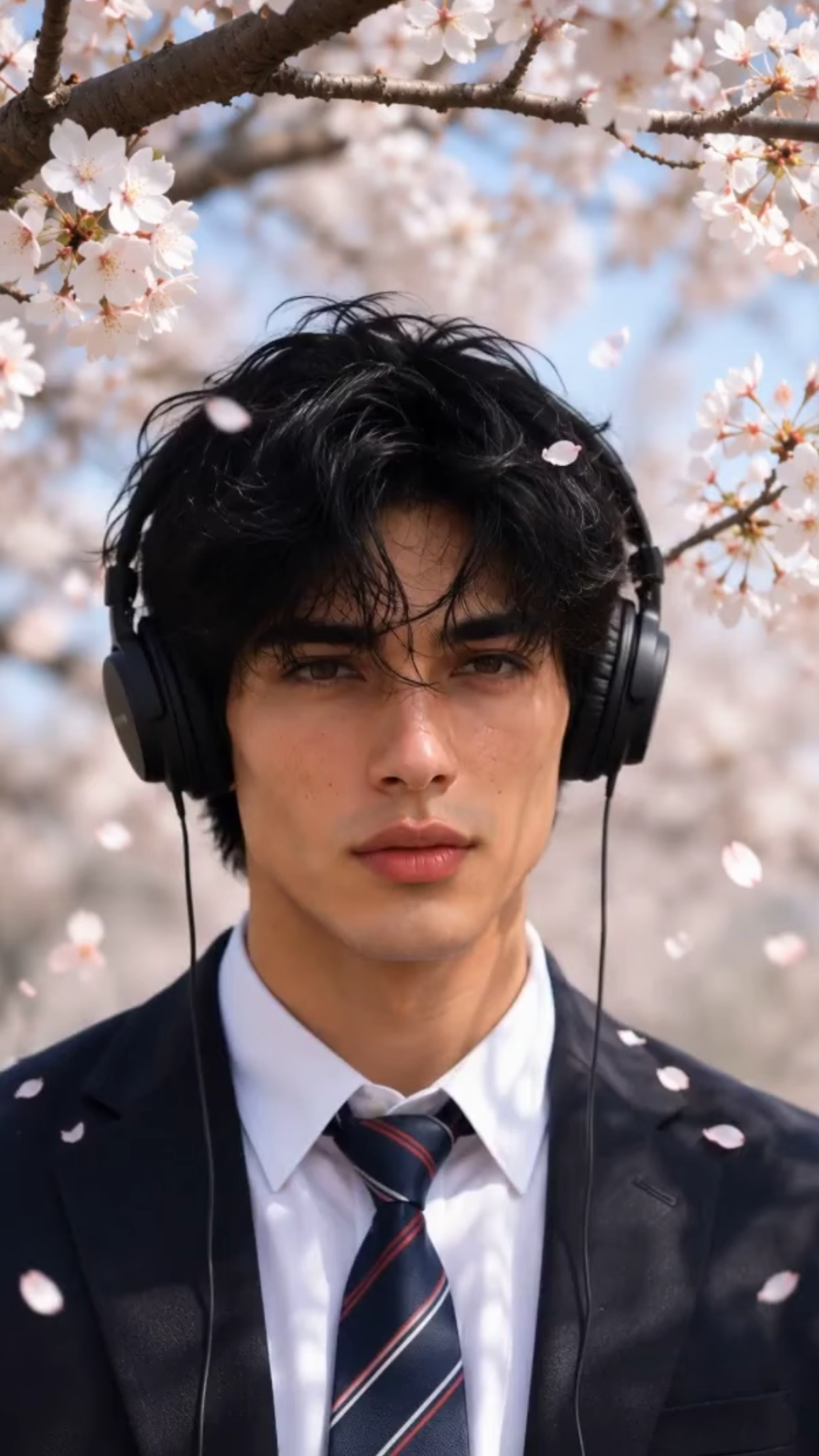
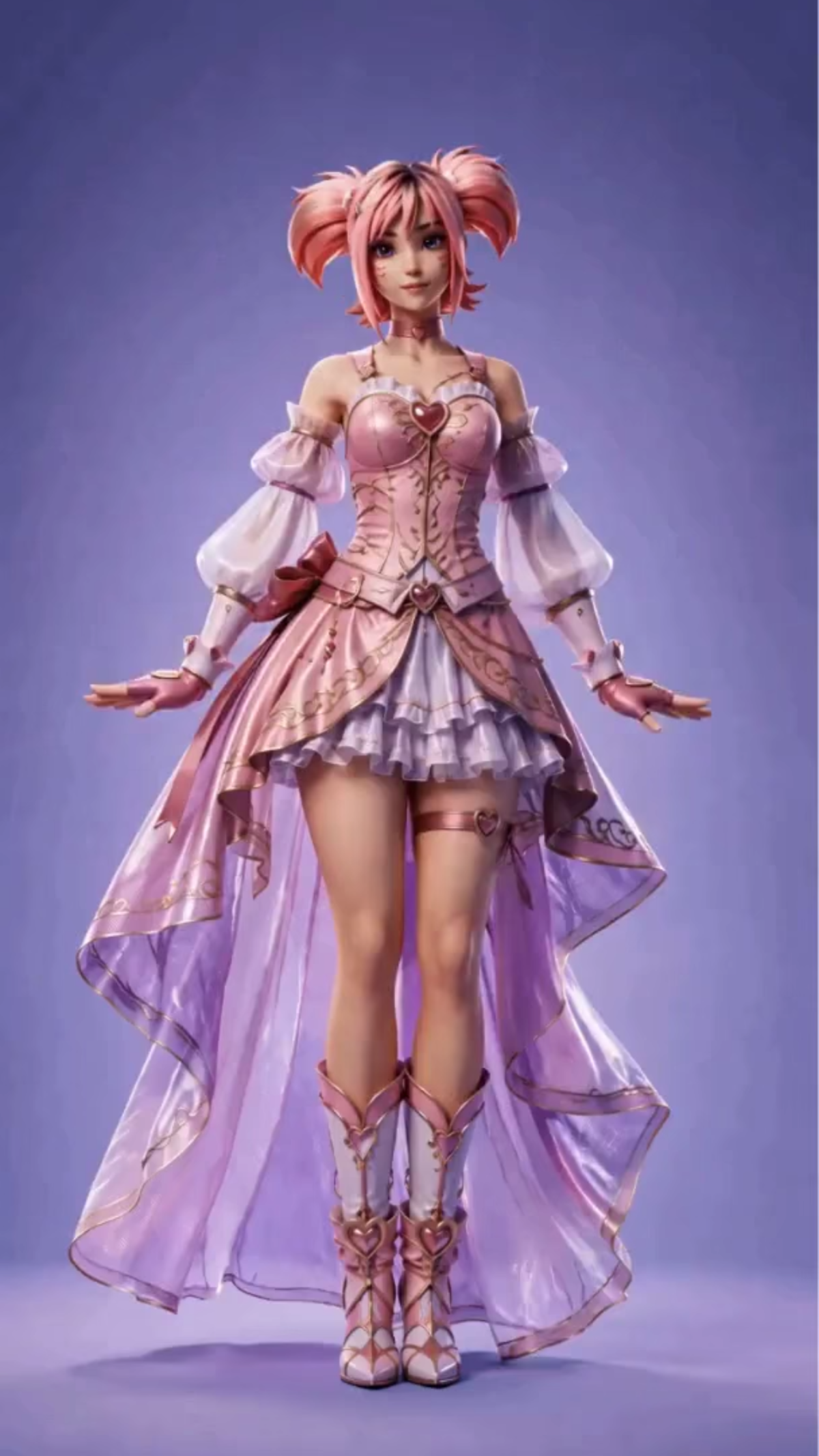
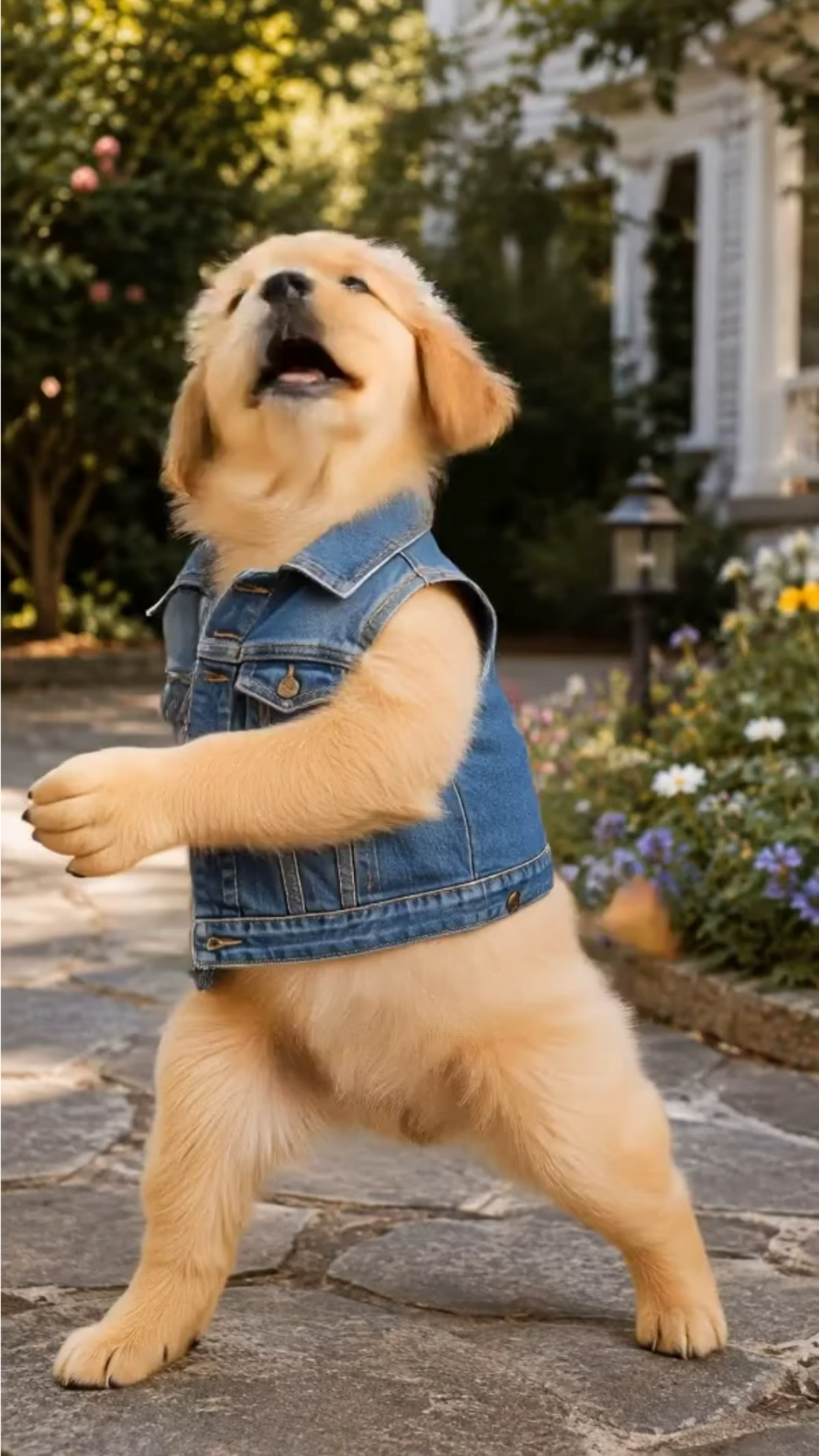
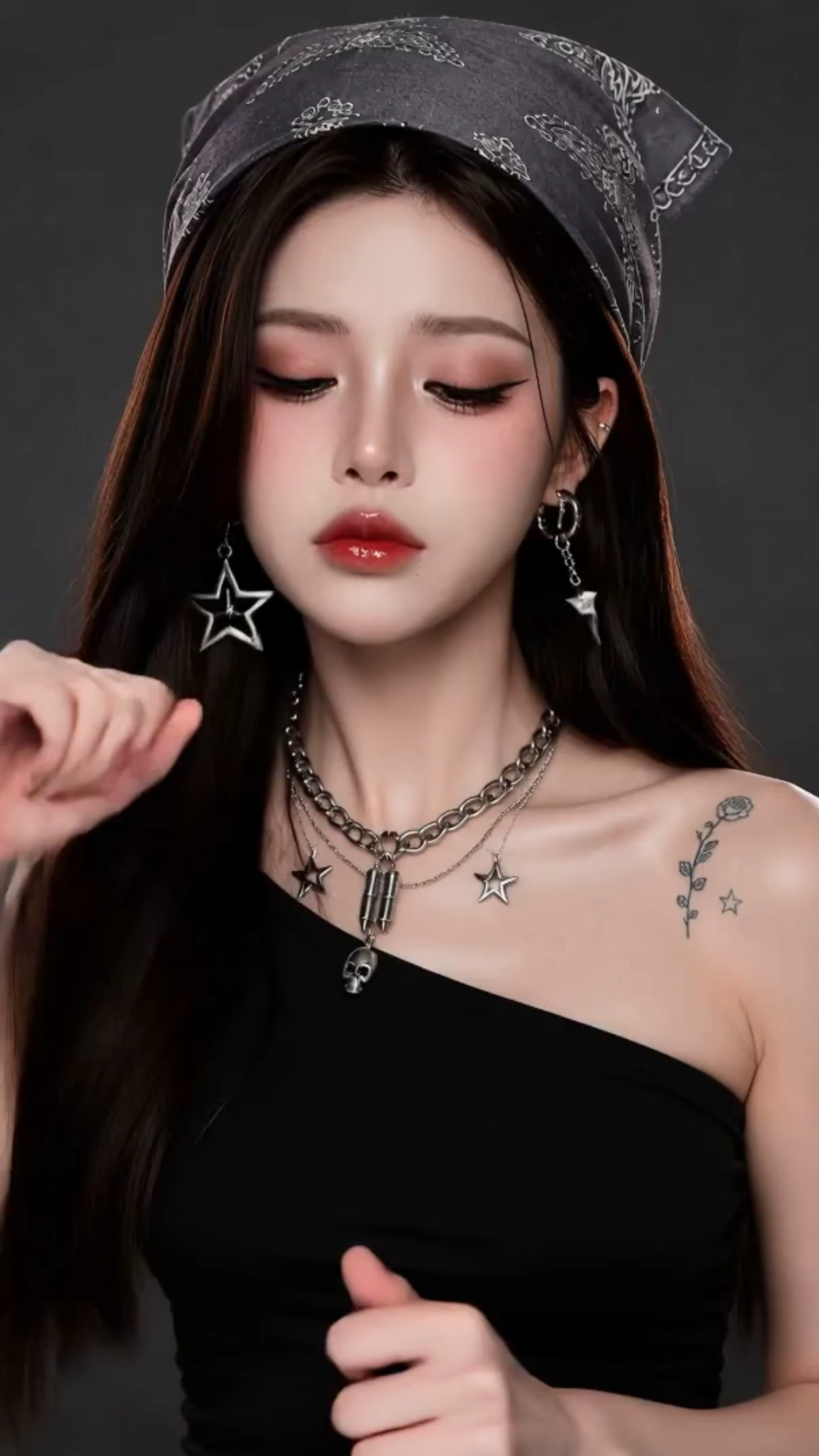
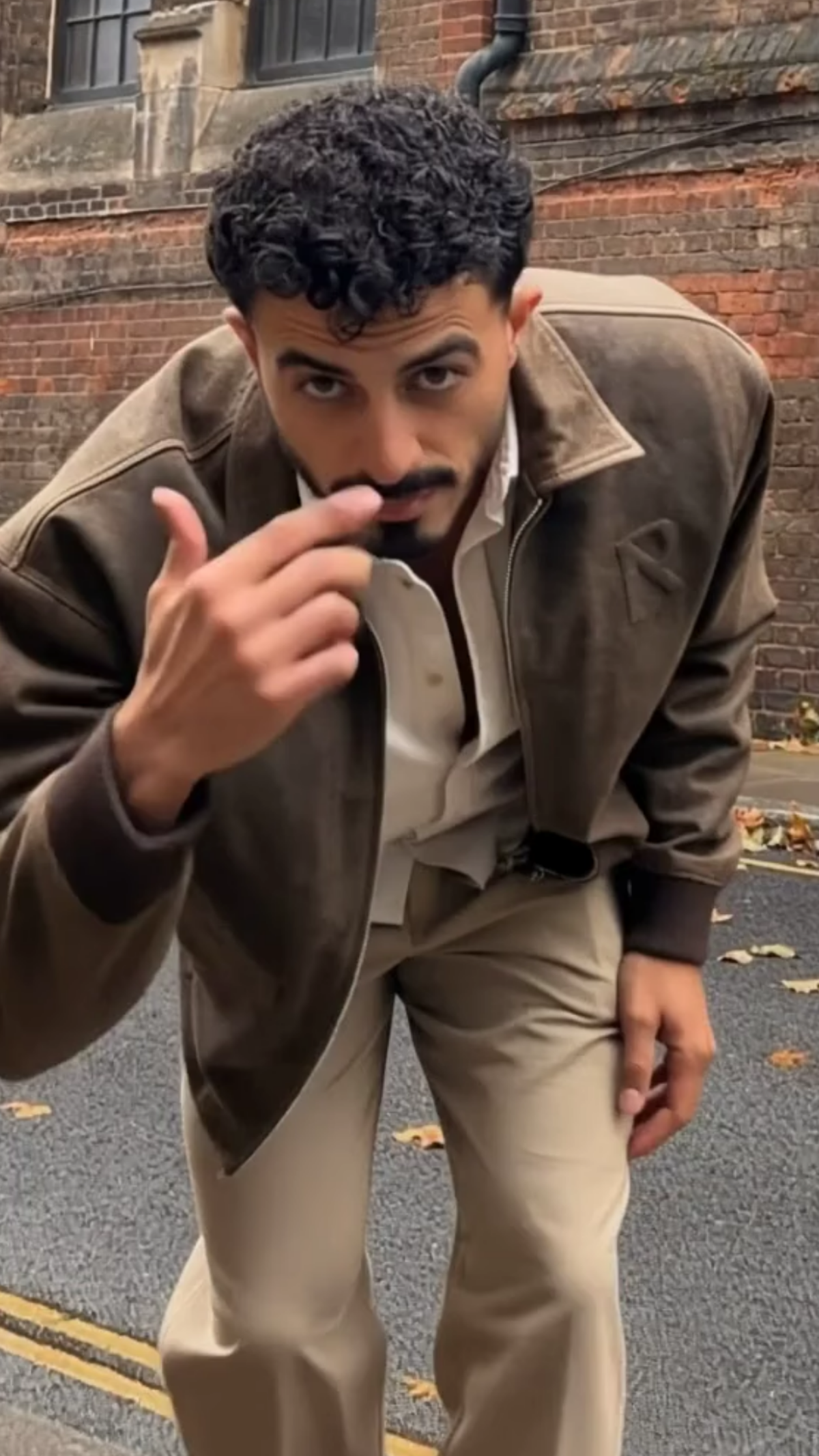
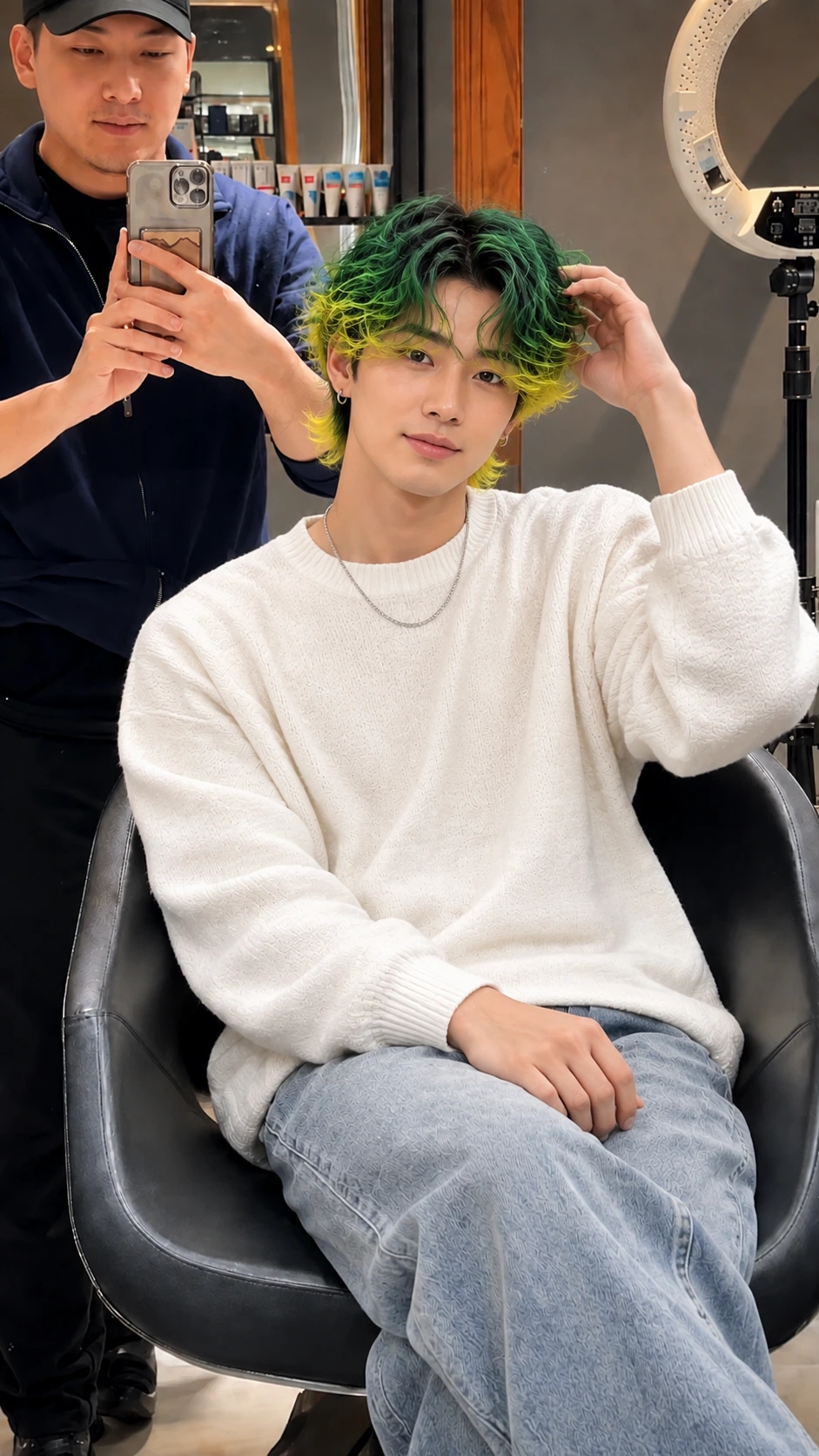
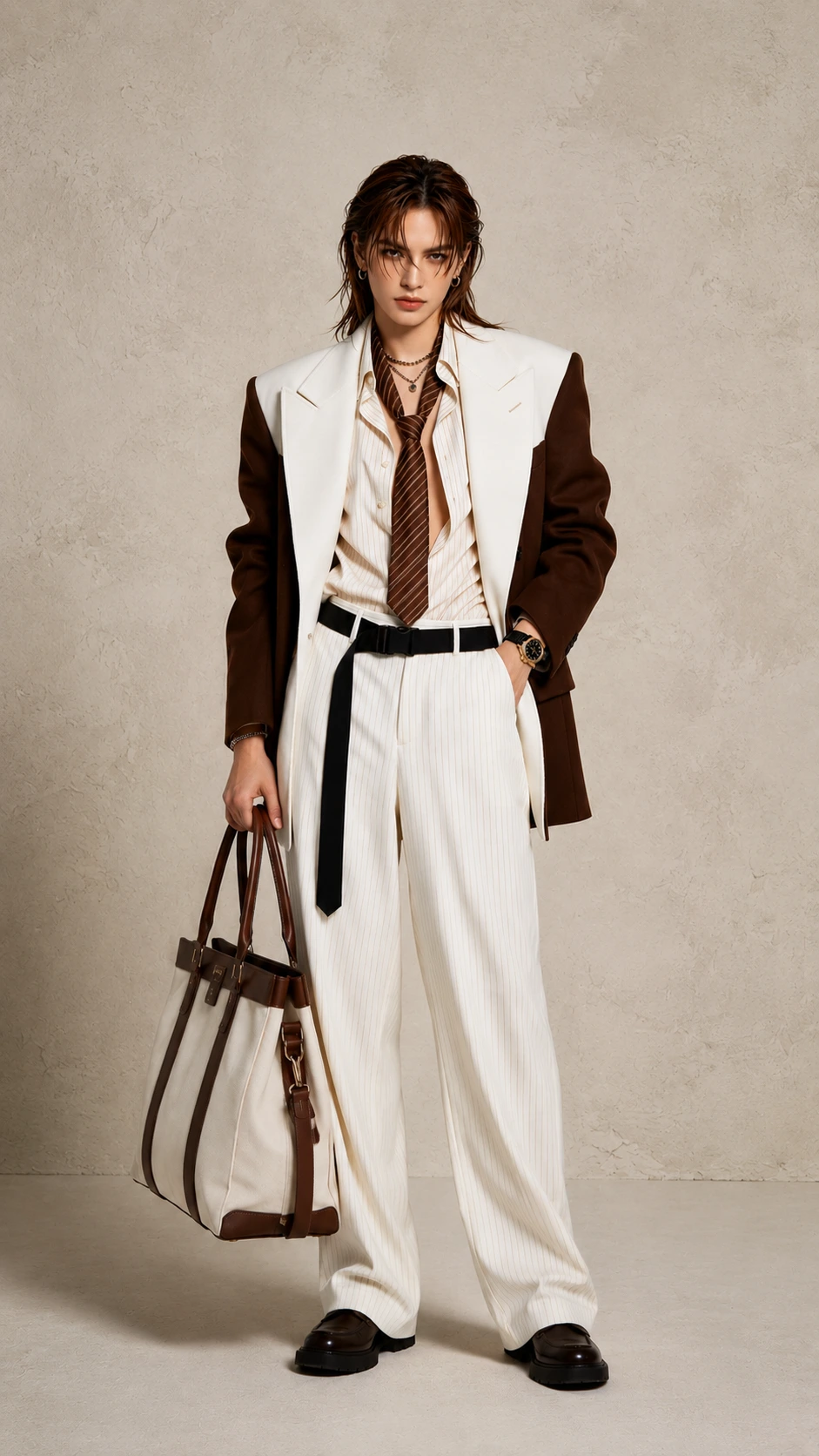
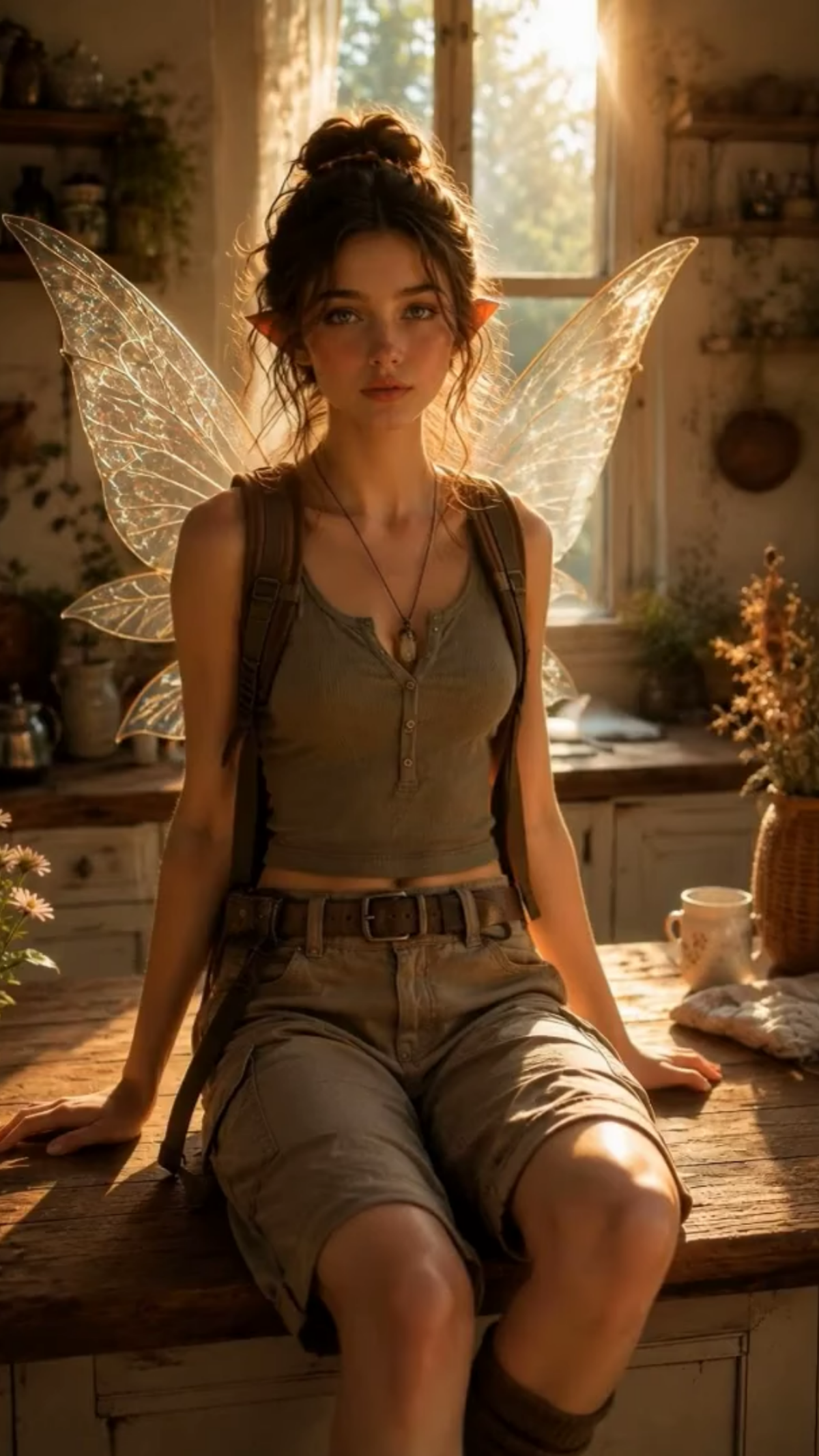
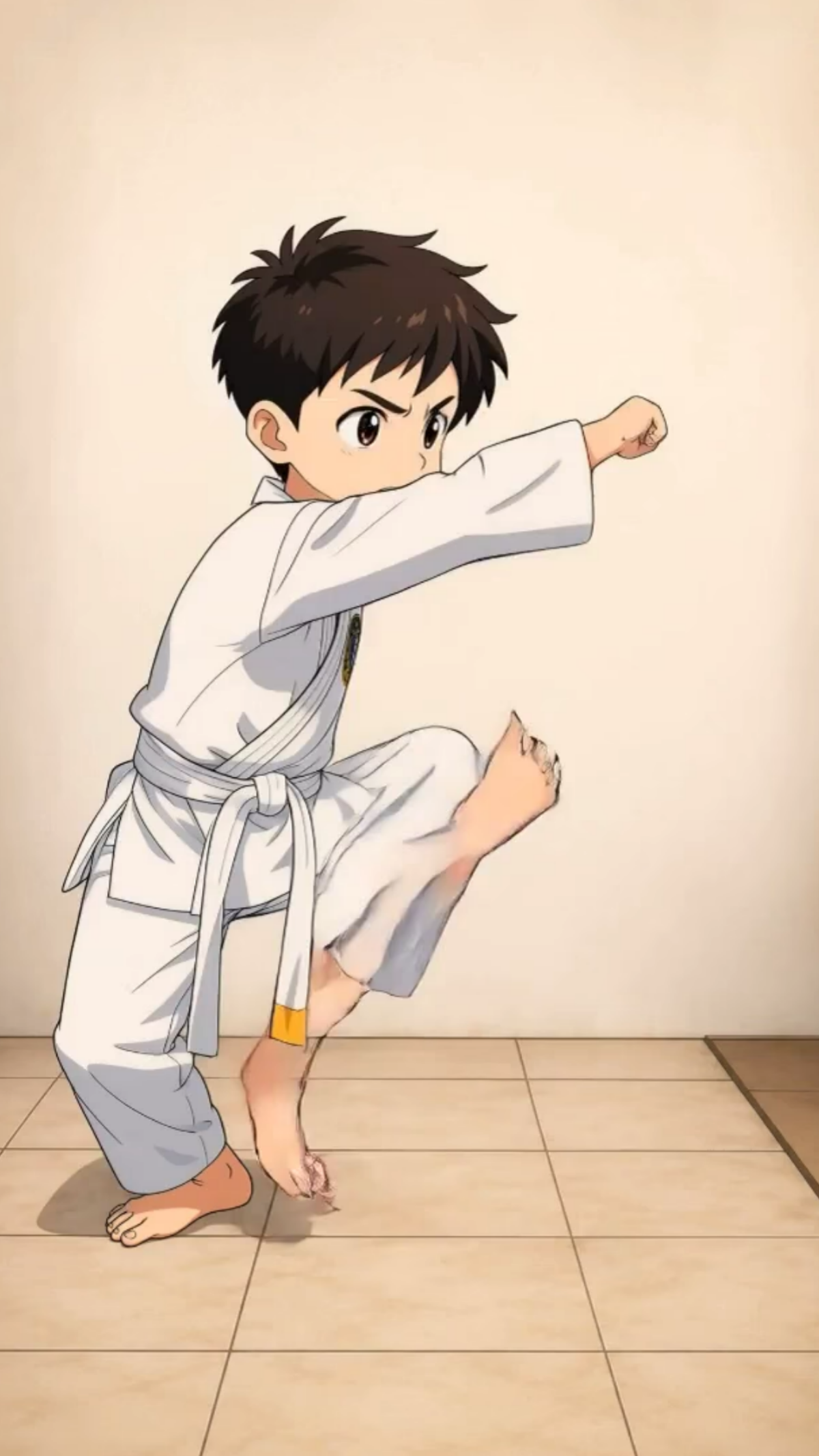
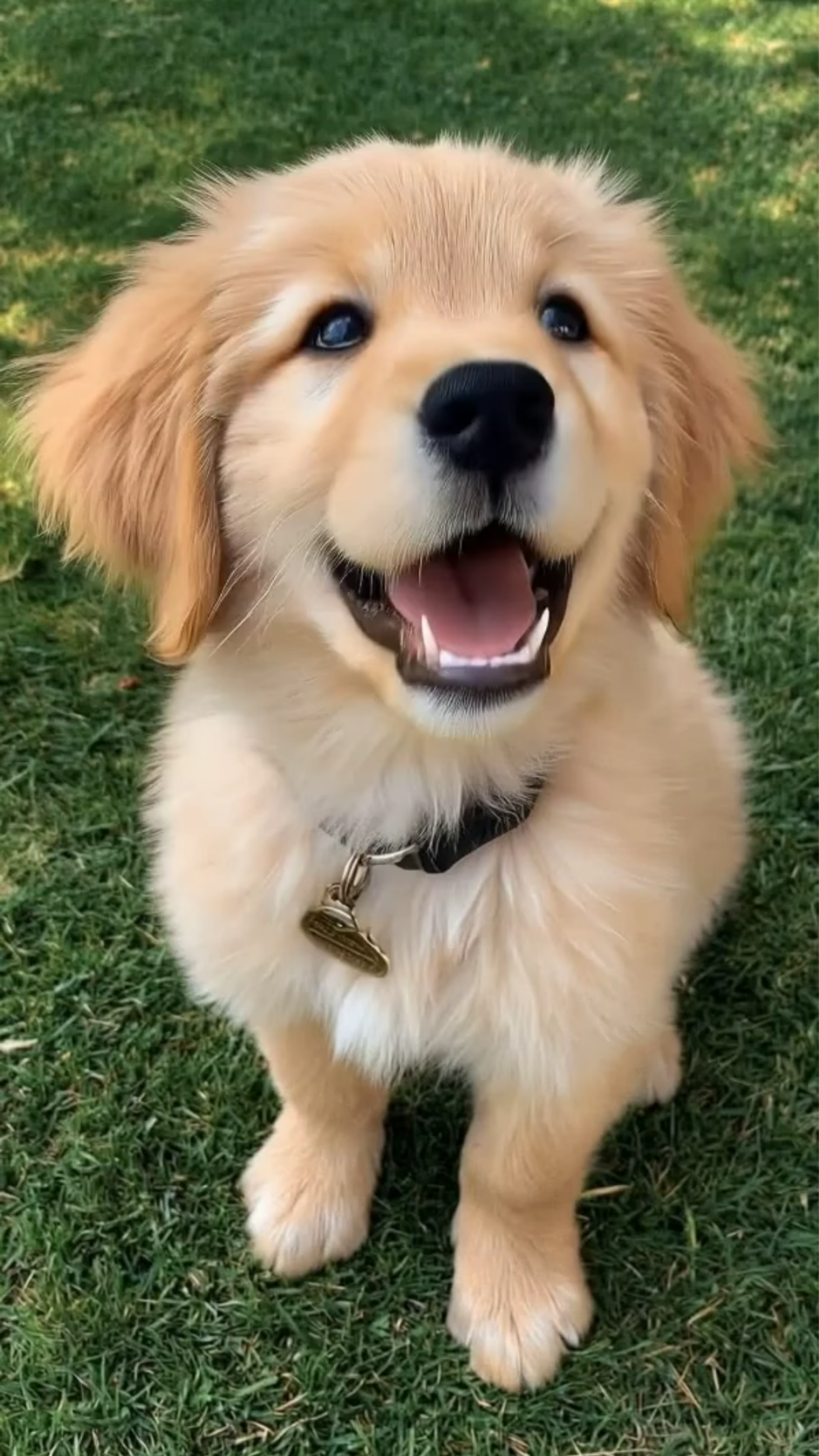
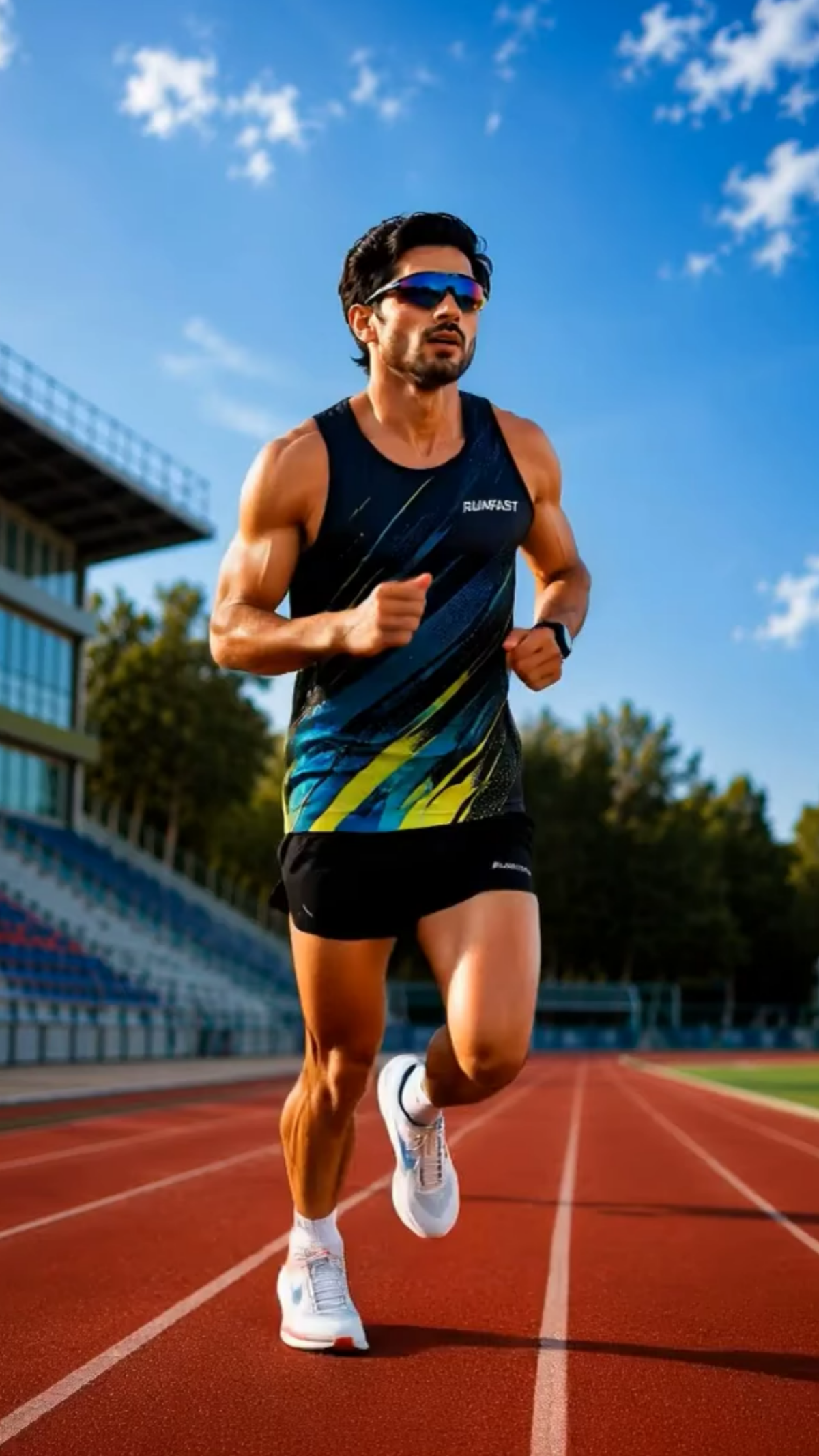
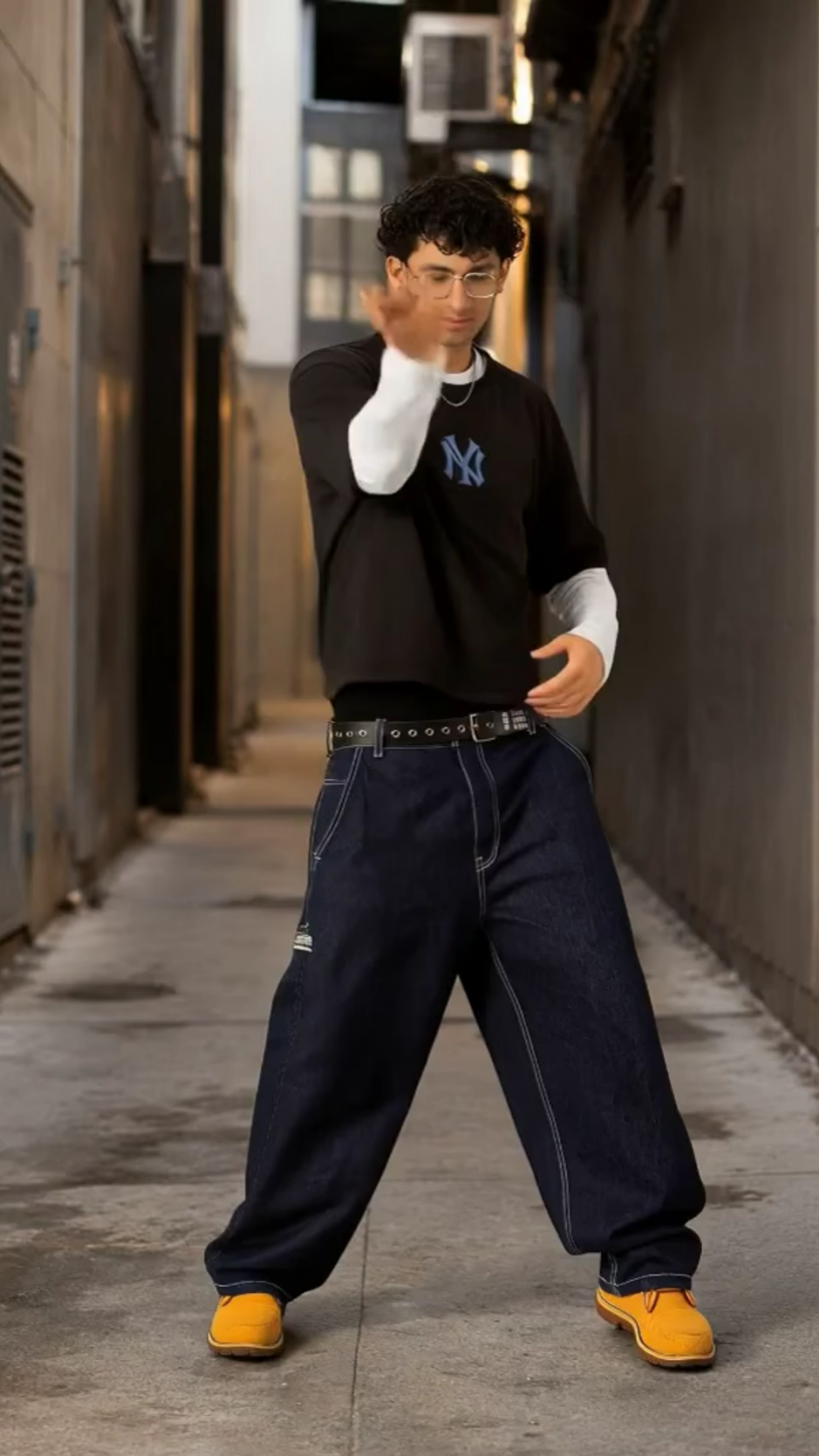
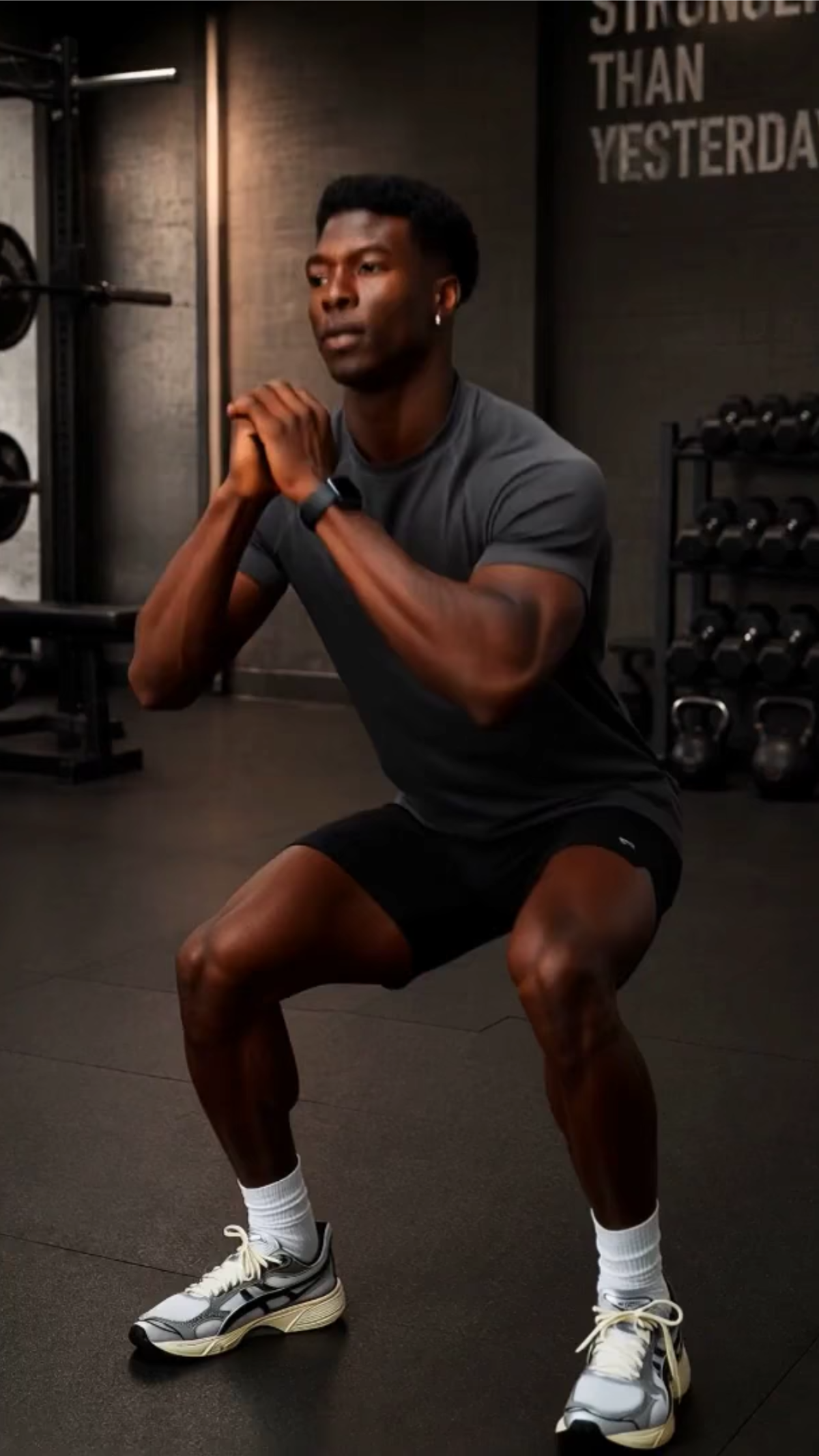
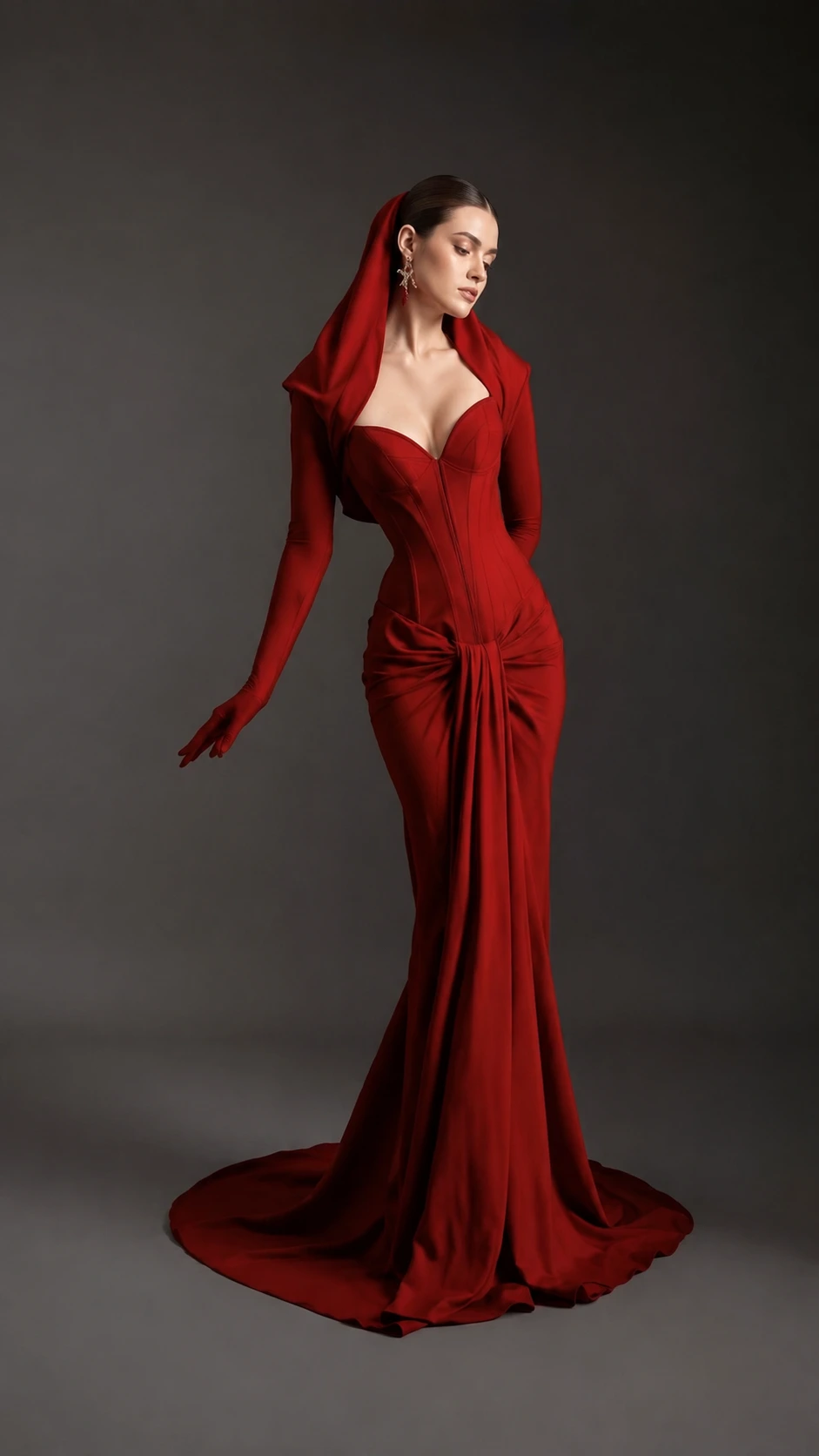
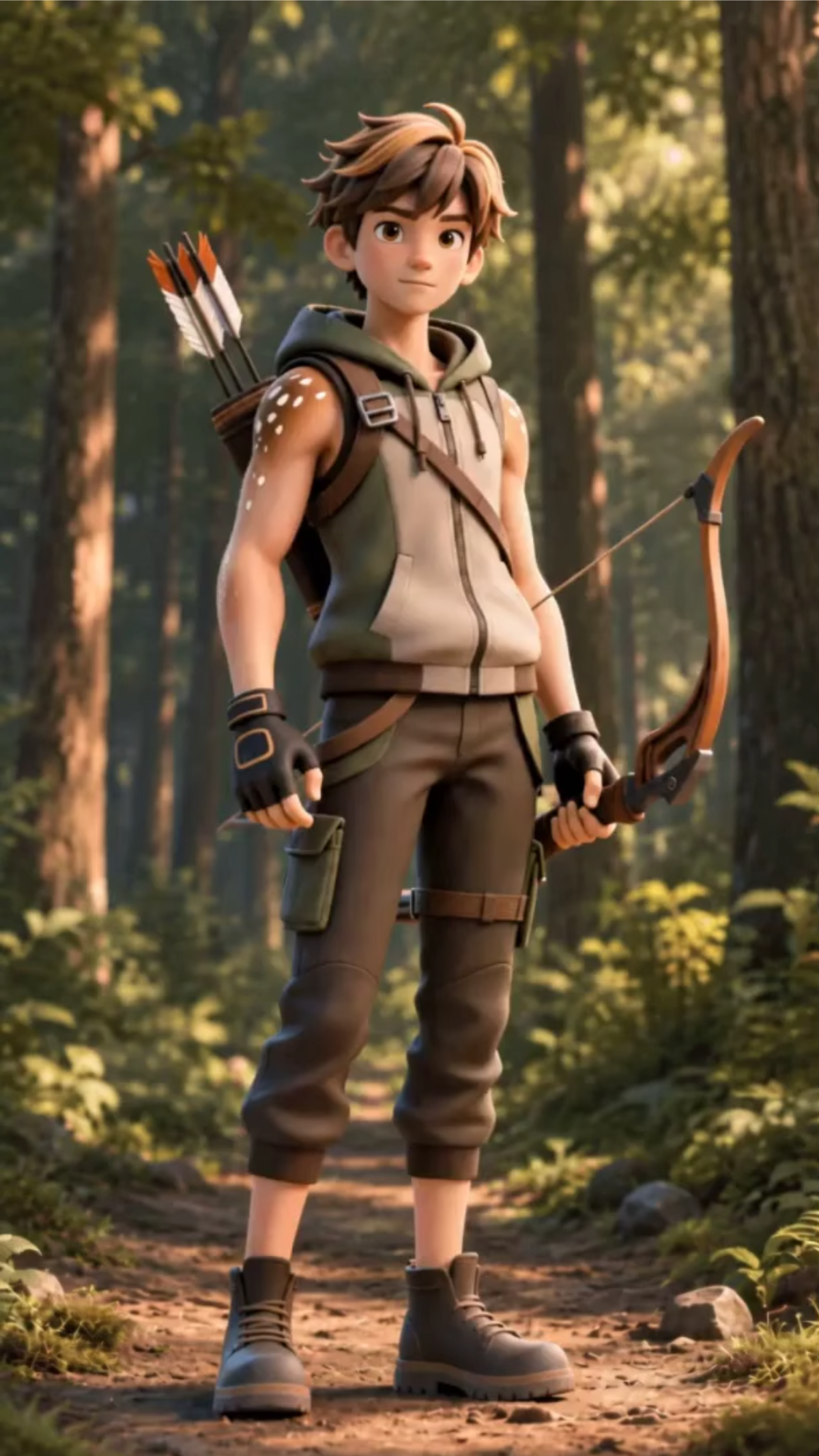
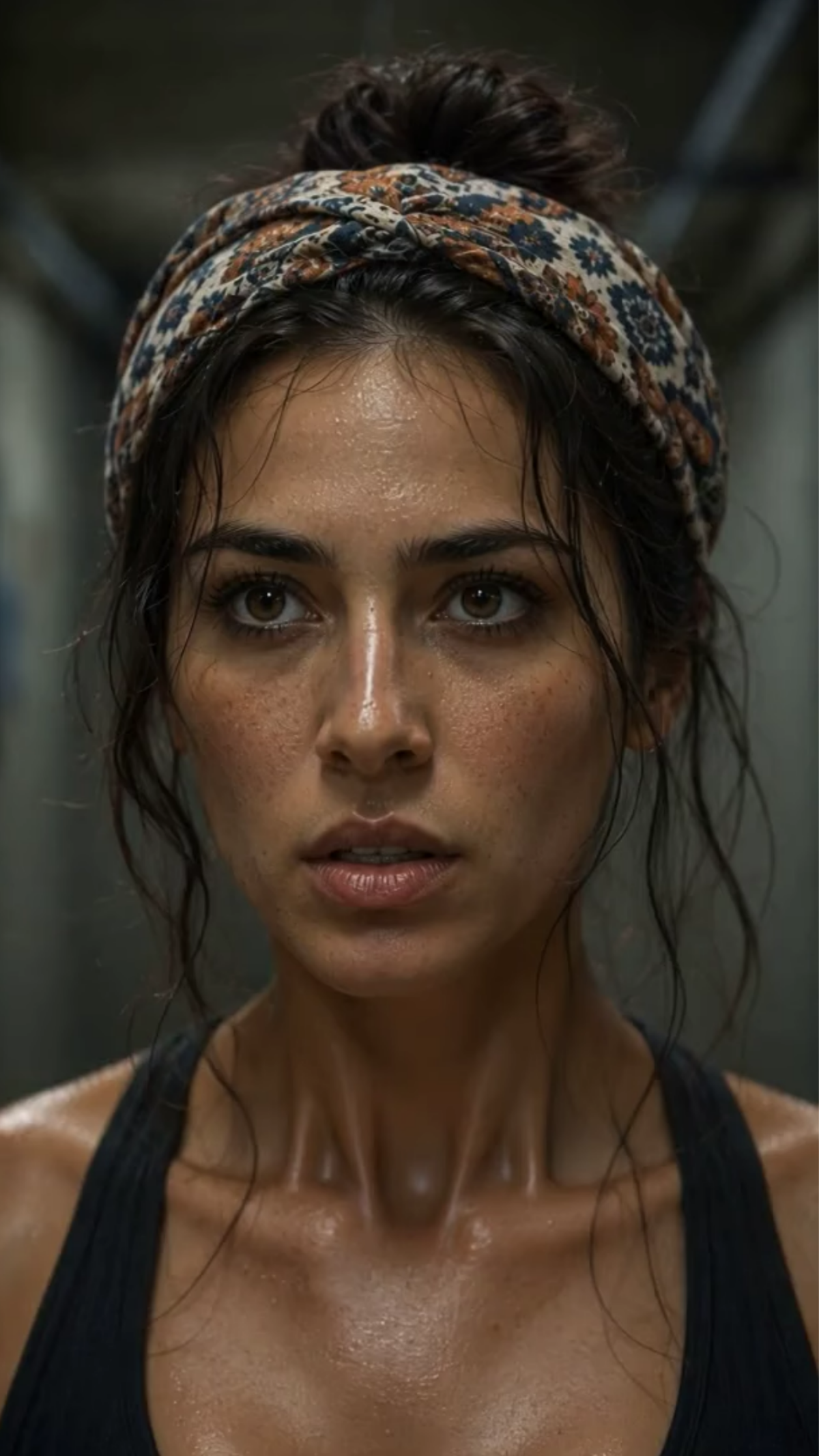
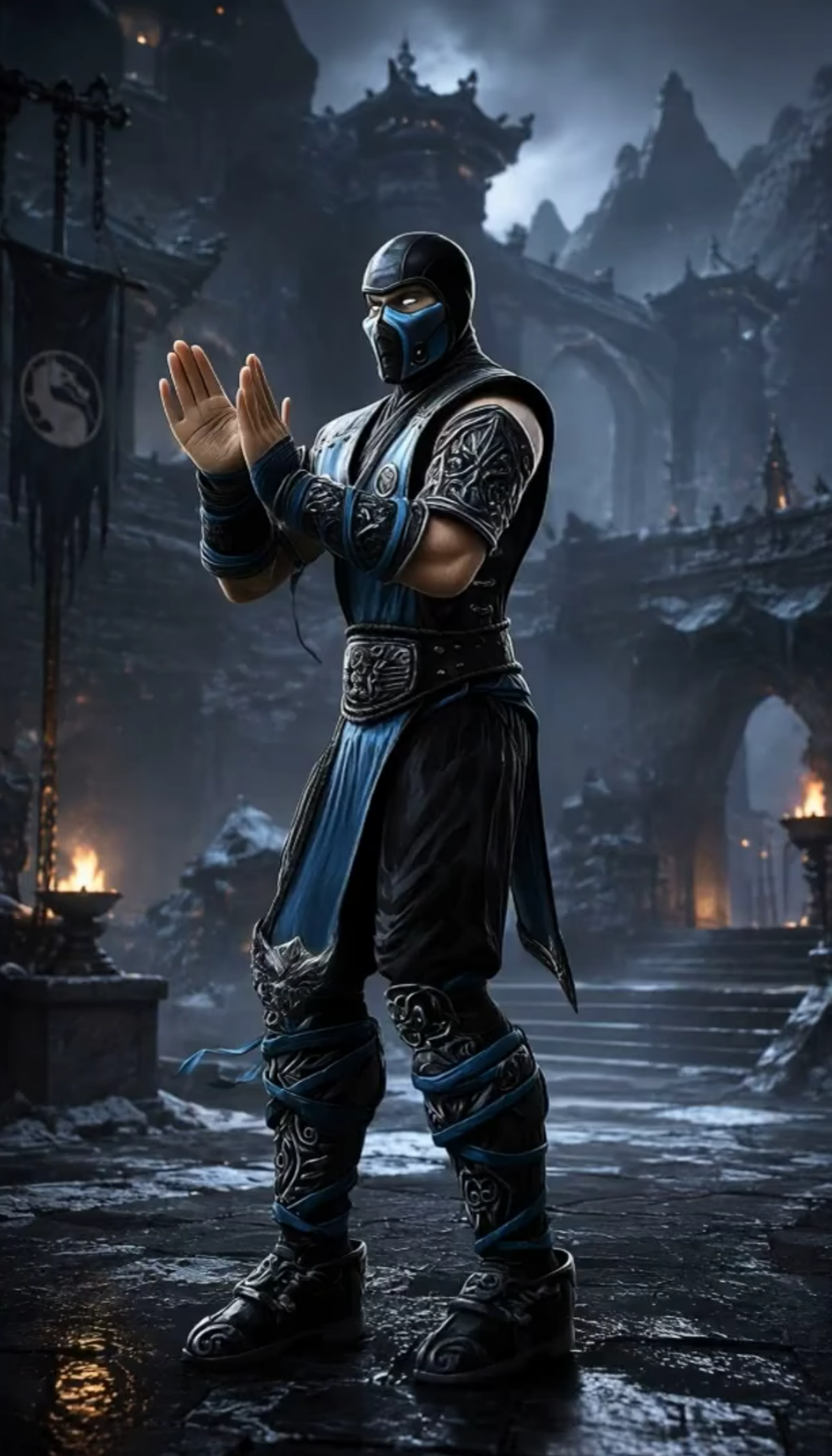
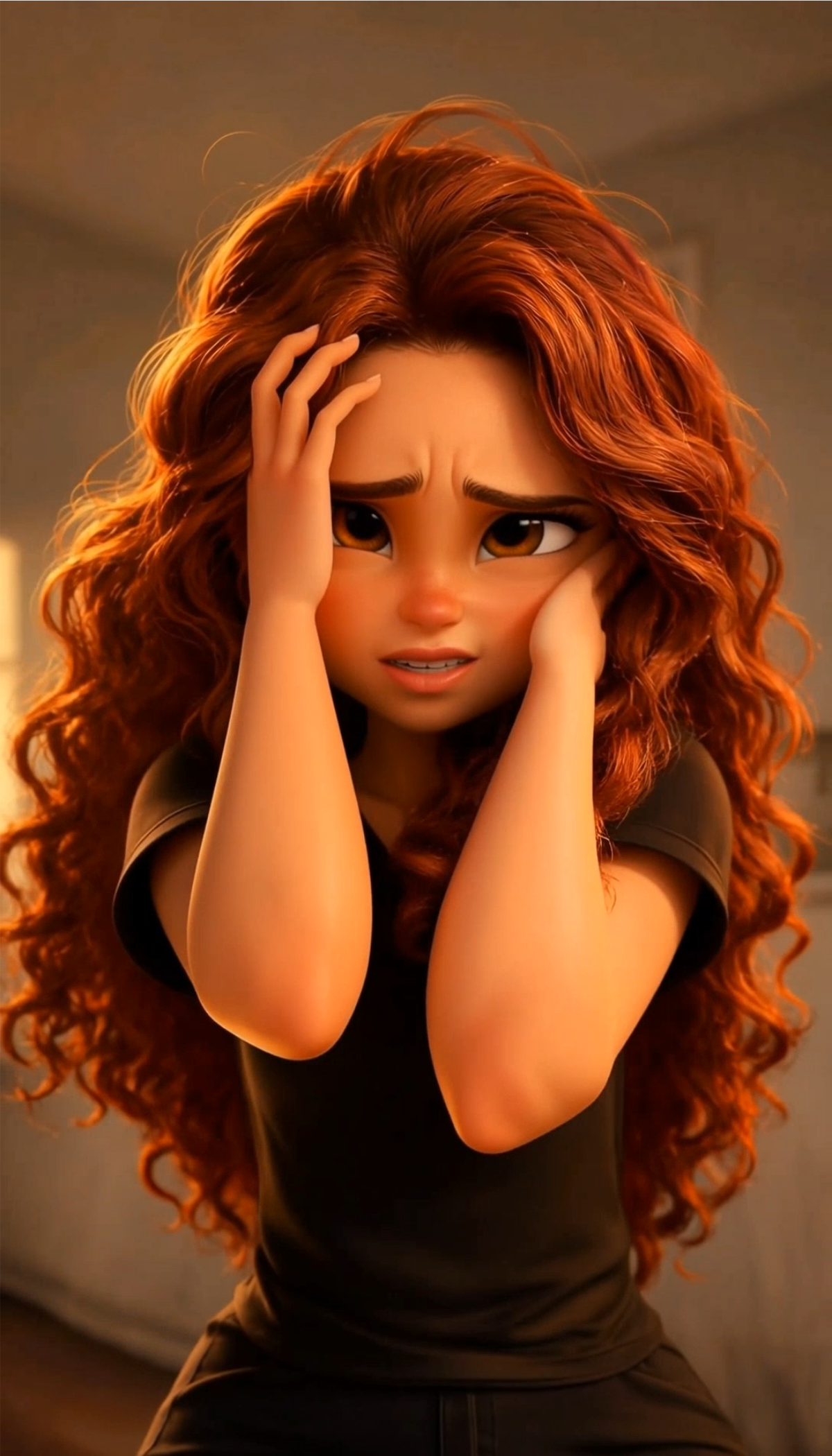
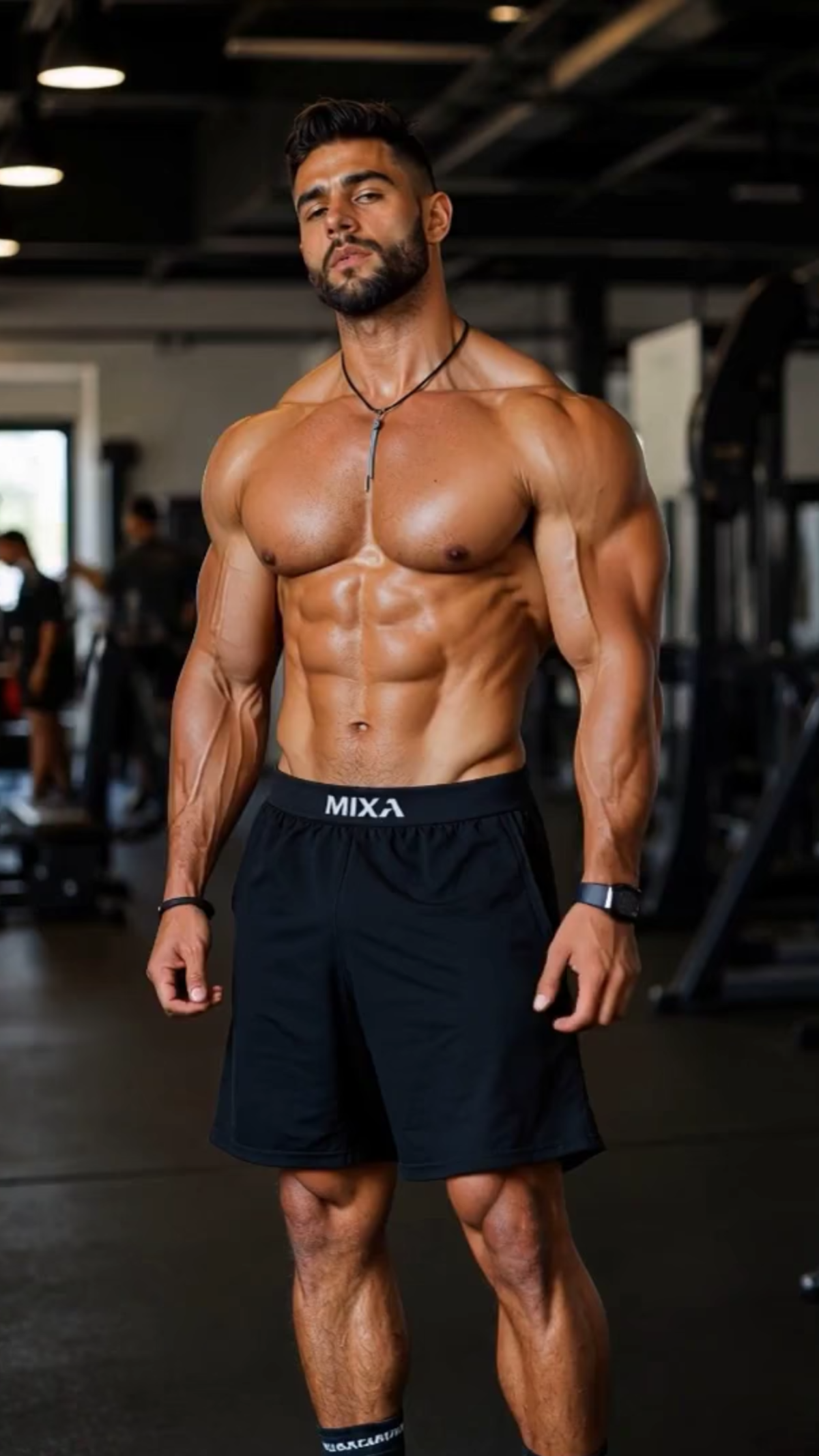
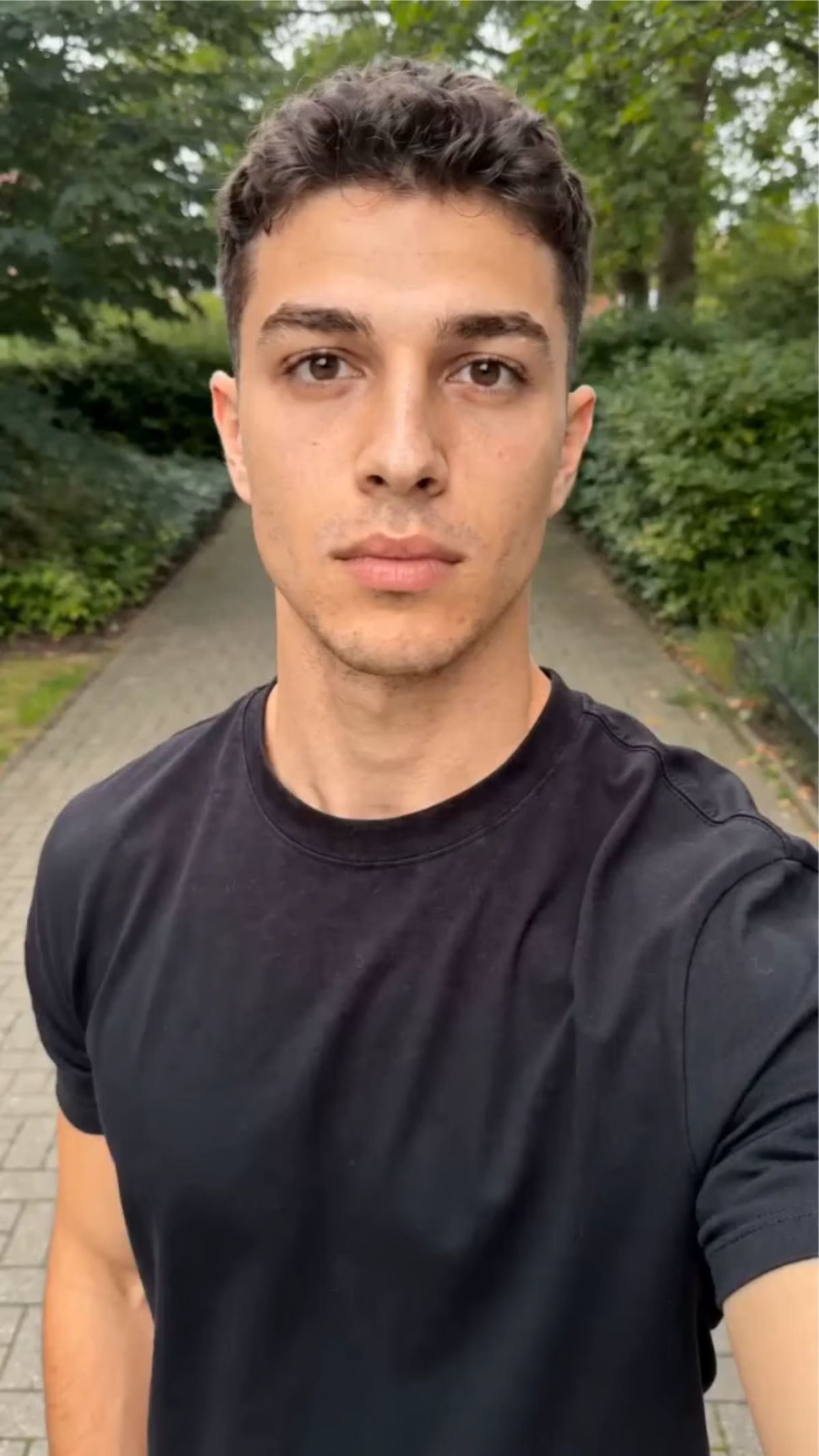
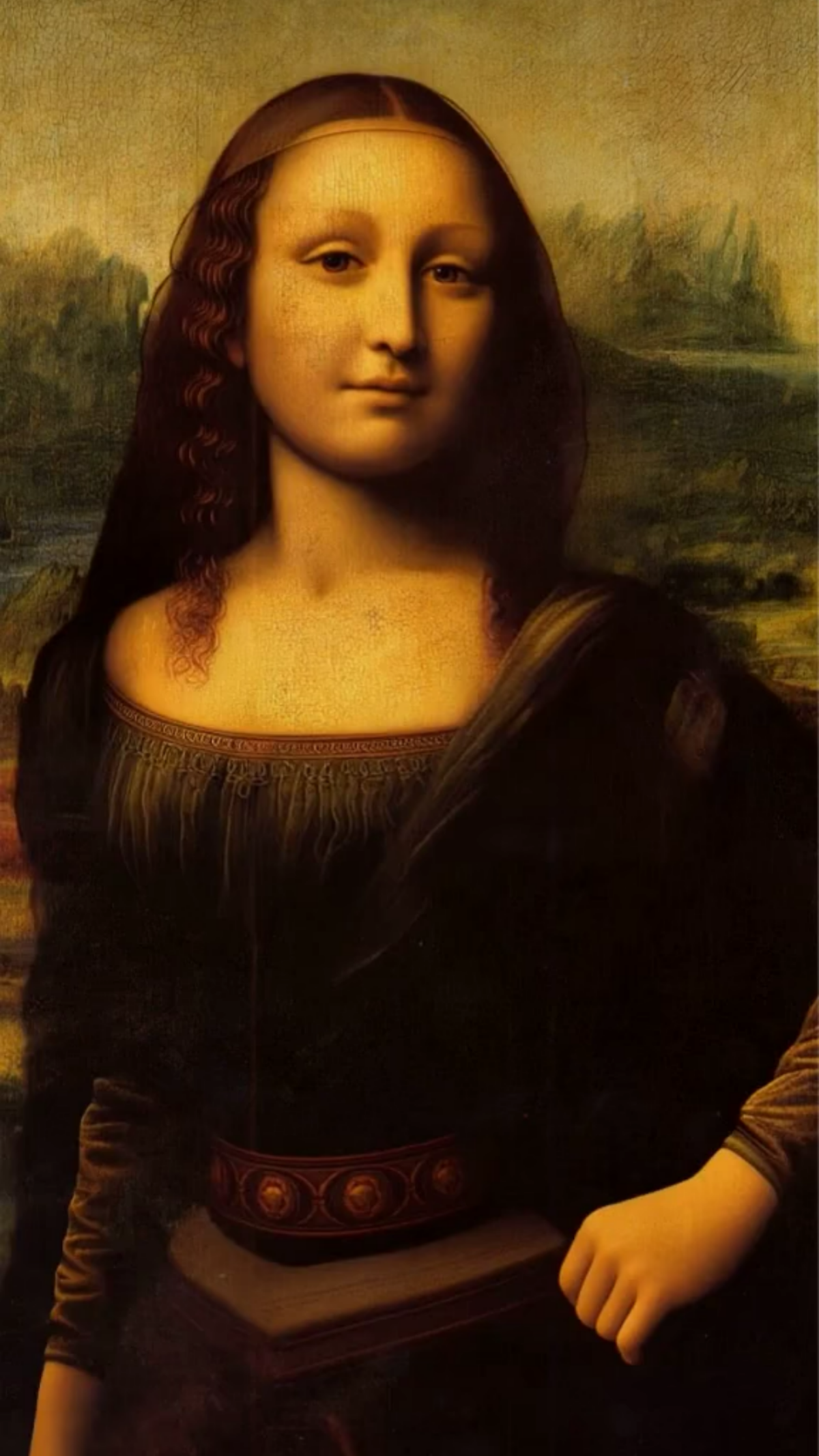

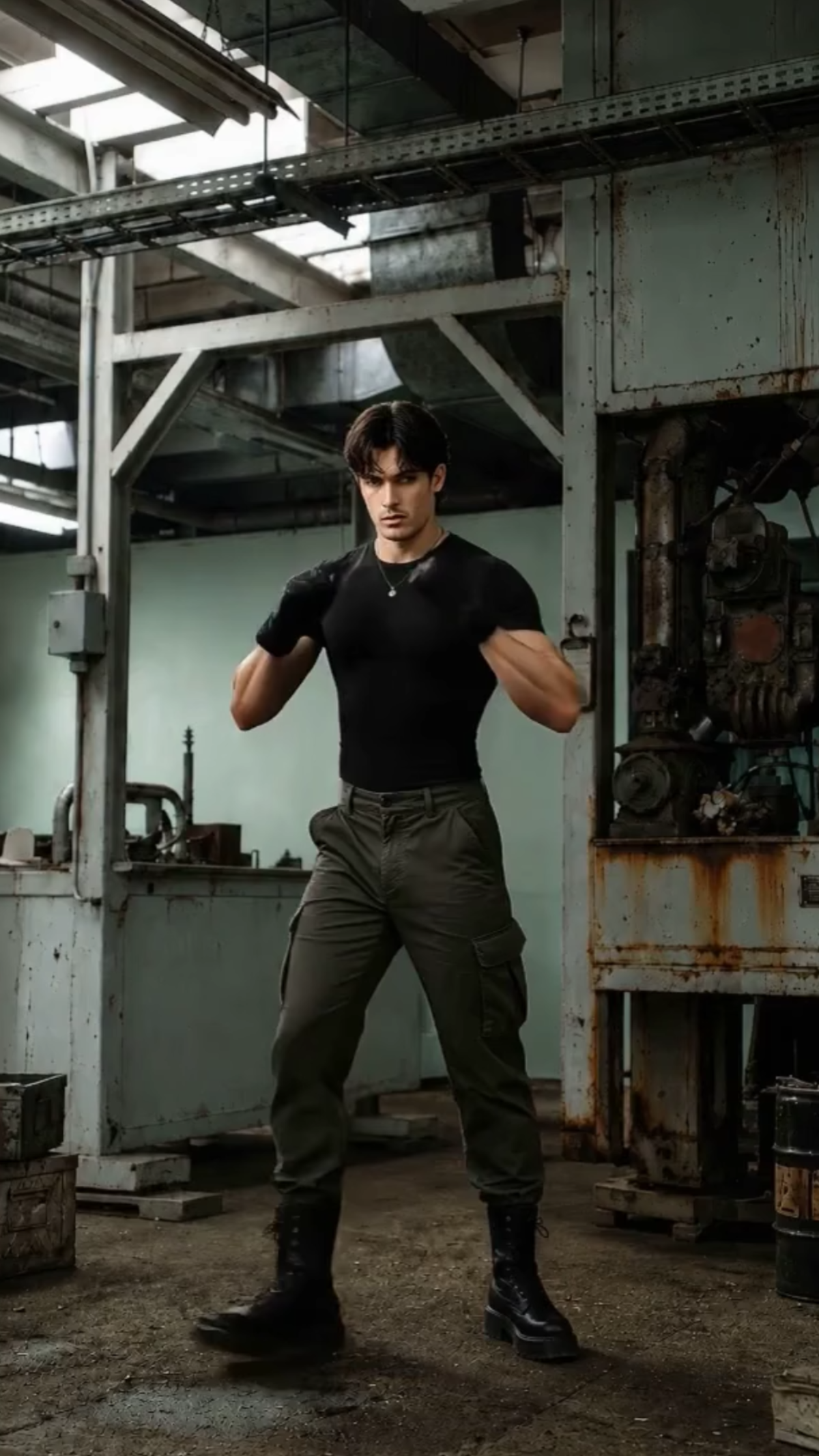
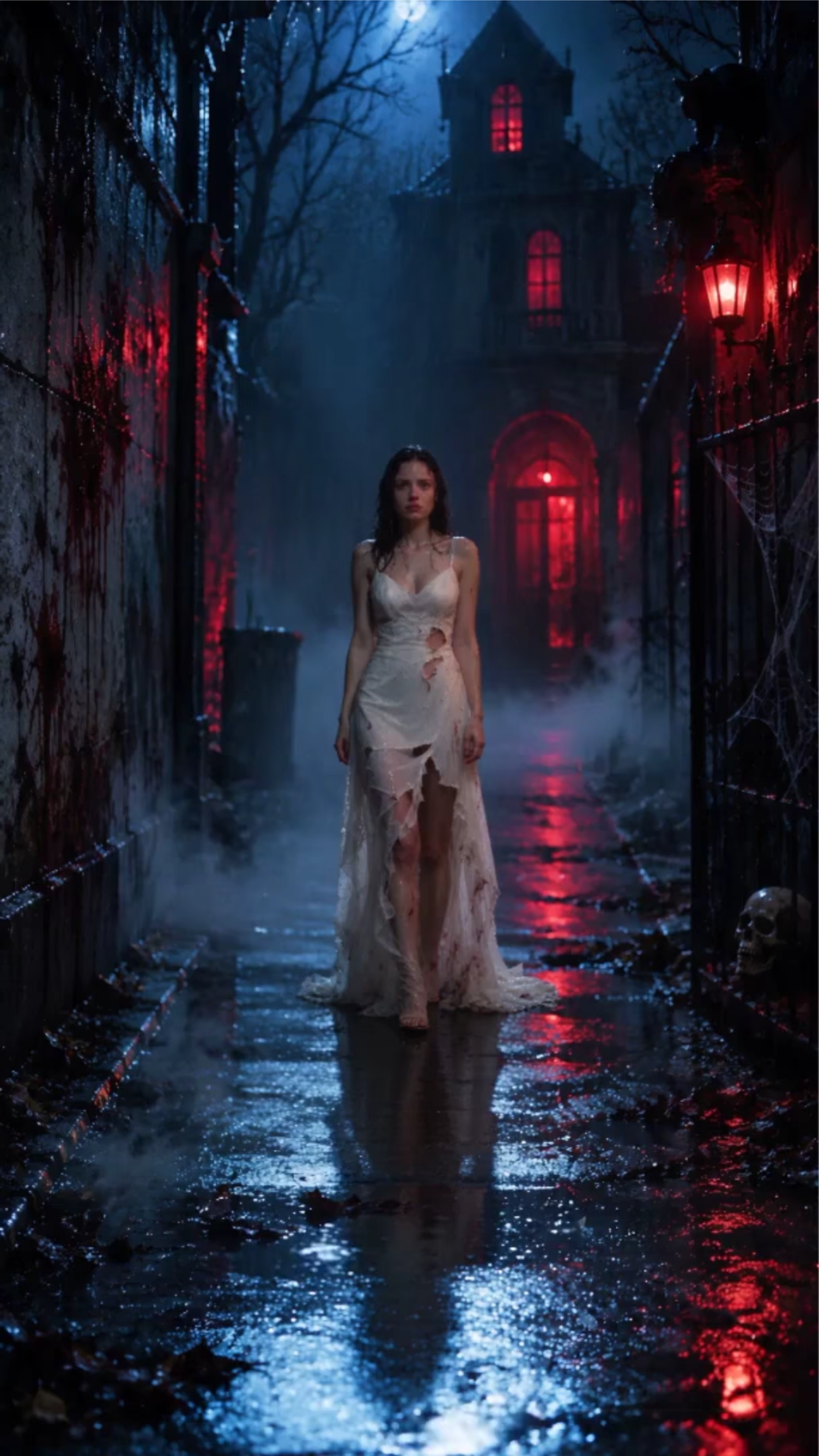
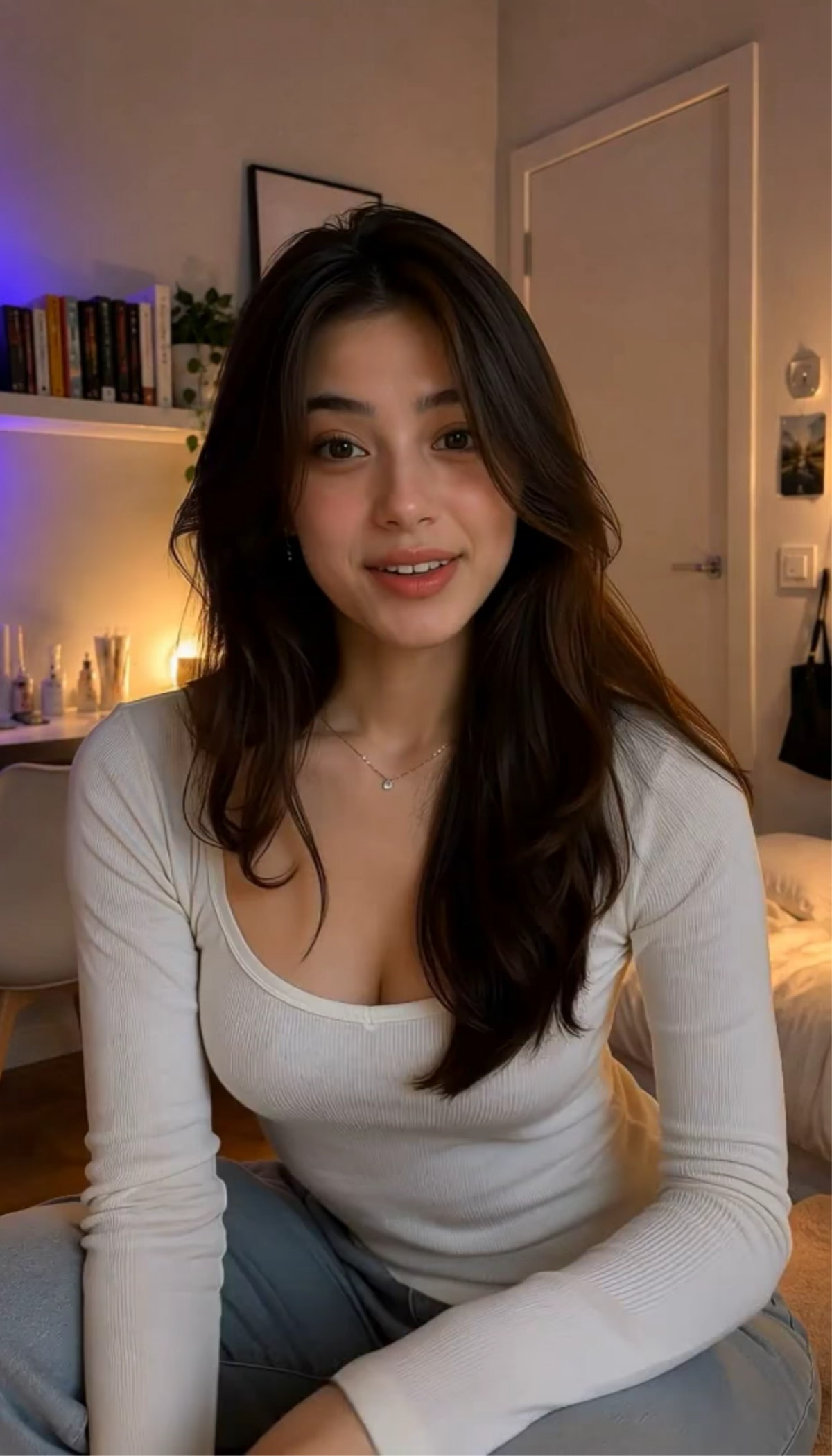
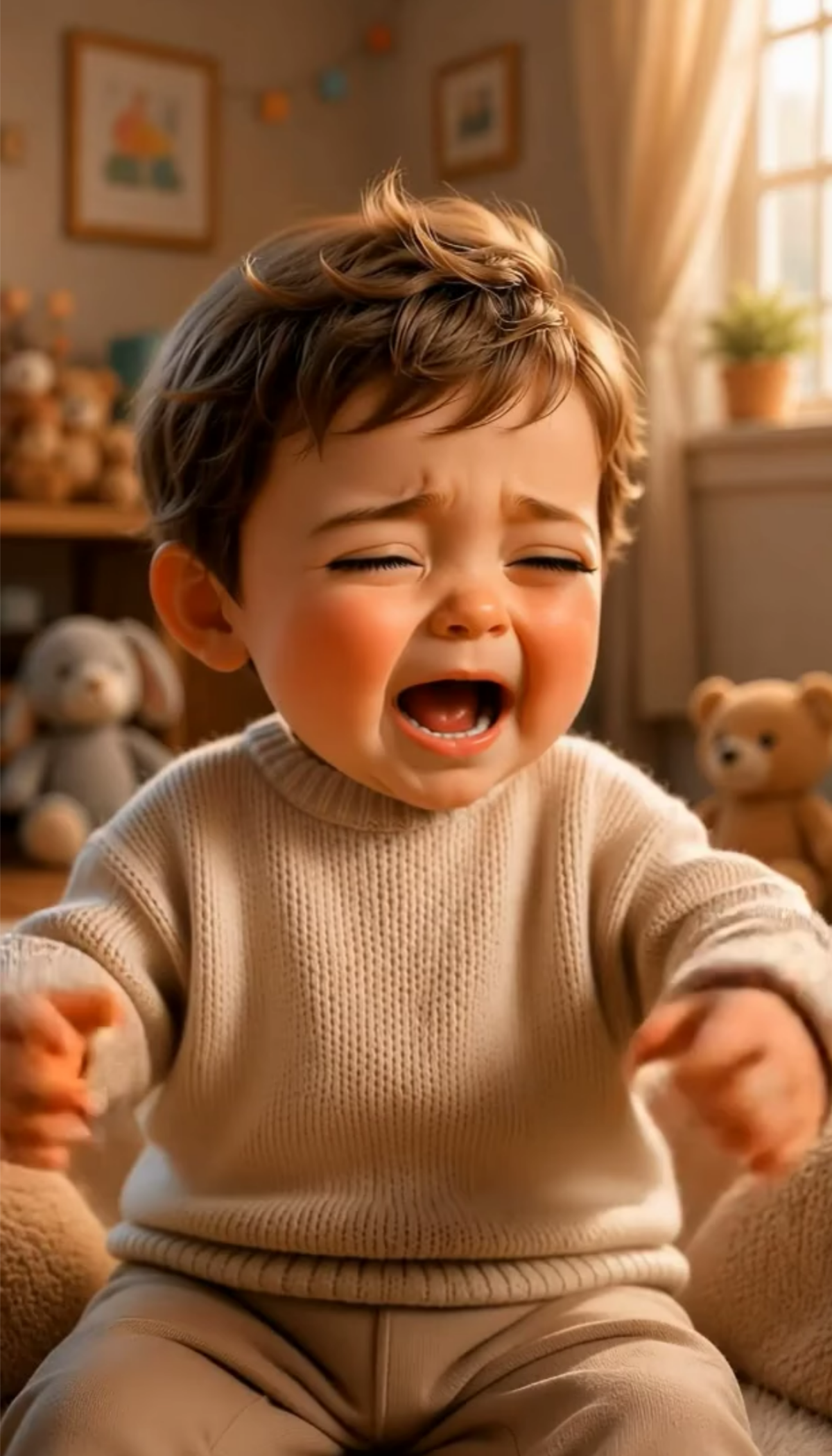
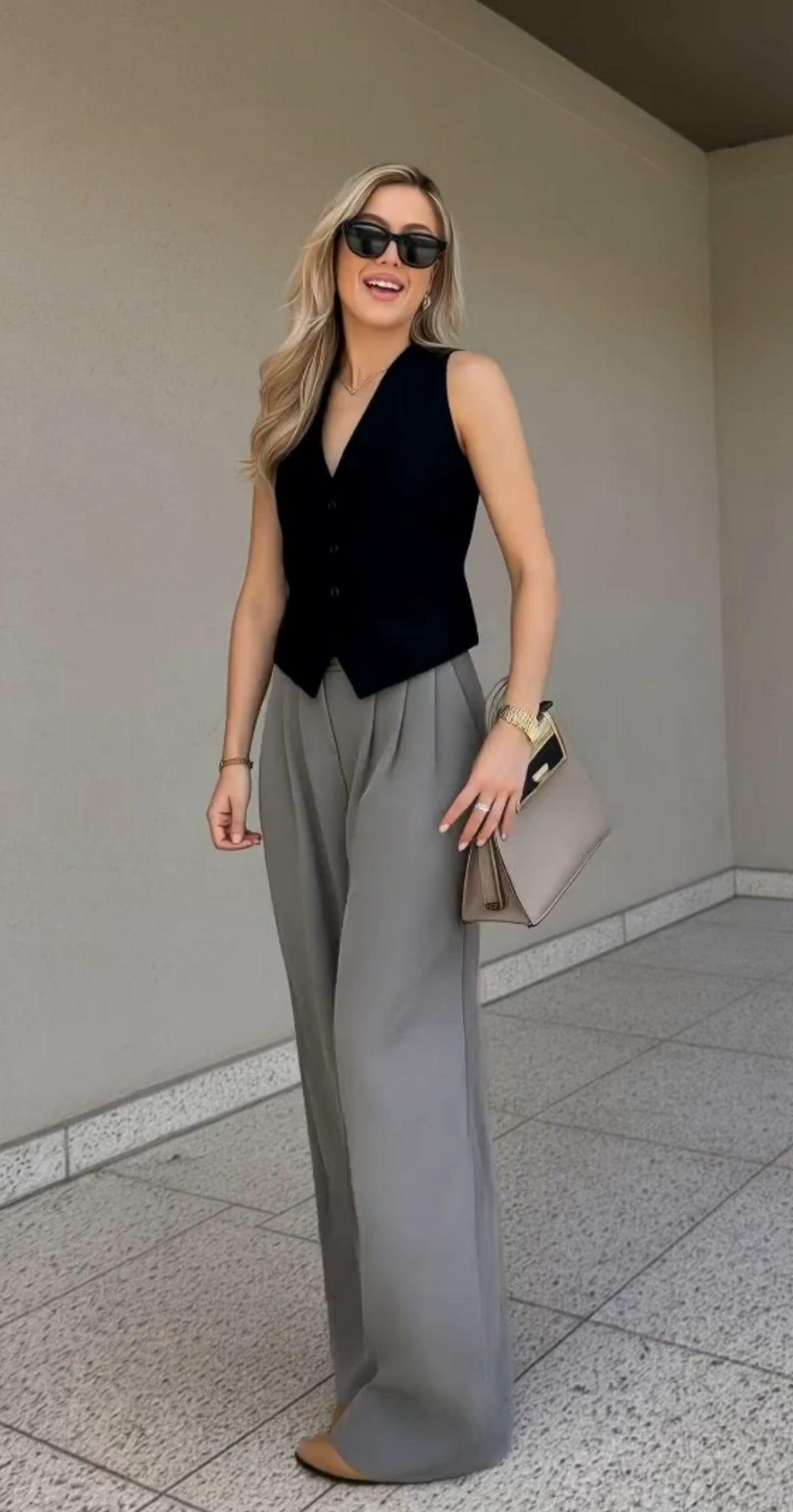
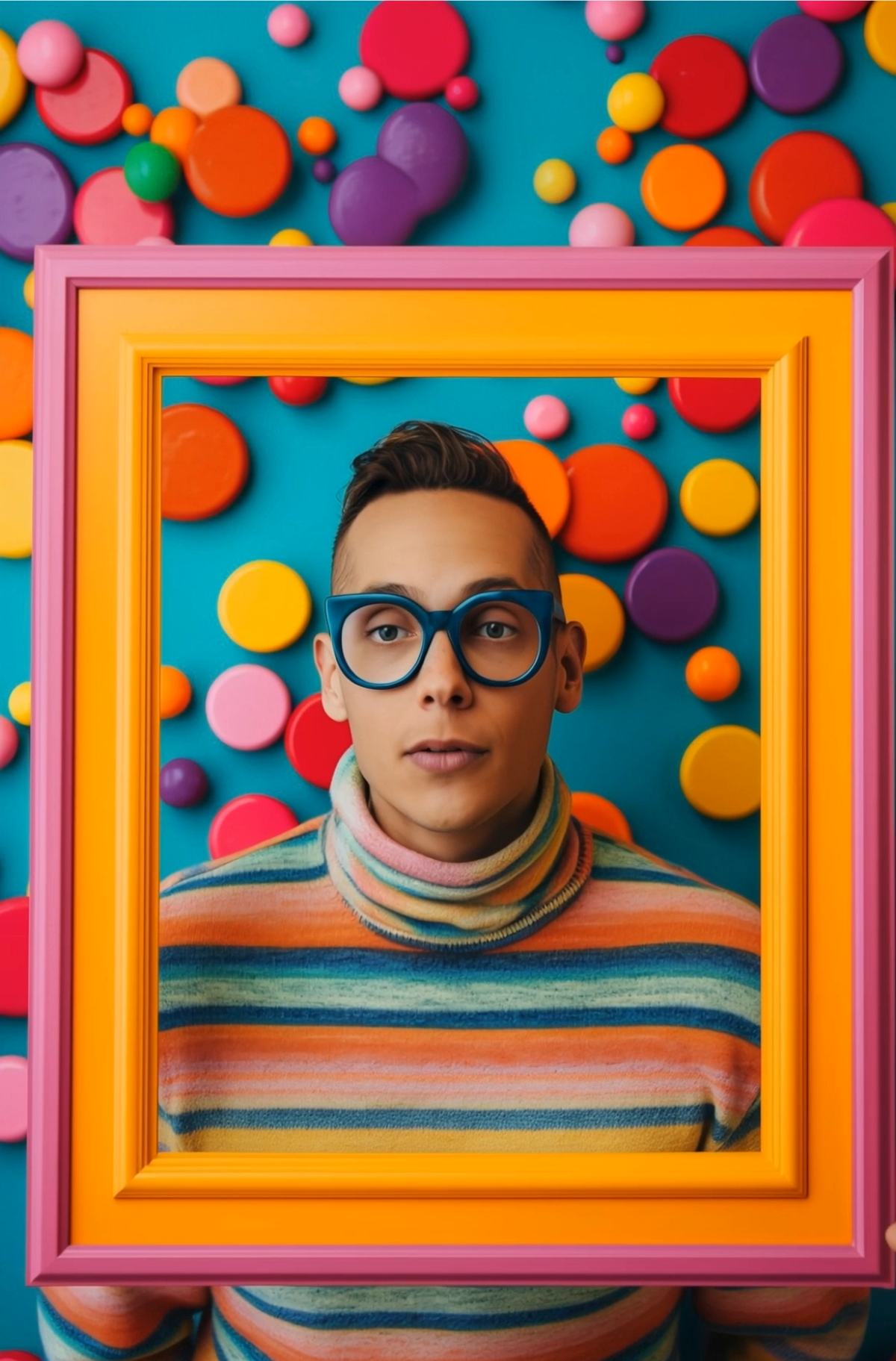
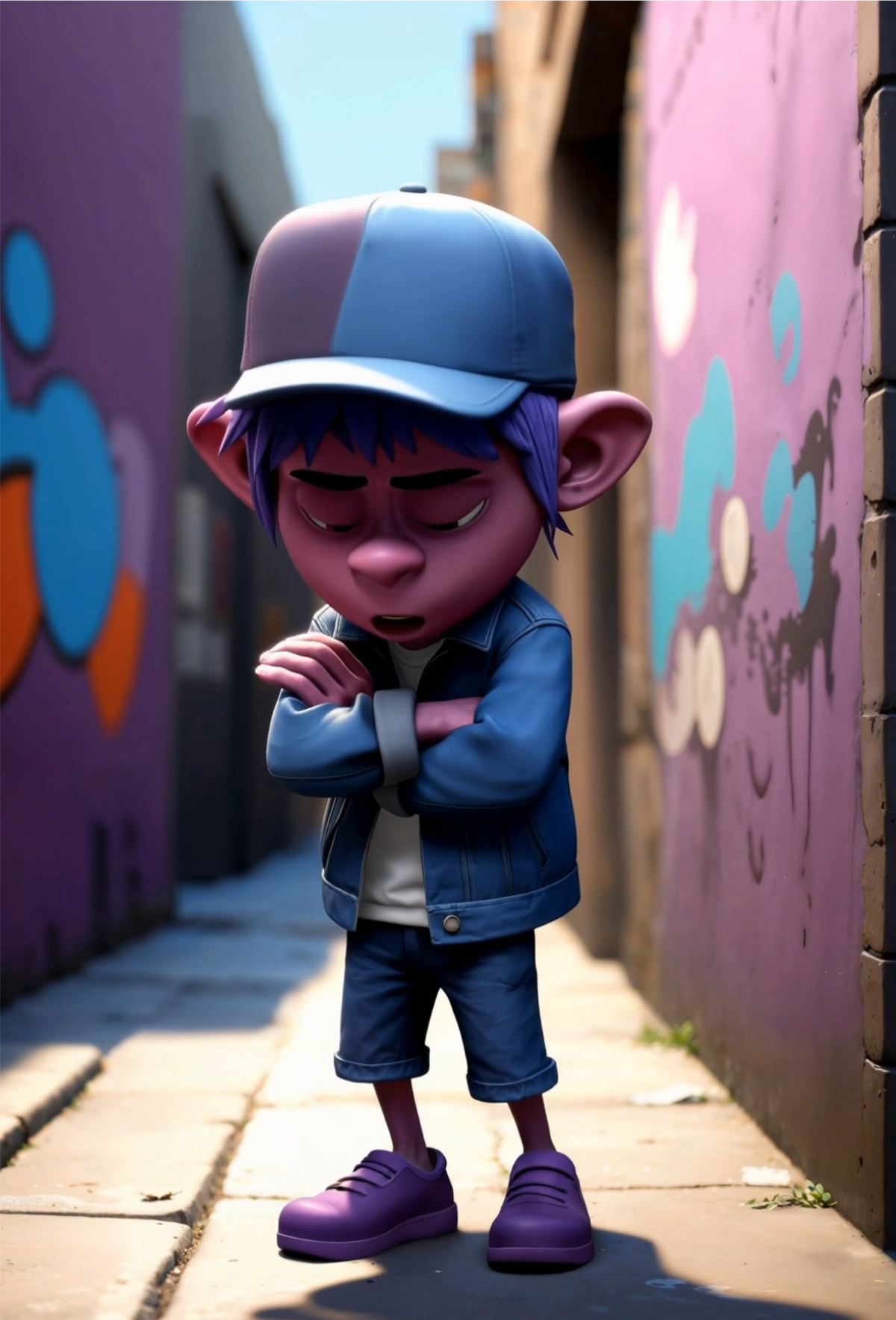
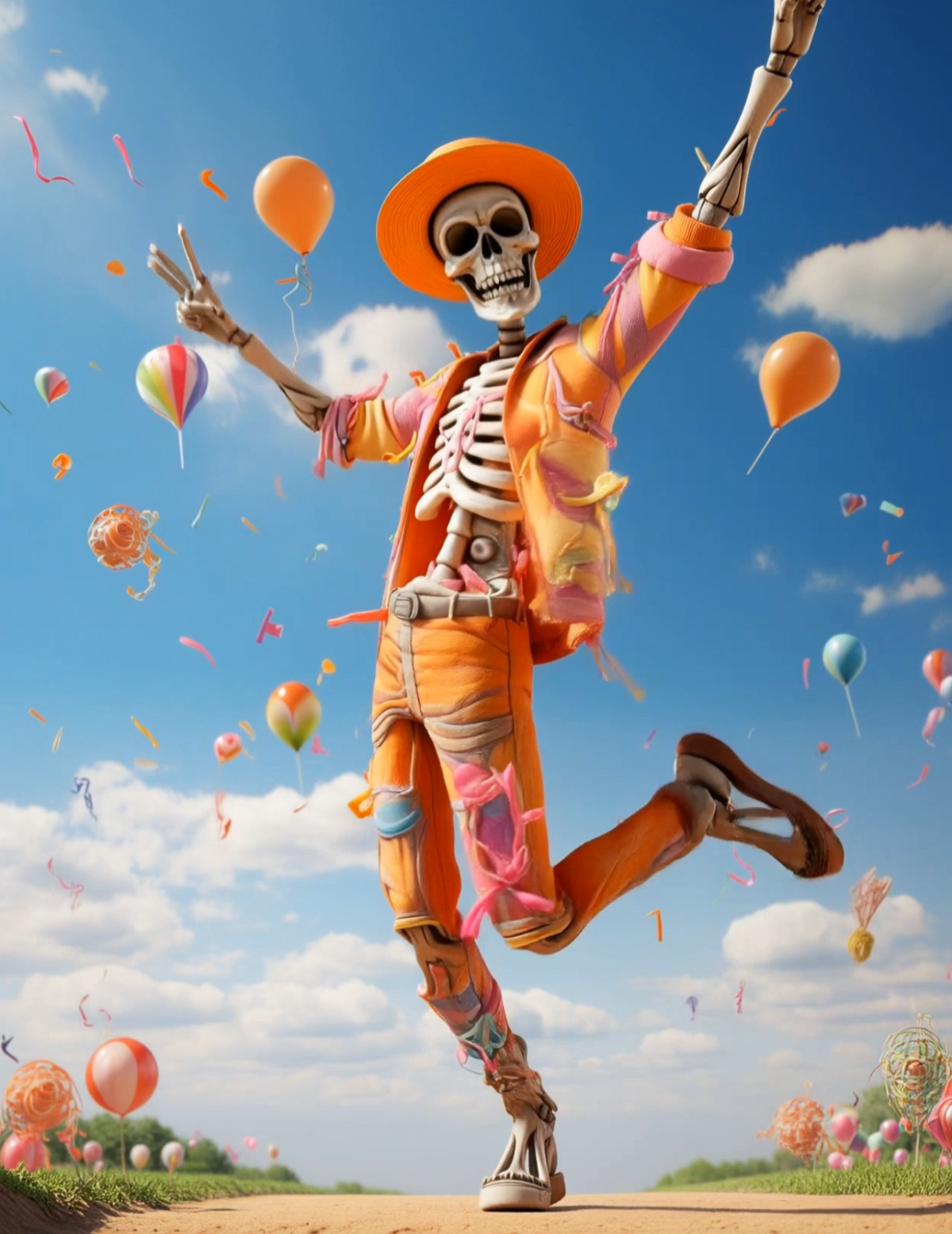
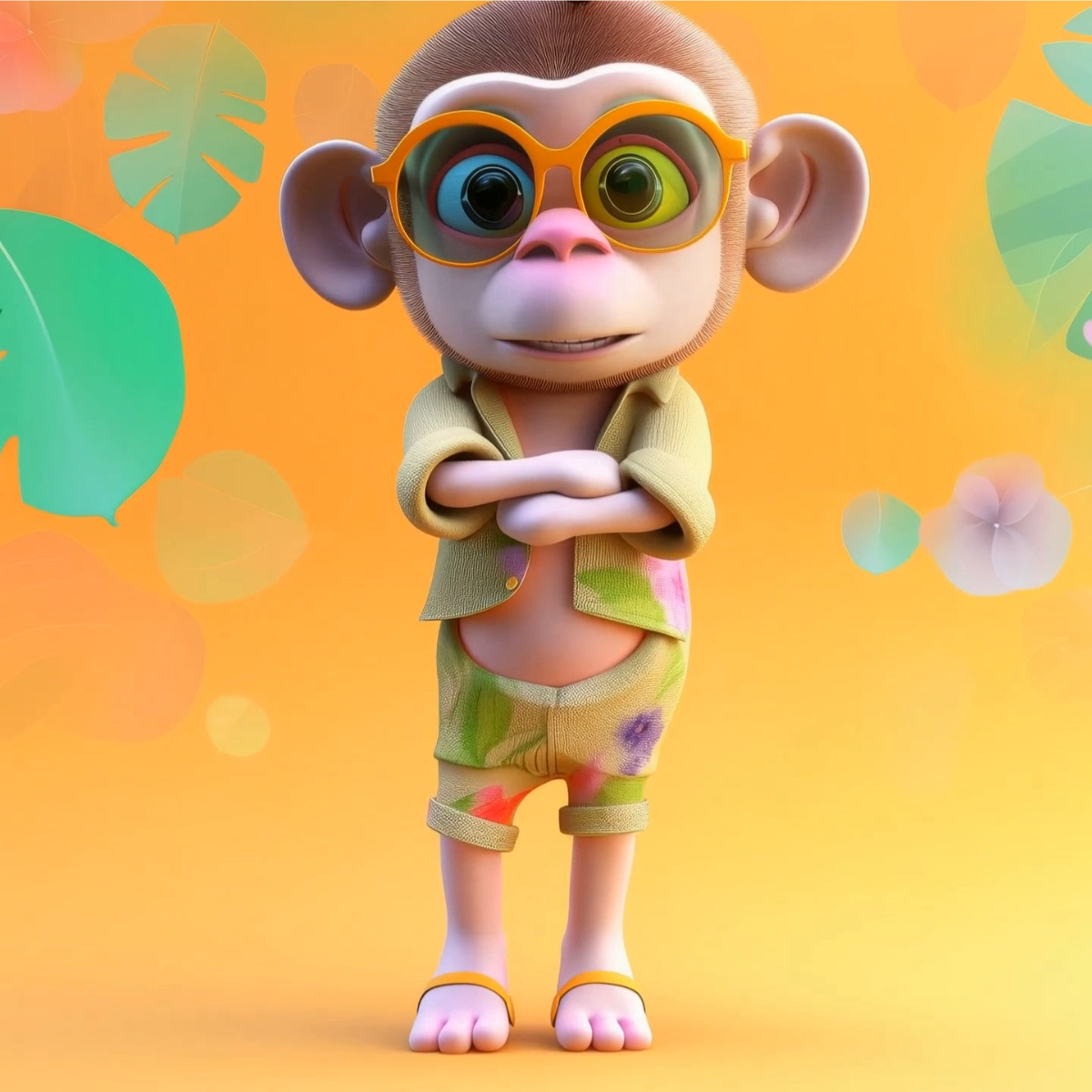
Create Professional AI Motion Control Videos with Kling 3
Template.net AI Motion Control Video Generator uses Kling 3 to accurately transfer movement from uploaded reference videos to your character image or media. Simply upload both files, enter a text prompt or use voice input, then customize movement intensity, facial expressions, camera motion, scenes, duration, resolution, and aspect ratios to generate realistic AI Animation for storytelling, virtual presenters, marketing, education, entertainment, and creative productions. Create professional AI Motion Control videos across desktop, tablet, and mobile devices with plans starting at just $12 monthly.
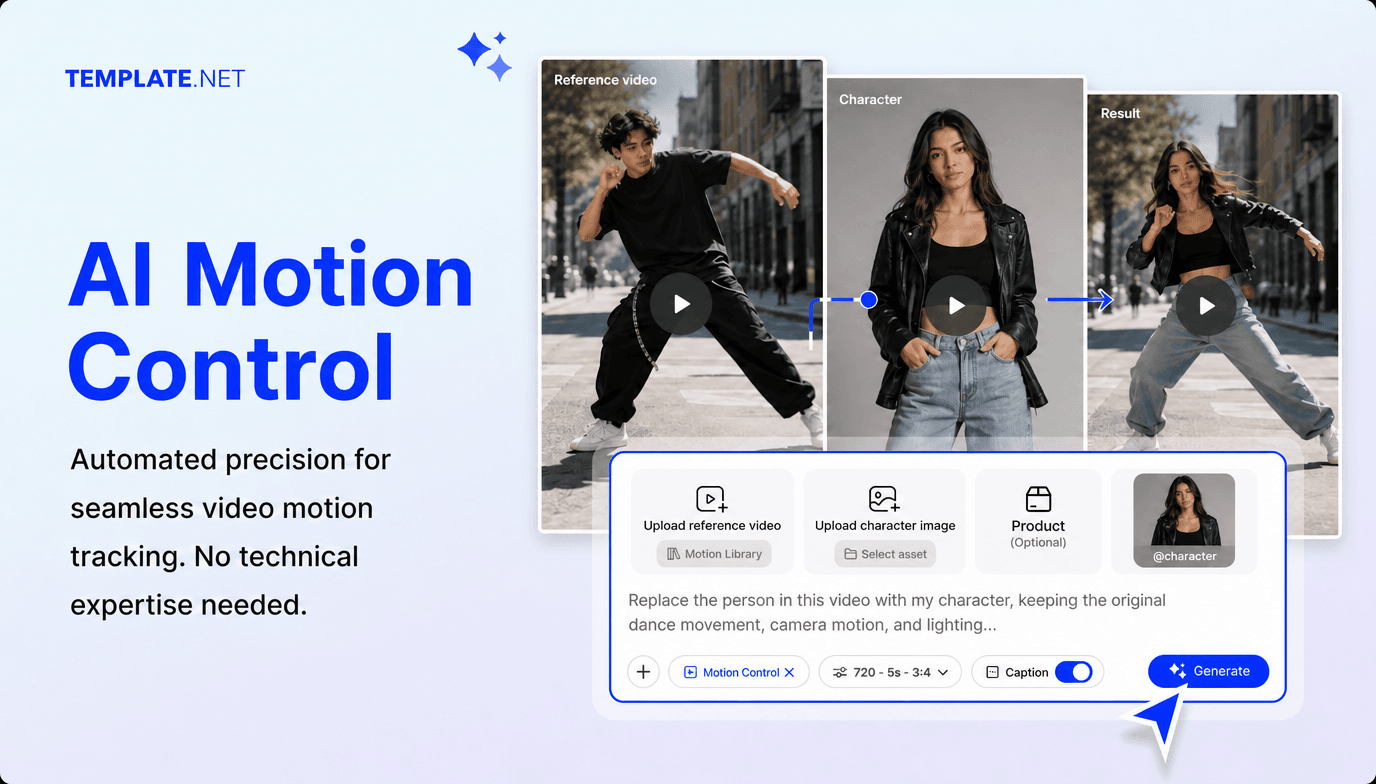
Transform Character Images into Realistic AI Motion Control Videos
Transform static images into lifelike animated videos using advanced AI motion control. Perfect for AI influencers, storytelling, education, entertainment, promotional videos, digital marketing, presentations, and creative productions.
AI-Powered Motion Control Generation
Upload a character image and motion reference video, enter a text prompt or use voice input, and AI automatically generates realistic animations with synchronized movement, facial expressions, and cinematic scenes.
Upload Character Images and Motion References
Upload portraits, illustrations, avatars, artwork, photos, videos, or reference clips to accurately recreate realistic movement while preserving your character's appearance.
Motion Control Templates
Choose professionally designed templates for action sequences, dance performances, storytelling, education, marketing campaigns, entertainment, virtual presenters, and social media content.
AI Character Motion Transfer
Transfer realistic body movement, gestures, poses, and actions from reference videos while maintaining consistent character identity throughout every scene.
Facial Expression Synchronization
Match facial expressions, eye movement, and natural lip synchronization with body motion for more believable AI-generated performances.
Intelligent Camera Motion
Automatically recreate pans, zooms, tracking shots, and cinematic camera angles from your reference footage for professional-looking videos.
Text and Voice Motion Creation
Describe the desired movement using text prompts or voice instructions, and AI builds complete animated scenes with realistic motion.
Reference Motion Mapping
Upload a motion reference video and let AI accurately map body movements, poses, and gestures to your uploaded character while preserving consistent animation throughout every scene.
Smart Scene Sequencing
Automatically organize animations into smooth scenes with realistic timing, seamless transitions, and continuous visual flow.
Character Identity Preservation
Maintain consistent facial features, clothing, hairstyle, and overall appearance throughout every animation, even during complex movement.
Multiple Aspect Ratio Support
Create videos in 1:1, 4:3, 16:9, 9:16, and 3:4 aspect ratios for YouTube, Instagram, TikTok, Facebook, LinkedIn, websites, presentations, and digital marketing.
Flexible Resolution and Duration
Export videos in 480p, 720p, 1080p, or 4K resolution and customize durations starting from 5 seconds for short-form content, presentations, and commercial productions.
Advanced Motion Customization
Adjust movement speed, motion intensity, camera angles, backgrounds, branding, transitions, and scene composition to match your creative vision.
Edit Motion Videos Online
Replace uploaded media, update reference videos, regenerate animations, modify scenes, refine movement, and edit captions without restarting your project.
Multilingual Support
Create professional AI motion control videos in 20+ multiple languages, including English, Spanish, French, German, Italian, Portuguese, Hindi, Chinese, Japanese, Korean, Arabic, and more for global audiences, education, business, and content creation.
Download or Share Instantly
Save your videos, download them in high quality, or share instantly via Email, LinkedIn, WhatsApp, Facebook, X (Twitter), Pinterest, or generate a live link or QR code.
Browser-Based Motion Video Workspace
Create, edit, organize, and manage AI Motion Control projects online without installing complex animation or Video Editing AI software.
Accelerate Creative Video Production
Generate multiple creative variations for AI influencers, education, storytelling, marketing, entertainment, product demonstrations, and social media while reducing production time.
How to Create Professional AI Motion Control Videos
Create AI Motion Control in just a few simple steps
Step 1 Upload Your Character and Motion Reference
Upload a character image, portrait, artwork, avatar, or media together with a motion reference video. Enter a text prompt or use voice input to describe the desired movement, then select a template and animation style for your project.
Step 2 Customize Your AI Motion Control
Preview your generated result and customize body movement, facial expressions, motion intensity, camera movement, backgrounds, scenes, captions, duration, resolution, aspect ratio, transitions, and branding to match your creative vision. You can also use AI Character Replacement to place your character naturally into the motion sequence.
Step 3 Save, Download, or Share
Preview your AI Motion Control project, then save it, download it, or share it instantly through Email, LinkedIn, WhatsApp, Facebook, X (Twitter), and Pinterest. You can also generate a live link or QR code for quick collaboration, feedback, and publishing.
Transform Creative Ideas into Realistic AI Motion Control Videos
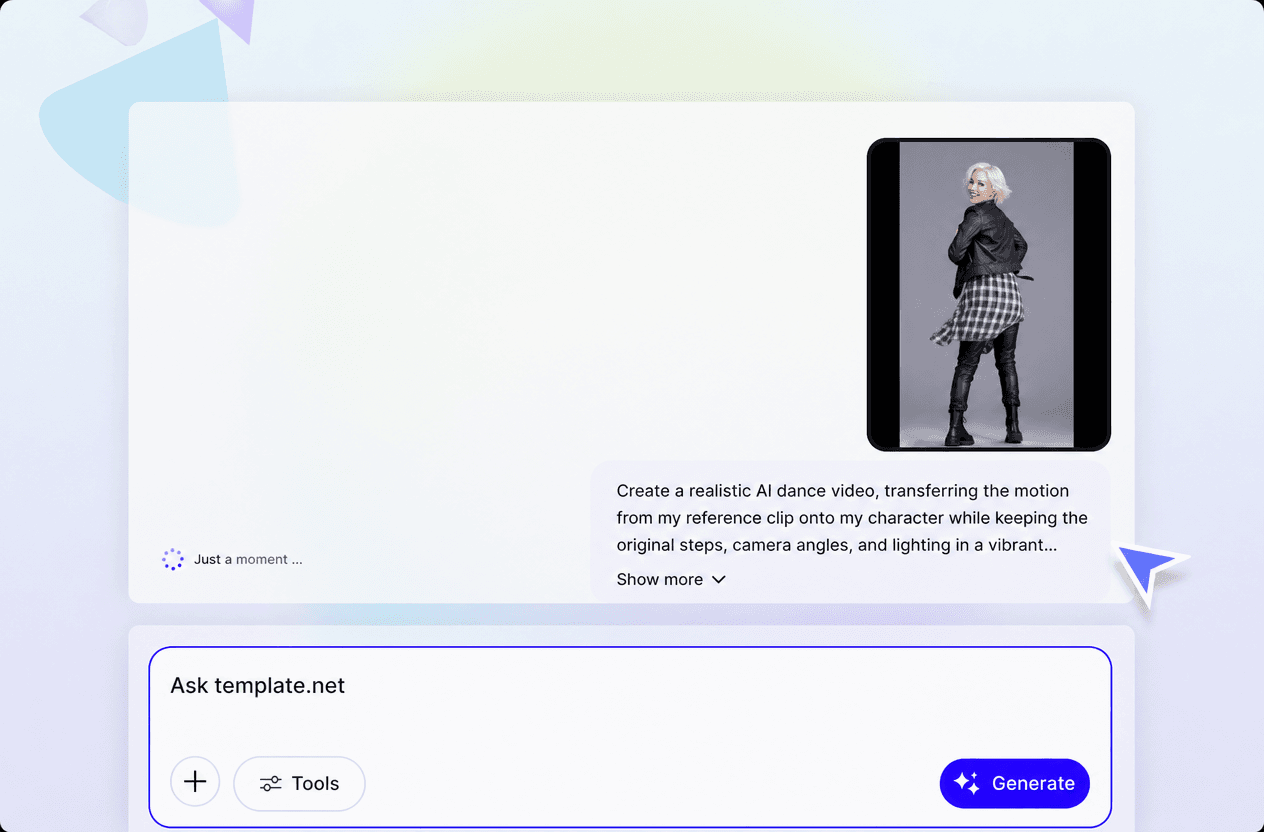
Animate Every Character Naturally
Transfer realistic body movement, facial expressions, and camera motion from your reference video while preserving your character's appearance. Perfect for creators using an AI Avatar Generator to produce engaging animated content.
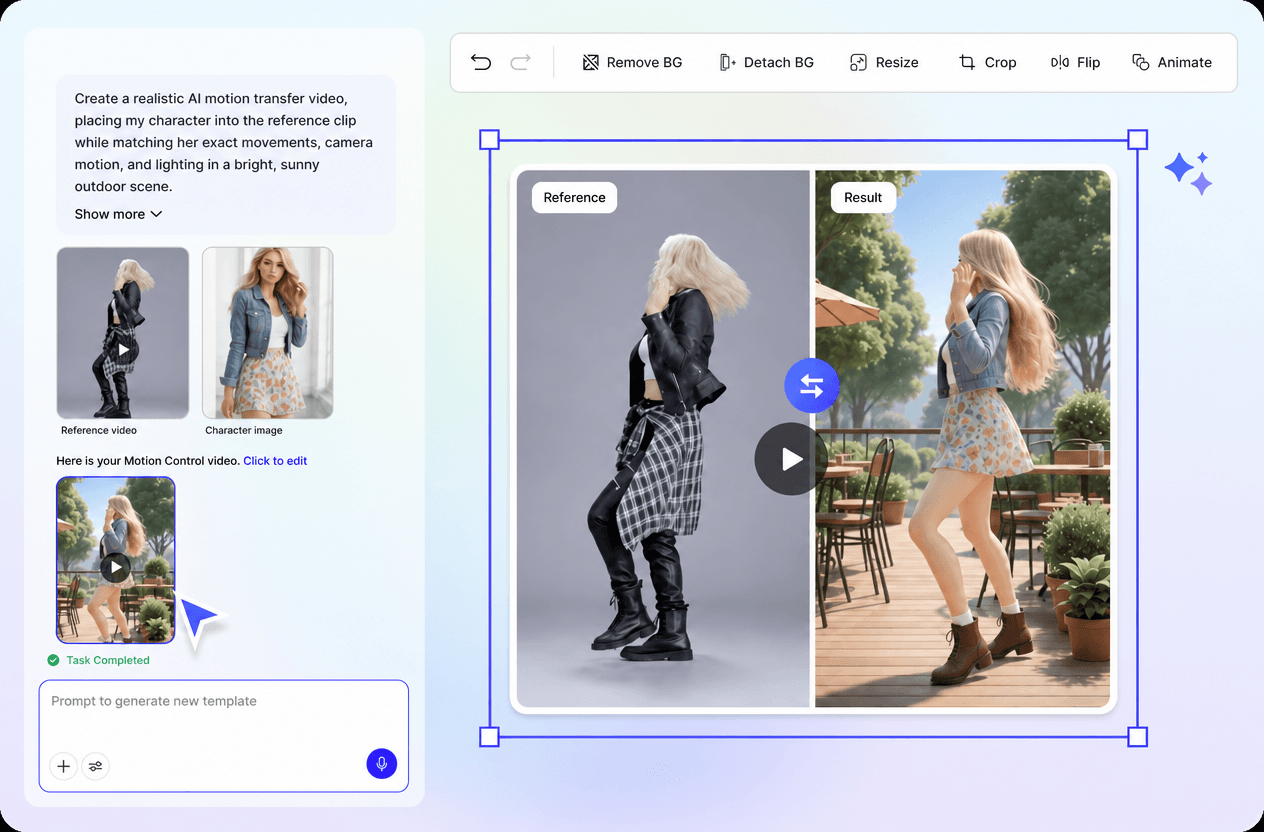
Create Professional Videos Faster
Generate cinematic AI videos for storytelling, education, marketing, product demonstrations, entertainment, training, presentations, and social media with intelligent Video Motion AI that reduces manual animation work.
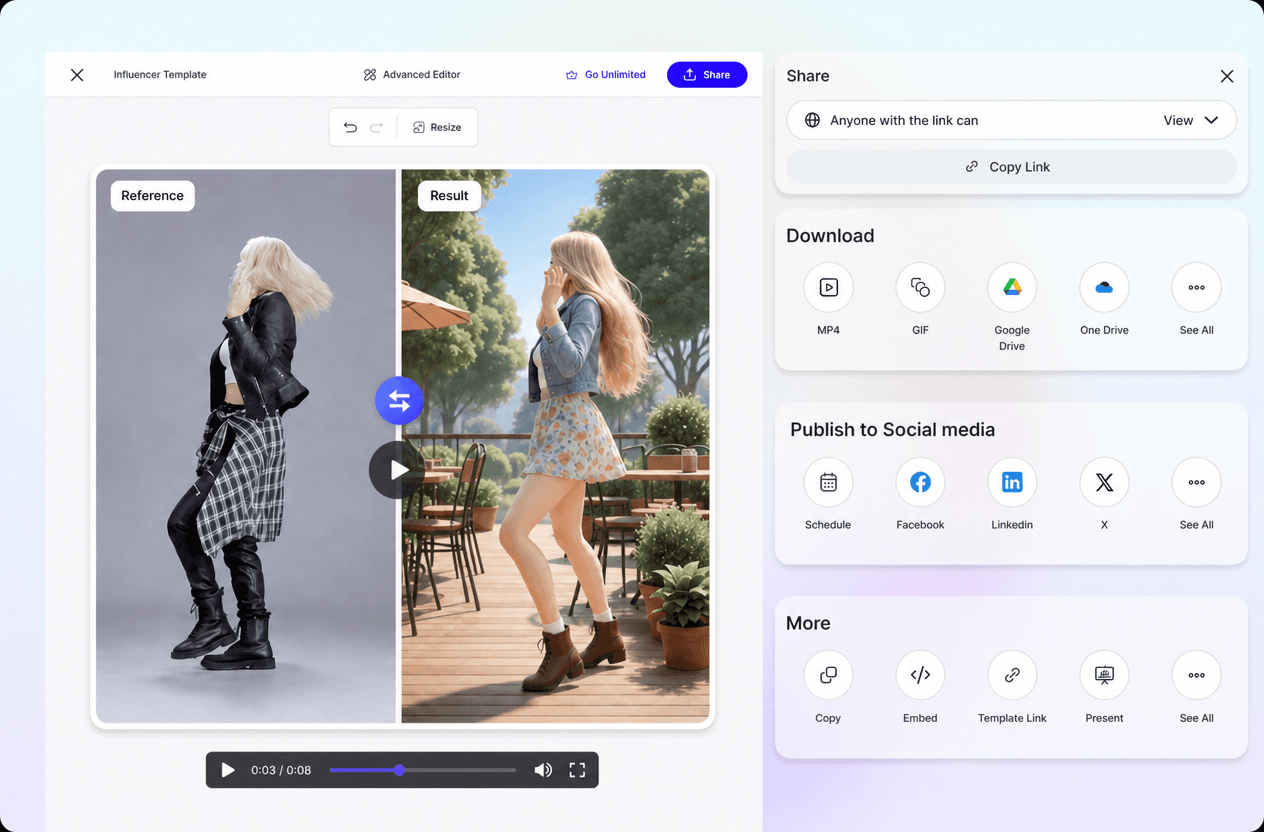
Maintain Consistent Characters Across Every Scene
Keep facial features, clothing, body proportions, and visual identity consistent across every animation while using Motion Transfer to create smooth and natural movement throughout the video.
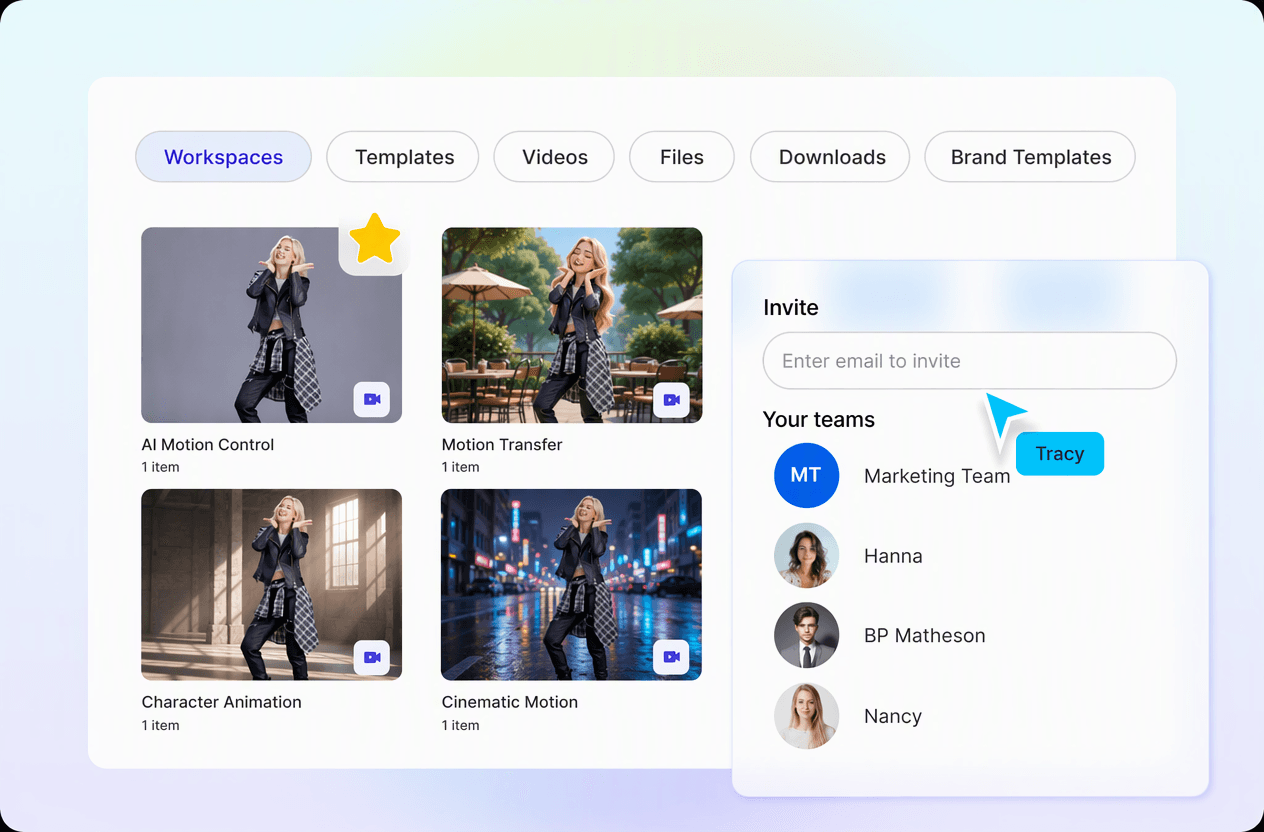
Simplify Your Complete Animation Workflow
Manage uploads, reference videos, AI generation, editing, regeneration, collaboration, and publishing from one browser-based workspace, making it an ideal Character Video Generator for creators and businesses.
