AI UGC Video Generator
more
Create from an UGC Video Template
Pick a proven format. Add your content. AI does the rest
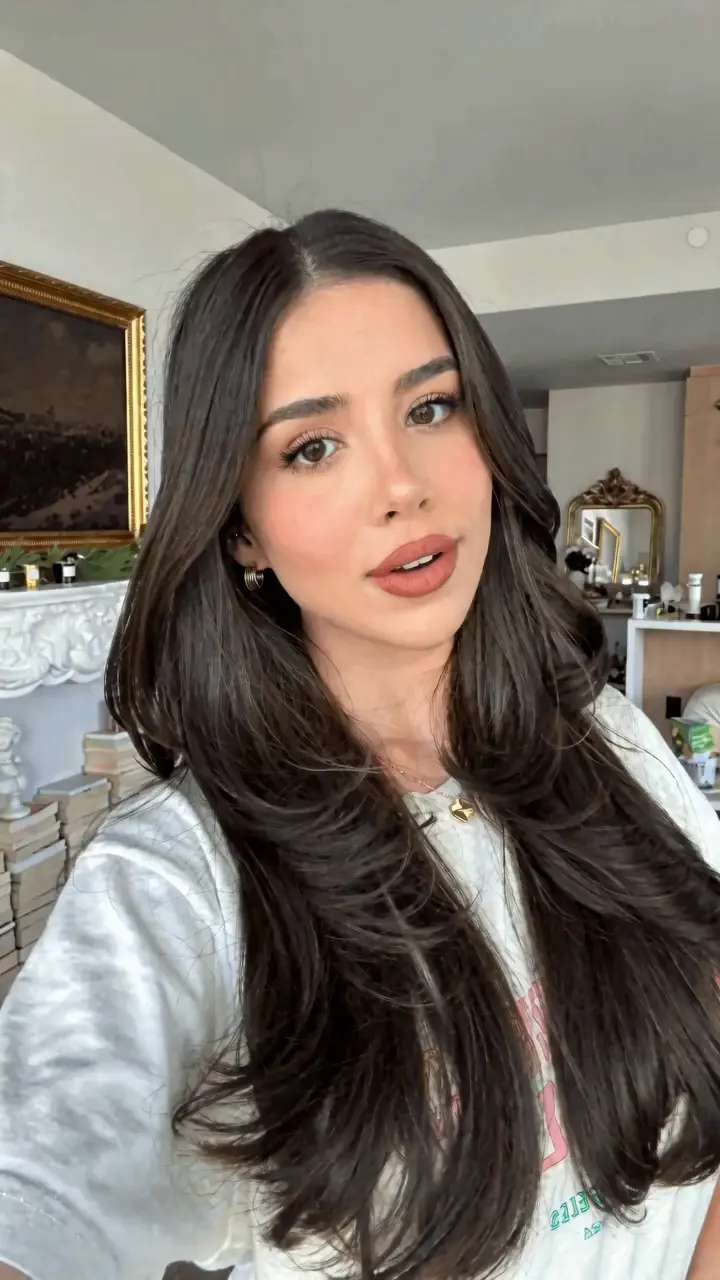
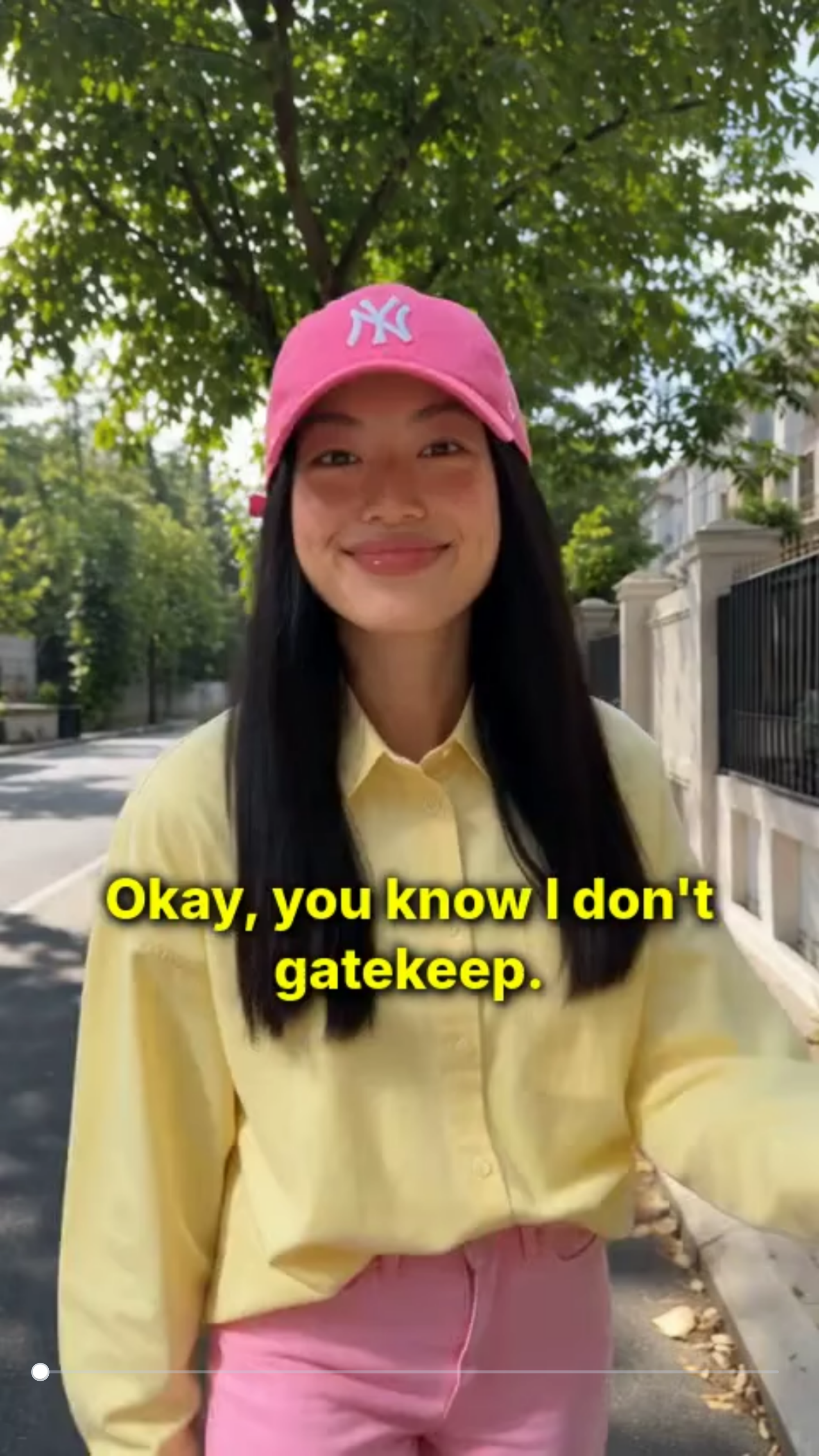
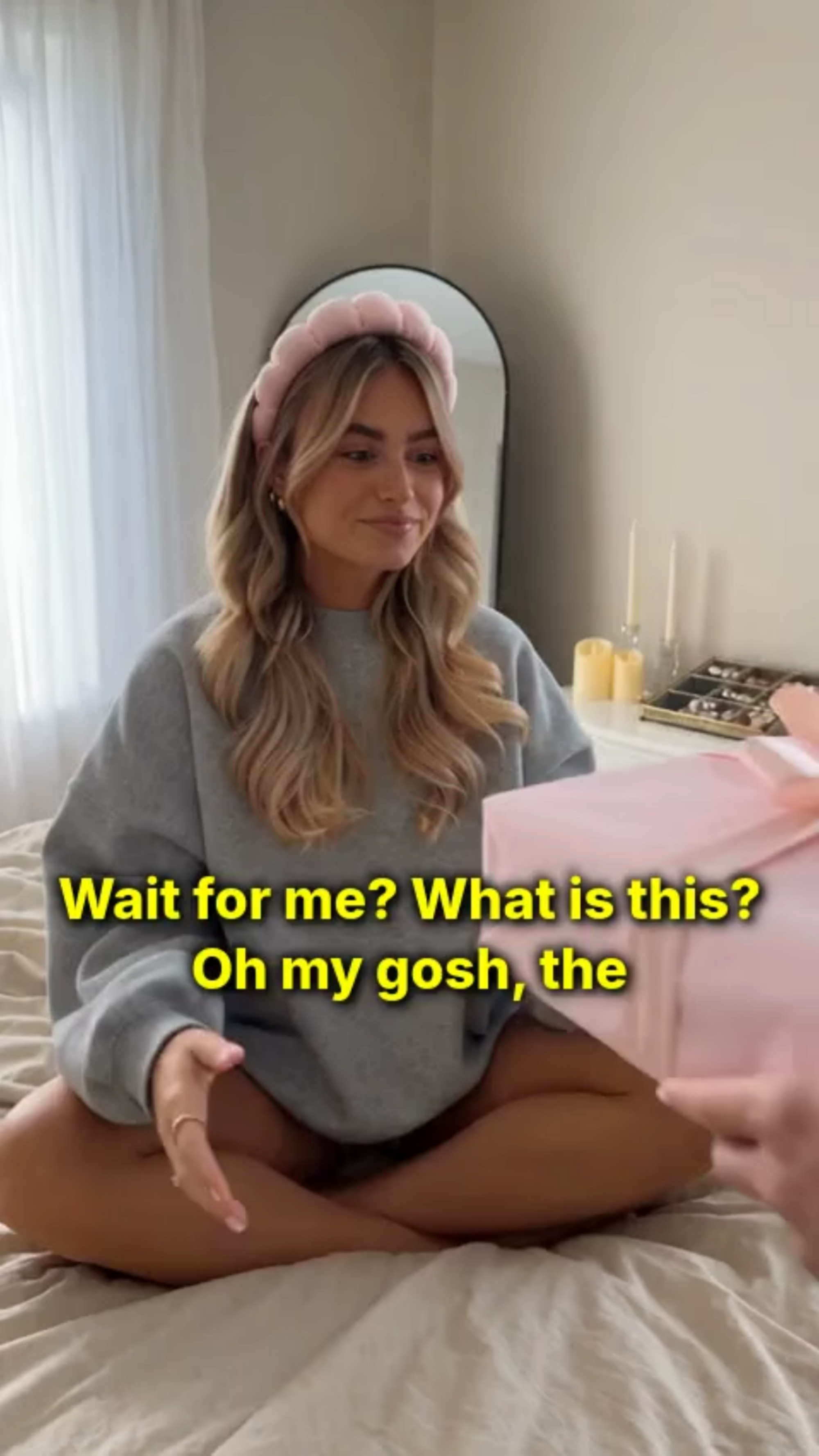
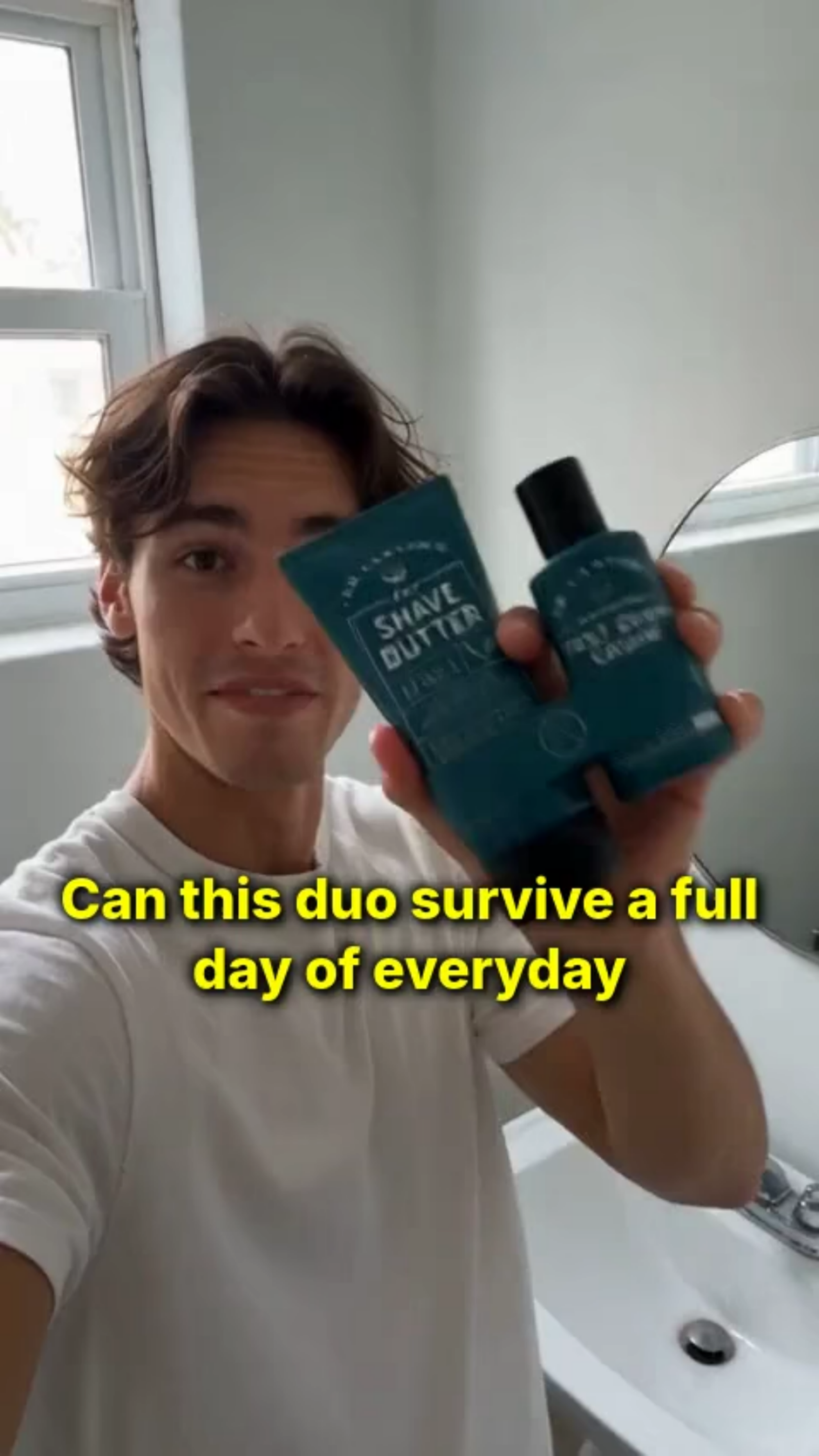
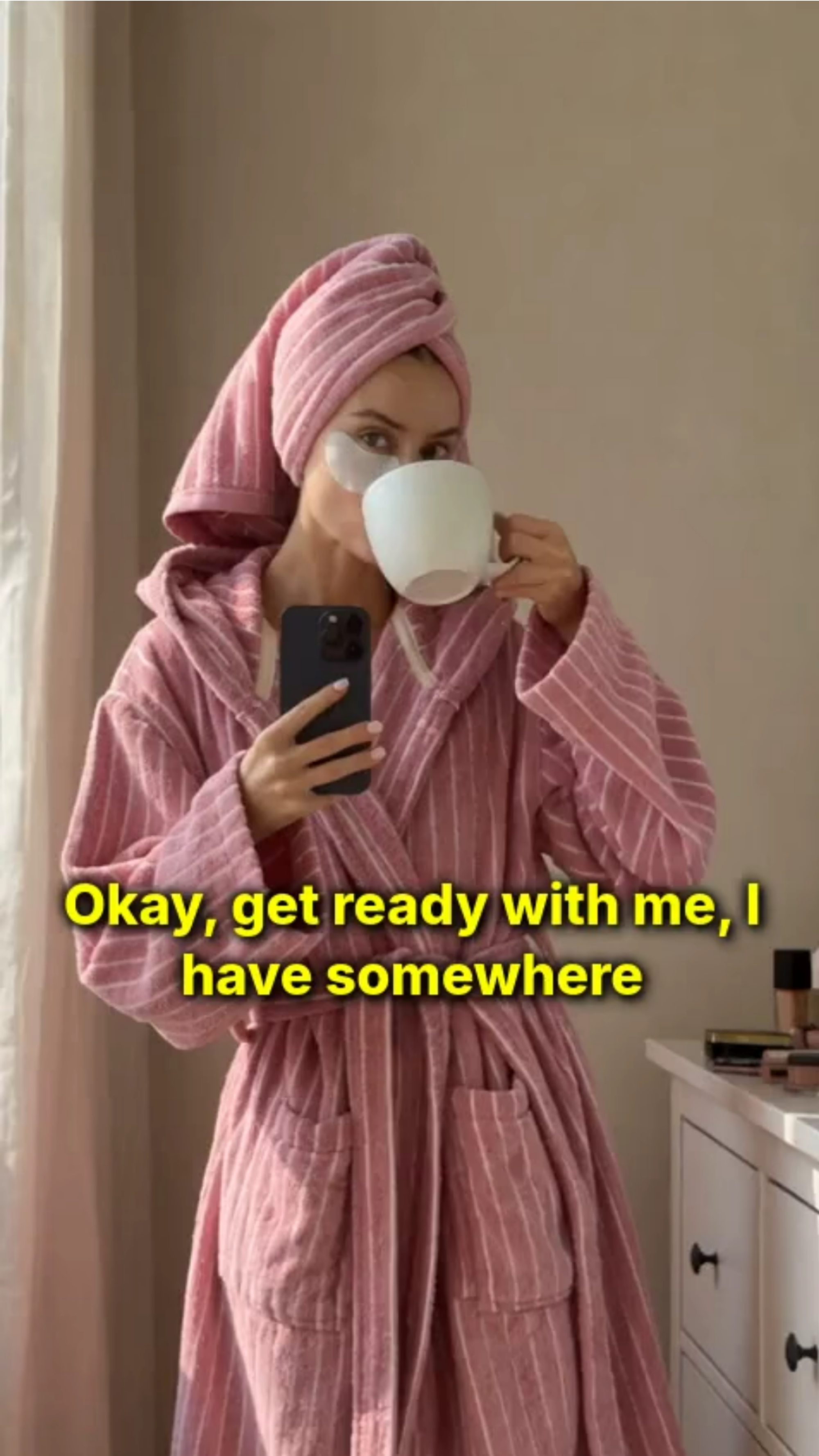
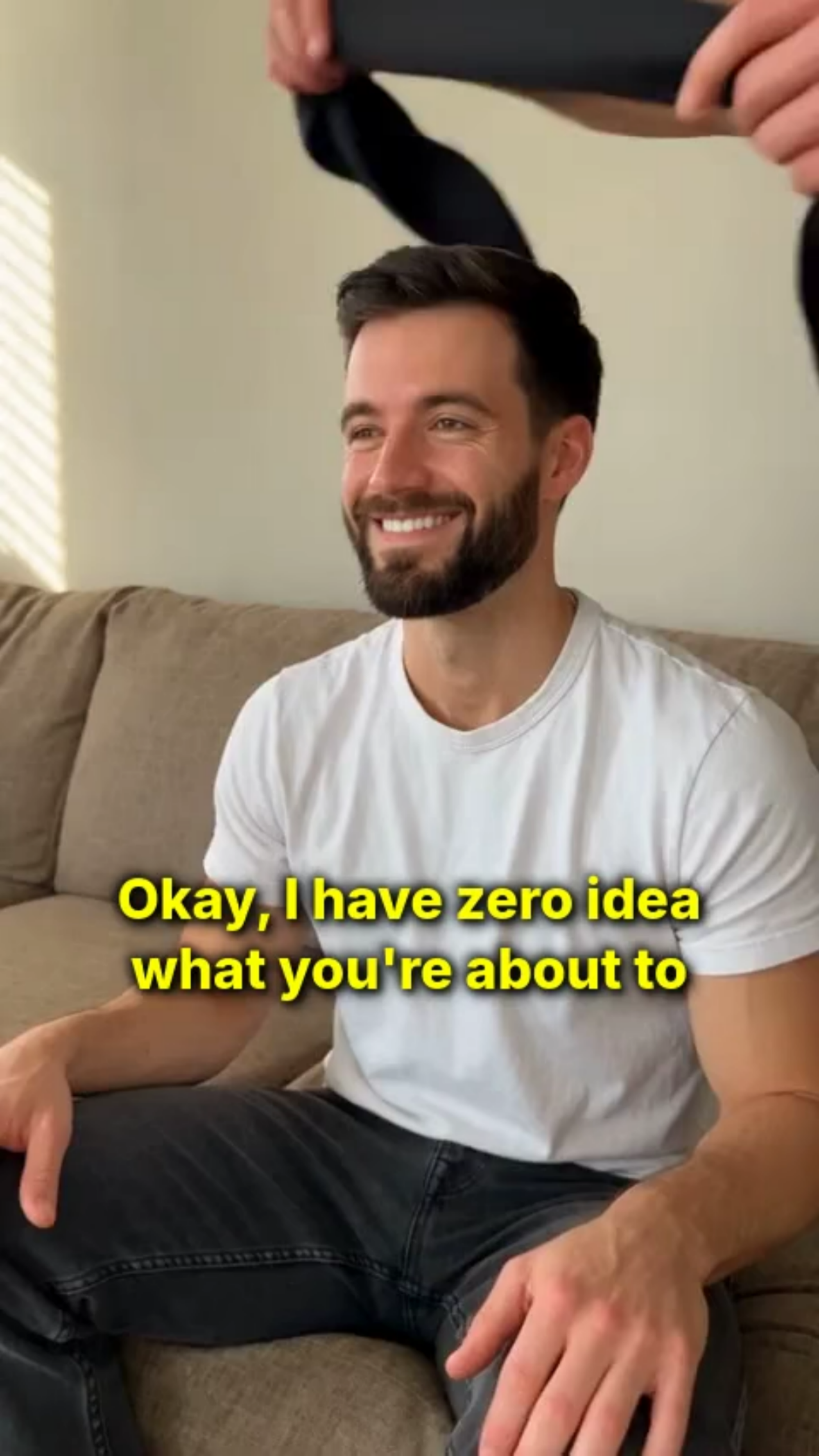
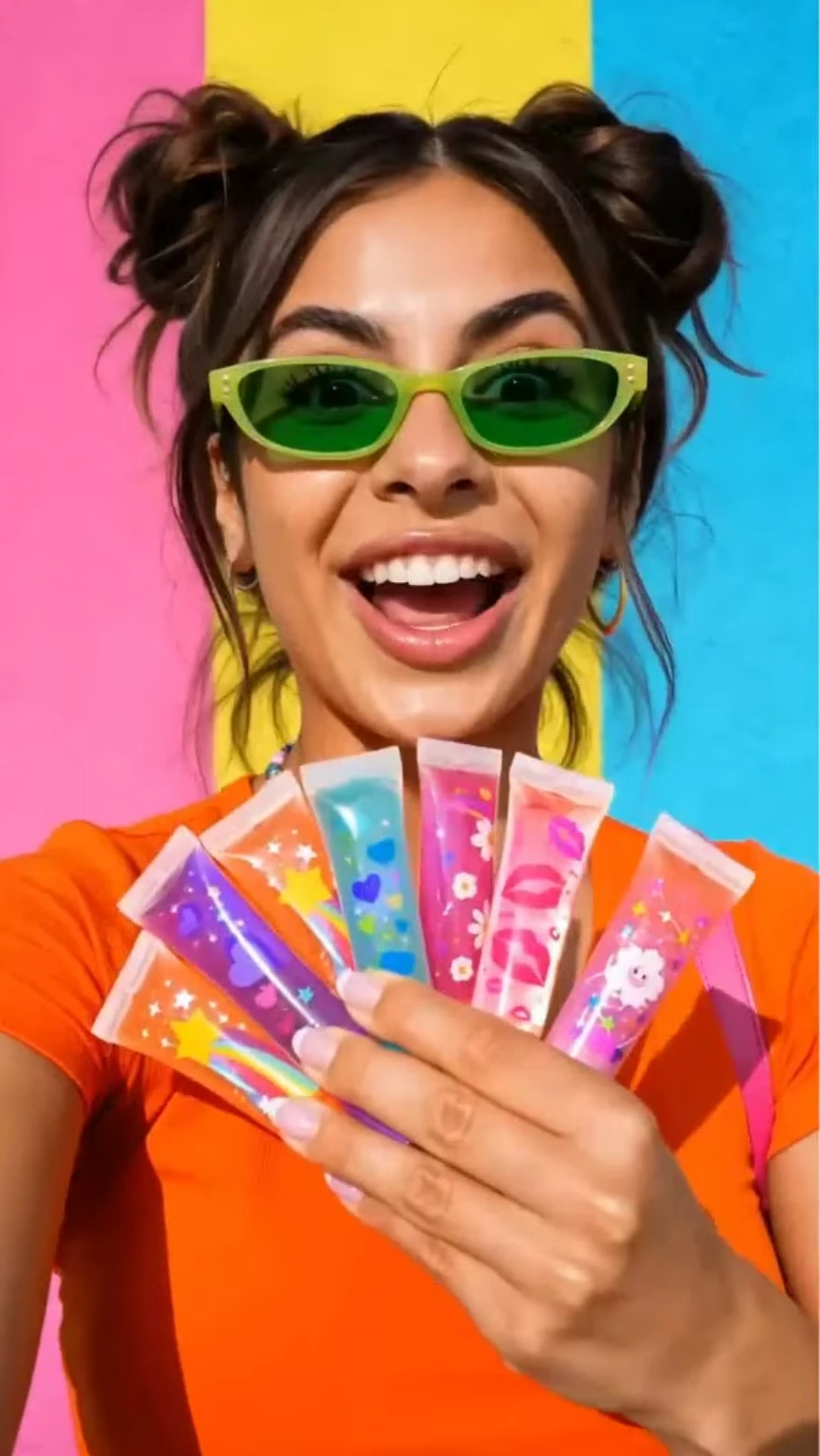
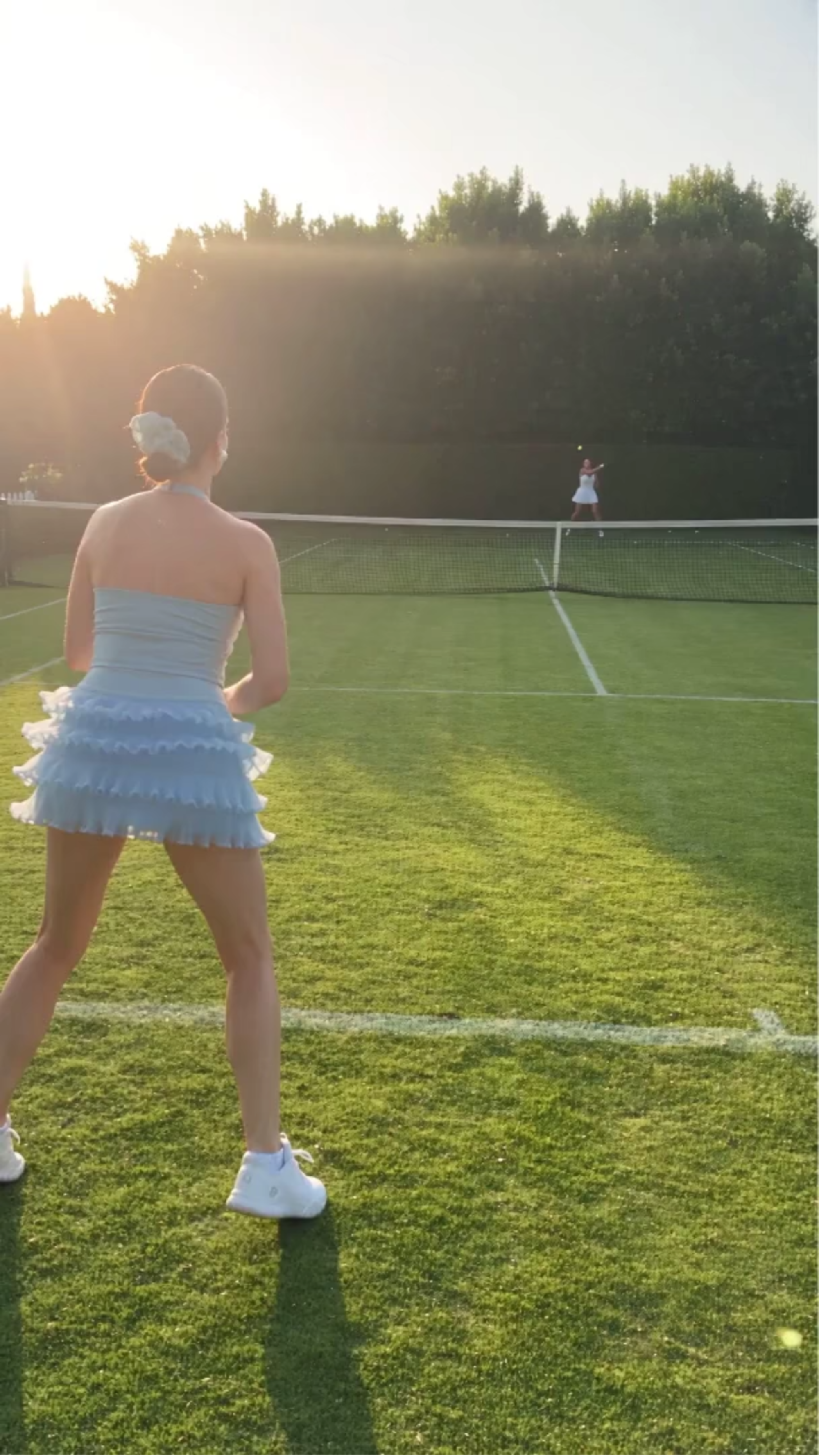
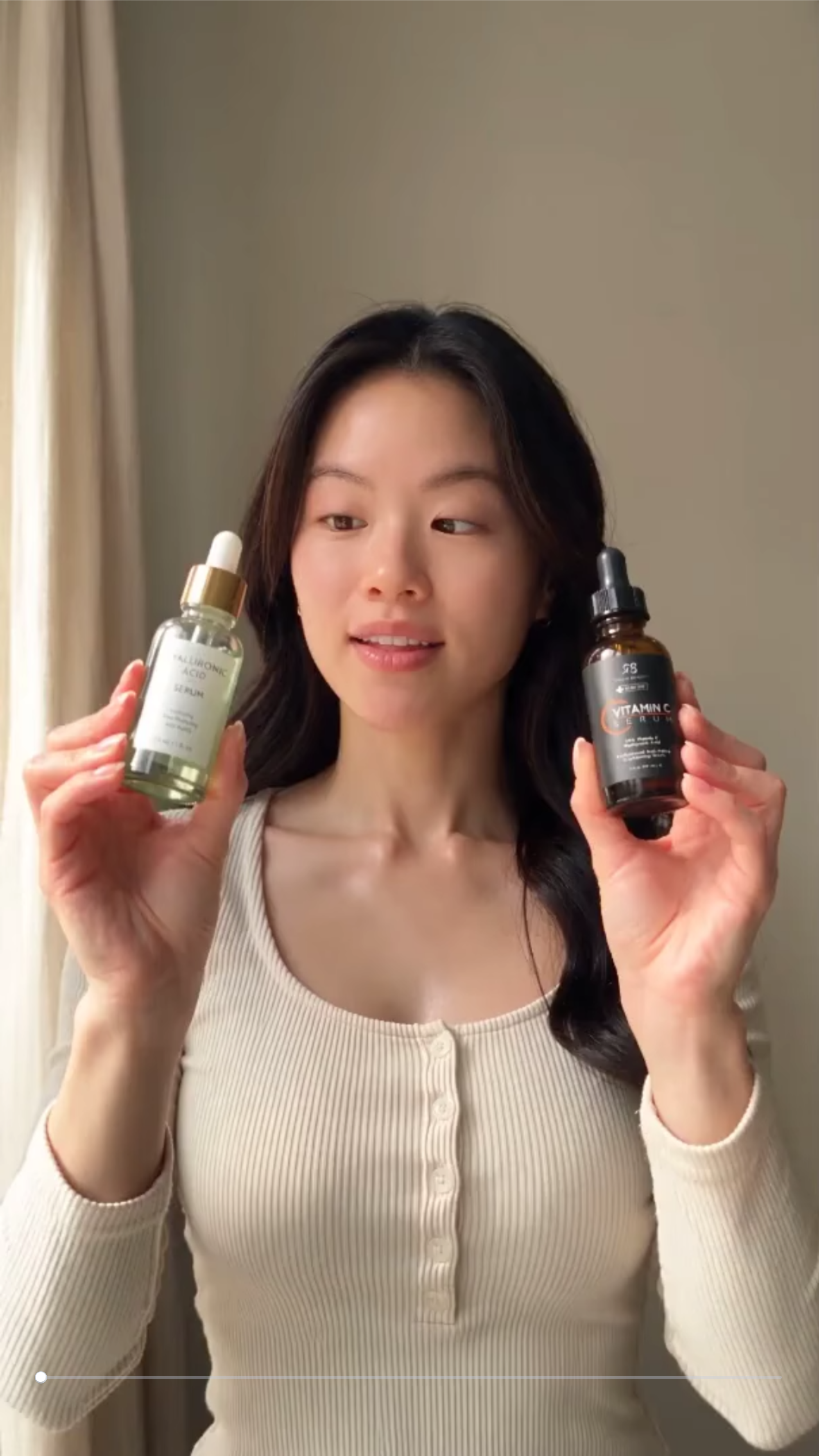
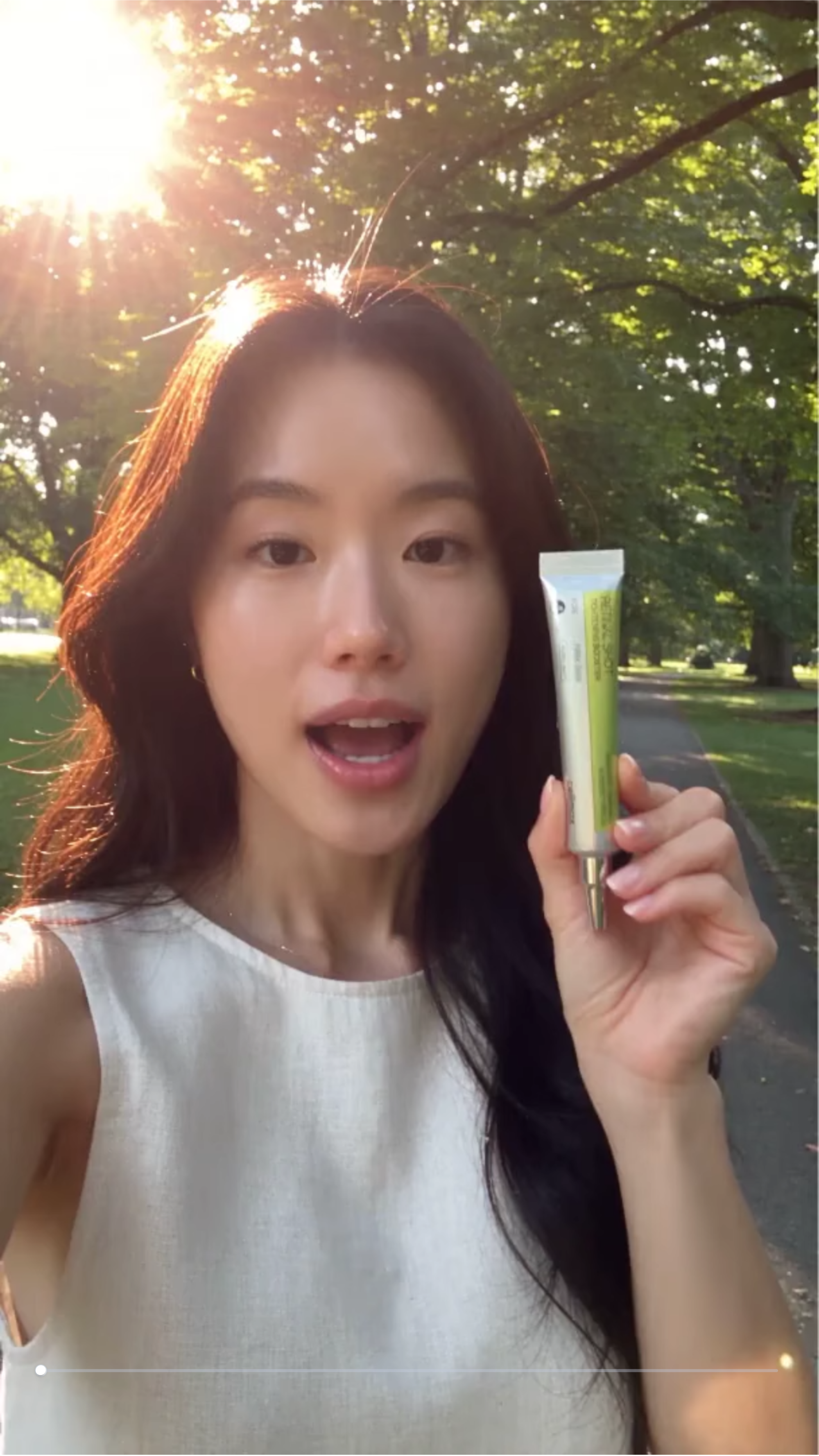
Create Authentic Creator Style Videos with AI UGC Video Generator
Template.net AI UGC Video Generator uses Seedance 2 by default to turn uploaded product photos and creative directions into engaging UGC-style videos. Add text or voice prompts, choose from multiple AI models and avatars, and customize scripts, scenes, voiceovers, captions, motion, and visual styles. Create content for TikTok, Instagram Reels, YouTube Shorts, product pages, and paid ads with AI Avatar Video and AI Animation Tool support for presenter-led and animated concepts. Plans start at just $12 monthly.
Create Scroll-Stopping UGC Videos for Ads, Social Media, and Brand Marketing
Everything you need to create authentic UGC-style videos faster with intelligent AI assistance.
AI-Powered UGC Video Generation
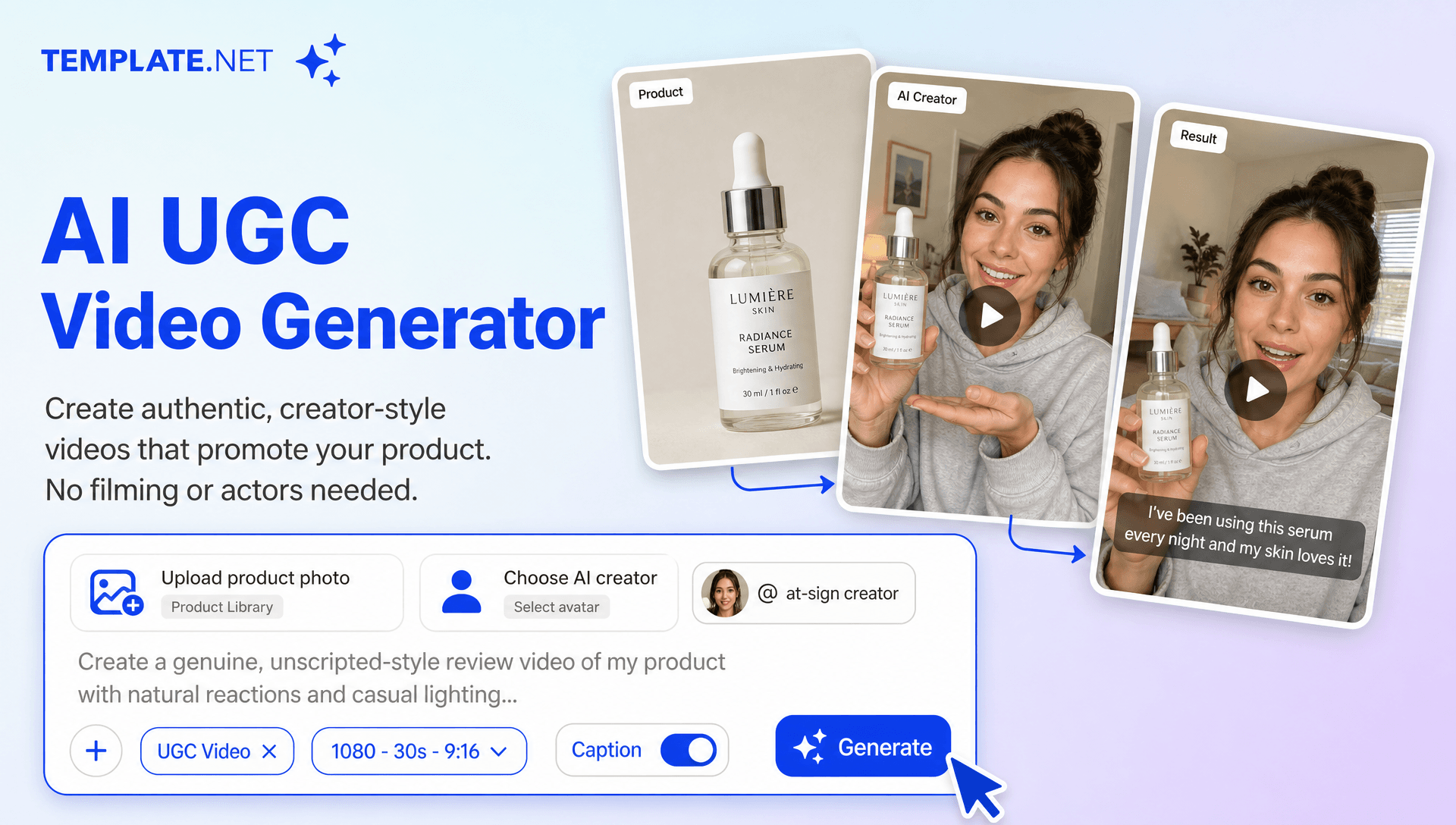
Upload product photos, enter a text prompt or use voice input, and generate complete UGC-style videos with AI avatars, scripted storytelling, natural voiceovers, scenes, captions, and social-ready visuals.
Upload Product Photos
Upload product images, lifestyle photos, packaging, or brand visuals and use them as the foundation for creator-style videos that keep your product at the center of the story.
AI Creator Avatars
Choose AI-generated creators with different appearances, presentation styles, and personalities to produce testimonial, review, demonstration, and promotional videos suited to your audience. AI Avatar Video workflows make it possible to build presenter-led product stories without traditional on-camera recording.
Natural AI Voiceovers
Create spoken UGC content with AI voices that deliver scripts, product explanations, reviews, hooks, and calls to action without requiring on-camera recording.
Text and Voice Prompting
Describe your desired UGC video through written instructions or voice input. Tell AI the creator style, message, setting, audience, tone, product focus, and movement direction you want to achieve.
Authentic Creator Style Performance
Generate expressive avatar performances with natural gestures, facial expressions, and conversational delivery. For movement-focused creator concepts, Motion Transfer AI can help connect performance-driven movement with character-based video ideas.
Script and Story Development
Turn product information into structured UGC scripts with attention-grabbing openings, key benefits, personal-style recommendations, product highlights, and clear calls to action.
Multi Model Video Creation
Use Seedance 2 as the default model and access multiple AI models for different visual styles, character performance, motion quality, and creative requirements.
Product Focused UGC Scenes
Create scenes that naturally introduce, recommend, demonstrate, or discuss your product using uploaded photos and AI-generated environments that support the story.
Automated Captions and Hooks
Add synchronized captions, opening hooks, highlighted phrases, and key messaging to make UGC content easier to follow and more suitable for fast-scrolling social feeds.
Voice, Music, and Motion Effects
Enhance creator-style videos with voiceovers, background music, subtle animations, transitions, camera movement, and dynamic visual effects. AI Motion Control can support more deliberate movement within motion-focused creative concepts.
Social Ready Video Formats
Create UGC videos in 1:1, 4:3, 16:9, 9:16, 3:4, and 21:9 formats for TikTok, Instagram Reels, YouTube Shorts, Facebook, LinkedIn, websites, product pages, and digital advertising.
Scale UGC Content Production
Generate multiple creator styles, hooks, scripts, avatars, product angles, and campaign variations to test different creative approaches across social media advertising and content marketing. For recurring character campaigns, AI Character Transfer can help maintain a consistent character direction across related creative concepts.
Brand and Creative Direction
Maintain a consistent visual identity by incorporating brand colors, logos, messaging, product imagery, creator style, backgrounds, and campaign-specific visual directions into your UGC videos.
Refine and Regenerate Content
Adjust prompts, scripts, avatars, scenes, captions, voiceovers, product messaging, and visual direction to generate improved variations without rebuilding the entire video from scratch. AI Video Editing workflows can further support detailed refinement of generated video content.
Multilingual Support
Create UGC style content in 20+ multiple languages, including English, Spanish, French, German, Italian, Portuguese, Hindi, Chinese, Japanese, Korean, Arabic, Turkish, Vietnamese, Thai, Malay, Polish, Dutch, Swedish, and more for international campaigns and multilingual audiences.
Download or Share Instantly
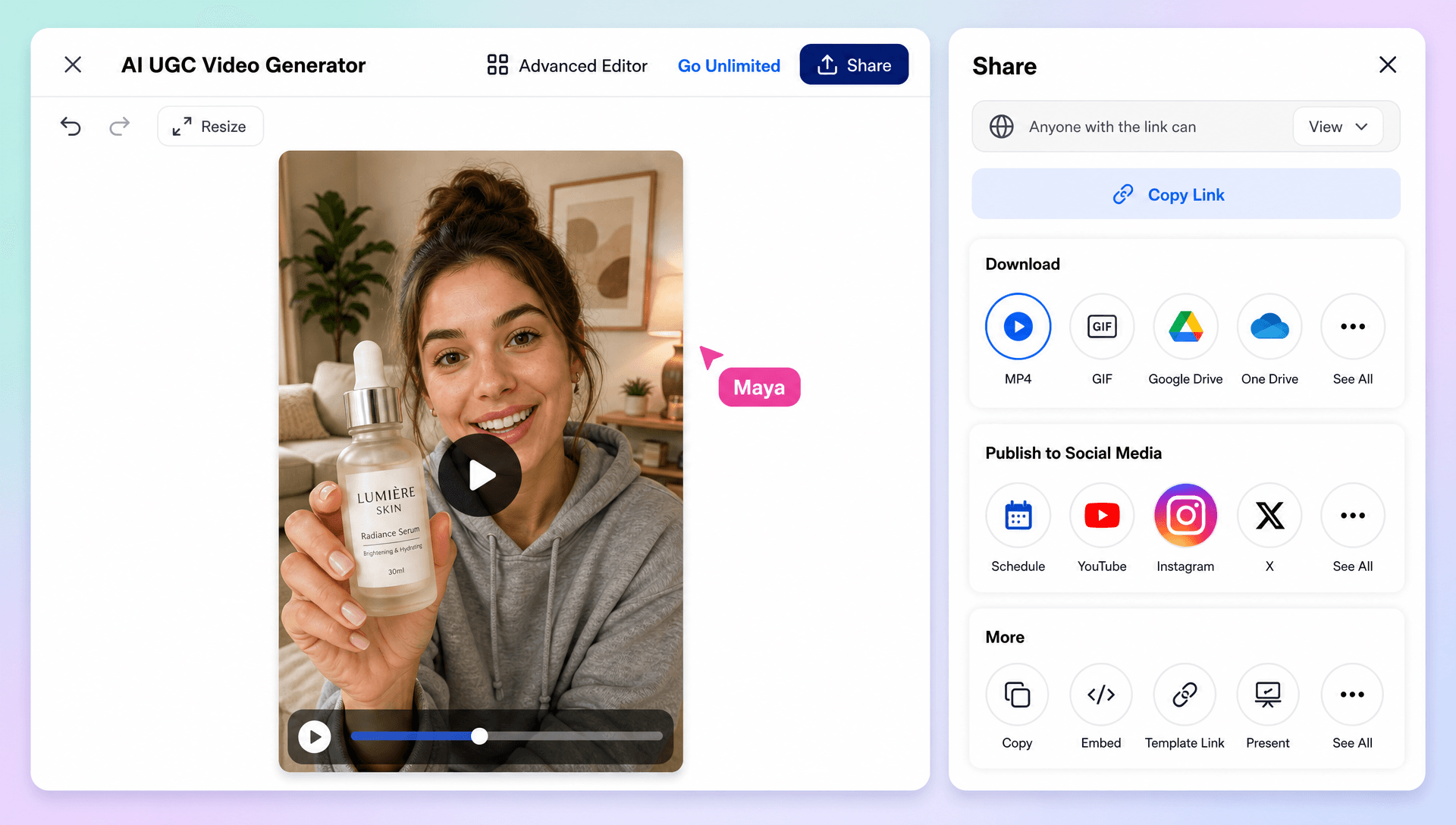
Export completed UGC videos for publishing or share them through Email, LinkedIn, WhatsApp, Facebook, X (Twitter), Pinterest, or generate a live link or QR code for collaboration and review.
Browser Based UGC Creation Workspace
Create, customize, organize, and manage AI-generated UGC content online from a browser-based workspace without relying on traditional filming setups or complex video production workflows.
How to Create Professional AI UGC Videos
Create authentic UGC-style videos in a few simple steps.
Step 1 Upload Your Photos and Describe Your Idea
Upload product photos, lifestyle images, packaging visuals, or brand assets. Enter a text prompt or use voice input to explain your UGC concept, audience, tone, creator style, product message, and desired video outcome. If your concept follows a particular visual direction, Reference Video AI workflows can help inform related reference-driven video creation.
Step 2 Customize Your UGC Video
Review the generated video and refine the AI avatar, script, voiceover, scenes, expressions, captions, product placement, background, motion, aspect ratio, duration, and visual style. For character-led variations, Video Character Replacement and Character Swap Video workflows can support different creator or character concepts.
Step 3 Save, Download, or Share
Preview your finished UGC video, then save or download it for your campaign. Share it instantly through Email, LinkedIn, WhatsApp, Facebook, X (Twitter), or Pinterest, or generate a live link or QR code for collaboration and feedback.
Turn Product Ideas into Authentic Creator Style Stories
Build More Relatable Product Experiences
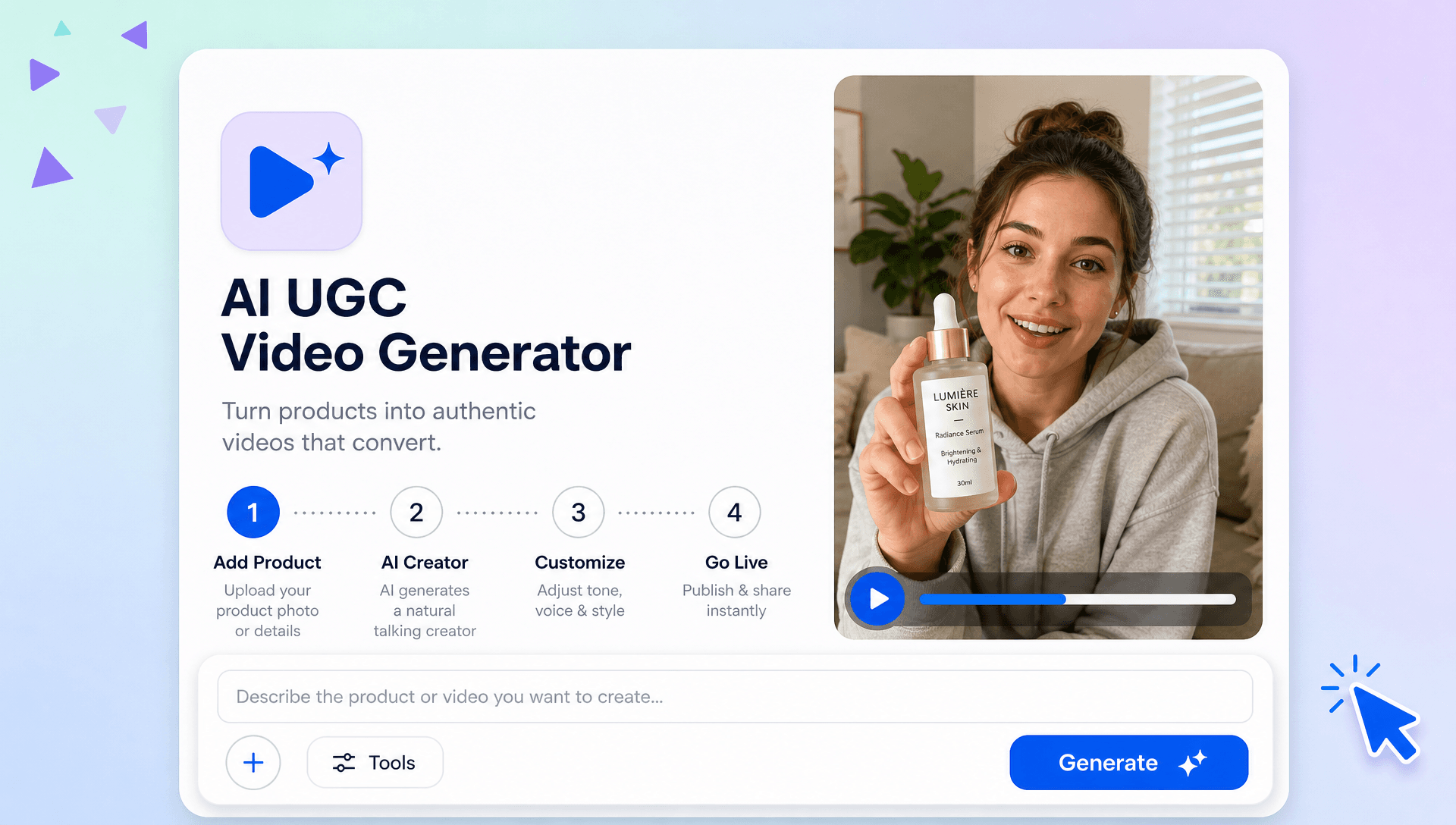
Create natural-looking UGC videos that introduce products through conversational scripts, expressive AI creators, realistic scenes, voiceovers, and engaging storytelling. Character Animation can add an alternative visual direction when a creator campaign calls for animated characters or product storytelling.
Create Social Content for Every Campaign
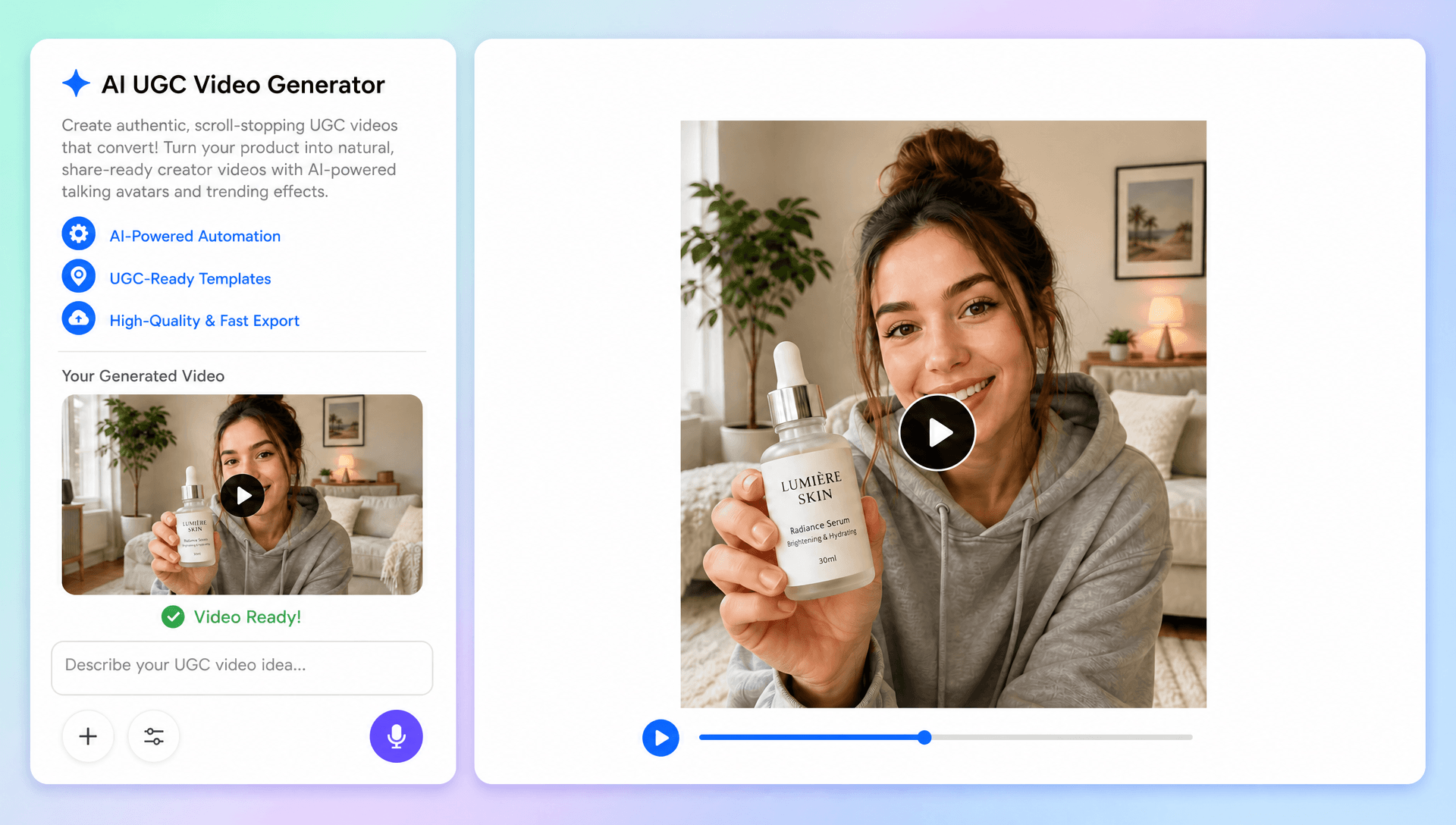
Produce creator-style videos for TikTok, Instagram Reels, YouTube Shorts, Facebook, paid ads, product pages, and other digital channels using flexible formats, customizable scenes, captions, and campaign-specific messaging.
Test More Creative Angles at Scale
Generate multiple UGC variations with different AI avatars, hooks, scripts, voices, product benefits, backgrounds, and storytelling approaches. Motion Capture AI can support related movement-focused concepts when character performance becomes an important part of the creative direction.
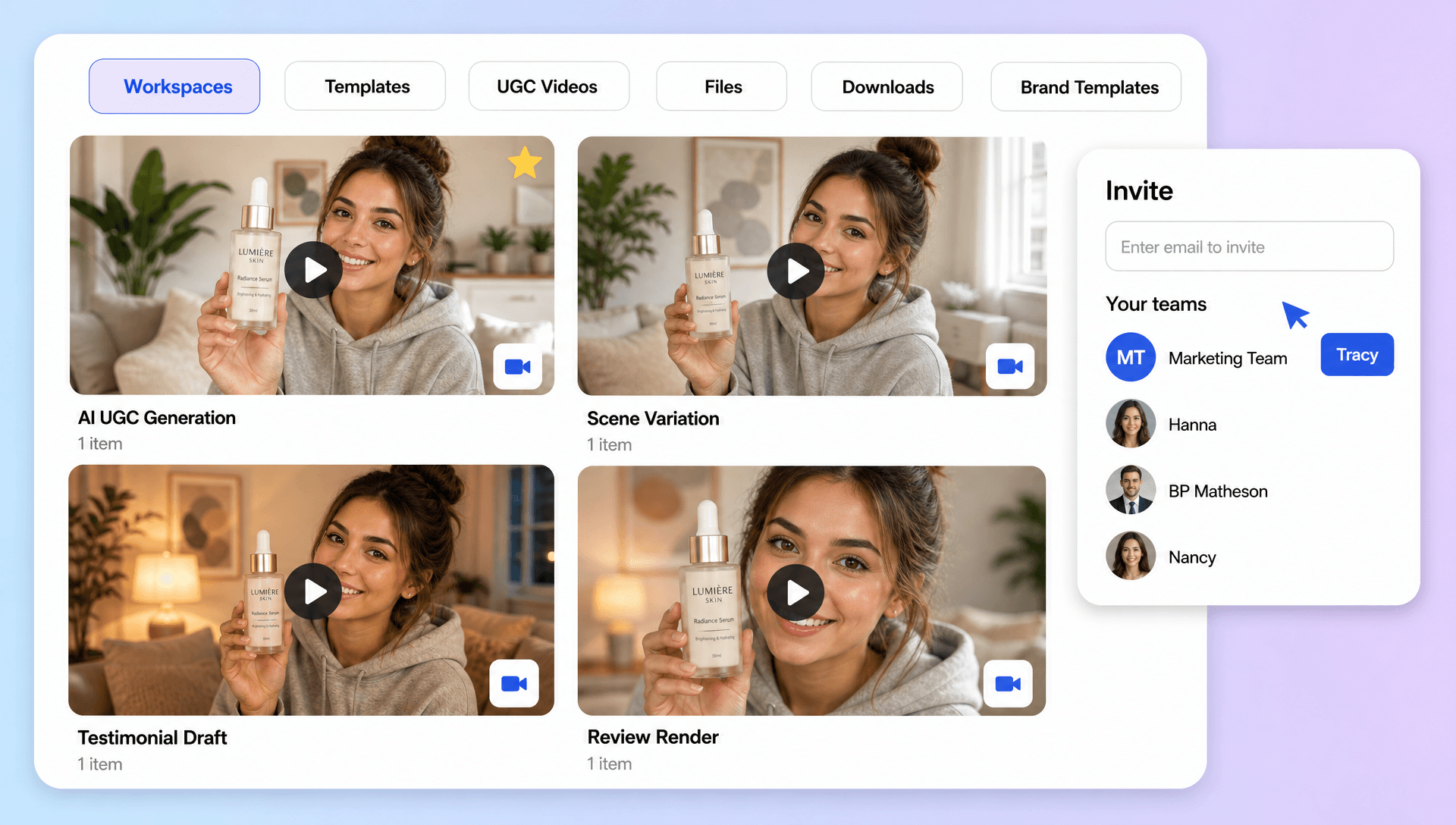
Simplify Your UGC Production Workflow
Manage the complete content process from uploading product photos and entering prompts to AI generation, editing, regeneration, branding, and sharing within one browser-based creative workspace. Video to Character AI can support related character-driven concepts when UGC campaigns expand into more specialized visual storytelling.
