AI Tutorial Video Generator
more
Create from a Video Tutorial Template
Pick a proven format. Add your content. AI does the rest
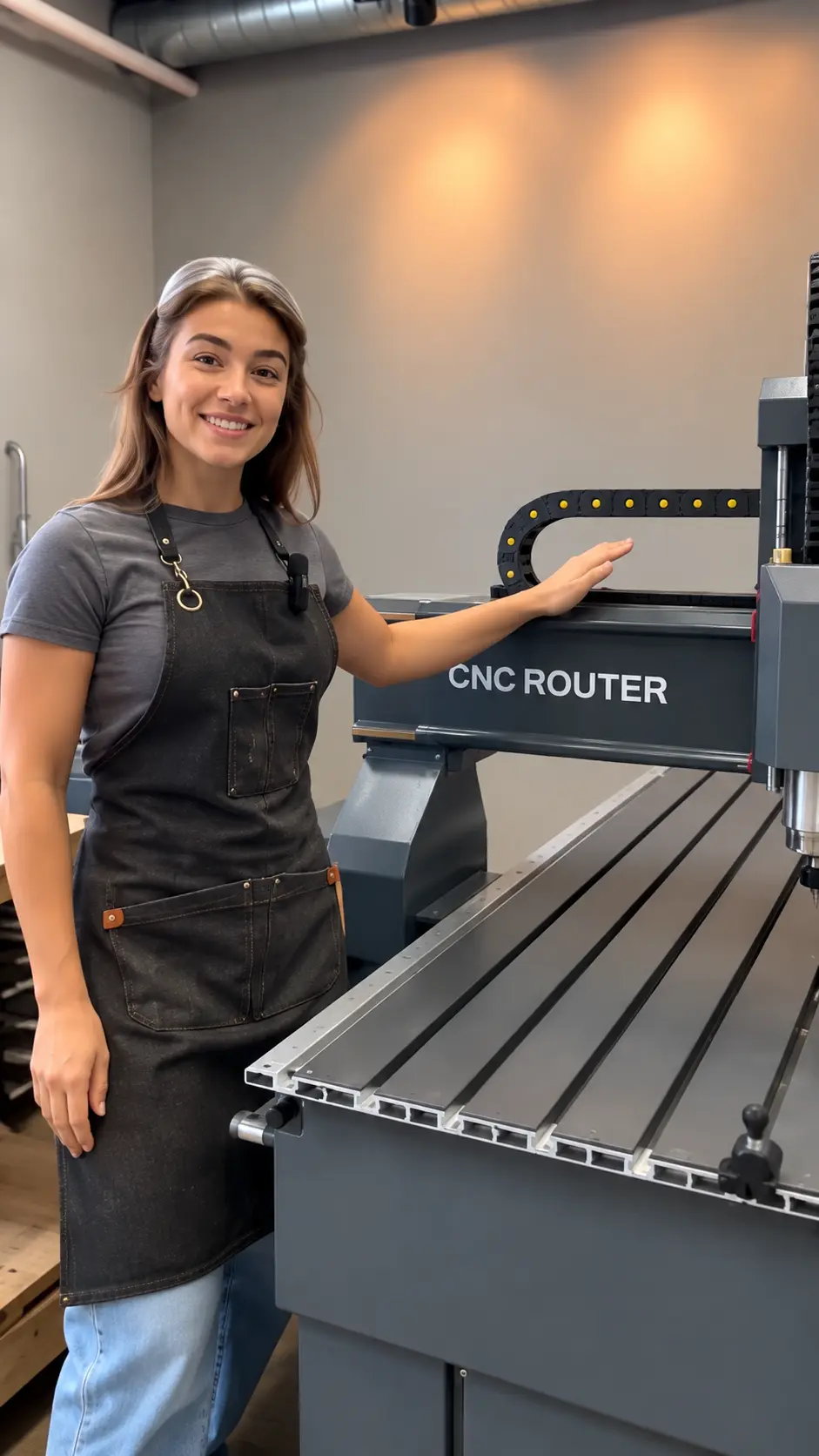


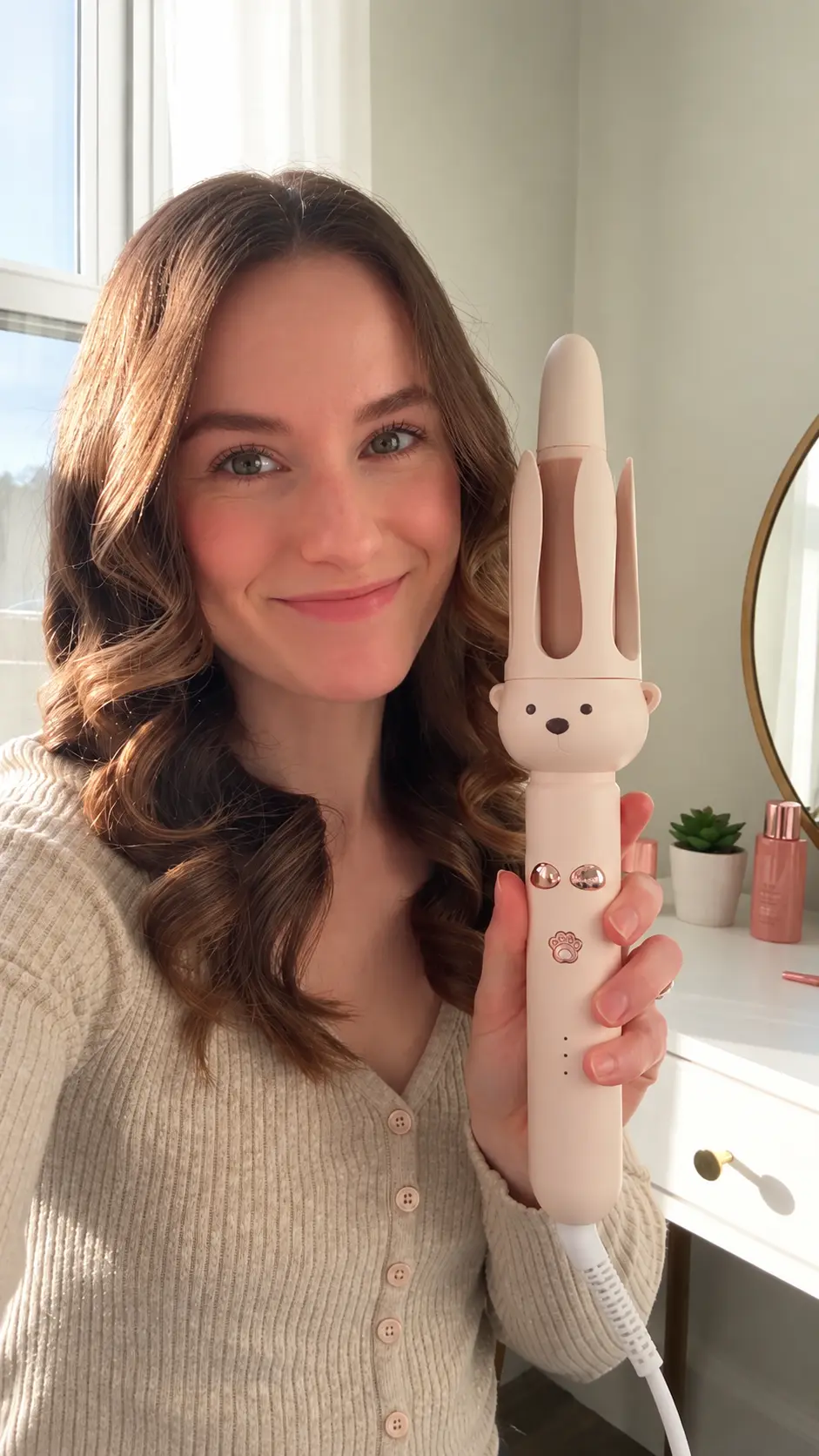
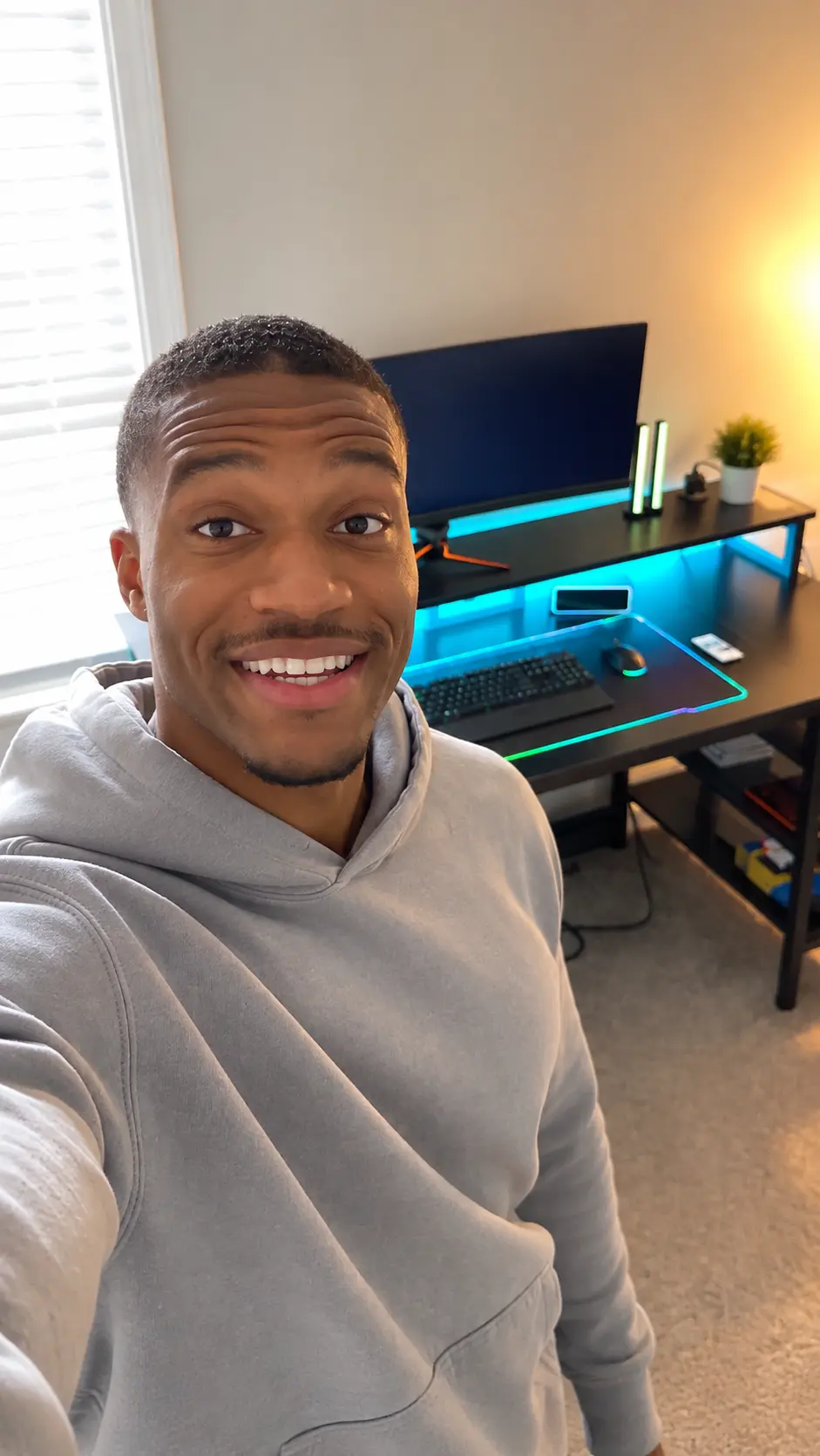
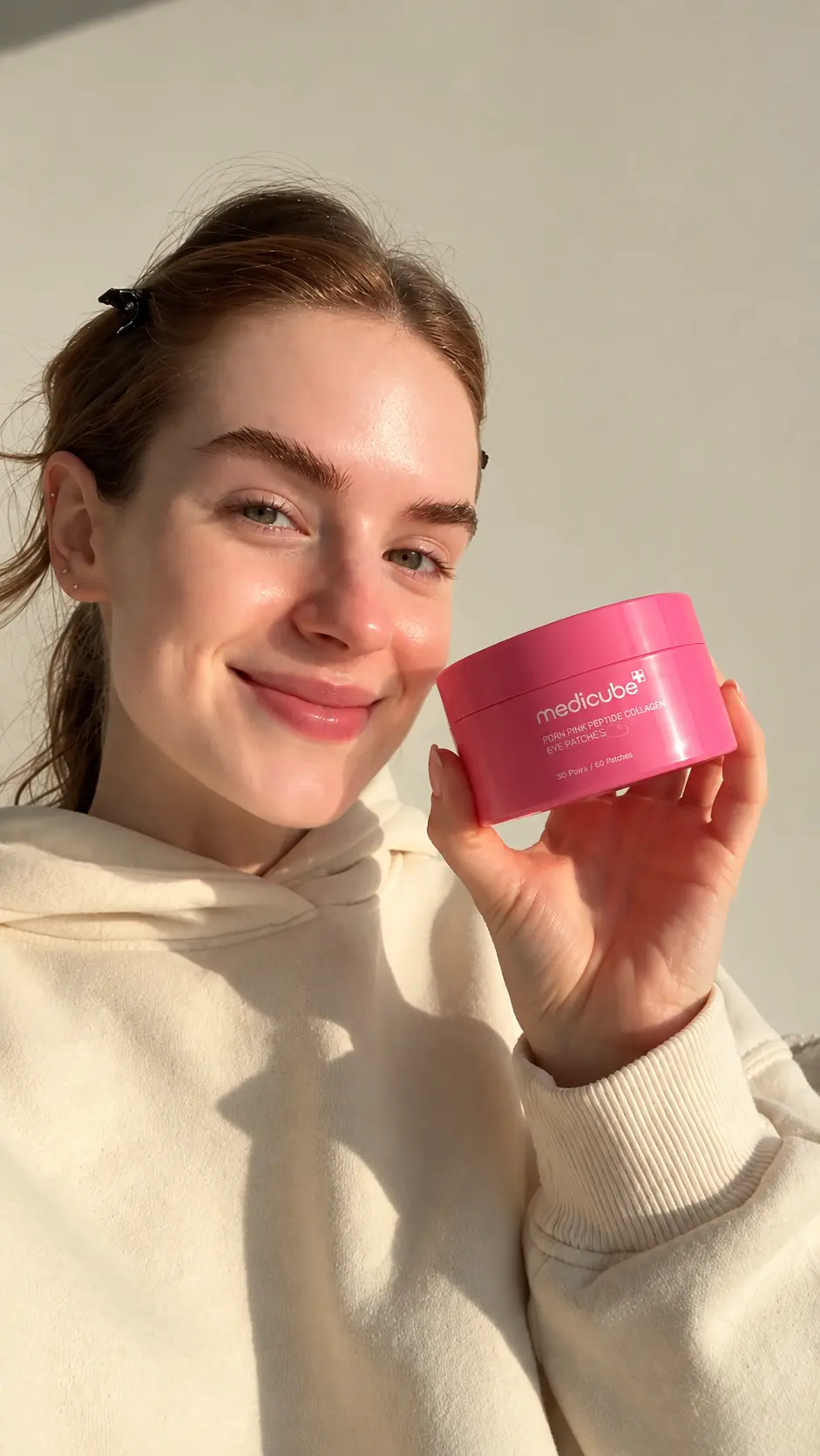

Create Professional Tutorial Videos Online with AI Tutorial Video Generator
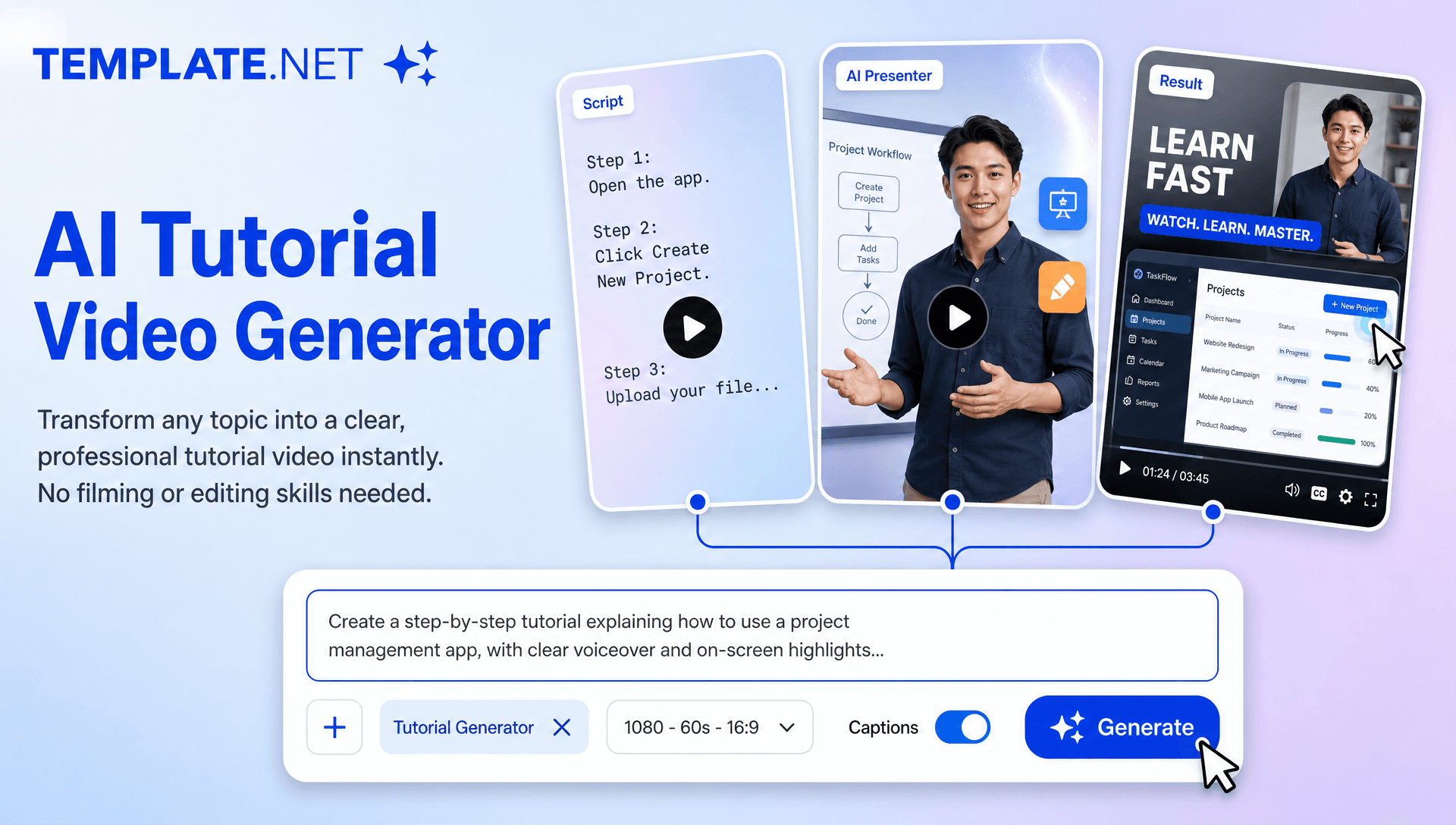
Template.net AI Tutorial Video Generator uses Seedance 2 to turn topics, instructions, and lesson ideas into engaging tutorial videos. Enter a text or voice prompt, and AI creates structured scenes, captions, AI presenters, visual elements, and smooth transitions. Customize your video with multiple AI models, duration, resolution, aspect ratio, narration, branding, and visual styles for education, training, online courses, how-to guides, and social media. For broader video creation, explore AI Video Generator, while AI Animation Tool and AI Avatar Video can enhance animated explanations and presenter-led tutorials. Create tutorial videos across desktop, tablet, and mobile devices with plans starting at just $12 monthly.
Build Clear, Engaging Tutorials from Any Topic
Everything you need to turn knowledge and instructions into structured tutorial videos with intelligent AI assistance.
AI-Powered Tutorial Video Generation
Enter a topic, instructional idea, or detailed text prompt and AI generates a complete tutorial video with structured scenes, explanations, transitions, captions, and engaging educational visuals. Use the AI Video Generator for broader creative video projects when your content extends beyond tutorial-focused storytelling.
Topic-to-Video Tutorial Creation
Turn a simple topic into a complete instructional video by describing what you want to teach. AI organizes your subject into a logical sequence that makes tutorials easier to follow, from introductory concepts through individual steps and final takeaways.
AI Tutorial Presenter
Add AI-generated presenters to introduce lessons, explain concepts, guide viewers through steps, and deliver instructional content in a professional presentation style. For presenter-led learning experiences that rely more heavily on virtual instructors, AI Avatar Video can provide another complementary video workflow.
Step-by-Step Lesson Structuring
Transform instructions and learning material into clearly organized sections with sequential scenes, helping viewers understand processes, concepts, and procedures from beginning to end.
Focused Learning Explanations
Create tutorial content that emphasizes important concepts, steps, tips, and takeaways so viewers can quickly understand the information being presented. Use clear prompts to control what the tutorial should explain and which details deserve greater attention.
Intelligent Tutorial Scene Design
AI arranges instructional visuals, presenter scenes, explanatory sections, transitions, and supporting elements into a cohesive video designed around your chosen topic. For tutorials that require more animated visual storytelling, you can combine this approach with an AI Animation Tool.
Text and Voice Tutorial Creation
Describe your tutorial using a text prompt or voice input. AI interprets your instructions and turns your ideas into structured video content without requiring a manual video production workflow.
Automatic Tutorial Captions
Generate synchronized captions that reinforce explanations, highlight important information, and make instructional videos easier to follow across different viewing environments.
Visual Learning Elements
Enhance tutorials with contextual visuals, educational layouts, illustrations, and supporting imagery that help explain concepts and make information more engaging. Reference photos can also help establish visual context when creating tutorial scenes.
Engaging Motion and Transitions
Add smooth scene changes, animations, zoom effects, and motion graphics that create a polished viewing experience while keeping attention focused on the lesson. For tutorials centered on movement, demonstrations, or controlled visual actions, AI Motion Control provides a related creative workflow.
Multiple Tutorial Styles
Create different instructional formats for educational lessons, how-to guides, professional training, skill tutorials, explainer content, classroom learning, and social media education.
Flexible Video Formats
Create tutorial videos in popular aspect ratios including 1:1, 4:3, 16:9, 9:16, 3:4, and 21:9 for websites, online courses, YouTube, Instagram, TikTok, Facebook, LinkedIn, presentations, and other digital channels.
🔄 Character and Visual Continuity
Maintain a coherent visual approach across tutorial scenes when your lesson includes recurring presenters, characters, or instructional visuals. Character-focused projects can also benefit from workflows such as AI Character Transfer when consistent character movement is an important part of the creative concept.
Multilingual Support
Create professional tutorial videos in 20+ multiple languages, including English, Spanish, French, German, Italian, Portuguese, Hindi, Chinese, Japanese, Korean, Arabic, and more for multilingual education, international training, and global audiences.
Refine and Edit Tutorial Videos
Review your generated tutorial and refine scenes, instructions, captions, visual elements, branding, duration, aspect ratio, transitions, and other available settings to better match your learning objectives. For more extensive post-generation adjustments, AI Video Editing can support the broader editing workflow.
Download or Share Instantly
Export your tutorial videos in high quality or share them instantly through Email, LinkedIn, WhatsApp, Facebook, X (Twitter), Pinterest, or by generating a live link or QR code for collaboration, feedback, and publishing.
Browser-Based Tutorial Video Workspace
Create, edit, organize, and manage tutorial videos online from a browser-based creative workspace without relying on complicated manual production workflows.
Scale Educational and Training Content
Generate multiple tutorial video variations for different lessons, subjects, audiences, courses, training programs, knowledge bases, and social media campaigns while maintaining a consistent visual style. For tutorials that evolve into broader educational or promotional content, AI Video Editing can help refine the final presentation.
How to Create an AI Tutorial Video from a Topic
Create an engaging tutorial video in a few simple steps.
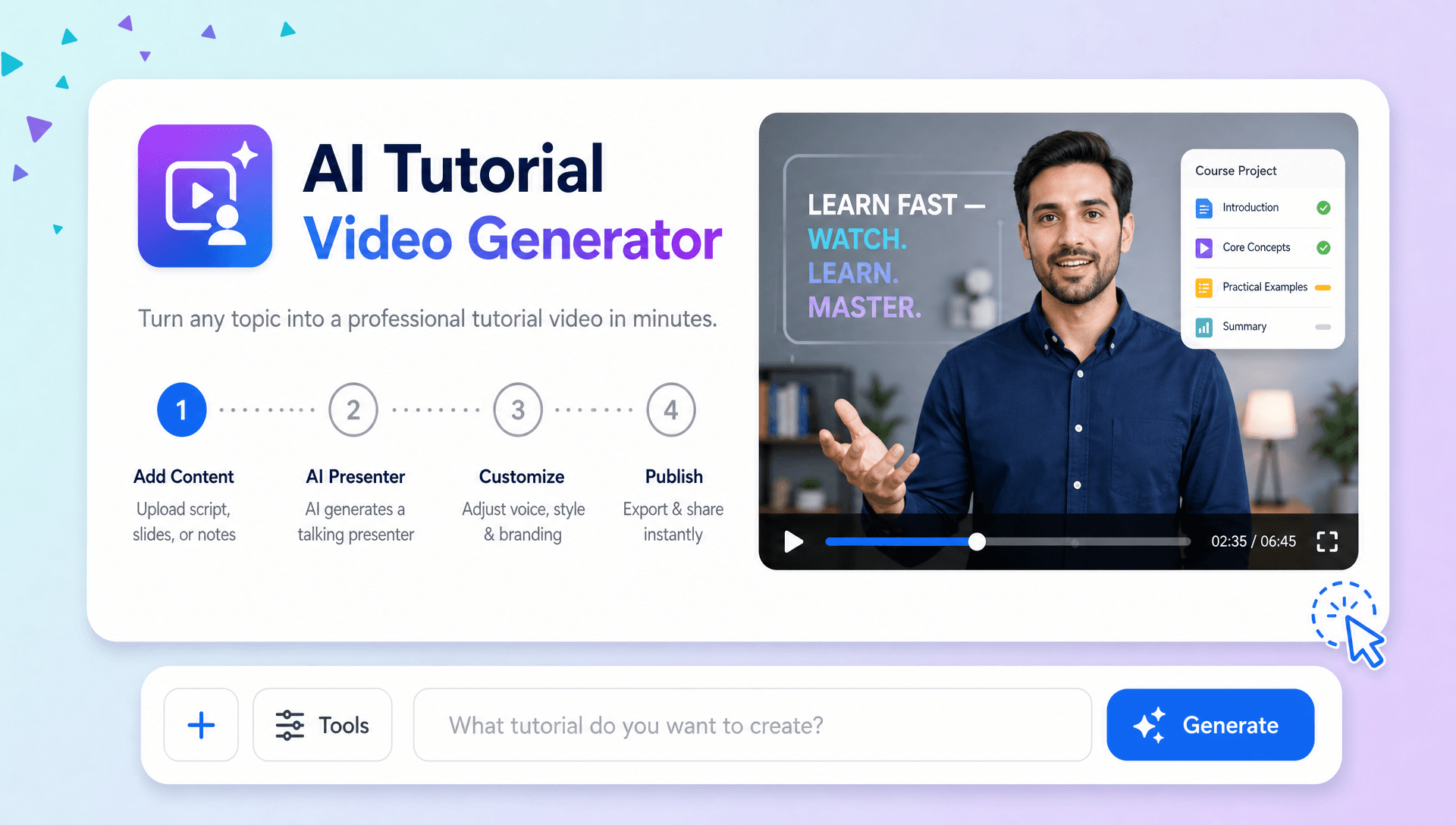
Step 1 Enter Your Tutorial Topic and Prompt
Type the topic, lesson, process, or skill you want to explain. You can provide detailed instructions or use voice input to describe your tutorial. Include the target audience, preferred teaching style, important steps, and key points you want the AI to cover. For example, you can enter a prompt such as “Create a beginner tutorial explaining how to build a monthly budget.” For broader creative concepts, the AI Video Generator can be used when the goal is not specifically instructional.
Step 2 Generate and Customize Your Tutorial
Let AI turn your instructions into a structured tutorial with explanatory scenes, AI presenters, captions, visual elements, transitions, and narration. Review the result and refine the available scenes, content, branding, duration, resolution, aspect ratio, and presentation style to match your learning objective. If your tutorial relies on animated characters or demonstrations, related capabilities such as AI Character Transfer and AI Motion Control can help inspire more movement-focused instructional concepts.
Step 3 Save, Download, or Share
Preview the completed tutorial video and make any final adjustments. Then save, download, or share it through Email, LinkedIn, WhatsApp, Facebook, X (Twitter), or Pinterest. You can also generate a live link or QR code for easy collaboration, review, and distribution.
Create Tutorial Videos That Make Learning More Effective
Turn Complex Topics into Easy to Follow Lessons
Transform detailed subjects, instructions, and processes into clear visual lessons with structured storytelling. AI organizes your topic into logical scenes, explanations, captions, and visual elements that help viewers understand information step by step.
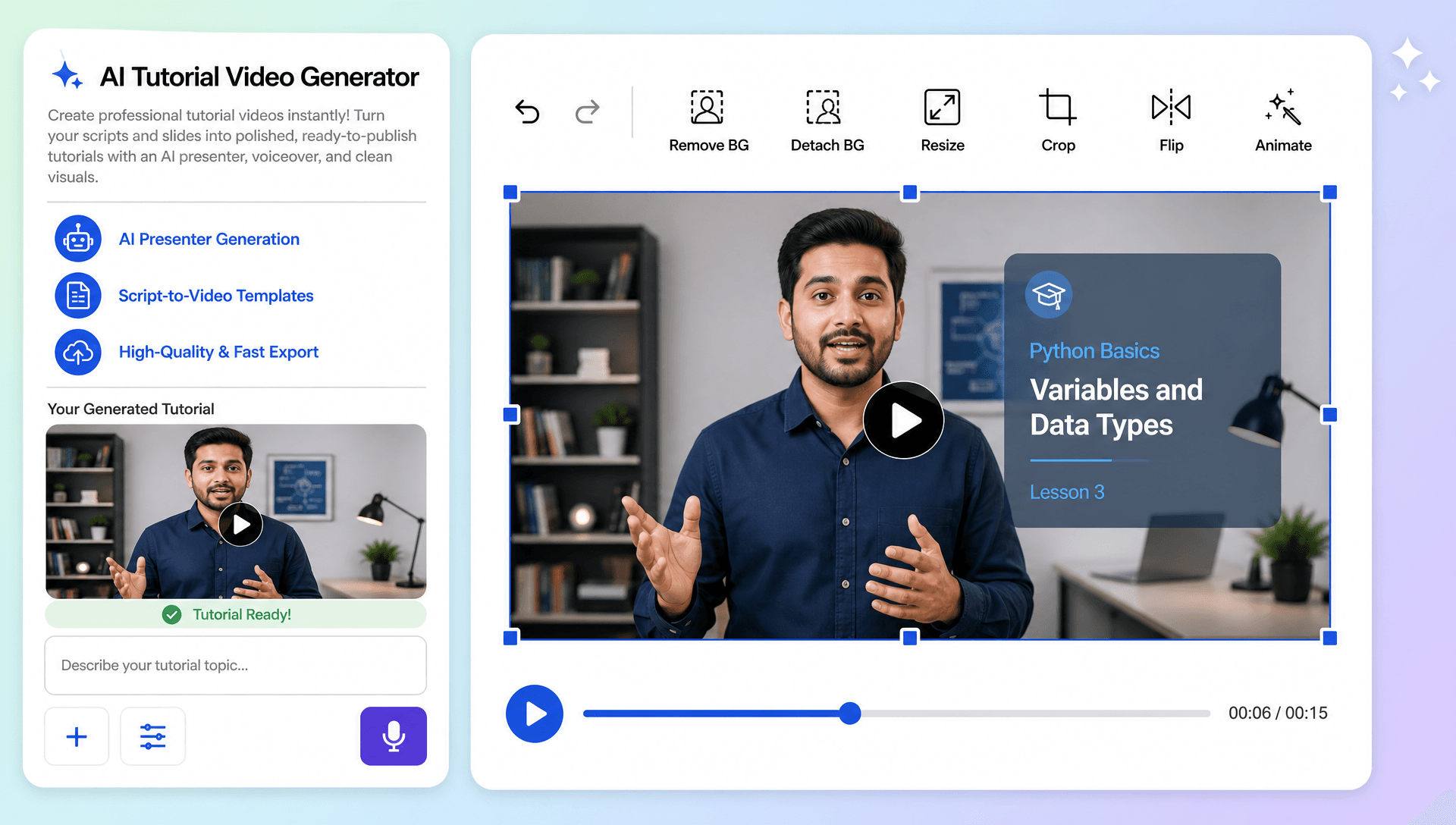
Keep Viewers Engaged from the First Step to the Last
Create engaging instructional experiences with AI presenters, dynamic scenes, smooth transitions, animations, and focused explanations. When a lesson needs an on-screen instructor, AI Avatar Video can complement the presenter-led experience, while AI Motion Control can support concepts that depend on movement and visual demonstrations.
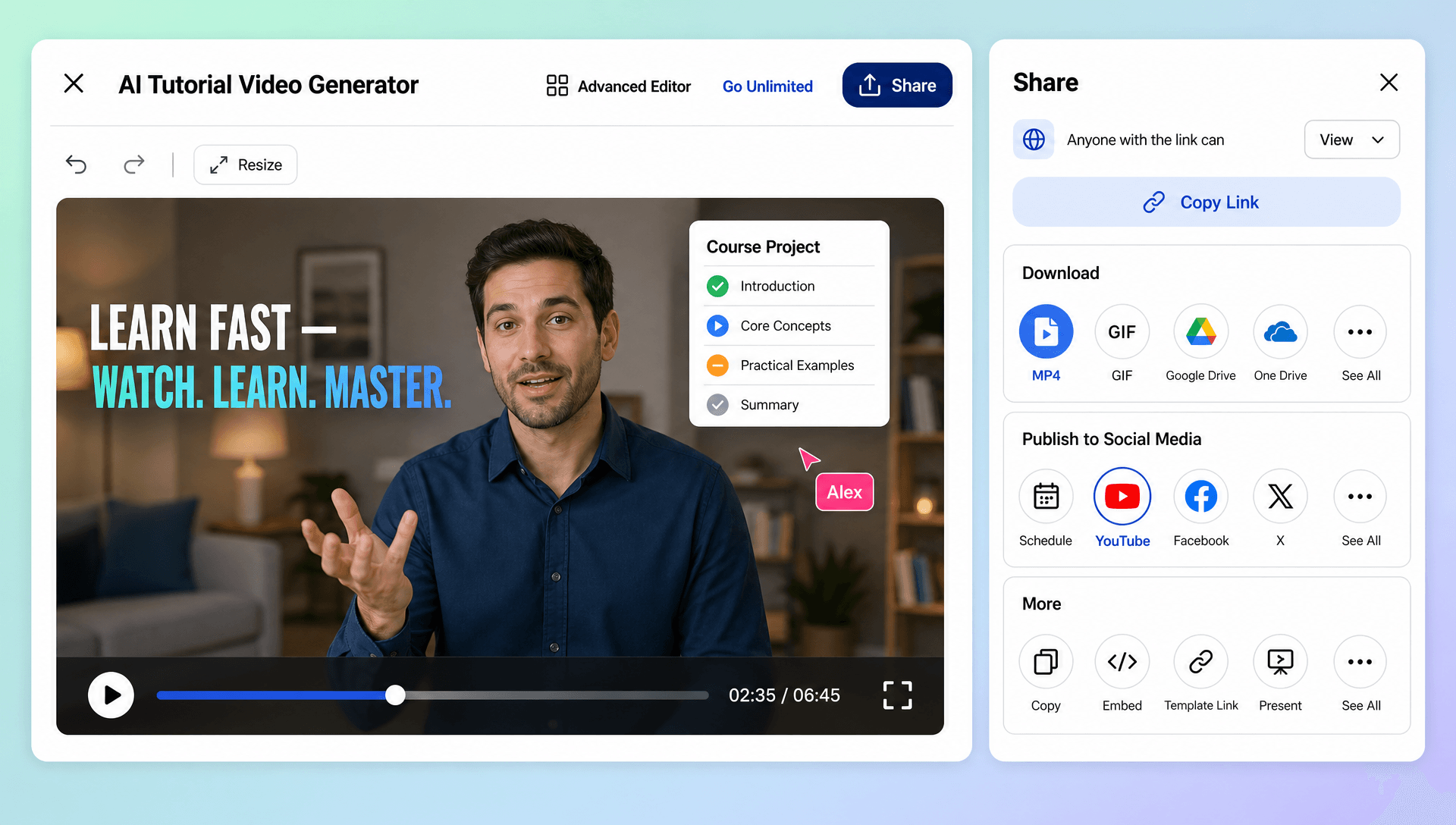
Build Consistent Tutorial Content at Scale
Create multiple lessons for courses, training programs, knowledge bases, and educational series while maintaining a consistent visual style. Generate tutorials for different topics and audiences using repeatable prompts, branding, formats, and presentation approaches. Character-focused tutorial series can also incorporate AI Character Transfer when consistent character performance is relevant.
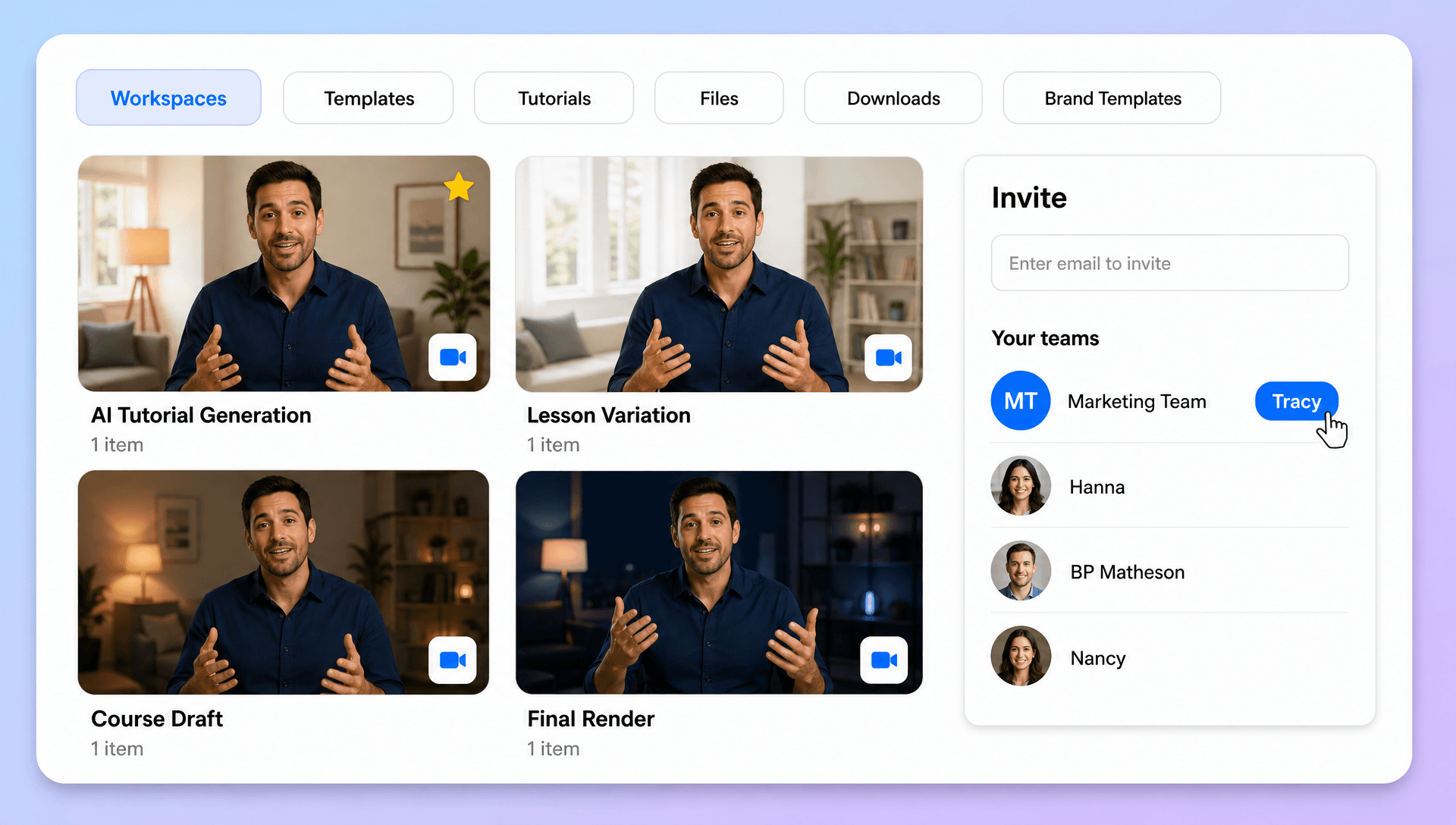
Simplify Your Tutorial Creation Workflow
Turn topics and instructions into polished tutorial videos without building every scene manually. From writing the initial prompt to refining the generated video and sharing the final result, streamline your instructional video workflow in one browser-based workspace. When a finished tutorial requires additional scene adjustments, transitions, or refinements, AI Video Editing can extend the post-generation workflow.
