AI Product Review Video Generator
more
Create from a Product Review Video Template
Pick a proven format. Add your content. AI does the rest
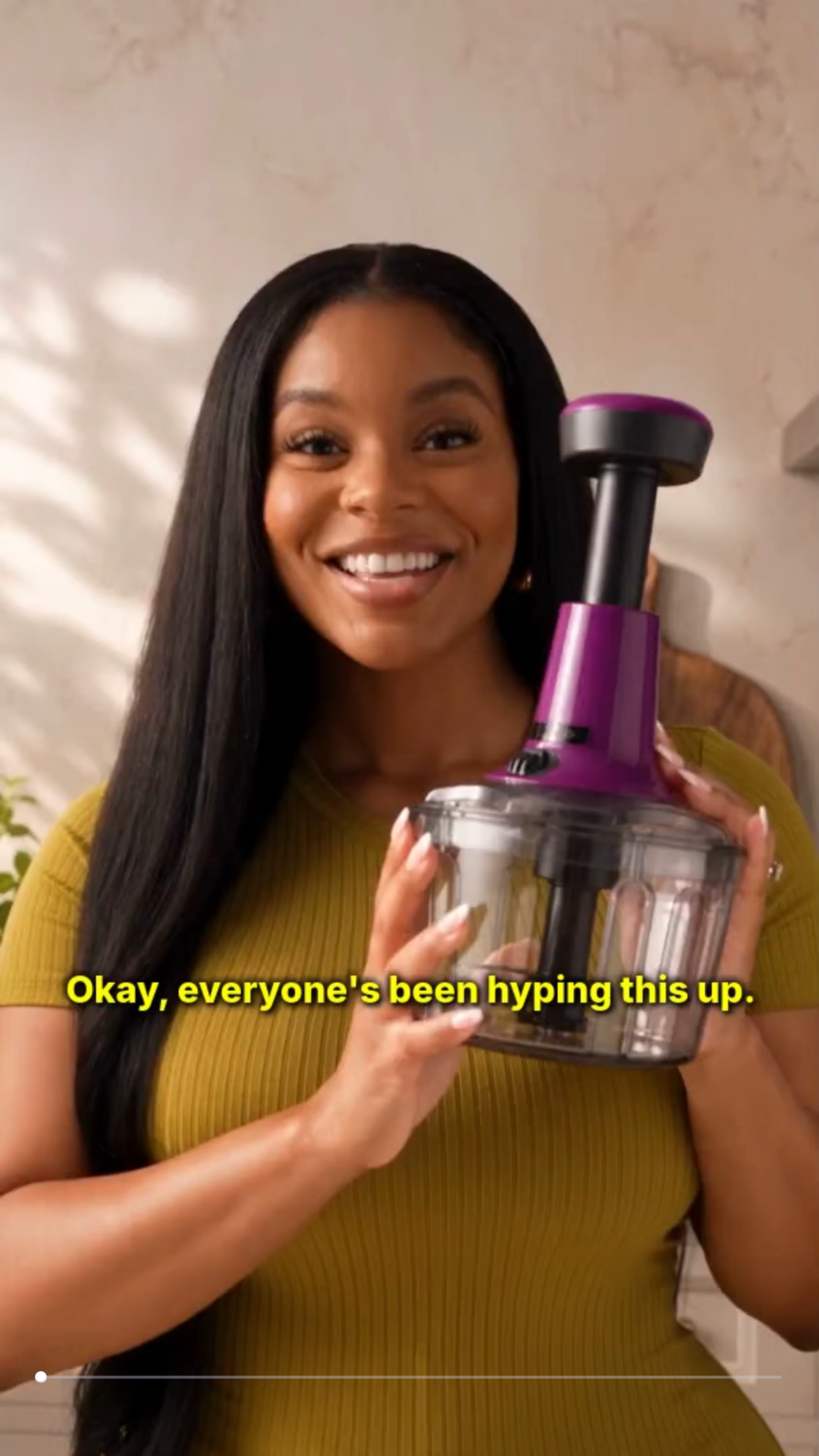

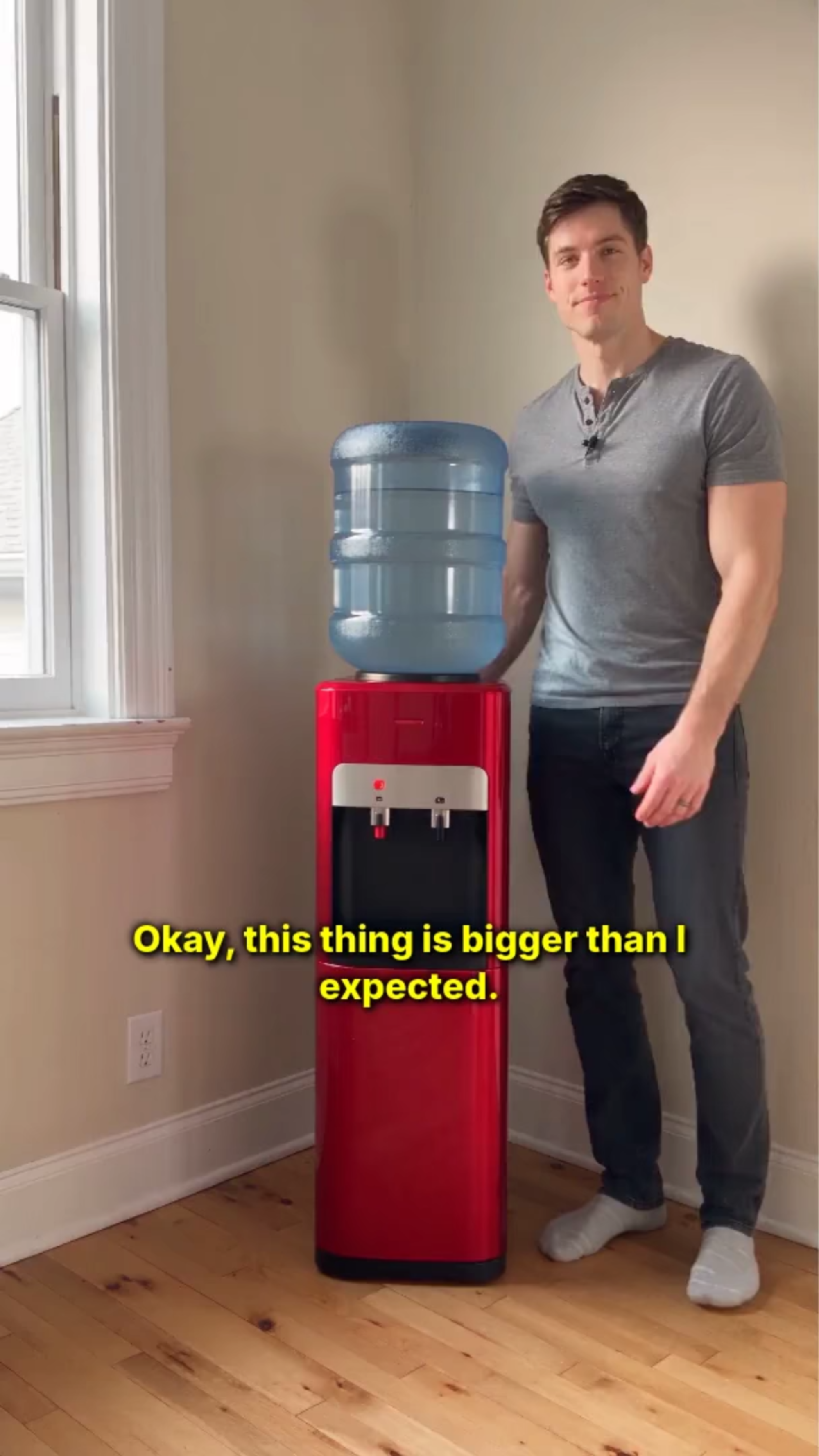

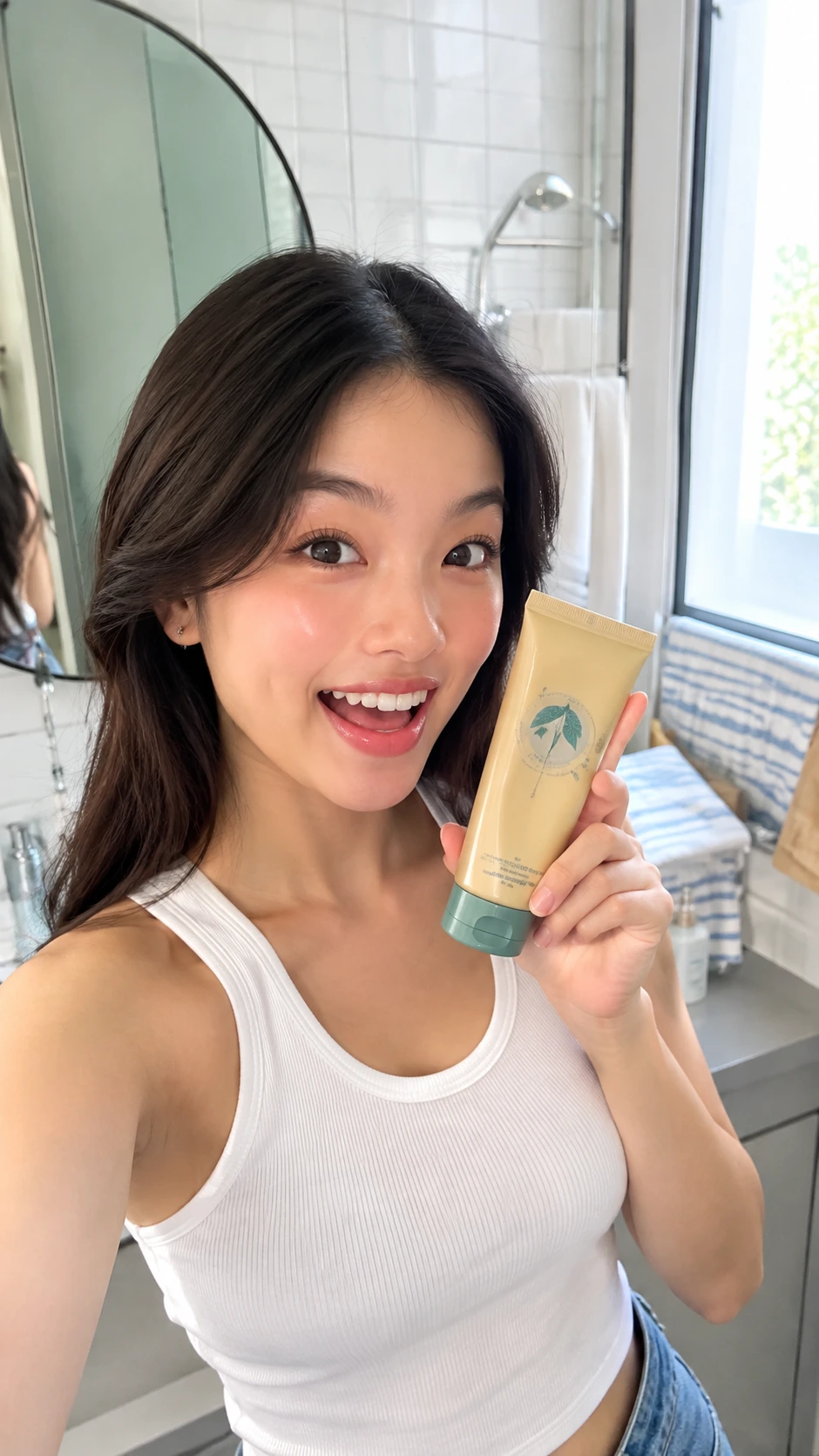
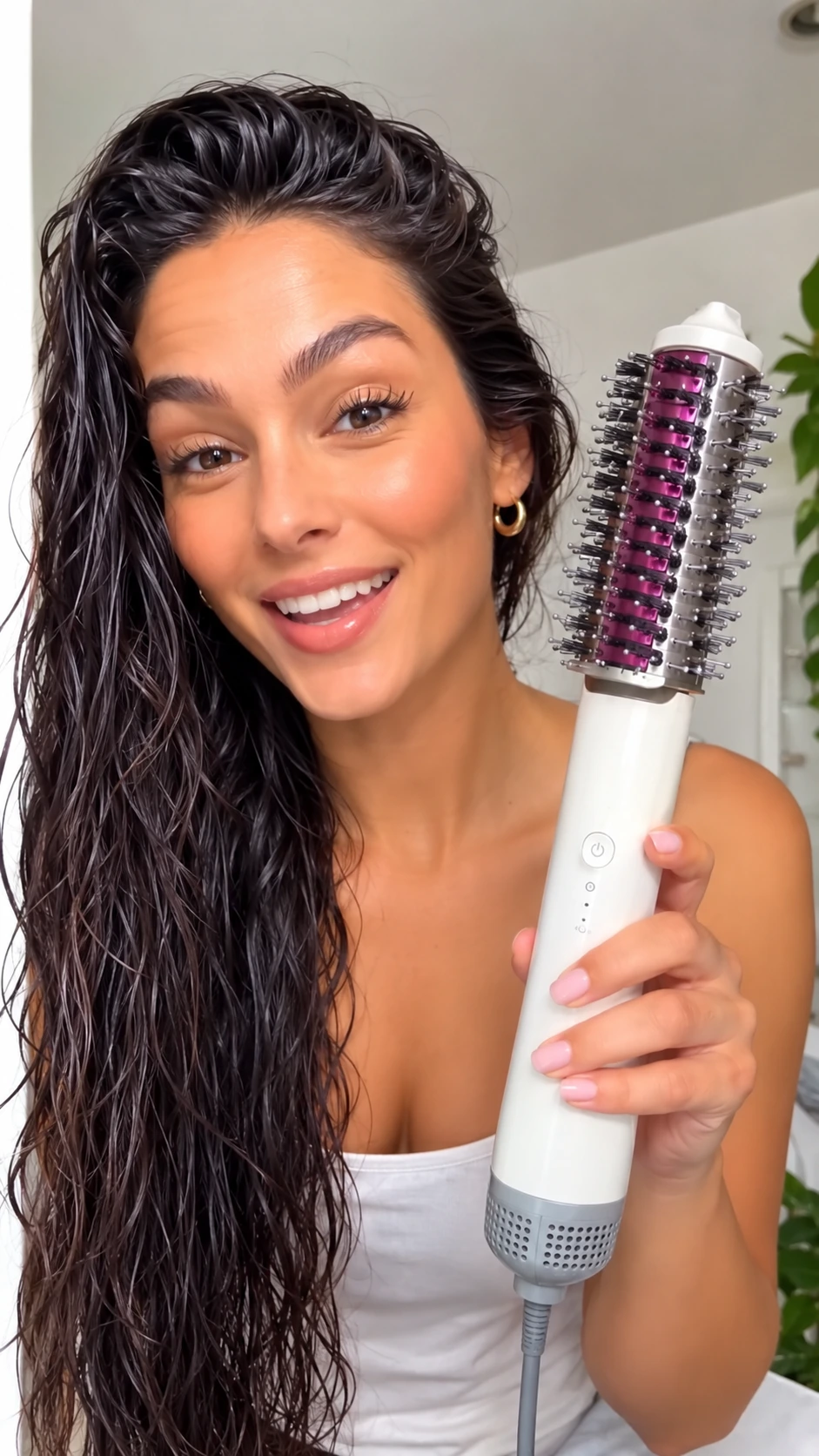

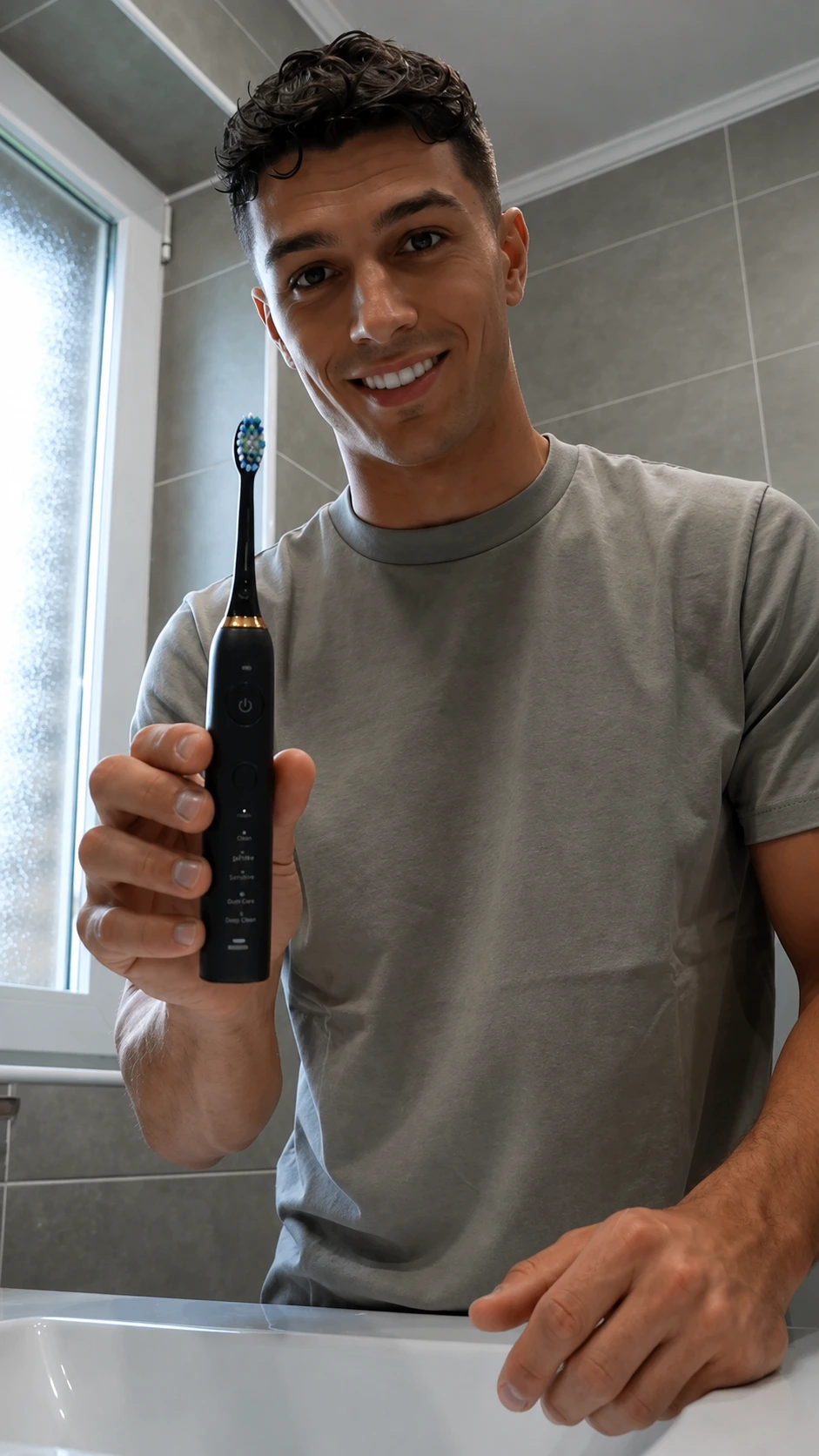
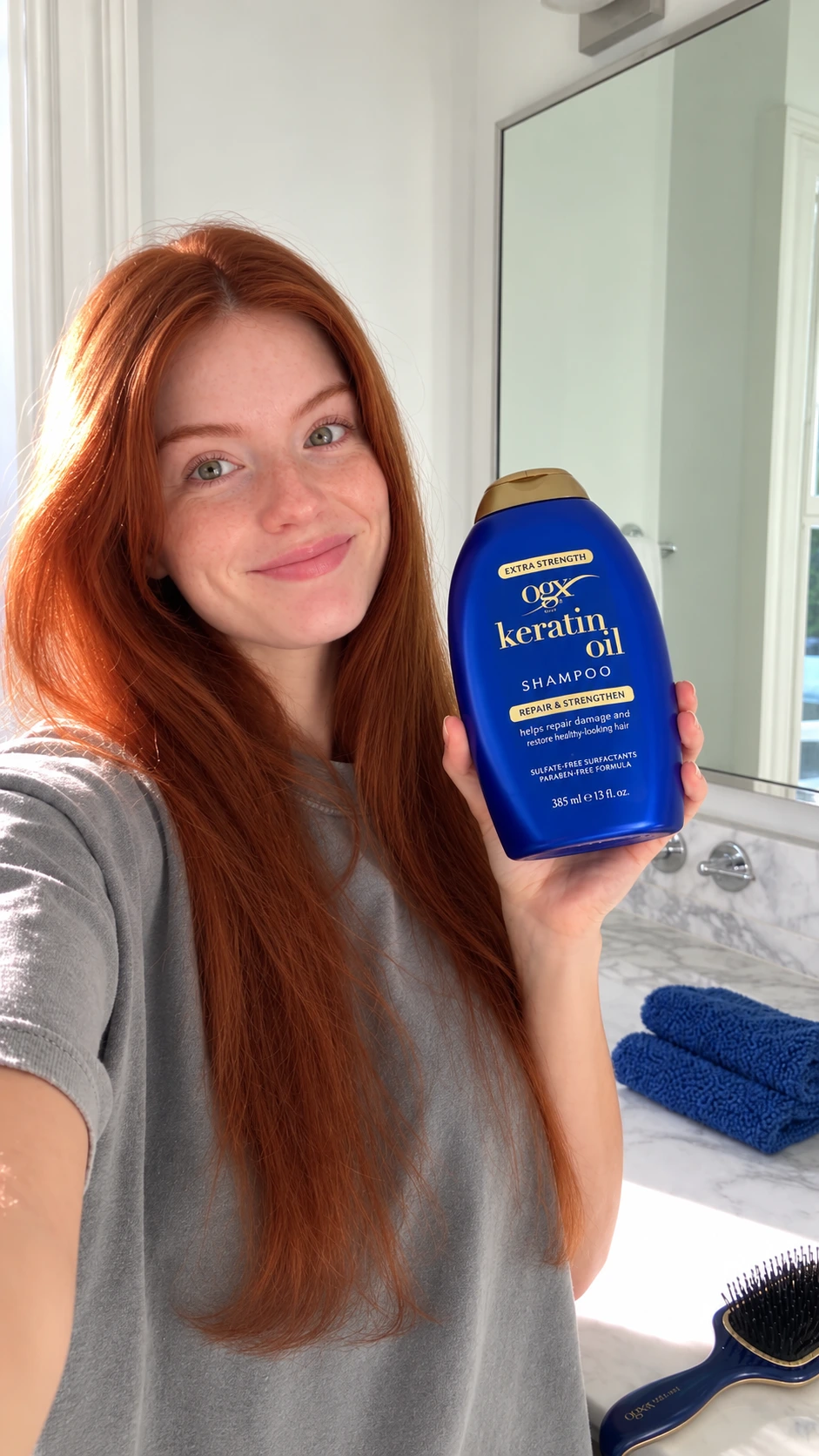
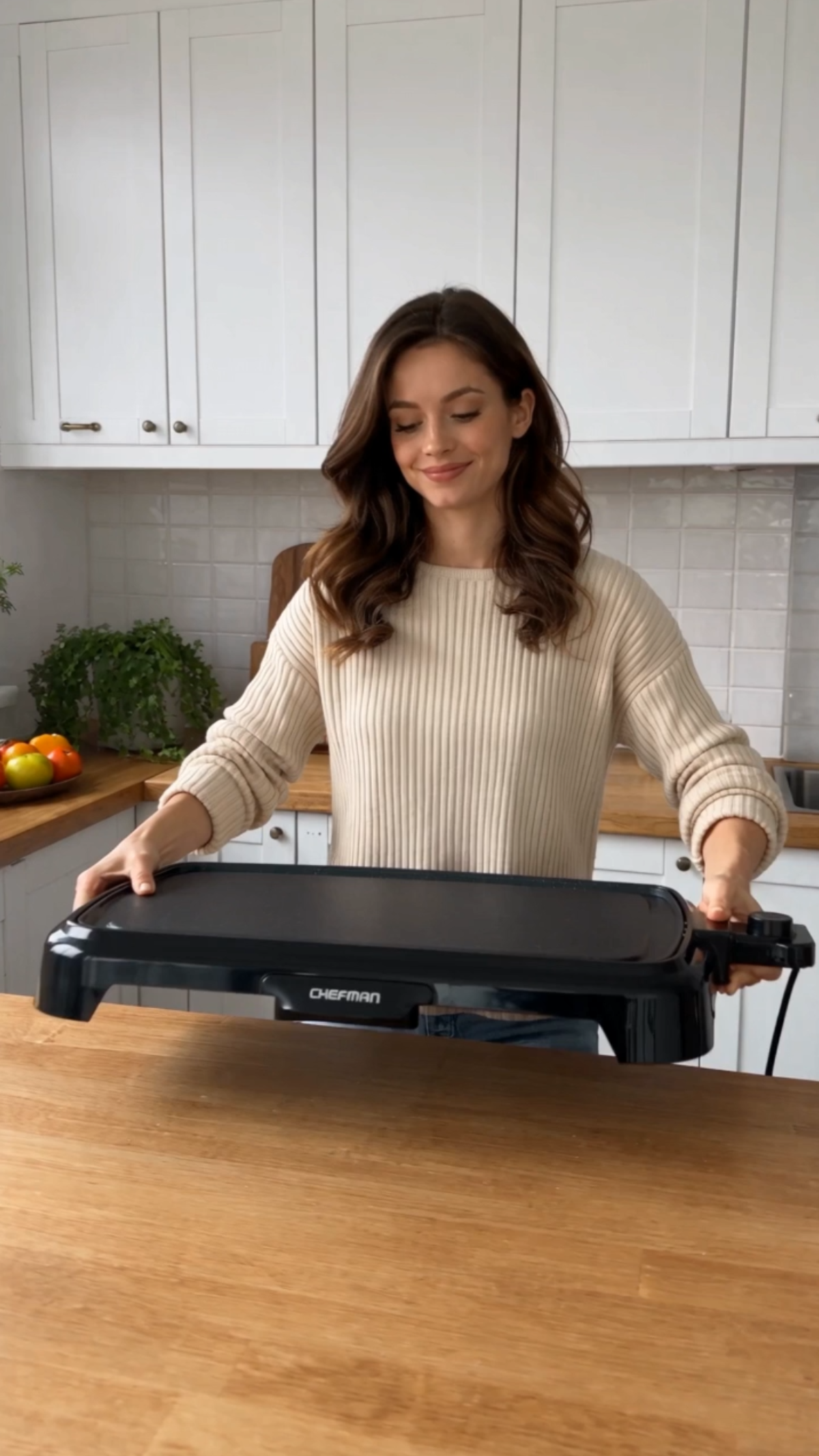

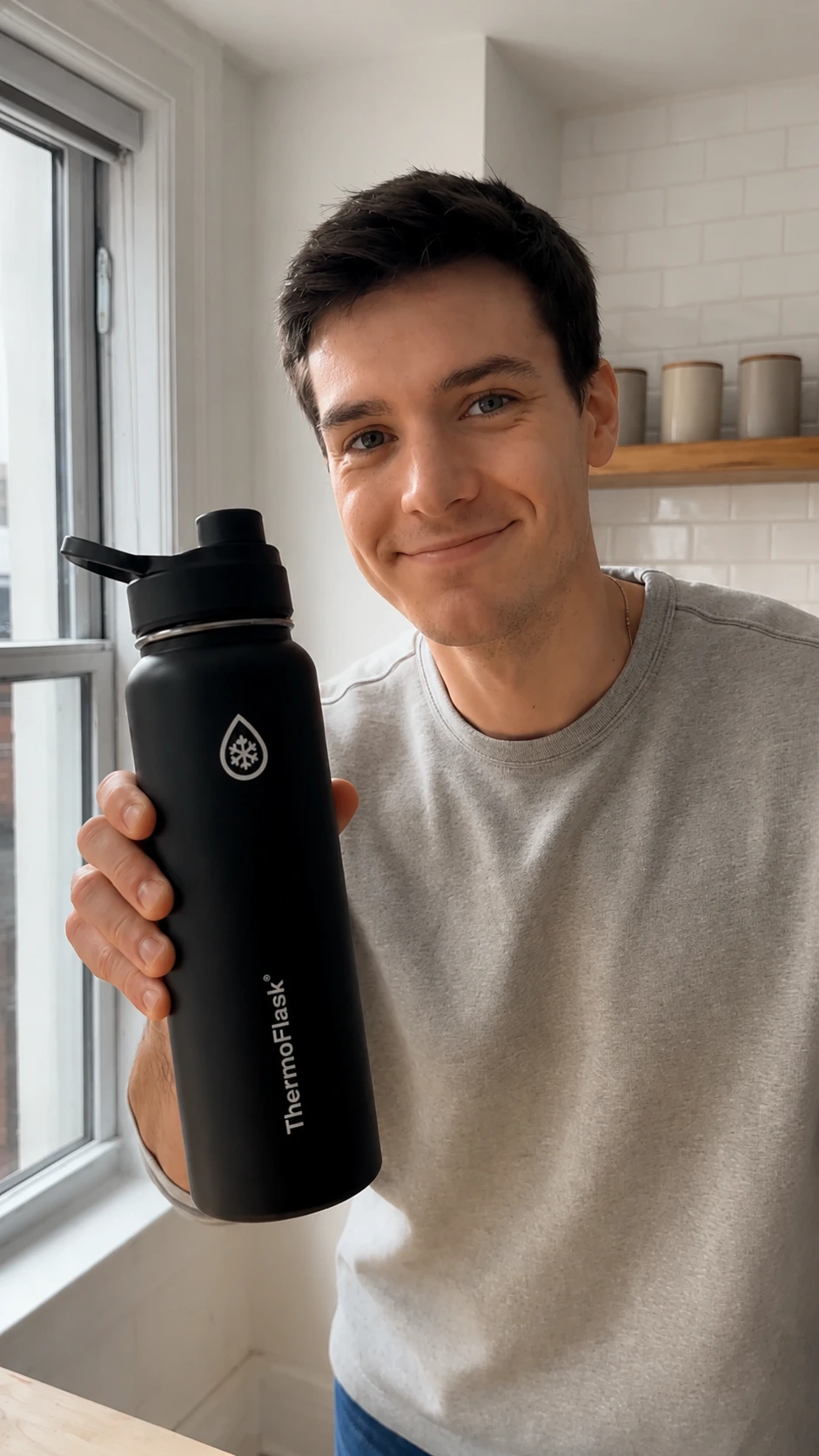

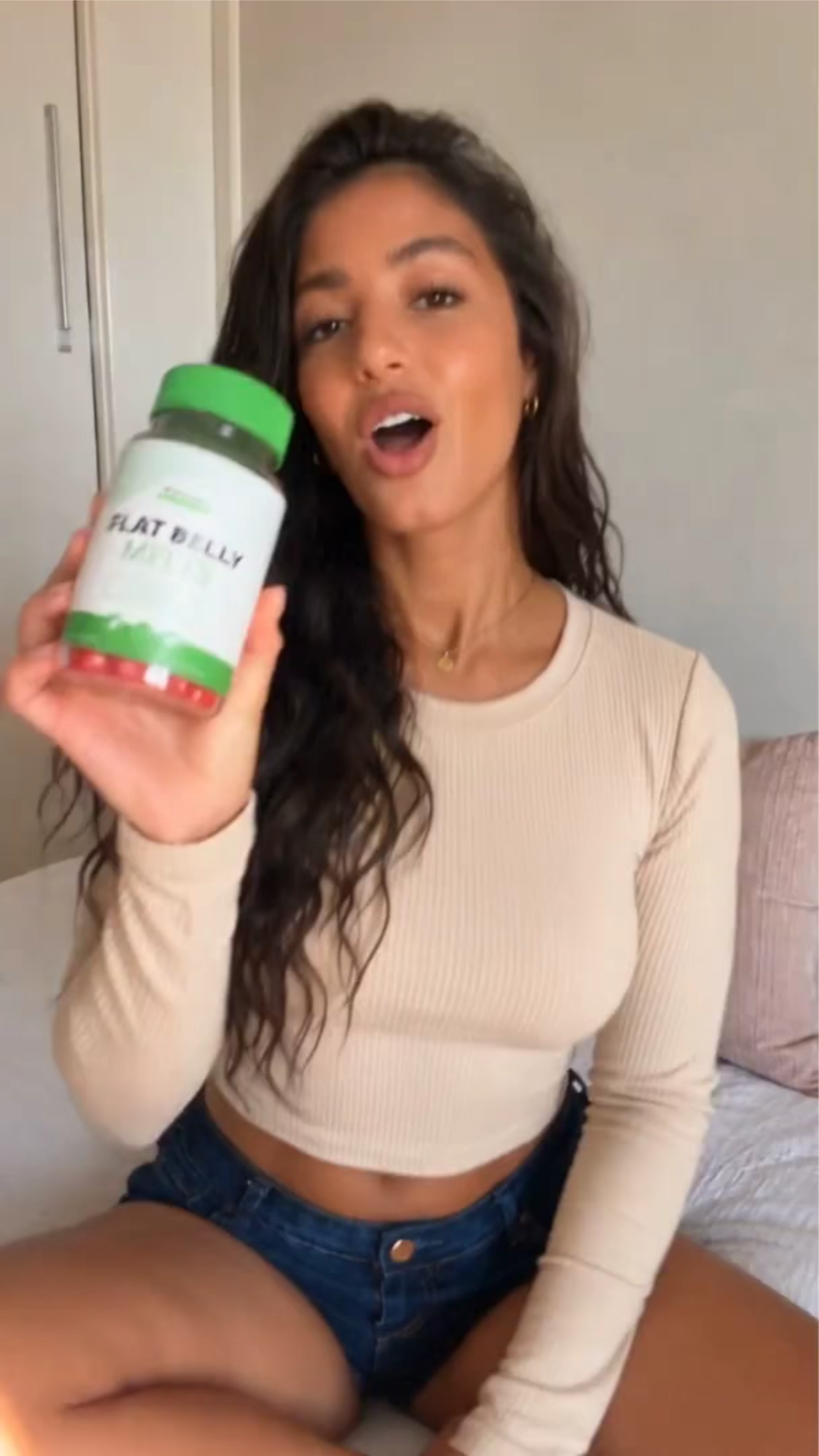
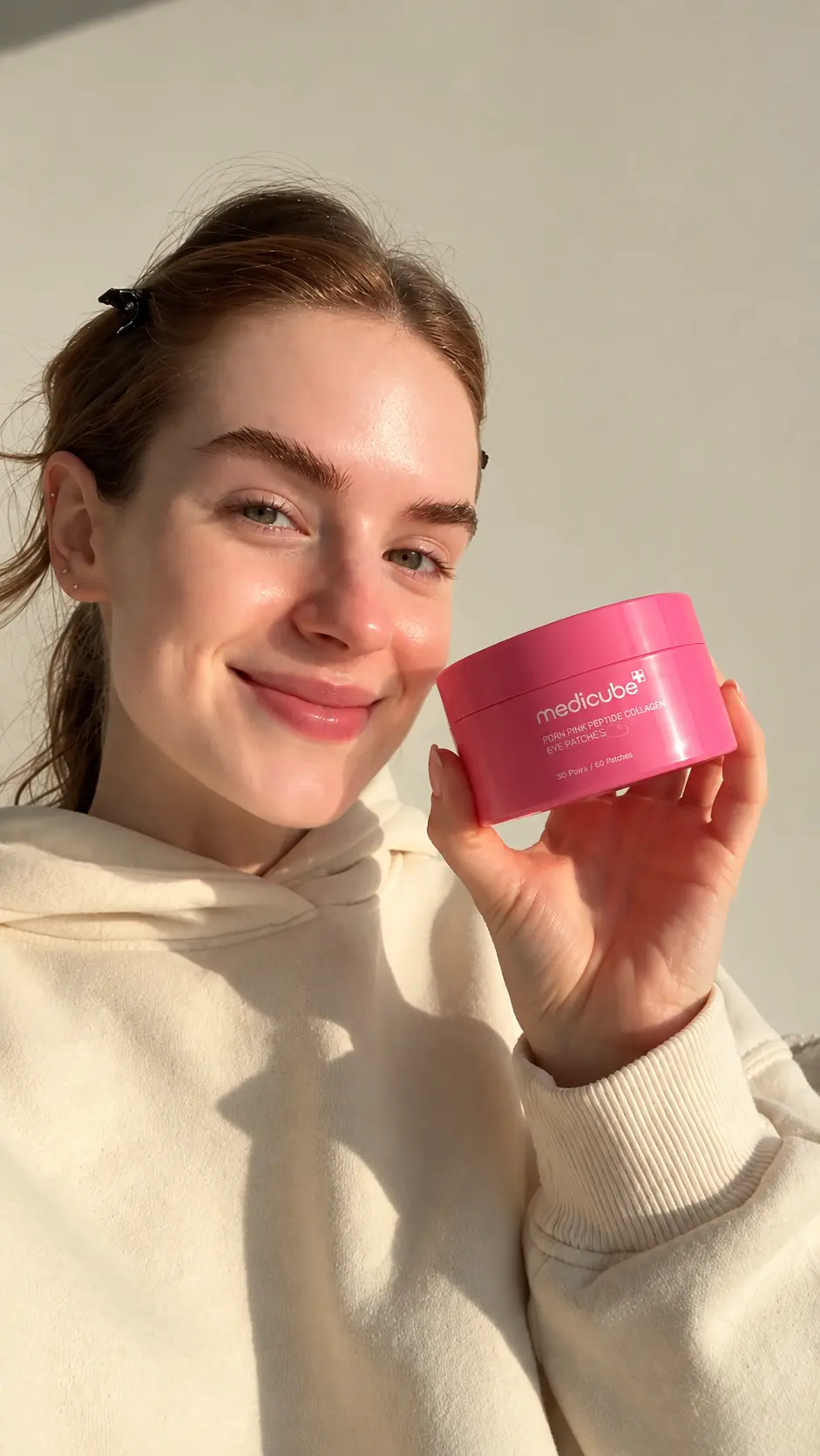
Create Professional Product Review Videos Online with AI
Template.net AI Product Review Video Generator uses Seedance 2 to turn uploaded product photos and information into engaging review videos. Add review details through text or voice, and AI creates product-focused scenes, AI presenters, captions, voiceovers, and storytelling. Customize videos with multiple AI models, duration, resolution, aspect ratios, branding, and visual styles for eCommerce, affiliate content, product pages, and social media. Use AI Avatar Video for presenter-led reviews, AI Animation Tool for animated explanations, or AI Video Generator for broader promotional content. Plans start at $12 monthly.
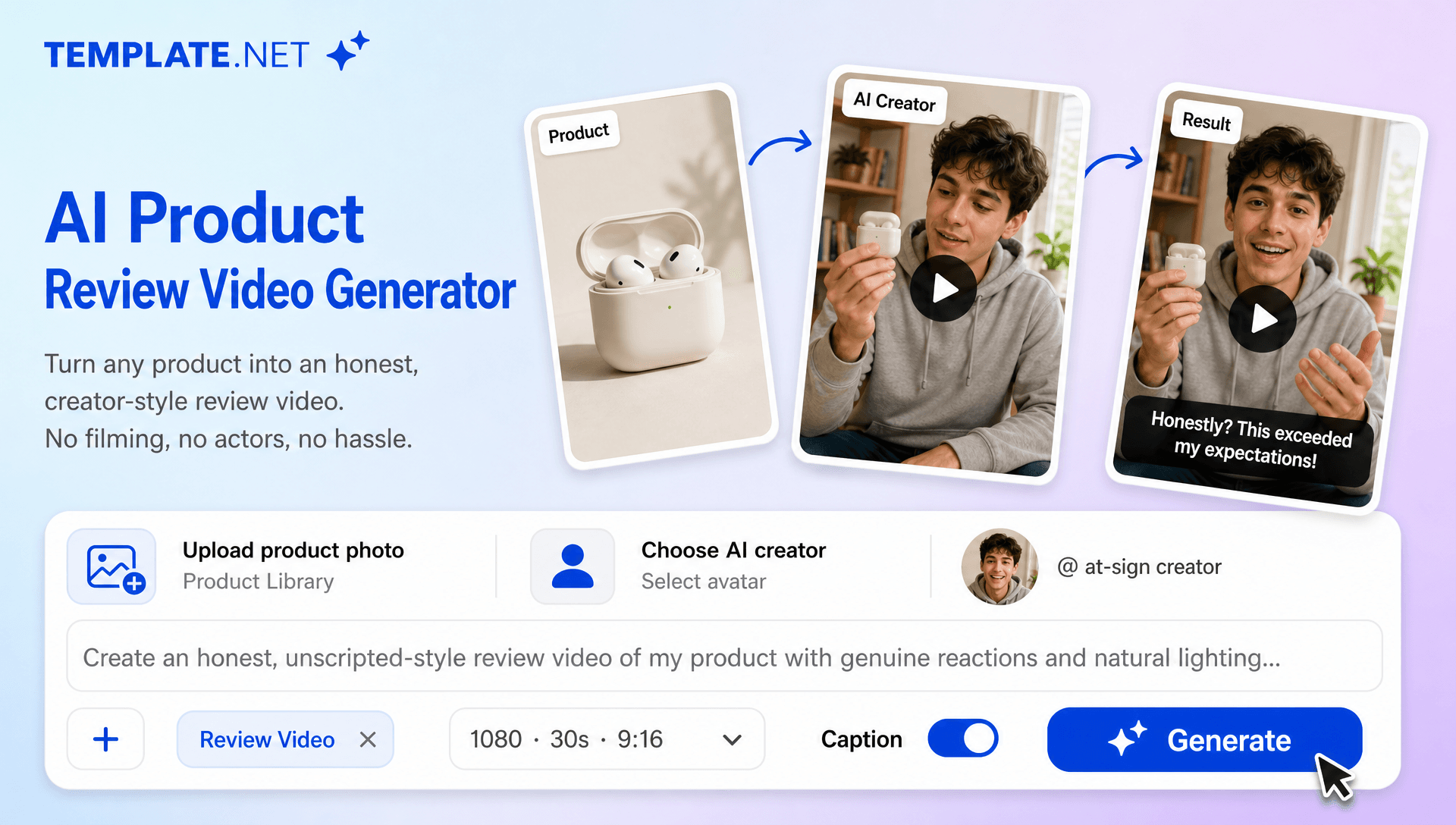
Turn Product Information into Engaging Review Videos
Everything you need to create informative, engaging, and professional product review videos with intelligent AI assistance.
AI-Powered Product Review Generation
Upload product photos, provide product details or review information, and AI generates a complete product review video with structured scenes, commentary, captions, transitions, and polished visuals.
Product Photo-Based Reviews
Upload product images, packaging photos, lifestyle photos, or other supported product visuals and use them as the foundation for your review. AI incorporates your product imagery into scenes that highlight design, features, appearance, and usage context.
Review Focused Storytelling
Turn product information and customer perspectives into a structured review narrative. AI can organize your content around first impressions, key features, benefits, limitations, usage experience, and final recommendations.
AI Product Review Presenter
Add an AI-generated presenter to introduce the product, discuss its features, explain its benefits, and deliver review commentary in a polished presentation format. When you want the review to feel more like a hosted video, AI Avatar Video can support a presenter-centered approach.
Pros and Cons Presentation
Create informative review videos that cover both product strengths and limitations. Present important features, practical considerations, and potential drawbacks to give viewers a more balanced understanding of the product.
Buyer-Focused Feature Highlights
Emphasize the features that matter most to potential customers. Structure your review around design, functionality, performance, usability, value, or other product details that you specify in your prompt.
Smart Product Scene Composition
AI organizes uploaded product visuals, presenter segments, close-up views, contextual scenes, explanations, transitions, and branding elements into a cohesive review video.
Product in Context Scenes
Show products in realistic contextual environments that help viewers understand how they may look or fit into everyday situations. Combine these scenes with uploaded product photos to create a more informative review experience.
AI Voiceover and Audio
Enhance product reviews with AI-generated narration, background music, sound effects, and other available audio elements to create a polished presentation.
Dynamic Product Demonstrations
Create visually engaging scenes with movement, camera effects, transitions, and product-focused motion. When a review needs more controlled movement between scenes or objects, AI Motion Control can complement the creative workflow.
Flexible Review Video Formats
Create product review videos in popular aspect ratios including 1:1, 4:3, 16:9, 9:16, 3:4, and 21:9 for product pages, YouTube, Instagram, TikTok, Facebook, LinkedIn, websites, presentations, and digital advertising.
Adjustable Resolution and Duration
Create review videos in 480p, 720p, 1080p, or 4K resolution with customizable durations starting from 5 seconds for short recommendations, social media reviews, advertisements, and detailed product evaluations.
Multi-Model AI Video Creation
Use multiple AI models for different creative requirements, with Seedance 2 available as the default model. Choose the available model that best matches the visual presentation and review style you want to create.
Consistent Product Branding
Maintain a recognizable brand identity across review videos by incorporating logos, colors, fonts, messaging, and visual styles. Create a unified presentation across multiple products and campaigns.
Refine Every Review Scene
Review and refine generated scenes, product highlights, captions, branding, visual elements, duration, aspect ratio, and other available settings. For broader post-generation adjustments, AI Video Editing can help refine the final review presentation.
Multilingual Support
Create professional product review videos in 20+ multiple languages, including English, Spanish, French, German, Italian, Portuguese, Hindi, Chinese, Japanese, Korean, Arabic, and more for international eCommerce, affiliate campaigns, and global product marketing.
Download or Share Instantly
Export your finished product review video in high quality or share it through Email, LinkedIn, WhatsApp, Facebook, X (Twitter), Pinterest, or a live link or QR code for collaboration, review, and publishing.
Create Multiple Review Variations
Generate different review versions for different audiences, platforms, product benefits, customer concerns, and marketing angles. Create variations focused on features, usability, design, performance, value, or specific buyer needs.
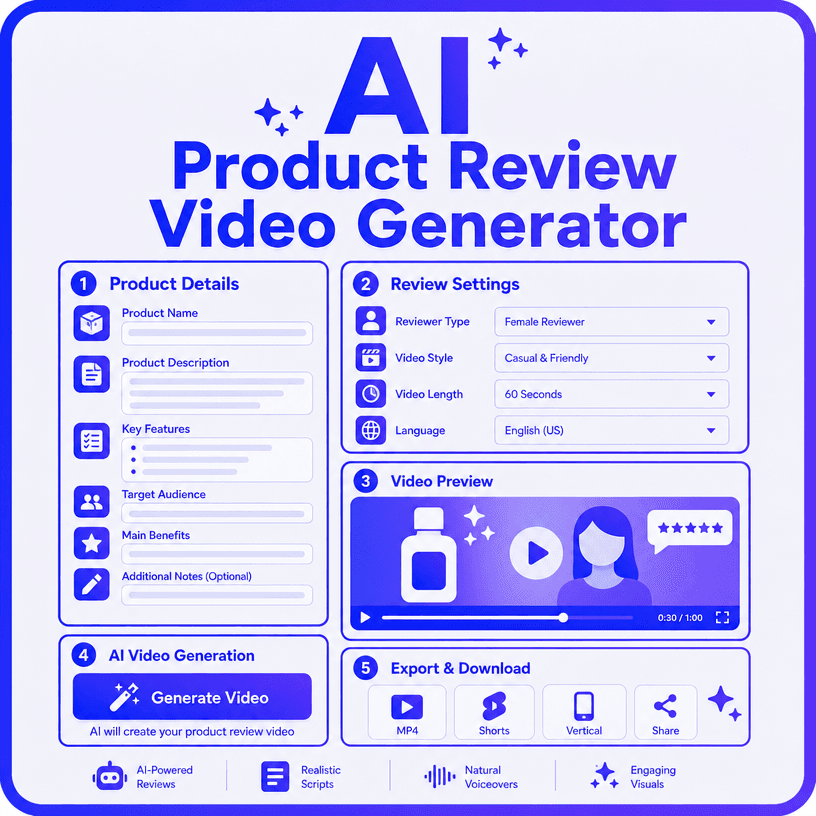
How to Create a Product Review Video with AI
Create an engaging product review video in a few simple steps.
Step 1 Upload Your Product and Enter Your Review Prompt
Upload your product photos, packaging images, lifestyle photos, or other supported product visuals. Then enter a text prompt or use voice input to explain what you want the review to cover. Mention the target audience, product features, benefits, pros and cons, preferred tone, and final recommendation.
Step 2 Generate and Customize Your Product Review
Let AI turn your product information and visuals into a structured review with scenes, highlights, AI presenters, captions, narration, and transitions. Refine the scenes, branding, duration, resolution, aspect ratio, and presentation style. Use an AI avatar for presenter-led reviews or an AI Animation Tool for animated product demonstrations.
Step 3 Save, Download, or Share
Preview your completed product review and make any final adjustments. Then save, download, or share it through Email, LinkedIn, WhatsApp, Facebook, X (Twitter), or Pinterest. You can also generate a live link or QR code for collaboration, feedback, and distribution.
Make Every Product Review More Informative and Engaging
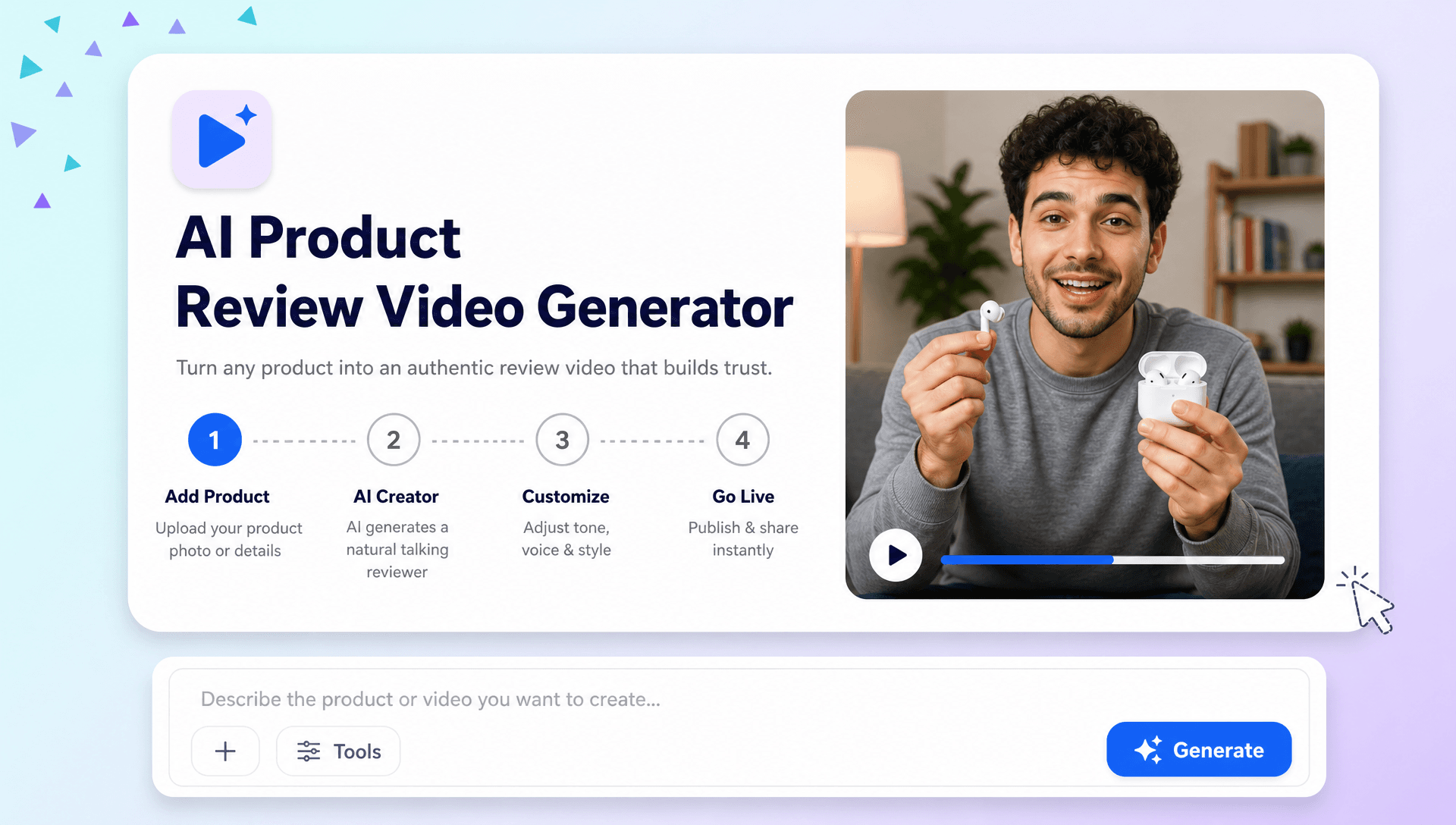
Show Products from the Buyer’s Perspective
Turn product features, benefits, usage details, and customer considerations into visual stories that answer the questions buyers commonly have before making a purchase. Use uploaded product imagery to give every review a clear visual foundation.
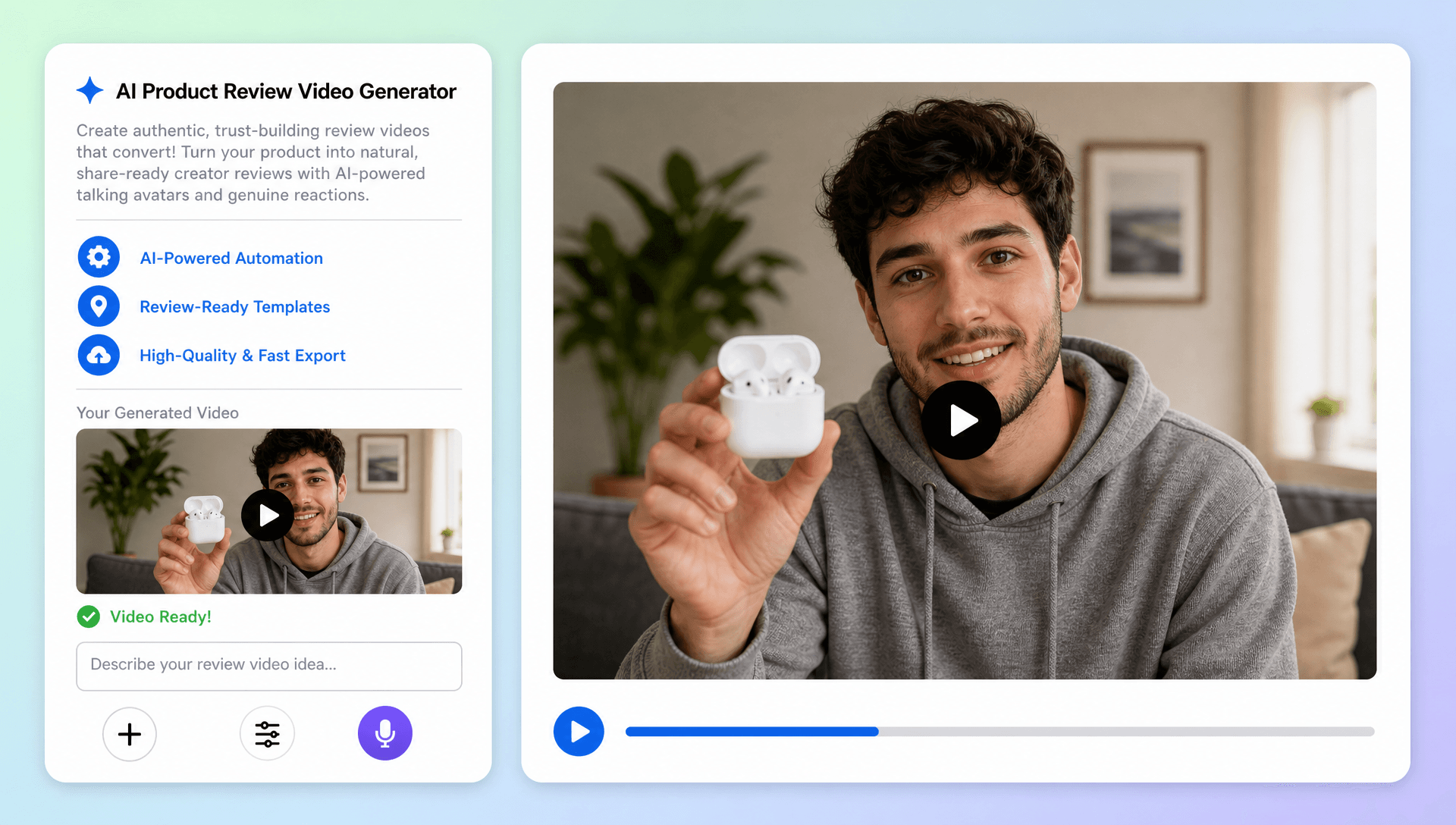
Build Trust with Clear and Balanced Reviews
Present useful information through structured commentary, product visuals, pros and cons, and AI presenters. Rather than simply listing specifications, create review videos that explain how the product fits different audiences, needs, and everyday use cases.
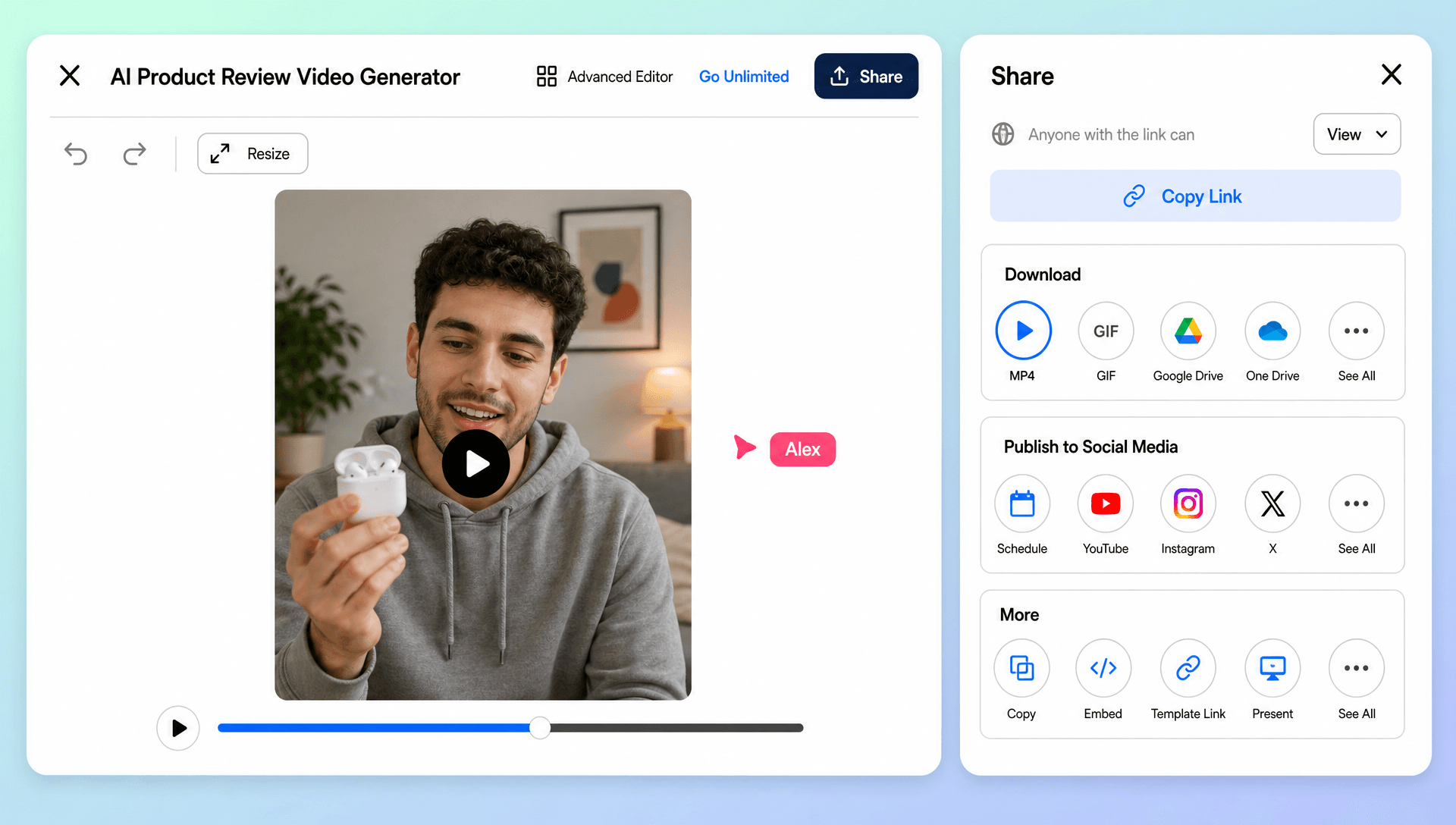
Create More Review Content with Less Production Effort
Generate different versions of a product review for social media, eCommerce pages, affiliate campaigns, advertisements, and product launches. Adapt the same product information to different audiences and video formats without rebuilding the entire concept from scratch.
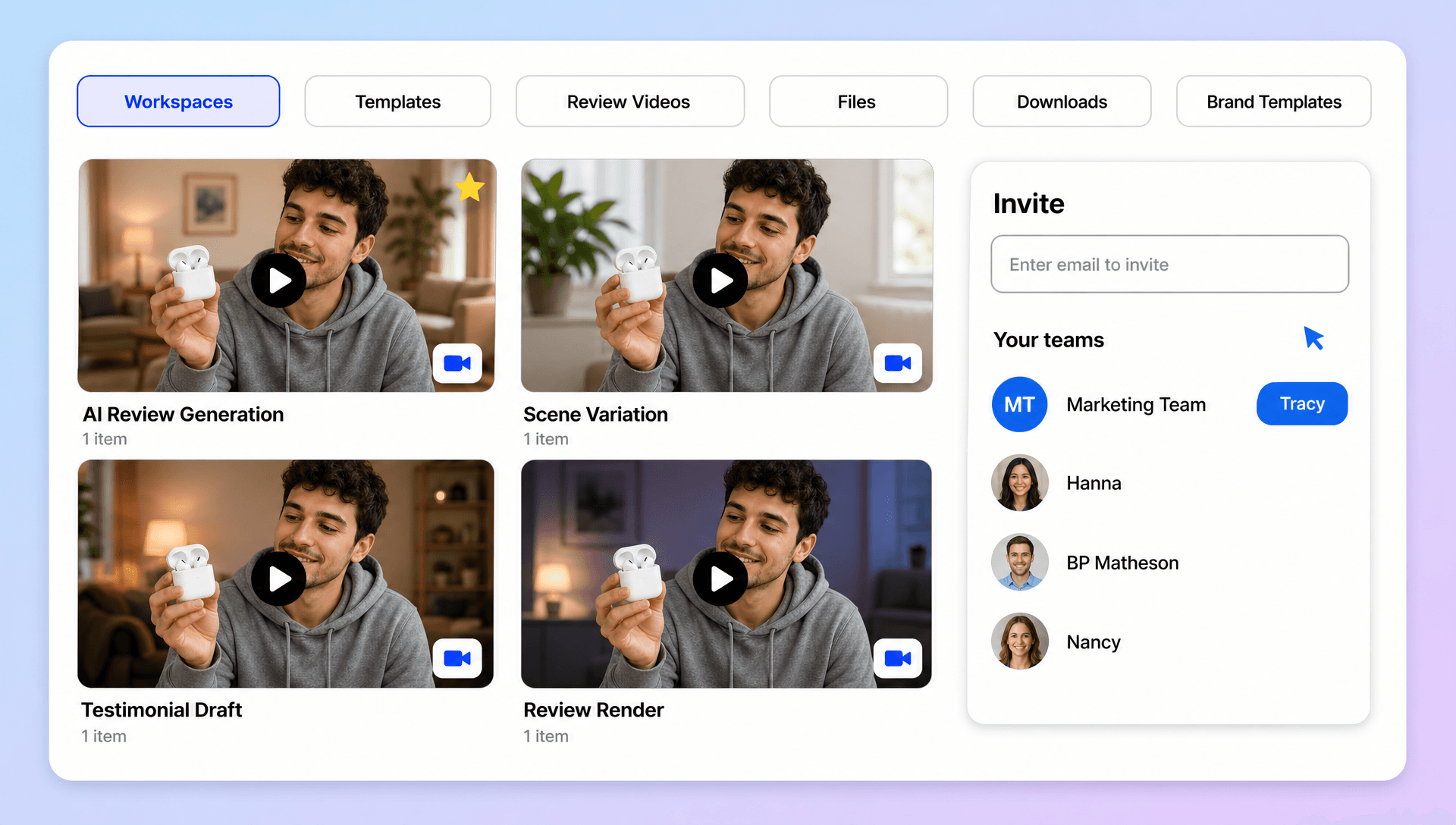
Turn Product Reviews into a Scalable Video Workflow
Bring product imagery, review instructions, AI-generated scenes, presenters, captions, branding, and final sharing into one workflow. When a review needs additional polishing after generation, AI Video Editing can extend the creative process without requiring a completely separate production workflow.
