AI Photo to Animate
more
Create from an Animate Effect Template
Pick a proven format. Add your content. AI does the rest
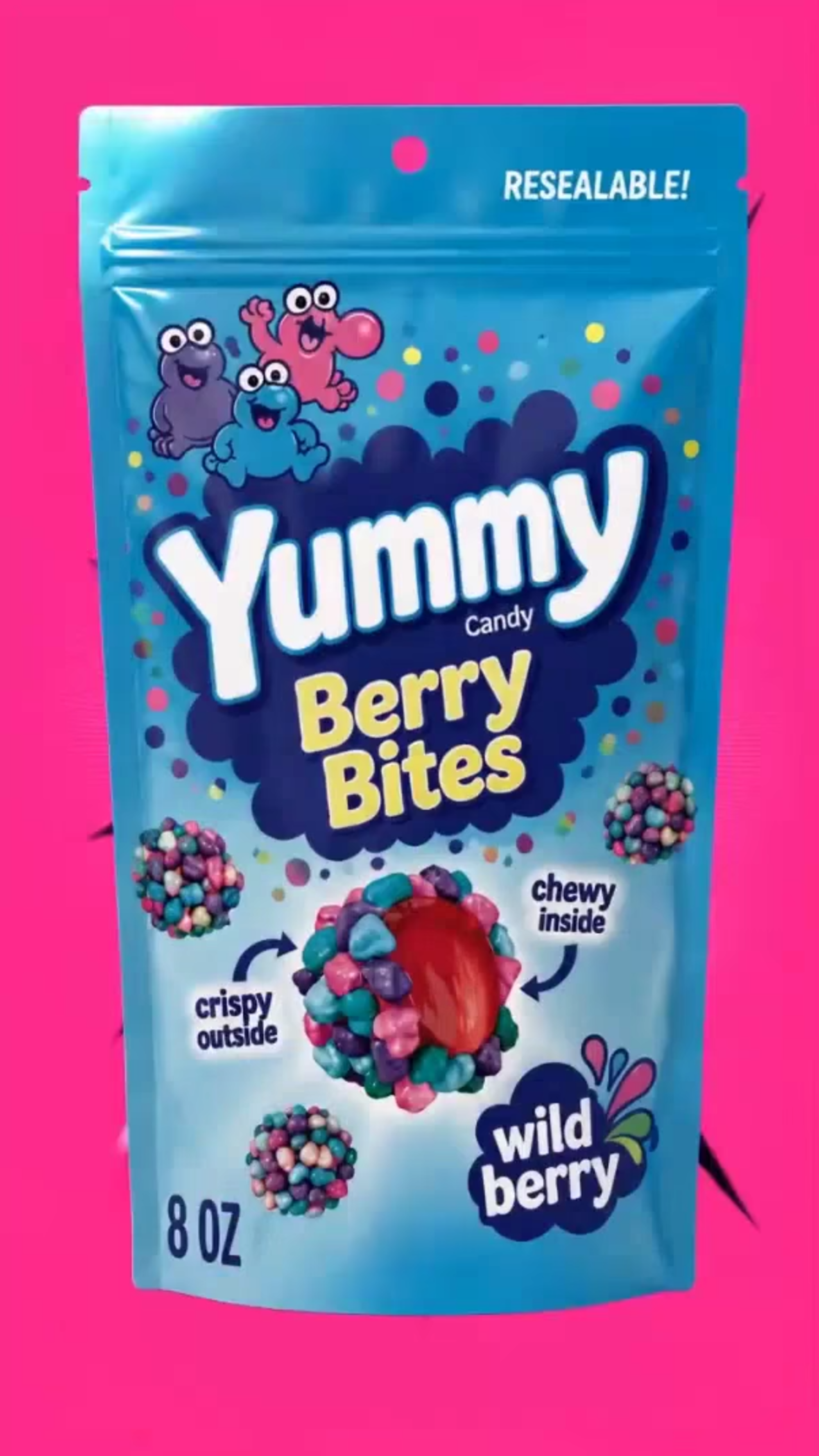
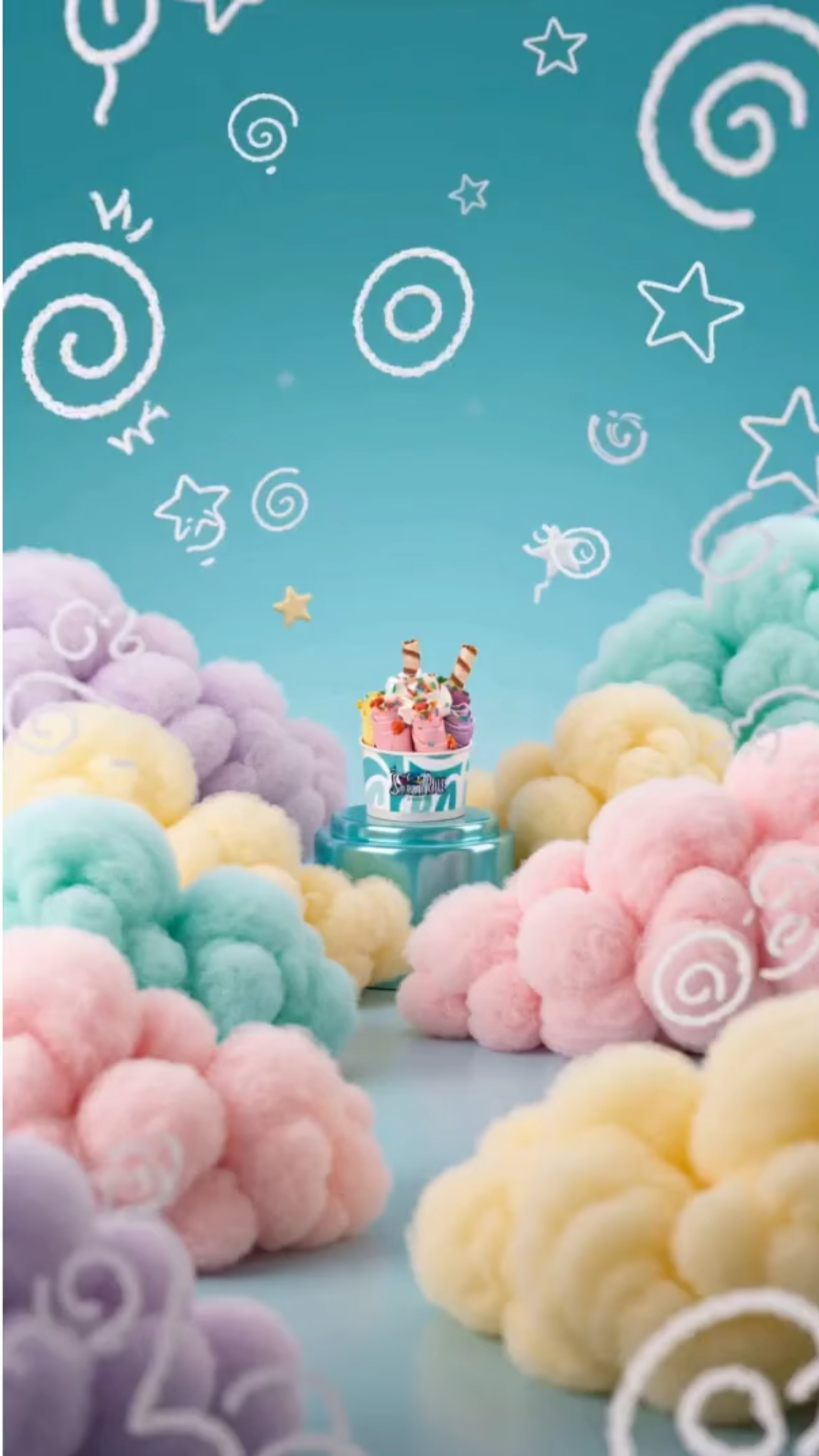
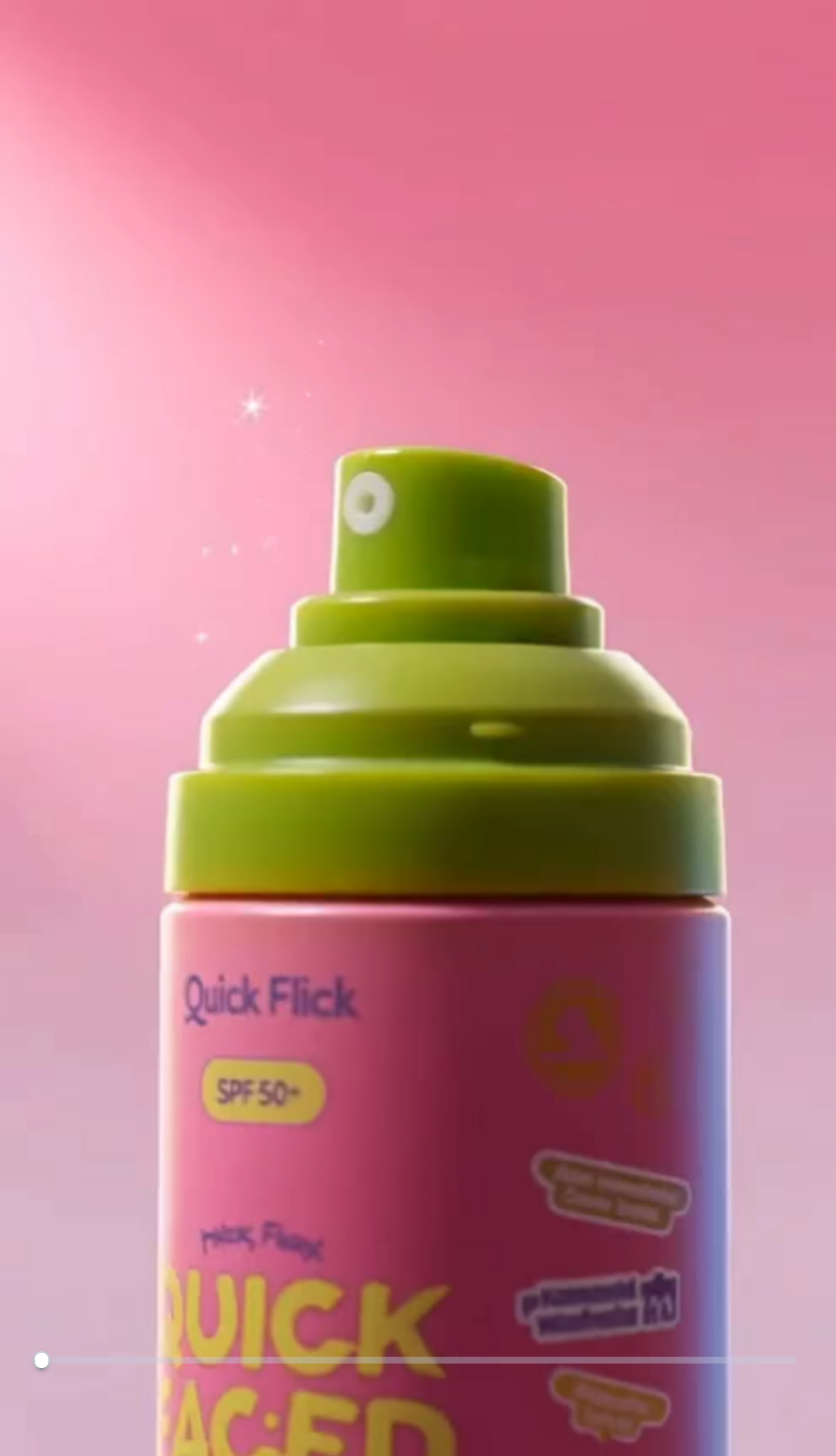
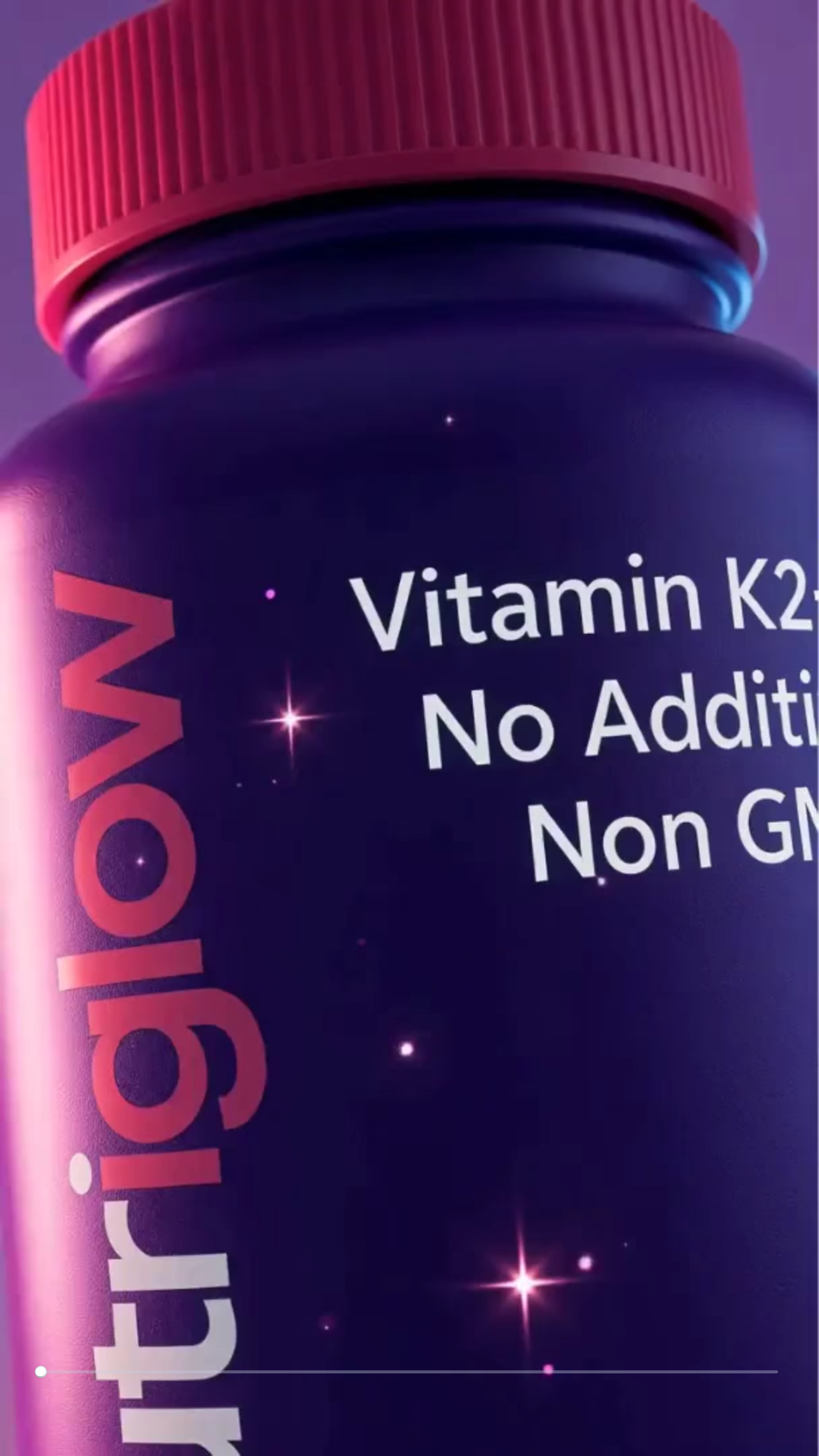
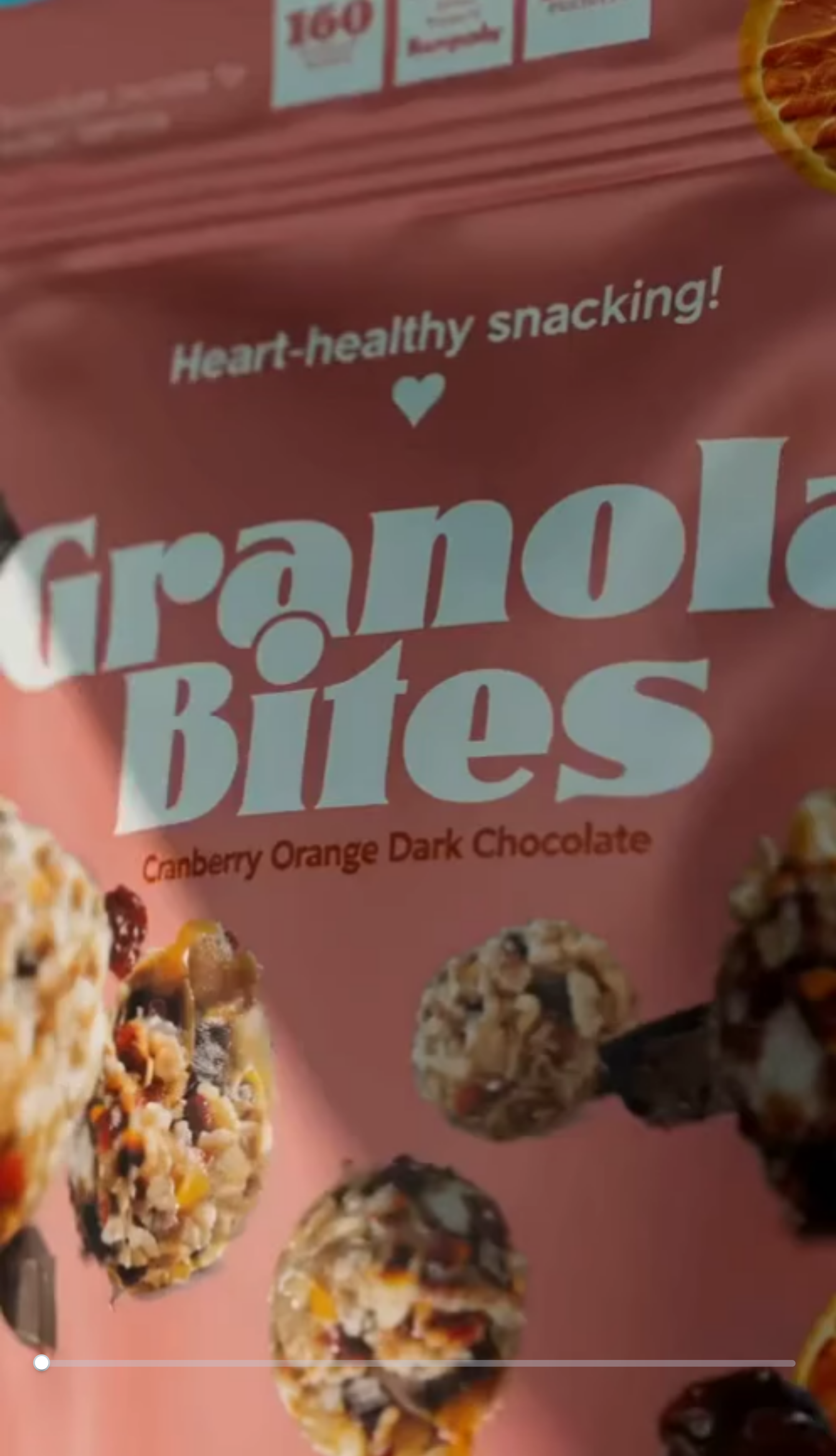
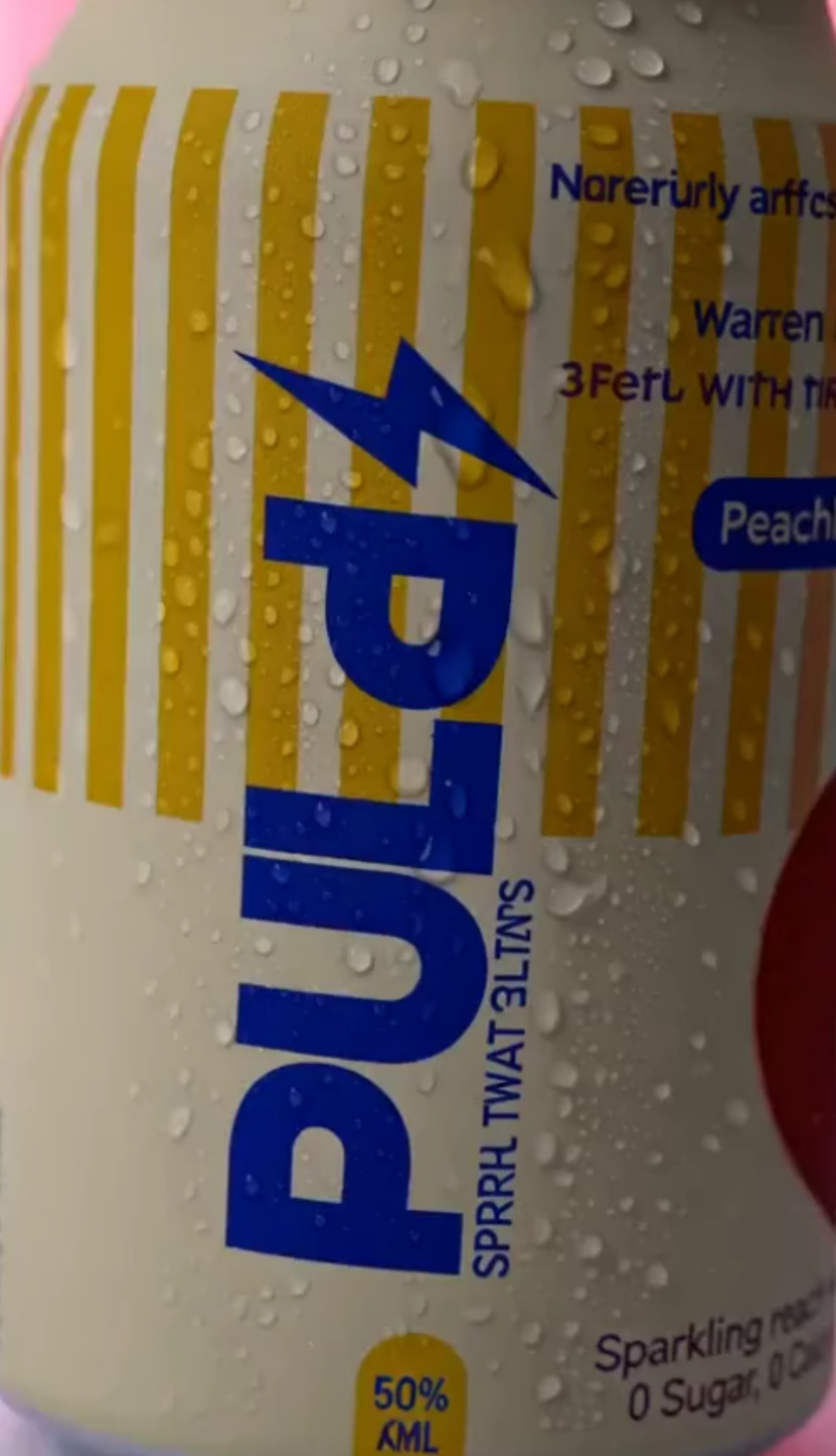
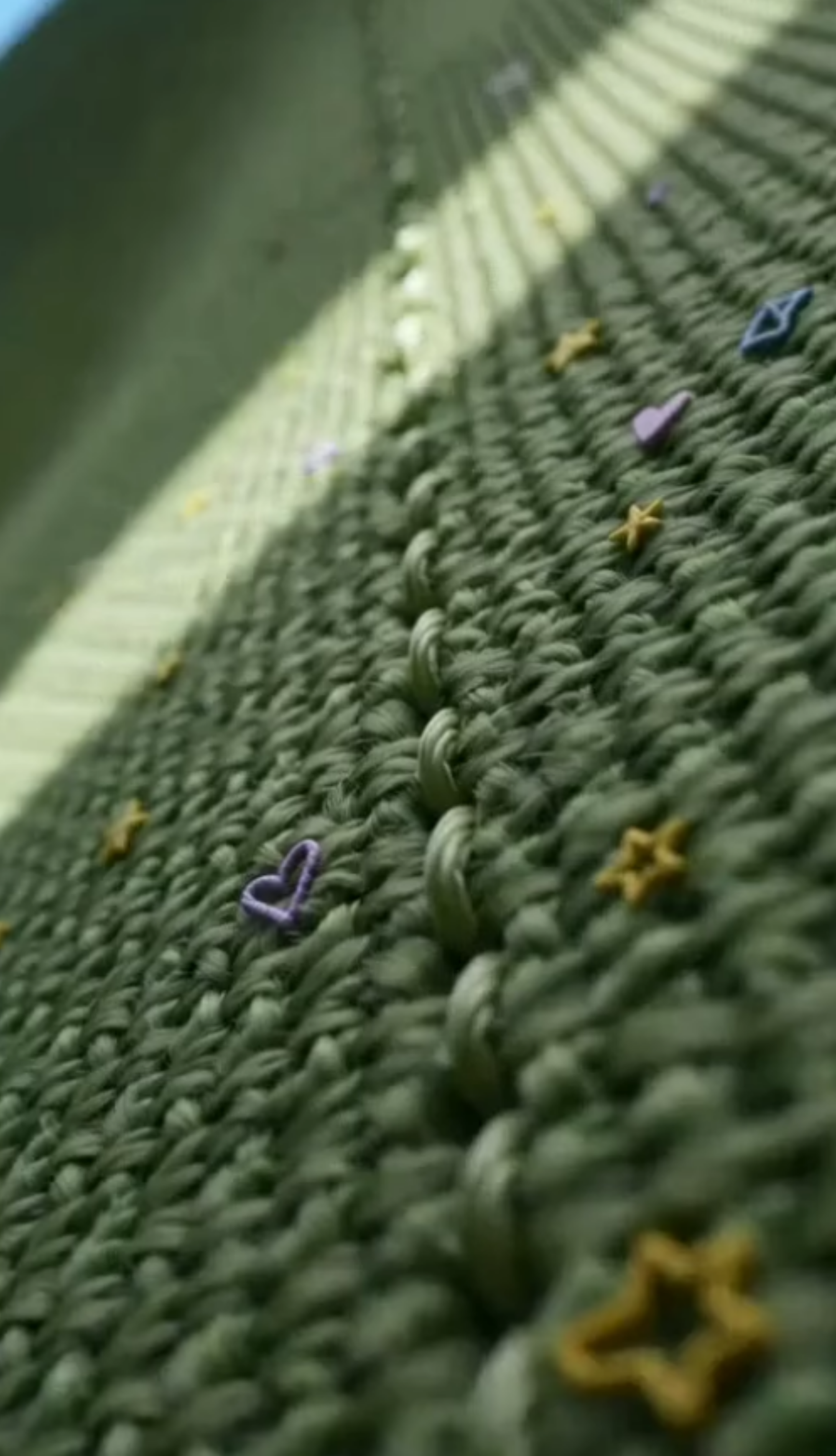
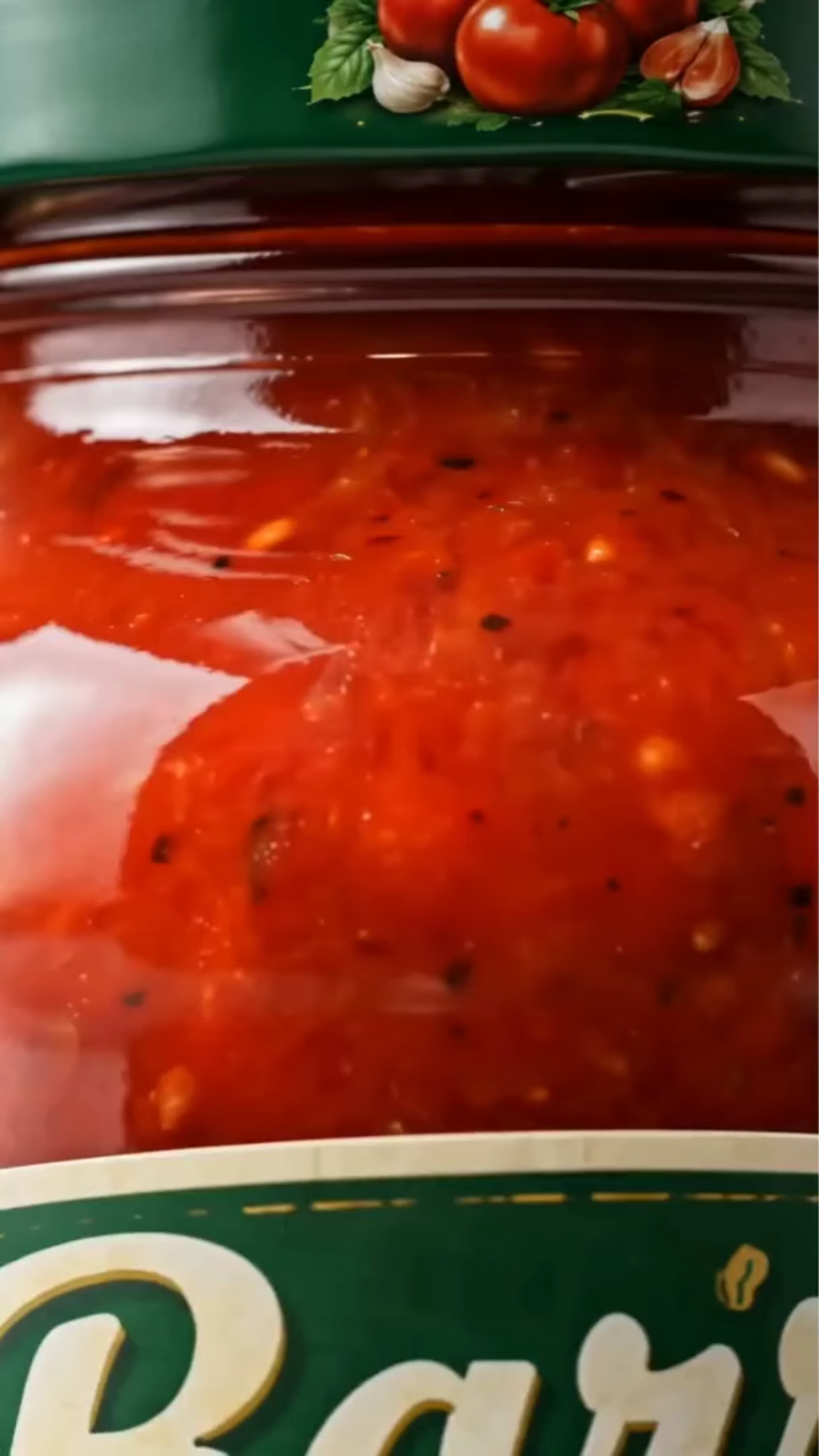
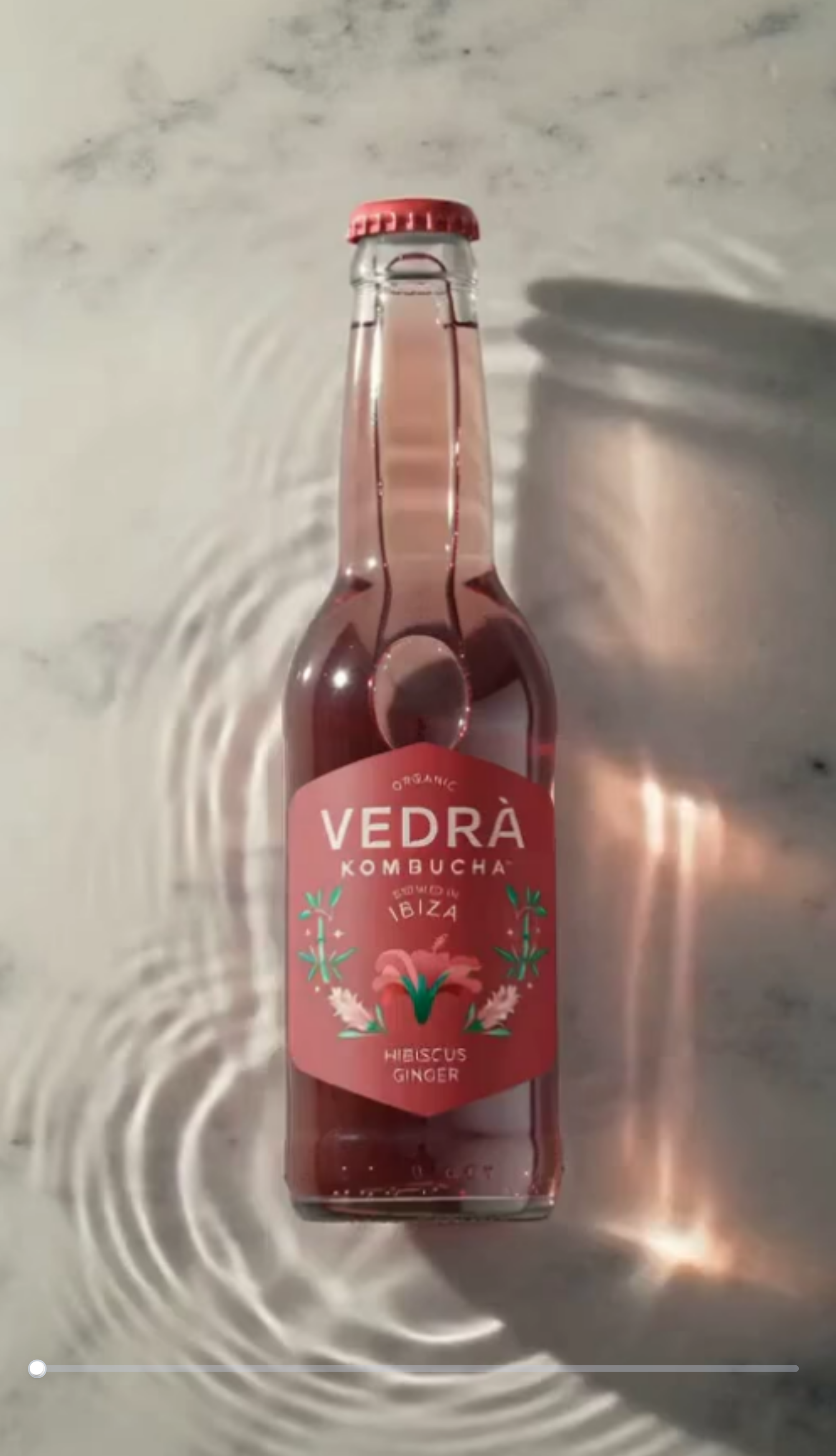
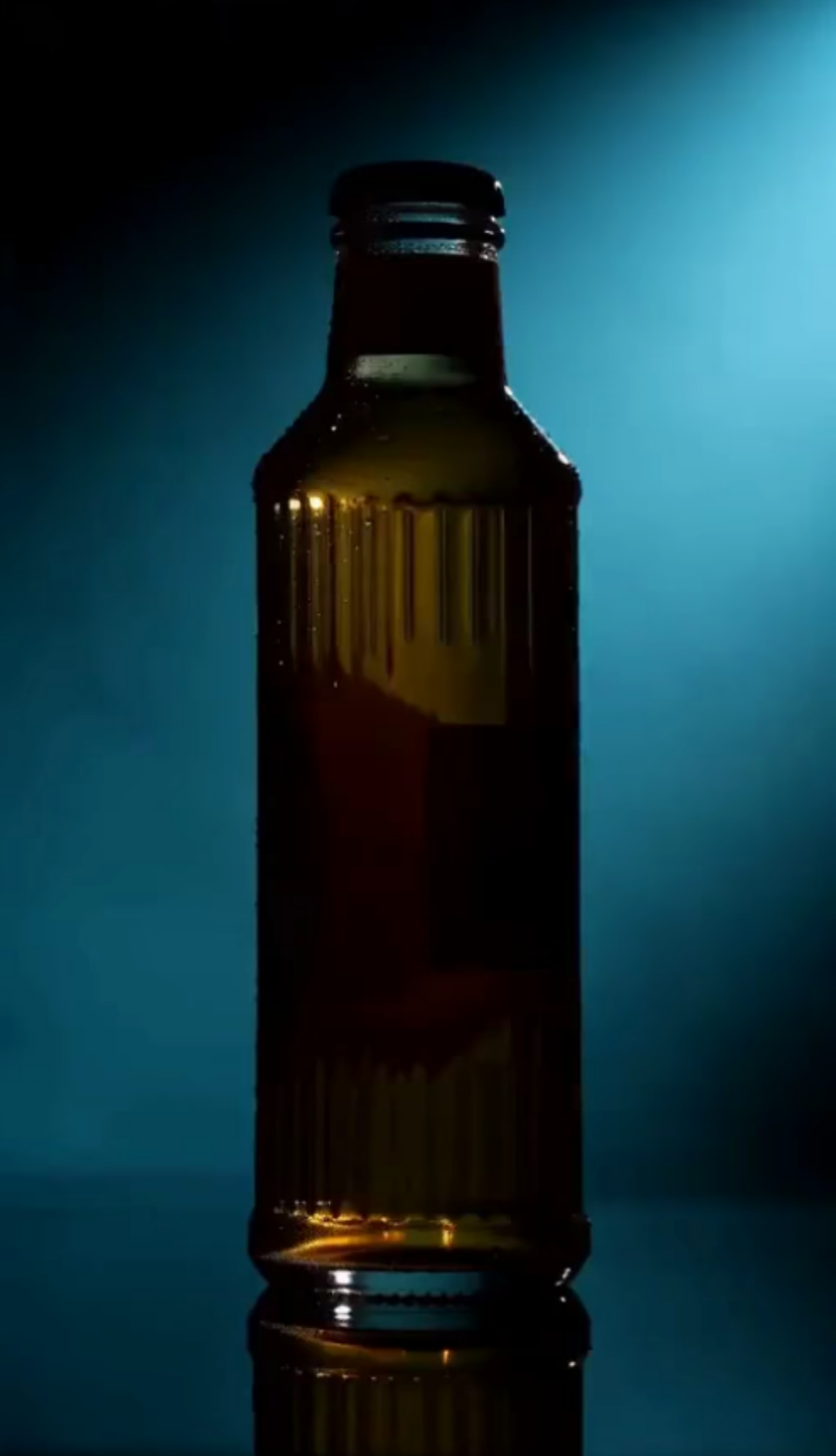
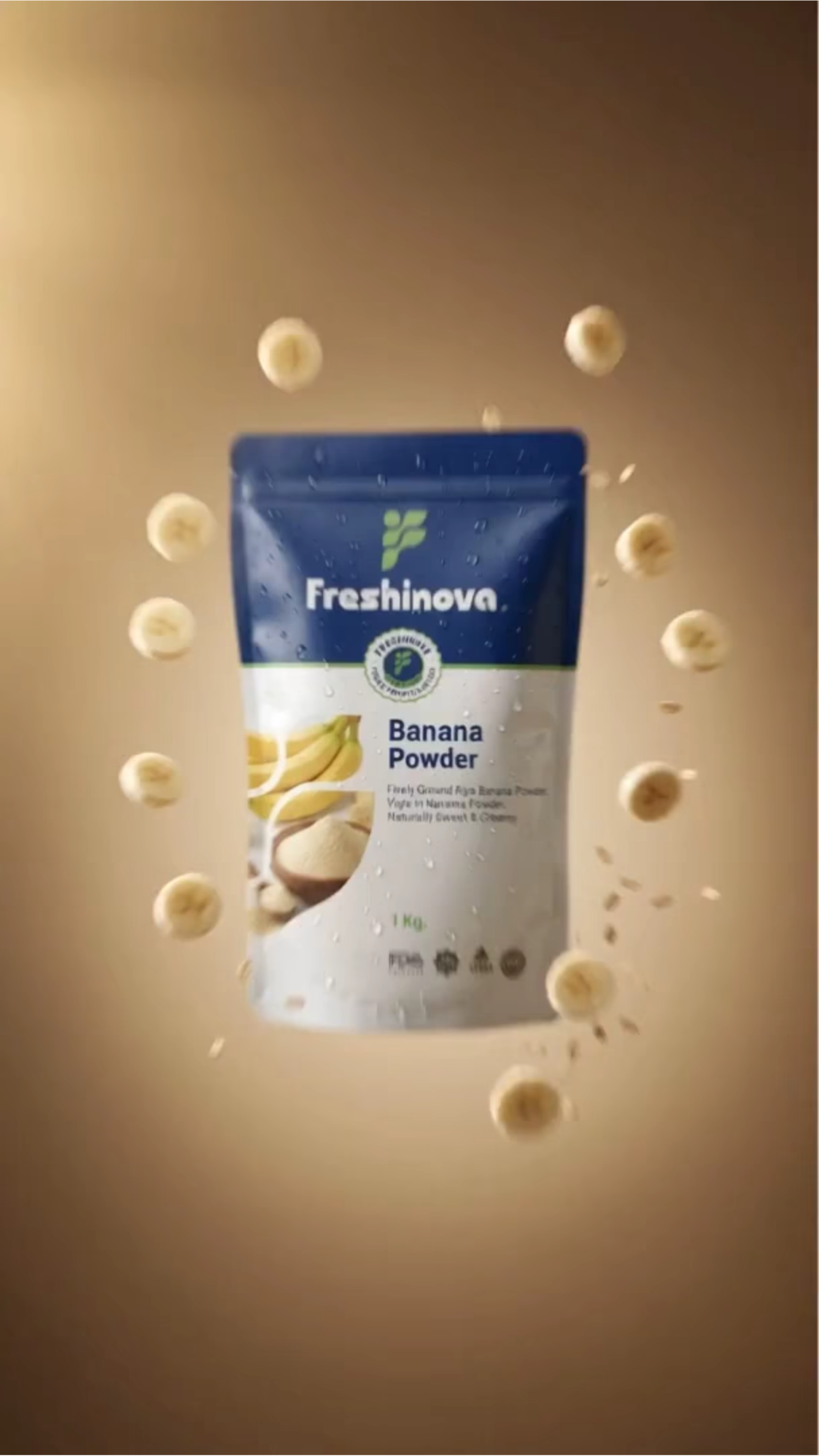
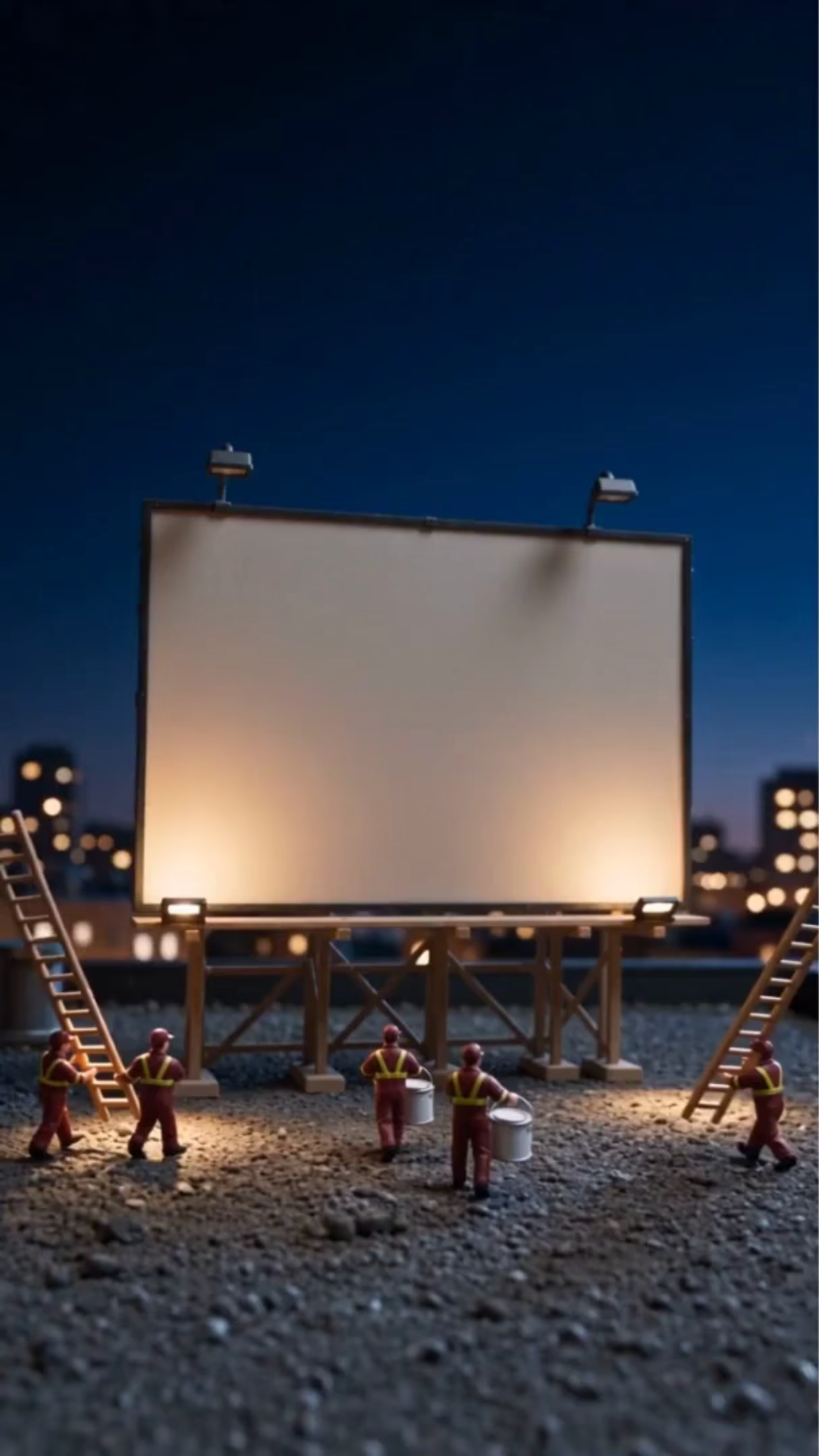
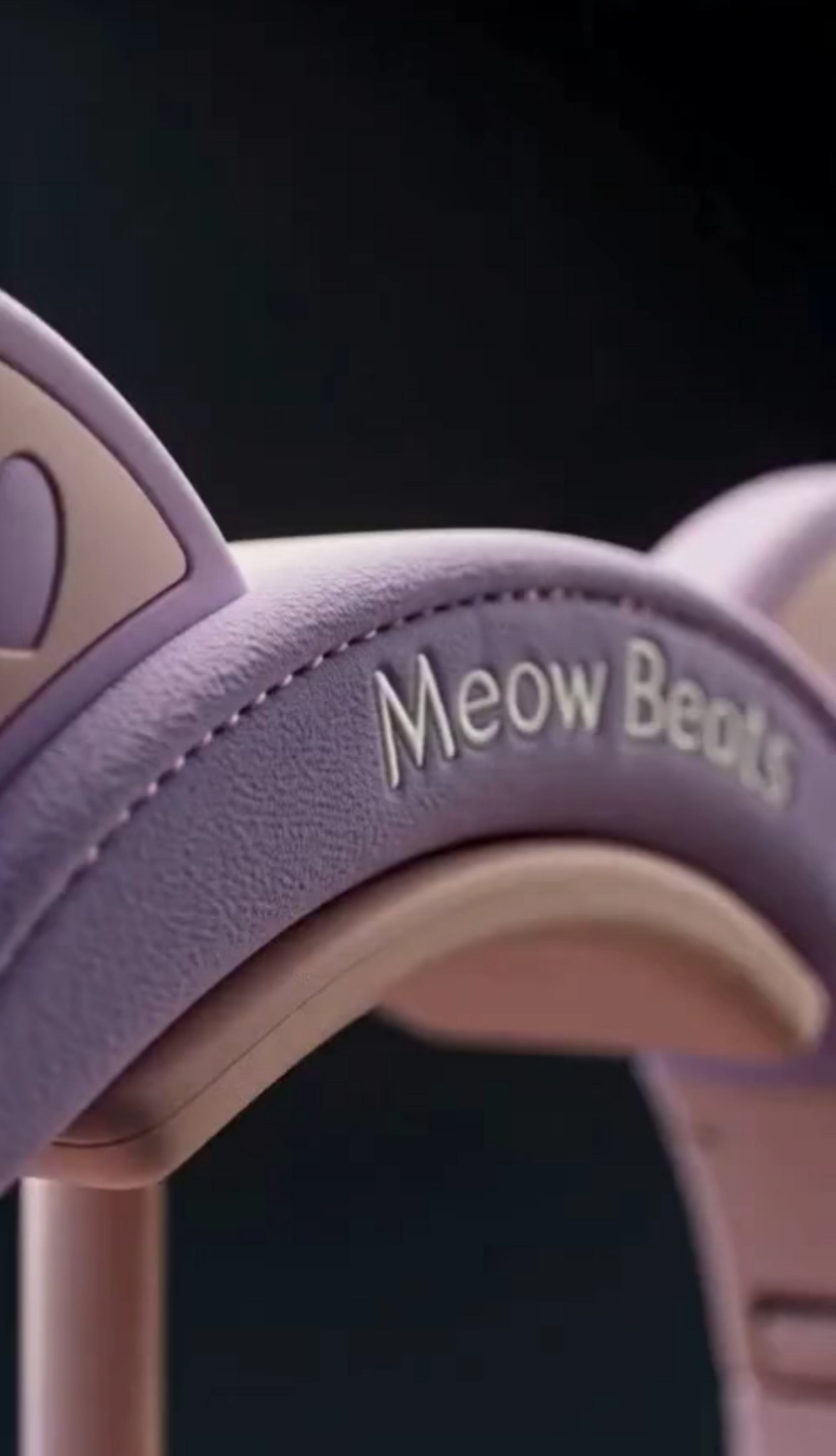
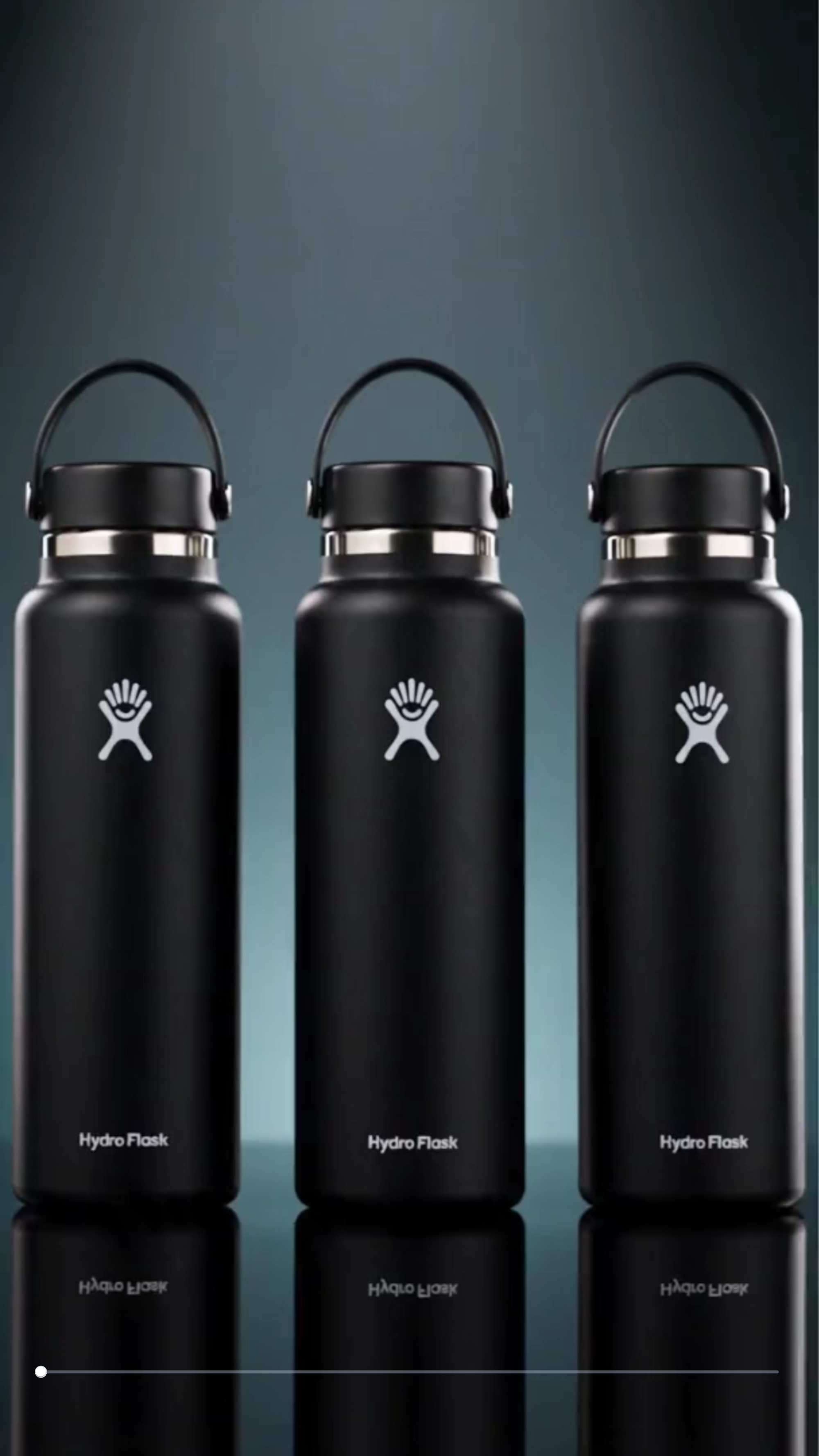
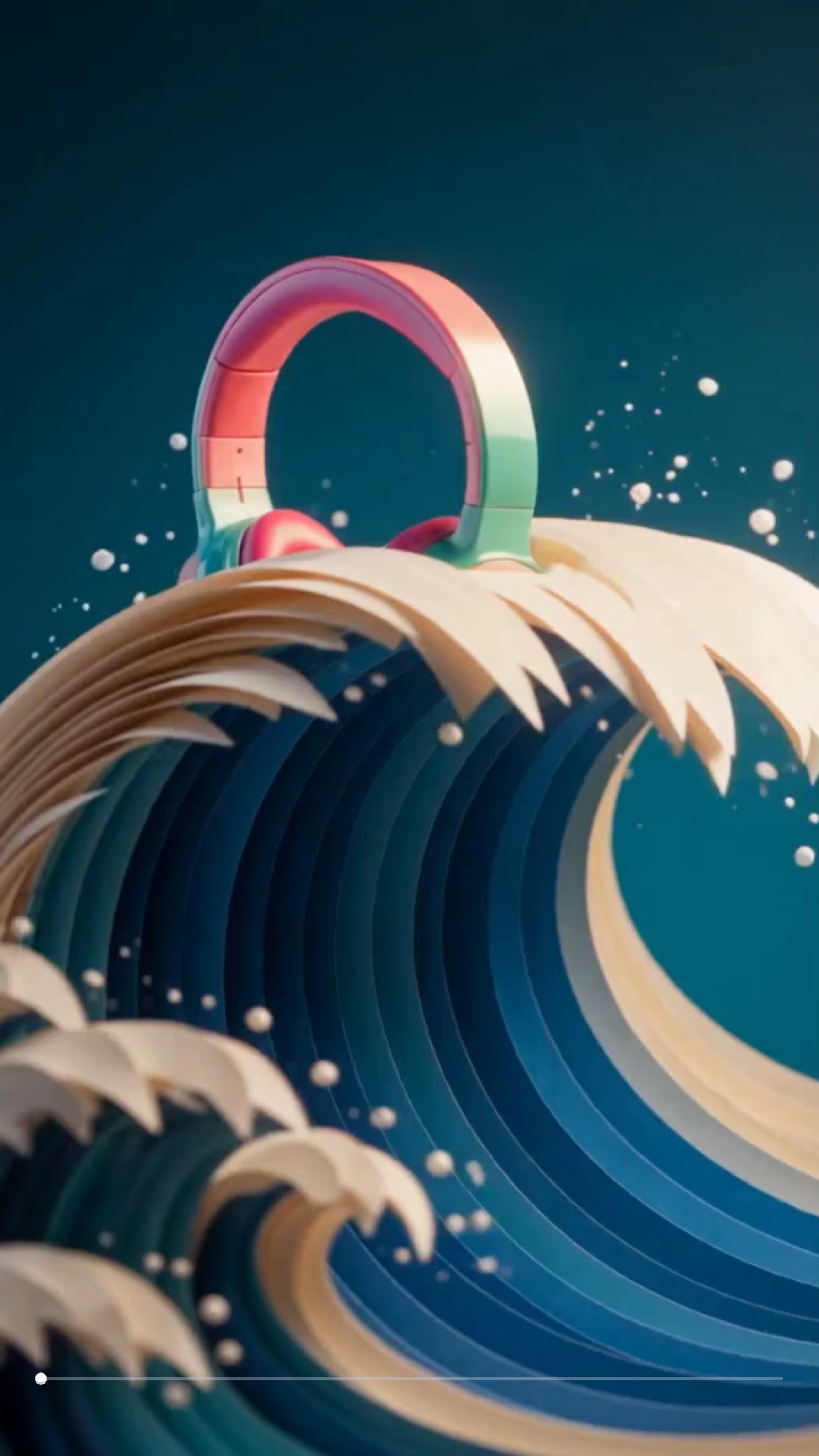
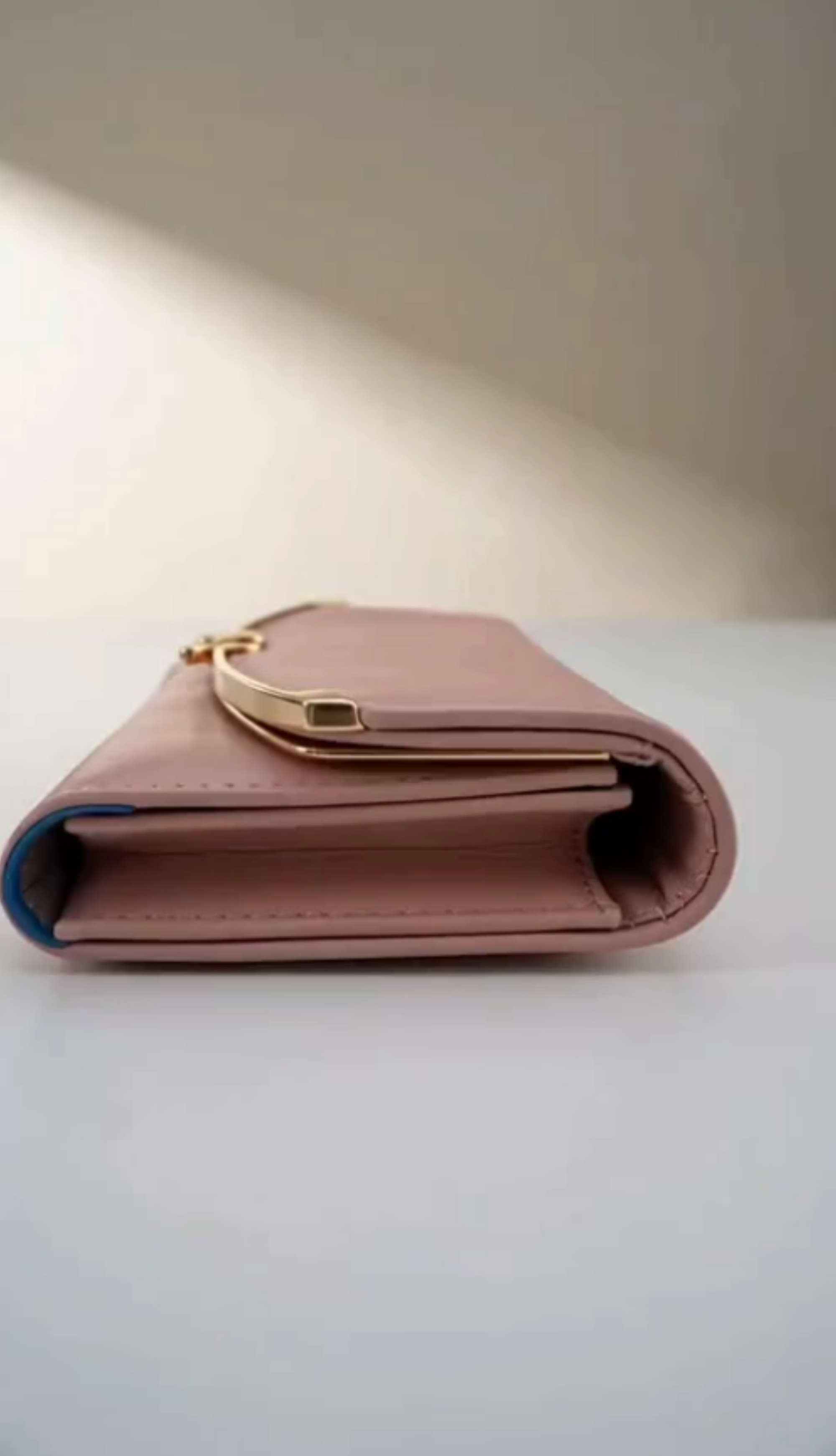
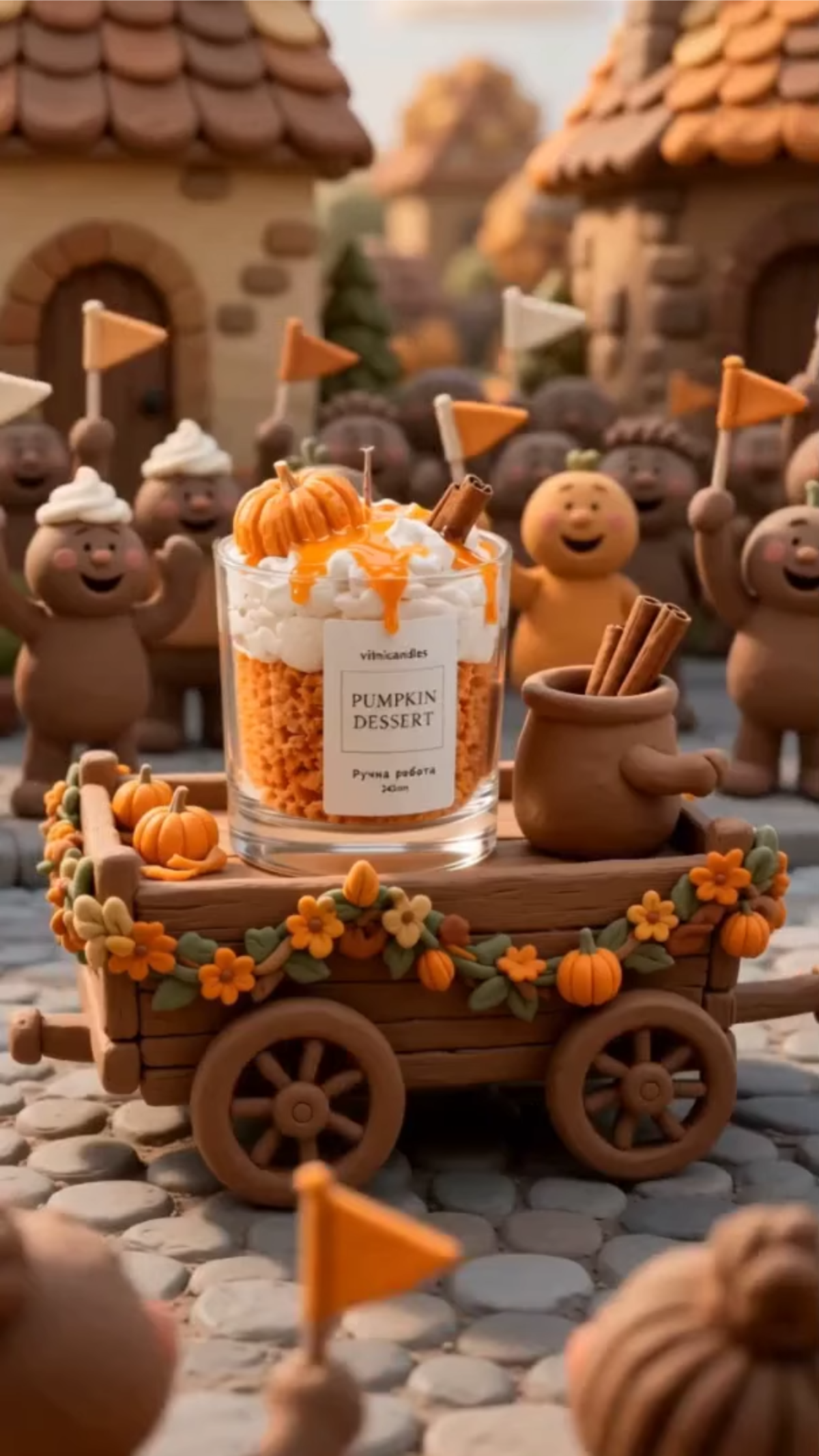
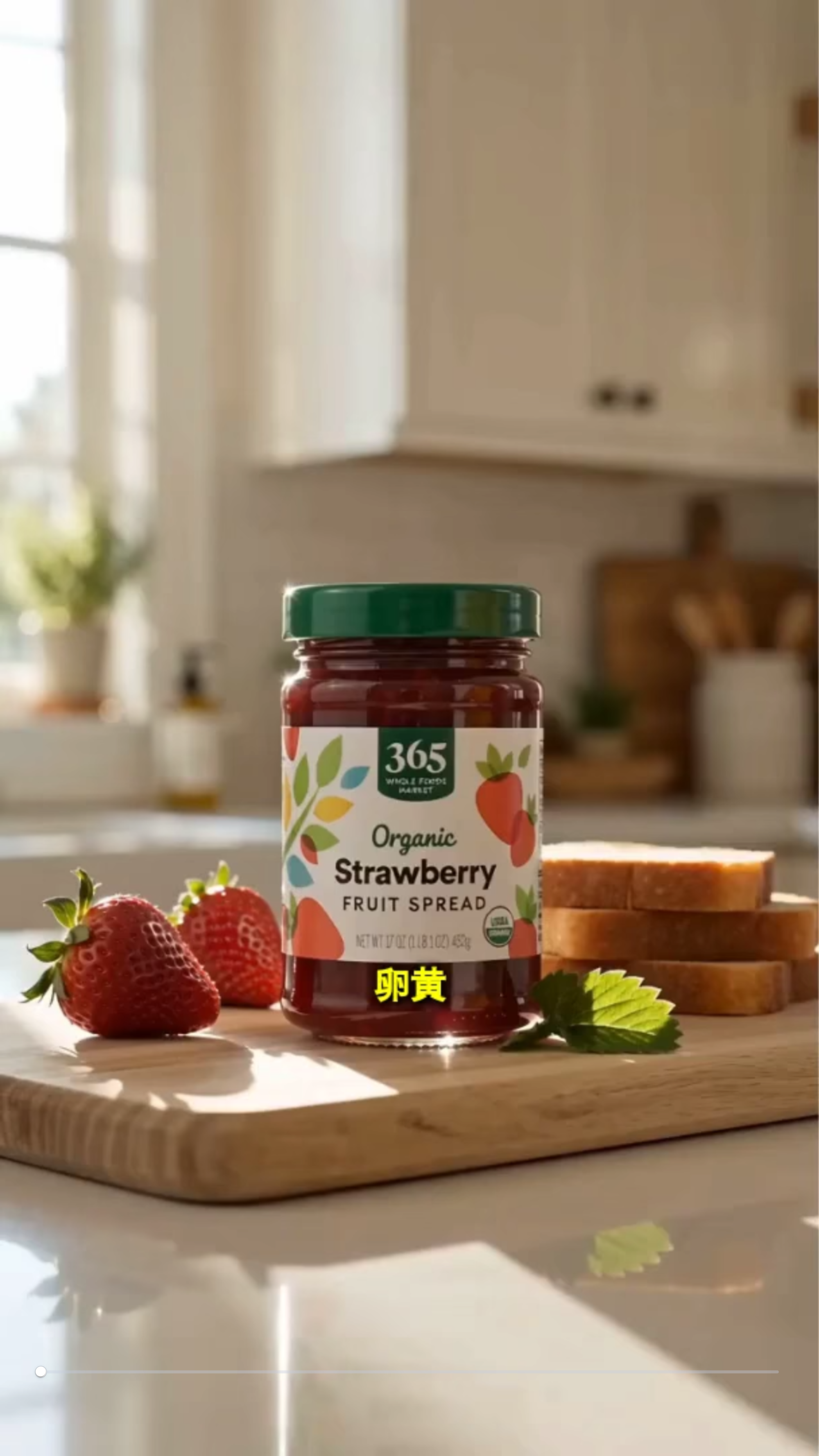
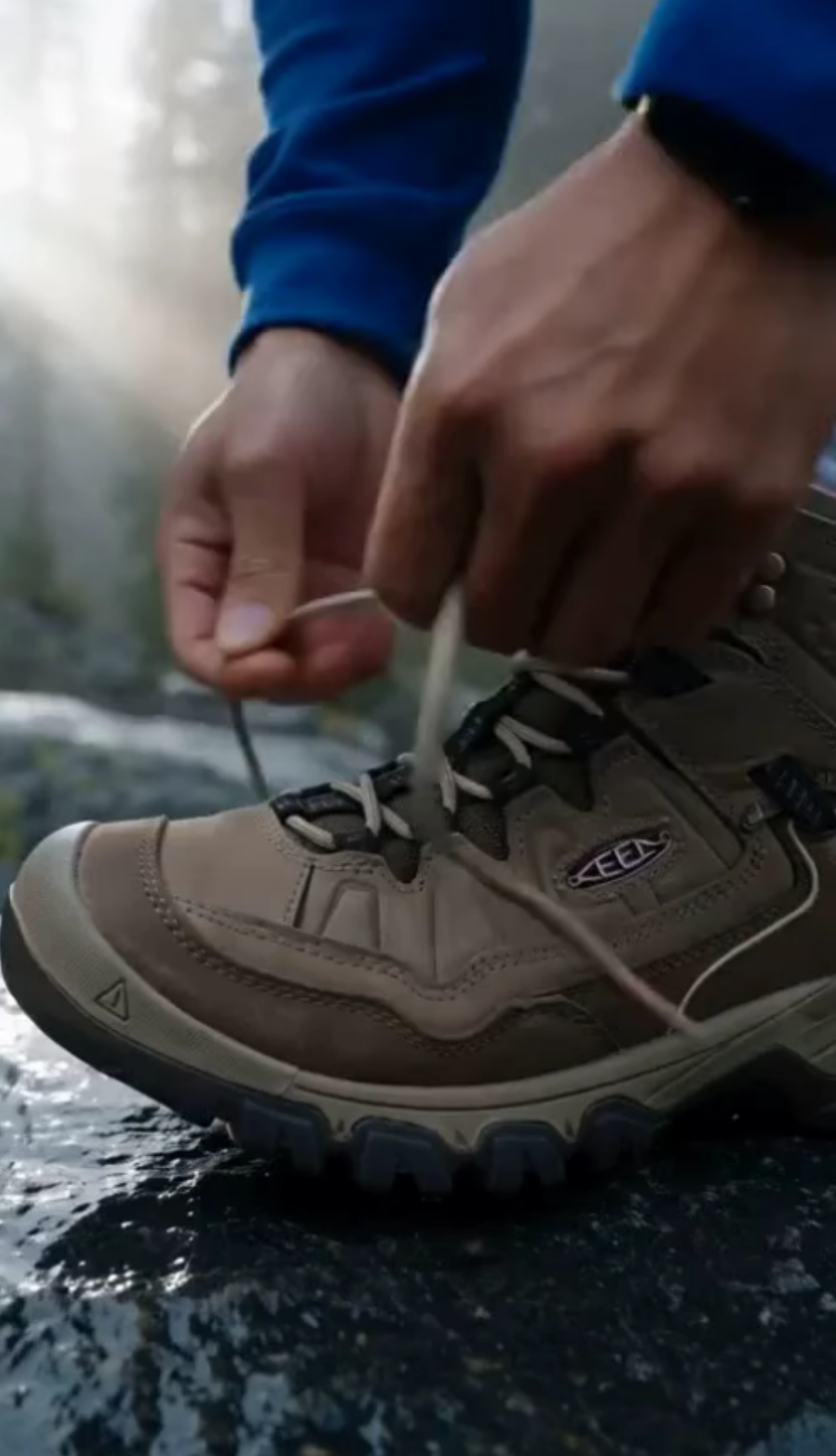
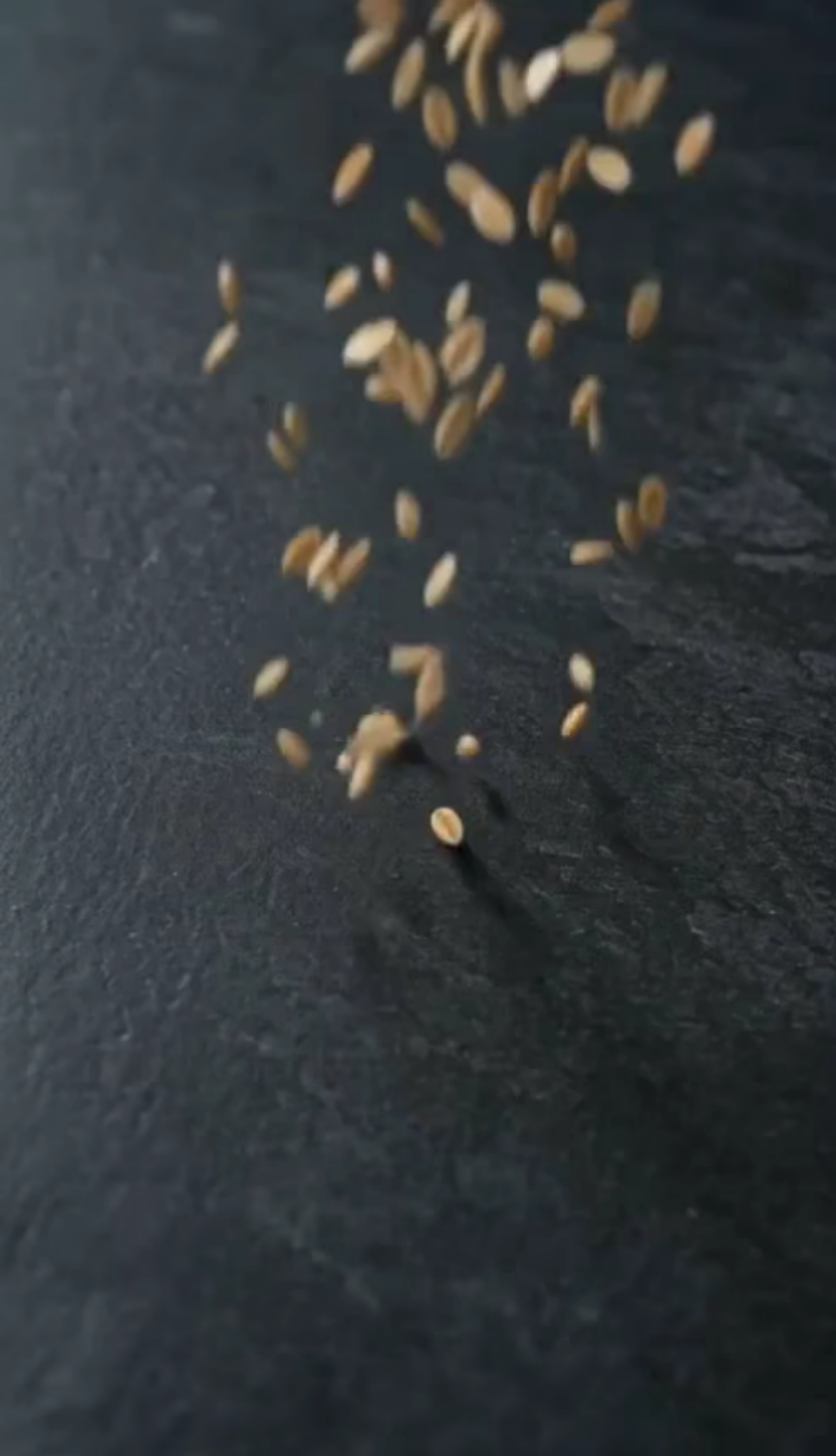

Create Dynamic Animated Videos from Photos with AI Photo to Animate
Template.net AI Photo to Animate uses Seedance 2 by default to transform uploaded photos into engaging animated videos. Upload a photo, enter a text prompt describing the desired movement, and generate dynamic scenes with natural motion, camera effects, atmospheric details, and visual enhancements. Create animated portraits, artwork animations, cinematic photographs, social media visuals, marketing assets, and storytelling scenes with multiple AI models available for different creative directions. Explore related tools such as the AI Video Generator and AI Video Editing tools to extend your visual content workflow. Create professional animated videos across desktop, tablet, and mobile devices with plans starting at just $12 monthly.
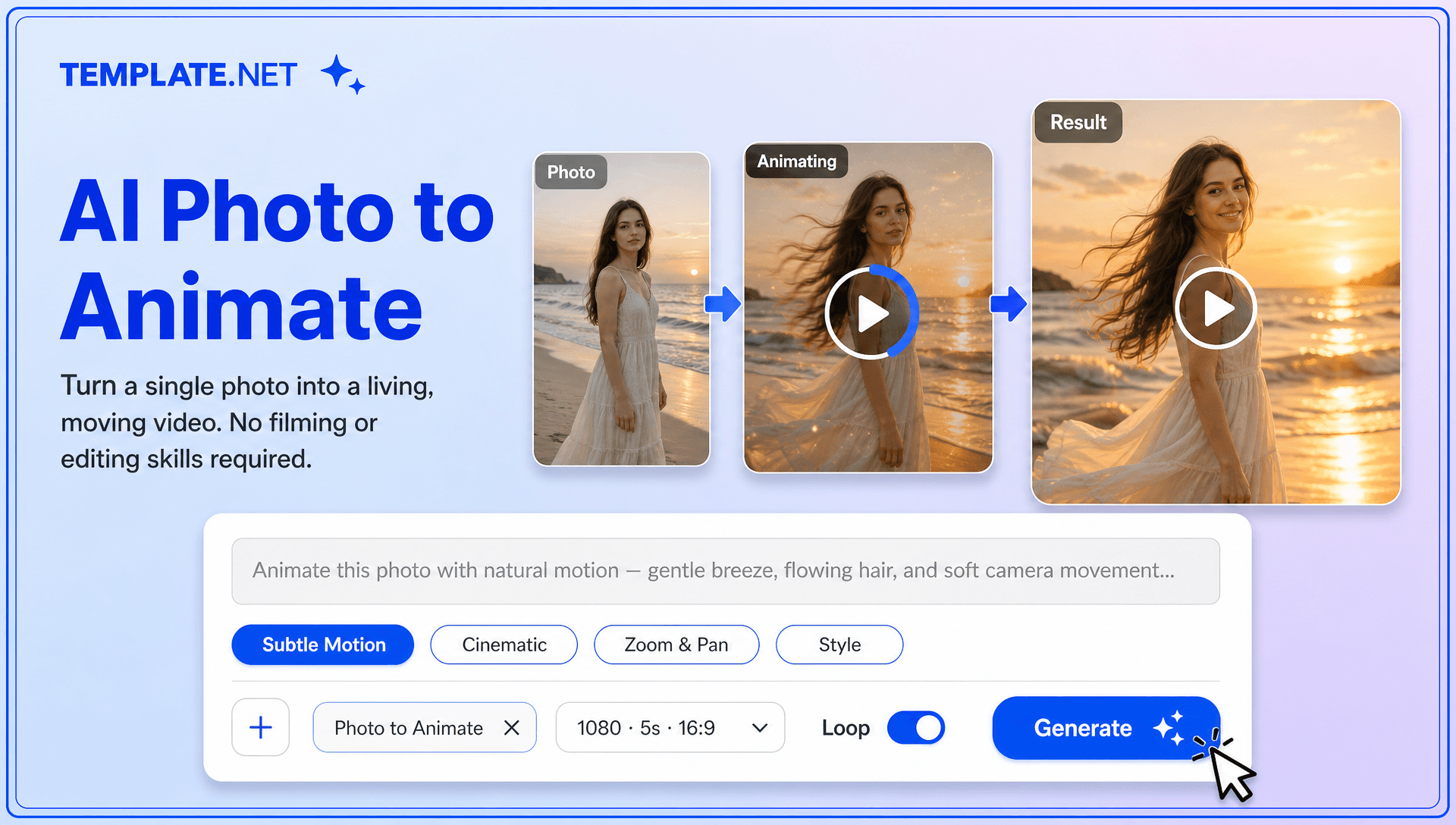
Bring Static Photos to Life with Intelligent AI Animation
Everything you need to turn still images into engaging animated videos with intelligent AI assistance.
AI-Powered Photo Animation
Upload a photo and describe the movement you want with a text prompt. AI analyzes your image and generates dynamic motion based on your creative direction.
Image to Video Transformation
Convert photographs, portraits, illustrations, artwork, product images, and other still visuals into short animated videos with AI-generated movement.
Prompt Based Motion Direction
Describe exactly how you want your image to move. Add directions for subject movement, environmental motion, camera behavior, lighting, atmosphere, or animation style.
Natural Motion Generation
Create smooth motion that makes static images feel more alive while preserving the main subject, composition, and visual identity of the source photo.
Cinematic Camera Movement
Add camera movements such as slow zooms, push-ins, pull-outs, pans, tracking effects, and subtle perspective changes to create greater depth and visual storytelling.
Atmospheric Scene Animation
Add motion to clouds, water, smoke, light, particles, fabric, foliage, weather, and other environmental elements to create richer animated scenes.
AI Portrait Animation
Bring portraits and selfies to life with subtle facial movement, natural expressions, hair motion, clothing movement, and cinematic camera effects.
Artwork and Illustration Animation
Animate digital artwork, paintings, sketches, concept art, and illustrations while maintaining the visual character and overall style of the original image.
Background and Environment Motion
Create movement within static environments by animating backgrounds, landscapes, lighting, weather, water, trees, and other scene elements.
Character Animation from Images
Transform still characters into expressive animated scenes with controlled movement. Related workflows such as Character Animation and AI Character Transfer can support broader character-focused creative projects.
AI Motion Control
Guide how subjects, objects, backgrounds, and cameras should move through detailed prompts. Use motion direction to create more intentional animation instead of generic movement.
Multiple AI Video Models
Generate animations with Seedance 2 as the default model and access multiple AI models for different visual styles, motion behaviors, and creative requirements.
AI Content Creation
Turn existing photos into reusable visual content for social media posts, digital campaigns, presentations, websites, advertisements, storytelling, and creative portfolios. Pair animated images with an AI Content Creation workflow to produce more engaging visual assets.
Flexible Resolution and Duration
Customize the output resolution and video duration according to your project, whether you're creating short social media animations, promotional visuals, cinematic scenes, or presentation content.
Multilingual Support
Create supporting content for international campaigns in 20+ multiple languages, including English, Spanish, French, German, Italian, Portuguese, Hindi, Chinese, Japanese, Korean, Arabic, Turkish, Vietnamese, Thai, Malay, Polish, Dutch, Swedish, and more.
Download or Share Instantly
Download your animated videos in high quality or share them instantly through Email, LinkedIn, WhatsApp, Facebook, X (Twitter), and Pinterest. You can also generate a live link or QR code for collaboration, review, and publishing.
Browser Based Animation Workspace
Create, generate, edit, organize, and manage photo animation projects directly in your browser without relying on complicated desktop animation workflows.
Scale Your Visual Content Production
Create multiple animated variations from different photos for social campaigns, product promotions, creative portfolios, digital storytelling, advertisements, presentations, and recurring content production.
How to Turn a Photo into an Animated Video with AI
Create an animated video from a still photo in a few simple steps.
Step 1 Upload Your Photo and Enter Your Prompt
Upload a clear photo, portrait, artwork, illustration, product image, or other still visual. Then enter a prompt describing how you want the image to move. Specify subject movement, camera direction, environmental effects, atmosphere, or visual style for a more controlled result.
Step 2 Generate and Customize Your Animation
Choose Seedance 2 or another available AI model, then generate your animated video. Review the motion, camera movement, subject consistency, visual effects, aspect ratio, resolution, and duration. Refine your prompt and regenerate when you want to explore another animation direction.
Step 3 Save, Download, or Share
Preview your completed animation and save or download the result when it matches your creative direction. Share it through Email, LinkedIn, WhatsApp, Facebook, X (Twitter), or Pinterest, or generate a live link or QR code for collaboration and publishing.
Turn Everyday Photos into Engaging Moving Stories
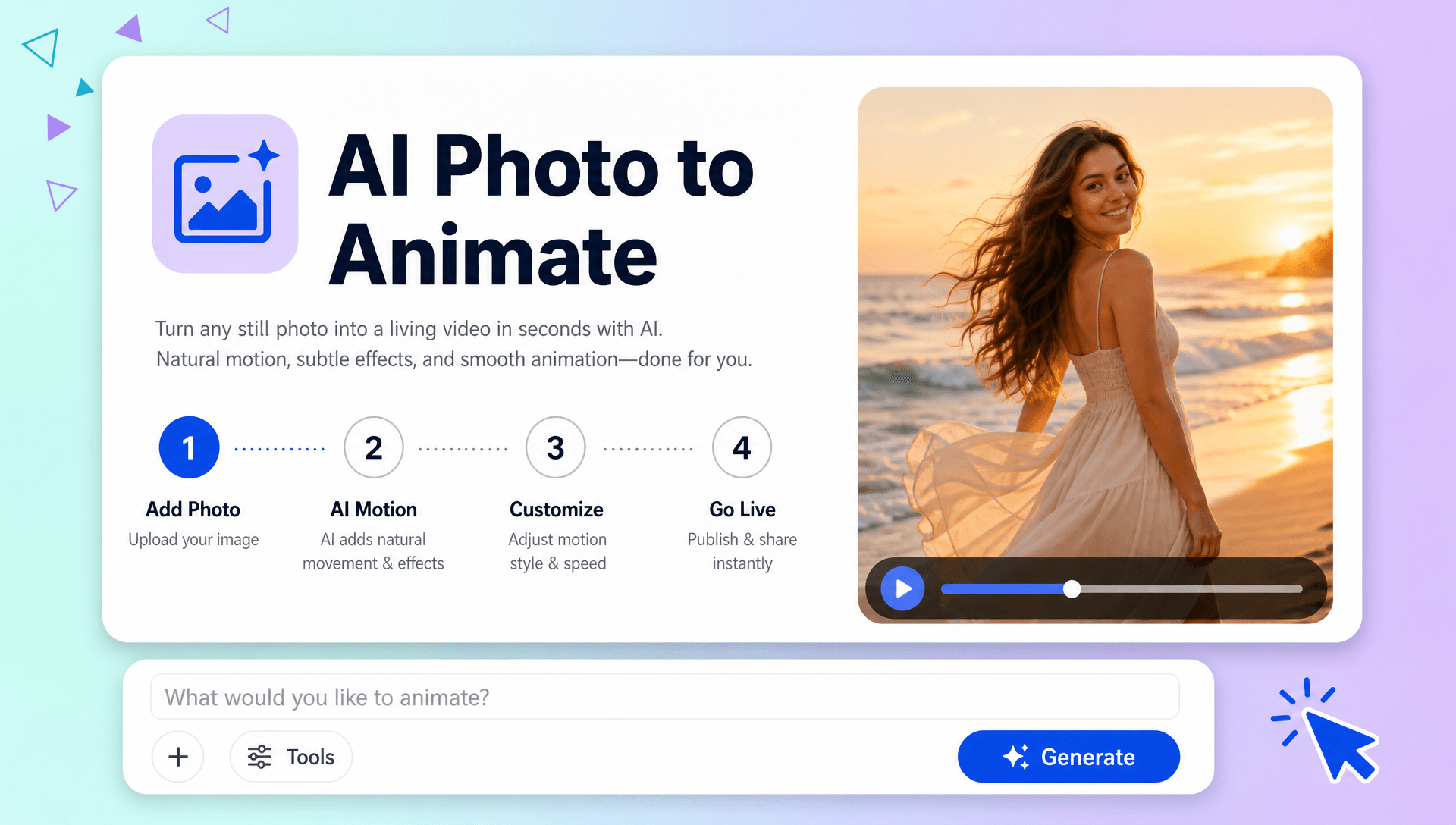
Give Static Images a More Dynamic Presence
Transform ordinary photographs into animated visuals with natural movement, cinematic camera effects, and atmospheric details. Bring portraits, landscapes, artwork, and creative images to life without manually creating animation frames.
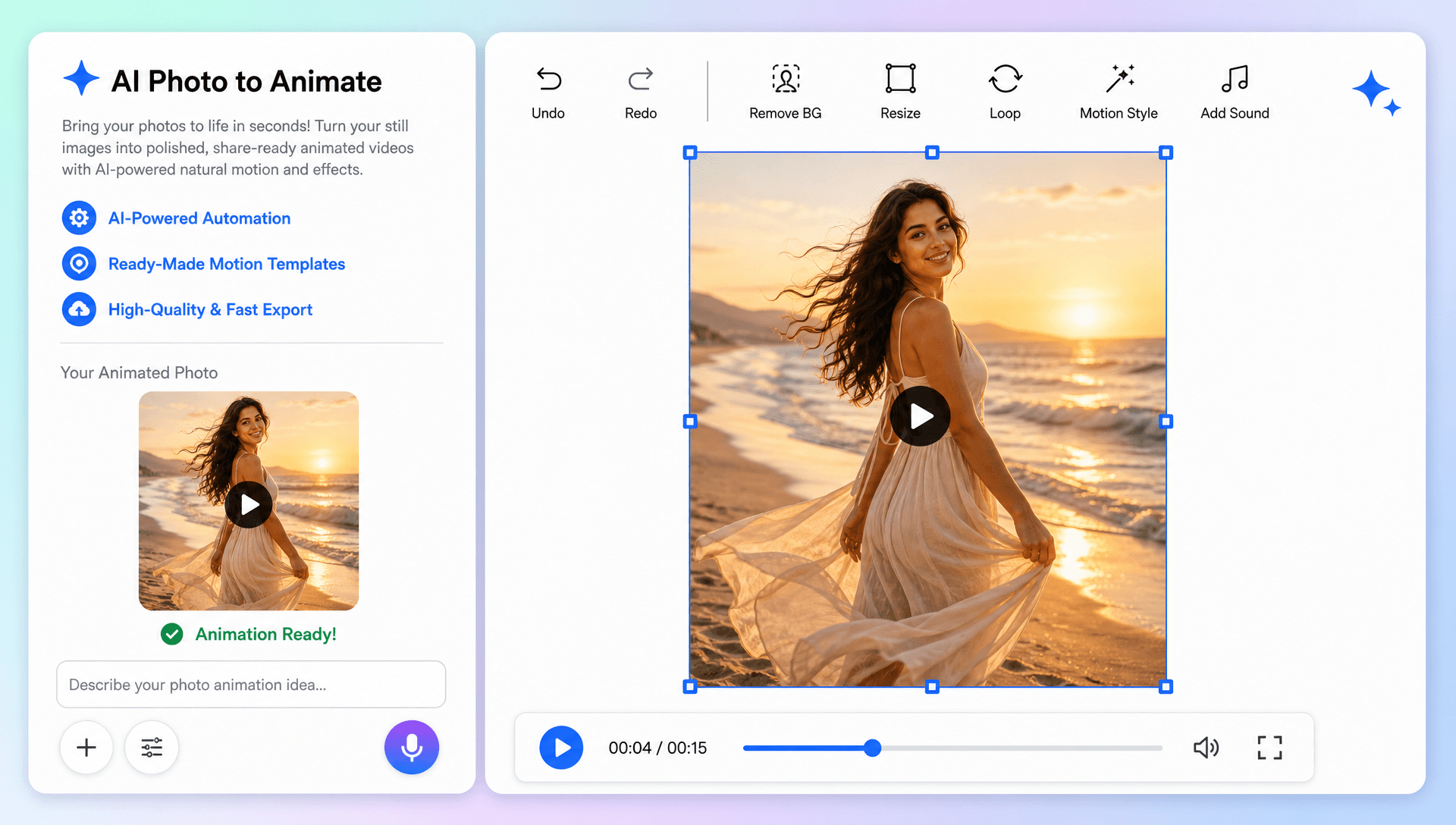
Create More Engaging Social Media Visuals
Turn static photos into attention-grabbing content for Instagram, TikTok, YouTube, Facebook, and other social platforms. Combine photo animation with an AI Video Generator workflow to develop richer short-form visual content.
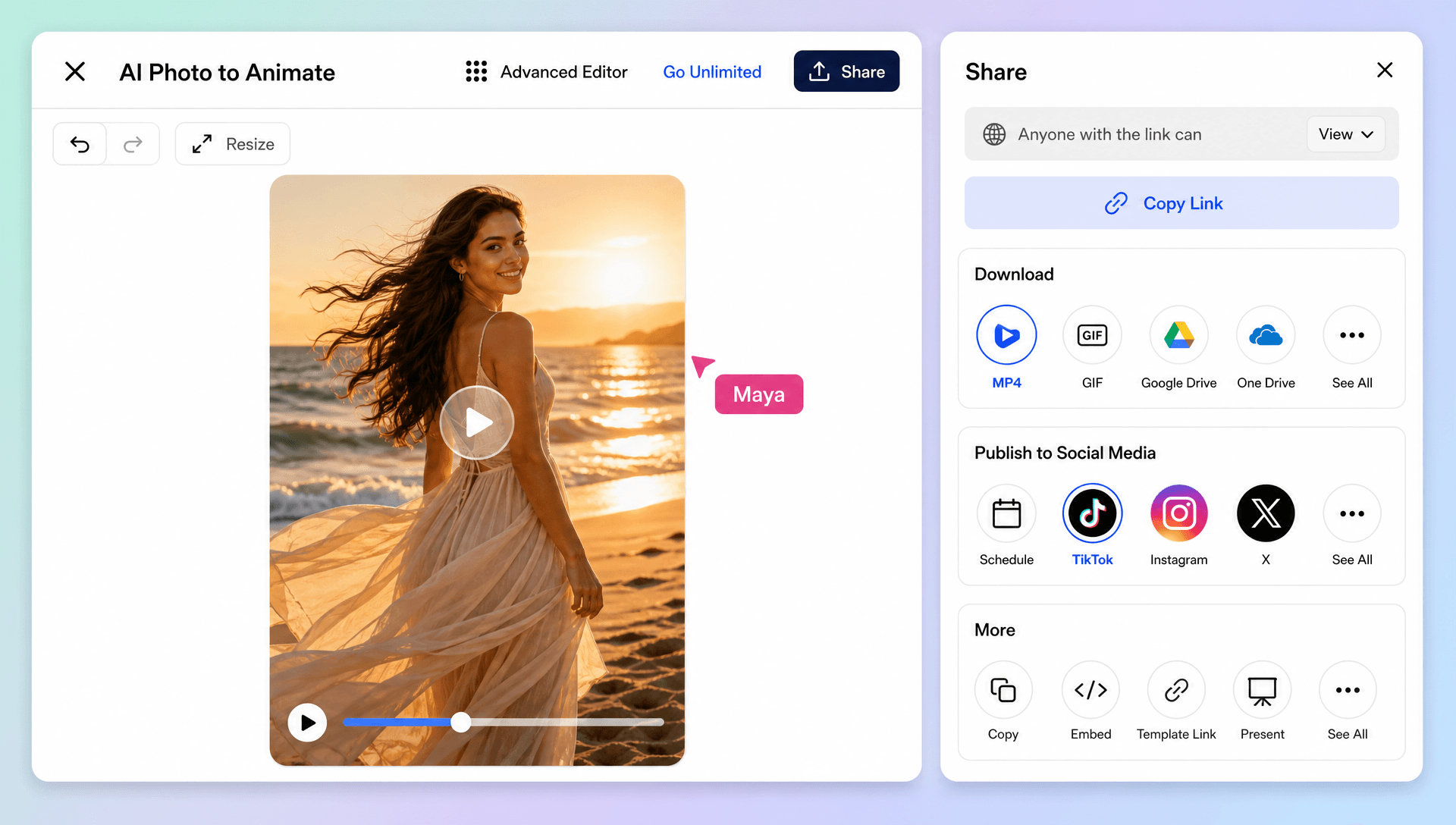
Build Cinematic Visuals from Existing Assets
Reuse photos you already have to create promotional scenes, campaign visuals, storytelling clips, presentations, and creative concepts. Add camera movement, environmental motion, and visual effects to make still assets feel more immersive.
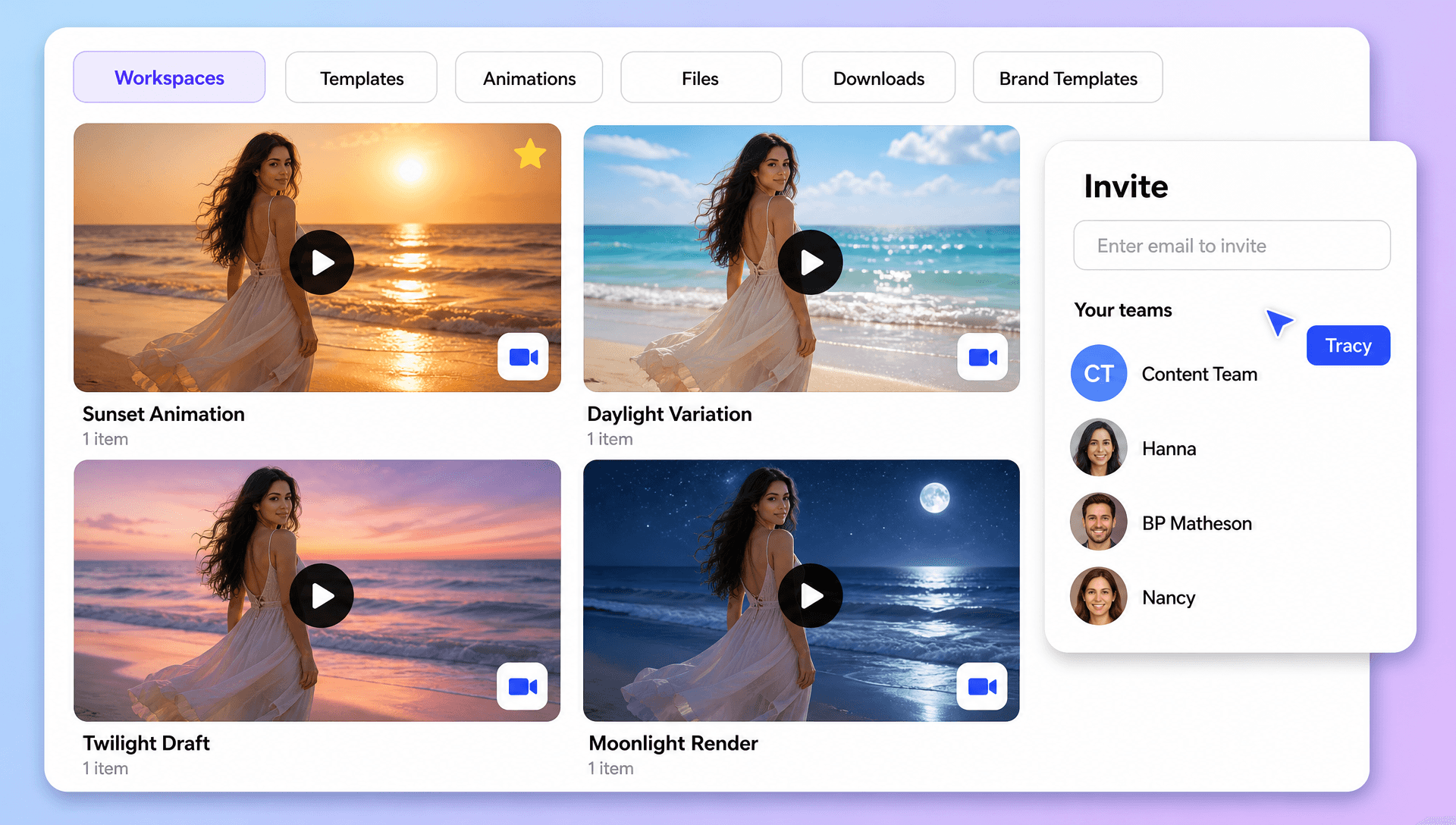
Expand Your Creative Production Workflow
Move from a single uploaded image to a complete AI-powered visual workflow. Use AI Motion Control for movement direction, Character Animation for character-focused scenes, and AI Video Editing for further refinement when your project requires additional video creation.
