AI Reel Generator
more
Create from a Video Reel Template
Pick a proven format. Add your content. AI does the rest
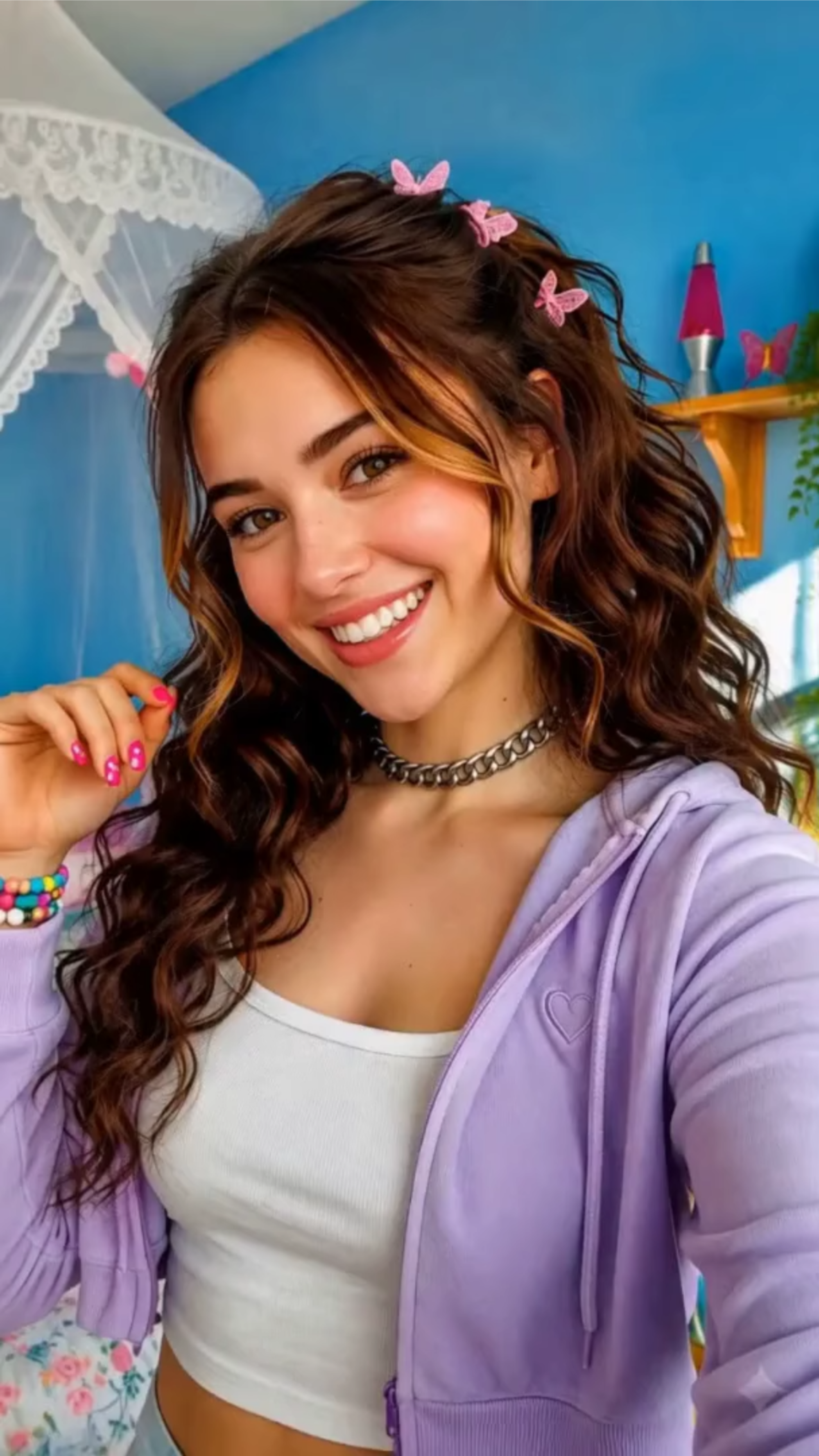
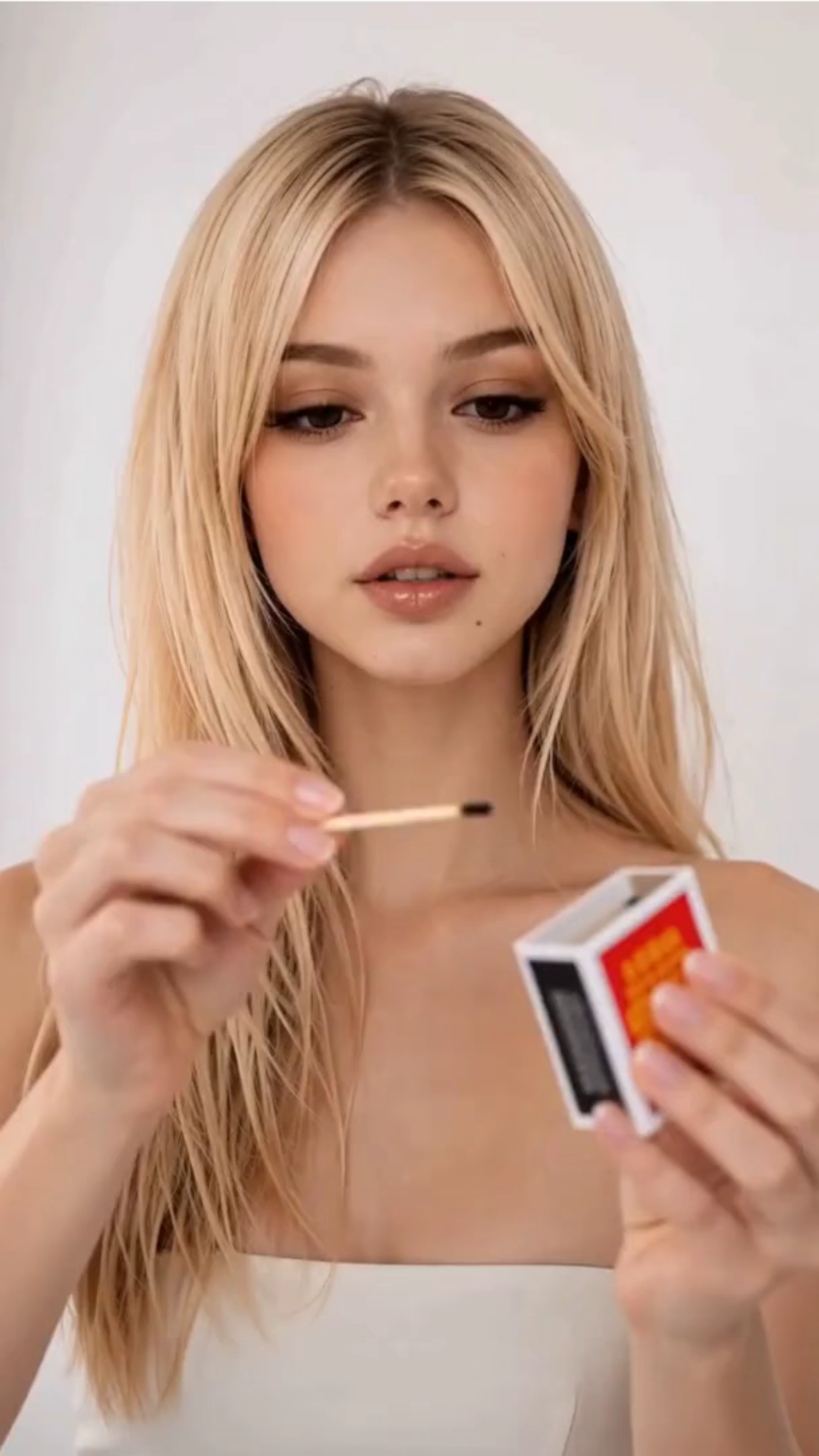
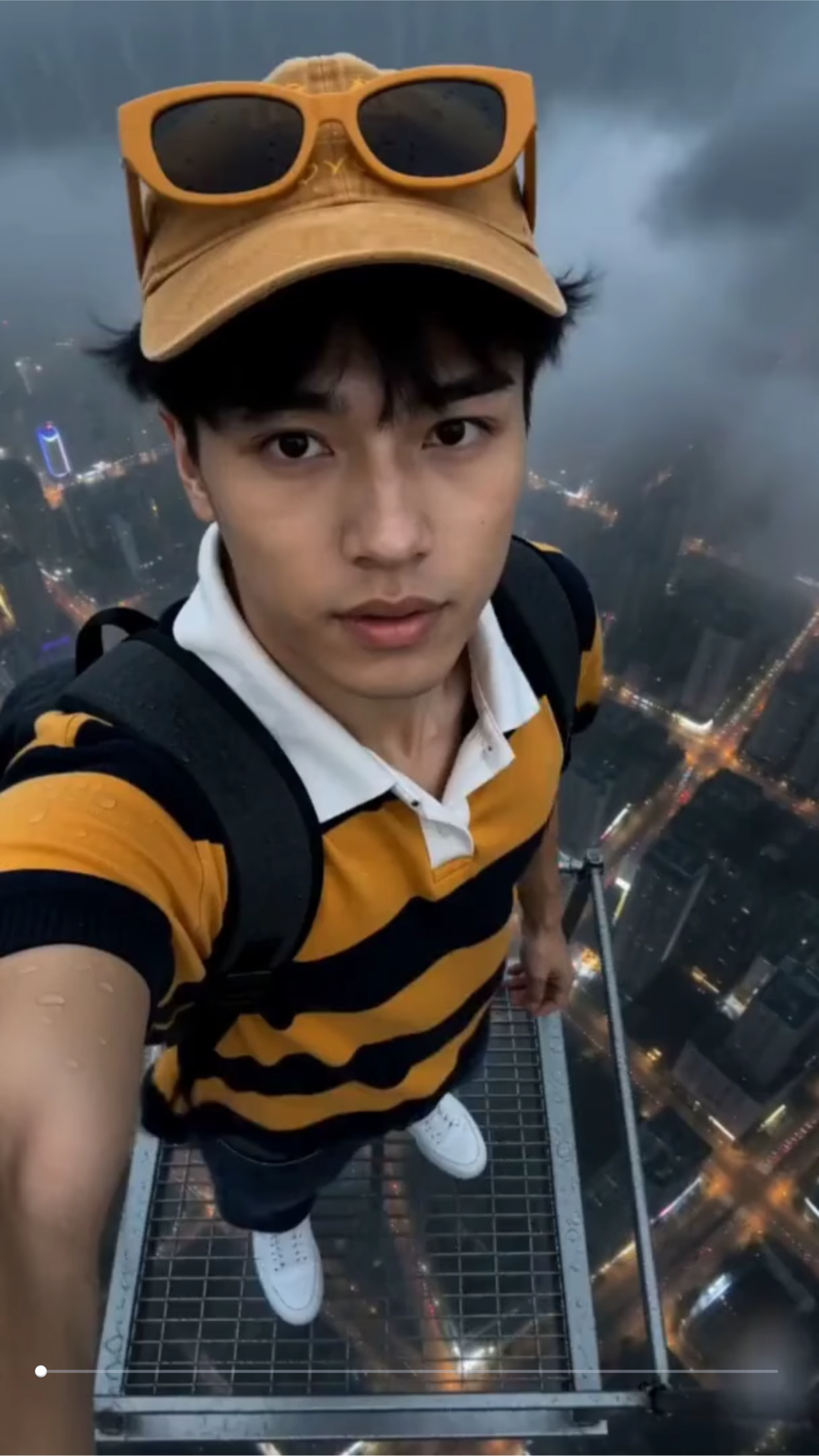
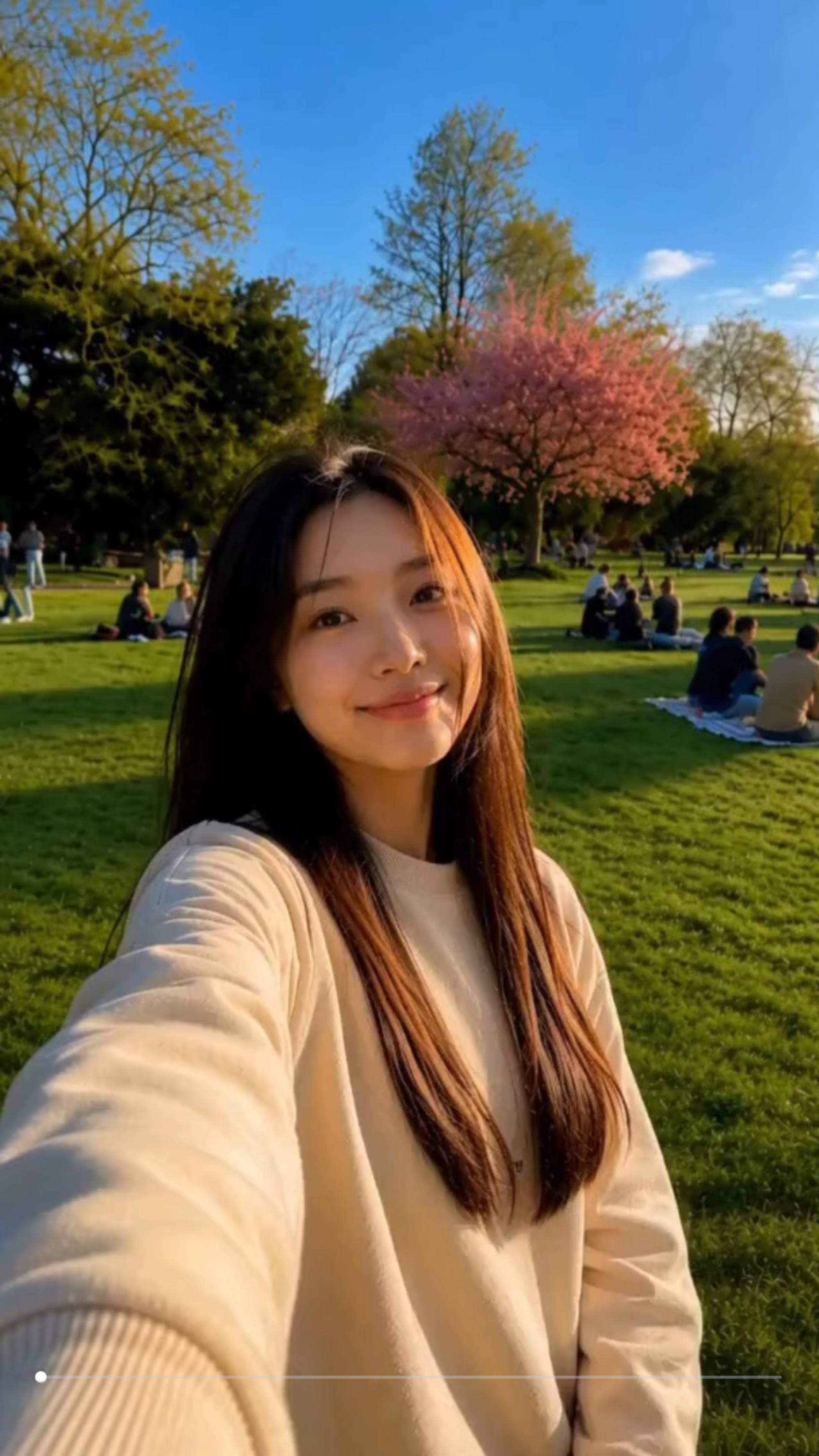
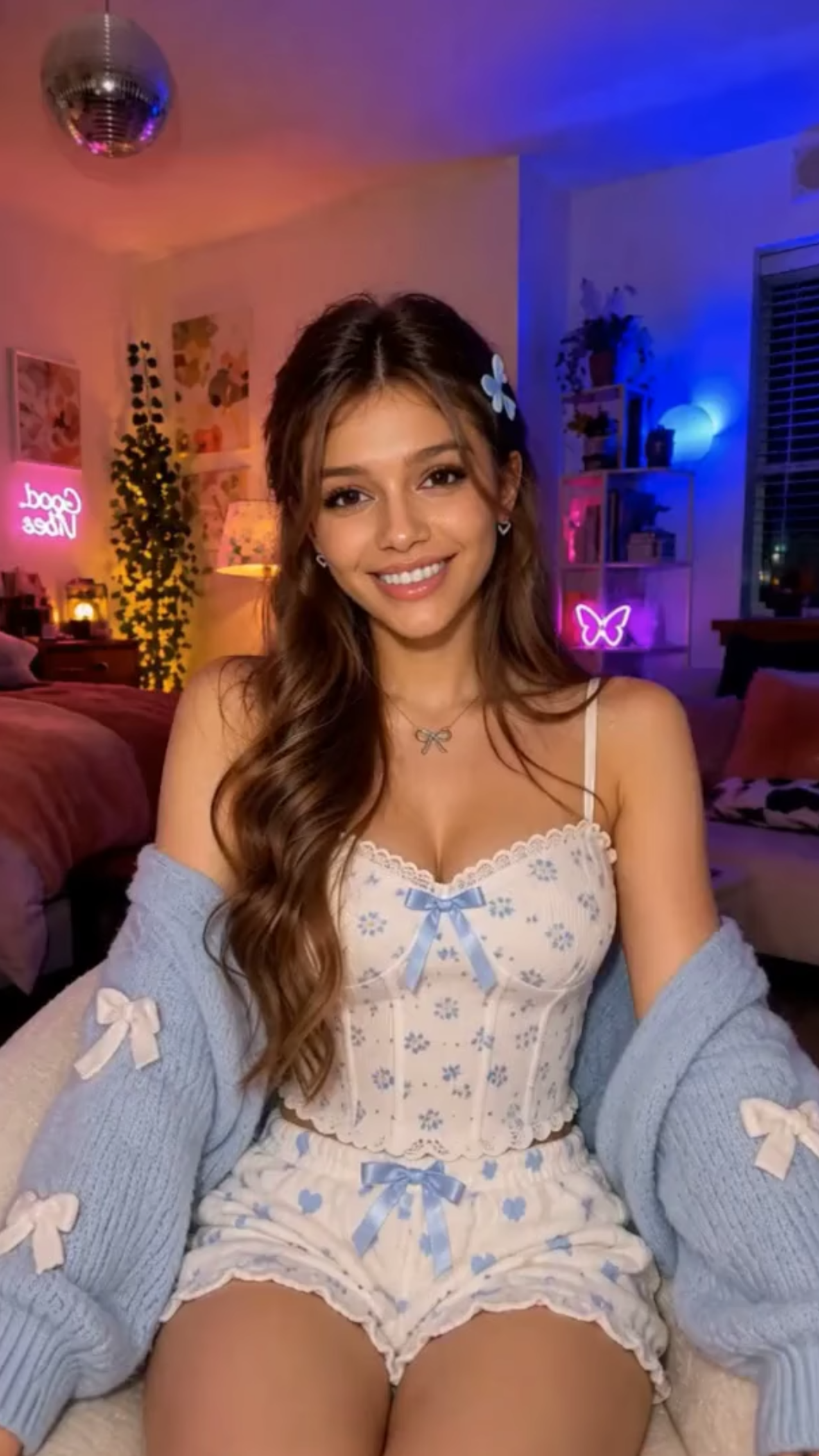
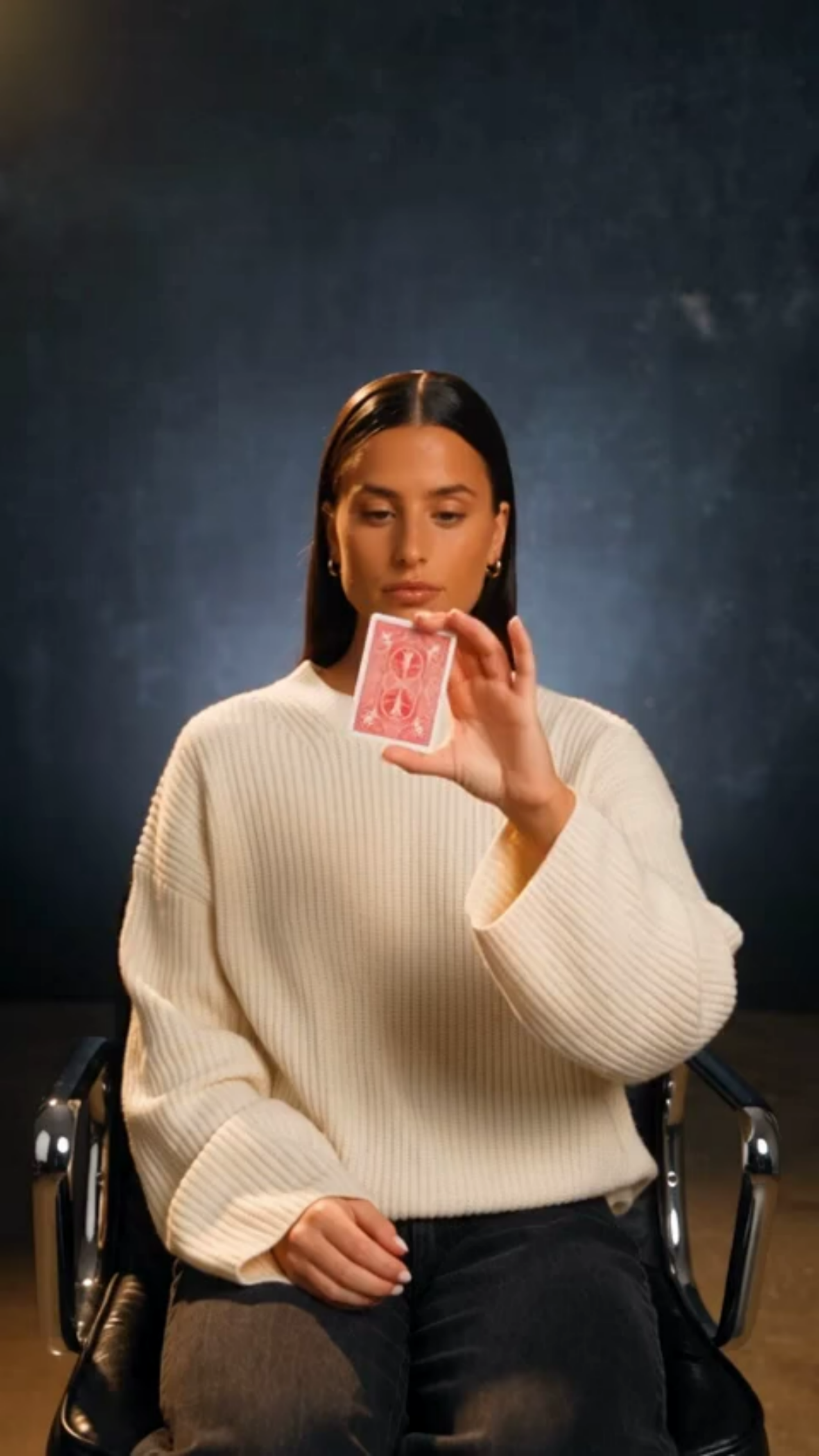
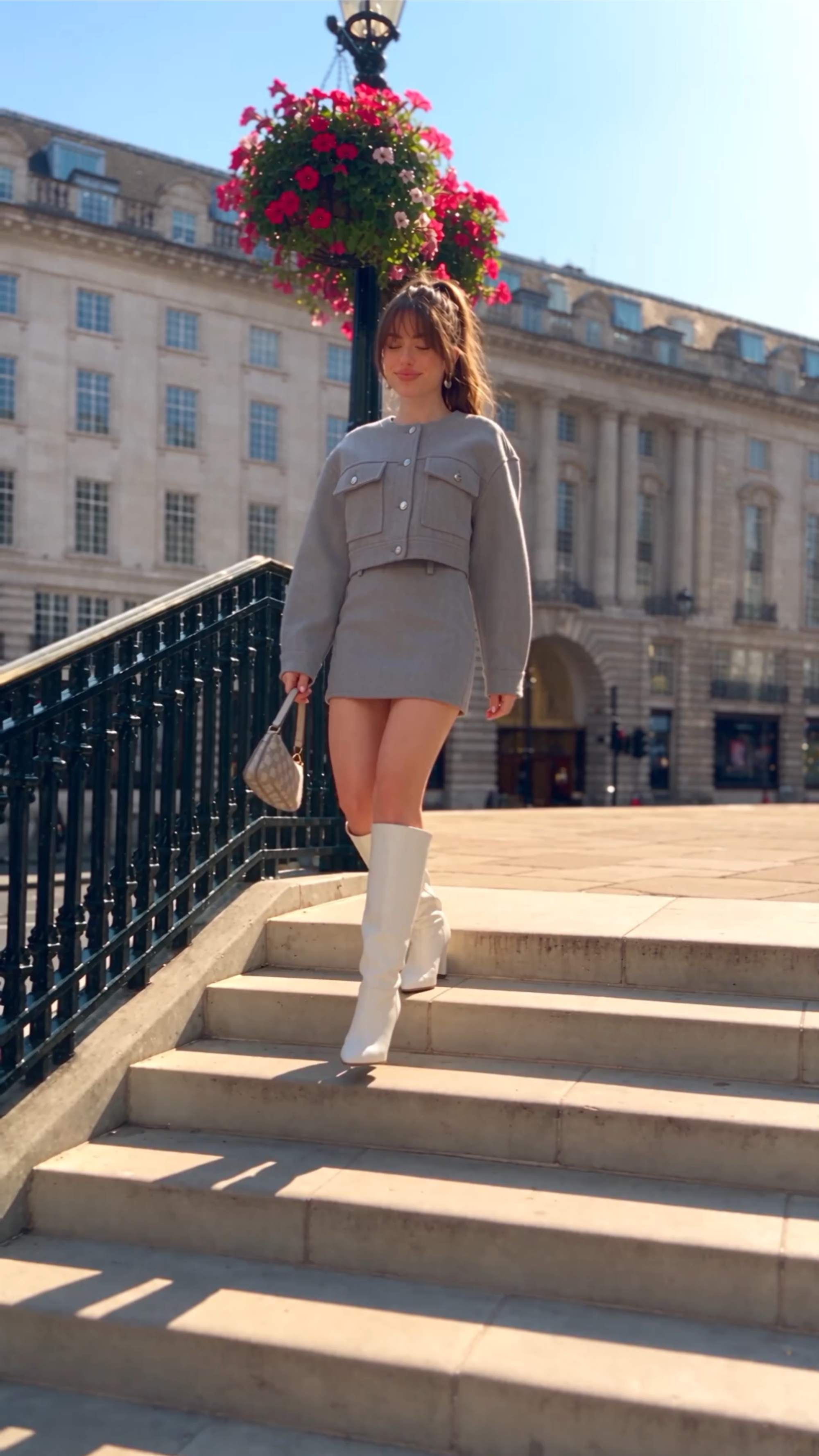


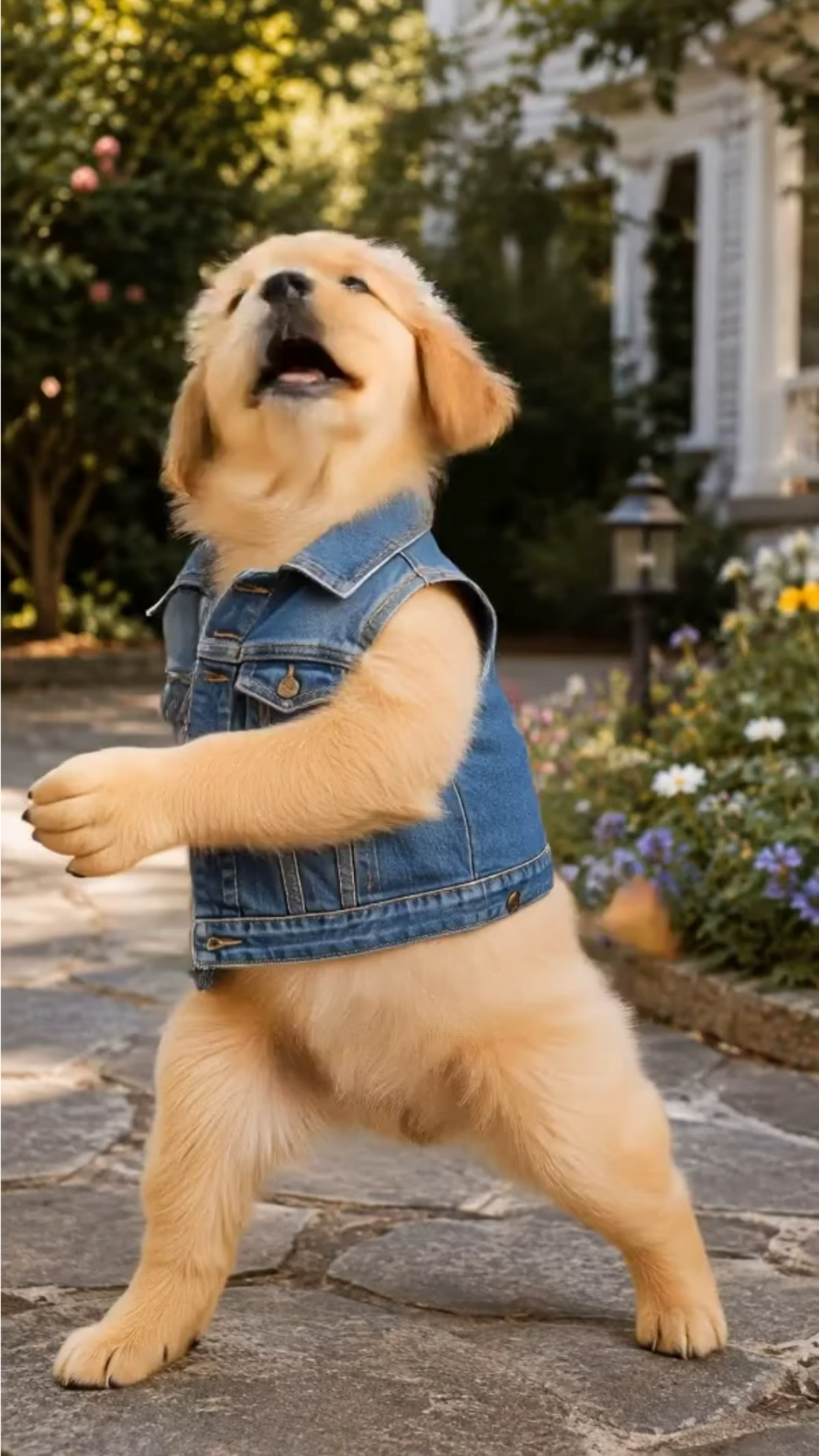
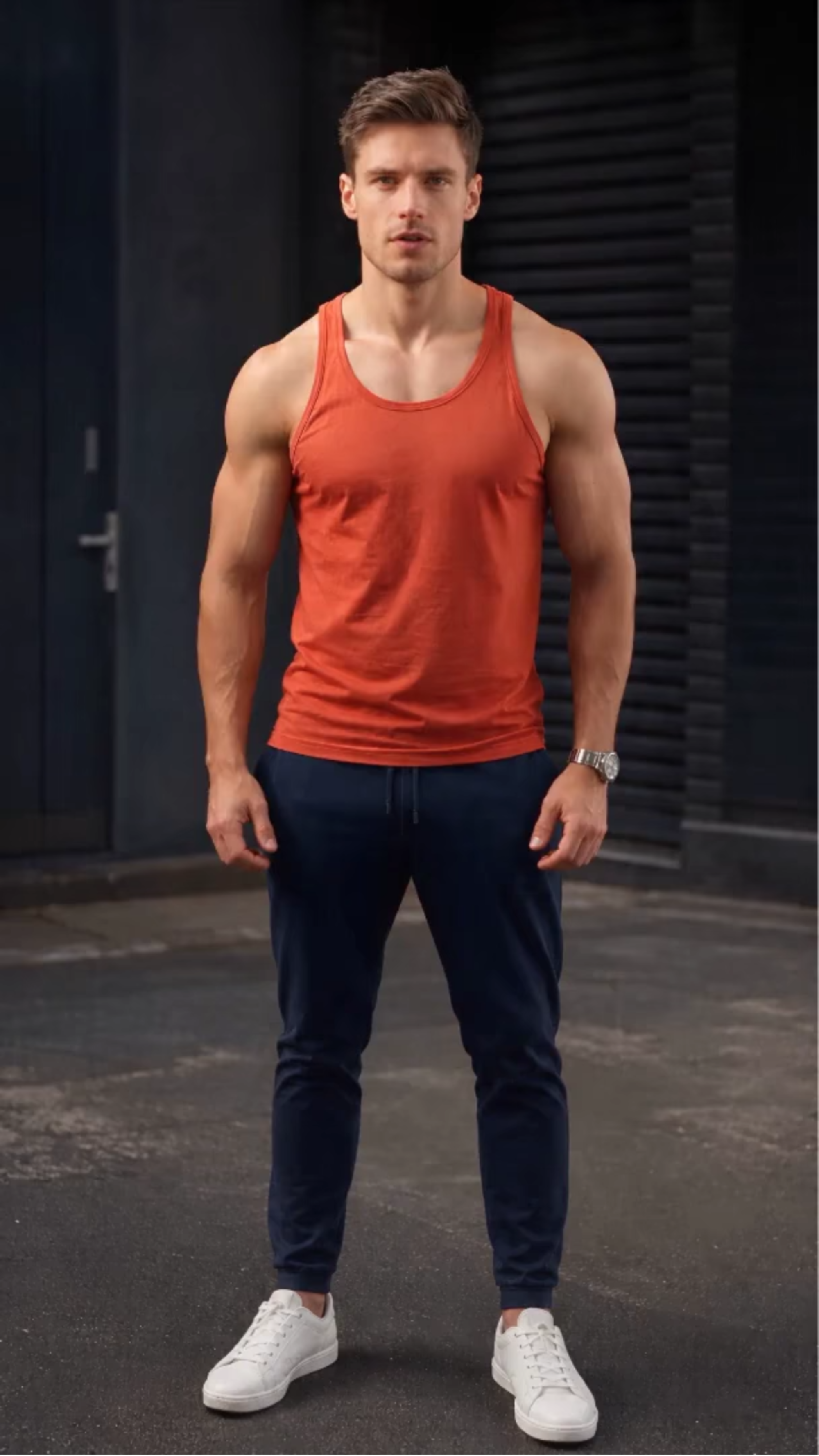
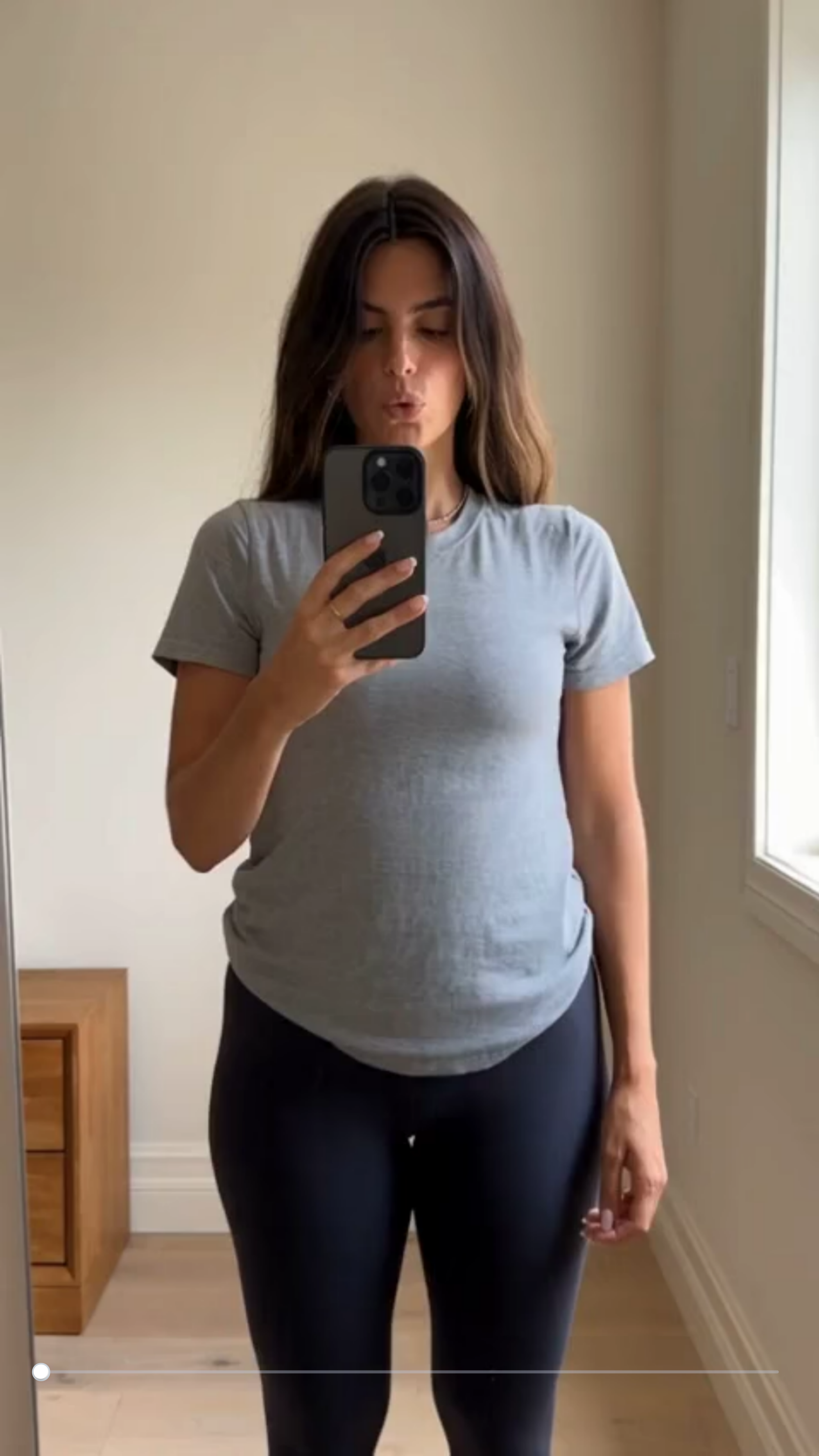
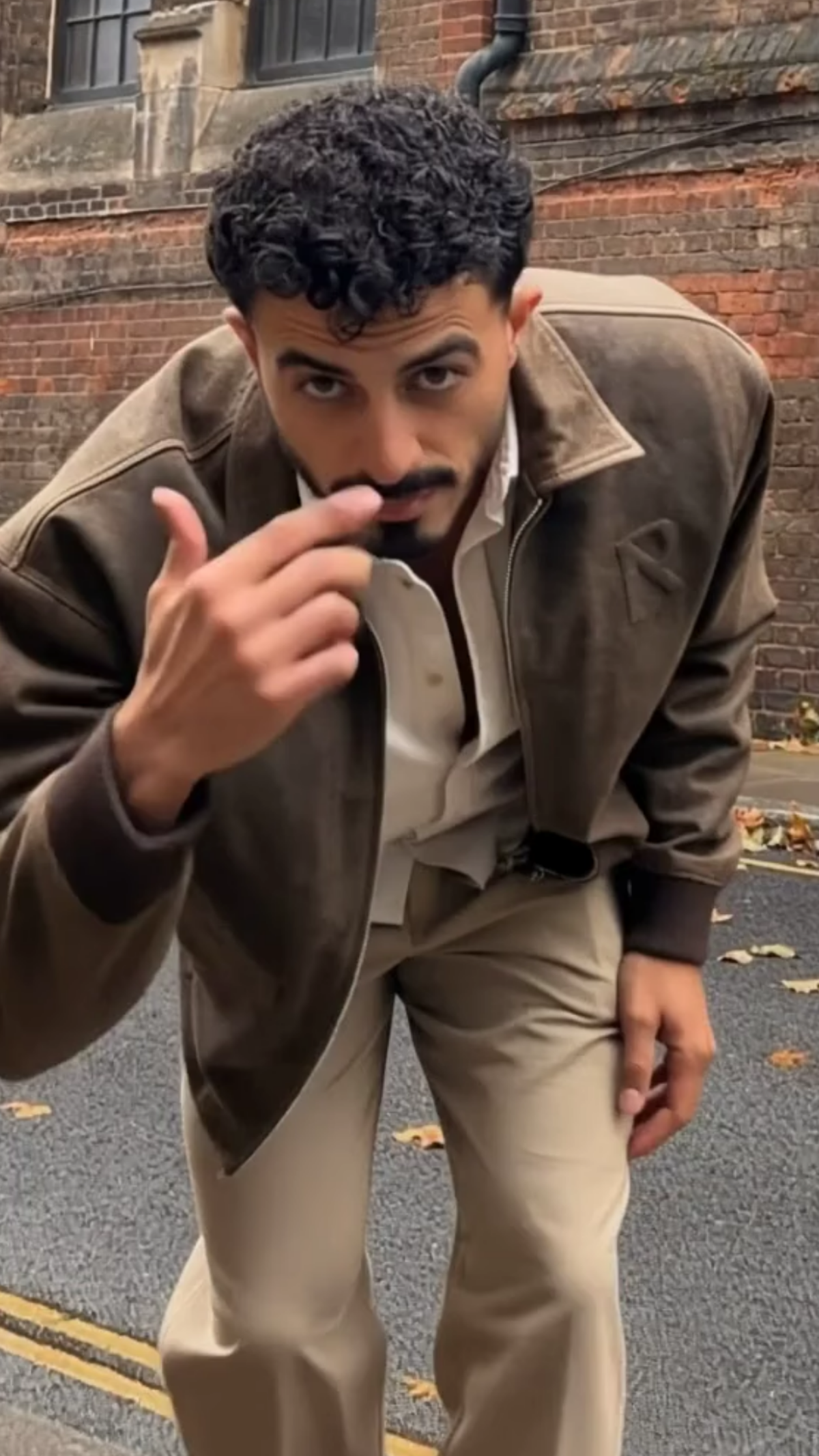
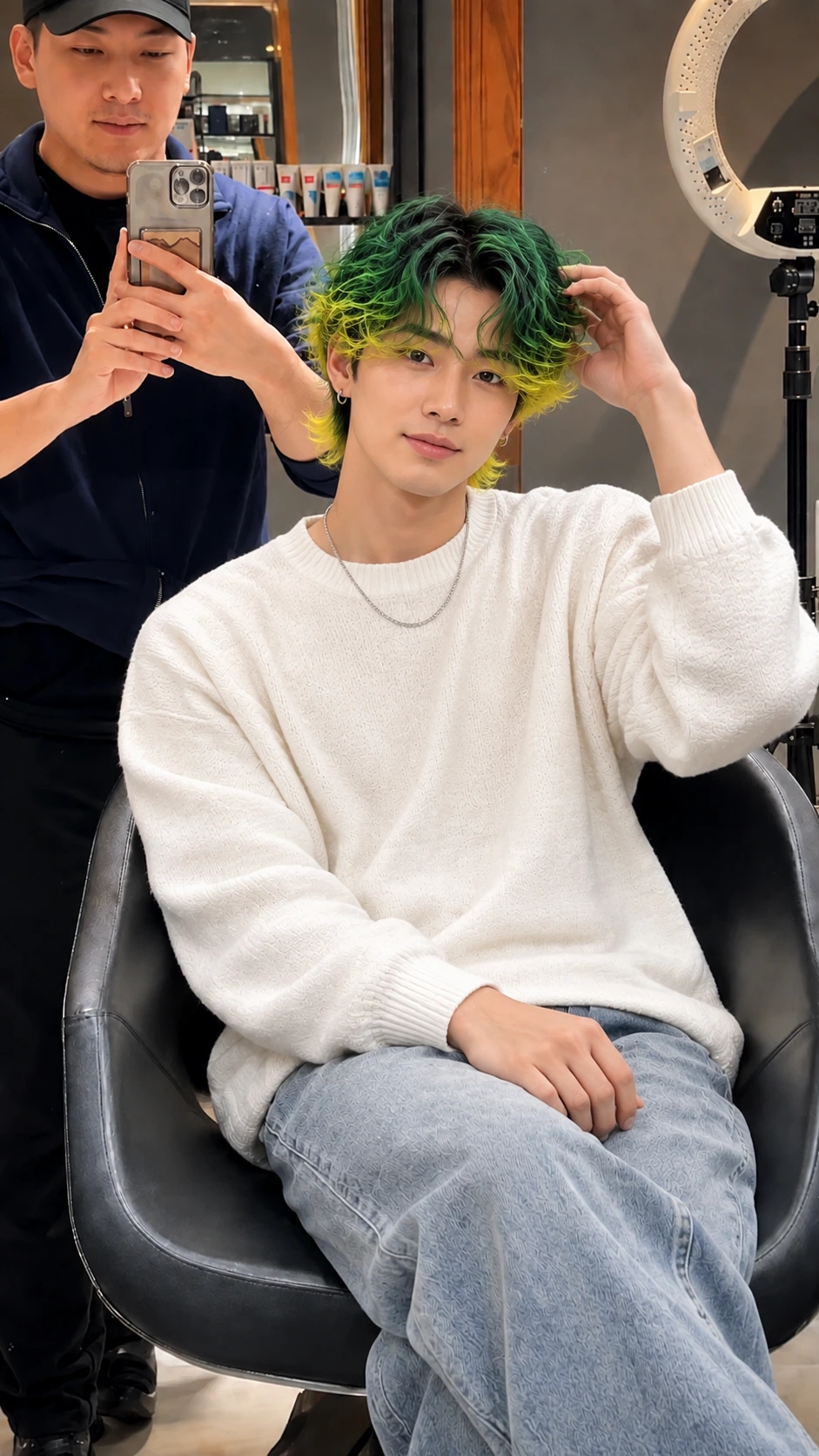
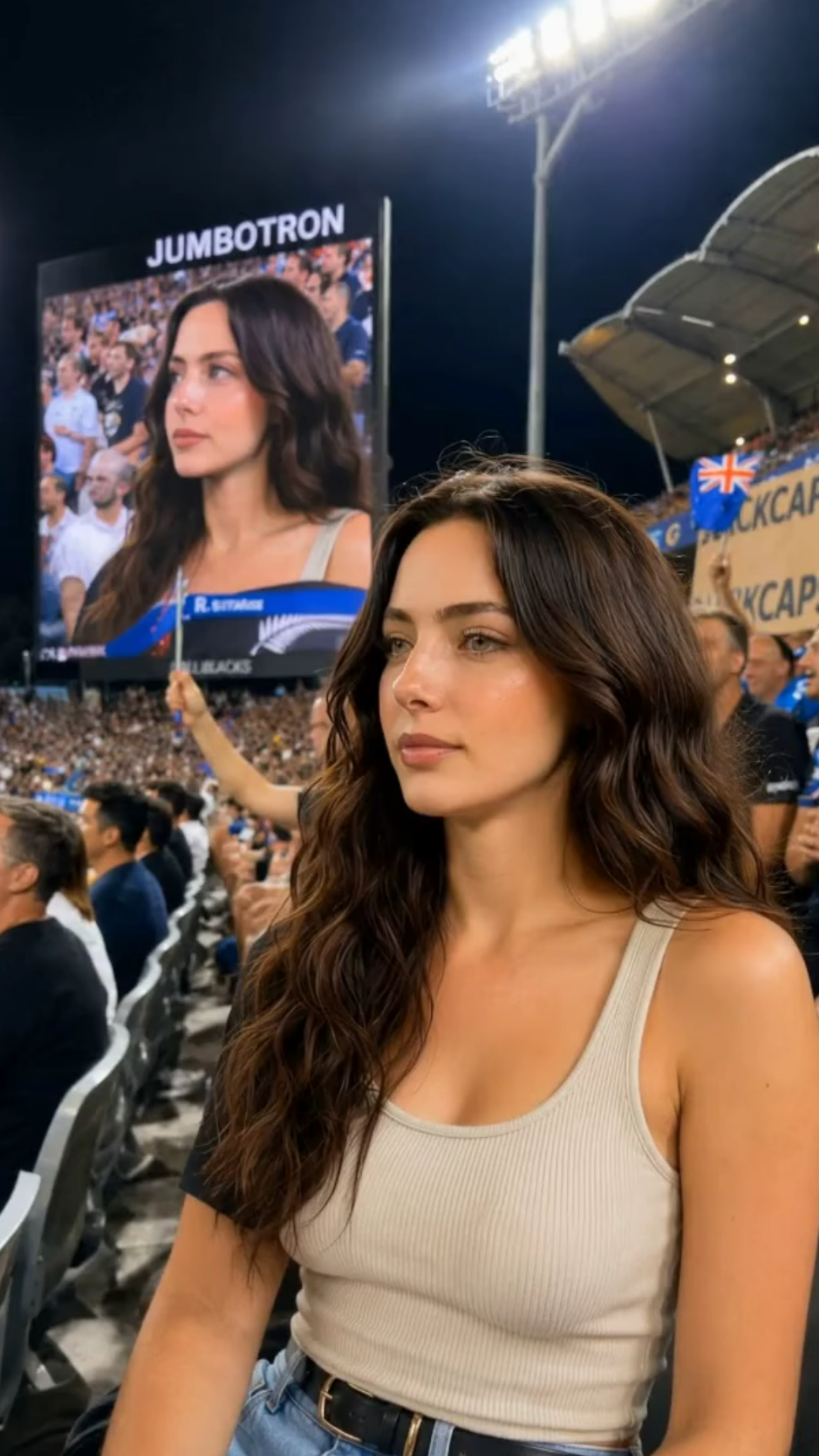
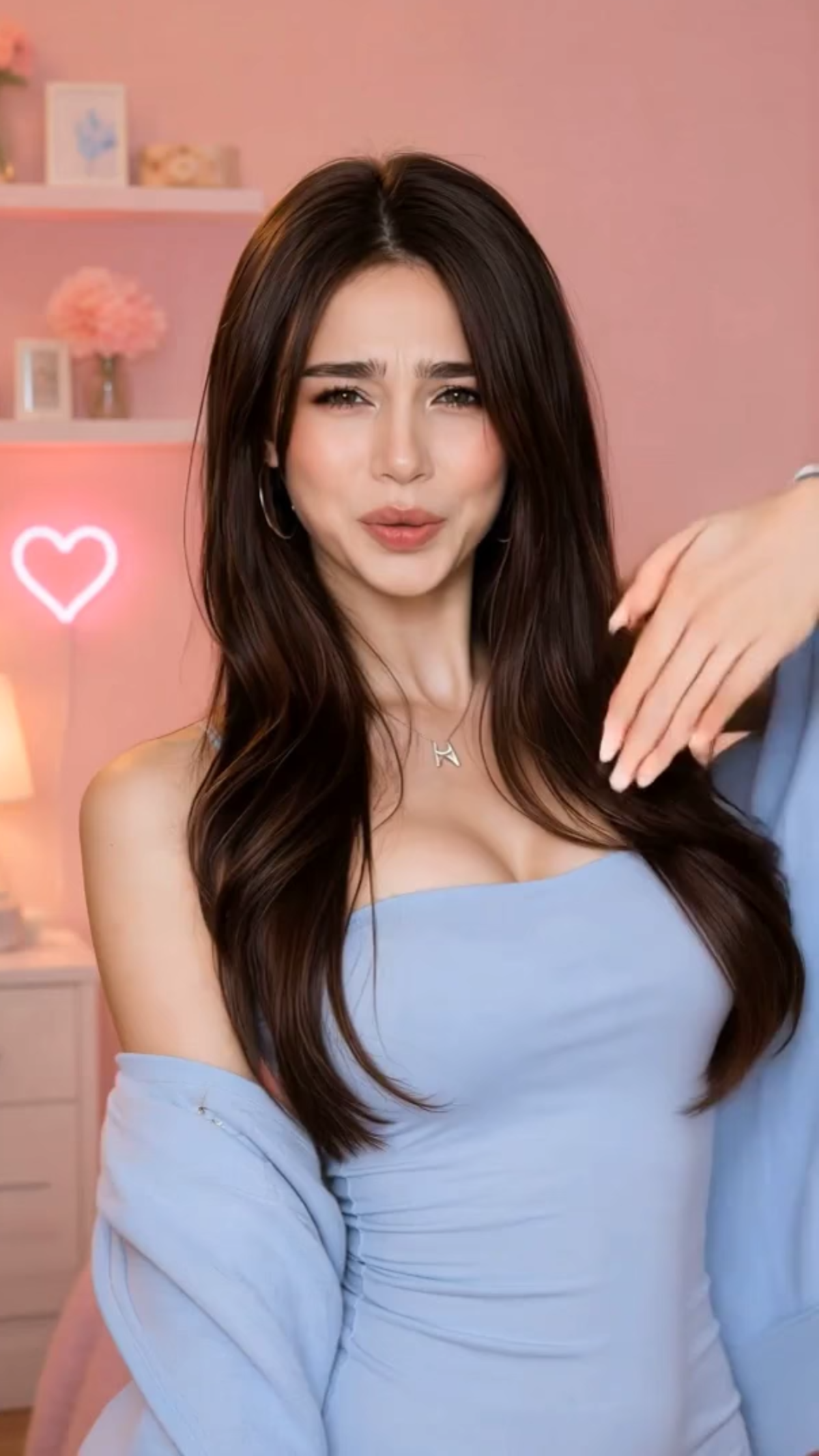
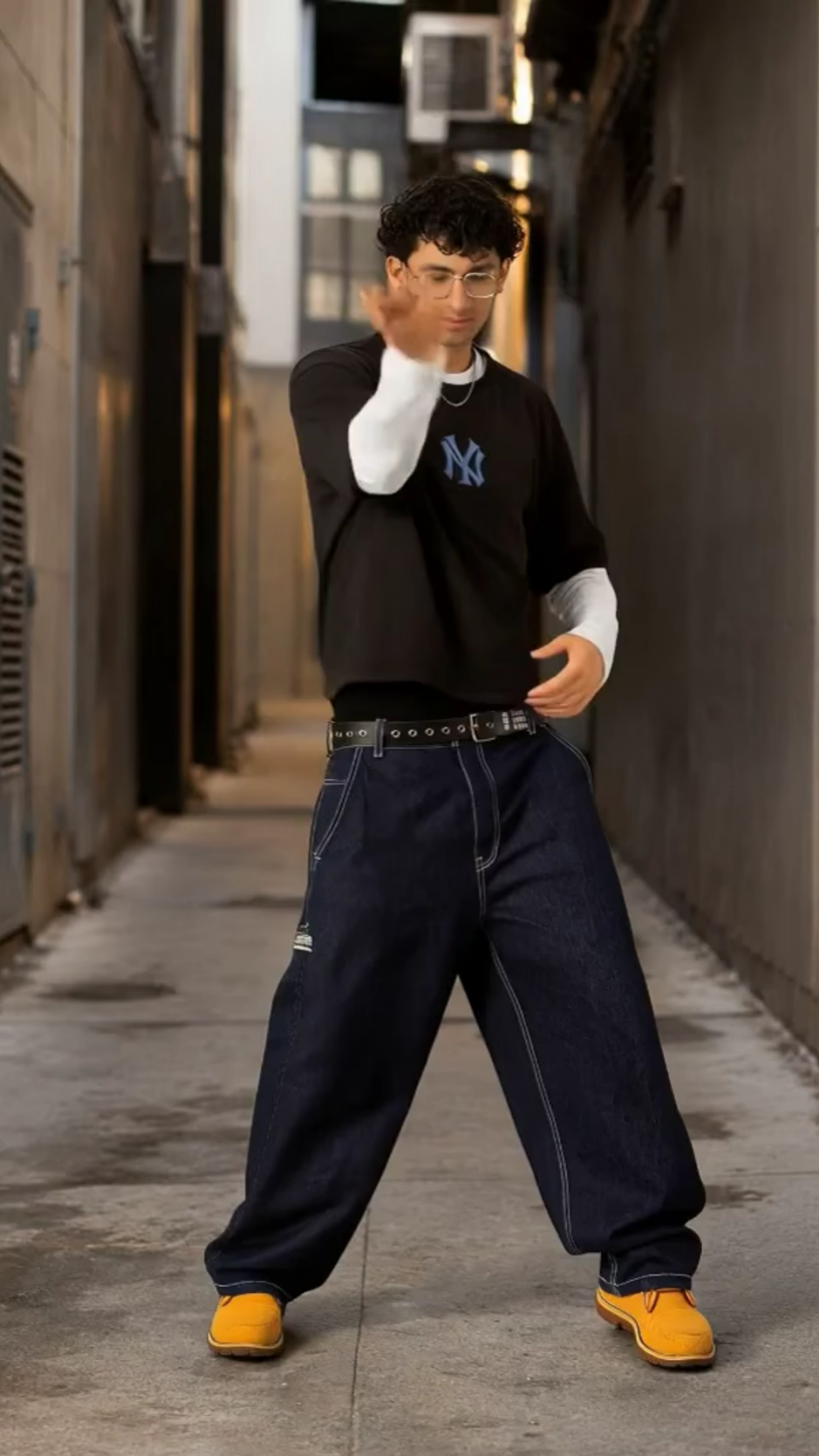
Create Professional Reels Online with AI Reel Generator
Template.net AI Reel Generator transforms uploaded photos, videos, scripts, and other media into engaging short-form videos. Upload your content, enter a text prompt or use voice input, then let AI structure scenes, pacing, captions, voiceovers, music, transitions, and visual elements for your Reel. Create social media videos for Instagram, TikTok, YouTube Shorts, product promotions, educational content, brand campaigns, and digital marketing.
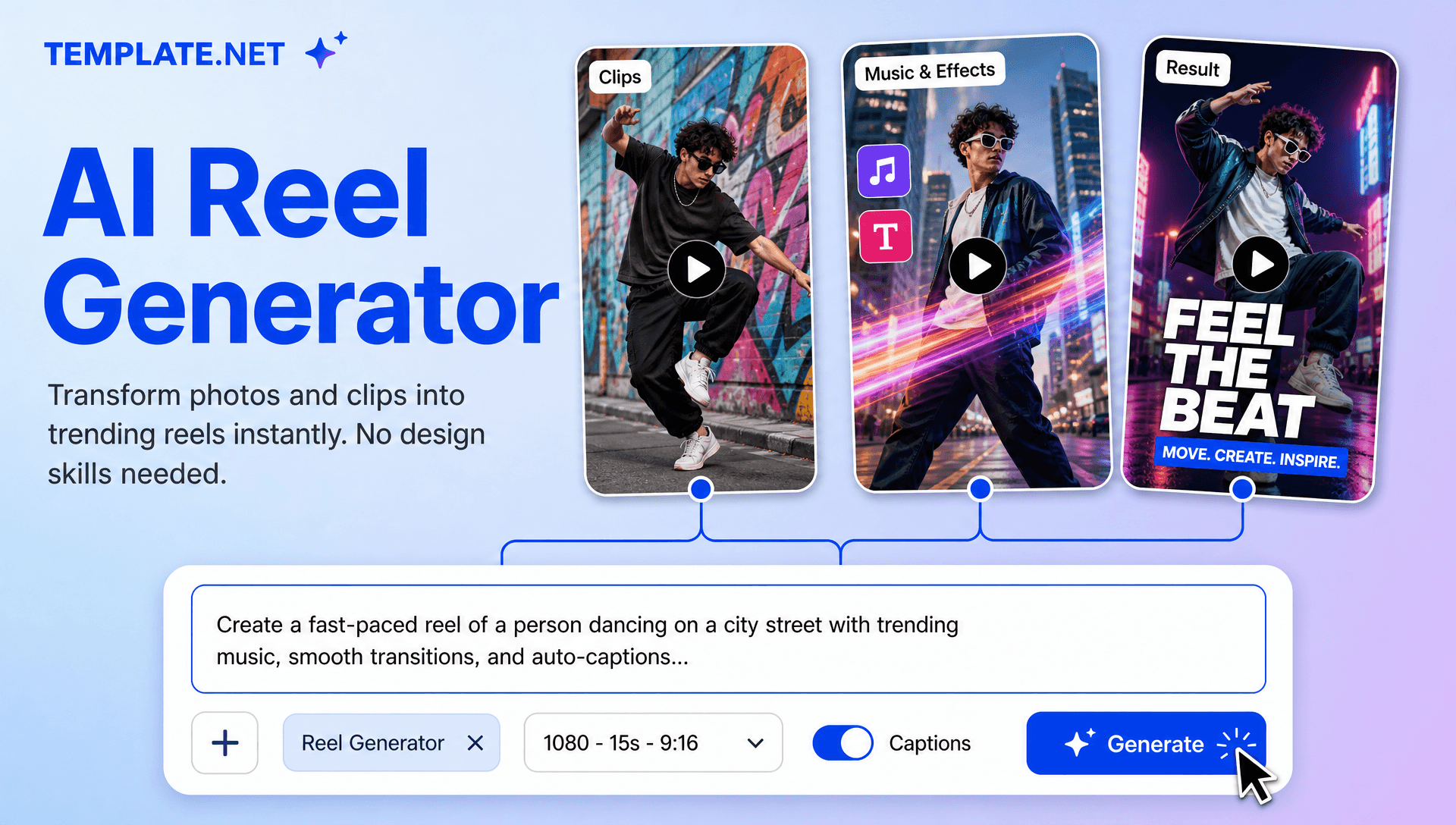
Create Scroll-Stopping Reels for Social Media, Marketing, and Content Creation
Everything you need to create engaging short-form videos faster with intelligent AI assistance.
AI-Powered Reel Generation
Upload photos, videos, or media, enter a text prompt or use voice input, and AI creates structured short-form videos with scenes, pacing, captions, transitions, and engaging visual storytelling.
Upload Photos, Videos, and Media
Upload your existing photos, video clips, product media, travel footage, or other content and transform them into polished Reel concepts without rebuilding your content from scratch.
Prompt-Based Reel Creation
Describe your Reel idea in natural language, including the topic, mood, audience, visual style, duration, message, or call to action, and AI builds the video around your instructions.
Voice-to-Reel Creation
Speak your Reel idea instead of typing it. Use voice input to describe your topic, story, promotional message, or creative direction and turn your instructions into a short-form video.
Smart Reel Storyboarding
AI organizes your uploaded content and prompt into a logical sequence with hooks, scenes, transitions, messaging, and closing moments designed for short-form viewing.
Intelligent Scene Arrangement
Automatically organize clips, photos, text overlays, visual elements, and transitions into a cohesive Reel that maintains a smooth viewing flow.
Automatic Caption Generation
Create synchronized captions and on-screen text that help communicate your message clearly and keep important information visible for viewers watching without sound.
AI Voiceover Creation
Add AI-generated narration to explain topics, introduce products, tell stories, provide tutorials, or create faceless social media content without recording your own voice.
Music and Beat Synchronization
Enhance Reels with background music and rhythm-based editing that coordinates scene changes, transitions, and visual movements with the selected audio.
Dynamic Hooks and Transitions
Create attention-grabbing openings and smooth scene transitions that help Reels move naturally from the first hook to the main message and final call to action.
Custom Visual Style Control
Guide the visual direction of your Reel by describing colors, mood, pacing, typography, motion style, storytelling approach, and overall creative tone in your prompt.
Social Media Reel Formats
Create short-form videos suitable for Instagram Reels, TikTok, YouTube Shorts, Facebook, and other vertical video platforms with flexible layouts for different publishing requirements.
Multilingual Support
Create Reel content in 20+ multiple languages, including English, Spanish, French, German, Italian, Portuguese, Hindi, Chinese, Japanese, Korean, Arabic, and more for international audiences.
Product and Promotional Reels
Turn product photos, videos, descriptions, and promotional messages into engaging short-form videos for product launches, eCommerce campaigns, advertisements, seasonal promotions, and social selling.
Faceless Content Creation
Create engaging Reels without appearing on camera by combining uploaded media, AI voiceovers, captions, stock-style visuals, storytelling, and dynamic scenes.
Refine Reels with Prompt Updates
Modify your generated Reel by updating the prompt. Change the hook, tone, scene order, captions, music direction, voiceover, visual style, or messaging without rebuilding the entire concept.
Flexible Video Sizes and Resolutions
Create Reels in popular aspect ratios such as 9:16, 1:1, 4:3, 16:9, and 3:4, with suitable video resolutions for social media, websites, presentations, and digital campaigns.
Download or Share Your Reels
Export your completed Reel in a suitable video format or share it with your team, clients, collaborators, or social media audience for publishing, review, and promotion.
How to Create Professional Reels Using AI
Create engaging short-form videos in a few simple steps.
Step 1 Upload Your Media and Enter Your Prompt
Upload photos, video clips, product content, travel footage, or other media. Then enter a text prompt or use voice input to describe your Reel. Explain the topic, audience, visual style, mood, storytelling direction, or call to action you want.
Step 2 Customize Your AI Reel
Review your generated Reel and refine the result according to your content goals. Update scenes, captions, voiceovers, music, transitions, visual style, pacing, branding, aspect ratio, and other video elements to create the desired result.
Step 3 Save, Download, or Share
Preview your completed Reel and save or download it for publishing. Share your video with collaborators, clients, or your audience and use it across Instagram, TikTok, YouTube Shorts, Facebook, websites, and other digital channels.
Create Reels in Seconds and Start Engaging Your Audience
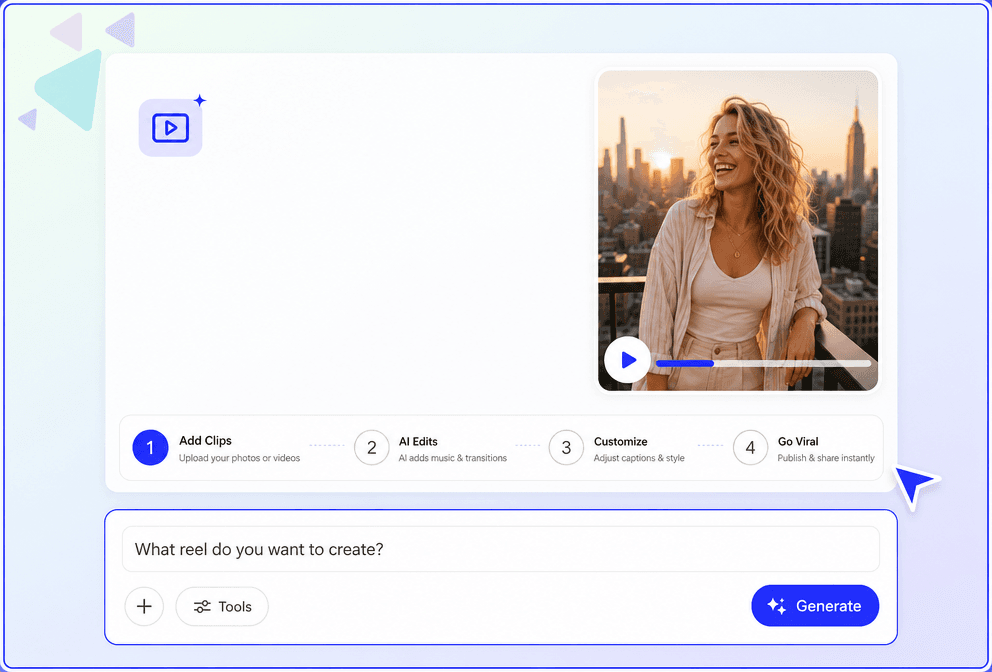
Turn Ideas into Engaging Short-Form Videos
Transform simple prompts, uploaded photos, videos, or voice instructions into complete Reel designs with structured scenes, captions, transitions, music, and engaging visual storytelling.
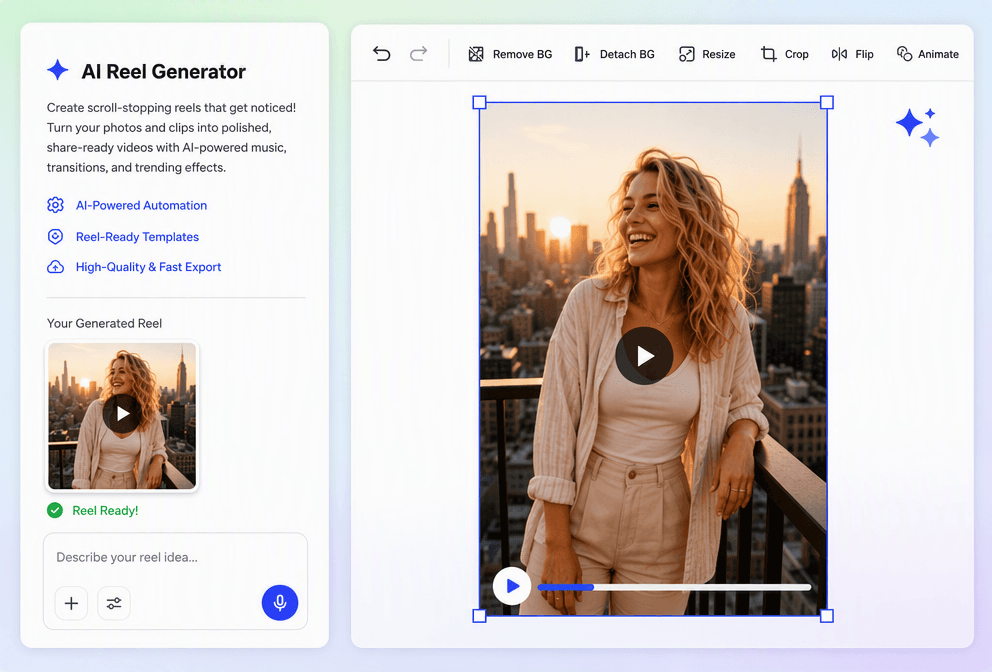
Create Reels for Different Social Media Needs
Generate Reel videos tailored for Instagram, TikTok, YouTube Shorts, product promotions, educational content, travel videos, brand campaigns, and social media marketing.
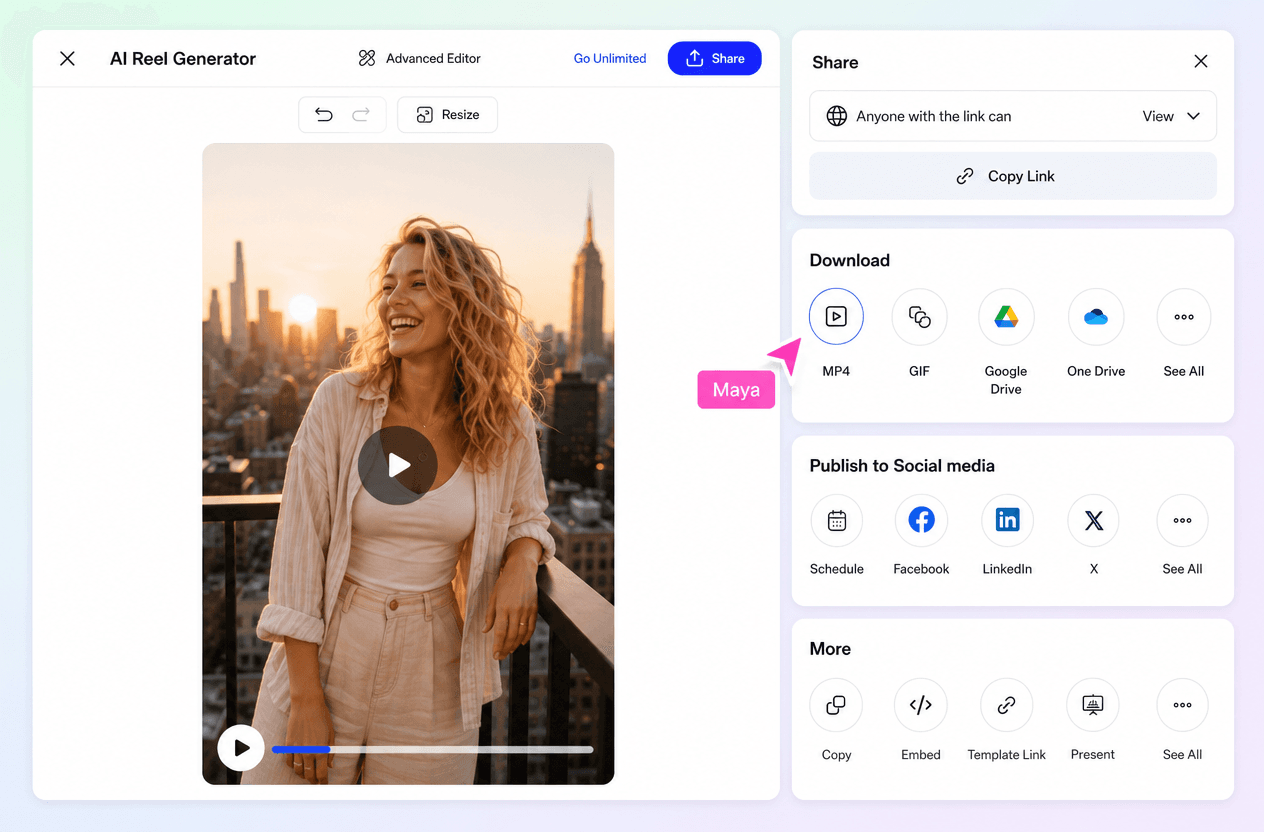
Explore Multiple Reel Concepts Easily
Create different Reel variations with alternative hooks, scenes, captions, visual styles, voiceovers, music directions, and storytelling approaches to find the content that best fits your audience.
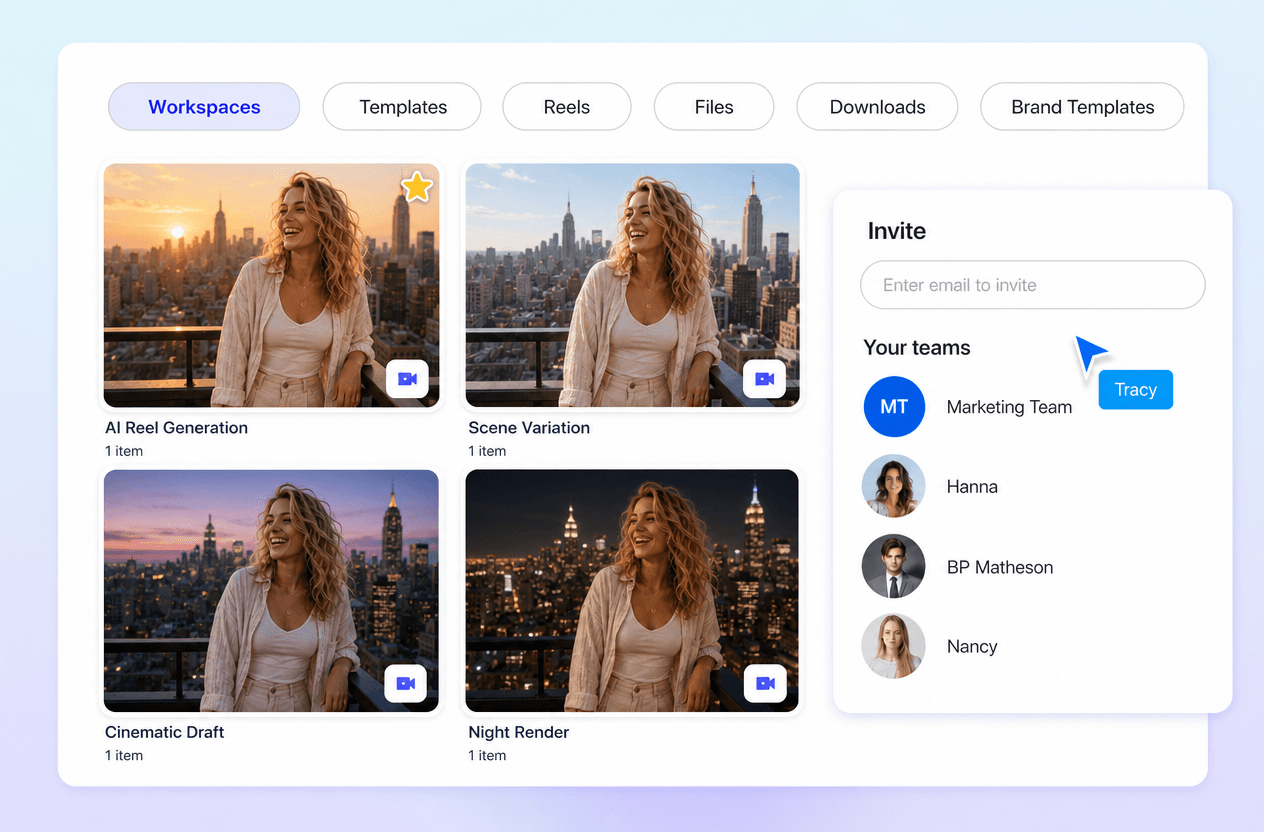
Maintain Consistent Social Media Content
Keep your Reel videos aligned with your preferred visual style, messaging, branding, and content direction while creating multiple short-form videos for regular social media publishing.
