AI Image to Video Generator

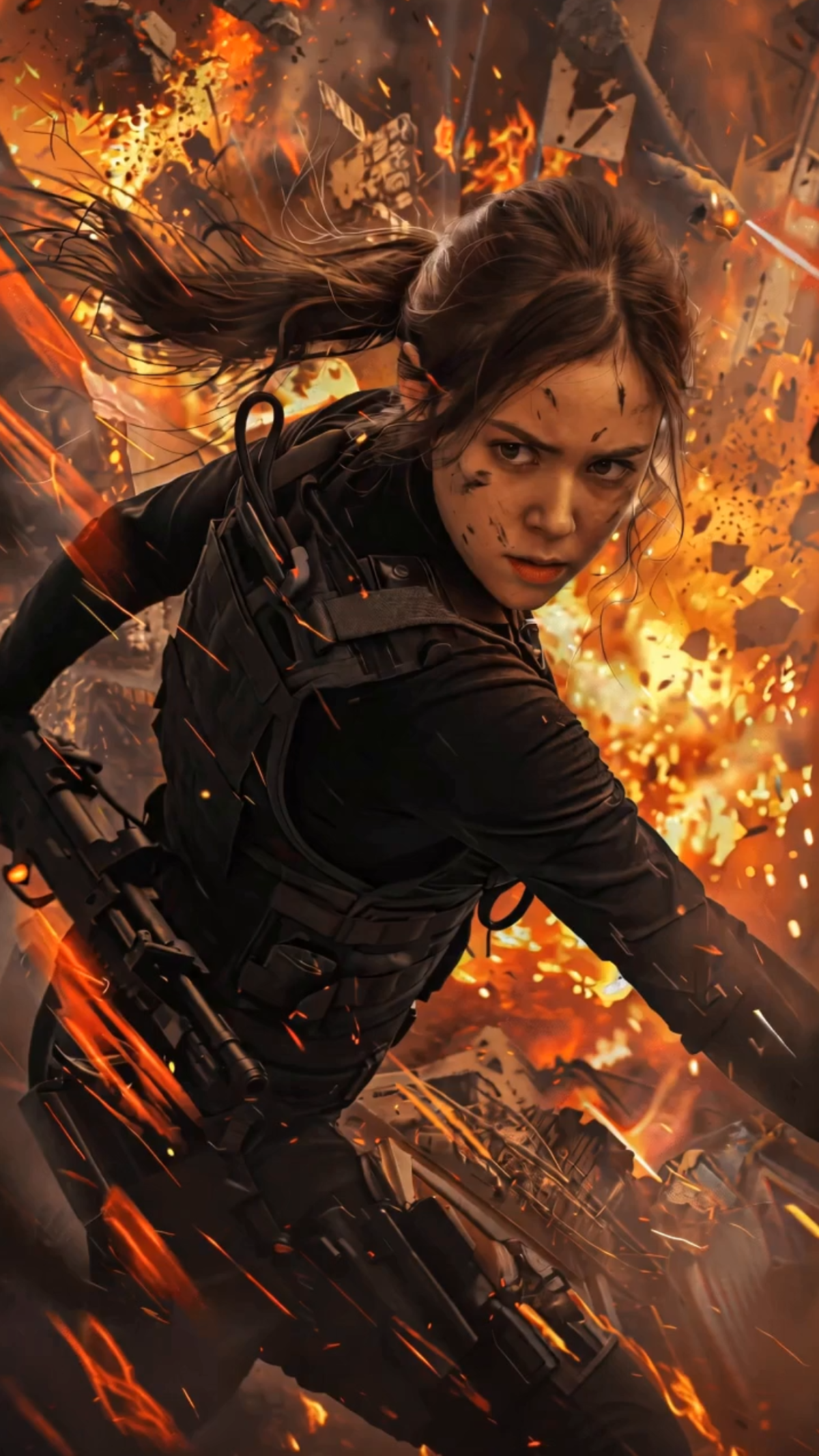
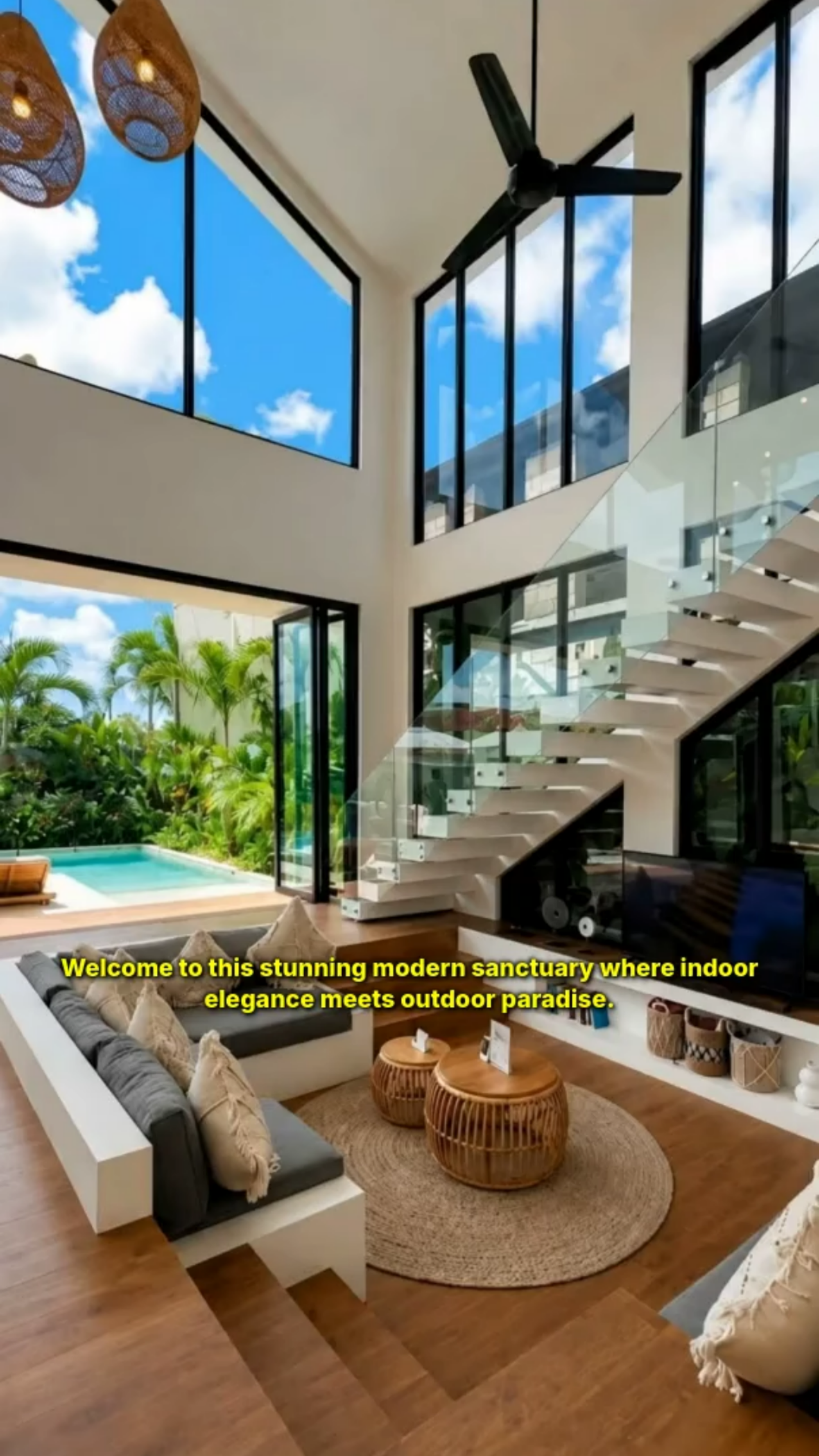
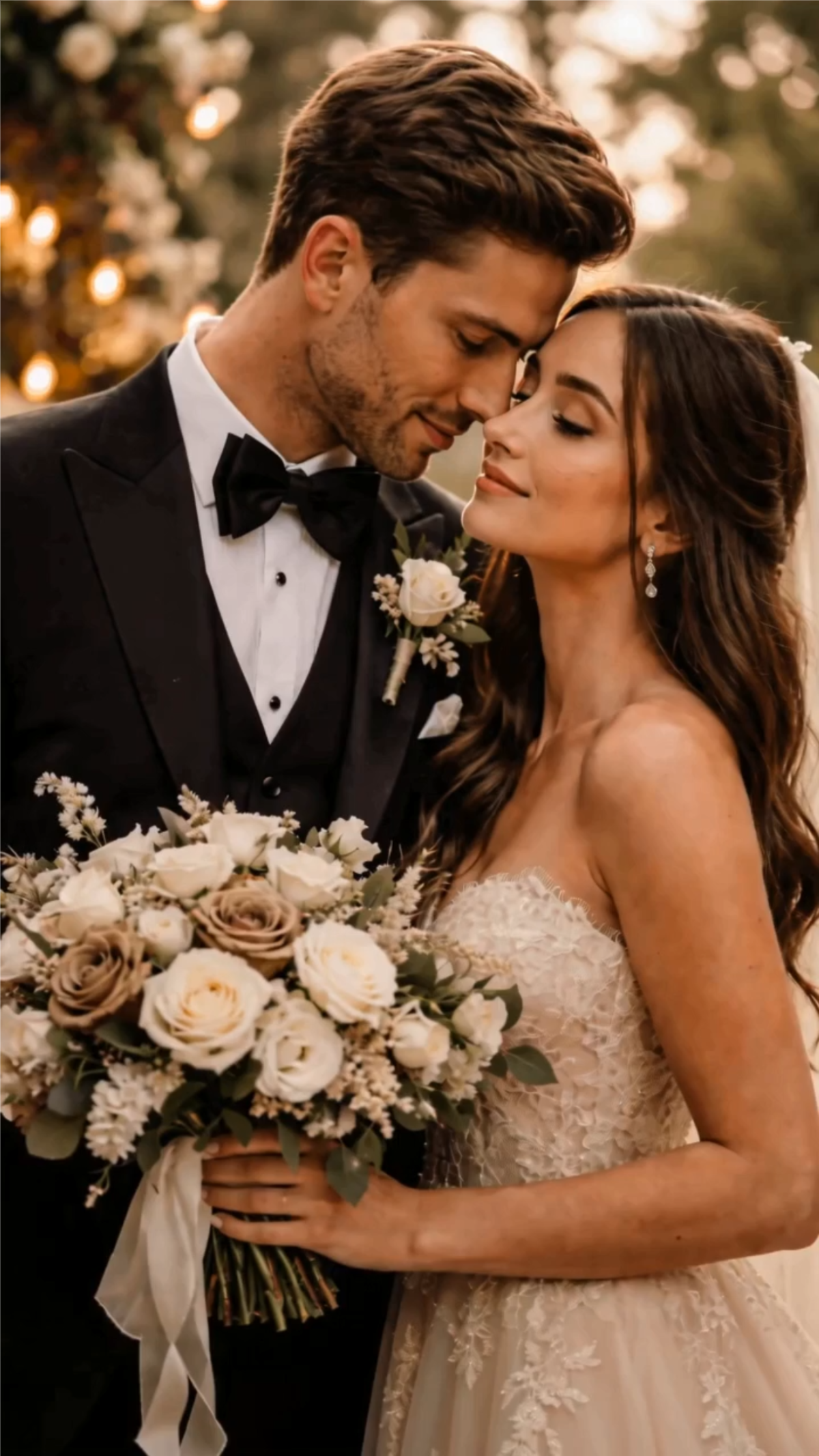
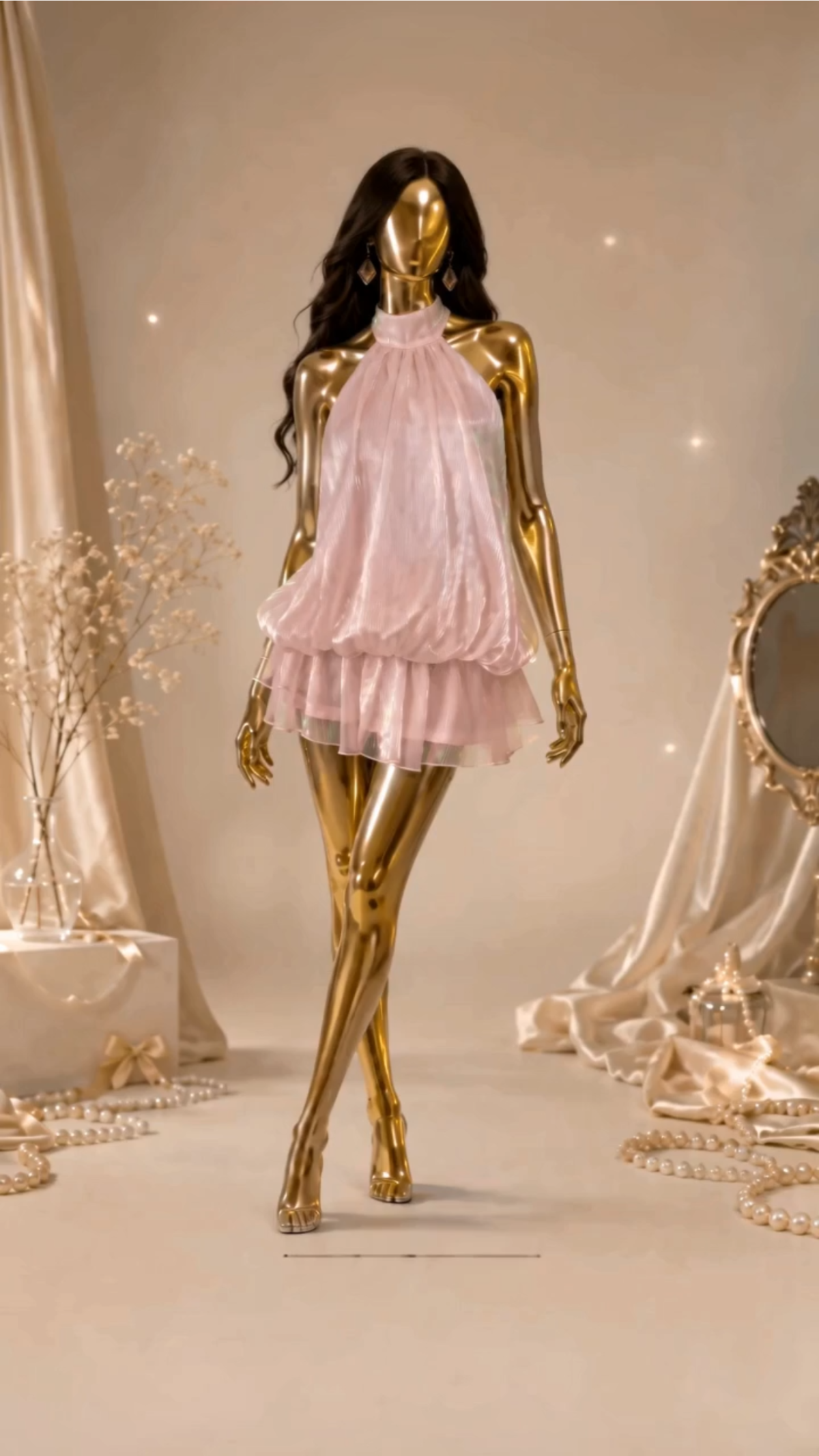
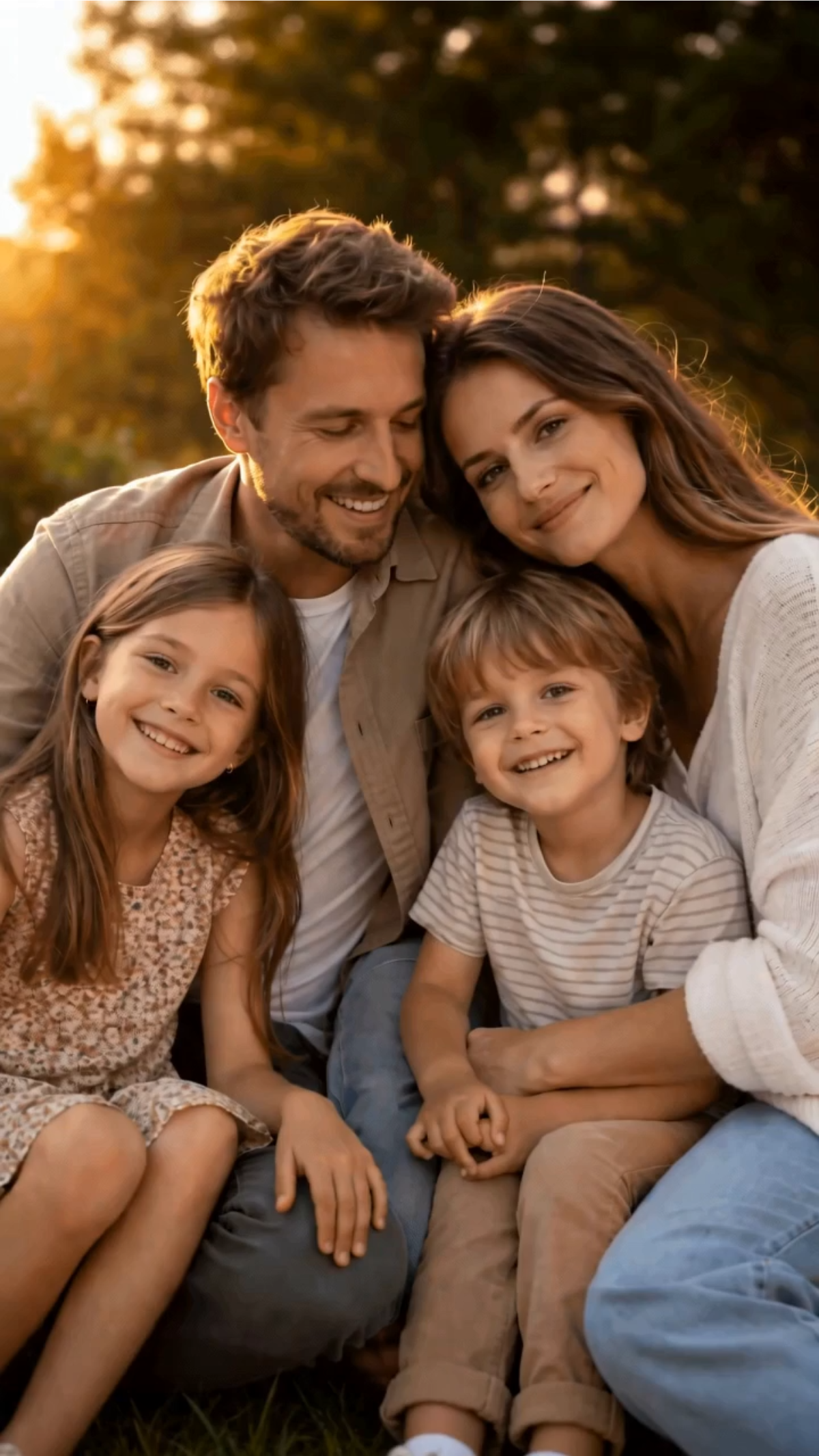
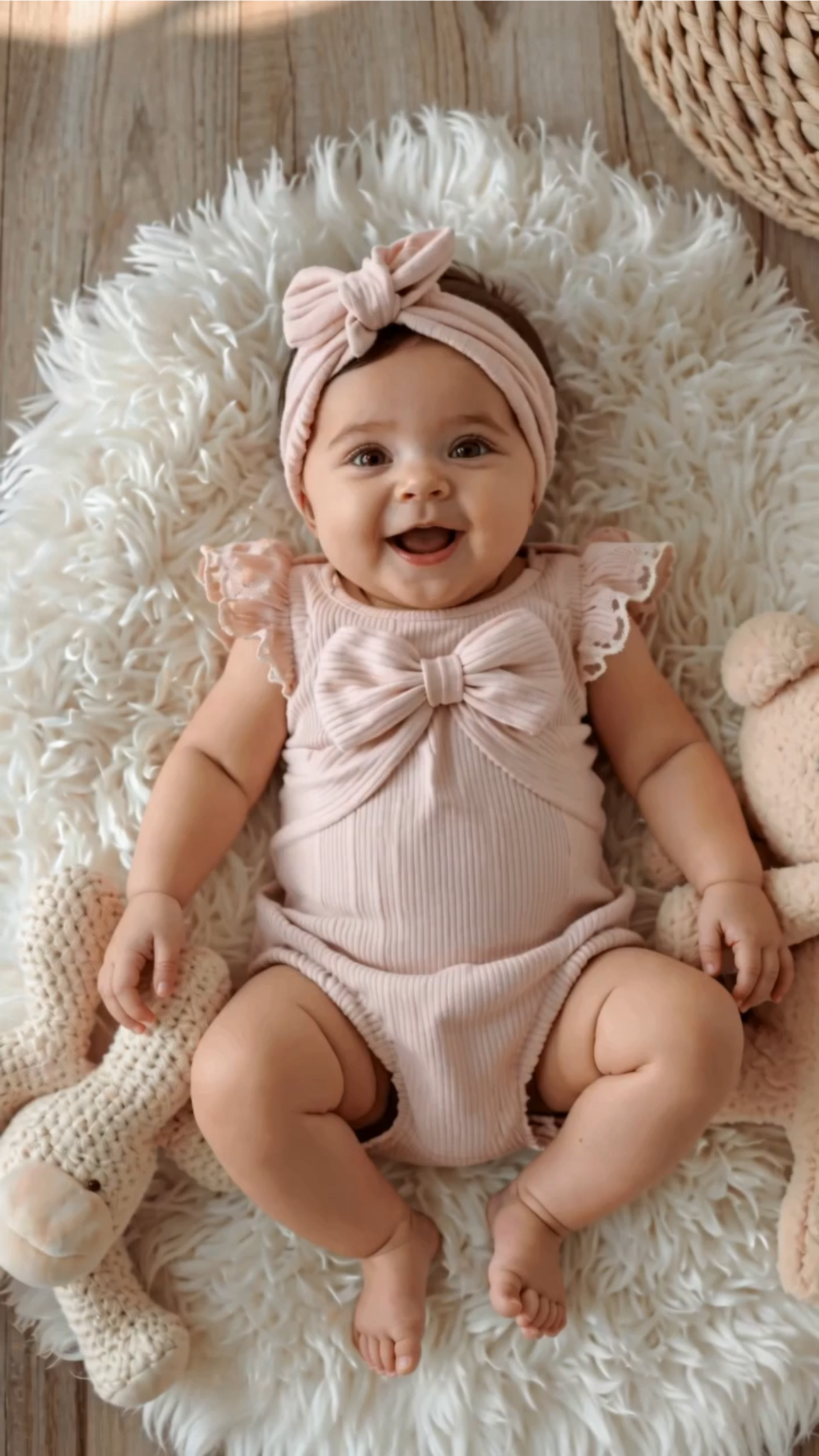
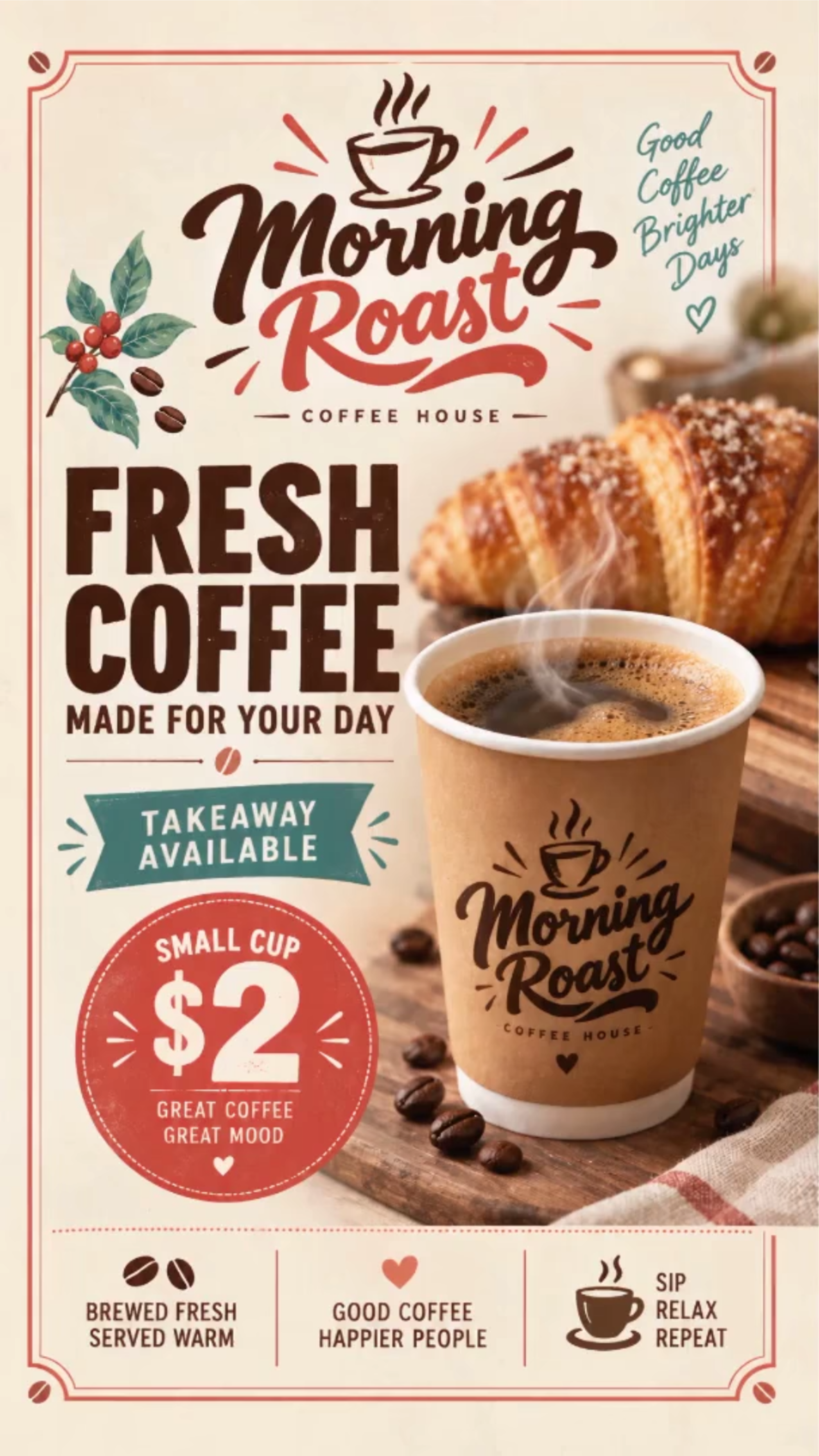
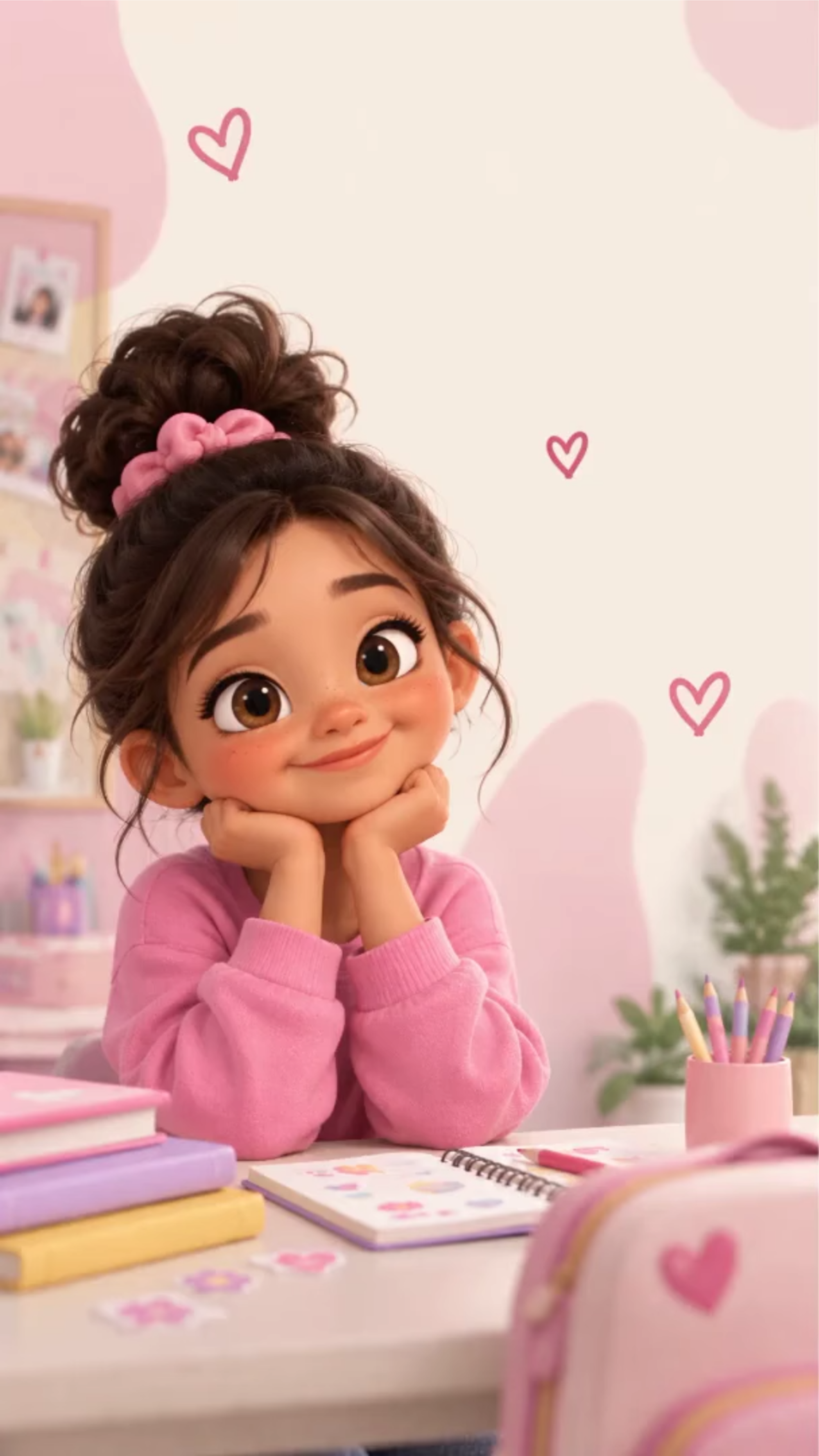
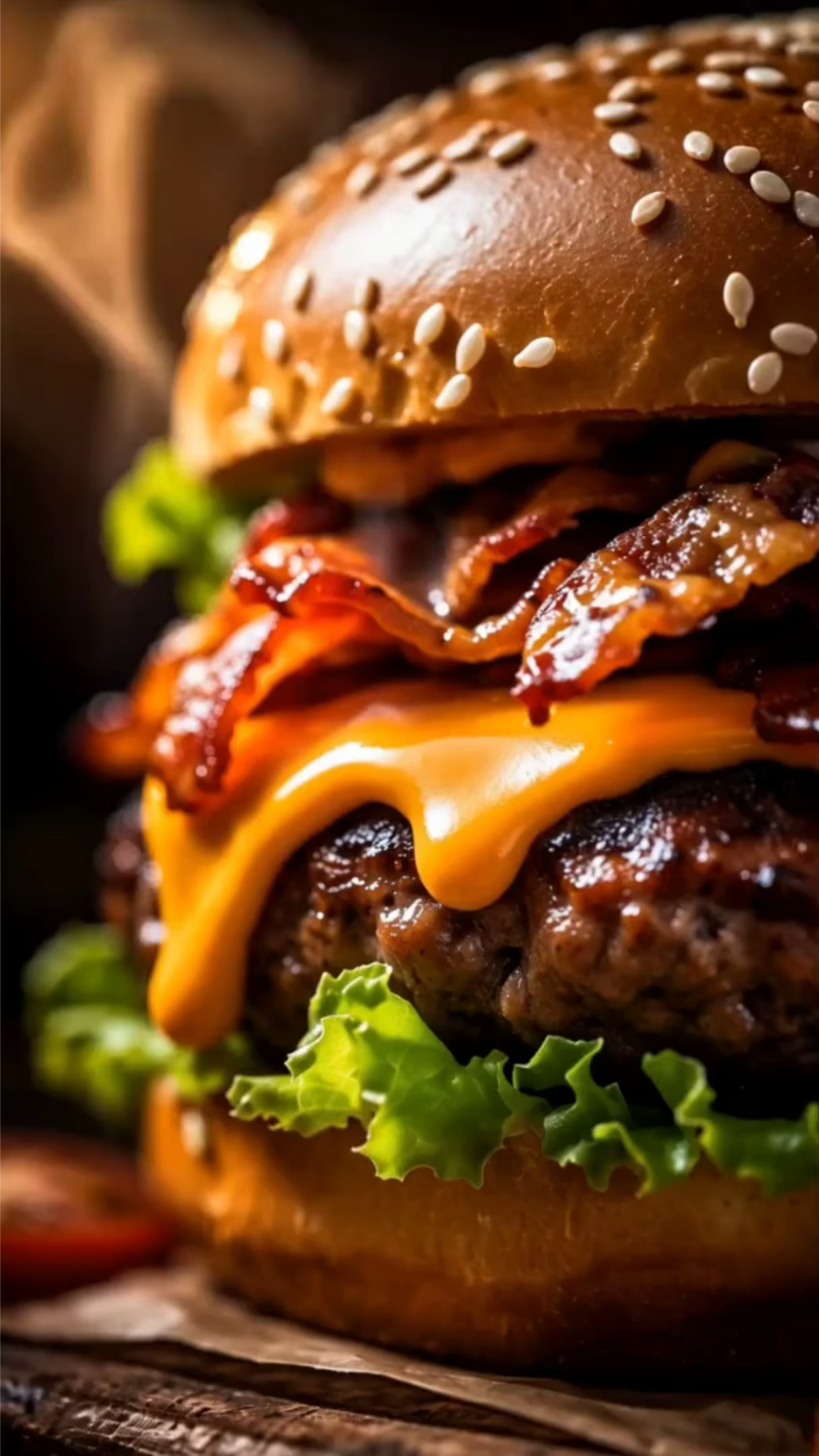

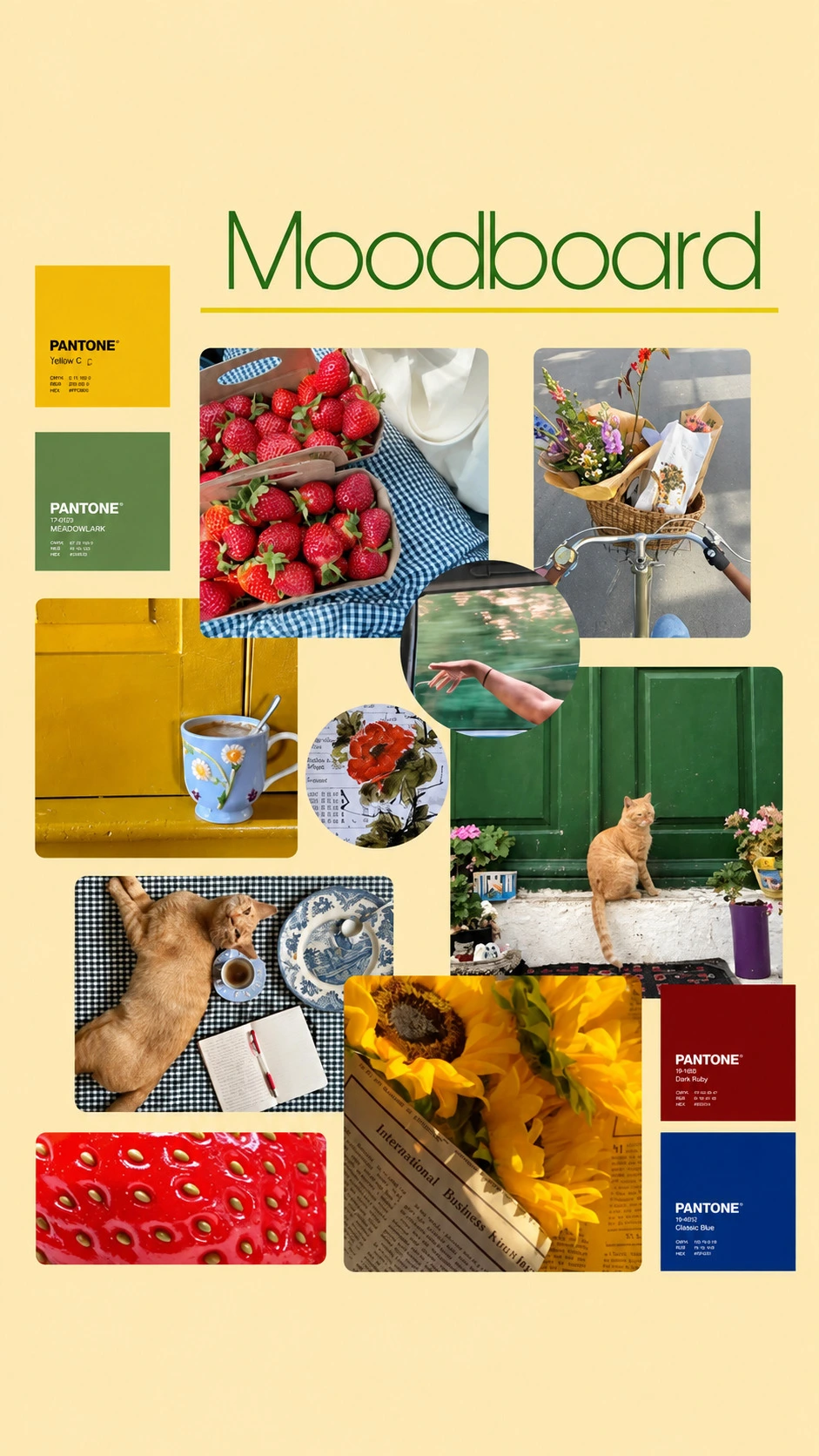

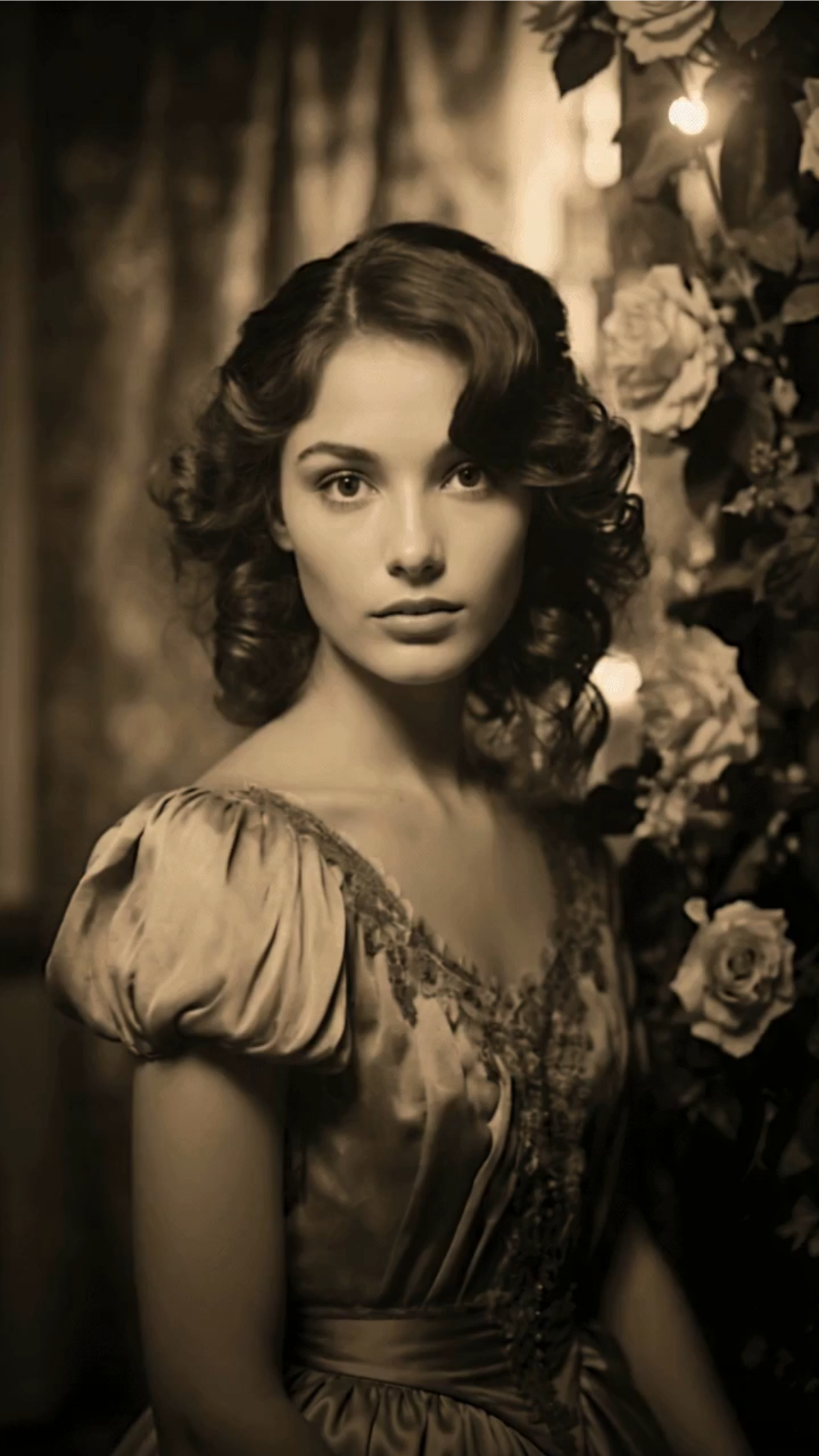
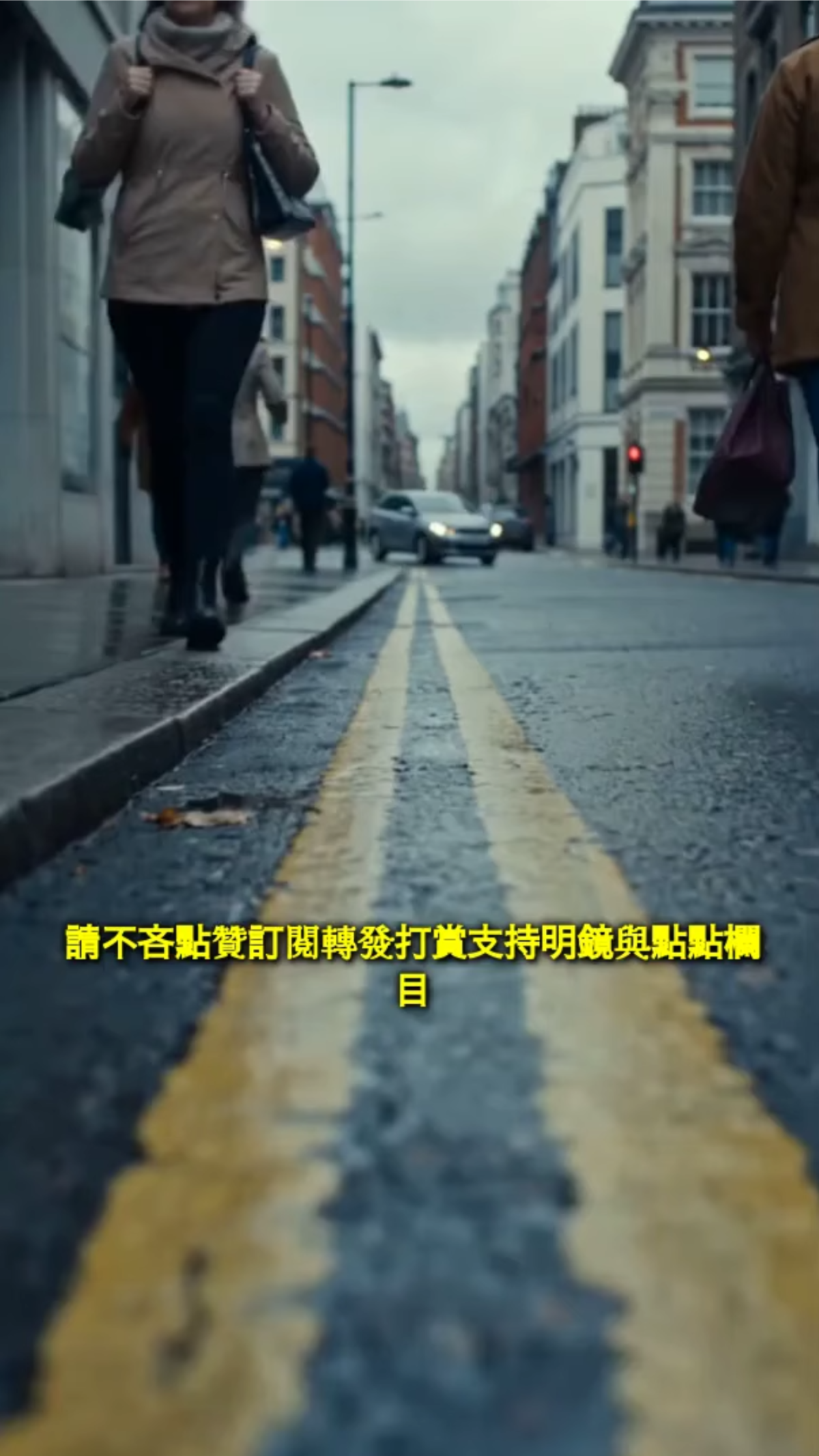
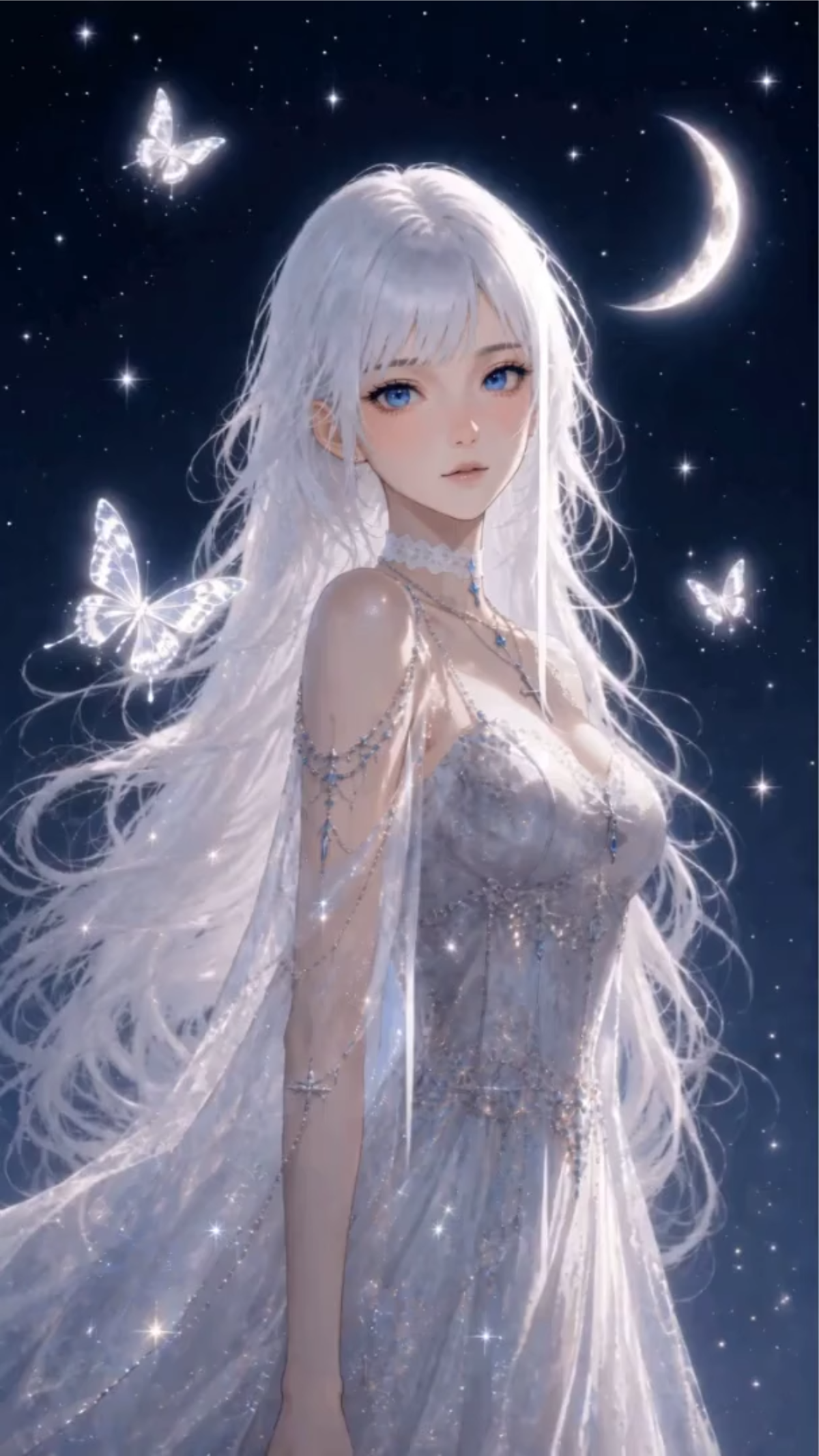
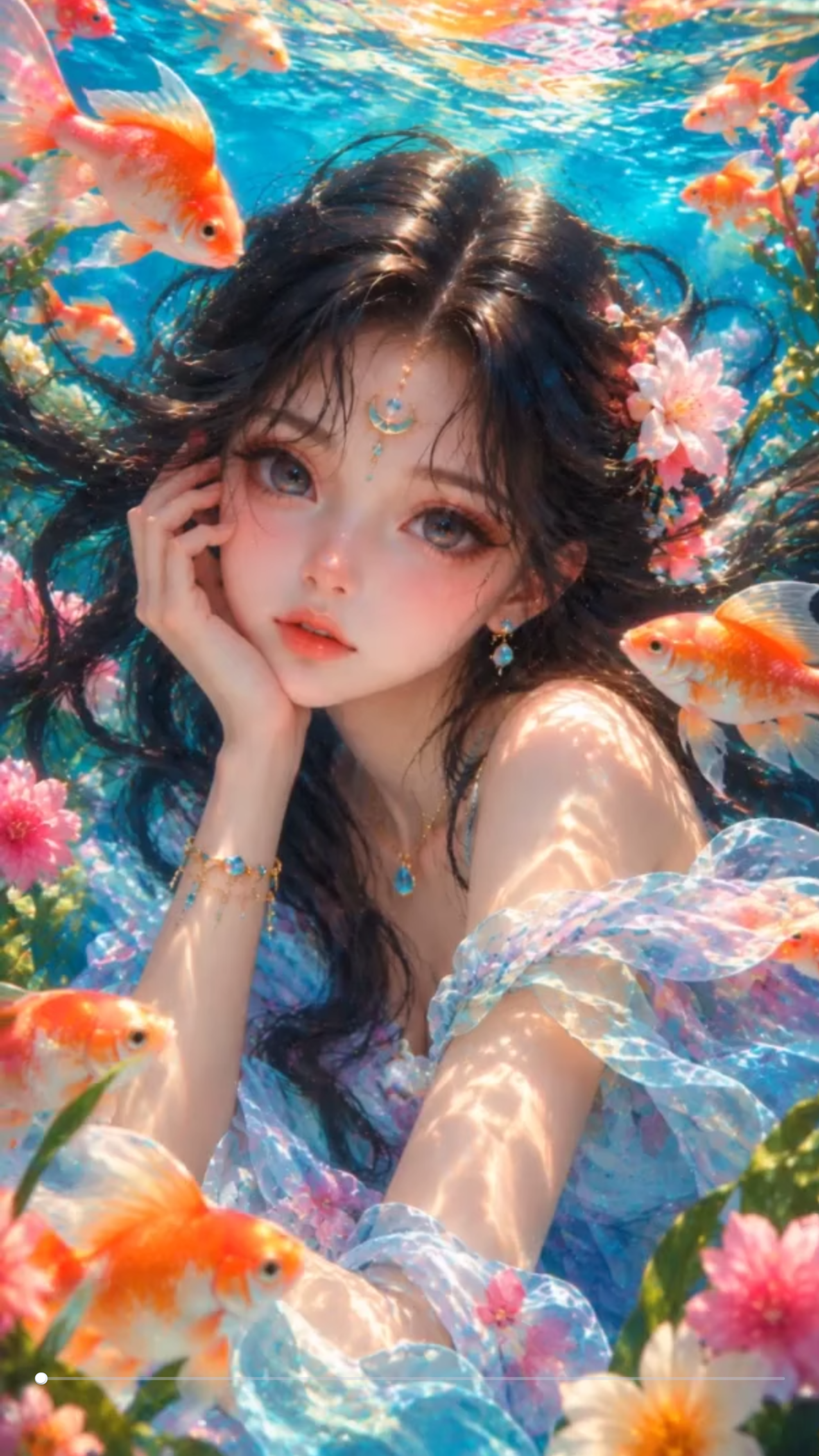
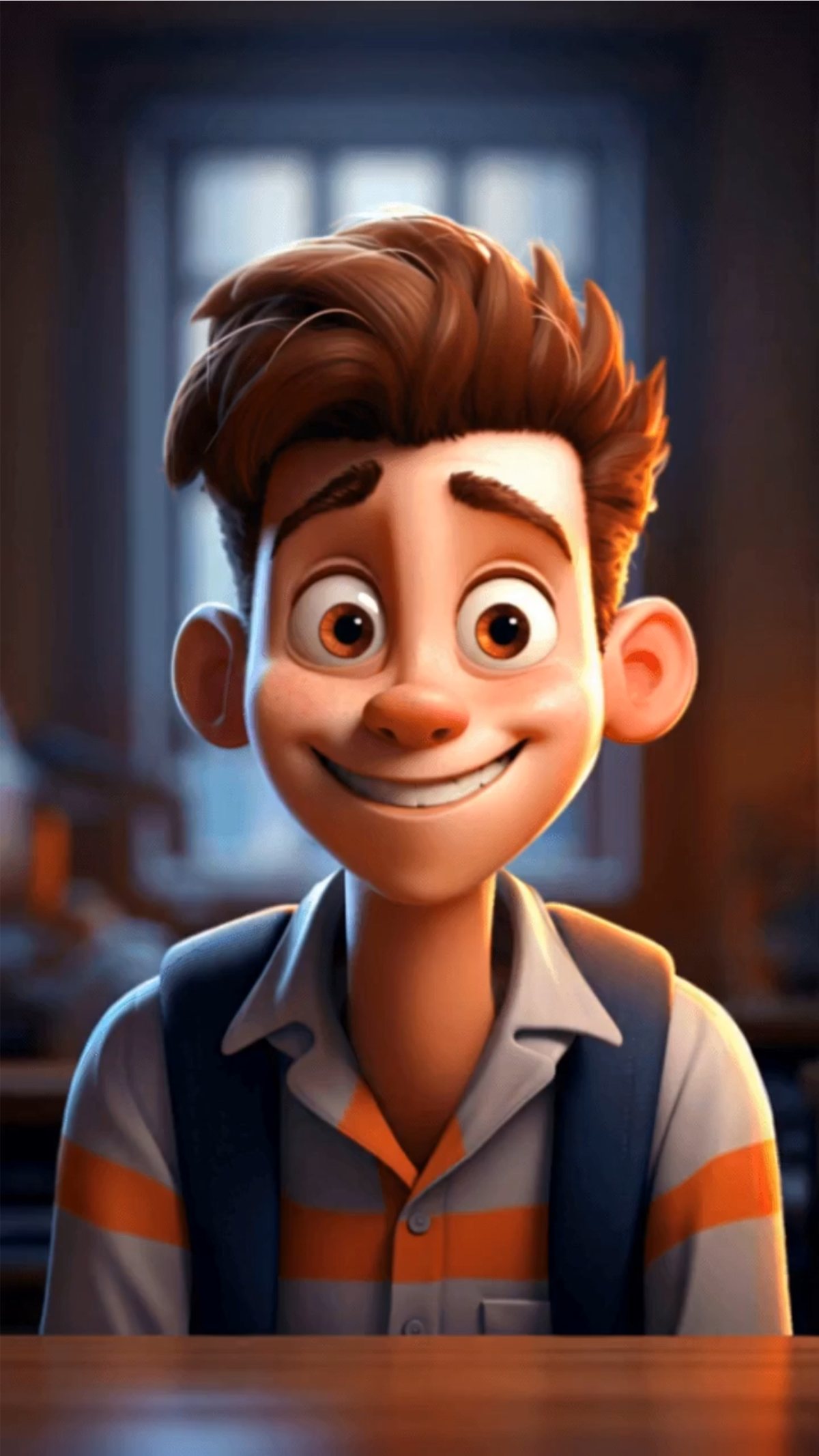
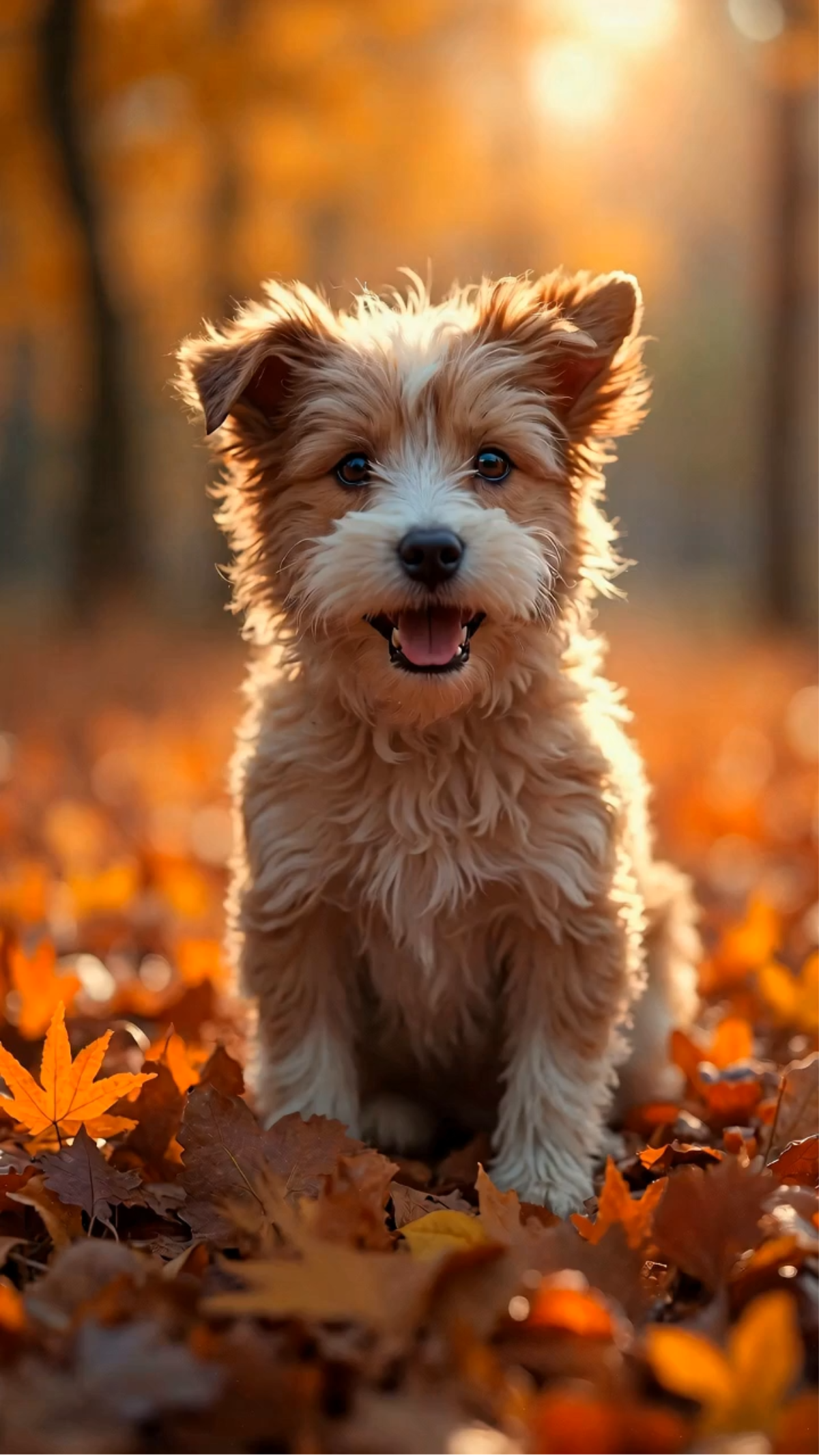
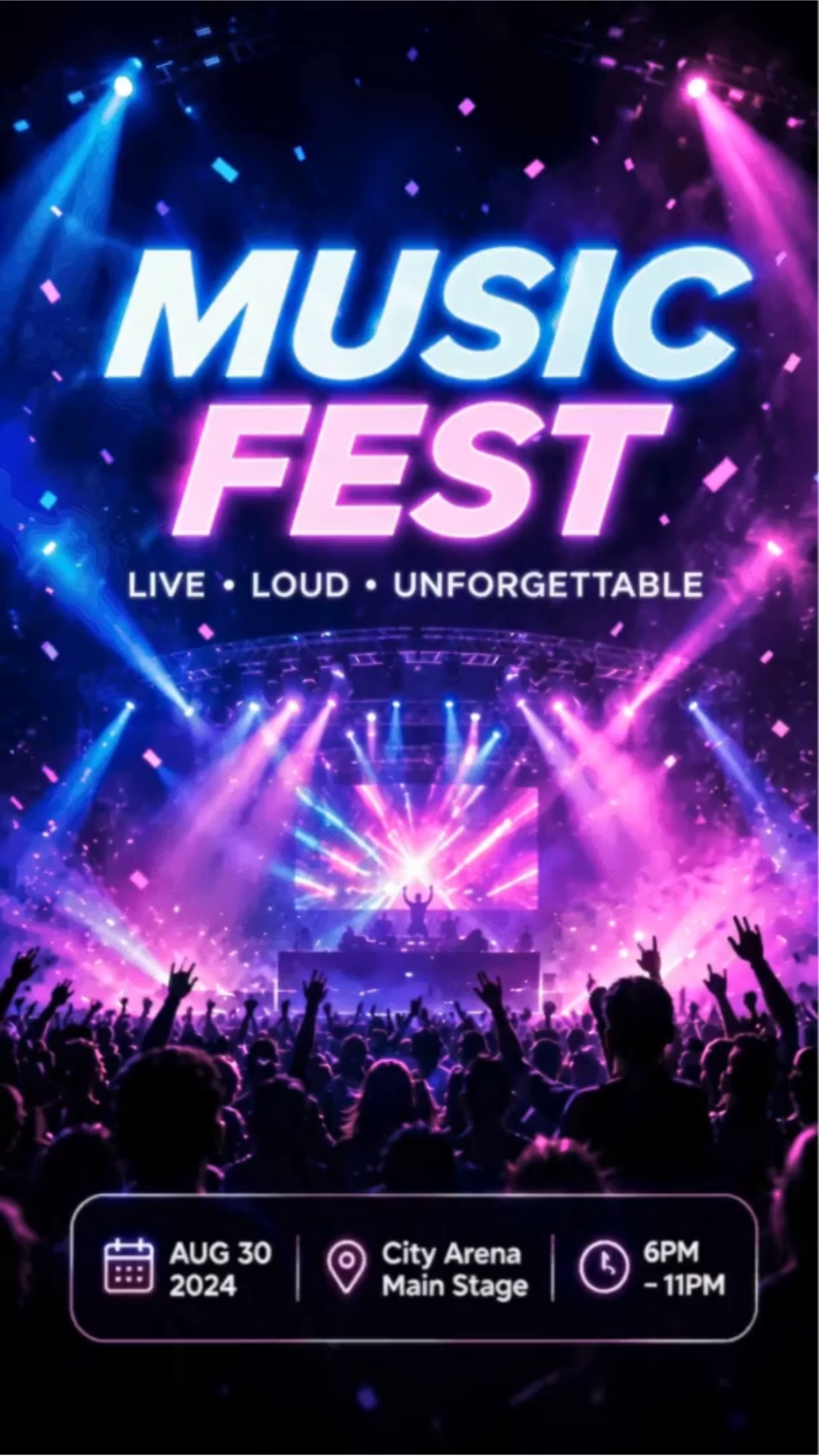
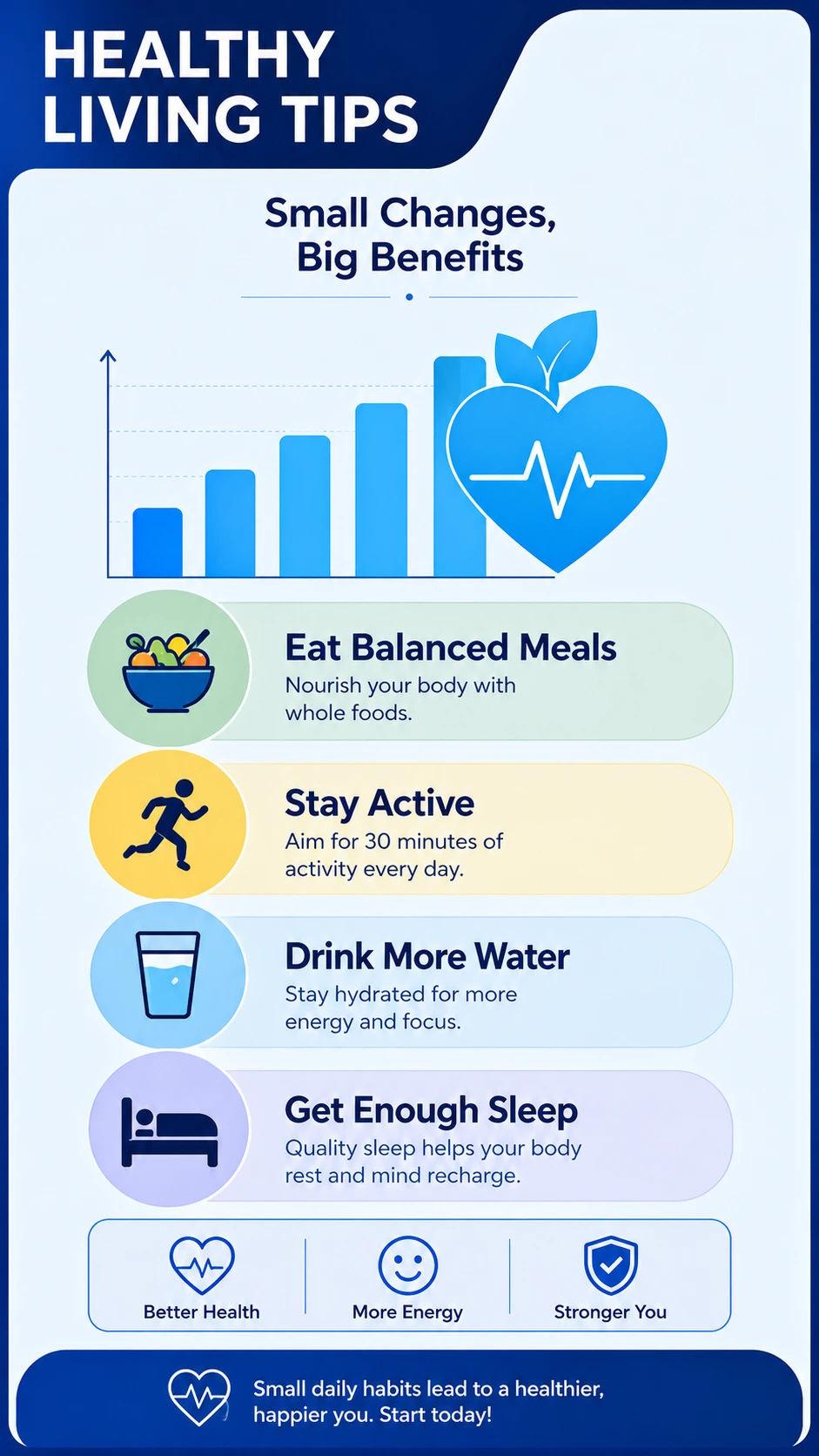
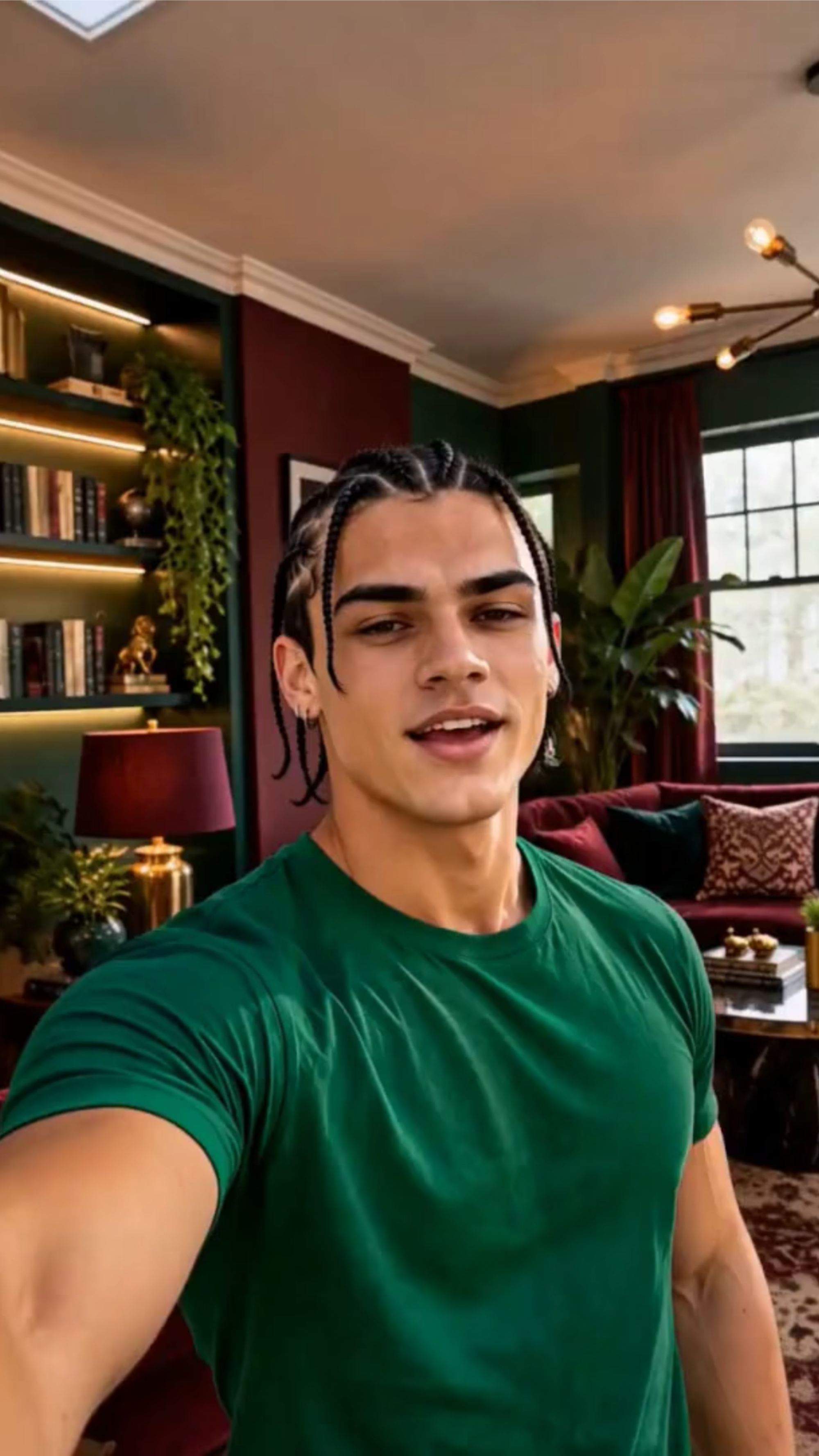
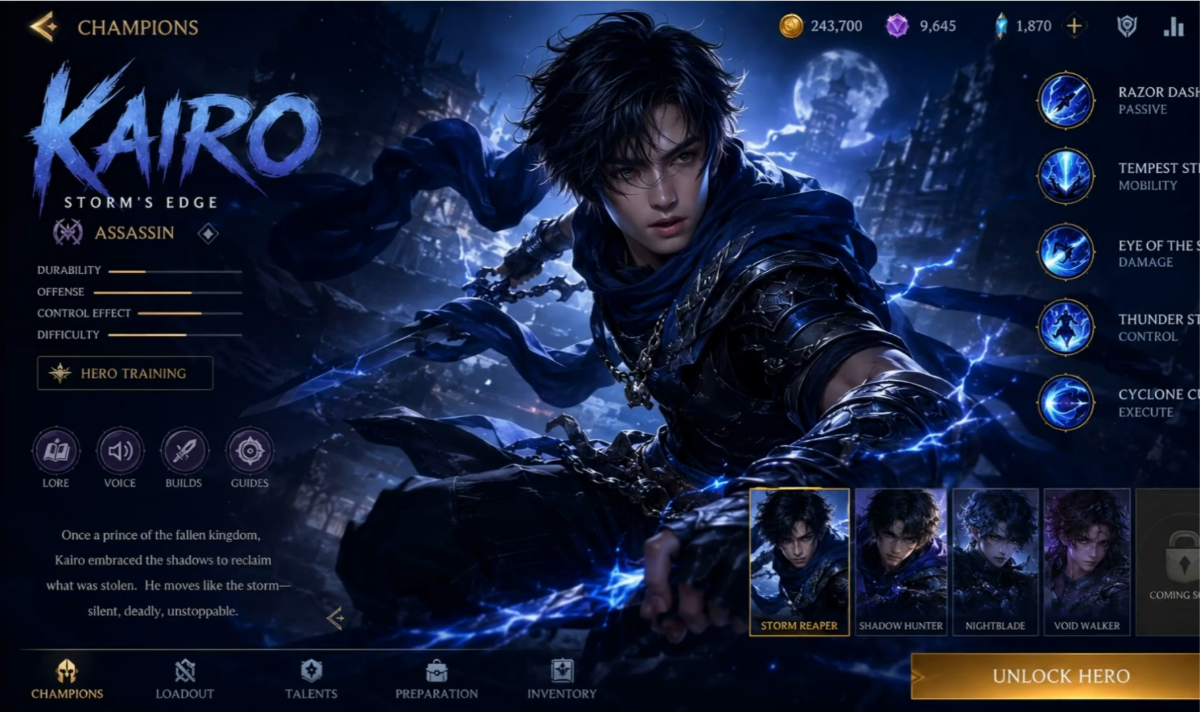
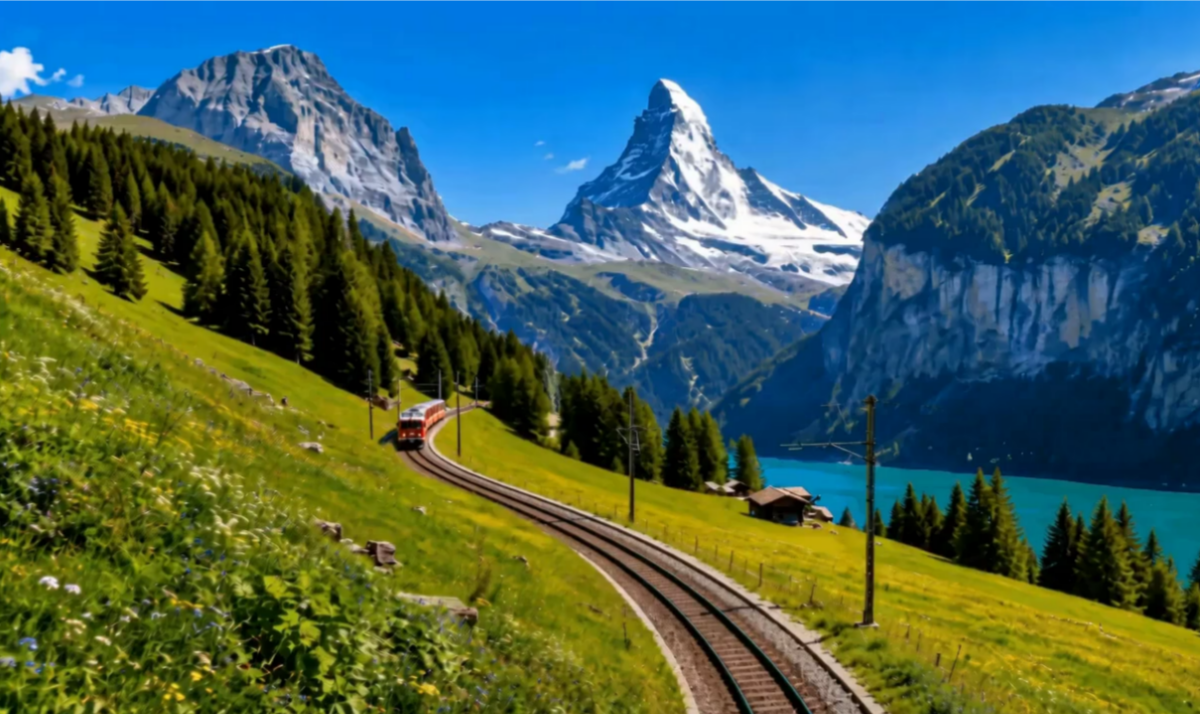
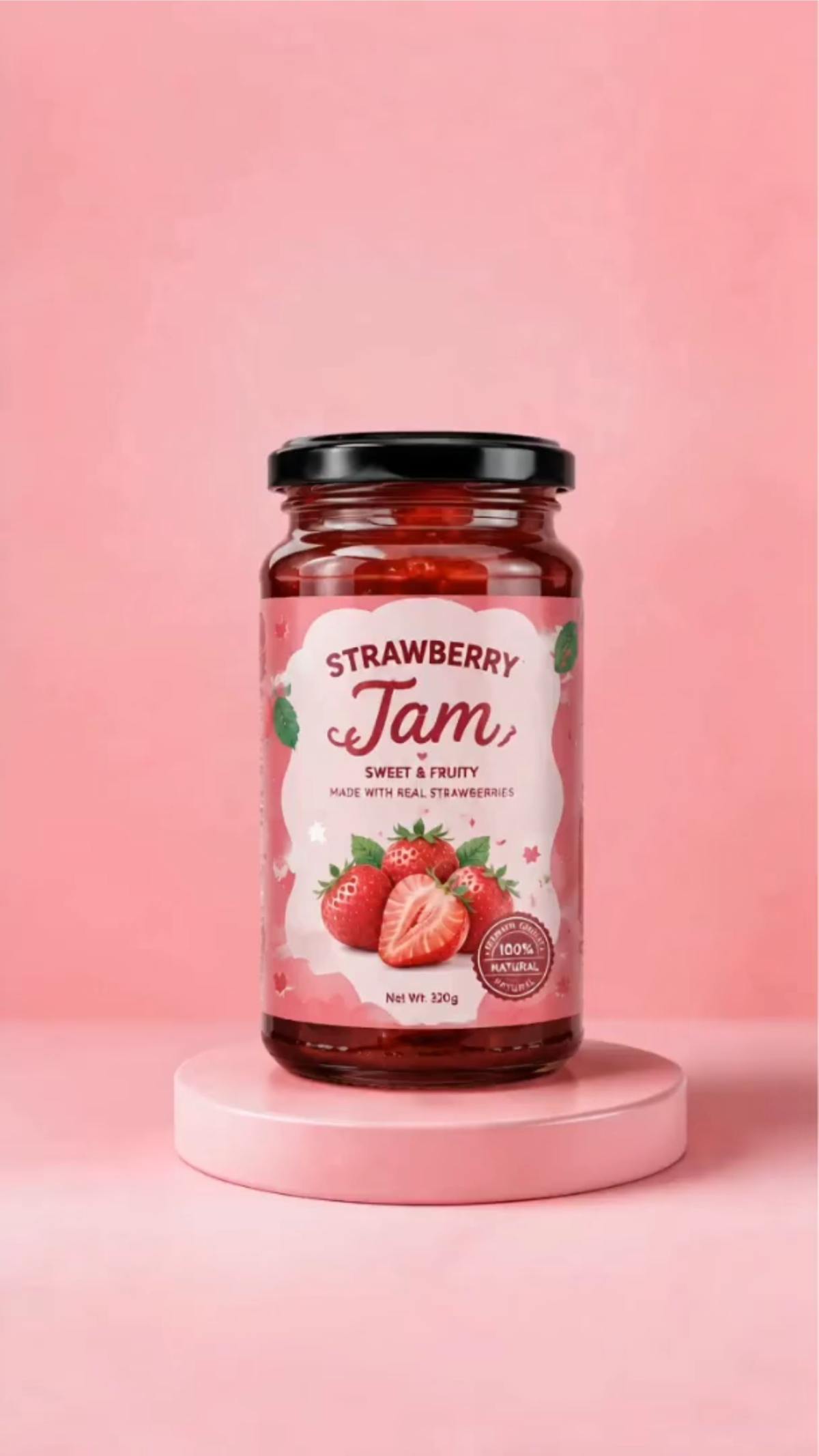
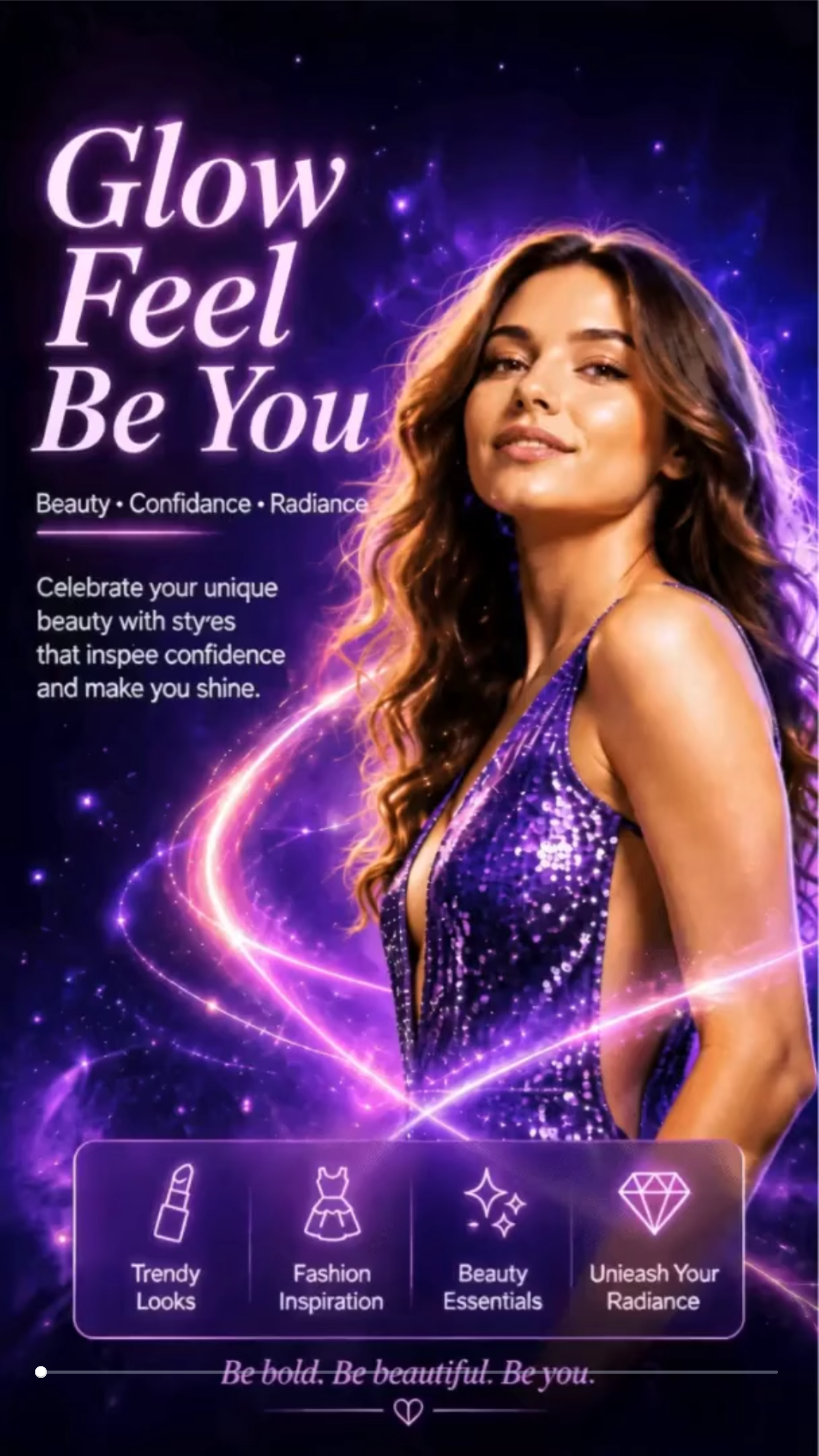
Create Professional AI Videos from Images with AI Powered Generator
Template.net AI Image to Video Generator uses Seedance 2 by default while allowing you to select other supported AI models based on your creative needs. Upload photos, illustrations, artwork, concept designs, or digital images, then enter a text prompt or use voice input to describe the animation. Customize AI templates, camera movement, motion intensity, visual effects, video duration, resolution, and aspect ratios to produce cinematic AI videos for marketing, presentations, education, storytelling, entertainment, and social media. Create professional videos across desktop, tablet, and mobile devices with plans starting at just $12 monthly.
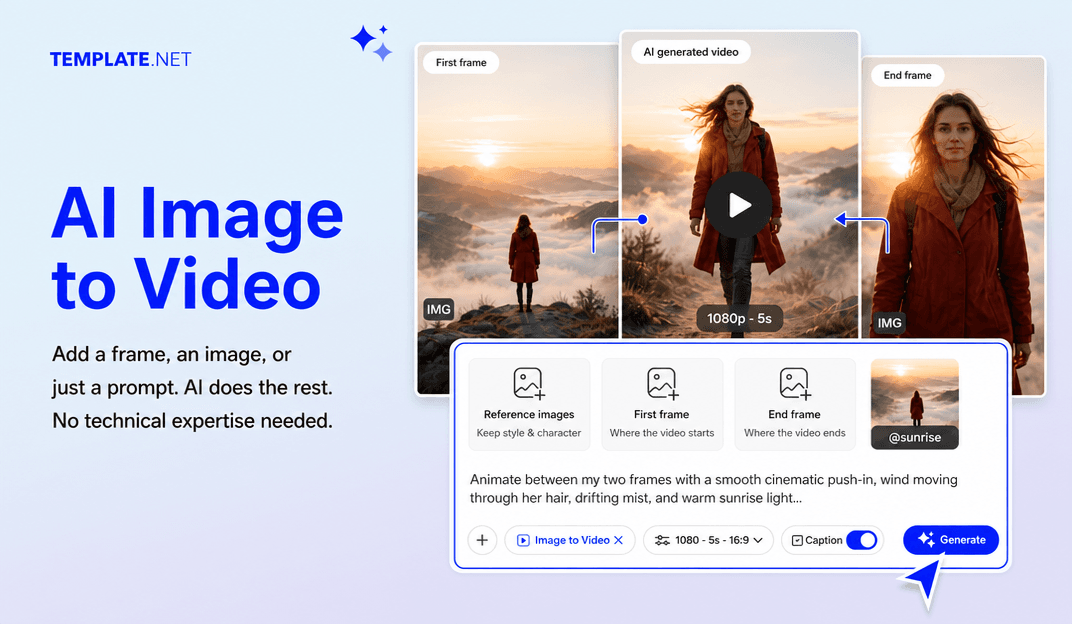
Turn Static Images into Cinematic AI Videos with Intelligent Animation
Everything you need to transform images into professional AI videos with intelligent creative tools.
AI-Powered Image to Video Generation
Upload an image or artwork, enter a text prompt or use voice input, and AI automatically transforms static visuals into realistic animated videos with natural motion, cinematic scenes, and dynamic storytelling.
Upload Images or Artwork
Upload portraits, photographs, illustrations, concept art, product images, digital paintings, or graphics to instantly create engaging AI-generated videos from your visual content.
Professionally Designed AI Video Templates
Choose premium AI templates for product promotions, storytelling, presentations, social media campaigns, educational content, creative projects, and digital marketing videos.
Intelligent Camera Movement
Create immersive videos with cinematic pans, zooms, tracking shots, and dynamic camera angles that make every animated scene feel natural and professional.
Natural Image Animation
Animate people, products, landscapes, objects, illustrations, and artwork with realistic movement that enhances visual storytelling while preserving image quality.
Smart Scene Generation
AI automatically builds engaging scenes with smooth motion, logical transitions, visual continuity, and polished cinematic composition from a single uploaded image.
Text and Voice Prompt Creation
Describe your animation using detailed text prompts or voice instructions, and AI intelligently generates videos that match your creative vision.
Creative Motion Effects
Enhance videos with cinematic motion, environmental animation, lighting effects, depth, visual dynamics, and realistic movement for professional-quality results.
Subject Consistency
Maintain the appearance, facial details, colors, composition, and overall style of your uploaded image throughout the generated animation for consistent results.
Visual Style Customization
Choose different artistic styles, motion intensity, color treatments, and cinematic looks to personalize every generated AI video.
Multiple Aspect Ratios
Create videos optimized for 1:1, 4:3, 16:9, 9:16, 3:4, and 21:9, making them ideal for YouTube, Instagram, TikTok, Facebook, LinkedIn, presentations, websites, and digital marketing.
Flexible Resolution and Duration
Export videos in 480p, 720p, 1080p, or 4K resolution and customize duration starting from 5 seconds for short-form content, presentations, promotional videos, and creative productions.
Brand Personalization
Add logos, brand colors, typography, messaging, and visual identity elements to create videos that remain consistent across every campaign and project.
Edit Videos Online
Replace uploaded images, regenerate animations, modify prompts, refine motion, adjust scenes, and update visual styles without restarting your project.
Multilingual Support
Create professional AI videos in 20+ multiple languages, including English, Spanish, French, German, Italian, Portuguese, Hindi, Chinese, Japanese, Korean, Arabic, and more for global audiences and international communication.
Download or Share Instantly
Save your AI videos, download them in high quality, or share instantly through Email, LinkedIn, WhatsApp, Facebook, X (Twitter), Pinterest, or generate a live link or QR code for collaboration and publishing.
Browser-Based AI Video Workspace
Create, edit, organize, and manage AI videos entirely online without installing complex editing software, making collaboration simple from anywhere.
Accelerate Creative Video Production
Generate multiple video variations for marketing campaigns, storytelling, presentations, product launches, educational content, and social media while significantly reducing production time.
How to Create Professional AI Image to Video Content
Create engaging AI videos from images in just a few simple steps.
Step 1 Upload Your Image and Enter Your Prompt
Upload a photo, artwork, illustration, or AI-generated image. Enter a text prompt or use voice input to describe how you want the image to move, then choose an AI model and video style.
Step 2 Customize Motion and Visual Effects
Preview your generated video and personalize every detail. Adjust camera movement, motion intensity, animation style, scenes, duration, aspect ratio, resolution, lighting, and visual effects to match your creative vision.
Step 3 Generate, Save, Download, or Share
Generate your AI video, preview the result, then save it, download it, or share instantly through Email, LinkedIn, WhatsApp, Facebook, X (Twitter), and Pinterest. You can also generate a live link or QR code for collaboration and publishing.
Transform Every Image into Engaging Video Content
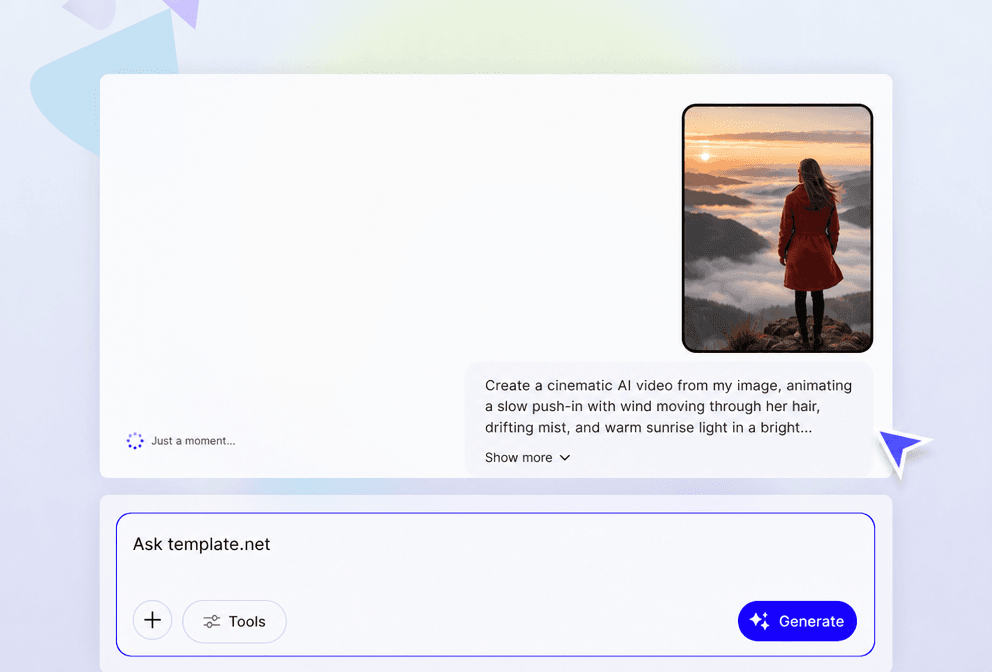
Bring Still Images to Life with AI Animation
Turn photos, illustrations, artwork, and digital designs into cinematic videos with natural movement, intelligent scene creation, and realistic visual effects that capture attention across every platform.
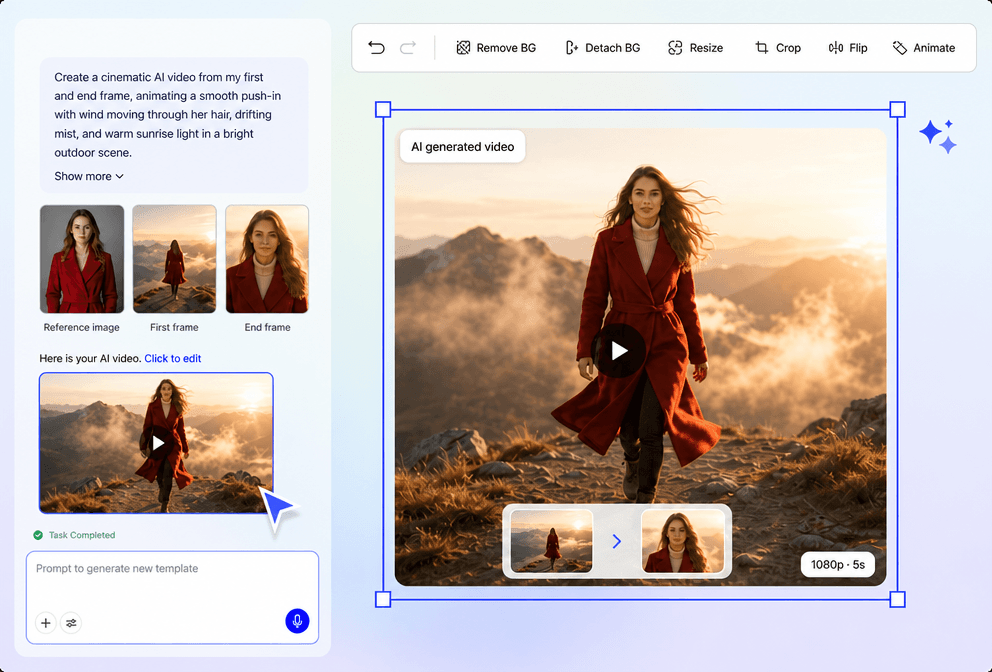
Create Professional Videos for Every Purpose
Generate AI videos for product marketing, presentations, educational content, social media, creative storytelling, business promotions, advertisements, and digital campaigns using one intelligent workflow.
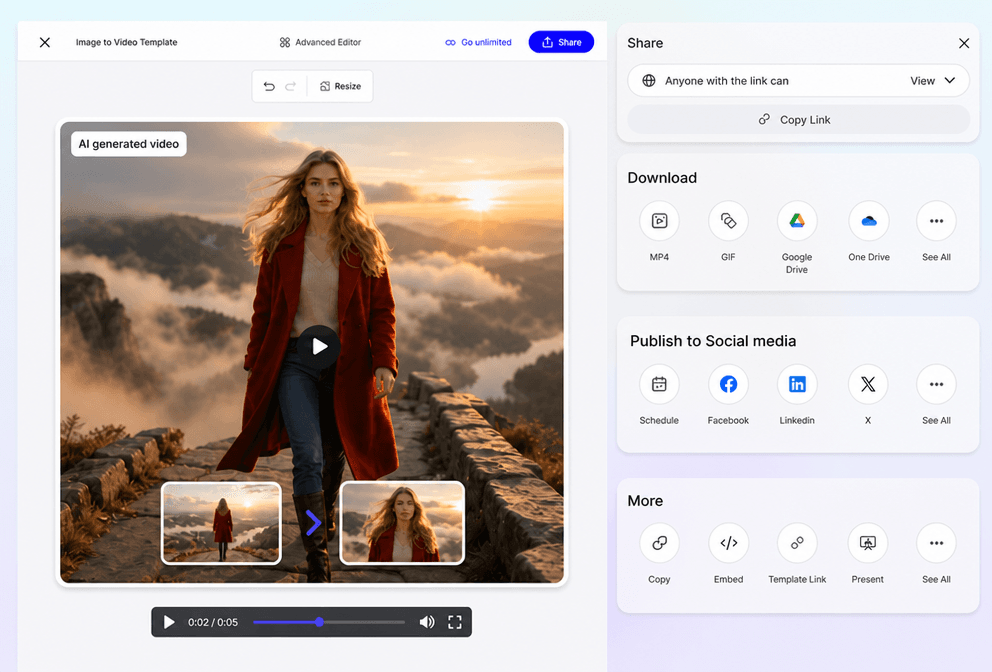
Maintain Consistent Visual Quality Across Every Scene
Preserve image clarity, colors, composition, and subject consistency while applying smooth animation, cinematic camera movement, and creative visual enhancements throughout your video.
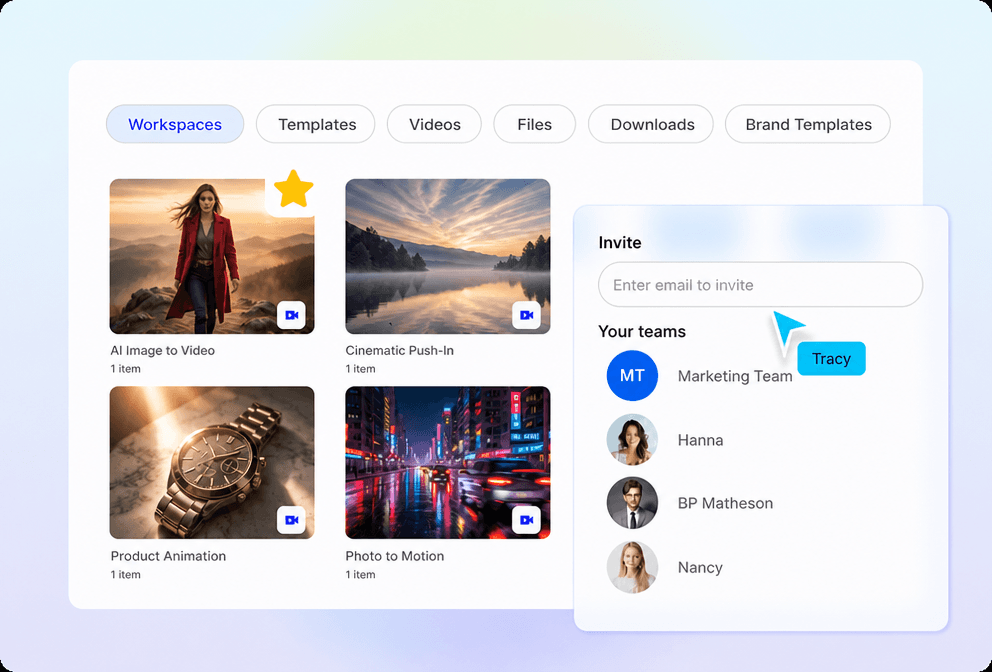
Simplify AI Video Creation from Start to Finish
Manage your complete workflow in one browser-based editor. Upload images, generate AI videos, customize motion and scenes, regenerate variations, refine visual styles, and publish professional-quality videos with ease.
